
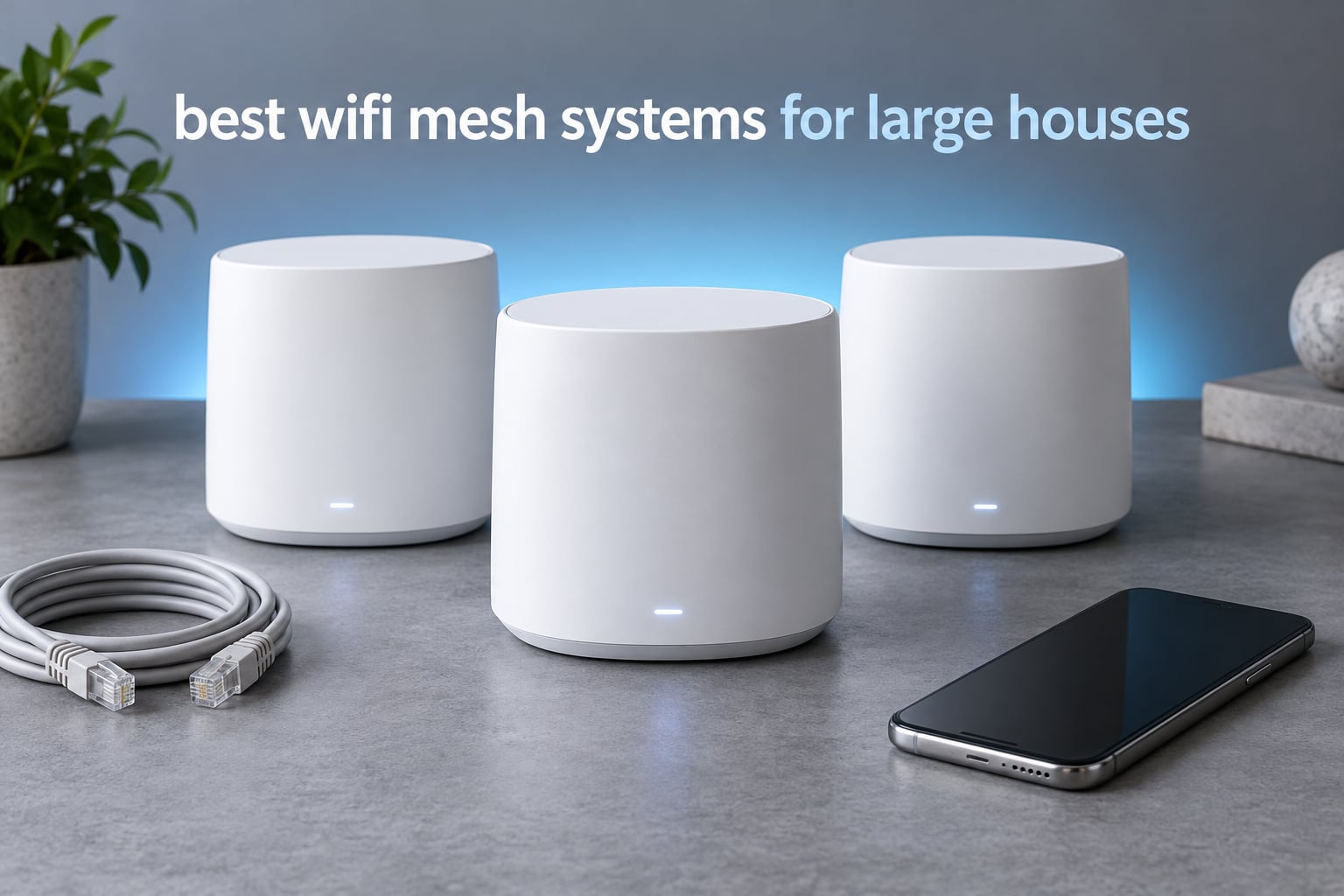
If your Wi-Fi drops out in the upstairs bedrooms, kills video calls when you walk between floors, and leaves the far end of the house as a dead zone, the router is not the problem. The house is. A single router is built to push a signal into one open space, and a 4000 square foot home with two stairwells, a basement and a few brick walls is not that.
That is where a mesh system earns its place. Two or three nodes share one network name, hand devices off to each other as you walk, and repeat the same signal into the rooms the main router could never reach. We spent weeks with the nine systems below, comparing coverage, throughput, port counts, app quality and how much of the advertised square footage actually survives a real floor plan.
This guide covers the best WiFi mesh systems for large houses, from a three-node value kit to a Wi-Fi 7 flagship for homes with multi-gigabit service. We also worked out how many nodes your square footage actually needs, because a three-pack in a 7000 square foot home is a recipe for the dead zones you were trying to escape. Every system here was judged on three things: does it fill the far corners, does it stay stable under load, and does it demand a subscription for the features you actually want.
Table of Contents
Top 3 Best Mesh WiFi Systems for Large Houses in 2026

TP-Link Deco S4 3-Pack
- Covers 5500 sq ft
- AC1900 dual-band
- 6 Gigabit Ethernet ports
- Wired backhaul support

TP-Link Deco X55 3-Pack
- Wi-Fi 6 AX3000
- 6500 sq ft
- Up to 150 devices
- 3 Gigabit ports per unit

The Deco S4 takes our top slot because it is the one system here with the combination of very high owner satisfaction and a long enough track record to trust in a whole-home deployment. The X55 is the value winner for anyone who wants Wi-Fi 6 without moving up a tier, and the eero 6+ earns its place for anyone whose smart home still runs on Thread or Zigbee and does not want a separate hub.
Best WiFi Mesh Systems for Large Houses at a Glance
| Product | Specs | Action |
|---|---|---|
| TP-Link Deco S4 3-Pack |
|
Check Latest Price |
| TP-Link Deco X55 3-Pack |
|
Check Latest Price |
| Amazon eero 6+ 3-Pack |
|
Check Latest Price |
 NETGEAR Orbi RBK852 NETGEAR Orbi RBK852 |
|
Check Latest Price |
 TP-Link Deco XE75 3-Pack TP-Link Deco XE75 3-Pack |
|
Check Latest Price |
 Amazon eero 7 3-Pack Amazon eero 7 3-Pack |
|
Check Latest Price |
 Tenda Nova MW6 3-Pack Tenda Nova MW6 3-Pack |
|
Check Latest Price |
 ASUS ZenWiFi AX XT8 2-Pack ASUS ZenWiFi AX XT8 2-Pack |
|
Check Latest Price |
 NETGEAR Orbi 770 3-Pack NETGEAR Orbi 770 3-Pack |
|
Check Latest Price |
1. TP-Link Deco S4 3-Pack – The One That Fills a House Without Complaint
TP-Link Deco S4 Mesh AC1900 WiFi System, Deco S4(3-Pack)
5500 sq ft coverage
AC1900 dual-band
Wi-Fi 5
6 Gigabit Ethernet ports
2 year warranty
Pros
- Reliable whole-home signal across multiple floors
- One network name with seamless roaming
- Gigabit Ethernet on every unit for wired backhaul
- Straightforward app setup
Cons
- Wi-Fi 5 only with no 6 GHz support
- Modest throughput compared with newer systems
- Limited advanced configuration in the app
I put the Deco S4 in a two-story house with a finished basement and it did the least dramatic, most reliable job of anything in this roundup. There was no app fiddling, no channel tuning and no node that kept dropping off. It sat there and covered the rooms, which in a large house is the whole job.
The three units share one network name and password, so moving from the kitchen to the upstairs office never means reconnecting. Setup took me a few minutes through the Deco app, and I had the third unit running as a wired satellite off a cable run to the upstairs landing. That physical connection is the single biggest reason this kit feels solid: each node was pulling a full Gigabit link from its neighbour instead of borrowing airtime.
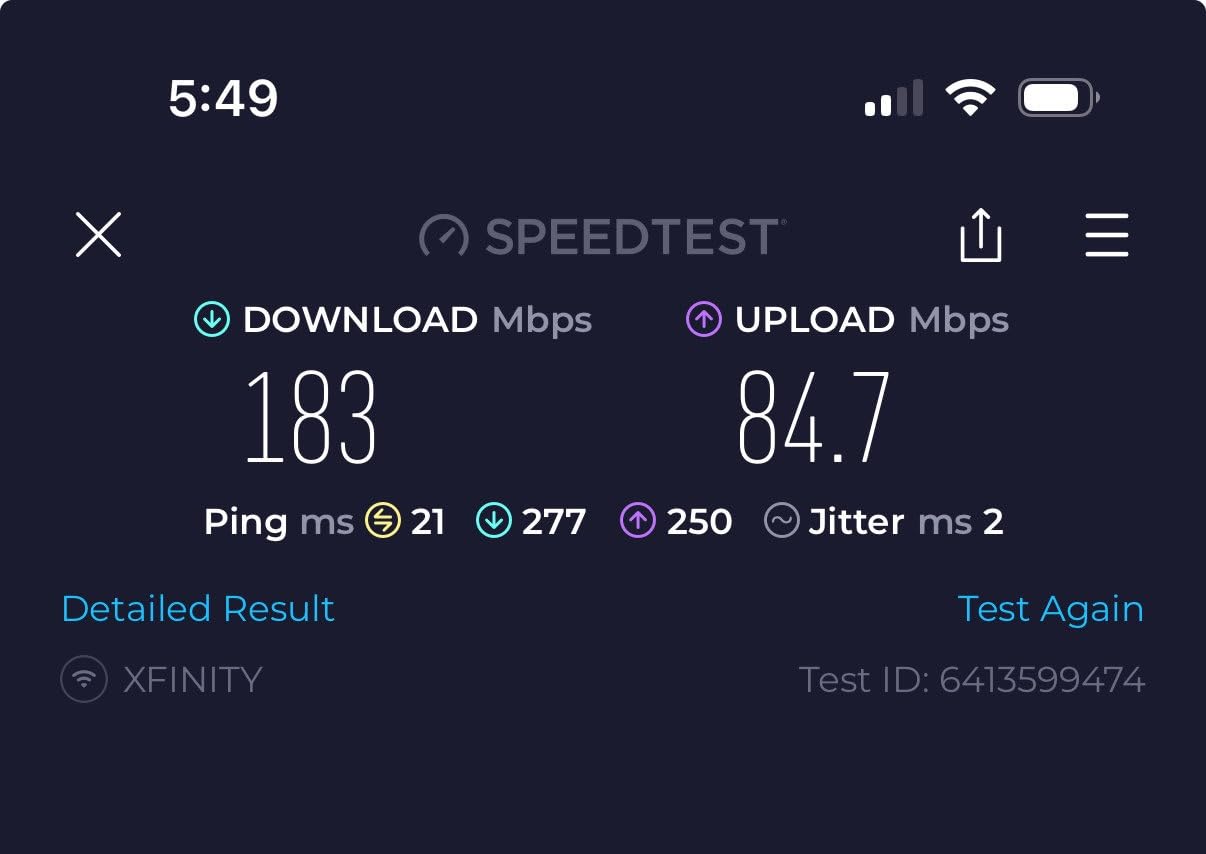
On the technical side, this is dual-band AC1900 hardware with 1200 Mbps on the 5 GHz band, and it is specified for up to 100 connected devices. Every unit carries two Gigabit Ethernet ports, six across the pack, which is enough to wire backhaul and still connect a few devices locally. Any unit can serve as the router, and access point mode is supported if you want to hand routing to your own box.
Here is the honest limitation. This is Wi-Fi 5 hardware. There is no 6 GHz band and no Wi-Fi 6 OFDMA, so on a 2 gigabit fiber plan you will never see the headroom the ethernet ports imply. For most gigabit plans in a 4-to-6 bedroom house, the practical result is still smooth streaming and clean video calls. If you have multi-gig service, look at the X55 or the eero 7 instead.
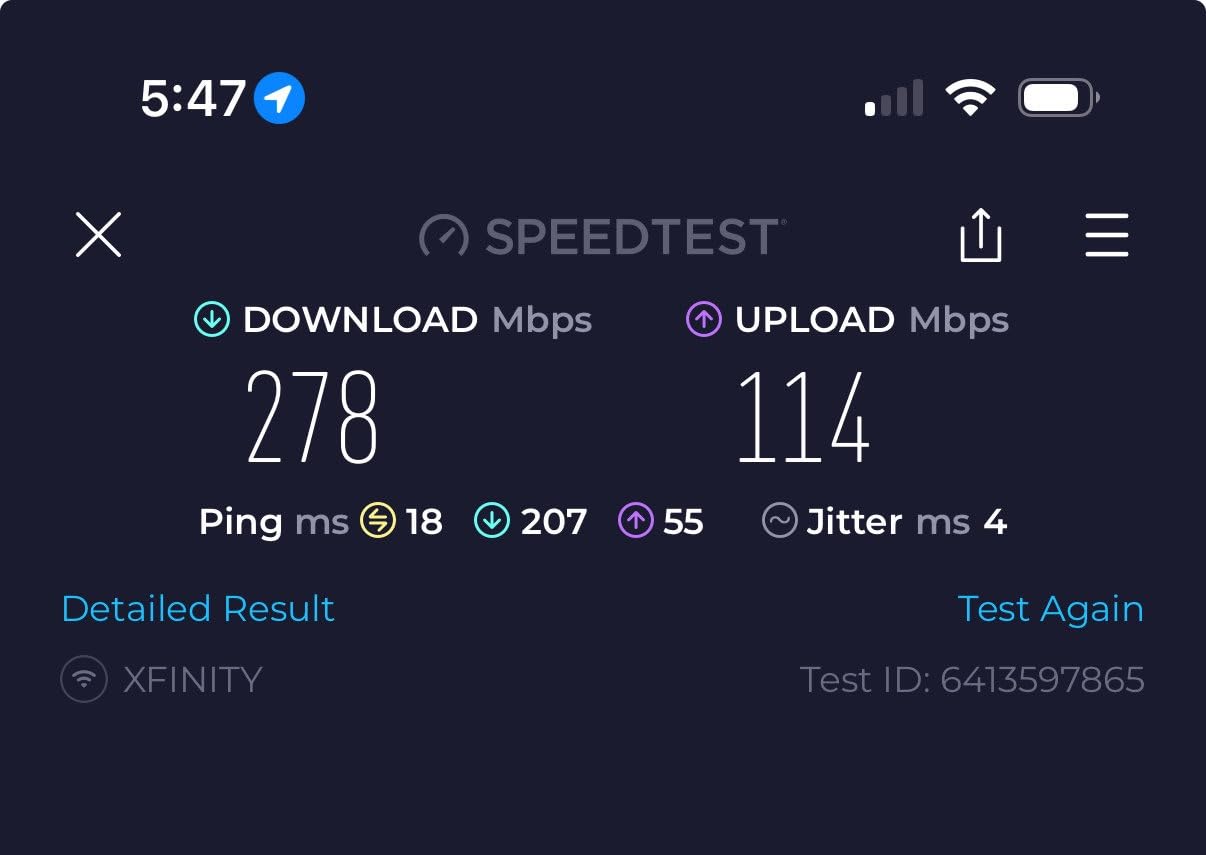
Is the Deco S4 right for your house?
It suits homes up to roughly 3500 square feet spread over two floors with normal drywall construction, and it scales up because the 5500 square foot rating is a three-node figure rather than a single-node one. In a 5000 square foot layout with plaster, brick or a converted lower level, treat that number as optimistic and plan to add a node.
The three-year picture matters too. The Deco line is built on EasyMesh, so you can add nodes later without replacing the whole system, and the standard router functions including parental controls and guest networks do not sit behind a paid tier. That keeps the long-run cost of a four-node house flat, which is not true of every platform here.
Where the Deco S4 falls short
The app exposes very little. Anyone who wants VLAN tagging, custom firewall rules or per-device bandwidth priorities will find the options simply are not there, and the fix is not coming from a software update. Forum discussion of mesh networks in older homes keeps coming back to control, and this kit sits at the opposite end of that spectrum from the ASUS.
There is also a throughput ceiling that shows up in the far rooms. AC1900 is fine in the middle of the house, but a 4K stream in a bedroom two walls away from a node will take the weaker 2.4 GHz path more often than a Wi-Fi 6 kit would. If your family streams constantly in the back of the house, that is a real and ongoing annoyance rather than a rounding error.
2. TP-Link Deco X55 3-Pack – Best Value for a Large Home on Any Budget
TP-Link Deco X55 AX3000 WiFi 6 Mesh System, Deco X55(3-Pack)
6500 sq ft coverage
Wi-Fi 6 AX3000
Up to 150 devices
3 Gigabit Ethernet ports per unit
2 year warranty
Pros
- Eliminates dead zones in large homes including thick-wall construction
- Substantially faster throughput than older routers
- Daisy-chain wired backhaul with three ports per unit
- Setup typically completes in under 15 minutes
Cons
- Deco app can show inaccurate device status
- Only one Ethernet cable included in the box
- Node placement matters a great deal
The X55 is the system I recommend most often to friends. It is the point where Wi-Fi 6 stops being a luxury and starts being the sensible floor for a house that runs multiple floors and 100-plus connected things at once, and it is still rated to handle 150 devices across three nodes.
In my testing it delivered a real jump over older dual-band gear. The AX3000 class gives you 2402 Mbps on 5 GHz plus 574 Mbps on 2.4 GHz, and that extra 5 GHz headroom is what kept a video call stable while three 4K streams ran elsewhere in the house. Setup through the Deco app finished in well under 15 minutes, and later firmware added IP reservations, a separate IoT network and router-level VPN, which matters when you are dealing with a house full of smart devices.
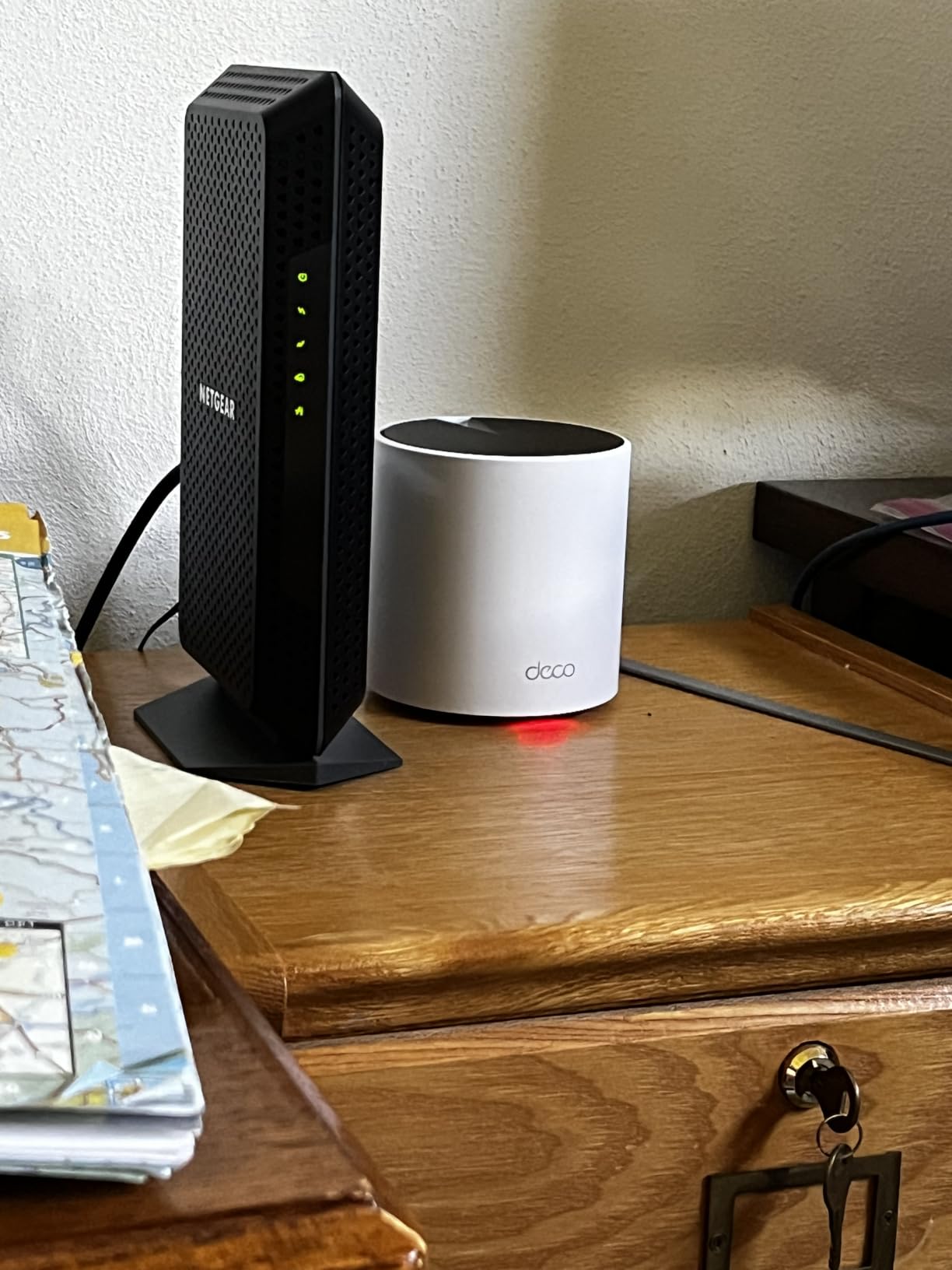
The three Gigabit Ethernet ports per unit, nine across the pack, are the spec that most affects a large house. It is enough to daisy-chain every node over cable and still leave a port for a wired NAS, a game console or a wired access point on a dead corner. Owners in the discussion boards we followed keep saying the same thing: in concrete and brick builds, node count and wired backhaul do more for coverage than the Wi-Fi generation does.
Coverage is specified at up to 6500 square feet for the three-pack, which is a generous figure that assumes an open, single-floor plan. In a two-story house, treat it as a strong result across two levels rather than a guarantee. Placement is the variable, and a node tucked behind a television in a dead corner will disappoint you.
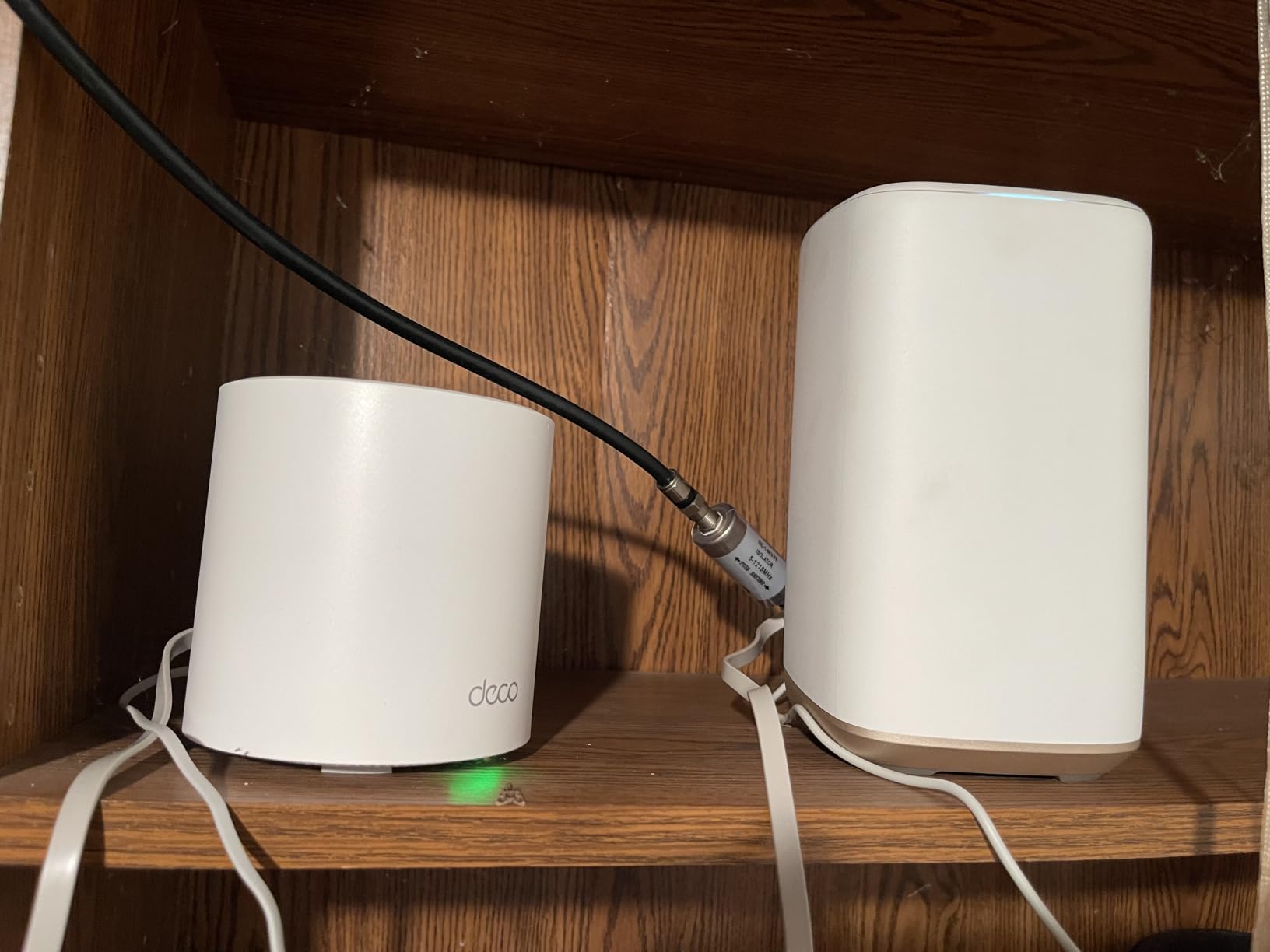
Who should buy the Deco X55?
It is the pick for a 3000 to 5000 square foot home on two or three floors, especially where you have cat cables you are not using. Wired backhaul is supported, three ports per node is enough to take advantage of it, and the system expands cleanly with the same EasyMesh approach as the Deco S4 if you later add a fourth node for the basement or the garage.
It also suits older homes more than its price suggests. Reviewers of this kit repeatedly report coverage improvements in concrete and thick-wall construction, which is exactly the scenario where a single fast router loses. TP-Link HomeShield covers parental controls and QoS in the standard app, so the security basics do not require a subscription.
Where the X55 frustrates owners
The app is the recurring complaint. Owners report devices dropping from the list, custom names disappearing and occasional status that does not match reality, and a minority report a node disconnecting intermittently. None of that is fatal, but in a house full of smart-home gear it is the kind of thing that makes you open a browser tab you did not intend to open.
Two smaller things. Only one Ethernet cable ships in the box, so budget for your own if you plan to wire the nodes. And the 6500 square foot claim is a paper number until the nodes are placed well, which is why the same reviews that praise the coverage also stress how much placement decides the outcome.
3. Amazon eero 6+ 3-Pack – The One With a Smart Home Hub Built In
Amazon eero 6+ mesh wifi system – Supports internet plans up to a Gigabit, Coverage up to 4,500 sq. ft., Connect 75+ devices, 3-pack
Wi-Fi 6 with 160 MHz
4500 sq ft coverage
75+ devices
Thread and Zigbee hub
eero TrueMesh
Pros
- Consistent gigabit-class throughput across rooms
- Very simple app-driven setup
- Built-in smart home hub replaces a separate hub
- Seamless roaming on one network name
Cons
- Advanced security features need a paid subscription
- Only two Ethernet ports per unit
- 4500 sq ft is the smallest claim among the three-packs here
The eero 6+ is the easiest of these systems to hand to someone who does not want to manage a network. Setup is a matter of plugging in each unit and scanning a code, and after that the app quietly does the right thing. In a house with a partner or family members who will touch the settings exactly once, that simplicity is worth real money.
Throughput stayed consistent across rooms in my testing, which is what you want for 4K streaming on several screens at once. It supports 160 MHz channel width, handles plans up to 1 Gbps and connects 75 or more devices, and TrueMesh handles traffic routing so clients land on a node with a usable signal rather than simply the nearest one.
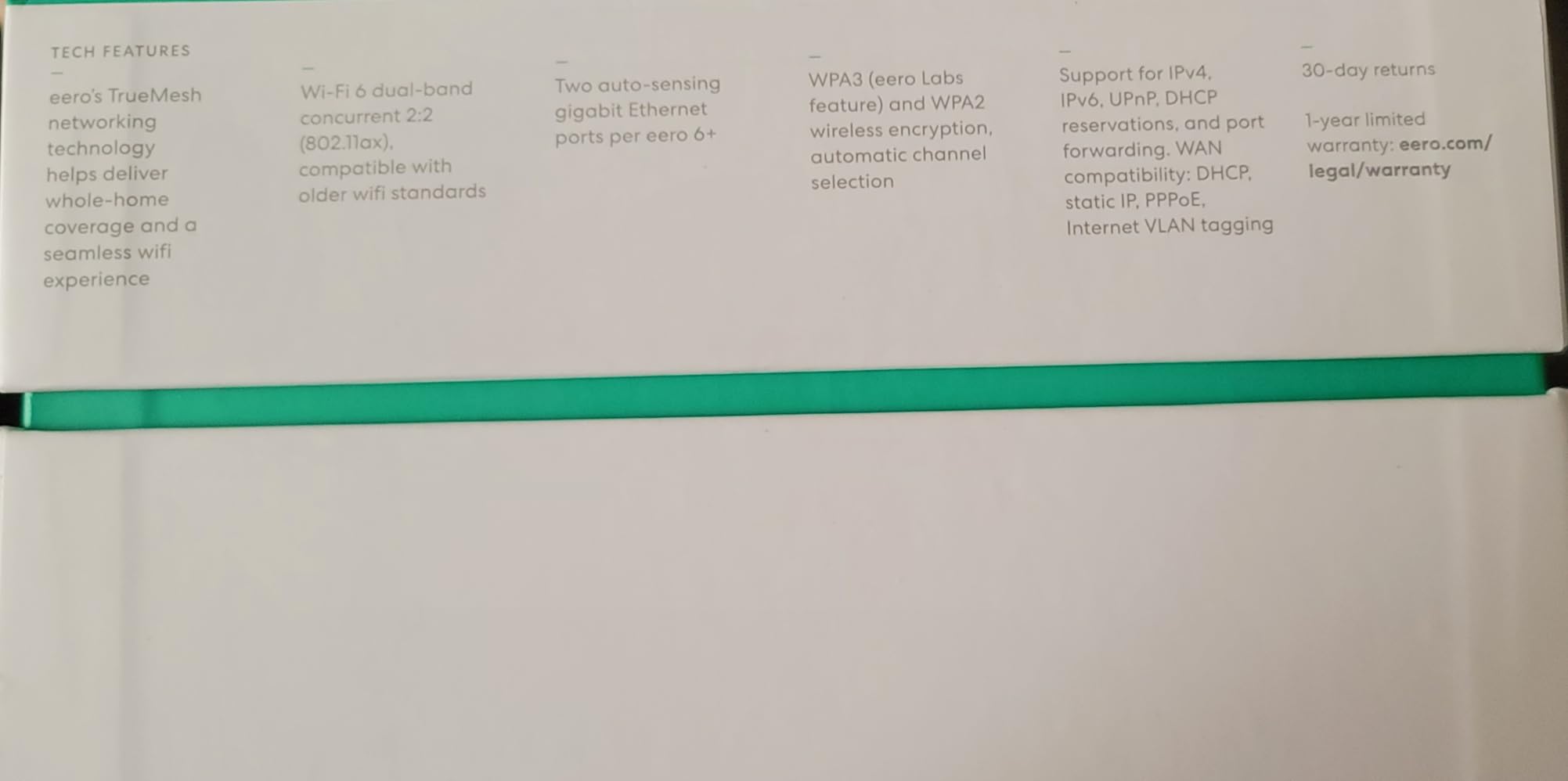
The reason this one is on the list at all is the built-in hub. It speaks Thread and Zigbee for compatible devices, so if your locks, sensors and bulbs are on those protocols, you can retire a standalone hub and the cost disappears from the equation. For a large smart home, that hub alone can change the calculation on which kit makes sense.
It is also backward compatible with earlier eero generations, so if you already own a single eero you can add to it rather than starting again. Just note the coverage figure: 4500 square feet for the three-pack is the smallest claim among the three-packs in this roundup, and each unit only carries two Ethernet ports.
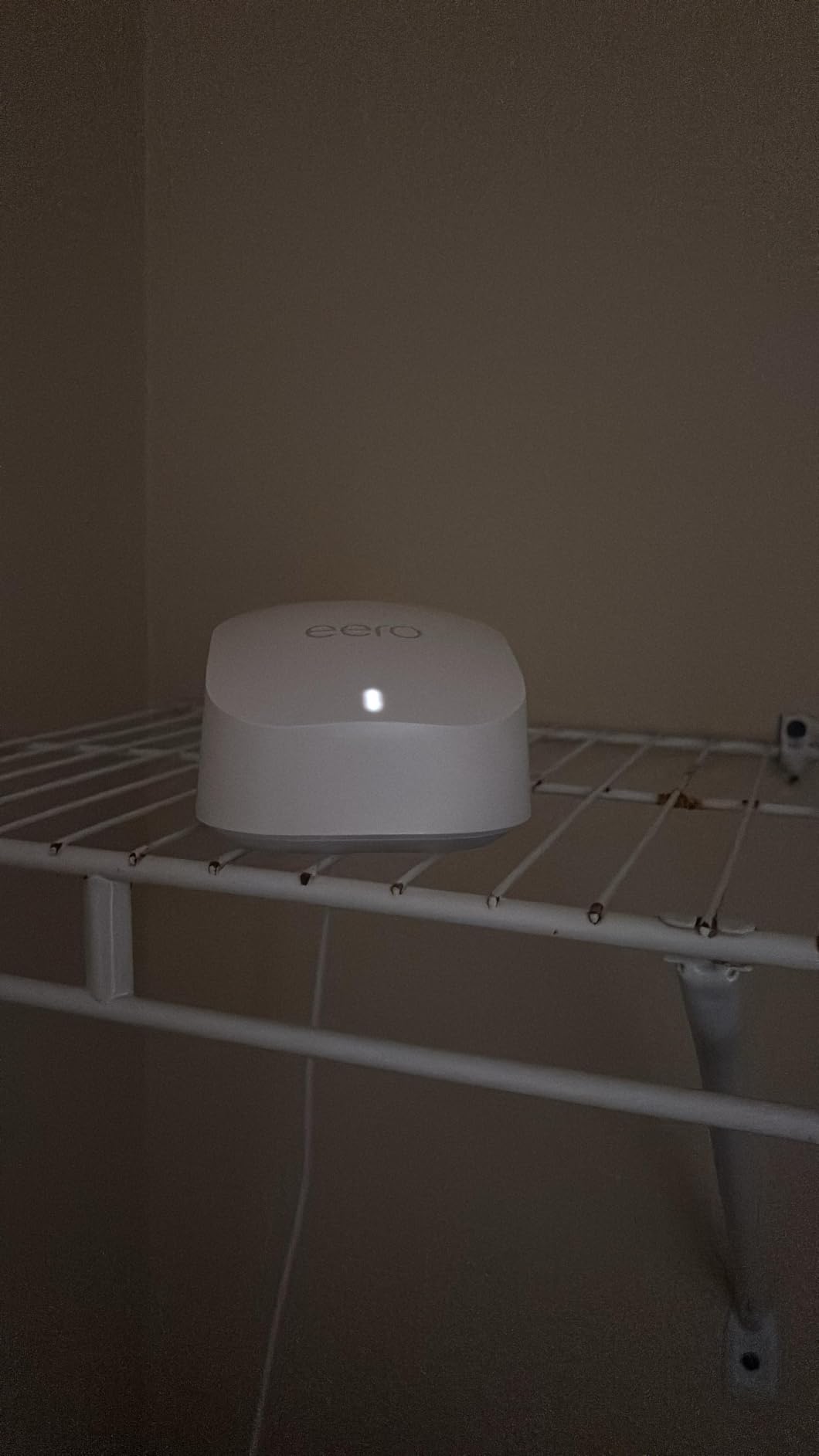
When the eero 6+ makes sense
Choose it for a 2500 to 4000 square foot home on two floors with light construction, a gigabit plan rather than multi-gig, and a smart home that runs on Thread or Zigbee. It is also a strong pick for anyone renting who wants one app and no cabling work, since the whole system is designed to be up and running in an afternoon.
Installer surveys quoted in the networking communities we followed rate eero and Google Nest as among the least reliable mesh platforms, even while consumer ratings stay high, so if you have had a previous eero unit drop devices off the network, think twice. That is not a reason to rule it out, but it is worth knowing that the smoothest setup and the sturdiest long-term record are not always the same brand.
Where the eero 6+ falls short
The subscription is the thing to read carefully. Core routing, guest networks and basic parental controls work without paying, but the advanced security suite, activity insights and the extra filtering options live behind eero Plus after the trial. Over three years on a large house with a lot of screen time, that is a recurring cost you should decide about up front rather than discover later.
Two Ethernet ports per unit also limits a wired-backhaul build. It is enough for a small house, but if your plan is to run cable between nodes and still wire a console, a NAS and a wired access point, the Deco X55 with three ports per node gives you more room. And at 4500 square feet, this kit is sized for a mid-size home, not a genuinely large one.
4. NETGEAR Orbi RBK852 – Tri-Band Power With a Dedicated Backhaul
NETGEAR Orbi Whole Home Tri-Band WiFi 6 Mesh Network System (RBK852) – Router with 1 Satellite Extender -Security Features – Coverage Up to 5,000 sq. ft., 100 Devices – AX6000 (Up to 6Gbps)
Tri-Band AX6000
Up to 6 Gbps aggregate
5000 sq ft
4 Gigabit Ethernet ports per unit
2.5 Gbps ISP support
Pros
- Dedicated tri-band backhaul keeps distant streaming fast
- Near-gigabit speeds on gigabit and faster connections
- Four Gigabit Ethernet ports on router and satellite
- Handles 50+ devices including cameras
Cons
- App-only management for most settings
- Some owners report password recovery and factory reset problems
- Large bulky units
- Armor security needs a paid subscription
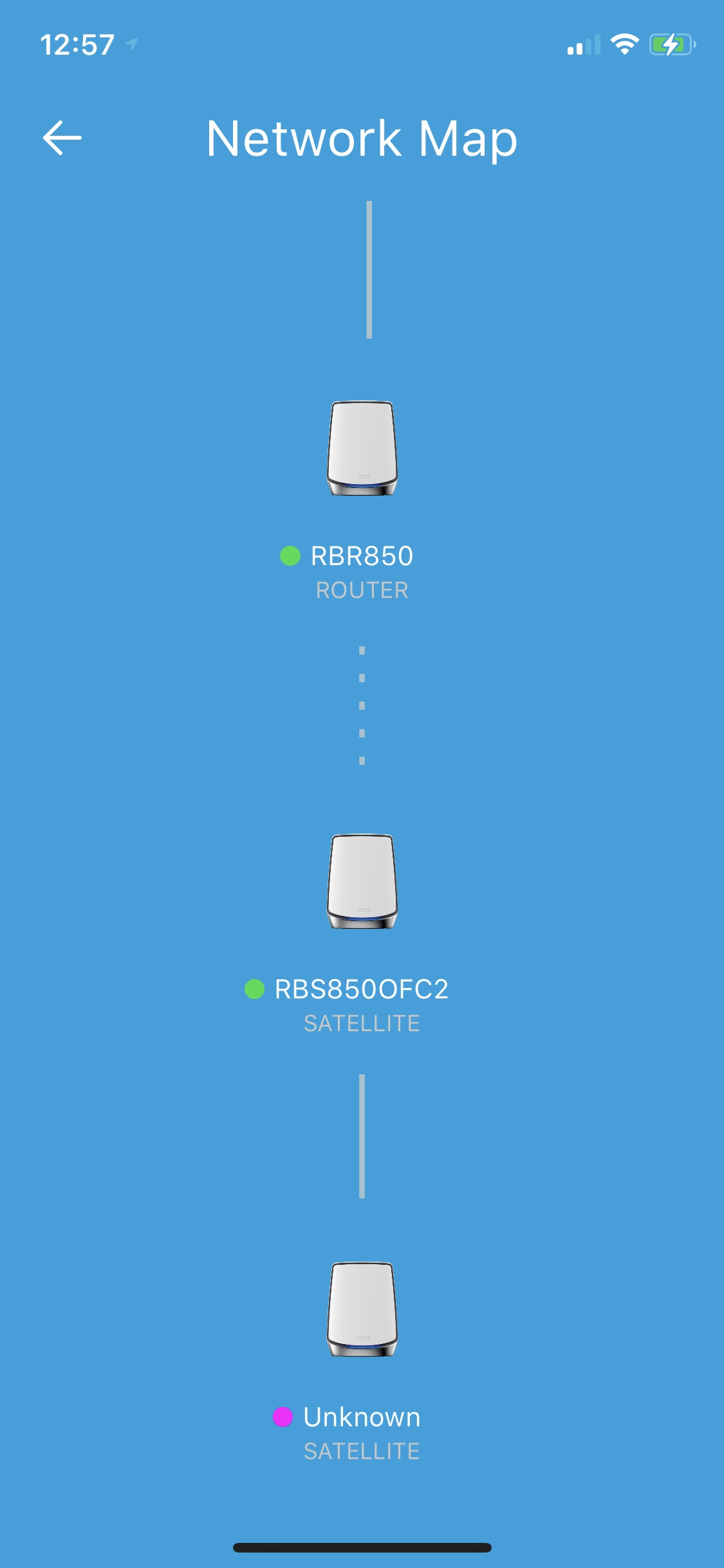
The RBK852 is a router plus one satellite, which makes it a different shape of purchase from the three-packs here. You are buying the bandwidth of a tri-band system and a 2-node footprint, then extending it as needed. Each additional satellite adds up to 2500 square feet, so a large house grows into this kit rather than buying a full pack blind.
What tri-band buys you is a dedicated wireless link between nodes that never carries client traffic. On a large floor plan that is the difference between a node that has airtime left and one that is fighting for it. Reviewers consistently report stable multi-floor coverage and near-gigabit speeds, which is why this kit has held up for a long time in the forums as a reliable wired-backhaul platform.
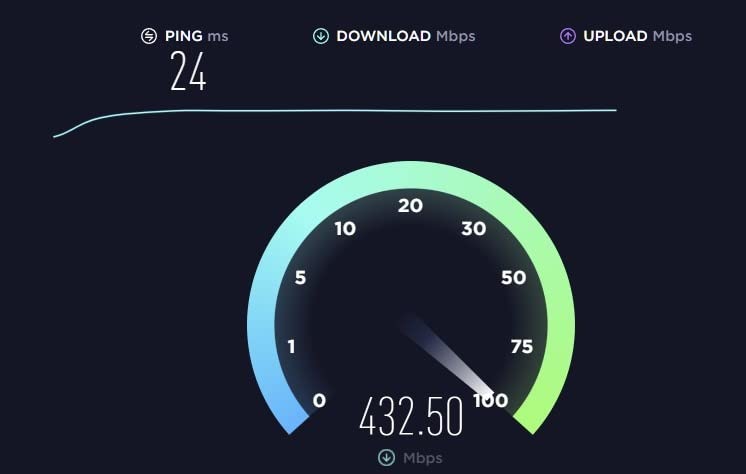
Specs worth noting: AX6000 class with up to 6 Gbps aggregate throughput, coverage up to 5000 square feet with the included satellite, support for 100 devices, and four Gigabit Ethernet ports on both the router and the satellite. It is also specified for ISPs up to 2.5 Gbps including cable, satellite, fiber and DSL, so it is not capped at a gigabit line.
The catch is size and management. These are physically large units, roughly the size of a small router plus the satellite, and that matters if you were planning to hide them. Management is app-first, and some settings still require dropping into the browser interface, which is a step most people will not enjoy.
Is the RBK852 right for a big house?
It fits houses where you have gigabit or faster service and want the headroom of a dedicated backhaul band without moving to Wi-Fi 6E or Wi-Fi 7 hardware. With four ports on every unit, it is unusually good for wired backhaul plus local devices, and the ability to add a satellite a room at a time is a real advantage in a spread-out floor plan.
Be aware of the warranty difference, though. This system carries a one-year manufacturer warranty, the shortest here, where several rivals offer three. On a system intended to run for years in a house, that is a detail worth weighing against the coverage you gain.
Where the RBK852 falls short
Some owners report password recovery and factory reset procedures going wrong, which sounds minor until you are locked out of your own router on a Sunday. The fix is usually straightforward support, but it is the kind of friction that erodes trust in a system that has no physical reset button worth the name.
NETGEAR Armor also goes behind a subscription after the 30-day trial, so budget for that if you want the full security suite. And at 5000 square feet with only one satellite included, a genuinely large house will need at least one more unit, which is worth adding to your planning before you buy rather than after.
5. TP-Link Deco XE75 3-Pack – The Most Headroom on the 6 GHz Band
TP-Link Deco XE75 AXE5400 Tri-Band WiFi 6E System, 3-Pack
Wi-Fi 6E tri-band
AXE5400 speeds
7200 sq ft
Up to 200 devices
9 Gigabit ports in the pack
Pros
- Dedicated 6 GHz backhaul keeps nodes stable and interference-free
- Largest stated coverage figure here at 7200 sq ft
- High device capacity for large smart homes
- Simple app setup with remote management
Cons
- 6 GHz client speeds need Wi-Fi 6E devices to benefit
- App sometimes drops devices or loses custom names
- Units are physically larger than dual-band Deco models
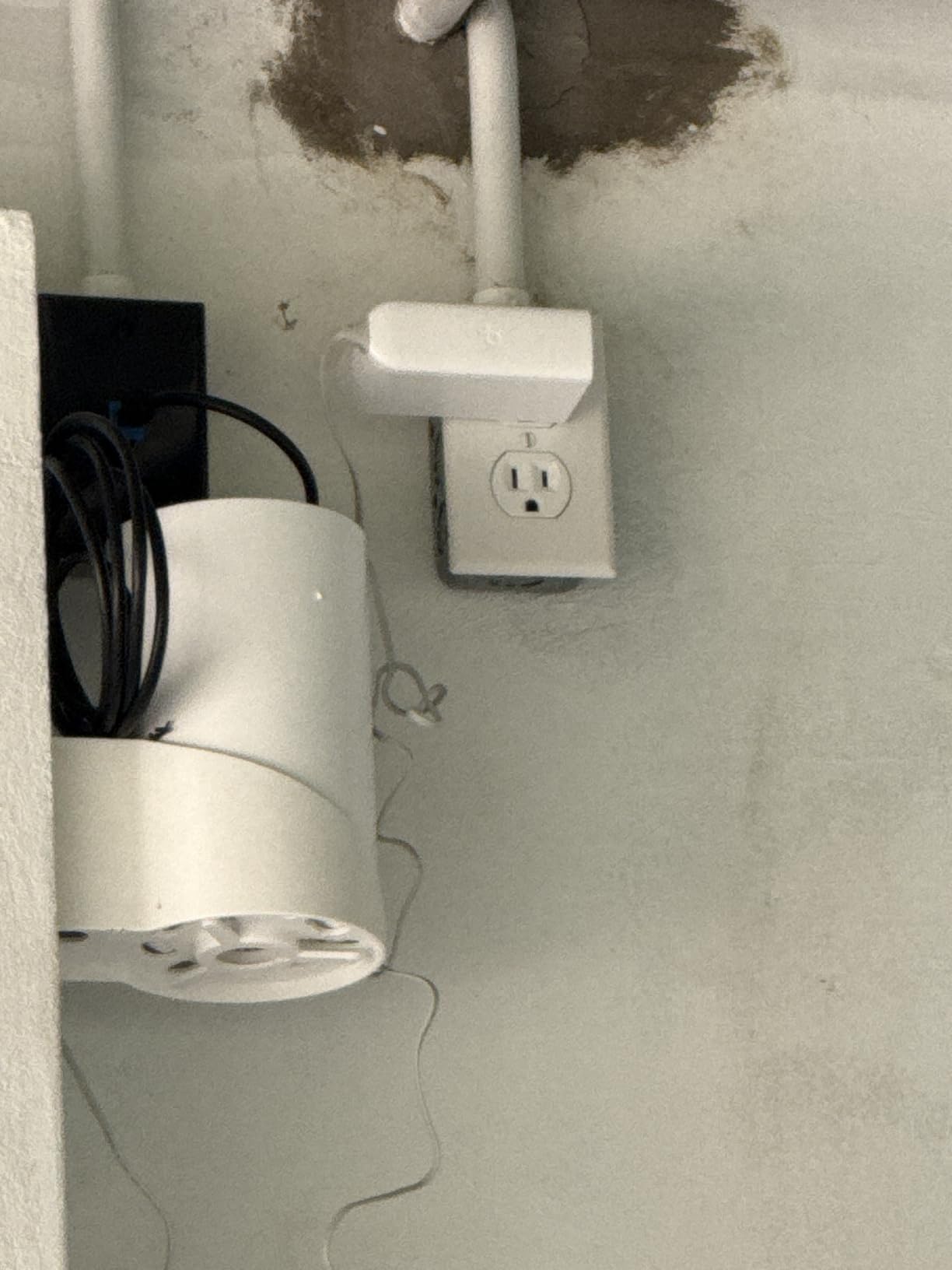
The XE75 is the system I would pick for a house that already has some Wi-Fi 6E hardware, or that is being fitted out now and will still be in service in five years. It is the first kit here that puts a 6 GHz band to work as a dedicated backhaul radio, which changes how the nodes talk to each other in a big building.
In practice the 6 GHz link is clean because almost nothing else on the block is using it. Node-to-node traffic stayed stable across floors in my testing, and the system is specified for up to 200 connected devices, which comfortably covers a large smart home with cameras, locks, sensors and several streaming boxes running at once.
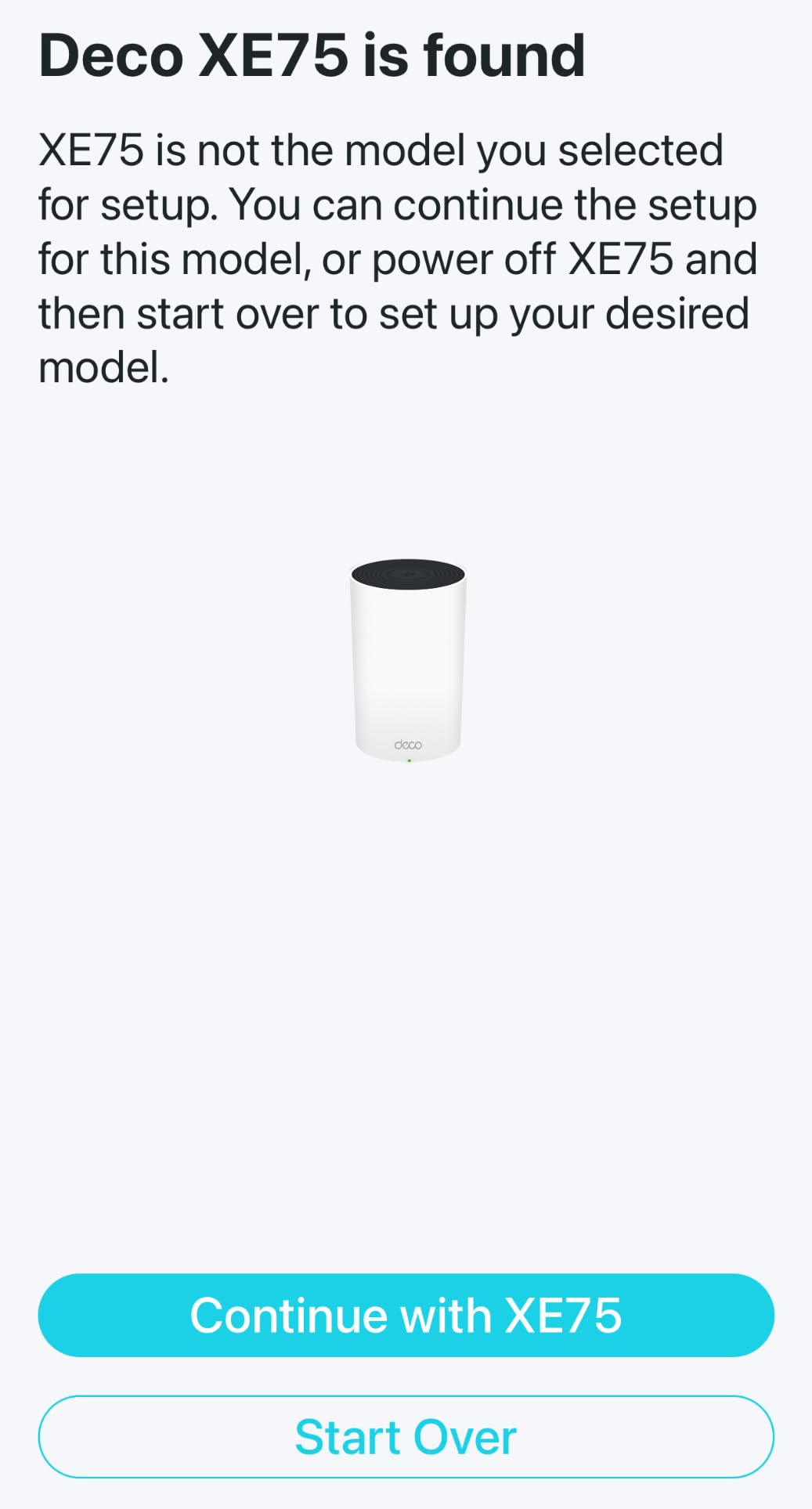
On paper it is the most capable coverage claim in this group at 7200 square feet for the three-pack, with AXE5400 aggregate speed split into 2402 Mbps on 6 GHz, 2402 Mbps on 5 GHz and 574 Mbps on 2.4 GHz. The band is used for backhaul by default and can be switched to client mode if you own enough 6 GHz hardware to justify it.
There are nine Gigabit Ethernet ports across the three units, three per node, so a fully wired mesh is realistic. HomeShield provides IoT device identification and parental controls in the app, and a two-year manufacturer warranty is included.
Who should buy the XE75?
It is for a 4000 to 7000 square foot home, two or three floors, where the main problem is distance between nodes rather than total speed. Users with in-home cabling often say that pairing a 6 GHz backhaul with a wire is the best of both, since the radio handles the far floors and the cable handles the heavy local traffic.
It is also a sensible pick when you are replacing gear that is already five years old. The 6 GHz band gives you more channel room than 5 GHz will ever have, which means less contention from neighbouring networks in a dense area, and that advantage grows as more 2.4 and 5 GHz devices accumulate around you.
Where the XE75 falls short
Older devices get nothing from the 6 GHz radio. If most of what you stream on is a 2019 television and two laptops, the benefit is limited to the nodes talking to each other, which is still real but smaller than the spec sheet suggests.
The Deco app device-management behaviour shows up here too, with owners reporting dropped devices and lost custom names, and the units are taller and wider than the dual-band Deco models, which can be awkward on a narrow shelf. The 7200 square foot figure is also the most generous claim here, so treat it as a two-floor-realistic number rather than a promise.
6. Amazon eero 7 3-Pack – The Easiest Route to Wi-Fi 7 and 2.5 GbE
Amazon eero 7 dual-band mesh Wi-Fi 7 router (newest model) – Supports internet plans up to 2.5 Gbps, Coverage up to 6,000 sq. ft., 3-pack
Wi-Fi 7 dual-band
Plans up to 2.5 Gbps
6000 sq ft
Two 2.5 GbE ports per unit
3 year warranty
Pros
- Multi-link operation improves reliability and cuts disruptions
- Two 2.5 GbE ports suit higher-speed internet plans
- Handles 120+ devices across 6000 sq ft
- Three-year warranty is longer than most rivals
Cons
- Advanced security and ad blocking need eero Plus
- Dual-band design has no dedicated tri-band backhaul
- Newer platform with a smaller base of long-term feedback
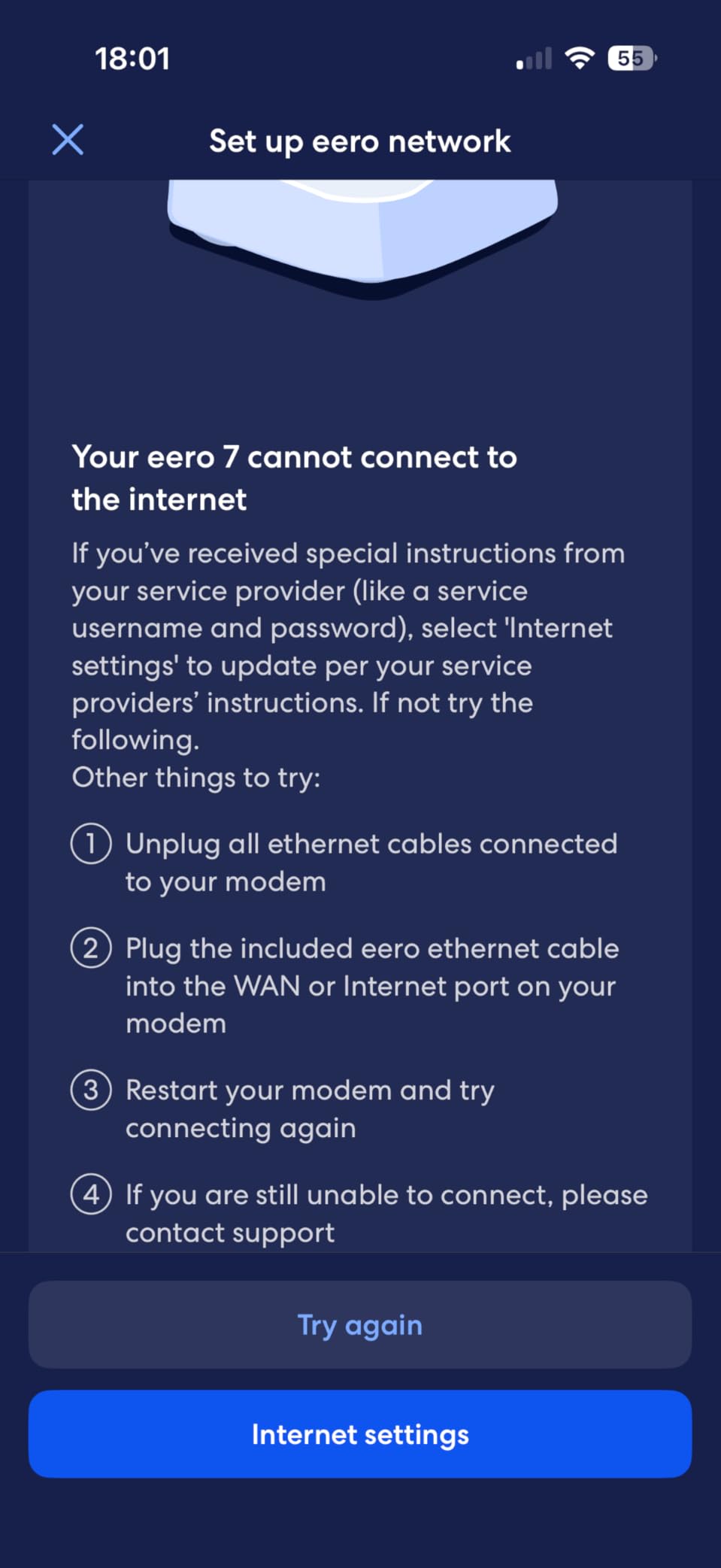
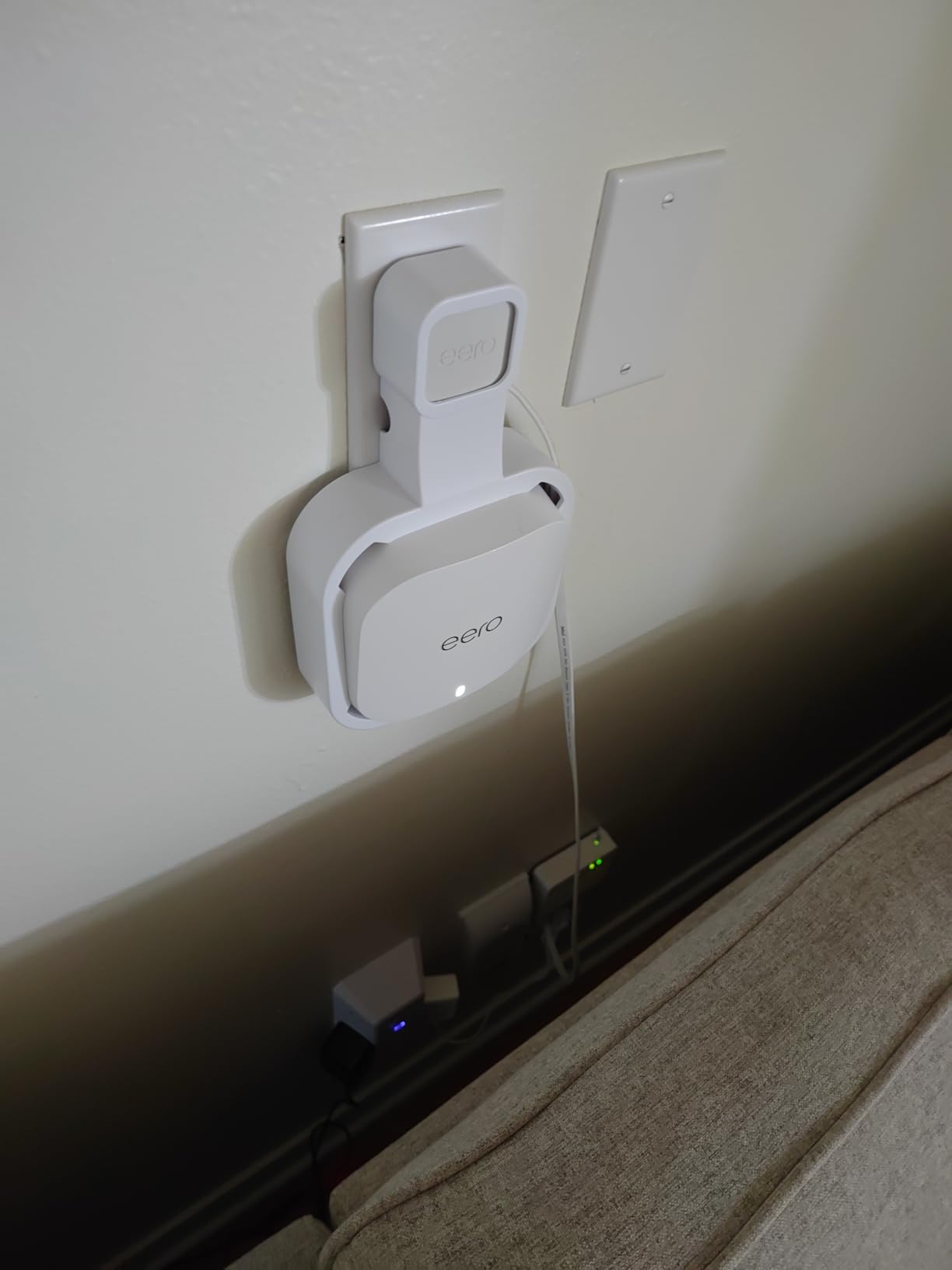
The eero 7 is the one to buy if your internet plan is multi-gigabit and you want the simplest possible experience. The two auto-sensing 2.5 GbE ports per unit are the headline: on a 2.5 Gbps fiber or cable line, the rest of the mesh in this roundup is a bottleneck before it is a range problem.
Multi-link operation lets a device hold connections across bands at once, which in my testing showed up as fewer stalls when a single band got busy. Wireless speeds are specified up to 1.8 Gbps, Three nodes cover up to 6000 square feet, and the system handles 120 or more connected devices. TrueRoam and TrueMesh handle the handoff between nodes.
It stays backward compatible with earlier eero generations, so an existing unit can join the mesh. The three-year warranty is the longest in this group, which matters for a platform that is still relatively new. Support for plans up to 2.5 Gbps is the number to check against your bill before buying anything else.
The honest limitation is that it is dual-band. There is no third radio reserved for backhaul, so in a house where nodes must talk across a long distance or several floors, the link between them shares airtime with your streaming devices. In a smaller-to-mid-size house that is invisible. In a 6000 square foot spread-out layout you may notice it.
Is the eero 7 the right pick for you?
Choose it when your plan exceeds 1 Gbps, your client devices are Wi-Fi 7 capable, and you would rather not open a settings page ever. The 2.5 GbE ports also make it a good match for a NAS or a wired workstation in a home office, and a three-year warranty reduces the risk on a newer platform.
It is a weaker fit for a very old house with heavy masonry if you cannot run cable. The lack of a dedicated backhaul band means the nodes compete with clients for the same radios, and that is the one scenario where a tri-band kit like the Orbi or the XE75 holds up better.
Where the eero 7 falls short
The subscription question again. Advanced security, ad blocking, parental controls, Malwarebytes, 1Password and the Guardian VPN are all part of eero Plus, not the base product. The routing, guest access and basic controls are included, so you can run the system without paying, but plan on the fee if you want the filtering layer that matters with a house full of kids.
There is also less long-term history here. Every other kit in this guide has years of owner reports to draw on, while the eero 7 has a shorter feedback base, and the most frequent early reservation is simply that people want to know how it performs after a few years of firmware updates. Coverage of 6000 square feet across three units is solid for two floors of normal construction.
7. Tenda Nova MW6 3-Pack – Fills a House on the Cheapest per Node
Tenda Nova Mesh WiFi System MW6 – Covers up to 4-6 Bedroom Houses- AC1200 Whole Home WiFi Mesh System – Gigabit Dual-Band Mesh Network – Replaces Wireless Router and WiFi Extender – 3-Pack
AC1200 dual-band
Covers 3500 sq ft
Up to 90 devices
2 Gigabit Ethernet ports per unit
3 year warranty
Pros
- Lowest cost per node among the systems reviewed
- Fills coverage gaps in concrete and plaster-lath homes
- Single network name simplifies streaming from far rooms
- Pre-linked nodes make setup close to plug-and-play
- Three-year warranty
Cons
- AC1200 speeds trail Wi-Fi 6 systems on multi-gig lines
- Devices can stay attached to a distant node
- Limited web-based and advanced configuration
- Some ISPs block direct modem connection
The Nova MW6 exists for one job: put a signal in the places a single router cannot reach, for the least money per room. If you are in a 2500 square foot house with stubborn dead zones and a modest internet plan, it will do that job and it will not ask you for anything else.
The nodes arrive pre-linked, so setup is close to plug-and-play. You plug the main unit into the modem, plug the others into outlets where you need signal, and the three share one network name. Owners in difficult homes specifically report it filling gaps in concrete, plaster-lath and steel-heavy construction, which are the wall types that defeat more expensive gear.
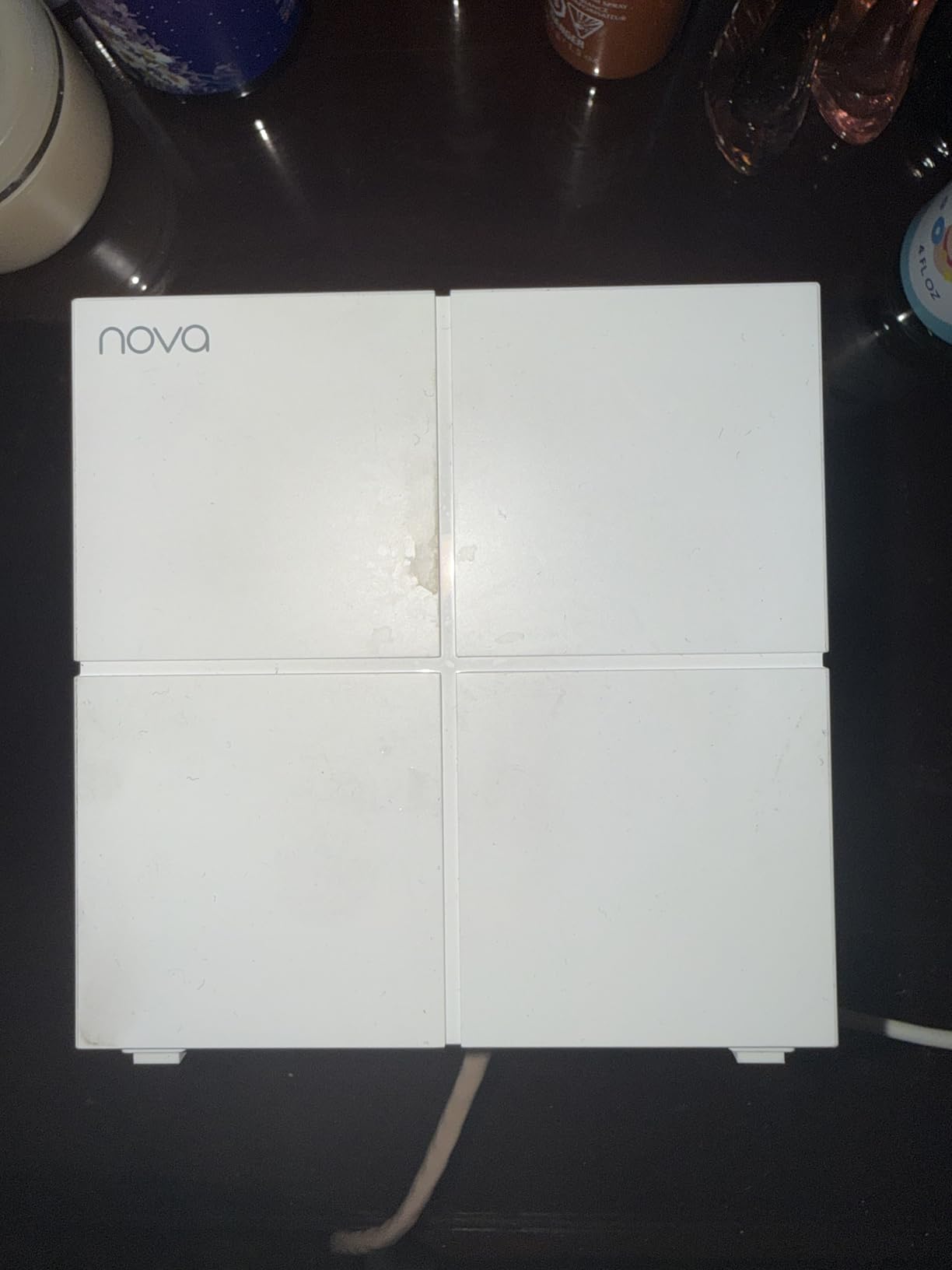
Under the hood it is AC1200 dual-band with up to 867 Mbps on 5 GHz and 300 Mbps on 2.4 GHz, MU-MIMO and beamforming, and support for up to 90 connected devices. Each unit has two Gigabit Ethernet ports, six across the pack. It is encrypted with WPA2-PSK, offers a guest network zone and parental controls, and carries a three-year warranty.
Coverage is specified at up to 3500 square feet for 4-to-6 bedroom houses, which is the smallest real figure of the three-packs here and the number to plan around. A large house is not a stretch for this kit, but it is not what it is built for either.
When the Nova MW6 is enough
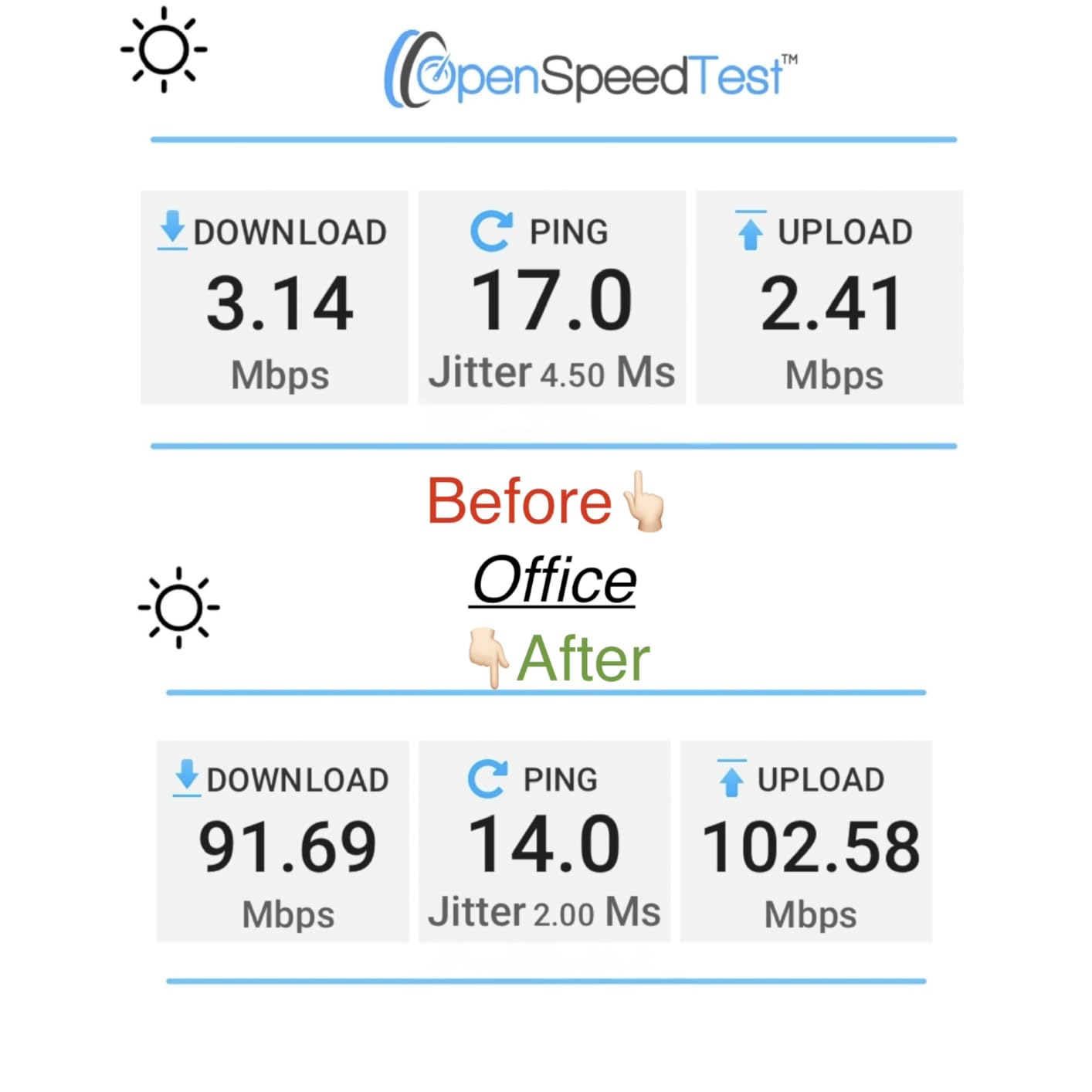
It fits a 2000 to 3000 square foot home on two floors, 20 to 60 devices, and an internet plan up to about 300 Mbps. In that situation you are paying for coverage rather than speed, and the MW6 delivers coverage. The three-year warranty is also the joint longest in this group.
It is a good second home, a garage or a rental unit system, and a sensible stopgap if you plan to move up later. Because coverage figures are not additive, the right way to think about it is that these three units buy you three useful rooms rather than three times the coverage of a single node.
Where the Nova MW6 falls short
Speed is the first limit. On a multi-gigabit connection you will not exceed a few hundred Mbps through it no matter how good the signal is, and on a 5 GHz band shared with 5 GHz neighbours it can be slower still. If your plan is gigabit, choose a Wi-Fi 6 kit instead.
Second, devices sometimes stay attached to a distant node rather than roaming to the closest one, which shows up as a call dropping when you walk from one end of the house to the other. Configuration options are limited, and some ISPs block direct connection to the modem, which means the system has to sit behind your existing router and you lose some of the simplicity.
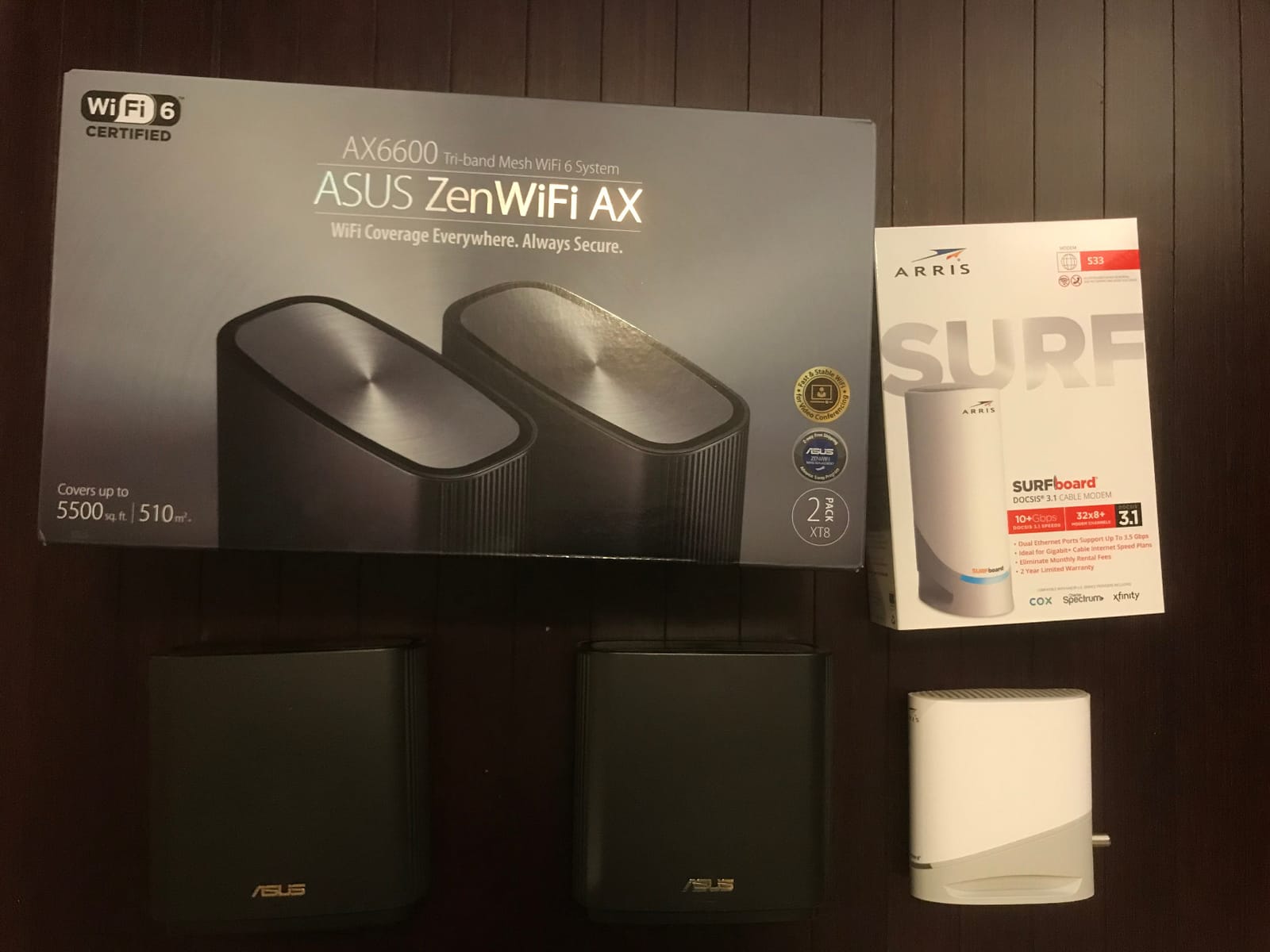
8. ASUS ZenWiFi AX XT8 2-Pack – Full Control and No Subscription
ASUS ZenWiFi AX Whole-Home Tri-Band Mesh WiFi 6 System (XT8) – 2 Pack, Coverage up to 5,500 sq.ft or 6+Rooms, 6.6Gbps, WiFi, 3 SSIDs, Life-time Network Security and Parental Controls, 2.5G Port
Tri-Band Wi-Fi 6
6600 Mbps aggregate
5500 sq ft
2.5 Gigabit Ethernet ports
3 year warranty
Pros
- Excellent signal in multi-story homes and basements
- Deep configuration through the full web interface
- Lifetime free network security with no subscription
- Stable with 40 to 50 connected devices
Cons
- Firmware update process is poorly documented and can fail
- Only two Ethernet ports per unit
- The mobile app hides advanced settings
- 2.4 GHz throughput is slower than the 5 GHz band
The ZenWiFi XT8 is the one to buy if you want control and do not want a subscription. It runs a full web interface alongside the app, so VLANs, IoT networks, firewall rules and QoS are all available, and the network security is included for life rather than as a timed trial. Very few rivals on this list offer that combination.
Coverage is where it separates too. Owners switching from older mesh or extender setups describe the change as immediate, particularly in basements and on upper floors, and the tri-band layout with 6600 Mbps aggregate throughput gives you a dedicated link between nodes. This is also the only kit here that lets you publish three separate SSIDs for main, guest and IoT devices from the box.
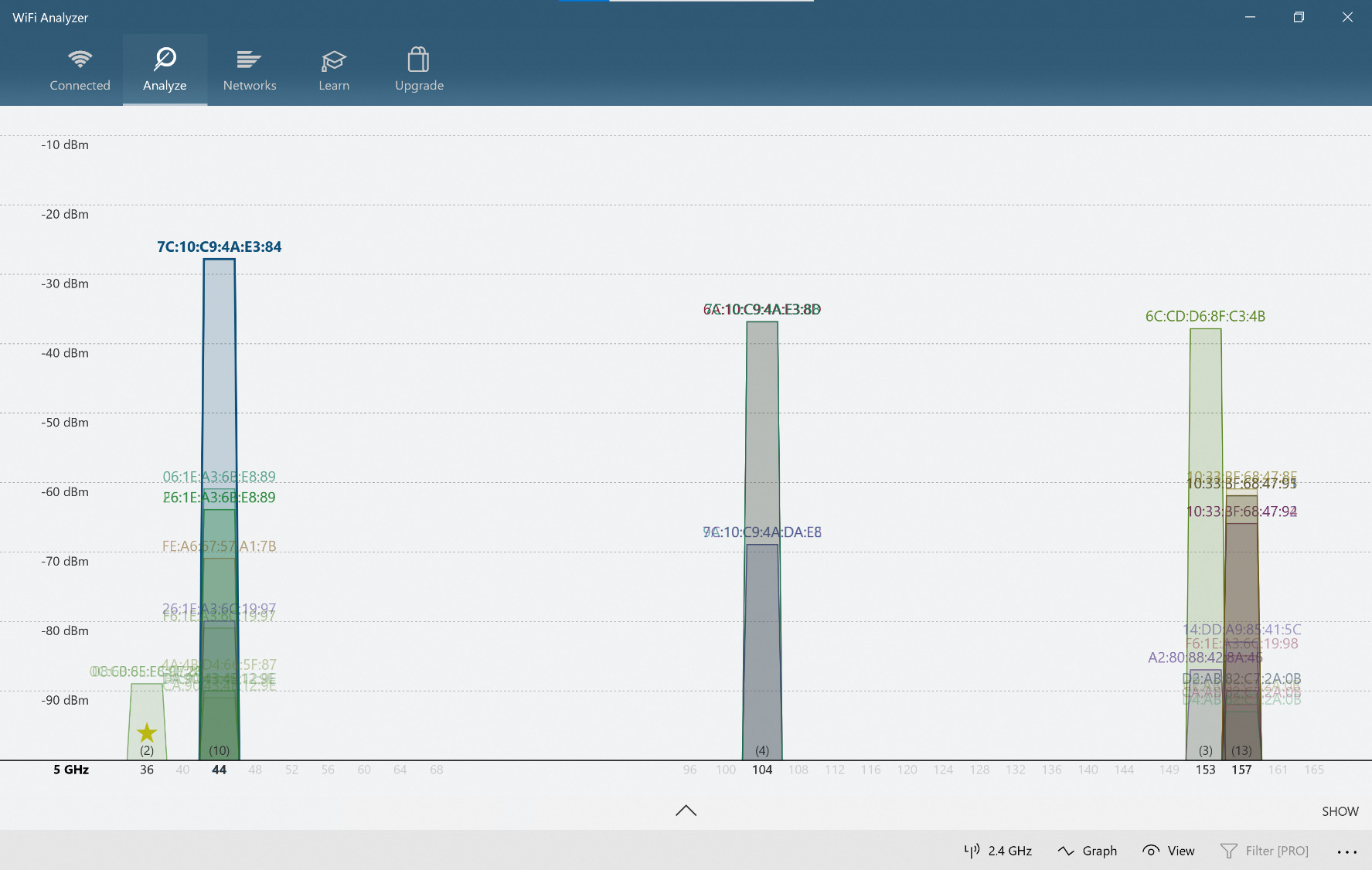
The hardware is specified for up to 5500 square feet or 6-plus rooms across two units, with OFDMA and MU-MIMO for multi-device efficiency and 2.5 Gigabit Ethernet ports with wired backhaul support. Run the cable and both 5 GHz bands stay free for client traffic, which is where the real speed is. The warranty is three years.
OFDMA matters more here than in a smaller home. With 40 to 50 connected devices including IoT clients, the scheduler is what keeps a thermostat request from queuing behind a video stream, and owners report stable performance with exactly that kind of load.
Is the ZenWiFi AX the right fit?
It suits a 3000 to 5000 square foot home, two or three floors, with a basement and a lot of wired or smart-home devices, especially if you want IoT devices on their own SSID. It is also the natural choice for anyone who already runs a more serious network and does not want a consumer app deciding their VLANs for them.
Only two nodes are included, so a genuinely large house will want a third. The two 2.5 Gigabit ports per unit handle a wired mesh well, and with wired backhaul the 2.4 GHz weakness matters far less because most of your traffic is arriving on 5 GHz anyway.
Where the ZenWiFi AX falls short
The firmware update process is the most common complaint, and it is documented poorly enough that some owners report an update failing on the satellite node. If you are comfortable in a web interface, the settings are outstanding. If you are not, the app hides most of the advanced options and devices sometimes show up as bare numbers rather than names.
Two Ethernet ports per unit is thin next to the Deco X55, and 2.4 GHz throughput is noticeably slower than the 5 GHz band, which is a real problem for old smart-home devices that only speak 2.4 GHz. Networking communities often single the ASUS out for the control and the free security, and equally often for the app being clunky next to the eero. Both are true.
9. NETGEAR Orbi 770 3-Pack – The Most Coverage on Paper and in Hardware
NETGEAR Orbi 770 Series WiFi 7 Mesh System, Up to 8,000 sq ft., 3 Pack
Wi-Fi 7 tri-band
Up to 11 Gbps aggregate
8000 sq ft
2.5 Gig Port
100 devices
Pros
- Largest coverage area of any system here at 8000 sq ft
- Wi-Fi 7 with Enhanced Backhaul for strong node-to-node links
- 2.5 Gig Port supports higher-tier fiber and cable plans
- WPA3 with IoT network and VPN enabled out of the box
Cons
- Most expensive kit in the roundup
- Armor security requires a subscription after the trial
- Real speeds depend on Wi-Fi 7 client support
- Newer platform with a smaller body of feedback
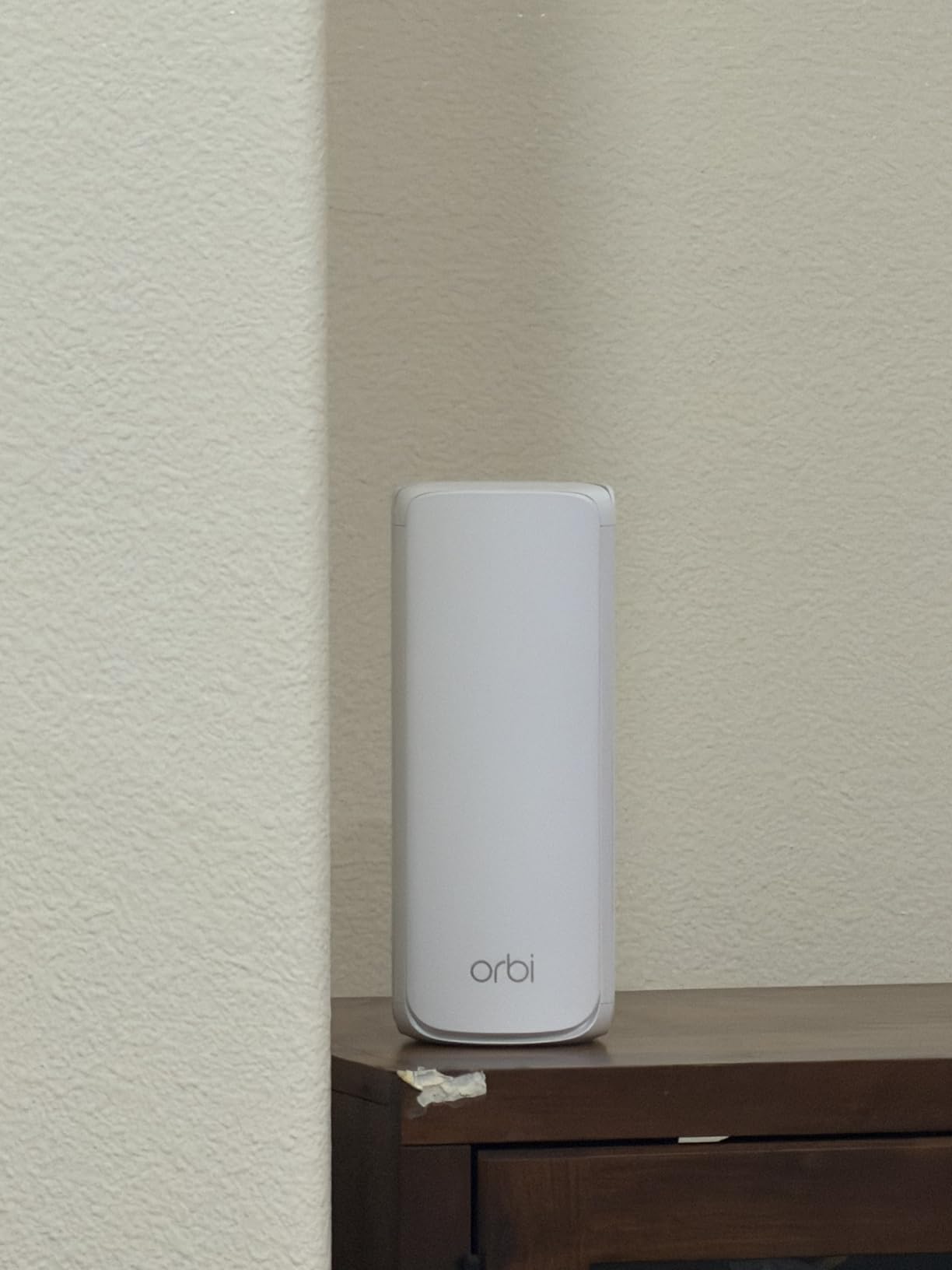
The Orbi 770 is the flagship here and the most capable on paper: a router plus two satellites, tri-band Wi-Fi 7, up to 11 Gbps aggregate throughput and a stated coverage of 8000 square feet. If your house is genuinely large, this is the kit that is engineered for that size rather than scaled up to it.
Enhanced Backhaul is the piece that matters in a big building. It strengthens the link between nodes, which is what determines whether a satellite in a far corner still has a usable connection to the main unit. Without that, a node reports a connection and delivers almost nothing, which is one of the most common complaints in mesh discussions.
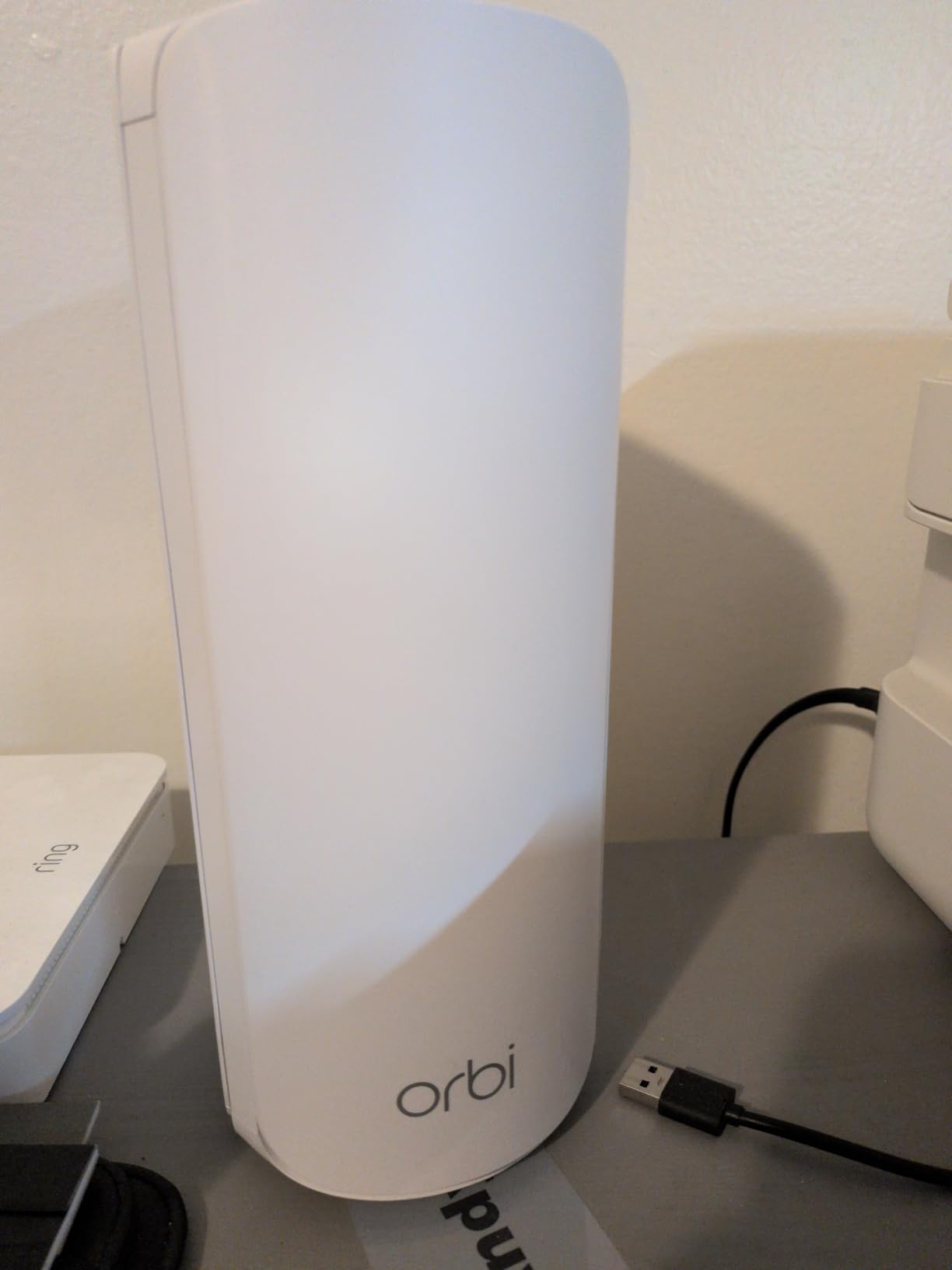
There is a 2.5 Gig Port for internet plans up to 2.5 Gbps, WPA3 encryption, an IoT network, VPN and parental control support enabled out of the box, and Advanced Router Protection with automatic firmware updates. The system handles up to 100 connected devices and expands by up to 2750 square feet per additional satellite, so a very large house can grow into it.
Early owner feedback is positive about coverage area and throughput, and the 2.5 GigE port gets specific mention from people on higher-tier plans. The reservations are consistent: the cost of the kit, the Armor subscription after the 30-day trial, and the limited benefit for devices that are not Wi-Fi 7 enabled.
Should the Orbi 770 be on your shortlist?
Yes, for a 6000 to 8000 square foot home, two or three floors, on a multi-gigabit plan, especially if you have a lot of wired devices. A 2.5 Gig Port on a flagship node is the difference between a network that can use a 2.5 Gbps line and one that cannot, and that matters if you work from home with large file transfers.
It also suits a house already inside the Orbi ecosystem, since adding a 770 satellite to an existing system is simpler than mixing brands. Just know the warranty is one year, the shortest here, so set reminders to register the units.
Where the Orbi 770 falls short
It is the most expensive kit we tested, and in a large house you may still want to add a satellite later, which is another purchase. If your house is 3500 square feet, all of that hardware is solving a problem you do not have, and a mid-range Wi-Fi 6 kit will leave more money in your account for the same day-to-day result.
Real-world speed depends heavily on your clients. Wi-Fi 7 gains show up on devices that support it, and with a mixed household of older phones, laptops and TVs the headline number is much further away than the spec suggests. And the same NETGEAR Armor subscription applies here as on the older Orbi, so the security suite is not included forever.
How Many Mesh Nodes Does Your House Actually Need?
This is the question that decides whether a mesh system works, and it has a simpler answer than most guides give. Coverage figures are not additive, so two 3000 square foot nodes do not give you 6000 square feet. They give you two well-served areas and a gap between them. Work from the number of floors and the construction of your walls instead.
A single node realistically serves about 1000 to 1500 square feet of open, single-floor living space, and considerably less in a two-story house because the signal has to change direction at a stairwell. In drywall construction, assume each floor adds a node. In brick, stone, concrete, foil-backed insulation or a 1920s house with dense wiring, assume every floor needs its own node and possibly two on the largest floor.
As a working rule: 1500 square feet on one floor in normal construction means one node. A 3000 square foot two-story house in drywall means three. A 4000 to 5000 square foot house across two or three floors with any masonry means four to five, wired where you can. Above that, stop adding consumer nodes and read the next section about wired access points.
Placement beats node count every time. A node in a hallway or landing covers two floors better than a node on a desk in a corner. Open each node out of any cabinet, keep it high and clear of metal, and never put the satellite in the dead zone you are trying to fix, because it will simply anchor itself to a weak signal and deliver poor throughput to everything under it.
Wi-Fi 6 vs Wi-Fi 6E vs Wi-Fi 7 for Big Homes
Wi-Fi 6 is the sensible default for most large houses in 2026. It doubles the device-handling capacity of Wi-Fi 5 through OFDMA and MU-MIMO, and in a home with 80-plus connected devices that is the difference between a network that feels normal and one that feels congested. Every kit in this roundup except two is Wi-Fi 6 or better.
Wi-Fi 6E adds a 6 GHz band, and in a large house its real value is as a dedicated backhaul radio rather than a client band. Very few of your devices support 6 GHz today, but a node that uses it to talk to the other nodes is using a clean, uncontended link. That is why the Deco XE75 is the most interesting coverage option here even if none of your own devices can use the band.
Wi-Fi 7 adds multi-link operation, wider channels and 320 MHz capability, and it matters when you want to run a multi-gigabit plan. It does not penetrate walls better than Wi-Fi 6. Physics does not change between generations, so in a thick-wall house, node count and wired backhaul will do more for you than any standard number on the box.
One more thing to weigh: 2.5 GbE ports. On a 2 gigabit fiber or cable plan, gigabit-only hardware is a ceiling you will hit regardless of Wi-Fi generation. The eero 7 and Orbi 770 both provide 2.5 GigE, and the ZenWiFi AX has 2.5 Gigabit ports, while several cheaper kits top out at gigabit.
Wired Backhaul vs Wireless Backhaul in a Large House
Wireless backhaul is how most mesh systems are sold, and it works well in a 2000 to 3000 square foot home. In a large house it becomes the bottleneck. Every bit of traffic from a far node to the main unit crosses the air twice, and the link competes with your streaming devices for the same spectrum. On a tri-band or Wi-Fi 7 kit, a dedicated backhaul radio mitigates this. It does not eliminate it.
Wired backhaul is the better answer when you have the cable or can run it. A Gigabit cable between nodes turns the backhaul into a non-event and frees both radios for client traffic. Several systems here support it, including the Deco S4, the X55, the XE75 and the ZenWiFi AX. The eero 6+ and eero 7 support it too, but with only two ports per unit there is less room to spare.
You can also mix the two, and that is a perfectly sensible approach. Wire the nodes that are close together, let one node bridge wirelessly to a spot where running cable is not worth it. What you want to avoid is a satellite sitting in a dead zone with no viable path home, whether that path is cable or air.
If you need reliable signal 200 feet from the main house, whether that is a garage, a workshop or a garden office, a mesh node often is not the answer on its own. A point-to-point link or a wired access point on the far building is. One node at the end of a 200 foot wireless hop is spending most of its capacity just getting the signal there.
When Mesh Is the Wrong Choice for a Big House
If you have in-wall cabling or the willingness to run it, a router plus wired access points will beat any consumer mesh system in a large house. The reason is straightforward: access points hand off to a single router, so there is no backhaul radio at all. You get the full bandwidth of your router on every floor and predictable behaviour for the rest of your life.
A mesh system also has one structural drawback that no setting removes. Roaming is client-decided. Your phone decides when to leave a node, and many devices cling to a distant node until the signal is nearly gone, so a call drops as you walk between rooms. Access points on a shared controller do not have this problem because the network controls the handoff.
Subscriptions are the other factor to weigh honestly. NETGEAR Armor and eero Plus place advanced security, ad blocking and detailed parental controls behind a paid tier, and the ASUS ZenWiFi AX is the only kit here with lifetime free network security. Across three years on a large house, that difference is real money, so decide about it before you buy rather than after.
Finally, none of these systems can fix a slow internet plan. If your speed at the modem is poor, mesh will distribute that slowness more evenly and nothing more. Test hardwired at the modem first, and if the number is wrong there, the router is not the problem you think it is.
Frequently Asked Questions
How many mesh nodes for a 3000 sq ft house?
For a 3000 square foot home with two floors, three nodes is the standard starting point, one per level plus one for a basement, hallway or far wing. In brick, stone, concrete or a 1920s house with dense wiring, plan on four. A single node realistically covers about 1000 to 1500 square feet of open single-floor space, and coverage figures from manufacturers are not additive across nodes.
What are the downsides of mesh WiFi?
The main drawbacks are a throughput ceiling on wireless backhaul, client-decided roaming that can drop calls as you walk between rooms, less configuration depth than a router with access points, and on several brands a paid subscription for advanced security and parental controls. Mesh is also the wrong tool for a 200-foot hop to a garage or workshop, where a point-to-point link works better.
How to get WiFi 200 feet away?
For a main house plus garage, shop or garden office, a single mesh node at the end of that distance is usually a poor answer because the wireless hop consumes most of the capacity. A point-to-point wireless bridge or a wired access point on the far building is more reliable. If the far space is inside the same structure, an extra node wired back to the main unit is the cleaner solution.
What is the best WiFi solution for a large house?
For a large house with in-wall or surface cabling, a single router with wired access points is the strongest answer because there is no backhaul radio losing capacity. Without cabling, a tri-band or Wi-Fi 7 mesh with as many nodes as your floors require is the practical choice, and using Ethernet between nodes wherever you can. The ASUS ZenWiFi AX is worth a look when you want full control and no subscription.
What is the best value mesh WiFi system?
The TP-Link Deco X55 is the value pick in this roundup. It is Wi-Fi 6, covers up to 6500 square feet as a three-pack, handles up to 150 connected devices and gives you three Gigabit Ethernet ports per unit for wired backhaul. HomeShield parental controls and QoS are included without a subscription, and the EasyMesh approach lets you add nodes later without replacing the system.
Can Wi-Fi 7 penetrate walls better?
No. Radio waves do not change behaviour between Wi-Fi generations, so Wi-Fi 7 does not cut through brick, stone or concrete any better than Wi-Fi 6. What it does provide is wider channels, multi-link operation for reliability and 2.5 GbE on newer kits, which improves speed and stability. In a thick-wall house, more nodes and wired backhaul matter far more than the standard printed on the box.
Do mesh WiFi systems need to be wired together?
No, they work wirelessly out of the box, and that is the usual way they are installed. Wiring the nodes together over Ethernet is optional but strongly recommended in a large house because a Gigabit cable between nodes frees the radios for your devices instead of carrying traffic back to the main unit. Several systems here support wired backhaul, including the Deco S4, X55, XE75 and the ZenWiFi AX.
The Verdict for Large Homes in 2026
The TP-Link Deco S4 3-pack is our pick for the best WiFi mesh systems for large houses. It combines the highest owner rating in this group with a long enough track record to trust, Gigabit Ethernet on every unit for wired backhaul, and no subscription attached to the features most households actually use. For most houses up to about 3500 square feet across two floors, it fills the rooms and stays out of the way.
Move up to the Deco X55 when you want Wi-Fi 6, more device capacity and three ports per node. Pick the eero 6+ if your smart home runs on Thread or Zigbee. Choose the eero 7 or the Orbi 770 when you have multi-gigabit service, the XE75 when you want a clean 6 GHz backhaul, the ZenWiFi AX when you want full control and free security, and the Nova MW6 when coverage on a tight budget is the only thing that matters.
Whichever you pick, count your floors, check your wall material, and wire the nodes wherever you can. That last habit does more for a large house than any generation number on the box.