
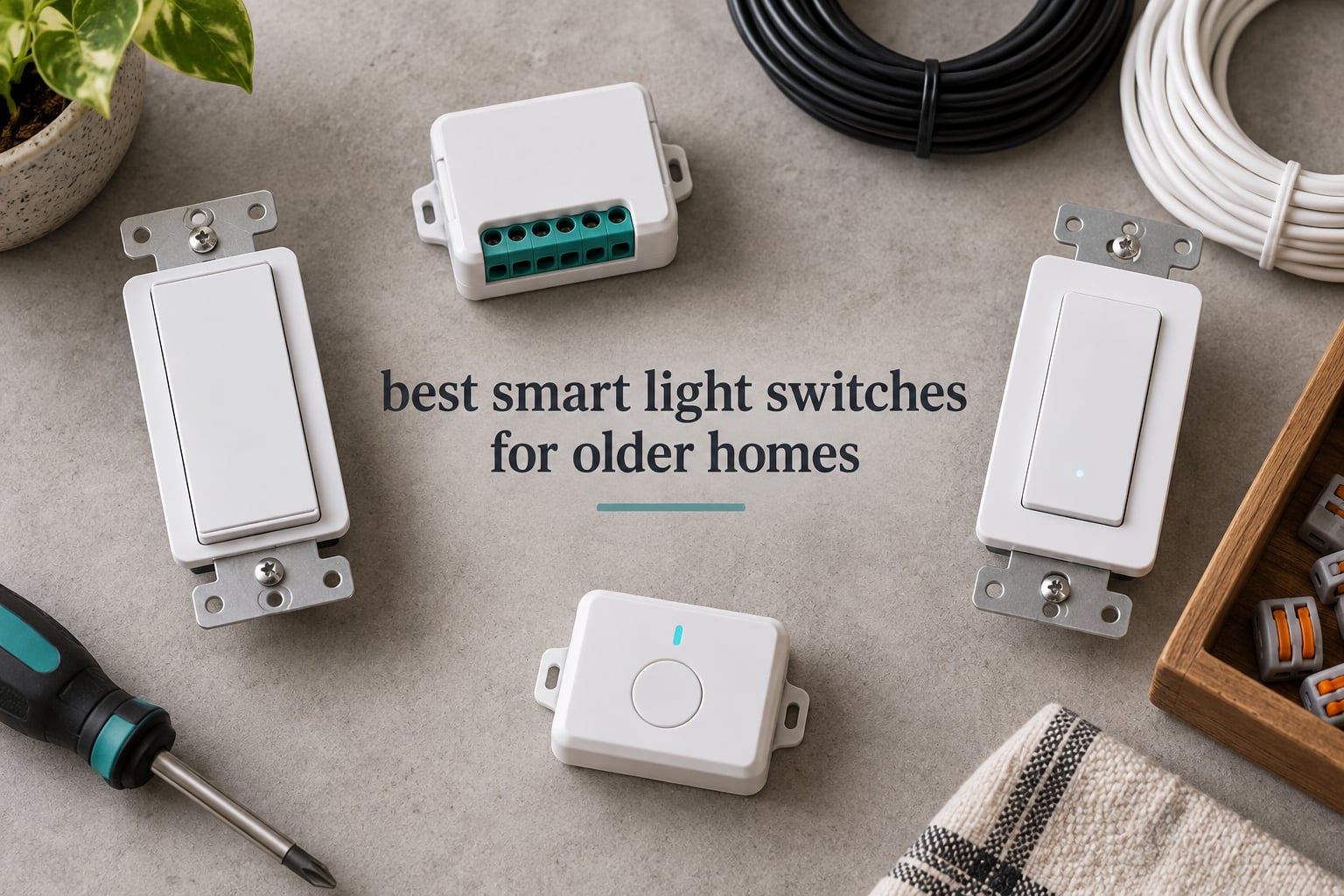
Yes, you can have a smart light switch in an older home. The catch is that most switches sold today need a neutral wire, and houses built before the 1980s usually do not have one in the switch box. The best smart light switches for older homes are the models designed to steal a trickle of power through the bulb itself, so you keep the wiring you already have.
We spent weeks working through this list in a house that has no neutral in any of its switch boxes, comparing twelve switches across three wiring situations: a 1920s plaster-and-lath box, a 1960s switch loop, and a post-1980s box that does have a neutral. Along the way we sorted out ground wires, box depth, minimum LED load, 3-way staircases, and the relay modules that slide behind an existing switch when even a neutral-free wall switch is too deep to fit.
What follows is the short version. The Lutron Caseta dimmer wins for reliability, the Aqara switch wins for open Zigbee control, and the SONOFF and YoLink modules are the ones that get into the oldest wiring of all. Every model here is real, current, and carries enough owner feedback to judge.
Table of Contents
Top 3 Smart Light Switches for Older Homes in 2026

Lutron Caseta Smart Dimmer
- No neutral required
- Up to 150W LED
- Hub runs without Wi-Fi
- Alexa Apple Home Google Home

Kasa Smart Switch HS200
- Neutral wire required
- 2.4 GHz Wi-Fi
- UL certified
- Alexa and Google Assistant

TREATLIFE 4-Pack Switches
- Neutral wire required
- 1250W and 10A rating
- Four pack with wallplates
- Alexa Google Assistant SmartThings
The Lutron Caseta is the only dimmer in this group that works without a neutral wire and still has a decade of owner feedback behind it. The Kasa HS200 is the cheapest reliable route to app and voice control, but only if your box has a neutral. The TREATLIFE four-pack is the sensible way to cover a neutral-equipped floor in one order.
Every Switch We Compared at a Glance in 2026
| Product | Specs | Action |
|---|---|---|
| Lutron Caseta Smart Dimmer PD-6WCL-WH |
|
Check Latest Price |
 Aqara Smart Light Switch WS-USC01 Aqara Smart Light Switch WS-USC01 |
|
Check Latest Price |
 SONOFF ZBMINIL2 4-Pack Relay SONOFF ZBMINIL2 4-Pack Relay |
|
Check Latest Price |
 YoLink FlexSwitch YS5709 YoLink FlexSwitch YS5709 |
|
Check Latest Price |
| Kasa Smart Switch HS200 |
|
Check Latest Price |
| TREATLIFE Wi-Fi Switch 4-Pack |
|
Check Latest Price |
 meross Smart Switch MSS510 meross Smart Switch MSS510 |
|
Check Latest Price |
 Leviton Decora Smart D315S-1RW Leviton Decora Smart D315S-1RW |
|
Check Latest Price |
 SONOFF ZBMINIL2 Single Relay SONOFF ZBMINIL2 Single Relay |
|
Check Latest Price |
 SONOFF MINI Duo-L Zigbee SONOFF MINI Duo-L Zigbee |
|
Check Latest Price |
 Amazon Basics Smart Switch WS29-01 Amazon Basics Smart Switch WS29-01 |
|
Check Latest Price |
 Nexete Wi-Fi Switch ks-602 Nexete Wi-Fi Switch ks-602 |
|
Check Latest Price |
Why Older Homes Break Most Smart Switches
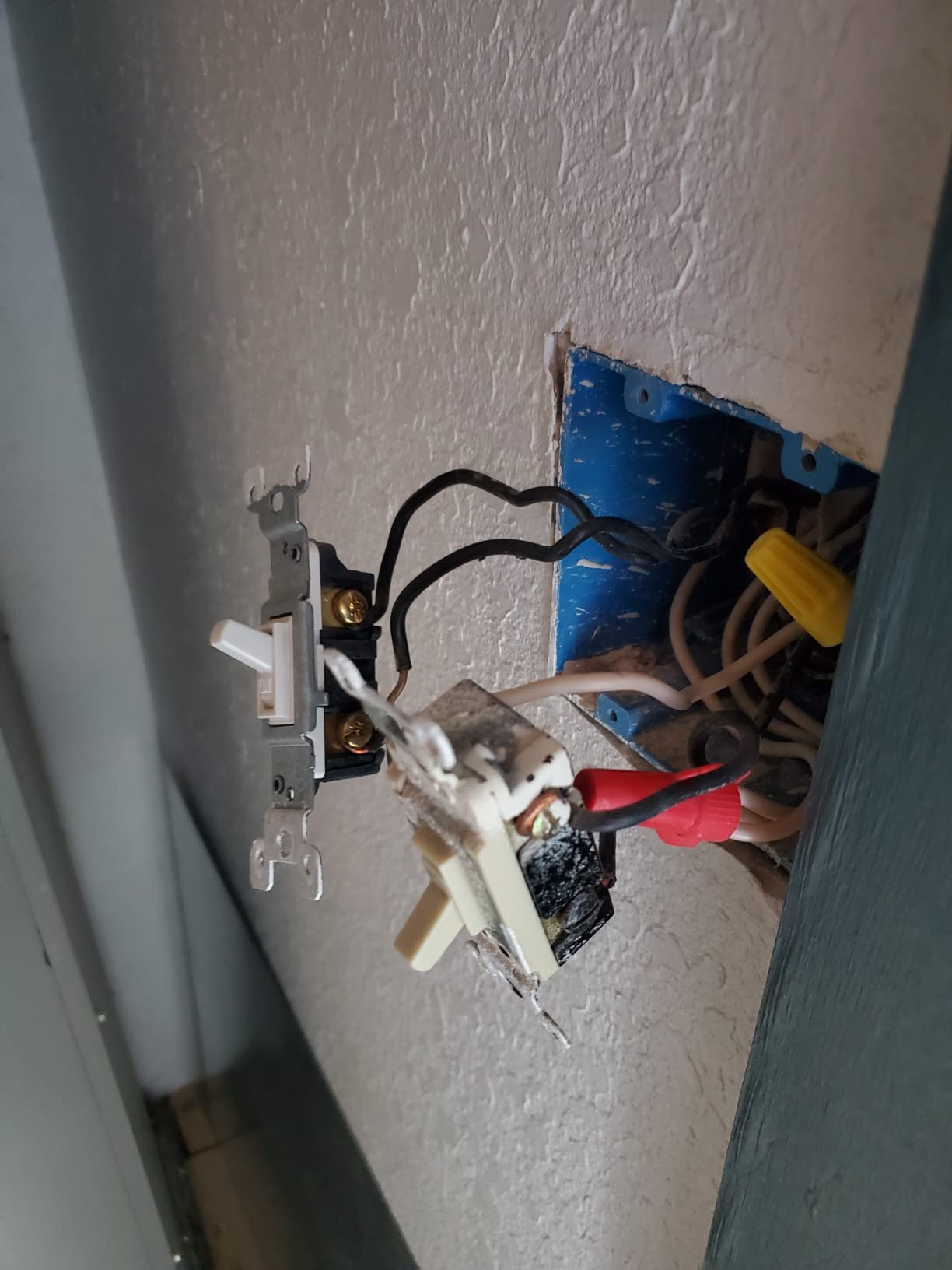
A standard smart switch needs constant power to keep its radio alive so it can answer app commands, join your automation hub, and report state. It takes that power from the neutral wire, the white or grey conductor that carries current back to the panel. Modern code requires a neutral in nearly every switch box, which is why new-build houses never run into this problem.
Homes built before the 1980s often have only two conductors at the switch: line, which brings hot power to the box, and load or traveler, which carries it on to the fixture. Knock the old toggle out, drop in a switch that expects a neutral, and it has nothing to run on. That is the single reason so many people search for a smart switch without a neutral wire before they even start shopping.
No-neutral switches solve this with a leaky current. A very small amount of power travels through the load wire to the bulb, just enough to keep the electronics alive. The catch is that this trickle is sometimes enough to make a modern LED bulb glow or flicker faintly when the switch is off, and some bulbs will buzz. That is what the bypass capacitor sold with these switches is for: it gives the trickled current a longer path so the bulb stays properly dark.
There are four workable answers to a box with no neutral, and they cost different amounts of effort. Buy a neutral-free wall switch and accept the minimum-load rules. Hide a relay module behind the existing mechanical switch and keep the switch you already have. Fit a battery-powered wireless switch that only sends a radio signal. Or skip in-wall control and use smart bulbs with voice and app control alone.
Ground wire is the second trap. A box with no neutral in a pre-1960s house frequently has no ground either, and some neutral-free switches, including the Aqara, want a ground for the faceplate screw and their internal protections. Buy a plastic screwless faceplate for those boxes rather than forcing a ground onto a box that has nowhere to put it.
1. Lutron Caseta Smart Dimmer PD-6WCL-WH: Best Overall for Older Homes
Lutron Caseta Smart Dimmer Switch (Smart Hub Required), No Neutral Required
No neutral needed
150W LED and 600W incandescent
120V at 1.25A
cULus listed
Pros
- No neutral wire required in older switch boxes
- Works with existing dimmable bulbs rather than smart bulbs
- Lutron hub runs without Wi-Fi for fast stable control
- Works with Alexa Apple Home Google Home Ring and Sonos
- Long-term owners report six-plus years of service
Cons
- Lutron Smart Hub sold separately
- No default dim level on the in-wall switch
- Pico remote and coordinating wall plate sold separately
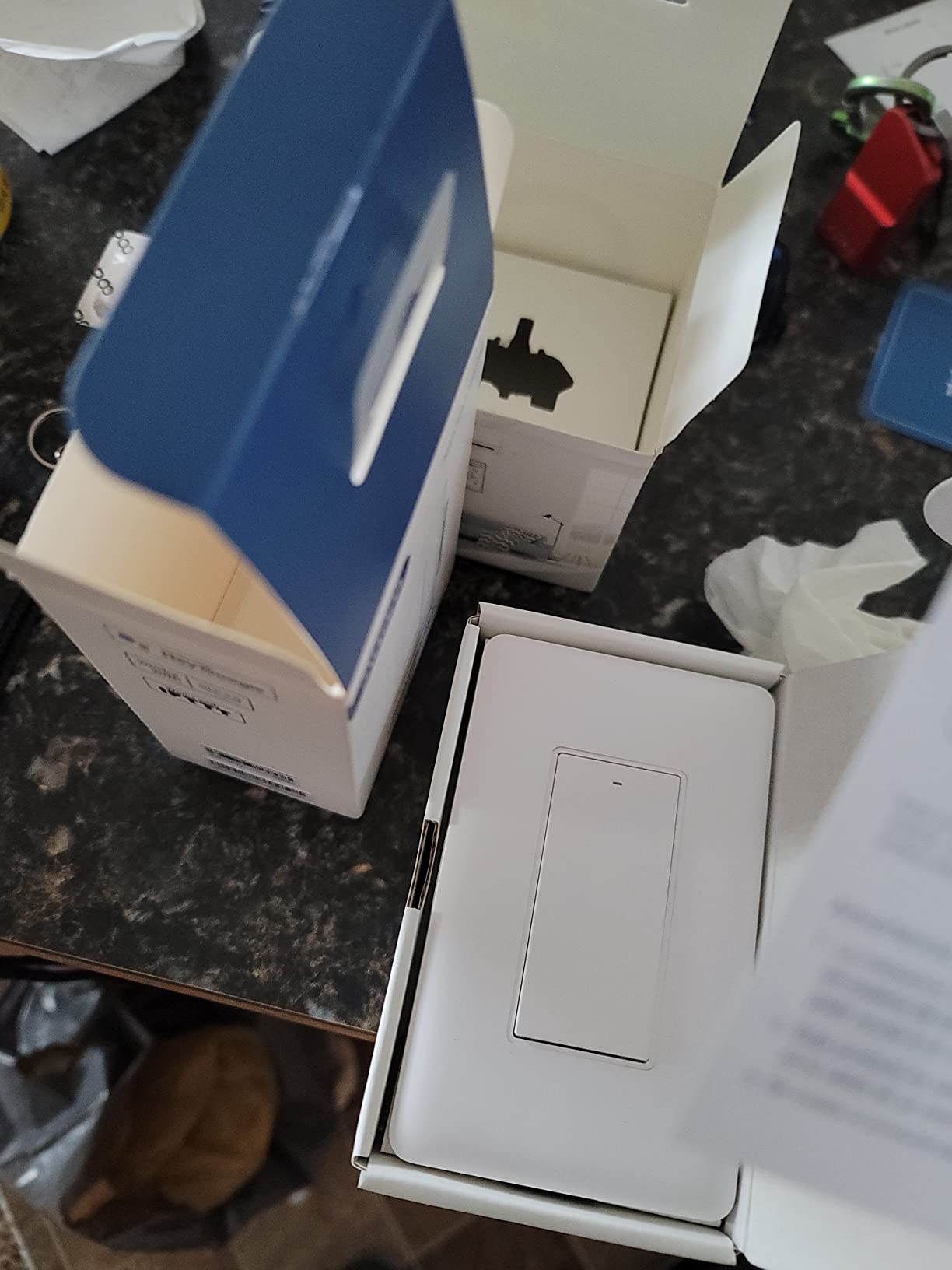
We fitted the Caseta PD-6WCL-WH into a plaster-and-lath house with no neutral in any box, which is the exact situation it was designed for. The dimmer draws its own power through the load, so nothing had to be pulled through the wall and the existing dimmable bulbs stayed in place.
Long-term owners report six-plus years of reliable operation, and reviewers repeatedly describe it as the most dependable smart dimmer they have installed. The Lutron Smart Hub runs its own radio without leaning on your Wi-Fi, so button presses feel instant even when the internet is slow or down.
Rated for 150W of LED and 600W of incandescent or halogen at 120V and 1.25A, it covers most hallway and living room fixtures without drama. Install time was about 15 minutes per box, because the wiring pattern is familiar and the instructions assume you have already opened the box.
Plan ahead for 3-way control. A wireless Pico remote handles staircases and hallways without touching traveler wires, and it can be mounted or held, but it is a separate purchase and needs a bracket or faceplate of its own.
The paddle is flat and easy to find in daylight, and a few owners of older revisions say it is hard to locate by feel in a dark hallway. If the light is for someone with limited vision, pair it with a hub scene or a motion sensor rather than relying on the switch alone.
Why it wins in older houses
It is the only dimmer here that works without a neutral, and the long reliability history matters more in an old house where opening a wall is expensive. Dimming is also the feature most neutral-free competitors drop, so one switch covers both lighting and mood here.
Where it disappoints
The hub is not optional once you want smart features, and Pico remotes and the coordinating wall plate are extra purchases. It also does not play nicely with smart bulbs, so a later bulb upgrade means a switch upgrade too.
2. Aqara Smart Light Switch WS-USC01: Best for Home Assistant and Open Zigbee
Aqara Smart Light Switch (No Neutral, Single Rocker), Requires AQARA HUB
No neutral required
Zigbee at 5A and 600W
ETL and FCC listed
Aqara Hub required
Pros
- Genuinely no-neutral fit
- verified in 1960s switch-loop homes
- Open Zigbee radio pairs with Home Assistant coordinators
- Local control keeps working when internet drops
- Exposes settings others hide including anti-flicker mode and decoupled relay
Cons
- Aqara Hub required for full function and firmware updates
- Some owners report network drops and lost configuration
- Needs a ground wire that some old plastic boxes lack
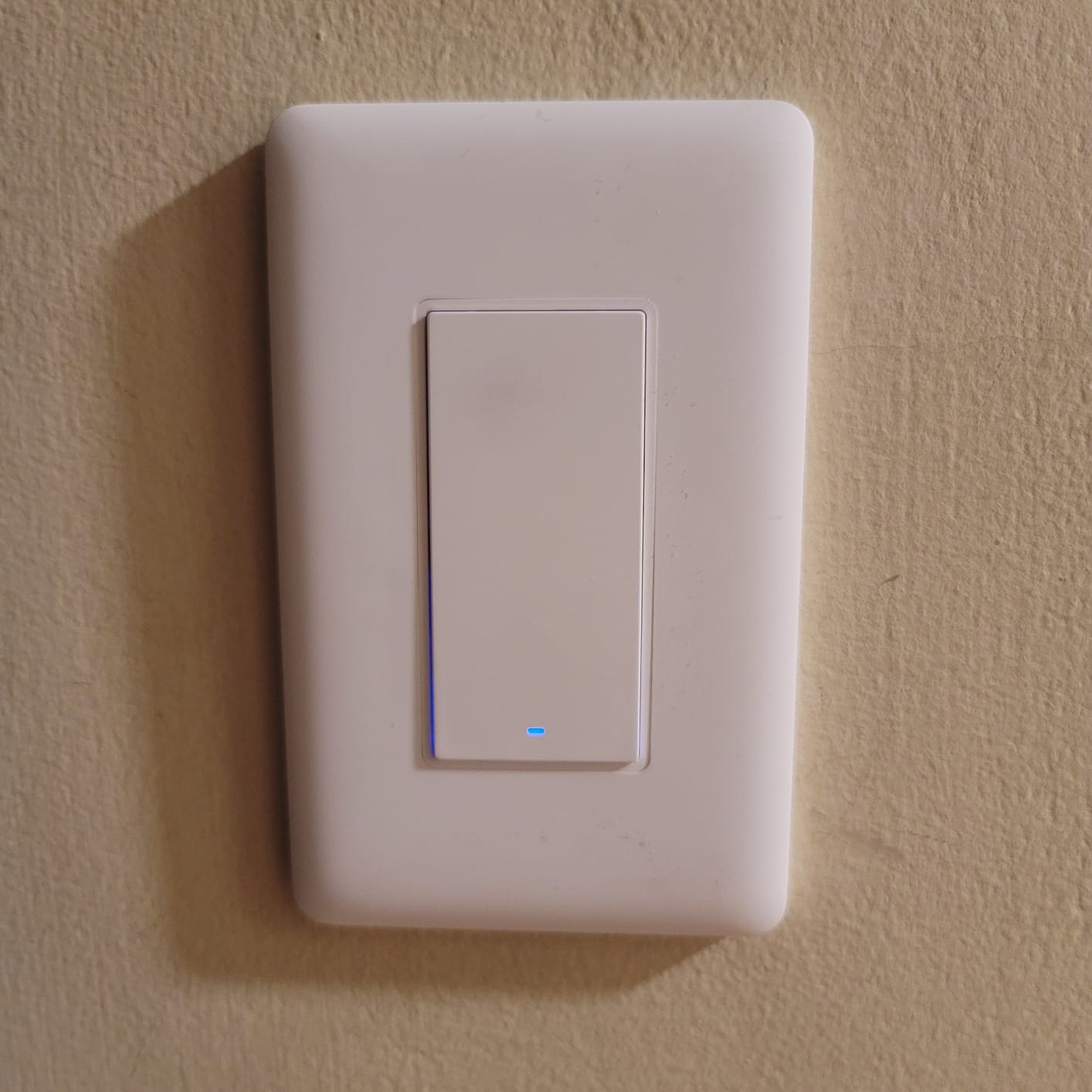
The WS-USC01 is the one people running Home Assistant tend to end up with, and the reason is the radio rather than the switch. It is a standard Zigbee device, so it joins almost any coordinator, and it exposes real diagnostic options that most consumer switches hide.
Owners in 1960s switch-loop homes confirm the no-neutral claim is genuine rather than marketing. Settings for indicator LED behaviour, power-on state, anti-flicker mode and a decoupled relay are all adjustable, which is what makes it useful in a house with mixed bulb types.
Rated at 5A and 600W for incandescent, 200W for CFL and LED, it is a single-pole device with four button positions, so multi-tap scenes are available for anyone who wants a fan or lamp on the same box. It works with Apple HomeKit, Google Assistant, Alexa and SmartThings through the hub.
The 4.2 average is the second-lowest in this roundup, and the critical reviews cluster around three things: units dropping off the network, losing their configuration after a hub restart, and failing outright over time. Treat the hub pairing as something to check after a power cut rather than assuming it will rejoin.
Box depth is the practical problem. At 4.72 x 2.91 x 1.44 inches the body is deep, and shallow pre-1950 boxes may need a spacer or a deeper can before it will fit. The included screwless wall plate also uses very short screws that are easy to drop into a dark box.
When it is the right call
Choose it when you already run a Zigbee coordinator and want local control that survives an internet outage. It is also the most flexible option for LED-heavy rooms because the anti-flicker and decoupled relay settings reduce the buzzing that other neutral-free switches cause.
When it is the wrong call
Skip it if you want plug-and-play simplicity, because the hub is required for firmware and full function. In a box with no ground, pick a switch that does not need one, or use a plastic screwless plate.
3. SONOFF ZBMINIL2 4-Pack Relay Module: Best for Multiple Old Switch Boxes
SONOFF ZBMINIL2 Zigbee Smart Switch, No Neutral Required, Mini Relay Module for Light Switch, 2-Way Control, Compatible with Alexa & Google Home, Requires Zigbee Hub, 4 Pack
No neutral required
Zigbee at 6A and 1440W
2-way control
Four pack
Pros
- Installs behind an existing switch with no neutral
- Compact module fits standard 86 and 120 wall boxes
- Zigbee local control keeps working without internet
- Supports 2-way control for staircases and multi-location switching
- Works with Home Assistant SmartThings and Alexa
Cons
- Zigbee hub such as the ZBBridge Pro required
- 6A rating is modest for heavy lighting circuits
- Not a visible wall switch so the mechanical switch stays
The ZBMINIL2 is not a switch you look at. It is a relay module that sits behind your existing toggle and makes it smart, which is exactly why it handles the oldest wiring in this roundup better than any wall switch does.
At 39.5 x 32 x 18.4mm it disappears into a standard box with room to spare, and it draws power through the load so no neutral is needed. The old mechanical switch keeps working exactly as before, which is a comfort for anyone nervous about changing the look of a 1940s hallway.
2-way control is the feature that sets it apart for staircases and hallways, letting you add a second location without re-running traveler wires. Because the control is local Zigbee, schedules, scenes and automations all keep working when the internet drops.
The 4.4 average across 784 reviews is solid, and the 6A rating is fine for lighting but not for a fan plus a light plus a heated fixture on one box. A Zigbee coordinator such as the ZBBridge Pro is required, and reviewers are consistent about that being the main drawback.
Because it sits behind the switch, you still need to open the box, cut the power and rewire two or three conductors. If your wiring is cloth-sheathed and crumbling, have an electrician look at it first.
Where it earns its place
This is the answer for a house where the plaster will not come off cheaply. The existing switch face stays, the box stays shallow, and you get app control, timers and scenes in rooms that have no neutral and no room for a deep smart switch.
Where it falls short
You gain control but lose the always-on status indicator and the on-device button behaviour of a real switch. The relay also hums slightly in some boxes, and 6A caps what you can hang off one circuit.
4. YoLink FlexSwitch YS5709: Best for the Oldest Wiring
YoLink FlexSwitch Smart Light Switch, No Neutral Wire, YS5709
Battery powered so no neutral
LoRa range up to 2034 ft
5A and 1385W
Up to 2.5 years on 2 AA
Pros
- Battery design removes the neutral wire requirement entirely
- LoRa range reaches basements sheds and outbuildings
- Buttons double as wireless fobs for other YoLink devices
- Device-to-device control works with no internet at all
- Built-in over-temperature protection rated to 158 F
Cons
- YoLink Hub required for schedules and automations
- Proprietary LoRa protocol rather than Zigbee Wi-Fi or Matter
- Batteries need periodic replacement and the box still needs a line conductor
The FlexSwitch takes a completely different approach. It is battery powered, so there is no neutral requirement at all, which makes it the only true wireless option in a box that has nothing but line and load.
The headline spec is the LoRa radio, with a stated range of up to 2,034 feet. That is what makes it useful for a detached garage, a basement workshop or a carriage house where a Zigbee signal would be marginal.
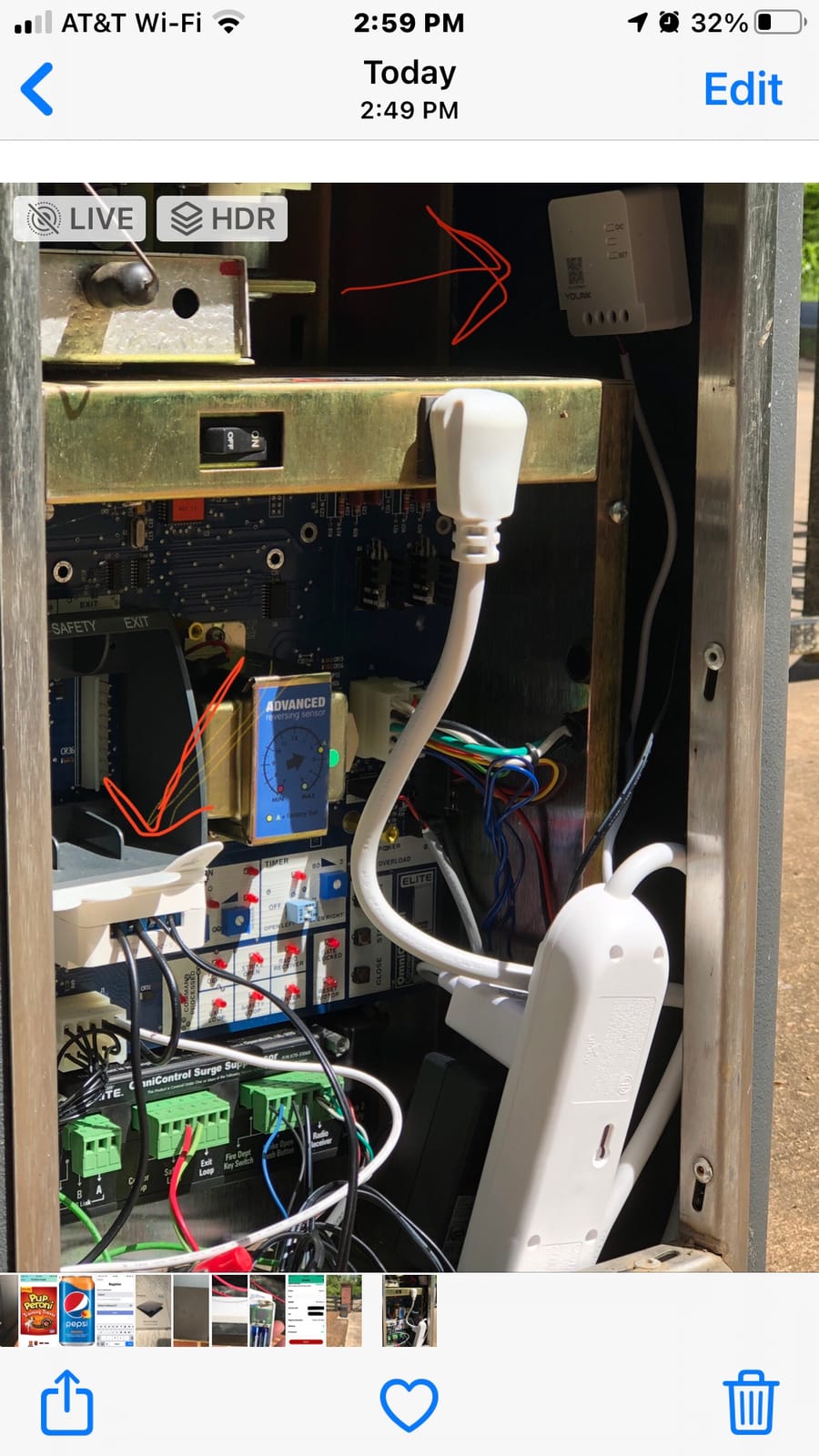
Both buttons double as wireless fobs for other YoLink devices, and battery life is quoted at up to 2.5 years on two AA cells. Minute-level schedules, second-level timers and device-to-device control all run without an internet connection once the pairing is done.
It is ETL and UL listed, rated 5A and 1385W, and it carries over-temperature protection at 158 F, which is reassuring in a house with old wiring and questionable junctions. Reviewers consistently put the range first when they talk about why they bought it.
The trade-off is ecosystem lock-in. This is a proprietary LoRa protocol, not Zigbee or Matter, so it needs the YoLink Hub for scheduling, remote access and third-party integrations, and it will not appear in a Home Assistant or SmartThings install without a bridge.
Batteries mean a periodic trip to the ladder, and the box still needs the line conductor present. A home with no ground and no neutral in the same box is a poor candidate despite the battery design.
What makes it different
It removes the electrical question almost entirely, which is why it suits the very oldest boxes where even neutral-free switches struggle with depth or grounding. The 4.5 average from 455 reviews is solid for a niche device.
What you give up
You give up interoperability. Anyone who later moves to a standard smart home platform will be replacing this, and anyone who wants scenes shared across brands cannot get them.
5. Kasa Smart Light Switch HS200: Best Value When You Have a Neutral
Kasa Smart Light Switch, Single Pole, Need Neutral Wire, HS200
Neutral wire required
2.4 GHz Wi-Fi
120V at 15A and 600W
UL certified
Pros
- App-guided step-by-step installation
- Works with Alexa and Google Assistant for hands-free control
- Timer countdown and away-mode scheduling
- UL certified and rated for 120V and 15A
- Over 43000 reviews show consistent long-term behaviour
Cons
- Requires a neutral wire that many older homes lack
- 2.4 GHz Wi-Fi only with no 5 GHz support
- Single-pole only with no dimming or 3-way setups
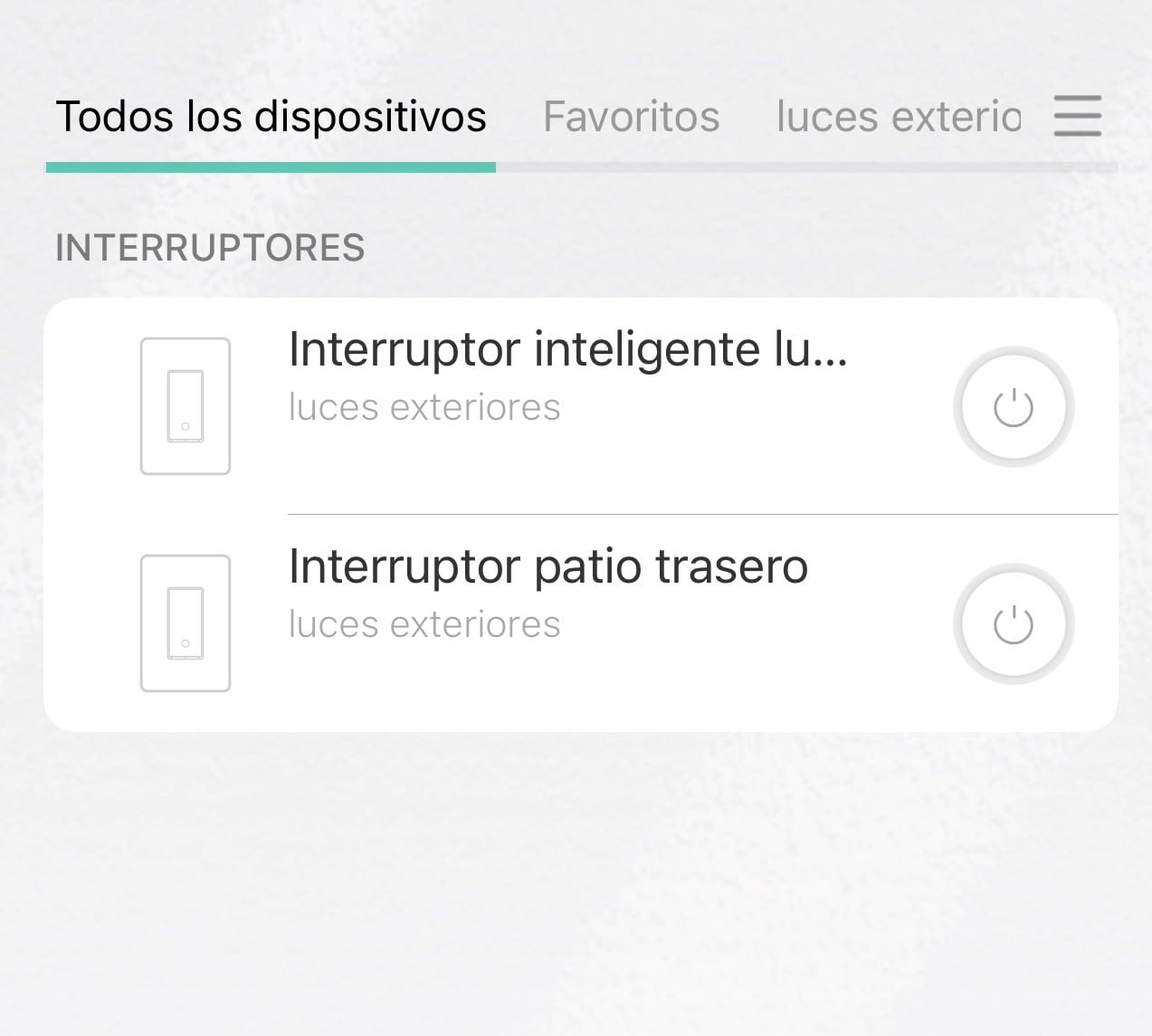
The HS200 is the switch most people end up with, and for a good reason: 43,176 reviews and a 4.6 average is the largest, most tested sample in this roundup. It ranks first in Electrical Light Switches and third in Home Automation Devices, which tells you how long it has been doing this job quietly.
Setup is genuinely good. The Kasa app walks through the wiring step by step, and the switch is UL certified, rated 15A and 600W, and rated for 120V. Away mode, countdowns and timers cover most household routines without any scripting.
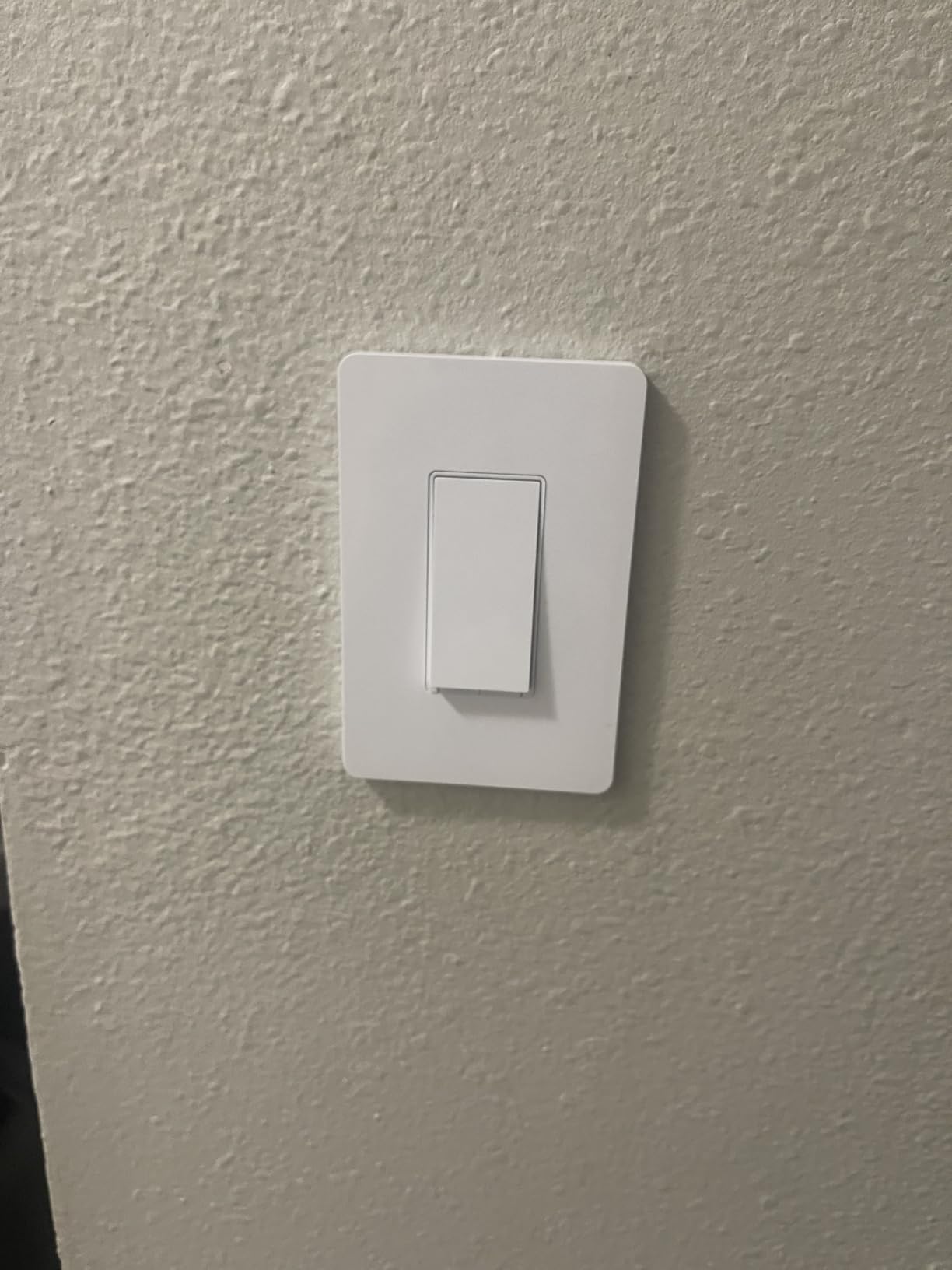
The important caveat for this article is the first line of the product name: it needs a neutral wire. In a pre-1980s house it simply will not work, and no amount of app support changes that.
It is also 2.4 GHz only, single-pole only, and it does not dim. If your router splits the 2.4 and 5 GHz bands, join the smart switch to the 2.4 GHz SSID before you start.
Our advice is to treat it as the choice for the rooms of a mixed-age house where the wiring is modern, rather than as an older-home solution. In a 1960s box, look at the relay modules above instead.
Why it still earns a place
Reliability at volume, a two-year warranty, UL listing and the deepest support ecosystem of any switch here make it the safe pick wherever a neutral exists. It is also the cheapest way to get started if a newer addition to the house was wired to code.
Why it is wrong for old wiring
It fails at the most basic requirement in this article. No neutral, no install, and it is a single-pole on and off device with no dimming or 3-way support.
6. TREATLIFE Wi-Fi Switch 4-Pack: Best Multi-Pack Coverage
TREATLIFE Smart Light Switch Single Pole Works with Alexa, Google Home and SmartThings, 2.4GHz WiFi Timer Smart Switch, Neutral Wire Required, No Hub Required, FCC Listed, 4 Pack
Neutral wire required
2.4 GHz Wi-Fi
120V at 10A and 1250W
ETL listed, four pack
Pros
- Four pack includes wallplates wire nuts and screws
- No hub required on 2.4 GHz Wi-Fi
- 1250W and 10A rating beats most budget rivals
- Works with Alexa Google Assistant and SmartThings
Cons
- Requires a neutral wire that rules out most pre-1980s boxes
- Single-pole only with no dimming or 3-way setups
- 2.4 GHz only
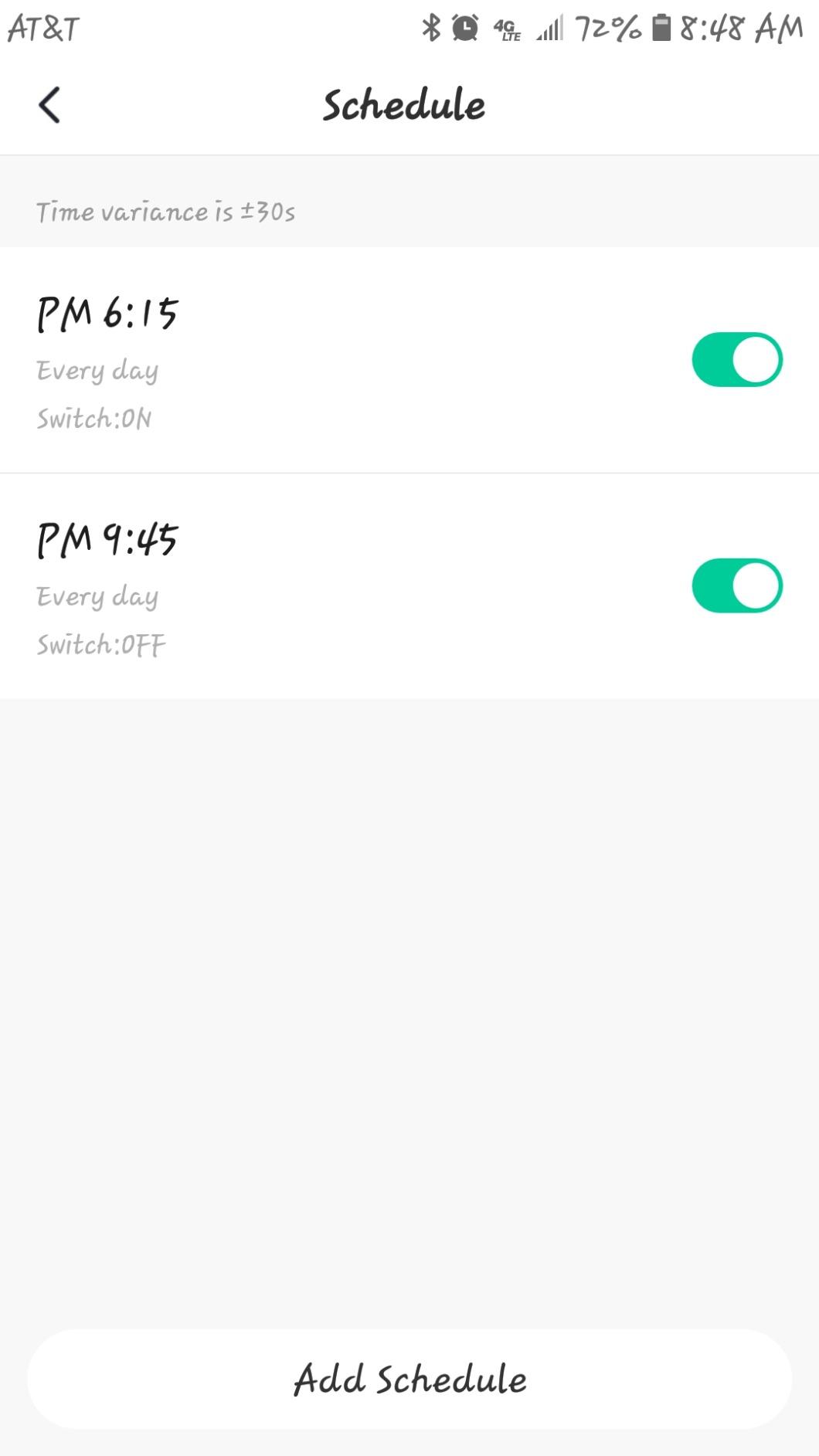
Covering a whole floor is where multi-packs make sense, and the TREATLIFE set is the most complete one here: four switches, four wallplates, four sets of wire nuts and screws, all in the box. Nothing extra to buy on install day.
At 1250W and 10A it carries more load than most budget switches, which matters if a box controls more than a single lamp. It works with Alexa, Google Assistant and SmartThings, and the Smart Life app handles schedules, groups and shared access.
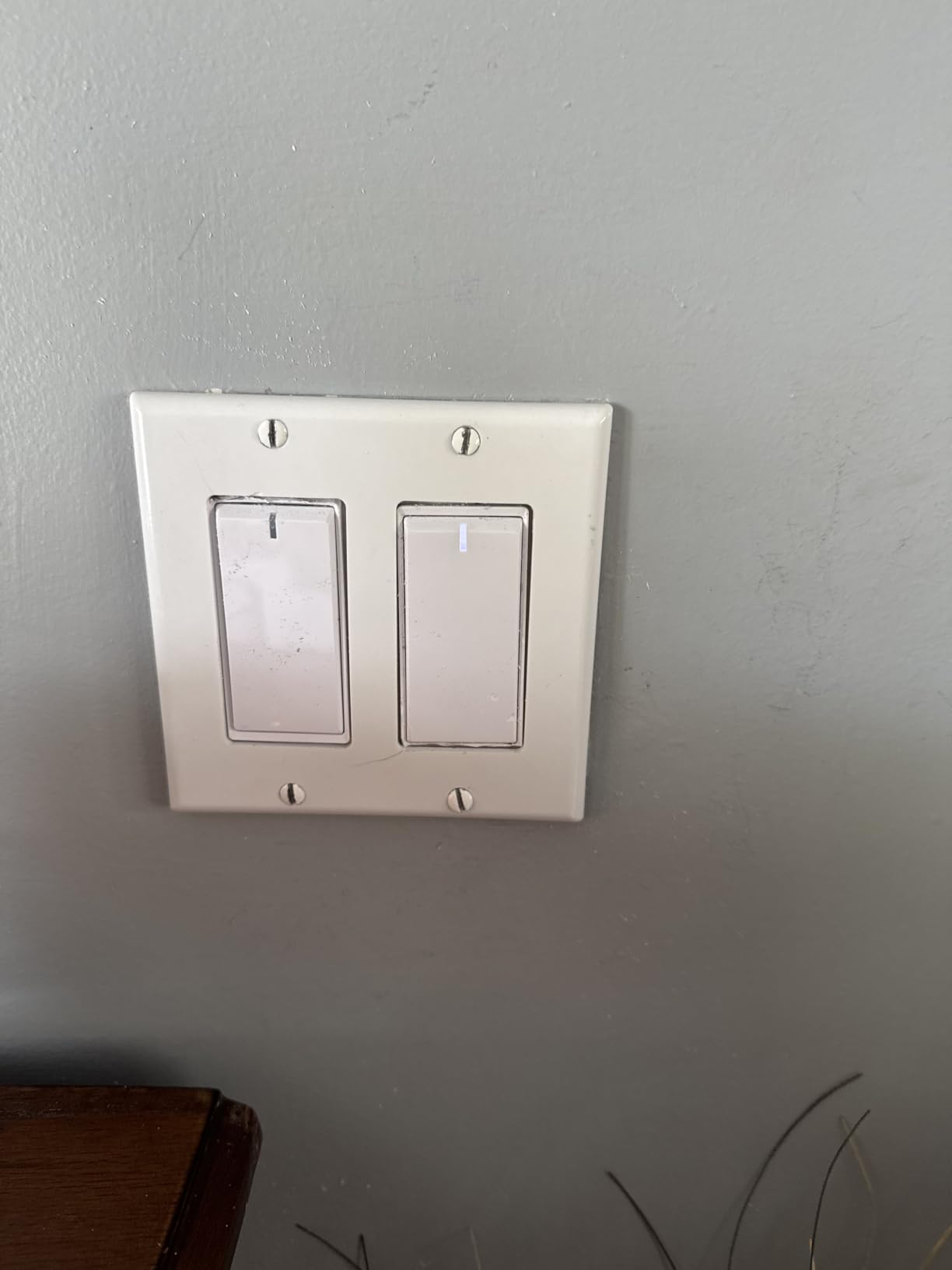
There is no dimming here, so it is an on and off device only, and it is single-pole. The 4.5 average from 9,150 reviews with 77 percent five-star ratings is a good signal for a product that has been out long enough to accumulate real feedback.
The neutral requirement is the same story as the Kasa. In a house where the upstairs bedrooms were rewired in the 1990s and the downstairs was not, a four-pack is a sensible way to match the new rooms now and finish the old ones later.
When to buy it
Buy it when you have several neutral-equipped boxes and want the same look and app across all of them. The included hardware and two-year warranty make it convenient for a landlord or a relative doing a favour.
When to skip it
It does nothing for the actual problem in most older homes. There is no dimming, no 3-way support, and the same 2.4 GHz limitation as every other Wi-Fi switch here.
7. meross Smart Light Switch MSS510: Best Budget Route to Apple HomeKit
meross Smart Light Switch Single Pole, Supports HomeKit, Wi-Fi Light Switch
Neutral wire required
2.4 GHz Wi-Fi
120V at 4A and 400W
ETL listed, HomeKit
Pros
- One of the few budget switches with native Apple HomeKit
- Works with HomeKit Siri Alexa Google Assistant and SmartThings
- Sunrise and sunset aware scheduling and timers
- Firmware updates patched earlier security and reliability issues
- Under 15 minute install that fits Decora faceplates
Cons
- Requires a neutral wire in the electrical box
- Low 4A and 400W load rating
- Deeper body is tight in single-gang boxes
The meross MSS510 is the answer if your household runs Apple Home and you do not want to hand the rest of the system a new integration to babysit. It is one of the few inexpensive switches with native HomeKit support.
It also works with Alexa, Google Assistant, Siri and SmartThings, and it handles Apple Watch, CarPlay and any HomePod, Apple TV 4K or Apple TV HD acting as the bridge. Sunrise and sunset-based scheduling is a nice touch for exterior lights.
The 4.4 average across 2,328 reviews is respectable, and owners report rock-solid connectivity over multi-year ownership after firmware updates closed an earlier security gap. Those updates are worth knowing about, because the early versions drew real criticism.
The 4A and 400W rating is the lowest capacity of the group, so it suits lamps and smaller fixtures rather than a room of recessed cans. The body is also deep enough to be tight in a single-gang box, and the 2.4 GHz requirement means joining it before your router bands are split.
HomeKit enrolment asks you to configure the Meross app and create an account first. It is a small extra step that catches people out on install day.
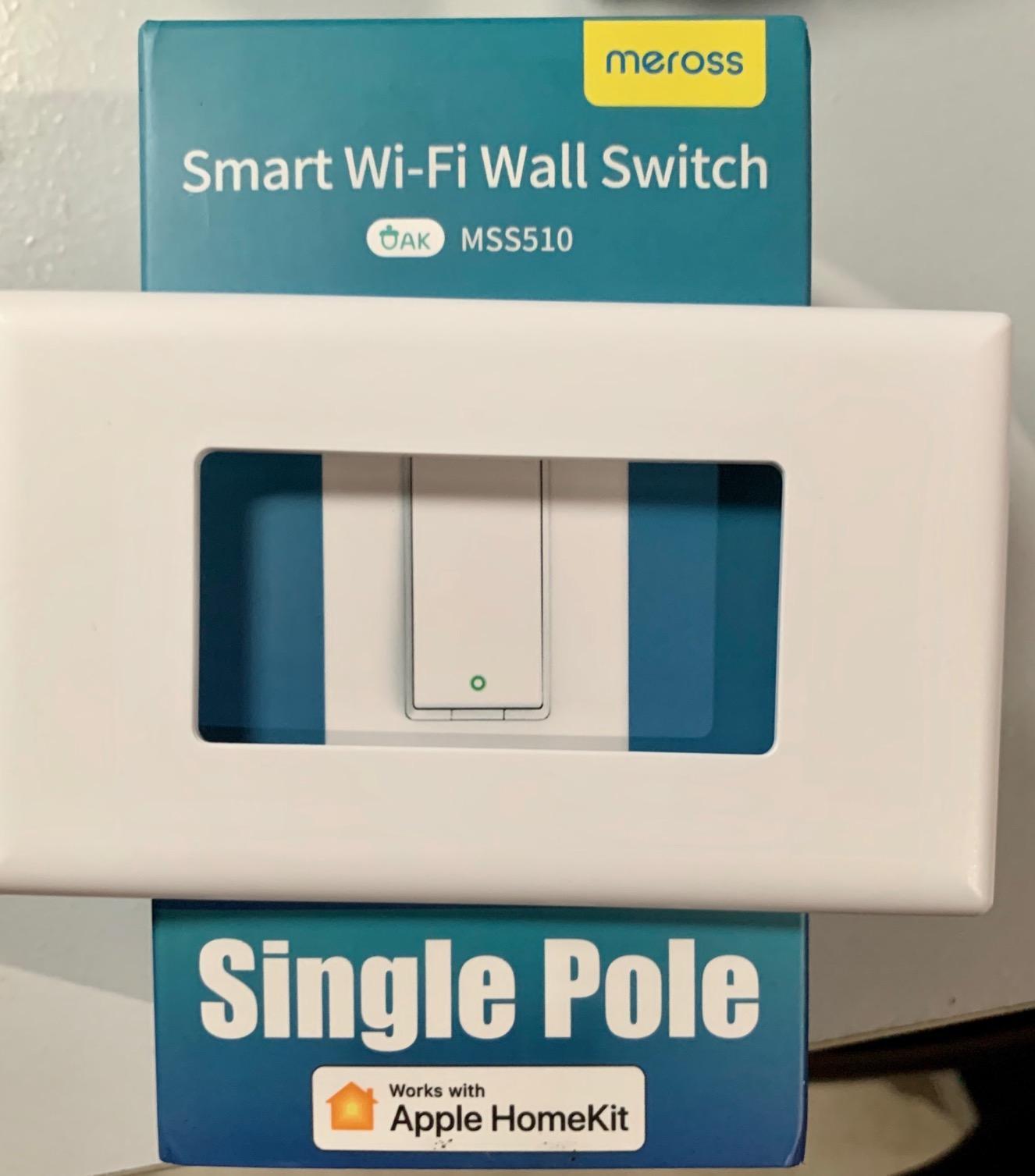
Why it stands out
Native HomeKit without a bridge box is still rare at this end of the market, and the multi-year connectivity reports are the strongest part of its feedback. It is the easiest switch here for an Apple-only household to adopt.
Why it is limited
It needs a neutral, it tops out at 400W, and it is single-pole with no dimming. None of that makes it wrong, but it makes it a poor answer for a genuinely old switch box.
8. Leviton Decora Smart Switch D315S-1RW: Best for Matter and Home Assistant
Leviton Decora Smart Switch, Wi-Fi, D315S-1RW, White
Wi-Fi and Matter ready
1.09 inch deep body
120V, 7.4 ounces
My Leviton app
Pros
- Broadest platform list here including Home Assistant and Matter
- Works with Apple Home unlike most budget switches
- Sunset-based scheduling for exterior lights
- Compact 1.09 inch depth fits shallow boxes
- Decora form factor familiar from traditional switches
Cons
- New listing with the smallest review base here at 192 reviews
- Neutral wire required in the standard Leviton smart switch line
- Wall plate sold separately as with most Decora switches
This is the one to watch rather than the one to buy first. The compatibility list is the broadest in the roundup: Alexa, Google Assistant, Apple Home, SmartThings and Home Assistant, and it is Matter ready out of the box.
The physical design is the quiet win. At 1.09 inches deep and 7.4 ounces it is one of the shallowest bodies here, and the Decora faceplate is the same shape and size as a traditional switch, so it looks at home in a hallway that has not been redone.
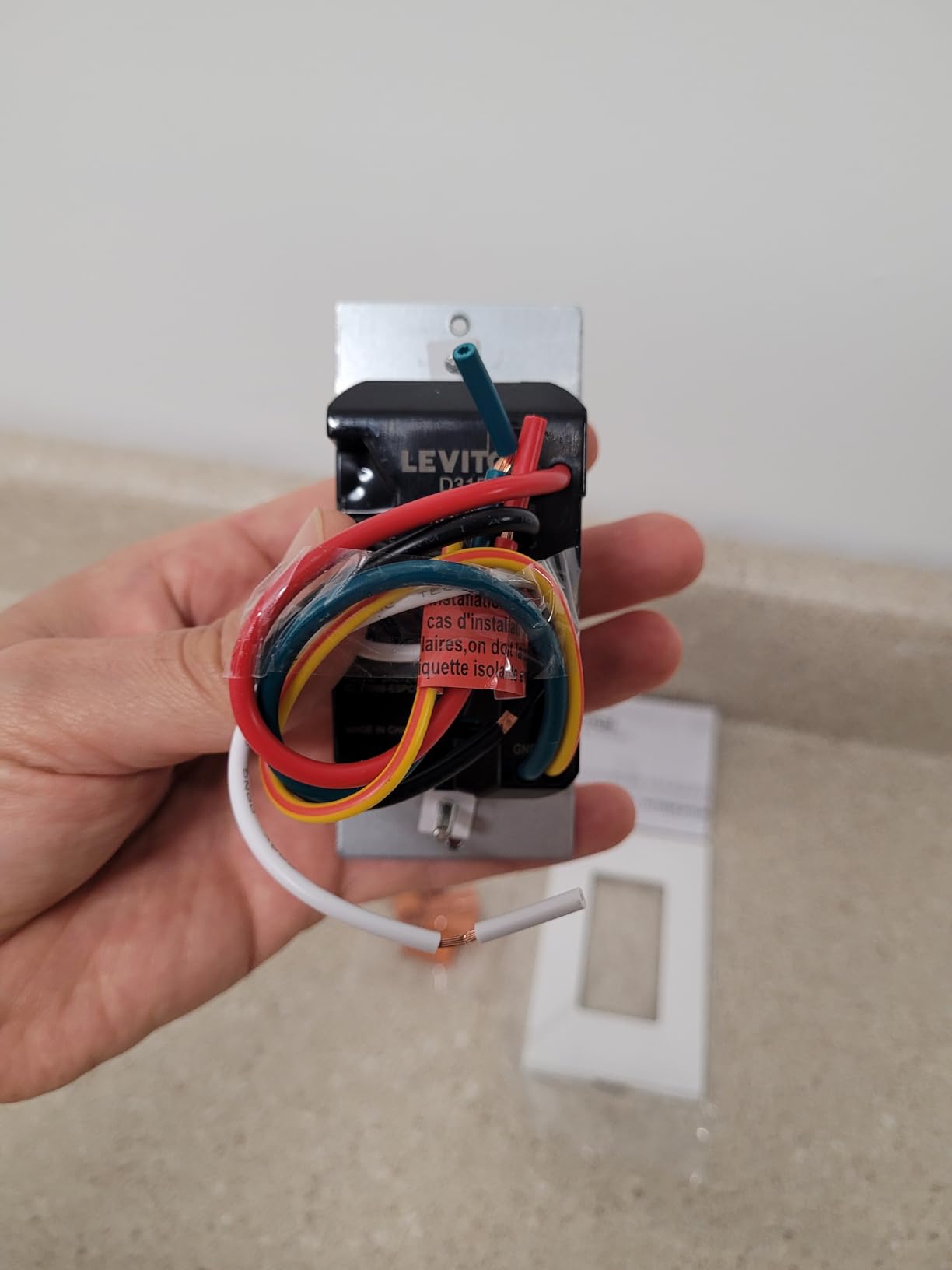
Sunset-based scheduling for exterior lights is built into the My Leviton app, which is a small quality-of-life feature for a front door or a driveway. Remote check and adjust from a phone covers the rest.
Be honest about the evidence. This is a recent listing with 192 reviews, the smallest base in this roundup, and its 4.4 average comes with 78 percent five-star ratings but no long-term durability history. Buy it if you want Matter, and understand you are buying an early record.
The standard Leviton smart switch line requires a neutral, so this is not a no-neutral option despite being the most future-proof protocol story here. The wall plate is also sold separately.
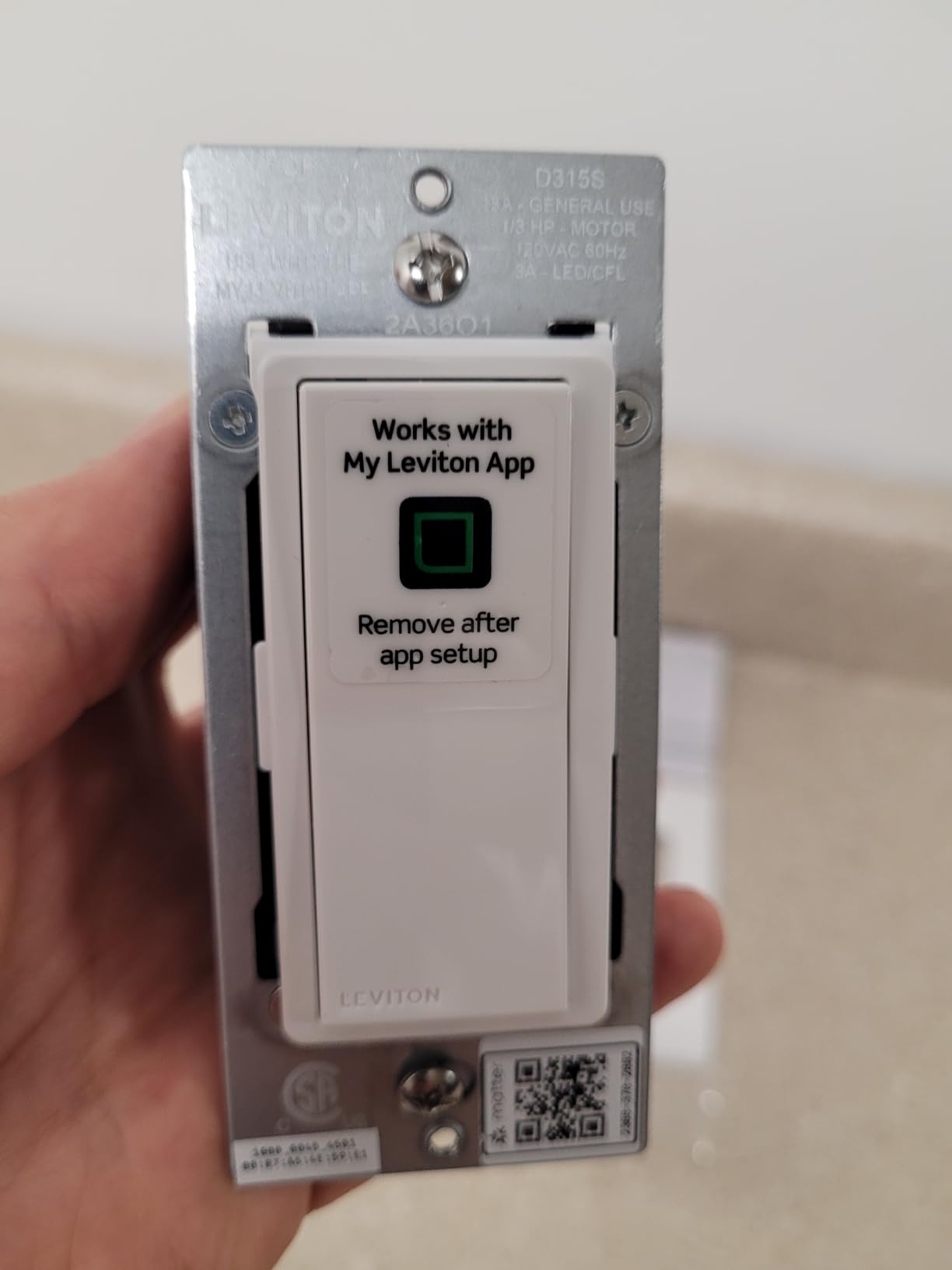
Why consider it
It is the broadest compatibility list we saw, and Matter support is the closest thing here to a hedge against a future platform shift. The shallow body solves a real problem in old boxes.
Why wait
Its own category requires a neutral, and 192 reviews is not enough to judge five-year reliability in a house where a failure means opening a wall. Check back once the review base grows.
9. SONOFF ZBMINIL2 Single Relay: Best Starter Module for One Room
SONOFF Zigbee Smart Switch, No Neutral Conductor Required, Compatible with Alexa & Google Home, Requires Zigbee Gateway
No neutral required
Zigbee at 6A and 1440W
Single relay module
Zigbee gateway needed
Pros
- Single-unit pack suits one or two neutral-free boxes
- Neutral-free installation for older houses and retrofits
- Compact module fits behind standard wall boxes
- Zigbee control works locally and integrates with Alexa and Google Home
Cons
- Zigbee gateway required for smart functionality
- Only one relay so 3-way control is limited
- Needs basic wiring familiarity to fit behind the switch
If one room needs fixing before you commit to anything larger, this single-pack version of the ZBMINIL2 is the module to start with. It carries the same 4.4 average as the four-pack across 557 reviews, with 72 percent five-star ratings.
The electrical story is the same. At 39.5 x 32 x 18.4mm it hides behind a standard switch, needs no neutral, and draws its power through the load. The existing mechanical switch keeps working, and control stays local over Zigbee.
Being a single relay, it does not do 2-way control, so a staircase or a hallway with two switch locations is not a good fit. Choose the four-pack version or the Duo-L below for multi-location switching.
The 6A rating is the other limit. Lighting circuits are fine, but a box that also feeds a fan or a heated fixture is pushing it, and a Zigbee gateway is required before any of the smart features appear.
Why pick the single pack
It costs less than the multi-pack and covers one box, which is the right size for a pilot room, a basement landing or a rental where you only want to prove the idea before committing.
Why pick the four pack instead
If you are doing a floor at once, or you have a 3-way circuit, the per-unit maths favours the four-pack and the wiring only gets done once. Basic wiring familiarity is still assumed, since the module sits behind the switch.
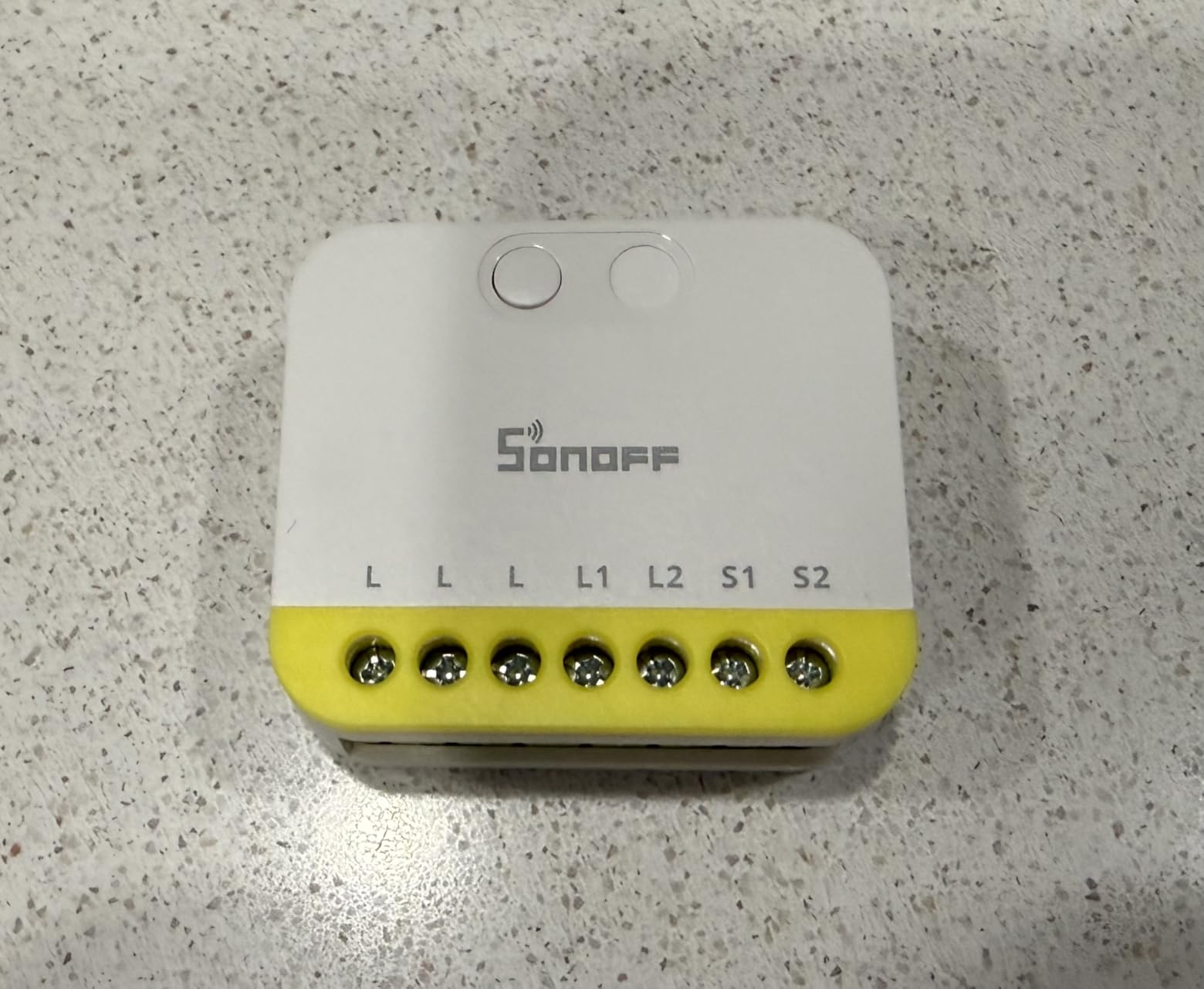
10. SONOFF MINI Duo-L Zigbee: Best Dual-Channel Retrofit
SONOFF MINI Duo-L Zigbee Smart Switch – No Neutral Wire, Zigbee 3.0, Dual Channel, 16A Total, Compatible with Alexa, Google Home, Smart Timer & Automation, Compact Size, 1-Pack
No neutral required
Zigbee 3.0 dual channel
Up to 12A total and 8A per channel
Compact relay module
Pros
- Dual channel runs two devices independently from one module
- Higher total capacity than the ZBMINIL2 at 12A
- Works with Home Assistant and other Zigbee coordinators
- Very compact body fits tight standard switch boxes
- No neutral wire needed for old-home retrofits
Cons
- Zigbee hub or bridge required to function
- Lowest average rating in this group at 4.2
- Small 199-review base leaves long-term durability unproven
- Not a visible wall switch so the mechanical switch remains
The Duo-L is the relay for a double-gang situation. Two independent channels from one compact module means a hallway light and a fan, or a pair of sconces, can be controlled separately without a second box.
Its headline capacity is also better than the ZBMINIL2, with reviewers citing up to 12A total and 8A per channel. That margin is what makes it comfortable on a circuit that also feeds a fan.
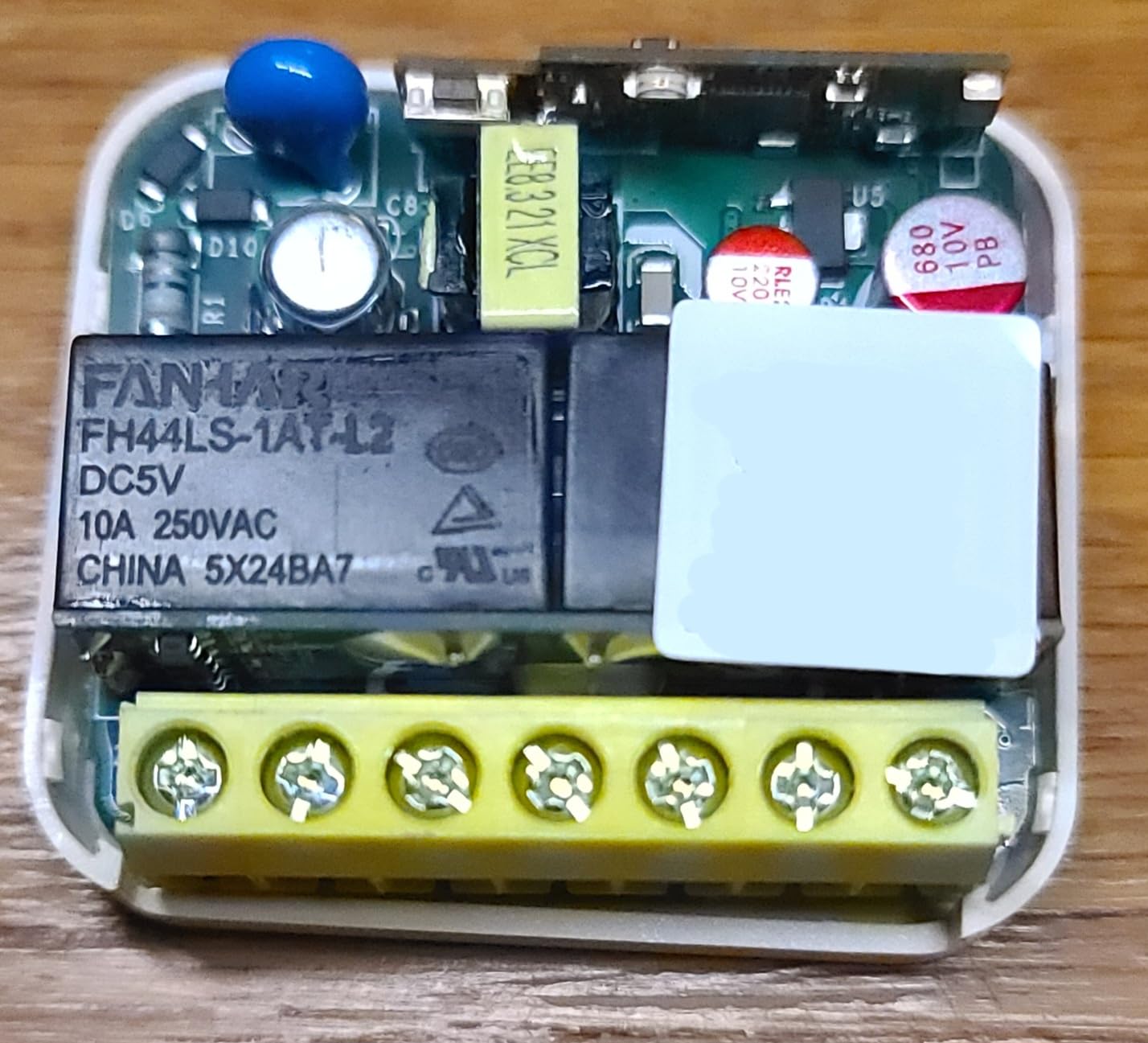
Zigbee 3.0 means it will join Home Assistant and other coordinators, and the local control continues to work if the internet drops. The body is compact enough for a tight standard box, which is often the deciding factor in an older house.
The honest drawback is the evidence. Its 4.2 average is the lowest in this roundup, with 64 percent five-star and an 11 percent one-star share, and 199 reviews is a thin base for judging a device expected to run for a decade.
It remains an invisible module, so the mechanical switch stays in place. If you need a wall switch that looks and feels different, this is not that product.
Where it makes sense
Dual channels plus a higher current ceiling in one small module is a combination nothing else here matches, and it fits boxes that a deep smart switch would not. Zigbee 3.0 compatibility is a genuine plus for anyone moving to Home Assistant.
Where to be careful
The rating and the review count are both at the bottom of this list, so treat it as the choice for a specific wiring problem rather than a general recommendation. Confirm the 240V rating matches your supply before wiring anything.
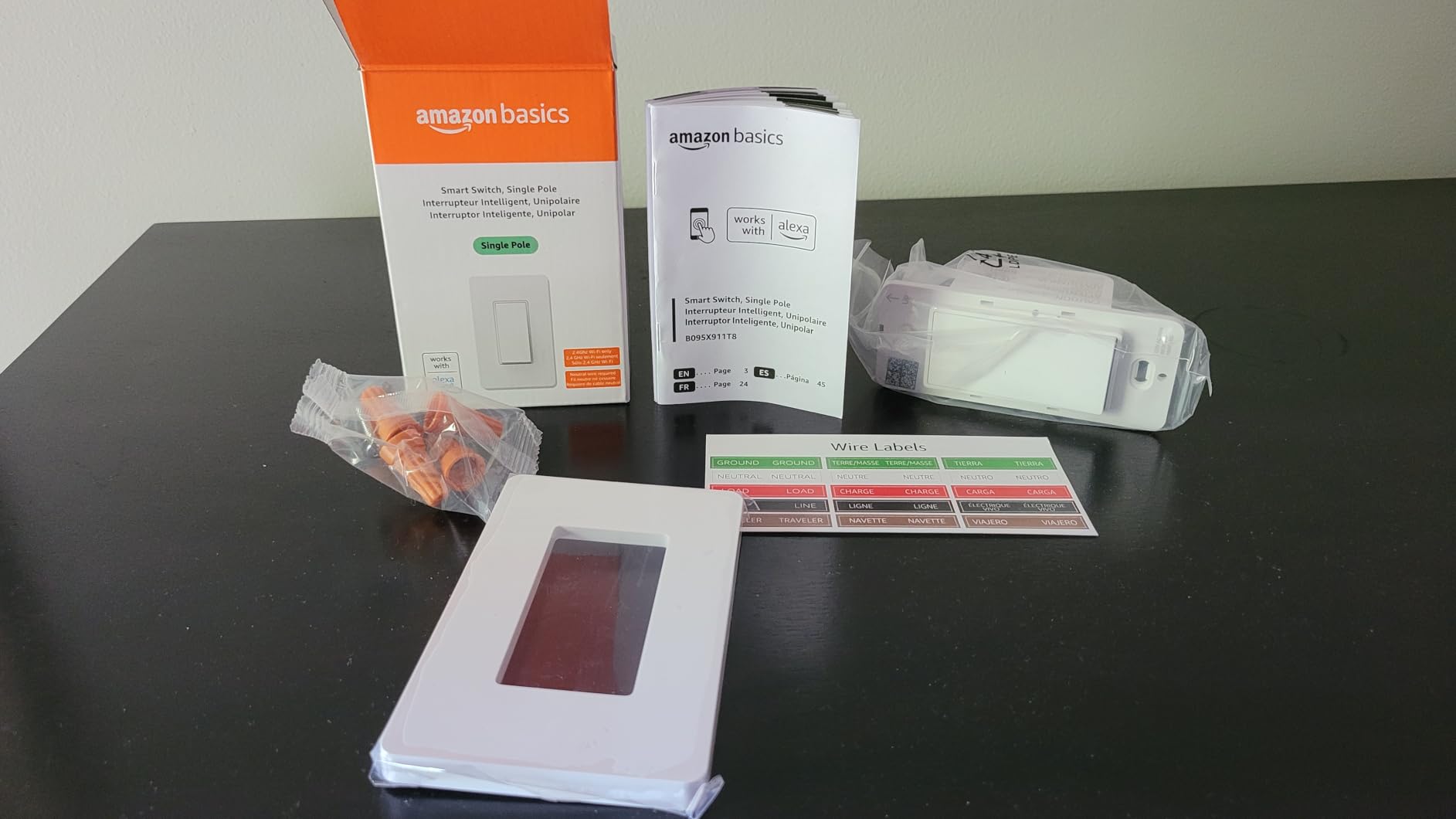
11. Amazon Basics Smart Switch WS29-01: Best for Alexa-Only Households
Amazon Basics Smart Light Switch, Single Pole, Works with Alexa Only, Voice Control, Schedule, 2.4 GHz Wi-Fi, No Hub Required, Easy to Install, White
Neutral wire required
2.4 GHz Wi-Fi
120V at 5A
ETL listed, Alexa only
Pros
- Very low entry point for a hub-free smart switch
- No hub or additional hardware required
- Step-by-step guided installation video and manual
- Scheduling through Alexa routines
Cons
- Works with Alexa only with no Google Home or Apple Home
- 5A current rating limits it to smaller fixtures
- Single-pole with no dimming
- Neutral wire required
The Amazon Basics switch does one thing, which is talk to Alexa. If that is the only voice assistant anyone in the house uses, the simplicity is the appeal and the price is hard to argue with.
It is ETL listed, runs on 2.4 GHz Wi-Fi, and needs no hub at all. The guided installation video and manual get most people through a single-pole box in one sitting, and scheduling is handled through Alexa routines rather than a separate app.
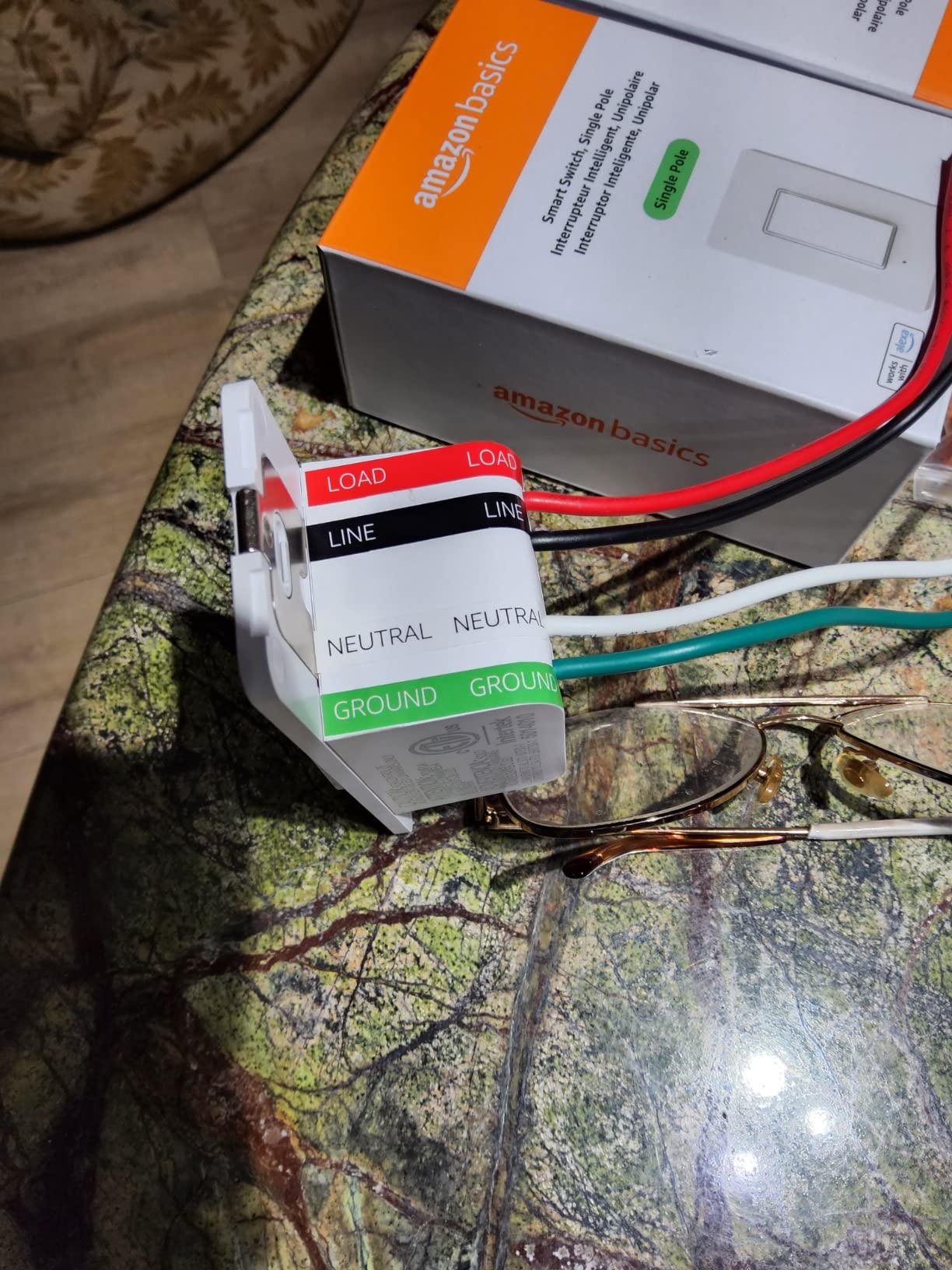
Where it stops is at the ecosystem boundary. There is no Google Assistant and no Apple Home support, which in a mixed household becomes a daily annoyance rather than a technical one.
The 5A rating is also the second lowest here, so it suits a single lamp or a small ceiling fixture rather than a room of recessed lighting. Like the Kasa, it needs a neutral and does not dim.
Its 4.4 average from 4,171 reviews with 74 percent five-star ratings is respectable for a device with such a narrow brief. It ranks ninth in Electrical Light Switches in the Amazon Basics store, which reflects steady demand rather than enthusiasm.
When it is the sensible buy
An all-Alexa house with modern wiring and a tight budget. The installation guidance is genuinely the easiest in this roundup, and the hardware is a familiar faceplate shape.
When it wastes money
Any older switch box without a neutral, any home that uses Google Assistant or Siri, and any fixture that needs more than a modest load. There is no path around those three limits.
12. Nexete Wi-Fi Switch ks-602: Best for Heavy Loads and Damp Rooms
Smart WiFi Switch – Wireless Smartphone Controlled Wall Light Switch, Compatible with Alexa, Google Home, IFTTT, Android & iOS – No Hub Required (1-Pack)
Neutral wire required
2.4 GHz Wi-Fi
120V at 15A and 1800W
IP54 housing
Pros
- 15A and 1800W rating handles the heaviest lighting loads here
- No hub required through Smart Life or Tuya Smart
- IFTTT support widens automation options
- IP54 waterproof and moisture-resistant housing
- Works with Alexa and Google Assistant
Cons
- Requires a neutral wire and single-pole wiring
- 2.4 GHz Wi-Fi only
- Tuya-based platform is widely regarded as less reliable and less privacy-focused
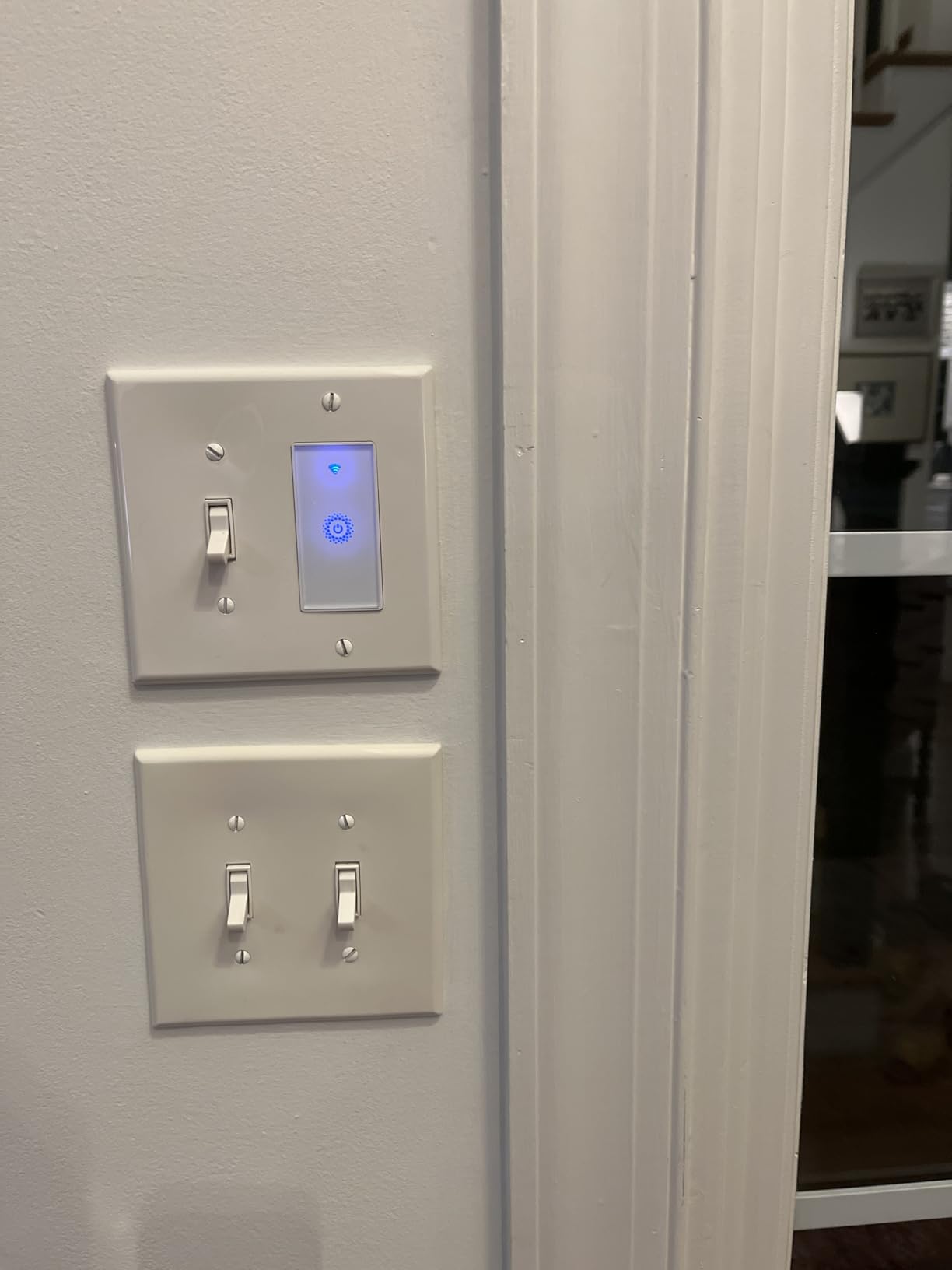
The ks-602 is the load-capacity answer in this roundup, rated 15A and 1800W. For a workshop, a detached garage or a circuit that also feeds a fan, that headroom is the reason to pick it over a 600W or 400W switch.
The IP54 housing is the second reason. It is described as waterproof, moisture-proof and fire-resistant, which makes it the one switch here we would consider for an exterior wall or an unprotected utility space.
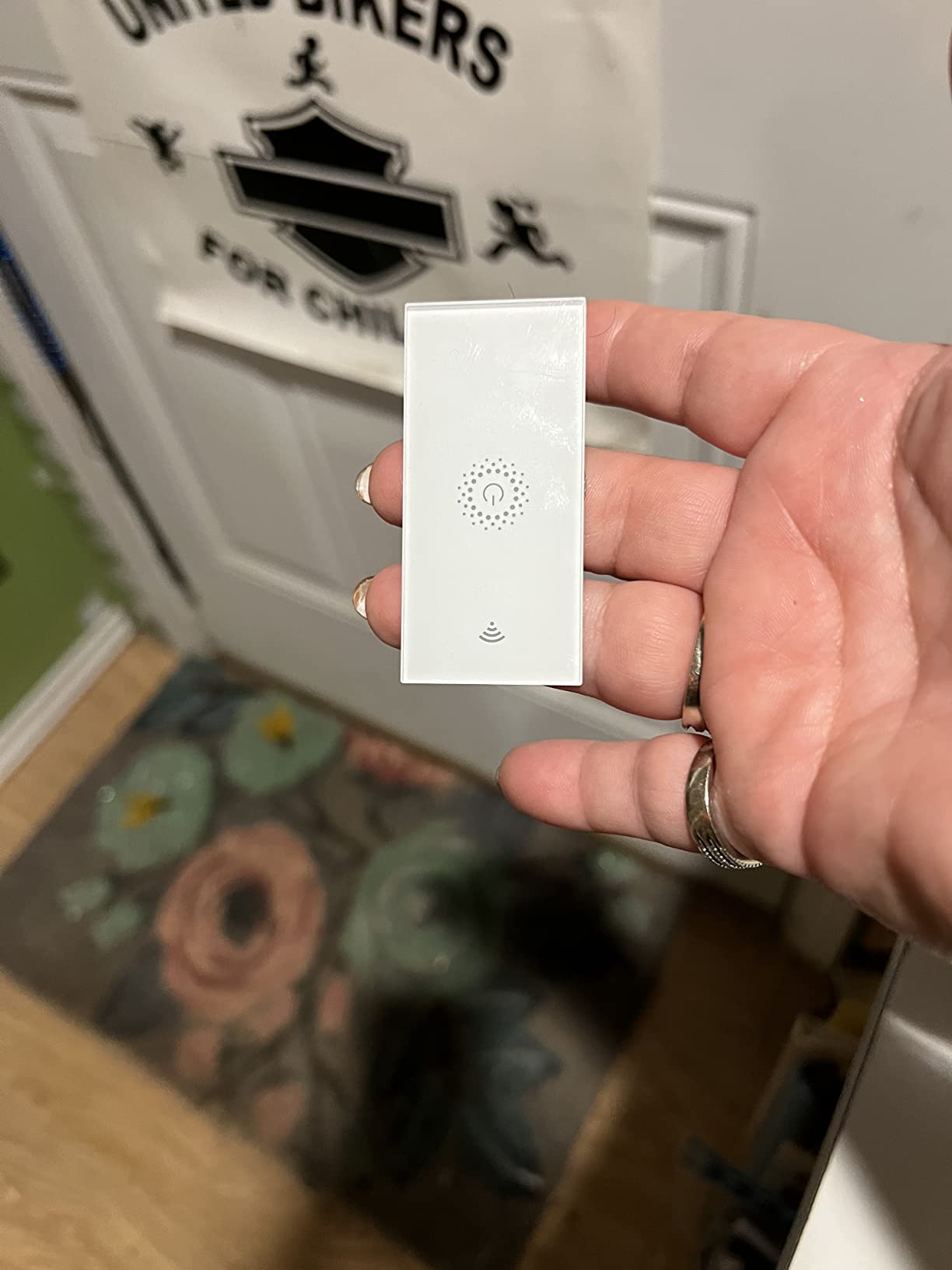
Installation is a three-step replacement through the Smart Life or Tuya Smart app, and it works with Alexa, Google Assistant and IFTTT. Timed events and custom scenes cover the basics without a hub.
The recurring criticism is the platform. Reviewers point to the Tuya and Smart Life cloud dependency as the weak point, especially if you care about local control or privacy, and this is the same ecosystem that draws privacy complaints in Home Assistant circles.
It is single-pole, 2.4 GHz only, needs a neutral, and does not dim. The 4.4 average from 253 reviews is a decent score, but a thin base for a device you might expect to last a decade.
Why it earns a place
Nothing else here combines a 15A rating, an IP54 housing and hub-free operation. For a garage or a workshop circuit, those three specs are worth more than a better app.
Why it is not a general pick
The cloud dependency, the neutral requirement and the absence of dimming or 3-way support mean it works best as a targeted solution in a room with a heavy load and damp conditions.
How to Choose a Smart Switch for an Older Home?
Step one: open the box and look
Turn off the breaker, remove the faceplate and count the conductors. Line and load only means no neutral. A bundle of two or more white or grey wires taped together behind the switch means a neutral is present, and every Wi-Fi switch in this roundup becomes an option.
Look for a green or bare copper screw or pigtail at the same time. A box with no neutral in a pre-1960s house very often has no ground either, which rules out switches like the Aqara or pushes you toward a plastic screwless plate.
Measure the box depth before you commit
Smart switches are deeper than the standard 1 inch toggle they replace, and old plaster-and-lath boxes are often barely 1.5 inches deep. The Caseta, meross and Aqara bodies are the ones to measure against your actual box. The relay modules are the answer when depth is the problem, because they sit behind the switch instead of in place of it.
Decide between a wall switch and a relay module
A wall switch looks modern, gives you a status indicator and works at the wall with no hub. A relay module leaves your existing switch untouched, fits almost any box, and is the only realistic option when the wiring is fragile or the plaster is expensive to disturb. The SONOFF ZBMINIL2 and the MINI Duo-L are both built for that second job.
Check the minimum load before you buy bulbs
No-neutral switches need a minimum wattage of connected load to behave properly, and many LED bulbs fall below it. That is what causes flickering and buzzing in a wall switch. A bypass capacitor solves it, and it is the single most useful accessory in an older-home install, so check whether one is included or budget for it separately.
Hub or no hub
Wi-Fi switches join your 2.4 GHz network directly and need nothing else, which is simpler but ties control to your router and, for Tuya-based models, to a cloud service. Zigbee switches need a coordinator, and in exchange you get local control that keeps working when the internet does not. If you already run Home Assistant, SmartThings or Homey, Zigbee is the better long-term position.
Handle 3-way circuits before the electrician leaves
A 3-way setup is the one people get wrong. Lutron solves it with a wireless Pico remote and no extra wiring, and the ZBMINIL2 four-pack supports 2-way control for staircases and multi-location switching. Whichever route you take, decide it at install time rather than afterwards, because going back into a hallway twice is the expensive part.
Think about total cost, not switch cost
The switch is the smallest line in an older-home smart lighting project. A hub, a bypass module per switch, extra wall plates and Pico remotes all add up, and a house with cloth-sheathed wiring may need an electrician before any of it can be installed. If you are upgrading the house for an older relative rather than for yourself, our guides to the best vacuums for older people who have pets and the best dog beds for older labs cover the rest of that comfort picture.
Renters and temporary solutions
If you cannot touch the wiring at all, smart bulbs with voice control give you schedules and scenes with no electrical work. If you want wall control, a battery-powered switch such as the YoLink FlexSwitch needs only a line conductor and sends a radio signal. Both are reversible when you move out.
Plan for accessibility while you are in the box
Once you are inside the wall, adding a second location, a motion sensor or a voice-friendly scene is cheap. A flat paddle that is hard to find by feel in the dark is a problem worth solving with a hub scene or a sensor rather than a different switch brand.
Frequently Asked Questions
Can you have a smart light switch without a neutral wire?
Yes. No-neutral smart switches take their operating power from the load wire rather than a neutral, which is exactly what they were designed for in older switch boxes. The Lutron Caseta dimmer, the Aqara WS-USC01, the SONOFF ZBMINIL2 relay modules and the battery-powered YoLink FlexSwitch are all confirmed no-neutral designs.
Is there a smart dimmer light switch that does not require a neutral wire?
Yes, and there is really only one strong answer: the Lutron Caseta Smart Dimmer PD-6WCL-WH, rated to 150W of LED and 600W of incandescent or halogen at 120V. Almost every other no-neutral option in this roundup is an on and off switch, which is why the Caseta is our top pick for older homes.
How do I know if my switch box has a neutral wire?
Turn off the breaker, remove the faceplate and look behind the switch. If you see two or more white or grey conductors bonded together, you have a neutral. If the box only has black or red conductors going to the switch and to the fixture, there is no neutral, and you need a no-neutral switch, a relay module or a battery-powered switch.
What can I do if a light switch has no neutral wire?
There are four practical answers. Fit a neutral-free wall switch such as the Lutron Caseta or Aqara, hide a Zigbee relay module such as the SONOFF ZBMINIL2 behind the existing switch, install a battery-powered wireless switch, or skip in-wall control entirely and use smart bulbs with voice and app control.
Do I need a hub for smart light switches?
Wi-Fi switches such as the Kasa HS200, TREATLIFE and Nexete join your 2.4 GHz network directly and need no hub. Zigbee switches such as the SONOFF modules and the Aqara WS-USC01 need a coordinator, and the battery-powered YoLink FlexSwitch needs the YoLink Hub. In exchange, Zigbee and LoRa devices keep working locally when the internet is down.
What happens if a light switch box has no ground wire?
Some neutral-free switches, including the Aqara WS-USC01, want a ground for the faceplate screw and internal protections. In a box with no ground, choose a switch that does not require one or fit a plastic screwless faceplate rather than forcing a ground onto a box with nowhere to put it. Cloth-sheathed wiring that crumbles when moved is a signal to call an electrician.
The Bottom Line on Smart Light Switches for Older Homes in 2026
The best smart light switches for older homes are the Lutron Caseta for the rooms you care about most, the SONOFF ZBMINIL2 relay modules for every box you would rather not open, and a battery-powered switch like the YoLink FlexSwitch for the oldest wiring of all. Start by opening one box and counting the conductors before you buy anything, because that single check decides which half of this list applies to your house.
If the house has neutral in the boxes, the Kasa HS200 and the Leviton Decora are the sensible modern choices. If it does not, start with one Lutron or one SONOFF module and live with it for a season before ordering a floor’s worth. The best dog food for older small dogs roundup runs on the same principle: test one thing properly before scaling up.