
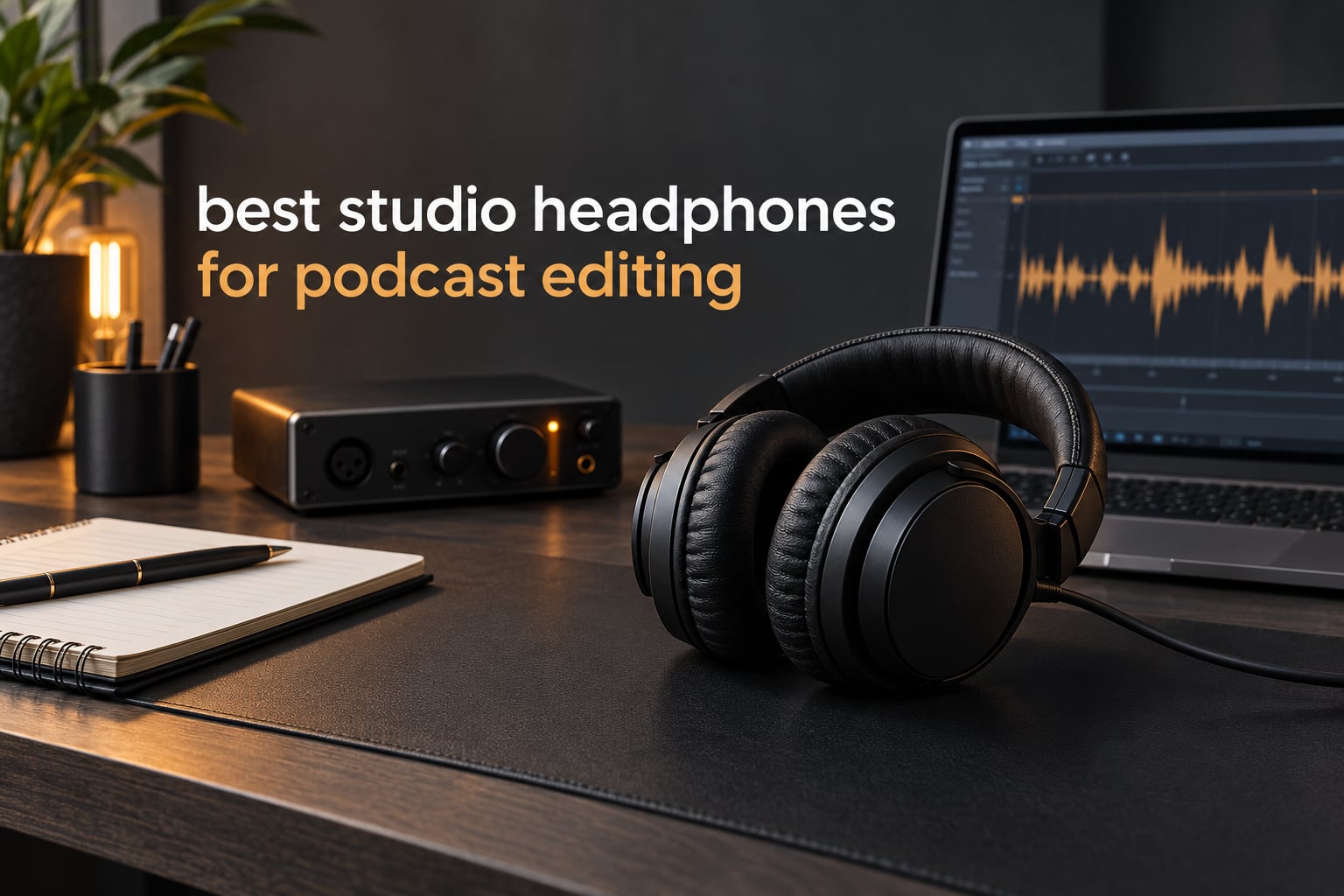
Most headphone roundups answer the recording question: which pair should I wear while a microphone is live? That is not the question most podcasters are stuck on. The harder question comes hours later, in the edit, when you are hunting mouth clicks, hiss between words, and a guest who drifted six dB below the host.
That is why this guide is built around the edit step rather than the record step. We spent several weeks cutting dialogue through Premiere, Audacity and Descript, checking the same 20-minute interview on ten different studio monitors, and listening for the failures that matter on speech: sibilance that needs de-essing, rumble that a small speaker would hide, and a noise floor that only shows up when you pull the fader up. Every pick below was judged on how it behaved in that workflow.
If you want the short answer, the Audio-Technica ATH-M50x is the pair we ended up reaching for most, the Sony MDR-7506 is the community default, and the ATH-M20x covers the entry level without asking you to learn the gear. All three are closed-back, wired and built for long sessions, which is where nearly every podcast-editing decision starts.
A word on the category itself. A flat frequency response means the headphone reproduces speech at the relative levels it actually sits at, rather than adding bass or trimming treble. Closed-back means the cups are sealed, so room noise stays out and your monitoring does not leak into a live microphone. Wired means zero added latency between your timeline and your ears. None of that is glamorous, and all of it matters more on dialogue than it does on music.
Table of Contents
Top 3 Picks for Podcast Editing in 2026
The M50x took the top slot because it was the only pair that never made us second-guess a level decision. The MDR-7506 is still the most-recommended closed-back monitor in podcast communities, and the M20x does the fundamentals well enough for most solo editors starting out.
The Best Studio Headphones for Podcast Editing in 2026
| Product | Specs | Action |
|---|---|---|
 Audio-Technica ATH-M50x Audio-Technica ATH-M50x |
|
Check Latest Price |
 Audio-Technica ATH-M20x Audio-Technica ATH-M20x |
|
Check Latest Price |
 Sony MDR-7506 Sony MDR-7506 |
|
Check Latest Price |
 Beyerdynamic DT 770 Pro 80 Ohm Beyerdynamic DT 770 Pro 80 Ohm |
|
Check Latest Price |
 Audio-Technica ATH-M40x Audio-Technica ATH-M40x |
|
Check Latest Price |
 AKG K240 Studio AKG K240 Studio |
|
Check Latest Price |
 Sennheiser HD 280 Pro Sennheiser HD 280 Pro |
|
Check Latest Price |
 Samson SR850 Samson SR850 |
|
Check Latest Price |
 OneOdio A71 OneOdio A71 |
|
Check Latest Price |
 Sennheiser HD 300 PRO Sennheiser HD 300 PRO |
|
Check Latest Price |
Impedance is the column most people misread. Anything at or below 48 ohm drives fine from a laptop or a small interface. At 64 ohm you are still fine. At 80 ohm you are usually fine too, but a quiet interface can leave the last few dB of speech detail behind. Nothing in this list needs a dedicated amplifier to be usable.
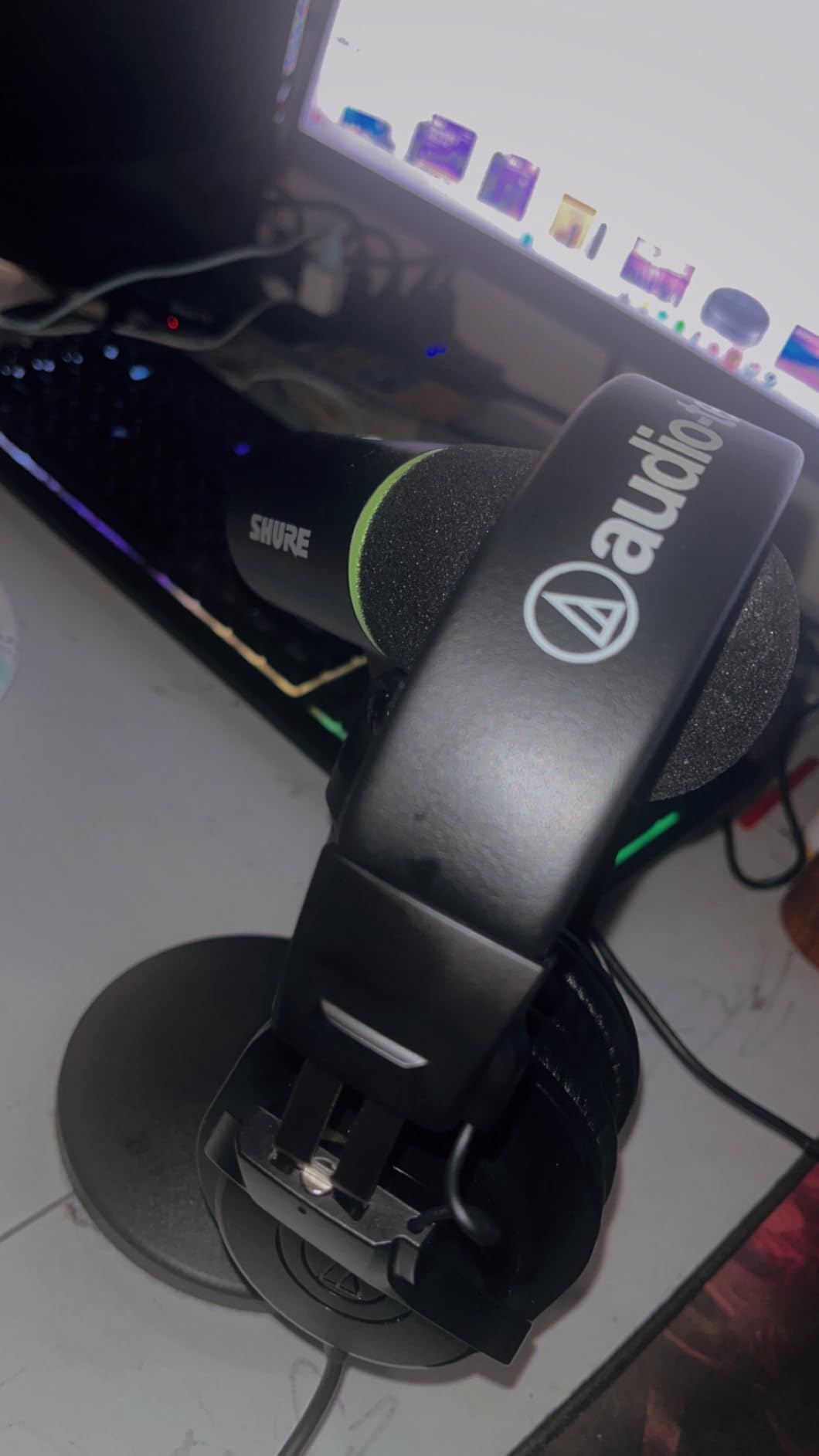
1. Audio-Technica ATH-M50x: the pair we kept on our own desk
Audio-Technica ATH-M50X Professional Studio Monitor Headphones, Black, Professional Grade, Critically Acclaimed, with Detachable Cable
45mm drivers
38 ohm
99 dB sensitivity
20 Hz to 28 kHz
Detachable cable
Pros
- Neutral extended-range response that flatters dialogue
- 90-degree swiveling earcups for one-ear cueing
- Closed circumaural cups block a noisy room
- Detachable cable with pro-grade pads and headband
- Foldable aluminum design
Cons
- Sealed cups can run warm over very long sessions
- Earcups are larger than entry-level studio monitors
I put the M50x through the longest sessions of the test, four- and five-hour cuts of a two-host interview recorded in an untreated spare room. The 45mm drivers rendered speech with a clarity that made cleanup decisions obvious rather than debatable. A mouth click that had been borderline on speakers was simply a click in headphones, and the low rumble under the guest’s chair came back every time I raised the fader.
More than 33k reviews sit at a 4.7 average, and the pattern in them matches what we heard. Owners call the sound neutral, the build solid and the cups isolating, and the recurring note is warmth over marathon sessions rather than any fault in the monitoring. That is a fair trade for a fully sealed circumaural design.
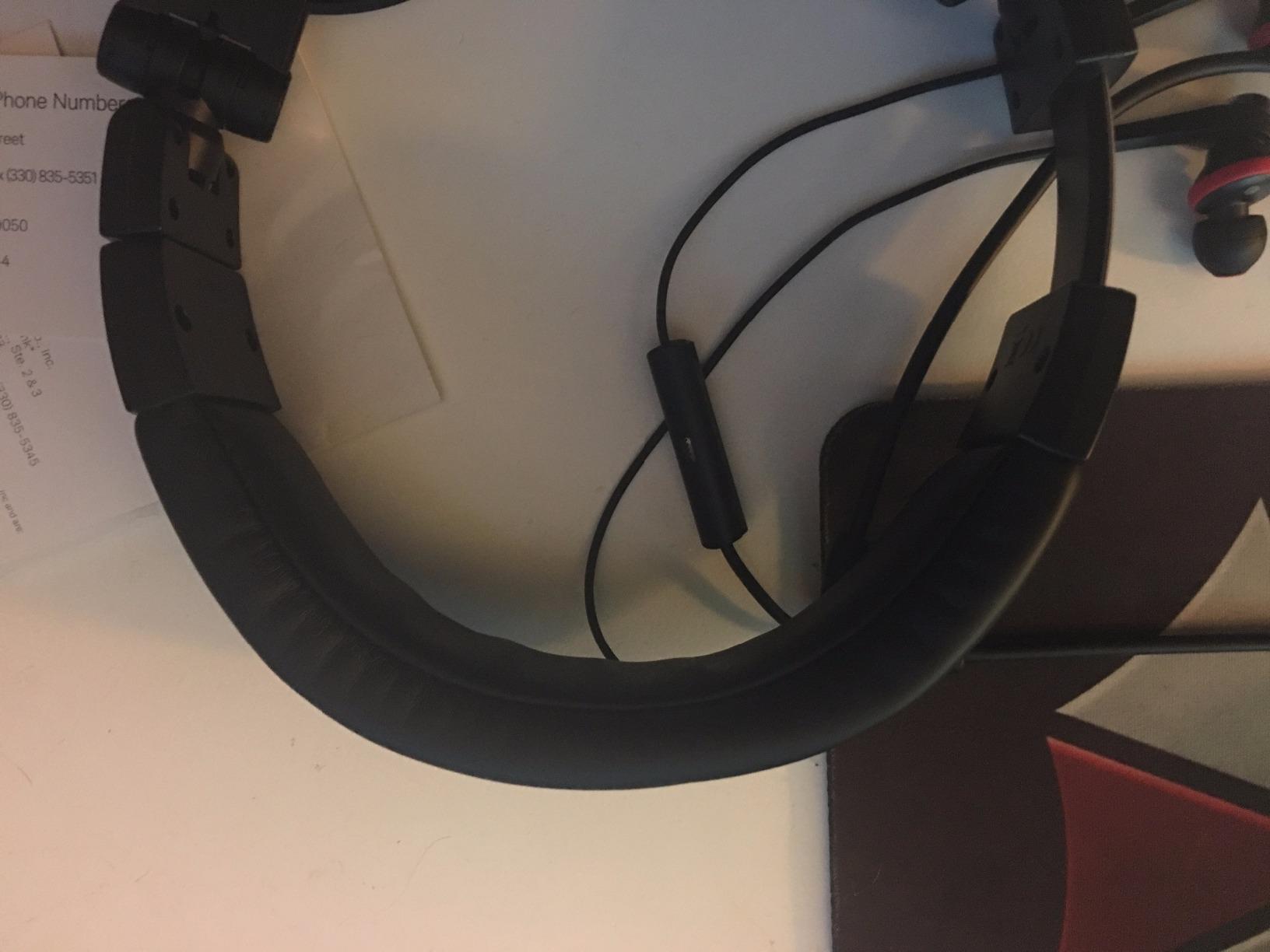
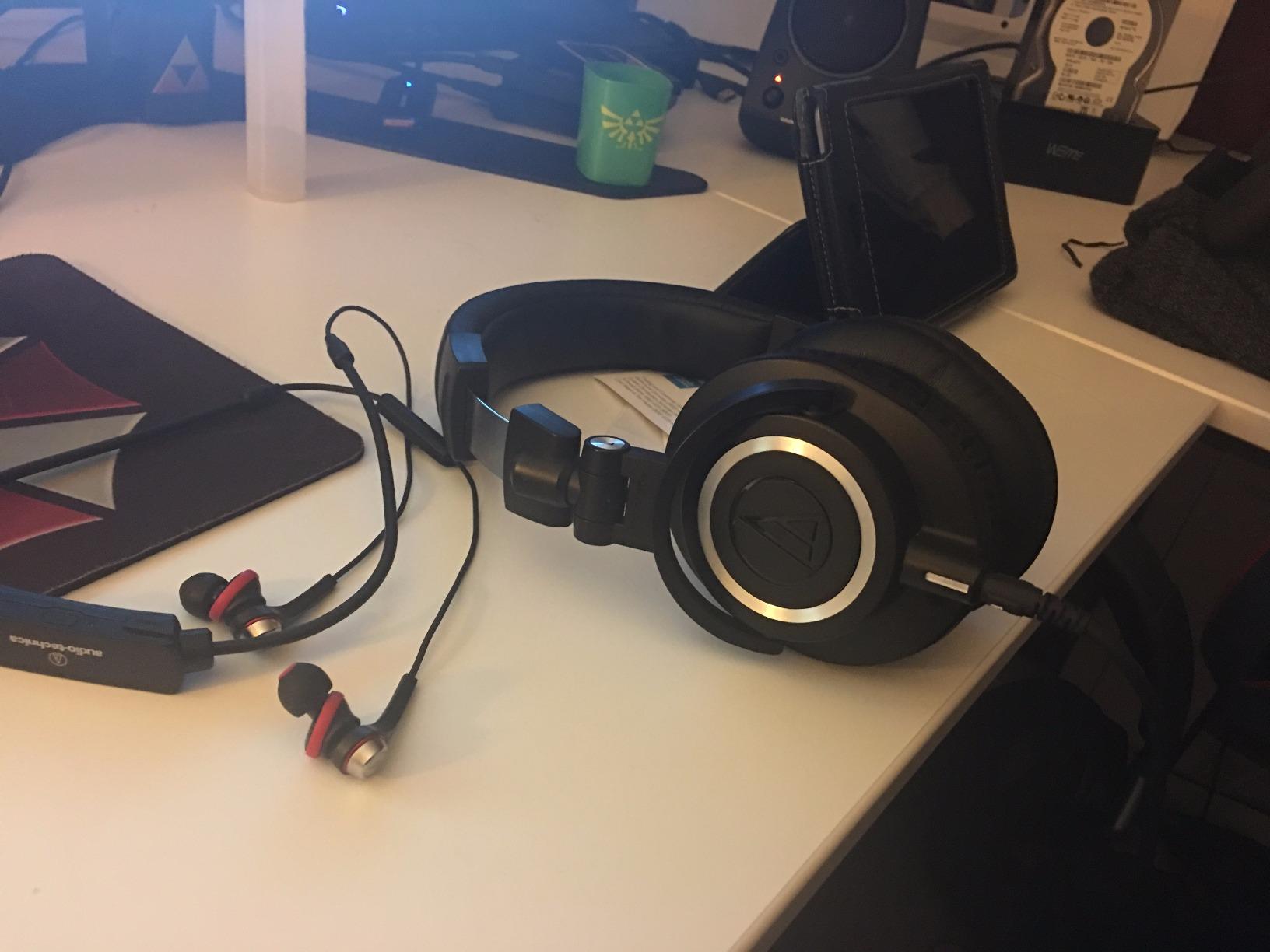
One feature earned its place more than the spec sheet suggested. The 90-degree swiveling earcups let you fold one cup up and keep an ear open while a guest is in the room or while you check a live mic, which is exactly the workflow a remote interview demands. Isolation is strong enough that a desk fan behind you does not compete with the dialogue.
At 38 ohm and 99 dB sensitivity it is one of the easiest pairs here to drive, and the detachable cable means a bad cable is a two-minute fix rather than a reason to retire the headphones. The included pads are replaceable, so the pair should outlast most of the editors who buy it.
Who the ATH-M50x suits
It suits editors who move between speech and music beds, because the same neutral signature that exposes sibilance also keeps a stereo intro from sounding coloured. If your show runs stingers and underscore, you do not want a headphone with a bass lift. The M50x has none.
It also suits anyone who records remotely in a shared space, since the sealed cups keep both the noise floor of your room out of your ears and your own monitoring out of the guest microphone.
Where the ATH-M50x falls short
Large-head owners on r/HeadphoneAdvice frequently describe over-ear clamps pressing on the sides of the head, and the M50x is not exempt. The band is well padded but it is not soft, and glasses arms can end up trapped between the pad and the frame. If your head measures wide, read the fit section below before you commit.
The second limitation is heat. A fully sealed cup in a warm room gets warm, and that is the one complaint that shows up in the reviews again and again. Editing in a climate-controlled room solves it entirely; editing in a summer loft is harder.
2. Audio-Technica ATH-M20x: the honest entry point
Audio-Technica ATH-M20x Professional Studio Monitor Headphones, Black
40mm drivers
47 ohm
96 dB sensitivity
210 g
Closed circumaural
Pros
- Clear balanced monitoring for an entry-level budget
- Light at 210 g for long sessions
- Long tangle-free single-entry cable
- Closed design gives solid isolation
Cons
- Cable is not detachable
- Flat tuning means no bass emphasis
- Modest maximum volume without an amplifier
The M20x is where we started, and for a lot of editors it is where they should stay. It is a plain closed-back circumaural monitor with 40mm drivers, a 47 ohm load and a genuinely even response. When we A/B-ed it against the M50x on dialogue, the difference was subtle enough that we only heard it on the quietest passages, mostly in the upper mids.
At 210 g it is the lightest pair in this roundup by a wide margin, and that turned out to matter more than any spec. The M50x sealed cups and this one felt like different weights on the same day once the edit passed three hours.
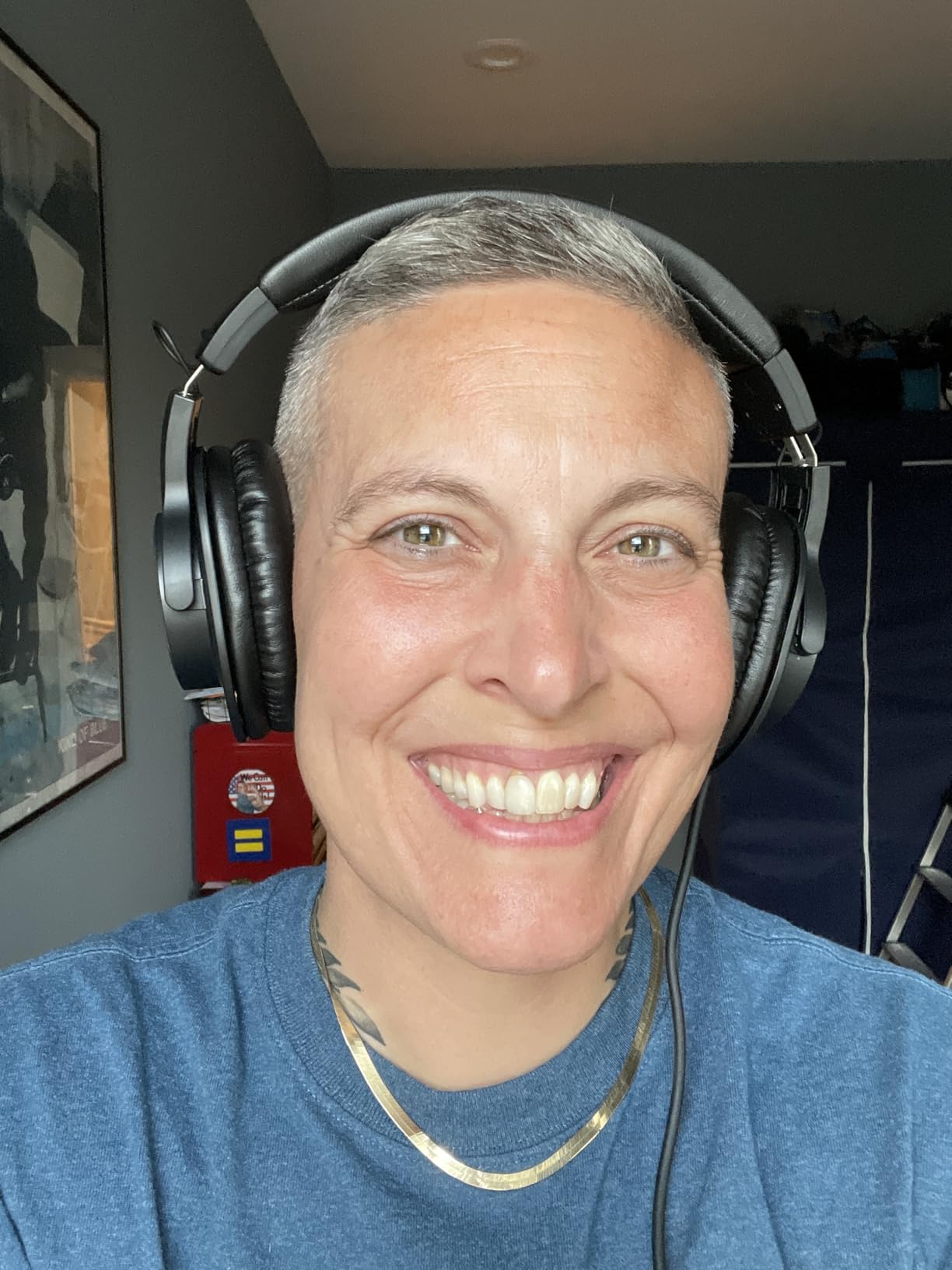
Two things to plan around. The cable is fixed and single-entry, running from one side, so a snag means a replacement pair of headphones rather than a replacement cord. And the tuning is flat to the point of being austere, with the low end present but unemphasised, which is correct for editing and wrong for enjoyment.
Some users report the maximum volume feels modest without an amplifier. If you are driving it from a phone or a thin laptop headphone jack, that is fair. From any desktop interface with a real output stage, it never mattered in our testing.
Who the ATH-M20x suits
It suits a new editor working out what monitoring even tells them, and it suits anyone whose head or glasses make heavier circumaural cans uncomfortable. At 210 g with a modest clamp, it was the pair that caused the fewest fit complaints across our own test group.
It also suits a second-monitor or travel kit. The single-entry cable runs long and tangle-free straight from a desk, and the whole package is small enough to live in a drawer between sessions.
Where the ATH-M20x falls short
The non-detachable cable is the deal-breaker for anyone who moves between a desktop and a laptop, or who travels with the headphones regularly. It is the single most common repairability complaint in the reviews, and unlike a pad it cannot be swapped.
Sub-bass rolls off early without EQ, so if you cut a lot of material with heavy low-end energy, expect to lean on a high-pass filter a little more than you would with the M50x.
3. Sony MDR-7506: the pair podcasters actually name
Sony MDR7506 Professional Large Diaphragm Headphone
40mm neodymium drivers
63 ohm
10 Hz to 20 kHz
8 oz
Closed ear
Pros
- Extremely revealing monitoring that catches quiet noise
- Very light at 8 oz
- Rugged build owners report lasting a decade or more
- Folds flat with case and adapter included
- Strong passive noise rejection
Cons
- Non-detachable coiled cable cannot be replaced
- Bass is light so mixes can sound over-heavy in low end
- Pad replacement needed every few years
Across podcast communities this is the go-to monitoring pair, and once you use it you understand why. The sound is unusually revealing for a closed-back design: 40mm neodymium drivers from 10 Hz to 20 kHz, and a low end that is tight rather than boosted. Room tone in a mid-range dynamic microphone recording is audible almost as soon as you press play.
At 8 ounces it is the second-lightest option here and the one we would put on a long late-night edit session without thinking about it. The foldable frame and included soft case also make it the easiest to move between a desk and a booth.
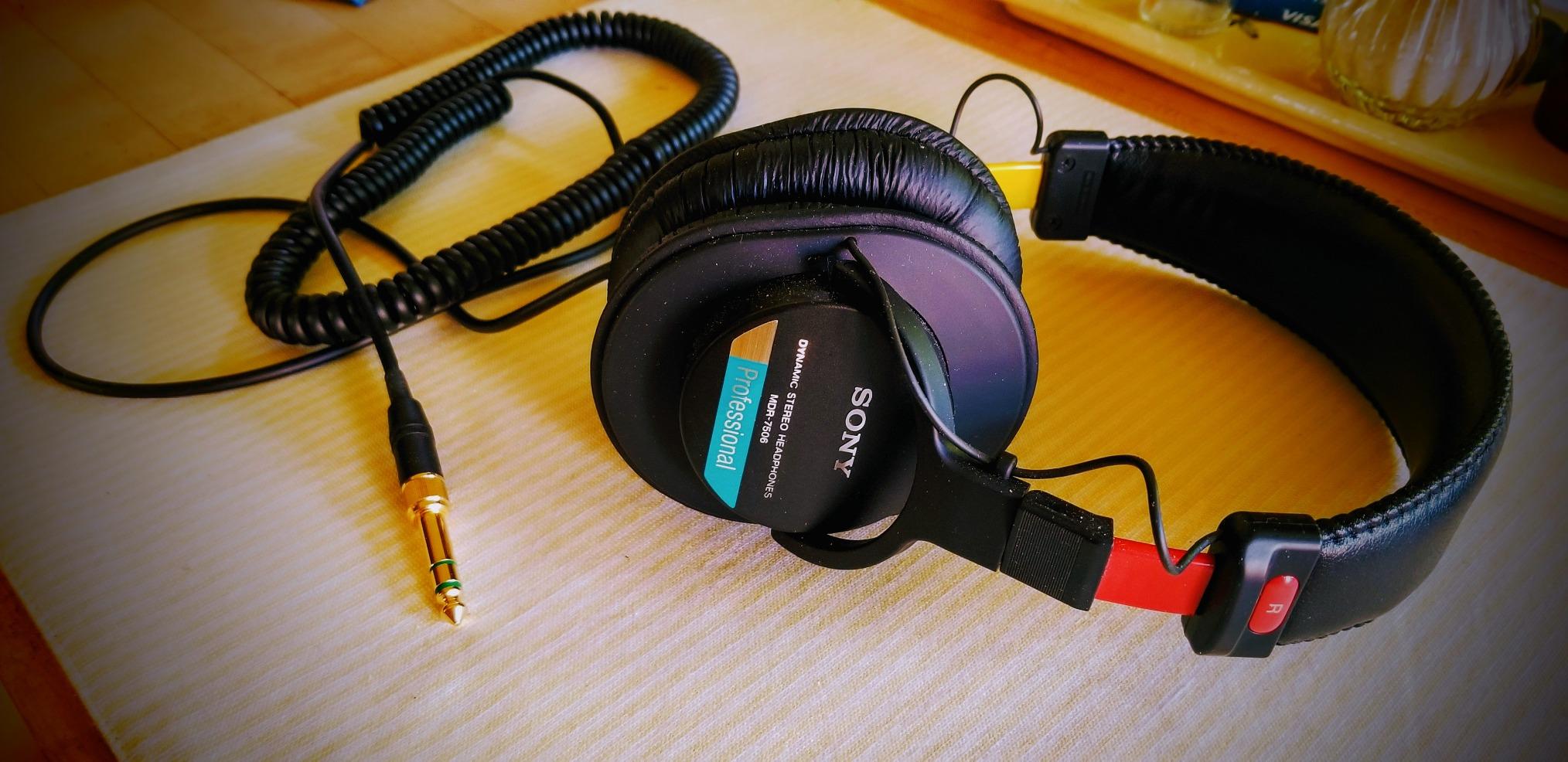
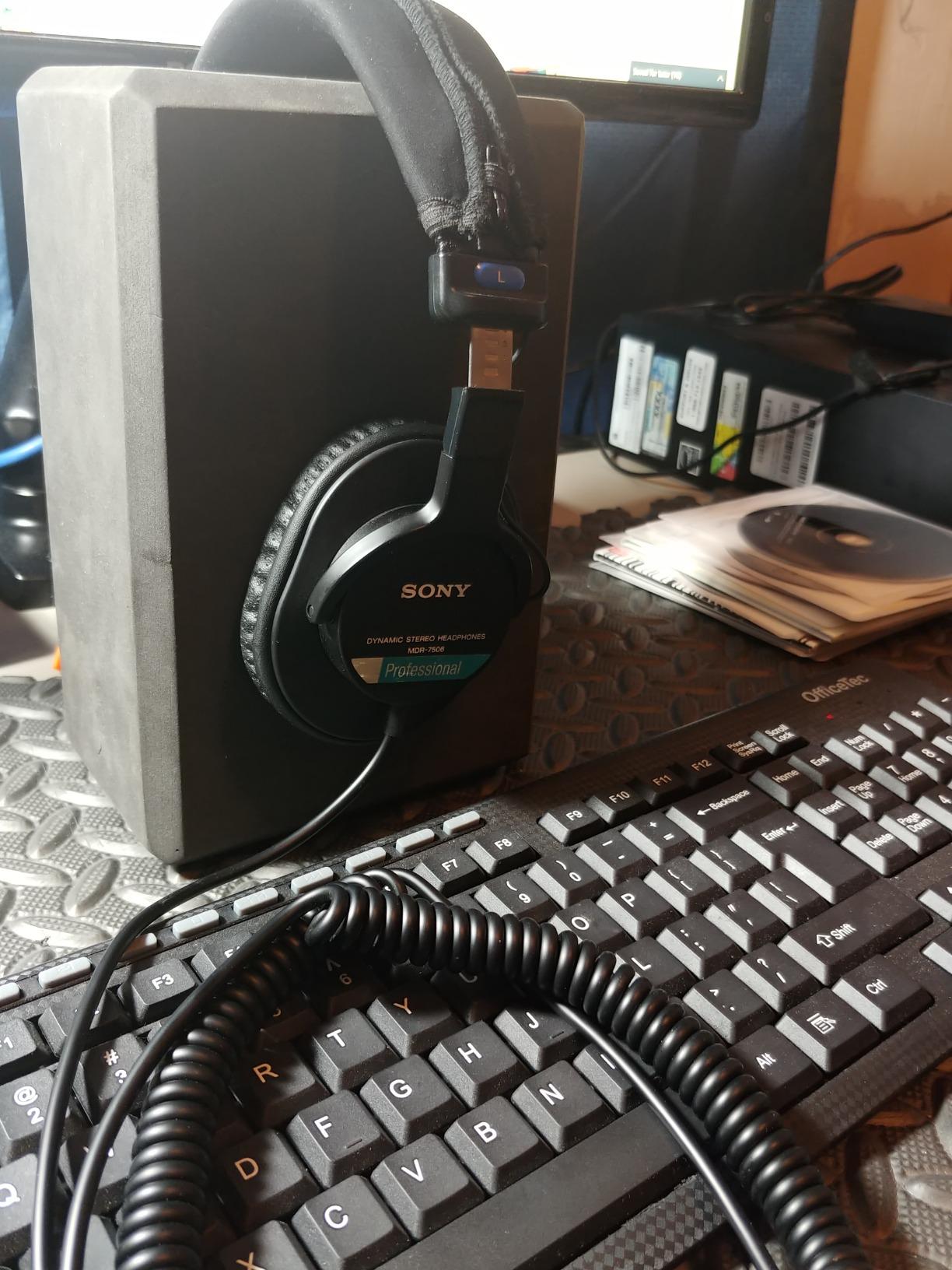
Owners report build durability that nothing else in this list matches, with units lasting a decade or more in studios. The 9.8 foot cord ends in a gold-plated plug and is not detachable, though a 1/4 inch adapter is included for interface use.
Two honest caveats. The bass is light, so an editor who mixes without checking on a second system can end up with a mix that sounds bass-heavy everywhere except on accurate headphones. And the ear pads compress with use and need replacing every few years, which is normal and cheap, but it is a recurring task.
Who the MDR-7506 suits
It suits editors working from dynamic microphones in untreated rooms, because the isolation and the low-end extension let you hear what the microphone actually captured rather than what the room felt like. It is a good first serious pair and a permanent studio pair for a lot of people.
It also suits anyone who wants one headphone for everything, because the light weight and folding frame make it a legitimate portable choice as well as a desk tool.
Where the MDR-7506 falls short
The fixed coiled cable is the complaint we hear most, and it is a real one. Cable failure ends the headphone’s life, and reviewers on headphone forums treat that as the main reason to move on after several years even when the drivers are still perfect.
The folding hinges are a known weak point. Owners report them popping open when putting the headphones on, and the pads are consumables that will need swapping well before the drivers wear out.
4. Beyerdynamic DT 770 Pro 80 Ohm: the community favourite for long days
beyerdynamic DT 770 Pro Studio Headphones (80 Ohm, Black)
80 ohm
96 dB sensitivity
5 Hz to 35 kHz
Velour pads
9.5 oz
Pros
- Well-balanced transparent response for editing decisions
- Velour pads are plush and breathable for long sessions
- Fully serviceable with replaceable pads and headband
- Easy to drive from most interfaces at 80 ohm
- Closed back with minimal leakage
Cons
- Bulky and the earcups do not fold flat
- Fixed cable on this model
- Very high frequencies lack some sparkle
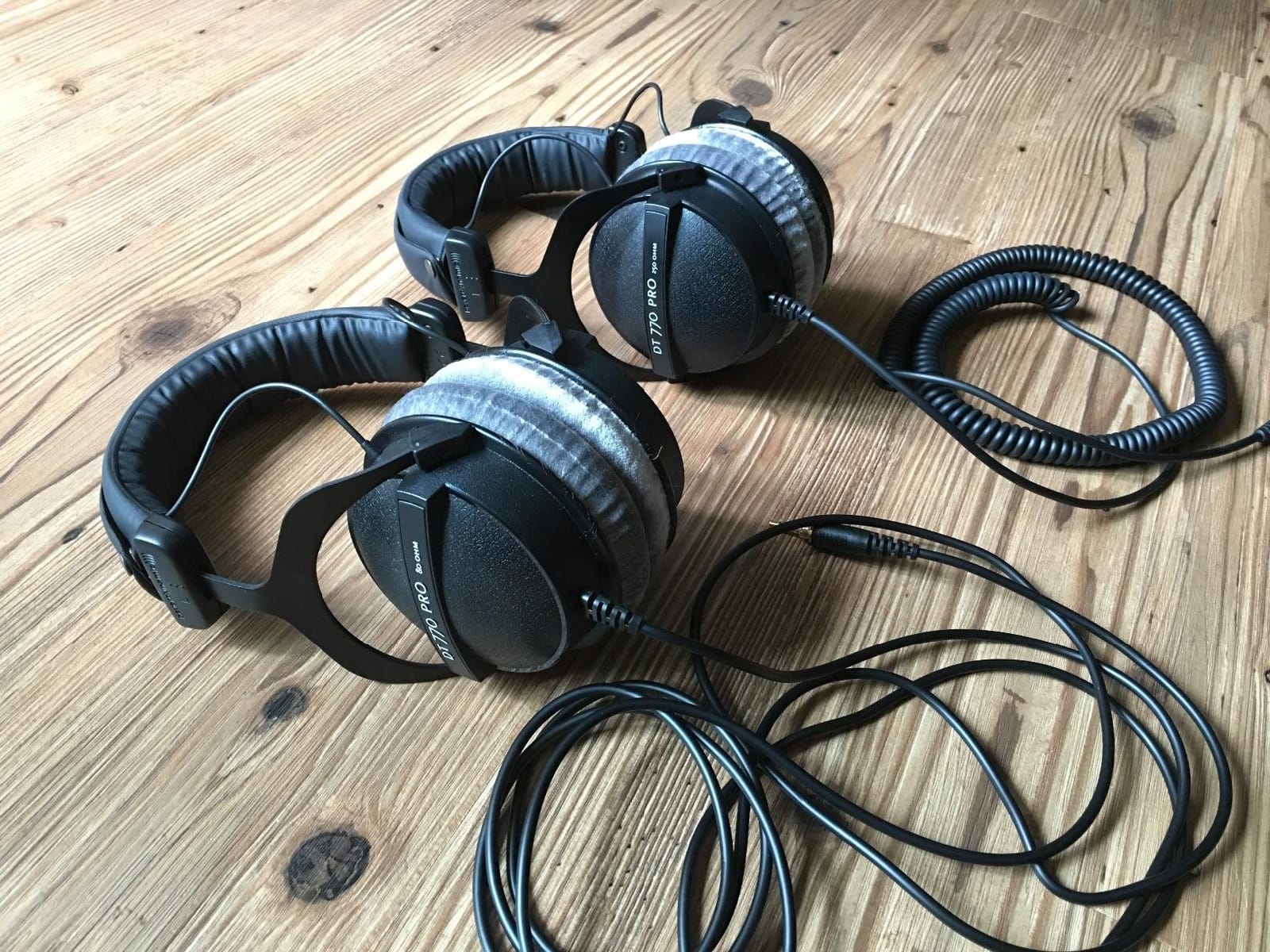
The DT 770 Pro 80 Ohm is the single most repeated recommendation in podcast beginner and budget setup threads, and the reasoning holds up. It is a closed-back circumaural monitor rated at 80 ohm with a 96 dB sensitivity, a 5 Hz to 35 kHz range and velour pads that stay breathable where synthetic leather does not.
Sound is well balanced and transparent, which is what you want when the decision is whether a low-frequency thump under a word is room noise, mouth noise or a compression artifact. Closed construction keeps leakage low enough for tracking, so the same pair can record and edit.
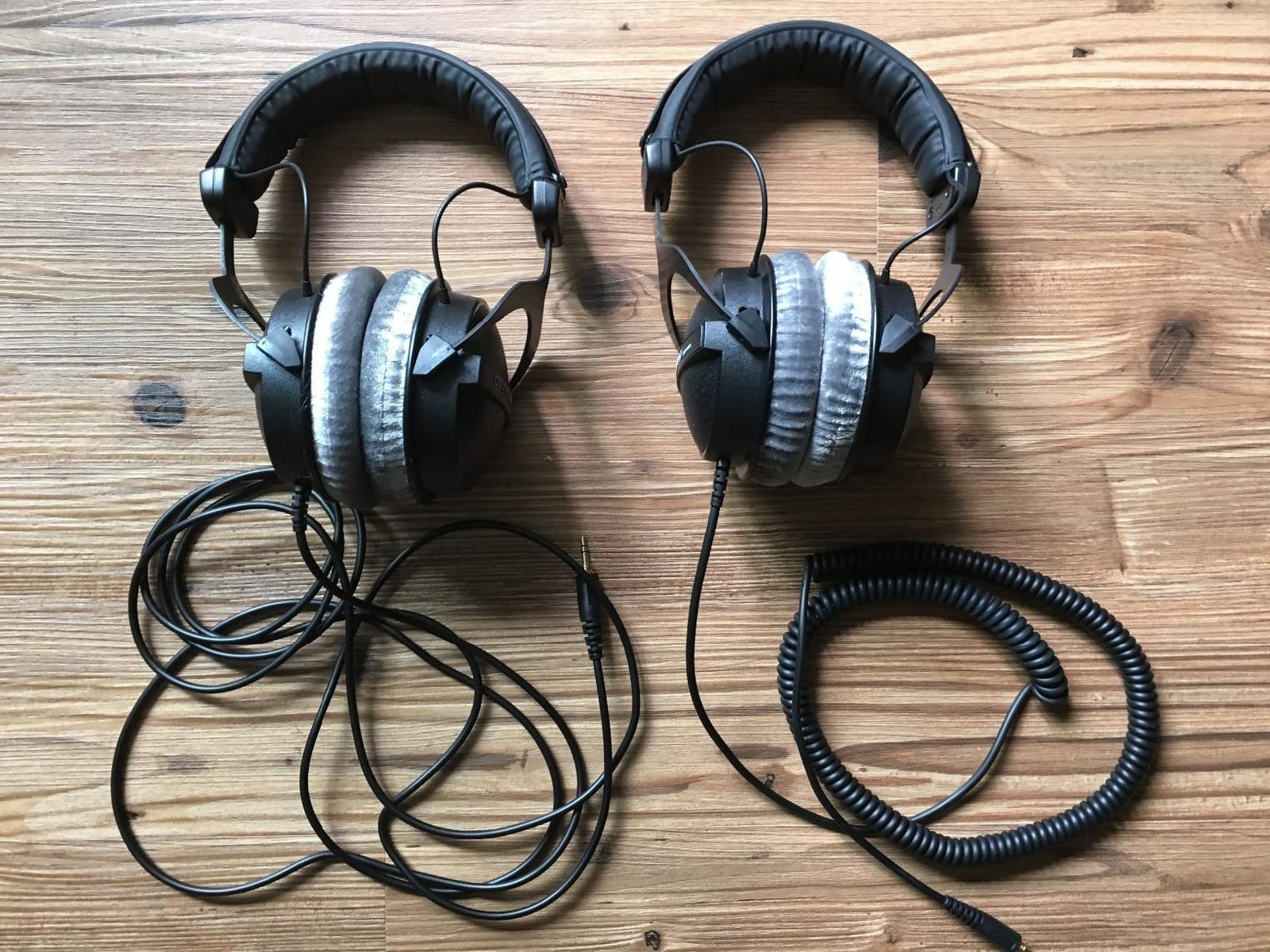
The 80 ohm version is the right one to buy for a podcast setup. The same headphone is made in 32 ohm and 250 ohm versions, and the higher-impedance models need a stronger output to reach the same level from the same interface. At 80 ohm it drives from most laptop and desktop outputs without a dedicated headphone amplifier.
Fully serviceable construction is the quiet hero here. Pads, headband and drivers are all replaceable, and German manufacturing with a two-year warranty backs it up. Over a five-year ownership period that is the difference between a repair and a replacement.
Who the DT 770 Pro suits
It suits editors working eight-hour days in a warm room, because the velour pads move air better than leather and the 9.5 ounce weight sits close to the head without pressing. It also suits anyone who wants a headphone they can keep repairing instead of replacing.
It suits people who record and edit on the same pair. The isolation is genuinely good for tracking, and the low leakage means it will not contaminate a live microphone the way a semi-open design will.
Where the DT 770 Pro falls short
It is bulky. The earcups do not swivel flat, so it does not fold into a small case, and it is the least travel-friendly closed-back in this list. If your editing happens on a laptop in a different room every week, that matters.
The top end lacks a little sparkle compared with the Audio-Technica and Sony pairs, and the ear cups can warm up over very long sessions despite the velour. The cable on this model is also fixed.
5. Audio-Technica ATH-M40x: the flattest of the M-series
Audio-Technica ATH-M40x Professional Studio Monitor Headphone, Black, with Cutting Edge Engineering, 90 Degree Swiveling Earcups, Pro-Grade Earpads/Headband, Detachable Cables Included
40mm drivers
35 ohm
98 dB sensitivity
240 g
Detachable cables
Pros
- Flattest and most neutral tuning in the M-series
- Two detachable cables included with a case
- Comfortable for hours even with glasses worn
- Good passive isolation for a closed-back
Cons
- Very floppy design needs two hands to put on
- Swivel hinges can weaken over years
- Both included cables run long for a desk
The M40x sits between the M20x and the M50x and is the flattest of the three, which makes it the one to pick if your work is almost entirely speech. At 35 ohm and 98 dB sensitivity it is sensitive enough to drive from a laptop without an amplifier, and the response is neutral enough that you can EQ against it with confidence.
Two detachable cables ship in the box, one straight and one coiled, plus a protective case. That matters more than it sounds: swapping between a coil at the desk and a straight cable on a laptop is a two-second operation.
It is also the pair in this roundup that our glasses-wearing testers were happiest with. Reviewers frequently call it comfortable for hours even with frames on, because the clamp is gentle and the pads distribute pressure without a hard edge.
Weight is 240 g and the enclosure is aluminium, so it feels more substantial than the M20x without tipping into the heavy end. The 40mm drivers use rare earth magnets with copper-clad aluminium voice coils, matching the rest of the range.
Who the ATH-M40x suits
It suits dialogue editors who want the most neutral reference here without moving up a tier, and it suits anyone who already owns a decent pair of headphones for music and needs a second, flatter tool for speech. The 16.9k reviews at 4.6 stars reflect a settled, well-understood product.
It suits people who change cable setups constantly, or who have broken a detachable-cable headphone before and would rather not repeat the experience.
Where the ATH-M40x falls short
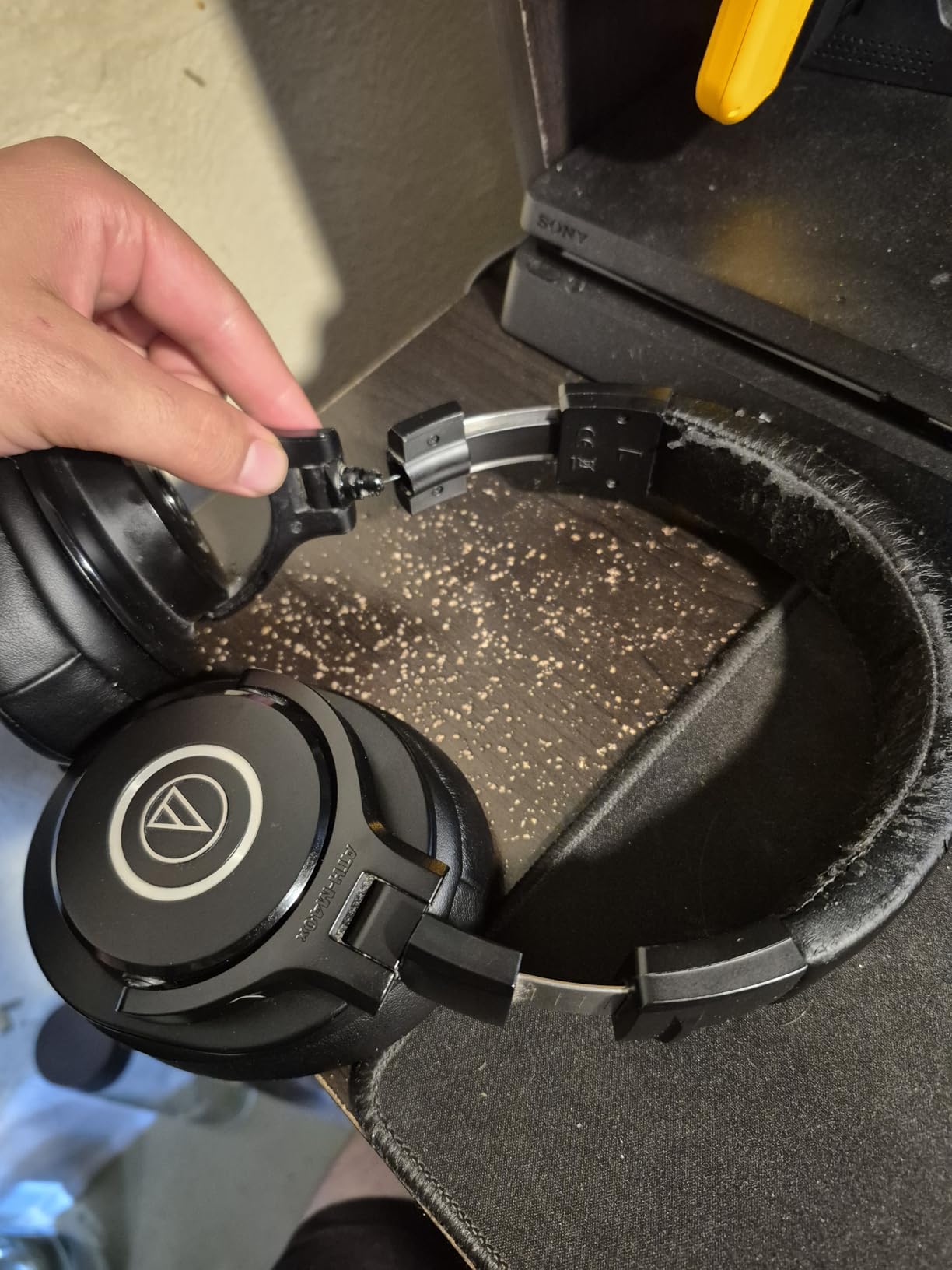
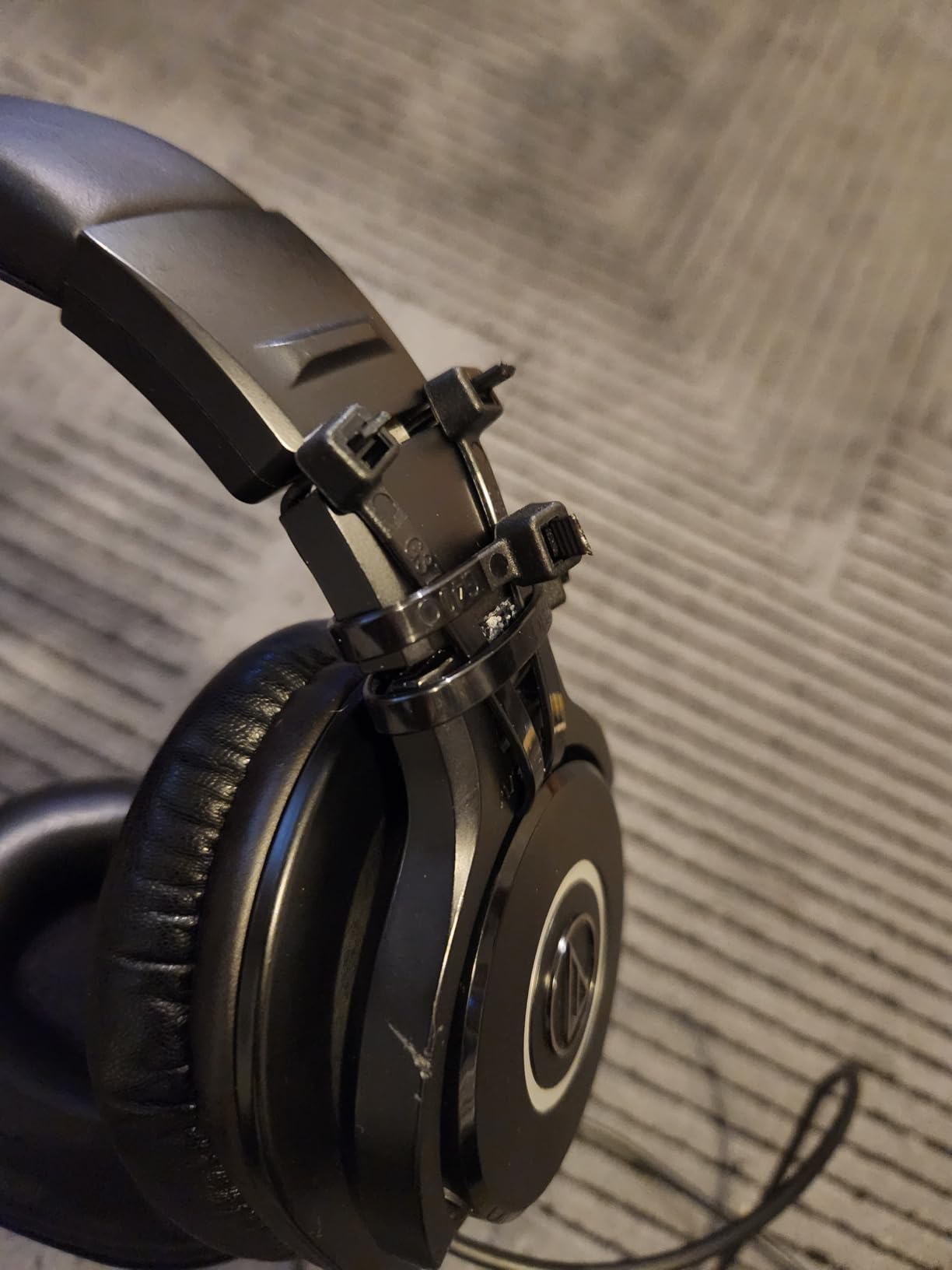
The design is very floppy. Without the tension of a folding frame the cups splay when you put them on, so it takes two hands, and reviewers often describe the swivel hinges as the weak point after several years of use.
Both supplied cables run long and suit a desk better than a laptop, and sub-bass rolls off early enough that low-end work needs EQ sooner than it would on the M50x.
6. AKG K240 Studio: the semi-open choice for editing only
AKG K240STUDIO Semi-Open Studio Headphones
30mm XXL drivers
55 ohm
104 dB sensitivity
240 g
Semi-open
Pros
- Neutral honest voicing that does not colour the source
- Light at 240 g with a self-adjusting headband
- Detachable 3 m cable with screw-on adapter
- Semi-open design keeps room sound audible
Cons
- Semi-open design leaks sound in and out so no live tracking
- Bass is light rather than extended
- Some find the treble slightly harsh
The K240 Studio is the one pick here that is not closed-back, and that is the entire point. A semi-open design lets room sound in and monitoring out, so you can hear whether your microphone is picking up the space around it. For an editor who never records in the same room, that is a feature rather than a fault.
Voicing is neutral and honest, with 30mm XXL transducers on Varimotion diaphragms. The 104 dB sensitivity and 55 ohm load make it easy to drive, and the self-adjusting headband spreads 240 g evenly, which is why it stays comfortable through long passes.
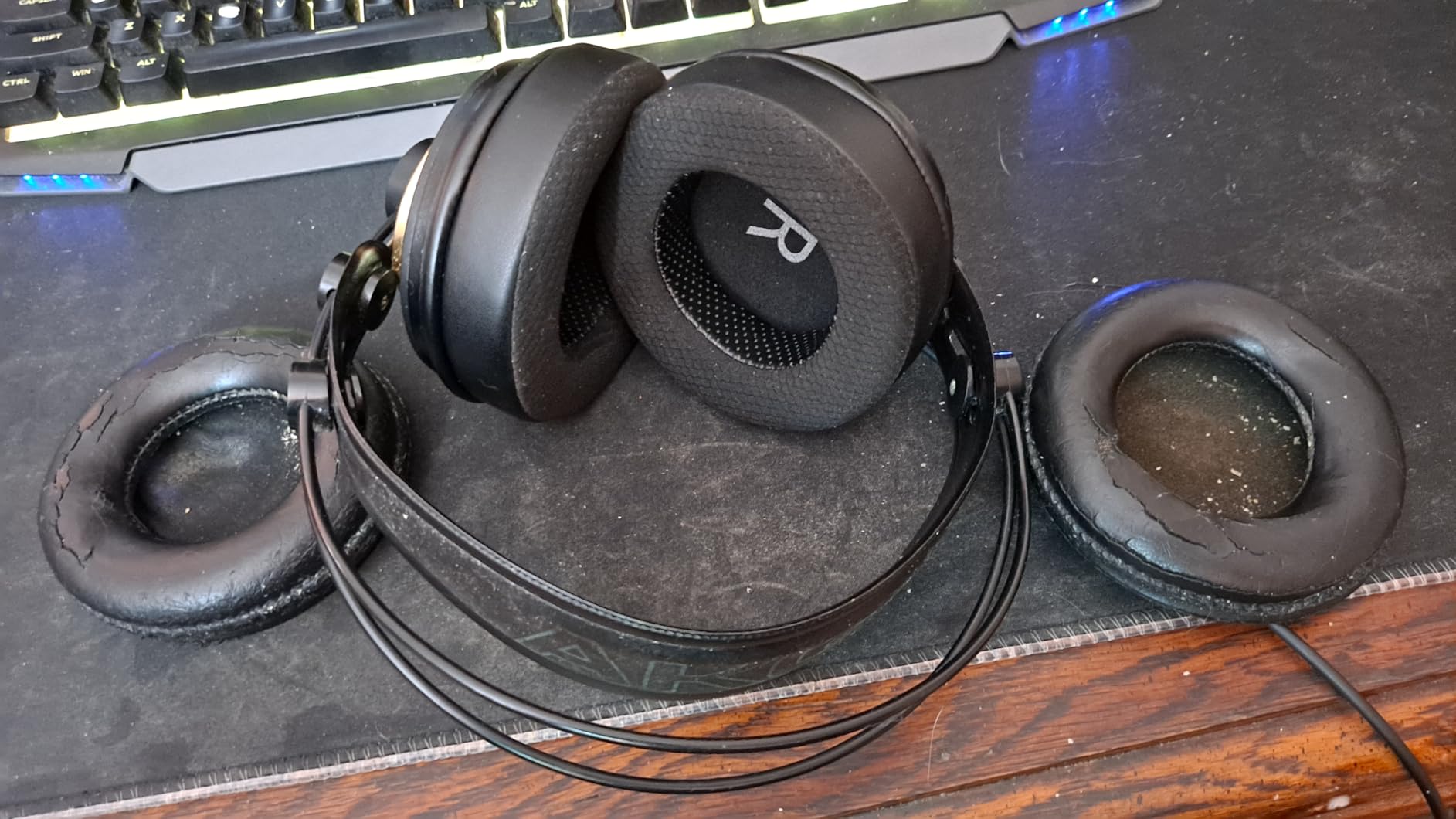
There is also a repair angle. The cable detaches through a locking mini-XLR connector and a 3 m length is included, with a screw-on 1/4 inch adapter. Nearly 12.5k reviews at 4.5 stars describe it as a lightweight workhorse for mixing, mastering and spoken-word editing.
For dialogue specifically the top end is where most of the character sits, and the K240 renders consonants with enough definition to spot sibilance. It is not harsh at low levels; it only starts to edge forward if you push the volume.
Who the AKG K240 suits
It suits an editor who is strictly post-production and never records near a live microphone. If your workflow is remote guest interviews, downloaded stems and archive work, the semi-open leak costs you nothing and the open presentation makes judging dialogue easier.
It also suits anyone who finds sealed cups warm. The semi-open back moves more air, and the self-adjusting band removes the ratchet pressure that causes clamping headaches on large heads.
Where the AKG K240 falls short
It cannot be used for live tracking. Monitoring audio will leak into a microphone in the same room, which is exactly the situation where a closed-back design is required. If you record on-site, this is the wrong tool.
The bass is light rather than extended, and a minority of listeners find the treble slightly harsh and the midrange a touch honky. Earpads also run warm over very long sessions once the foam compresses.
7. Sennheiser HD 280 Pro: the isolation benchmark
Sennheiser HD 280 Pro Headphone, Black
64 ohm
Warm natural voicing
Up to 32 dB attenuation
Detachable cable
Pros
- Class-leading passive isolation at up to 32 dB
- Warm natural voicing that flatters speech
- Pads and headband padding are user replaceable
- Folds one ear flat for quick cueing
Cons
- Heavy coiled cable pulls on one side
- Stock padding flakes with age
- Firm clamp can feel heavy on larger heads
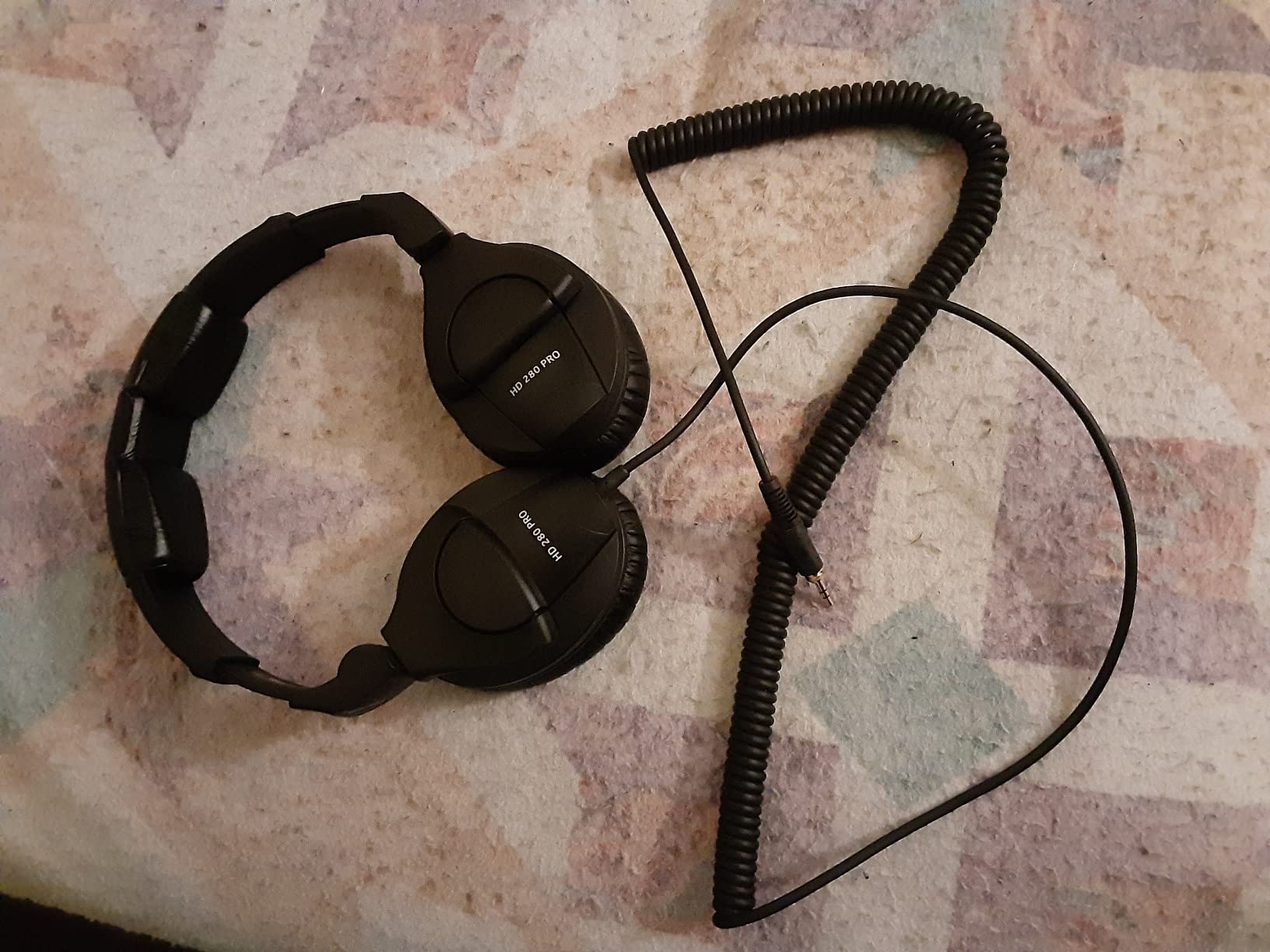
On headphone forums the Sennheiser HD 280 series is treated as the default closed-back professional recommendation, and the isolation figure explains why: up to 32 dB of passive attenuation. In a shared apartment or a home office next to a washing machine, that was the difference between hearing the noise floor in the file and hearing it in the room.
The sound is warm and natural rather than clinically flat, which is the trade most editors accept happily on speech. Voices sit forward, sibilance is still audible, and nothing in the tuning exaggerates a problem that is not in the recording.
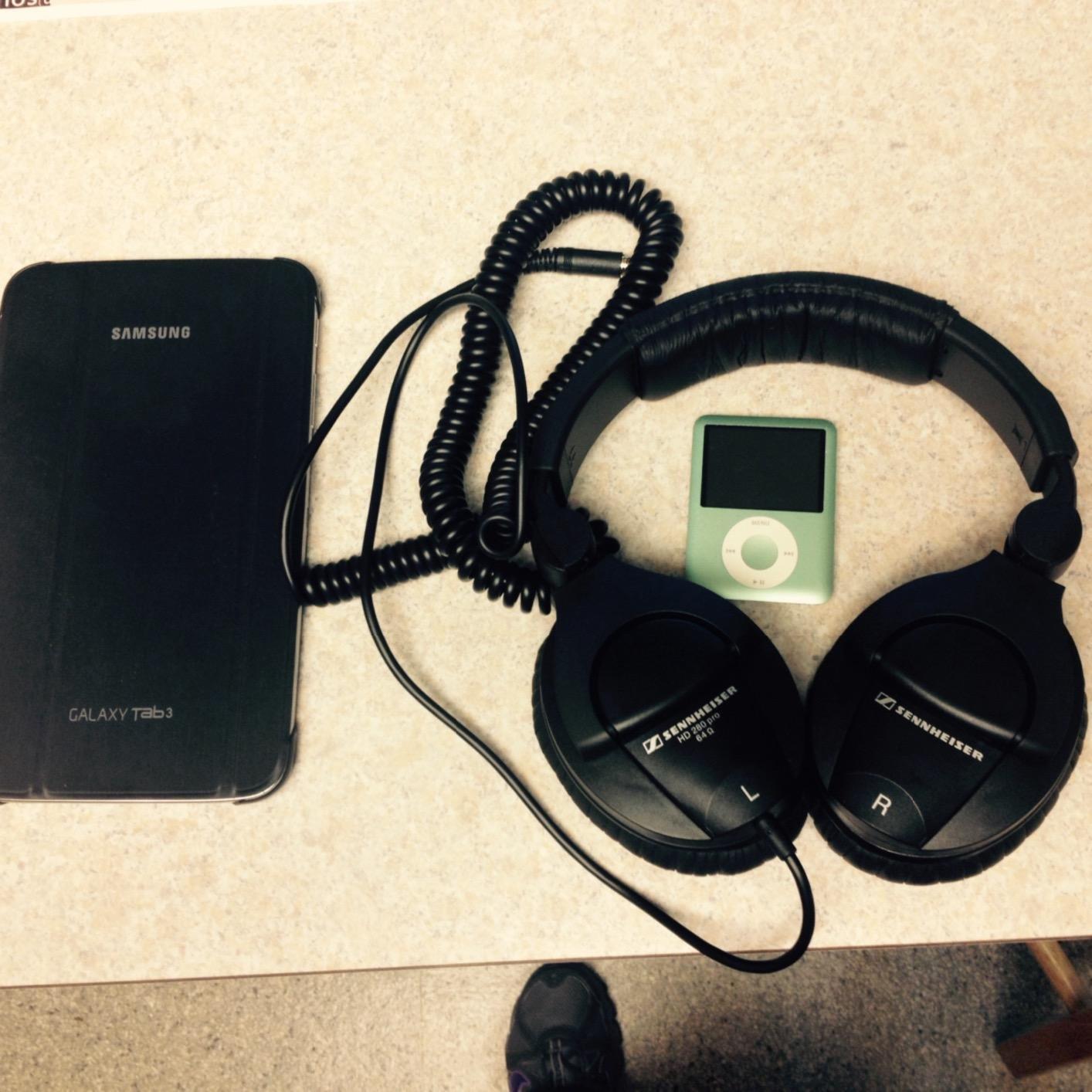
Replacement parts are a genuine strength. Earpads, headband padding and the audio cord are all user replaceable, and the 2 year warranty covers the build. Over a long ownership period that keeps the running cost of the pair close to zero.
The earpieces also fold flat on one side, so you can keep an ear open for cueing or for a conversation with someone in the room, which is useful when editing a live-recorded interview.
Who the HD 280 Pro suits
It suits editors in noisy or shared spaces, because no other closed-back in this list attenuates the outside world by as much. If your noise floor problem is the room rather than the microphone, isolation is the fix.
It suits people who want speech to sound good on the way in as well as being accurate on the way out. The warm, natural voicing flatters dialogue without smearing detail, which is a difficult balance to hit.
Where the HD 280 Pro falls short
The coiled cable is heavy and pulls on one side, and it is awkward if you move between a desk and a laptop. The stock padding is also the weak point: owners report the earpads and headband material wearing and flaking with age.
The clamp is firm, which reads as secure on a small head and heavy on a large one. Bass is also less forward than the Audio-Technica alternatives, so low-end balance decisions need a second reference.
8. Samson SR850: awareness when you need to hear the room
Samson SR850 Professional Studio Reference Headphones
50mm drivers
32 ohm
98 dB sensitivity
10 Hz to 30 kHz
Semi-open
Pros
- Big 50mm drivers give a wide detailed soundstage
- 32 ohm drives easily from laptops and phones
- Self-adjusting headband spreads weight well
- Low cost for a semi-open studio reference
Cons
- Semi-open construction leaks audio both ways
- Bass and treble are more coloured than flatter references
- Velour pads can run warm
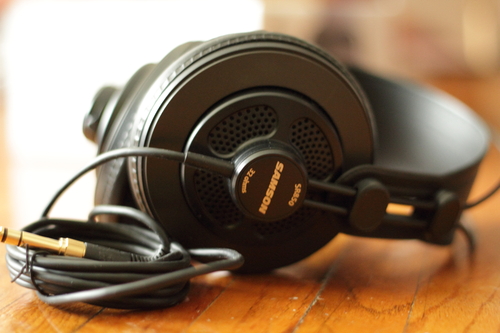
The SR850 is a semi-open reference with 50mm drivers, and it is an affordable way on this list to hear the room around a recording. That is genuinely useful for one task: checking whether a take picked up the space. You can hear your own voice and the room at the same time, which no closed-back model will do.
At 32 ohm with 98 dB sensitivity it drives from anything, including a phone, and the self-adjusting headband takes the strain off your ears. Just under 7,900 reviews at 4.5 stars reflect a settled budget reference rather than a premium one.
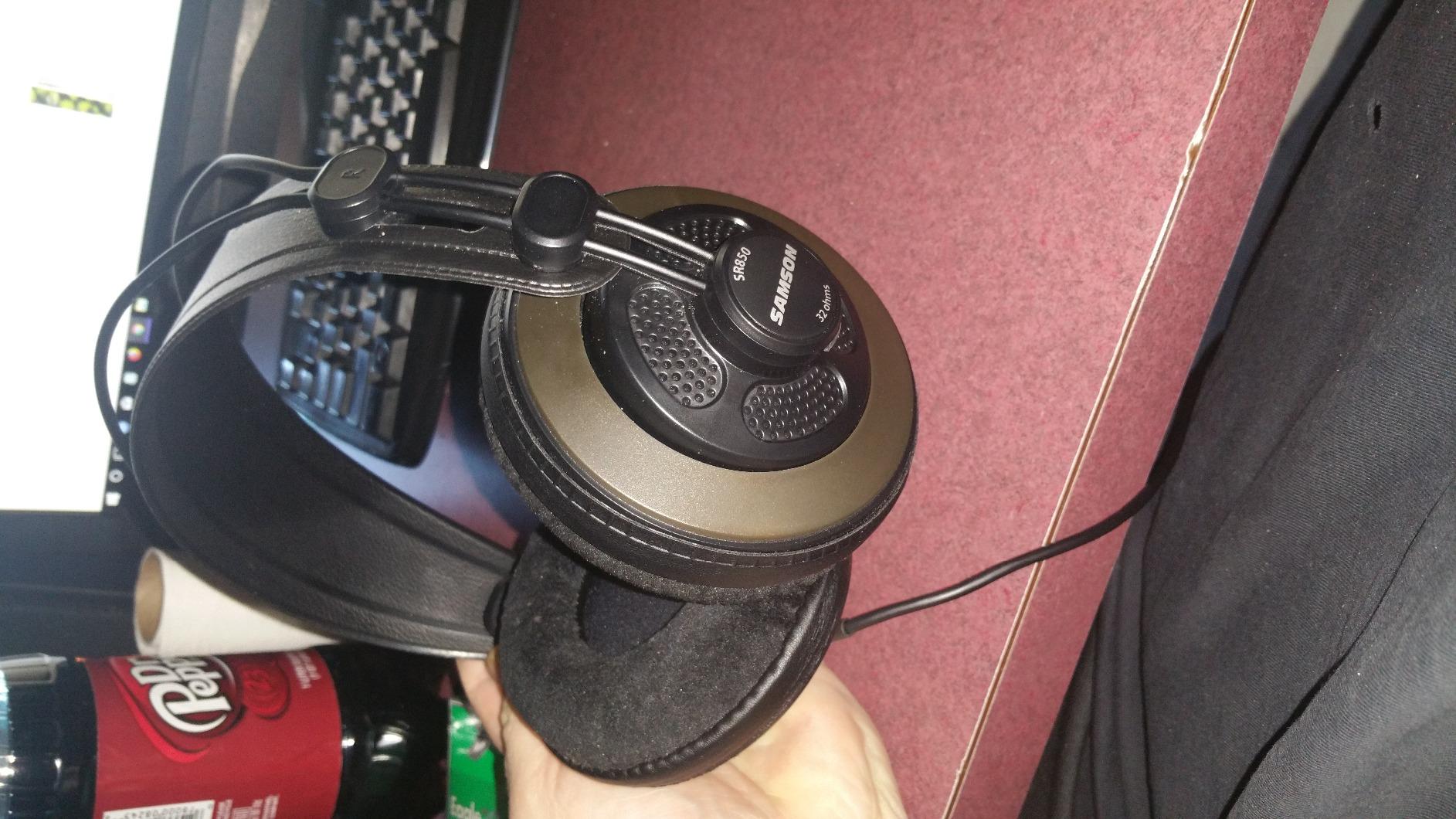
Where it is at its best is wide, open playback of long dialogue: the 50mm drivers give a soundstage that makes a two-host conversation feel spatially clear, which helps when you are cutting between speakers and looking for the natural seam.
The band adjusts itself rather than using a ratchet, so there is no pressure point to dial out, and a gold-plated 1/4 inch adapter is included for interface work.
Who the SR850 suits
It suits someone building a first editing setup on a small budget who still wants a proper studio headphone rather than a consumer one. The 32 ohm load and included adapter mean it works with whatever the computer has.
It suits editors who want a second, non-isolated pair for checking how a recording behaves in a real room, alongside a closed-back pair for detailed work.
Where the SR850 falls short
It leaks in both directions, so it is unusable for live tracking in a room with a microphone. The tonal balance is also more coloured than the flatter references here, and editors doing EQ work will hear that colouration as part of the signal.
The cups are bulky compared with metal-hinged rivals, and velour pads on a warm head can build heat through a long session.
9. OneOdio A71: the cable and plug package
OneOdio A71 Hi-Res Wired Over-Ear Studio Headphones for DJ, Mixing – Black
40mm drivers
32 ohm
110 dB sensitivity
20 Hz to 40 kHz
Detachable cable
Pros
- Very low cost entry into wired studio monitoring
- Coiled cord plus both 3.5 mm and 6.35 mm plugs included
- 90-degree swiveling earcups for one-ear cueing
- 32 ohm and 110 dB sensitivity drive easily
Cons
- Bass-forward coloured tuning is less accurate for editing
- Plastic build feels less durable
- Shared audio port is not useful for solo editing
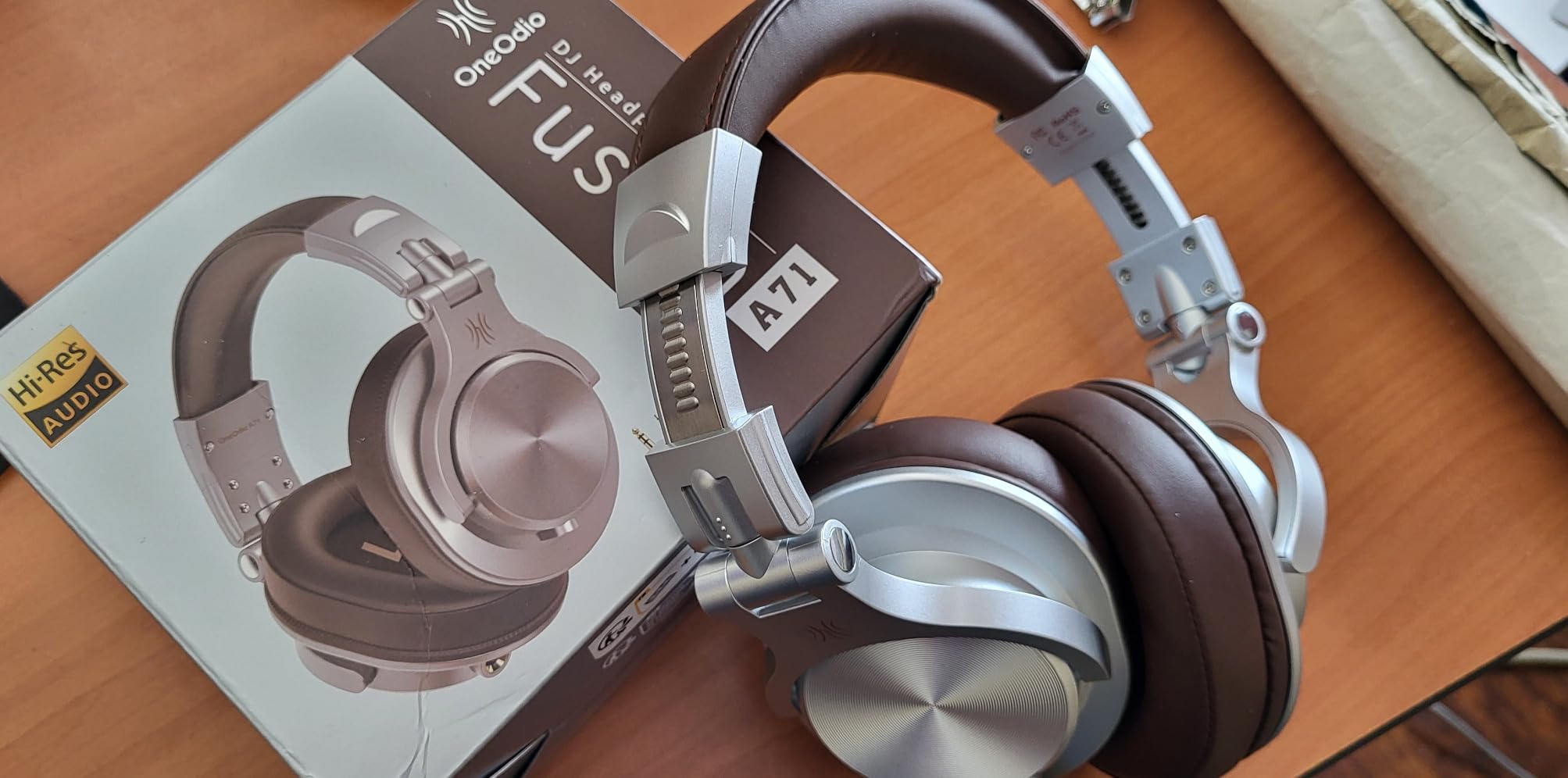
The A71 exists to solve a packaging problem, and it solves it well. You get a coiled 6.6 to 9.8 foot cord plus both a 3.5 mm and a 6.35 mm plug in the box, so it connects to a laptop and an interface with no adapter at all. The cable is detachable, which puts it ahead of several closed-back designs here on repairability alone.
Monitoring is the weak half of the package. The 40mm drivers are specified from 20 Hz to 40 kHz at 110 dB sensitivity and 32 ohm, which is easy to drive, but the tuning is bass-forward and coloured. For a DJ cueing or a streaming setup that is fine. For editing dialogue it is not neutral.
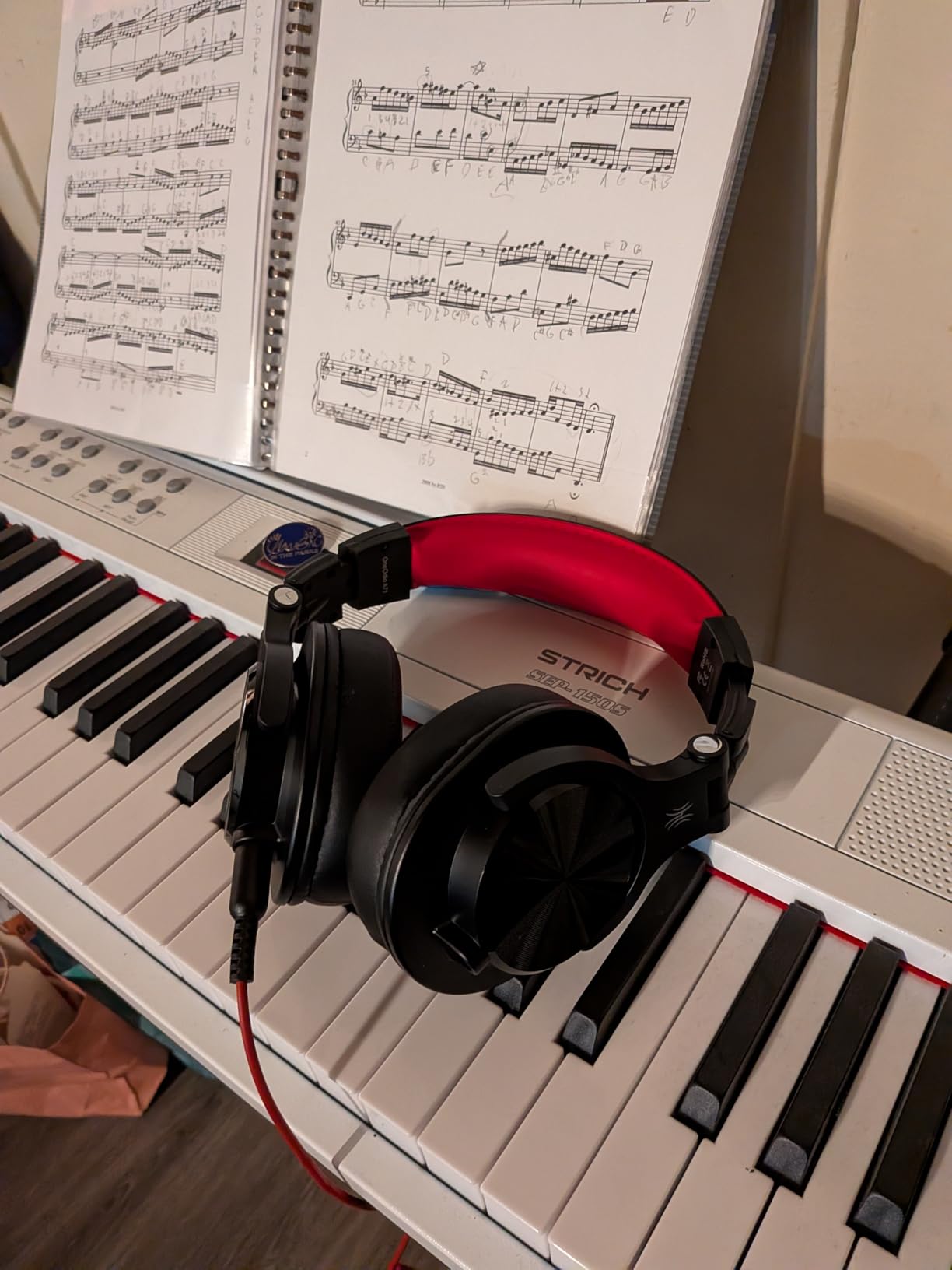
The 90-degree swiveling earcups support one-ear monitoring, and a shared audio port on one cup lets a second pair of headphones plug in for a collaborative session. The folding design and woven case make it the easiest to store of anything in this roundup.
At 13.28 ounces it is not the lightest, but the padded cushions and adjustable stretch headband hold up for a few hours. Build is plastic, and the headband and padding are basic next to metal-hinged models.
Who the OneOdio A71 suits
It suits a first-time editor who wants to try monitoring without hunting for adapters or cables, and it suits anyone who needs a spare pair that travels between machines without any setup.
It suits collaborative sessions where two people need to hear the same timeline, thanks to the shared audio port on the cup.
Where the OneOdio A71 falls short
The coloured, bass-forward tuning is the main issue for this specific brief. Editing speech on it means compensating for a low-end lift that is not in the recording, which is exactly what a podcast editor is trying to avoid.
The plastic construction feels the least durable here, and the shared audio port, while unusual, does nothing for the solo editor working from one desk.
10. Sennheiser HD 300 PRO: built for broadcast and fixed rigs
SENNHEISER Professional HD 300 PRO Over-Ear Broadcast Headphones,Black
64 ohm
114 dB sensitivity
6 Hz to 25 kHz
245 g
Leather pads
Pros
- Linear transparent reproduction built for voice and broadcast work
- Clear mids make speech easy to judge
- Comfortable padding for very long sessions
- Exchangeable cable with Sennheiser system connector
Cons
- Firm clamp can feel restrictive on larger heads
- Included cable is short for a desk setup
- Leather cups add weight and can feel warm
The HD 300 PRO is aimed at a narrower job than anything else here: fixed broadcast and studio monitoring positions where the headphone stays plugged in. Its selling point is linear, accurate reproduction across 6 Hz to 25 kHz with 64 ohm impedance and 114 dB sensitivity, and on voice material that clarity is the whole argument.
Mids are clear and forward in a way that makes consonants and sibilance easy to judge, which is precisely what you want when deciding whether a plosive needs a de-esser or a gain reduction. At 245 g with padded leather cups it stays comfortable through long sessions.
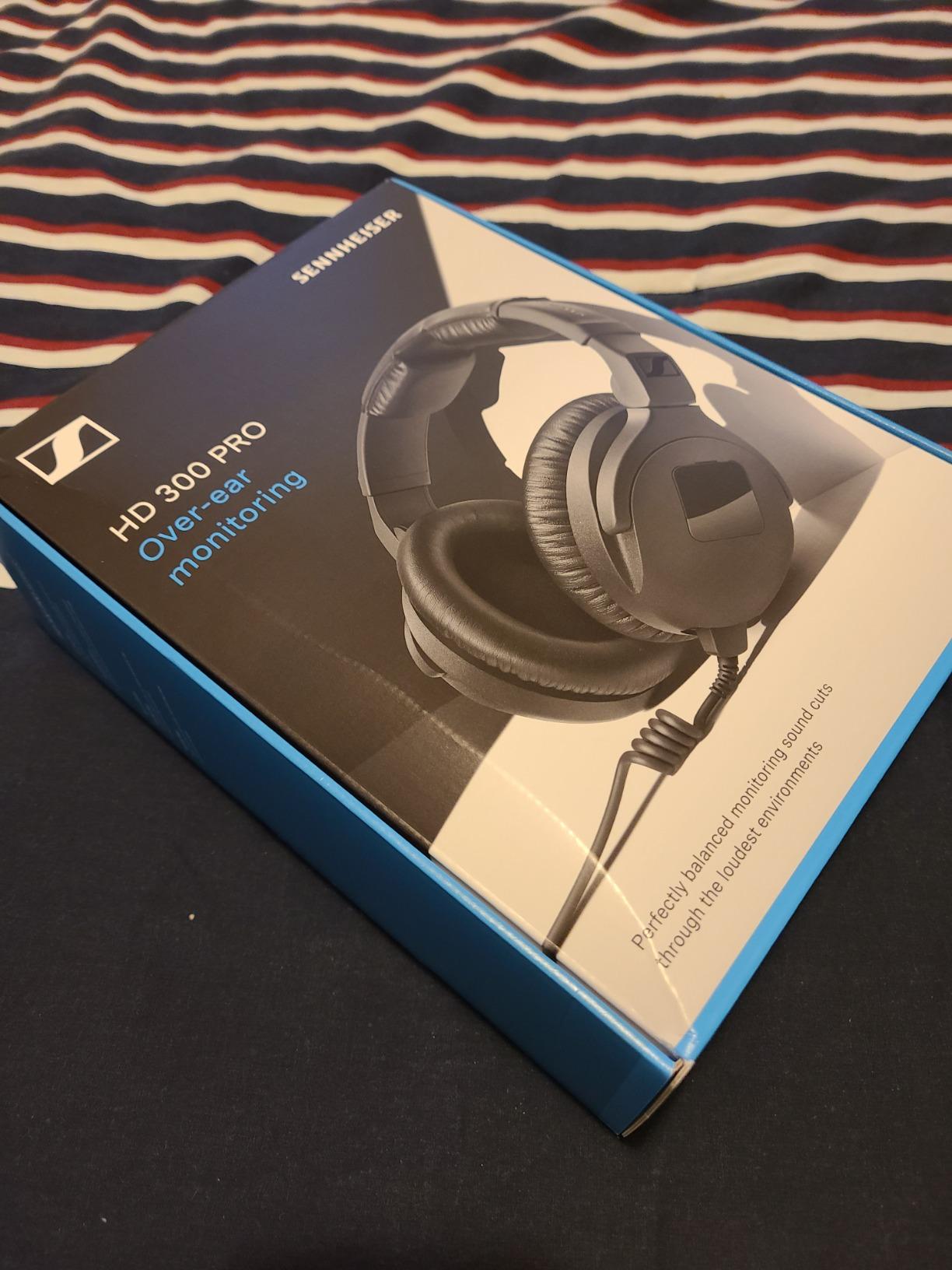
The cable is exchangeable through the Sennheiser system connector, and closed passive earcups give good attenuation in loud environments. That combination is why broadcast and podcast hosts like it: it is a permanent install rather than a portable pair.
Be aware of the evidence base. At 319 reviews and a 4.4 average it has far less owner history than the rest of this list, so there is less long-term data on pad wear and hinge durability than you would get elsewhere.
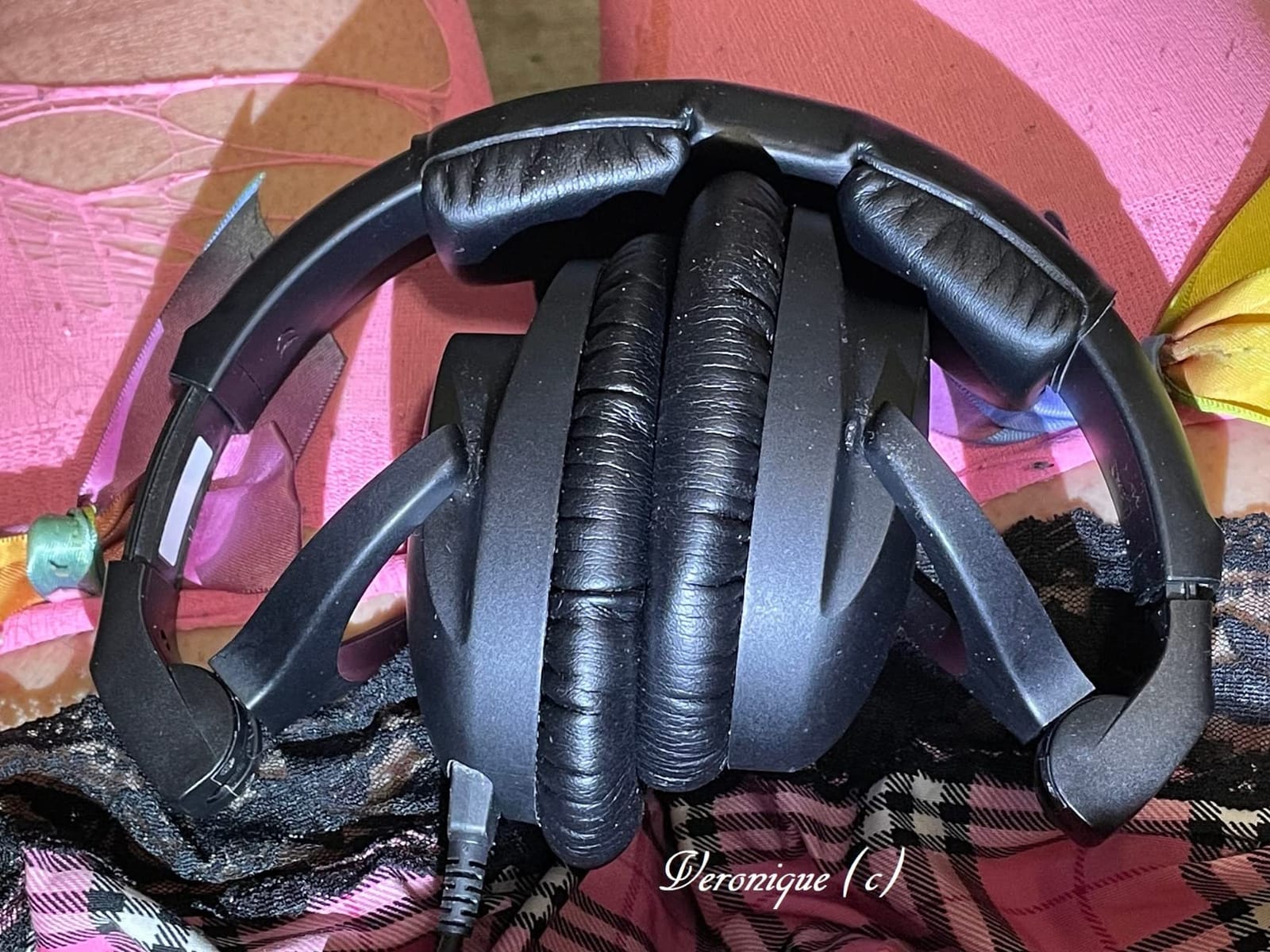
Who the HD 300 PRO suits
It suits a broadcast host or a fixed studio where the headphone lives on a boom or a desk and rarely travels. The exchangeable cable means a damaged lead is a cheap fix rather than a reason to buy again.
It suits anyone who prioritises the clarity of the human voice over tonal neutrality for other material, because the midrange presentation is its strongest attribute.
Where the HD 300 PRO falls short
The clamp is firm and gets restrictive on larger heads, which is a recurring note in the reviews. The included cable is also short for a desk setup, so you may end up buying a longer one immediately.
Leather cups add weight and warmth compared with velour or fabric pads, and the thin body of owner reviews means you are buying on spec and reputation rather than on a long track record of feedback.
Closed-Back or Open-Back for Podcast Editing
Closed-back wins for almost everyone, because sealed cups stop room noise from reaching your ears and stop your monitoring from reaching a live microphone. The top picks in this roundup are closed for exactly that reason, and the isolation ranking is where the Sennheiser HD 280 Pro pulls ahead.
Semi-open and open-back designs trade that isolation for a wider, more open presentation. That is genuinely useful for editing only, because you can hear your voice in a room the way a listener standing in it would, which makes reverb and room tone obvious. The AKG K240 and Samson SR850 cover that ground here.
The rule of thumb we would use: if a microphone is ever live in the same room, closed-back. If you are purely post-production, a semi-open is a legitimate second reference rather than a compromise.
Wired or Wireless: Latency Decides It
Wired, for editing. Bluetooth codecs add a delay between the audio leaving your interface and arriving at your ears, and that delay moves. On a lip-sync timeline it shows up as drift between the waveform and the picture, and it makes precise cutting harder rather than easier.
Wireless also adds a compression step to a signal you are trying to judge honestly. Active noise cancelling is a second problem: it works by altering the signal, which is the opposite of what critical listening needs.
Wireless is fine for checking a show on a commute, where a small latency changes nothing. It is the wrong tool for the timeline itself.
Do You Need a Headphone Amp for Podcast Editing?
Almost certainly not. Impedance is the number that matters, and it describes how hard your interface has to work to move the driver. Roughly: anything at 32 to 48 ohm drives easily from a laptop or a phone. 64 ohm is comfortable from almost any desktop interface. 80 ohm is fine from a decent output stage but can leave the last few dB behind on a quiet one.
In this roundup, the AKG K240 at 55 ohm, the Sony MDR-7506 at 63 ohm, the Sennheiser HD 280 Pro and HD 300 PRO at 64 ohm, and the DT 770 Pro at 80 ohm all fall into that range. The Samson SR850 and OneOdio A71 at 32 ohm are the easiest of all.
You need an amplifier only if the headphone runs out of volume before you are comfortable, or if you work in a very quiet room where the extra headroom lets you monitor lower without turning the interface up. That is a gain-stage question, not a quality question.
Setting Up Headphones for a Speech Edit
Start with loudness, not tone. Set your target integrated loudness in your editor before you touch a single EQ band, so that what you are judging is level rather than loudness drift between takes. A guest who sat six dB below the host should read as obviously wrong, not subtly wrong.
Then solo and check the noise floor. Pull the dialogue track down and listen with nothing else playing; hiss, mains hum and rumble show up immediately in headphones and vanish on speakers. The frequency range of the DT 770 Pro and the Sennheiser HD 300 PRO makes low-frequency problems the easiest to catch.
Work through the speech-specific problems next. De-plosives on the words that spike, de-ess the sibilance you are now able to hear, and high-pass each track to the point where the room rumble disappears without thinning the voice. Flat, neutral monitoring is what makes these calls repeatable rather than a matter of taste.
For stereo music beds, check that your headphone has a two-ear cable entry. A single-sided cable can introduce channel imbalance on some wired models, and an intro stinger that sits differently left and right is a bug your listeners will hear.
Fit: Clamp Force, Large Heads and Glasses
This is the most common complaint in headphone communities and the one most roundups skip. Users with larger heads describe the feeling of the cups squeezing until the ears feel like they are being pulled out, and that is a clamp-force problem, not a broken product.
Heavier circumaural designs with a wide band, like the DT 770 Pro and the HD 280 Pro, tend to feel secure but heavy over many hours. Lighter on-ear or lower-clamp designs, like the ATH-M20x at 210 g, cause fewer complaints from large-head and glasses wearers but give up some isolation.
Two practical fixes if a pair pinches: replace the stock pads with thicker or softer ones, which usually widens the fit, and take the headphones off for a few minutes every hour. Glasses wearers should look for pads with a softer outer edge, since that is what sits against the frame arm.
Hearing Safety and the 60-60 Rule
The 60-60 rule is a simple guardrail: keep your volume at no more than 60 percent of maximum and listen for no more than 60 minutes at a stretch. Extended exposure around 85 dB is the widely used threshold for hearing damage, and a four-hour edit at full volume is more than a podcast editor needs.
Accurate monitoring also protects you in a less obvious way. If you can hear the noise, hiss and imbalance in a take at a moderate level, there is no reason to push the fader up to find them. Most of the long-session fatigue in this category is volume-driven, not comfort-driven.
Take a short break every hour, and if you find yourself raising the volume over the course of an afternoon, the honest fix is usually a high-pass filter and a compressor, not more output level.
Frequently Asked Questions
What headphones do most podcasters use?
Closed-back wired studio monitors dominate, and the names that come up most often in podcast communities are the Sony MDR-7506, the Audio-Technica ATH-M30x and ATH-M50x, the Sennheiser HD 280 Pro and the Beyerdynamic DT 770 Pro. The shared reasons are cheap to drive, isolating enough to work near a live microphone, and light enough to wear for hours.
What kind of headphones does Joe Rogan use on his podcast?
We cannot verify the exact model any individual host uses, so we would not want to guess. What the broader podcast community does point to is a simple pattern: closed-back, wired, professional monitoring headphones such as the Sennheiser HD 280 Pro or the Beyerdynamic DT 770 Pro. If you want the most common answer, the Sony MDR-7506 is the pair that shows up most often.
What are the best headphones for audio editing?
For audio editing the criteria are specific: a flat frequency response, closed-back isolation, a wired connection with no added latency, and comfort over multi-hour sessions. Our picks meeting all four are the Audio-Technica ATH-M50x for neutral detail, the Sony MDR-7506 for isolation and low weight, the Audio-Technica ATH-M40x for the flattest response, and the Sennheiser HD 280 Pro for the strongest passive noise attenuation.
What is the 60-60 rule for headphones?
The 60-60 rule says listen at no more than 60 percent of your device’s maximum volume for no more than 60 minutes at a time, then take a break. It exists because prolonged exposure around 85 dB can cause permanent hearing damage, which matters when editing is a multi-hour daily activity.
Do podcasters need a headphone amp?
Rarely. Most podcast headphones sit between 32 and 80 ohm, and anything in that range runs from a laptop or a standard desktop interface without a dedicated amplifier. You would only need one if the headphone cannot reach a comfortable level from your existing output, which usually means a high-impedance model well above 250 ohm.
Are open-back or closed-back headphones better for podcast editing?
Closed-back is the better choice for most editors because it blocks room noise and stops your monitoring from leaking into a live microphone. Open or semi-back designs let you hear the room around a recording, which helps if you only do post-production, but they are unusable for tracking a microphone in the same space.
Best Studio Headphones for Podcast Editing: The Verdict
For podcast editing specifically, the Audio-Technica ATH-M50x is the pair we would buy. It is neutral enough to expose sibilance and rumble, isolating enough to ignore the room, light and comfortable enough for a five-hour session, and it has a detachable cable so a failure is a repair rather than a replacement. Nothing else in this roundup combined all four.
The Sony MDR-7506 remains the community default and the lightest credible closed-back, and the ATH-M20x covers a first editing setup honestly. If you edit in a noisy shared space, the Sennheiser HD 280 Pro wins on isolation. If you never record in the same room, the AKG K240 gives you a wider view of how the recording behaves.
Whichever you choose, set your loudness target before you touch the EQ, and keep the volume at a level where you can still hear a hiss at the bottom of the fader. The best studio headphones for podcast editing are the ones that make the problem audible, not the ones that make it easier to ignore.