
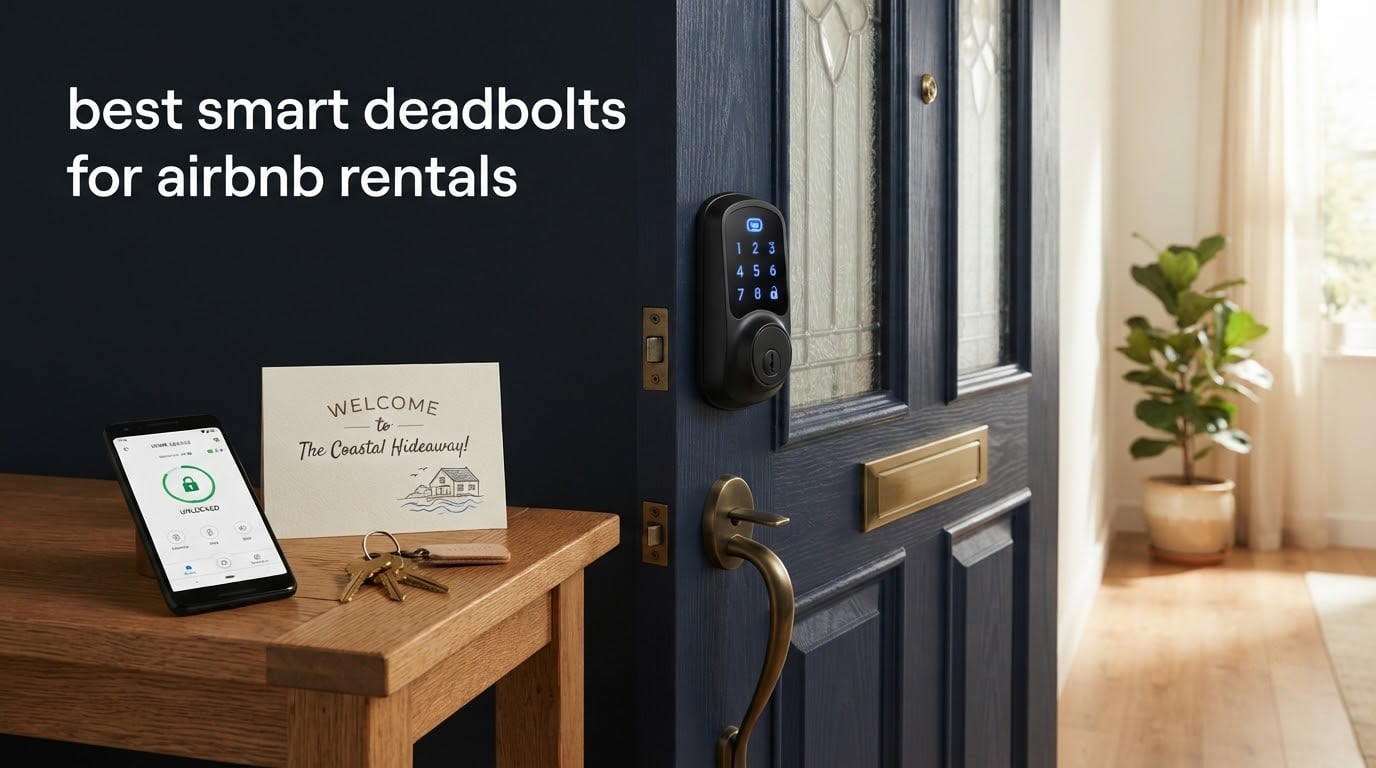
The best smart deadbolt for Airbnb rentals is the Schlage Encode Smart WiFi Deadbolt. It creates guest codes from the Airbnb app automatically, holds 100 access codes, runs on built-in Wi-Fi with no hub, and carries the highest residential BHMA security rating. For a tighter budget, the eufy Smart Lock C220 and the TEEHO TE012W both add a fingerprint reader and hub-free remote control for far less.
I have watched the same failure repeat across rental doors for years. A guest lands at 11 PM, the key they were sent is in a drawstring bag on a counter, the last copy is unaccounted for, and somebody has to make a phone call that turns a five-star stay into a refund request. The fix is boring and mechanical: replace the deadbolt with one that issues a code that starts at check-in and dies at checkout.
That is the whole promise of the best smart deadbolts for Airbnb rentals, and most marketing copy buries it under fingerprint readers and voice assistants. What actually decides whether a lock survives a rental property is narrower: does it talk to Airbnb directly, does it hold enough codes for your turnover, does it work without a hub you have to keep online, does the battery outlast the gap between stays, and is there a physical key under the electronics.
Our team compared 10 of the most-reviewed smart deadbolts currently used on short-term rentals, weighing each one on guest code capacity, connectivity, battery claims, security certification, weather rating, and what owners report after months of daily use rather than a single afternoon. The results surprised us in two places. First, the fingerprint locks have caught up far faster than the roundup pages suggest. Second, one of the cheapest picks on the list outlasted several premium options in the category.
One correction before the picks: the US and Canada restriction on Airbnb-generated codes is not universal, so hosts elsewhere should read the note below before buying anything. And if you manage a single low-turnover property, a lockbox may genuinely serve you better, which we cover honestly further down.
Table of Contents
Top 3 Picks for Smart Deadbolts for Airbnb Rentals in 2026
These three cover the range most hosts actually need. The Schlage Encode wins on integration and code capacity, the eufy C220 wins on retrofit simplicity, and the TEEHO TE012W wins when cost is the deciding factor.

Schlage Encode Smart WiFi Deadbolt
- Native Airbnb code creation
- Built-in Wi-Fi no hub
- 100 access codes
- Highest residential BHMA rating

eufy Smart Lock C220
- Six unlock methods
- 8 months on 8 AA batteries
- Self-learning fingerprint
- 15-minute no-drill retrofit

TEEHO TE012W WiFi Fingerprint Lock
- Fingerprint plus app and passcode
- Built-in Wi-Fi no hub
- Grade 3 and IP55
- Eight AA batteries
All 10 Smart Deadbolts for Airbnb Rentals at a Glance
Every lock below replaces a standard keyed deadbolt and accepts a physical key as a fallback. The differences that matter to a host are connectivity and code volume, so those are the columns worth reading first.
| Product | Specs | Action |
|---|---|---|
| Schlage Encode Smart WiFi Deadbolt |
|
Check Latest Price |
 ULTRALOQ Bolt SE ULTRALOQ Bolt SE |
|
Check Latest Price |
| eufy Smart Lock C220 |
|
Check Latest Price |
 Veise RZ07 Veise RZ07 |
|
Check Latest Price |
 Philips Wi-Fi Smart Deadbolt Philips Wi-Fi Smart Deadbolt |
|
Check Latest Price |
 Sifely Model O Deadbolt Sifely Model O Deadbolt |
|
Check Latest Price |
 Tapo Smart Wi-Fi Door Lock DL110 Tapo Smart Wi-Fi Door Lock DL110 |
|
Check Latest Price |
| TEEHO TE012W |
|
Check Latest Price |
 Wyze Auto-Lock Bolt v2 Wyze Auto-Lock Bolt v2 |
|
Check Latest Price |
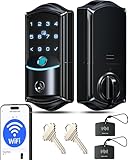 Veise VE027 Veise VE027 |
|
Check Latest Price |
1. Schlage Encode Smart WiFi Deadbolt – Best Overall for Airbnb Rentals
Schlage Encode Smart WiFi Deadbolt Lock with Camelot Trim, Satin Nickel
Built-in Wi-Fi no hub
Up to 100 access codes
Airbnb auto codes
4 AA batteries 6 months
1 backup key
Pros
- Creates Airbnb guest codes automatically before check-in and deletes them after checkout
- Built-in Wi-Fi means no hub or bridge to install
- 100 access codes with multi-lock control and lock history in one app
- Highest residential BHMA security durability and finish rating
- Snap n Stay install fits most standard doors with a screwdriver only
Cons
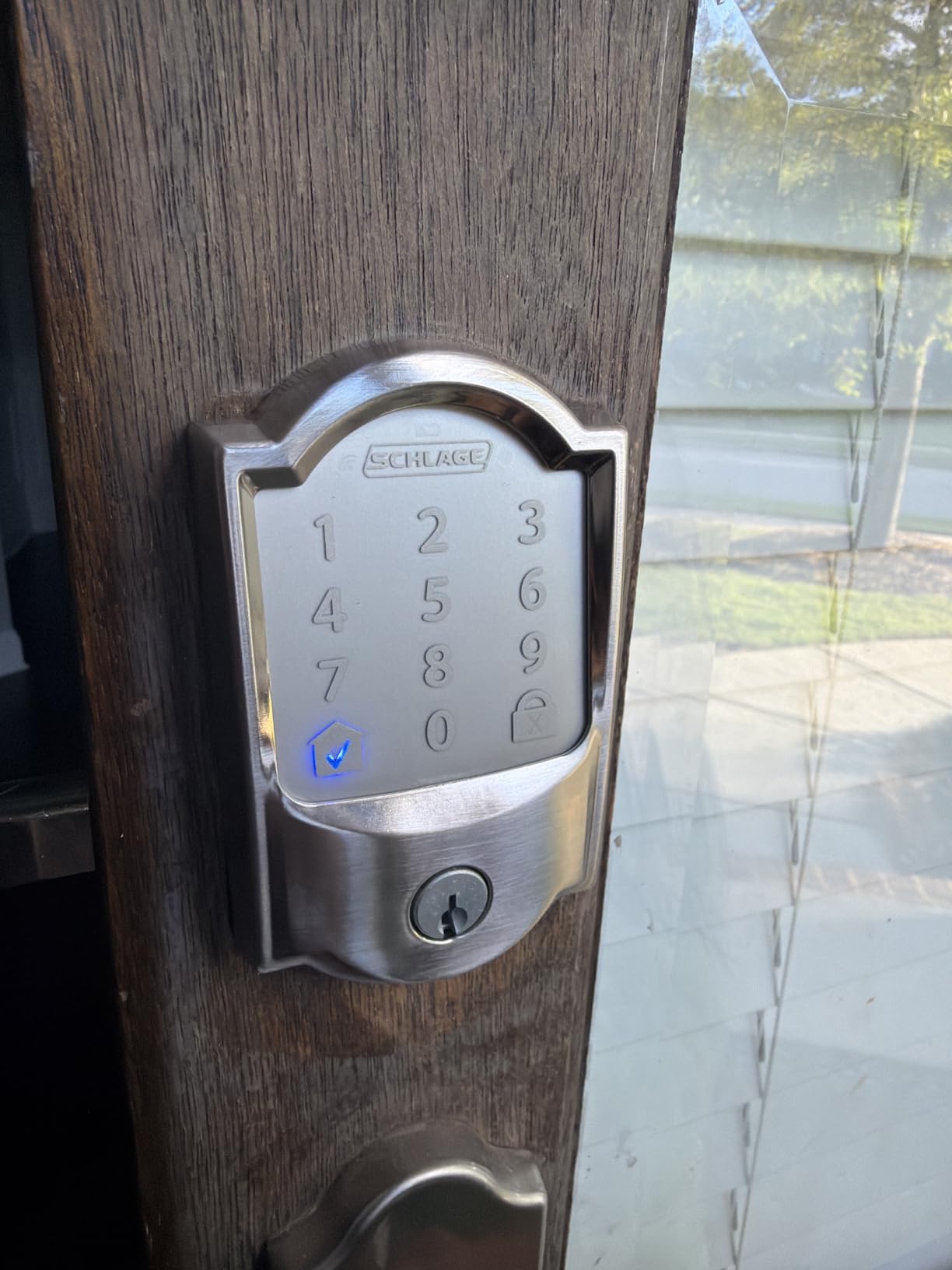
- Capacitive keypad numbers are hard to see in low light until the home button is pressed
- Touchpad sometimes needs several attempts to register a code
- Rekeying to an existing key needs a Schlage kit or a locksmith
This is the lock we keep coming back to for our own rentals, and it is the one host forums name most often. On BiggerPockets, hosts push the Schlage Encode as the default answer and point out that Schlage and Yale are the picks people trust precisely because they hold up under heavy daily turnover. That matches what we see: nothing about this lock is flashy, and nothing about it fails under pressure.
The practical case is integration. Once you link the Schlage Home app to your Airbnb account, a confirmed reservation generates a code that activates at the check-in window and is removed at checkout. No copying digits into a notes app, no reminding yourself to delete a code three weeks after a guest leaves. Owners with long tenures describe the same experience, and several mention the code simply appearing before arrival without any action on their part.
Capacity is the other reason it scales. Up to 100 access codes, multi-lock management under one login, and a lock history that shows who opened the door and when. If you run several doors or hand cleaners recurring windows, you are not rationing codes.
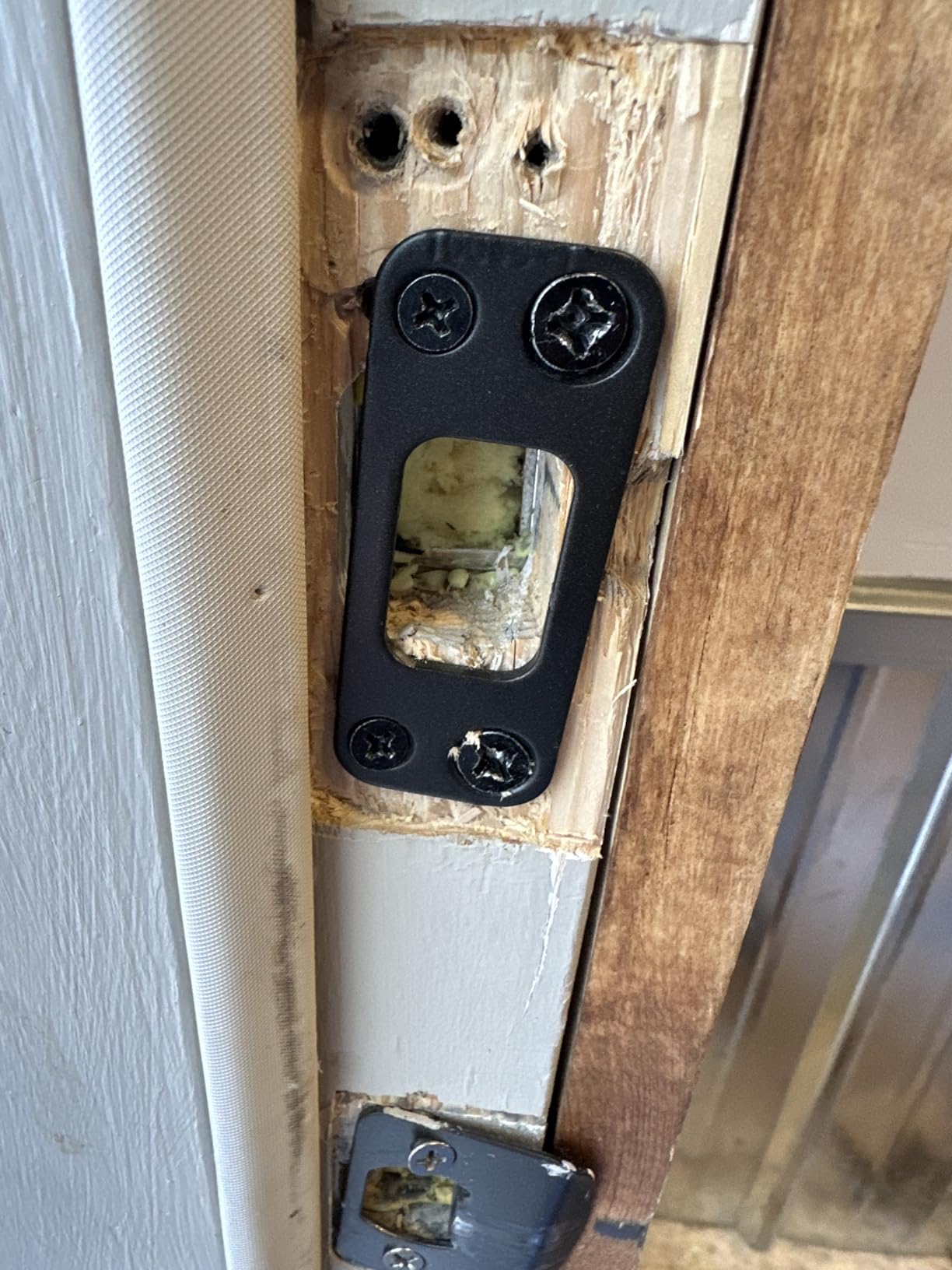
Installation is genuinely a screwdriver job for most doors. The Snap n Stay design fits doors from 1-3/8 to 1-3/4 inches thick with either a 2-3/8 or 2-3/4 inch backset, which covers the overwhelming majority of residential rental doors. The unit weighs 3.3 pounds, which is on the heavy side for a deadbolt and consistent with a solid zinc body behind the panel.
Four AA batteries are included and the manufacturer claims up to six months of typical use, with warnings both on the lock face and in the app. That is the shortest battery claim here, and under back-to-back weekend turnover you will want to set a calendar reminder rather than trust it. One physical key is included, which is exactly one, so decide early where that key lives.
Best For High-Turnover Hosts Who Want Codes That Manage Themselves
Choose this one if you check bookings from your phone and never want to touch a code again. It suits properties with weekly or faster turnover, hosts who have already accepted that keys get lost, and anyone who wants the entry log for a damage dispute later.
The extra weight is worth it if you are replacing hardware rather than adding one, because the fee difference between this and a mid-tier fingerprint lock is small next to the cost of a single emergency locksmith visit.
Skip It If You Need a Physical Keypad or Rekeying Flexibility
The capacitive touchscreen is the weak point. Numbers stay dim until a guest finds and presses the home button, and reviewers regularly report needing several attempts to get a code to register, which is a poor experience for someone arriving tired at midnight.
Rekeying is also friction here. Matching the lock to an existing building key needs a Schlage kit or a locksmith, so if your property runs on a master key for maintenance staff, plan for that visit or choose a lock with a standard cylinder.
2. ULTRALOQ Bolt SE – Best for Matter and Smart Home Setups
ULTRALOQ Bolt SE Wi-Fi Smart Lock, Matter Over Thread, App Remote Access
7 unlock methods
50 codes and 50 prints
Matter over Thread
IP65 and BHMA certified
Lifetime mechanical warranty
Pros
- Seven entry paths including fingerprint
- passcode
- app
- web portal
- eKey
- voice and two keys
- Built-in Wi-Fi plus Matter over Thread covers Apple Home and major ecosystems
- 50 fingerprints and 50 access codes with scheduling for guests and trades
- Thread mesh claimed to stretch battery life to as much as 18 months
- ANSI BHMA certified zinc alloy body with IP65 water resistance
Cons
- Matter over Thread features need a separate Thread Border Router
- Matter path aside
- built-in Wi-Fi is 2.4 GHz only
- No door sensor included so ajar detection is unavailable
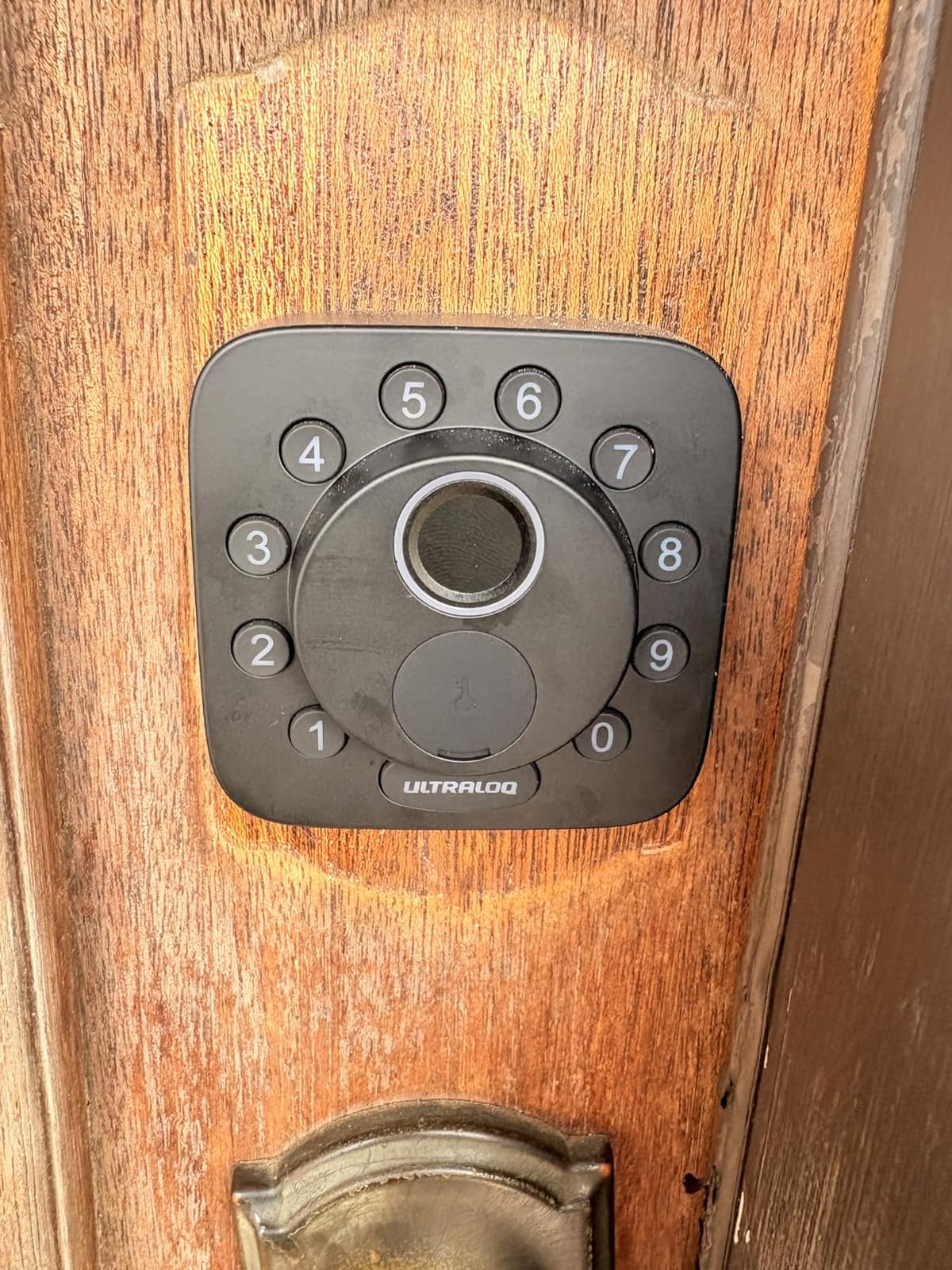
At 10k plus reviews this is the second most proven lock in the group, and it is the one to buy if your rental already sits inside a smart home ecosystem. Apple Home, Alexa, Google Assistant and SmartThings are all listed as controllers, and the bolt speaks Matter over Thread in addition to its own Wi-Fi.
For a host, the useful part is the seven-way entry list. Fingerprint, passcode, app, web portal, eKey sharing, voice and two mechanical keys. The eKey sharing option is the quiet winner for contractors: you can grant a plumber scoped access for an afternoon and then revoke it, rather than handing over your master code and hoping they remember.
Code and print storage of 50 each is comfortable for a single-property host. For a portfolio, that number is the ceiling, and you will be rotating codes more often than you would with the Schlage or the Veise RZ07 below.
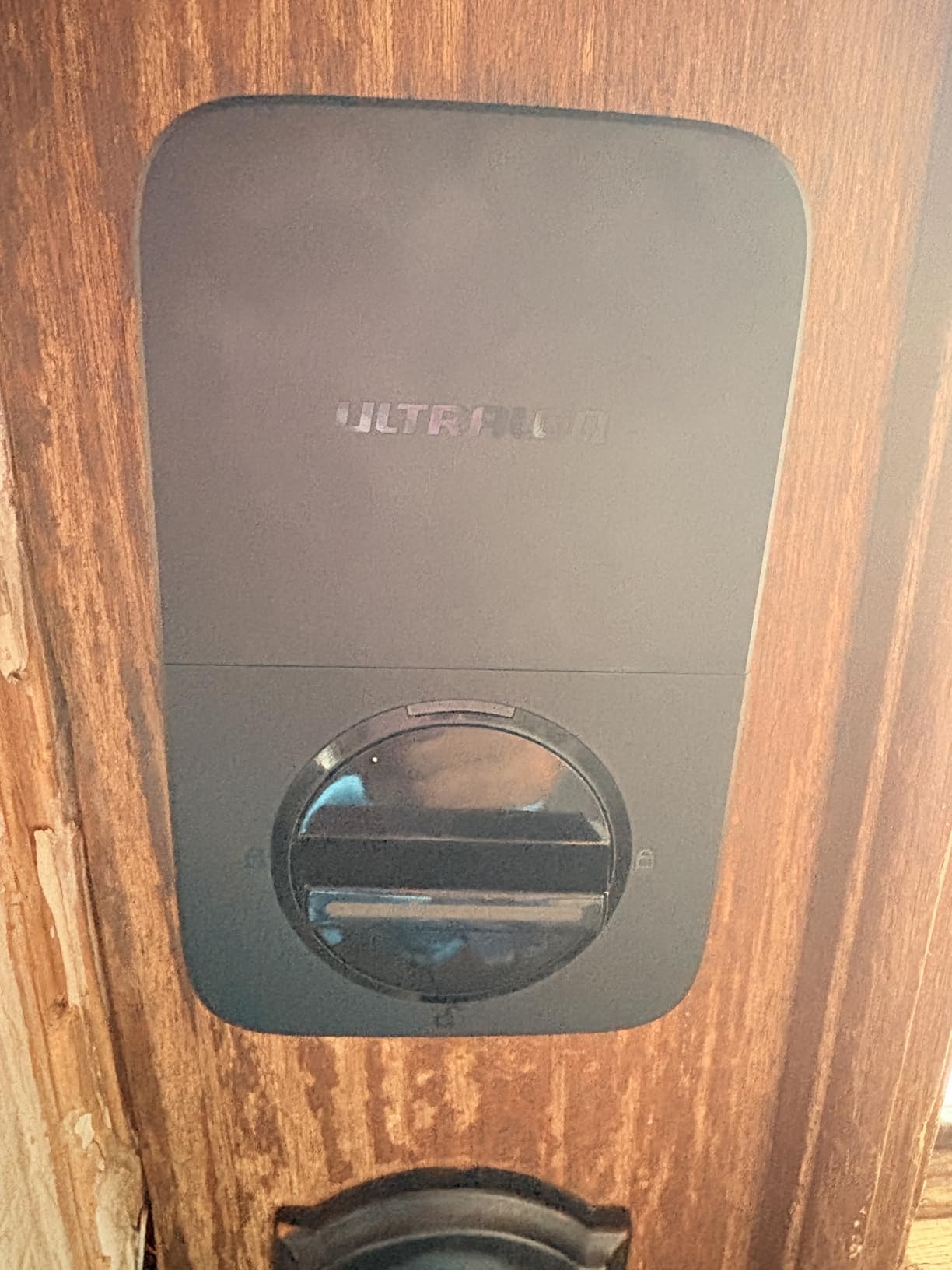
Battery life is the headline claim, with Thread low-energy mesh cited as the reason it can reach as much as 18 months. Treat that as a marketing ceiling rather than a promise, because a property with a fingerprint reader and heavy guest traffic draws meaningfully more power than a quiet door.
Physically it is compact at 2.95 by 1 by 2.95 inches, with a zinc alloy body, IP65 water resistance and ANSI BHMA certification, which makes it a credible exterior door option. The manufacturer advertises a 10 minute screwdriver-only install and backs the mechanics for life with 18 months of electronics cover.
Best For Hosts Who Already Run a Smart Home
Pick this when your doors are already automated and you want the lock inside the same app as your cameras and lighting. It is also a good fit for a beach or pool rental where IP65 and a zinc body matter more than a fingerprint reader.
Owners who install it themselves report that the setup is uneventful, which matches the broader host consensus that a lock you can fit with basic tools removes the need for a locksmith visit entirely.
Skip It If You Are After Smart Home Automation or Need Six Eights of Codes
Two limitations will decide it for some hosts. The Matter features need a Thread Border Router, so if you bought it for Matter and do not run one, you are using a very good Bluetooth and Wi-Fi lock that happens to advertise an ecosystem it cannot reach.
Second, the built-in Wi-Fi is 2.4 GHz only, and the manufacturer recommends keeping the router within about 70 feet. On a detached guest cottage or a rear rental building that is a real constraint. The absence of a door sensor also means no ajar detection, which matters more than it sounds.
3. eufy Security Smart Lock C220 – Best Value for Airbnb Rentals
eufy Security Smart Lock C220, Fingerprint Keyless Entry Door Lock
6 unlock methods
8 AA batteries 8 months
IP53 and Grade 3
Self-learning fingerprint
Pros
- Six ways in including sub-one-second fingerprint
- app
- keypad
- key
- Apple Watch and voice
- Self-learning fingerprint recognition improves with each touch
- Built-in Wi-Fi so no bridge is needed for remote control
- Eight AA batteries give roughly 8 months and are included in the box
- BHMA Grade 3 certified after more than 100000 lock cycles
Cons
- Fingerprint scanner sometimes needs more than one attempt depending on finger placement
- App is described as functional rather than feature rich
This is the lock we recommend when a host tells us the budget is real. It sits well below the premium tier, keeps built-in Wi-Fi so there is no hub to buy, and it ranked eighth in the deadbolts category, which tells you something about how many people switched to it.
Six unlock methods is a lot for the money. Fingerprint, the eufy Security app, keypad, physical key, Apple Watch and Alexa or Google voice. The self-learning fingerprint module is the piece we like most, because the recognition is claimed to tighten with use rather than degrade, and a guest who fumbles once at check-in is far more likely to fumble again the next night if the reader is stubborn.
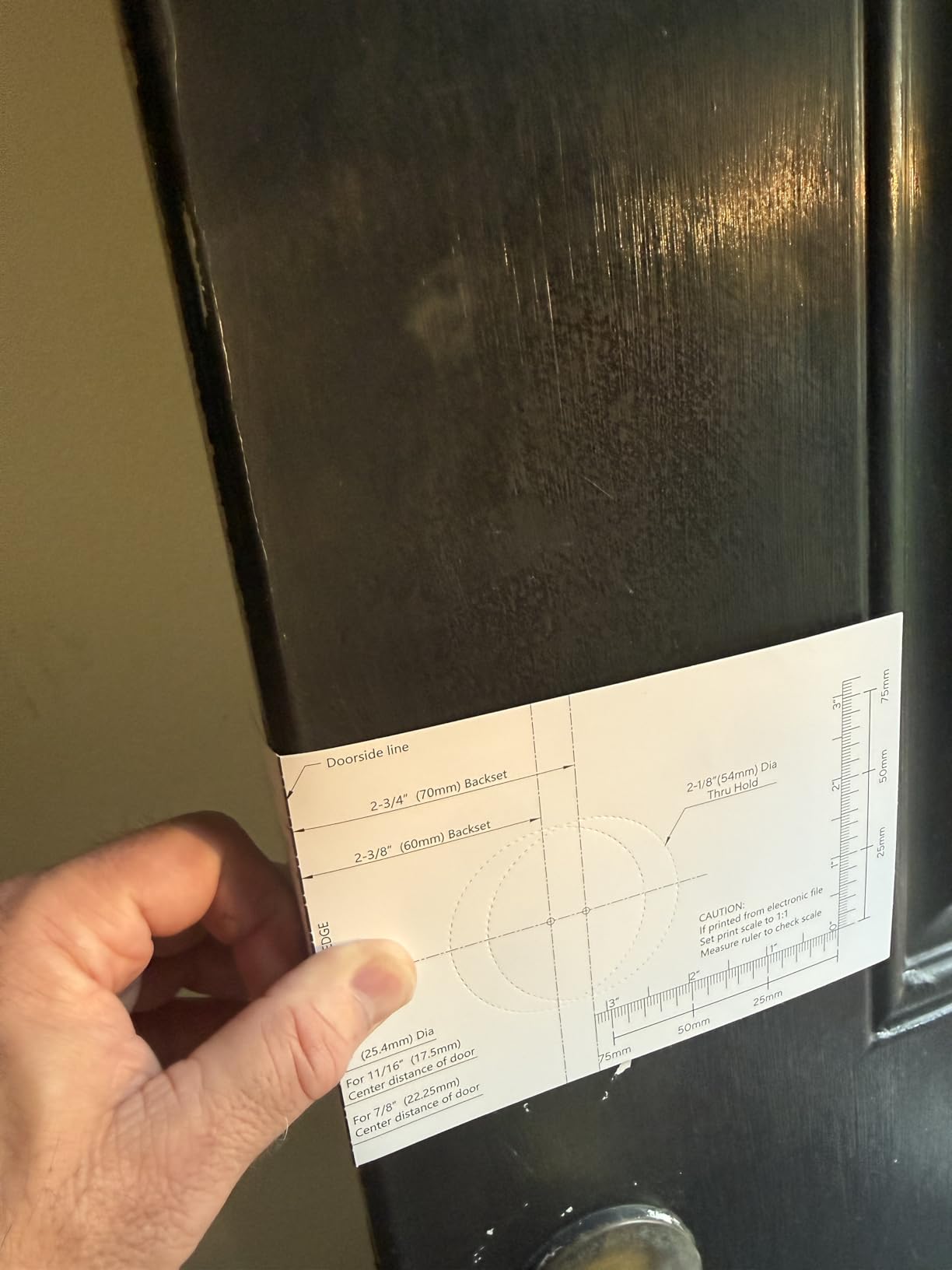
It fits most standard deadbolts directly, including bores under 54 mm once the supplied spacer is removed, and installs in roughly 15 minutes without drilling. For an older rental with an unusual door, that saves you the awkward measurement trip to a hardware store.
Battery life is around 8 months on eight AA batteries, and the box includes both the batteries and two keys. The security certification is BHMA Grade 3 after more than 100,000 lock cycles, with IP53 water protection and a stated operating range from -22F to 158F, so it handles a cold climate garage or back door as well as a front entry.
If you already run eufy doorbells or cameras, the lock joins the same app and routines, which removes the usual argument against adding a second ecosystem to a rental.
Best For One or Two Properties With a Normal Front Door
This is the pick for the host who wants a fingerprint reader, a mechanical key, and remote unlock without buying a gateway, and who does not need native Airbnb code generation. Plan on entering guest codes yourself in the app, which is a five-minute job per booking.
It is also the safest first smart lock purchase, because the install path and the battery situation are both well documented in the reviews.
Skip It If You Need Top-Tier Security or Native Airbnb Codes
Grade 3 is the lowest of the residential BHMA grades, and on a detached rural rental with a visible keyhole, a stronger deadbolt is a fair ask. The lock also does not create Airbnb codes on its own, so automation stays manual unless you connect a property management platform.
Owners also note the app is competent but plain. If you want battery percentages, geofencing, and deep automation, look further down the list. And the fingerprint reader, while quick, does occasionally need a second attempt.
4. Veise RZ07 – Best for Large Code Volumes and No Subscription
Veise RZ07 Fingerprint Smart Door Lock Deadbolt, App Control, Matte Black
250+ user codes
0.2 second fingerprint
App and web portal, no subscription
IP55 and Grade 3
Pros
- Supports 250+ user codes with one-time
- permanent
- scheduled and recurring types
- App and web portal management with no monthly subscription
- 0.2 second fingerprint unlock with self-learning AI and room for 50 prints
- Seven unlock methods including fobs
- eKey sharing and a mechanical key
- Two-year warranty once registered plus responsive US phone support
Cons
- Remote control and voice control need the separately sold Veise G2 gateway
- Dark tinted keypad glass is hard to read in direct sunlight
- App can need repeated connection attempts with generic failure messages
The RZ07 is the code machine. Where most locks in this list top out between 50 and 100 codes, this one supports more than 250 users, and each code can be one-time, permanent, scheduled or recurring. For a host juggling guests, a cleaner, a landscaper, a plumber and a rotating contractor list, that flexibility is the entire point.
There is no monthly subscription attached to the app or the web portal, which removes the recurring cost that turns some hosts back to mechanical cylinders. Both surfaces let you generate eKeys remotely, manage users, and pull access records.
The fingerprint reader reads in 0.2 seconds according to the manufacturer and stores up to 50 prints with self-learning recognition. Seven unlock methods cover fingerprint, app, web portal, fob, code, eKey sharing and the physical key.
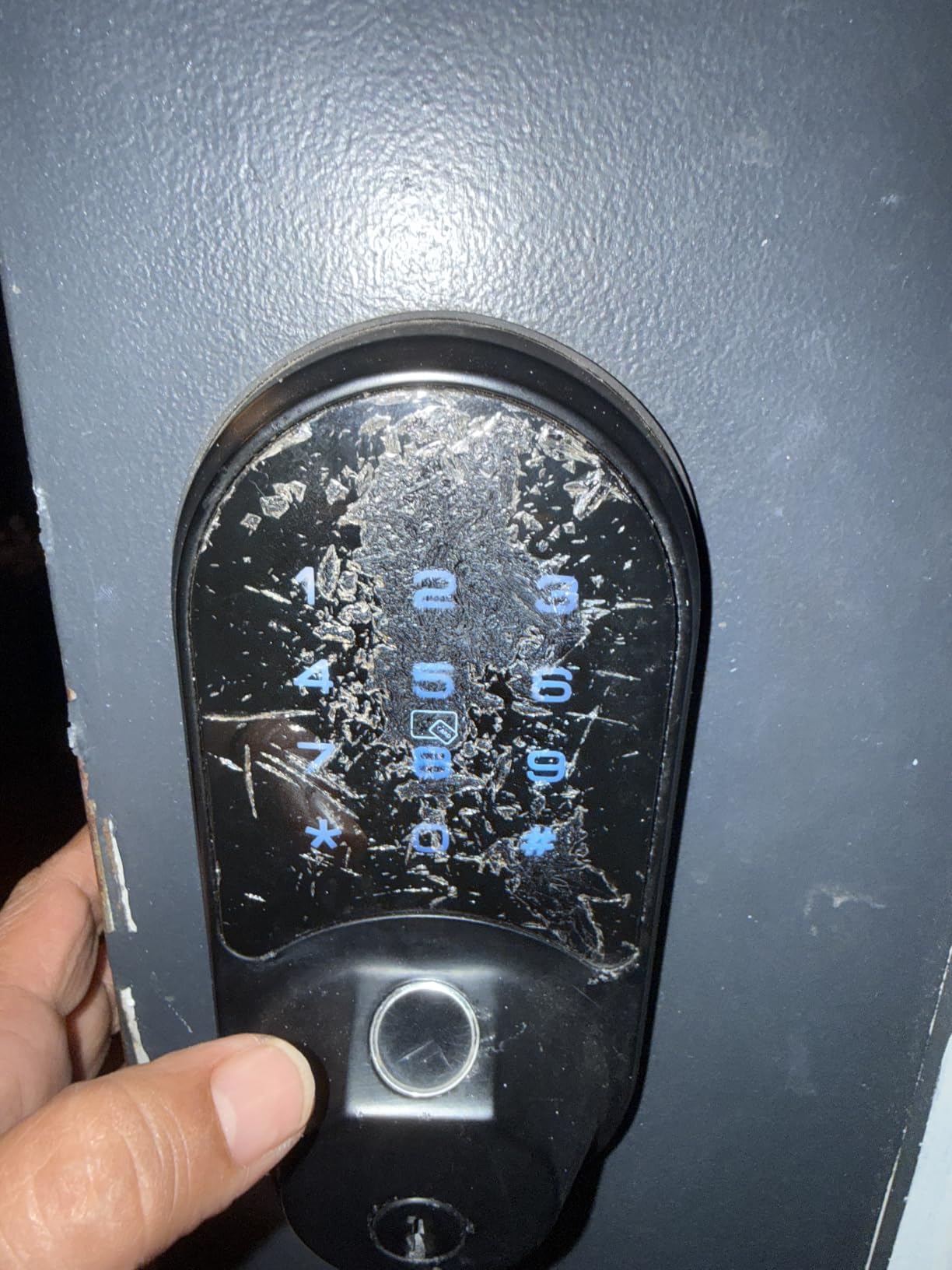
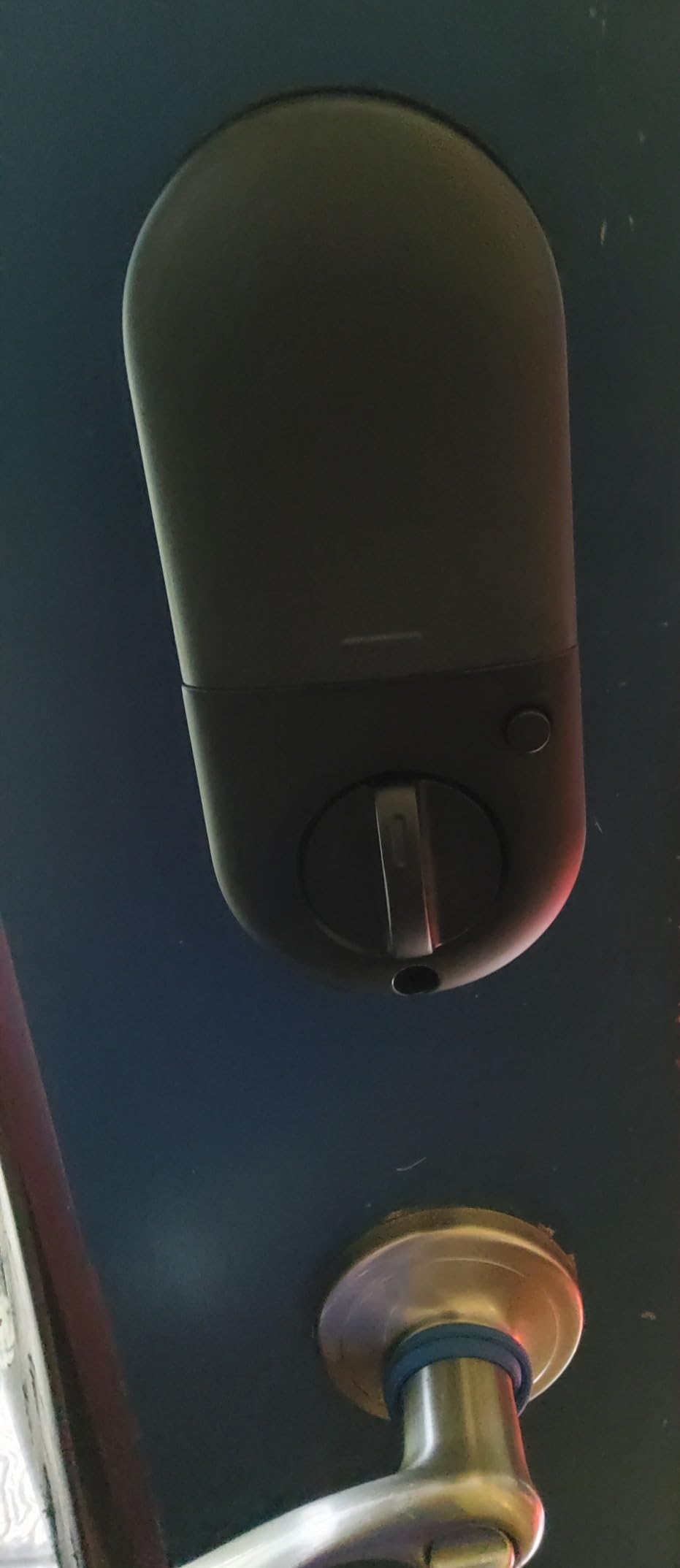
Security-wise it is BHMA and ANSI Grade 3 with IP55 weatherproofing and a battery claim of up to 12 months. The body is aluminum and metal at 1.2 kg, with a screwdriver-only install fitting most US doors from 1-3/8 to 2 inches thick in both handings. The warranty runs one year, extendable to two with registration, and reviewers single out the US phone support as unusually patient.
One setup note worth heeding: do not change the master code from the keypad before pairing in the app, and touch the keypad first to wake the lock. Several early failures trace back to skipping that order.
Best for Multi-Unit Hosts Who Never Want to Pay a Subscription
Choose the RZ07 if you run several properties, hand out more access than a typical lock allows, or simply refuse to pay a monthly fee for remote access. The web portal is a genuine asset when you are managing codes from a laptop between check-ins.
It is also the option we would consider first for a contractor-heavy property, since recurring codes let you give a maintenance firm the same window every month without editing anything.
Skip It If You Need Hub-Free Remote Access or a Sun-Readable Keypad
True remote control requires the separately sold Veise G2 gateway. Without it you are limited to a short Bluetooth range of roughly 6 feet, which defeats the purpose if you are checking the lock from your car at the curb.
The dark tinted keypad glass is genuinely hard to read in direct sunlight, which matters on a south-facing exterior door in summer. Owners also report the app needing multiple connection attempts and returning generic failure messages, so budget patience during the first week.
5. Philips Wi-Fi Smart Deadbolt – Best for One-Time and Scheduled Codes
Philips Wi-Fi Smart Deadbolt Lock, Keyless Entry Door Locks for Front Door
Built-in Wi-Fi no hub
100 passcodes plus unlimited one-time codes
Away Mode
Auto-lock 10 to 180 seconds
Pros
- Supports 100 custom passcodes plus unlimited one-time and scheduled codes
- Built-in Wi-Fi for hub-free remote lock and unlock
- Away Mode disables every unlock method except the master code while you travel
- Real-time entry alerts and full access history of who came in and when
- Auto-lock delay adjustable from 10 to 180 seconds
Cons
- Batteries are not included and the manual specifies AA alkaline only
- Built-in Wi-Fi is 2.4 GHz only with the router recommended within 65 ft
- No door sensor so the lock cannot detect an ajar door
This lock has a code model built for the rental use case. Alongside 100 custom passcodes, it accepts unlimited one-time and scheduled codes, which is exactly the vocabulary of a short-term rental: this code for this guest, this code for the cleaner on Tuesday, this one for the plumber on Thursday afternoon.
Away Mode is the sleeper feature. It disables every unlock method except the master code, so while you are off the grid at another property, nobody enters with a stale guest code you forgot to delete. Owners with rental portfolios use it during peak season for that reason alone.
Connectivity is built-in 2.4 GHz Wi-Fi with no hub, plus voice control through Alexa or Google Assistant. The manufacturer recommends keeping the router within about 65 feet, so this is a front-house or main-building lock rather than one for a detached cottage.
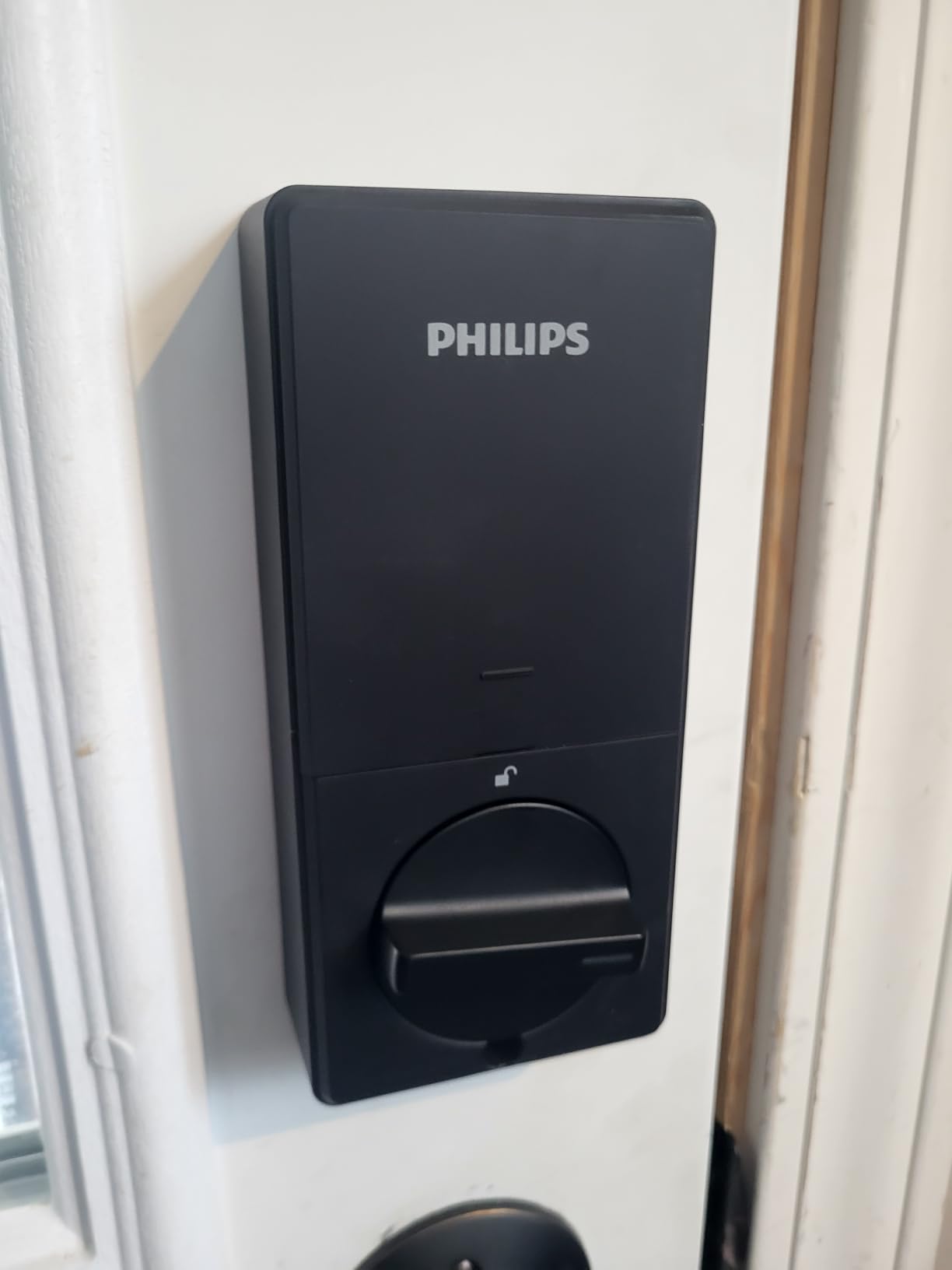
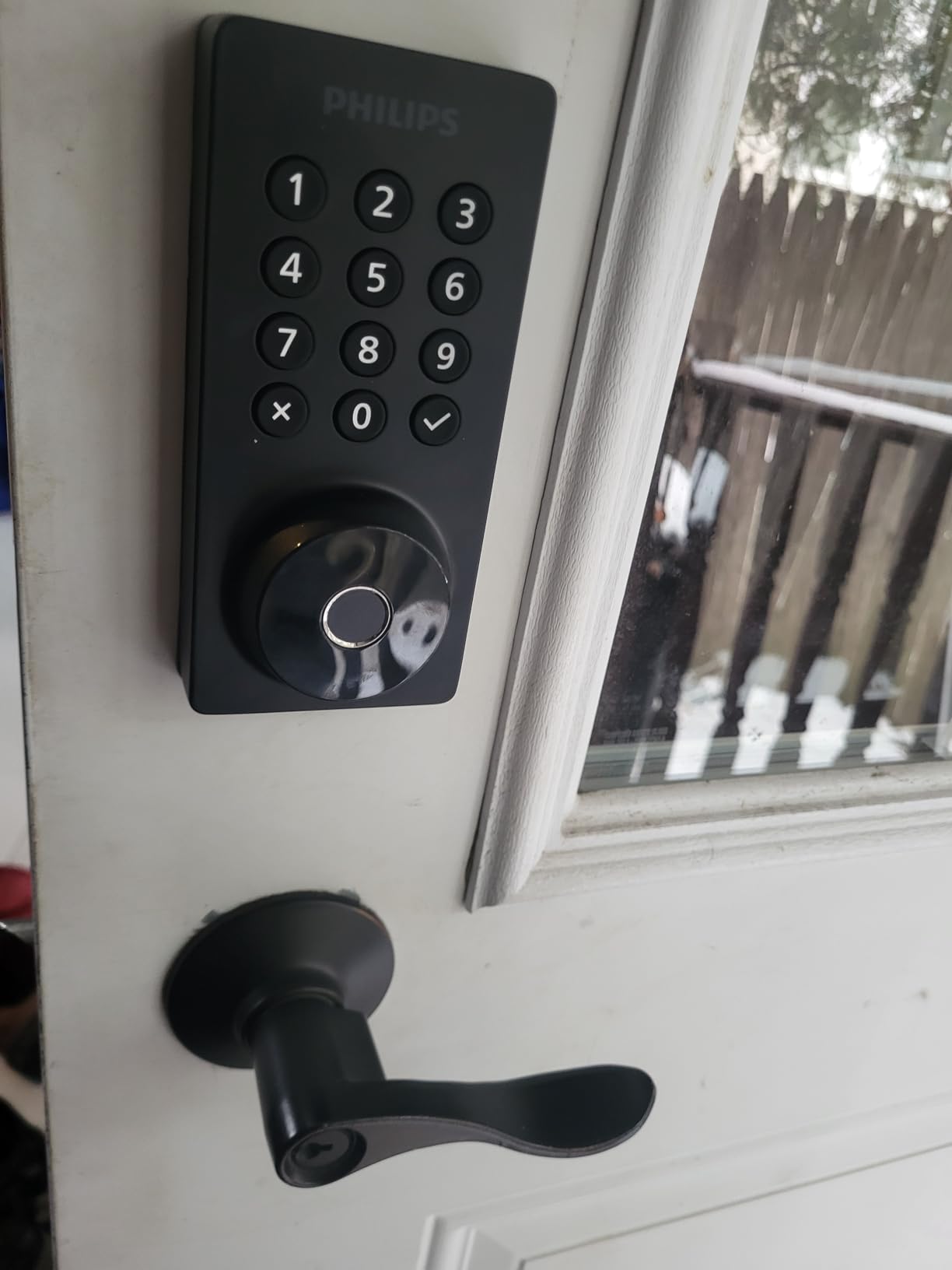
Entry alerts and a full access history sit in the app, showing who entered and when. Auto-lock is adjustable from 10 to 180 seconds, and a touchscreen keypad plus a fingerprint reader give you five unlock methods in total including the physical key.
Installation is a screwdriver job on doors from 1-3/8 to 2 inches thick, and the unit weighs 1.4 pounds. Support hours are generous, with US-based phone lines open on weeknights and Saturdays plus 24/7 email, which is a bigger deal than it sounds when you are mid-stay.
Best for Hosts Who Generate Short-Lived Access as the Norm
Pick this if your operating model is constant short-lived access rather than a stable household. Away Mode plus unlimited one-time codes removes most of the security anxiety that stops hosts from switching over.
It ranks in the top ten of the deadbolts category despite a smaller review base than most rivals here, and hosts who prioritise code type over fingerprint speed tend to be happy with it.
Skip It If You Want Batteries Included or Future-Proofing
Batteries are not included and the manual specifies alkaline AA only, so factor that into your first purchase. The absence of a door sensor also means the lock cannot tell you the door is still open, so you will want the auto-lock delay set conservatively.
There is no published security certification for this model, which makes it a harder sell on a rural or shared-wall rental where the door hardware is the security perimeter. For a Grade 2 or Grade 1 door, look at the Tapo, Wyze or Schlage options.
6. Sifely Model O Deadbolt – Best for First-Time Hosts
Fingerprint Smart Deadbolt with Keypad – Keyless Entry Lock for Home, Apartment, Office, Airbnb, Rental, Kids & Seniors, App & Code Access, Auto-Lock, Easy DIY Install, Compatible with Alexa & Google
Five unlock methods
100+ codes and 100+ fingerprints
Free app and web portal
Fits most standard doors
Pros
- Explicitly designed for short-term rental hosts and multi-family doors
- Five unlock methods including fingerprint
- keypad
- app
- fob and key
- 100+ fingerprints and 100+ codes for guests
- kids and seniors
- Free app and web portal for codes
- logs
- eKeys and schedules
- Reviewers rate the install instructions as among the clearest available
Cons
- Remote internet access and voice control need the separately sold Sifely Gateway
- App cannot show whether the lock is currently locked or unlocked
- Only one device can be logged into the app at a time
The Sifely is the least sophisticated lock here and the most honest about it. It was built for short-term rental hosts and multi-family doors, and for a host making their first switch from a keyed cylinder, clarity beats features.
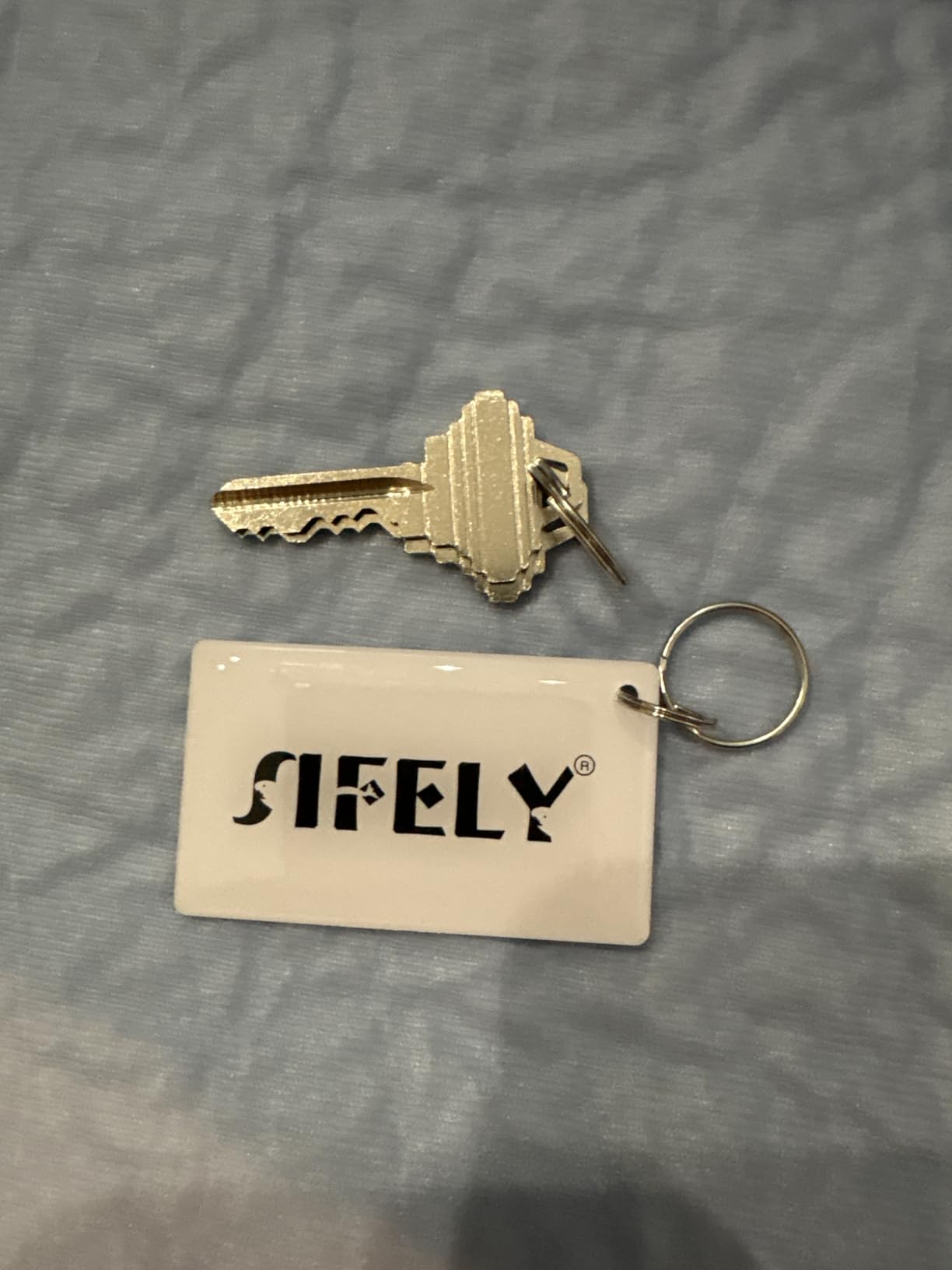
Five unlock methods cover fingerprint, keypad code, app, fob and physical key. The lock holds more than 100 fingerprints and more than 100 codes, which is plenty for a single rental, and the app and web portal are free rather than subscription-gated.
The instructions come up repeatedly as among the clearest in this category, with installs reported at around 15 minutes using a screwdriver only, and it works on either handing. Reviewers also rate the value well against other locks with similar core functions.
Auto-lock fires after each entry, and you also get one-touch locking, privacy mode, passage mode, anti-peep code entry, and low battery alerts. That is a complete short-term rental feature set in a bare deadbolt that measures 6.3 by 2.6 by 1.9 inches.
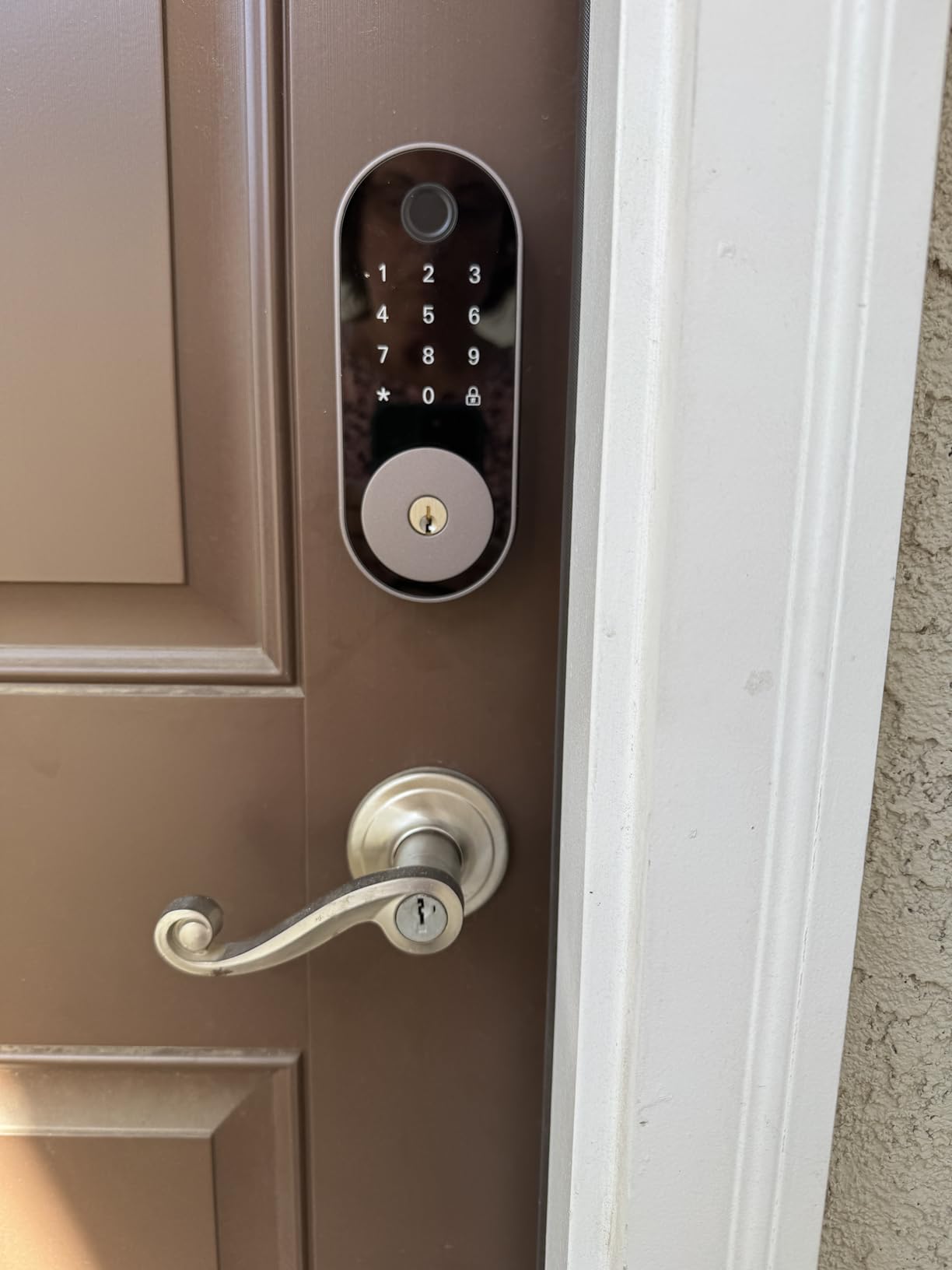
It carries the lowest average rating in our lineup at 4.2, and the reasons are specific rather than fatal. The app does not report whether the lock is currently locked or unlocked, which is genuinely confusing when you are standing in a parking lot deciding whether to drive home.
Only one device can be logged into the app at once, so a household using a phone and a tablet will fight over the login. And remote internet access plus voice control need the separately sold Sifely Gateway.
Best for a Single Low-Turnover Rental With Straightforward Entry
Choose this if the property has one door, a small number of guests, and a host who wants the simplest possible install. The anti-peep code and the free portal are enough to run a small rental without a subscription.
We would also pair it with a cheap camera, since hosts who want eyes on arrivals often add one alongside a smart deadbolt.
Skip It If You Are a Portfolio Host or Need Remote Unlock
The single-device login rules it out for anyone sharing management duties, and the missing lock-state readout makes it a poor companion to a self check-in flow where you want to confirm the door is secure without driving over.
It ships as a deadbolt with no handle, so you need a separate pull or handle. The fingerprint reader also occasionally needs a second attempt, and the app’s remote features cost extra hardware.
7. Tapo Smart Wi-Fi Door Lock DL110 – Best for Quiet Doors and Strong Certification
Tapo Smart Wi-Fi Door Lock, Deadbolt, Fingerprint Recognition, DL110
BHMA Grade 2
Year long rechargeable battery
0.42 second fingerprint
Quiet deadbolt
USB-C emergency port
Pros
- Tied for the highest rating in the lineup at 4.5 with an 80 percent five-star share
- BHMA Grade 2 certification at this price is unusual
- Removable rechargeable battery pack claimed to run a full year over USB-C
- Quiet deadbolt operation that reviewers consistently praise
- Schlage SC1 compatible rekeyable keyway
- USB-C port on the exterior for emergency power
Cons
- Keypad digits stay invisible until the screen is woken by touch
- Doorbell button under the key cover is hypersensitive and sends false notifications
- No open API
- Matter support or local control
The Tapo DL110 is the one we recommend on the strength of what guests and neighbours notice. Reviewers describe the deadbolt as noticeably quieter than competing locks, and on a rental with thin walls or a unit above another listing, that is not a trivial detail. It also shares the highest average rating in this group.
Security certification is the second standout. ANSI BHMA Grade 2 on a lock in this bracket is rare, and the metal body plus rubber door gaskets on both sides of the door make it a sensible fit for an exposed entry.
Battery life is handled differently from every other lock here: a removable rechargeable pack claimed to last a full year, recharged over USB-C, with a USB-C port on the exterior as an emergency input. If the pack dies mid-stay, any power bank will get the door open.
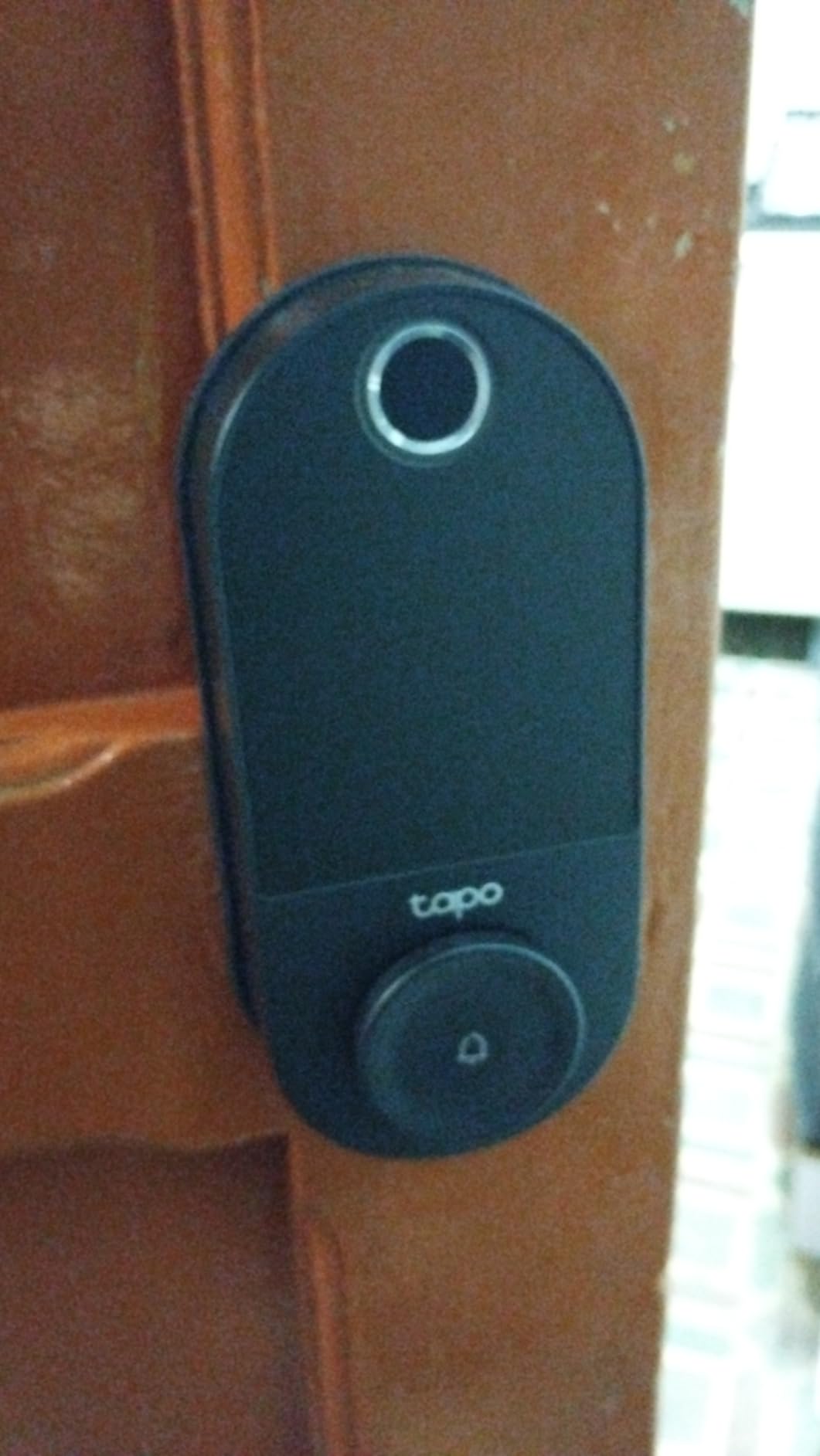
Access methods number six: fingerprint, custom keypad passcodes, Wi-Fi remote, close-range Bluetooth, smart home assistant, and two included backup keys. Fingerprint recognition takes 0.42 seconds and the unit stores up to 100 prints. Resident profiles with permanent codes sit alongside one-time and scheduled guest codes in the Tapo app.
Two details make it friendlier to service technicians. The keyway is Schlage SC1 compatible and the cylinder is rekeyable, so it can share a key with your other doors, and the adjustable latch fits both standard 2-1/8 and 2-3/8 inch backsets. Install runs about 10 minutes over an existing deadbolt.
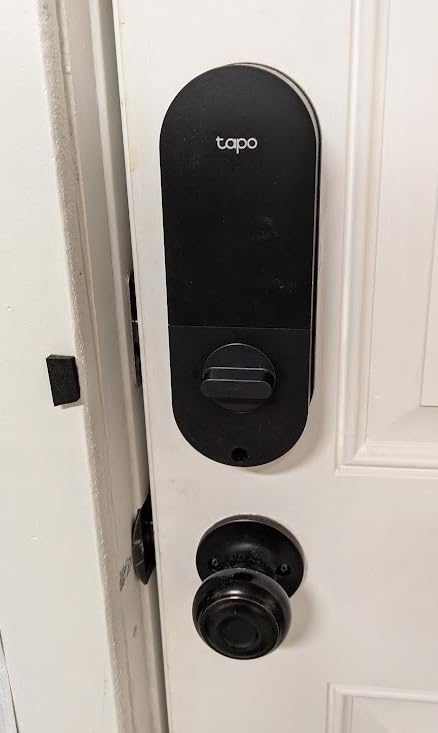
Best for Units Where Noise Is a Complaint Risk
Pick the DL110 for a ground-floor rental, a condo, or any door bordering another guest space. The rechargeable pack also removes the annual battery calendar, which is a genuine relief for a host with several doors.
It suits hosts who want a stronger security grade than the budget tier offers without paying for the premium tier, and the rekeyable cylinder lets maintenance staff use an existing building key.
Skip It If You Need Deep Automation or a Visible Keypad
The keypad digits stay invisible until the screen is woken by touch, which adds a step for a guest who has never used the lock before. There is no open API, no Matter support, and no local control, so if you are building automations around the property, this is a closed system.
The doorbell button under the key cover is hypersensitive and generates false notifications you can silence in the app but not in the hardware. The battery pack is proprietary, and each lock has to be administered individually with no way to copy codes or fingerprints between them, which is painful at portfolio scale.
8. TEEHO TE012W – Budget Pick for Airbnb Rentals
TEEHO TE012W WiFi Fingerprint Smart Door Lock for Front Door, Matte Black
Built-in 2.4 GHz Wi-Fi no hub
Fingerprint and passcode
Grade 3 and IP55
8 AA batteries
Break-in lockout
Pros
- Fingerprint
- app
- passcode
- key and voice entry at a very modest outlay
- Built-in Wi-Fi means no hub or bridge purchase
- Eight AA batteries give stronger signal stability and longer life
- Break-in detection locks the unit for 3 minutes after 10 wrong PIN attempts
- AES-128 encrypted data stored locally
- 2 year warranty
Cons
- Requires eight AA batteries which several owners consider excessive
- Alexa routines are reported as unreliable even when voice linking succeeds
- KK Home app is functional but not polished
The TEEHO TE012W sits at the cheap end of the range and it is not the weak link. Owners frequently report replacing a costlier model that kept jamming or dying, which is the clearest endorsement a budget product can earn in this category.
You get five unlock paths: app, fingerprint for up to 20 users, passcode for up to 100, two backup keys, and voice control. The Wi-Fi is built in on 2.4 GHz, so there is no hub, no bridge, and no gateway line item hiding in the setup.
Security details are better than the cost implies. It is BHMA Grade 3 certified and IP55 rated for rain, snow and temperature swings, and data is encrypted with AES-128 and stored locally. Break-in detection locks the unit for three minutes after ten consecutive wrong PIN attempts and sends an instant alert, which is exactly the behaviour you want on an unattended rental door.
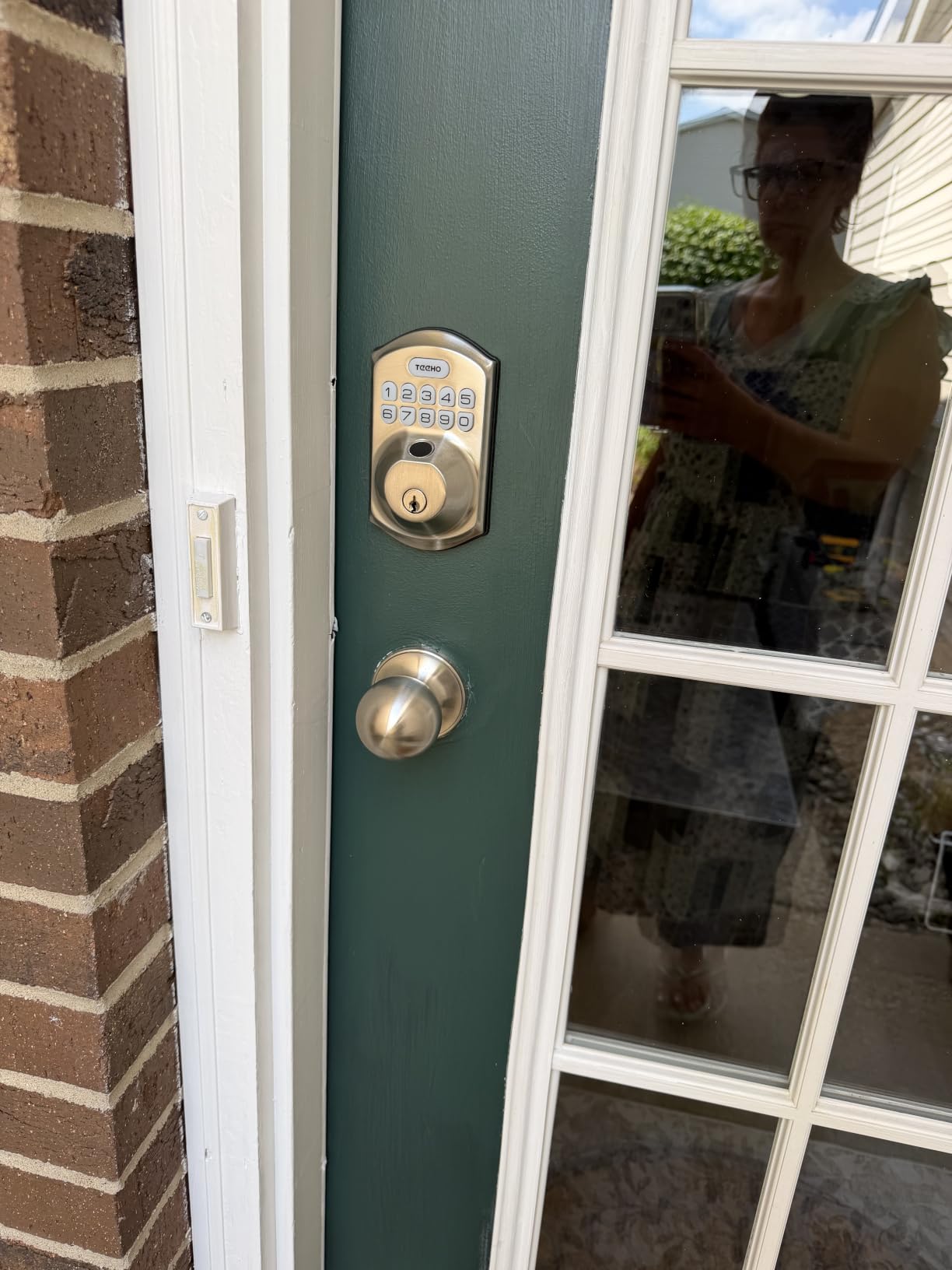
There is also an anti-peeping password that lets you enter random digits before or after the real code, so a guest shoulder-surfed at the door cannot reuse it, plus silent mode, away mode, and a backlit keypad for nighttime entry. Auto-lock is adjustable from 10 to 180 seconds with a one-touch 2 second lock on the keypad.
Installation takes 10 to 15 minutes with no drilling, fitting doors from 1-3/8 to 2 inches thick, both backset options, both bore sizes, and both handings. That is the broadest fit in the lineup. The warranty is two years with lifetime customer service and 24/7 email support.
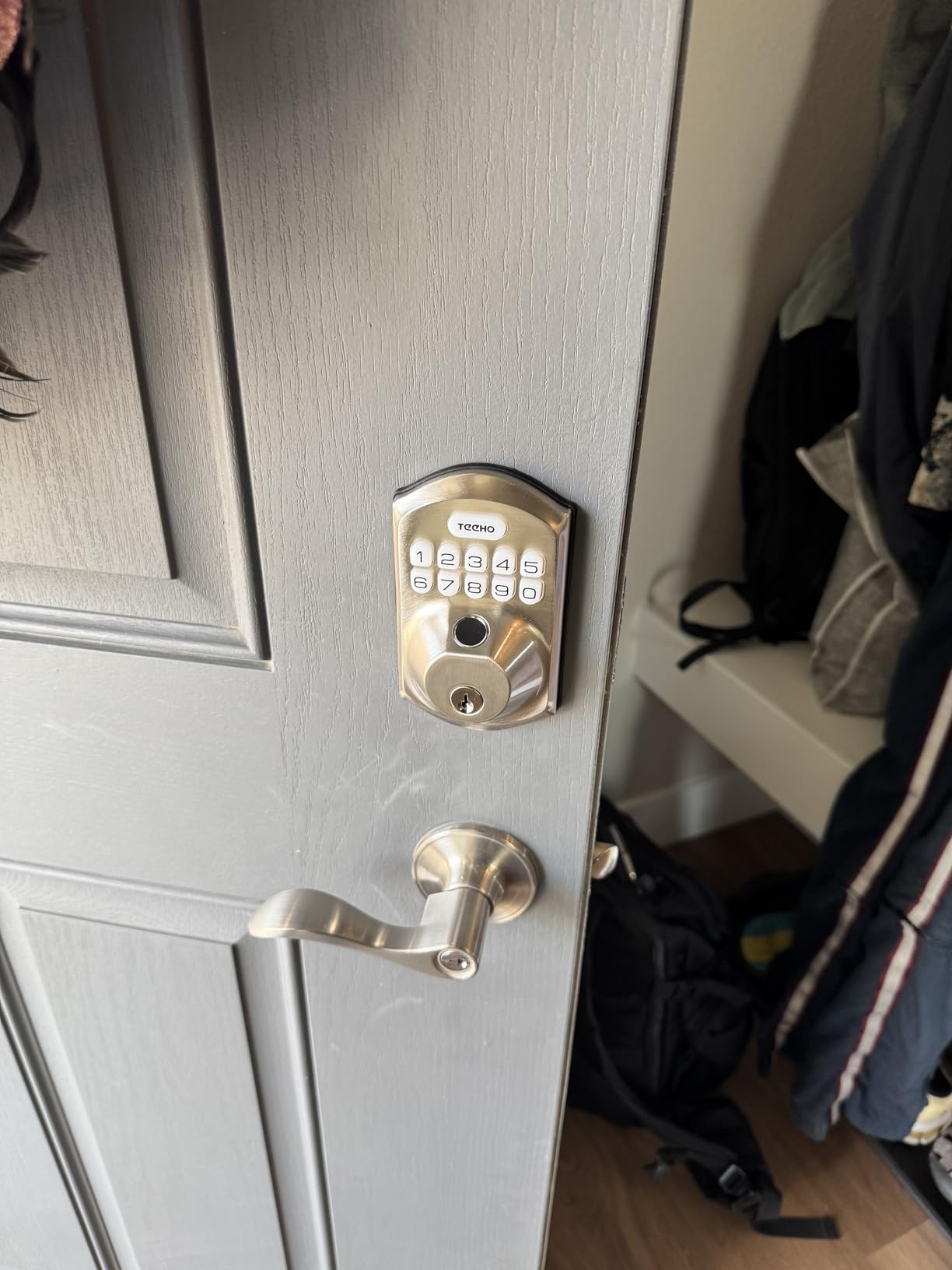
Best for Budget-Conscious Hosts With One or Two Doors
This is the pick for a first rental, a spare unit, or a host who wants a fingerprint reader without moving into the mid tier. Break-in lockout and anti-peep entry are real security features that cost more elsewhere.
It also suits a second property where you want the same experience as the main unit without duplicating a premium spend.
Skip It If You Are Automating a Whole Home or Replacing Batteries Often
Eight AA batteries is a lot, and owners call the swap a frequent chore. On a door with back-to-back weekend turnover you will be changing batteries more often than the Schlage or the Tapo.
Alexa routines are reported as unreliable even after voice linking succeeds, so do not plan automations around it, and the KK Home app is functional but plain. Fingerprint registration can also take a couple of tries.
9. Wyze Auto-Lock Bolt v2 – Best for a Learning Fingerprint Reader
Wyze Auto-Lock Bolt v2, Fingerprint Keyless Entry Smart Lock, AI Learning Scanner with Wi-Fi Front Door Lock Deadbolt, Auto-Lock, 8 Months Battery, BHMA2, IP53, Anti-Peep Keypad, Backup Keys
0.5 second fingerprint
8 AA included 8 months
USB-C emergency port
BHMA Grade 2 and IP53
Built-in Wi-Fi
Pros
- 0.5 second fingerprint unlock on scratch and smudge-resistant tempered glass
- AI learning scanner improves recognition speed and accuracy after the first week
- Eight AA batteries included for up to 8 months
- USB-C port accepts any common power bank for emergency entry
- Built-in Wi-Fi with no hub and access logs in the same app as Wyze cameras
Cons
- Keypad beeps are quiet
- which is hard to hear and an issue for those with hearing loss
- Auto-lock will extend the bolt on a door still ajar unless the timing is adjusted
- Needs a strong Wi-Fi signal at the door
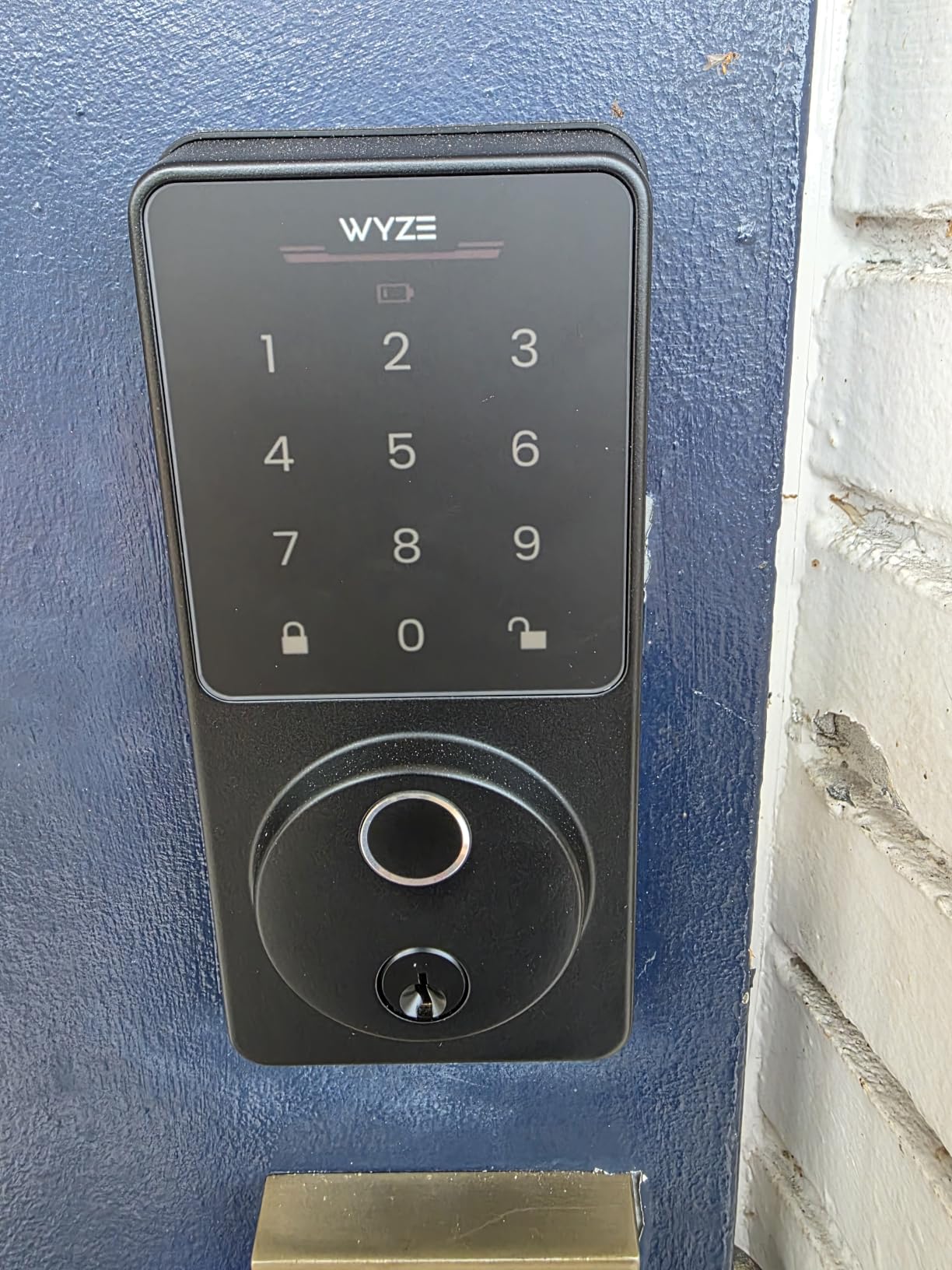
On fingerprint read time it is among the quickest in the group, at 0.5 seconds on scratch and smudge-resistant tempered glass, and the AI learning scanner is claimed to measurably improve recognition over the first week of use. For a rental where the same five or six guests return repeatedly, that learning curve is worth real money.
It ties for the highest average rating here and holds the number one position in security and surveillance biometrics. Owners also report upgrading from two previous smart locks and finding this one steadier, which is a useful signal given how many hosts arrive at this purchase after a bad first experience.
Batteries are included, which several rivals in this list omit. Eight AA cells give up to 8 months, and the USB-C port accepts any common power bank if they do die, so an emergency entry does not require a locksmith.
Security certification is BHMA Grade 2 with an IP53 rating, which puts it alongside the Tapo and above the Grade 3 cluster. Four unlock options cover fingerprint, app, passcode and the physical backup keys, and the app shows who unlocked the door and when.
Two integration details make it a strong fit for a property already using Wyze gear. It works with a Wyze video doorbell so you can unlock from the live feed, and the lock sits in the same app as Wyze cameras. The quick swap install goes over an existing deadbolt, with one owner reporting about 12 minutes.
Best for Repeat Guests and Single-Ecosystem Properties
Choose the Bolt v2 if fingerprint entry is the primary way people get in, especially for a property with a small circle of returning guests. The learning scanner pays off exactly in that scenario.
It is also the natural choice if you already run Wyze cameras or a doorbell and would rather not manage a second app on a rental phone.
Skip It If Guests Have Hearing Loss or Leave Doors Ajar
The keypad beep is quiet, which is a real accessibility problem for older guests and anyone who cannot hear the confirmation tone. Pair it with a visual confirmation habit in your arrival instructions.
Auto-lock extends the bolt on a door that has been left ajar unless you adjust the timing, which is the complaint that recurs across several locks in this category. It also needs a strong Wi-Fi signal at the door for dependable remote control, and fingerprint enrollment can be difficult for elderly users with poor circulation.
10. Veise VE027 – Best for Exposed Exterior Doors
Veise VE027 WiFi Smart Lock Fingerprint Keyless Entry Deadbolt Matte Black
IP65 weatherproof
Built-in Wi-Fi no gateway
On-device AES encryption
8 battery design
Grade 3 certified
Pros
- Built-in Wi-Fi so no gateway purchase is needed for remote access
- IP65 weatherproof and BHMA and ANSI Grade 3 certified for exposed doors
- 0.2 second fingerprint unlock with 20+ prints stored
- 100+ codes across permanent
- recurring
- scheduled and one-time types
- Access logs
- user info and fingerprints AES encrypted on the lock chip
Cons
- Batteries are not included with the eight-battery design
- Smallest review count in the lineup so long-term durability data is thinner
- 8 battery design adds weight and swap frequency
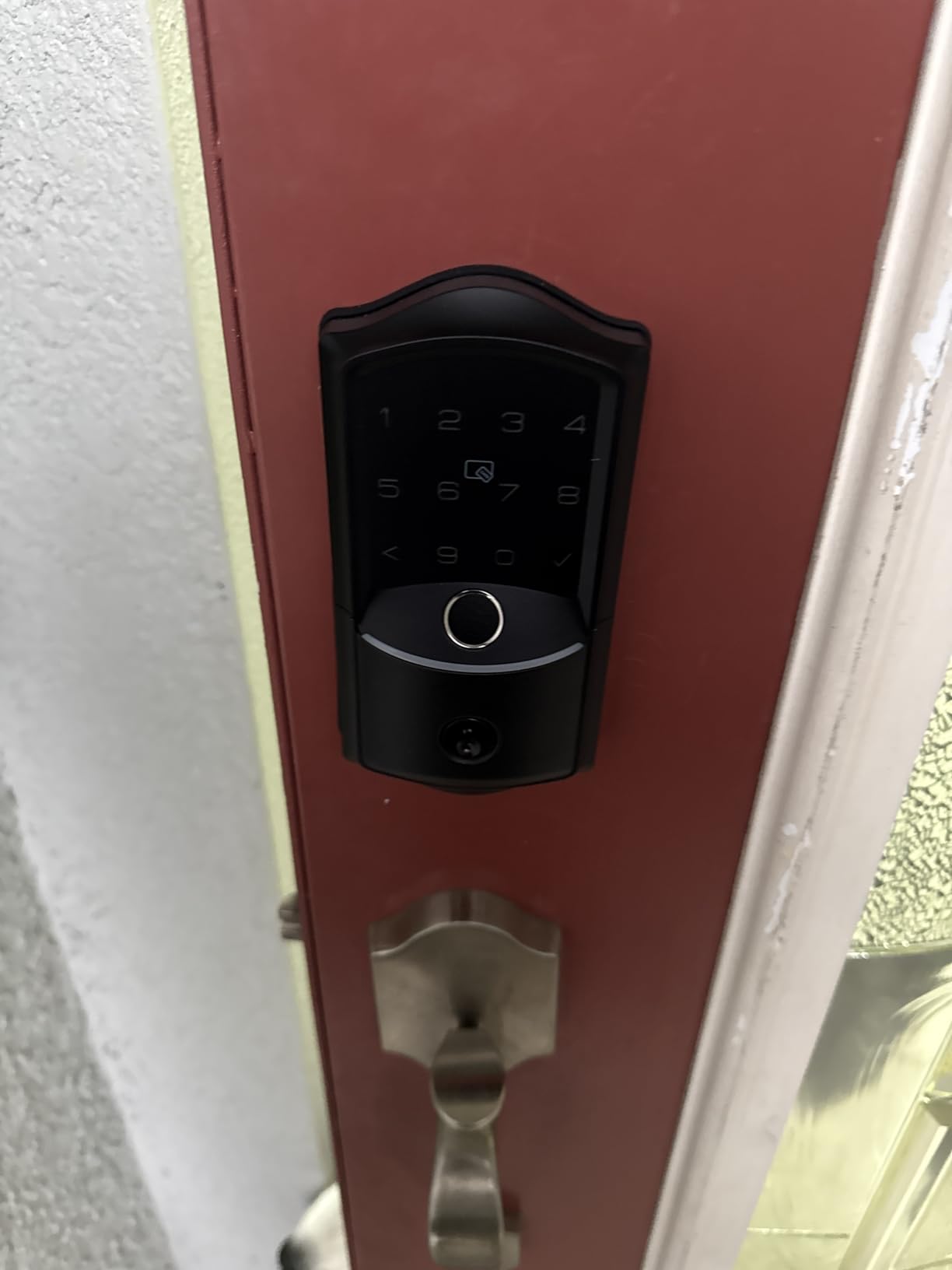
This lock shares the strongest weather rating in the lineup. IP65 certification on an aluminum body makes it the pick for a coastal rental with salt air, a back door in a high-rain climate, or any exterior door that takes direct sun all day. It is also BHMA and ANSI Grade 3 certified.
Unlike the Veise RZ07, the VE027 has Wi-Fi built in, so remote access works without purchasing the G2 gateway and without the roughly 6 foot Bluetooth limitation. For a host who wants to unlock a door from the driveway, that is the difference between a working feature and a manual code entry.
Entry options number seven: app, fingerprint, PIN, voice, authorised admin, cards and keys, with auto-lock adjustable from 10 to 180 seconds and one-touch locking. Fingerprint unlock is claimed at 0.2 seconds with AI self-learning recognition and 20-plus prints stored.
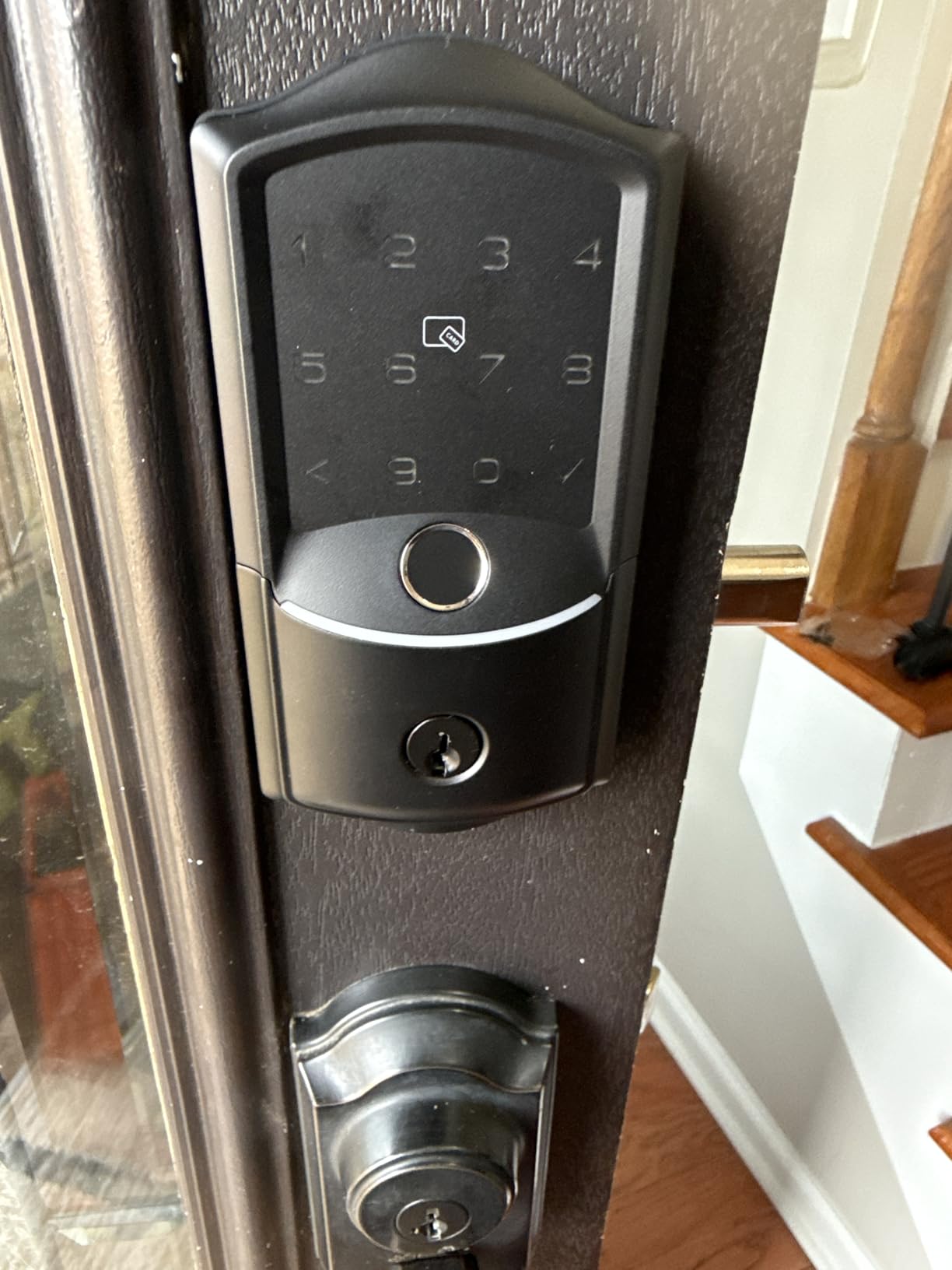
Two things stand out for a rental. First, code flexibility, with more than 100 codes across permanent, recurring, scheduled and unlimited one-time types, plus anti-peep entry and a three-minute lockout after ten failed attempts. Second, on-device encryption: access logs, user information and fingerprints are AES encrypted and stored on the lock chip, so a lost lock is not a lost database.
The eight-battery design is claimed to deliver substantially more stable connectivity and longer life than four-battery Wi-Fi locks, and LED indicators show lock status at a glance. There is a backup Type-C power port and a physical key for power-free entry.
Best for Coastal, Rainy and Sun-Exposed Entry Doors
Pick the VE027 for a beach house, a cabin, or a back door that sees weather. It combines IP65 with hub-free Wi-Fi, and its on-device encryption means credentials do not depend on a single cloud account, which makes it the one we would feel most comfortable handing to a property manager.
Skip It If You Want the Longest Track Record
At 429 reviews this is the least proven lock in the group, so long-term durability data is thinner than anything else here. For a door you cannot easily reach, that risk profile is worth weighing against the weather advantage.
Batteries are not included with the eight-battery design, and eight cells is a heavy swap. If you want the same brand with a much larger owner base and a subscription-free app, the RZ07 is the alternative, with the gateway trade-off attached.
How to Choose a Smart Deadbolt for a Rental Property?
Six criteria decide whether a smart deadbolt works on a rental. Here is how we rank them, and where our picks fall down.
Native Airbnb Integration Only Works in Some Regions
If your property is in the US or Canada, native integration is the single biggest upgrade you can buy. Link the lock account once, and each confirmed booking produces a code that activates at check-in and is deleted at checkout, with no work from you. The Schlage Encode in this lineup is the model hosts most often name in that role.
Outside the US and Canada, the framing needs nuancing rather than accepting at face value. European hosts report running Airbnb-linked code generation on European systems successfully, so the limitation is not a clean continental border but a question of which brands and accounts the platform supports where you live. Confirm in the app before you order. For anyone outside that support area, the same outcome is achievable with property management software that generates codes for you instead.
Built-in Wi-Fi Beats a Hub for Rental Work
Hosts consistently describe hub-based locks as the most common failure point, with connectivity dropping and a smart lock turning into a dumb one mid-stay. Every pick here either has Wi-Fi built in or tells you plainly that a gateway is required. We prefer built-in, and the Veise RZ07 and Sifely are the two in this lineup that need added hardware for remote access.
The compromise many hosts accept is a Bluetooth lock with no remote access at all, which still solves code issuance while saving money. That works fine for a low-turnover unit where you are not trying to unlock from the car.
Code Expiry Is the Feature That Prevents Real Problems
Auto-expiring codes are the point of the exercise. Hosts worry most about codes that stay live after checkout, creating genuine exposure at a property that is empty for weeks. Look for scheduled and one-time code types rather than assuming a guest code self-deletes. Away Mode, which disables every entry method except the master code, is a useful second layer.
Capacity matters in the same breath. Under 50 codes suits one door. More than 100, as the Veise RZ07, Philips and Sifely offer, gives you room for crews, contractors and family without rotating constantly.
Battery Life Should Be Judged Against Your Turnover, Not the Box
Rated battery figures assume occasional use. A door taking a new guest every three days draws a different load than a door on a monthly rental, and fingerprint readers use more than keypads. The claims in this lineup range from six months on four AA cells for the Schlage to as much as 18 months on the ULTRALOQ, with the Tapo offering a rechargeable pack instead of disposables.
Whatever you choose, treat low battery alerts as a prompt to act the same day, not a week later.
BHMA Grade Decides How Much You Should Worry About the Door
Grade 1 is the highest residential certification, Grade 2 is a step below, and Grade 3 is the entry level that most locks in this price band carry. A Grade 1 or Grade 2 lock suits a detached property, a door with a visible keyhole, or any rental where the door is the whole security perimeter. Grade 3 is fine behind a secured gate, a lobby entry, or a door with a camera covering the approach.
Weather rating follows the same logic. IP53 suits a covered entry, IP54 and IP55 handle rain and sun, and IP65 is for exposed coastal and unsheltered doors.
Keep a Physical Key, a Keypad Alternative, and an Access Log
Physical key backup is treated by hosts as a safety requirement rather than a compromise, and your insurer and fire service may expect one. Keep it in a lockbox or a supervised location, never in the guest mailbox. The access log is the second thing worth preserving, since a timestamped record of entries strengthens any damage claim you have to make.
For hosts who also run cameras, our guides to the best smart pet cameras for small spaces and best smart air purifiers for dogs cover the two pieces of extra equipment most pet-friendly rentals add alongside a smart lock, and our roundup of the best smart cat feeders with portion control covers the feeding hardware pet-friendly listings usually pair with it.
Smart Lock vs Smart Lockbox for Airbnb Self Check-In
Can you self check-in with a lockbox on Airbnb? Yes, and for a single low-turnover property it is often the right call. A lockbox costs a fraction of a deadbolt, needs no batteries, no app, and no Wi-Fi, and nothing stops working at 2 AM.
Choose a smart deadbolt when you need an entry log, several simultaneous codes, remote re-locking between stays, or a keypad that changes with the reservation. Choose a lockbox when you have one door, few guests, and a stable PIN that you can change at checkout without any software.
Our view: lockboxes are underrated for a low-volume unit, and most hosts who move to a smart deadbolt do so because turnover grew, not because the lockbox failed.
Emergency Protocol: What to Do When the Lock Fails Mid-Stay
Every lock in this lineup can fail with a guest inside, and the difference between a bad review and an ordinary inconvenience is what is physically inside the property. Three items, every time.
First, a mechanical key in a fixed, discreet location known to you but not to the guest. Not under the mat, not in the mailbox. Second, a USB-C power bank if your lock has the port, which covers the dead battery case outright on the Tapo and Wyze. Third, a written fallback number that is not the emergency services number, for a local locksmith you have actually used before.
Also check the auto-lock timing. Several locks in this category extend the bolt on an ajar door, and a guest who props the door while unloading a car can find it locked behind them. Setting a longer delay or disabling auto-lock costs you nothing and removes a recurring complaint.
Frequently Asked Questions
What smart lock does Airbnb recommend?
Airbnb does not endorse a single brand. What the platform supports is native code generation, where a confirmed booking automatically creates a PIN that activates at check-in and is deleted at checkout. In the US and Canada this works with Schlage, Yale and August branded locks, and some European brands support it in their own markets. Confirm compatibility in the lock app before you buy.
Can Yale smart locks be used with Airbnb?
Yes. Yale smart locks support native Airbnb integration, and because Yale and August share a parent company they behave identically once connected. The limits are regional and mechanical: the integration is dependable in the US and Canada, depends on the property having stable Wi-Fi, and still needs a scheduled or auto-expiring code so an old PIN cannot survive a checkout.
What smart locks work best with Airbnb?
The ones that create codes automatically and hold a lot of them. Look for built-in Wi-Fi so there is no hub to maintain, scheduled or one-time code types, an access log, and a physical key backup. Native integration is a bonus rather than a requirement, since any lock with a good app and scheduled codes can be paired with property management software to achieve the same result.
What are the downsides of using a smart lock?
The main ones are battery replacement, electronic failure with no physical override, and a keypad that confuses arriving guests. Touchscreen keypads are hard to read in low light or direct sun, fingerprint readers struggle with wet or cold fingers, and auto-lock can throw the bolt on a door left ajar. Hosts who keep a physical key and a power bank inside lose most of the risk.
What is the best smart lockbox for Airbnb self check-in?
For self check-in, a numeric keypad lockbox with a mechanical override is usually enough, and it costs far less than a smart deadbolt. Choose a weatherproof body, a shim that fits your door handle, and one that you can re-code between stays without tools. A smart deadbolt only earns its cost when you need multiple simultaneous codes or an entry log.
The Verdict: Which Smart Deadbolt Should You Buy in 2026
The Schlage Encode Smart WiFi Deadbolt is the best smart deadbolt for Airbnb rentals, and it stays our pick because it is the one that removes work from your week rather than adding a system to manage. Codes appear on their own, 100 of them fit comfortably, the Wi-Fi is built in, and the security rating is the highest in this group. If your doors share a building key or you need a visible physical keypad, take the Tapo DL110 instead, and if the budget is fixed, the eufy C220 delivers the same core experience for far less.
Before you order, confirm the door thickness and backset, keep a physical key inside the property, and set the auto-lock timing so a guest cannot be locked out of their own rental. Last reviewed in October 2026.