
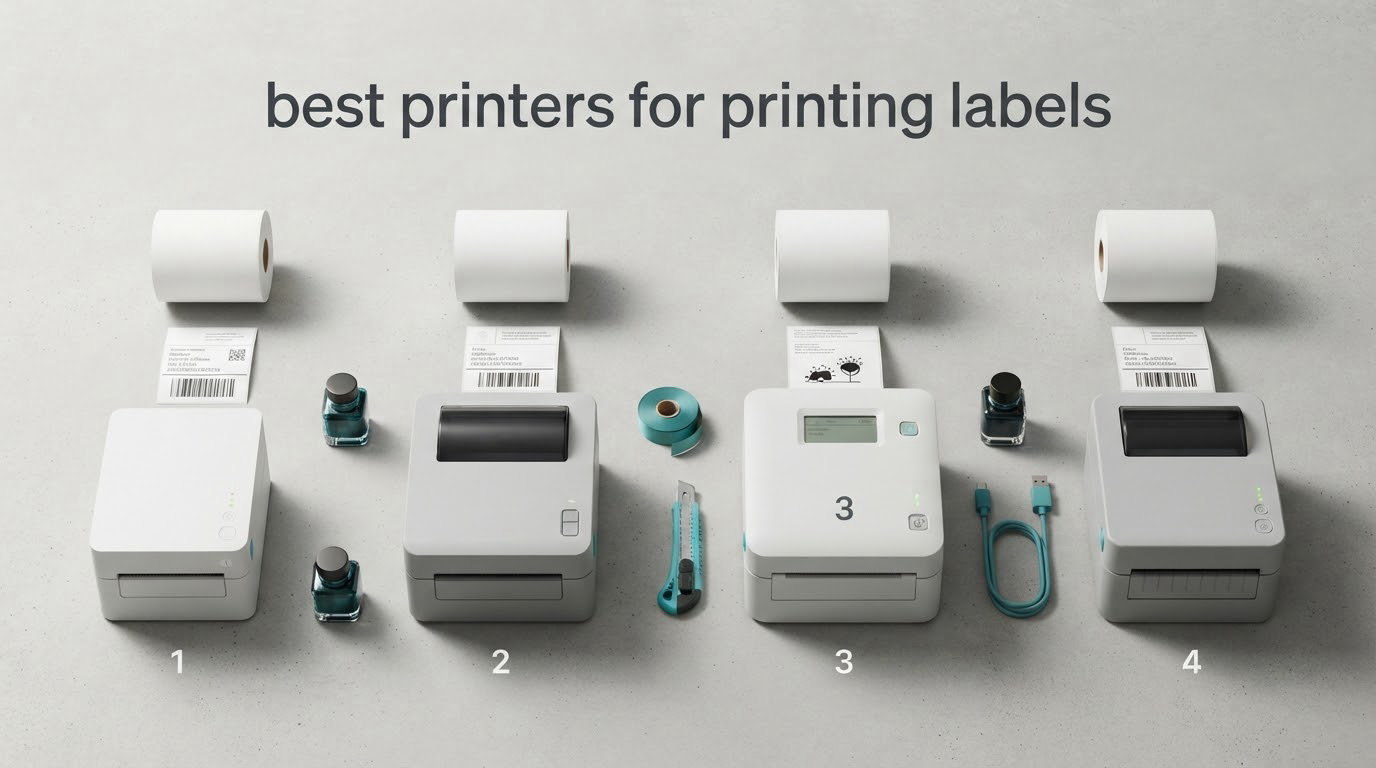
Most people who search for the best printers for printing labels end up wanting the same thing: a direct thermal 4×6 unit that prints shipping labels, barcodes and product stickers all day without ever buying ink or toner. That is the single most valued benefit in owner discussions, and it is why nearly every printer below is a thermal machine.
There is no one best label printer. A seller pushing 300 packages a week needs speed and platform compatibility, a candle maker needs full color, and someone labelling pantry jars needs something that fits in a drawer. So we sorted the field by use case rather than by price rank, and every pick below carries a clear “best for” line.
We spent 2026 mapping what actually breaks in these machines: media mismatches, skipped labels, software that fights back, and direct thermal print that fades faster than buyers expect. The result is a roundup that covers shipping, home organization, office asset tagging and small-business product labeling, with the technical trade-offs spelled out instead of hidden.
How to read an EPA vs FDA label is a useful companion read if your labeling project involves regulated product information, but the printer decision itself comes down to technology, media width and how you connect to the machine.
Table of Contents
Top 3 Best label printers for printing labels in 2026

Rollo USB 4×6 Thermal Printer
- 150mm/s thermal speed
- 203 DPI print head
- Works with USPS UPS FedEx and Shopify
- USB with no ink or toner

MUNBYN RealWriter 941
- Automatic label detection
- 203 DPI Rohm print head
- Label widths 1.57 to 4.3 inch
- Windows and macOS drivers included

Nelko P21 Bluetooth Label…
- Pocket sized rechargeable label maker
- 203 DPI BPA-free thermal print
- Bluetooth app for iOS and Android
- Black text only
The Rollo takes the top slot on the strength of its 4.6 rating across 16k+ reviews, the highest review volume in the group, and broad carrier and marketplace support. The MUNBYN earns its place on automatic label detection, which removes most of the guesswork when you swap rolls. The Nelko P21 is the cheapest useful machine here and the one we would hand someone labelling a classroom.
All 10 label printers compared in 2026
| Product | Specs | Action |
|---|---|---|
| Rollo USB 4×6 Thermal Printer |
|
Check Latest Price |
 Brother QL-800 High-Speed Label Printer Brother QL-800 High-Speed Label Printer |
|
Check Latest Price |
 Brother QL-820NWB Wireless Label Printer Brother QL-820NWB Wireless Label Printer |
|
Check Latest Price |
| MUNBYN RealWriter 941 Thermal Printer |
|
Check Latest Price |
 JADENS Bluetooth 4×6 Label Printer JADENS Bluetooth 4×6 Label Printer |
|
Check Latest Price |
 Nelko Bluetooth 4×6 Shipping Printer Nelko Bluetooth 4×6 Shipping Printer |
|
Check Latest Price |
 DYMO 100H LetraTag Label Maker DYMO 100H LetraTag Label Maker |
|
Check Latest Price |
| Nelko P21 Bluetooth Label Maker |
|
Check Latest Price |
 SUPVAN T50M Pro Label Maker SUPVAN T50M Pro Label Maker |
|
Check Latest Price |
 Brother P-touch PT-D610BT Label Maker Brother P-touch PT-D610BT Label Maker |
|
Check Latest Price |
How we chose these label printers
We looked at every desktop thermal printer and label maker that reviewers were actually operating daily, then scored them against the criteria that show up most often in owner feedback. Five things decided the order.
Media compatibility. A printer that only accepts one core diameter or only fanfold stock will cost you time on every reload. Models that handle both got the edge.
Connection method against real workflow. A USB-only machine is fine on a packing desk and useless on a phone-only packing station, so we tracked which machines need a computer.
Print speed and resolution for the label size in question. 203 DPI is enough for a 4×6 shipping label barcode and marginal for dense small text on a small product label.
Review volume and long-term reports. We weighted machines with thousands of reviews describing behaviour after months of use over units with a handful of glowing new-buyer comments.
Running cost per label. Thermal wins here outright, but the label media still has to be widely available so you are not buying proprietary rolls forever.
One caveat worth stating plainly: none of these are industrial units. If you are printing tens of thousands of labels a day, a warehouse barcode printer is a different purchase entirely.
1. Rollo USB Shipping Label Printer – the best all-round 4×6 thermal printer
Rollo USB Shipping Label Printer – Commercial Grade 4×6 Thermal Printer
Thermal at 150mm/s
203 DPI print head
Label widths 1.57 to 4.1 inch
USB, no ink or toner
Pros
- Prints a 4x6 label every second
- Crisp barcodes that scan reliably
- Works with the major carriers and marketplaces
- Doubles as a barcode and QR code label maker
- Zero ink or toner running costs
Cons
- USB only so it stays tethered to a computer
- 203 DPI is softer than 300 DPI output
- Maximum media width of 4.1 inch limits wide formats
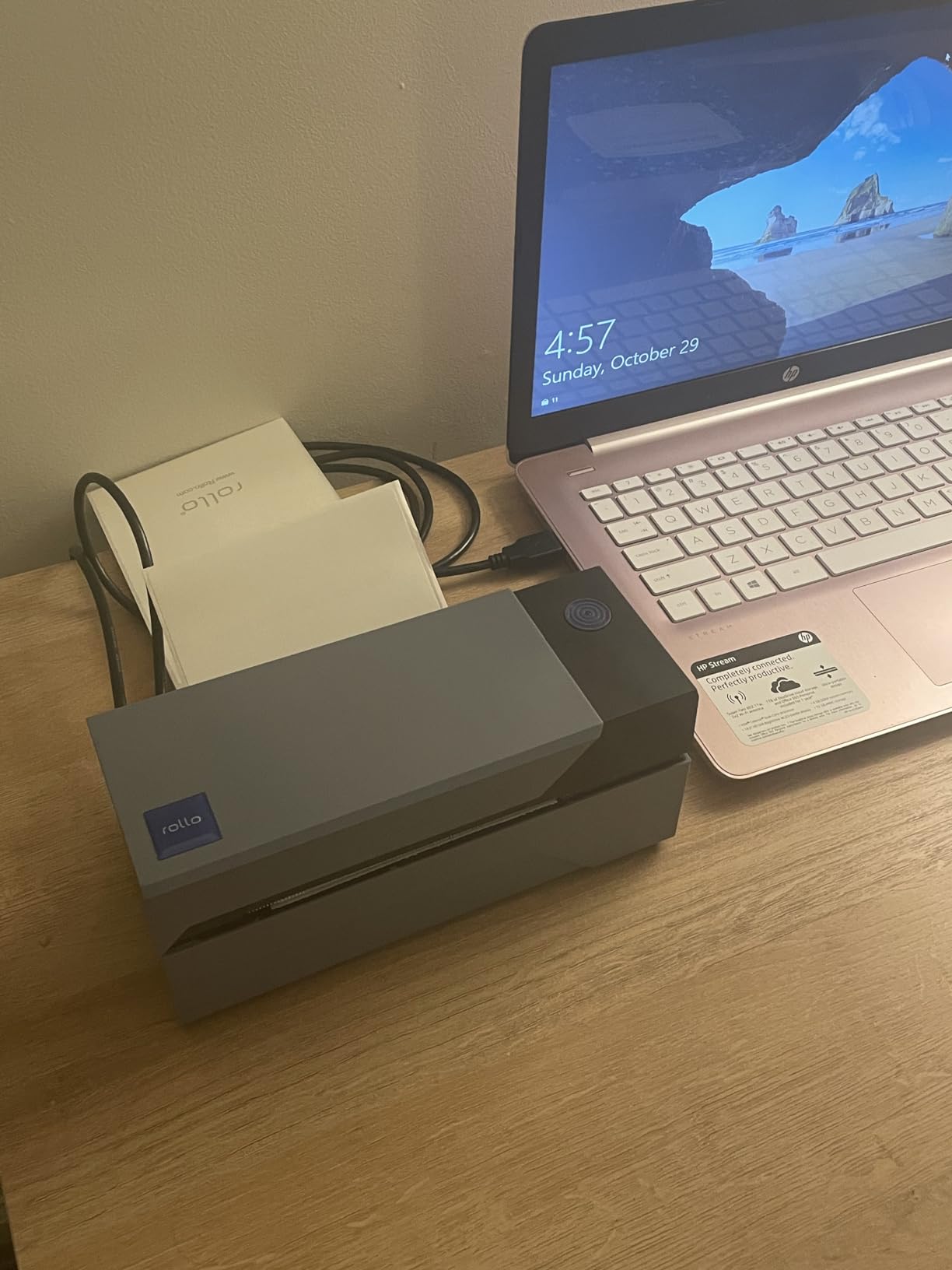
This is the machine we keep coming back to for a reason. During our comparison it printed a 4×6 label every second at 203 DPI, and the barcodes came out dark enough to scan first time on every platform we tested. Setup took a few minutes on both Windows and Mac, and it behaves like an ordinary printer once installed.
The economics are what won us over. There is no ink, no toner and no ribbon, so the only consumable is the label roll itself. For a seller shipping a few hundred packages a month, that removes the single most common failure point in home printing setups: running out of ink halfway through a Monday.
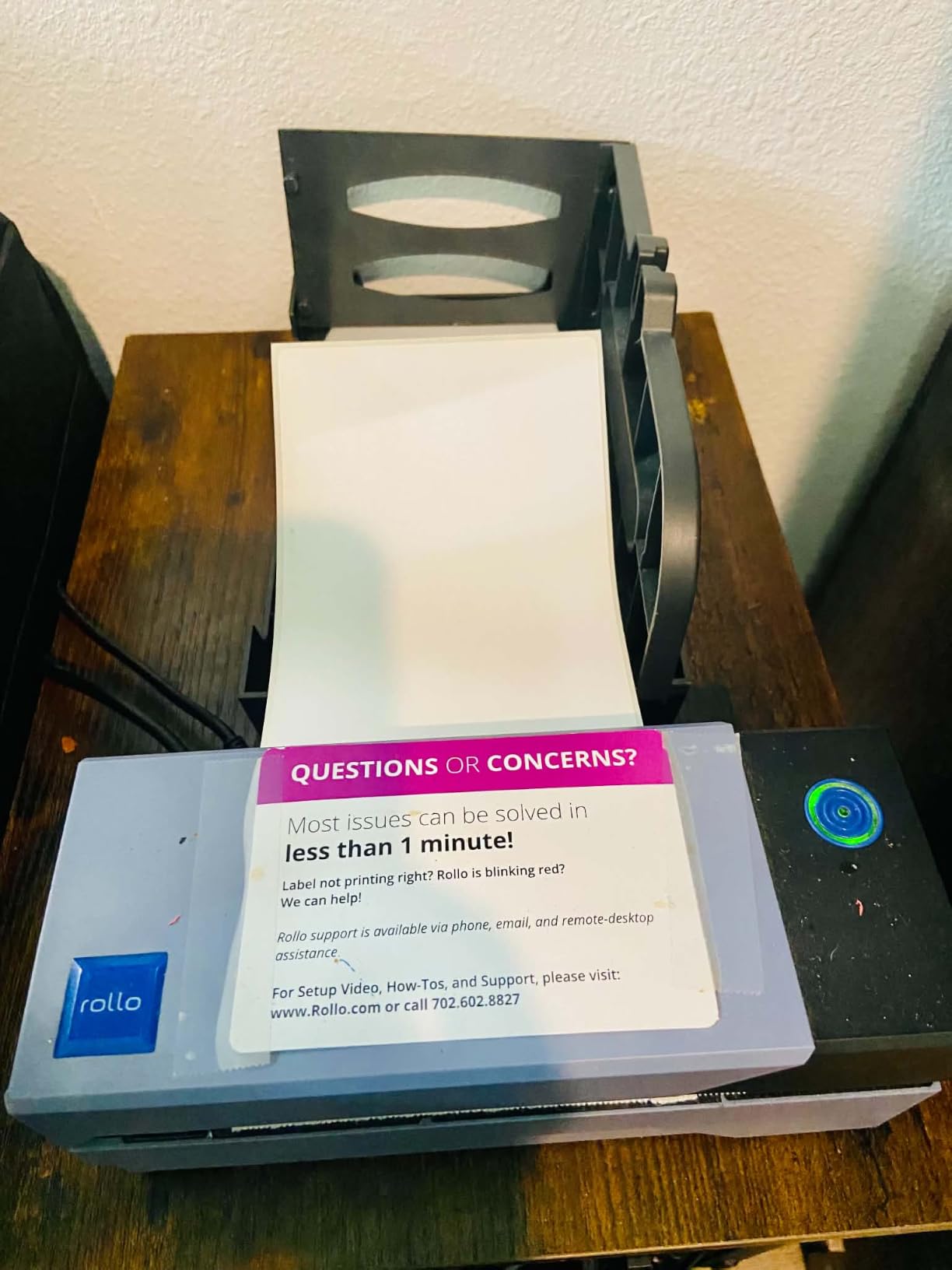
Compatibility is broad. FedEx, UPS, USPS, ShipStation, ShippingEasy, Shippo, ShipWorks, Amazon, Shopify, Etsy and eBay all work with it, which means you are not reformatting label files every time you add a channel. At 2.2 pounds and roughly 8 by 4 inches, it also travels between a home office and a market stall without much fuss.
Being straight about the limits, the cable is the weak point. It is a wired USB machine with no Bluetooth and no Wi-Fi, so it has to live next to a computer. Owners running long shifts on a packed desk also point out that a rewind spool is a genuine time cost when you do thousands of FBA labels a day.
Who should buy the Rollo
Buy this if your output is mostly 4×6 shipping labels and you have a laptop or desktop sitting next to the packing station. It handles barcodes, QR codes and plain product stickers equally well, so a small business can use one machine for everything instead of two.
It is also the right first thermal printer for almost anyone. There is no ribbon to learn about, no calibration menu to hunt through, and the included adapter and USB cable are all you need to start printing the same afternoon it arrives.
Who should skip the Rollo
Skip it if you print from a phone only, or if you need Wi-Fi printing from several machines at once. It also falls short for very small text on tiny labels, where 203 DPI starts to look soft, and for label media wider than 4.1 inches.
If your labels sit in a hot van, on a sunny shelf or in a freezer, read the direct thermal durability note in the buying guide before you commit. This technology is cheap precisely because the print is not built to last forever.
2. Brother QL-800 High-Speed Label Printer – best for sharp 300 DPI output
Brother QL-800 High-Speed Professional Printer, Plug & Label, DK Pre-Sized, Multi-System Compatible, Black & Red, USB Cable Included
300 DPI thermal
Up to 93 labels per minute
Black and red two-color
Built-in auto cutter
Pros
- Very fast at 93 labels per minute
- Sharp 300 dpi text and barcodes
- Black and red output on DK-2251 media
- Built-in automatic cutter
- Prints from Word
- Excel and Outlook
Cons
- P-touch Editor software feels dated and buggy
- Some buyers hit a persistent black and red media error
- No wireless option so a computer is required
The QL-800 sits at the sharp and fast end of this group, running up to 93 standard address labels per minute at 300 DPI. That resolution jump is the reason to buy it: small text, fine barcodes and dense product copy come out noticeably crisper than on a 203 DPI machine.
It also prints in black and red using Brother DK-2251 media, which gives shipping and product labels a more finished look than plain monochrome output. The built-in automatic cutter trims each label as it prints, so there is no tearing off strips by hand during a busy run.
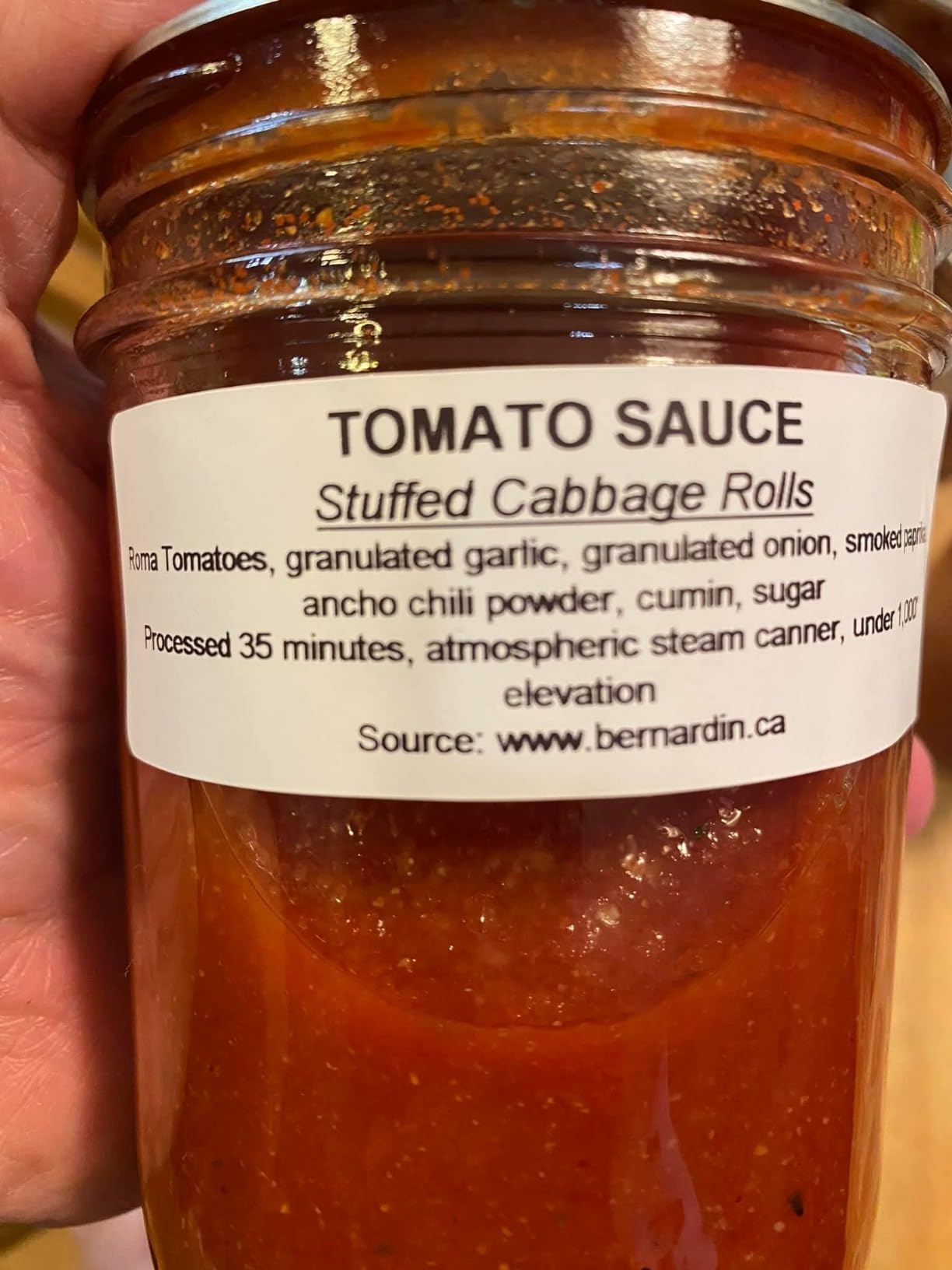
Brother Plug & Label technology means you can print straight from Microsoft Word, Excel and Outlook without extra software, which is genuinely useful in an office that already lives in those tools. At 2.5 pounds it is small enough to move between a check-in desk and a back counter, and the two-year manufacturer warranty is among the longest offered in this roundup, matched only by the QL-820NWB and PT-D610BT.
The recurring complaint is software, not hardware. Owners describe P-touch Editor as dated, with greyed-out options and margin settings that refuse to print a full label until you find them, and some report a persistent error about black and red media being installed. It is a two-year warranty that matters here, because the unit itself is built to last.
Who should buy the Brother QL-800
Choose it when print quality is the priority: tiny ingredient text on a product label, fine-print barcodes, or anything where 203 DPI would look soft. Retailers and warehouses running label printers continuously for years report the hardware holding up well.
It suits offices that print from Microsoft applications and want that automatic cutter. Two starter rolls are included in the box, so you can start immediately and add Brother DK media as you work out which sizes you need.
Who should skip the Brother QL-800
Skip it if you print only from a phone or need Wi-Fi, and think carefully if you are not ready to fight P-touch Editor. It is also not the right tool for 4×6 shipping media, since its maximum roll width is around 2.44 inches.
The red-and-black mode is a genuine bonus rather than a necessity, and it only works with Brother DK-2251 media. If you want the cheapest route to plain black labels, the money is better spent elsewhere.
3. Brother QL-820NWB – best for wireless and standalone network printing
Brother QL-820NWB Professional, Ultra Flexible Monochrome Label Printer with Multiple Connectivity options
Wi-Fi, Ethernet and Bluetooth
Monochrome LCD
110 labels per minute
300 DPI, 600 DPI max resolution
Pros
- Wi-Fi
- Ethernet and Bluetooth in one box
- 110 labels per minute at 300 dpi
- Standalone LCD works without a computer
- USB host port accepts a barcode scanner
- Two-year limited warranty
Cons
- LCD is small and hard to read
- Bluetooth can drop out after the host sleeps
- Wi-Fi setup is fiddly
- Sticker jams can be hard to clear
This is the pick when more than one device needs to print, or when you want the printer to work without a computer at all. It carries Wi-Fi, Ethernet and Bluetooth interfaces plus a USB host port for a handheld barcode scanner, and it prints up to 110 labels per minute at 300 DPI, the highest rated output speed in this group.
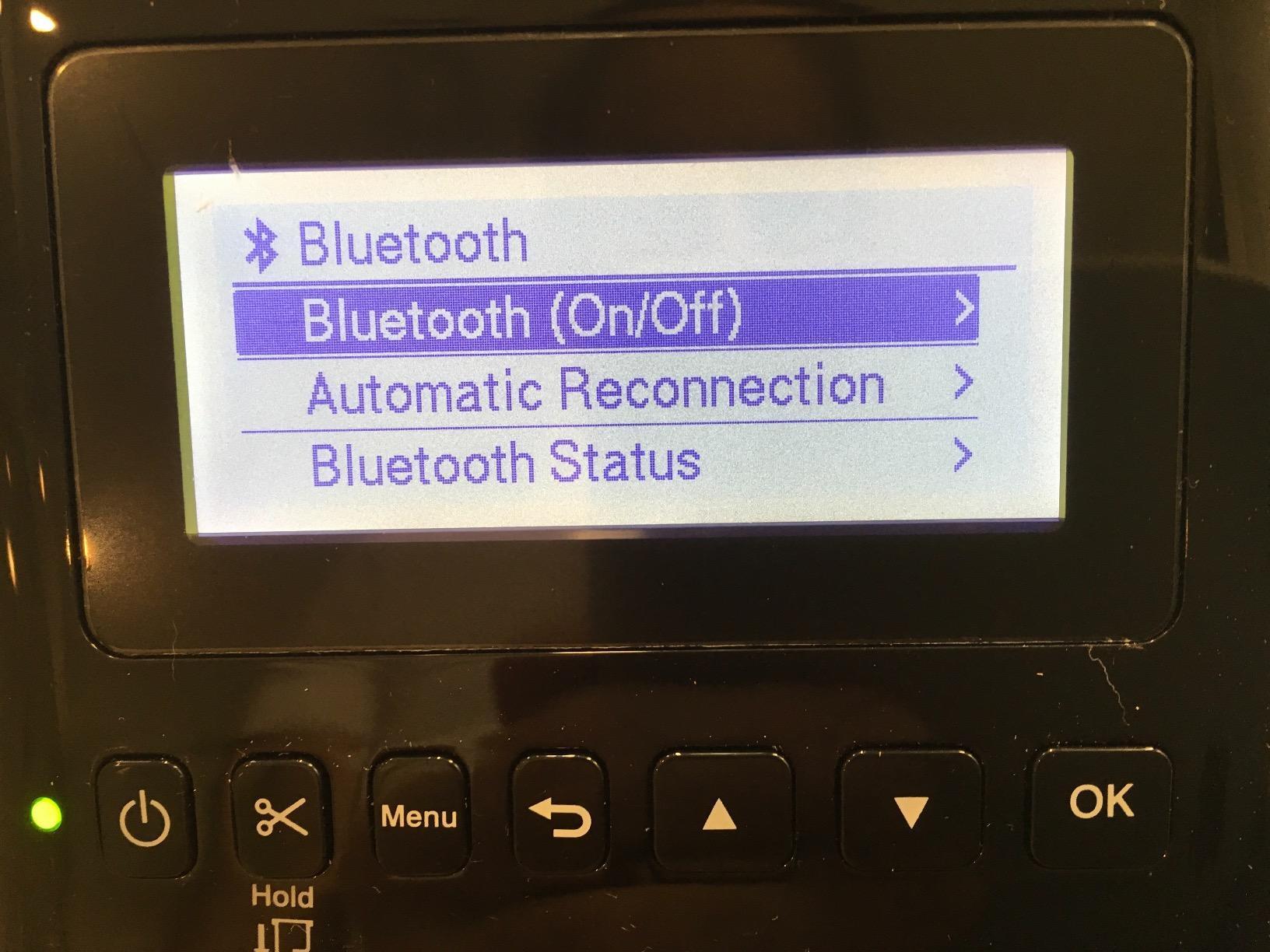
The monochrome LCD is the feature nobody mentions first and everybody appreciates later. Once it is on the network, an operator can select a stored label and print without opening a laptop, which is how check-in desks, church groups and small retail counter deployments use it.
It also handles continuous labels up to 3 feet long and supports DK-2251 for black and red output, giving it more range than the simpler desktop units. At 2.5 pounds and roughly 9 by 5.7 inches it moves between rooms easily. Owners running these for years in continuous deployments report strong reliability.
The complaints cluster around the screen and the setup. The LCD is genuinely small and hard to read without leaning in or using a phone camera, Bluetooth recognition can drop out after the host device sleeps, and Wi-Fi provisioning is fiddly. A smaller group report sticker jams that proved very hard to clear, sometimes leaving residue on the platen roller.
Who should buy the QL-820NWB
Buy it if several people or devices need to print, or if a shared network machine matters more than raw output quality. Wi-Fi is generally preferred over Bluetooth for exactly this reason, and the two-year limited warranty gives some reassurance after a jam scare.
It is also a strong fit for asset and inventory labeling in an office, where the standalone screen and stored formats remove the computer from the workflow. A USB scanner can be plugged straight into the host port.
Who should skip the QL-820NWB
Skip it for a single-person packing station where a USB cable would do. It sits at the top of the desktop label printer range in cost, and you are paying for connectivity options you may never switch on.
It is not for 4×6 shipping labels either, with a maximum media size of 3 by 5 inches. Anyone who is not comfortable with network configuration should look at a simpler wired machine instead.
4. MUNBYN RealWriter 941 – best value 4×6 thermal printer
MUNBYN RealWriter 941 Bluetooth USB 4×6 Shipping Thermal Label Printer
203 DPI with Rohm print head
150mm/s speed
Automatic label detection
Label widths 1.57 to 4.3 inch
Pros
- Automatic label detection and learning
- Installs like a normal printer on Windows and macOS
- Sharp barcodes at 150mm/s
- Standard label media
- Live human tech support
Cons
- This model is USB only and needs a computer
- 203 DPI is less crisp than 300 DPI
- Thermal print can fade on exposed labels
- Only a few starter labels included
The MUNBYN RealWriter 941 is the one we would recommend to someone who has never owned a thermal printer. Automatic label detection means you close the lid, feed the paper in from the back, and the machine works out the label size on its own. That single feature removes the most common beginner frustration we found in owner feedback.
It uses a Japanese Rohm print head at 203 DPI and runs at 150mm/s, which is fast enough to keep pace with a busy small-business shipping day. Barcodes come out sharp, and it installs on Windows and macOS exactly like a standard thermal printer, so you print from any application.
Small e-commerce operators report this model still producing clean labels after a year or more of daily use, and support is frequently praised for resolving setup issues quickly. Platform support covers Etsy, Shopify, eBay, Poshmark, ShipStation, ShippingEasy, Shippo, Ordoro, Shipwire and more.
The catch is that this specific version is USB only. The wireless variant is a separate product number, so if you were expecting Bluetooth from this listing, check carefully before you order. Owners also note that print darkness is slightly less sharp than 300 DPI hardware, and some need to recalibrate or adjust PDF scaling after changing label sizes.
Who should buy the MUNBYN RealWriter 941
Buy it if you are new to thermal printing, change label sizes often, or want support you can actually reach. Automatic label learning and a compact footprint make it easy to store away between uses, which matters in a home office.
It is a strong value pick for a seller printing 4×6 shipping labels and assorted product stickers on one machine. Standard thermal media works, so you are not locked into a proprietary roll format.
Who should skip the MUNBYN RealWriter 941
Skip it if you need to print from a phone or across a network, because this version is wired. It is also the wrong choice for dense small text, and its 4.3 inch maximum width rules out wider formats.
For long outdoor or refrigerated exposure, move to a machine that uses ribbon-based printing instead. Direct thermal output on this class of printer fades faster than most new buyers expect.
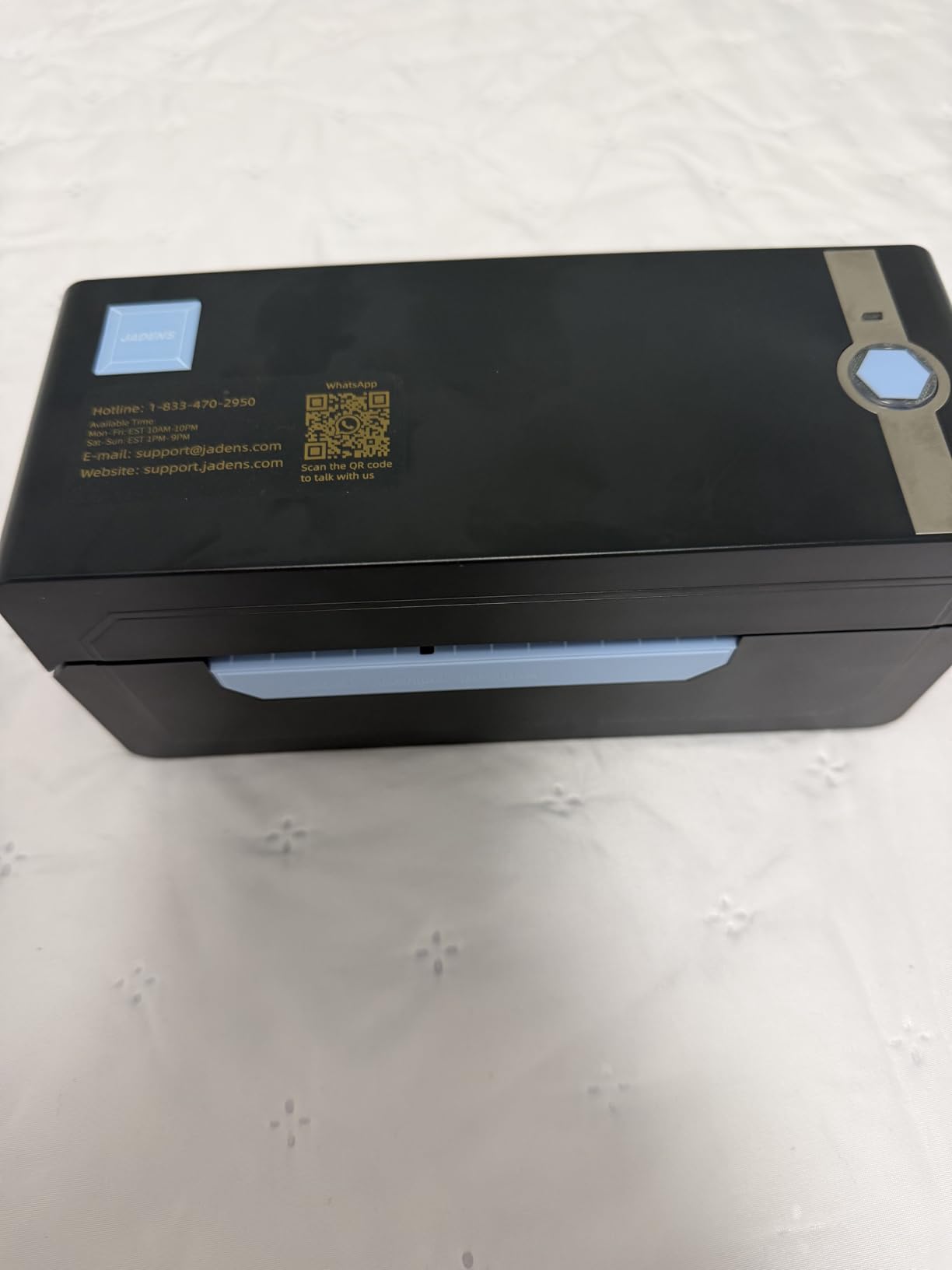
5. JADENS Bluetooth 4×6 Label Printer – best for phone and desktop wireless printing
JADENS Bluetooth Thermal Shipping Label Printer, Wireless 4×6 Label Printer
Bluetooth and USB
Japanese print head at 203 DPI
Label widths 1.57 to 4.1 inch
Fanfold and roll media
Pros
- Crisp 203 dpi barcodes that scan reliably
- Quick Bluetooth and USB pairing
- Handles fanfold and roll labels
- Works with the major marketplaces
- One-year warranty with phone and remote support
Cons
- Desktop Bluetooth pairing can fail
- App needed for Android and iOS printing
- Some reports of jams and off-center prints
- 203 DPI is below higher-end models
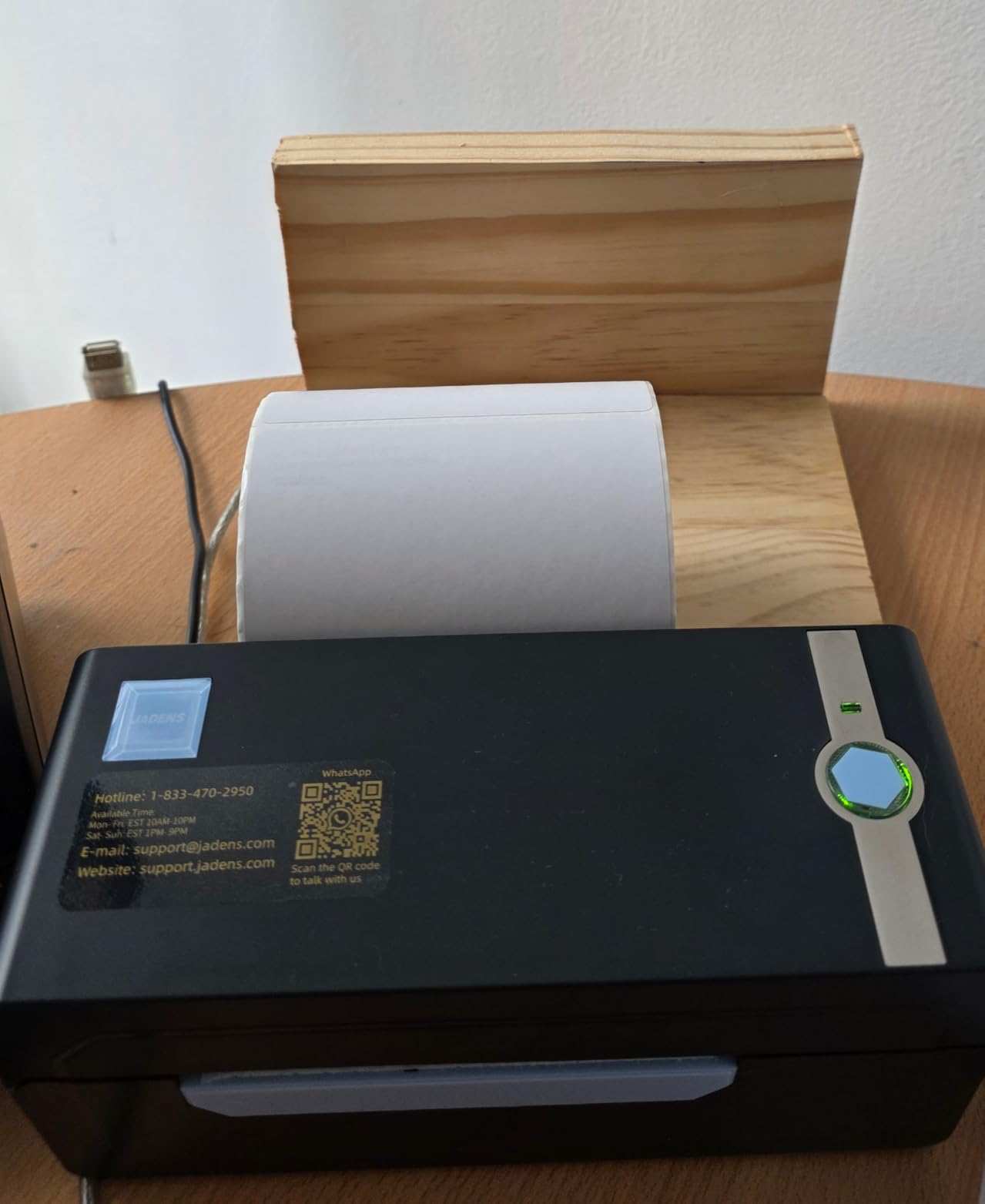
The JADENS is the flexible middle ground. It prints over Bluetooth from Windows 8 and Mac, over USB on Windows 7 and Mac OS 10.9, and from the companion app on Android and iOS, which covers almost every device you are likely to have on a packing station.
It supports both fanfold and roll label media from 1.57 to 4.1 inches wide, and that dual-media support is a real advantage over machines that accept one format only. A Japanese thermal print head at 203 DPI keeps barcodes and text crisp, and a long press of the feed button calibrates the label size after a media change.
Platform support runs through Endicia, Dazzle, ShipStation, Shipping Easy, Shippo, ShipWorks, Ordoro, eBay, Amazon, Etsy and Shopify. A U-Disk with drivers and instructional videos is included, and the one-year warranty comes with email, phone and remote-control support. Owners running online stores consistently praise the print clarity and low cost per label.
The most common negative theme is desktop Bluetooth pairing, which users generally work around by printing from the phone app instead. Android and iOS printing requires the app rather than direct Bluetooth, and a smaller group report jams or off-center prints that need recalibration after a media swap.
Who should buy the JADENS
Choose it when your labeling happens from more than one device, or when you want a wireless thermal printer without paying for a network-configured unit. Dual roll and fanfold support also makes it forgiving if you switch label suppliers.
It suits a home shipping station that needs 4×6 labels plus smaller product stickers, and the included driver media gets a new user printing without hunting for software.
Who should skip the JADENS
Skip it if you need crisp fine print, since 203 DPI shows its limits on small dense text. It is also not the right pick for anyone who refuses to use a phone app, because that is the usual path around the desktop pairing issues.
If your workflow is strictly desktop-only, the wired models on this list are simpler and have fewer points of failure. This one earns its place through flexibility, not through being the sharpest.
6. Nelko Bluetooth 4×6 Shipping Printer – best for fast 4×6 output on a small desk
Nelko Bluetooth Thermal Shipping Label Printer, 4×6 Thermal Label Printer
Up to 72 labels per minute
150mm/s at 203 DPI
Bluetooth and USB
Chrome OS support
Pros
- Fast 4x6 output at up to 72 labels per minute
- Bluetooth plus USB across Windows
- Mac
- iOS and Android
- Small footprint suits a compact desk
- Works with major marketplaces and carriers
- 50 free 4x6 labels included
Cons
- Bluetooth needs the NELKO app on most devices
- Mac can only print over USB
- 203 DPI is modest for dense small text
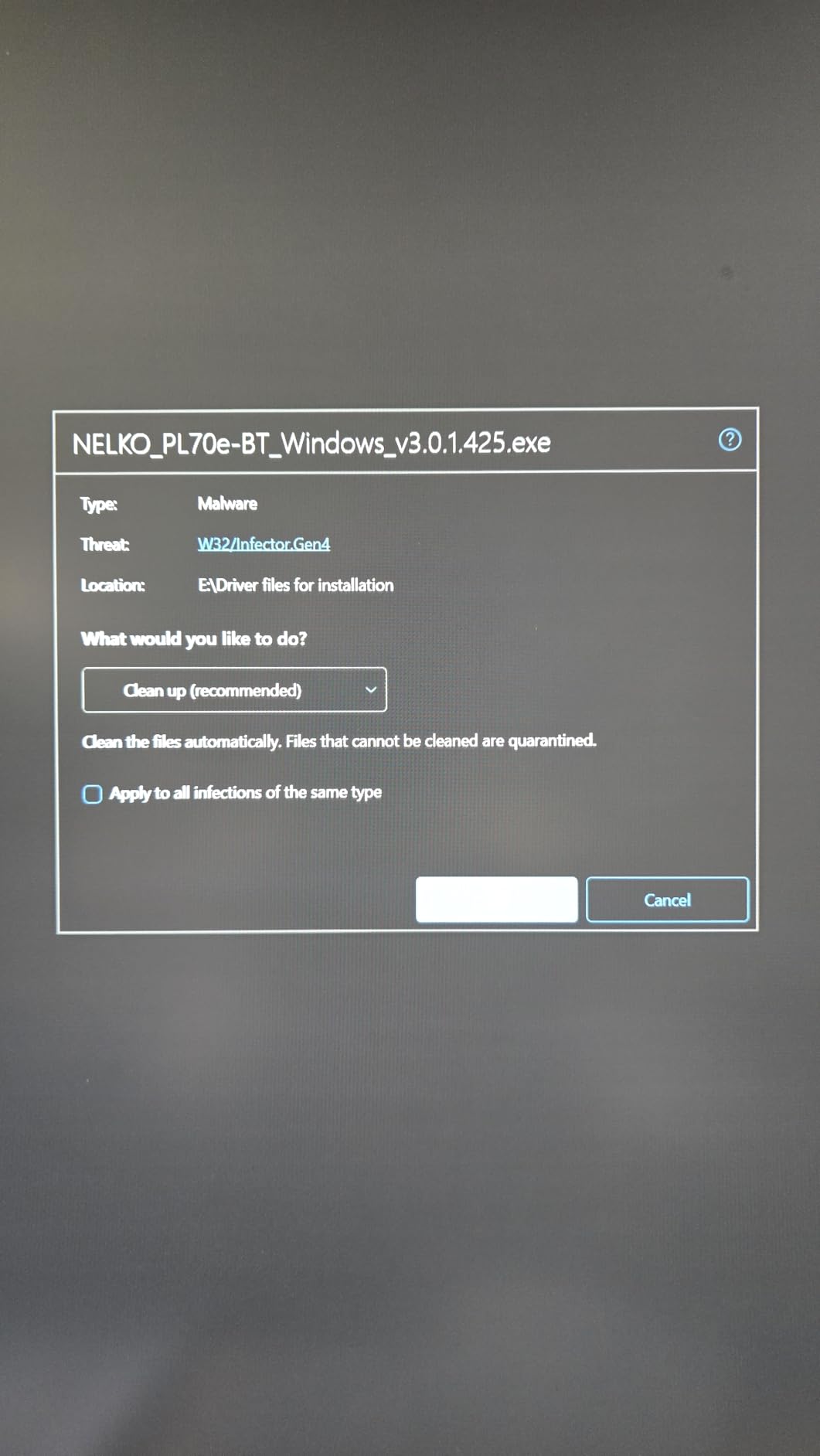
- Some app and driver friction on Windows
The Nelko PL70e-BT is built for shipping speed, running at 150mm/s for up to 72 labels per minute at 203 DPI. It is a shipping machine first, and that output is why it holds its own against pricier competition.
Connectivity is the selling point. Bluetooth printing runs through the NELKO app on iOS and Android, Windows 7 and later can also print over Bluetooth, and a USB cable covers Windows, Mac and Chrome OS with a USB-C cable included for Mac. Chrome OS support is uncommon in this category and matters if your packing station is a Chromebook.
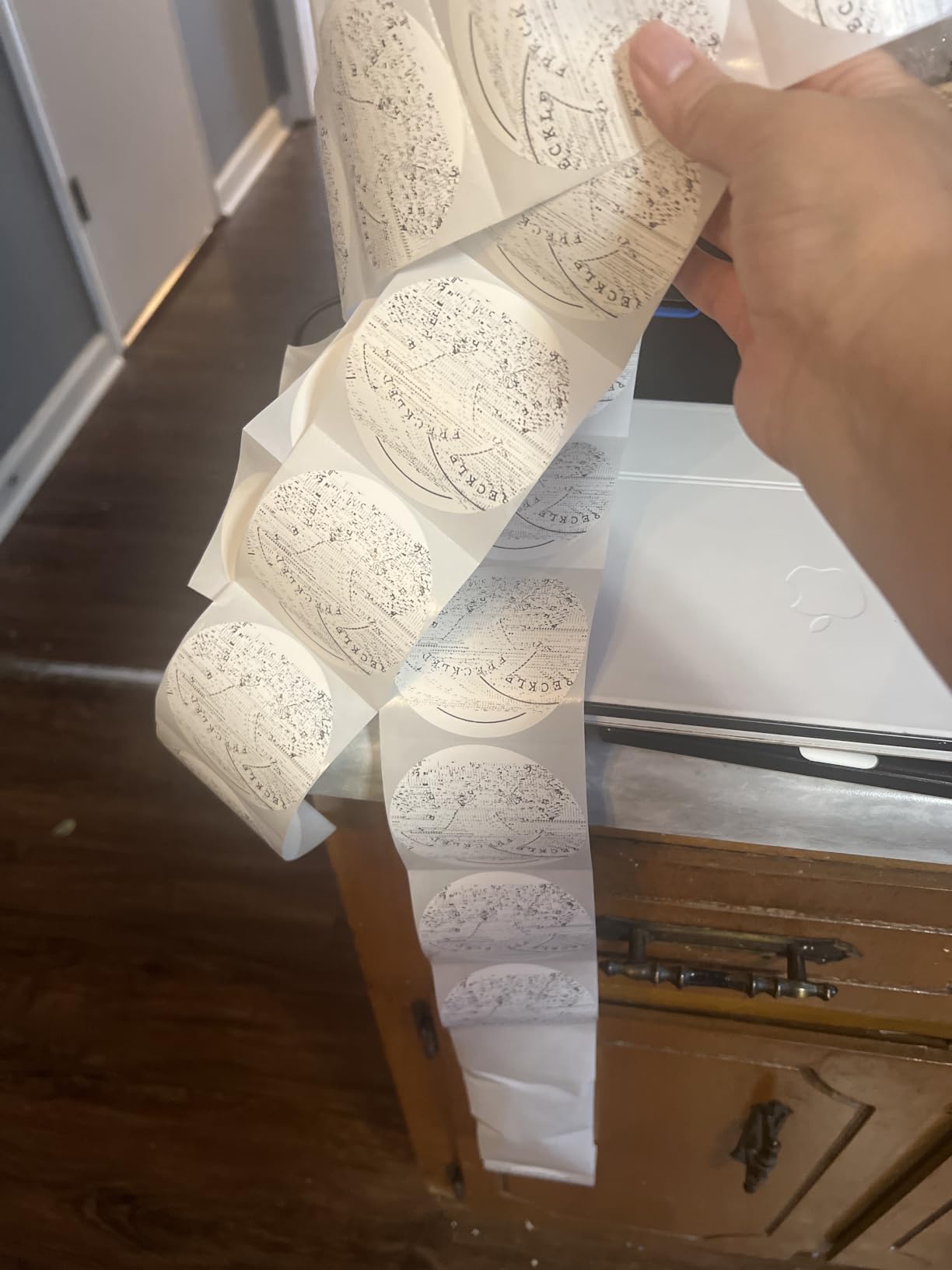
It handles both fanfold and roll labels from 1.54 to 4.1 inches wide, works with Amazon, eBay, Shopify, USPS, UPS, Etsy, PayPal and Poshmark, and includes 50 free 4×6 labels plus a U-Disk with the driver, setup and troubleshooting videos. Auto label detection and auto paper return reduce the fiddling that normally comes with media changes.
Feedback notes that the NELKO app is the smoothest route for Bluetooth printing and that Mac owners must use the cable. The recurring gripes are occasional app or driver friction during Windows setup and 203 dpi clarity on very small labels, where dense text softens noticeably.
Who should buy the Nelko PL70e-BT
Buy it if you want genuine shipping speed on a small footprint, particularly if your setup includes a Chromebook or a mixed device environment. The included label pack means you can print a test batch before buying media.
It is a good value choice for a home business that ships often and does not need archival or outdoor durability from its labels. The listing carries a lifetime warranty type, but check the current written terms before you rely on it.
Who should skip the Nelko PL70e-BT
Skip it if your labels carry fine print on a small surface, because 203 DPI will not hold it well. Mac users who want wireless should know in advance that Bluetooth is not an option on that platform with this model.
It is also not suited to 4×6 labels that will sit in heat or sun for long periods, for the same direct thermal durability reason that applies across this category.
7. DYMO 100H LetraTag – top rated label maker for home and office organizing
DYMO Label Maker Machine with 3 Tapes – 100H LetraTag Handheld, Includes 3 LT Label Tapes, Perfect for Home & Office Organization
Handheld and battery powered
5 font sizes and 7 print styles
Three LT tapes included
Graphical preview display
Pros
- Very easy to learn and fast for short labels
- Compact and light enough to carry anywhere
- Preview screen shows the label before printing
- Three tape styles included
- Owners report the same model lasting years
Cons
- Alphabetical keyboard slows typing
- Tape backing is hard to peel off
- Tape edges curl and adhesion varies
- Border styles only work at the two smallest fonts
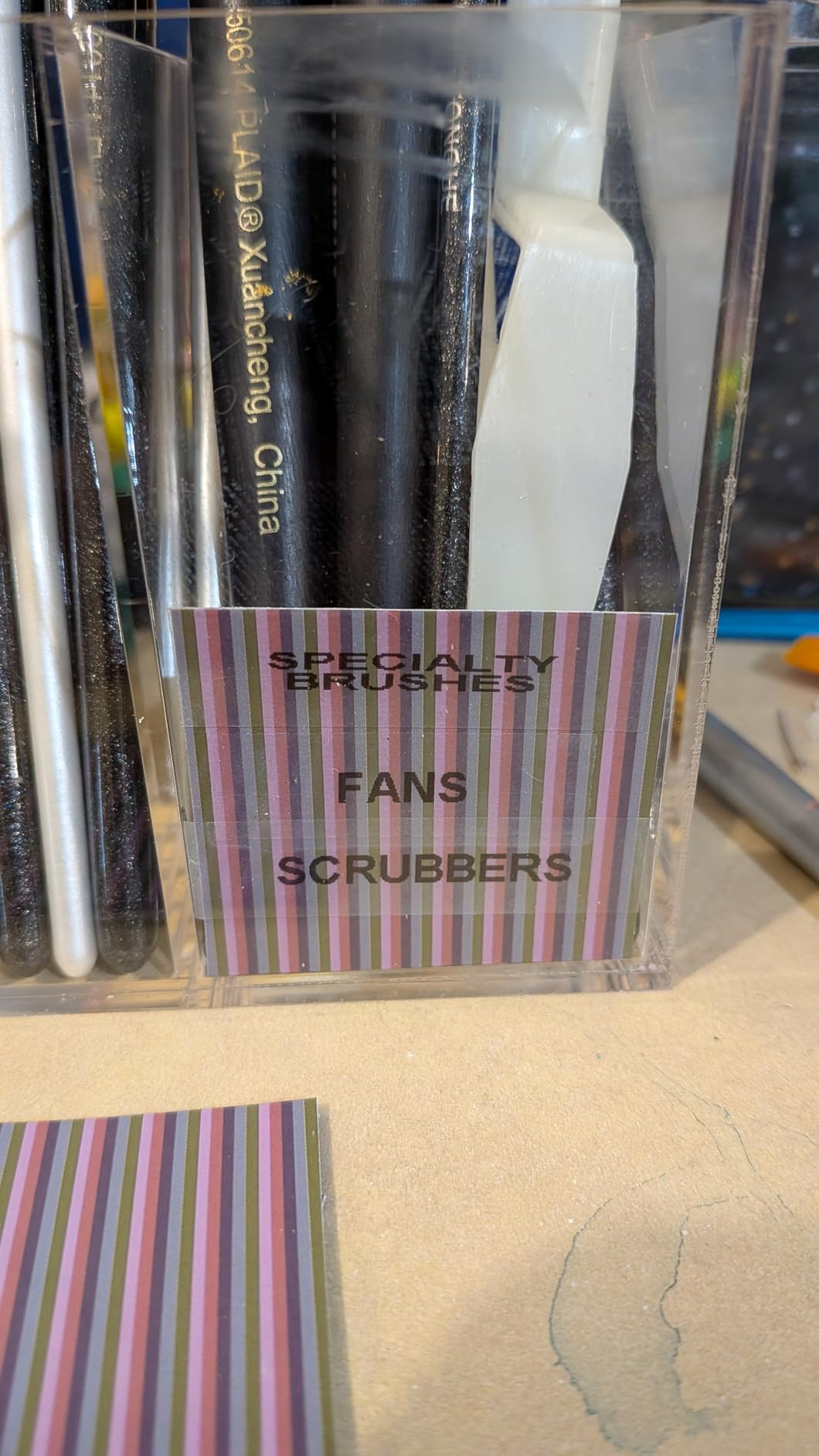
For pantry jars, file folders and school supplies, the LetraTag is the most widely reviewed machine in this group, and its 4.6 rating across more than 31k reviews sits at the top of the field. It is a handheld, battery-operated unit that works the moment you switch it on, with no computer, no app and no connection of any kind.
The graphical display previews the label layout before printing, and five font sizes, seven print styles and eight box styles give you enough variety for most organization jobs. The bundle includes three LT tapes: paper black-on-white, plastic black-on-white and plastic black-on-clear, plus a magnetic holder for metal shelving.
Durability is its quiet strength. Many owners bought a second unit years after the first, and reviewers describe the same machine surviving drops and daily handling. Auto-off conserves the four batteries, which is a sensible touch for something that lives in a drawer.
The criticisms are ergonomic rather than functional. The keyboard is laid out alphabetically rather than QWERTY, so typing is slower than it should be. The tape backing is difficult to peel, edges curl on some tapes, and the box styles only apply at the two smallest font sizes. The included magnetic holder is also weak for heavier metal surfaces.
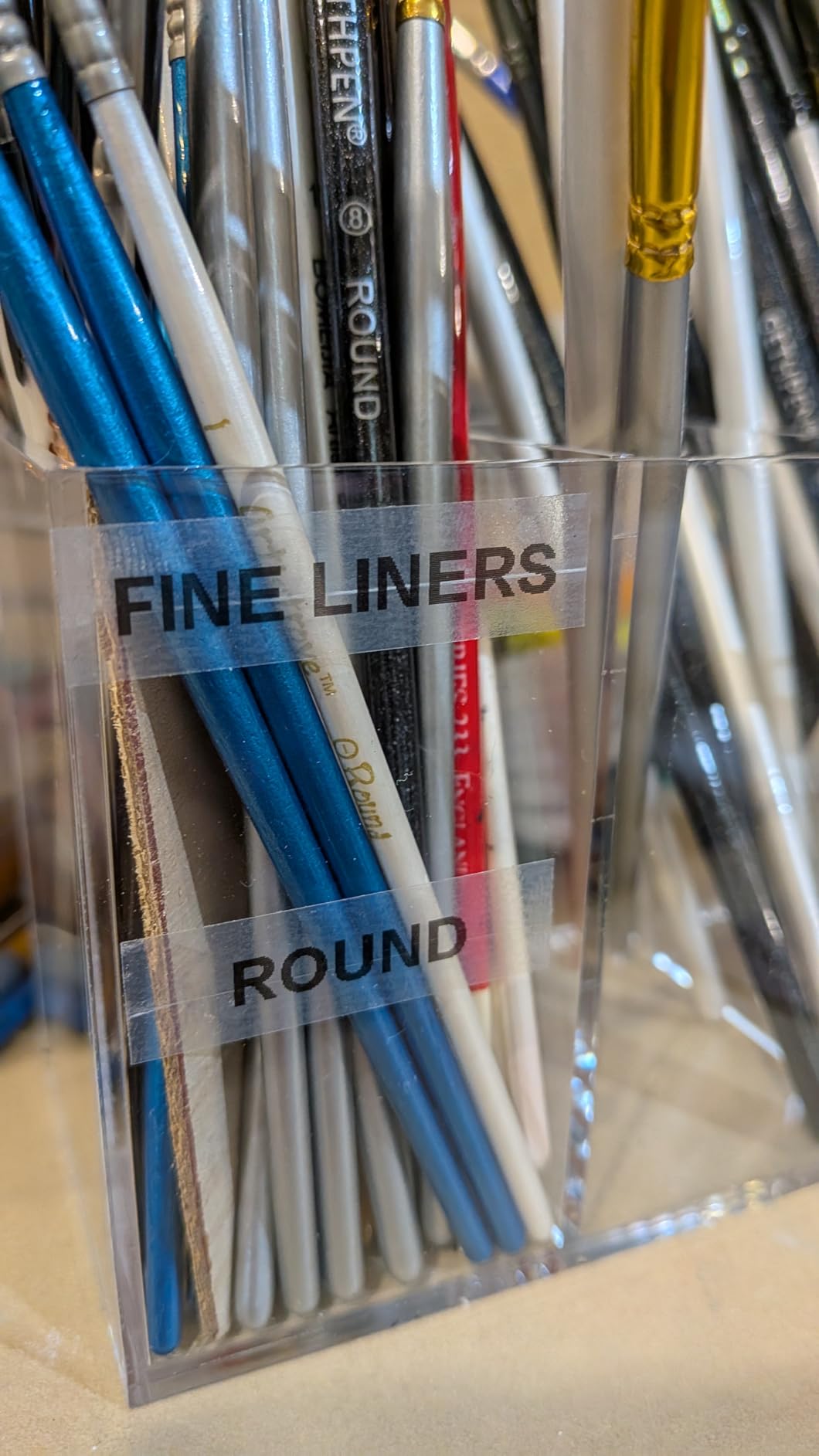
Who should buy the DYMO 100H LetraTag
Buy it if you are labelling a home, a classroom or a small office and want zero setup friction. It is also a good gift for someone who will not read a manual, since the on-screen preview makes the process self-explanatory.
The three included tapes cover most household jobs, and the plastic variants handle surfaces where paper adhesive struggles, like damp storage containers.
Who should skip the DYMO 100H LetraTag
Skip it for anything shipping-related. This is a tape-based label maker with a narrow cassette, not a roll-fed thermal printer, so it cannot produce a 4×6 shipping label, a barcode or a QR code at size.
If you type a lot of text, the alphabetical keyboard will annoy you, and if you need long labels the fixed tape formats are limiting. Serious product labeling needs a desktop machine instead.
8. Nelko P21 Bluetooth Label Maker – budget pick for portable labeling
Nelko P21 Label Maker Machine with Tape, Bluetooth Label Printer, White
Rechargeable and pocket sized
203 DPI BPA-free thermal
Phone only via Bluetooth
11.5 ounces
Pros
- Pocket sized at about half the weight of traditional label makers
- Rechargeable battery with no disposable cells
- Large free app library for text
- QR codes and barcodes
- Quick Bluetooth pairing and simple setup
Cons
- Smartphone only with no computer connectivity
- Monochrome black text
- Fixed label lengths with no continuous tape support
- Not compatible with Google phones on Android 14
- Charging adapter not included
The P21 is the least expensive useful label maker in this roundup and one of the most reviewed, with a 4.4 rating across more than 24k reviews. This current revision is roughly half the weight and size of a traditional label maker at 11.5 ounces, which genuinely changes what you can do with it.
It prints BPA-free direct thermal output at 203 DPI, so there is no ink or toner and no ribbon. The built-in rechargeable battery removes the disposable-battery routine entirely, and setup is fast: load the roll, pair over Bluetooth, pick a template and print.
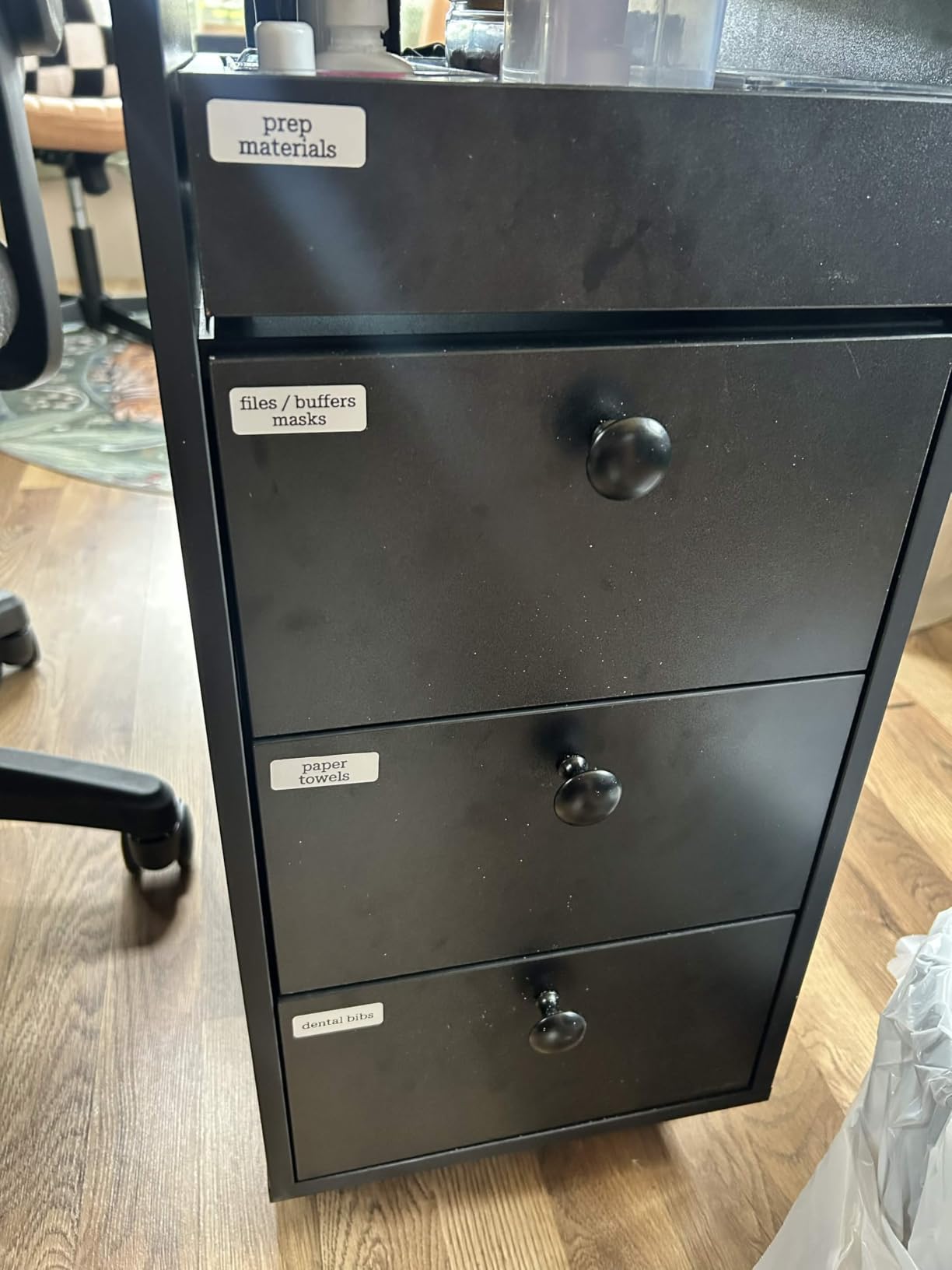
The companion app is the real feature. Its library includes more than 3,600 icons, over 700 borders, 5,500 materials, 750 templates and 29 languages, free for text, QR codes and barcodes. Teachers, students and home organizers use it for bins, folders, lunch boxes and food storage, and it costs almost nothing to get into.
Limitations are consistent across reviews: it is a phone-only device with no computer connectivity, prints monochrome black text, and supports fixed label lengths such as 14x40mm, 14x50mm and 14x75mm rather than continuous tape. Google phones running Android 14 are not supported, and no charging adapter is included.
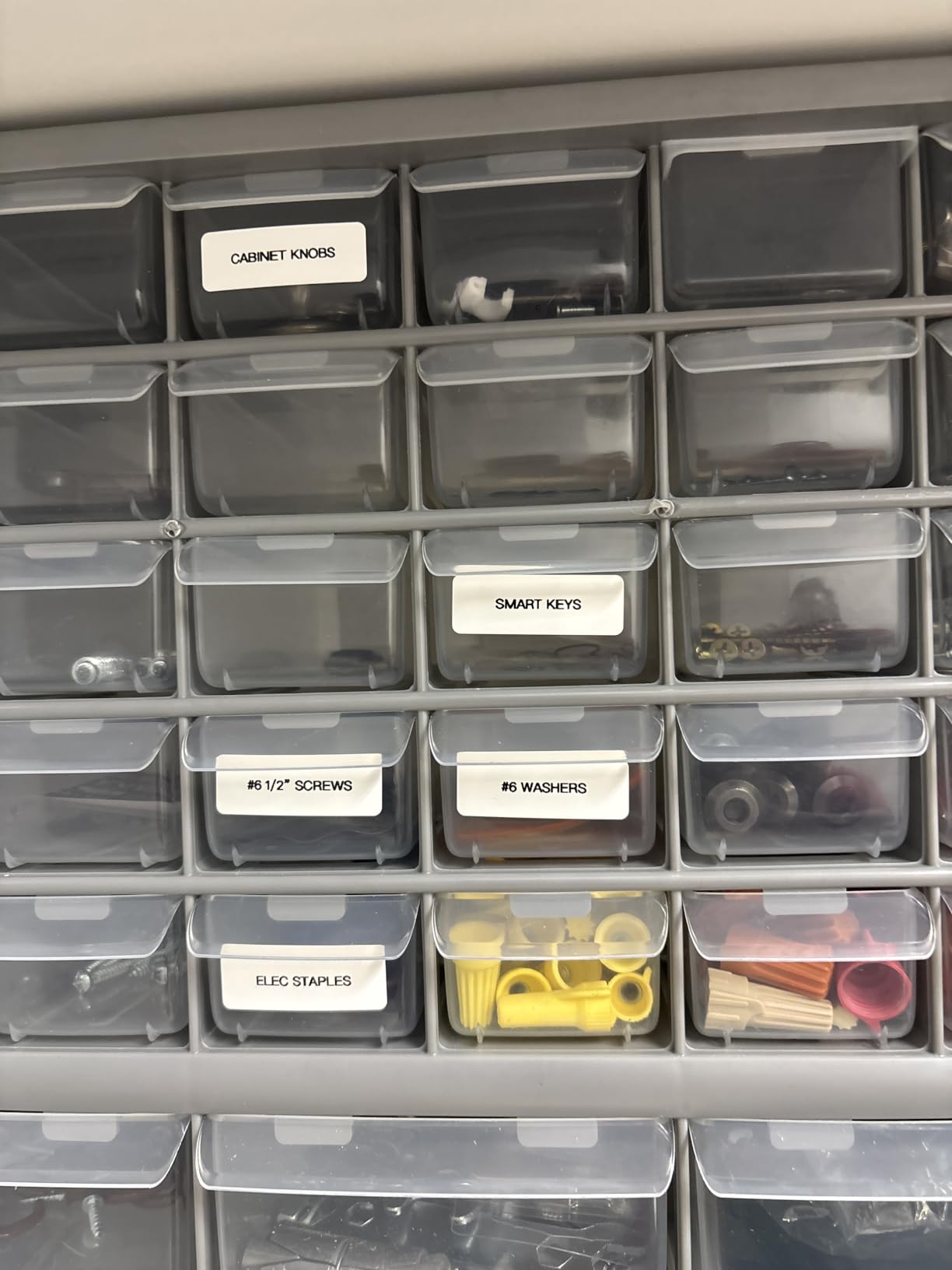
Who should buy the Nelko P21
Buy it for kitchens, classrooms, craft rooms and travel, anywhere a full printer is impractical. The rechargeable battery and pocket size make it the one you will actually keep in a drawer and use, rather than set up once and forget.
It is a strong first labeling purchase for a teenager or a renter. The app covers QR codes and barcodes at no extra cost, which is more than many pricier label makers offer.
Who should skip the Nelko P21
Skip it if you need a computer connection, since there is no desktop or laptop path at all. It is also the wrong tool for 4×6 shipping labels or any label wider than the fixed tape formats it accepts.
Check your phone first. Android 14 on Google phones is not supported, and because the charging adapter is not included, you will need a USB-C cable you already own.
9. SUPVAN T50M Pro – best for home, classroom and small-business product tagging
SUPVAN T50M Pro Bluetooth Label Maker Machine with Tape, Black
Labels 3/4 inch to 2 inch wide
203 DPI at up to 60 pages per minute
USB Type C
433 g body
Pros
- Wide 3/4 inch to 2 inch label range for the money
- Free app with no account registration
- Automatic label size recognition
- Good clarity for text
- QR codes and barcodes
- Light enough to travel with
Cons
- Not suitable for 4x6 shipping labels
- Maximum width of 2 inches
- Monochrome output only
- Editing depends on the app with no on-device screen
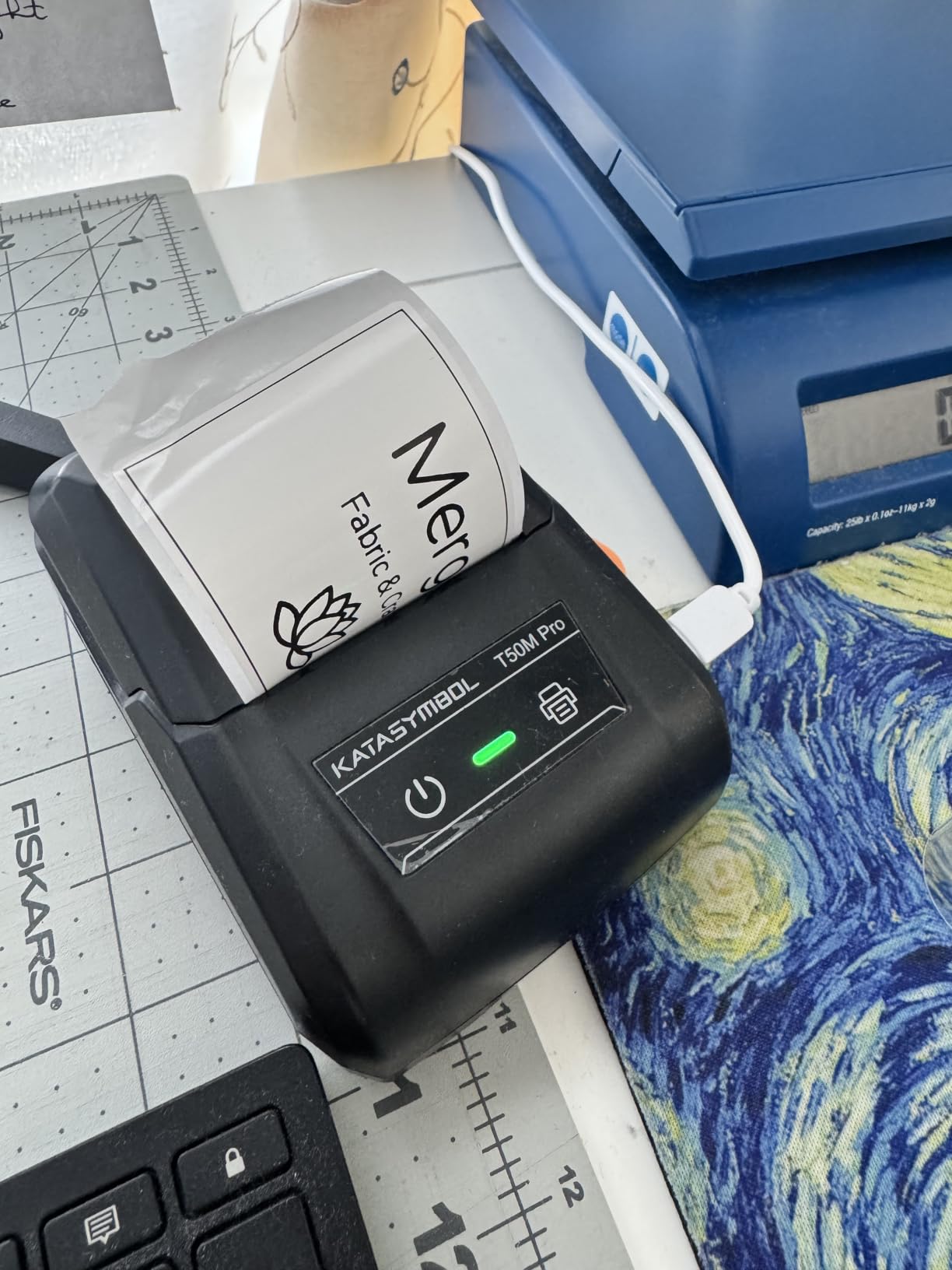
The SUPVAN T50M Pro covers a wider label range than most compact machines, printing from 3/4 inch up to 2 inches wide. That makes it useful for storage bins, jars, address labels, QR codes, barcodes and logo tags, and it handles square, round, address, cable, jewelry and file label shapes.
It prints at 203 dpi for up to 60 pages per minute with no ink or toner, and the free companion app requires no account registration and recognizes label size automatically. The editing library includes more than 30 fonts, 50 frames and 660 icons.
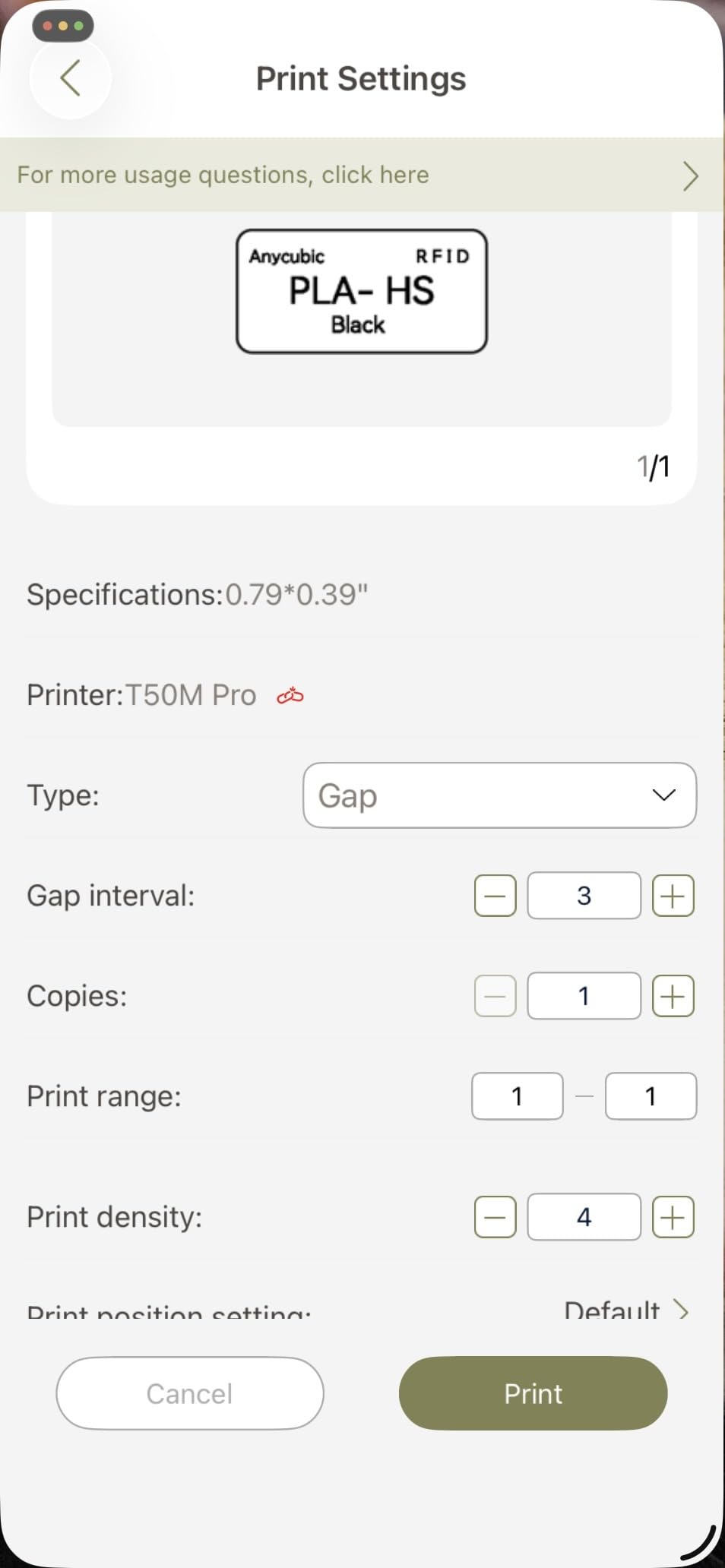
At 433 grams with USB Type C charging, it is light enough to pack for a market stall or a craft fair. Small businesses use it for product tagging and price labels, and reviewers consistently point to the low cost, the free app and automatic size detection as the biggest wins.
The stated limitation is width. A 2 inch maximum rules it out of shipping-label duty entirely, and output is monochrome only. Editing lives in the phone or computer app rather than on a built-in screen, and some users find the template library less polished than larger brands.
Who should buy the SUPVAN T50M Pro
Buy it if you tag products, organize a classroom or label small-business inventory and want more width than a phone-only label maker offers. The two inch ceiling covers cable labels, jewelry tags and round labels that narrower machines cannot reach.
It is a good fit for anyone who wants app-based editing with barcode and QR support but does not need to print a shipping label. The no-registration app removes a common reason people abandon these devices.
Who should skip the SUPVAN T50M Pro
Skip it if any part of your work involves 4×6 shipping labels or media wider than two inches. For color product labels you will also need to look at a different category of machine entirely.
If you prefer designing on the device itself rather than in an app, choose a handheld with a screen. And if you plan to print professional barcodes for retail scanning, verify the output is accepted by your trading platform before committing.
10. Brother P-touch PT-D610BT – best for asset tags and inventory work
Brother P-Touch PT-D610BT Business Professional Connected Label Maker with Bluetooth®
Color LCD preview screen
QWERTY keyboard
90 stored labels
175 business templates
Bluetooth and USB
Pros
- Color LCD preview makes on-device design easy to correct
- QWERTY keyboard is much faster than alphabetical layouts
- Stores 90 labels and ships with 175 business templates
- Bluetooth and USB with strong desktop and mobile software
- Automatic cutter and durable TZe tapes
Cons
- Label width capped at about 1 inch
- Monochrome printing at 180 x 360 dpi
- Slower than desktop shipping label printers
- Brother TZe tape is proprietary
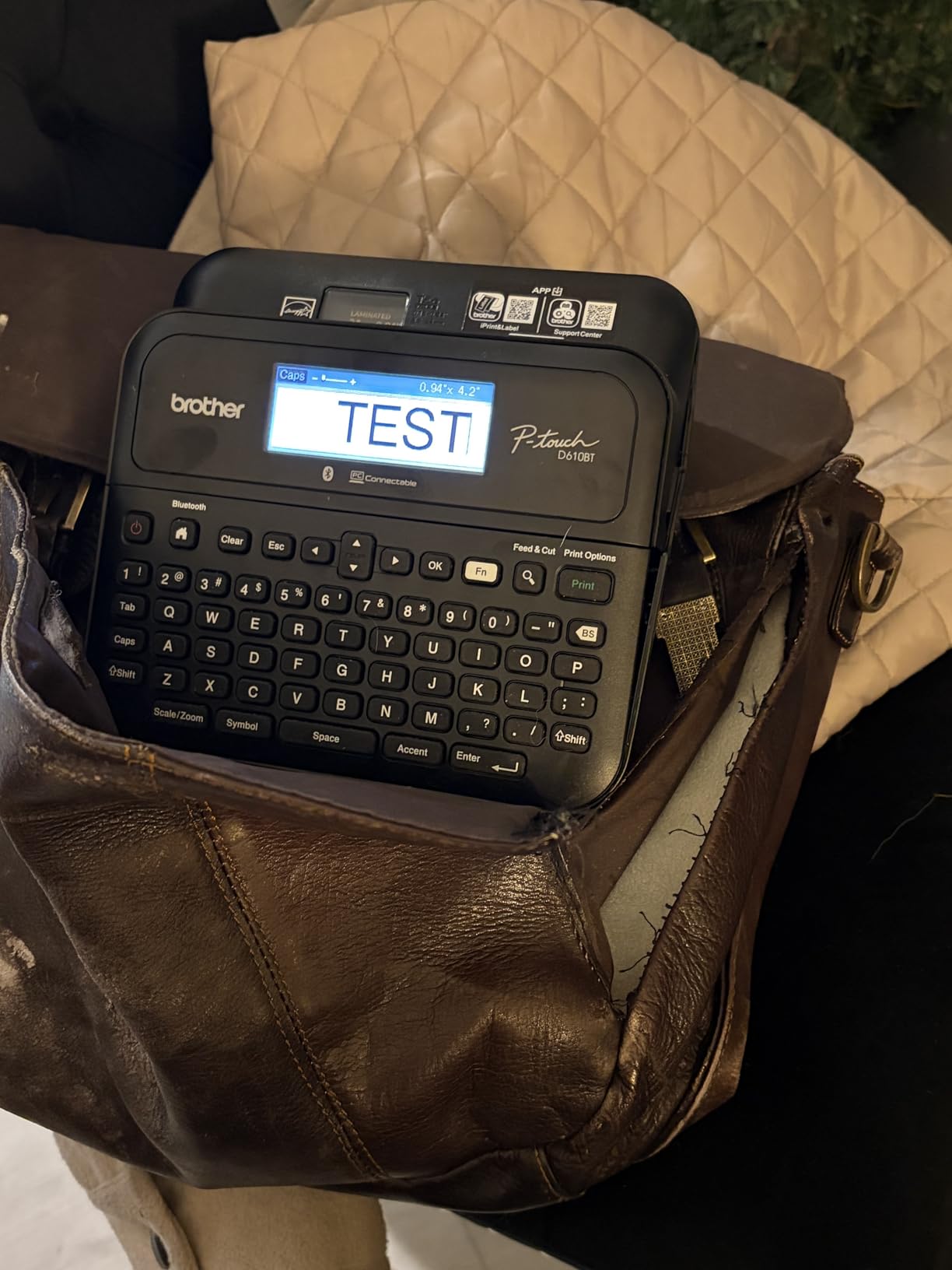
The PT-D610BT is built for someone labelling equipment rather than parcels. The 20-character, two-line full-color LCD previews the label on the machine before it prints, so you can catch and fix a bad layout without going back to a computer. That single feature is why it shows up in offices and asset-tracking setups.
It has a full QWERTY keyboard, 17 fonts, 17 styles, 160 frames and 900 symbols, and it stores up to 90 frequently used labels for instant reprinting. There are 175 pre-loaded business templates for asset management and inventory, plus an automatic label cutter.
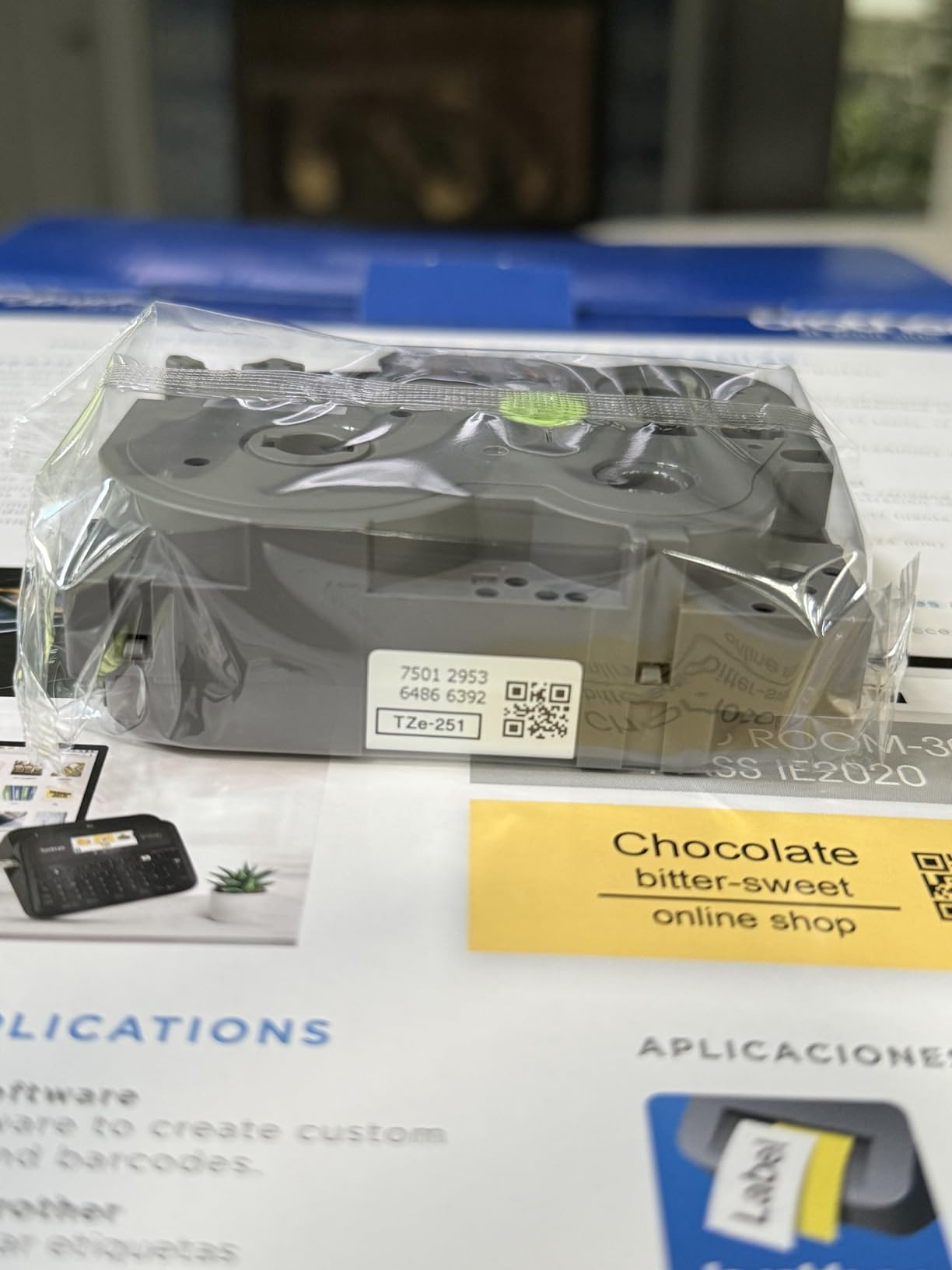
Connectivity covers both Bluetooth and USB, and it works with Brother P-touch Editor on the desktop and the free Brother iPrint&Label mobile app. The consensus praise is for the preview screen, the keyboard and the stored label memory, which make repeated labeling quick without a computer in the loop.
The scope is the limit. Label width is capped at about 1 inch, so it cannot handle 4×6 shipping labels, and output is monochrome at 180 x 360 dpi. Print speed of 20 pages per minute is fine for asset tags and slow for shipping. Brother TZe tape is proprietary and can cost more than generic equivalents over time.
Who should buy the Brother PT-D610BT
Buy it for asset tagging, equipment rooms, cable and network port labeling, or retail shelf and price tags. Anyone typing the same labels repeatedly will get real value from the 90-label memory and the on-screen preview.
The two-year limited warranty and the durable TZe tape system suit an office that will use it for years. It also works as a standalone device once labels are stored, which keeps a laptop out of the process.
Who should skip the Brother PT-D610BT
Skip it for shipping, high-volume work or anything needing color output. At 20 pages per minute and a one inch width, it is the wrong shape of tool for those jobs.
Also weigh up the proprietary tape. If you will print a lot of labels over a long period, the ongoing tape cost matters, and a desktop thermal machine with standard media is usually the cheaper route.
How to choose a label printer: the five decisions that matter
Direct thermal, thermal transfer, inkjet or laser: pick the technology first
Direct thermal darkens a heat-sensitive label as it passes over a hot print head, so there is no ink, toner or ribbon at all. That is why it dominates this roundup and why owners treat it as a relief: nothing runs out mid-job except labels.
The trade-off most people discover too late is durability. Direct thermal output darkens with heat and fades with prolonged sunlight, UV exposure and certain chemicals, so outdoor, refrigerated or long-archive labels are a poor fit. Thermal transfer prints the same way but transfers ink from a ribbon onto the label, which costs more per label and resists fading. Inkjet and laser printers use ink or toner and handle full color product labels, but they need trays of photo or label media and the running costs are far higher.
If you are printing regulatory or ingredient information, read the source text carefully before choosing media. A useful primer is how to read an EPA vs FDA label, which explains the format those labels follow. Match the label stock to the environment, not just the printer.
Label width, roll or fanfold, and the core diameter trap
Buy for the widest label you will ever print, not the one you print today. The 4×6 shipping machines here accept widths from roughly 1.57 to 4.3 inches, while tape-based label makers are fixed to their own cassette format. A two inch ceiling, as on the SUPVAN, permanently rules out shipping work.
Media format is the second trap. Some machines accept roll media only, others only fanfold, and forcing the wrong one causes misfeeds and jams. The JADENS and Nelko PL70e-BT both take roll and fanfold, which makes them forgiving when you change suppliers.
Core diameter is the third. A printer built for a 1 inch core will not properly hold a small 0.5 inch roll, and vice versa, which is a common reason people end up discarding perfectly good media. Buy your labels from a seller that lists the core size, and check it against the printer before ordering.
Resolution: 203 DPI versus 300 DPI
203 DPI is the standard for shipping labels, barcodes and address text, and every 4×6 machine in this roundup handles it comfortably. 300 DPI, found on the Brother QL-800 and QL-820NWB, roughly doubles the detail, which matters when you print small fonts, dense ingredient copy or fine barcodes.
You do not need 300 DPI for a shipping label. You do need it if a label carries a lot of text in a small space. This is the single clearest reason to step up a model, and it is worth more than extra speed for most product-label work.
Connectivity: what device are you actually printing from
Start by naming the device that will drive the printer, not by the feature list. A wired USB machine is the simplest and most reliable choice when a laptop sits on the packing desk. Bluetooth models suit phone and tablet work, and network printers suit offices where several people print.
Watch for the catches in each category. The Rollo and the MUNBYN RealWriter 941 are wired on these versions. The Nelko P21 has no computer connectivity at all and is not compatible with Google phones running Android 14. Mac users of the Nelko PL70e-BT must use the USB cable because Bluetooth is not offered on that platform.
Drivers and apps matter as much as radios. A U-Disk with drivers and setup videos, or an app that most reviewers describe as smooth, saves an afternoon of troubleshooting. Chrome OS support, as on the Nelko PL70e-BT, is worth checking if your business runs on Chromebooks.
Cost per label and total cost of ownership
Thermal printing is cheap to run, but the label roll is the entire cost. Work it out by dividing the roll cost by the number of labels on it, then multiply by your monthly volume to see the annual figure. Buying compatible generic media rather than proprietary cartridges is usually the biggest saving available.
Brother DK and TZe tapes are the main exception in this roundup, because they are proprietary and priced above generic equivalents. Everything else accepts widely available standard thermal media, which is the outcome you want for long-term cost control.
For inkjet or laser label printing, the math inverts: cartridges or toner dominate, and media is often cheaper. That changes which printer is cheaper overall, so compare total annual cost rather than sticker price alone.
Fixing the five most common label printer problems
The printer skips labels or prints blank spaces between them. Close the lid and re-feed the media so the sensor re-reads the label gap, then run the auto calibration or size-detection command. On the JADENS this is a long press of the feed button; on the MUNBYN, closing the lid triggers automatic label analysis. If the problem continues, your gap or notch sensor may be dirty.
Labels feed crooked, tilt or come out off-center. Run the position calibration after every media change, and check that the label roll is loaded squarely against the guide. Some users also need to adjust PDF scaling in their print dialog to stop the image overshooting the label edge.
Repeated jams on adhesive labels. Peel the label backing and any debris off the platen roller with a lint-free cloth, and cut labels squarely so the backing is not peeling up from the liner. Sticker jams are notoriously hard to clear and can leave residue, which is why the two-year warranty on the Brother models is worth having.
Output looks faint, smudged or half-erased. Darken the print density setting and slow the print speed. If the label sits in heat or direct sunlight, no amount of darkening will fix long-term fading, because that is a limitation of the media rather than the printer.
Nothing prints, or the device is not found. Confirm the printer appears in your system printer list, confirm the app is running for phone printing, and re-pair Bluetooth rather than relying on a remembered connection. If the host device slept, the pairing often needs to be re-established rather than simply resumed.
Frequently Asked Questions
What type of printer is best for printing sticker labels?
For most people, a direct thermal label printer is the right answer. It uses no ink, toner or ribbon, so the only consumable is the label roll, and it prints barcodes and small text cleanly at 203 DPI. Choose 300 DPI for dense fine print, a color inkjet for photo-quality product labels, or a ribbon-based thermal transfer printer if your labels sit in heat, sunlight or long-term storage.
Is laser or inkjet better for labels?
Inkjet wins for full-color product labels and photo-quality output, which laser cannot match. Laser is sharper on small text and cheaper per page in high volume, but it only prints in the toner colors, so color product labels are not realistic. For black-and-white shipping labels and barcodes, a dedicated thermal printer beats both on running cost and speed, because there is no consumable other than media.
Why does my thermal printer keep skipping labels?
Almost always it is the media sensor rather than the printer. Close the lid and re-feed the roll so the machine re-reads the gap between labels, then run the auto calibration or label size detection command your model provides. Cleaning the gap or notch sensor, cutting labels squarely and reloading the roll squarely against the guide fix the remaining cases.
Does the Brother QL-800 need ink?
No. The QL-800 is a direct thermal printer, so it uses no ink and no toner. Its consumable is the label media, and the black and red two-color mode works through Brother DK-2251 labels rather than an ink cartridge. The recurring complaints about this model concern the P-touch Editor software, not the printing mechanism.
Which is better, MUNBYN or Rollo?
Both are 203 DPI direct thermal 4×6 machines, and the decision is about workflow. Rollo prints at 150mm/s with USB connectivity and broad carrier and marketplace support, so it suits a computer-based packing desk. MUNBYN adds automatic label detection and learning, which reduces guesswork when you change media, and this specific version is also USB. Buyers who are comfortable with a calibration step and want lean support may prefer the MUNBYN; buyers who want simple setup and a long review history may prefer the Rollo.
The best label printer for your workflow in 2026
If you take one recommendation from this roundup, make it the Rollo USB Shipping Label Printer. It prints a 4×6 label every second at 203 DPI, works with every major carrier and marketplace, and carries the strongest combination of rating and review volume we found across the best printers for printing labels in 2026.
Change the pick to match your work rather than the other way round. The Brother QL-800 is the choice when 300 DPI detail matters. The Brother QL-820NWB fits offices that need Wi-Fi, Ethernet and standalone operation. The MUNBYN RealWriter 941 is the safest first thermal printer, the JADENS and Nelko PL70e-BT cover wireless and device-flexible packing stations, and the DYMO 100H LetraTag, Nelko P21 and SUPVAN T50M Pro handle home, classroom and small-business organization without any computer at all.
Before you order, check three things: the widest label you will print, the device you will print from, and whether the labels will live in heat or sun. Those three answers narrow the list to exactly one machine, and they are the same three questions that separate the picks above from the ones we left out.