
A home-office laminator is not a luxury machine. The moment you start printing client checklists, workshop handouts or reference sheets, paper starts curling, tearing and fading in a drawer within a few weeks. A laminator turns a disposable printout into something you can hand to a client, keep on a wall, or reuse every quarter.
That is the brief for this guide: the best laminators for home offices. Not school classrooms, not restaurant menus, not a print shop. Machines chosen for a desk in a spare room, a shared table where you take video calls, and a duty cycle that looks more like one batch on Monday and nothing until Thursday.
Those constraints change the answers. Warm-up time matters far more when you are laminating a single certificate between meetings than it would in a school where forty pages go through before lunch. Noise matters when the machine sits three feet from your microphone. Physical depth matters when your only storage is a shallow drawer. We compared ten machines against exactly those pressures.
Every machine below was assessed on published specifications, warm-up time, throughput speed, roller configuration, footprint and the pattern of complaints and praise in its customer reviews. We also applied the same space-and-clearance thinking we use when reviewing desktop gear for offices, because reach, footprint and quiet running matter in a shared room rather than raw speed.
Table of Contents
Top 3 Picks for Home Office Laminators in 2026

Scotch TL901X Thermal Laminator
- Two heated rollers
- Two temperature settings
- Up to 9 in wide
- One letter page per minute

Amazon Basics 9-Inch Laminator
- Two heat settings
- 3 mil and 5 mil pouches
- 3-5 minute warm-up
- 2.6 in slim body

Crenova A4 Laminator
- Hot and cold modes
- 1-2 minute warm-up
- Only 65mm tall
- 10 pouches included
The three machines above cover the situations most home offices actually hit. The Scotch TL901X is the safe all-rounder with the deepest review base in the group. The Amazon Basics model is the one to buy when desk depth matters more than anything else. The Crenova reaches temperature in one to two minutes and pairs that with a real cold mode in a very small body.
All 10 Laminators Compared in 2026
| Product | Specs | Action |
|---|---|---|
| Scotch TL901X Thermal Laminator |
|
Check Latest Price |
| Amazon Basics 9-Inch Thermal Laminator |
|
Check Latest Price |
| Crenova A4 Laminator Machine |
|
Check Latest Price |
 Bonsaii 9 Inch Laminator Bonsaii 9 Inch Laminator |
|
Check Latest Price |
 Fellowes Saturn 125 Laminator Fellowes Saturn 125 Laminator |
|
Check Latest Price |
 Qfun 13-Inch Laminator 9-in-1 Kit Qfun 13-Inch Laminator 9-in-1 Kit |
|
Check Latest Price |
 kejector 13 Inch Laminator 5-in-1 kejector 13 Inch Laminator 5-in-1 |
|
Check Latest Price |
 Lamtetur 11×17 Laminator 7-in-1 Lamtetur 11×17 Laminator 7-in-1 |
|
Check Latest Price |
 OidoZac 13 Inch Laminator OidoZac 13 Inch Laminator |
|
Check Latest Price |
 MAXDONE 11×17 4-in-1 Laminator MAXDONE 11×17 4-in-1 Laminator |
|
Check Latest Price |
Two columns in that table are worth reading twice. Warm-up time runs from 60 seconds on the Fellowes Saturn 125 to a stated five minutes on the Scotch TL901X, and that difference is the whole story when you are laminating one document rather than forty. Maximum width splits the group cleanly: four machines top out at 9 inches, six reach 12.5 or 13 inches.
1. Scotch TL901X Thermal Laminator Review – The Best All-Round Pick for a Home Office
Scotch Thermal Laminator, 2 Roller System for a Professional Finish, Use for Home, Office or School, Suitable for use with Photos (TL901X)
Two heated rollers, two temperature settings
Pouches up to 9 in wide
One letter page per minute
2.9 lb, 15.2 x 6 x 4.5 in
Pros
- Consistent bubble-free and wrinkle-free sealing
- Fast one-page-per-minute throughput
- Handles both 3 mil and 5 mil pouches
- Compact 2.9 pound body suits a home desk
- Deepest review base in this group
Cons
- 9 inch maximum width excludes posters and A3
- Only two temperature settings and no dedicated cold mode
This is the machine we keep coming back to. It has been in circulation long enough that its failure modes are well documented, and across its review history roughly 85% of ratings are five stars with another 9% at four. That consistency matters more in a home office than any headline spec, because you are not trying to win a contest, you just want the certificate to come out sealed every time.
Two heated rollers with two temperature settings is an unfashionable specification, and it works. One setting handles 3 mil pouches, the other 5 mil, and the rollers apply heat and pressure together rather than in sequence, which is why output looks flat rather than wavy at the edges. Throughput is quoted at one letter-size page per minute, which sounds slow until you remember most home-office jobs are two or three pages.
Two pouches ship in the box, which is less generous than most of the kits below. Budget for a separate pouch order in your first week, because a machine with an empty box is a machine that stays in the cupboard.
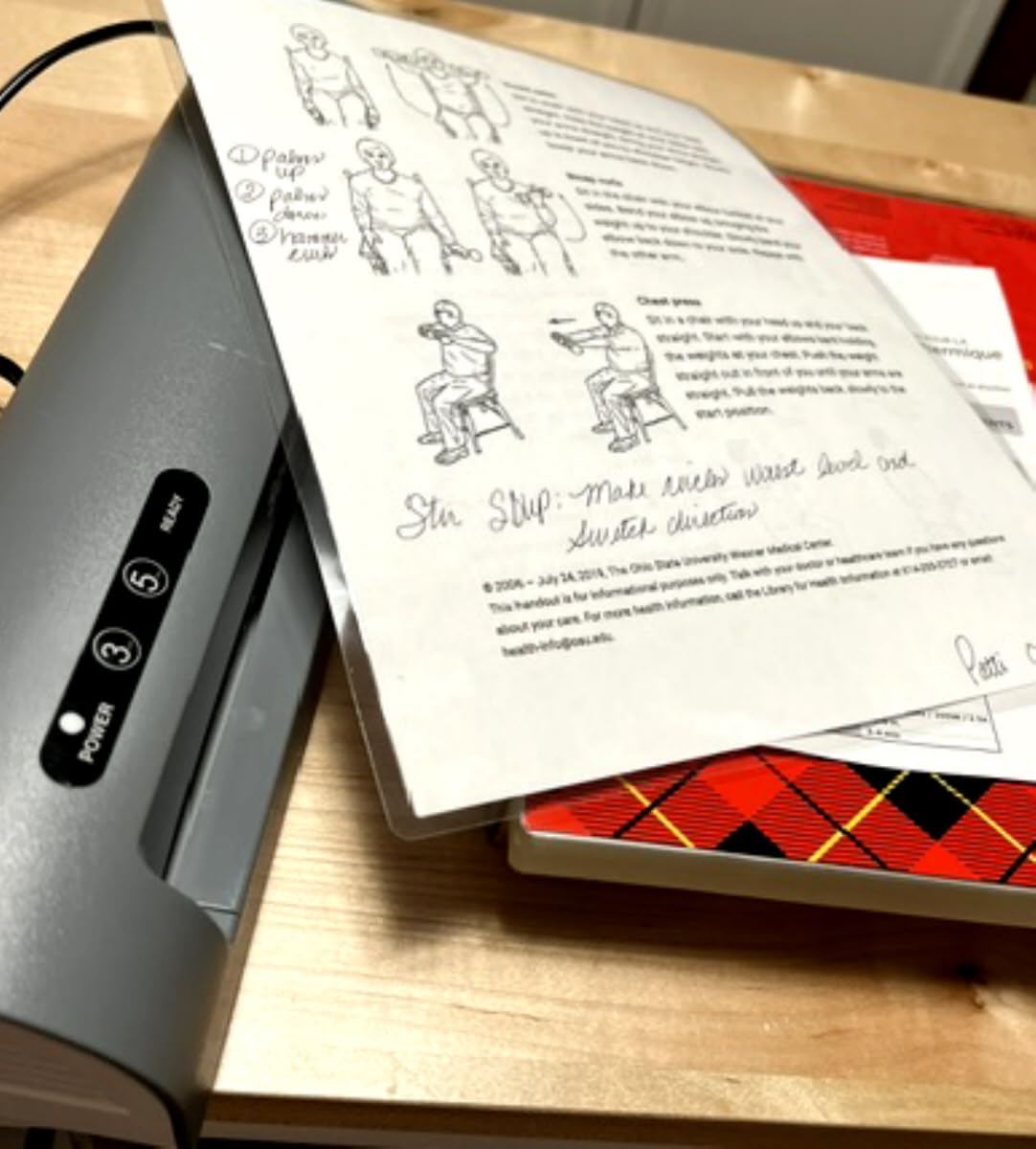
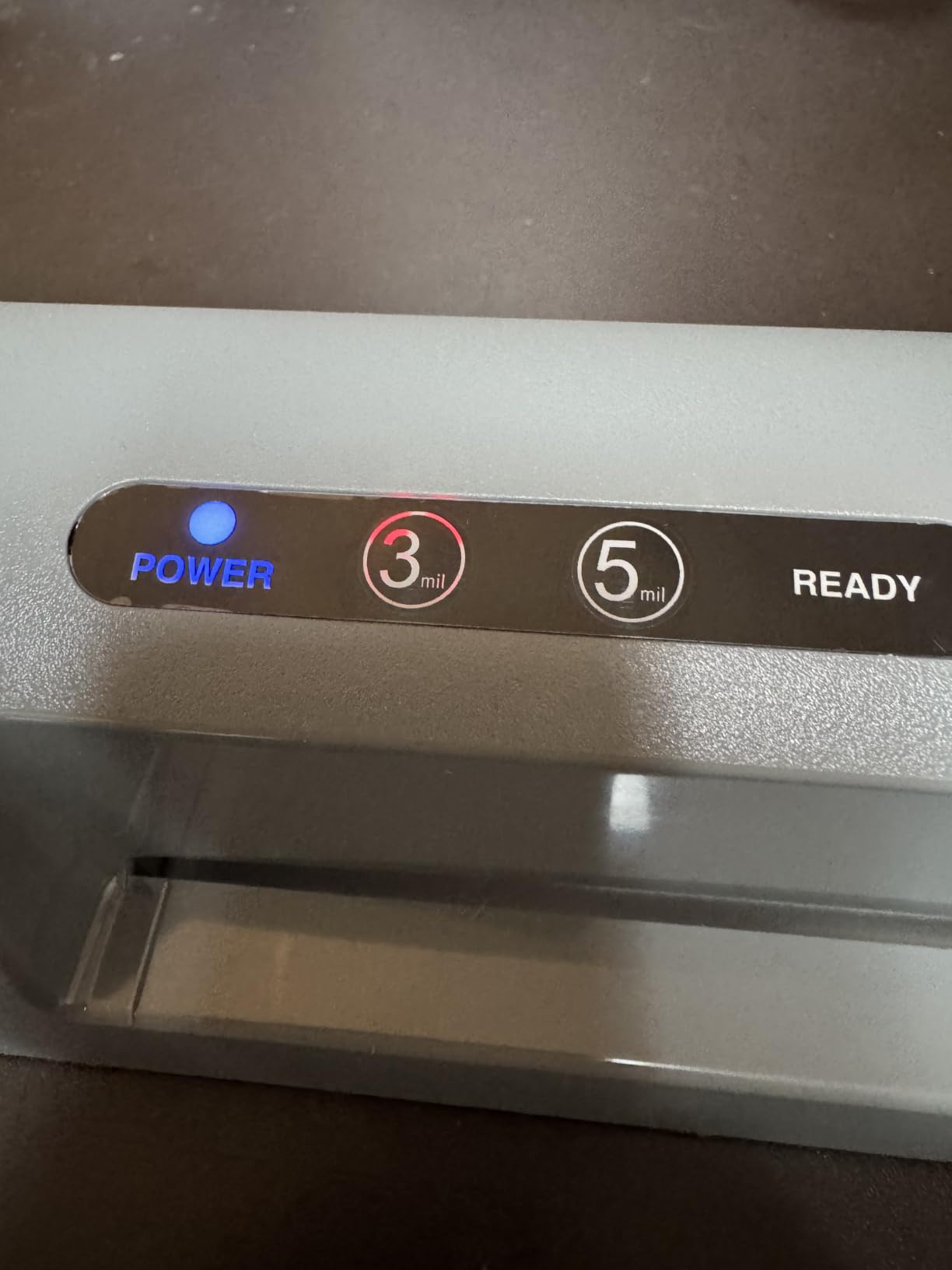
Warm-up is listed at five minutes, and that is the single biggest reason this machine does not win every category in this guide. If you only ever laminate a single ID badge between meetings, five minutes of waiting is noticeable. If you batch a month’s worth of workshop materials on a Sunday, it is irrelevant.
The body measures 15.2 by 6 by 4.5 inches and weighs 2.9 pounds, which means it slides into a standard desk drawer without a fight and can be moved to a shelf when the desk is needed for writing. That footprint discipline is the reason it tops our list for a home office rather than a school or a studio.
Is the 9-inch width enough for a home office?
For letter and legal paperwork, yes. Every reference sheet, invoice backup, certificate and name badge you are likely to print fits comfortably. A 9-inch inlet is the standard for office paper and covers the overwhelming majority of home-office work.
Where it stops is A3 and any poster format. If your work involves signage, floor notices or large learning sheets, you will be trimming A4 down or running a second pass along a seam, neither of which is worth the trouble.
Who should skip this machine?
Anyone laminating heat-sensitive material regularly. Two temperature settings means no dedicated cold mode, so old photographs, inkjet prints with a heavy dye layer and certain glossy stock need a self-adhesive cold pouch instead.
Also skip it if your sessions are long and back-to-back. Two rollers handle heat well, but a thermal pouch laminator of this class is built for a document here and there, not for clearing a queue of fifty badges in one go.
2. Amazon Basics 9-Inch Thermal Laminator Review – The Best Value for a Tight Desk
Amazon Basics 9-Inch Thermal Laminator Machine with Quick Warm-Up, 2 Heat Settings, Jam Release for Documents and Photos, White
Two heat settings for 3 mil and 5 mil
3-5 minute warm-up
Jam release lever
13.9 x 4.4 x 2.6 in at 2.5 lb
Pros
- Slim 2.6 inch body fits a shallow drawer
- Quick 3-5 minute warm-up with a ready light
- Jam release lever clears most misfeeds
- Works with any 3 mil or 5 mil pouch
- Three starter pouches in the box
Cons
- 9 inch inlet caps you at letter and legal
- No cold mode for heat-sensitive ink or photos
- About 9 percent of reviews are one star
This is the machine to buy when the real constraint is space. At 2.6 inches tall and 4.4 inches wide, it is one of the flattest bodies in the group, and it weighs 2.5 pounds. If your workspace is a converted sideboard or a shared dining table, a machine you can slide into a shallow drawer between uses changes how often you actually reach for it.
The technical details are unremarkable in a good way. Two heat settings cover 3 mil and 5 mil pouches, the 3 mil setting is specified for normal documents and card stock, and the 5 mil setting is intended for thinner papers. A jam release lever on the side does what it says, which matters more for small identity-style pieces than for full sheets.
Warm-up is quoted at three to five minutes with a ready indicator light, putting it in the middle of the group. In practice that is fine for the common home-office rhythm of laminating a batch when you print it.
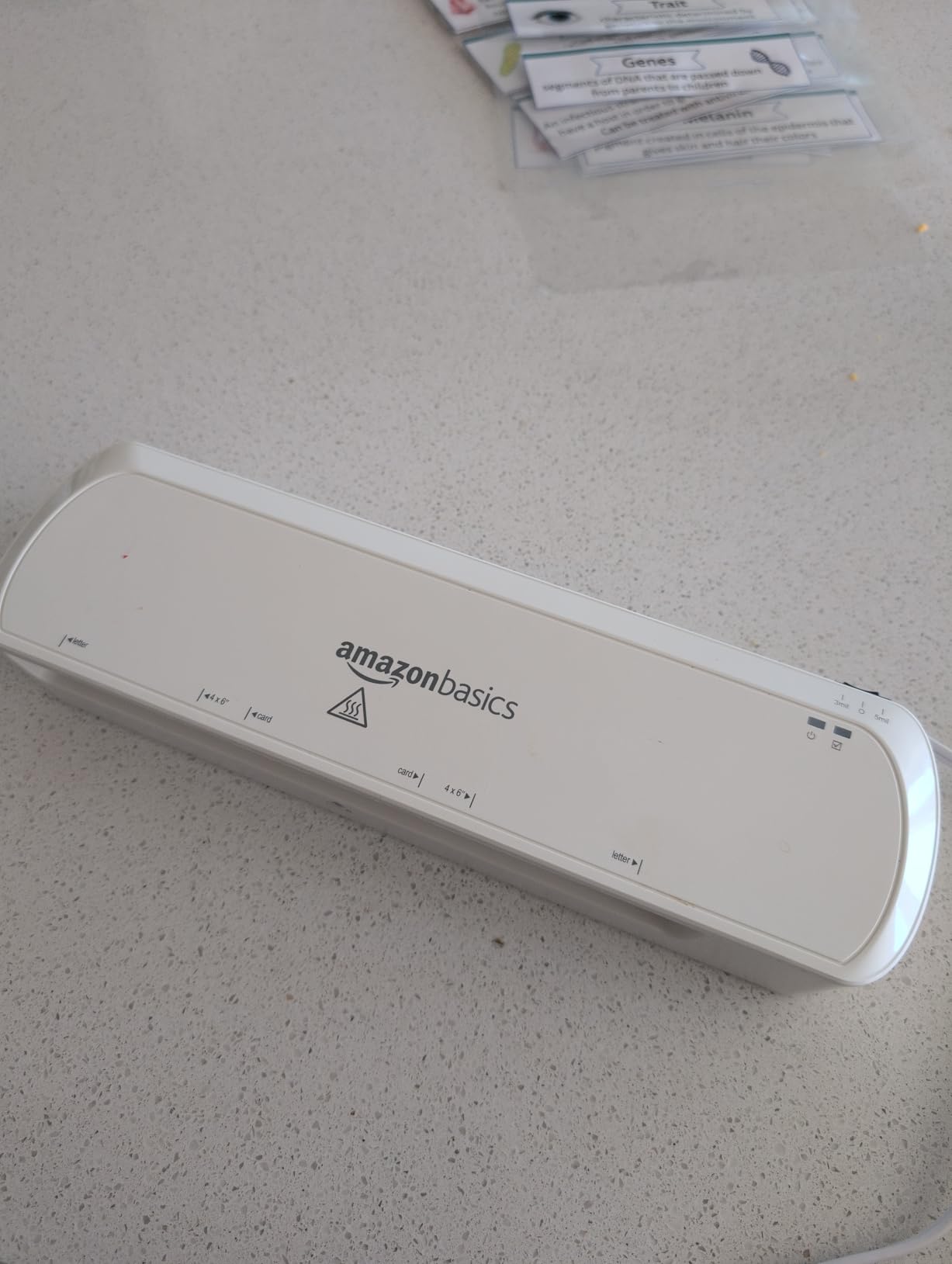
Three 3 mil pouches are already in the box, which is a small but genuine help for a first-time buyer. The listing ranks first in the Office Presentation Laminators category, so the volume of feedback behind it is substantial even though it is a newer product than the Scotch machine.
There is a durability thread in the reviews worth knowing about. Around 9% of ratings sit at one star, and the complaints cluster around units losing performance or build quality over time rather than around jamming. Plan on replacing it sooner than you would a brand-name machine, and check the listing for the current warranty terms before you commit.
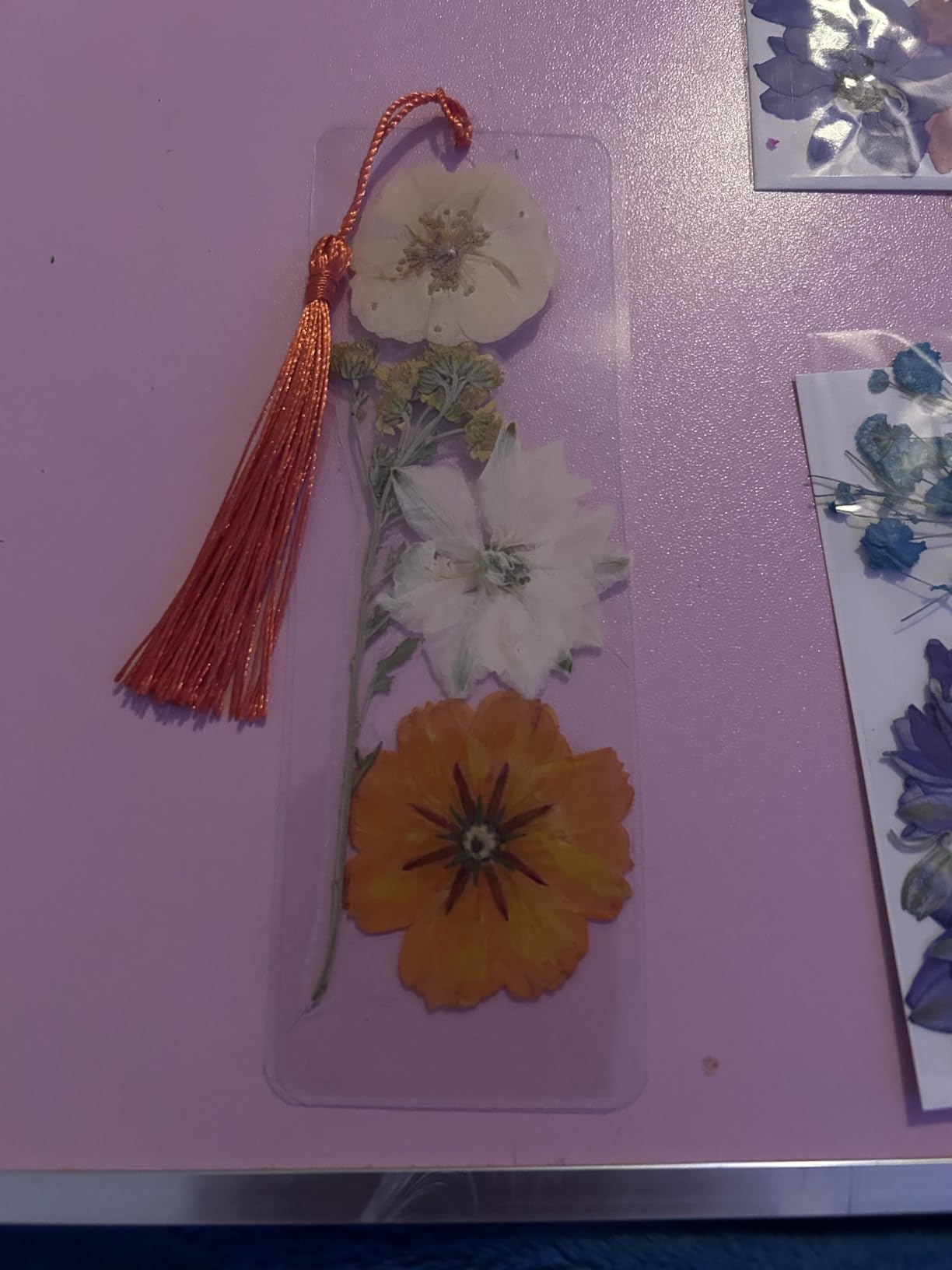
Will it fit in a drawer or on a small desk?
Yes, better than anything else here. At 13.9 inches long, 4.4 inches wide and 2.6 inches tall, it slides into a typical office drawer or onto a shelf above a filing cabinet. The 2.5 pound weight means one hand is enough to move it, which matters if you clear the surface for video calls.
The one caveat is clearance behind the machine. Output has to travel somewhere, so leave a few inches at the back edge of whatever surface you use.
Who should skip this machine?
Skip it if you laminate anything wider than legal size, or if photos and heat-sensitive prints are part of the job. There is no cold mode, so old inkjet photographs and dark glossy prints are exposed to roller heat on every pass.
Skip it too if you print heavy card stock in volume. The settings are tuned for ordinary paper weights, and because there is no automatic shut-off, an unattended machine in a room with children or pets is not something we would leave running.
3. Crenova A4 Laminator Review – The Budget Pick for Fast Jobs and Photos
Crenova Laminator Machine with 10 Laminating Sheets, A4 Laminating Machine
Hot and cold modes
1-2 minute warm-up
230mm A4 inlet
335mm x 88mm x 65mm at 792g
Pros
- Reaches temperature in 1-2 minutes
- Hot and cold modes protect older photos
- Only 65mm tall and 792g for true portability
- Ten laminating pouches included
- One-button hot or cold cycling
Cons
- A4-only 230mm inlet needs trimming for letter paper
- One-year manufacturer warranty is the shortest here
This is the machine that answers the single-document problem. A one-minute warm-up means you can finish sealing a document and get back to your desk while it is still warm. Combined with hot and cold modes in one unit, it is the most flexible small machine in the guide, and at 792 grams it is also one of the lightest.
Cold mode is the feature that earns it a place in a home office. Older family photographs, heat-sensitive inkjet prints and documents you want to protect without any roller contact can go through on the cold setting. For anyone laminating pictures of children, certificates from decades past or a market-stall price list, that is not a gimmick.
Ten laminating pouches ship in the box, and the machine is controlled with one button that cycles hot or cold automatically. Reviewers consistently mention the warm-up speed, the compact size and the flexibility at this level as the reasons they rate it highly.
There is a specification quirk to be aware of. The inlet is listed as 230mm, described as 9 inches and A4 size, and the housing is listed both as 13.78 by 4.13 by 3.15 inches and as 335 by 88 by 65mm. US letter paper at 8.5 inches is wider than A4, so anything printed at letter size needs a small trim before it will run cleanly. That is a real inconvenience in an American home office and the reason this machine sits third rather than first.
The warranty is one year from the manufacturer, the shortest in this group. For an occasional-use machine at this size that is defensible, but it is worth weighing against the two-year cover offered by the Bonsaii and the kits further down.
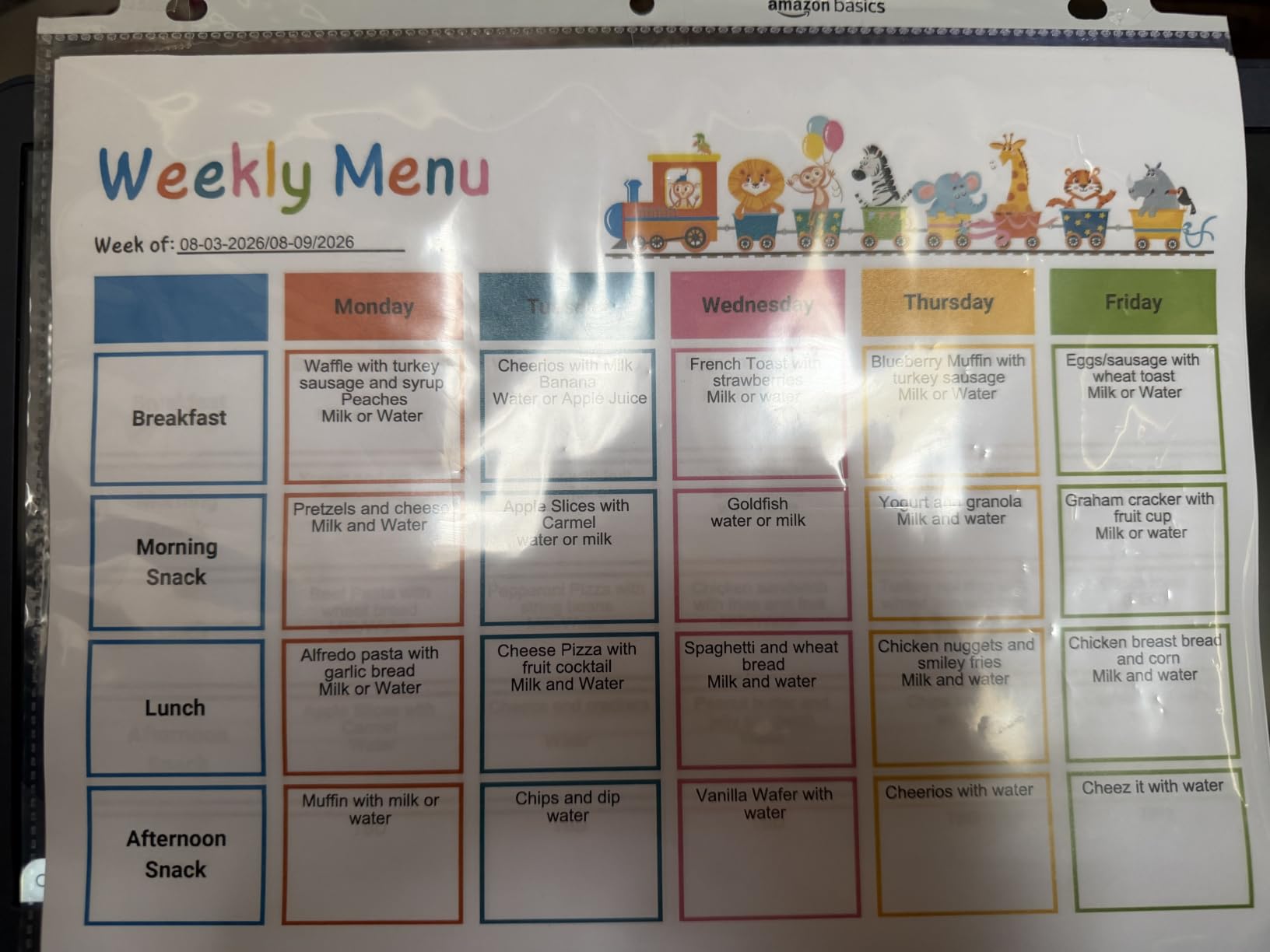
Is it really as small as the listing suggests?
Effectively yes. At 65mm tall and 88mm wide it is a machine you can keep on a shelf permanently rather than store away, which removes the single biggest reason home-office laminators gather dust. Under a kilogram means it can move between a desk and a cupboard without effort.
The trade-off is depth. The 335mm length is longer than the flat Amazon Basics body, so it needs a little more horizontal space even though it is much shorter vertically.
Who should skip this machine?
Anyone printing at US letter size and laminating full sheets. The A4 inlet means constant trimming, and a trimmed edge in a sealed pouch is a weaker seal than a full-width one.
Anyone producing client-facing deliverables where a visible trimmed margin matters. This machine is built for quick personal jobs, photographs and small cards, not for polished handover packs.
4. Bonsaii 9 Inch Laminator Review – The Best Pick for Jam Resistance
Bonsaii 9 Inch Laminator Machine with 50 Laminating Sheets, Jam-Free Tech
Patented anti-jam technology
50 sheets included
1-3 minute preheat at 270mm/min
13.07 x 4.41 x 2.44 in
Pros
- Patented anti-jam feeding is the headline feature
- Preheats in 1-3 minutes at 270mm/min
- 50 laminating sheets is the largest starter bundle
- Two-year professional service coverage
- Quiet enough for a shared room
Cons
- 9 inch width only so A3 and tabloid need another machine
- Thermal only with no cold mode
- Expect a faint odor on the first few cycles
Jams are the complaint that appears most often in this category, particularly with small, already-folded pieces that pull to one side as they enter the rollers. Identity cards, badge inserts and folded handouts are exactly the documents a home office laminates, so jam resistance is not a niche concern here.
The Bonsaii addresses that directly with patented anti-jam technology, and reviewers single it out by name as the reason they bought and stayed with the machine. At roughly 81% five-star ratings, the satisfaction pattern is consistent rather than split, and the mentions of quiet running make it a sensible choice for a room where calls happen.
Warm-up is one to three minutes and throughput is quoted at an adhesive speed of at least 270mm per minute. That is a middle-of-the-road speed, faster than the Lamtetur and slower than the kejector and MAXDONE, and it is more than sufficient for the steady low-volume rhythm of a home office.
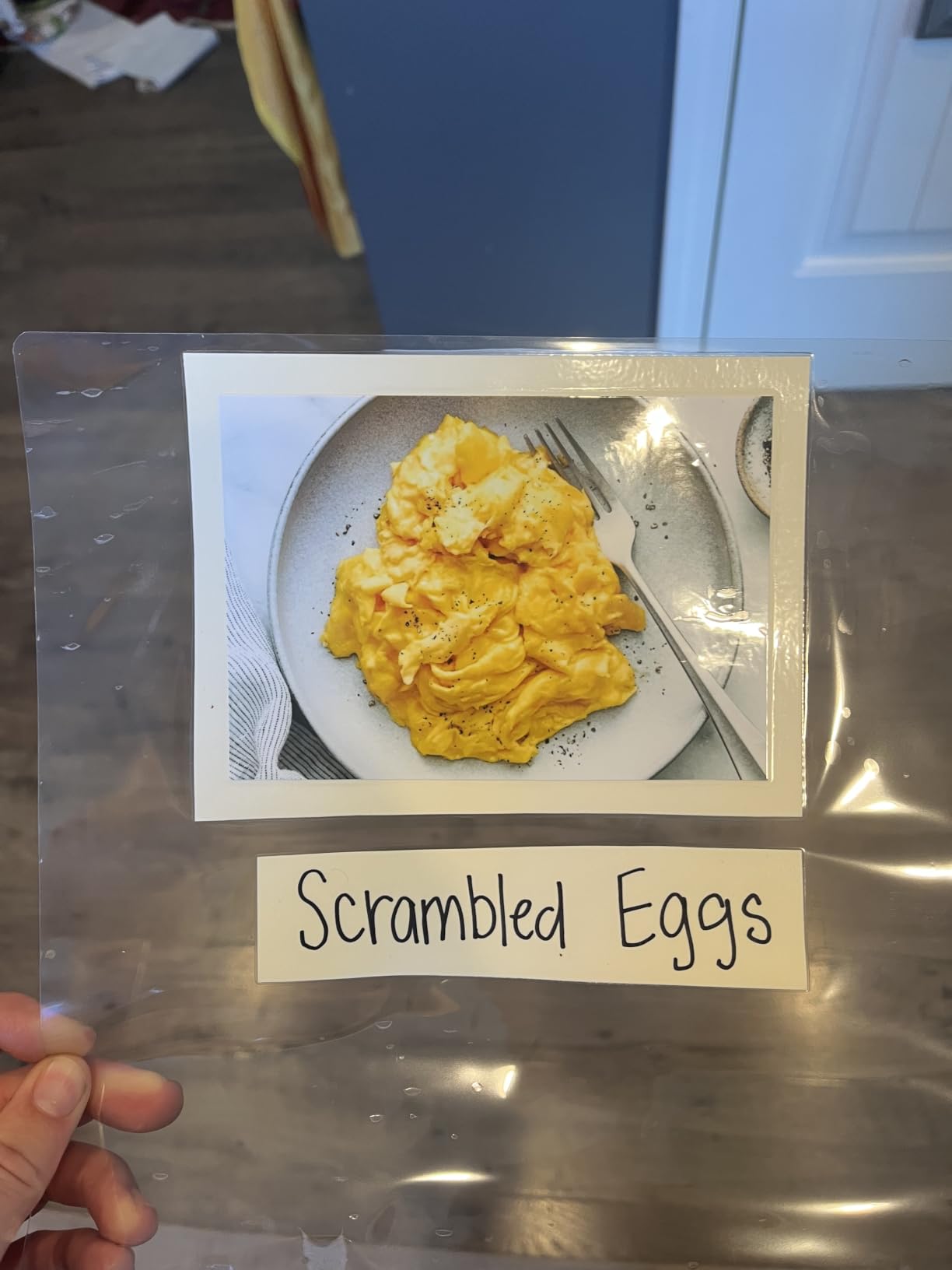
The starter bundle is the standout practical detail. Fifty laminating sheets in the box is one of the largest here, and combined with a two-year professional service period it means the machine is usable on day one without a second consumables order. For a household that also homeschools or makes craft projects, that bundle carries a long way.
Physically it is another compact option, at 13.07 by 4.41 by 2.44 inches and 1.45 kilograms. The 2.44 inch height is among the flattest, so it stores well in a drawer or a low shelf.
The recurring note is a faint smell on first use. It fades after a few cycles and is normal for any new thermal machine, but it is worth knowing so you do not mistake it for a fault.
Does anti-jam technology really prevent jams?
It reduces them substantially rather than eliminating them entirely, and no pouch laminator in this guide promises otherwise. What it means in practice is that small folded or narrow pieces feed more reliably, which is the failure case that matters most for badges and card-sized items.
For large full-page sheets, jam risk was never the issue in any of these machines. The difference shows up on the fiddly work.
Who should skip this machine?
Skip it if you laminate A3, tabloid or any poster-size material. The 9-inch capacity is the same limitation as the other machines in this tier, and this one adds nothing to widen it.
Skip it if photographs are a regular part of your work, because there is no cold mode. Heat sits on the print the whole way through, which is exactly the situation the Crenova is built for.
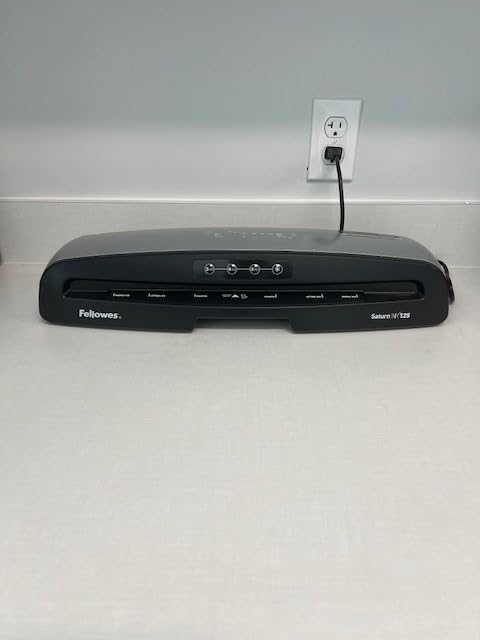
5. Fellowes Saturn 125 Laminator Review – The Best Pick for Large Format Work
Fellowes Saturn™ 125 Thermal Laminator Machine, 12.5″, Fast 60 Sec Warm Up
60 second InstaHeat warm-up
12.5 inch entry
3 mil 4 mil and 5 mil plus cold mode
20.94 x 5.75 x 4.13 in at 5.1 lb
Pros
- Operating temperature in 60 seconds
- 12.5 inch entry takes posters and A3
- Jam detection sensors plus a manual release lever
- Three thermal settings and a cold mode
- CleanAlert reminders and 30 minute auto shut-off
Cons
- The most expensive machine in this guide
- Heaviest and deepest body here at 5.1 lb
- Single-roller configuration
This is the machine to buy if your laminating is not really about home-office paperwork. A 12.5-inch entry handles posters, A3 sheets, large learning packs and the wide-format documents that a 9-inch machine cannot take at all. For signage, floor notices or a wall of certificates, the width question answers itself.
Everything else about it is built for longevity rather than for a bargain. The InstaHeat system reaches operating temperature in 60 seconds, which is the fastest quoted warm-up in the guide, and it is backed by a two-year warranty from a brand with a long office-equipment track record. Around 78% of its ratings are five stars.
It is also the only machine here with three separate thermal thickness settings, covering 3 mil, 4 mil and 5 mil, plus a dedicated cold mode for self-adhesive sheets. That combination gives you real control when you are sealing thicker card stock or protecting a heat-sensitive document.
Jam handling is a cut above the rest of this group. Integrated jam detection sensors sit alongside a manual release lever, so the machine recognises a misfeed rather than grinding a document into rollers, which is the failure mode that ruins a laminated page and the roller at the same time.
CleanAlert is the feature we would point out to anyone planning to keep this machine for years. It issues maintenance reminders so adhesive build-up gets cleaned off on schedule rather than becoming the reason jams start. The automatic safety shut-off after 30 minutes of inactivity is also the right call in a house where the machine sits in a shared room.
The physical reality is that this is the biggest machine here. At 20.94 by 5.75 by 4.13 inches and 5.1 pounds, it needs a real, permanent spot on a desk or a sturdy shelf, plus clearance behind it for the output tray. It also carries a single-roller configuration where most rivals in this guide use two.
Is the extra width worth it for a home office?
Only if you regularly print wider than A4. Anything at letter or A4 size, including landscape layouts, passes through a 9-inch machine perfectly well, and a 9-inch machine takes up noticeably less desk space.
If you already know you will be laminating A3 documents, large charts or poster-style signage, then the width is not a luxury, it is the reason the machine exists. For everything else, you are paying for capacity you will not use.
Who should skip this machine?
Skip it if desk space is tight or the budget is modest. It is the most expensive machine in the guide and the most space-hungry, and those two facts together rule it out for a lot of home setups.
Skip it if you only laminate a few small items a month. A faster warm-up does not help much when the volume is a certificate a quarter and the machine lives under a desk.
6. Qfun 13-Inch Laminator Review – The Best All-in-One Kit for a Home Office
Qfun 13-Inch Thermal & Cold Laminator Machine 11×17 with Laminating Sheets
13 inch entry for 11x17 tabloid
Nine-in-one kit with tools
1 minute warm-up
Two thermal settings and cold mode
Pros
- 13 inch entry covers tabloid legal letter and photos
- Cutter corner rounder punch and rings all included
- Reaches temperature in about a minute with two rollers
- Hot and cold modes with automatic shut-off
- Two-year warranty
Cons
- Only 12 starter pouches in the box
- Speed claims of 60 percent faster are unverified marketing
- About 9 percent of reviews are one star
The appeal of this machine is arithmetic. Instead of buying a laminator, a paper cutter, a corner rounder, a hole punch and a set of binder rings separately, the box contains all of them, plus a storage compartment that keeps the accessories with the machine instead of scattered across a drawer.
For a home office that produces finished, presentable documents, that consolidation is genuinely useful. A corner rounder takes a laminated sheet from looking like a sealed printout to looking like a professional handover card, and having it permanently attached to the machine means you will actually use it.
The 13-inch entry is the widest in this group alongside the kejector, the OidoZac and the MAXDONE, and it accepts 3 mil and 5 mil pouches for legal, letter, business card and photo sizes. Two rollers deliver heat and pressure together, which is the configuration most associated with flat, wrinkle-free output.
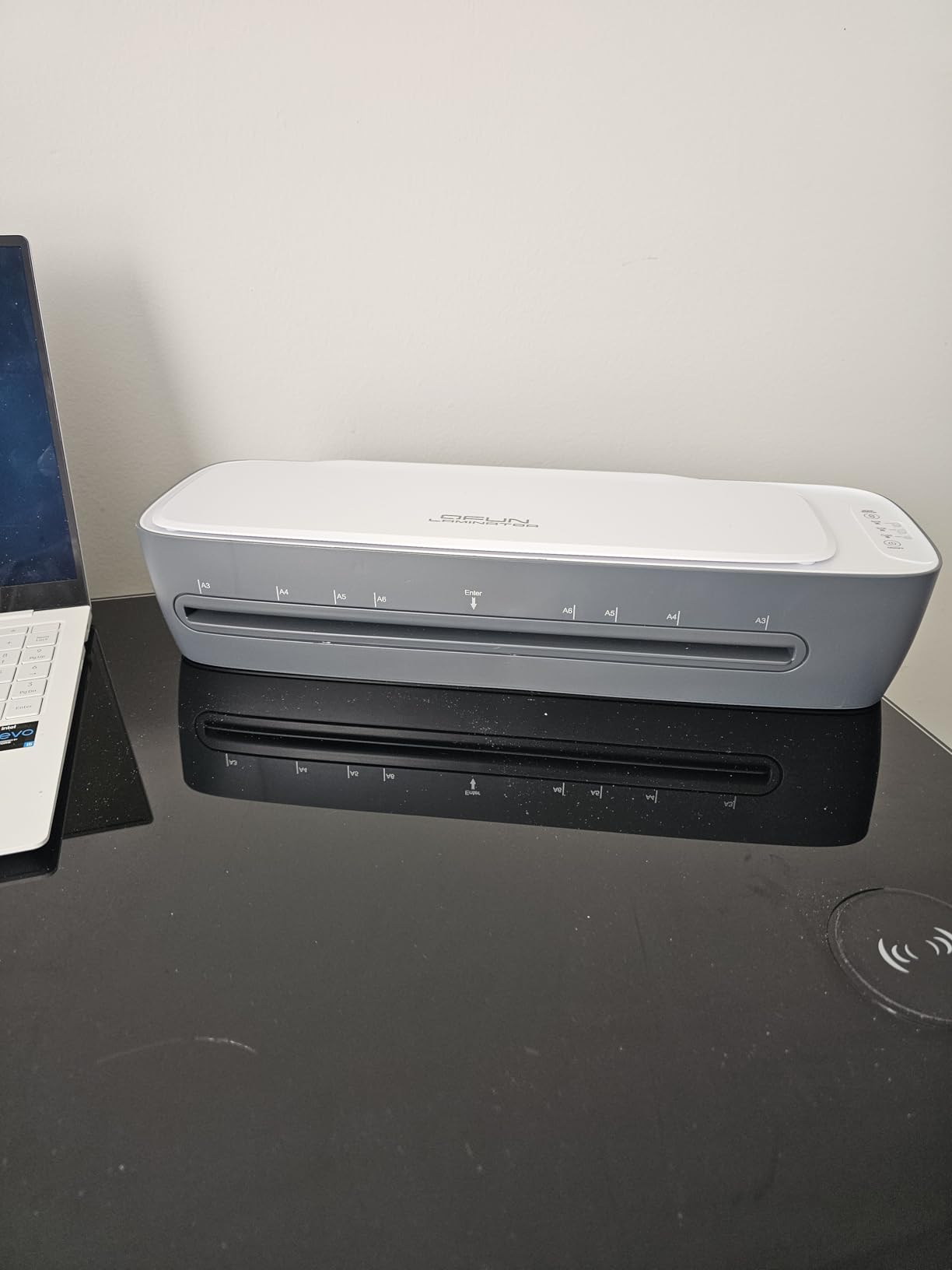
Warm-up is quoted at one minute, hot and cold modes are both present, and an automatic shut-off handles the energy-saving and overheat protection in one setting. Around 77% of ratings are five stars, with owners most often mentioning the bundled tool set and the wide throat as the reasons.
Two things temper that. The starter bundle is only twelve pouches, three each in A3, A4, A5 and A6, so you will be ordering consumables sooner than with the Bonsaii or the kejector. And the listing advertises laminating speed and warm-up as around 60 percent faster than other machines, which is a marketing claim rather than a measured figure, so we would not weight it in a decision.
Some owners also report uneven sealing on the occasional sheet, which is consistent with the one-star share sitting near 9 percent.
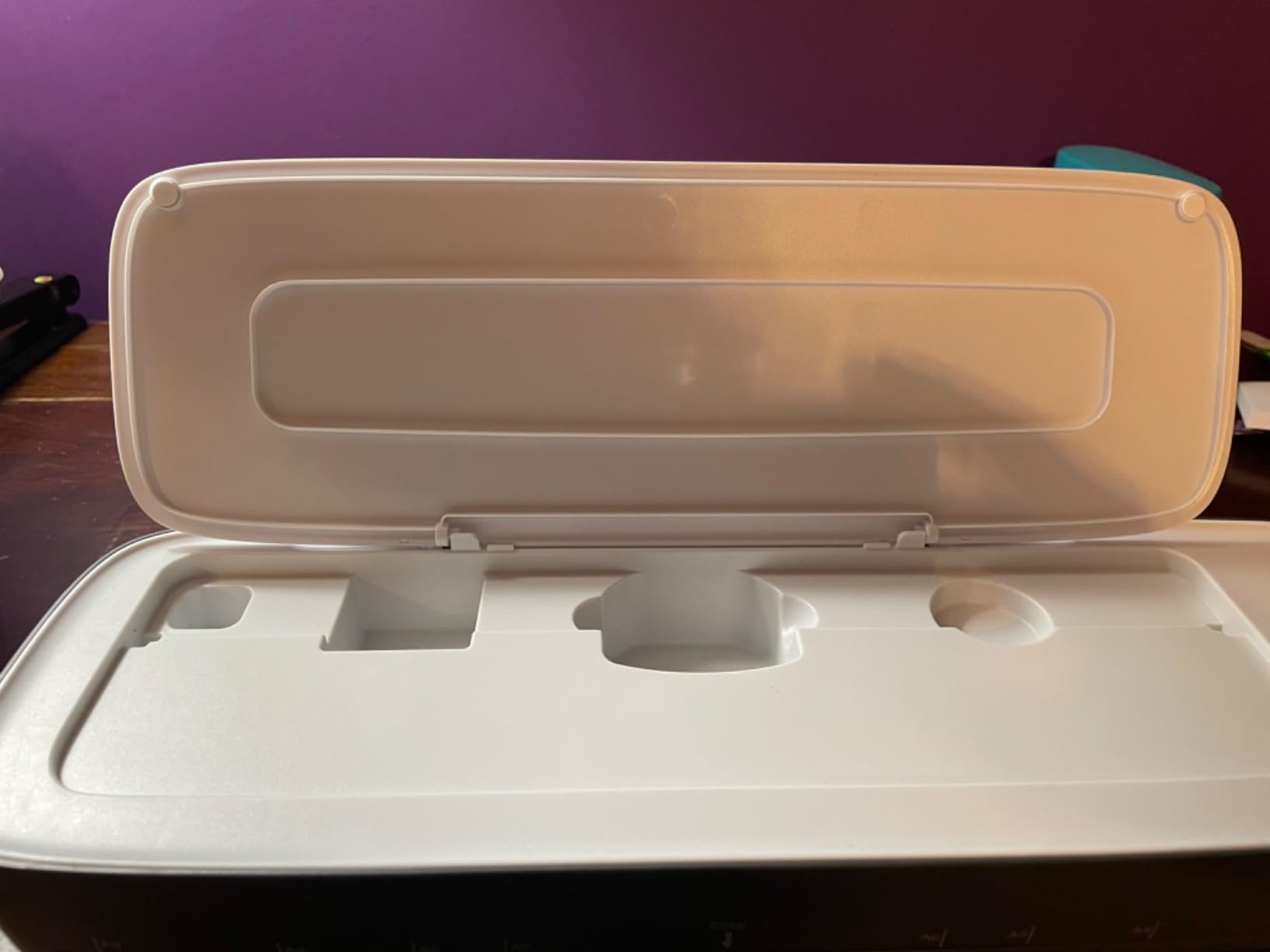
Is a nine-in-one kit better than buying tools separately?
For most home offices, yes. The bundled cutter, rounder, punch and rings are basic models, but they are serviceable, and having them stored with the machine removes the friction of a second trip to a drawer every time you finish a document.
It stops making sense if you already own good finishing tools, or if you mainly need the rounder and nothing else. In that case a simpler wide-format machine leaves you with a less cluttered box.
Who should skip this machine?
Skip it if you want a large consumable bundle. Twelve starter pouches against fifty on the Bonsaii or the kejector is a meaningful difference for a new buyer who wants to avoid a second order immediately.
Skip it if you laminate continuously. This is a compact 2.06 kilogram machine with a wide throat, not a high-duty-cycle unit, and reports of uneven sealing suggest a tolerance band that suits occasional rather than constant use.
7. kejector 13 Inch Laminator Review – The Best Pick for Mixed A3 and A4 Work
13Inch Laminator Machine with Sheets 50pcs, Paper Cutter Corner Rounder Scale Line, Dual Roller Hot/Cold NTC Control 11×17 ABS Anti-Jam 78s Preheat Laminating Machine for Teacher Office Home A3A4A5A6
78 second preheat
430mm/min throughput
NTC temperature sensing
13 inch inlet, 17.7 x 6 x 4 in
Pros
- 78 second preheat is among the quickest here
- 430mm/min dual-roller throughput for batch work
- 50 mixed-size sheets plus cutter and rounder
- Hot and cold modes with overheat protection
- Scale line helps set sealing margins
Cons
- Some owners report intermittent heat leaving unsealed streaks
- Edge sealing can need a second pass on long runs
- Specifications list a single roller despite dual-roller marketing
Throughput is quoted at 430mm per minute, the highest figure published for any machine in this guide, and combined with a 78-second preheat it means a long session starts quickly and keeps moving. If your home office produces a batch of twenty or thirty pieces in one sitting, that combination matters more than any other spec on this page.
The 50 included sheets are also the most thoughtfully chosen bundle in the guide, split across five A3, ten A4, ten A5 and twenty-five A6. If you work across several paper sizes, that assortment matches real use far better than fifty identical pouches, and the included paper cutter and corner rounder cover the finishing step.
NTC intelligent temperature sensing with overheat protection is the feature we would highlight. Stable temperature control is what prevents wrinkles, film separation and the film-layer peeling that shows up when a machine runs too hot or too cool on a given pouch.
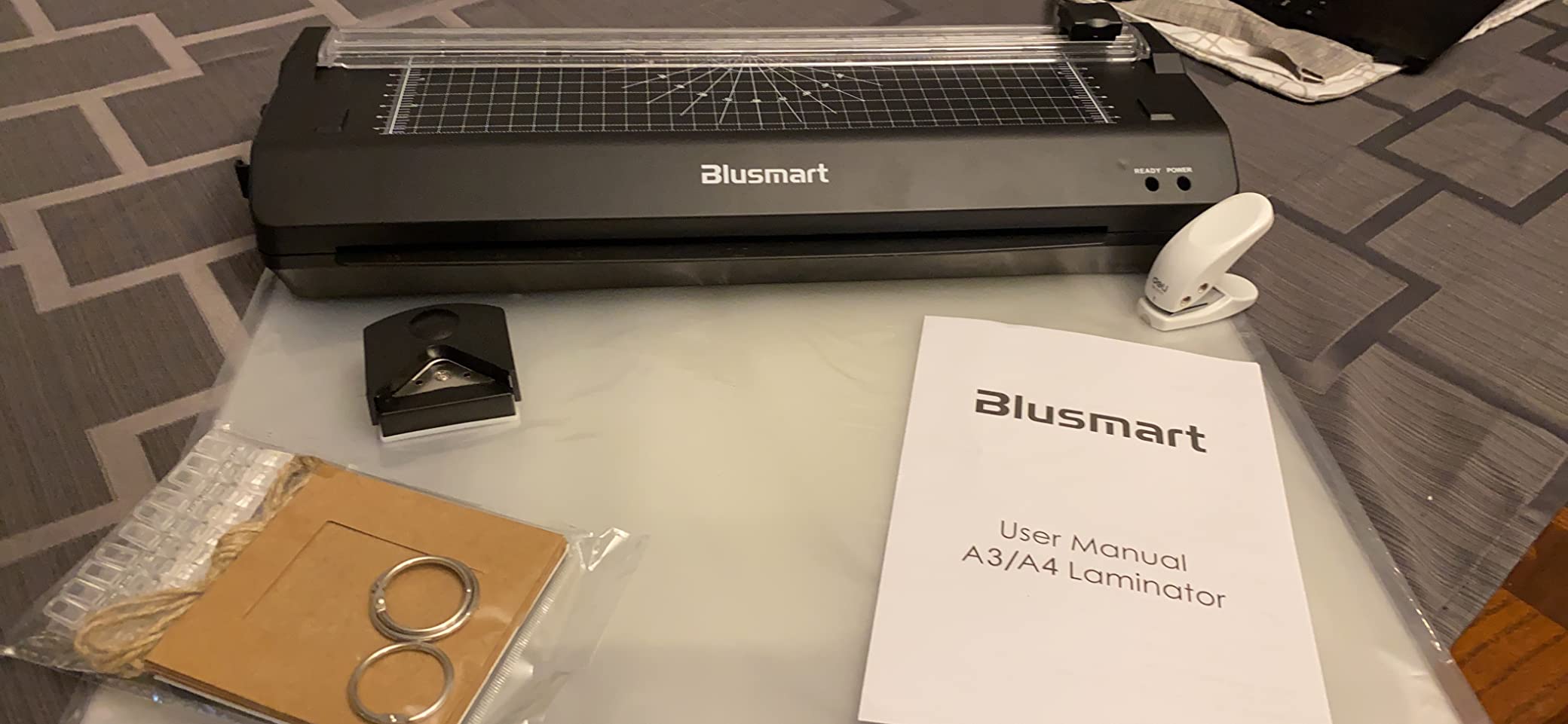
Reviewers report good results on heavy card stock, with owners laminating 65lb stock successfully, and hot and cold modes give a route around heat-sensitive photos. The precision scale line printed along the machine helps set a consistent sealing margin, which stops dust and moisture creeping in at an uneven edge.
The point to weigh is consistency across units. A recurring complaint describes intermittent heat that leaves streaks of unsealed or untouched area on a sheet, and edge sealing occasionally needing a second pass on large back-to-back runs. The specification list also records one roller while the marketing describes a dual-roller system, which is worth weighing when you are comparing quality tiers.
At 17.7 by 6 by 4 inches and 4.2 pounds, it is a large machine. Plan a permanent spot rather than drawer storage.
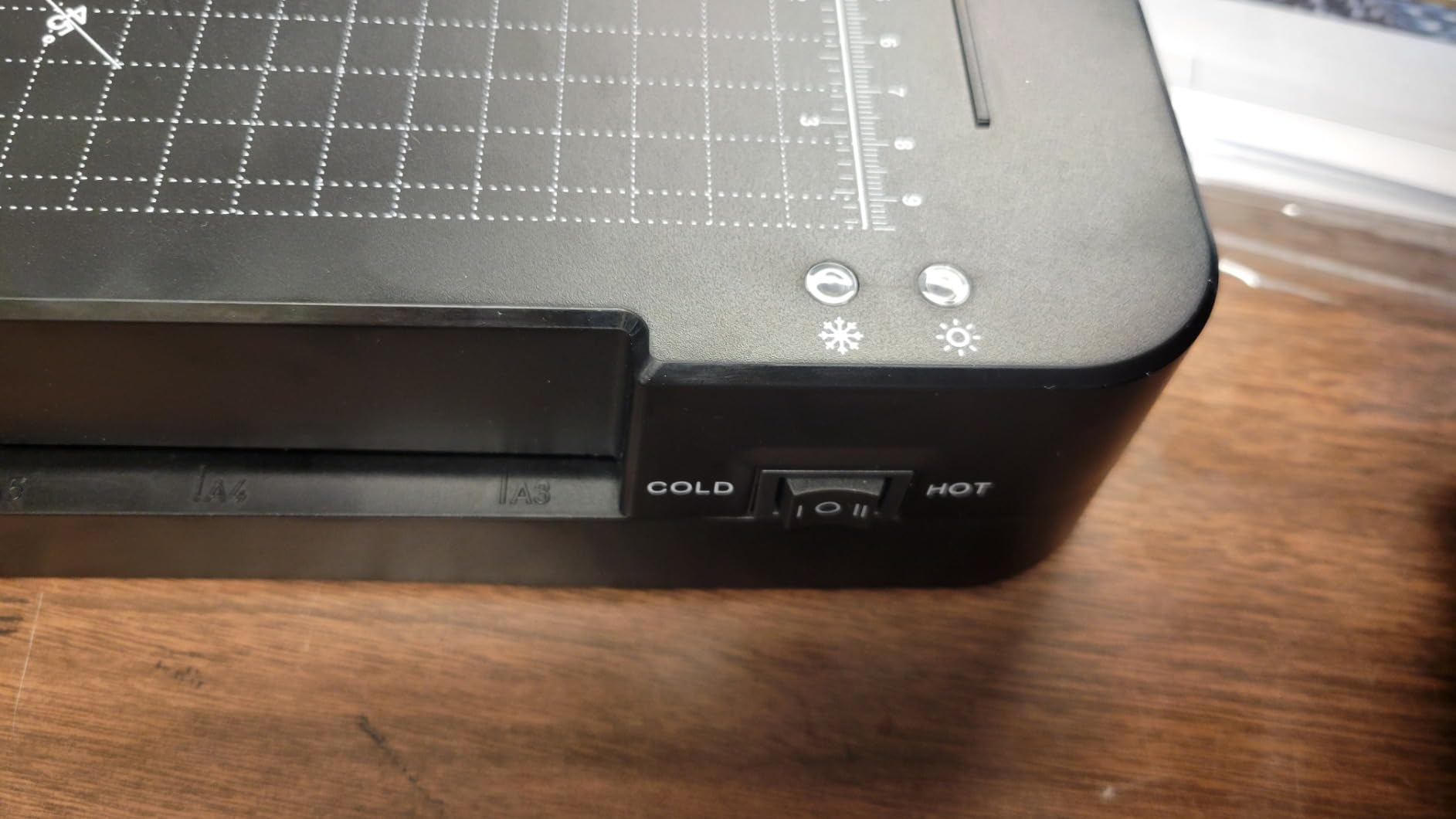
Is the extra speed worth the larger footprint?
For batch work, yes. At 430mm per minute it finishes a page noticeably faster than the 250 to 280mm per minute machines at the lower end of this guide, and that gap compounds over twenty sheets.
For the more common pattern of one or two documents at a time, the speed advantage is invisible and the larger body is just desk space taken up.
Who should skip this machine?
Skip it if you need flawless, first-pass sealing on every sheet. The complaint pattern here is not about jams but about occasional incomplete seals, which matters when documents go straight to a client.
Skip it if your workspace is small. At 4.2 pounds and nearly 18 inches long, this is a machine that lives somewhere permanently rather than one you put away between uses.
8. Lamtetur 11×17 Laminator Review – The Best Pick for Finishing and Trimming
Lamtetur Thermal Laminator Machine11X17 with 70Letter Size Laminating Sheet
Mica sheet heating
3-pattern rotary trimmer and corner rounder
70 letter sheets included
13 inch width, 16.53 x 5.5 x 3.38 in
Pros
- Mica sheet heating gives flatter results than glass tubes
- Three-pattern rotary trimmer handles straight perforated and wave cuts
- Corner rounder included for finished documents
- 70 letter-size sheets in the box
- Two-year return and exchange service
Cons
- A 4.3 average with a 10 percent one-star share
- the widest spread of ratings here
- Slowest throughput here at 250mm per minute
- Cold laminating needs separately sold self-adhesive pouches
- Warm-up of 2-5 minutes is slower than the fastest rivals
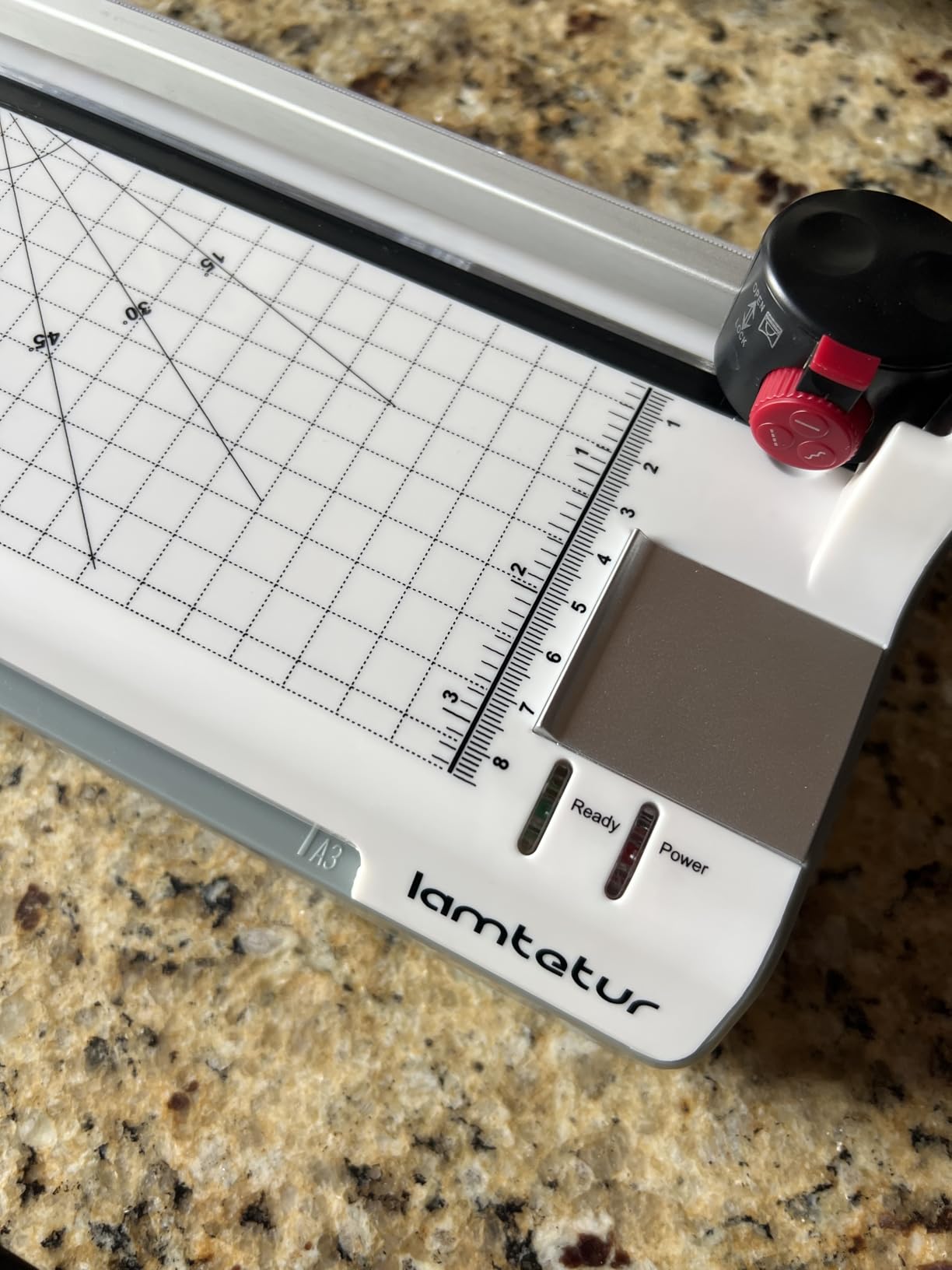
The 3-in-1 rotary trimmer is the feature that separates this machine from the others in the kit category. It cuts straight, perforated and wavy lines from the same head, and paired with the corner rounder it means a laminated sheet can go from sealed to finished in one sitting without a separate guillotine on the desk.
Heating is done with a mica sheet rather than a glass heating tube, and that construction detail shows up in output. Mica spreads heat more evenly across the width, which is why reviewers describe the results as flatter with fewer blisters than tube-based designs on the same pouch thickness.
The bundle is generous at 70 letter-size sheets, and the 13-inch width takes A3, A4, A5, A6, letter, legal and business card documents. A one-touch ABS eject helps with jams, and a two-year return and exchange service is attached.
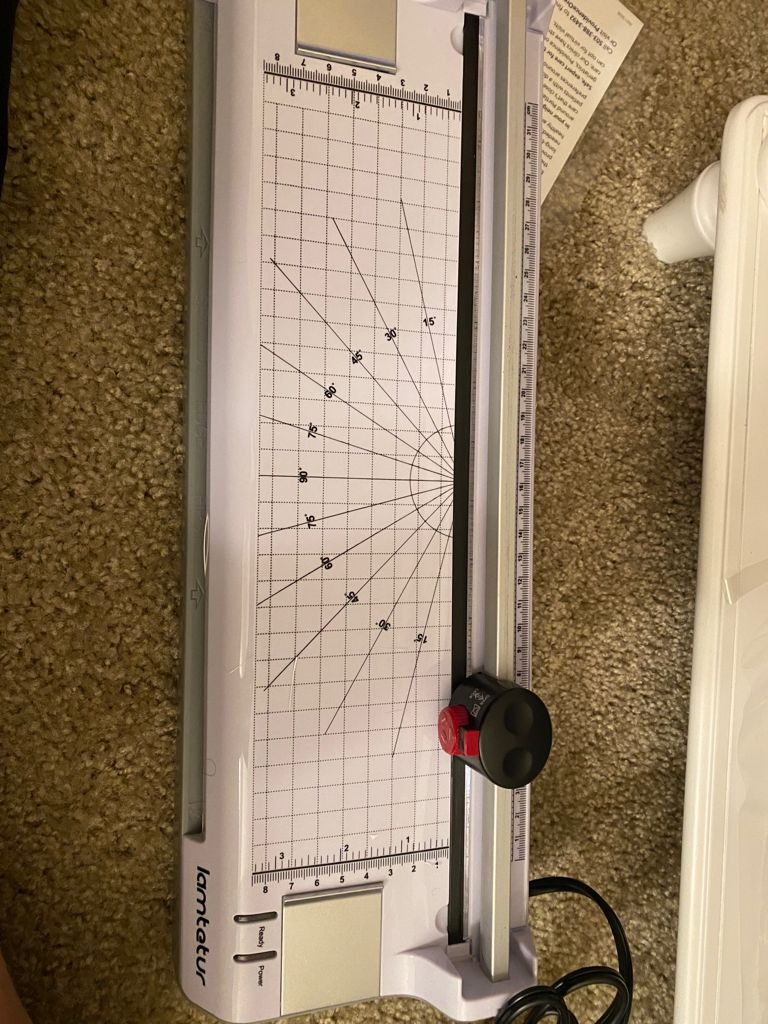
What limits it is the rating profile. At a 4.3 average with around 10% of reviews at one star and roughly 73% at five stars, it carries the smallest five-star share among these ten machines, and only the MAXDONE rates lower overall. Reviewers question sealing consistency here more often than on any other kit machine.
Throughput is also the slowest listed, at 250mm per minute, and warm-up is quoted at two to five minutes. Cold laminating works but requires separately purchased self-adhesive cold seal pouches, which is a running cost to factor in if photographs are part of the job.
Dimensions are 16.53 by 5.5 by 3.38 inches, and no weight is published, so treat it as a machine that needs a permanent home on a desk or shelf rather than one that moves between uses.
Is a built-in trimmer worth the space it takes?
If you produce finished documents regularly, yes. A rotary trimmer with three patterns handles the trimming step that most people end up doing badly with scissors, and the fact that it stays attached means the finishing step actually happens.
If you laminate a handful of things a year, the extra bulk is not earning its place and a simpler 9-inch machine would serve you better.
Who should skip this machine?
Skip it if sealing consistency is your top priority, given the wider spread of ratings here. A document that goes to a client with an incomplete seal reflects badly in a way a slow machine never will.
Skip it if you are laminating a lot of documents in one session. At 250mm per minute, this is the machine that makes a long batch feel like a long batch.
9. OidoZac 13 Inch Laminator Review – The Best Pick for Shared Spaces and Calls
Laminator Machine 13 Inch Lamination Machine with Auto Paper Feed, Never Jam A3 Thermal Lamination, 20 Laminating Sheets 10-in-1 Laminator with Cutter, Trimmer & Corner Rounder for Office School Home
20dB operation
Auto feed with anti-jam
13 inch width with support plate
16.93 x 4.25 x 2.76 in at 1.2 kg
Pros
- Auto paper feed and anti-jam system reported jam-free
- 20dB quiet operation suits a shared room
- 13 inch width with an anti-bending support plate
- 10-in-1 kit with trimmer punch and storage compartment
- Anti-bending plate keeps output flat
Cons
- No automatic shut-off so it must be unplugged manually
- A few units jam early and stop working
- Conflicting warranty information in the listing
- Only 20 starter pouches included
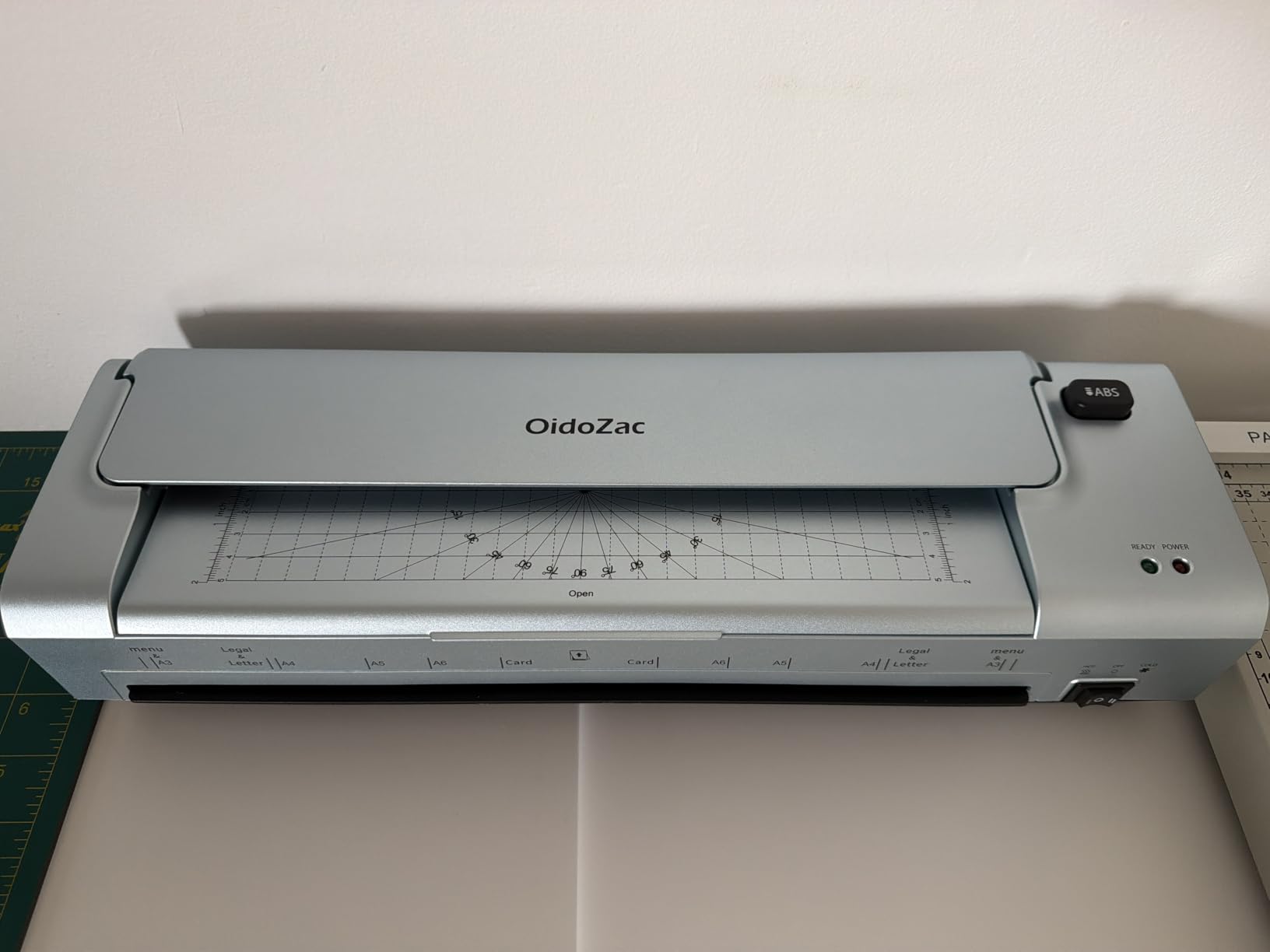
Noise is the criterion nobody in this category publishes properly, and this machine publishes it. At a stated 20dB it is the quietest figure published anywhere in this guide, and that number is what makes it worth shortlisting if you take video calls from the same room.
For context, ordinary speech at desk distance is the reference point. A laminator that adds a low mechanical hum rather than a loud whirr sits under the level you notice on a call, which is the practical test. Reviewers pick up on the same thing and mention quiet operation as a reason they keep the machine in a shared space.
The automatic paper feed and intelligent anti-jam system are reported as jam-free across multiple pouch sizes, and the 13-inch width solves the crinkled-pouch problem owners hit with narrower machines when a letter sheet has to be folded or forced into a 9-inch throat.
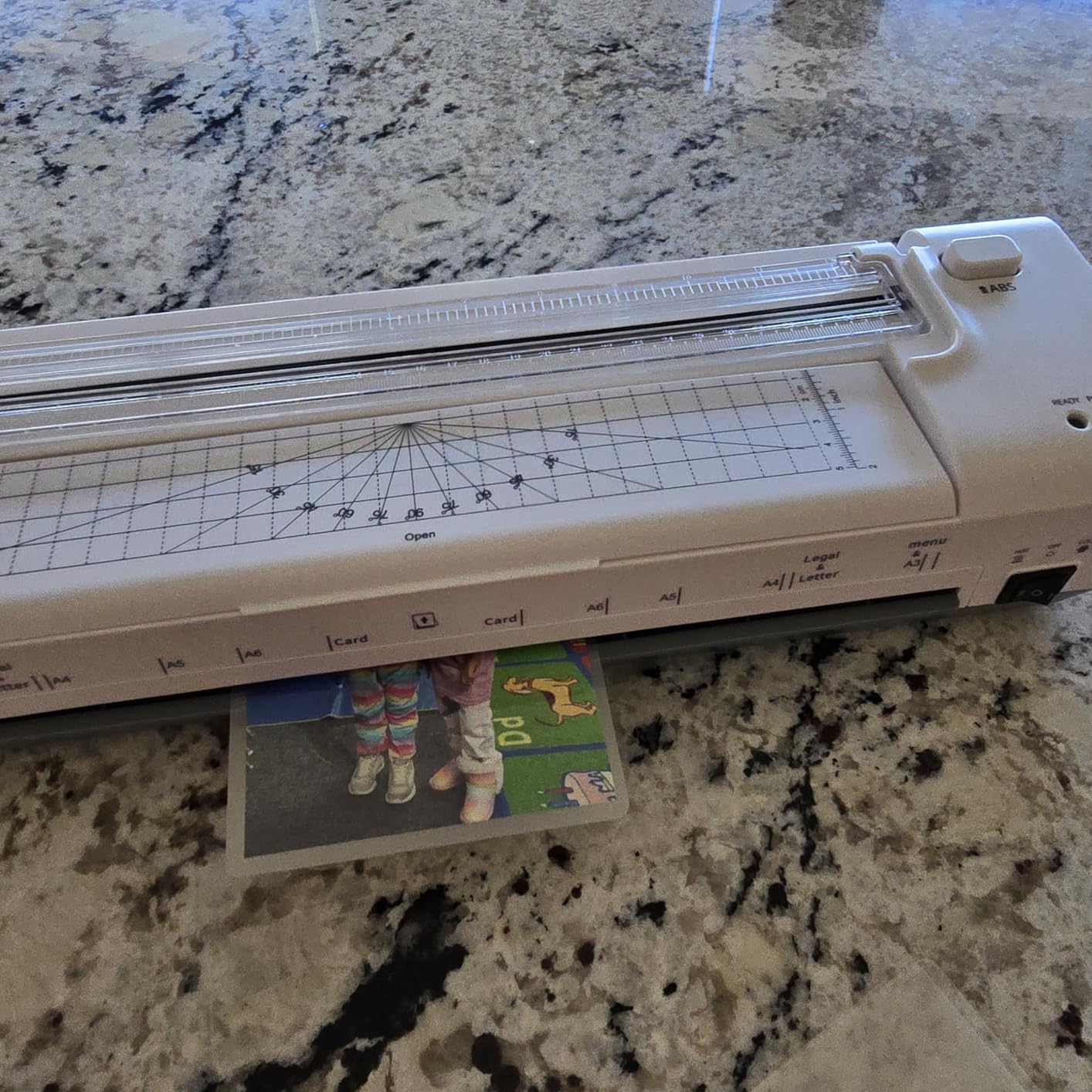
The 10-in-1 kit includes a built-in trimmer, three interchangeable cutter types for straight, perforated and wavy edges, a corner rounder, a hole punch, binder rings and 20 pouches, all stored in a built-in compartment. That compartment matters more than it sounds, because a home-office kit spread across three drawers never gets used properly.
An anti-bending support plate holds laminated sheets flat, which addresses the warped and curled output that is a common complaint about this category. Mica heating is behind the consistent bubble-free and wrinkle-free results owners describe, and the whole machine weighs 1.2 kilograms despite the 13-inch width.
The real gap is safety. There is no automatic shut-off, so the machine must be unplugged manually once you are done. In a house with children or pets that is a genuine concern, and it is the main reason this machine is not higher in the ranking despite the strong feature set.
A small number of owners also report units that jammed after very light use and then stopped functioning despite troubleshooting, and the listing carries conflicting warranty information, with a documented warranty field of no alongside an advertised 12-month return policy.
Is 20dB genuinely quiet in practice?
It is the lowest published figure in this guide and it aligns with what reviewers say about working alongside it. The dominant noise in a lamination run is the rollers pulling a stiff pouch through, not a motor, and at this level that mechanical sound stays below conversation volume.
The comparison worth making is with the machines that do not publish a figure. Without a decibel number, treat any claim of quiet running on those machines as unverified.
Who should skip this machine?
Skip it if you have small children or pets and the machine lives in a room they can reach. The absence of automatic shut-off is the deciding factor, not any other specification.
Skip it if you want a large starter bundle. Twenty pouches will not carry a first month of regular use, and the machines above with 50 or 70 sheets get you further before a second order.
10. MAXDONE 11×17 Laminator Review – The Best Wide-Format Starter
MAXDONE Laminator Machine 11×17-4-in-1 Thermal Cold Laminator 13 Inch
90 second warm-up
355mm per minute
Under 55dB
13 inch throat, 17 x 6 x 4.8 in
Pros
- 13 inch 11x17 entry at an entry-tier specification
- 90 second warm-up with 355mm per minute throughput
- Hot and cold modes protect heat-sensitive prints
- ABS anti-jam button for fast recovery
- Quiet operation under 55dB
Cons
- A 4.2 average with a 12 percent one-star share
- Handles only 2.5-4 mil pouches so 5 mil is out of spec
- Cold laminating needs separately sold self-adhesive sheets
- Material over 0.5mm total can leave edges unsealed
This machine puts a wide feature set on a compact body. It gives you a 13-inch, 11×17 entry with hot and cold modes, under-55dB operation and a 90-second warm-up, which is more than most machines in this class offer at any price point.
Throughput is quoted at 355mm per minute, described as roughly 25% faster than standard models, which puts it second in this group behind the kejector. For a home office running a monthly batch of A3 signage or wide reference sheets, that is a meaningful combination of width and speed.
Cold mode protects heat-sensitive inkjet prints, and an ABS anti-jam button gives quick recovery from a misfeed without opening the machine. A two-year warranty applies across the range.
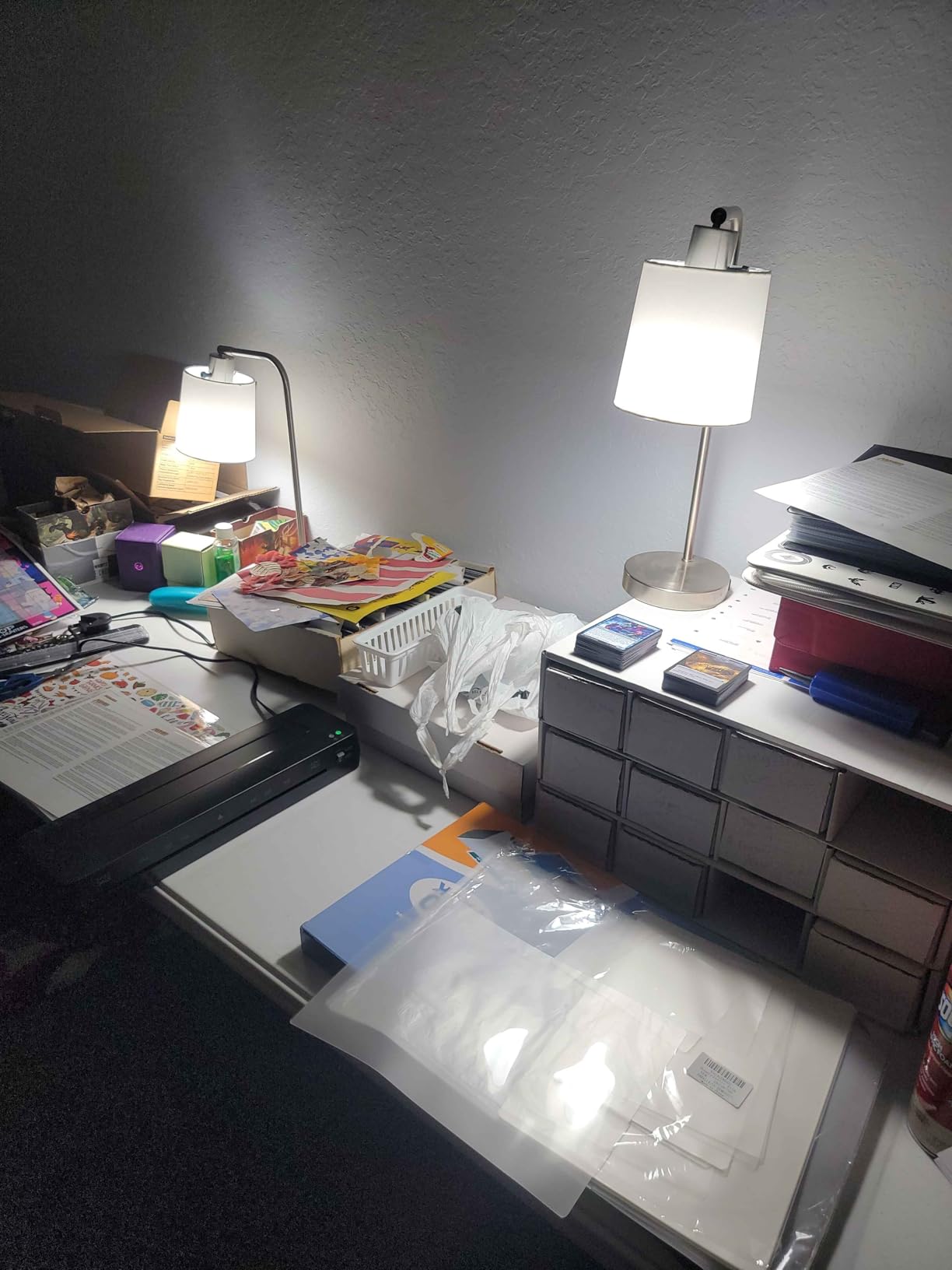
The limits are documented clearly and worth reading. It handles 2.5 to 4 mil, or 60 to 100 micron, pouches only, so 5 mil pouches sit outside its specification even though a 5 mil pouch may physically enter the machine. Maximum operating temperature is listed at 293F, and the recommended combined thickness of pouch plus contents is no more than 0.5mm.
Go beyond 0.5mm and the pouch edges do not close tightly, which is exactly the failure users report on thick stacks. For reference, a heavy card sheet plus a 4 mil pouch is already close to that ceiling, so single-layer documents are the realistic use case.
The ratings here are the ones to look at closely. The average sits at 4.2 with 12% of reviews at one star, the largest negative share in the group, and no weight is published for a machine measuring 17 by 6 by 4.8 inches. At that height it is one of the tallest bodies in the guide and needs a permanent home.

Is 13-inch width at this level worth the trade-offs?
If your work crosses into A3 regularly, yes. The alternative is a 9-inch machine and a two-pass workaround on wider sheets, which costs you time every single time and produces a seam.
If you are strictly letter and A4, no. You are accepting a lower rating, a thinner pouch range and a deeper body in exchange for capacity you will not use.
Who should skip this machine?
Skip it if you laminate 5 mil pouches as a habit, because that thickness is outside the specification. Pick a machine rated to 5 mil, such as the Fellowes Saturn 125, the Qfun or the Lamtetur.
Skip it if reliability matters more than width. With a 12% one-star share and a requirement to keep total thickness under 0.5mm, this is a machine for a user who is comfortable troubleshooting.
How to Choose a Laminator for a Home Office?
Start with the document, not the machine. What you actually laminate, how often, and where the machine has to live will decide the answer faster than any spec sheet. These are the seven criteria that moved our ranking, in the order we would check them.
1. Width against paper size. Measure the widest thing you will feed through. Letter and A4 fit a 9-inch throat. A3, tabloid and 11×17 need 12.5 or 13 inches. Buying a wide machine when you only print letter paper wastes desk space you cannot get back.
2. Warm-up time against session length. Anything above three minutes is noticeable when you are sealing a single document between meetings. A one-minute machine changes how spontaneously you use it. Batch work makes warm-up irrelevant.
3. Duty cycle. Home-office use is bursty. A batch on Monday, nothing until Thursday. Machines with thermal protection and auto shut-off forgive long gaps better than bare-budget models, and nothing here needs commercial duty cycle.
4. Pouch thickness range. 3 mil for documents, 5 mil for card and items you will handle often, 7 to 10 mil for badges and items needing rigidity. Check that the pouch you plan to buy is inside the machine specification, not just physically insertable.
5. Jam behaviour. Anti-jam levers, anti-jam buttons and detection sensors all help, most visibly on small and folded pieces. A release mechanism that lets you clear a misfeed without opening the machine is the useful part.
6. Footprint and storage. Depth and height decide whether the machine lives on a desk or in a drawer. Under 3 inches tall and around 5 pounds means you can put it away between uses, which is the difference between a machine you use and one that gathers dust.
7. Safety in a shared room. Automatic shut-off after inactivity is worth real weight in a home with children or pets. If a machine lacks it, unplug it as part of finishing the job.
Noise belongs in that list too, and it is the one almost nobody researches. Where a published decibel figure exists, compare it against the room you are actually in. At 20dB the OidoZac is a background sound, while anything above 55dB competes with a conversation at the same desk. If you are still planning the room itself, our guides to grooming tables for home use and power racks for home gyms cover the same space-and-clearance logic we apply here.
Should You Get a 9-Inch, 12-Inch or 13-Inch Laminator?
Choose 9 inches if you only print letter or A4, 12.5 to 13 inches if you handle A3, tabloid or poster formats, and 12.5 inches if you want a compromise that covers almost everything with one machine. The width decision is about the largest document you will realistically feed through, nothing more complicated than that.
The trade-off runs one way. A wider throat does not make a narrower machine better at letter-size work, it just makes the machine bigger. Four machines in this guide stop at 9 inches and six reach 12.5 inches or more, and the desk space difference is substantial on a home office surface.
What a wider throat genuinely buys you is the ability to laminate a document in one pass at full size. A 9-inch machine fed an 11×17 sheet requires folding or a seam, and a seam is a weak point where water and dirt enter. If you have ever laminated a poster on a small machine, that creased result is the reason to go wider.
Also consider pouch availability. 9-inch pouches in letter and A4 sizes are the easiest consumables to find and the cheapest to buy in bulk. Wider machines need A3 pouches, which are still easy to get but cost more per sheet, and that difference compounds if you are laminating in volume.
Hot vs Cold Lamination: When Cold Is Worth It
Hot lamination is the default. Heated rollers melt adhesive and bond plastic to paper in a single pass, which is fast, permanent and produces the gloss most people associate with a finished document. It is the right choice for paper, card stock and anything you want to last.
Cold lamination uses a self-adhesive pouch that needs pressure rather than heat. Nothing touches the document at a temperature that could damage it, which is the entire point. If you laminate inkjet photographs, dark glossy prints, heat-sensitive inks or documents that are genuinely old, cold mode is how you do it without risking the print.
Five machines here run both hot and cold modes: the Crenova, the MAXDONE, the Qfun, the Fellowes Saturn 125 and the kejector. Two points apply to all of them. Cold laminating needs self-adhesive pouches sold separately rather than standard thermal ones, and a cold seal will never be as permanent as a hot one.
If photos are a regular part of your work, a cold mode matters. The MAXDONE pairs a 13-inch throat with cold mode and a published noise figure, and the Crenova is the most compact option on this list.
Pouch Thickness: 3 Mil vs 5 Mil vs 7 to 10 Mil
Three mil is the everyday choice. It is thin, slightly flexible and completely adequate for reference sheets, worksheets, recipes and internal documents. It bends rather than cracks, which matters for anything you will fold or roll.
Five mil is noticeably stiffer and more durable, and it is the right thickness for anything handled repeatedly: certificates, reference cards, ID badges and workshop handouts. It is also the most commonly stocked size, so it is usually the easiest to buy in quantity.
Seven to ten mil is rigid, closer to a plastic card in feel, and intended for badges, name tags and items that need to hold their shape. This thickness is out of specification on some machines, including the MAXDONE which handles 2.5 to 4 mil, so check before you plan around it.
A practical rule for a home office: keep 3 mil and 5 mil pouches on the shelf and buy the rigid ones only for badge work. The machines in this guide that support the full range are the Fellowes Saturn 125, the Qfun, the Lamtetur, the kejector and the OidoZac.
What You Should Never Laminate
Some documents must not go through a laminator, in a home office or anywhere else. Lamination permanently alters an official document, and many of them stop being accepted the moment they are sealed.
Never laminate passports, Social Security cards, birth certificates, marriage certificates, certified vital records or any government-issued document that carries an official seal. Agencies routinely reject laminated originals, and the security features that make those documents verifiable are exactly what the laminate hides.
Also keep these out of the machine: official transcripts and diplomas that a third party needs to verify, bank and payment cards with magnetic stripes or chips, and any paper that needs to be written on after lamination. A laminated sheet accepts pen badly and cannot be annotated, which defeats the purpose if you planned to add notes later.
One more to consider: anything you intend to recycle. Lamination makes paper non-recyclable, so keep laminated work out of your recycling bin even when the sheet is mostly paper.
Noise, Desk Space and Duty Cycle in a Shared Home Office
Three practical constraints decide whether a laminator gets used in a home office, and none of them appear in most roundups. They are where the choice between a 2.6-inch-tall machine and a 4.8-inch-tall one actually gets made.
Noise. The sound of a lamination run is mostly rollers pulling a stiff pouch through rather than a motor, which is why a heavier machine is not automatically a louder one. Where figures are published, they range from 20dB on the OidoZac to under 55dB on the MAXDONE, and the Bonsaii is described by reviewers as quiet enough for a shared room. If you take calls at the same desk, treat any figure above 55dB as a compromise.
Desk space and clearance. Output has to go somewhere, so leave a few inches behind the machine for the finished pouch. For storage between uses, the flattest bodies here are the Amazon Basics at 2.6 inches, the OidoZac at 2.76 inches and the Bonsaii at 2.44 inches. The two heaviest bodies are the Fellowes Saturn 125 at 5.1 pounds and the kejector at 4.2 pounds, and those are permanent fixtures rather than portable ones.
Duty cycle. A home office runs in bursts. Run a batch, then let the machine idle. The machines here that forgive an unattended gap best are the ones with automatic shut-off and overheat protection, which covers the Fellowes Saturn 125, the Qfun and the kejector. Machines without it, including the OidoZac, should be unplugged the moment you finish.
Adhesive build-up is the other long-term issue in a shared machine. A quick cleaning card every few dozen runs keeps the rollers from picking up residue, and residue is what turns a smooth feed into a jam.
How to Clean Laminator Rollers
Cleaning rollers is simple, and skipping it is the main reason a laminate machine starts to stick. Four steps, ten minutes, once every few dozen runs or whenever you notice resistance.
1. Unplug and let it cool. Never clean a hot machine. Pull the plug and leave the rollers at room temperature, which takes about half an hour after a session.
2. Run a cleaning card through. Most manufacturers include one, and it is a card coated for exactly this purpose. Run it through on the highest heat setting as a normal pouch, with nothing inside it, and let it do the work on the roller surface.
3. Wipe the accessible roller surface. With the machine open and unplugged, wipe the exposed roller path with a cloth lightly dampened with isopropyl alcohol. Never use a sharp object, and never spray liquid into the machine.
4. Check and reset. Make sure no cleaning card fragment is left inside, close the machine, and run one scrap pouch through before your next real job to confirm a clean feed.
If your machine has a maintenance reminder system, follow its schedule. The Fellowes Saturn 125 uses CleanAlert for exactly this, and sticking to the reminder is easier than guessing when adhesive has built up.
Frequently Asked Questions
What is the best laminator for a home office?
For most home offices the best all-round choice is the Scotch TL901X, a compact 9-inch machine at 2.9 pounds with two temperature settings, 3 mil and 5 mil pouch support and a five-minute warm-up. Pick the Amazon Basics 9-inch instead if desk depth is the binding constraint, and the Crenova if you laminate photographs and want a one to two minute warm-up with cold mode in a small body.
Should I get a 9-inch or 12 inch laminator?
Choose 9 inches if you only print letter or A4, since a wider throat does not improve letter-size work and takes more desk space. Choose 12.5 or 13 inches if you handle A3, tabloid or 11×17 documents, or if you want to laminate wide sheets in a single pass without a seam. Pouch cost per sheet is also higher at the wider sizes.
How long does a laminator take to warm up?
Published warm-up times in this group range from 60 seconds on the Fellowes Saturn 125 and 78 to 90 seconds on the kejector and MAXDONE, through one to three minutes on the Bonsaii, to five minutes on the Scotch TL901X. Warm-up only matters if you laminate single documents between other tasks, since batch work makes the wait irrelevant.
What brand is a good laminator?
Fellowes is the most established office-equipment brand in this group and backs the Saturn 125 with a two-year warranty, while Scotch is a 3M line with the deepest review base here at over 61000 ratings. At the budget end, Amazon Basics and Crenova are the two to compare, since each takes a different route on warm-up time and cold mode. Choose on warm-up time, pouch range and warranty length rather than brand name alone.
Do I need a cold laminator for photos?
Only if you laminate inkjet photographs, dark glossy prints or heat-sensitive inks regularly. Cold mode uses a self-adhesive pouch and pressure rather than heat, so nothing touches the print at a damaging temperature. The Crenova, the MAXDONE, the Qfun, the Fellowes Saturn 125 and the kejector all offer hot and cold modes, and cold pouches are sold separately.
What should not be laminated?
Never laminate passports, Social Security cards, birth certificates, marriage certificates, certified vital records or any government-issued document with an official seal, because agencies reject laminated originals. Also avoid bank cards with magnetic stripes, official transcripts that need verification, and any sheet you plan to write on afterwards, since lamination makes paper non-recyclable.
Final Verdict for Home Office Laminators in 2026
The best laminators for home offices are not the fastest or the widest machines we tested. They are the ones that match the width of what you print, come to temperature quickly enough to use between tasks, take up desk space you can live with, and stay quiet enough to sit in a room where you also work.
Start with the Scotch TL901X as the all-round pick. Move to the Amazon Basics 9-Inch if your desk is shallow, the Crenova if photographs matter and you want cold mode in a tiny footprint, the Bonsaii if you laminate small fiddly items constantly, and the Fellowes Saturn 125 if your work genuinely reaches A3 and poster sizes. Every machine here is one purchase and one consumable decision away from turning a stack of printouts into materials worth keeping.