
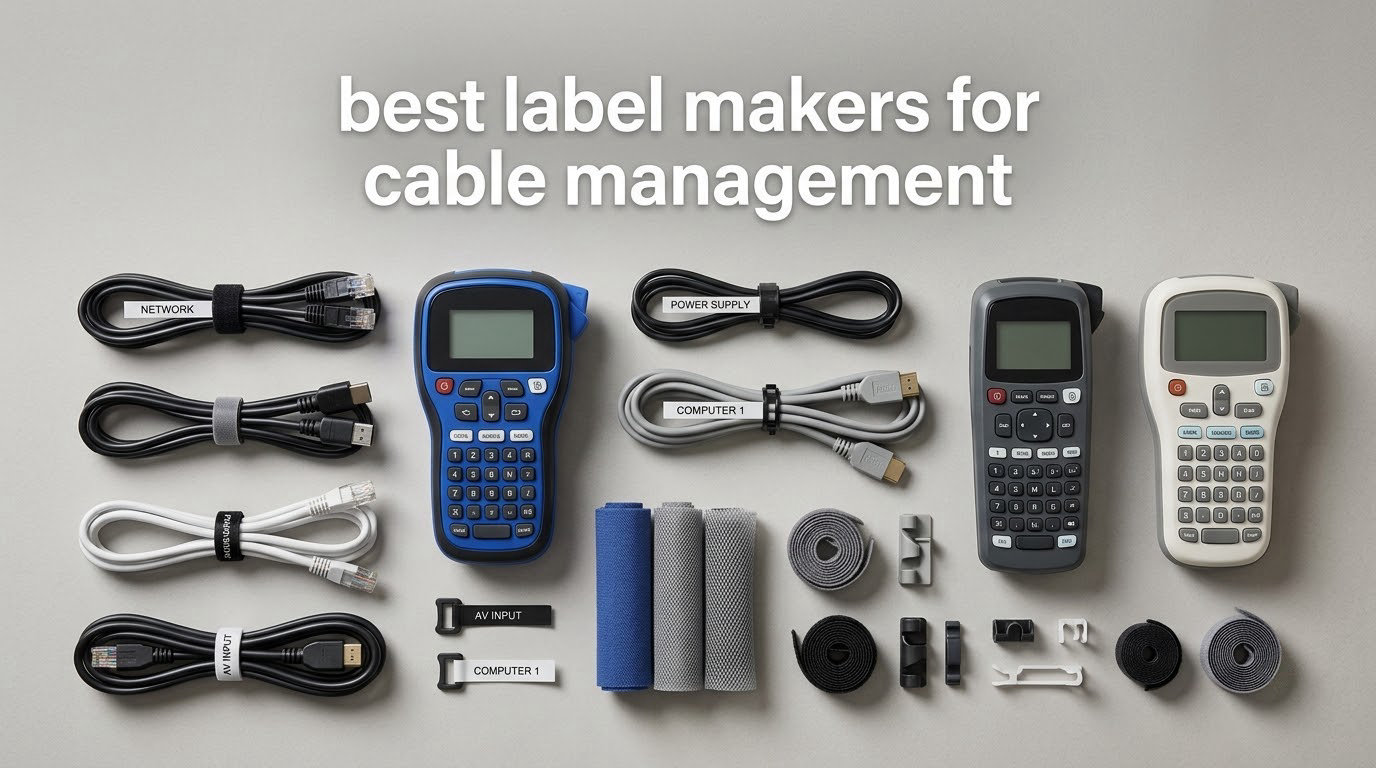
The best label maker for cable management is the one that prints small, legible text onto media that survives being wrapped around a cable jacket and stuck down. A generic office label maker gets you a neat rectangle with a tidy border, which looks fine in a drawer and tells you nothing once it is curled around a 6mm Cat6 run in a crowded rack.
Our team spent weeks comparing 12 label makers built for wire and cable work, reading through thousands of owner reviews and looking specifically at print technology, media width, and whether the machine can handle wrap-around, flag and heat shrink formats. The short answer: thermal transfer output beats direct thermal for anything permanent, and tape width decides whether you can fit a port name and a destination on one label.
Below is every machine in our test group, ranked for cable work rather than for general home organizing. We also included the sizing math and the failure modes that decide whether a label is still readable in three years.
Table of Contents
Top 3 Best Cable Label Makers in 2026

Brother PT-D600
- 400 dpi thermal printing
- Color backlit LCD preview
- PC and Mac batch software

DYMO Rhino 4200
- QWERTY keyboard
- Hot keys for wire wraps and heat shrink
- 1/4 inch to 3/4 inch media

SUPVAN E11
- Keyboard and Bluetooth app
- 0.2 inch minimal margin
- Rechargeable 1200 mAh battery
All 12 Cable Label Makers Compared in 2026
| Product | Specs | Action |
|---|---|---|
| Brother PT-D600 |
|
Check Latest Price |
| DYMO Rhino 4200 |
|
Check Latest Price |
| SUPVAN E11 |
|
Check Latest Price |
 DYMO RhinoPRO 5200 DYMO RhinoPRO 5200 |
|
Check Latest Price |
 Brady M210 Brady M210 |
|
Check Latest Price |
 Brother PT-H111 Brother PT-H111 |
|
Check Latest Price |
 Brother CUBE Plus PT-P710BT Brother CUBE Plus PT-P710BT |
|
Check Latest Price |
 Vixic DM170 Vixic DM170 |
|
Check Latest Price |
 Makeid P31S Makeid P31S |
|
Check Latest Price |
 Phomemo M110 Phomemo M110 |
|
Check Latest Price |
 SUPVAN G15M Mini SUPVAN G15M Mini |
|
Check Latest Price |
 VolenGo H1100 VolenGo H1100 |
|
Check Latest Price |
Why Ordinary Label Makers Fail on Cables
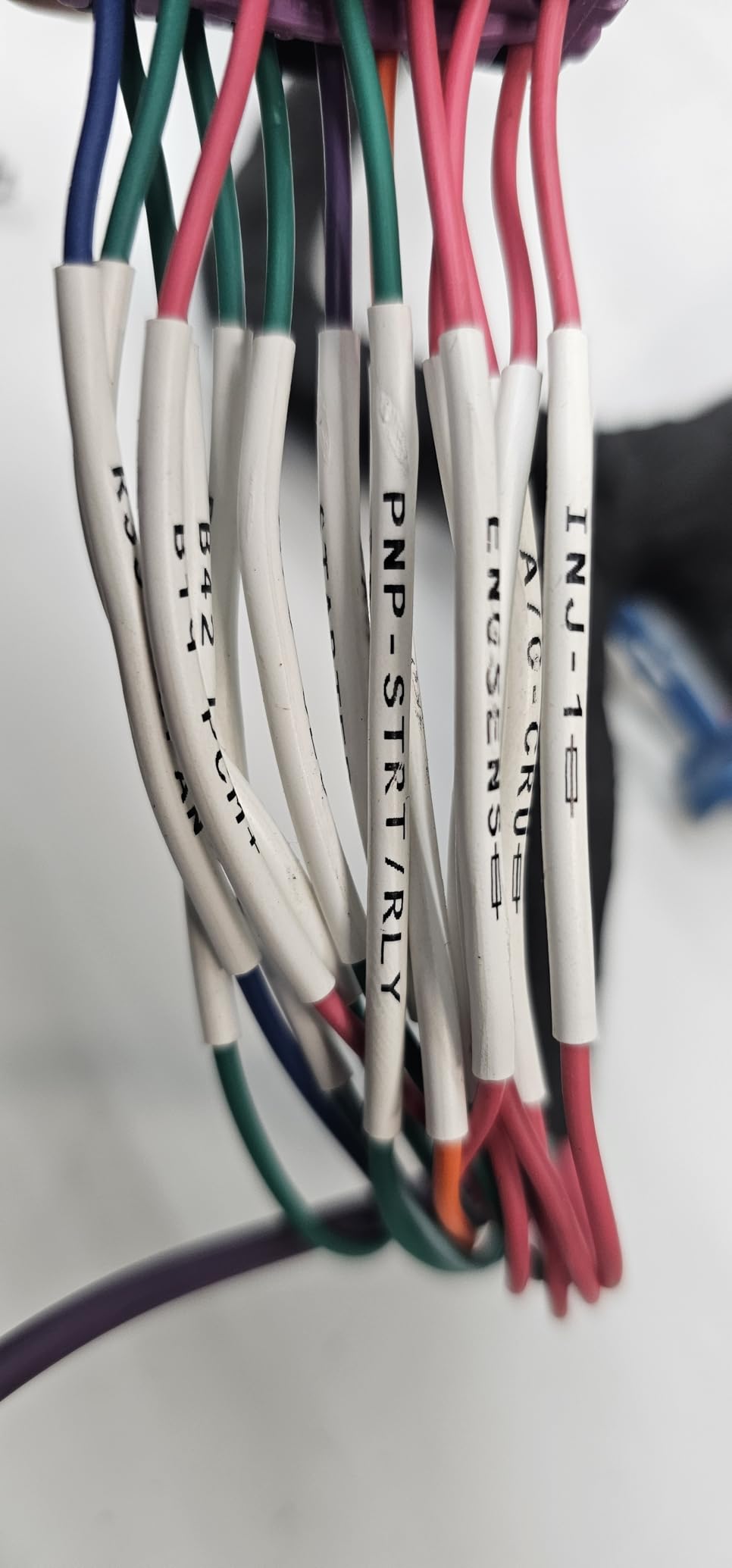
Most general-purpose label makers are built for flat surfaces, and cables are the least flat surface in your house. On r/networking, the recurring advice is that self-laminating vinyl is the go-to material for cable runs, because the printed area seals under a clear tail and the label stops peeling away from itself. Users in that same community also report that consumer handhelds are fine for equipment labels but get pushed hard on Ethernet and fiber.
Four failure modes show up again and again in the reviews, and each one comes down to a spec you can check before you buy.
Edge lift. A flat adhesive label wrapped around a curved jacket has its edges under constant tension. The corners lift first, then dirt and moisture get under them, and within a year the label is flapping. Self-laminating stock, where the print sits inside a sealed clear tail, resists this far better than a single-layer sticker.
Media that is too narrow. A 12mm tape gives you maybe a dozen characters at a readable size. Port-to-port identification for a network run needs both ends of the path on the label, so anything under 19mm forces you into tiny print or a second label.
Direct thermal fade. Direct thermal labels darken with heat, sunlight and time. A run labeled in a closet near a warm air handler or in a sunlit office can lose legibility in a couple of years. Thermal transfer, which lays down resin or wax ink onto the label, is the answer for permanent installs.
No retrofit path. Heat shrink sleeves are permanent once shrunk, so they cannot go onto a cable that is already terminated. Several buyers on r/electricians are labeling plugs, disconnects and panels on already-wired jobs, which rules sleeves out entirely.
How to Label Cables: Sizing and Placement
Cable labels fail on geometry, not on ink. Before you print anything, measure the jacket diameter and work out how long the label needs to be.
The rule is simple: multiply the cable diameter by pi to get the circumference, then add 50 percent for overlap so the adhesive has a double-thick band to grab. A 6mm Cat6 jacket works out to roughly 19mm of circumference, so a 30mm label length gives you a comfortable overlap. A thicker 10mm run needs closer to 40mm of length.
For height, 19mm to 25mm is the sweet spot for two lines: one line for the port, one for the destination. Anything taller wraps awkwardly and starts catching on neighbouring cables.
Placement matters as much as size. Put the label 25mm to 50mm back from the connector, not right on the boot, so it sits in the straight section of jacket where the cable is not bent.
Wipe the jacket with isopropyl alcohol before you apply anything, and allow the adhesive 24 to 72 hours to fully bond before you route or bundle the cable. Then label both ends with the same text, and write the text so it reads the same way whichever end you are looking at.
Label Types Compared: Wrap-Around, Flag and Heat Shrink
Wrap-around self-laminating labels are the default for network and power cables. The print area is sized for the text and a clear tail wraps over it, so the label grips itself and the jacket. They can be applied to already-terminated cables at any time, which makes them the only real option for retrofits.
Flag labels stick out sideways from the cable, which makes them far easier to read when a run is buried in a bundle or routed behind a patch panel. The trade-off is that the flag itself creates a snag point in tight conduits, and the print area is usually narrower.
Heat shrink polyolefin sleeves at a 3:1 shrink ratio are the most durable option available. They survive abrasion, solvent and heat because the label becomes part of the jacket. They must be slipped onto the wire before termination, so they belong to new builds and harness work rather than to rework.
Direct thermal adhesive stickers sit in a fourth category of their own: cheap, printable in seconds, and fine for a temporary or indoor run. They are the wrong choice for anything that has to stay readable for years.
1. Brother PT-D600 – Best Overall for Cable Management
Brother P-Touch Label Maker, PC-Connectable Labeler, PTD600, Color Display, High-Resolution PC Printing, Black, Black/Gray
400 dpi print head
24mm TZe tape
Full color backlit LCD
USB to PC and Mac
Pros
- Highest average rating in this group at 4.7 across 3790 ratings
- 400 dpi output stays crisp on small cable text
- PC and Mac software handles bulk cable schedule jobs
- Backlit color screen previews the exact label before tape is spent
- Auto-detects tape type and shows true colors on screen
Cons
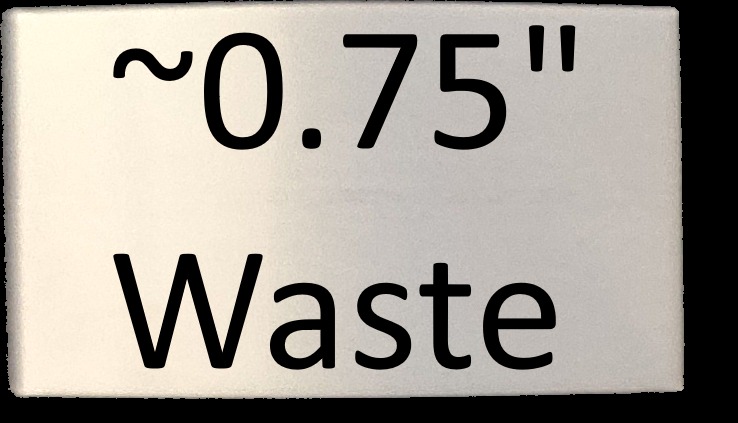
- Default cut settings waste about an inch of tape at each end
- Brother cartridges cost more than third-party TZe
- A protective film sits on the LCD and must be scraped off
- PC software is less intuitive than the on-device menu
The PT-D600 earns the top spot because it removes every compromise we found in the other eleven. The 400 dpi print head is the highest resolution here, and that resolution matters more on a cable than it does on a drawer, because the smallest useful text on a wrap-around label is roughly 4mm tall.
Its backlit full-color LCD previews the label before you commit tape, so a mistyped port name costs you nothing. Owners consistently praise the large keyboard for stand-alone work, and for repeat jobs on a rack this machine handles a hundred labels without slowing down.
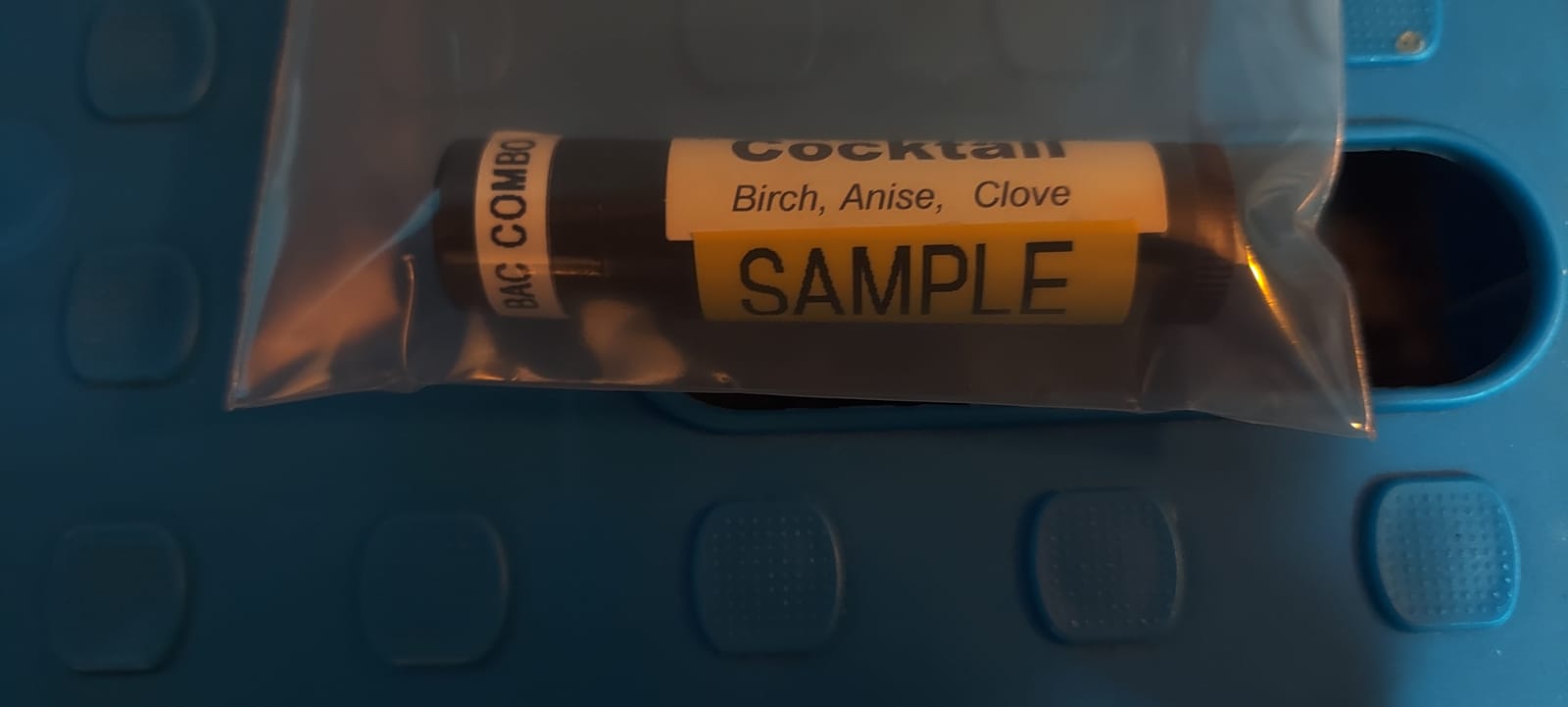
The reason it beats the industrial units on cable work is the software. Connect it to a PC or Mac and P-touch Editor turns the machine into a cable schedule printer, which is exactly what the sysadmin crowd has been asking for in forum threads for years.
It also runs on AC power or six AA batteries, so it works at a desk for batch runs and in a closet for a single reprint. That flexibility is why it suits both a home lab and a small comms room.
Where it earns its place
If you are labeling more than a handful of runs, the preview screen and the PC connection pay for themselves immediately. Typing a port list into P-touch Editor and printing in sequence is far faster than keying each label by hand, and the 24mm width leaves room for two full lines.
Where it falls short
Out of the box, the default cut setting leaves roughly an inch of blank tape at each end of every label, and reconfiguration is required. Genuine Brother cartridges also cost more per metre than compatible TZe tape, which adds up on a long run, and the machine is the bulkiest in this group at 2.1 pounds.
2. DYMO Rhino 4200 – Best for Electricians and Panel Work
DYMO Industrial Label Maker, Rhino 4200, Time-Saving Hot Keys, Prints Fast – Durable For Job Sites and Heavy-Duty Labeling Jobs
200-300 dpi thermal
QWERTY keyboard
Wire wrap and breaker hot keys
Prints heat shrink tubes
Pros
- QWERTY keyboard is rare on label makers and speeds up text entry
- One-touch hot keys for wire wraps
- flags
- Code 39 and Code 128 barcodes
- Prints directly onto heat shrink tubes
- Runs about six months on six AA batteries
- Rugged build tolerates job site handling
Cons
- Small one-line LCD requires scrolling
- Wastes roughly half an inch of tape per side for padding
- Proprietary cartridges cost more than aftermarket labels
- Plastic cartridge retention hooks fatigue with heavy use
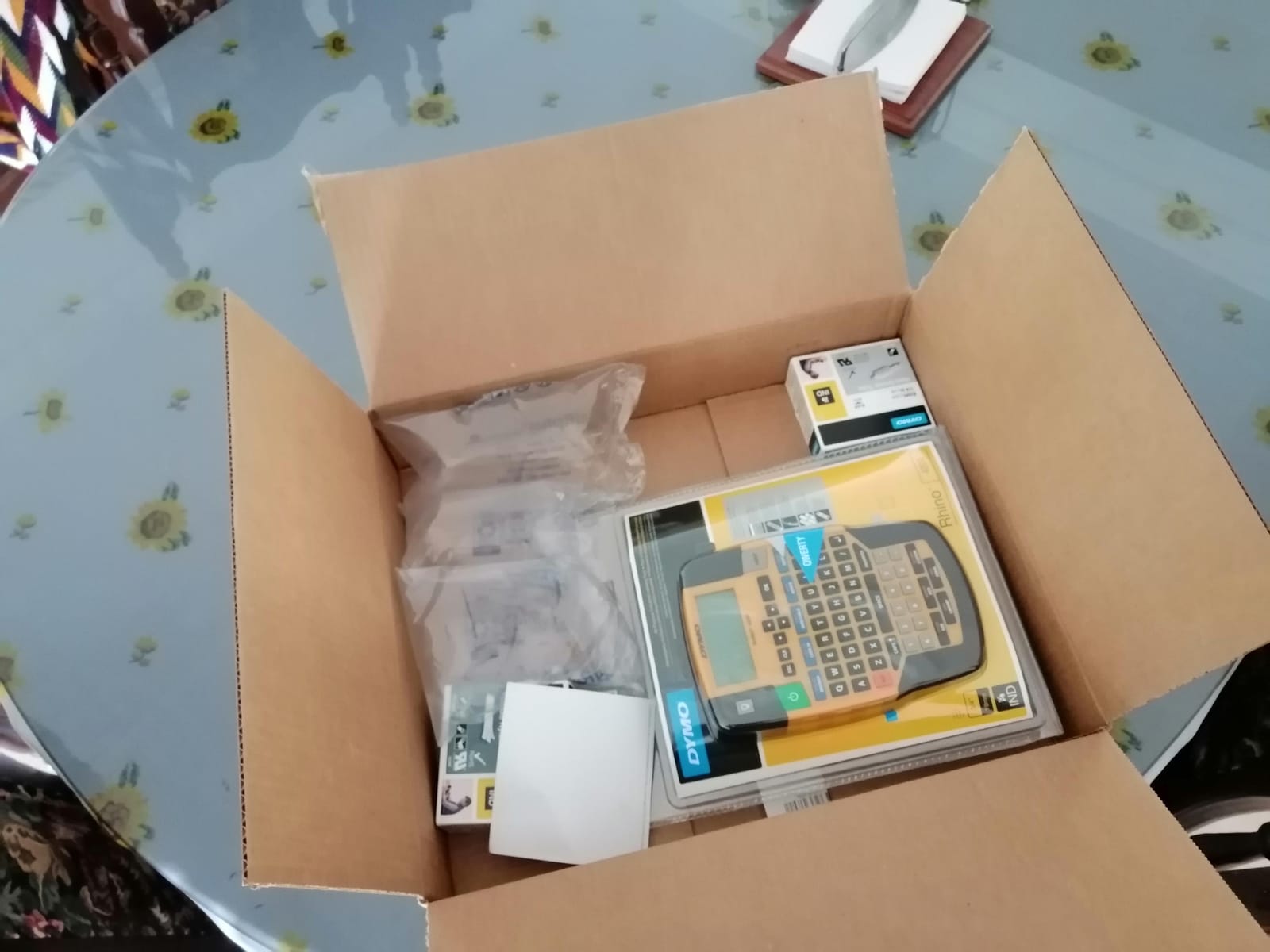
The Rhino 4200 is the pick for anyone labeling panels, disconnects and wire bundles rather than network ports. The hot keys are the reason: one touch produces a wire wrap, a flag, a breaker label or a Code 128 barcode, with text auto-sized and spaced for you.
It accepts DYMO Industrial labels in quarter, three-eighths, half and three-quarter inch widths across a range of materials, and it prints directly onto heat shrink tubes, which covers both new builds and panel rework in one machine.
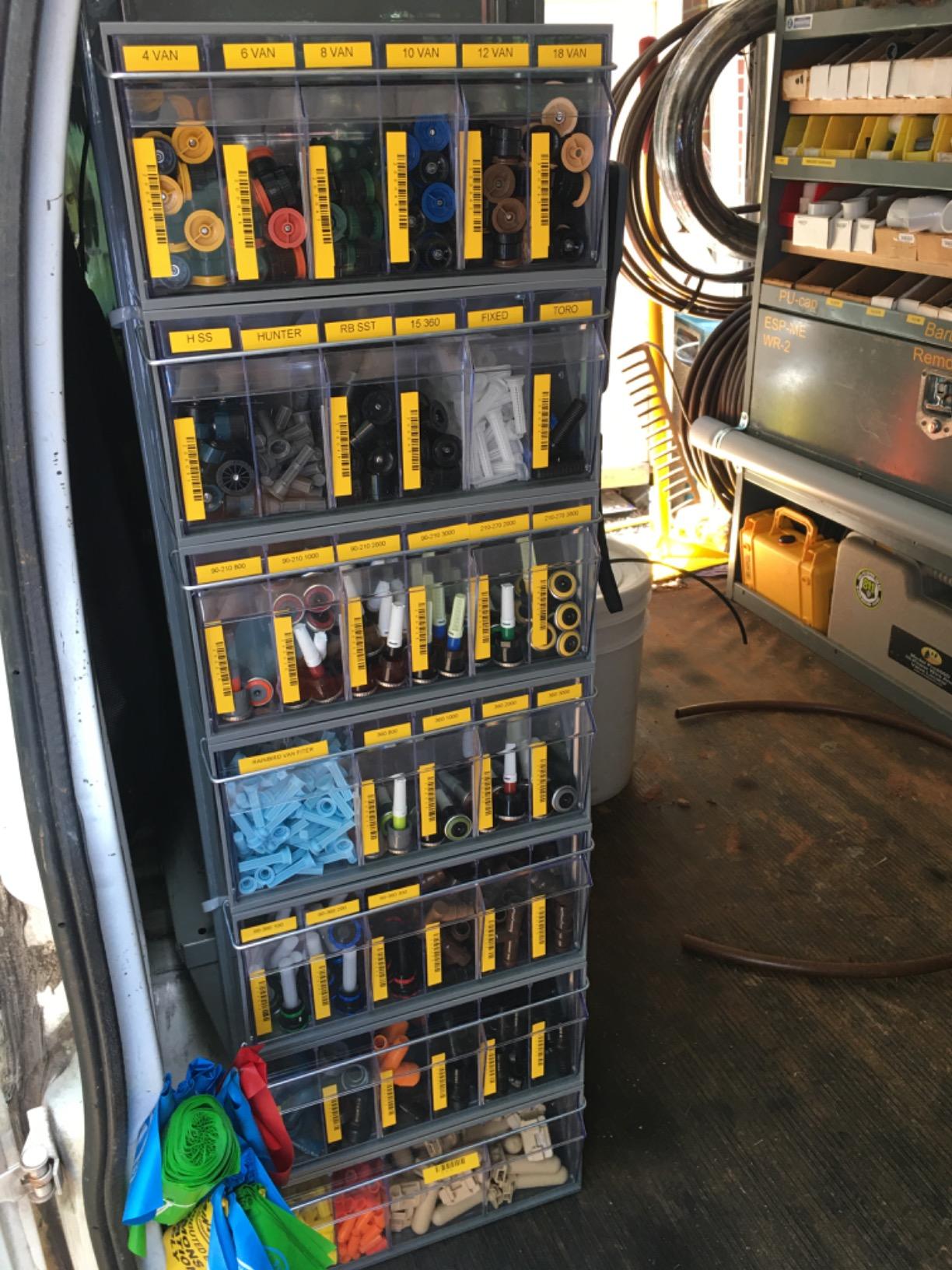
The QWERTY keyboard is unusual in this category and genuinely useful once you are producing dozens of labels a day. Owners also report roughly six months of runtime from six AA batteries, so it is not a machine that lives on a charger.
Members of r/electricians looking for commercial panel labeling consistently point toward this class of machine, and the combination of hot keys, standards formats and rugged housing is what makes it the tool rather than a gadget.
What it does better than the rest
Fewer than half the machines in this roundup can print onto heat shrink tubes, and even fewer ship with a real keyboard. For panel work, a panel schedule and a wire harness in the same session, that combination is close to unique.
What you should know first
The screen shows one line at a time, so composing a two-line label means scrolling. The machine also pads roughly half an inch of tape on each side with no way to turn it off, and genuine DYMO cartridges cost more per roll than compatible labels, both of which add up on a large install.
3. SUPVAN E11 – Budget Pick Label Maker for High-Volume Cable Work
SUPVAN E11 Keyboard & Bluetooth Label Maker Machine with 4 Tapes
203 dpi thermal
15mm maximum media width
Keyboard plus Bluetooth app
0.2 inch print margin
Pros
- Largest review base among the affordable picks at more than 4000 ratings
- 0.2 inch margin is the smallest tape waste in this group
- 1200 mAh battery runs about a month per charge
- 0.5 lb body fits in a toolbox
- Handles continuous and die-cut tape for batch runs
- Two year manufacturer warranty
Cons
- 15mm maximum tape width limits long cable wrap text
- Narrower media than industrial self-laminating formats
- App based design adds friction for keyboard only users
The E11 is the answer when you have twenty runs to label and no budget for an industrial machine. It is the only pick here with a full physical keyboard, a Bluetooth app and a rechargeable battery at a price most people will not think twice about.
The detail that matters for cable work is the margin. A 0.2 inch print margin is roughly a fifth of what industrial machines waste, and on a batch of 200 wrap labels the difference is a substantial share of a tape roll you did not have to buy.
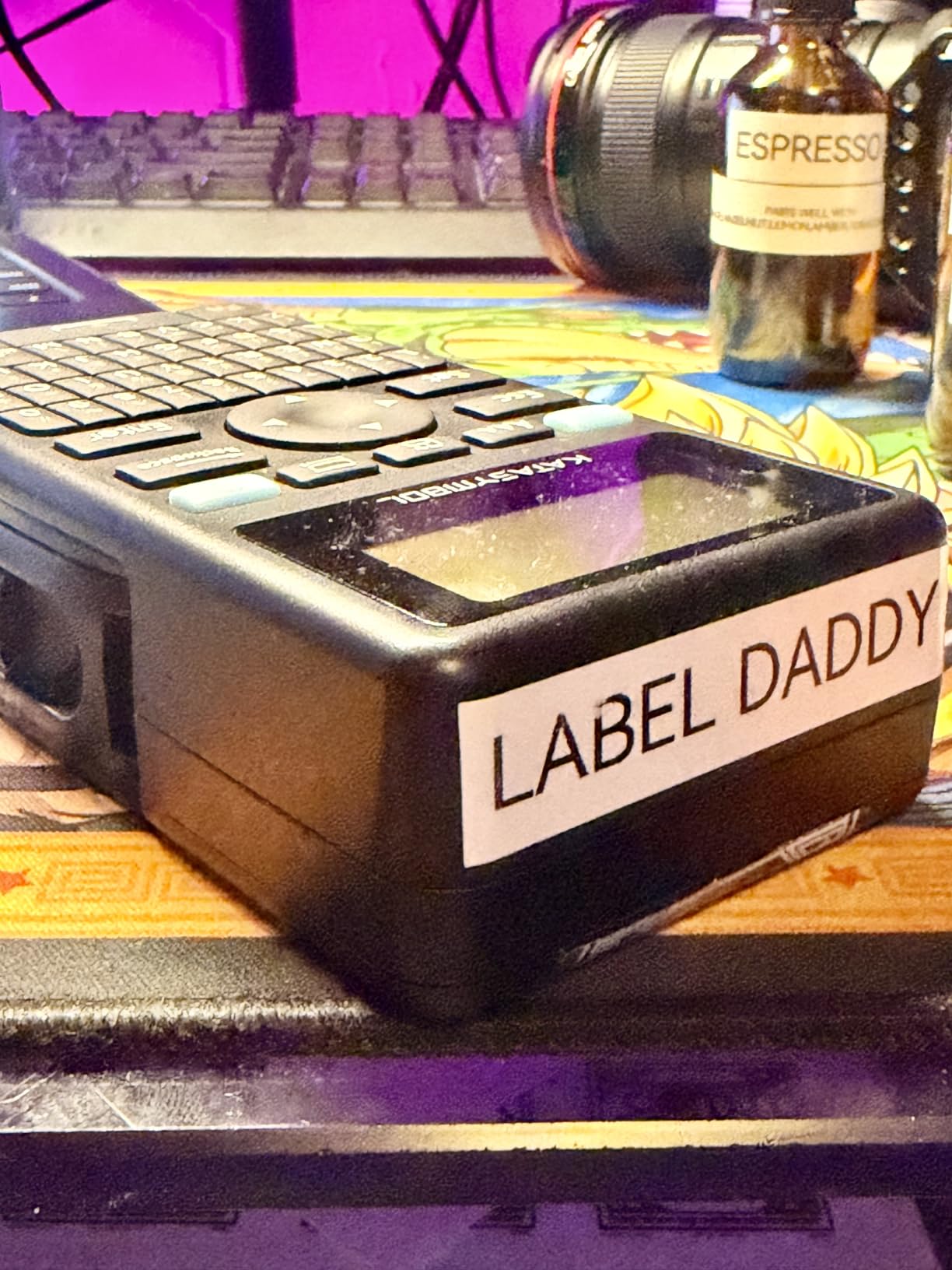
Print speed is quoted at up to 28 pages per minute and it handles both continuous and die-cut stock, which means a run of identical wraps prints without reloading. Owners like the app for its 30 plus fonts, 660 plus icons and 17 languages, though pure keyboard users find the design workflow unnecessary.
At 0.5 lb it disappears into a tool bag, and the two year warranty is longer than most competitors in this price range offer.
Why it is worth the money
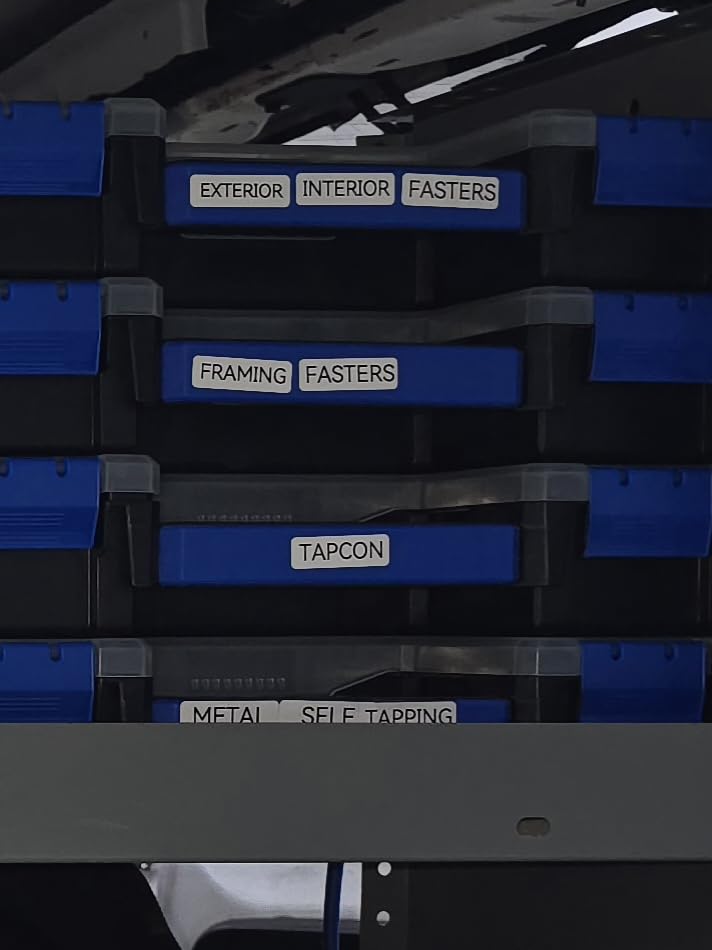
For a home lab, a studio patch bay or a small office, the combination of a keyboard, an app and a month of battery life per charge removes the usual excuse for not labeling. You can label at the rack without a laptop, or design on your phone at the desk.
Where the tape width bites
15mm is the ceiling, and that is narrower than industrial self-laminating stock. It is enough for a port name or a short device pair, but not for a full cable schedule on one label, so expect two-line labels at a small font or a pair of labels per run.
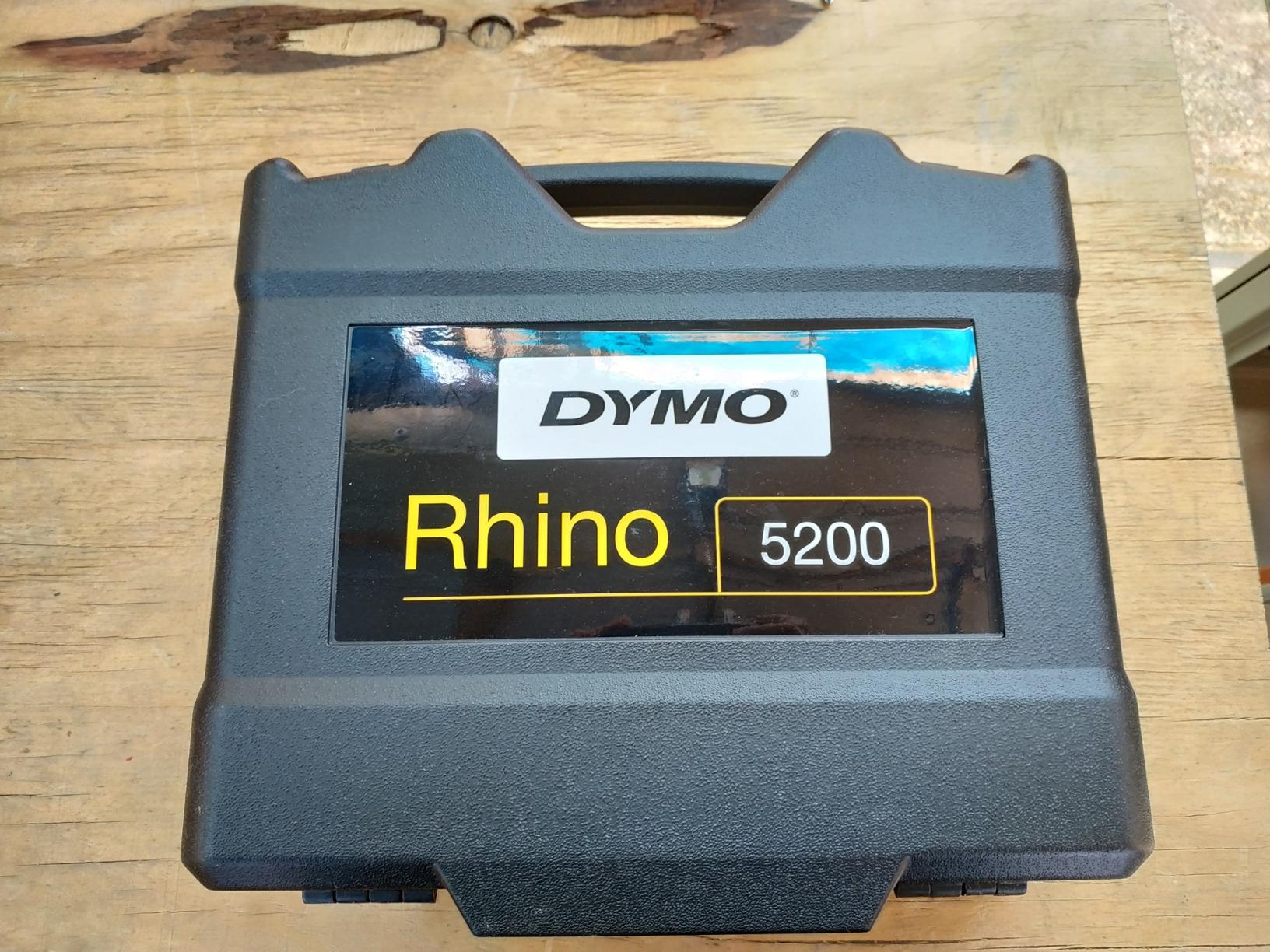
4. DYMO RhinoPRO 5200 – Best for Network Racks and Patch Panels
DYMO Industrial Label Maker & Carry-Case RhinoPRO 5200 Label Maker, for Job Sites and Heavy-Duty Labeling Jobs, Prints Fast, Includes 2 Rolls of DYMO Industrial Vinyl Labels
300 dpi thermal
TIA/EIA-606-A compliant
Hot keys for patch panels and 110 blocks
Code 39 and Code 128 support
Pros
- Meets ANSI and TIA/EIA-606-A labelling standards
- 300 dpi with one-touch hot keys for patch panels and 110 blocks
- Large backlit screen with adjustable contrast for bright or dark job sites
- Rechargeable lithium-ion battery with AA fallback
- Carry case holds multiple cartridges
- Includes two rolls of vinyl labels
Cons
- Non-QWERTY keyboard has a real learning curve
- Symbol menu is not intuitive to navigate
- Fixed inter-label spacing cannot be reduced
- Some aftermarket tapes cause print skips and streaks
If you are working on a comms room or a patch panel, the RhinoPRO 5200 is the machine built for the job. It meets ANSI and TIA/EIA-606-A labelling standards, which matters when your rack is handed to a contractor who expects conventional formats.
The hot keys auto-size, space and format text for electrical and patch panels, terminal and 110 blocks, wire and cable flags, and horizontal or vertical wraps. Code 39 and Code 128 barcodes print on three-quarter inch wide labels, so asset tags and port IDs come out of the same machine.
At 300 dpi the text is sharp enough to stay readable at the small sizes a wrap label demands, and the backlit screen with adjustable contrast works in a dark comms closet as well as in daylight. The rechargeable battery with AA fallback means a long labeling session is not interrupted by a flat cell.
The carry case is a genuine convenience on site. Two rolls of DYMO Industrial vinyl, in three-quarter and three-eighth inch widths, are included, so you can start labeling without a separate consumables order.
Best case for it
Comms rooms and electrical panels where the naming standard matters as much as the print. The auto-formatted hot keys remove the chance of a mis-spaced port label, and the barcodes make the same machine useful for equipment asset tags.
Best case against it
The keypad is not QWERTY and the symbol menu is fiddly, which costs time on a long session. The fixed spacing between labels cannot be reduced, so a meaningful share of every roll is blank, and some aftermarket tapes produce skips and streaks where genuine stock does not.
5. Brady M210 – Best for Job Sites and Drops
BRADY M210 HANDHELD LABEL MAKER
203 dpi thermal
0.25 inch to 0.75 inch media
6-foot drop resistant
M21 cartridge support
Pros
- Built to survive 6-foot drops per the manufacturer
- 203 dpi suits barcodes and small wire text
- Uses common M21-500 and M21-750 cartridges
- App connectivity adds extra labeling options
- Compact handheld form factor
Cons
- Small media window limits label width to 0.75 inch
- Listing detail is sparse so cartridge and screen size need checking
- App control for some workflows
The M210 is a safety-first label maker rather than a desk one. It is specified as resistant to 6-foot drops, and that rating is the reason it belongs on this list for anyone working in a plant, on a job site or in a van.
At 203 dpi the output handles small wire text and barcodes cleanly, and it uses the common M21-500 and M21-750 cartridges, so consumables are easy to find and reasonably priced. The forum consensus on industrial forums is that consumer machines handle equipment labels well but fall short on Ethernet and fiber, and the M210 sits on the correct side of that line.
It is compact, USB connected and driven by an app, which suits a technician who already carries a phone. Owners rate the durability and the barcode reliability as the two things that matter most in daily use.
Members of r/printers nominate portable thermal transfer units of this class for electrical cable and industrial tube marking, and the M210 is the established name among them.
Where it earns the badge
Site work, plant maintenance and any labeling job where the machine will be dropped, kicked or left in a toolbox. The cartridge format keeps consumable costs predictable across a long service history.
Where it is limited
The 0.25 inch to 0.75 inch media window is narrow by cable standards, and the published listing detail is thin enough that you should confirm cartridge compatibility and screen size before committing. It is also app-driven, which is not ideal if you want to type directly on the device.
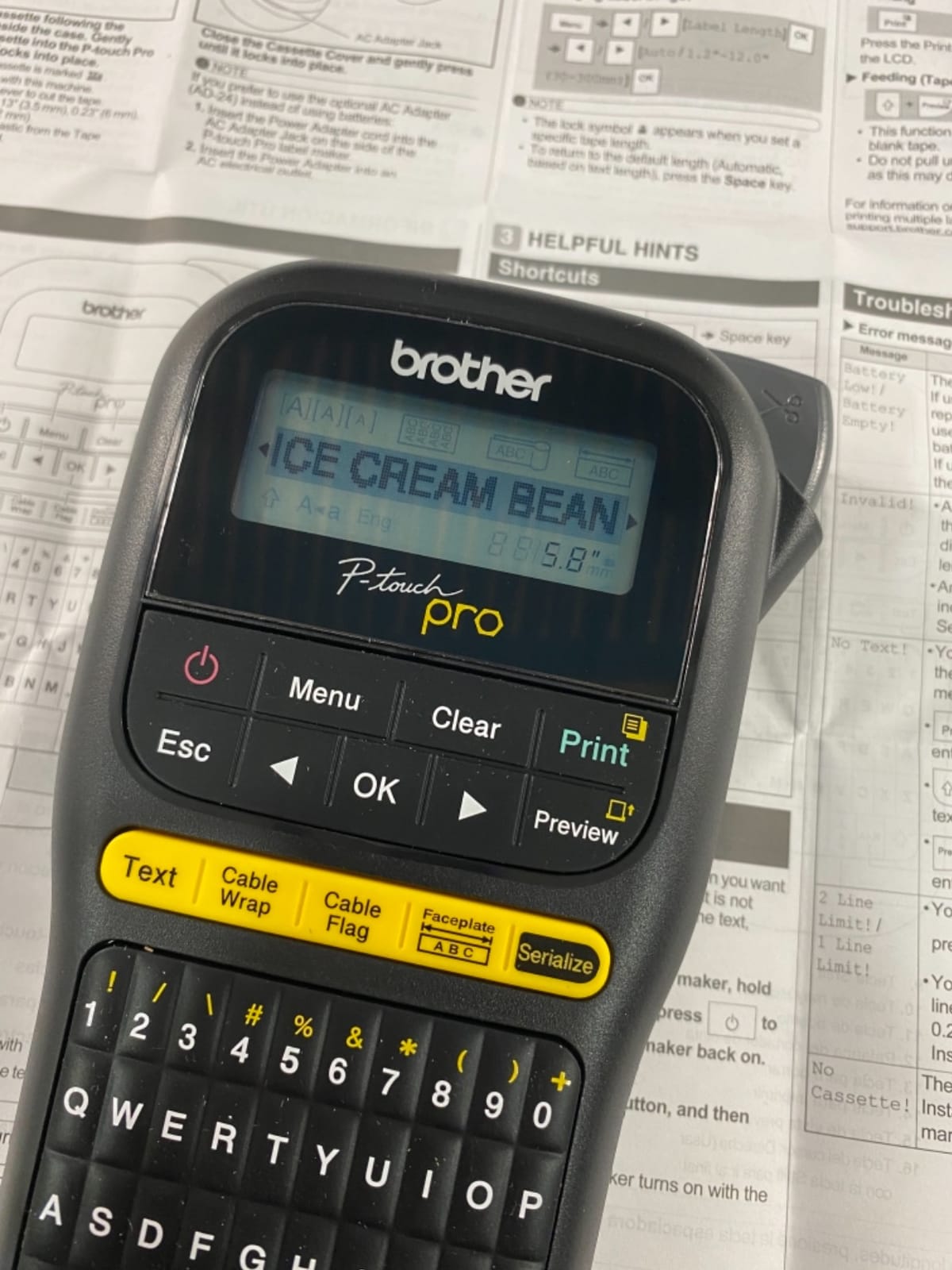
6. Brother P-touch PT-H111 – Best for Home Labs
Brother Genuine P-touch PTH111 P-Touch Pro Label Maker
Two-line thermal printing
One-touch cable wrap and flag keys
3.5mm to 12mm TZe tape
Preview LCD
Pros
- Dedicated one-touch keys for cable wrap
- cable flag
- faceplate and serialize
- Lightweight 14 oz body with detachable wrist strap
- Preview screen prevents wasting tape on a typo
- Accepts four TZe widths and works with cheaper compatible tapes
- No app or smartphone needed
Cons
- Prints only two lines per label
- Pushes extra leading tape on every print
- Consumes six AAA batteries with no rechargeable option
- Label chaining does not work with flag labels
- Menu system takes practice to learn
The PT-H111 is the least intimidating machine here and the one we would put in the hands of a first-time labeler. It has no app requirement, no Bluetooth pairing and no account to create, which removes every common reason people give up on a cable labeling project.
The cable-specific keys are the real feature. One-touch buttons produce a cable wrap, a cable flag, a faceplate label and a serialize label, so the label is the right size and shape before you type a single character. The preview screen shows the result on a graphical LCD.
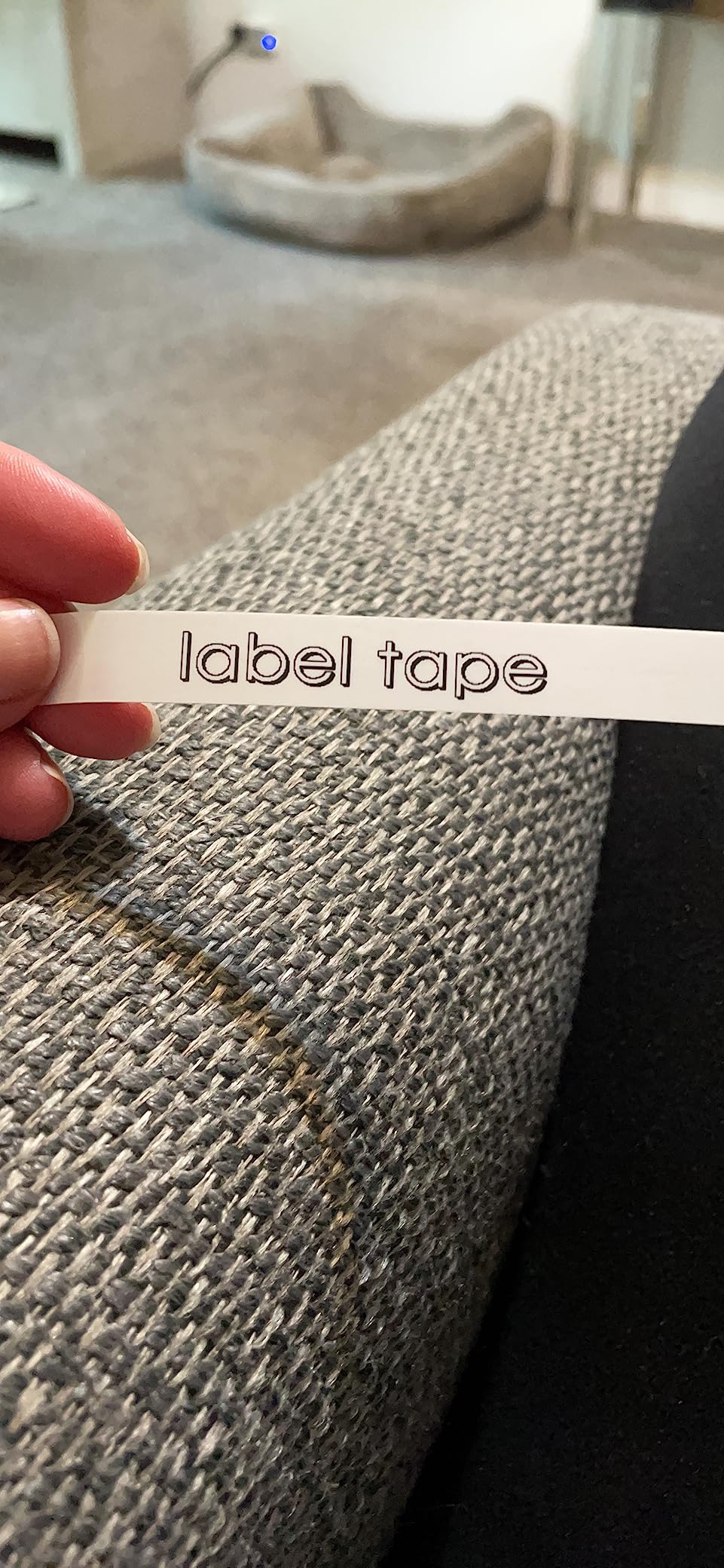
It accepts TZe tape in 3.5, 6, 9 and 12mm widths, and compatible third-party tapes work, which keeps the running cost down. A roll of 12mm black-on-white flexible cable and wire ID tape is included, so the first wrap label is a few minutes away.
Users in r/DeskCableManagement describe a similar pattern with a different machine: bought for general organization, kept because the laminated tape holds up. That is the right way to think about this pick, since it handles cables and household labelling in the same session.
Best for a first cable project
Ten or twenty runs in a home lab, where you want the same result every time without learning a print app. The dedicated cable keys and the preview screen do most of the thinking for you, and compatible tape keeps the cost per label low.
Where it stops
Two lines is a hard ceiling, and the machine pushes extra leading tape on every print, including the first label after a change. It runs on six AAA cells with no rechargeable option, and the chaining function does not apply to flag labels.
7. Brother P-touch CUBE Plus PT-P710BT – Best Portable Bluetooth Pick
Brother P-touch CUBE Plus Bluetooth Label Maker (PT-P710BT), Black
Up to 24mm wide TZe tape
Bluetooth and USB connectivity
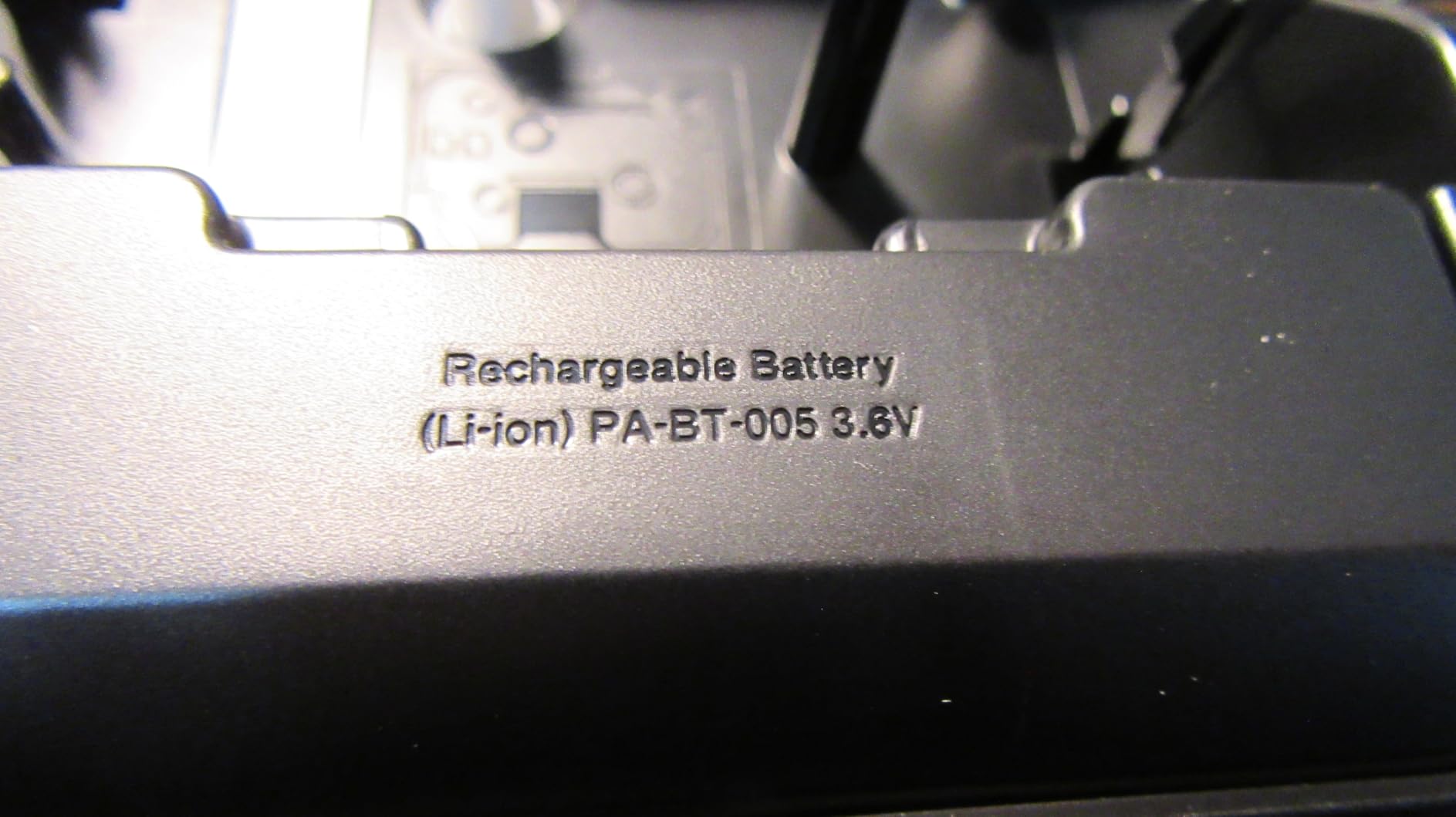
Built-in Li-ion battery
Three Brother apps
Pros
- Prints up to 24mm wide
- giving room for multi-line cable labels
- Phone or desktop design through three Brother apps
- Built-in Li-ion battery avoids disposable cells
- Works with the full TZe range including flex and laminate styles
- Compact 1.4 lb cube suits a small toolbag
Cons
- No physical keyboard
- so every label needs a phone or computer
- Print speed is slower than dedicated handheld units
- Third-party TZe tapes can occasionally misfeed
The CUBE Plus is the most complete wireless option here, and 24mm is the widest TZe width it handles, which is genuinely useful on a cable label. That gives you a full port and destination on two comfortable lines rather than a squeezed single row.
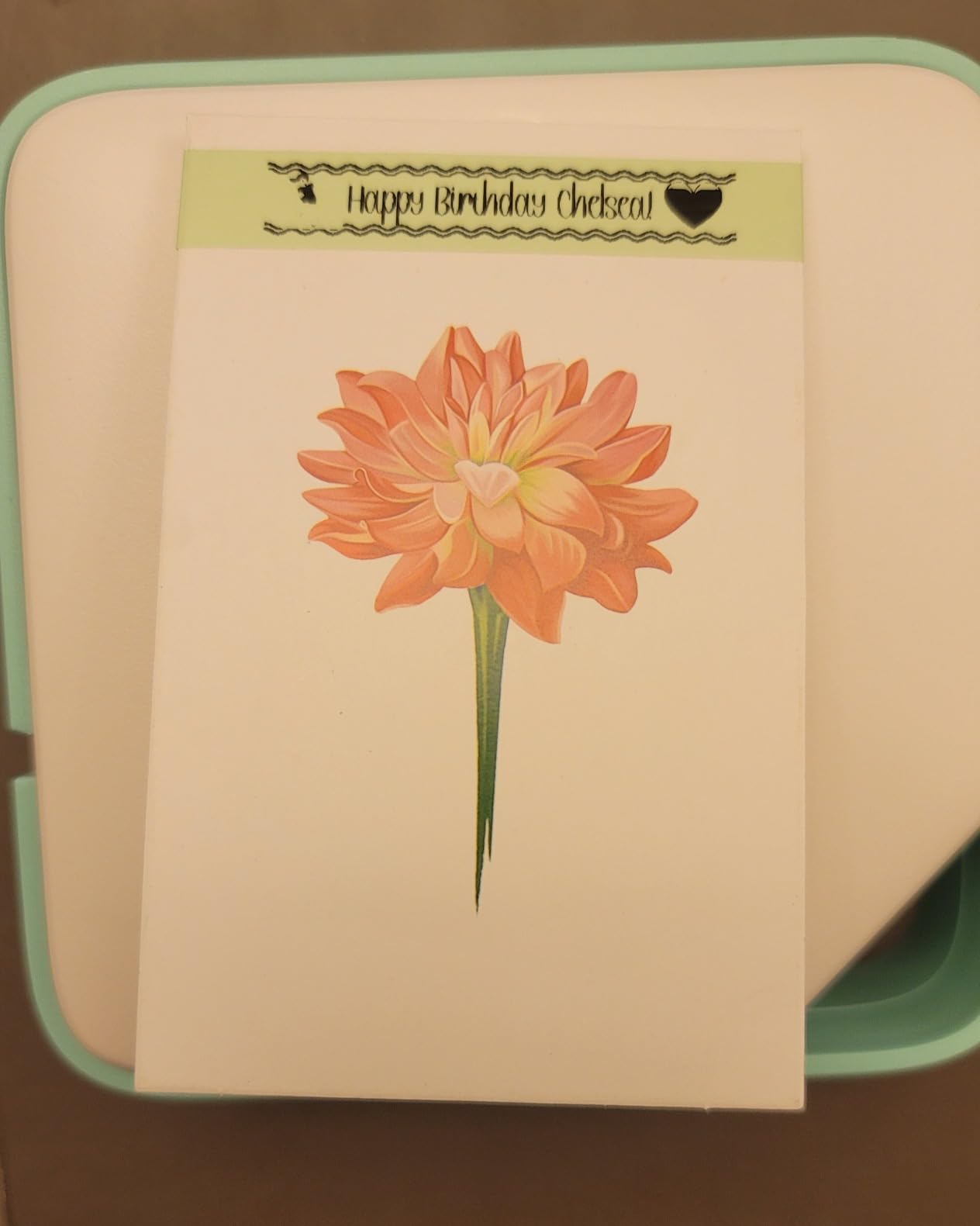
Design happens in P-touch Design&Print, Brother iPrint&Label or P-touch Editor on a phone or laptop, and the label prints over Bluetooth. The template library covers home, office, retail and craft, so a first label does not require layout work.
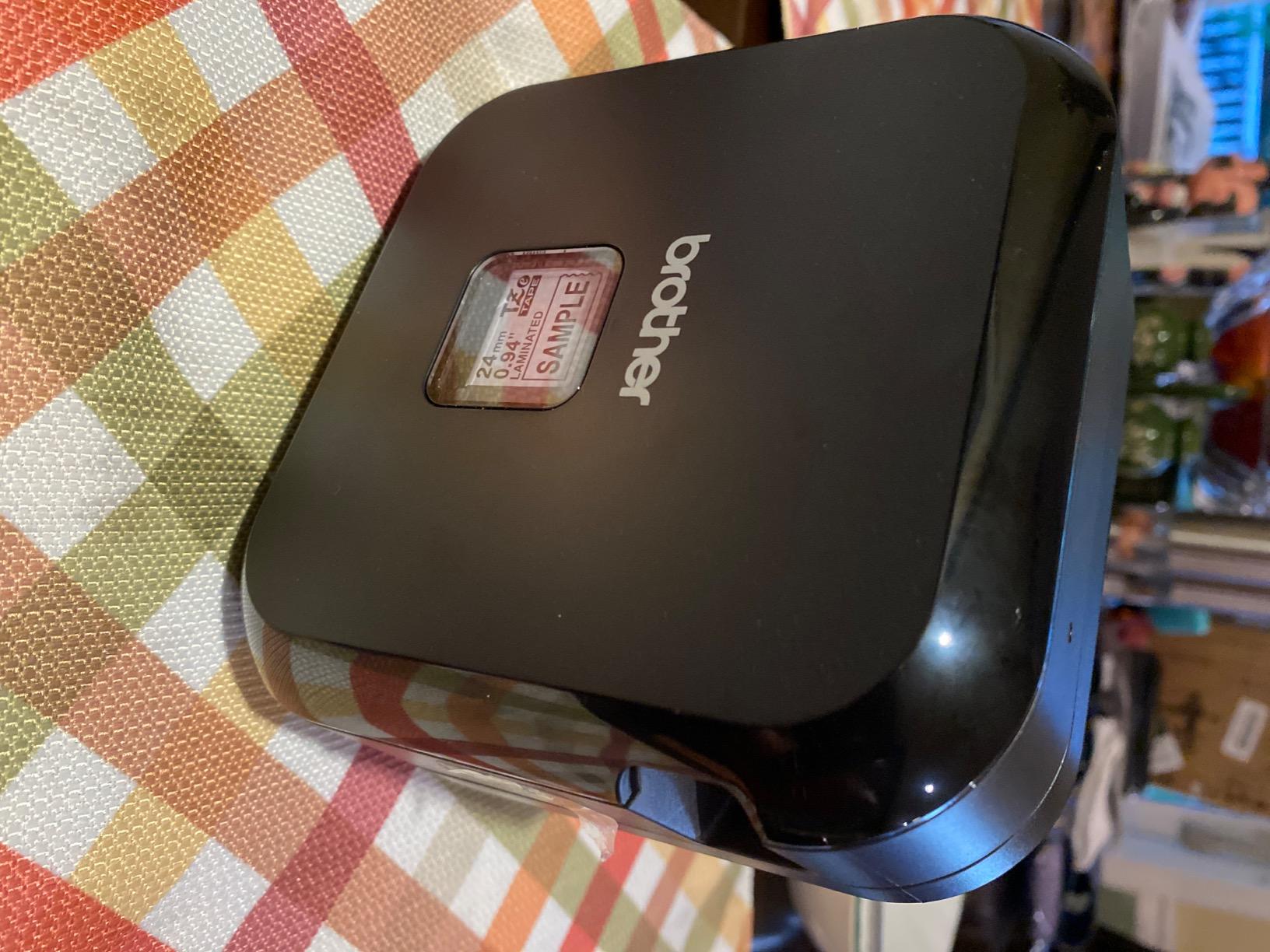
The built-in Li-ion battery removes the disposable cell habit entirely, and at 1.4 lb the cube fits a small toolbag without dominating it. Users running small businesses on r/Tools favour Brother machines specifically for barcode and shipping label work, and the same wide-format capability covers cable IDs.
Because it takes the full TZe range including flexible and laminated styles, one machine can do a rack, a patch panel and a desk.
Where it wins
Phone-first workflows and mixed labeling jobs. If you are moving between a rack, a studio and a storage shelf in one afternoon, the wide format and the rechargeable cell handle all three without a tape format change.
Where it costs you
There is no keyboard on the device, so every label needs a phone or computer nearby. Print speed is slower than dedicated handheld units on a long batch, and third-party TZe tapes occasionally misfeed, so it pays to buy a roll of the genuine article before committing to a large job.
8. Vixic DM170 – Best for Heat Shrink and Flag Labels
Heat Shrink Wire Label Maker, Bluetooth Industrial Label Machine with Tapes
203 dpi at 0.7 lb
Prints heat shrink and flag tape
Serial number batch support
Four media types in the box
Pros
- Only 0.7 lb
- among the lightest industrial units
- Ships with heat shrink tubes
- nylon flag cable tape and vinyl tape
- App templates cover heat shrink
- wire
- cable and Code 39 and 128 barcodes
- Serial number support speeds up batch cable labeling
- Tape auto-detection and auto-feed reduce setup
Cons
- Plastic body cracked for one owner after a table-height fall
- Requires a smartphone app for every label
- Connection instructions are unclear out of the box
- Removing the backing liner from printed labels is fiddly
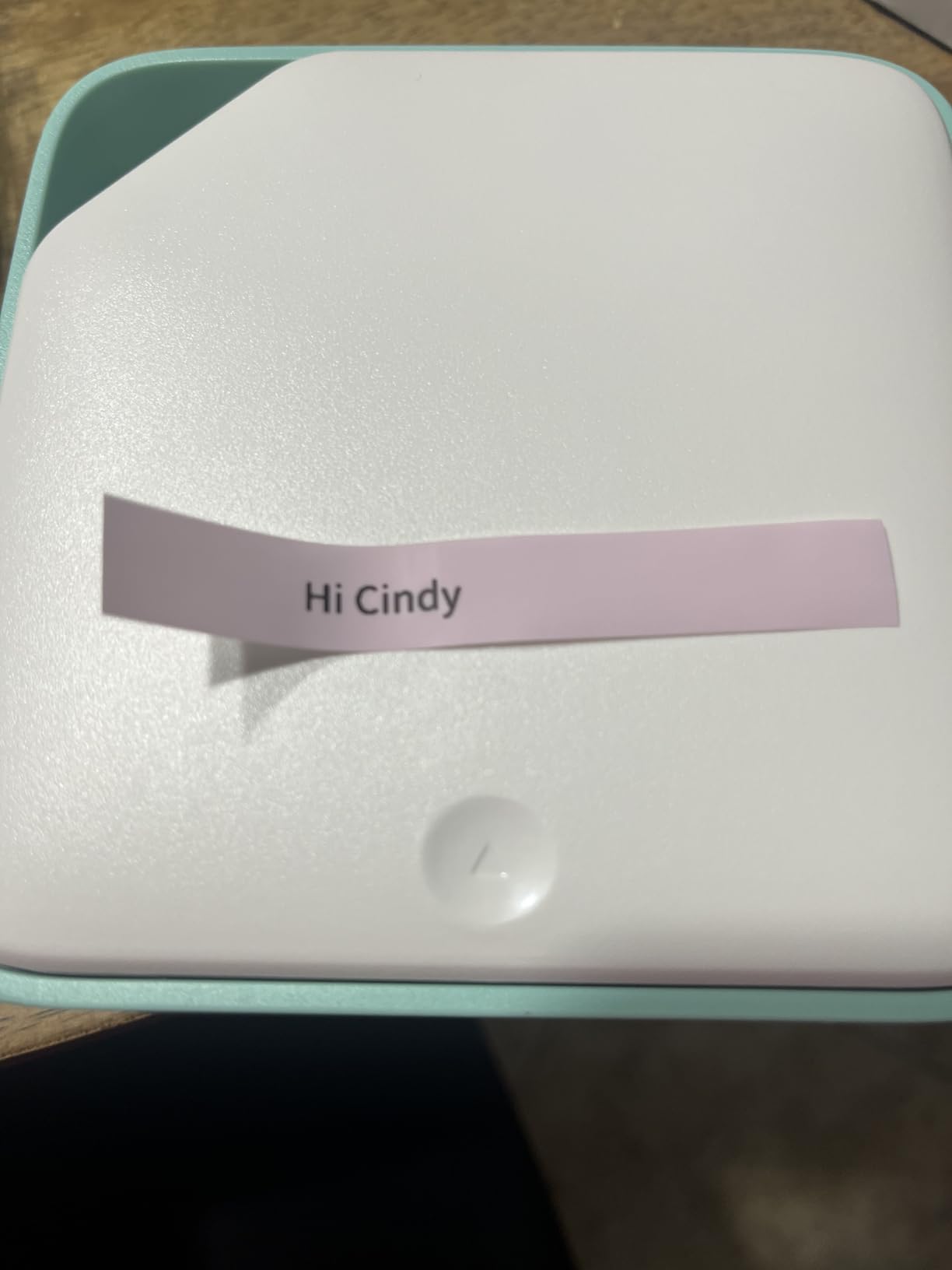
The DM170 is the most complete cable kit in the group out of the box. It ships with two packs of half-inch heat shrink tubes, a roll of flexible nylon flag-style cable tape and a roll of vinyl continuous tape, so you can cover wraps, flags and sleeves without a second order.
At 0.7 lb it is one of the lightest industrial units here, and the 203 dpi head produces sharp text and barcodes on all three media. The included flag tape prints at 0.43 inch by 2.91 inch, a sensible size for a patch panel port ID.
Serial number support is the feature that separates it from consumer machines, because it lets you print a sequenced run of cable labels from a list rather than typing each one. The Print Master app templates cover heat shrink, wire, cable and Code 39 and Code 128 barcodes.
A 1200 mAh battery with USB-C charging is quoted at up to 588 labels of 2.1 inch per charge, and the 0.31 inch print margin is tighter than most industrial units. Tape auto-detection means the machine feeds the correct format without manual fiddling.
Best for mixed media work
Harness builders and AV installers who move between flag labels, heat shrink and plain vinyl in a single session. The bundled media removes the most common reason to own a second machine, and the serial numbering handles a sequenced run quickly.
Best against it
The plastic casing is the weak point, and at least one owner reports it cracking after a short fall, so it wants a case in a toolbag. Every label goes through the app, the connection steps are not obvious from the box, and peeling the liner off printed labels takes patience.
9. Makeid P31S – Best for Outdoor and Long-Lived Runs
Makeid P31S Portable Industrial Label Maker with Tape, 300dpi
300 dpi thermal transfer
Supports 30+ media types
8 lines and bulk data import
2600 mAh battery
Pros
- Thermal transfer output rated for 10-year weather resistant labels
- 300 dpi stays sharp and smudge-proof on industrial media
- Supports vinyl
- self-laminating wrap
- PET
- nylon cloth and heat shrink tubes
- One-inch print head fits up to 8 lines for cable schedules
- Bulk data import via app or PC software for large runs
- 3-year replacement service
Cons
- Included label cassette runs out quickly and most owners buy more
- First label on a new roll prints only halfway
- Bulky and boxy for a portable unit
- Small review base compared with the rest of this list
The P31S is the most durable output in this roundup. It uses thermal transfer rather than direct thermal, and the manufacturer rates the labels for 10 years of weather resistance with oil, water and UV exposure, which is the specification you want for a run through a garage, a loft or an exterior conduit.
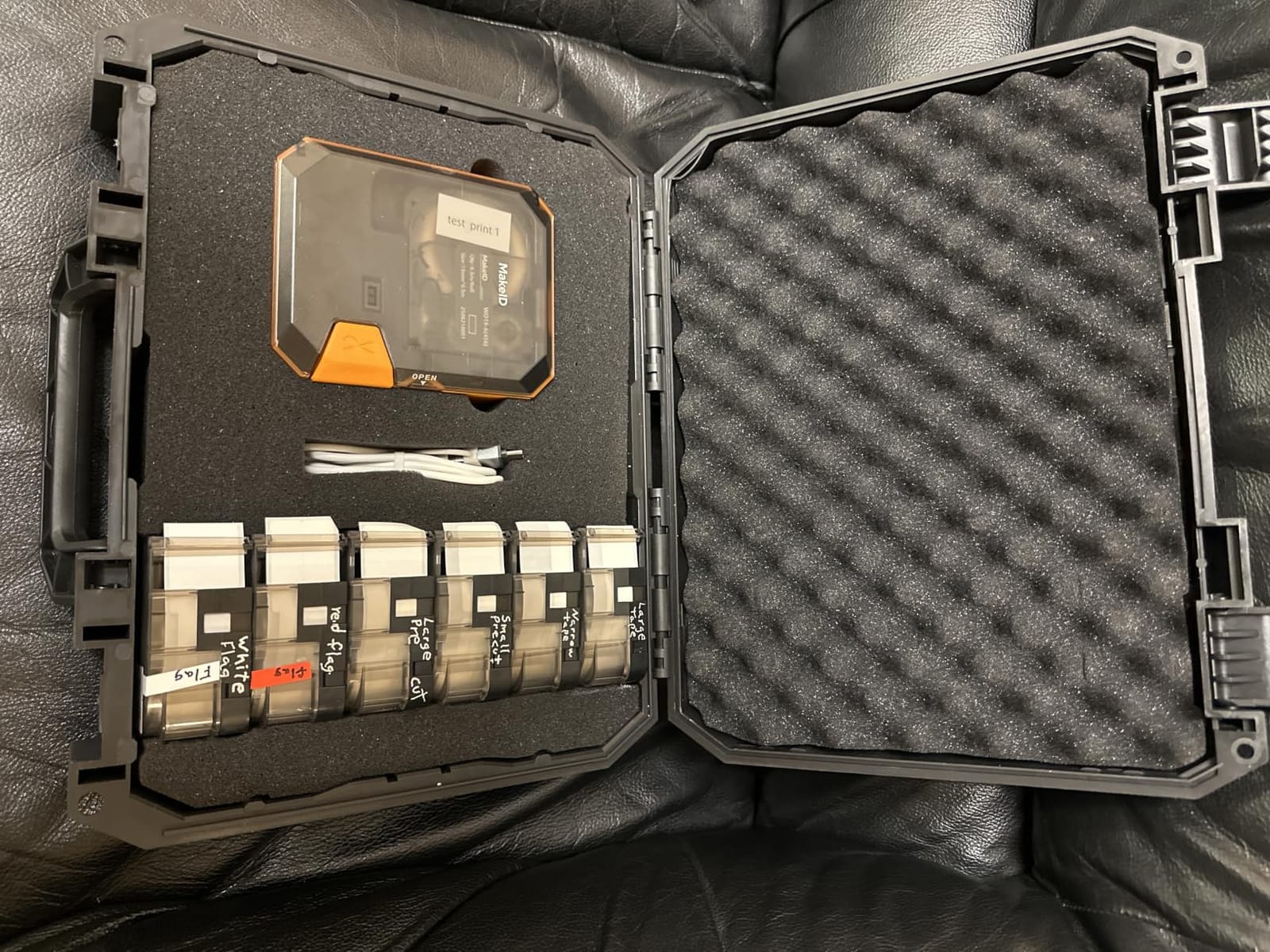
The media support is unusually broad: vinyl, self-laminating wraps, PET, nylon cloth and heat shrink tubes across 30 plus label sizes. A one-inch print head produces up to 8 lines, so a full cable schedule fits on a single wrap without shrinking the font.
It also meets ANSI and TIA/EIA-606-A labelling standards, and the app or PC software accepts bulk data import, which is the batch workflow sysadmins say they have never found at an affordable price. The 2600 mAh battery is quoted at up to 90 days of standby.
Owners with electrical, IT and maker backgrounds single out print quality across heat shrink, nylon and self-laminating media as the reason to keep it. Print speed is quoted at up to 100 labels per minute at 300 dpi.
Where durability decides it
Runs that see sun, damp, oil or heat. Thermal transfer is the decision rule for permanent installs, and this machine is one of the few in the list that pairs it with a wide enough head and enough media types to cover an entire job.
Where it falls short
The included cassette is short and most owners immediately order more, so budget for consumables up front. The first label on a new roll prints only halfway, the body is bulky for a portable unit, and the rating history here is far shorter than the other picks.
10. Phomemo M110 – Best for Port and Panel IDs
Phomemo M110 Label Maker with 3 Tapes, Bluetooth Portable Thermal Printer
203 dpi Bluetooth thermal
20mm to 50mm label width
Print Master app
381 g body
Pros
- Largest rating base in the group at 6700 ratings
- Bluetooth pairs quickly with phones and tablets
- Sharp 203 dpi print on white
- colored and transparent labels
- Over 100 free templates with regularly updated icons
- Supports repeated identical pre-cut runs and barcodes
Cons
- Does not connect to desktop computers despite some listing claims
- Many templates sit behind paid app subscriptions
- Skips the first label after loading a new roll
- Wastes one blank label on each size change
- Bulky and thick compared with slimmer models
The M110 is the volume pick for short identifiers. Its 20mm to 50mm label width range and pre-cut formats suit port numbers, panel legends and equipment tags, and it has the largest rating base of any machine here at 6700 ratings, so the long-term picture is well documented.
It prints on white, colored and transparent stock through the Print Master app, which is useful when a patch panel legend needs to sit on a dark surface. Repeat runs of hundreds of identical pre-cut labels are supported, so a room of ports is straightforward.
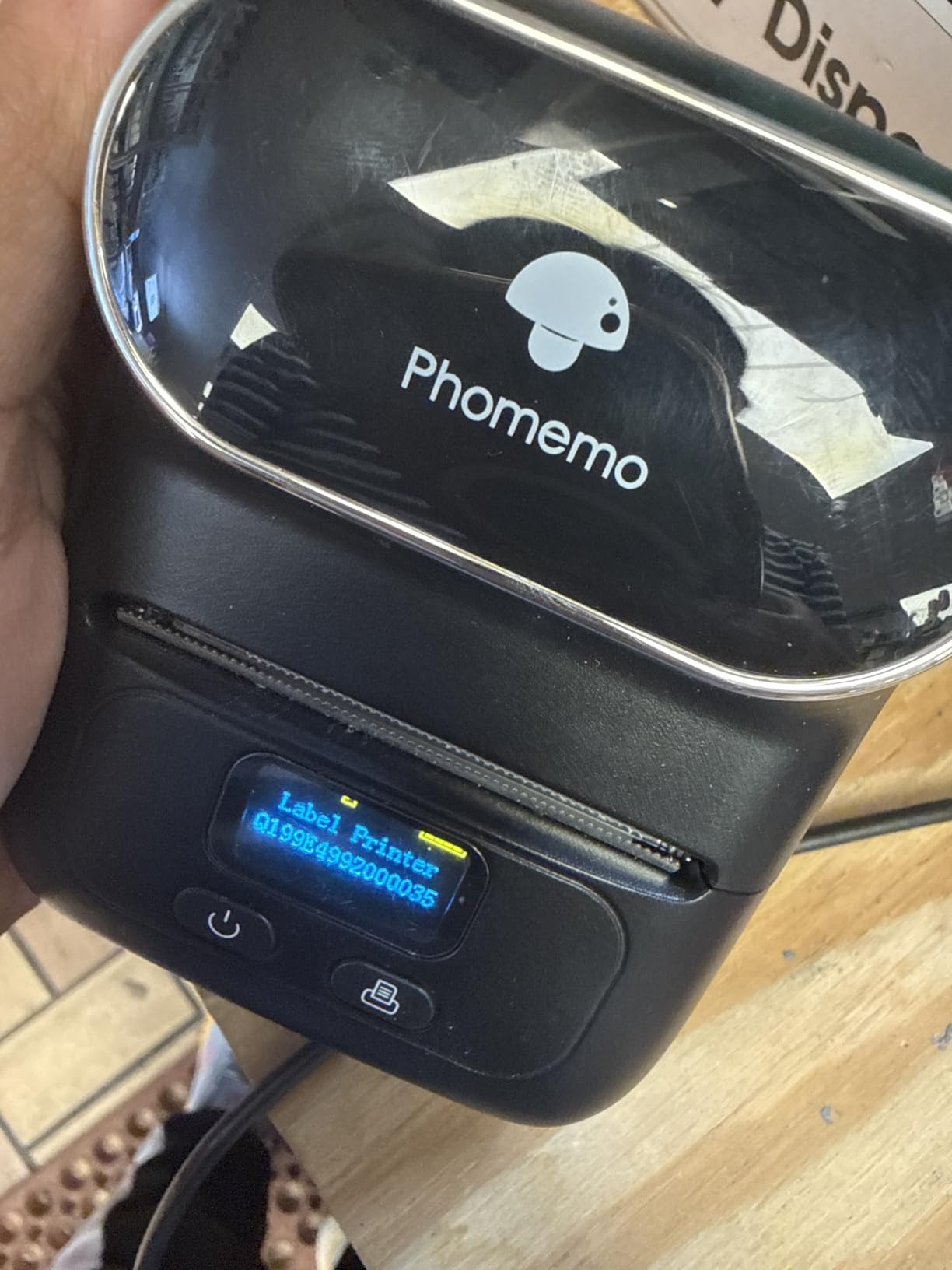
Bluetooth 4.0 pairs quickly with phones and tablets, and the app works across Android, iOS, Windows, Mac and Chrome OS. At 381 g it is portable, and the 203 dpi output stays legible on small text.
The catch is that transparent stock is not the same as self-laminating. This is a label for a panel face or a port block, not a wrap that has to survive a cable jacket for years.
Best for flat identification
Patch panel legends, rack unit numbering, equipment asset tags and port blocks where the label sits on a flat surface. The wide label range and repeat printing handle a whole panel in one sitting.
Where it falls down
It is a phone app machine, and some of the templates are behind paid subscriptions. It does not connect to a desktop despite listing claims, it skips the first label after a new roll is loaded, and it burns a blank label every time you change size.
11. SUPVAN G15M Mini – Best for Compact Tool Bags
SUPVAN G15M Mini Portable Label Maker Machine with Heat Shrink Tube
203 dpi thermal transfer
Heat shrink and cable labels
0.19 inch margin
400 g body
Pros
- One of the smallest bodies here at 3.35 by 6.7 by 1.7 inches and 400 g
- Handles heat shrink tubes
- continuous
- fixed-size and cable labels
- 1200 mAh battery lasts up to three months per charge
- 0.19 inch print margin is among the lowest here
- Thermal transfer output rated for 10 years of UV
- heat and water resistance
Cons
- No Bluetooth
- so design and printing run from the device
- 0.19 inch margin and small screen slow down long labels
- Half-inch media width limits text density for cable schedules
The G15M Mini is the self-contained option: no app, no Bluetooth, no phone required. Everything is driven from the device, which is exactly what you want in a van or a plant room where connectivity is unreliable.
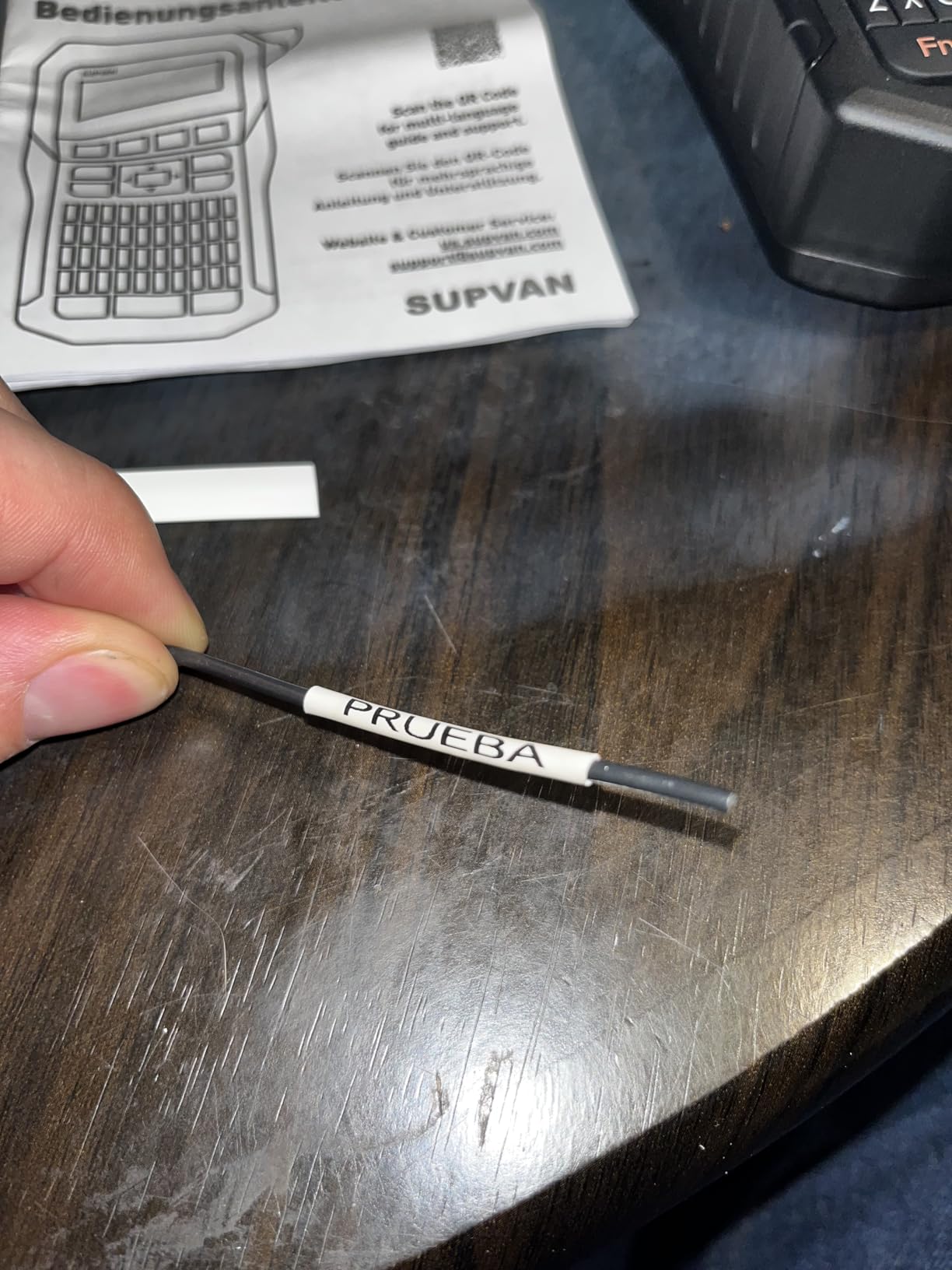
It prints heat shrink tubes, continuous tape, fixed-size labels and cable labels at 203 dpi using thermal transfer, and the output is rated for 10 years of UV, heat and water resistance. That durability rating is unusual at this size and matters for anything outdoors.
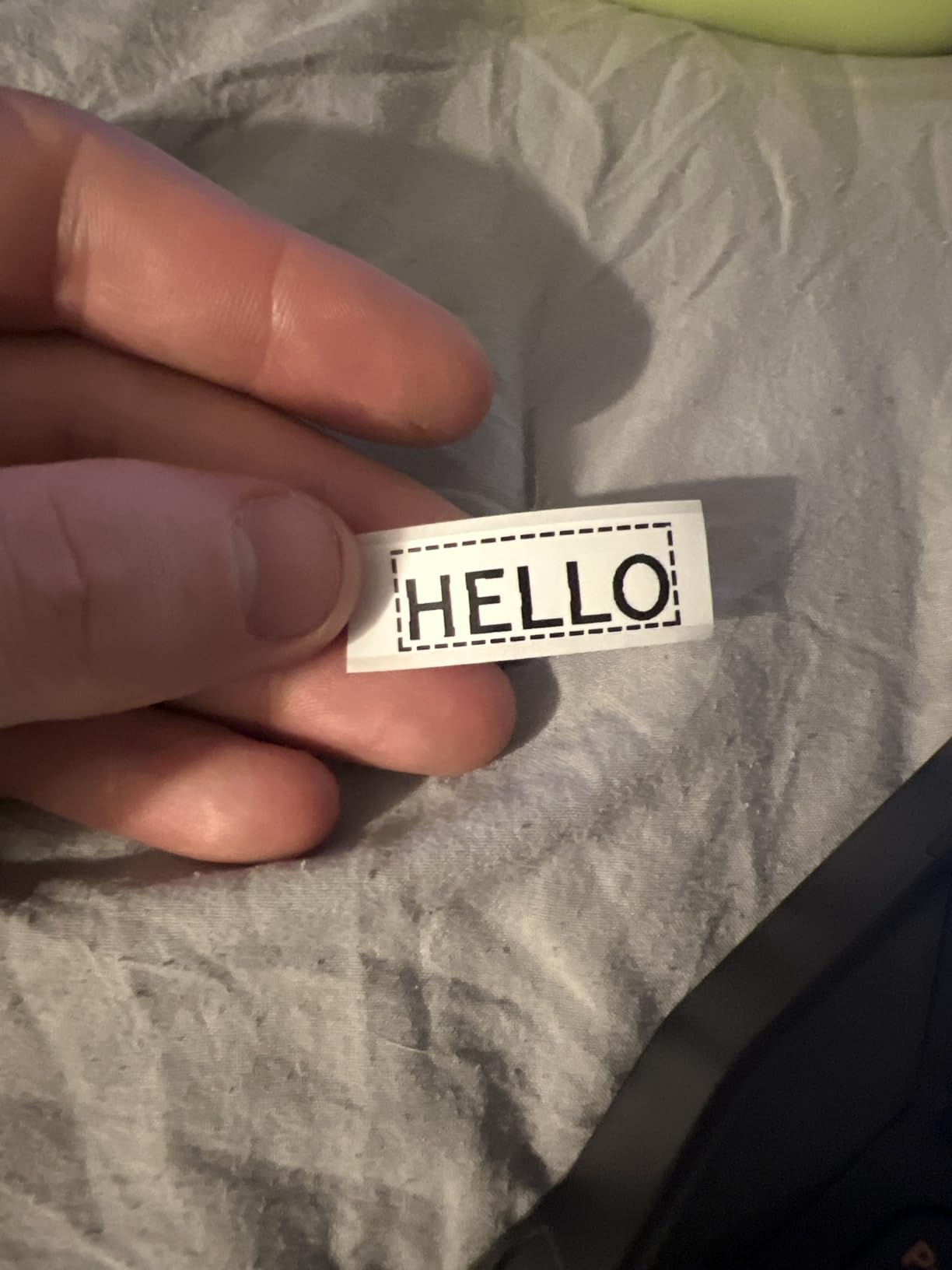
The 0.19 inch print margin is the second tightest in this list, so tape waste is minimal on a batch of wraps, and the 1200 mAh battery is quoted at up to three months per charge. A 4.8mm heat shrink tube is included in the box.
Text handling covers 9 font sizes, 6 styles, 5 frames and more than 400 icons across up to four color lines, which is enough for a readable wrap on a thin cable.
Where the standalone design wins
Van stock, plant rooms and anyone who has been frustrated by a label maker that stops working when an app fails to connect. It picks up, prints and shuts down, and the battery means it does not need a charger in the van.
Where it runs out of room
Half-inch media is the limiting factor, and it caps the text density you can fit on a cable label. The small screen plus the tight margin make composing a long label slower, and the absence of Bluetooth means no bulk import from a wire list.
12. VolenGo H1100 – Best Value for Basic Wire Wraps
Label Maker Machine with 4 Tapes, Wire Label Maker Waterproof-Labels
203 dpi thermal
Three cable labeling modes
Four 12mm laminated tapes
Backlit LCD
Pros
- Three dedicated cable modes simplify wrap
- flag and panel labeling
- Backlit LCD stays readable in panels and dim workspaces
- Includes four 12mm laminated waterproof tapes plus a spare cutting holder
- Laminated stock resists water
- oil
- abrasion and temperature extremes
- Light 291 g body with 16 fonts
- 100 frames and 800 symbols
Cons
- 12mm tape width is narrow for dense cable schedules
- No Bluetooth or app connectivity
- Replacement cutting holder may be needed as the blade wears
- No stated warranty and a small review base
The H1100 does one thing well: it puts cable labeling modes on the front of the interface. Three dedicated modes cover wire wraps, flags and panel labeling, so you are not calculating label geometry on a 3.5mm screen.
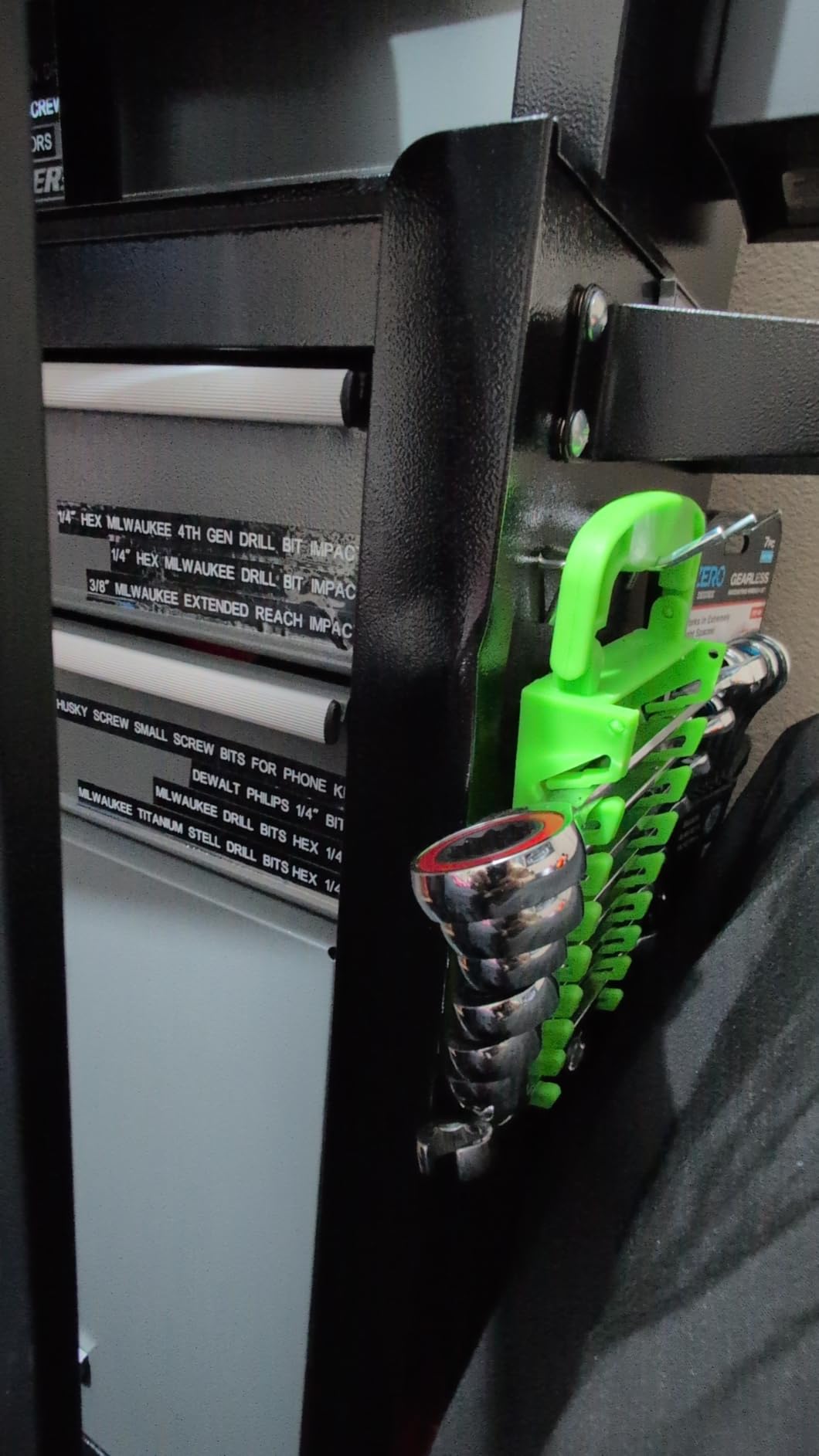
Four 12mm laminated tapes are included, and laminated stock is specified to resist water, oil, abrasion and extreme temperatures without fading, which puts it ahead of plain direct thermal stock on durability for a machine at this level.
The backlit LCD is a genuinely useful detail, because a lot of cable work happens inside a wall cavity, a closet or a dim rack where a reflective screen is unreadable. At 291 g it is one of the lighter units here and prints at 203 dpi with 16 fonts and 800 symbols.
It runs over USB-C, and a replacement cutting holder is included, which matters on a push-button cutter that will see steady use.
Why it is worth considering
For a handful of wires, a home network tidy-up or a studio patch bay, the three cable modes and the included laminated tapes cover the job without an app, an account or a software update. It is also the easiest machine here to learn.
Why it stays at the bottom
12mm is the only media width, and that is too narrow for a two-line cable schedule. There is no Bluetooth or app support, the review base is small at 135 ratings, and no warranty is stated, which is a fair trade for a light-duty job.
How to Choose a Label Maker for Cable Management?
Print technology is the first decision, and the rule is short: choose thermal transfer for permanent installs, and direct thermal only for temporary or indoor runs. Thermal transfer lays ink onto the label and resists heat, sunlight and solvents. Direct thermal is cheaper and faster but fades, and a label that cannot be read in two years is worse than no label because it looks like it is working.
Media width decides whether you can do the job in one pass. Anything under 12mm is a single short word. Between 19mm and 25mm you get two lines, which is the practical minimum for port-to-port identification. Above that, you are into panel and asset work rather than cable wraps.
Third element is how you enter text. A keyboard machine keeps working when a phone does not, which matters more than it sounds in a plant room. An app machine gives you multi-line layouts, barcodes and bulk import, which matters more in a comms room. A lot of forum confusion on this topic comes from people recommending a consumer machine to someone who needed batch import, or an industrial machine to someone who just wanted a desk drawer labeled.
Consumables deserve a line of their own. Brother TZe and DYMO Industrial tape both have widely available compatible alternatives, while some Bluetooth-only brands use locked cartridges that raise the running cost. If you are printing hundreds of labels, work out the cost per metre of the media you will actually use before you commit.
On the DYMO versus Brother question that comes up constantly, the honest answer is that they split by task. DYMO Rhino models lead on hot keys, wrap and flag formats, heat shrink printing and industrial tape width. Brother leads on print resolution, preview screens, app ecosystems and color display, and it accepts the full TZe range including flexible cable ID stock. Electricians working panels tend to end up with DYMO, and IT or asset work tends to land on Brother.
One more tool pairs well with any of these: a cable toner and probe. A label tells you what a cable should be, a toner tells you where it actually goes, and the pair is what turns a five-minute port change into a five-minute port change instead of an hour of tracing. Members of r/homelab and r/HomeNetworking both raise tone tracing as an unmet need alongside labeling.
Related reading: our guide to cable machines for home gyms covers the other half of the equation, since tidy routing is where most people start, and how to read a product label properly is a useful primer on why specifications on the box deserve a second look.
Cable Naming Conventions You Can Copy
A label is only useful if the text on both ends matches and the scheme survives the next person. A simple port-to-device format works at home and maps cleanly onto professional practice.
Start with the device, then the port. SW1-P12 means switch 1, port 12, and the matching end reads NAS-ETH1. For a patch panel, use PP-A-03 to PP-A-04, which identifies panel A position 3 going to position 4. For power, include the circuit: DB1-C4 for distribution board 1, circuit 4.
Professional installations follow conventions set out in TIA-606 and the ISO 8859 character set, which is worth reading before you build a scheme for a comms room that a contractor will inherit. Keep the text uppercase, keep it identical on both ends, and avoid spaces so it survives being typed into a spreadsheet later.
Then apply three habits that separate a labeled rack from a labeled mess: label both ends, label the same way round so it reads identically from either direction, and leave a gap of 25mm to 50mm from the connector so the label sits on straight jacket rather than a bend.
For a large install, put the wire list in a spreadsheet, one run per row with the two end names in separate columns, then import it into the machine software. Several of the picks here accept bulk data import from a PC or app, which turns hundreds of labels into a single job instead of a single evening.
Frequently Asked Questions
What is the best printer for cable labeling?
For most people the Brother PT-D600 is the best cable label printer because it combines a 400 dpi print head with a backlit color preview screen and PC or Mac software for batch cable schedules. For panel and electrical work the DYMO Rhino 4200 is the stronger pick, with hot keys for wire wraps, flags and breaker labels plus direct heat shrink tube printing. The deciding factor is media width: anything under 12mm cannot carry a port name and a destination on one label.
What is the best way to label cables at home?
Measure the jacket diameter, multiply by pi for the circumference, then add 50 percent for overlap. Position the label 25mm to 50mm back from the connector so it sits on straight jacket, wipe the jacket with isopropyl alcohol before applying, and allow 24 to 72 hours for the adhesive to bond before routing. Label both ends with identical text so the run can be read from either direction.
What label maker do electricians use?
Electricians generally use an industrial thermal machine with hot keys for wire wraps, flags, breaker labels and barcodes. In this roundup the DYMO Rhino 4200 fits that brief with a QWERTY keyboard, one-touch wire and cable wrap keys and direct heat shrink tube printing, while the DYMO RhinoPRO 5200 adds TIA/EIA-606-A compliant formats for patch panels and 110 blocks. Both accept quarter inch to three-quarter inch industrial vinyl.
Which label maker is better, DYMO or Brother?
DYMO leads on cable-specific features: hot keys for wire wraps and flags, heat shrink tube printing, and industrial tape widths. Brother leads on print resolution, preview screens, app ecosystems and color display. Electricians working panels tend to choose DYMO, while IT, asset and batch work tends to land on Brother. Both have widely available compatible tape, so consumable cost is not the deciding factor.
What are the common problems with Dymo label printers?
The recurring complaints on the models here are small one-line screens that require scrolling, fixed padding that wastes roughly half an inch of tape on each side, non-QWERTY keypads with an awkward symbol menu, and genuine cartridges that cost more per roll than compatible aftermarket labels. Some users also report print skips and streaks on non-genuine tape. None of these affect print quality, but together they add up on a large job.
What is the best tape for wire management?
Self-laminating wrap-around stock is the best general choice for network and power cables, because the printed area seals under a clear tail and the label grips itself rather than its own edge. Heat shrink polyolefin sleeves at a 3:1 shrink ratio are more durable still, but they must be applied before termination. Plain direct thermal adhesive is the right option only for temporary or indoor runs.
Conclusion
The best label makers for cable management are not the ones with the biggest feature lists, they are the ones that print a readable two-line wrap on media that stays put. The Brother PT-D600 takes our Editor’s Choice for its 400 dpi output, color preview and batch software, the DYMO Rhino 4200 wins electrical and panel work, and the SUPVAN E11 covers high-volume labeling without a large outlay.
Pick thermal transfer over direct thermal for anything permanent, keep the label between 19mm and 25mm tall, and label both ends. Get those three right and even a modest machine will hold up for years.