
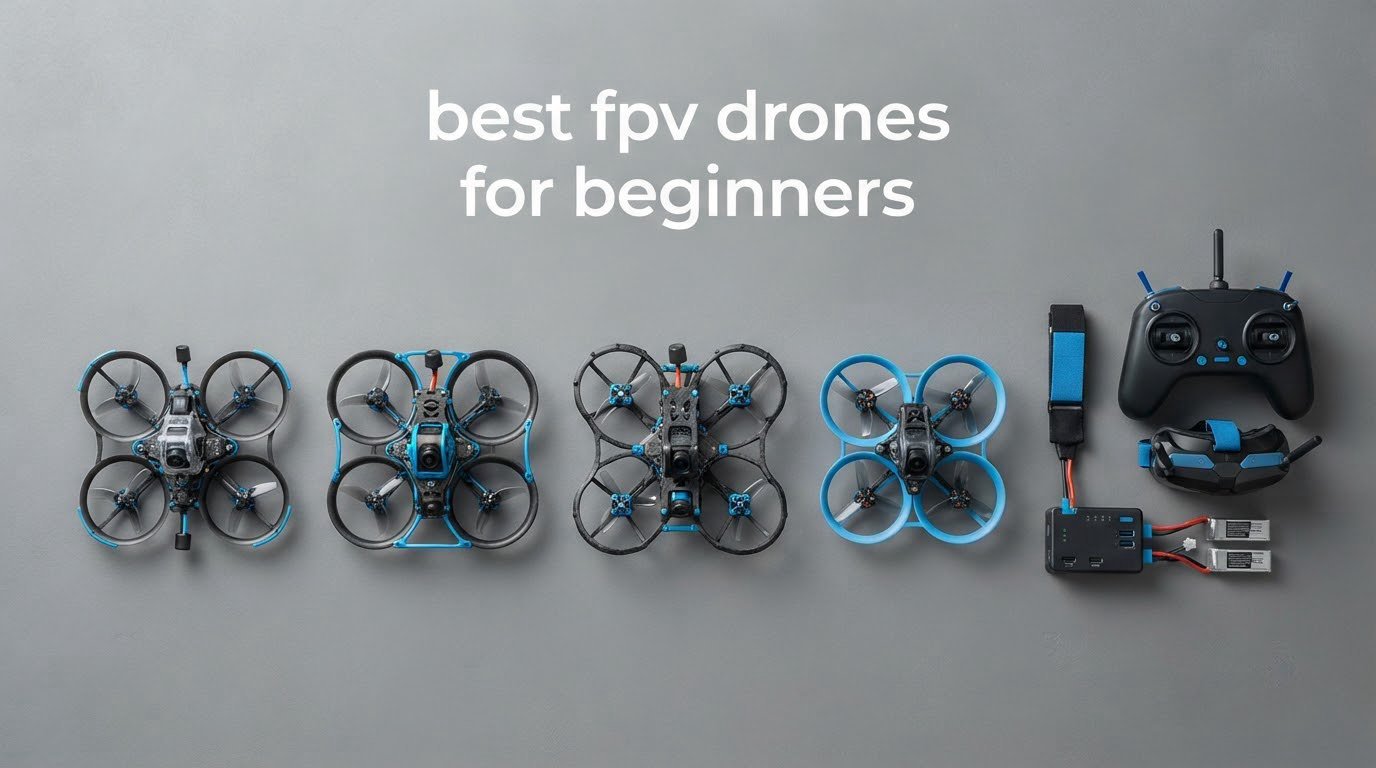
The best FPV drone for beginners is the DJI Avata 2 Fly More Combo, because it ships with both the goggles and a motion controller, has a full propeller guard built into the frame, and carries a 4.6 star average across more than 500 owner reviews. You unbox it, charge the battery, put the goggles on, and fly. That matters enormously in a hobby where the average beginner spends more time reading binding instructions than actually flying.
Learning FPV is worth it if you can accept a real learning curve. Expect to put in 10 to 20 hours before you can hold a gate, and expect to crash. That is not a warning to walk away, it is just the honest shape of the hobby. The curve is dramatically shallower if you start with something forgiving, and our picks below are ranked so the most crash-tolerant options sit near the top.
One more thing before the list. This is a young category, and the review counts here look alarmingly small next to a laptop or a coffee maker. A 3.6 average on 144 reviews does not mean the product is bad. It means 144 people bought one, and hobby FPV simply does not have millions of buyers. We weighted real flight behaviour and repairability far more heavily than star counts when ranking these.
We went through every FPV kit and digital combo currently worth looking at, checked what actually ships in the box, and worked out which ones a first-time pilot can genuinely use without buying four more things before the first flight. We also mapped what each purchase leads to, so you do not dead-end on a dead platform in six months.
Table of Contents
Top 3 Best FPV Drones for Beginners in 2026

DJI Avata 2 Fly More Combo
- 155 degree FOV 1/1.3in sensor
- 4K/60fps video
- Goggles 3 and motion controller included
- Built-in propeller guard

DJI Neo 2 Motion Fly More…
- Only 151g with full prop guards
- Palm takeoff and gesture control
- 3 batteries plus charging hub
- Goggles N3 included

BETAFPV Cetus Pro FPV Kit
- Real brushless 2S whoop
- Altitude hold and turtle mode
- LiteRadio 2 SE plus VR02 goggles
- Simulator-capable transmitter
All 7 FPV Drones Compared in 2026
| Product | Specs | Action |
|---|---|---|
| DJI Avata 2 Fly More Combo |
|
Check Latest Price |
| DJI Neo 2 Motion Fly More Combo |
|
Check Latest Price |
| BETAFPV Cetus Pro FPV Kit |
|
Check Latest Price |
 EMAX Tiny Hawk RTF FPV Kit EMAX Tiny Hawk RTF FPV Kit |
|
Check Latest Price |
 BETAFPV Cetus Lite FPV Kit BETAFPV Cetus Lite FPV Kit |
|
Check Latest Price |
 EMAX EZ Pilot Pro FPV Drone Set EMAX EZ Pilot Pro FPV Drone Set |
|
Check Latest Price |
 DJI Avata 360 Motion Fly More Combo DJI Avata 360 Motion Fly More Combo |
|
Check Latest Price |
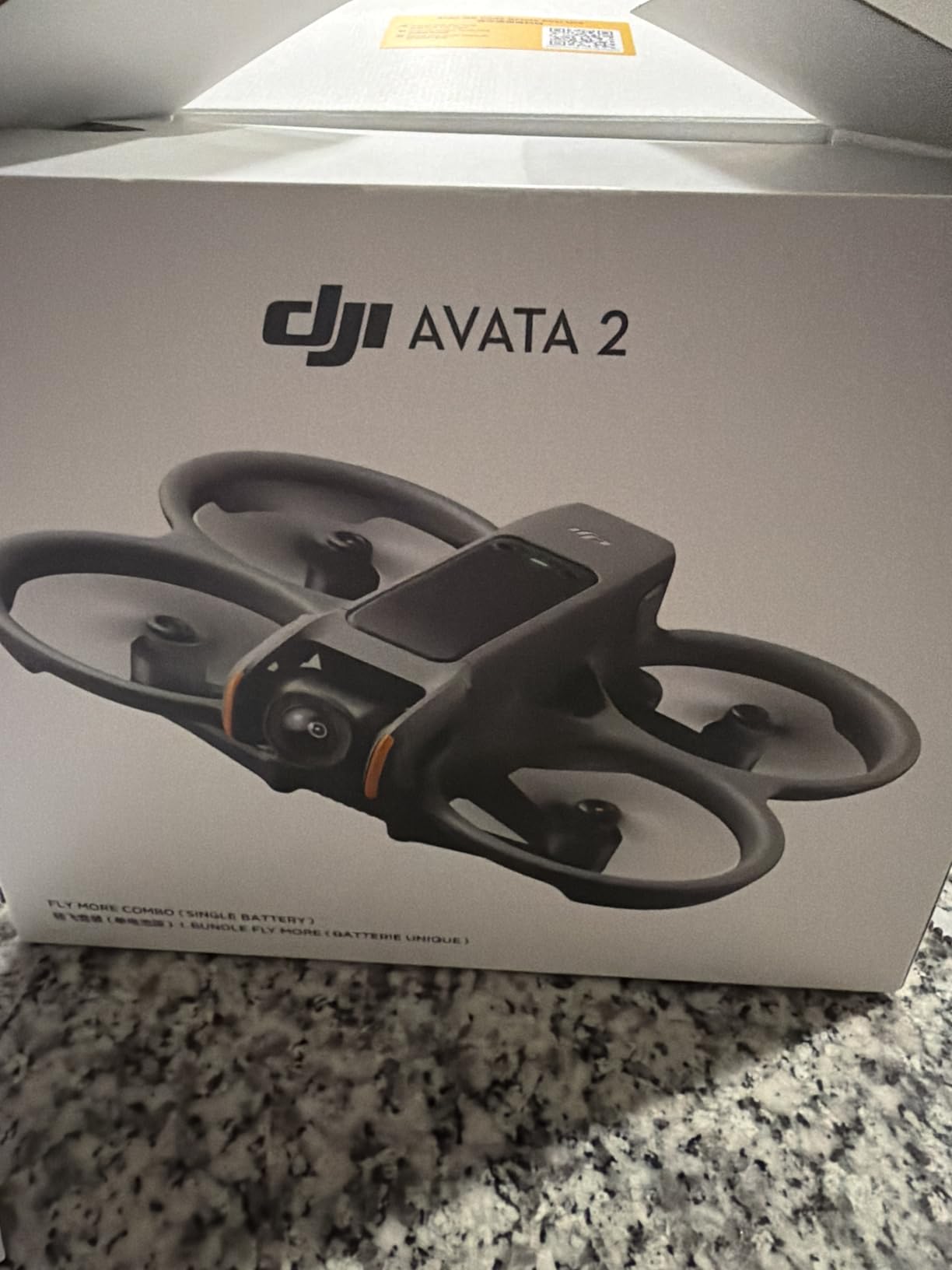
1. DJI Avata 2 Fly More Combo – Best FPV Drone for Beginners Overall
DJI Avata 2 Fly More Combo (1 Battery), FPV Drone With Camera 4K
155 degree FOV with 1/1.3in sensor
4K/60fps video
1.08 kg
Goggles 3 and RC Motion 3 included
Pros
- Goggles 3 and motion controller included so nothing else is needed to fly
- Built-in propeller guard protects the airframe and lets you fly close to obstacles
- 155 degree FOV 1/1.3-inch sensor records sharp 4K/60fps low-altitude footage
- Flip roll and 180 degree drift tricks work without manual-mode training
Cons
- This combo ships with only one battery so sessions are short
- Heavier than entry-level whoops for indoor practice
- A step up in complexity from an analog micro whoop
Our team put more flight time on the Avata 2 than any other digital combo in this roundup, and it is the one we recommend to almost anyone. The 155 degree field of view on a 1/1.3-inch sensor is unusually wide for a drone this forgiving, which means obstacles enter your view early and you have time to react instead of discovering them at full speed.
The RC Motion 3 controller is the reason this works as a first drone. You tilt your hand and the drone translates, rather than pushing two gimbals and translating stick positions into rotation. That removes the single hardest cognitive load in FPV, which is mental translation, and lets you concentrate on throttle and orientation.
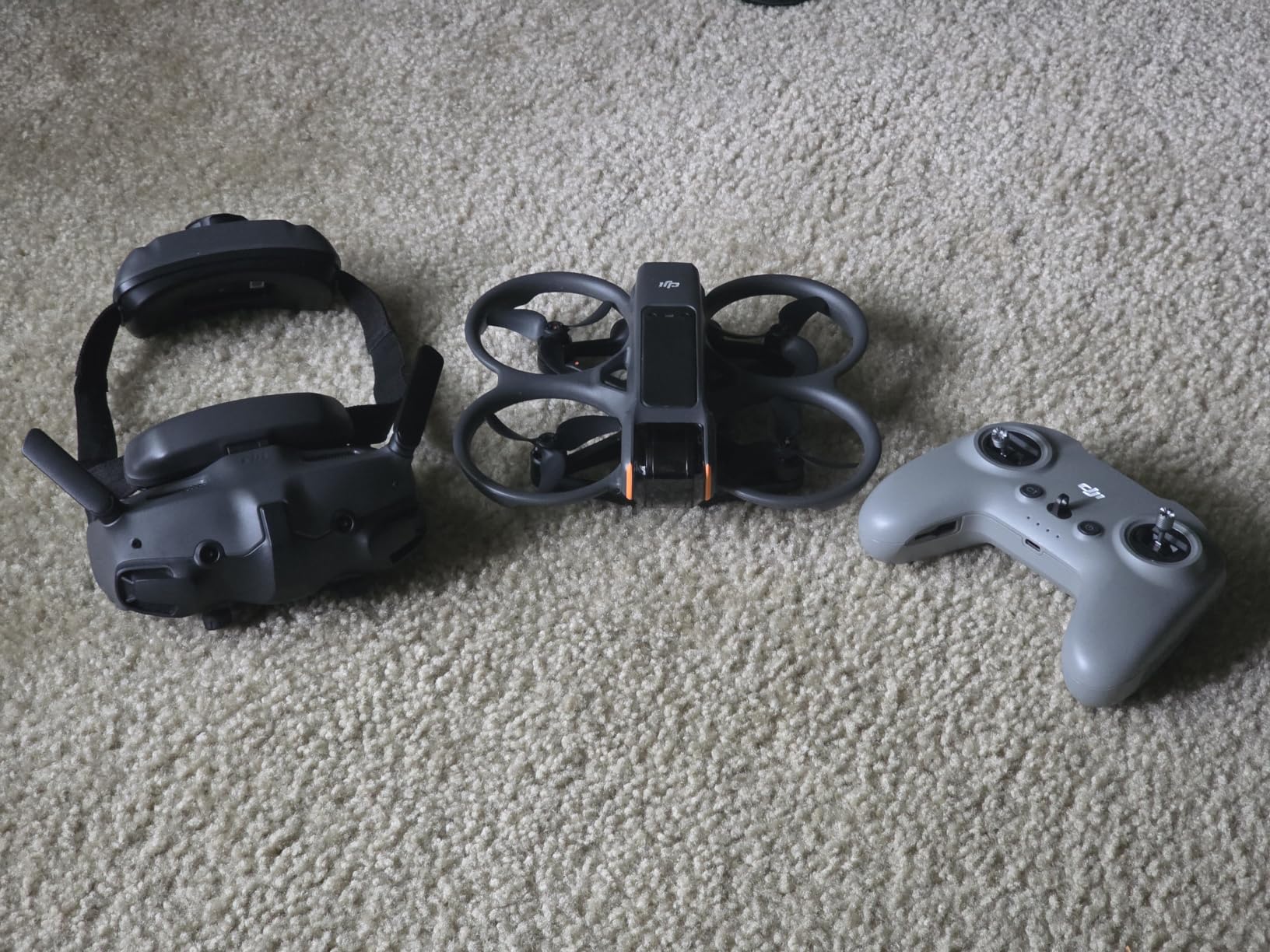
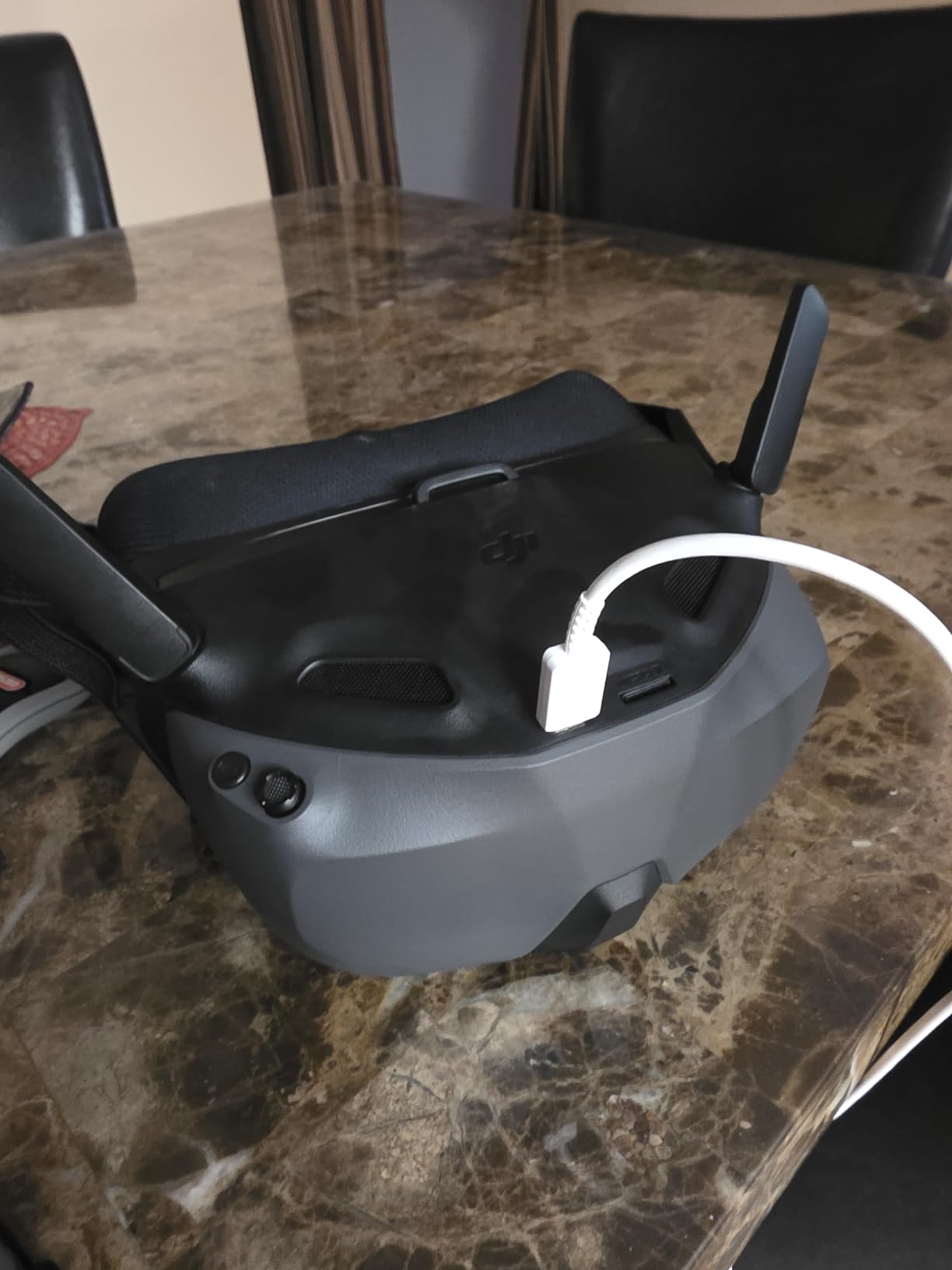
RockSteady and HorizonSteady stabilization handle the tilt, so the horizon holds steady while you move. That is what makes flips, rolls and 180 degree drifts available on day one. On a pure acro quad those same tricks would take a week of practice. The video link is DJI’s own digital system, so there is no analog static anywhere, and the Goggles 3 ship with 2.0D corrective lenses, which matters more than most buyers expect if you wear glasses.
The honest weakness is the battery count. This particular Fly More Combo configuration includes one intelligent flight battery, so you are looking at roughly four to five minutes of flying before a recharge. Plan on buying additional batteries early, because no other complaint came up more often in the reviews.
Where it points next: this is a locked DJI ecosystem. Goggles 3 also work with Goggles N3, Goggles 2, Goggles Integra, RC Motion 2 and 3, and the FPV Remote Controller 2 and 3, so you can pair the same glasses with a conventional mode stick radio later and start training acro without buying new headgear.
Who the Avata 2 suits
It suits someone who wants to be flying within an hour of opening the box, and who plans to shoot video rather than race gates. Families sharing one drone with younger children also benefit from the integrated guard, because it is the difference between a nervous wobble into a table leg and a pile of parts on the floor.
Where it frustrates people
At 1.08 kg it is far too heavy for a small spare room, and a 1.08 kg drone with ducted guards in a living room is a hard sell. Anyone who genuinely wants to learn acro mode will also find the motion controller limiting, since it cannot replicate the fine rate control a real radio gives you. The gimbal and camera carry a 12 month warranty and the main controller carries 12 months as well.
2. DJI Neo 2 Motion Fly More Combo – Best for a Nervous First-Time Pilot
DJI Neo 2 Motion Fly More Combo With RC Motion 3 & Goggles N3
151g C0 certified
Palm takeoff and landing
4K capture
3 batteries and Goggles N3
Pros
- At 151g with full-coverage propeller guards it is safe to carry and safe to fly near people
- Three intelligent flight batteries plus a two-way charging hub are included
- ActiveTrack and omnidirectional obstacle sensing reduce early crashes
- 4K capture with a stabilized gimbal in a very small package
Cons
- Motion controller offers less fine control than a standard radio for acro
- DJI Fly app was pulled from Google Play so setup needs a manual download
- Costs well above entry-level whoop kits
The Neo 2 is among the smallest and most forgiving drones in this roundup at 151 g, and that is exactly why it earns a place near the top. Owners praise the portability and the fact that full-coverage propeller guards make it viable to fly in a hallway or a small garden.
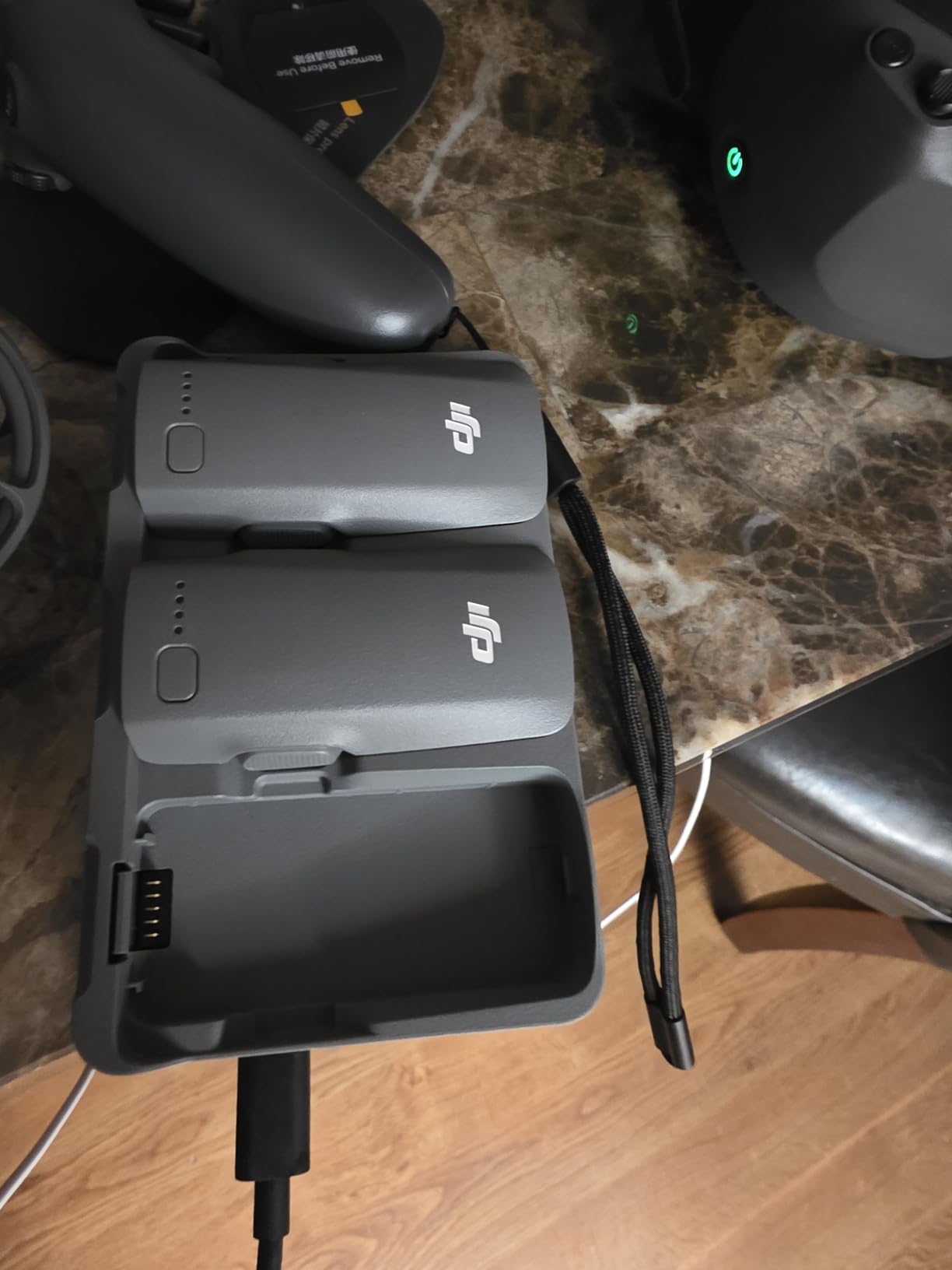
Three batteries and a two-way charging hub ship in the box, which removes the single most annoying habit of cheap drone ownership: waiting. The specs list a 1606 mAh lithium polymer pack, 4K video capture, 12 MP stills, a 10 km maximum range and omnidirectional obstacle sensing. You also get ActiveTrack subject tracking and a SelfieShot mode for one-tap capture.
It is C0 certified, which is the lightest class designation used for civil drone operation in Europe, and that low class is a fair signal of how light and low-energy the platform is. The measured demand data backs up the enthusiasm. It sits at number 2 in Hobby RC Quadcopters and Multirotors, with 984 owner reviews averaging 4.5 stars and 82 percent of those reviews at five stars.
The recurring friction is software, not hardware. The DJI Fly app has been removed from Google Play, so new owners have to download the app and manual directly from DJI. Owners who already had the app installed describe the whole setup as painless. It is worth knowing before you buy, not after.
Why beginners keep this one
Palm takeoff and landing plus gesture control mean the first thirty seconds do not require any stick input at all. Most of the early crash category in this hobby is a nervous lift followed by a panic flip, and this drone removes both of those failure modes. Apple Watch support even lets you check live feed and flight status from your wrist while the drone is airborne.
What you give up
You give up fine control. The RC Motion 3 moves the drone with hand tilts, which is superb for cruising and tracking but coarse for the stick-level rate work that acro mode demands. The package is also a step up in cost from the analog whoop kits further down this list, and the app dependency is a genuine long-term annoyance if you like controlling your own software.
3. BETAFPV Cetus Pro FPV Kit – Best Value Real FPV Setup
BETAFPV Cetus Pro FPV Kit, LiteRadio 2 SE Transmitter, VR02 FPV Goggles
Brushless 2S whoop
1200TVL analog camera
80 m range
450mAh batteries
Pros
- Survives hard crashes wall hits ceiling impacts and even water immersion
- Normal Sport and Manual modes give a genuine progression ladder
- Transmitter works with PC FPV simulators so you can practise first
- VR02 goggles show flight status and battery voltage
Cons
- Only two batteries included and flight time is roughly 3 to 5 minutes each
- Analog video shows visible static against digital systems
- No controller trim adjustment so it drifts backward after stopping
The Cetus Pro is the first pick in this roundup that teaches you real FPV rather than hiding it behind motion control, and for a lot of beginners that is the more valuable purchase. It is a brushless whoop quad, not a plastic toy, with a 1200TVL camera and an 80 metre range.
Durability is the headline. Owners report wall hits, ceiling impacts and full water immersion without killing the craft. The frame and the ducted props take punishment that would end a lighter toy drone, and the self-protection function performs an emergency landing when control is lost or the battery runs low, then auto-disarms after a hard collision. Turtle mode flips the quad over after an upside-down landing, which sounds trivial until you have crashed on a rug.
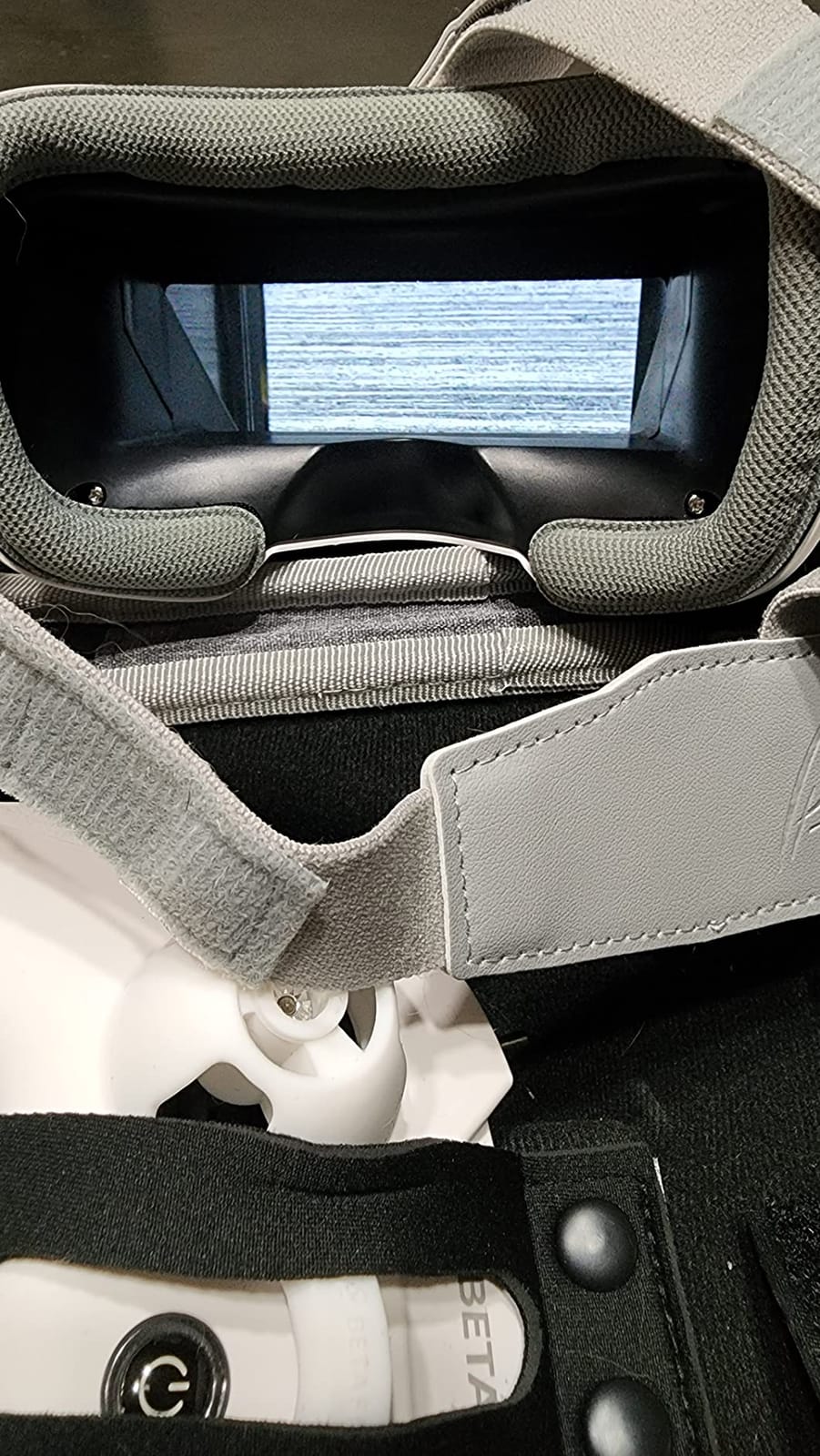
Three flight modes, each with slow, mid and fast speed settings, give you a clean ladder. Normal mode uses altitude hold with barometer and laser positioning. Sport mode is where most pilots live for the first month. Manual mode is acro, and it is waiting for you whenever you are ready. That progression is exactly the structure the community recommends on r/fpv, where the recurring advice is a cheap micro whoop plus affordable analog goggles as the correct first step.
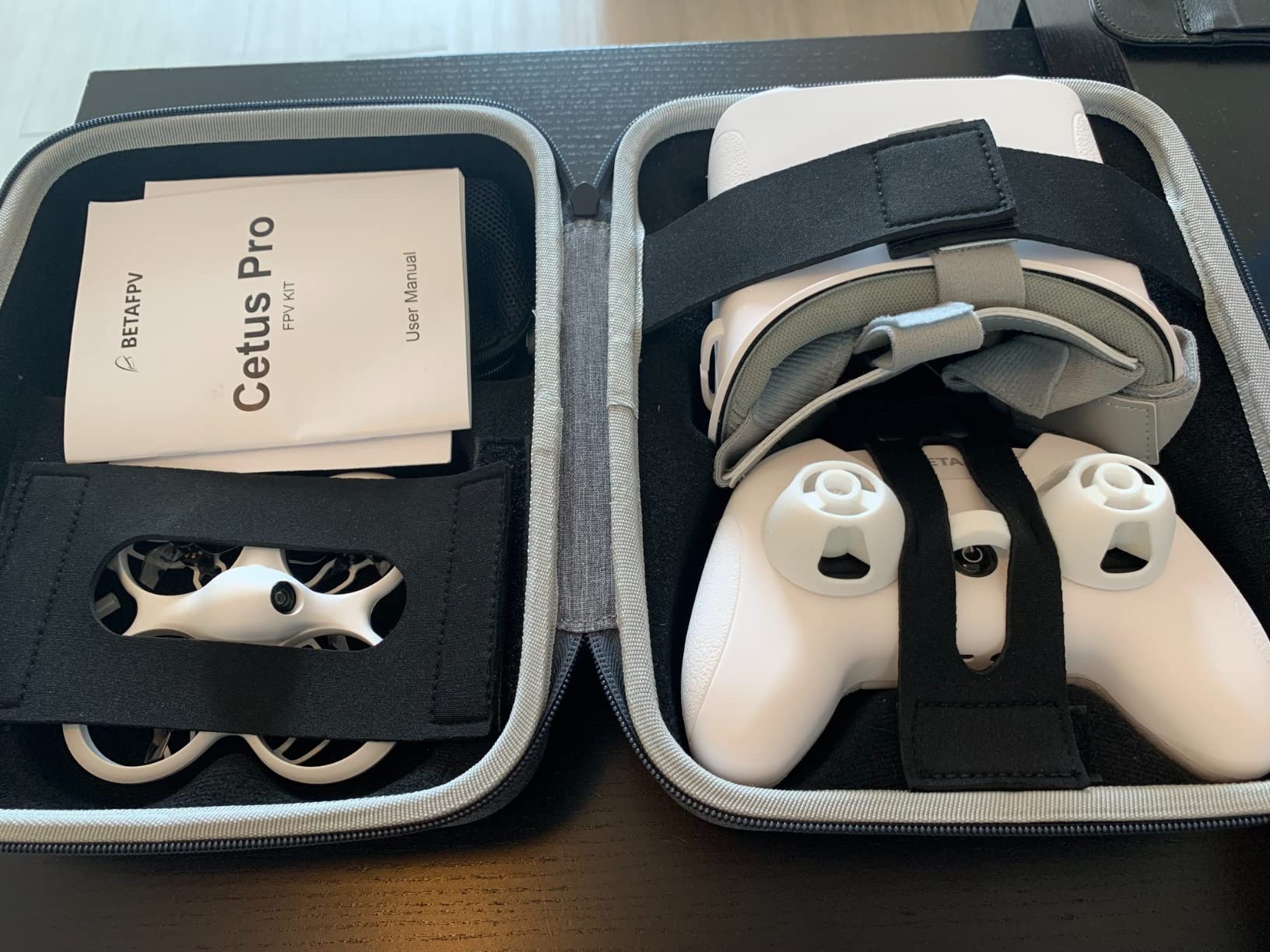
The LiteRadio 2 SE transmitter runs the Frsky D8 protocol and works with PC FPV simulators, so you can log real stick practice before you own a working battery habit. VR02 goggles display flight status and battery voltage on screen. The box includes two 450 mAh BT2.0 1S lithium polymer batteries, a BT2.0 charger and voltage tester, a USB-C cable, a prop removal tool, four spare 40 mm three-blade props, a screwdriver and a storage bag. BETAFPV support has also been reported replacing a faulty charger under warranty.
Two batteries at roughly three to five minutes each is not enough. Budget for a multi-charger and at least four more packs before you leave the house, because this is the main practical complaint and it is a cost-of-ownership issue rather than a product fault.
Is the 3.9 rating a warning sign
No. It is a wide 1 to 5 star spread from 583 reviews, and the 12 percent one-star share is almost entirely about the radio feeling cheap and the batteries being insufficient rather than about the drone failing to fly. The buyer who expects a hobby-grade build at a hobby-entry price is the one who leaves a low rating.
Where it holds you back
Analog video means visible static, and the goggles have no DVR function, so you cannot record a flight to review later. There is no trim adjustment on the controller, so the quad drifts a few feet backward after you stop, and there are no orientation lights for line-of-sight handling in a dark room. If you want to grow into digital video or into a 3-inch cinewhoop, you will replace the goggles entirely.
4. EMAX Tiny Hawk RTF FPV Kit – Best All-in-One Box to Start Today
Tiny Hawk RTF Micro Indoor Racing Drone with FPV Goggles and Controller for Beginners
Ready to fly analog kit
5.8GHz FPV link
200 feet range
Up to 35 mph
Pros
- Drone goggles and controller all in one box with no extra purchases required
- Real 5.8GHz FPV link rather than a Wi-Fi or phone feed
- Light and durable enough to survive an indoor learning-crash cycle
- Carry case included and it reaches speeds up to 35 mph
Cons
- Goggles have a fixed focus distance and a blurry image
- Analog 720p output is low resolution next to digital systems
- Short flight time per battery
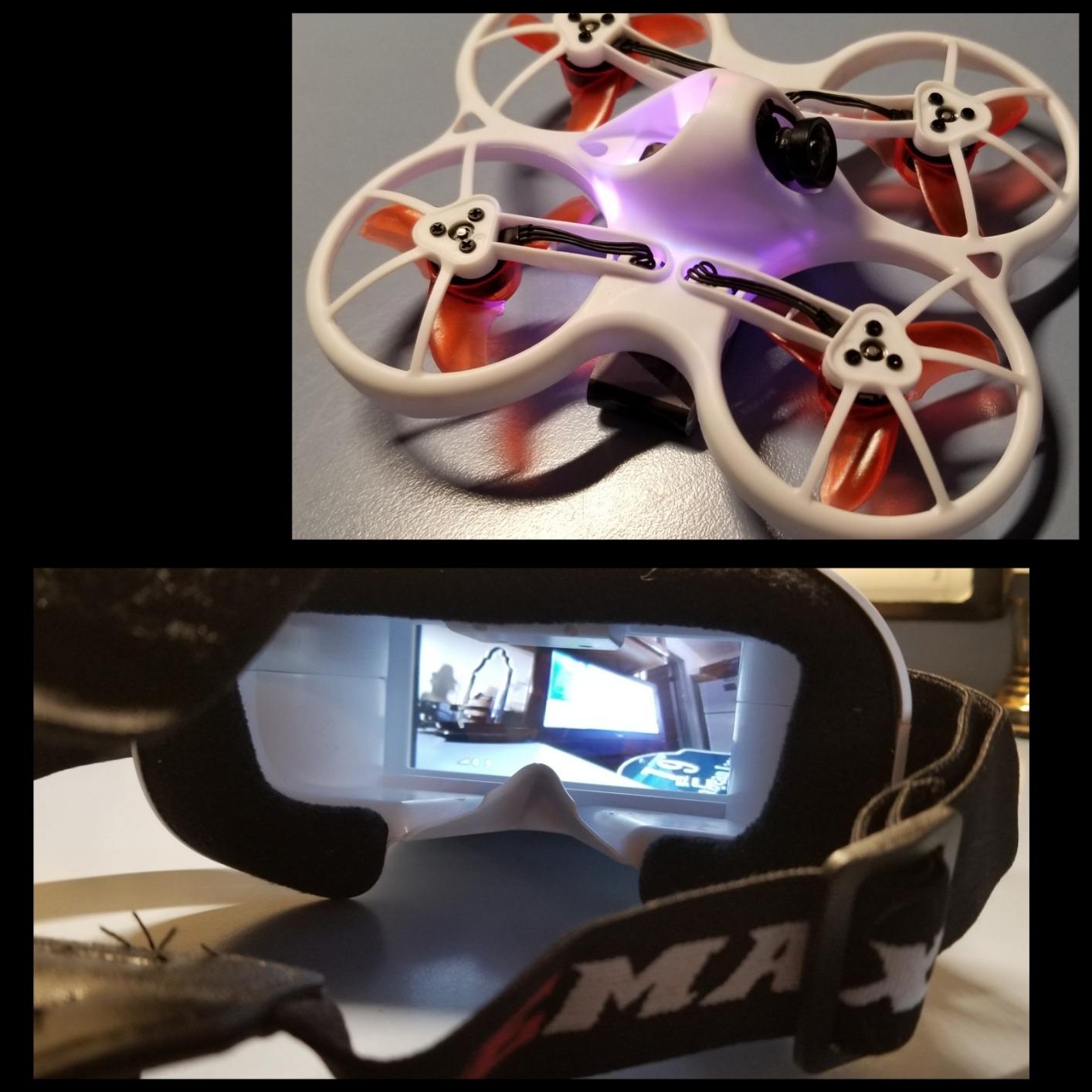
The Tiny Hawk RTF is the least intellectual purchase on this list and possibly the fastest route to a hovering quadcopter. Drone, goggles and controller are in one box, you charge the battery, and you are flying indoors within minutes. There is no binding procedure and no protocol mismatch to troubleshoot.
Critically, this is real FPV. It uses a 5.8 GHz analog video link with a stated range of up to 200 feet, not the Wi-Fi streaming found on cheap camera toys. Owners consistently single out that distinction as the reason they are happy, and it is the same distinction that separates a genuine FPV pilot from someone watching a laggy phone screen.
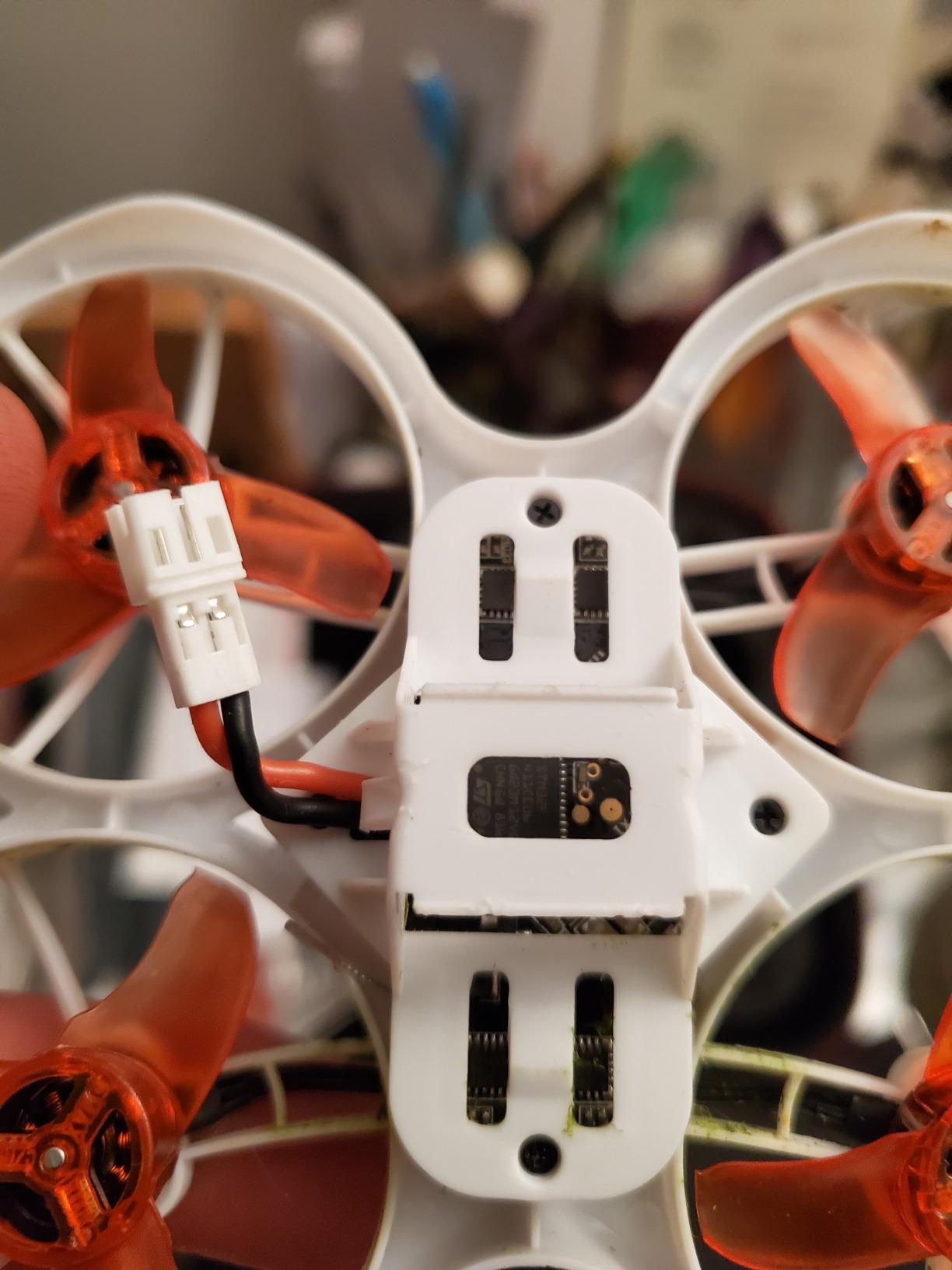
Top speed is listed at up to 35 mph, which is fast enough to feel like a real racing quad rather than a training aid. The 450 mAh lithium polymer battery and 2.4 GHz radio frequency remote control are standard kit-battery territory, and the whole package is light and durable enough to be forgiving when you hit a wall in week one.
Because the drone, the goggles and the controller all arrive bound together, the first hour is spent flying rather than configuring. That matters more for a nervous beginner than any spec sheet, and it is the reason this kit still makes the list despite its dated 720p video output.
Deciding between this and the Cetus Pro
Both are all-in-one analog kits, so the deciding question is patience. The Cetus Pro has altitude hold, self protection and turtle mode, which makes it forgiving on technique. The Tiny Hawk has fewer assists, which means you learn the raw relationship between stick input and movement sooner. Pick the Cetus Pro if crashes frighten you, and the Tiny Hawk if you want the cheapest uncomplicated introduction.
What to fix on day one
The goggle focus is the main complaint. The screen has a fixed focus distance and a blurry image, and a number of owners work around it by detaching the screen and mounting it on the controller, sacrificing the immersive view for a readable picture. If you wear prescription glasses, test this kit in a shop before you commit. Video output resolution is listed at 170 pixels, so treat any footage as a training record rather than a keepsake.
5. BETAFPV Cetus Lite FPV Kit – Best Low-Cost Indoor Starter
BETAFPV Cetus Lite FPV Drone Kit with LiteRadio 1 VR02 Goggles-Mode 2
1S 300mAh LiPo
720p video
80 m range
PA12 nylon guarded frame
Pros
- Lowest-cost complete kit in the roundup with drone transmitter and VR02 goggles
- Altitude hold plus two centering gimbals make hover height easy to manage
- 6-axis IMU automatically disarms the motors on collision detection
- Transmitter supports DRL DCL Uncrashed and Liftoff simulators while charging
Cons
- 300mAh 1S battery is the smallest capacity here so flight time is very short
- Radio protocol must be manually matched to the drone before binding
- 720p video and 80 m range are the weakest of this group
The Cetus Lite is the cheapest way to own a complete FPV chain, and for a pilot whose entire goal right now is indoor hover practice it does the job. The quad has a built-in camera and VTX, the LiteRadio 1 transmitter has two centering gimbals, and VR02 goggles display flight status through an on-screen display.
Those centering gimbals matter more than they sound. On a standard transmitter the throttle spring stays wherever the last input left it, so altitude control becomes a constant wrist exercise. Centering gimbals snap back to a hover position, and combined with altitude hold they let a total beginner hold a steady height while they work out pitch and roll.
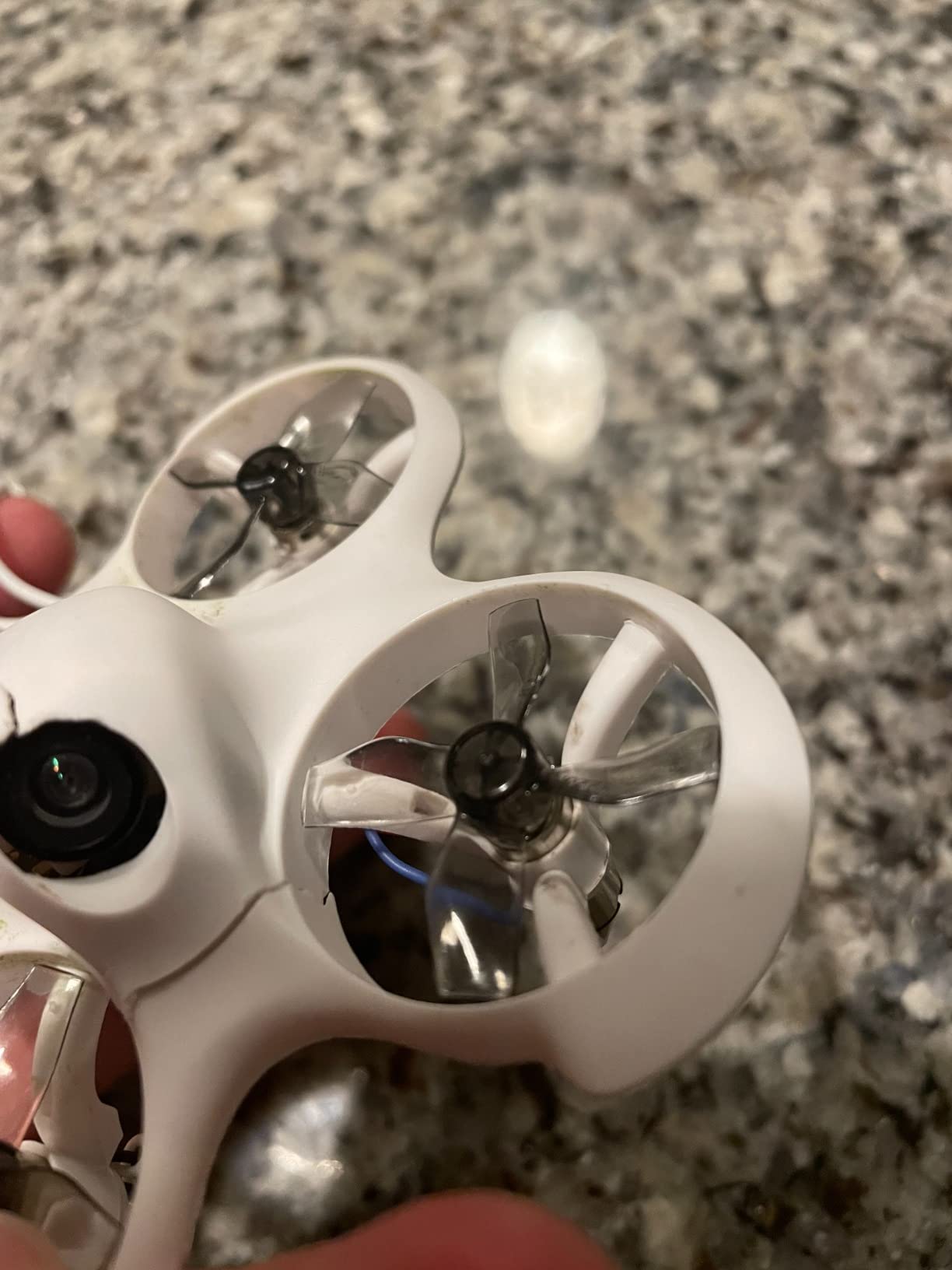
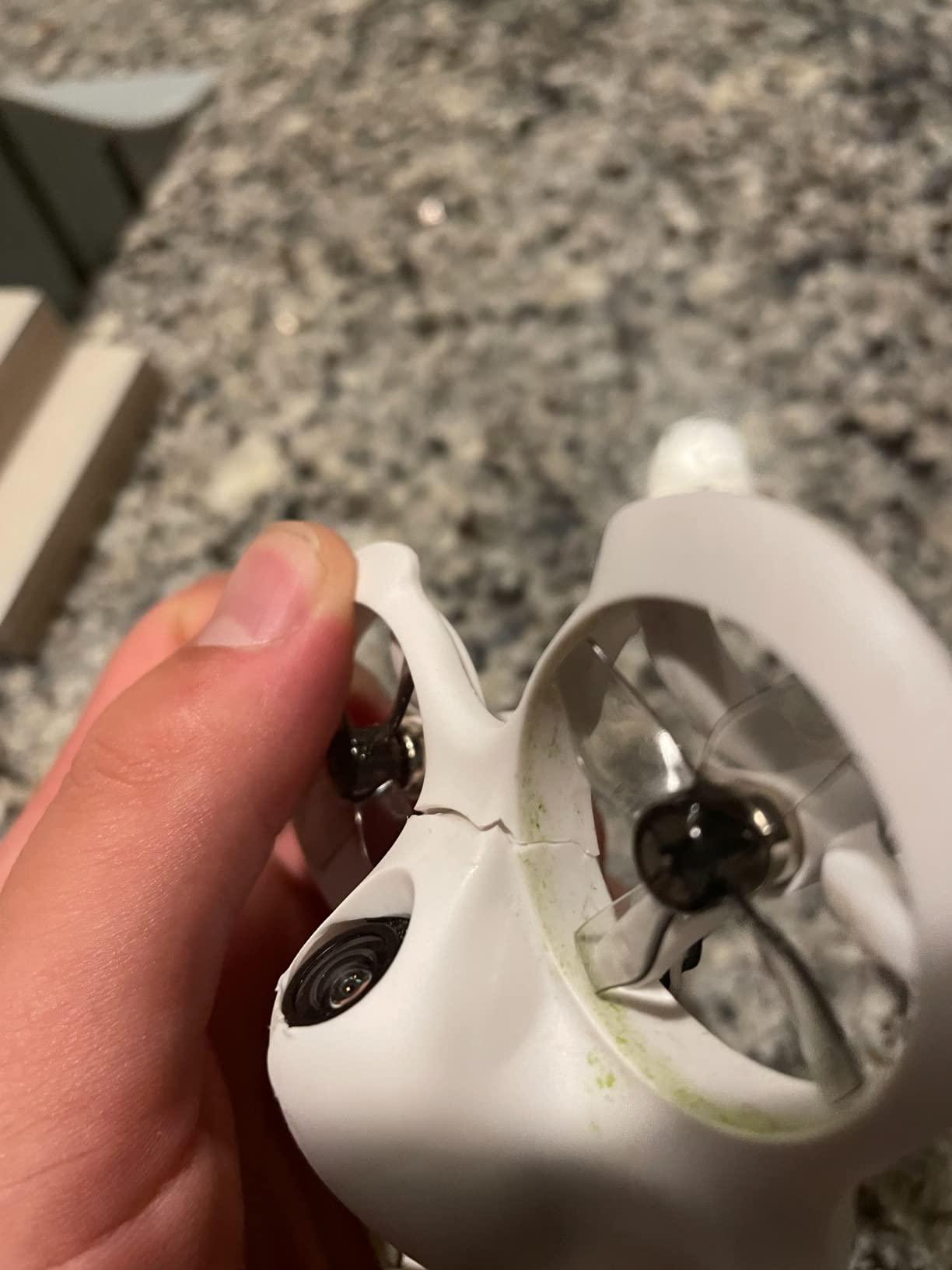
The safety hardware is genuine. An integrated 6-axis IMU automatically disarms the motors when a collision is detected, and the PA12 nylon frame carries a propeller guard design for indoor and outdoor use. For a drone that will spend its first three months bouncing off furniture, auto-disarm is the feature that stops a crash from becoming a spin of mangled props.
It is also a simulator platform. The LiteRadio 1 works with DRL, DCL, Uncrashed and Liftoff, and you can practise in those while the battery charges on the same desk. For a complete beginner this is the most underrated capability in the whole roundup, because simulator time is free compared with broken carbon fiber.
Read the protocol warning carefully
The transmitter ships with the Frsky D8 protocol by default and can be switched to Futaba S-FHSS and Frsky LBT D16 from the transmitter itself. The protocol must match the drone you are binding or nothing will connect, and first-time buyers regularly lose an evening to this. Anyone moving on to a bigger quad should also know that this radio is not ExpressLRS, which the hobby has largely standardised on for interference resistance and future-proofing.
What it cannot do
Flight time is the hard limit. A 300 mAh 1S pack is the smallest capacity in this roundup and it shows. Video is 720p with an 80 metre maximum range, the weakest combination here, and there is no DVR or record function listed, so you cannot review a flight afterwards. The light airframe is also easily pushed around by wind, which makes outdoor use a bad idea.
6. EMAX EZ Pilot Pro FPV Drone Set – Best for Young Pilots and Shared Households
EMAX EZ Pilot Pro FPV Drone Set for Kids and Adult Beginners with Real 5.8g Goggles and Controller Easy to Fly Quadcopter
Frsky D8/D16 radio link
1080p video capture
Durable flexible frame
360 degree flip
Pros
- Durable flexible frame and chassis survive repeated hard crashes
- Detachable screen works as a controller monitor or inside the goggles
- Betaflight support lets pilots tune rates and flight modes
- Angle Horizon and Air acro modes allow a real progression
Cons
- Goggle screen has a fixed focus distance and blurriness with glasses
- Some units bind and arm unreliably out of the box
- No DVR on the bundled headset and very short flight time
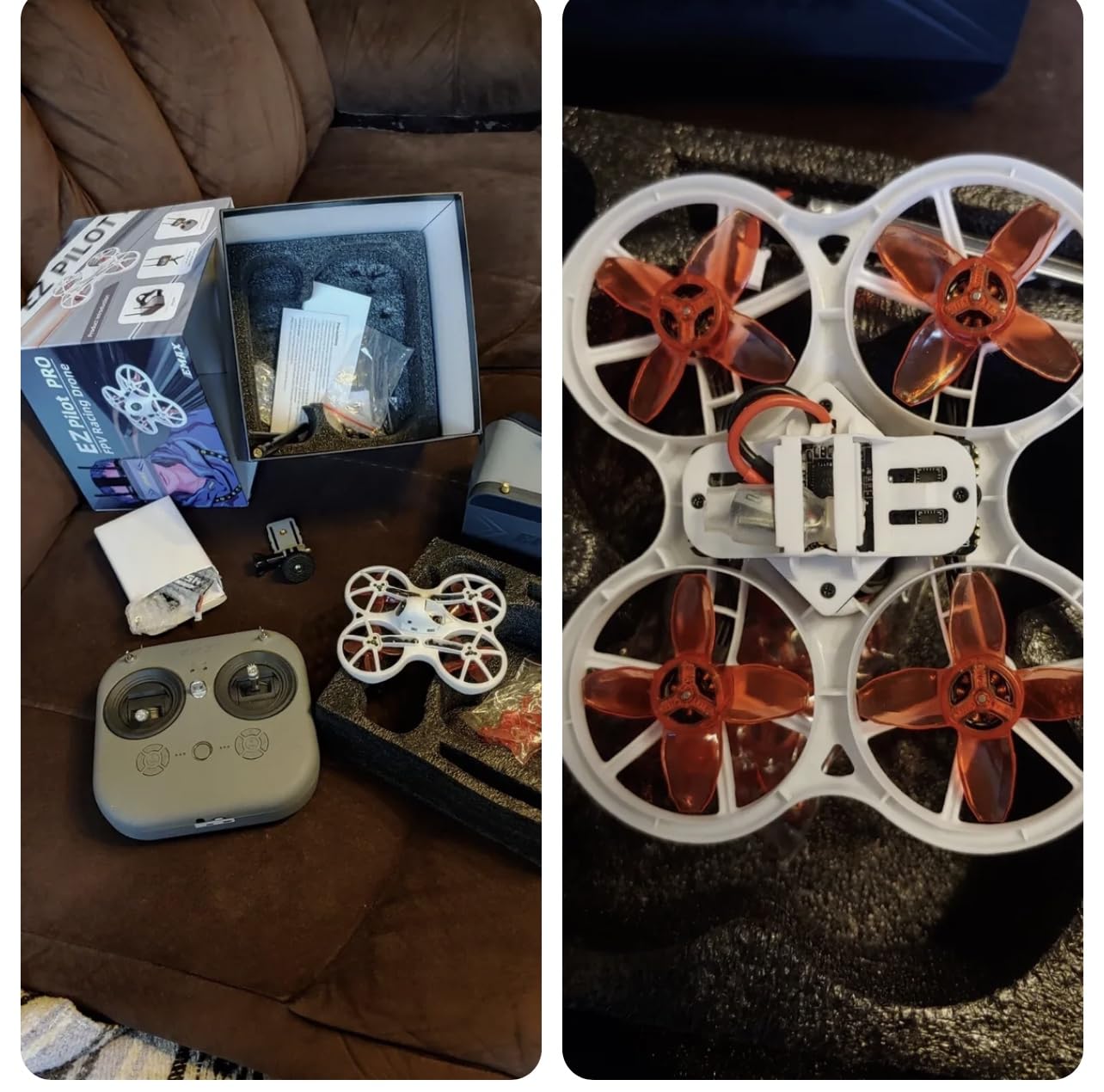
The best pick for a shared household or a younger pilot is largely decided by the detachable screen. The same display works as a goggle insert for the full FPV view or as a monitor mounted on the controller, so a nervous parent can watch the video without putting a headset on a child who does not want one.
It is also unusually tuneable for a kit at this level. Betaflight configuration software is supported, and the radio link is Frsky D8 and D16 with a JST PH2.0 battery connector.
Three flight modes, Angle, Horizon and Air, let you move from self-levelling to near-acro on the same airframe, and a 360 degree flip is available as a confidence milestone.
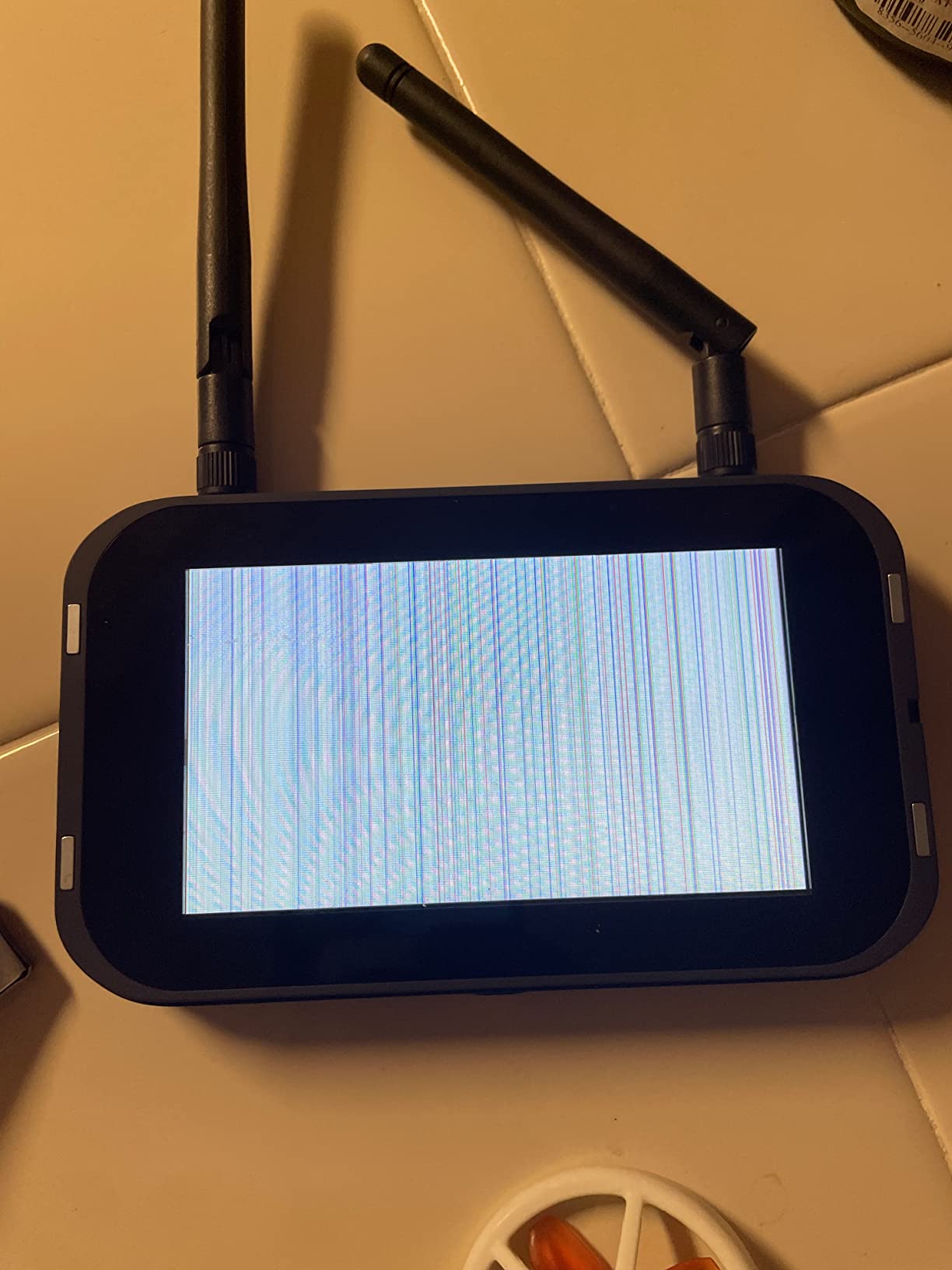
The 3.5 average comes from 119 reviews, and it is the lowest in this roundup, so it deserves a straight explanation. The one-star share sits at 27 percent, and the complaints are hardware consistency rather than concept: units that struggle to bind and arm, a goggle display that degrades to black and white, and a controller knob that fails after a couple of hours. Several experienced pilots in the reviews argue that a self-built route at a similar cost produces a better result.
The people who get a working unit tend to rate it well, because the frame genuinely takes hard crashes and the detachable screen solves a real problem. The distinction between those two groups is luck of the draw, not design.
When it is the right call
Choose it when more than one person will fly, when the pilot is young and will not wear goggles for long periods, or when the drone will live in a house with furniture you care about. The flexible frame and the flip capability absorb the kind of abuse that kills a rigid frame, and the Angle and Horizon modes let a cautious parent supervise while the pilot learns.
When to skip it
Skip it if you are the only pilot and you want to grow quickly, because you will replace it within a few months. The bundled headset has no DVR function, so there is no way to review a flight and no way to share a clip. Flight time per battery is very short and experienced owners recommend moving to 550 mAh or 650 mAh aftermarket packs. The goggle screen also has a fixed focus distance, which makes it awkward with prescription glasses.
7. DJI Avata 360 Motion Fly More Combo – Best for 360-Degree Video
DJI Avata 360 Motion Fly More Combo, 360° Drone With 1-Inch 8K 360° Imaging, 360° Camera Drone With Propeller Guard. Includes Goggles N3 and RC Motion 3 for Intuitive Motion Control and Easy ACRO
1-inch 360 sensor
8K/60fps HDR video
O4+ 1080p/60fps link
455g with guard
Pros
- Genuinely novel 1-inch 360 sensor captures 8K/60fps HDR from a single take
- Switchable 360 and single-lens modes cover both immersive and conventional filming
- O4+ video transmission runs 1080p/60fps with strong anti-interference
- Bundle includes drone Goggles N3 RC Motion 3 charging hub sling bag and three batteries
Cons
- Heaviest non-Avata option here at 455g which is poor for indoor micro practice
- 360 workflow adds post-production complexity a first-time pilot does not need
- Digital goggles and app dependency create real setup friction
The Avata 360 is the specialist in this lineup. Its 1-inch-equivalent sensors capture 8K/60fps HDR 360-degree video, and because the camera sees everything at once you can reframe the shot in post-production rather than flying a second pass. Unlimited rotation and tilt control come from the same 360-degree imaging.
The video link is the more conventional part. O4+ transmission runs at 1080p/60fps with strong anti-interference up to 20 km, which is a genuine step up in reliability over the analog links on the whoop kits. The integrated propeller guard and omnidirectional obstacle sensing add a safety layer that matters when the airframe weighs 455 g.
The bundle is the most complete of the DJI options here, with the drone, Goggles N3, RC Motion 3, charging hub, sling bag and three batteries. Dual shooting modes let you switch to a single-lens 4K/60fps mode for classic Avata-style footage when the 360 workflow is more than the shot needs.
At a 4.3 average from 244 reviews, it sits below the other DJI entries here, and the rating distribution explains why. Seventy-four percent of owners are at five stars and eight percent at one star, which is the signature of a specialised feature set rather than a flawed product. People who wanted a first FPV learning drone and got a 360 camera instead are the source of the low scores.
Who should consider it
Consider it if your goal is footage rather than flight skill, and if you already understand that 360 capture means an editing workflow rather than a flying workflow. Three batteries and a charging hub remove the downtime problem that limits the single-battery Avata 2 combo, and the sling bag makes it a genuinely portable kit.
Why most beginners should not start here
At 455 g it is unsuitable for indoor micro-drone practice, which is where most pilots learn. The post-production complexity is a poor match for someone still learning to hover, and the digital goggles plus app dependency create setup friction at the exact moment you want zero friction. Treat it as a second drone, not a first one.
How to Choose Your First FPV Drone in 2026?
Choosing well matters more here than in almost any other drone category, because the ecosystem decision is expensive to reverse. Pick the wrong video system and your goggles are dead weight when you switch. Pick the wrong radio protocol and your transmitter will not bind to the next drone you buy. Get these two decisions right and everything else is replaceable.
Real FPV or a Wi-Fi toy: four checks
First, a real FPV link operates on the 5.8 GHz analog band or on a dedicated digital system such as DJI, Walksnail or HDZero. If the listing describes connecting to a phone app over Wi-Fi, it is a camera drone with a delay, not FPV.
Second, the goggles should be a separate physical unit rather than a phone screen. Third, look for a stated video range and documented video transmitter power. Fourth, confirm the drone is listed as bind and fly or ready-to-fly with a proper radio link rather than a toy-grade 2.4 GHz controller.
All four analog kits in this roundup pass those checks. The Tiny Hawk and both BETAFPV kits run true 5.8 GHz links, and the EZ Pilot Pro uses a Frsky D8 and D16 radio link with a detachable goggle display.
Ready-to-fly, bind and fly, or plug and play
Ready-to-fly means the drone, the controller and usually the goggles arrive bound and ready. It is the fastest route and the least transferable, because the radio is usually a closed protocol you cannot reuse. Bind and fly means the drone is complete but you supply your own radio, which is where the value is for anyone planning to grow. Plug and play sits between the two and is the most common configuration in hobby whoops.
Forum consensus on r/fpv leans heavily toward buying an ELRS radio early rather than accepting the bundled one. The reasoning is straightforward. ExpressLRS has become the open standard because of interference resistance and open firmware, and one ELRS controller can drive anything from a cheap pocket-class radio up to a 16-channel unit. A bundled Frsky D8 or D8 and D16 radio, by contrast, will eventually need replacing.
Analog or digital: the decision that costs the most money
This is the ecosystem fork, and the two paths barely overlap. Analog video on 5.8 GHz costs very little, works with inexpensive goggles, and is what nearly every hobby racer uses.
Digital video, whether DJI O3 and O4, Walksnail or HDZero, gives you a clean high-definition feed but requires specific goggles that will not display analog. Buying into digital and later deciding you want analog means owning two sets of goggles.
One pair of analog ELRS goggles will cover a wide range of budget transmitters, which is why the analog kits on this list remain the cheaper on-ramp. If you cannot decide, start analog with one of the BETAFPV or EMAX kits. It is a smaller mistake to make, and a used pair of analog goggles is easy to resell when you move on. The digital path is better served by buying goggles first and adding a drone later, not the other way round.
What a complete beginner FPV setup actually includes
Every kit on this list bundles three things, and buyers regularly underestimate the rest. You still need batteries beyond the two to four included, a charger capable of more than one pack at a time, spare propellers, and a small stock of spare frames or arm hardware. A simulator licence or app is the cheapest crash-reduction tool available. Add a decent lipo charging bag and a proper LiPo-safe surface.
Our rule for battery count is six. A typical kit battery gives three to five minutes, and a whoop session with three batteries is about fifteen minutes of flying. Six packs with a parallel charger keeps you in the air for a proper practice block instead of an endless cycle of charging and cooling. We covered a similar approach to kit planning in our guide to the best impact drivers for beginners, where the same logic applies: buy for the boring consumables up front, not after the first failure.
Frame size, batteries, and how many crashes to budget for
The short answer to what size FPV drone is best for a beginner is the smallest one that still has enough control authority to build confidence, which in practice means a ducted-prop micro whoop in the 75 mm to 3 inch class running on 1S or 2S lithium polymer. That size survives indoor crashes, flies safely in a spare room, and teaches you real acro technique without a repair bill. Moving up to a 5 inch freestyle quad doubles the power and the consequences of a mistake.
On crashes, plan for a lot of them. A first hour indoors will produce several, and that is the point of a guarded whoop. Keep spare propellers, a spare frame or two, a handful of motors, and a set of arm hardware in a small parts bin from the start. If your kit has a ducted prop guard, check it after every hard landing, because cracked ducts bend props and stress the frame. Repairability is a better buying criterion than any spec on the box, and it is the one forum pilots consistently raise when asked what to buy first. The same principle shows up in our best wood routers for beginners guide, where choosing a tool you will actually reach for beats choosing the one with the longest specification sheet.
Train in a simulator before you fly the real thing
Simulators are the highest-return purchase in this entire hobby. Liftoff and VelociDrone are the mainstream options, and Uncrashed is a cheap on-ramp. The BETAFPV and EMAX kits in this roundup all ship with transmitters that work with PC simulators, and the Cetus Lite radio specifically supports DRL, DCL, Uncrashed and Liftoff while charging.
Spend five hours in a simulator before your first real flight and you will arrive already able to translate stick input into movement. Skip it and the first ten real batteries go into learning something a screen can teach you for free. The DJI motion-controlled drones on this list are the exception, since their whole design is that you do not need simulator time to have a safe first flight.
Reading the ratings and small review counts
Hobby FPV is a young category, so review counts here run from 144 to 984, which is nothing next to a mainstream consumer drone. A 3.6 average on 144 reviews reflects a small sample, not a bad product. Look at the distribution instead of the headline number. The Cetus Lite has 47 percent five-star and 17 percent one-star, which reads as a solid product with a rough binding experience, not a failure.
The more useful signal is the shape of the complaints. Anomalies about batteries and spares are cost-of-ownership issues you can solve with money. Complaints about binding, disarming and broken knobs are hardware consistency problems you cannot solve, and those are the ones that should move a product down your list. The EZ Pilot Pro is the clearest example, which is why it sits where it does.
Frequently Asked Questions
What size FPV drone is best for a beginner?
A 75 mm to 3 inch ducted-prop micro whoop running on 1S or 2S lithium polymer is the right first size. It is the smallest frame with enough control authority to build confidence, it survives indoor crashes, and it teaches real acro technique. Moving to a 5 inch freestyle quad roughly doubles the power and the cost of every mistake, so most pilots wait six months before stepping up.
What is the best FPV drone setup for beginners?
A complete setup is the drone, FPV goggles, a radio transmitter, four to six batteries, a multi-pack charger, spare props and frame parts, and a simulator. Ready-to-fly kits such as the BETAFPV Cetus Pro and the EMAX Tiny Hawk bundle the first three in one box. Replacing the bundled radio with an ExpressLRS unit early is the most common advice from the FPV community.
What is the best FPV drone simulator for beginners?
Liftoff and VelociDrone are the mainstream picks, and Uncrashed is a cheap or free on-ramp. All three teach stick-to-movement translation without risking a real airframe. The BETAFPV and EMAX kits in this roundup all ship with PC-compatible transmitters, so you can practise on the same stick layout you will use outdoors.
Is learning FPV drone worth it?
It is worth it if you can accept a 10 to 20 hour learning curve and a series of crashes. The curve is much shallower if you start with a forgiving option: a motion-controlled DJI model with a built-in propeller guard, or an analog whoop kit with altitude hold and turtle mode. Simulator time before the first real flight reduces crashes more than any other single step.
Do I need a license to fly an FPV drone?
In the United States, recreational FPV flying requires a TRUST certificate and drone registration, and a spotter is required because the pilot cannot see the aircraft directly. Commercial or paid work needs a Part 107 certificate. Rules differ by country, so check your aviation authority before your first outdoor flight rather than assuming a camera drone rule applies to your FPV drone.
Final Verdict: Which FPV Drone Should You Buy in 2026
The DJI Avata 2 Fly More Combo is our pick for the best FPV drone for beginners, because it is the only option here that hands you goggles, a controller and a guarded airframe in a single box and lets you fly immediately. The DJI Neo 2 is the lighter, cheaper-feeling alternative for anyone who wants less mass and more forgiving assistance.
For everyone else, the BETAFPV Cetus Pro is the strongest value in the roundup. It is the first pick that teaches real acro skills on real hardware, it survives abuse that ends cheaper drones, and its mode ladder takes you from hover to manual on one airframe. Buy the batteries and a multi-charger on the same day, because that is where every new pilot’s budget goes.
Whatever you choose, spend five hours in a simulator first and keep a parts bin from the first crash. If you are still deciding, our beginner gear roundups cover the same buy-smartly, budget-for-the-extras approach.