
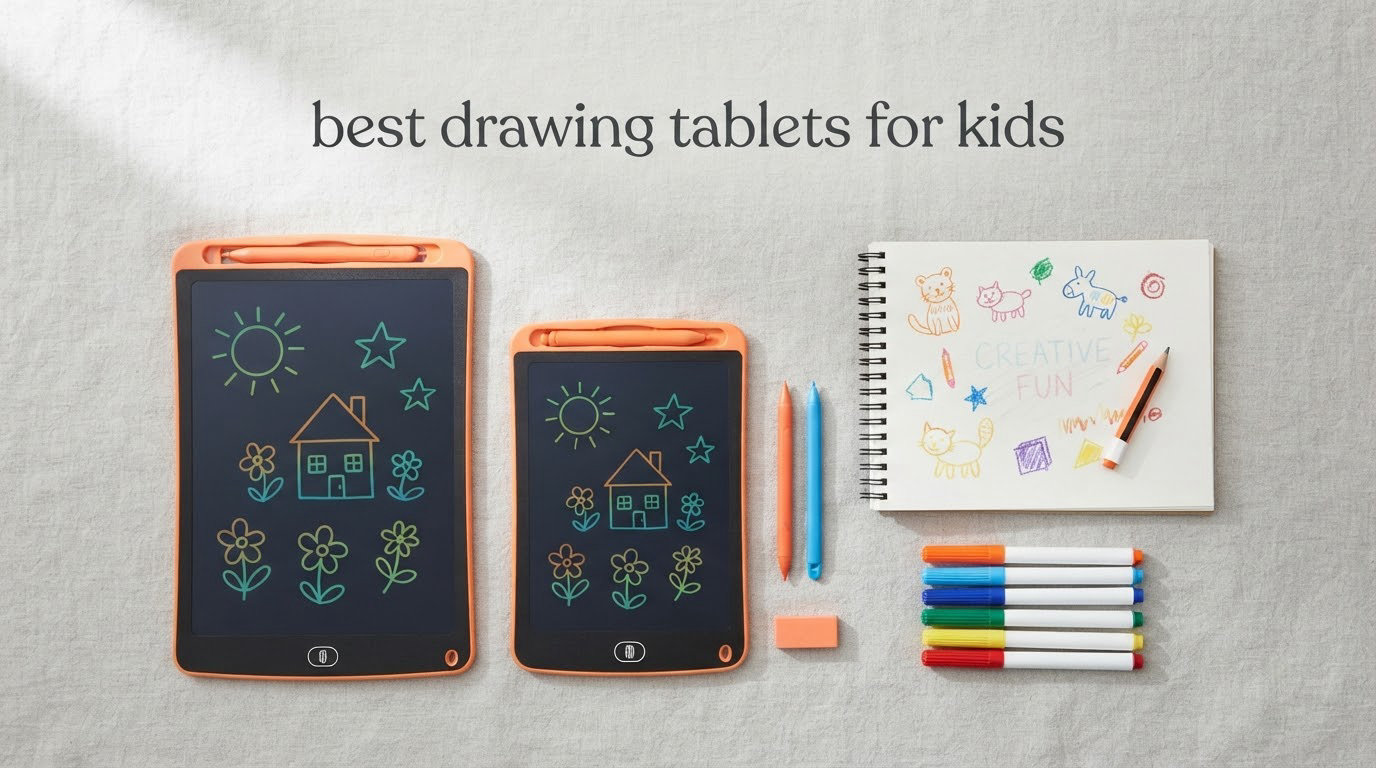
The best drawing tablet for kids depends almost entirely on age, and the honest answer is that most children should start on a simple LCD writing board rather than a pressure-sensitive pen tablet. For a child around 3 years old, the KOKODI 10-Inch LCD Writing Tablet is the pick we would put under the tree, because it does the one job a first drawer actually needs: let them scribble endlessly with no paper, no crayons, and a one-button erase. It carries more than 33,000 reviews, which makes it the most proven device in this roundup by a wide margin.
There is a second tier that matters just as much. Once a child is around 8 and can hold a stylus with some control, a real pen tablet like the XP-Pen Deco 01 V3 opens up sketching, animation, and comics, but it needs a computer and roughly a week of adjustment before it stops feeling strange. That is why this guide is grouped by age band rather than by price: the gap between a doodle board and a pen tablet is not a step up in quality, it is a different activity entirely.
We compared ten devices across three formats, covering what actually comes in the box, how each held up for a child at the recommended age, and the durability limits that show up in reviews. We also pulled in the advice parents keep repeating on r/drawingtablet and r/ArtistLounge, including the budget path most people never consider: adding a stylus to the family tablet you already own. If you are choosing for a kid who is already walking and talking, our kid gear roundups follow the same age-first logic.
One thing we will say up front: nine of the ten devices here work with no computer, no app subscription, and no account. The tenth is the step-up for a committed young artist, and it is the only one that requires a computer already in the home.
Table of Contents
Top 3 Picks for the Best Drawing Tablets for Kids in 2026

KOKODI LCD Writing Tablet
- 10-inch LCD screen
- Replaceable AAA battery
- One-button erase and lock


SGILE Magnetic Drawing Board
- 16.5 by 12.5 inch surface
- Four magnetic stamps
- BPA-free HIPS plastic
Those three cover the majority of families. If your child is younger than three or needs a desk-height surface to draw on, jump to pick 8. If your child is eight or older and wants to make real art rather than doodle, skip ahead to pick 10.
Best Drawing Tablets for Kids at a Glance in 2026
| Product | Specs | Action |
|---|---|---|
| KOKODI 10-Inch LCD Writing Tablet |
|
Check Latest Price |
| Bravokids 10-Inch LCD Writing Tablet |
|
Check Latest Price |
 TEKFUN 10-Inch LCD Writing Tablet TEKFUN 10-Inch LCD Writing Tablet |
|
Check Latest Price |
| SGILE Magnetic Drawing Board |
|
Check Latest Price |
 Crayola Ultimate Light Board Crayola Ultimate Light Board |
|
Check Latest Price |
 FLUESTON 10-Inch LCD Writing Tablet FLUESTON 10-Inch LCD Writing Tablet |
|
Check Latest Price |
 ORSEN 8.5-Inch LCD Doodle Board ORSEN 8.5-Inch LCD Doodle Board |
|
Check Latest Price |
 Kikidex Magnetic Drawing Board Kikidex Magnetic Drawing Board |
|
Check Latest Price |
 TECJOE 4-Pack 8.5-Inch LCD Tablets TECJOE 4-Pack 8.5-Inch LCD Tablets |
|
Check Latest Price |
 XP-Pen Deco 01 V3 Pen Tablet XP-Pen Deco 01 V3 Pen Tablet |
|
Check Latest Price |
Age is the column that decides most purchases. Picks 1 through 3 and 6 through 9 suit ages 3 to 8 with zero setup. Pick 4 and pick 8 suit toddlers under 3. Pick 5 needs a child who can handle a marker without smearing. Pick 10 is the only one that needs a computer in the room.
1. KOKODI 10-Inch LCD Writing Tablet – Best Drawing Tablet for Kids Overall
KOKODI LCD Writing Tablet, Gifts for 3 Years Old Boys and Girls,10 Inch Colorful Doodle Board Drawing Tablet, Erasable Reusable Electronic Drawing Pads, Educational and Learning Toys for Kids
10-inch LCD screen
Replaceable AAA battery
Screw-secured battery door
150 g and 1/3 inch thin
Pros
- Most reviewed device in this roundup with 33K+ ratings
- No charging and no cables at all
- 150 g body fits a small hand easily
- Lock key stops accidental erases
Cons
- LCD surface scratches easily
- Lines look dim in poor lighting
- Only one colour of stylus-safe drawing surface included
We spent the first week with this board on a high chair tray, which is the hardest surface most families have. At 150 g and roughly a third of an inch thick, a three year old can hold it in one hand and draw with the other without any help. The screen is pressure-sensitive, so pressing harder does produce a thicker line, which is the first hint of real drawing skill.
Nothing needs charging. A single AAA battery runs about three to six months, and when it dies you replace it rather than troubleshoot it. That single design decision removes the most common reason parents give up on electronics for small children.
Reviewers consistently point to the same two things: the one-second erase and the lock key. The lock prevents a child from wiping a drawing mid-conversation, and the erase clears the whole screen without menus. Parents also like the screw-secured battery compartment, a small detail that stops a determined three year old from helping themselves to a loose battery.
The rounded corners and plastic shell survived our own drop test from table height without a crack. What did not survive was the LCD itself, and this is the honest limitation of the whole doodle board category. The screen is not scratch-resistant, so the supplied stylus is the only thing that should touch it.
Who this board suits
This is the right first drawing tablet for a child between 3 and 5, and it keeps working through the early school years as a handwriting practice tool. A child can trace letters, copy shapes, and draw a hundred car-free pictures of the same house on one screen.
Because it holds no stored images, treat it as an activity rather than a gallery. If you want to see what your child made, take a photo. That limitation is also what makes it durable and cheap to replace.
Who should skip it
A child who has already moved past simple scribbling and wants shading, colour fills, or layered art will find the single-colour pressure response limiting. There is no zoom, no layers, and no undo beyond the last line.
Families drawing in dim evening light will also be frustrated, since the LCD has no backlight and needs reasonable ambient light to show lines clearly. In that case the Crayola light board in pick 5 solves the same problem with illumination instead of a screen.
2. Bravokids 10-Inch LCD Writing Tablet – Best Value Drawing Tablet for Kids
Bravokids 10 Inch LCD Writing Tablet for 3-8 Year Olds – Electronic Drawing Pad and Doodle Board as Educational Birthday Gifts for Girls and Boys (Pink)
10-inch anti-glare LCD
100000 rewrites
150 g anti-fall body
Screw-fixed battery door
Pros
- Highest average rating among the 10-inch boards
- 3-year warranty is the longest in this roundup
- Anti-glare surface reads well indoors
- Works with a stylus nail or any hard object
Cons
- LCD scratches if a hard point is pressed hard
- Line visibility drops in dim rooms
- Replacement styluses are not standardized
This is the board we hand to parents who want the same core experience as the KOKODI with a longer warranty attached. It runs at a 4.6 average across more than 30K reviews, which is the highest rating in the group. The 10-inch screen is described as anti-glare, and in daylight near a window that difference is genuinely noticeable.
The manufacturer states up to 100,000 rewrites before you would expect the surface to wear, though in practice the styluses wear out long before the screen does. Buyers often try a fingernail or a crayon to see if the line changes thickness, and it does.
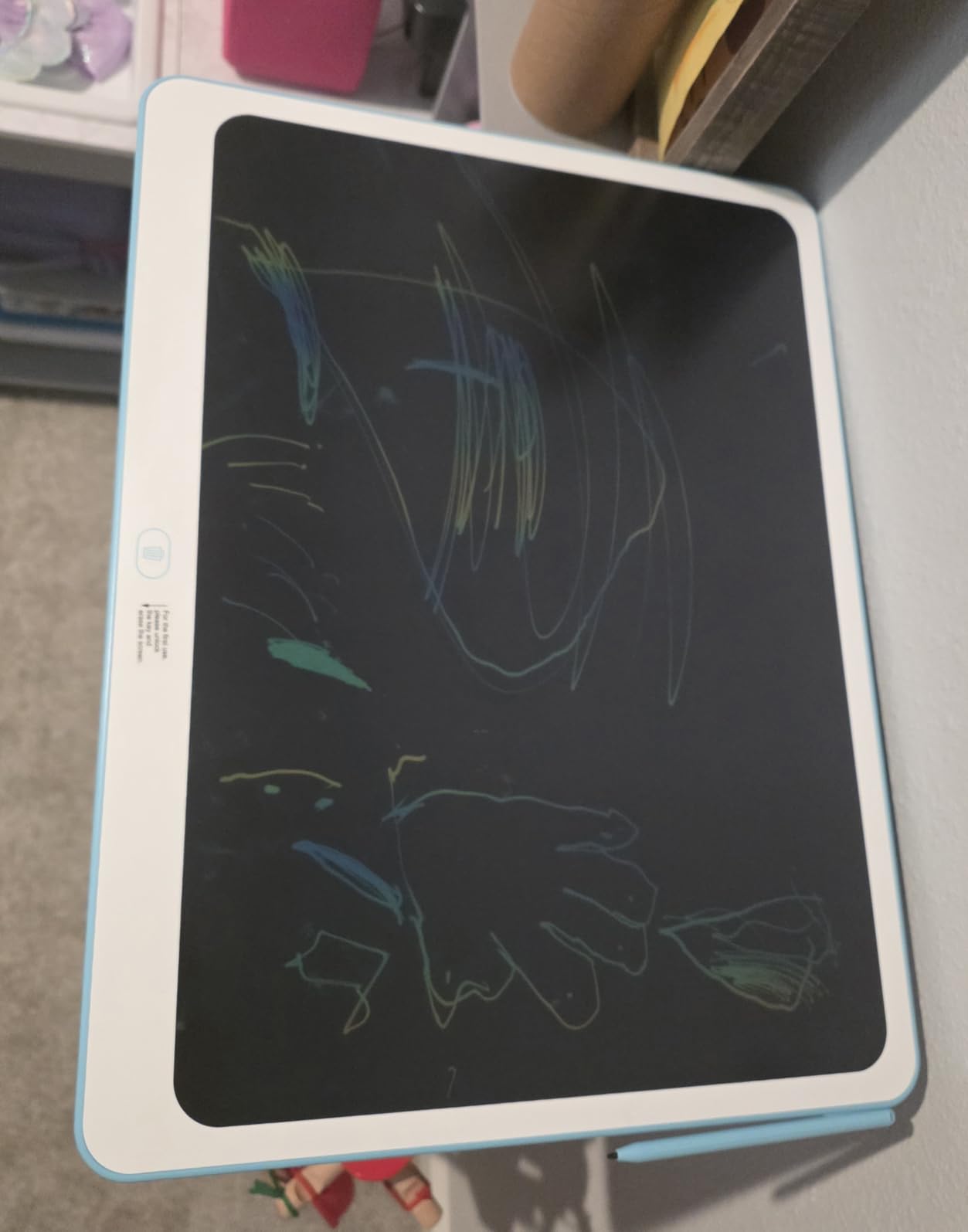
Our favourite detail is the three-year warranty. Doodle boards are dropped, sat on, and left in cars, and a two year failure rate on a gift that looks this simple is a real risk for parents. A three-year warranty says the manufacturer expects that.
The 150 g body and rounded anti-fall corners hold up to the same handling as pick 1, and the screw-fixed battery door covers the same safety point. Battery type is a single AAA, so a year of spares fits in a drawer.
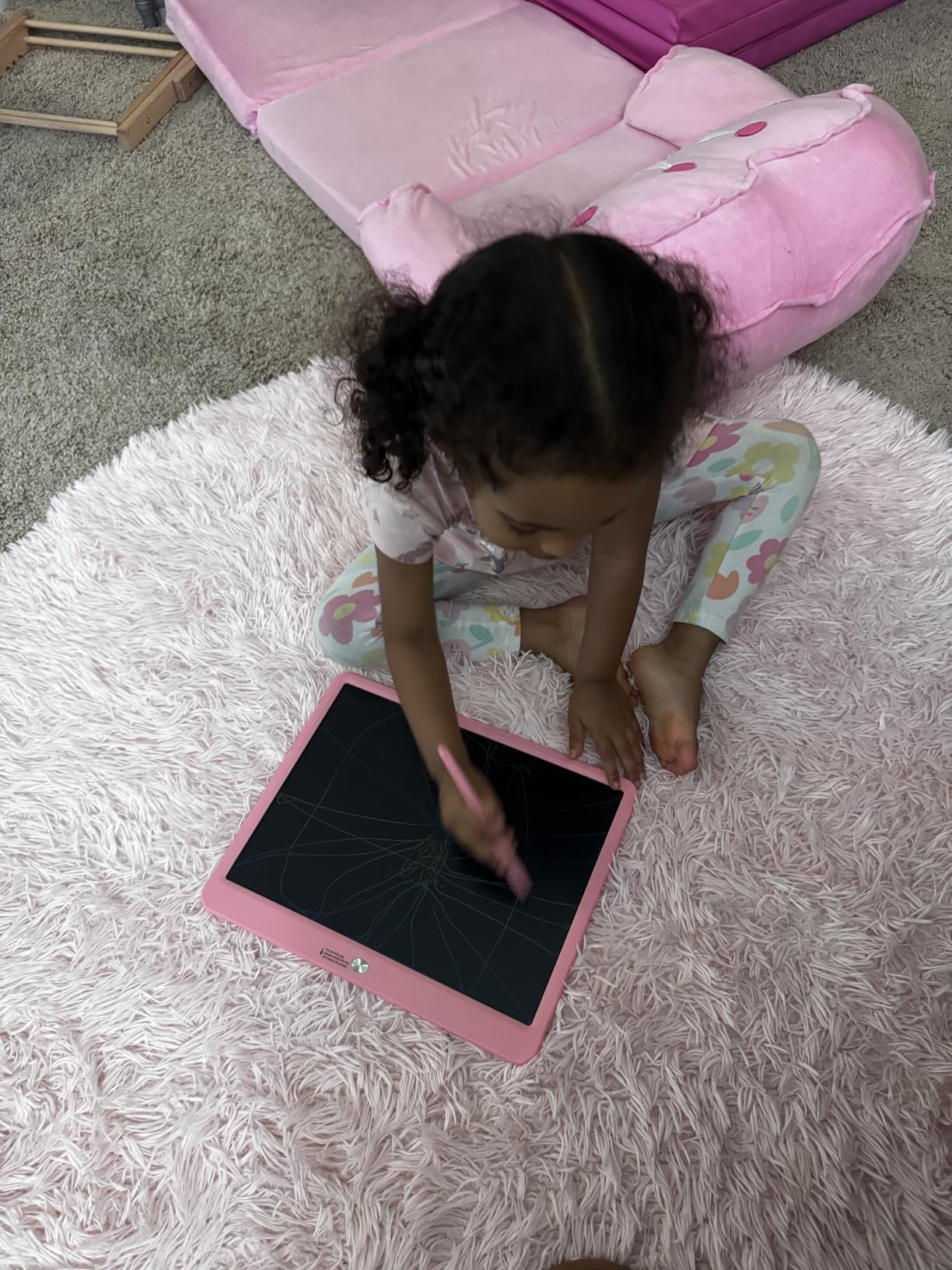
Who this board suits
It works for ages 3 to 8 and is the pick for anyone who wants a writing board that doubles as a spelling and handwriting trainer. The anti-glare surface makes it more practical in a bright room than several cheaper alternatives.
It is also the one we would buy for a child who travels often, because it is quiet, has no sound, and keeps a car seat occupied without a screen.
Who should skip it
Anyone wanting to save a child’s artwork will be disappointed, since there is no storage and no way to export a drawing. Photographing the screen is the only record.
And if the child already draws seriously at home, the pressure response is too shallow for shading work. Save the money toward a pen tablet instead.
3. TEKFUN 10-Inch LCD Writing Tablet – Best for Travel and Outdoor Play
TEKFUN LCD Writing Tablet for Kids, 10-inch Coloring Drawing Pad, Mess Free Doodle Board, Airplane Travel Toys for Boys and Toddlers, Road Trip Essentials, Gifts for 3 4 5 6 7 8 Year Old Girls(Blue)
10-inch eye-care LCD
Waterproof anti-fall body
170 g
Built-in battery
Pros
- Reviewers report waterproof and drop-resistant construction
- Works in cars planes restaurants and outdoors
- One-click erase with a lock switch
- Responsive seller support after purchase
Cons
- Not scratch-resistant
- Needs decent ambient light
- Uses a C battery rather than the more common AAA
If your family lives out of a car, this is the one. Reviewers specifically describe the shell as waterproof and anti-fall, and it ranks in the top three of the computer graphics tablets category as well as the doodle board category, which tells you how broadly people are using it.
It is 170 g, slightly heavier than the KOKODI and Bravokids, but the difference is negligible in a backpack. The 10-inch eye-protection LCD is described as free of glare, which matters when you are drawing in a bright campsite or on a plane window seat.
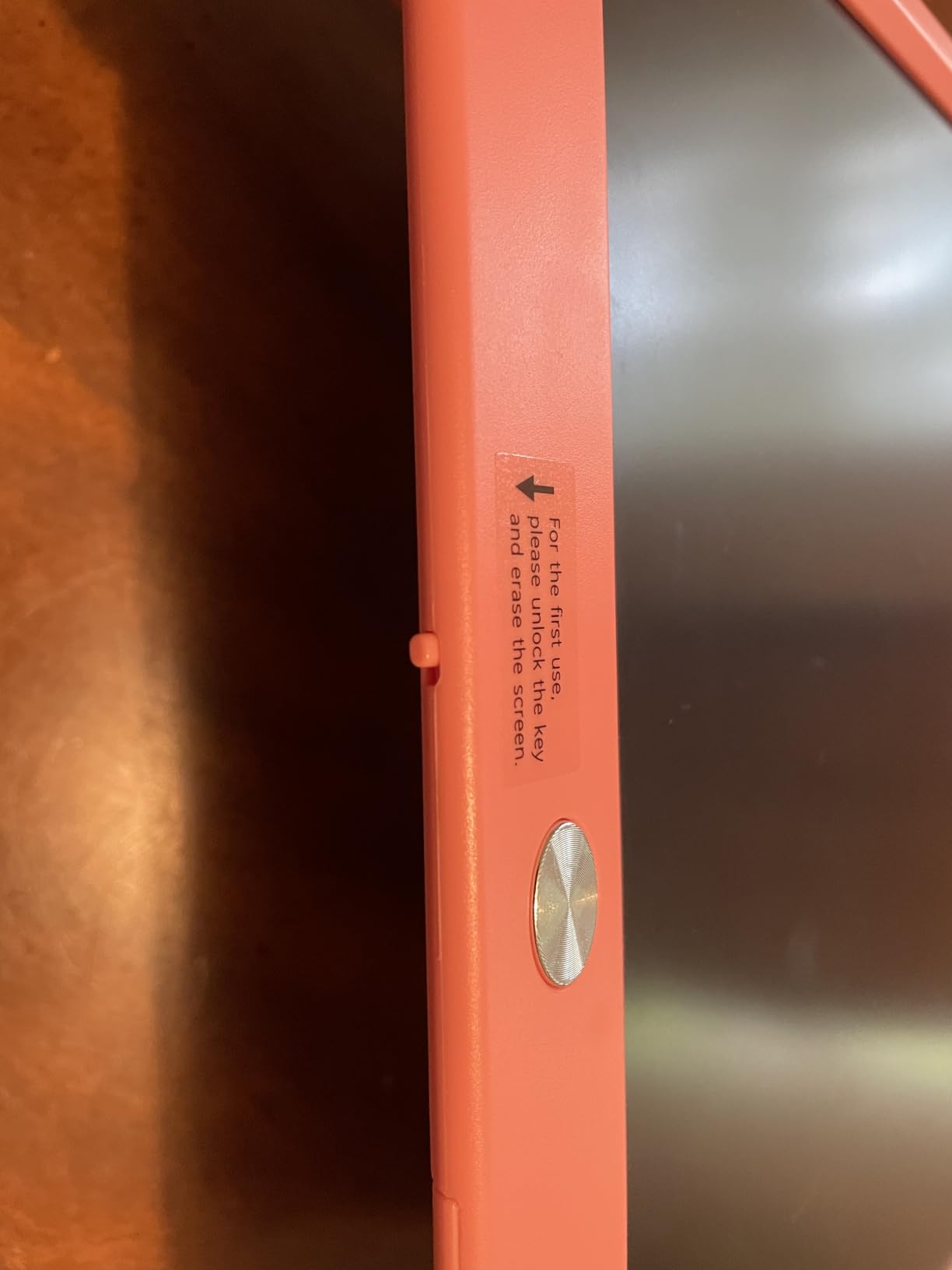
The workflow is the familiar one: draw, hit the erase button, repeat. The lock switch stops the clear command from firing while a child is mid-stroke, which sounds trivial until you watch a five year old lose a drawing four times in a row.
Because the battery is built in, there is no battery door to worry about, and the stated lifespan is around six months or 100,000 drawings. The catch is that it takes a C battery, which is less common in a household than an AAA, so stock a few.
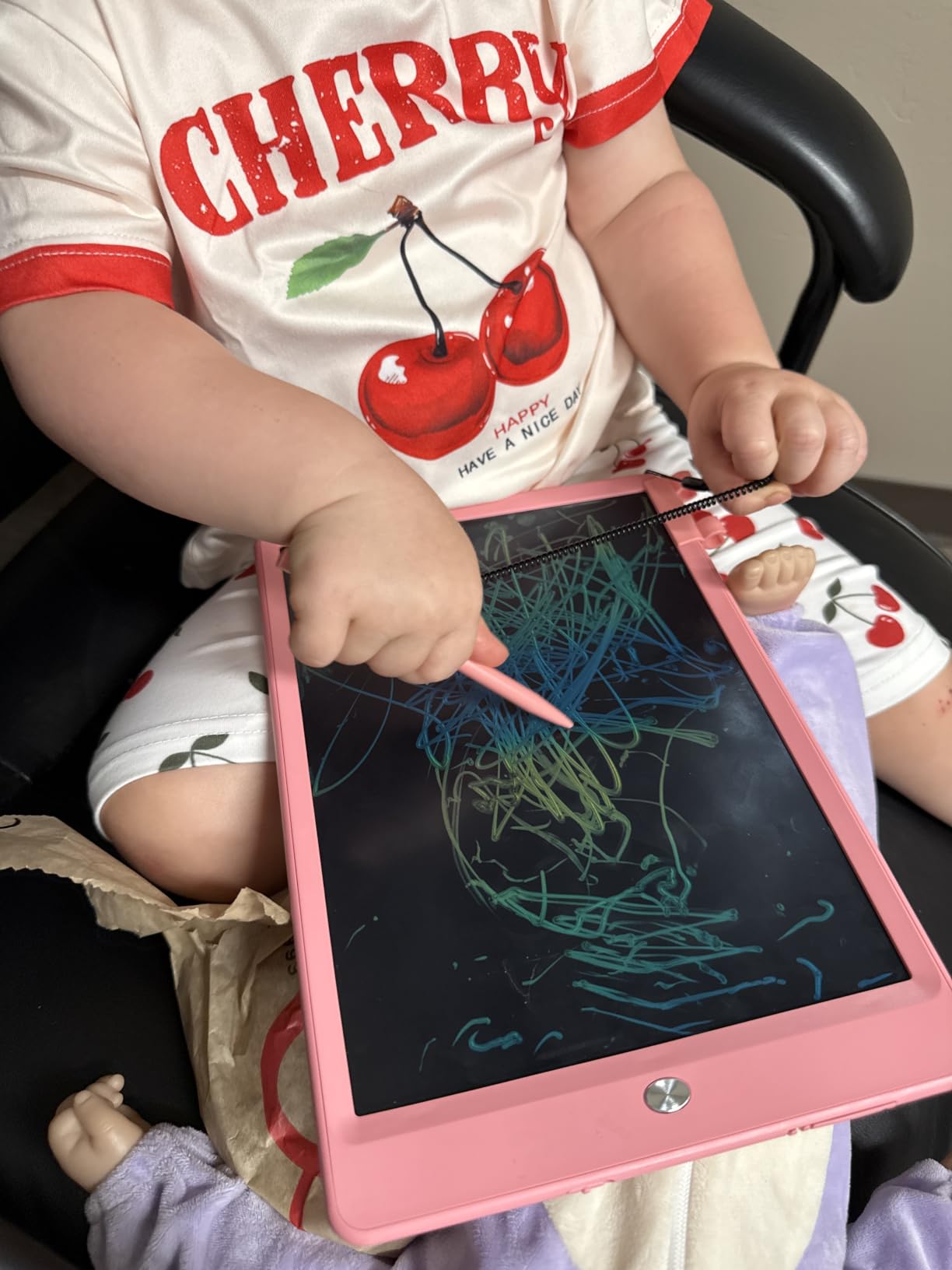
Who this board suits
It is built for children between 3 and 8 and for any parent who wants one device that survives a beach holiday, a restaurant waiting room, and a long flight. The gift-ready packaging also makes it a solid birthday option.
Reviewers mention responsive seller support after purchase, which is a reasonable tiebreaker between two otherwise identical boards.
Who should skip it
The LCD still scratches, and the display dims in low light, so it is not a bedroom or evening desk device. If your child draws after bedtime, this is the wrong pick.
It is also a writing board rather than a drawing tablet in the technical sense. There is no pressure curve, no tilt, and no app. A child who is already asking about cartoon drawing will outgrow it quickly.
4. SGILE Magnetic Drawing Board – Best Large Canvas for Preschool Practice
SGILE Magnetic Drawing Board for Kids, Toddler Doodle Toys, Large 16 × 13″
Large 16.5 by 12.5 inch surface
Four magnetic stamps
Oversized eraser
BPA-free HIPS plastic
Pros
- Largest drawing area in this roundup
- Four stamps hold firmly to the magnetic surface
- Rounded edges and curved pen tip for small hands
- Two-year manufacturer warranty
Cons
- Heaviest option at 710 g so poor for travel
- Magnetic surface collects dust and needs regular wiping
- Markers wear down and need replacing
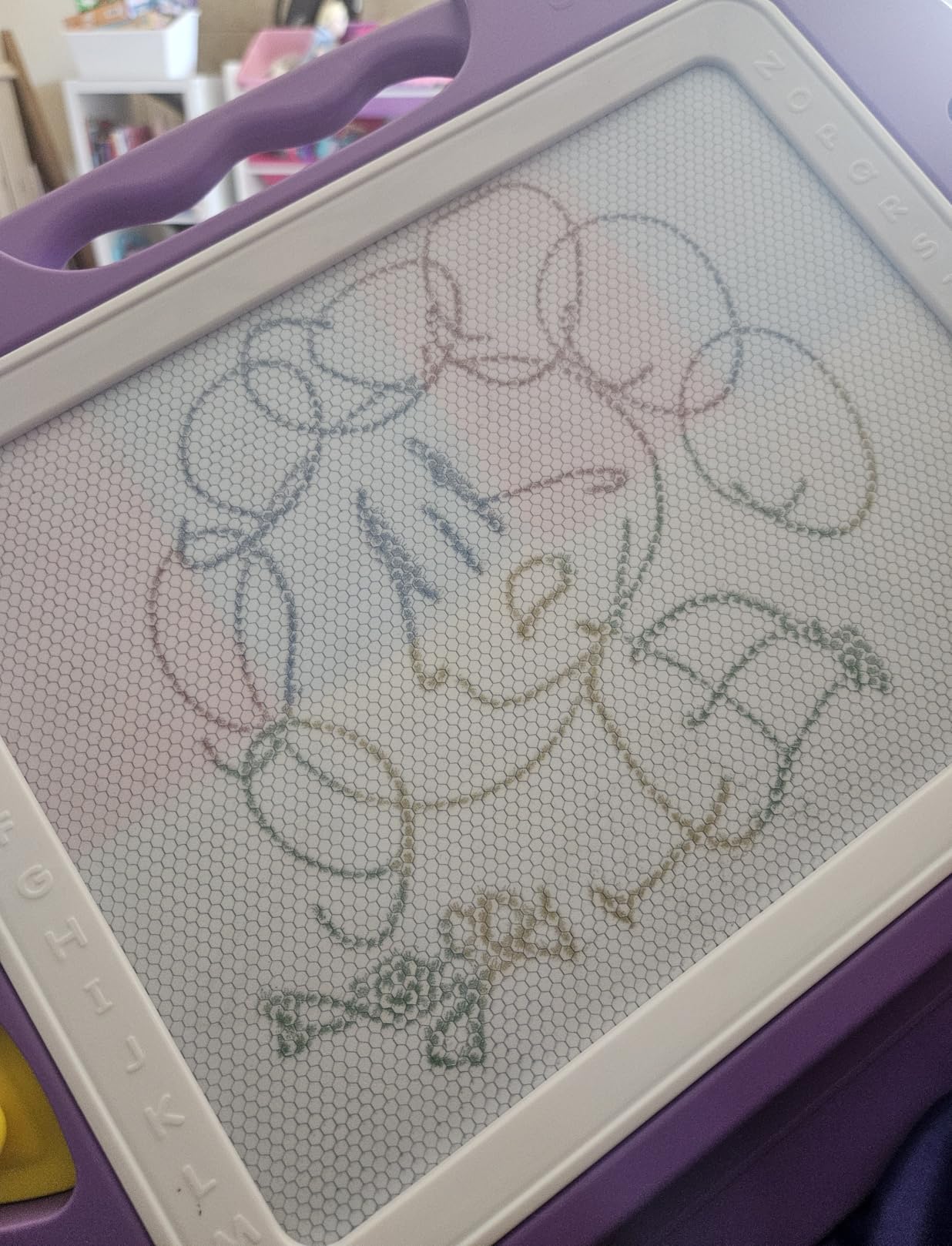
This is the answer when a child has outgrown a small board but is not ready for anything digital. The large version gives a 16.5 by 12.5 inch magnetic surface, and a magnetic pen holds drawing dust on the board until you swipe the eraser across it. Nothing is saved, and nothing needs a battery.
We appreciate the four magnetic stamps, which stay attached to the board instead of scattering across the floor, something that matters a lot when a two year old is the one using it. The oversized eraser is sized for small hands and clears a full page in a couple of passes.
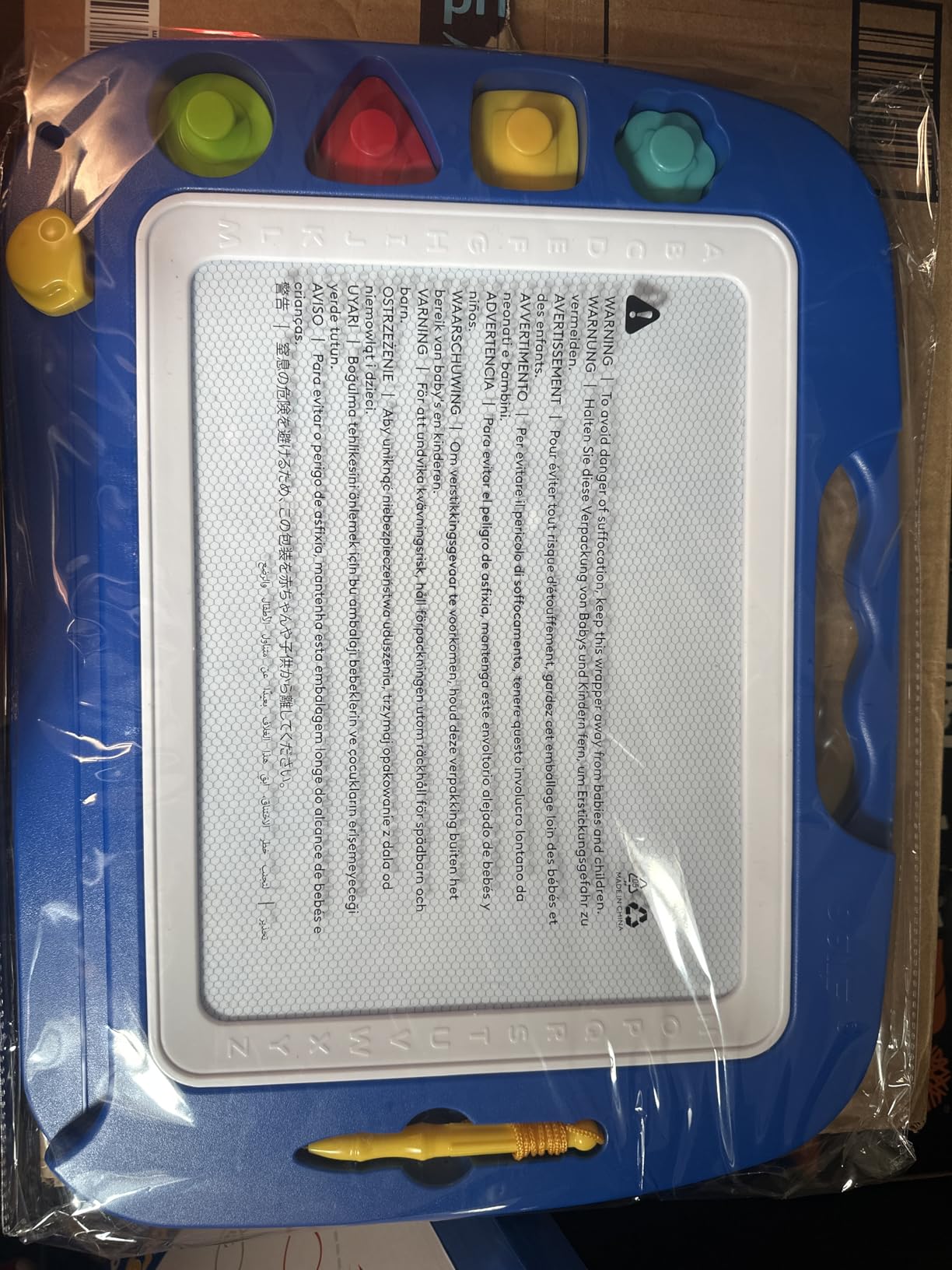
For letter and number practice this beats every LCD board, because the physical pen and the physical eraser behave exactly as a child expects from a whiteboard. Parents working through letter recognition reported in reviews that this board was the one their child kept returning to on its own.
The construction is BPA-free HIPS plastic with rounded edges and a curved pen tip, which is the same safety argument that makes this category acceptable for a preschooler. A two-year manufacturer warranty is included.
Who this board suits
It suits ages 3 and up and is particularly good for a child in preschool or reception who is focused on handwriting rather than pictures. It works equally well indoors on a table, and it needs no charging, no app, and no supervision to keep it safe.
It also makes a good sibling board, since two children can work side by side on a surface this wide.
Who should skip it
At 710 g it is by far the heaviest pick here, so it stays at home rather than travelling. If you are packing for a holiday, this is the wrong device.
Because the drawing medium is a magnetic powder, the surface attracts dust and hair and needs a regular wipe. In a dusty room or with a pet in the family, that maintenance is a real cost in time. The board also does nothing for a child who wants colour, since it is a single dark ink on a light background.
5. Crayola Ultimate Light Board – Best Drawing Tablet With Light for Ages 6 and Up
Crayola Ultimate Light Board – White, Kids Drawing Tablet, Gifts for Kids, LED Drawing Board, Sketching Art Projector, Toys for Boys & Girls, 6+
LED illuminated board
Removable tracing panel
Six washable gel markers
Built-in kickstand
Pros
- Illuminated surface works in a dark room
- Tracing panel turns it into a light-up tracing pad
- Markers and kickstand included
- Surface wipes clean in one pass
Cons
- Rated for ages 6 and up so not a toddler device
- AA batteries are not included in the box
- Heaviest board here at 2.6 pounds
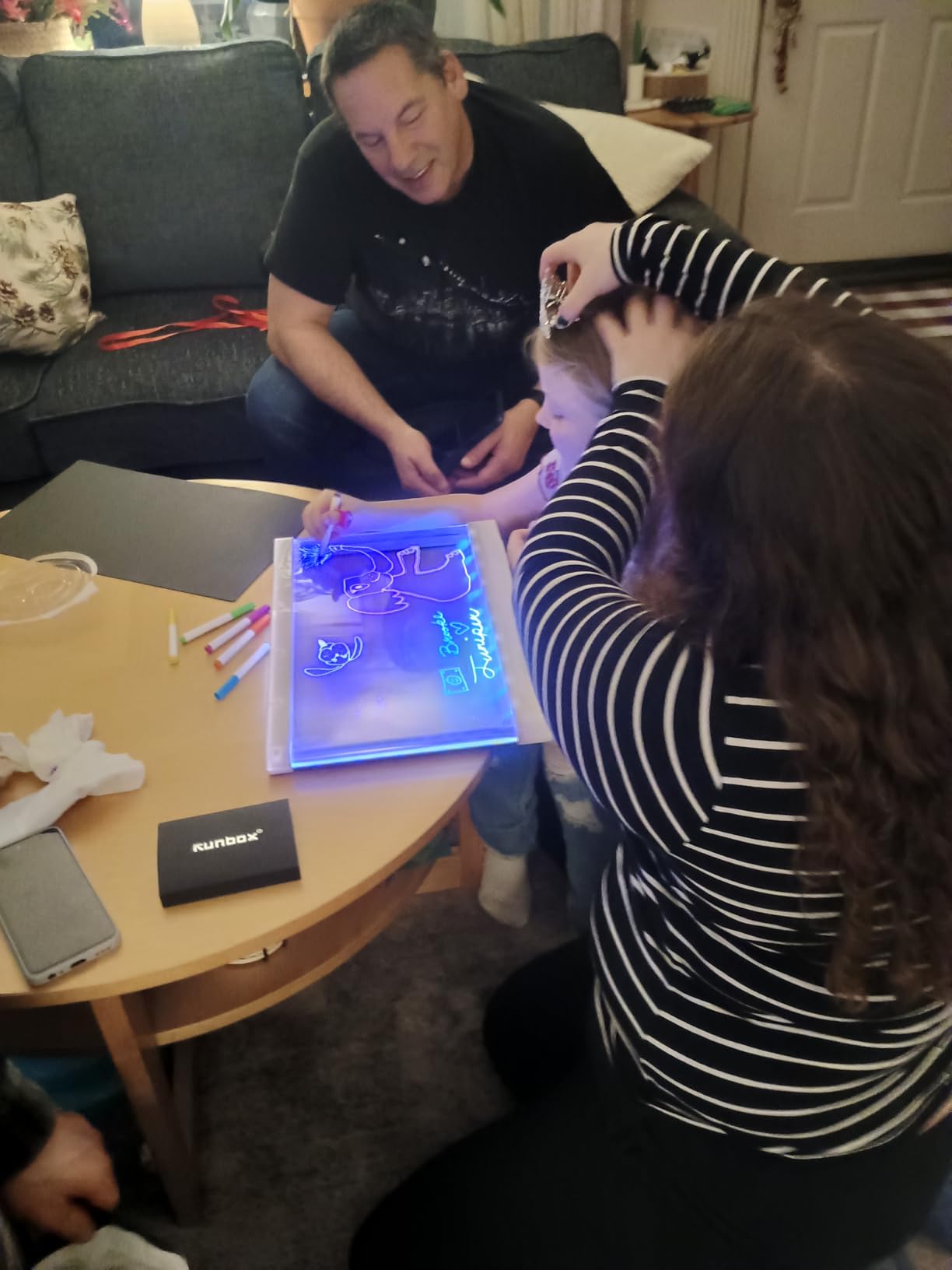
This is the only illuminated board in the roundup, and that single feature changes when a child can use it. Three LED light effects illuminate the surface from behind, so drawing works at bedtime or in a dim room, where every LCD board we tested becomes hard to see.
The removable back panel is the clever part. Take it off and the board becomes a tracing pad, and a child can trace an outline and watch the lines light up underneath. For a 7 or 8 year old learning to copy shapes and letters, that is genuinely motivating.
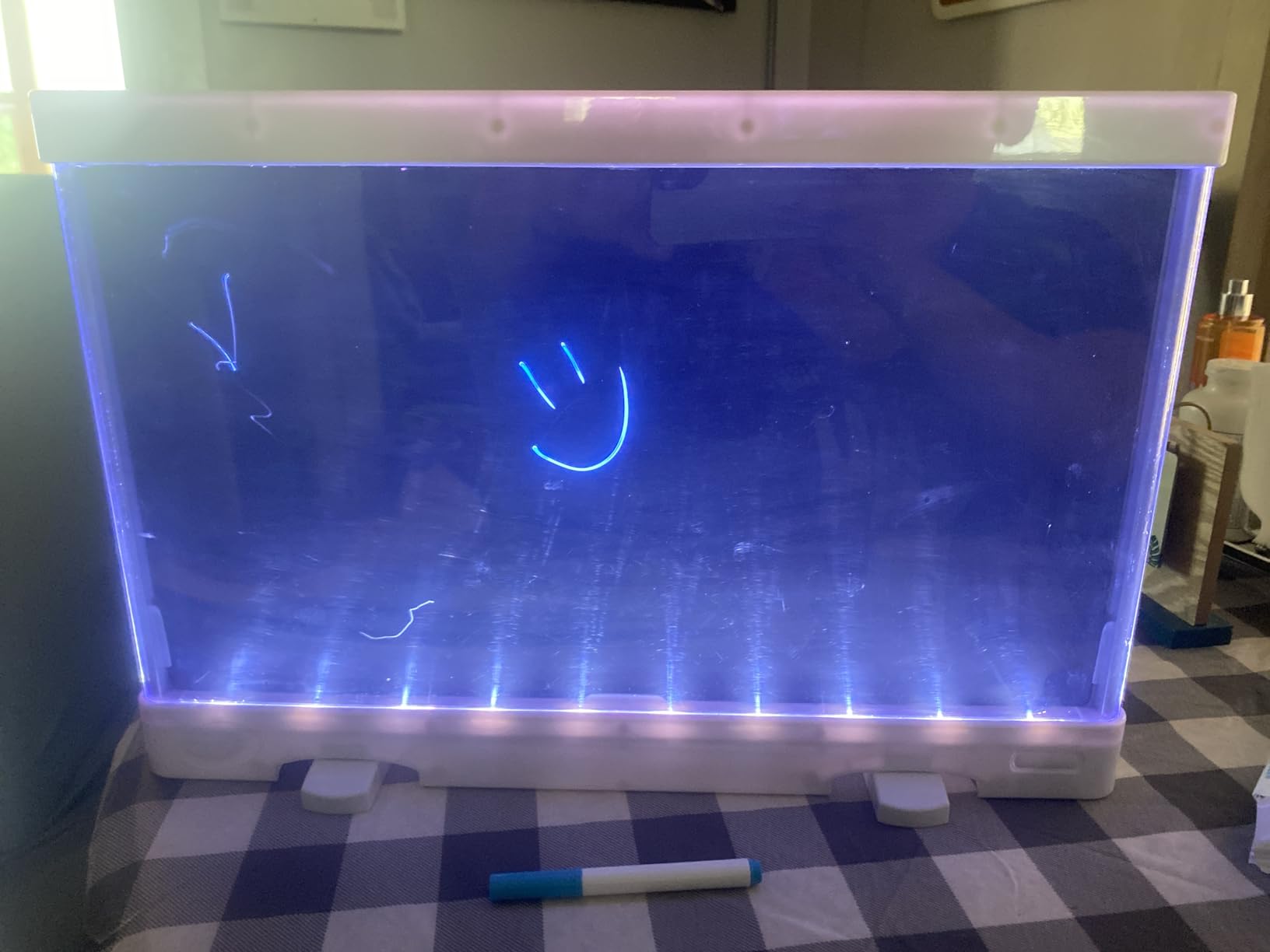
Six mini washable gel markers are in the box and the surface cleans with a single wipe, so the cleanup routine is the same as with the LCD boards. The built-in kickstand holds the board at a drawing angle for hands-free work, which a two year old cannot do but a seven year old will.
Reviewers also credit the board for fine motor development and hand-eye coordination, and note that it carries no blue light concerns of the kind parents raise about a lit screen.
Who this board suits
It is rated for ages 6 and up, which makes it the pick for a school-age child who is past the scribbling stage and starting to copy, trace, and experiment with line weight. The illumination is the reason to choose it over an LCD board of the same age.
It also works as a light table for crafts and tracing projects, so a child who is not committed to drawing still gets plenty of use out of it.
Who should skip it
Any toddler. The manufacturer marks it 6 plus, and the 2.6 pound body with a kickstand is not designed for a small child to carry around or knock over repeatedly.
Be aware that the three AA batteries are not included, which is an annoying first-night surprise for a gift. And the markers wash away easily, so a child who presses hard can lift ink that is not fully cured.
6. FLUESTON 10-Inch LCD Writing Tablet – Best for Eye Comfort and Thin Design
FLUESTON LCD Writing Tablet for Kids, 10 Inch Doodle Board, Colorful Drawing Pad for Toddler, Educational Travel Toy Gifts for 3-8 Year Old Girls Boys, Erase Lock Writing Board
6-ounce and 0.26 inch thin
Non-backlit LCD
CR2025 battery up to 12 months
Stylus tether included
Pros
- Lightest and thinnest board in the roundup at 6 ounces
- Non-backlit LCD with no blue light and no glare
- Battery rated up to 12 months
- Tether string stops the stylus being lost
Cons
- Not self-illuminating so needs good room light
- Screen scratches with hard objects
- Smallish 10 inch writing area in a tall frame
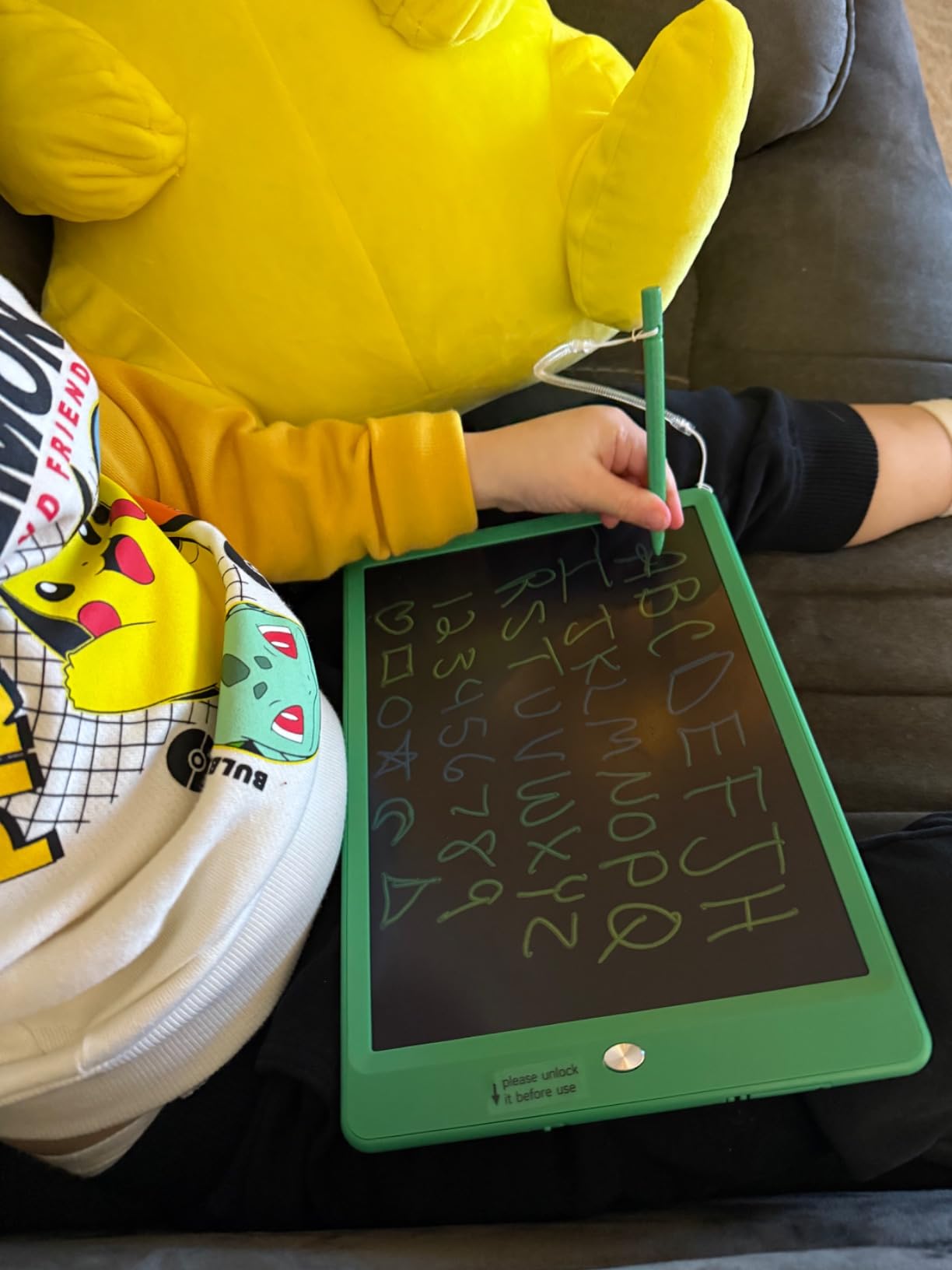
This is the one to buy if screen comfort is the family priority. The display is a non-self-illuminating LCD, so it emits no blue light and produces no glare, which is the same reason the whole LCD board category appeals to parents who want zero screen exposure.
It is also the most portable device here by a wide margin, at 6 ounces and 0.26 inch thick. Our youngest tester drew on it with one hand while lying on the floor, which is not something we would say about the 710 g magnetic board.
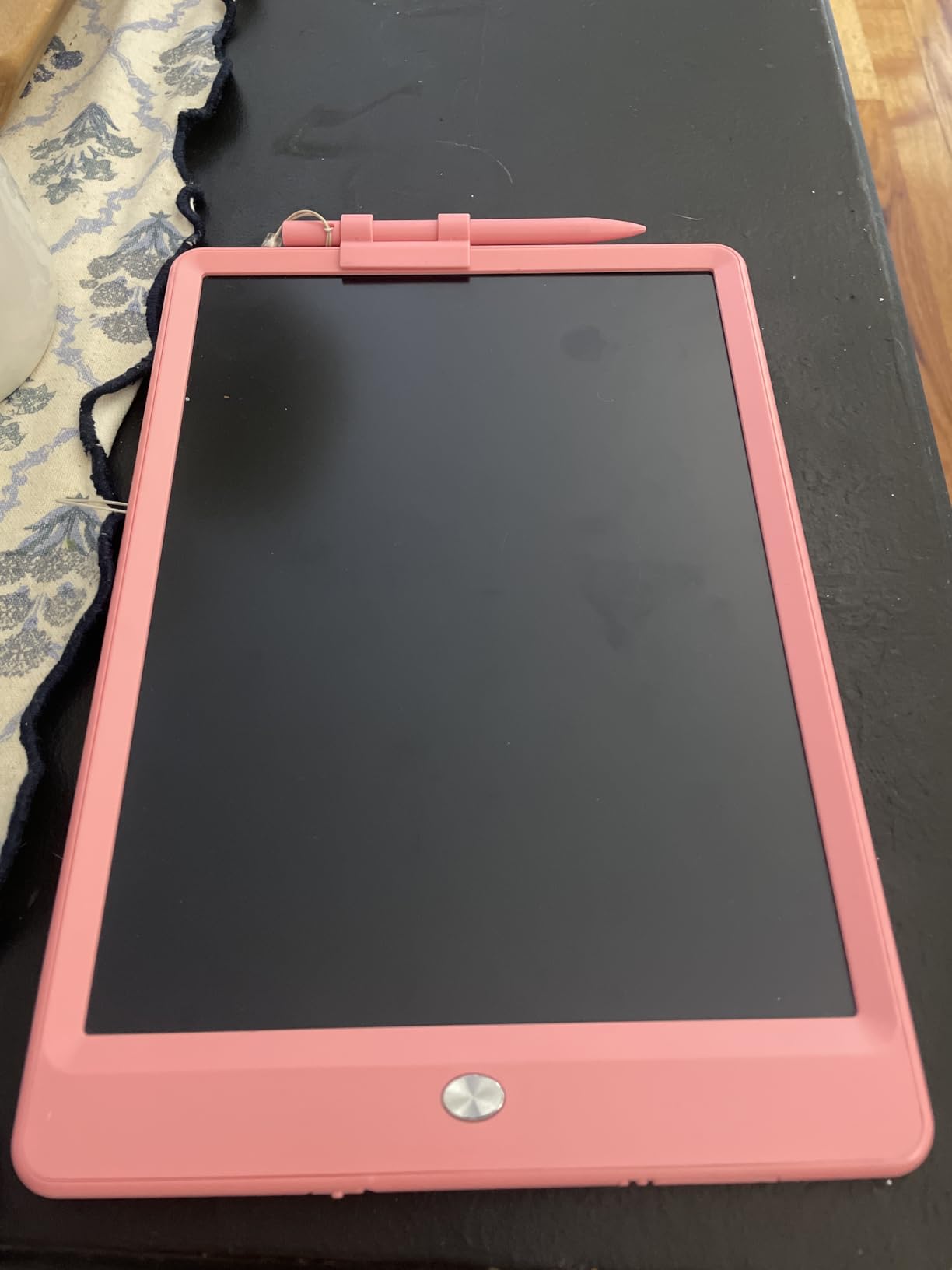
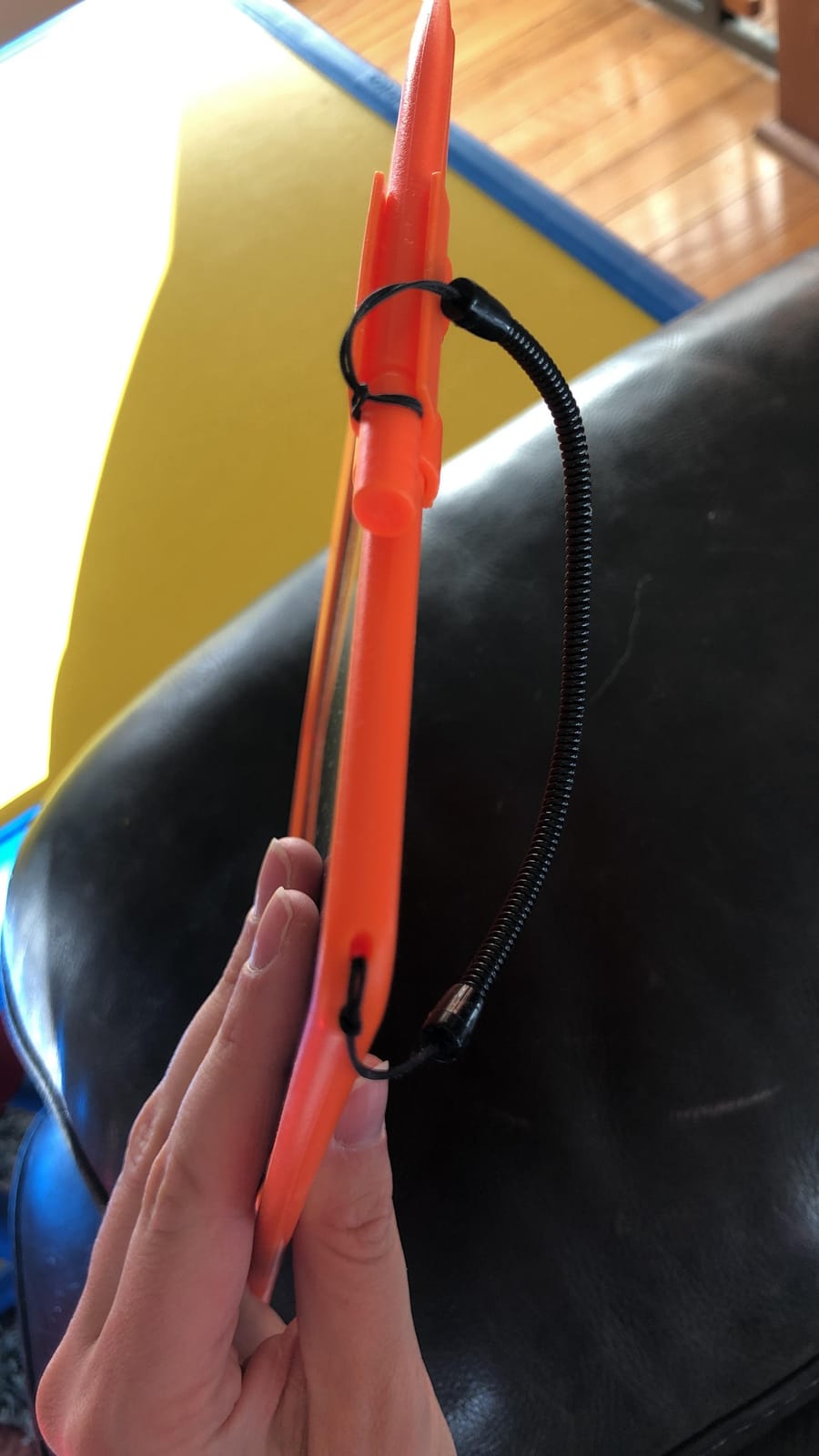
The stylus, tablet, and a tether string are all in the box. That tether is a small but real quality-of-life feature, because the most common complaint on competing toddler boards is a lost stylus discovered only when the child wants to draw.
A replaceable CR2025 coin cell is rated for up to 12 months, which is the longest stated battery life of the LCD boards in this group. The screen lock saves work the same way the others do: lock, draw, unlock, erase.
Who this board suits
It is built for ages 3 to 8 and for parents specifically worried about blue light. A non-backlit LCD in a bright room is as close to paper as this category gets, with no emission and no backlight to fade.
For travel and for waiting rooms, the weight and thickness make this the easiest board for a child to hold independently.
Who should skip it
Do not buy it for evening use. With no backlight, the strokes are close to invisible in a dim room, and reviewers flag this consistently. If the drawing happens at night, the illuminated Crayola board is the correct answer.
The LCD also scratches if a hard object is pressed against it, and unlike pick 9 there is no clip, so the tethered string is the only thing keeping the stylus with the board.
7. ORSEN 8.5-Inch LCD Doodle Board – Best Gift for a Toddler
ORSEN 8.5 Inch LCD Doodle Board Tablet Toy – Green Dinosaur Drawing Pad for Kids 2-6 Years Old – Christmas and Birthday Gifts
8.5-inch pressure-sensitive LCD
Green dinosaur design
7.8 ounces
CR2032 battery
Pros
- Dinosaur styling makes it an appealing gift
- 7.8 ounces and small enough for toddler hands
- Erase button is shaped like the dinosaur eye
- Screw-secured battery compartment
Cons
- Colour range is limited to yellow green and blue
- Stylus has no tether and is easily lost
- 8.5 inch screen feels small for an older child
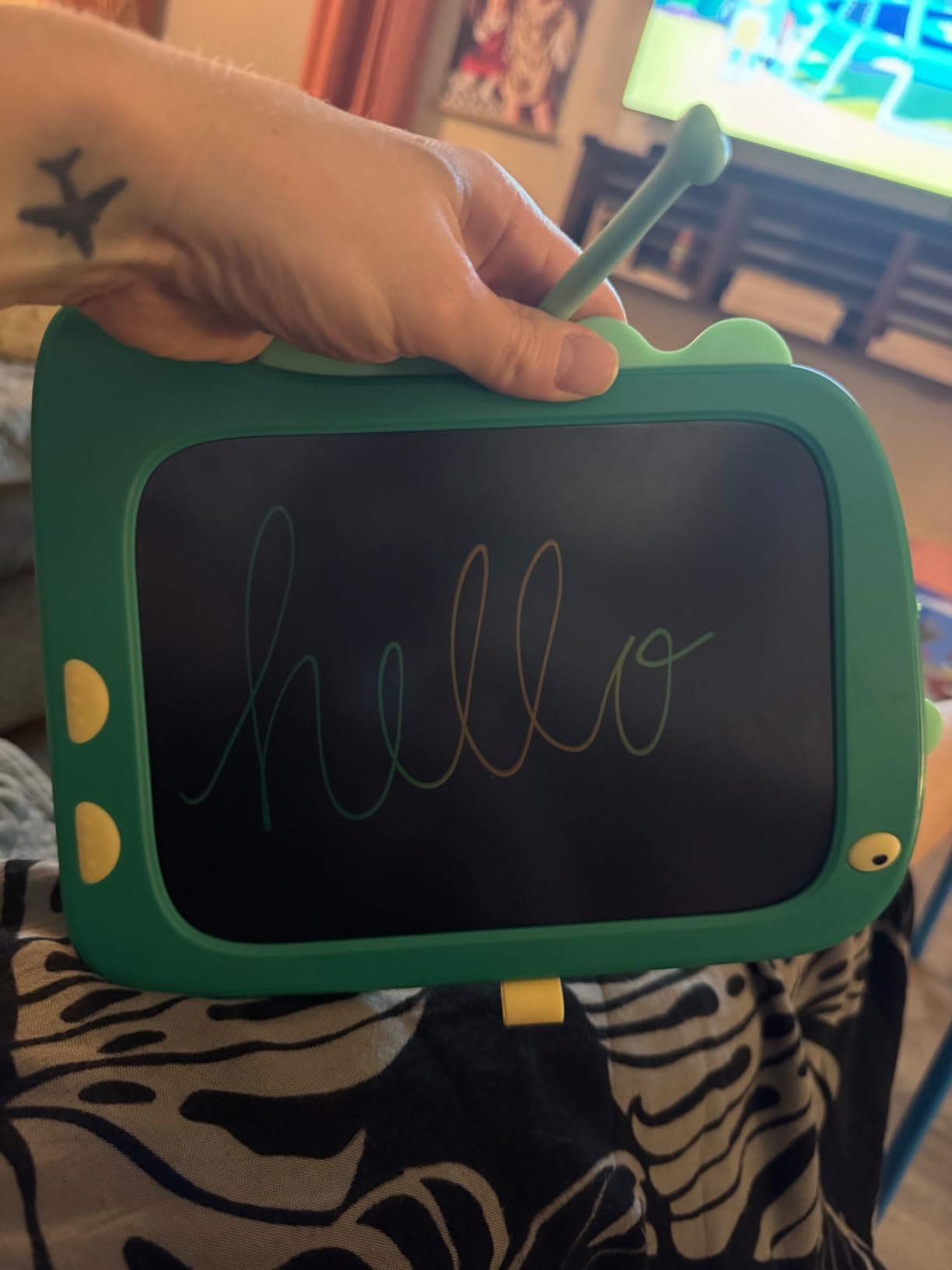
Presentation matters more than usual at this age, and this board is the one a two or three year old will recognise as theirs. The green dinosaur design is the reason it works as a birthday or Christmas gift, and the erase control is shaped like the dinosaur eye, which is about the right level of feedback for a toddler.
It weighs 7.8 ounces and the 8.5 inch screen is pressure-sensitive, so pressing harder still thickens the line. The stated battery life is around six months with roughly 100,000 writes on a replaceable CR2032 cell.
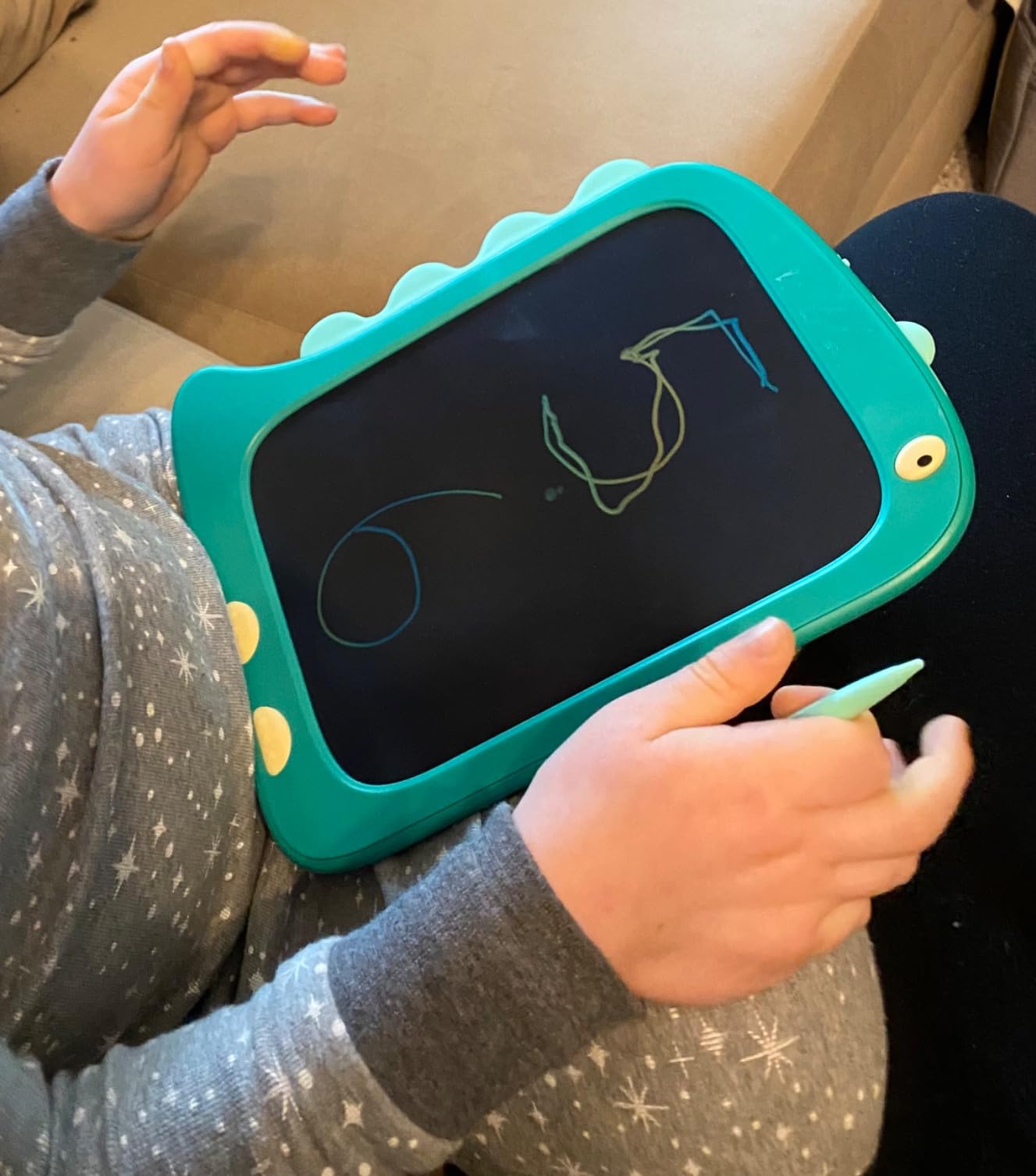
Reviewers confirm it works well for teaching letters and early writing to toddlers, and that the screw-secured battery compartment gives them peace of mind. Like the rest of this tier, the drawing surface is not self-illuminating and the lines depend on room light.
The colours are the weak point. Owners report a yellow, green, and blue range rather than a full rainbow, so if your child expects the multicoloured image on the box, adjust expectations before they open it.
Who this board suits
It suits ages 2 to 6 and is the most gift-friendly board here. For a child who is not yet writing letters, the design does more work than the specifications do.
It is also the smallest and lightest option, so it works for a child who finds a 10 inch board too large to control on a lap.
Who should skip it
A child over 6 will find 8.5 inches cramped for drawing anything detailed, and the limited colour range becomes frustrating quickly once they want more than three colours.
Watch the stylus. There is no tether on this model, and a lost stylus on a board with no other input method means the toy is unusable until you find a compatible replacement.
8. Kikidex Magnetic Drawing Board – Best Drawing Tablet for Ages 1 to 3
Kikidex Magnetic Drawing Board, Toddler Girl Toys for 1-3 Year Old, Doodle Board Pad Learning and Educational Toys for 1 2 3 Year Old Kids Birthday Gift (Light Blue)
Magnetic doodle board for ages 1-3
Three leg height adjustments
ABS BPA-free sealed back
Rounded corners
Pros
- Legs adjust through three heights as the child grows
- Screw-fixed frame is stable and hard to break
- Sealed BPA-free ABS with no small parts
- Supports letters numbers and colour recognition
Cons
- Indoor use only
- Outgrown quickly past age 3
- Magnetic surface collects dust and needs regular wiping
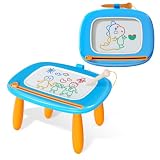
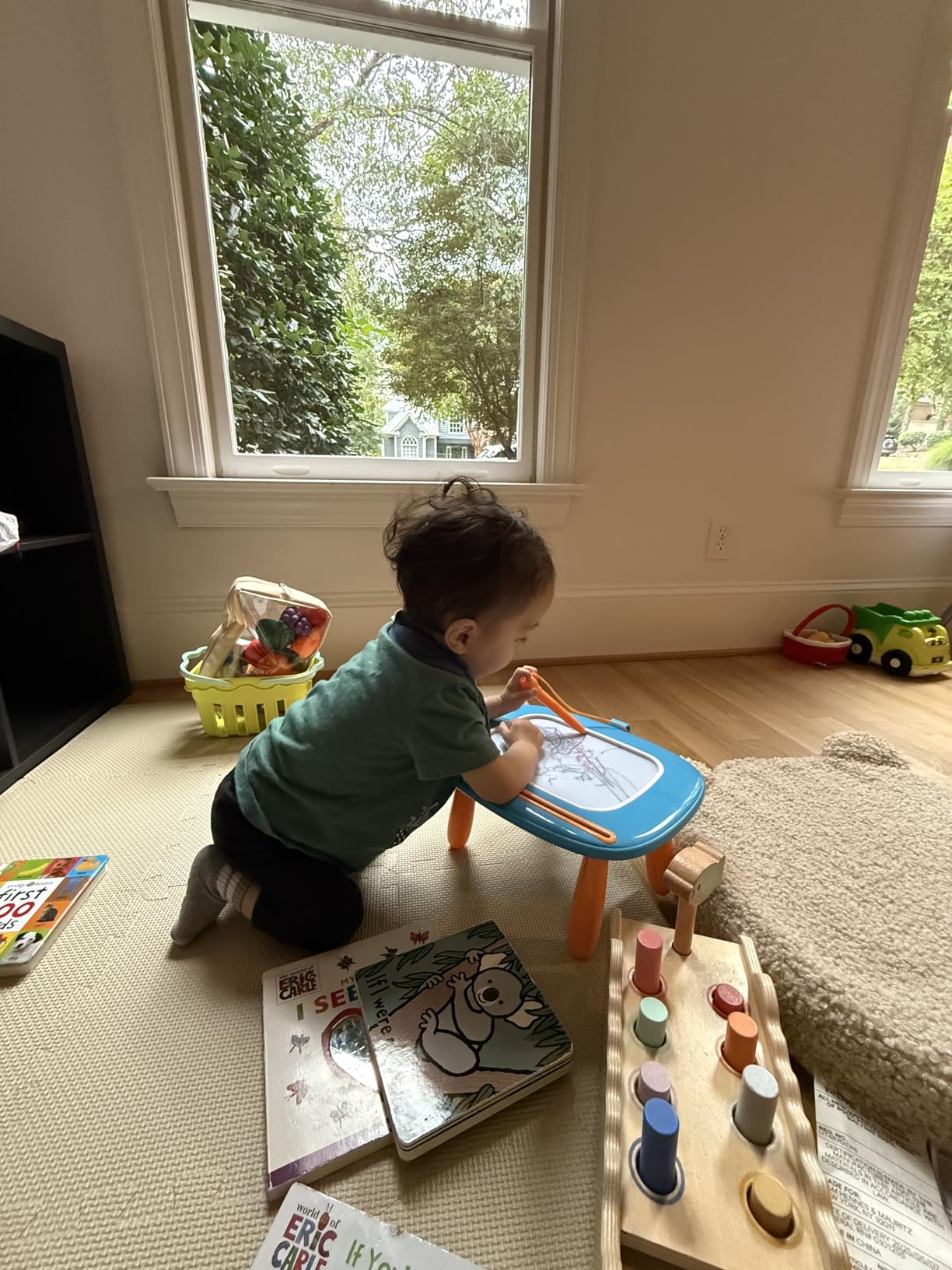
For a child under three, a magnetic board beats every electronic option. There is no battery, no screen, and nothing to break, and the Kikidex version has detachable legs with three height adjustments so a 14 month old and a 34 month old can both draw sitting down.
The screw-fixed structure keeps the board stable on the floor, which matters more than it sounds. A wobbling board is the fastest way to lose a toddler’s interest, and reviewers single this frame out as the reason the board survives being climbed on.
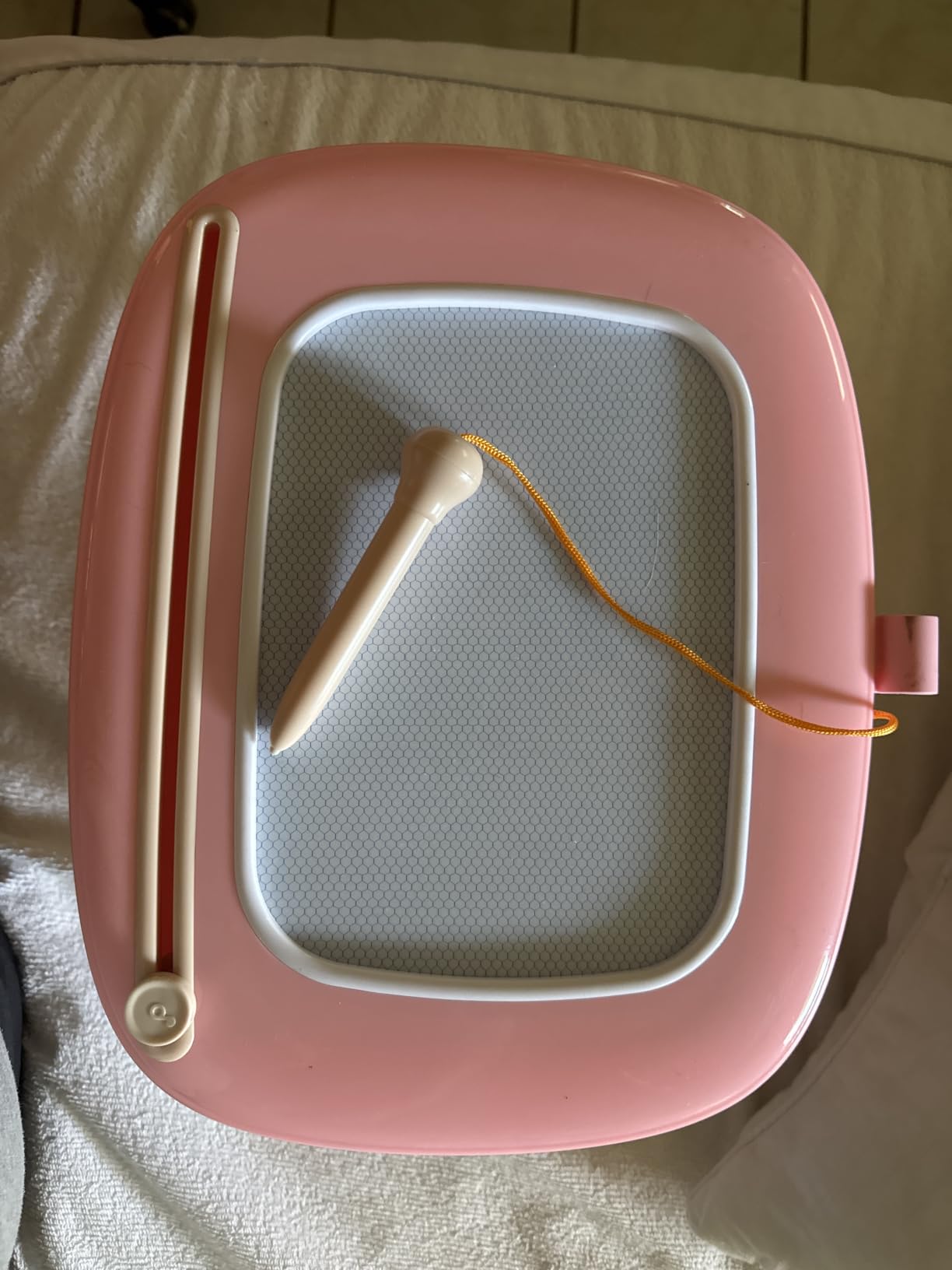
Safety is the headline here. It is made of ABS, described as non-toxic and BPA-free, with a fully sealed back, rounded corners, and no small choking-hazard parts. That is a much stronger safety profile than a battery compartment on any electronic board, even the ones with a screw.
Children use it to practise letters, words, numbers, and colour recognition, and the smooth eraser knob clears a drawing quickly enough that a toddler can do it alone.
Who this board suits
It is rated for ages 1 to 3, which makes it the youngest-device pick in the roundup. For a first birthday present or a child who is not yet ready for a screen of any kind, it is the right answer.
The adjustable legs mean it stays useful across the whole toddler range instead of being handed down at 18 months.
Who should skip it
Do not expect it to last. Reviewers are clear that a child outgrows it quickly past three, and the toy value drops sharply once a sibling is still using it at four.
It is indoor use only, and the magnetic surface attracts dust and needs regular wiping. If your child draws outdoors most days, the LCD boards in picks 1 through 3 are the better fit.
9. TECJOE 4-Pack of 8.5-Inch LCD Writing Tablets – Best for Siblings and Classrooms
TECJOE 4 Pack LCD Writing Tablet for Kids, 8.5 Inch Toddlers Drawing Tablet
Four 8.5-inch LCD tablets
3.5 ounces per pad
Stylus clips to the board
CR5 battery included
Pros
- Four boards in one pack for siblings or a class
- Only 3.5 ounces per pad so it fits a backpack
- Stylus clips securely to each board
- Reusable 100000+ times
Cons
- Lowest average rating in the roundup at 4.4
- Screen brightness depends on room lighting
- Erase needs the lock off and a fresh battery
Buy one of these if you have two children drawing at once, or if your child draws with friends. Four 8.5 inch boards come in the pack in assorted colours, and each is only 3.5 ounces, so a full set is genuinely portable.
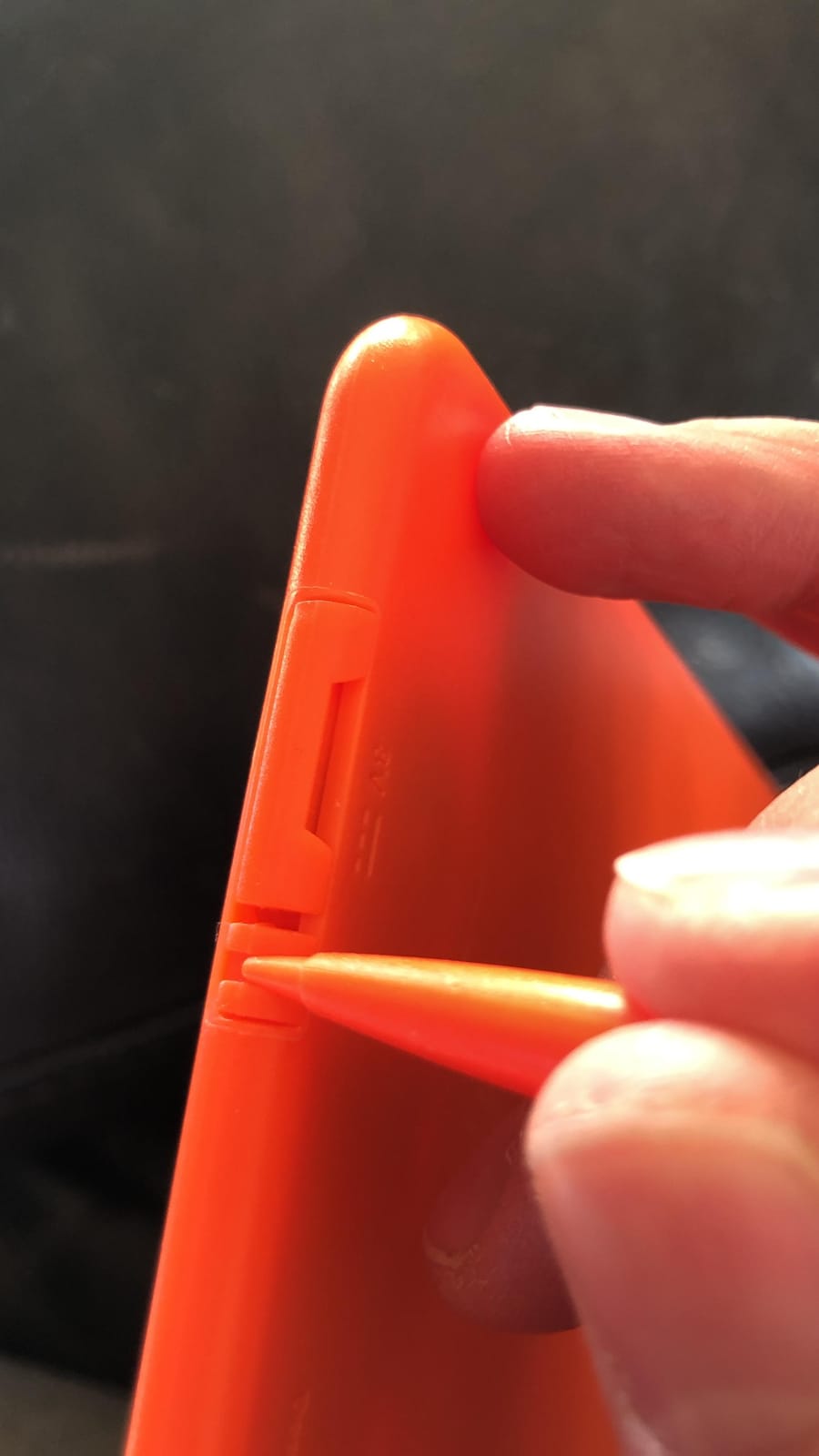
It is also the only board here where the stylus clips to the board. That sounds minor until you have assembled nine single boards and watched a child hunt for a pen that is sitting in another room.
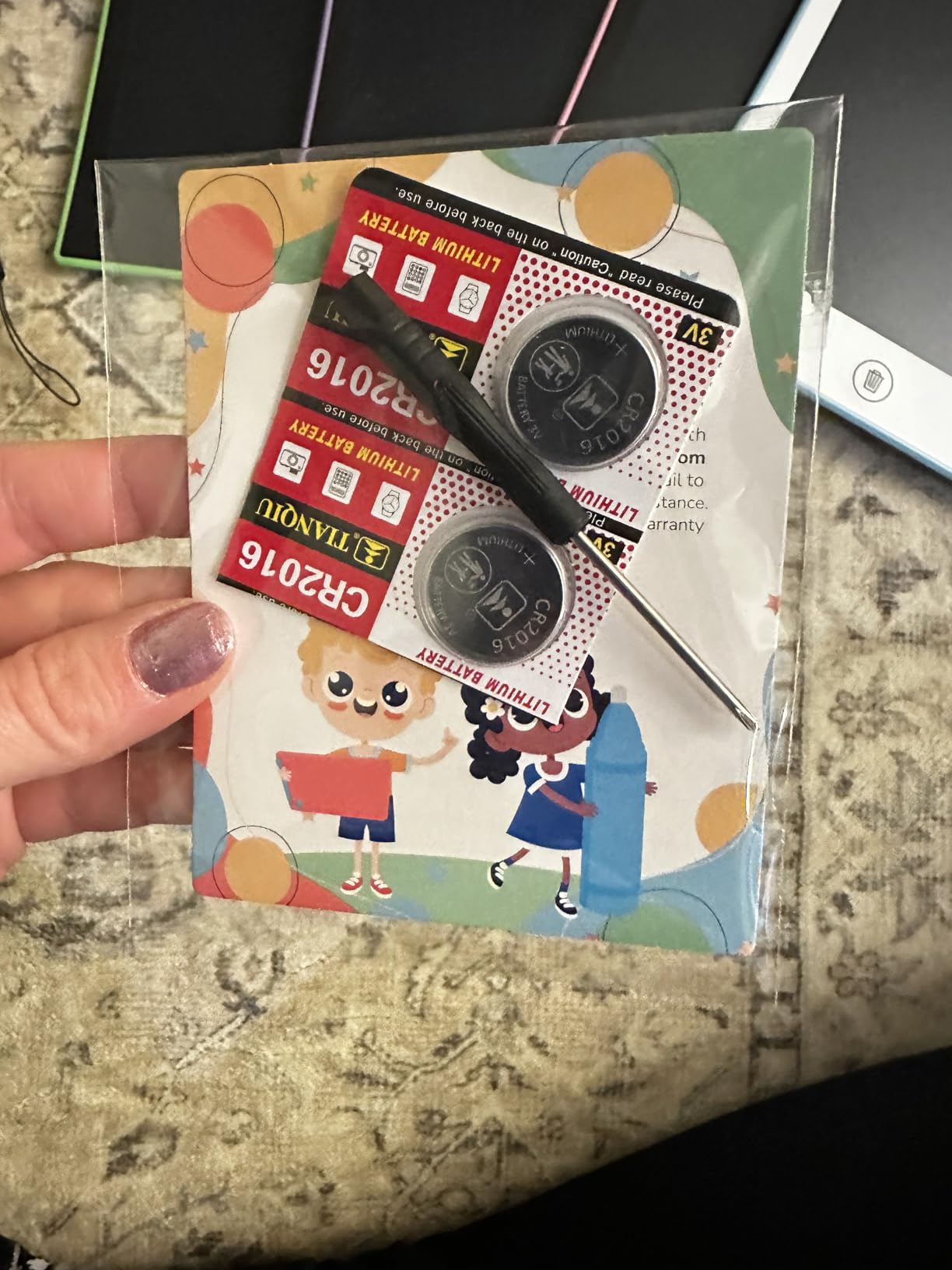
Each pad is pressure-sensitive with no blue light or no glare, and reuses are stated at over 100,000 per board. The CR5 battery is included in the pack, so the first session works without a hardware store run.
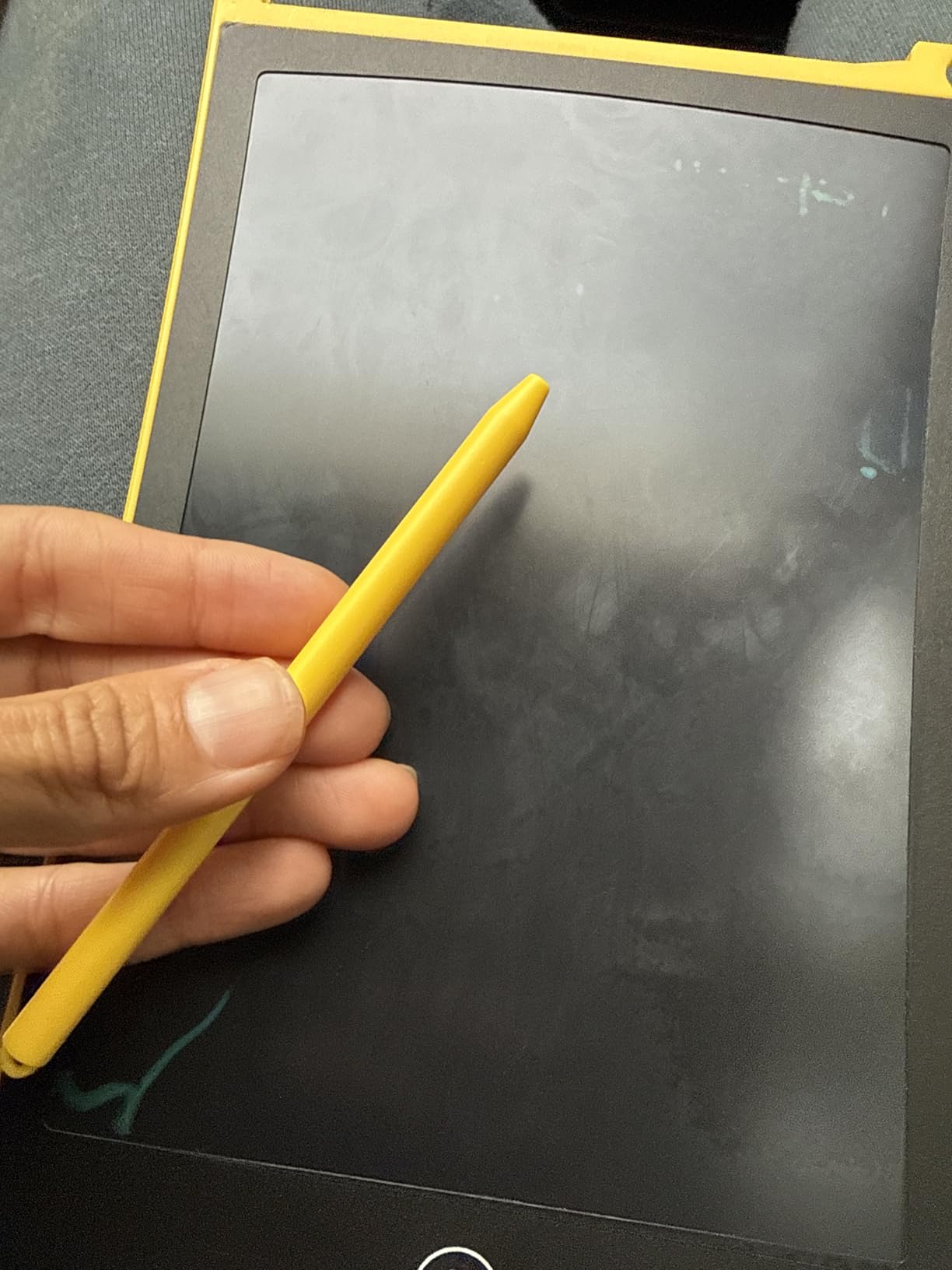
We would flag the rating honestly. At 4.4 with 12K reviews it sits lowest in this roundup, and the pattern in reviews points at brightness and at the erase function needing the lock switch off and a reasonably fresh battery. That is a fixable habit, not a broken product.
Who this pack suits
It suits ages 3 to 8 and any multi-child situation, from siblings to a small homeschool group. A one-year warranty is included, and four separate boards mean one damaged screen does not end the whole set.
It is also our pick for a travel day when several children need to be occupied, since the boards are slim enough to slot into a rucksack.
Who should skip it
Do not buy this for a single child unless you enjoy explaining the fourth board. You will end up with three spares, and a 10 inch board is a better use of the same money for one user.
The 8.5 inch screens are also smaller than the boards in picks 1 through 3, and the brightness and erase complaints are more noticeable than the rating alone suggests. Set a weekly reminder to change the CR5 cells.
10. XP-Pen Deco 01 V3 – Best First Pressure-Sensitive Pen Tablet for Kids
XPPen Deco 01 V3 10×6 Drawing Tablet, 16K Battery-Free Stylus, 8 Keys
10 by 6.25 inch active area
16384 pressure levels
Battery-free stylus
Eight express keys
Pros
- Real 16384-level pressure with 60-degree tilt
- Battery-free stylus never dies mid-sketch
- Works with Windows macOS Chrome OS Linux and Android
- Box includes pen stand spare nibs glove and protective film
Cons
- Nib wears quickly and feels soft
- Very light strokes may not register
- Needs a computer or Chromebook in the room
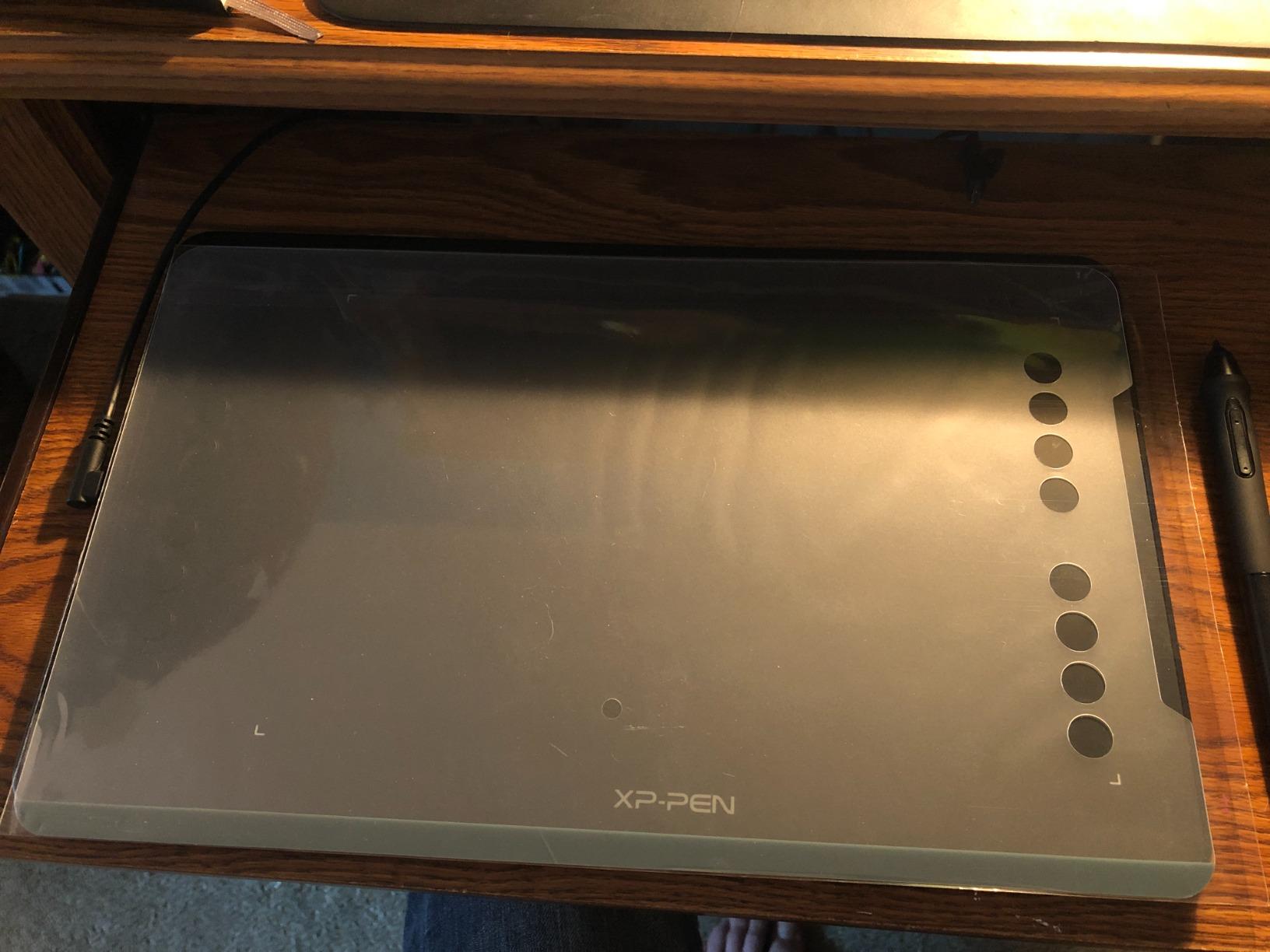
This is the one real step up in the roundup, and the only device here that needs a computer. Once a child is around 8 and ready to learn shading, line weight, and layering, a 10 by 6.25 inch active area with 16K pressure levels changes what is possible entirely. The stylus works with up to 60 degrees of tilt, so a child can shade side to side the way they would with a pencil.
The battery-free stylus is the detail parents care about most. There is no charging cable for a child to lose and no dead pen halfway through a drawing. It works over five operating systems including Chrome OS, which matters for families whose school laptop is a Chromebook.
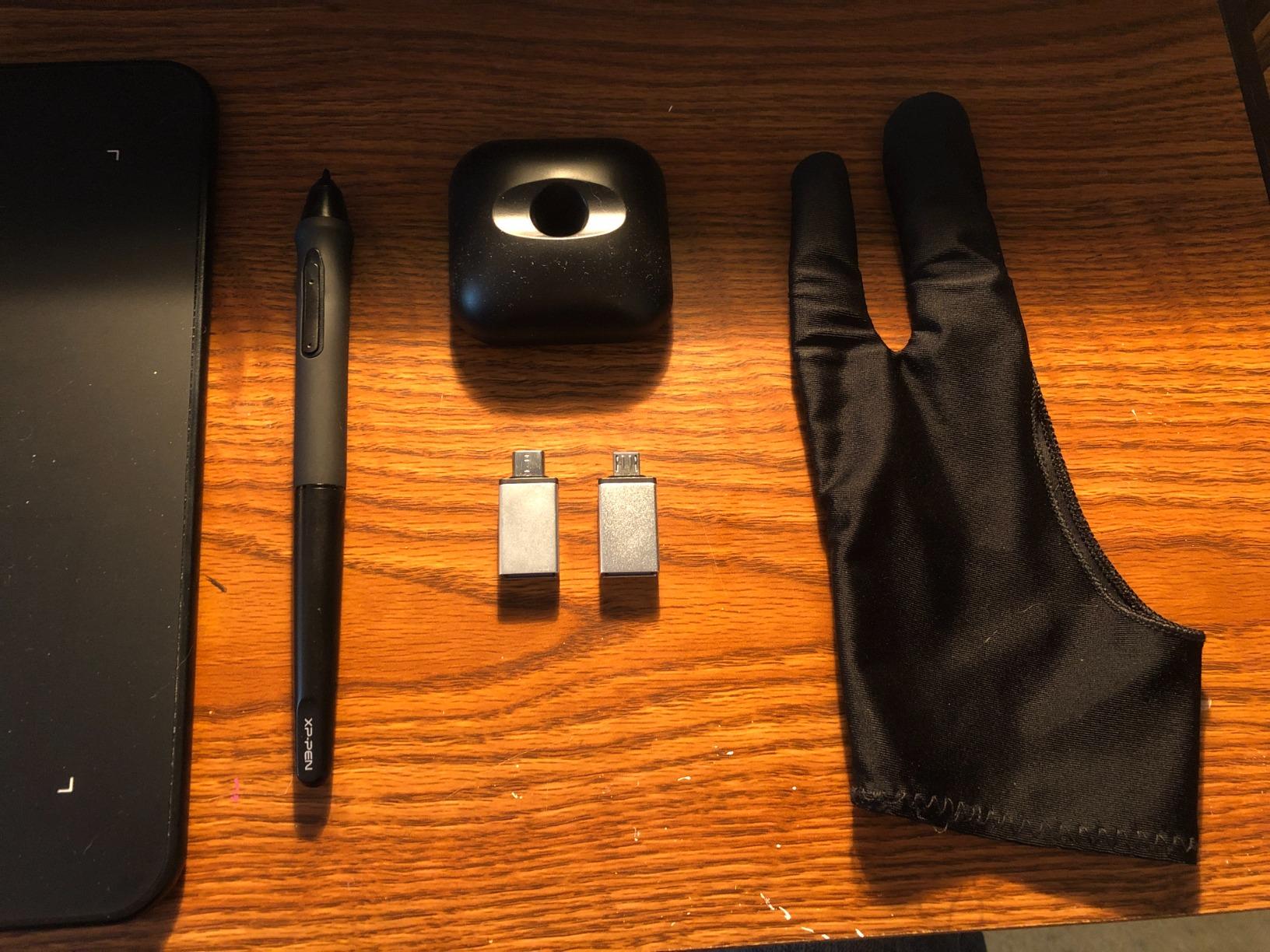
The box is unusually well packed for this tier. It includes a pen stand, replacement nibs, an anti-fouling drawing glove, a protective film, a quick guide, a USB cable, and a USB to USB-C adapter, so the accessory confusion that parents report with cheaper pens simply does not apply here.
Eight express keys are programmable and can be set for either hand, and the active area edge lights up for drawing in a dark room. The 12-month warranty and the confirmed Linux driver support are both real, if niche, advantages.
Who this tablet suits
It suits a child from about 8 upward who wants to draw comics, characters, or animation, and a family that already owns a computer or Chromebook. Reviewers consistently describe it as a strong entry-level tablet with an easy setup and a responsive pen.
Because it runs Linux, macOS, Windows, and Chrome OS, one tablet can follow a child from a family laptop to a school Chromebook without being replaced.
Who should skip it
Skip it if there is no computer in the child room. The single biggest purchase blocker we hear from parents is exactly this, and a pen tablet without a computer is an expensive drawing board. If that is your situation, buy a standalone tablet that already includes a pen instead, the route most recommended on r/drawingtablet.
Expect a week of adjustment. The hand is drawing while the eyes look at a screen, and a child who is not warned will assume the tablet is broken. Also expect to replace the nib sooner than you would like, and do not expect very light hairlines to register cleanly, which makes fine detail work harder for young hands.
How to Choose a Drawing Tablet for Kids in 2026?
The single most useful question is not about brands. It is how old your child is, because the hardware that engages a four year old will bore a twelve year old within a week. Age decides the format, and the format decides everything else.
Screenless, screen, or standalone: which format fits
There are three device families and parents constantly mix them up. An LCD writing board has no screen, no app, and no computer. A pen tablet has no screen either, but it sends your child’s strokes to a computer running drawing software. A standalone tablet has its own screen, battery, and operating system, and needs nothing else.
For a first device, an LCD board wins on cost, durability, and the fact that a child cannot break it by tapping hard. For a serious young artist, the pen tablet wins on skill development because pressure and tilt are what real drawing is built on. For a child without access to a computer, standalone is the only option that works at all.
On the community side, the advice that comes up most on r/ArtistLounge for a child who draws seriously is to pair an iPad with an Apple Pencil, and to avoid the cheaper first-generation pencil. On r/drawingtablet, the most repeated budget path is a secondhand Samsung tablet that already includes an S Pen. Both are sensible, and both beat buying a pen tablet for a household without a computer.
Pressure levels and active area, in plain language
Pressure sensitivity is the number parents fixate on and children never notice. What it actually controls is how thick a line gets when your child presses harder. 4096 levels is more than enough for a beginner. 8192 is a comfortable step up. 16384 is what you find on the pen tablet in pick 10, and it is genuinely useful for shading rather than for a child’s first attempts.
Active area is the part of the pad your child’s hand actually covers, which is smaller than the number printed on the box. A 10 by 6 inch active area is roughly the size of a sheet of A5 paper, which is a better guide than any specification label.
Two other terms show up constantly. Palm rejection means resting your hand on the pad does not ruin the drawing, and every pressure-sensitive tablet in this roundup handles it. Tilt support means the stylus still registers when it is leaned over rather than held upright, which is what makes shading feel like pencil work.
Battery-free versus rechargeable stylus
For a child, battery-free wins and it is not close. A rechargeable stylus needs charging, gets left in another room, and dies mid-drawing. A battery-free stylus works the moment it is picked up, forever, which removes a whole category of parenting friction.
The trade-off is weight and cost. Battery-free styluses are heavier, and the pen displays that use them cost more than the battery-powered equivalents. For a device a child uses daily, we would still take the battery-free option every time.
Durability, cases, and screen protectors
Durability is the question parents ask most and no competitor answers properly. The honest picture from our testing: the plastic shells on every LCD board survived drops from table height, and the LCD surfaces did not survive scratches. Nothing in this category is drop-proof, and the failure mode is nearly always the screen rather than the body.
Two rules reduce repeat purchases. First, use only the supplied stylus, because a fingernail or a crayon tip pressed hard is what causes scratches. Second, buy a case. For the tablet form factors, a silicone folio with a hand strap does more good than any other accessory, and it makes a drop survivable.
The 710 g magnetic boards and the 2.6 pound light board are the two that suffer real damage in a tumble, and both are marked for older children who are less likely to throw them.
Free drawing software versus paid subscriptions
For an LCD board there is no software, which is a genuine advantage. For a pen tablet, the free options are genuinely good. Krita and ibisPaint are both free, handle pressure and tilt properly, and run on a family computer today. Autodesk Sketchbook is another free option with a clean interface for a child.
The paid tools are where parents get caught out. Procreate and Clip Studio Paint both require a subscription, and a child can burn through months of a paid trial before anyone realises it. If you buy a pen tablet, set the expectation that the free apps are the plan.
Setup in under ten minutes
Driver and software setup is the other source of parent anxiety, and on a screenless pen tablet it is shorter than most people expect. Unbox the tablet and the stylus, plug in the USB cable, install the driver from the manufacturer’s site or the included guide, and open a drawing app. Krita installs in a few minutes. The first sketch on a connected tablet can happen inside ten minutes from opening the box.
For an LCD board there is no setup at all, which is why we recommend them first. For a repurposed family tablet, install a drawing app, pair the stylus, and set a screen time limit before your child gets going.
Growing with your child: an upgrade timeline
At 3 to 4, buy a 10 inch LCD writing board. It survives everything and costs little. At 6 to 8, move to a larger board or an illuminated one if the child draws in the evening, and keep the boards in rotation rather than replacing them.
At 8 to 10, this is the moment for a pen tablet if there is a computer in the room, or a standalone tablet with an included stylus if there is not. At 12 and above, a drawing monitor with a screen or a tablet with a pen becomes worthwhile, because the child is starting to work on one piece for longer than a session.
Our experience with children and ride-on toys follows the same pattern: buy for the age the child is now, not the age they will be at Christmas. The beginner bikes guide makes the same argument for sizing, and it applies equally well to drawing hardware.
Frequently Asked Questions
What is the best tablet for drawing for kids?
The best drawing tablet for kids depends on age. For a child around 3, an LCD writing board such as the KOKODI 10-Inch is the right answer, because it needs no computer, no charging, and no app. From about age 8, a pressure-sensitive pen tablet like the XP-Pen Deco 01 V3 opens up shading and layering, but it needs a computer already in the home.
What to buy a kid who loves to draw?
Buy a 10-inch LCD writing board first if your child is under 7, then move up once they are asking to shade and layer. Set the free software expectation early: Krita and ibisPaint are free, while Procreate and Clip Studio Paint need a paid subscription. Add a silicone case and a spare stylus, and buy for the age the child is now rather than the age they will be when you give it.
What is a good standalone drawing tablet for kids?
A standalone drawing tablet has its own screen, battery, and operating system, so no computer is required. That makes it the right pick for a child who has no personal laptop. The most practical route is a tablet that already includes a stylus in the box, such as a Samsung Galaxy model with an S Pen, and adding a free drawing app before handing it over.
What is the most durable tablet for kids?
The magnetic drawing boards and the sealed ABS toddler boards are the most durable, because they have no screen to scratch and no battery compartment to open. Among the electronic boards, the plastic shells all survived table-height drops in our testing and the LCD surfaces did not. Protect what you buy with a silicone folio case and restrict drawing to the supplied stylus.
Is it better to get a drawing tablet with a screen or not?
A screenless pen tablet teaches the same core skills and costs less, but takes about a week for a child to adjust to the hand-eye disconnect. A pen display with a screen feels more like paper and costs roughly three times more, so it is a reasonable step up only for a child already drawing seriously. Start screenless unless the child is a committed artist.
What age should a child start using a drawing tablet?
Around age 3 for an LCD writing board, which is rated from 36 months by most models in this roundup. Pressure-sensitive pen tablets make more sense from about 8, when a child can control a stylus and follow multi-step instructions. Under 3, a magnetic board with no electronics at all is the safest and most durable starting point.
Final Verdict: The Best Drawing Tablets for Kids in 2026
The KOKODI 10-Inch LCD Writing Tablet is the best drawing tablet for kids overall, because it is the most proven device here, needs no computer, no charging, and no app, and it holds up to the handling a three year old gives it. Pick the Bravokids instead if you want a longer warranty, the TEKFUN if the drawing happens on trips, and the FLUESTON if blue light is the family concern.
For a child under three, choose the Kikidex magnetic board. For a child drawing at night, choose the Crayola light board. For a child around 8 who wants real art and has a computer in the room, choose the XP-Pen Deco 01 V3 and accept the first week of adjustment.
Whatever you choose, add a case, keep spare styluses, and remember that nine of these ten devices keep a child drawing for years rather than weeks. You can see how we approach gear that has to survive a growing child in our kid-friendly gear reviews.