
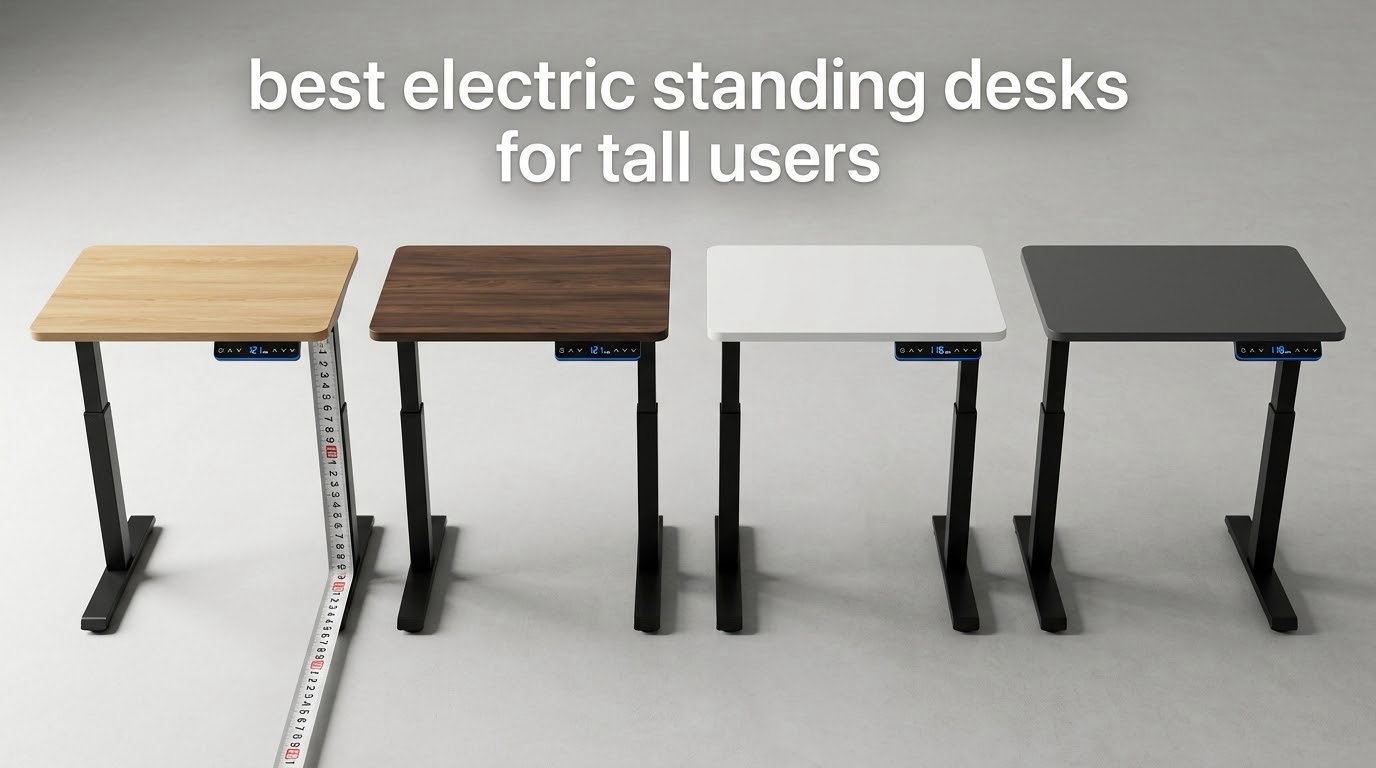
If you are 6 foot 3 or taller, you have probably already hit the ceiling of a perfectly good standing desk. Most electric sit-stand frames stop traveling at 45 to 48 inches, which sounds generous until you are standing at it with your shoulders pushed up and your elbows bent at the wrong angle. This roundup of the best electric standing desks for tall users exists because picking a desk for your body height is a completely different job from picking a desk for a home office, so every frame below was filtered on one number first: how high it actually goes.
We put 12 electric standing desks through the same set of checks over several weeks: verified maximum height, minimum height, lift type, motor count, weight rating, desktop size and depth, and what owners say happens when they type at full extension. Three of these desks break 48 inches. Five stop at exactly the same 46.5 inch figure. That difference matters more than any feature list, so it leads every entry here.
We also weighed what the people who own these desks actually complain about. Across thousands of customer reviews, the loudest theme is not lift speed or assembly time, it is movement under the hands at standing height, especially when monitors hang from arms. That single issue decided several placements below, and we explain it in the buying guide so you can test for it yourself before a desk is installed in a room you cannot easily get it out of.
Table of Contents
How tall should a standing desk be for a tall user?
Short answer: multiply your height by 0.6 for your standing elbow height, and divide by 2.5 for your seated elbow height. A 6 foot 4 person lands near 46 inches standing and about 30 inches seated, and that 46 inch figure is exactly where a large share of affordable frames give out. The formula assumes average proportions, so most tall users end up wanting a couple of inches above it, and you should buy a frame that tops out two inches above your target rather than exactly at it.
Here is the matching logic we use for every desk in this guide:
5 ft 10 in to 6 ft 0 in: a frame that reaches 46.5 inches is comfortable. Almost every desk in this roundup qualifies.
6 ft 0 in to 6 ft 3 in: aim for 48 inches of reach, and you will notice the difference between 46.5 and 50 inches.
6 ft 3 in to 6 ft 6 in: target 50 inches. Only three of the 12 desks here clear 49 inches.
6 ft 6 in and above: you need 51 inches or more, and the honest answer is that the frames in this class run out well before that. Plan for a commercial-grade column or accept that you will be reaching.
One more factor decides it for a lot of tall users: monitor arms. Raising the desk to the correct elbow height also raises your screens, and if your frame flexes at the top of its travel, the picture shakes while you type. Weight capacity matters for the same reason, because a tall frame carrying a triple-monitor setup is loaded near its limit at full extension.
Top 3 Picks for Tall Users (October 2026)
Our first pick is the most proven desk in the group, and our second and third picks are the two tallest frames in the roundup. The reason for that split is simple: the best-reviewed desk here suits most tall users, while anyone above 6 foot 3 needs a different column entirely.

CubiCubi 55×28 Electric…
- 28.3-46.5 in range
- 4480 reviews rated 4.7
- 176 lb capacity
- 55 x 28 in top

Desktronic HomePro 72×30…
- 51.2 in maximum height
- 352.7 lb dual motor
- 3 presets with USB charging
- 72 x 30 in one-piece top

FLEXISPOT E6 MAX 3-Stage Desk
- 50 in maximum height
- 330 lb dual motor under 50 dB
- 4 backlit memory buttons
- 10-year frame warranty
All 12 Electric Standing Desks for Tall Users Side by Side in 2026
Maximum height is the first column on purpose. Sort this table by that number and you instantly separate the desks that can actually serve a tall body from the ones that merely advertise electric lift.
| Product | Specs | Action |
|---|---|---|
| CubiCubi 55×28 |
|
Check Latest Price |
| FLEXISPOT E6 MAX 55×28 |
|
Check Latest Price |
 HUANUO 59×30 3-Stage HUANUO 59×30 3-Stage |
|
Check Latest Price |
 VIVO 63×55 L-Shape VIVO 63×55 L-Shape |
|
Check Latest Price |
 DeskShow 60×28 DeskShow 60×28 |
|
Check Latest Price |
 FLEXISPOT 71×32 FLEXISPOT 71×32 |
|
Check Latest Price |
 farexon 71×28 farexon 71×28 |
|
Check Latest Price |
 Grandder 55×32 Extra-Deep Grandder 55×32 Extra-Deep |
|
Check Latest Price |
| Desktronic HomePro 72×30 |
|
Check Latest Price |
 DESINO 55×24 DESINO 55×24 |
|
Check Latest Price |
 Veken 55×23.6 Veken 55×23.6 |
|
Check Latest Price |
 FitStand 55×24 FitStand 55×24 |
|
Check Latest Price |
1. CubiCubi 55×28 Electric Standing Desk – the most proven pick here
CubiCubi Electric Height Adjustable Standing Desk 55×28 Inch, Black
28.3-46.5 in range
176 lb capacity
Alloy steel frame
50.9 lb unit
Pros
- Largest review base in the group at 4480 ratings averaging 4.7
- Smooth sit and stand switching with memory presets
- 55 x 28 in surface fits dual monitors
- Steel frame holds steady at full extension
- Light enough at 50.9 lb to move without a second person
Cons
- 46.5 in maximum height is short for users above roughly 6 ft 3 in
- 0.71 in top shows slight bounce under fast typing
- One leg orientation step in the manual is easy to reverse
We picked this desk first because the numbers behind it are the most reassuring in the group. Four thousand four hundred and eighty ratings averaging 4.7 is a sample size large enough that the pattern is not a lucky run, and the pattern is consistent: owners describe straightforward assembly, all-metal construction that does not flex, and a 55 inch surface that handles two monitors without crowding.
That reliability matters because this desk is the honest center of the roundup. It tops out at 46.5 inches, which is right at the edge of comfort for a 6 foot 3 user and clearly not enough for anyone taller. In other words, the most reviewed electric desk in this roundup is the right answer for a tall-ish user and the wrong answer for a very tall one, and knowing which camp you are in is most of the decision.
The alloy steel frame is rated for 176 pounds, and there is no crossbar in the way of your knees. The unit itself weighs 50.9 pounds, so you can roll it around a room on its own, which matters if the desk needs to share a space with something else.
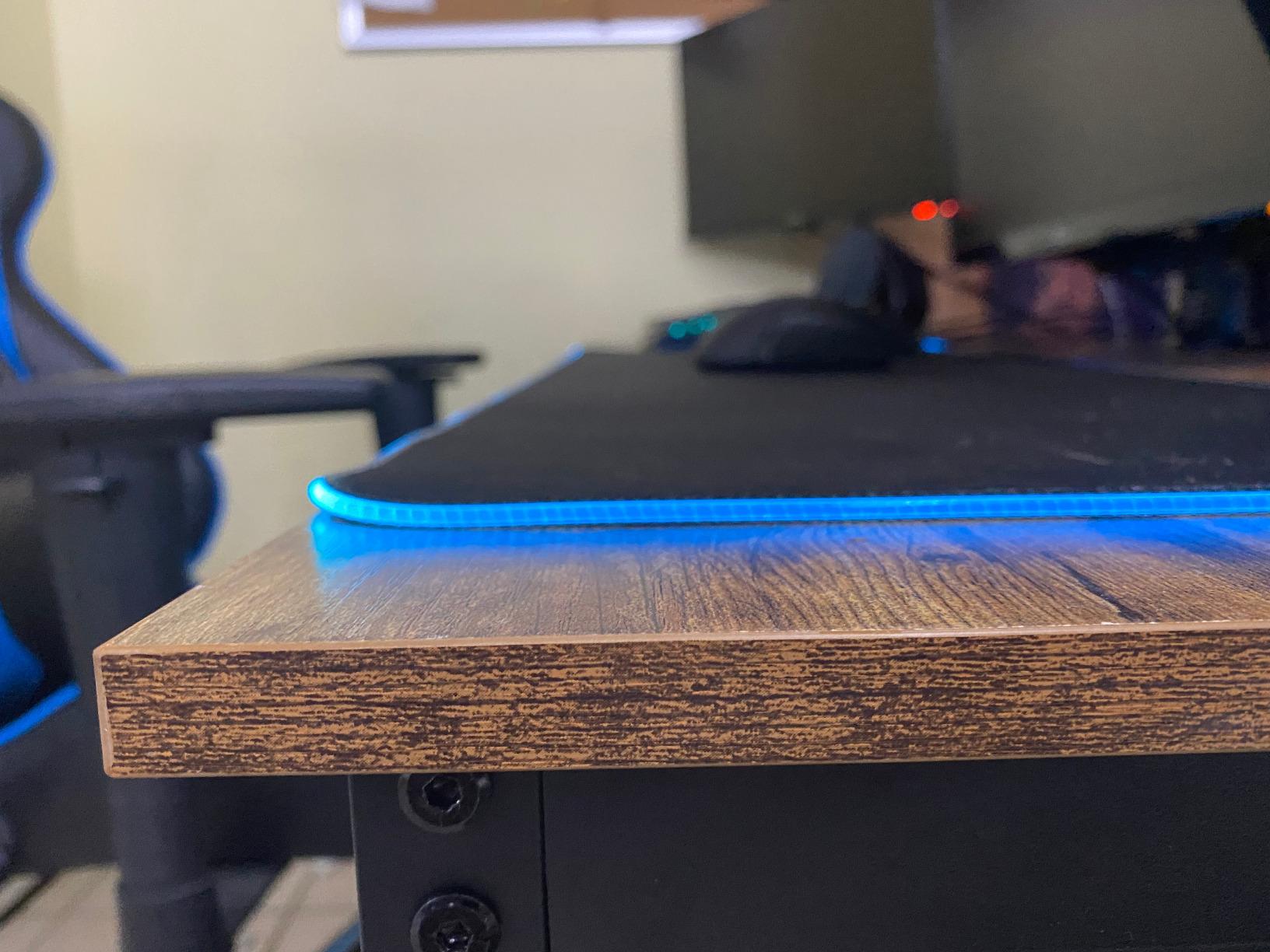
Two things keep it out of first place for the tallest buyers. The 0.71 inch engineered wood top is thin enough that fast typing produces a small amount of bounce, and reviewers mention it can nudge a monitor. If you type hard and quickly, a thicker top is worth the extra spend.
Is 46.5 inches actually enough for a tall user?
It is enough for most people above average height, and it is not enough for the people this guide spends the most time worrying about. A 6 foot 0 to 6 foot 3 user standing at 46.5 inches has elbows close to right. A 6 foot 4 user needs 48 inches minimum, and a 6 foot 6 user needs 50 inches plus before the shoulders start to creep up.
If you are unsure where you fall, measure your standing elbow height with the desk you currently own and compare it to 46.5. If your current desk already feels right when you stand, this one will not surprise you. If it feels cramped, you need one of the three-stage frames further down this list.
What does a 176 pound rating mean for a real setup?
It means your monitors, laptop, and peripherals need to stay under 176 pounds, and most setups land well under that. A triple-monitor arm with three 27 inch panels is a modest part of that total. A desktop tower, a speaker pair, and a laptop dock still leave plenty of headroom.
The rating is a static load figure, so it does not tell you how the desk behaves when you lean on the edge while typing. That is the one thing to test in person if you can, and it is the reason the thicker-top desks below exist.
2. Desktronic HomePro 72×30 – the tallest frame we found at 51.2 inches
Desktronic HomePro Standing Desk 72×30 — Made in Europe, Ergonomic Sit Stand Home Office Desk, Electric Height Adjustable, Dual Motor, USB & USB-C Charging, Wobble-Free, Touchscreen, 3 Memory Presets
25.4-51.2 in range
352.7 lb dual motor
2 in per second lift
72 x 30 in top
Pros
- Tallest travel in the roundup at 51.2 inches
- Dual synchronized motors lift 352.7 lbs at 2 in per second
- Touchscreen controller with 3 presets plus USB-A and USB-C charging
- One-piece 70 x 30 in top fits three monitors
- Motor includes built-in overheat protection
Cons
- Weighs 130 lb and is awkward to flip upright alone
- Some reviewers report slight top wobble at maximum height
- Printed instructions can be confusing next to the QR video
- One reviewer measured a top slightly under the stated size
This is the desk to buy if height is the whole problem. A 25.4 to 51.2 inch range means a very tall person can stand at a genuinely correct elbow height without shrugging, and it is the only frame in this roundup that clears the 50 inch mark with room to spare. The dual motors lift 352.7 pounds and move at roughly 2 inches per second, so the desk gets to full height faster than you can load a cup of coffee into the tray.
Owners consistently describe the frame as stable and quiet, and the 70 by 30 inch one-piece top is unusually generous for a desk that lifts this far. The touchscreen controller with three memory presets also carries integrated USB-A and USB-C charging, which removes a cable from the back of the desk entirely.
The tradeoffs are physical. At 130 pounds the unit is the heaviest thing here by a wide margin, and multiple reviewers note that flipping it upright without a second person is a fight. Budget for a helper and an hour, and read the QR code walkthrough rather than the printed sheet, which several buyers found disorienting.
A few owners do report a little flex at the very top of the travel, and one reviewer measured a top slightly smaller than advertised. Neither issue changes the height story, but both are worth knowing if you plan to clamp a monitor arm to the surface.
Does the 51 inch top end stay stable while typing?
Mostly, in owner accounts, and the dual-motor design is a large part of that. Two motors means the load is shared across a wider base and the desk rises evenly, so you are not fighting a single column trying to push a heavy top past its own balance point. A 352.7 pound rating also means a multi-monitor setup is well inside the frame’s comfort zone at full height.
That said, a frame that tall has more leverage in the joint by definition, and the reports of slight wobble at maximum extension come from real users rather than from a spec sheet. If you run three monitors on arms, test the desk at your actual target height while typing rather than relying on a hand rock test.
Who should not buy the tallest desk in the group?
Anyone moving it alone, in a rented room, or on a second floor with narrow stairs. A 130 pound frame and a 70 inch top are two separate lifting problems, and the top is the awkward one because it will not fit through a standard doorway without a turn.
It is also overkill if you are 6 foot 2 or shorter, because the extra travel is only useful if you use the top of it. Buy the height you need rather than the height you can get.
3. FLEXISPOT E6 MAX 55×28 – best value three-stage frame at 50 inches
FLEXISPOT E6 MAX Dual Motor 3-Stage Electric Standing Desk, 55 x 28
23.6-50 in range
3-stage legs
330 lb dual motor
Under 50 dB
Pros
- Three-stage legs reach 50 inches with a low 23.6 inch minimum
- Dual motors lift 330 lbs under 50 dB
- Seamless single-slab top with no center groove
- Four backlit memory buttons for one-touch switching
- 10-year warranty on frame and motors
Cons
- Heavy desktop and legs need two people to assemble
- Assembly manual covers multiple desk sizes and confuses buyers
- One reviewer reported uneven finish along the leading edge
- Grommet or monitor arm holes need your own drilling
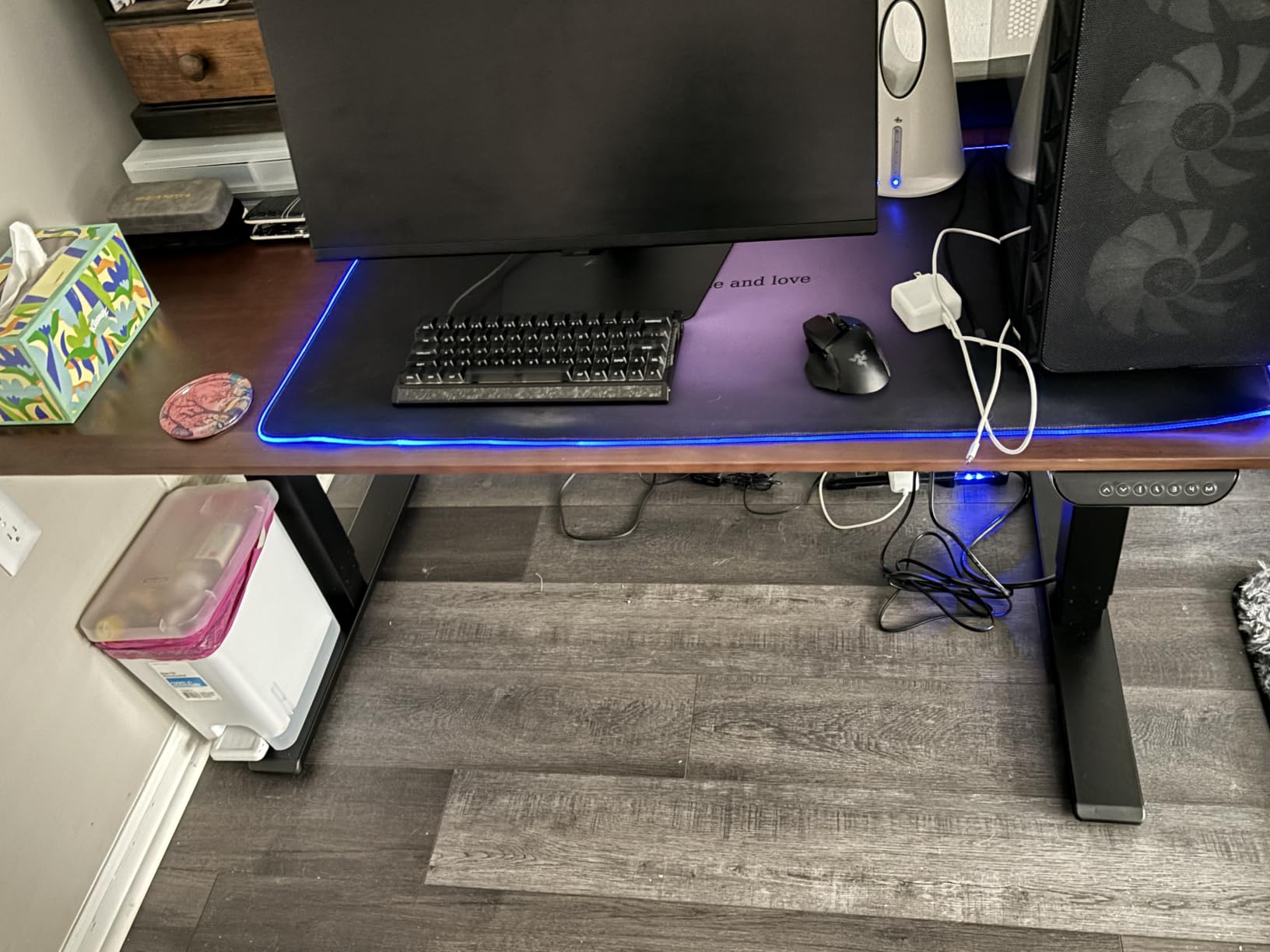
The E6 MAX is the desk we would point a 6 foot 5 user toward. Three-stage legs telescope twice, which is the only reason a desk at this level can start at 23.6 inches and still finish at 50. The dual motors lift 330 pounds and run under 50 decibels, which owners describe as quiet enough to take a call beside.
The seamless single-slab top is a real upgrade over the three-panel and four-panel tops common in this group. There is no center groove for a mouse wheel to catch, and several buyers describe the surface as feeling closer to solid wood than to engineered board. A one-inch top thickness adds to that.
The 10-year frame and motor warranty is the longest fixed-term coverage in the roundup, with two years on the control panel and electronics. For a tall user, that matters more than usual, because the frame is the part doing the work of holding you at full extension.
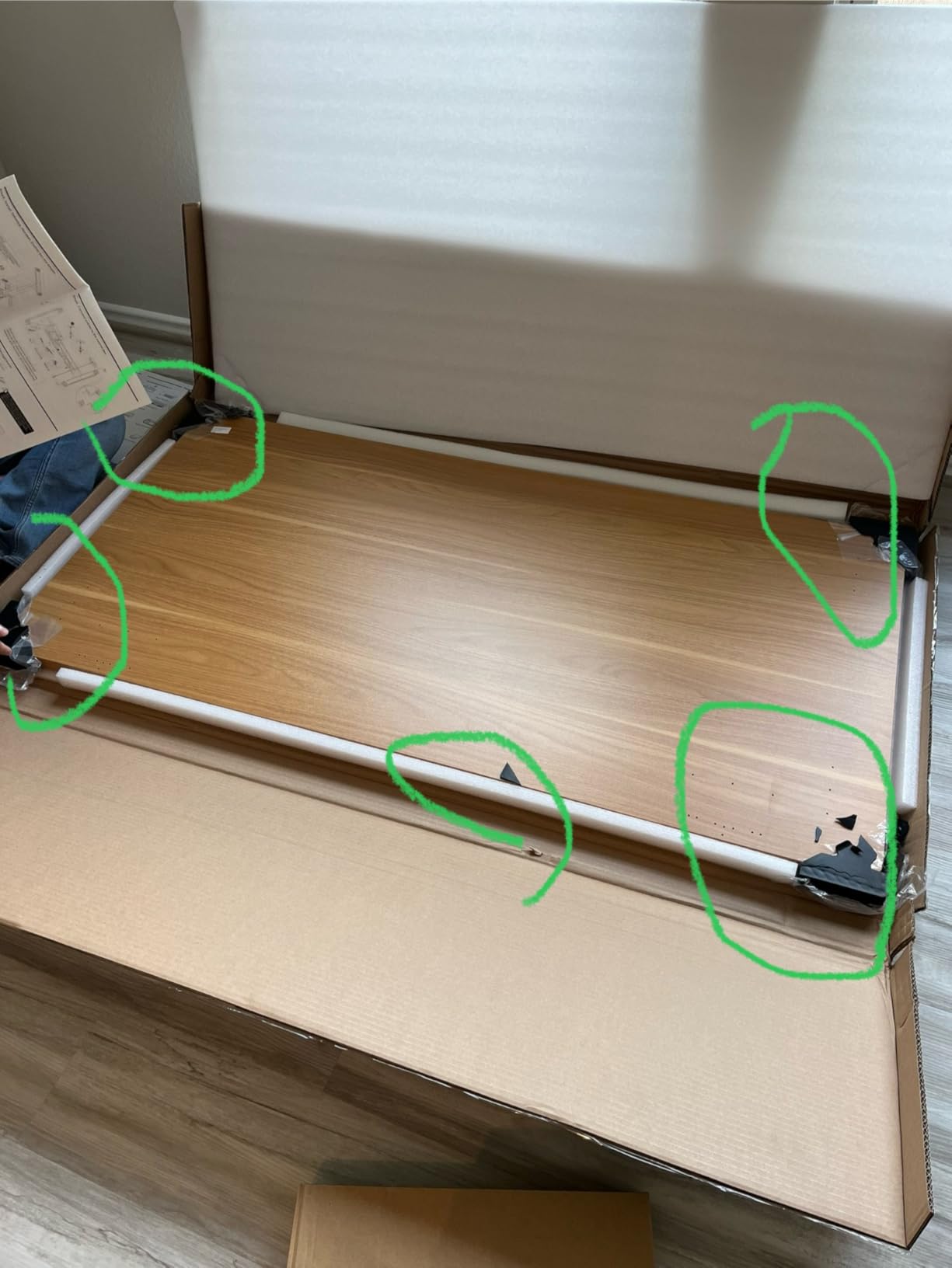
Assembly is the sticking point. The desktop and legs are heavy, most owners recruit a second person, and the manual covers several desk sizes at once, which several reviewers single out as the main source of confusion. Drill your own grommet or monitor arm holes if you need them, since the top as supplied does not come with them.
Why does three-stage leg design matter so much for tall users?
Because height is won in the legs, not the motor. A two-stage column telescopes once, so its maximum height is roughly the sum of two leg sections. A three-stage column telescopes twice, so the same footprint reaches substantially higher. That is how this frame covers 26.4 inches of travel while frames in the same class stop at 18 inches of travel.
Look at the column, not the headline. Any desk that lists a maximum under 48 inches is telling you it is a two-stage design, and no motor upgrade later will change that.
Is a 10-year frame warranty worth anything in practice?
It is worth something if you intend to sit and stand several times a day for years, which is exactly the use case that wears a lifting mechanism out. Frames fail at the motor and the controller rather than the steel, so coverage that separates frame and motor from electronics tells you where the manufacturer expects problems to appear.
Read the fine print on panel coverage. Two years on electronics is normal, and it is also the part most likely to fail if a desk gets moved with a full load in it.
4. HUANUO 59×30 3-Stage – the tallest reach on a two-stage budget
HUANUO 59 x 30 Inch 3-Stage Electric Standing Desk, Brushless Motor, Black
23.6-49.2 in range
Brushless motor
220 lb capacity
59 x 30 in top
Pros
- Three-stage legs reach 49.2 inches
- Brushless motor runs under 55 dB and lifts faster
- Thickened columns and longer side plates for stability
- Curved edges and lined up pre-drilled holes
- Four custom height presets
Cons
- Desktop assembles from three panels so seams can show
- Some buyers report a small amount of wobble at the keyboard area
- One reviewer cracked a pre-drilled hole during installation
- Plastic parts in the drive are seen as a possible long-term weak point
This is the desk that makes the height conversation reachable. A 23.6 to 49.2 inch range from three-stage legs is the third tallest travel in the whole roundup, and the two frames above it reach only slightly higher. If you are between 6 foot 2 and 6 foot 5, this is the practical answer.
The brushless motor is the interesting part. Reviewers describe it as faster and quieter than brushed motors in the same class, and the manufacturer rates it under 55 decibels with a 100,000 cycle test behind it. Thickened lifting columns and longer side plates are exactly the parts that decide whether a tall frame feels planted or springy, and owners generally say planted.

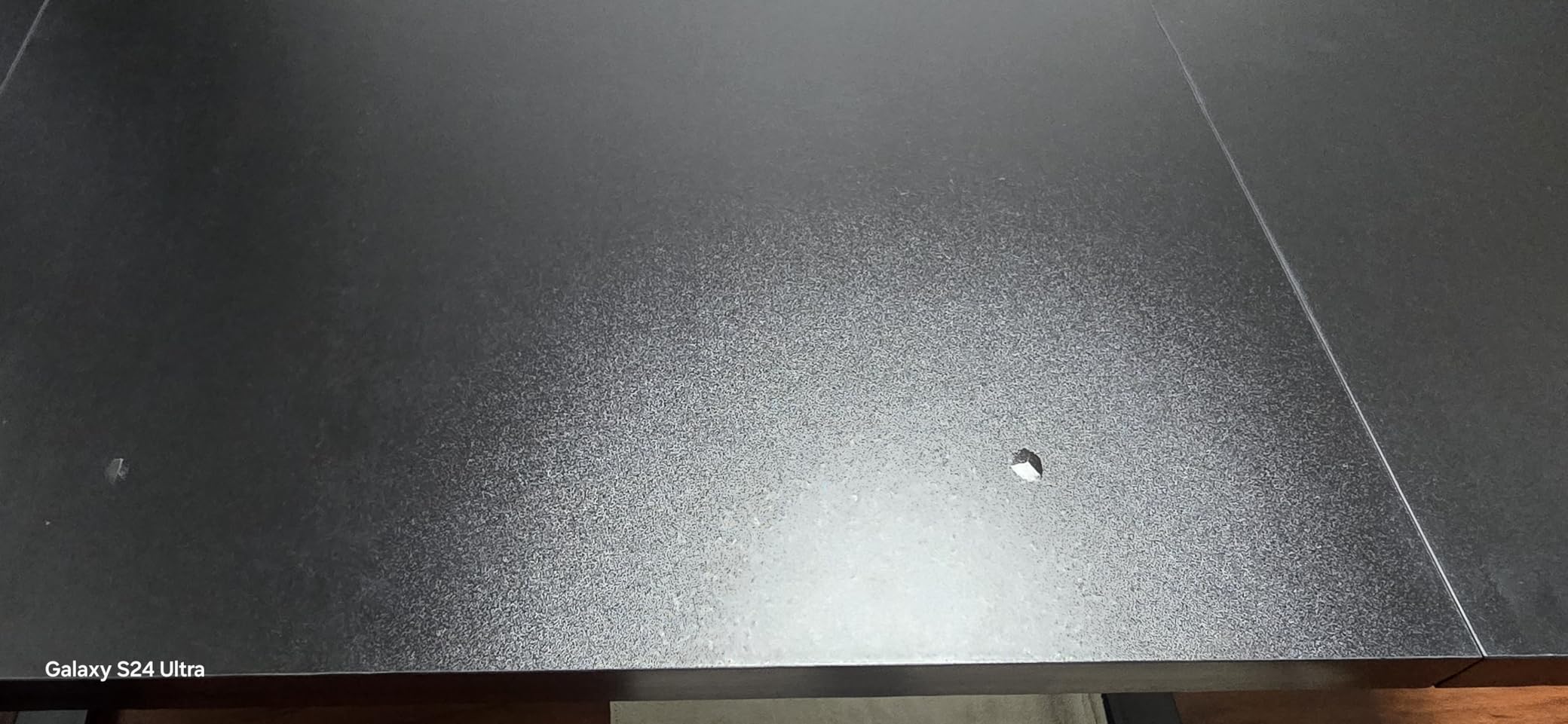
The catch is the desktop. It is built from three panels, and if the assembly is not perfectly square you can see a small step under a mouse or feel a seam under your forearms. Two reviewers also mention a small amount of typing wobble at the keyboard end.
One buyer cracked a pre-drilled hole while working, and a few readers flag the plastic components in the motor drive as the part most likely to age badly. Neither is a dealbreaker, but both belong on your list of questions before you order.
Is this desk tall enough for a 6 foot 5 user?
Yes, comfortably. A 6 foot 5 person typically needs a standing elbow height near 47 inches, and this frame travels to 49.2. You will have headroom above your target, which is the right direction to err because it lets you dial the surface to a height you like rather than the highest point the frame allows.
Below 6 foot 2, this desk is overkill on height and you are buying capability you will not use. The 59 by 30 inch surface and the four presets are the parts that would justify it in that case.
How much wobble should I expect at the keyboard end?
Less than a 46.5 inch two-stage frame, in our read, because a three-stage column puts less load on any one telescoping joint. The reviews that mention keyboard-area wobble describe it as small, not structural, and reviewers over 200 pounds report the desk lifting to full height without complaint.
Watch the leveling feet. A tall frame on an uneven floor amplifies the smallest height difference at the feet, and a quick check with a phone level is worth five minutes.
5. VIVO 63×55 L-Shape Corner Desk – reaches 48 inches in an L
VIVO Black 63 x 55 in Corner Standing Desk, DESK-E3CTB
About 28.5-48 in range
225 lb all-steel frame
63 in main surface
Single motor
Pros
- L-shaped top with a 63 in main run and a 55 in return
- All-steel frame rated for 225 lbs
- Memory controller for one-press sit and stand switching
- Open underside with no crossbar keeps leg room clear
- Support responsive and quick to send a replacement control unit
Cons
- Range tops out around 46.8-48 in
- below three-stage frames
- Some shake is noticeable at peak extension
- Instructions switch perspective and some pre-drilled holes are missing
- Engineered wood top shows seams and smudges
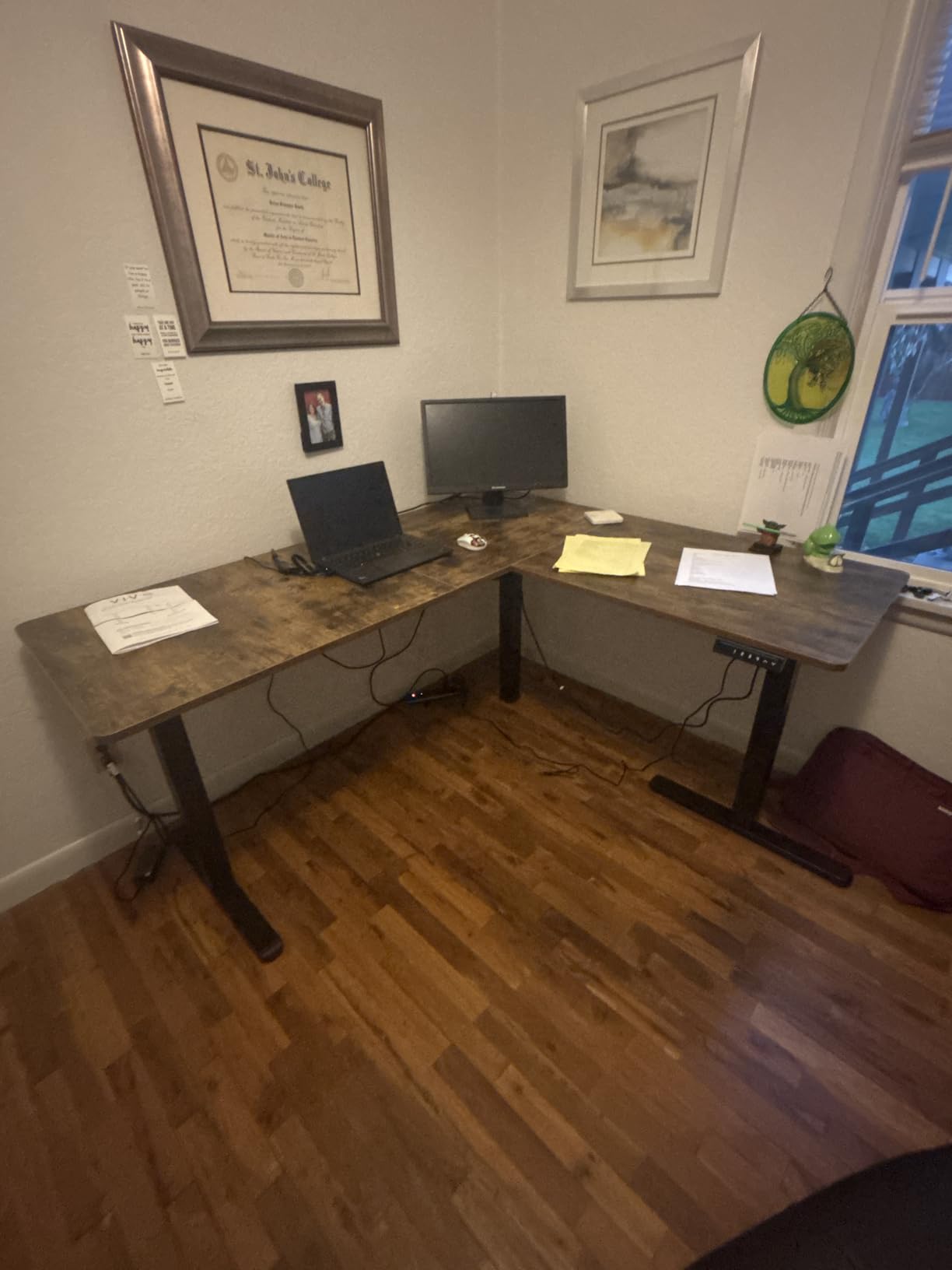
A corner desk is a genuinely different answer for a tall user, because it gives you horizontal room instead of extra height. This one runs 63 inches on the main surface with a 55 inch return, and the open underside with no crossbar means your knees stay clear even at the far end of the L.
The frame is all steel with a 225 pound rating, and at 55.2 pounds the whole unit is light enough to reposition. The memory controller stores your sitting and standing heights, which is the feature tall users notice most after height itself.
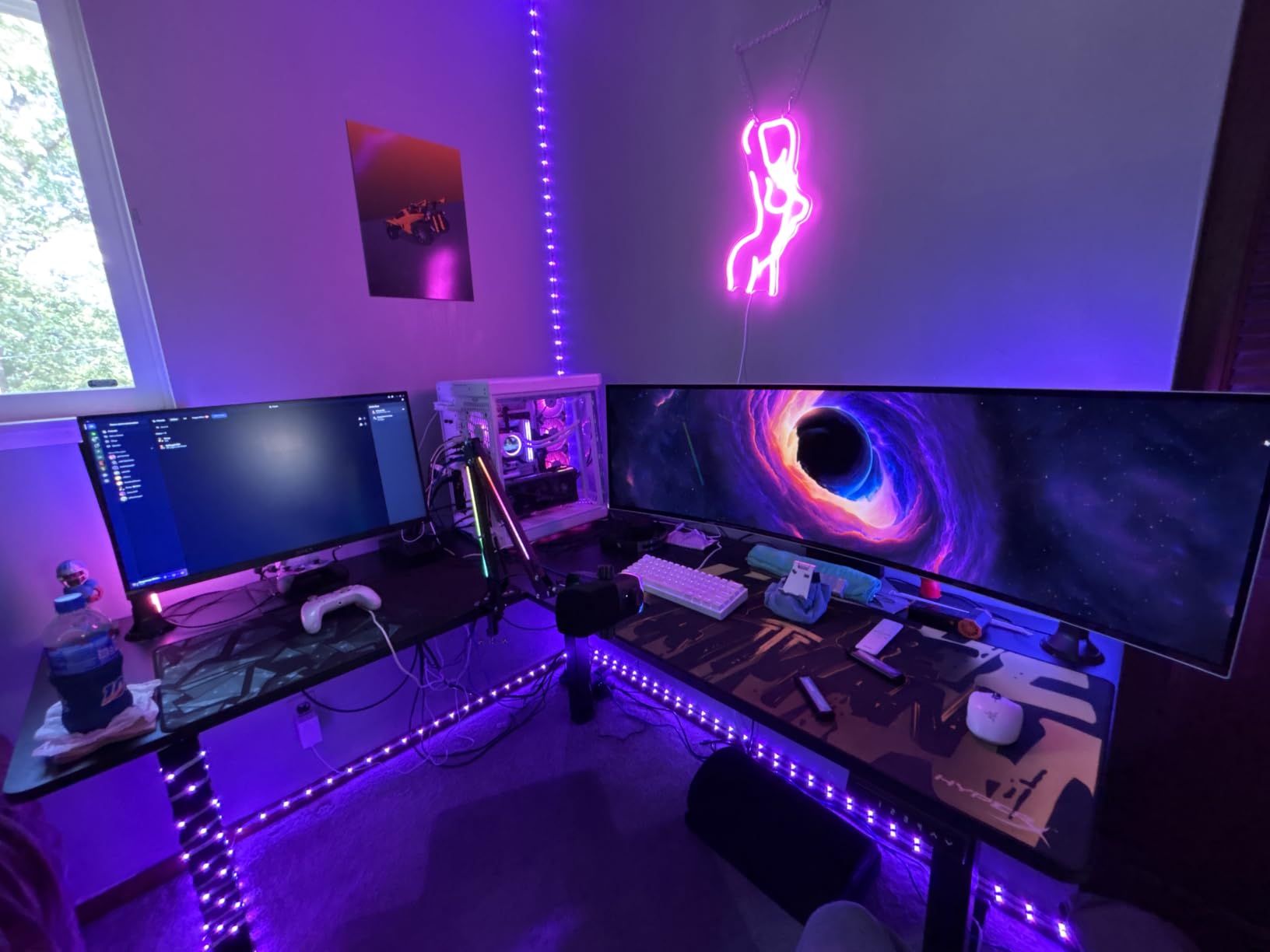
Be clear-eyed about the ceiling. Listed height figures vary slightly between the spec sheet and owner reports, landing somewhere between 46.8 and 48 inches. That puts this desk at the bottom edge of what a 6 foot 4 user needs, and below the three-stage frames above it.
Owners also report some shake at peak extension and confusion with the assembly instructions, which change perspective partway through. The three-piece engineered wood top shows seams and smudges on black surfaces. Replacing a control unit is handled quickly by support, which comes up more than once in reviews.
Is an L-shaped desk better than a wide straight one for tall users?
Different, not better. If your problem is horizontal space, a corner top is the strongest answer here because two monitors plus a laptop fit without a 71 inch straight run. If your problem is elbow height at standing, the L-shape gives you nothing extra, and the return section can even block you from standing square at the main surface.
Check the minimum height too. This frame starts around 28.5 inches, which is higher than most of the roundup, so it is a poor choice for a short user sharing the desk with a tall one.
How does a single motor compare at full height?
One motor means one column doing the work, and at full extension that is where the shake shows up. Owners still rate the all-steel construction as strong for the class, but the reports of movement at peak height are consistent enough that we would not attach a multi-monitor arm to this desk at its maximum setting.
Set the desk to your real standing height and type for a minute before you commit. If you can feel it, dual motor is the fix.
6. FLEXISPOT 71×32 Electric Standing Desk – the widest surface in the group
FLEXISPOT 71″x32″ Electric Standing Desk, Black
71 x 32 in surface
Dual motor lift
198 lb capacity
Memory controller
Pros
- Dual motor runs smooth and quiet for all-day switching
- Extra-deep 71 x 32 in surface suits multi-monitor and creative work
- Alloy steel frame rated for 198 lbs
- Memory controller saves working heights
- Light enough at 47 lb to move between rooms on your own
Cons
- Lift range is narrow for a tall user and suits average heights better
- 0.63 in engineered wood top is thin and flexes under heavy monitor arms
- Some stability complaints near the top of the range
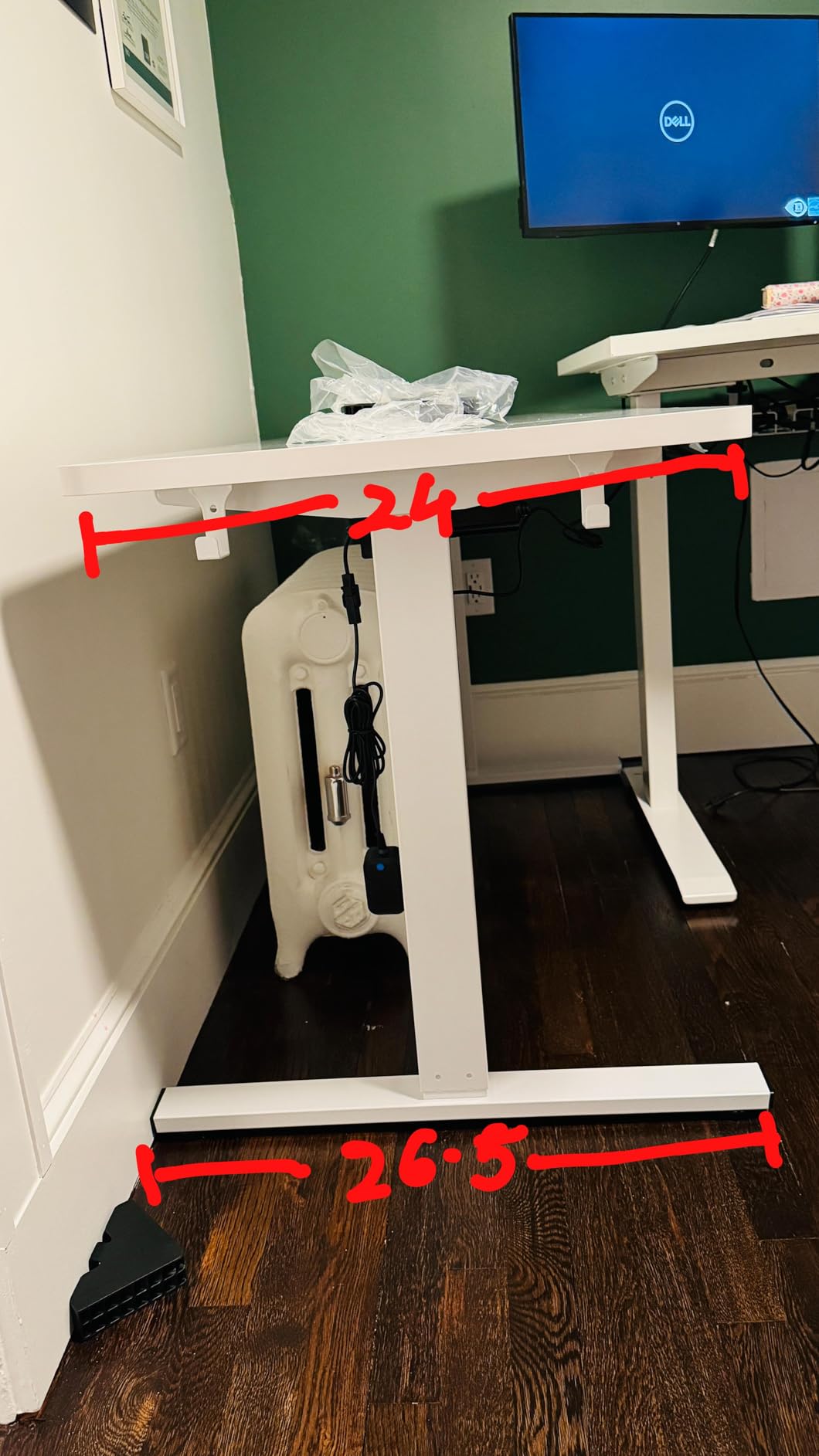
Thirty-two inches of depth is unusual and it changes what you can do. A 32 inch deep desk lets a 49 inch ultrawide sit at a proper viewing distance with a full keyboard in front of it, and it also gives a tower PC somewhere to live without stealing legroom. The dual motor is smooth and quiet in owner accounts.
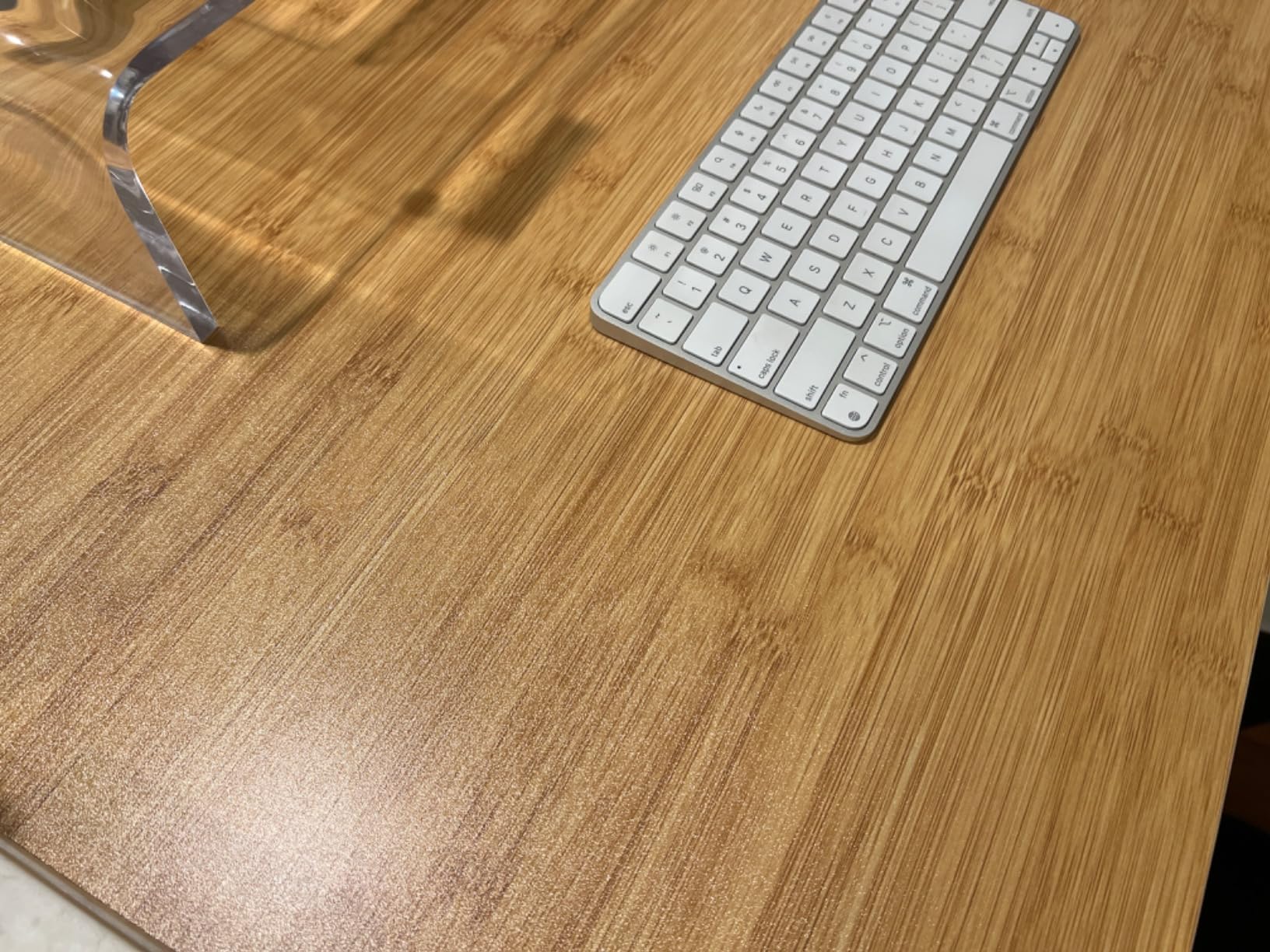
At 47 pounds it is one of the easier units here to move between rooms, and the memory controller removes the daily hunting for a height. The powder-coated black finish suits a studio or a gaming room.
Height is the weakness. The listed range is narrower than a three-stage frame, and the recurring note across reviews is that this desk suits average-height users more than the very tall. We would not put it on a shortlist for a 6 foot 4 buyer even with the excellent surface.
The 0.63 inch top is the second weakness, and the two interact. A thin top on a wide span flexes, and a flexing top under a clamped monitor arm produces exactly the shake that tall users are trying to avoid.
Is a deep desktop worth giving up height range?
For content creators and anyone running a single ultrawide, yes and the trade is obvious once you see the surface. For a tall user, the question is narrower, because the desk still has to get you to a comfortable standing elbow height. Check the listed range against your own target before the depth pulls you in.
If you are near 6 foot 0 and your current desk feels comfortable, the depth is the upgrade you will notice every day. If you are hunching at standing height, it is the wrong priority.
Why does a thin top cause wobble with monitor arms?
Because a monitor arm applies a steady downward force at a single clamp point, and a thin panel deflects under that load. Every keystroke then adds a small oscillation on top of the deflection, which reads as screen shake even when the frame itself is solid.
A 1 inch top resists this far better. If you plan to clamp arms to this desk, budget for a reinforcement plate or plan on a lower clamping point.
7. farexon 71×28 with Mouse Pad – rolling casters and a wide top
farexon 71×28 Inch Electric Standing Desk with Mouse Pad, Brown
28.35-45.6 in range
70.8 x 27.5 in top
Anti-collision
Lockable casters
Pros
- Lockable casters let the whole desk roll out for storage
- Anti-collision sensor reverses 2 cm on contact
- Memory height settings survive a power failure
- Included 110 x 50 cm mouse pad
- Owners report quick smooth and quiet movement
Cons
- 45.6 in maximum height is low for users above roughly 6 ft 2 in
- Lifting speed is described by some as a little slow
- 70 inch top is four panels with visible seams
- Cord holders do not sit securely in the cable holes
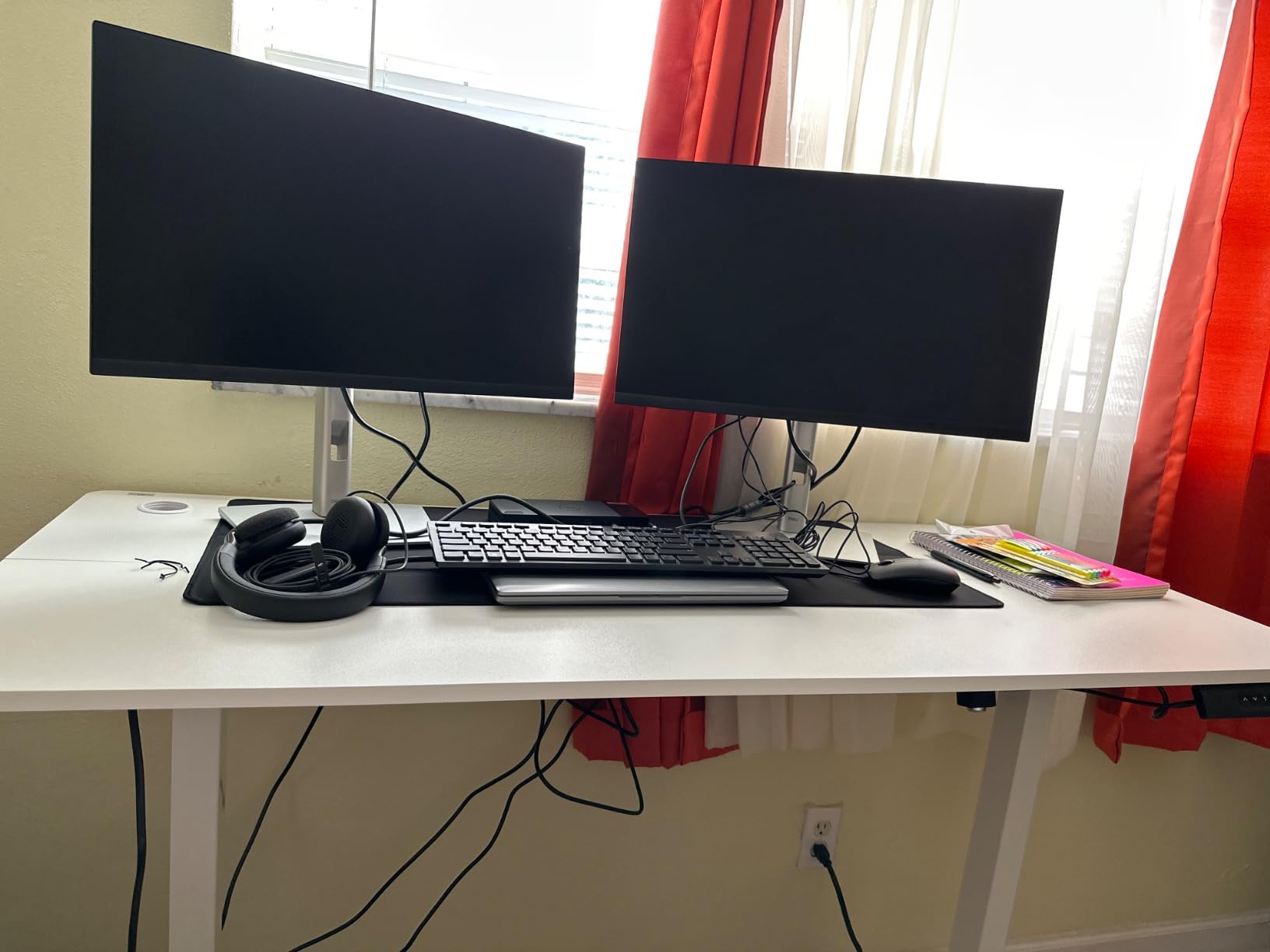
This desk solves a problem none of the others do: moving it. Lockable casters mean you can wheel a 71 inch workstation out of a studio corner when you need the floor, which matters in small apartments where a fixed standing desk becomes a room divider.
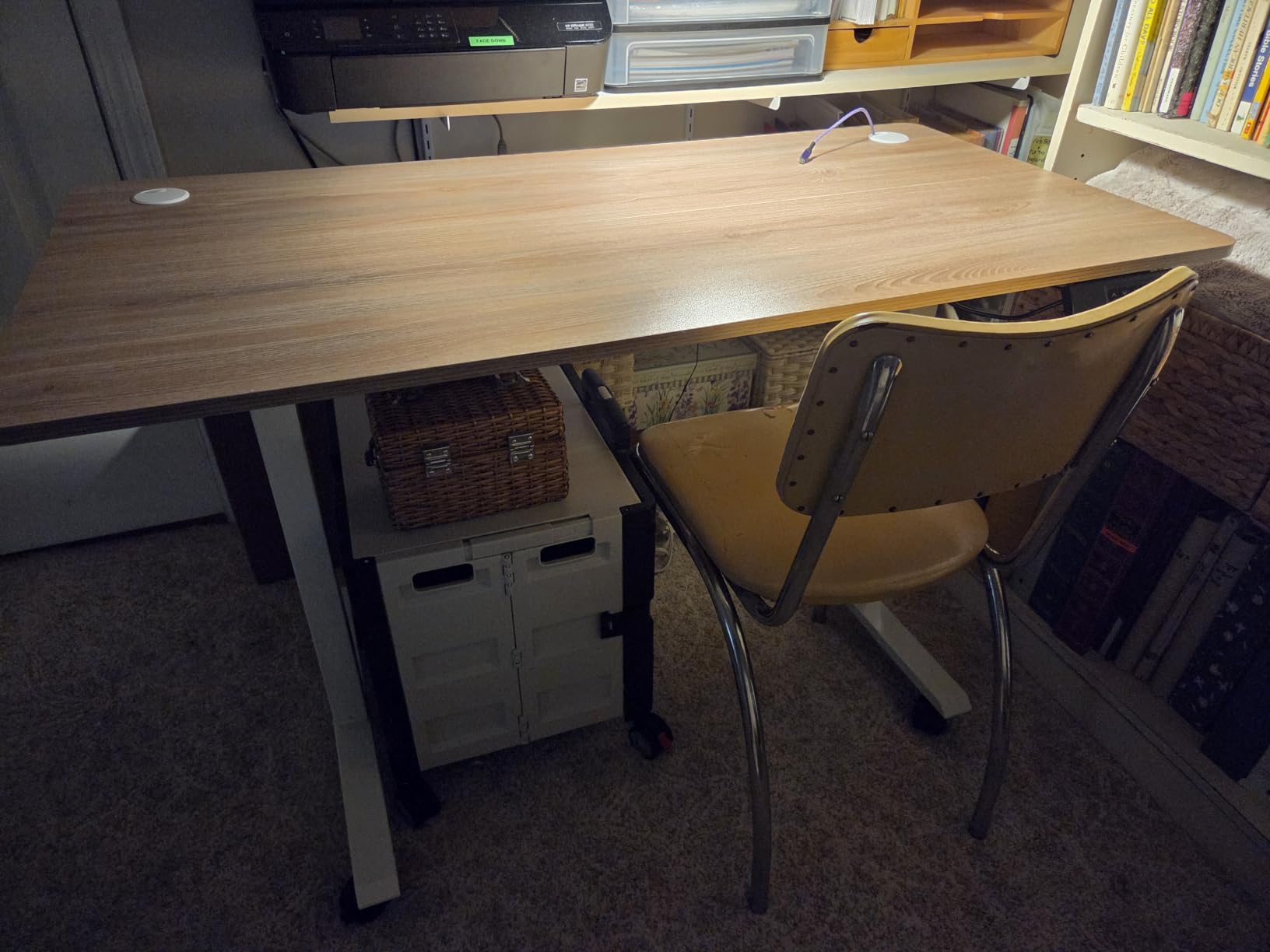
Owners with more than 1600 ratings like the practical touches. Memory heights persist after a power failure, the anti-collision sensor reverses about 2 cm on contact, and a genuinely large mouse pad is included in the box. Reviewers describe the movement as quick, smooth, and quiet.
It is also not a tall-user desk, and the reviews are unusually clear about that. The 28.35 to 45.6 inch range is called out by multiple taller owners as not quite high enough, which is exactly the honest data point this roundup is built around.
The top is assembled from four panels, so seams are visible under a strong light, and the cord holders included do not grip the pre-drilled cable holes properly. A few owners report cosmetic edge damage on arrival, so inspect the panel before assembly.
Are lockable casters safe on a heavy standing desk?
They are fine as long as you lock them before you raise the desk, and the casters must be rated for the loaded weight rather than the empty frame. The bigger risk is tipping: a tall desk on casters has a higher center of gravity, and a rolling one can be pushed past its base by a knee or a chair.
Lock the wheels every time you stop, and never move a desk with a tower PC loose on the top.
Why is the 45.6 inch ceiling a real problem here?
Because the difference between 45.6 and 48 inches is roughly the width of two fingers of vertical compression through your shoulders, and at standing height a small shortfall shows up as raised shoulders and bent elbows rather than as discomfort you can ignore.
Several owners describe it precisely that way. If your target height is above 46 inches, this desk is not for you no matter how good the rest of the package is.
8. DeskShow 60×28 with 1 Inch Thick Top – a rigid surface for monitor arms
DeskShow Black 60×28 in Electric Standing Desk, 1 Inch Thick Tabletop
27.95-45.67 in range
1 in thick top
220 lb capacity
Double-beam frame
Pros
- 1 inch thick top resists flex when clamping monitor arms
- Double-beam steel frame lifting capacity of 220 lbs
- Quiet motor under 45 dB
- Pre-drilled holes and labeled hardware for about 30 minutes
- Holds level with an 80 lb PC near the edge
Cons
- 45.67 in maximum height is modest above roughly 6 ft 2 in
- Desktop is three panels with a visible seam
- 74.3 lb unit is awkward to flip upright alone
The reason to look at this desk is thickness. Its 1 inch top is among the thickest in the roundup, and thickness is what stops a monitor arm from turning every keystroke into screen shake. Owners running a clamped multi-arm setup report a level surface that does not move.
The double-beam steel frame carries a 220 pound rating, which owners compare favorably against premium desks in the same class. The motor runs under 45 decibels, and the whole build is quiet enough for a shared room.
Setup is the most forgiving in the group: every hole is pre-drilled, the hardware is labeled, and owners report roughly 30 minutes with no improvised drilling. That matters more than it sounds, because a misaligned pre-drilled hole is the main reason a first electric desk ends up returned.
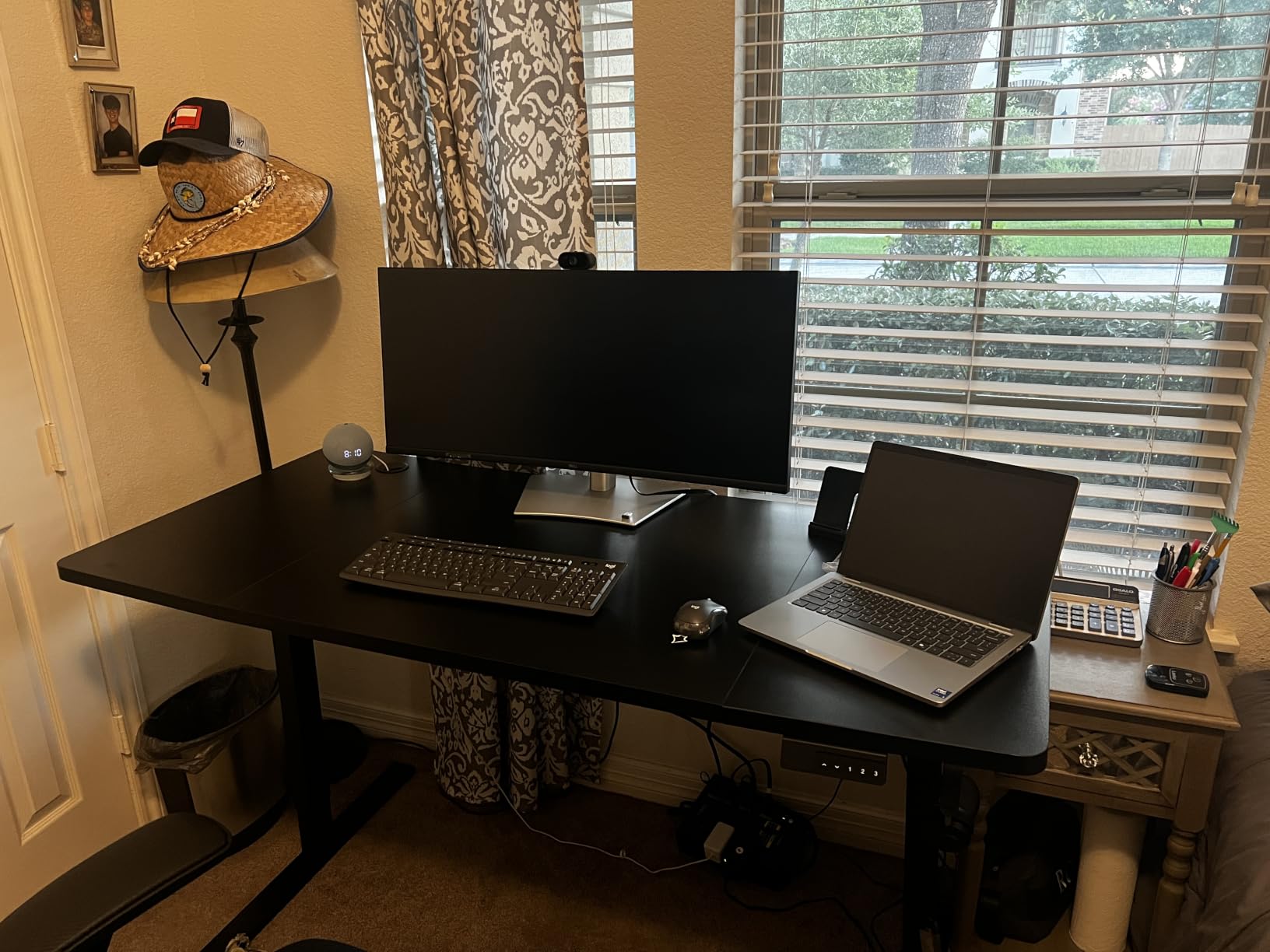
Height stops it from being a tall-user recommendation. The 27.95 to 45.67 inch range is the second-shortest travel here, and the three-panel top leaves a visible seam that undercuts the otherwise premium feel of the thick surface.
Does a thicker top really reduce monitor shake?
Yes, and it is one of the few upgrades with a direct, visible effect. Monitor arms are a cantilever, so they amplify any movement in the surface they clamp to. Doubling the panel thickness roughly halves the deflection under the same load, which is the difference between a screen that sits still and one that jitters when you type.
Pair a thick top with a heavy frame. A 1 inch top on a light frame still moves, because the frame is what carries the arm reaction force back to the floor.
Who is this desk actually for?
Users between roughly 5 ft 10 in and 6 ft 2 in who want a rigid, quiet, no-drill setup and run a heavy monitor configuration. If you are taller than that, the ceiling is the problem, not the construction, and you should look at the three-stage frames instead.
It is also a good second desk. A rigid, simple frame for a 6 ft 1 user in a shared home office is an easy pairing with a tall desk elsewhere.
9. Grandder 55×32 Extra-Deep – built around a 49 inch ultrawide
Grandder 55×32 Extra-Deep Electric Standing Desk, Wide Desktop Fits 49″ Ultrawide Monitor+Dual Screens, 176 lbs Capacity, 2 Memory Presets, Anti Collision, Computer Desk for Home Office & Gaming, Oak
31.5 in desktop depth
176 lb capacity
2 height presets
Under 45 dB
Pros
- 31.5 in depth gives a 49 in ultrawide a proper 22-24 in viewing distance
- Industrial-grade steel frame with T-shaped legs
- Tested through 55000 lift cycles
- Quiet operation under 45 dB with anti-collision
- Roomy surface suits ultrawide and dual-monitor setups
Cons
- Only 2 memory height presets
- 46.5 in maximum height is limited above roughly 6 ft 3 in
- 176 lb capacity is below many similarly rated frames
This is a desk with one idea behind it: 31.5 inches of depth. That is about four inches deeper than a standard 55 inch desk, and it is the difference between a curved ultrawide sitting at an ergonomic distance and the same monitor crowding your keyboard.
The T-shaped steel legs and industrial-grade frame support 176 pounds, and the desk has been tested through 55,000 lift cycles. Operation stays under 45 decibels, and anti-collision is included, which is not universal across frames at this level.
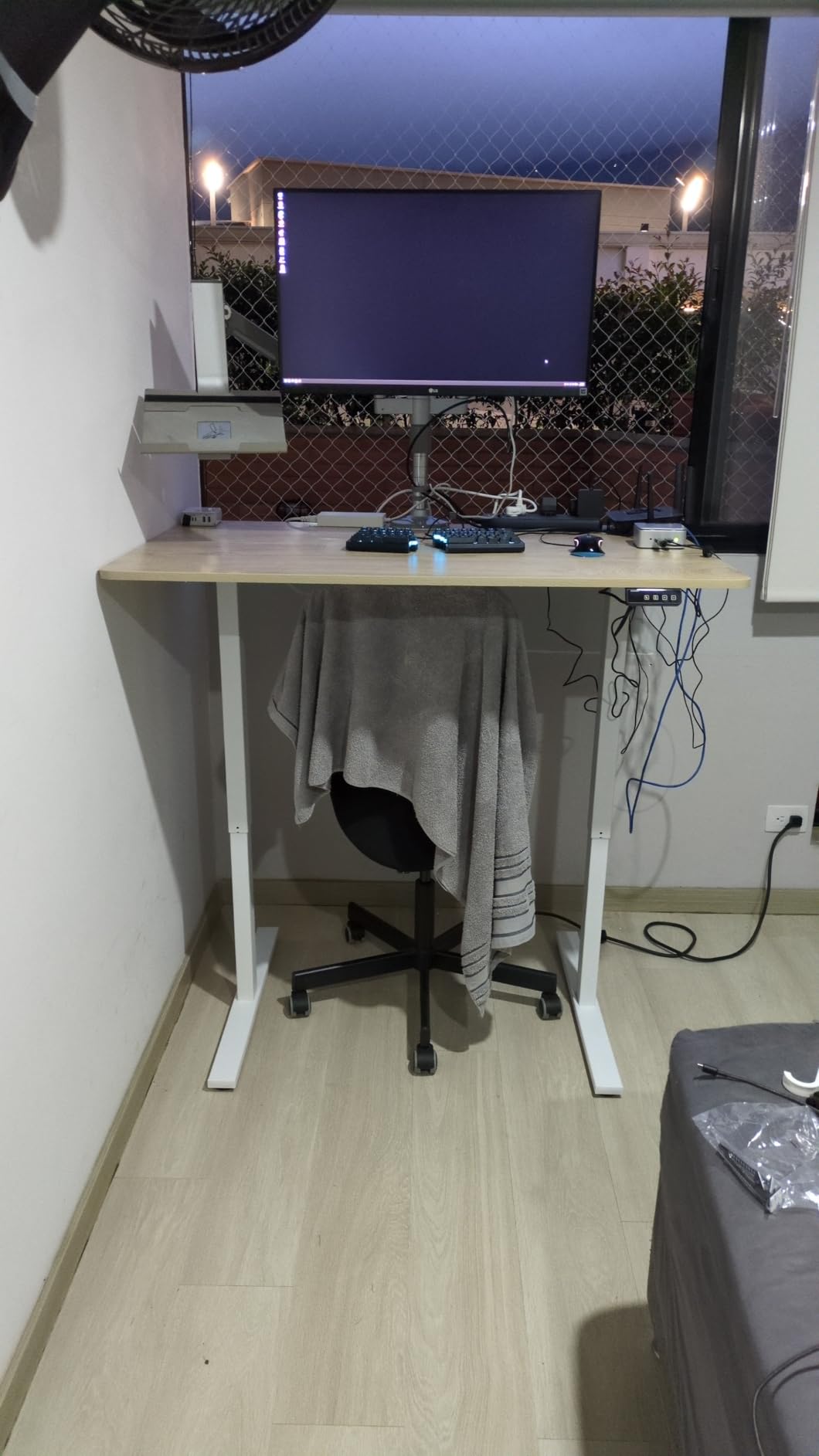
Two presets is the frustrating part, because most of the frames in this roundup give you three or four. For a shared desk between two users, or for someone who works at three different heights across a day, that is a real limitation rather than a nitpick.
At 42 pounds it is light to move, and the 28.3 to 46.5 inch range again lands short for anyone above 6 foot 3. It is a monitor-shaped solution, not a height solution.
Why does desktop depth matter for an ultrawide monitor?
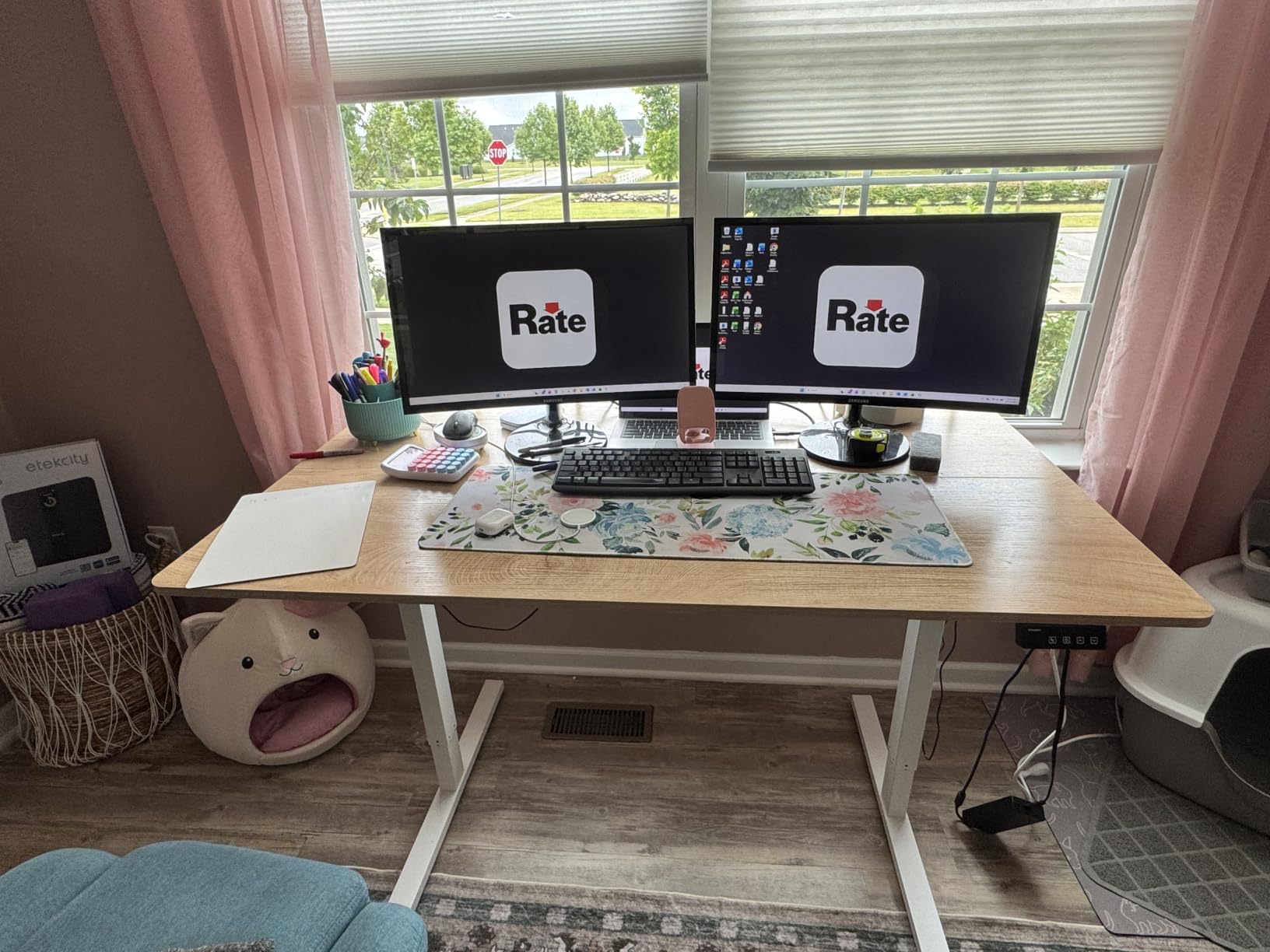
Because a 49 inch curved screen is designed to be viewed from roughly 22 to 24 inches away. On a 28 inch deep desk, the monitor ends up about 12 inches from your face, which pushes the edges of the curve outside your comfortable field and forces constant refocusing.
Extra depth also creates room for a keyboard at a proper distance, which most owners of shallow ultrawide setups end up solving with a separate tray.
Is two memory presets a dealbreaker?
Not for a single user with one seated and one standing height, which is what the two presets are for. It becomes a problem when you share the desk, when you alternate between a seated typing height and a seated reading height, or when you want a standing height for a different task.
Manual adjustment still works. You just have to hold the button and wait instead of tapping to a stored number, which is the part that gets old after a few weeks.
10. DESINO 55×24 – the simplest way into electric sit-stand
DESINO Standing Desk, 55 × 24 Inches Electric Height Adjustable, Sit and Stand Up, Computer Office Desk with Splice Board, White Frame/White TOP
28.3-46.5 in range
176 lb steel frame
55 x 24 in top
3 memory presets
Pros
- Most components arrive pre-assembled for about a 30 minute setup
- Reinforced steel frame rated to 176 lbs
- Quiet motor under 45 dB tested for 50000 lift cycles
- FSC-certified wood top in several sizes and colors
- Light 47 lb unit that is easy to reposition
Cons
- 46.5 in maximum height is low above roughly 6 ft 3 in
- Narrow 24 in depth limits room for a large monitor plus peripherals
- Splice board top shows a seam across the desktop
This is the desk we recommend to someone who has never owned an electric standing desk and does not want an afternoon of assembly. Most components arrive pre-assembled, and owners consistently report a roughly 30 minute setup with a manual and video guide. The 47 pound unit is light enough to carry up a flight of stairs between two people.
The reinforced steel frame holds 176 pounds, the motor runs under 45 decibels, and the rating sits at 4.7 across more than 1500 ratings. The FSC-certified top comes in several sizes and colors, which is unusual at the entry level.
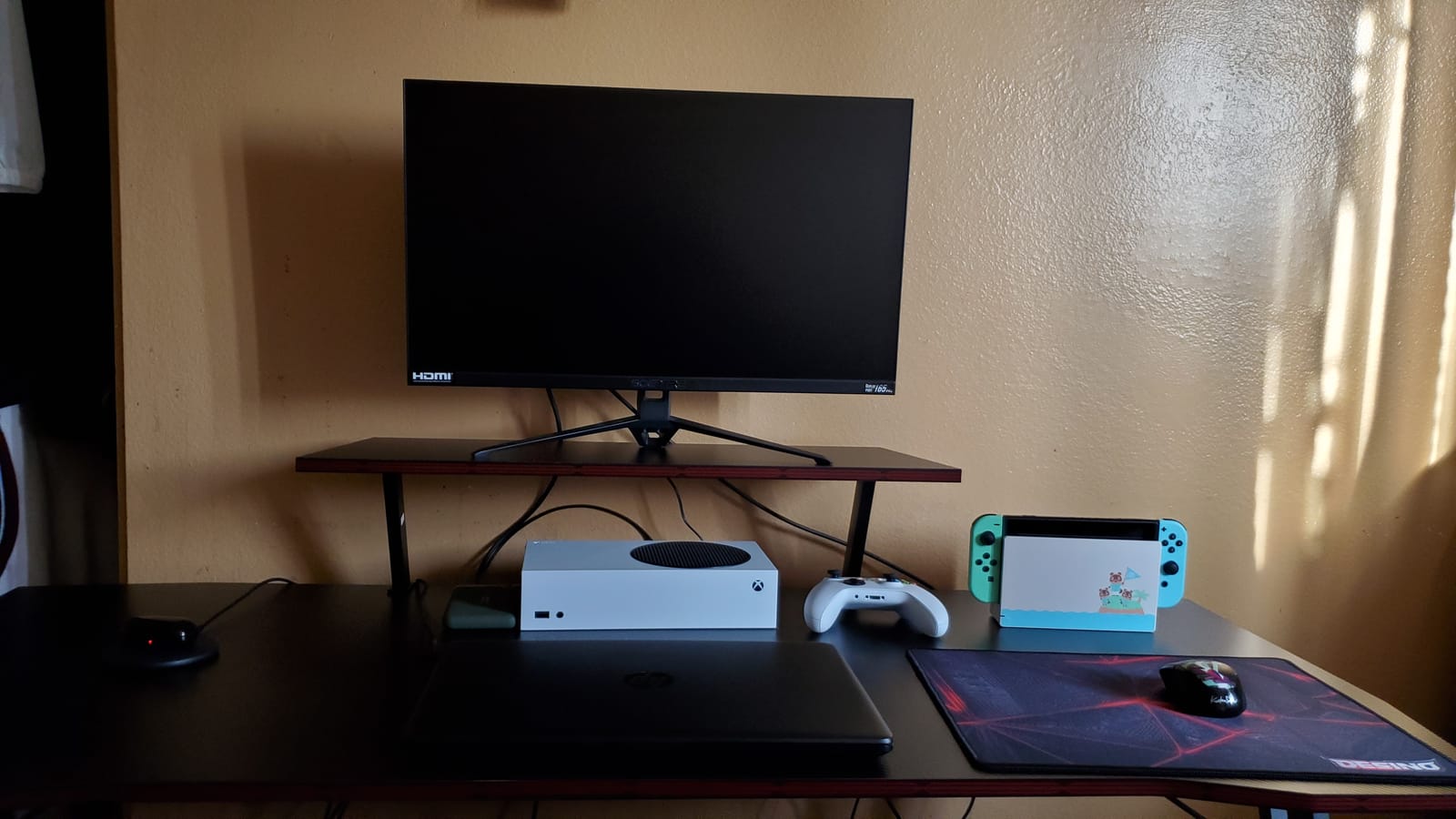
Its limits are dimensional, and the same two words apply: 24 inches deep and 46.5 inches tall. A 24 inch depth fits a monitor and a keyboard and very little else, and 46.5 inches is short of what a 6 foot 3 user needs.
The splice board construction leaves a seam across the surface. On a white top it reads as a line rather than a defect, and it matters more to a fast typist with a bare forearm than it does to most people.
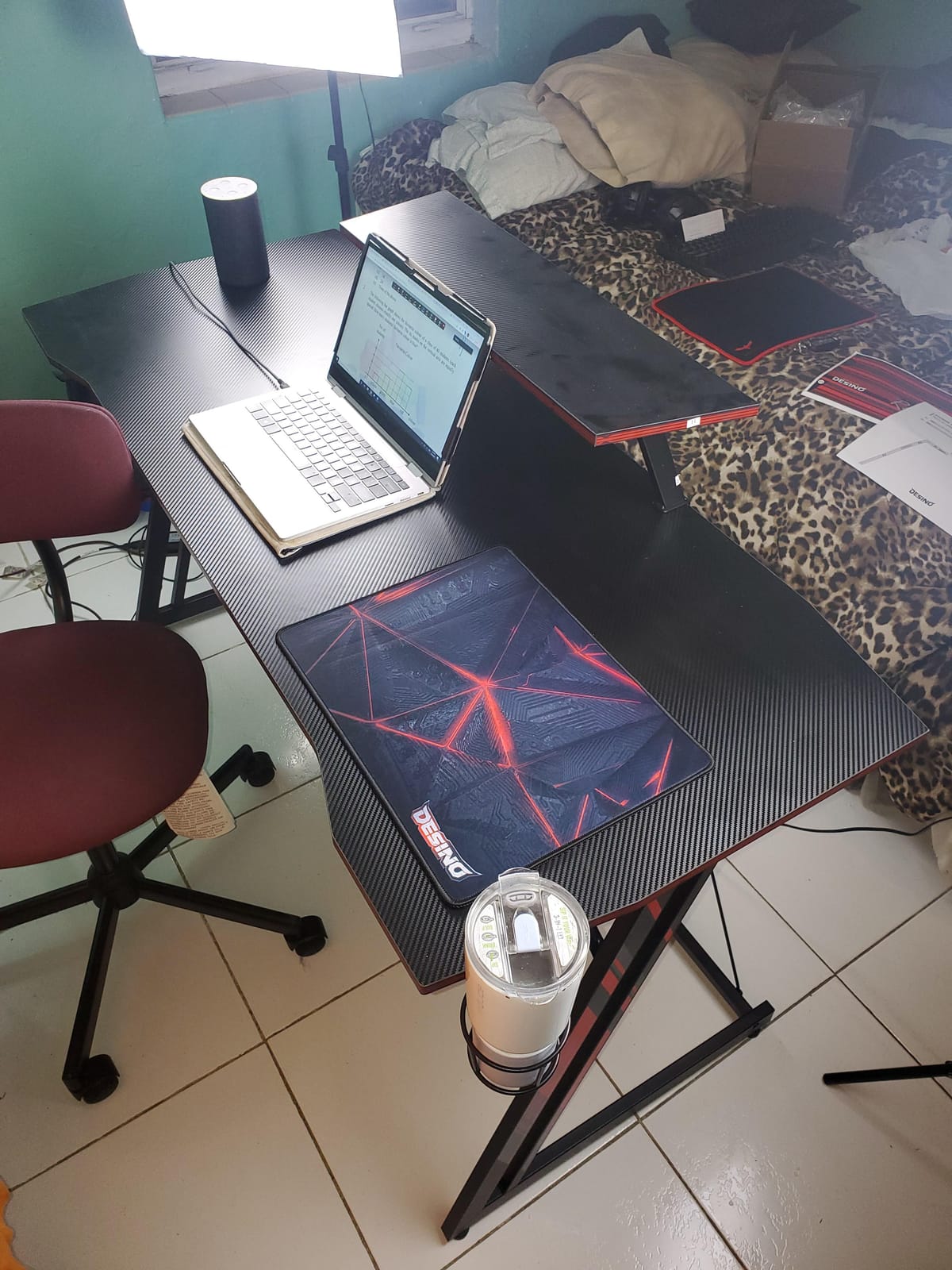
Is a 24 inch deep desktop too small for a tall user?
Not for keyboard and mouse work, which is what a lot of people do at a standing desk. It is too small for a keyboard plus a large trackball plus a notebook plus a coffee cup, and it is definitely too shallow for a 49 inch ultrawide.
For a tall user in a small room, depth is often the constraint you cannot change, so the compact size is a real advantage. Just check your elbow clearance: 24 inches of top plus a 28.3 inch minimum height gives you very little knee room compared with a 30 inch model.
What is the fastest way to build this desk?
Unpack on the floor, identify the frame section and the top section, and attach the frame before you think about the desktop. Most of the time on a first electric desk goes into leveling feet and cable routing, both of which are much easier before the top is in place.
If your room has a slope or a thick rug, set up before you bring it upstairs. The 47 pound unit is manageable, but a 55 inch top and a doorway are a two-person job.
11. Veken 55 Inch Electric Standing Desk – quiet and cable-tidy
Veken 55 Inch Large Electric Standing Desk, Gaming Table, White
28.3-46.5 in range
154 lb capacity
55 x 23.6 in top
Under 52 dB
Pros
- Quiet motor under 52 dB for shared or home office rooms
- Steel frame stays stable at full extension
- 55 in surface with built-in cable management for multiple monitors
- Includes two headphone hooks plus a cable clip and feet pads
- Owners report 10 to 30 minute setup
Cons
- 154 lb capacity is among the lowest ratings here
- 46.5 in maximum height is short above roughly 6 ft 3 in
- Desktop is 23.6 in deep and built from two boards with a seam
- 0.6 in top feels soft under heavy equipment
The built-in cable management is what separates this one for gaming and media setups. Cords drop through the desktop rather than hanging off the back, and the package includes two headphone hooks, a cable clip, and feet pads, which is more hardware than most competitors include.
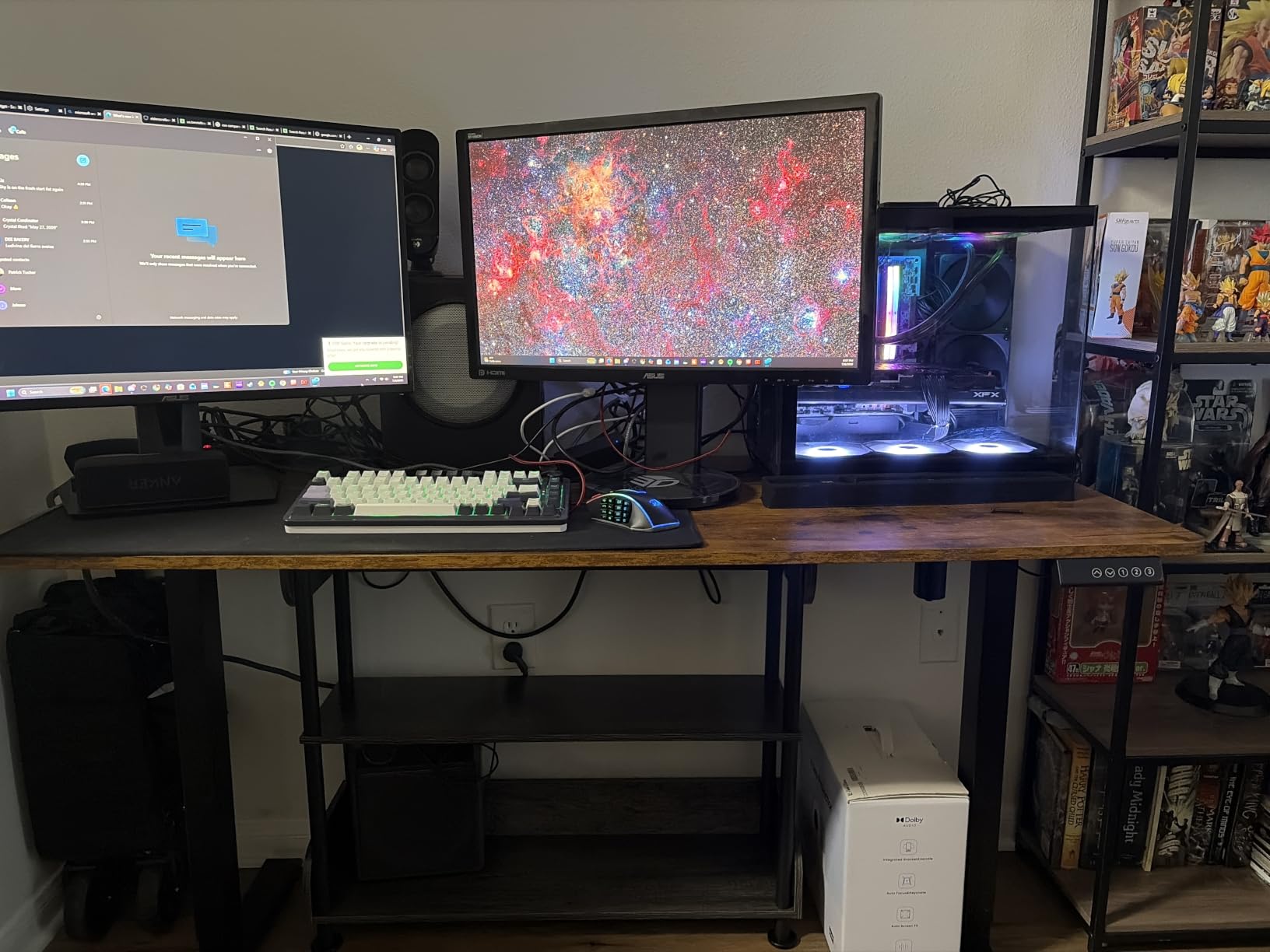
Owners with more than 2500 ratings describe a quiet motor, a steel frame that holds steady at full extension, and a setup that takes between 10 and 30 minutes depending on experience. For a bedroom office that doubles as a gaming corner, the noise figure matters as much as the height.
The 154 pound rating is among the lowest in this roundup, and that is the constraint worth thinking through. A gaming setup with a mid-tower, a 32 inch ultrawide, a capture card, and a decent soundbar gets closer to that number than a work setup does.
The top is 0.6 inch and made of two boards, so it is the thinnest and least rigid surface in the group. It feels soft under a heavy arm, and stability varies slightly with floor type and total load, which is worth checking on carpet.
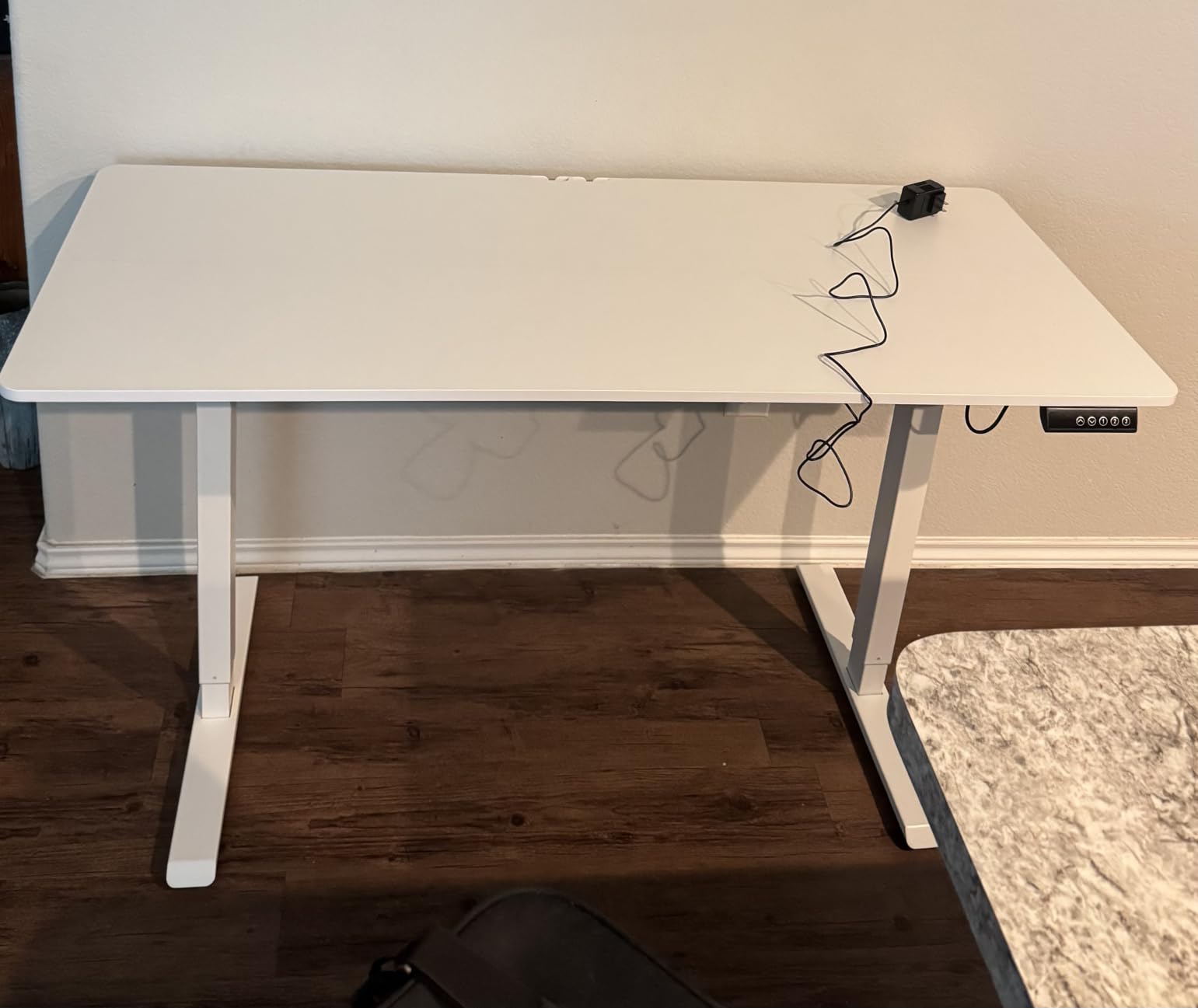
Is a 154 pound capacity enough for a gaming setup?
It is enough for a mid-range build with two monitors and a compact PC, and it is tight for a full tower plus a 49 inch ultrawide plus peripherals. Remember that the rating covers the desktop itself plus everything on it, not just the electronics.
Measure your tower and monitor weights, add them, and leave a 20 percent margin. If the total lands near 154 pounds, choose a frame rated 220 pounds or higher instead of running the margin down.
Is this desk quiet enough for a bedroom?
Owners rate it as one of the quieter frames at this level, with the motor under 52 decibels. The sound that remains is structural, from the frame at the top of the travel, and that is something no motor rating fixes.
For a bedroom, set your standing height one inch below maximum. Most of the noise and movement people report happens in the last two inches of travel.
12. FitStand 55×24 Electric Adjustable Desk – a quiet first frame
FitStand 55”x 24” Standing Desk Electric Adjustable for Home Office
28.7-46.5 in range
3 memory presets
Alloy steel frame
Under 50 dB
Pros
- Smooth 28.7-46.5 in electric range with 3 memory presets
- Industrial-grade alloy steel frame
- Quiet motor under 50 dB
- Two spliced panels keep the top light enough to install
- Two side hooks plus a desktop cable hole
- Lifetime warranty listed
Cons
- 46.5 in maximum height falls short above roughly 6 ft 3 in
- 24 in depth offers little room for a large monitor and peripherals
- Splice panel top shows a visible seam
We finish with this one because it is the cleanest example of what you get at the lowest end of the electric range, and it shows the height ceiling problem in its purest form. The 28.7 to 46.5 inch range is among the shortest travel in the roundup, and the review summary says plainly that it suits compact setups more than tall users.
What you do get is an industrial-grade alloy steel frame, a motor under 50 decibels, and three memory presets. The two spliced panels are a deliberate trade, because they keep the top light enough for one person to install it.
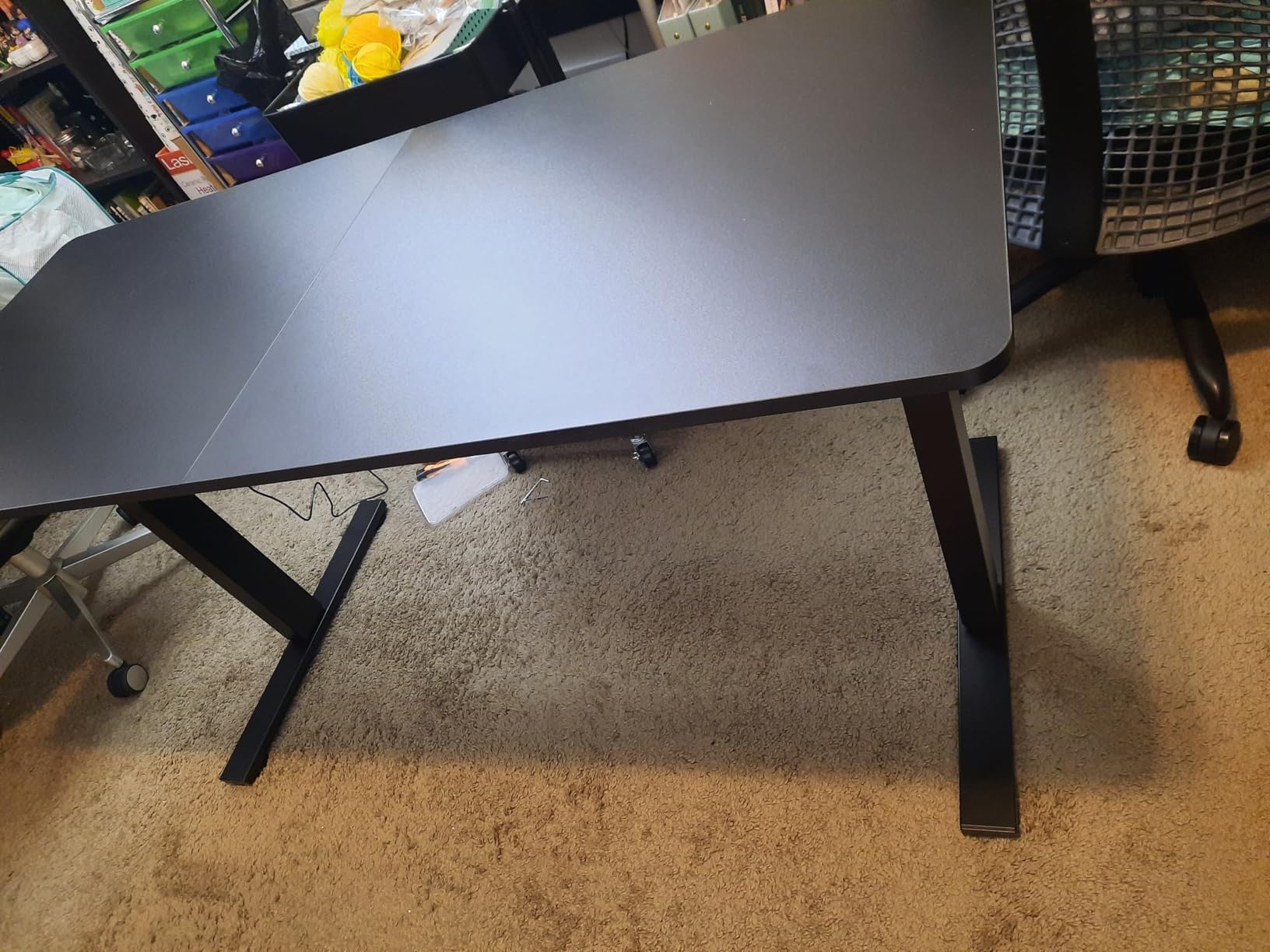
The listed lifetime warranty is unusual in this bracket, though warranty length on a compact frame is less meaningful than on a tall three-stage column that lifts a much heavier load. Confirm what the lifetime term covers before you rely on it.
The 24 inch depth and the visible seam are the other recurring notes. For a 5 ft 11 to 6 ft 1 user with a single monitor, this is a dependable, uncomplicated first electric desk. Above 6 ft 3 it is simply the wrong tool.
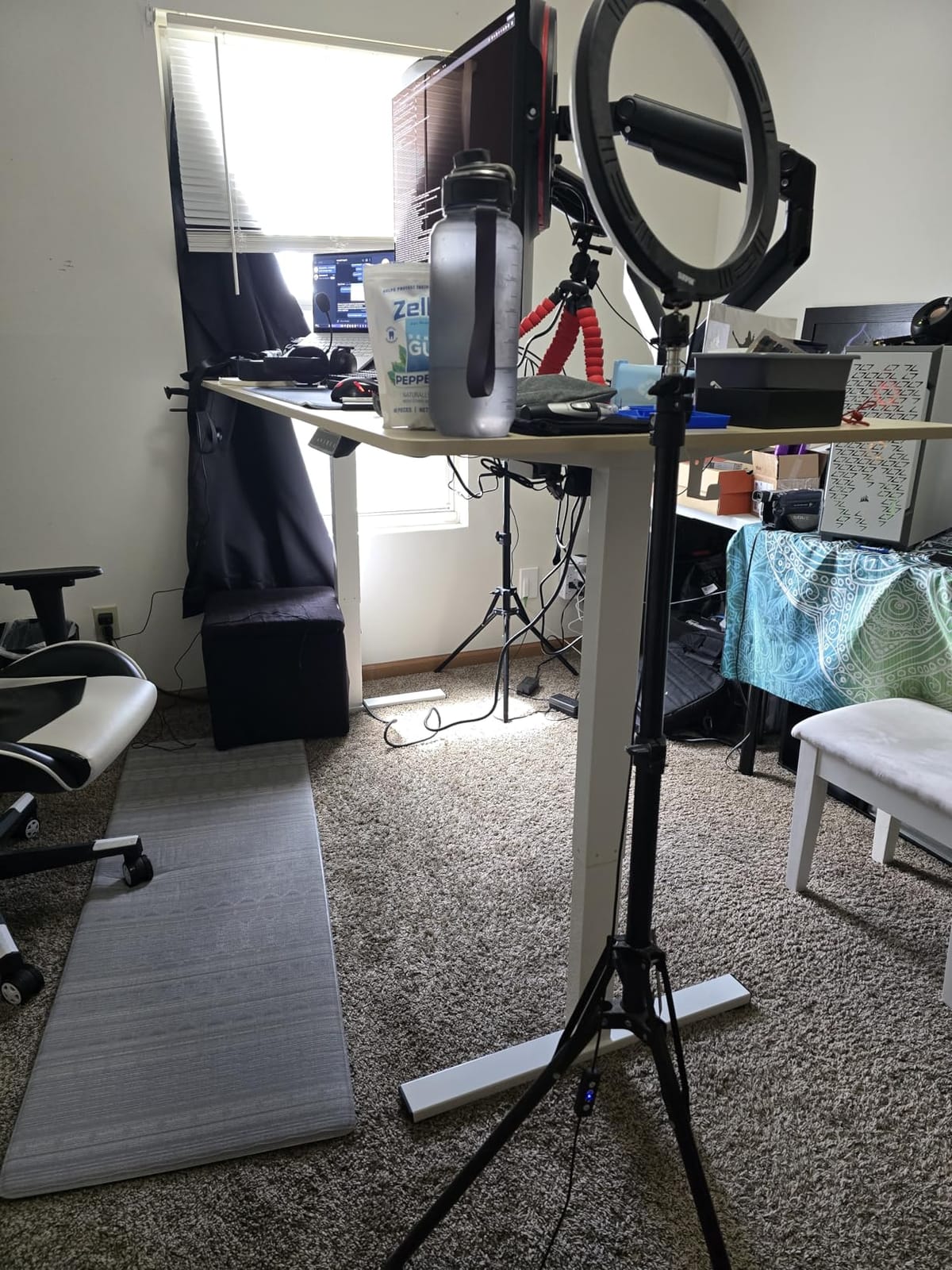
Is a 46.5 inch lift range a problem for tall users?
It is a complete disqualifier, which is worth saying plainly. There is no adjustment, no upgrade path, and no assembly trick that adds three inches of travel to a two-stage column. A frame that tops out at 46.5 inches will top out at 46.5 inches forever.
This is why height is the first number in every entry of this roundup. Once you know your target elbow height, half the catalog disappears in a single sort.
What is the best cheap way to test a desk before committing?
Raise it to your real standing height and type normally for two minutes with your actual monitor setup, arms included, before you run cable management or drill anything. Push gently on each corner with an open palm, then press hard near the front edge where a keyboard sits.
Movement you can feel through the desk is movement you will see through your monitors. Five minutes of testing before you commit avoids the cost of sending a large desk back.
How to choose a standing desk tall enough for you?
Height is the first filter and it is the only one you cannot negotiate later. Everything else in this guide is a preference; a frame that stops two inches short of your target is a mistake you have to live with for the life of the desk.
Frame stages: why three-stage legs decide the outcome
A two-stage lifting column telescopes once. A three-stage column telescopes twice, and the extra section is what buys you the extra height on the same floor footprint. This single design choice explains most of the height spread in this roundup: nine desks stop between 45 and 48 inches on two-stage columns, and three reach 49 to 51 inches on three-stage ones.
When you read a product page, skip the motor specification and look for the stage count or the telescoping sections. If a page never mentions it, assume two-stage, which usually means a ceiling in the mid 40s.
Dual motor versus single motor
Dual motors raise both columns independently and self-level as they go, which means faster travel, less movement at height, and a much higher weight rating. Single motors are cheaper, lighter, and adequate for a light work setup at moderate heights. For a tall user pushing a heavy top to full extension, dual motor is the safer default.
One practical advantage of dual motor that rarely gets mentioned: if one column lags, the desk tilts. A self-leveling two-motor frame corrects for a floor that is not perfectly flat, which is more common in older homes than people expect.
Stability at maximum height and the typing wobble
Wobble at standing height is the most common complaint among tall users, and it is the one worth testing hardest before you keep a desk. Monitor arms make it far worse, because an arm is a cantilever that converts small surface movement into visible screen shake. The causes, in rough order of likelihood, are a top that is too thin for the clamp, a two-stage frame at full extension, a single motor carrying a heavy load, and leveling feet on an uneven floor.
Three tests catch most of it. First, set the desk to your actual standing height and type hard for two minutes with your real setup. Second, push down firmly on the front edge near where your forearms rest. Third, stand up and press your palm on each corner in turn, then on the middle of the long side. Any movement you can feel at the edge is movement your monitors will show you all day.
Thicker tops help, which is why the 1 inch top and the seamless slab models stand out in a category full of panels between 0.6 and 0.72 inch. Heavier frames help too, and so does staying within the weight rating rather than clamping a monitor arm to a frame that is barely holding up your rig.
Weight capacity for a real multi-monitor setup
Add up everything that rides on the desktop, including the arms, docks, speakers, and any PC. Then leave at least 20 percent headroom, because ratings are static load figures measured in a lab and your real setup is not static. A 220 pound frame suits most triple-monitor work setups, and anything under 180 pounds needs a careful count.
Do not forget the casters if the desk has them. A rolling frame is limited by the weakest wheel as much as by the columns, and a tall frame on poor casters is a tipping risk at full extension.
Controls, presets and anti-collision
Four presets is comfortable, three is fine, and two is workable for a single user. The number matters more if the desk is shared, because you will be re-programming heights constantly. Look for a controller you can reach without leaning under the desk, and check whether memory survives a power loss, because it does not on every frame in this category.
Anti-collision reverses the lift when it meets an obstacle. It is a safety feature for a shared room with children or pets, and every desk in this roundup either has it or has a comparable protection built in. It is not a substitute for a cable management plan, but it is cheap insurance.
What to do when your desk is not tall enough
Before you replace it, try the fixes. A footrest raises the effective seat-to-elbow relationship without touching the desk, and an anti-fatigue mat changes how you distribute weight while standing. Raising a monitor arm so the top of your screen sits at eye level takes pressure off your neck even if the desk itself is a little low.
There is also a hardware trick worth knowing about. Swapping the standard leveling feet for taller casters can add 2 to 3 inches of height. The catch is real: the casters must be rated for the fully loaded desk, and every extra inch of height raises the tipping hazard, especially on a raised or rolling base. It is a reasonable move on a flat, carpeted floor and a bad idea on one with a threshold or a slope.
If none of that closes the gap, the frame is the problem, and no amount of tweaking fixes it. Start shopping by maximum height rather than by price, which is the entire method behind this roundup.
If you are outfitting a tall setup beyond the desk itself, our guides to other height-sensitive gear cover similar ground: 8 Best Tall Terrariums for Chameleons, 8 Best Tall Rat Cages for Climbing, and 10 Best Tall Cat Trees for Climbers.
Frequently Asked Questions
How tall should a standing desk be for a 6 foot person?
Multiply your height by 0.6 for your standing elbow height and divide by 2.5 for your seated elbow height. A 6 foot person needs roughly 43 inches standing and 29 inches seated, so aim for a frame that reaches at least 48 inches and tops out a couple of inches above your target.
What is the tallest electric standing desk in this roundup?
The Desktronic HomePro 72×30, which travels from 25.4 to 51.2 inches. The FLEXISPOT E6 MAX follows at 50 inches and the HUANUO 59×30 at 49.2 inches. Everything else in the guide stops at 48 inches or below.
Which standing desk is best for people over 6 feet?
Anyone above 6 foot 3 should choose a three-stage frame. The FLEXISPOT E6 MAX at 50 inches suits a 6 foot 5 user with a 330 pound rating and a 10-year frame warranty, and the Desktronic HomePro at 51.2 inches covers the tallest people we can serve. Both use dual motors, which matters at full extension.
Do standing desks wobble at maximum height?
They can, and tall users report it more than any other group. The usual causes are a top that is too thin for a monitor arm clamp, a two-stage frame at full extension, a single motor carrying a heavy load, or leveling feet on an uneven floor. Test the desk at your real standing height by typing for two minutes and pushing on the front edge before you commit.
Is a single motor or dual motor standing desk better?
Dual motor is better for tall users. Two motors share the load, raise both columns at once, self-level on an uneven floor, and generally carry a higher weight rating. A single motor is lighter and cheaper, which is fine for a light setup, but movement at full extension is the common complaint.
How much weight can a standing desk safely hold?
It depends on the frame, and the ratings in this roundup run from 154 pounds up to 352.7 pounds. Add the weight of every monitor, arm, dock, speaker, and PC, then leave at least 20 percent headroom. A 220 pound frame suits most triple-monitor setups.
The Verdict: Which Tall Standing Desk to Buy in 2026
Buy the CubiCubi 55×28 if you are around 6 foot 3 and want the most proven electric standing desk available, with 4480 ratings averaging 4.7 behind it. It is the first choice in this roundup for reliability and surface area, and at 50.9 pounds you can move it without recruiting a second person.
If you are taller than that, the height column decides for you. The FLEXISPOT E6 MAX reaches 50 inches with three-stage legs, a 330 pound dual-motor rating, and a 10-year frame warranty, which makes it our pick for anyone above 6 foot 3. The Desktronic HomePro goes to 51.2 inches and is the only frame here that serves 6 foot 6 users, and the trade is 130 pounds plus a two-person assembly.
When you shop the best electric standing desks for tall users, filter that height column before anything else. Three frames in this guide clear 49 inches and nine do not, and the ones that do not are still very good desks for shorter bodies.
Everything else in the guide tops out at 48 inches or lower, which serves users up to roughly 6 foot 2 very well and serves nobody above 6 foot 4 at all. Filter the table by maximum height before you filter by anything else, and test the desk at your real standing height with your monitors attached before you commit to a large one.