
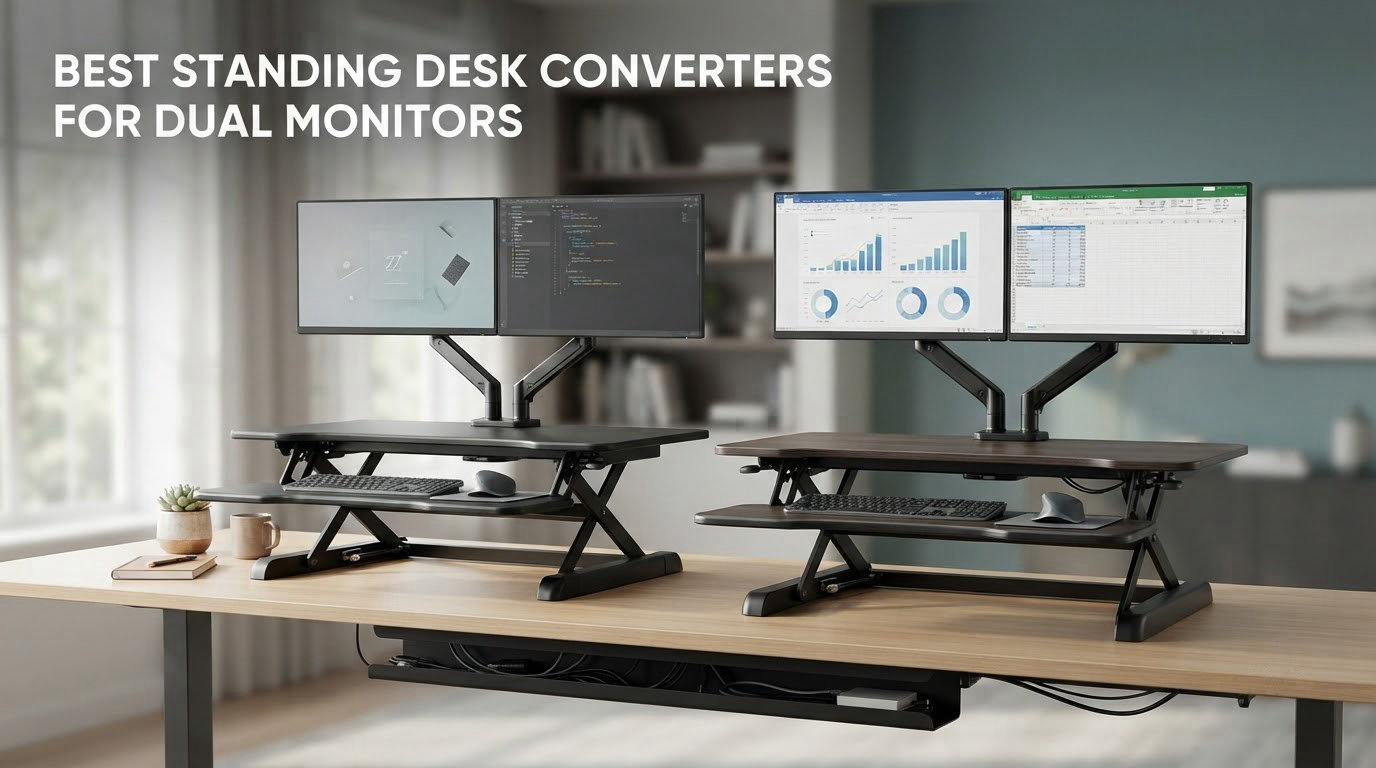
A standing desk converter for dual monitors is a riser that sits on top of your existing desk and carries two displays, your keyboard and your peripherals up and down between seated and standing height. The work surface needs to be 36 inches wide or more, and the load rating has to cover both monitor weights plus any arm hardware before you ever turn it on.
That exact question came up in a thread on r/StandingDesks where a shopper described the setup almost word for word: two 24 inch monitors, about 12 lb each. Two monitors at 12 lb is 24 lb of display alone, and once you add two monitor arms, a keyboard tray load and a laptop you are looking at a working load somewhere in the low thirties. Buy a 28 inch single-screen riser for that and the screens will be shoulder-to-shoulder with no breathing room, and the frame will be working past what it was designed to hold.
So this list is organised the way the decision actually works: by monitor configuration first, then by desk depth, then by lift mechanism. We pulled twelve currently listed converters, read the specifications and the buyer feedback on each, and matched them to the setups people are really running. Two monitors at 24 inch, two at 27 inch, two at 32 inch, an ultrawide with a secondary screen, and a laptop sharing the surface with two displays all have different answers.
One thing worth saying up front about freshness. Most roundups that rank for this query were published years ago and still recommend models that are hard to source, and the one site with real lab measurements has moved on from a converter it now lists as discontinued. Every product below is a live listing with an active review base, and we give you the review counts so you can see how much evidence sits behind each pick.
If your monitors still need to be chosen, our guide to the best launch monitors covers a different kind of screen, but the sizing logic for a two-panel desk is the same. Once you know your panel widths, the rest of this guide does the arithmetic for you.
Table of Contents
Top 3 Picks for Dual Monitor Setups in 2026
The three below cover the widest range of real setups. The VIVO is the one most people should buy, the Vari is the one that feels the most solid under two heavy screens, and the Rocelco 46 is the only one here with the surface area to take two large displays plus a laptop without a fight.

VIVO DESK-V036KB
- 36 inch by 15.7 inch top
- 33 lb desktop rating
- lever lift from 4.5 to 20 inches
- three year warranty

Vari VariDesk Pro Plus 36
- Two tier 36 inch upper shelf
- 35 lb rating
- eleven height settings with rowing lift
- arrives assembled

Rocelco 46 Inch Riser
- 45.75 inch by 23.25 inch surface
- 45 lb rating
- gas piston from 5 to 20 inches
- retractable keyboard tray
Two further notes on this top three. The Vari carries the highest average rating in the whole group at 4.7, which is worth knowing if your priority is feel rather than value. The Rocelco is the heaviest unit on the list at 42 lb, so plan for a two-person lift before it arrives.
All 12 Converters at a Glance in 2026
This table lists every converter below with the specifications that decide whether it fits your two monitors. Width is the first filter, weight capacity is the second, and lift type decides how much effort each transition costs you.
| Product | Specs | Action |
|---|---|---|
| VIVO DESK-V036KB Standing Desk Converter 36 inch |
|
Check Latest Price |
| Vari VariDesk Pro Plus 36 |
|
Check Latest Price |
| Rocelco 46 Inch Standing Desk Converter |
|
Check Latest Price |
 Rocelco 37.5 Inch Deluxe Standing Desk Converter Rocelco 37.5 Inch Deluxe Standing Desk Converter |
|
Check Latest Price |
 VERSADESK PowerPro 36 Inch Electric Converter VERSADESK PowerPro 36 Inch Electric Converter |
|
Check Latest Price |
 Mount-It 36 Inch Converter with Dual Monitor Mount Mount-It 36 Inch Converter with Dual Monitor Mount |
|
Check Latest Price |
 JYLH JOYSEEKER 42 Inch Standing Desk Converter JYLH JOYSEEKER 42 Inch Standing Desk Converter |
|
Check Latest Price |
 VIVO DESK-V000VC 43 Inch Corner Converter VIVO DESK-V000VC 43 Inch Corner Converter |
|
Check Latest Price |
 Mount-It 36.5 Inch Standing Desk Converter Mount-It 36.5 Inch Standing Desk Converter |
|
Check Latest Price |
 Mount-It Converter with Dual Monitor Mount 23 Inch Top Mount-It Converter with Dual Monitor Mount 23 Inch Top |
|
Check Latest Price |
 VIVO DESK-VE36B 36 Inch Electric Desk Converter VIVO DESK-VE36B 36 Inch Electric Desk Converter |
|
Check Latest Price |
 FLEXISPOT 36 Inch Dual Monitor Desk Riser Walnut FLEXISPOT 36 Inch Dual Monitor Desk Riser Walnut |
|
Check Latest Price |
1. VIVO DESK-V036KB: the all-round pick for two 24 inch monitors
VIVO Black 36 in Standing Desk Converter, DESK-V036KB
36 x 15.7 in top surface
33 lb desktop rating
4.5 to 20 in height range
Lever lift, 3 year warranty
Pros
- Wide 36 inch surface that fits two 24 inch monitors with desk space left over
- Minimal assembly
- attach the keyboard tray and it is ready
- Alloy steel frame rated for 33 lb on the desktop
- Most reviewed converter in this group at 15k+ reviews
Cons
- Manual lever needs a firm push on both sides to raise
- 15.7 inch depth is shallow for large panels with a thick bezel
- 4.5 inch minimum still raises your seated typing position
This is the converter we keep coming back to for the Reddit scenario: two 24 inch panels at roughly 12 lb each. The 36 inch by 15.7 inch top gives each screen about 18 inches of horizontal room, which is enough for a 24 inch monitor with its bezels and a small gap in the middle. Add a laptop between them or beside them and the surface still works.
Lifting is a lever on the right side that you push while pulling the deck up. It takes a real push with 24 lb of monitors on board, and buyers with back problems often mention that as the first thing they would change. In exchange you get a mechanism with almost nothing to wear out, which is why this listing has accumulated more than 15k reviews without the feedback pattern shifting.

The 33 lb desktop rating is the number to check against your own gear. Two 12 lb monitors is 24 lb, which leaves 9 lb of headroom for arms, a laptop and peripherals. That is workable, and it is the reason we rank this above units with narrower surfaces despite their similar ratings.
Two caveats stand out from the buyer feedback. The minimum height of 4.5 inches means that even fully lowered, your keyboard sits higher than it does on a bare desk, so a lower chair or a footrest makes the seated position work. And the engineered wood top scratches more readily than laminate, so keep a mat under anything metal.

Check your desk depth before you commit
The footprint here is 16 inches deep, which is one of the shallower options in this list and the reason it suits small desks. The 15.7 inch top depth is workable for 24 inch monitors, but if you plan 27 inch or larger panels with thick bezels, the screen edges will sit close to the front lip and you will want to push the displays back using stands.
Who should skip it
If your two monitors weigh more than about 20 lb each, the 33 lb rating leaves no margin and you should move up to a heavier frame. If you cannot push a loaded deck upward with one hand, a manual lever is the wrong mechanism, and an electric model suits you better.
2. Vari VariDesk Pro Plus 36: the sturdiest feel for long days
Vari VariDesk Pro Plus 36 – Adjustable Desk Converter with 11 Height Settings – Laptop Sit Stand Desk Riser for Home Office, Table Tops, Workspace – Fully Assembled with Spring Loaded Lift – Black
36 x 12.25 in upper tier
35 lb capacity
11 height settings, rowing lift
5 year warranty
Pros
- Highest average rating in the group at 4.7 with 86 percent five star reviews
- Two tier layout gives a dedicated monitor shelf plus a lower keyboard deck
- Arrives fully assembled so there is nothing to build
- Dual stability bars keep wobble low with two panels loaded
Cons
- Around 50 to 75 lb in the box so two people are needed to place it
- Deck travels up and toward you rather than straight up
- Mouse space on the lower deck is tight
- Top height can fall short for very tall users
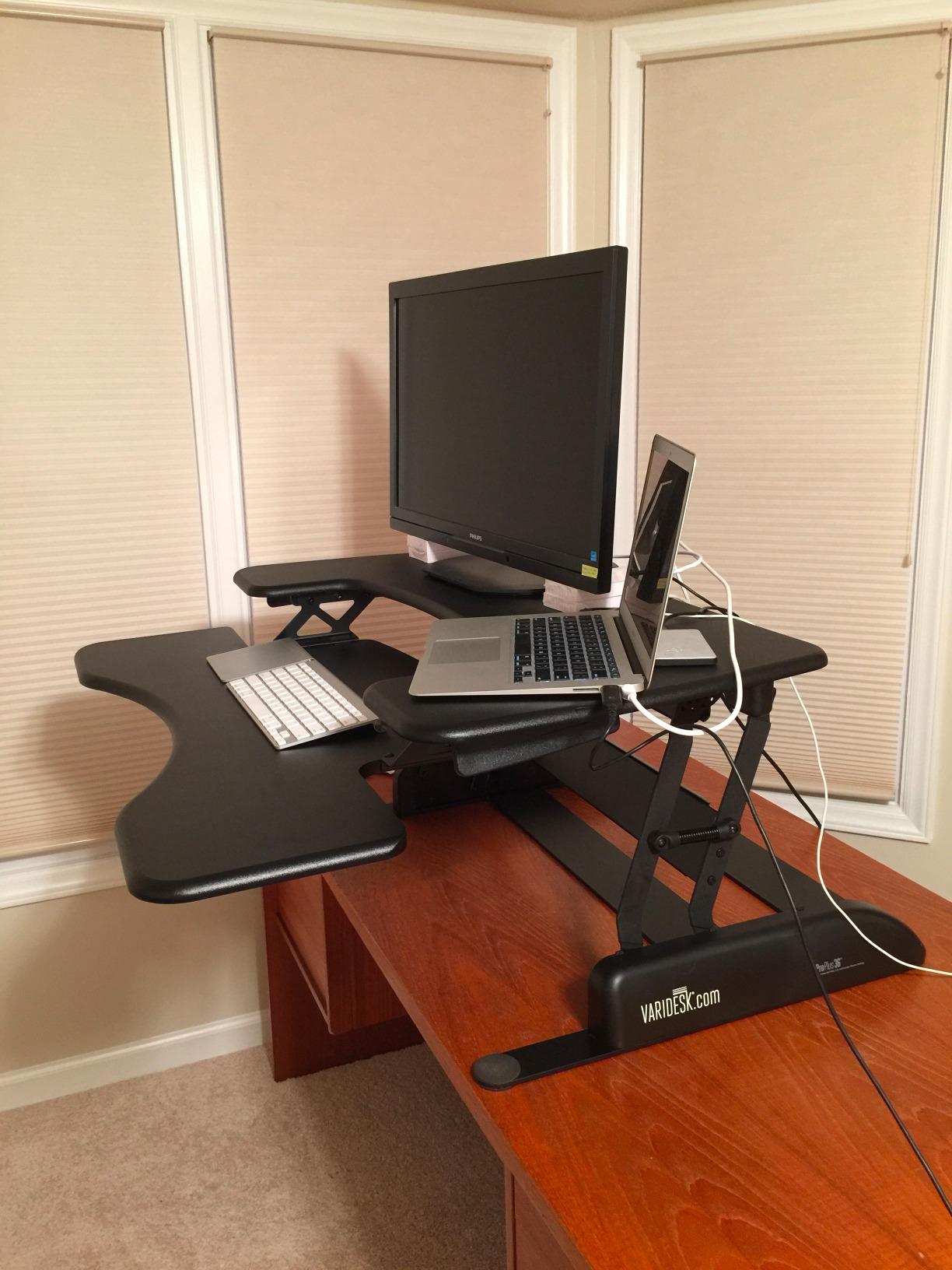
The VariDesk Pro Plus 36 is the one in this group that feels like furniture rather than a folding riser. The 36 inch by 12.25 inch upper tier is a proper monitor shelf, and the lower deck holds the keyboard and mouse at a fixed offset. That separation is what stops a two-monitor setup from feeling cramped, because the screens never compete with your input devices for surface area.
Buyer feedback on this listing is dominated by people who have used it through full working days and report relief in the back, neck or hips. Several confirm it holds twin 23 to 27 inch panels without complaint. The rowing lift with spring assist means a smaller user can raise it easily, and the dual stability bars are visible in the frame design and do reduce side-to-side movement.
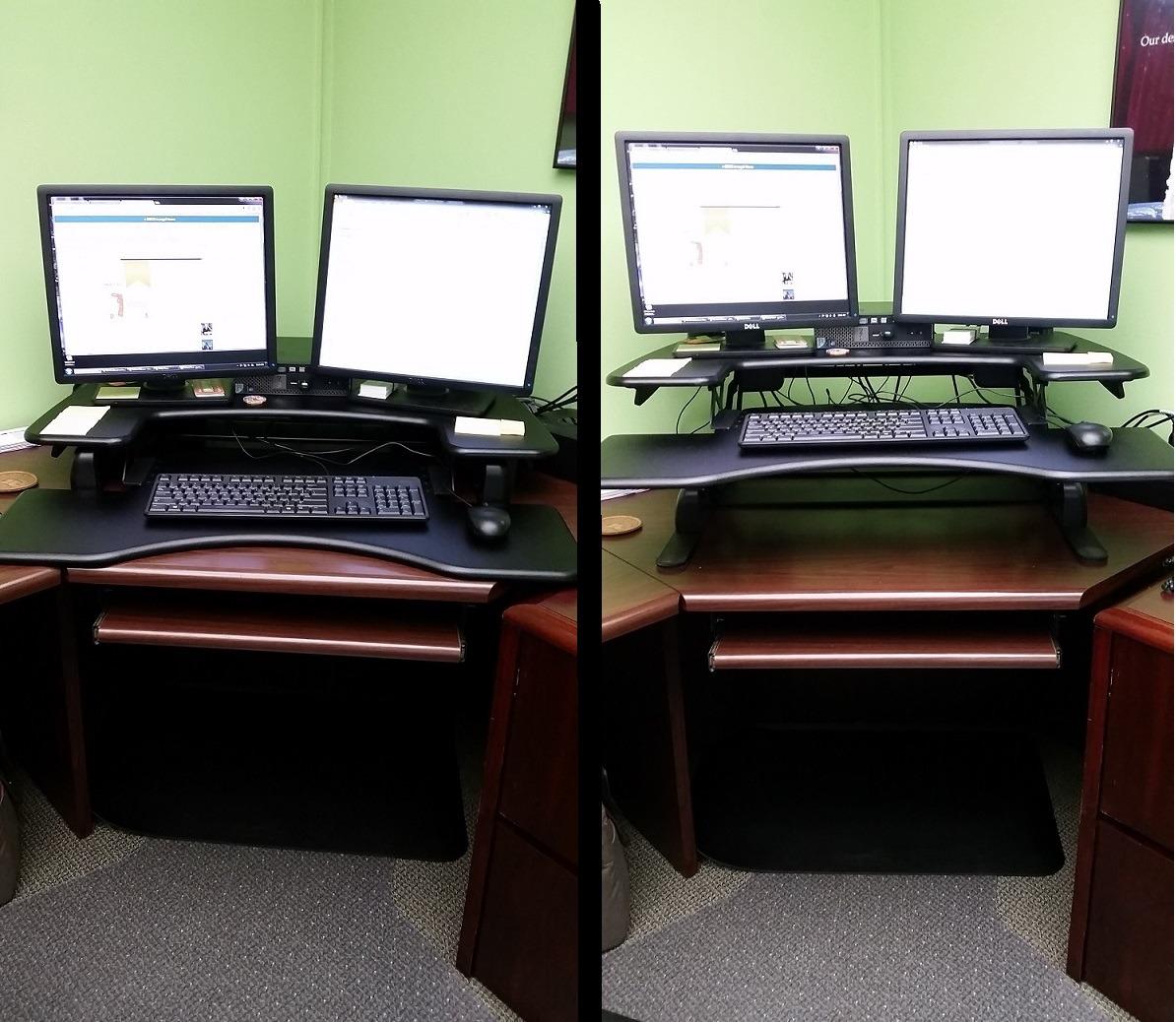
The recurring complaint is not the monitors, it is the mouse. The lower wings leave limited room beside a full-size keyboard, and a good number of reviewers describe adjusting their workflow around it. If you use a large mouse mat, measure the wings before you commit.
There is also a lift path to plan for. The deck moves up and forward toward you as it rises, so a shallow desk with a rear obstruction can be a problem, and the platform ends up overhanging the front edge at full height. On a deep desk this is invisible; on a 24 inch deep desk it is the first thing you will notice.
Two screens plus a laptop is the realistic ceiling
The 12.25 inch upper depth is fine for two 24 or 27 inch panels, and monitors on stands fit comfortably. Adding a third display or a large laptop in the middle pushes the outer screens toward the edge, and that is where the up-and-forward travel becomes awkward.
Who should skip it
Skip it if you are moving it alone. The listed unit weight is 52.5 lb and buyers report the packed weight reaching 75 lb, so plan a second person for the lift onto the desk. It is also the wrong shape for anyone who works on a very shallow desk or needs a very tall standing position.
3. Rocelco 46 Inch Riser: the most surface area in the group
Rocelco 46″ Large Height Adjustable Standing Desk Converter – Quick Sit Stand Up Triple Monitor Riser – Tall Gas Spring Assist Computer Workstation – Retractable Keyboard Tray – Black (R DADRB-46)
45.75 x 23.25 in surface
45 lb load rating
Gas piston, 5 to 20 in range
Retractable keyboard tray
Pros
- Largest work surface here with room for two 27 inch monitors plus a laptop
- Rises straight up and down instead of arcing forward
- Retractable tray preserves a 4.5 inch ergonomic gap under the desktop
- Arrives pre-assembled
Cons
- Keyboard tray is a few inches short for a full-size board plus mouse
- Fully lowered it still adds roughly 6 inches to your desk height
- 45 lb limit is easy to approach with large panels
- speakers and accessories
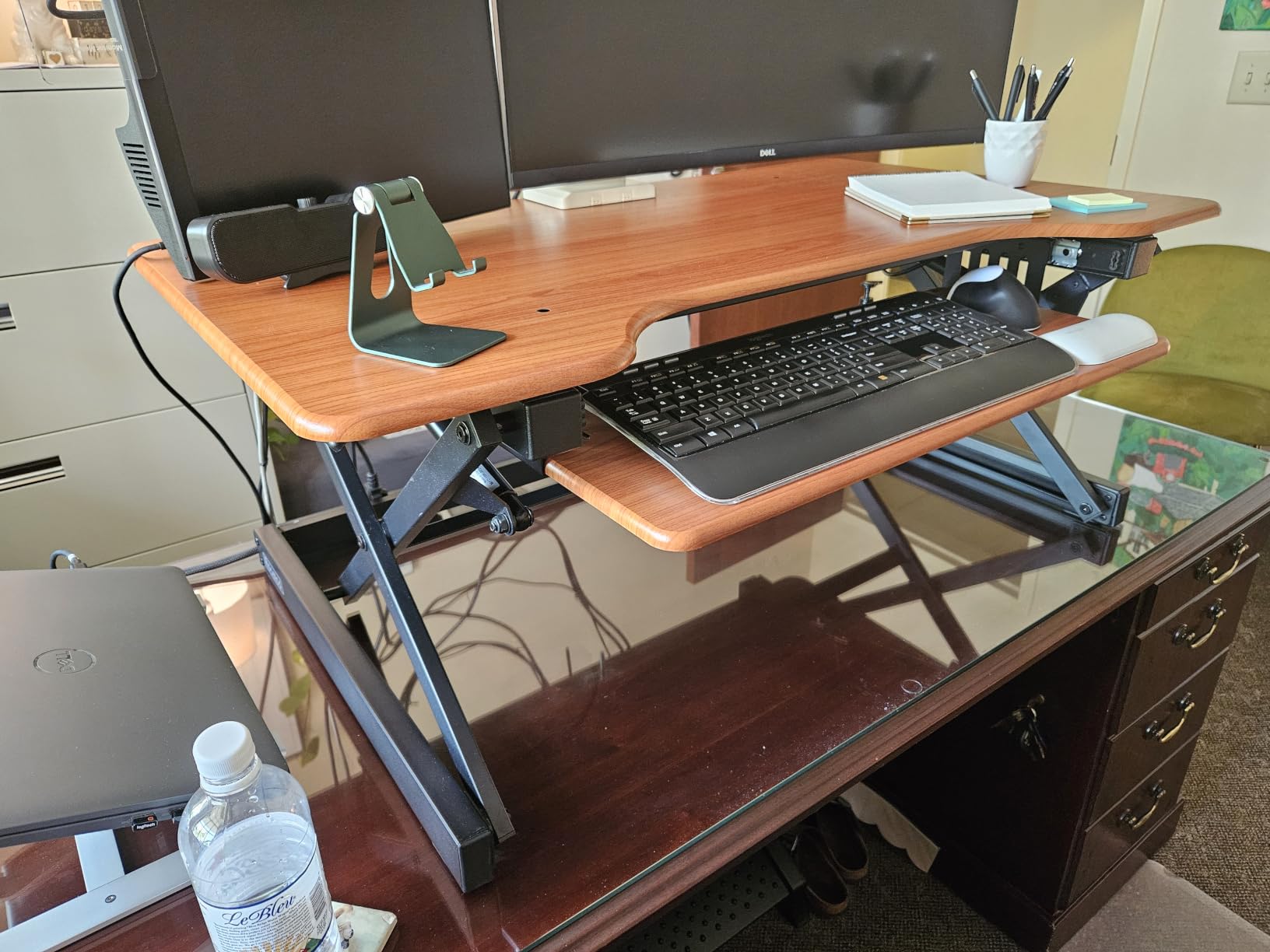
Nothing else on this list solves the problem of two large displays and a laptop competing for the same surface. At 45.75 inches wide and 23.25 inches deep, the Rocelco 46 gives you a genuinely workstation-sized top rather than a shelf, and that depth is what lets 27 inch or 32 inch panels sit at a comfortable distance instead of hanging over the front edge.
The gas piston lift moves the deck vertically, which is the detail reviewers single out when they compare this to other wide risers. A vertical path means it fits a cubicle wall without the top swinging out into your knees, and it keeps the footprint constant as it rises. The retractable keyboard tray slides under the desktop and locks with a 4.5 inch gap, which keeps forearms at a workable angle.
Buyers shopping this against a VIVO or a Vari consistently report it as noticeably stiffer and steadier under load, and the 45 lb rating gives you the widest margin in the group for two heavy panels plus peripherals. Customer service also draws explicit mention in reviews for replacing a unit that arrived damaged.
The two complaints worth planning around are the keyboard tray length, which falls a few inches short of fitting a full-size board and mouse without offsetting them, and the lowered position. Fully down, the unit still adds about 6 inches to your desk height, so your seated eye line to the top of the monitors is higher than you are used to.
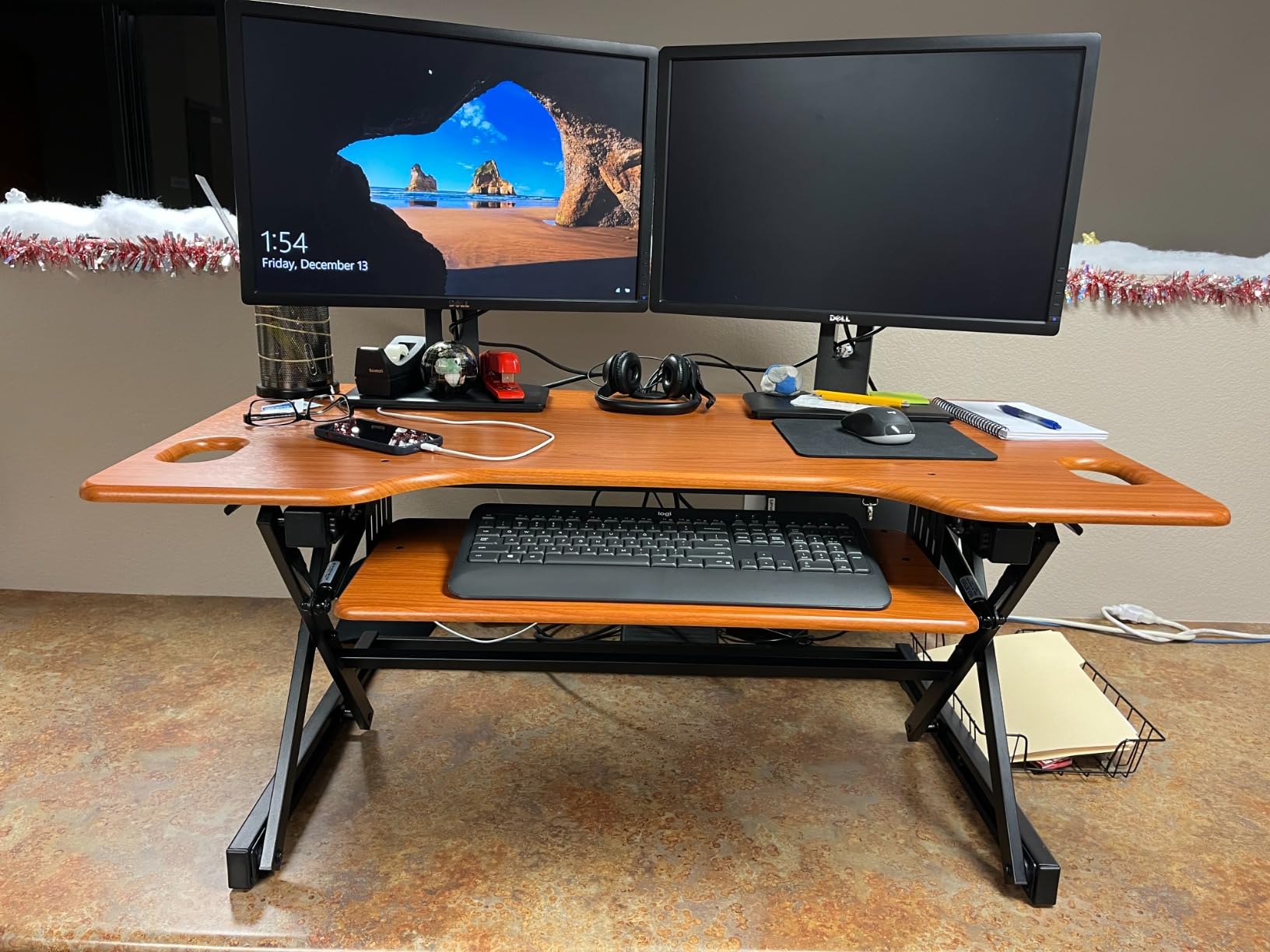
Measure your desk before this one
A 45.75 inch wide top needs a desk that can carry it. On anything under about 50 inches wide, the riser will overhang at the sides, and at 42 lb the unit is heavy enough that an unsupported edge is a real concern. Depth is easier here because the vertical travel keeps the base where you put it.
Who should skip it
Skip it if your desk is a compact 48 inch model, or if you need a very low seated position. It is also more riser than most people need, since the surface is built for three medium displays or two large ones plus a laptop, and a single screen will look lost on it.
4. Rocelco 37.5 Inch Deluxe: the best fit for two 32 inch monitors
Rocelco 37.5″ Deluxe Height Adjustable Standing Desk Converter – Quick Sit Stand Up Dual Monitor Riser – Gas Spring Assist Computer Workstation – Large Retractable Keyboard Tray – Black (R DADRB)
37.5 x 20.5 in desktop
35 lb dual piston lift
5 to 17 in height range
Retractable keyboard tray
Pros
- Holds two 32 inch monitors plus working materials on one 37.5 inch surface
- Retractable tray on smooth glides with a fixed 4.5 inch ergonomic gap
- Dual piston gas springs stop drift at a chosen height
- Buyers regularly compare it favourably against a VariDesk costing far more
Cons
- Deck travels up and forward so shallow desks are easy to overhang
- Still adds about 6 inches to monitor height at the lowest setting
- Slight wobble when the desk underneath is not rock solid
This is the model to look at if you have already bought the big panels. The 37.5 inch by 20.5 inch top is sized specifically for two 32 inch monitors with a little working room between them, and the 20.5 inch depth gives each panel enough space that you are not constantly adjusting your neck position to see the edges.
The dual piston lift handles 35 lb and, according to buyer feedback, holds a chosen height without creeping. That matters more than it sounds with a heavy dual monitor load, because a surface that drifts sends the picture down an inch every few minutes and you end up correcting it constantly. Several owners on this listing describe it solving chronic back or hip pain from long seated days.
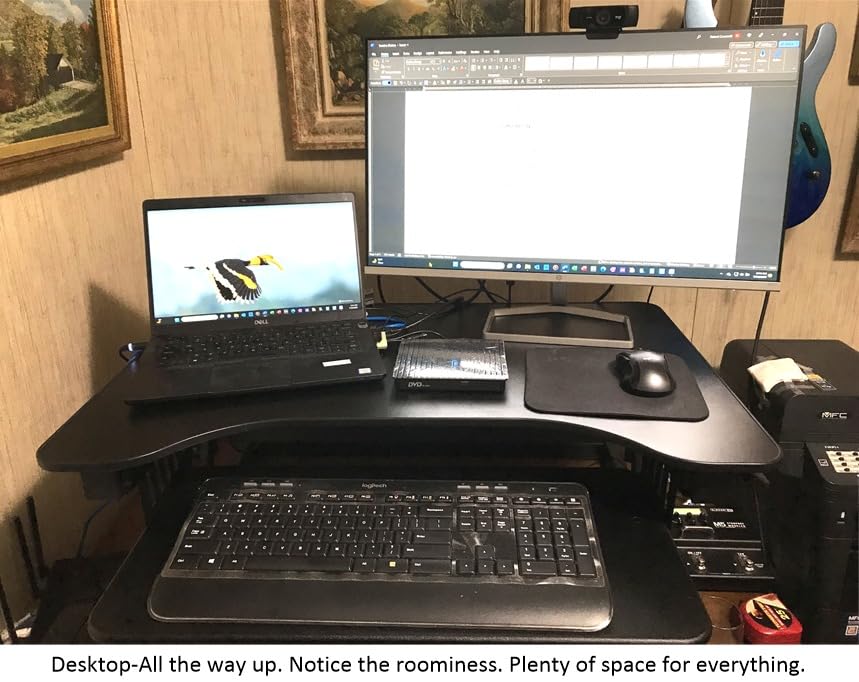
The keyboard tray retracts fully and extends smoothly, and the fixed 4.5 inch clearance between tray and desktop is one of the better ergonomic setups in this group. A grommet hole handles cable routing, and no assembly is needed.
Two mechanical caveats recur. The deck moves up and forward as it rises, so on a shallow desk the leading edge can end up past your desk lip at full height. And the reviewers who report wobble are almost always describing a desk that flexes, not a defective frame, which is worth knowing before you blame the converter.
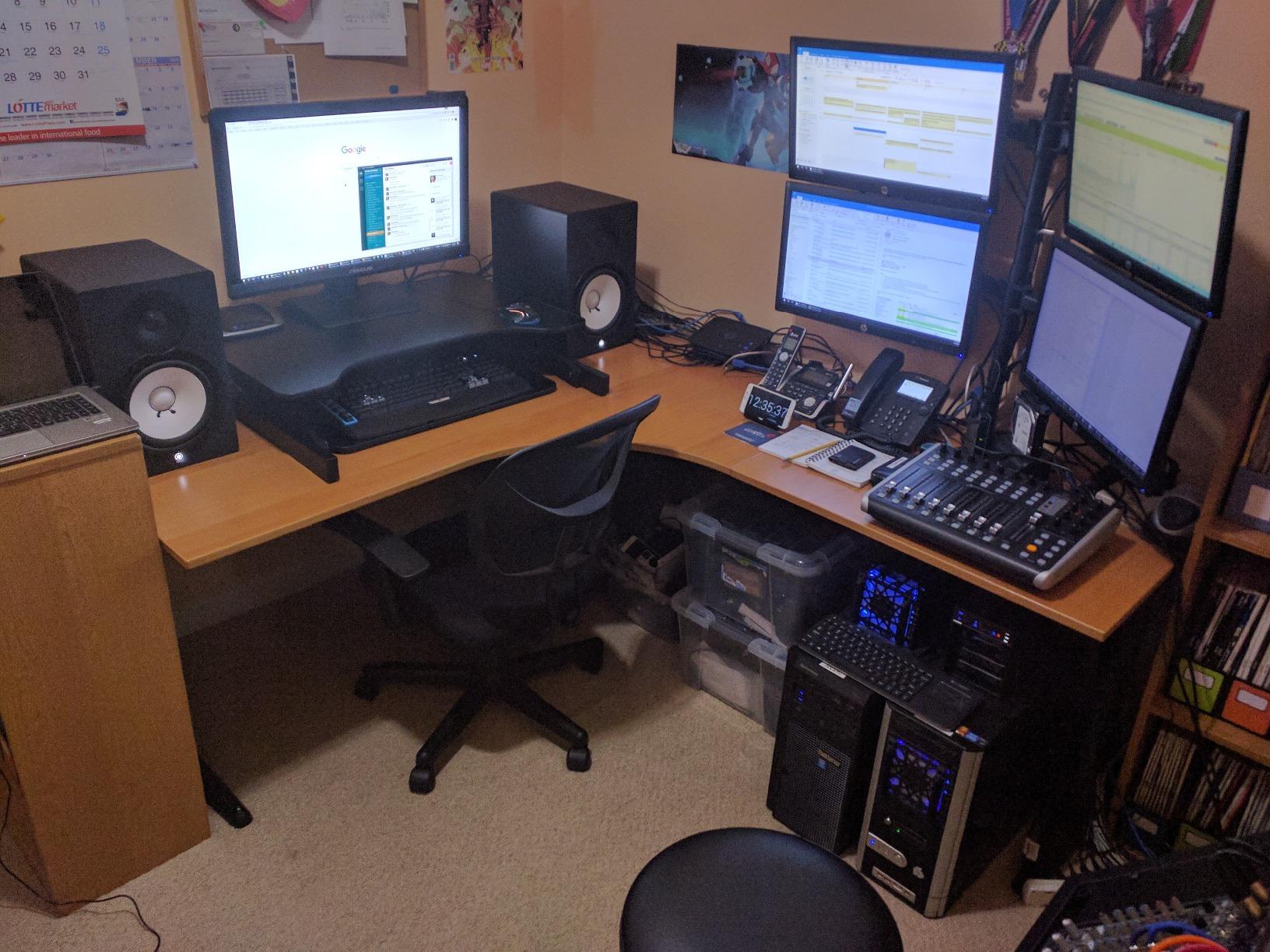
It is a value comparison, not a spec fight
Specs for this one are close to the VariDesk, and the practical difference is the price band rather than the engineering. If you are choosing between these two, the deciding questions are weight capacity headroom and whether your desk is deep enough for the up-and-forward path.
Who should skip it
Skip it if you are under about 5 foot 10 inches and want a low seated position, since the lowest setting still raises your monitors. It is also the wrong choice for a 24 inch deep desk where the forward travel becomes a problem at full extension.
5. VERSADESK PowerPro 36 Inch Electric: the heaviest load rating here
VERSADESK PowerPro 36 Inch Electric Standing Desk Converter – Push-Button Height Adjustable Sit to Stand Desk Riser for Dual Monitors & Laptop – Motorized Desktop Workstation with Wide Keyboard Tray
80 lb load capacity
Push-button motor lift
36 inch two tier surface
USB port and three grommets
Pros
- Motor means zero lifting effort
- which buyers with back problems cite as the reason to buy
- 80 lb capacity is the highest in the group with minimal wobble at full height
- Thicker laminate and hardware than cheaper manual risers
- Built-in USB charging port plus three grommets for cables
Cons
- Motorised travel is slower than a manual gas spring lift
- Keyboard tray has some flex and is fixed rather than retractable
- Monitor arms are not included and must be bought separately
- Some examples arrived with paint transfer
- scratches or a partly pulled screw
At 80 lb, the PowerPro has roughly two and a half times the load headroom of the typical 33 lb riser, and that is the reason to buy it rather than a manual unit. If your two monitors are large, you run a laptop on the same surface, or you simply do not want to push anything, the motor removes the effort question completely.
Buyers who previously owned a VIVO riser use this listing for direct comparison and generally conclude the PowerPro is heavier and far sturdier. The split-level two tier layout gives a 36 inch upper surface and a separate keyboard shelf, and reviewers with heavier rigs report little movement at full standing height. There is a child safety lock and a lifetime warranty behind the mechanism.
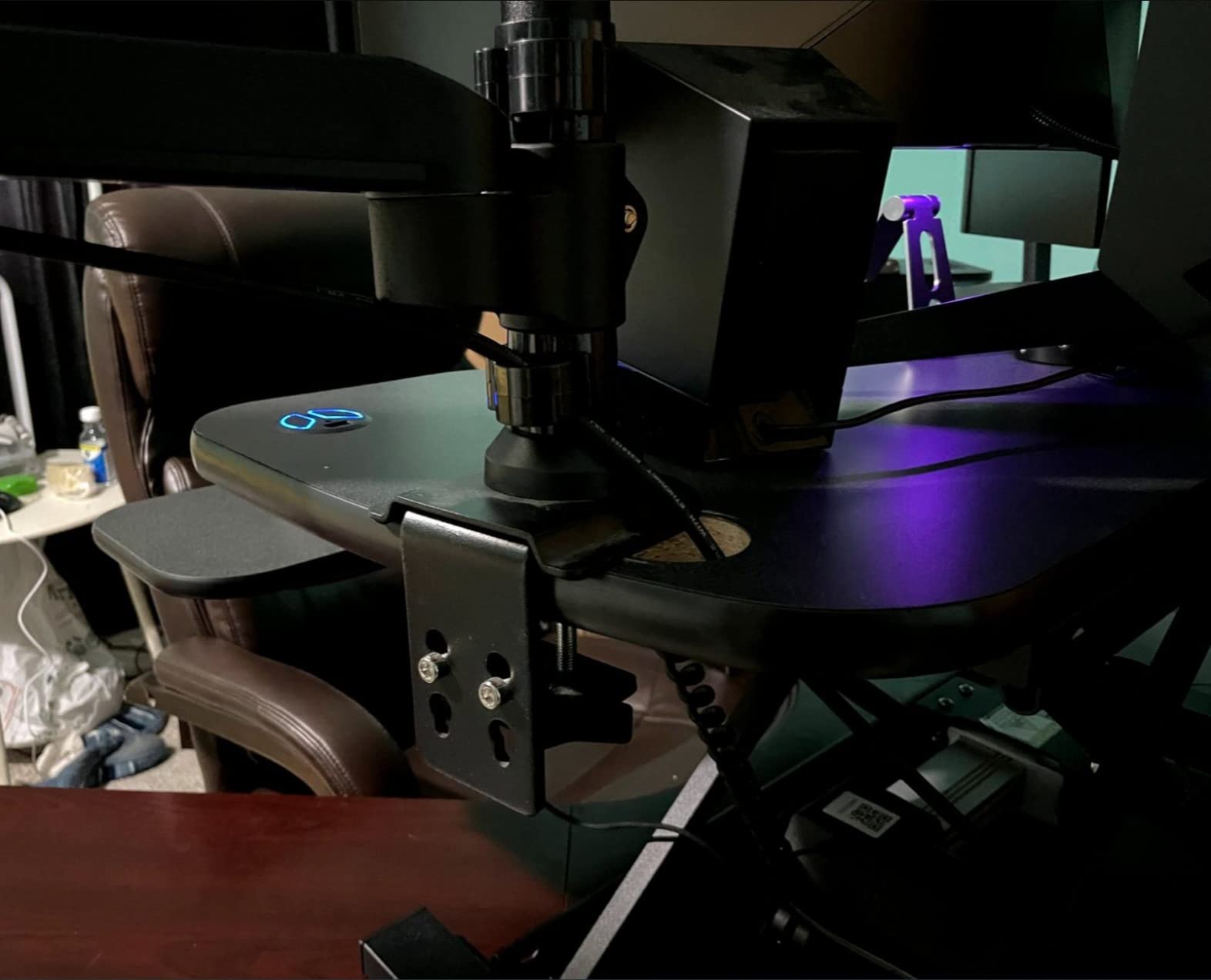
The most serious negative review on this listing documents a measured forward lean of about 2.7 degrees and a slow support response, which is a single reported unit rather than a pattern. Lighter complaints focus on the motor being slower than a gas spring and the keyboard tray flexing under typing pressure.
Monitor arms are not part of the package, and that is a real gap for a dual monitor article. The three grommet holes help with cable routing but they are not a mounting post, so if you plan arms, budget for them separately and confirm your desk edge has clamp clearance.
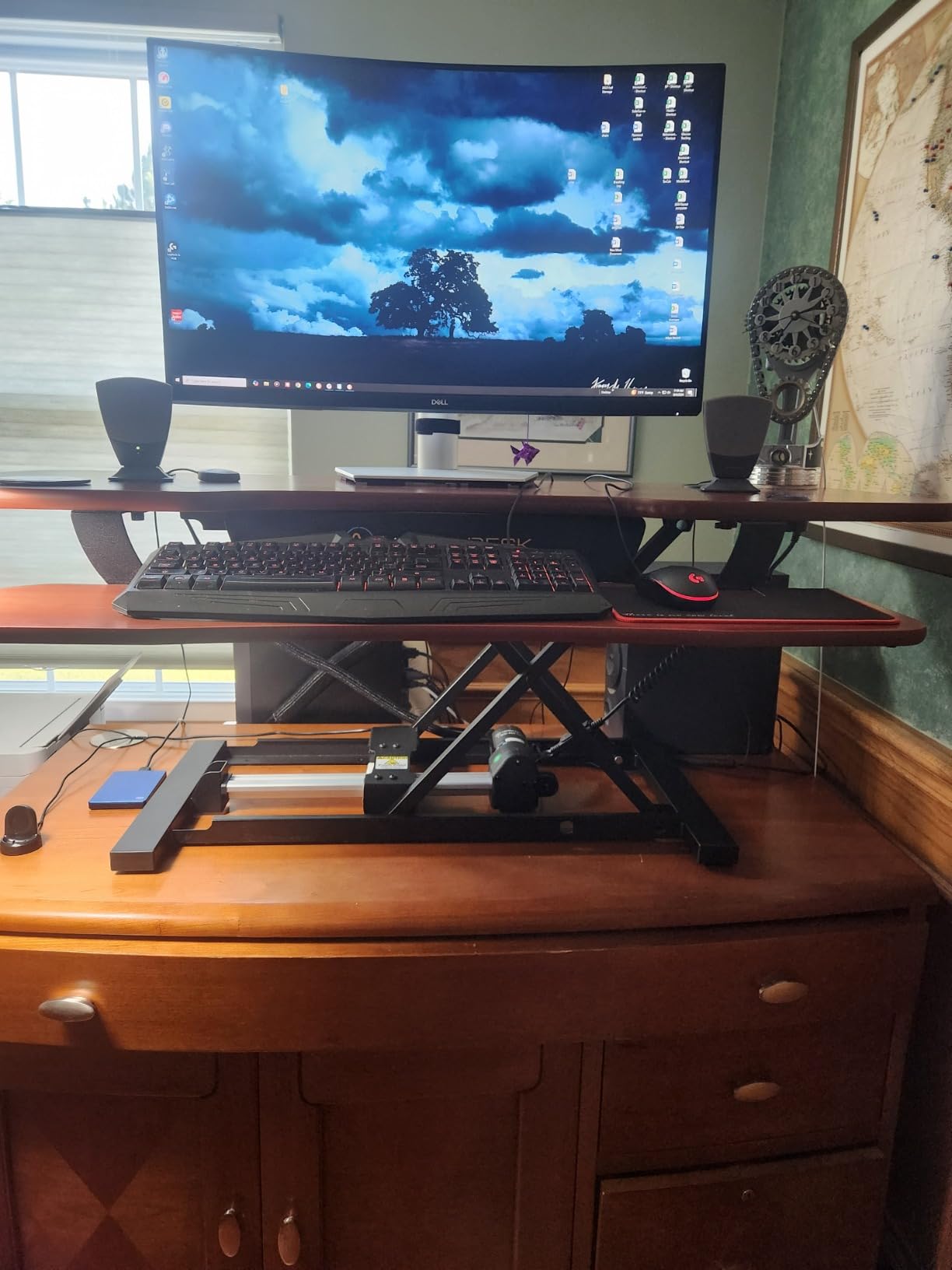
Electric versus gas spring with a heavy dual load
A gas spring counterbalances the load, so a heavy dual monitor rig actually feels lighter to raise than an empty frame. An electric motor lifts regardless of load, which is steadier and quieter-feeling but moves at a fixed speed. If you have wrist or shoulder limits, electric wins. If you are moving constantly through the day, the gas spring lift is faster.
Who should skip it
Skip it if you need a bundled monitor mount, because arms are sold separately here. It is also not the right pick for a shared or rental desk where a power outlet is not within reach of the converter position.
6. Mount-It 36 Inch with Dual Monitor Mount: the only bundle with arms in the box
Mount-It! Standing Desk Converter Dual Monitor, 2 Screen Mounts Included, Height Adjustable Desk Riser in Black, Stand Up Desk Convertor Large 36″ Wide, Sit Stand Convertor with Manual Lift Gas Spring
Two monitor arms included
Supports two 32 in displays
36 in surface, 33 lb desktop
Gas spring 6.5 to 16.3 in
Pros
- Two adjustable monitor arms ship in the box
- which no other converter in this list does
- Mounts tilt
- swivel and rotate so both screens reclaim desk depth
- Little to no movement when fully raised even for a tall user
- Large keyboard tray fits an ergonomic board
- numpad and vertical mouse
Cons
- Monitors sit noticeably higher than usual when seated so chair height must be reset
- Both lift handles must be disengaged at once and the deck travels toward you
- The mount arms can be stiff to move vertically
- Customer support responsiveness is criticised in at least one detailed review
This is the answer to the question that comes up most often in dual monitor threads, which is whether to buy a bare converter and add arms later, or get a bundle. Here the arms are included and adjustable, so two displays hang above the surface instead of sitting on it, and that is the single best configuration for a laptop plus two external screens.
The 36 inch surface then stays clear for the laptop, notebooks and whatever else you keep beside your keyboard, and the arms reclaim the depth that two 27 or 32 inch panels would otherwise take. Buyers consistently treat the included mount as the reason for the purchase, and several mention the tilt and swivel range letting them angle a screen in and another out for a three-screen feel.
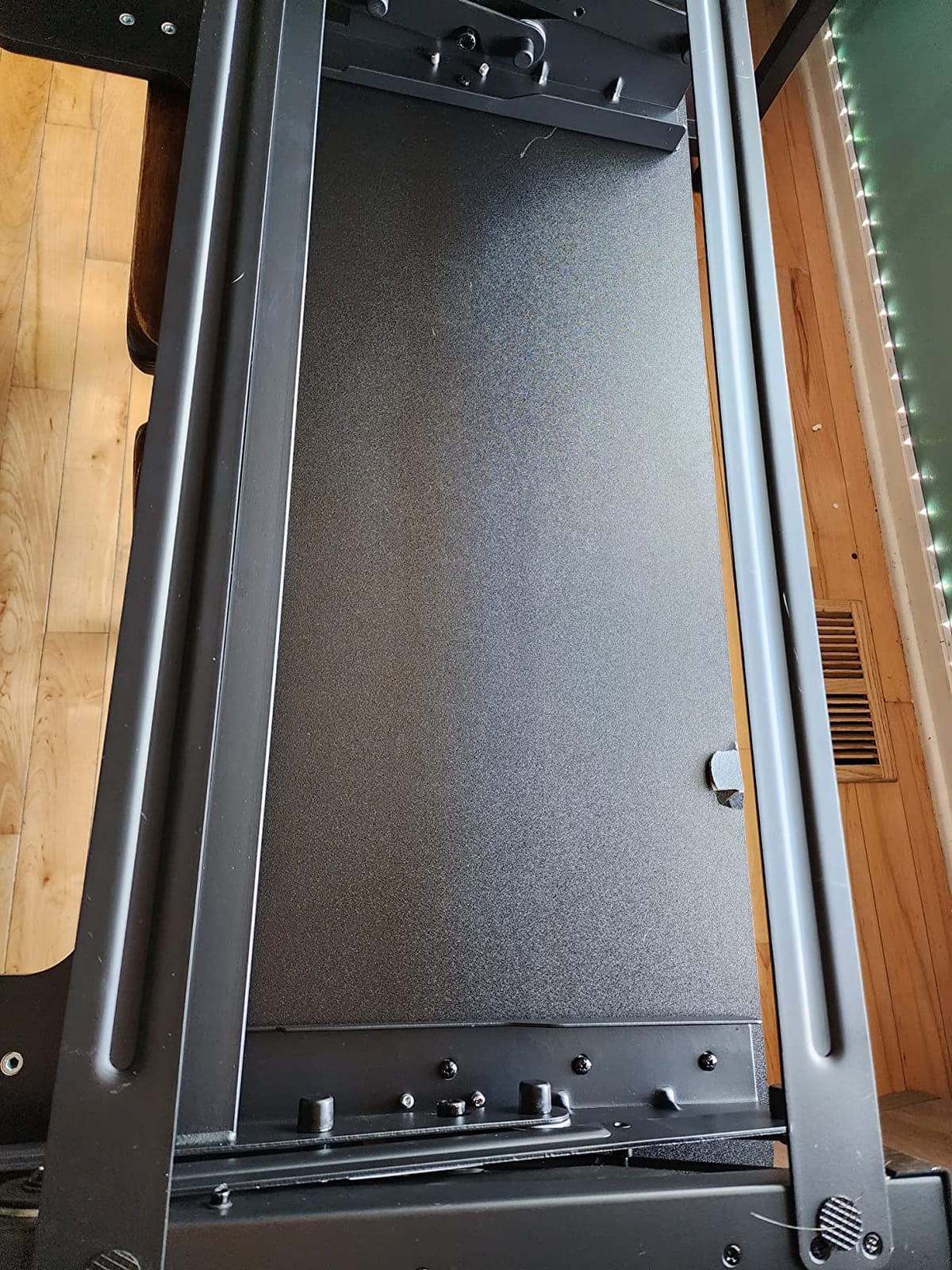
Each arm is rated at 17.6 lb and the desktop at 33 lb, so a 12 lb monitor plus a mid-weight arm on each side sits comfortably within both limits. That headroom is what makes this a safer dual monitor option than the 33 lb budget units, where the desktop rating barely covers the panels.
The trade-off is that your screens end up higher than you are used to when seated, because the mounts add height on top of the already raised deck. Plan to reset your chair height when you switch down. The lift also needs both handles released at the same time, and the arms themselves can be stiff to move up and down once loaded.
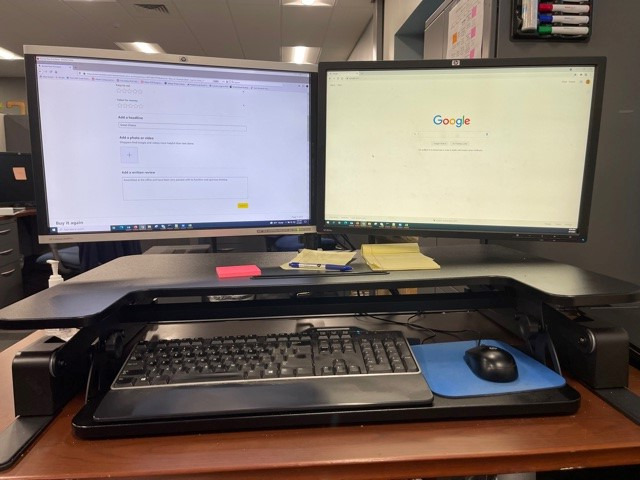
Integrated mount versus separate arms
An integrated mount is simpler and arrives configured, which suits a first-time dual monitor riser. Separate arms are more flexible, because you can angle screens, swap a panel, or add a laptop arm later without replacing the riser. If you plan to change displays within a couple of years, separate arms on a plain converter age better.
Who should skip it
Skip it if your monitors use an unusual mounting pattern, because the bundled arms have a fixed range of motion. It is also a poor fit for anyone who cannot reach both lift handles comfortably, and it is a heavy unit at 46.1 lb, so plan the placement with a second person.
7. JYLH JOYSEEKER 42 Inch: wide surface, lighter carry
JYLH JOYSEEKER 42″ Standing Desk Converter, Quick Sit to Stand Desk Riser
42 x 15.7 in desktop
28.7 lb load rating
4.7 to 19.3 in travel
Built-in device slot
Pros
- 42 inch surface fits a 27 inch display with room for a second
- Straight up and down travel operated from a single lever
- Lightest unit on the list at 30.8 lb for a model this wide
- Arrives nearly assembled with the tray taking about ten minutes to attach
Cons
- Lowest load rating among the wide models at 28.7 lb
- Less rigid at maximum extension than when lowered
- Some examples have measured out level with a lean of about a quarter inch
The 42 inch width on this converter is the useful part for dual monitor work, because it buys roughly 6 inches over a 36 inch model without going to the full 46 inch size. At 15.7 inches deep it stays shallow enough for a modest desk, and the straight vertical travel means it does not swing out over the front edge as it rises.
It is also the lightest wide unit here at 30.8 lb, which matters if you are moving it between desks or lifting it into place by yourself. Reviewers describe assembly as about ten minutes to attach the keyboard tray, with tools included, and the built-in slot along the front edge is a small touch that keeps a phone or tablet off the working surface.
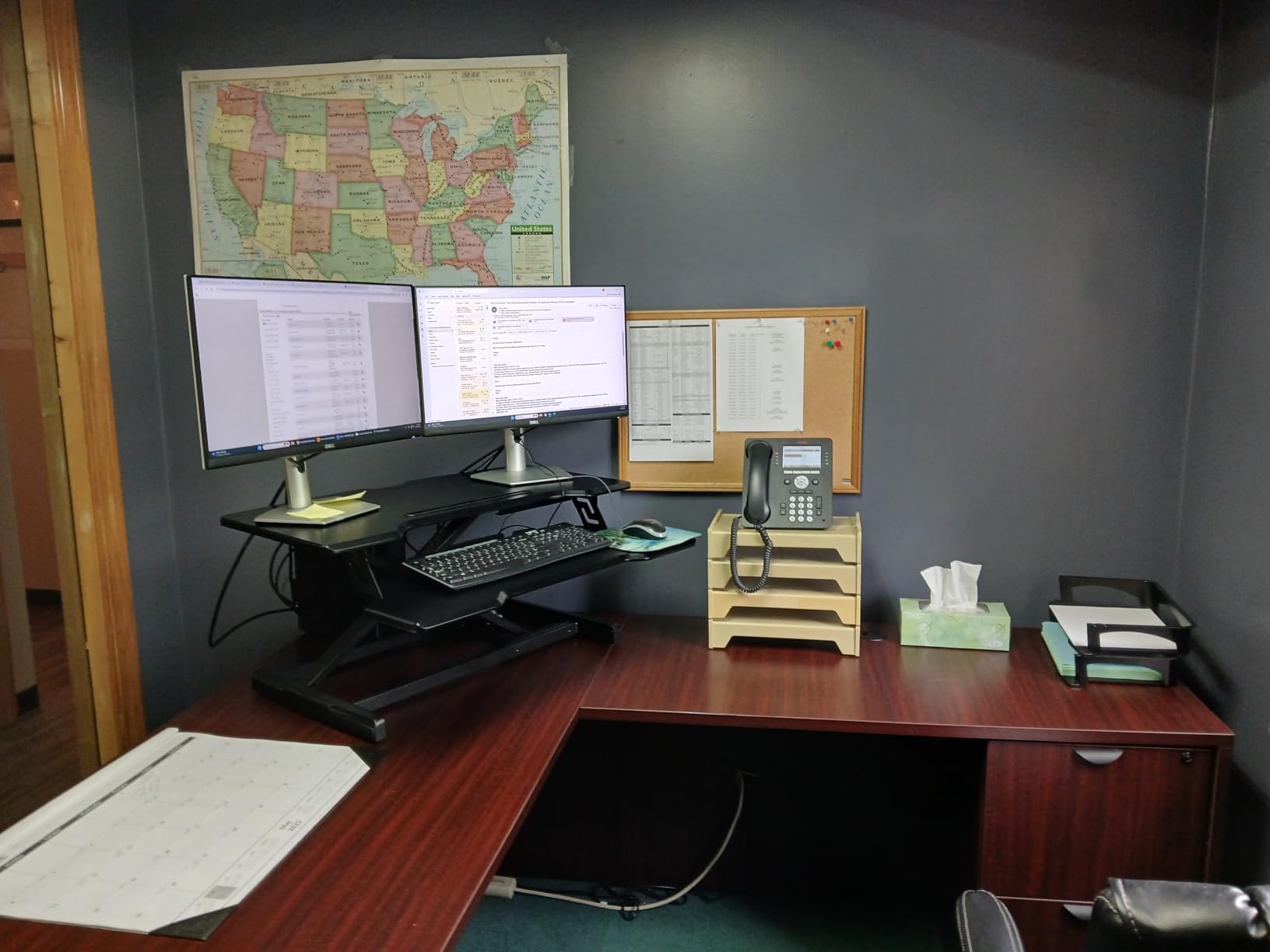
The load rating of 28.7 lb is the number to weigh here. Two 12 lb monitors is 24 lb, which leaves under 5 lb of margin for arms and accessories. That is tighter than it looks on paper, and it is the main reason we place this converter below units with 33 lb or higher ratings for heavy dual monitor rigs.
Two quality observations recur in the feedback. Some examples measure out level with a lean of about a quarter inch to one side, and the frame is less rigid at full extension than when lowered. Neither affects normal use, but both are visible with a heavy dual monitor load pushing on the same surface.
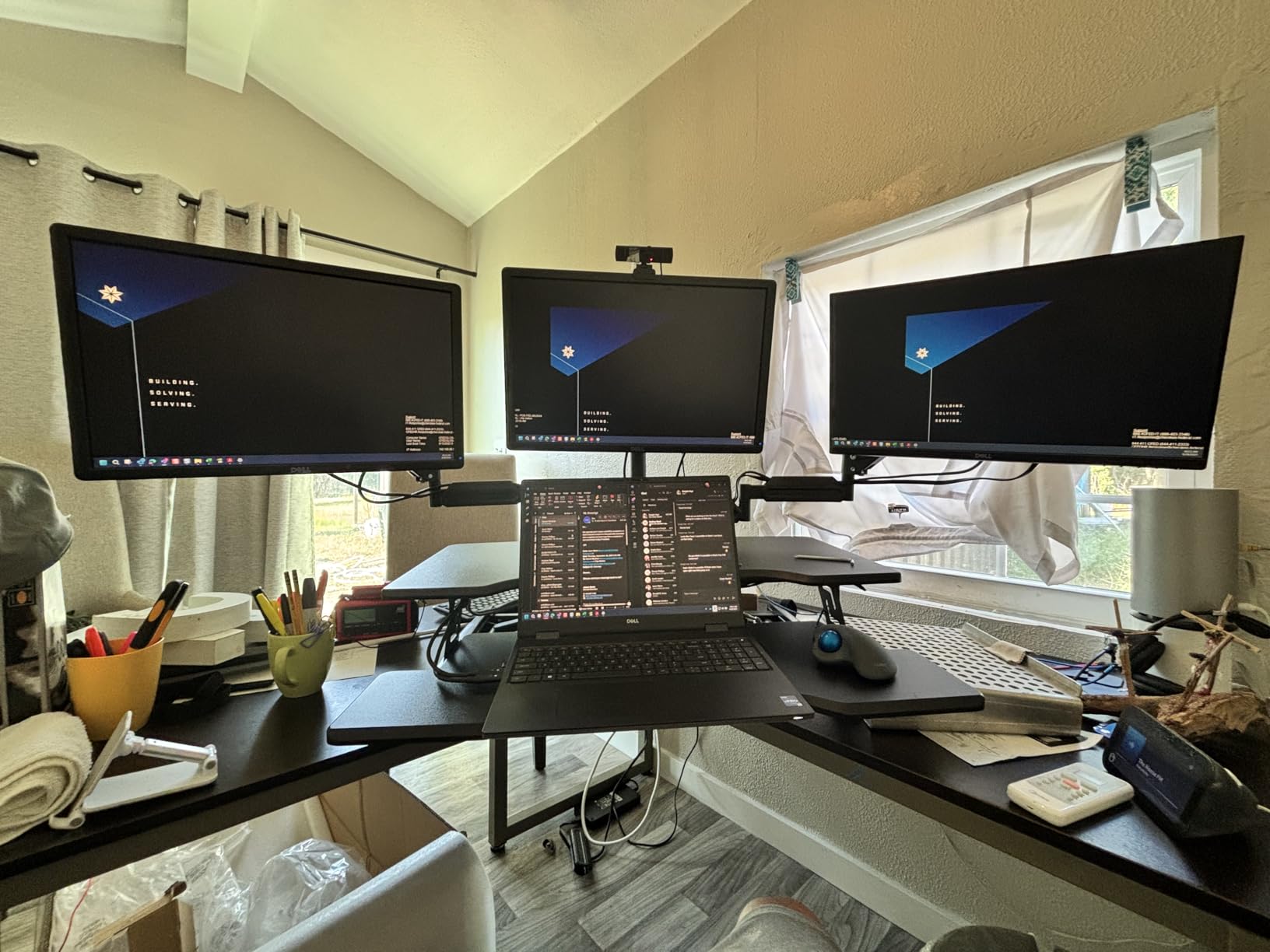
Work out your real load before choosing
Add the weight of both monitors, both arms, a laptop, and anything you keep on the surface, then look for a rating with at least 25 percent headroom above that number. On this converter, two mid-weight monitors plus a laptop already sit close to the 28.7 lb ceiling, so anything heavier should go to a stronger frame.
Who should skip it
Skip it if you run two 27 inch panels on arms plus a laptop, because the combined load will crowd the rating. It is also the wrong choice for a desk shallower than about 24 inches of usable depth once you account for the 23.5 inch total depth.
8. VIVO DESK-V000VC 43 Inch Corner Converter: the one for L-shaped desks
VIVO Black 43 in Corner Desk Converter, DESK-V000VC
L shaped corner desktop
43.3 x 28.3 in surface
33 lb dual pneumatic lift
6 to 17 in range
Pros
- Only L-shaped design in the group and it also works on a straight desk
- Dual pneumatic springs give a smooth quiet lift with 33 lb of support
- Holds two 27 inch monitors without weight or balance issues
- Owners report back and neck pain relief within weeks
Cons
- Keyboard and mouse area is very tight with a full-size board and leaves little mouse room
- Raises toward the user rather than straight up and tops out at 17 inches
- The 43 inch figure is the widest point of a curved top so flat usable area is smaller
- Particle board tray and desktop with a smaller thread on hydraulic cable loosening
Corner desks are the reason this one exists. The desktop is L-shaped, so it wraps into the corner rather than presenting a straight front edge to the room, and that keeps the keyboard tray from being pushed into the leg space where a straight converter would need to go. It also works on a regular straight desk if you prefer the geometry.
Two 27 inch monitors sit on the main tier without any balance complaints, and the dual pneumatic springs give a smooth, quiet lift rated at 33 lb. Reviewers who compared it against costlier name-brand risers report the build quality is better than the price implies, and the 28.3 inch depth is generous enough that you can place panels at a sensible viewing distance.
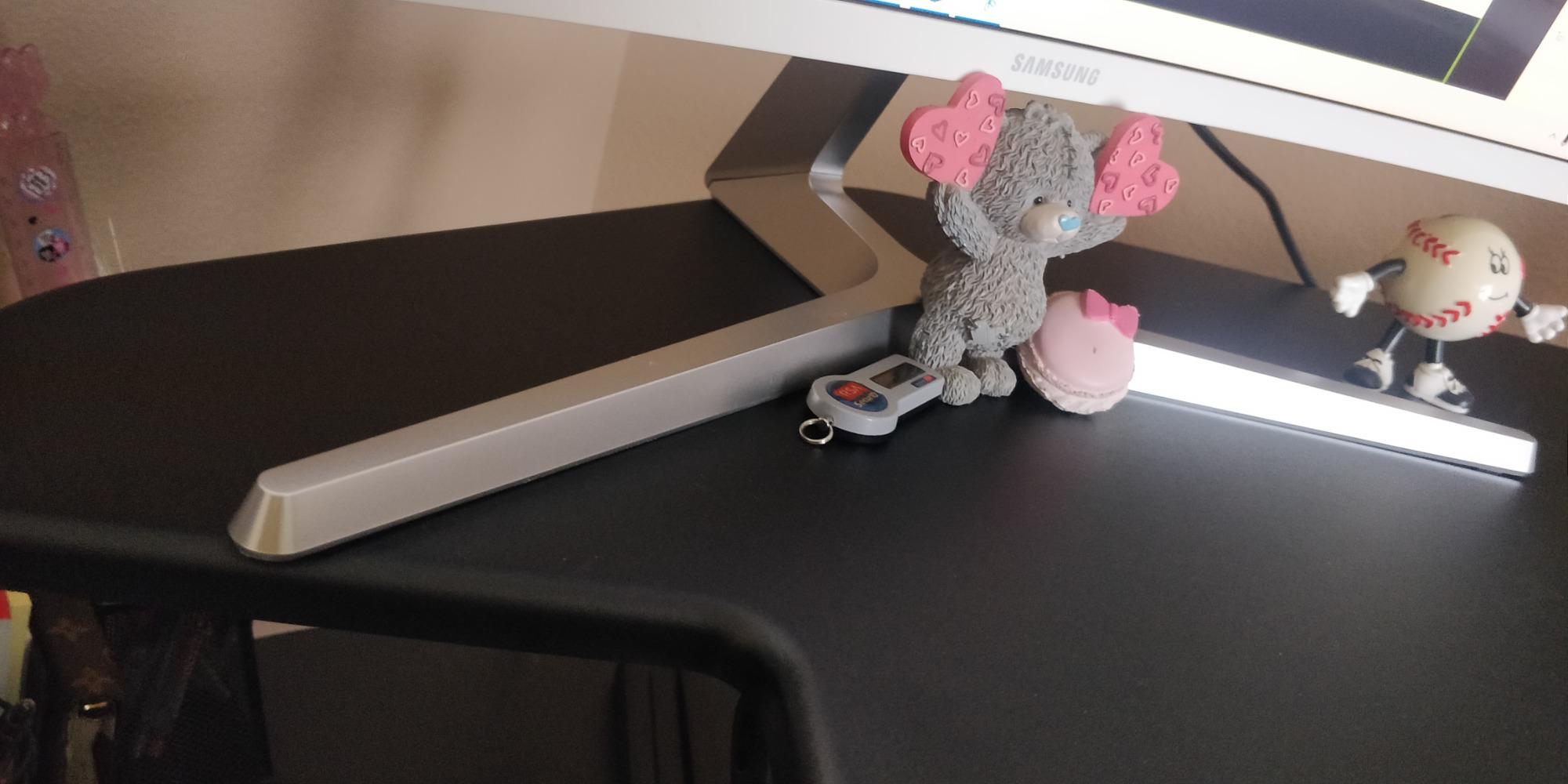
The recurring ergonomic complaint is the mouse zone. With a full-size keyboard on a 28.2 inch by 10.6 inch tray, the space beside it for a mouse is minimal, and several owners describe the mouse ending up in front of the keyboard rather than beside it. If you use a large mouse, measure before committing.
There is also a height ceiling. The range tops out at 17 inches, which is a few inches short of what a tall user needs for a full standing position with large panels. A smaller group of reviews covers the hydraulic cable loosening over time and units that stick partway through travel, so it is worth checking the motion range as soon as it arrives.
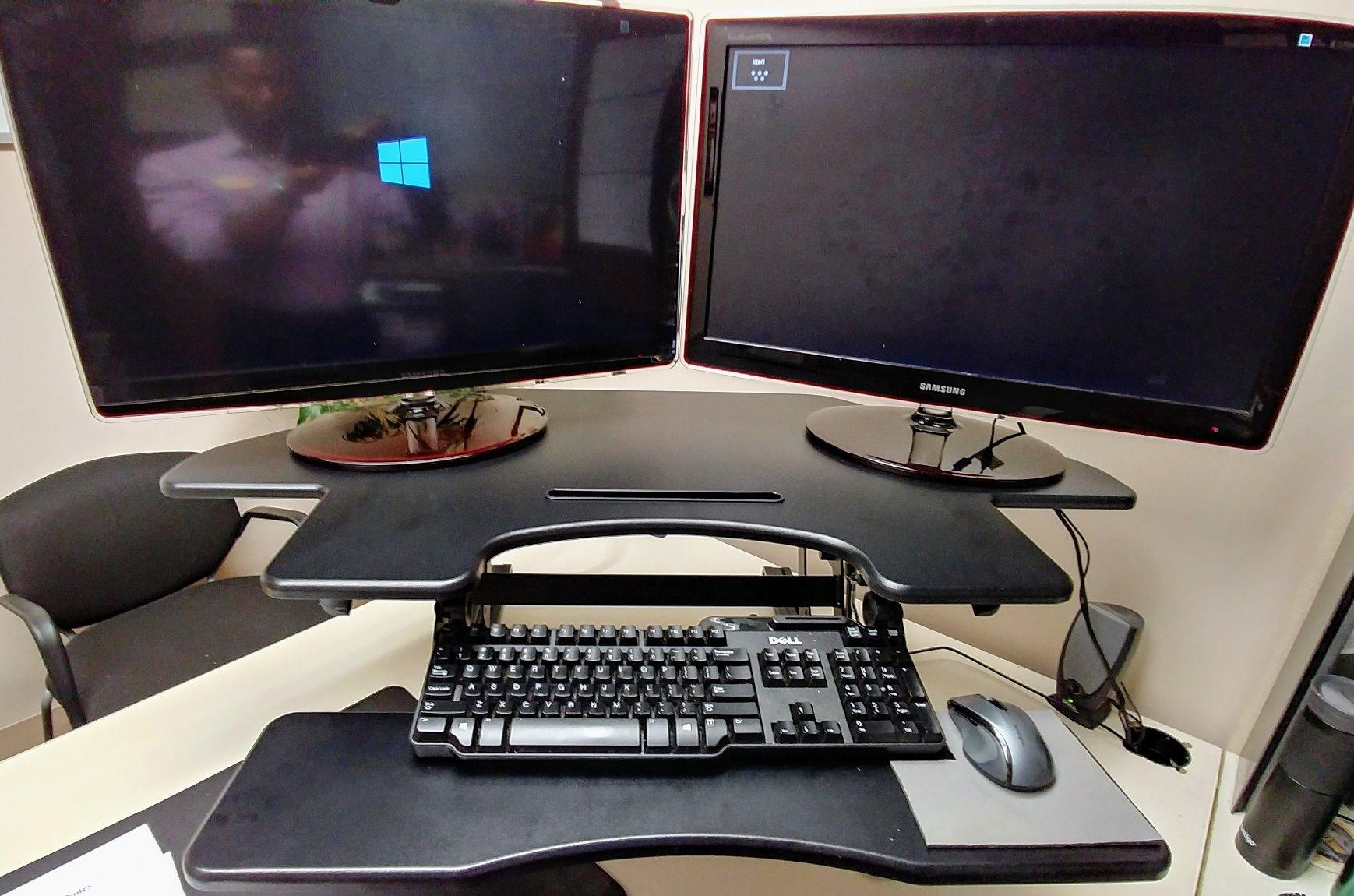
Judge the real usable width, not the diagonal
The 43.3 inch figure is the widest point across a curved top. Because the surface curves away, the flat usable run for two monitors is less than the number suggests, and for a 27 inch panel on each side you are looking at the 36 inch centre section rather than the full span.
Who should skip it
Skip it if you are over roughly 6 foot 3 inches and need maximum standing height, or if you need a large mousing area alongside a full-size keyboard. It is also a heavy unit at 42.6 lb and the top is particle board, so it is not the choice for anyone who wants a glass or solid wood surface.
9. Mount-It 36.5 Inch Converter: the shallowest full-size option
Mount-It! Standing Desk Converter – Height Adjustable Stand Up Riser with Manual Lift, 36.5″ x 22″ Desktop, Stand up Convertor in Black, Fits Dual Monitors, Laptop and Keyboard Mouse Tray
36.25 x 22 in desktop
33 lb capacity
6.25 to 16.5 in gas spring
Pre-assembled
Pros
- Arrives pre-assembled so setup is bolting on the keyboard tray
- Gas spring resistance gives smooth motion with no sudden drops
- Tray stays level and does not shake while typing
- 22 inch depth is shallower than most competitors which helps on smaller desks
Cons
- 9 inch deep keyboard tray is narrower than the listing suggests and does not fold away
- Deep tray can overhang a narrow desk
- Small mouse area beside a full-size keyboard
Depth is the reason to shortlist this one. A 22 inch desktop is the shallowest full-width surface in this group, and on a desk that is 24 inches deep it leaves working room behind the riser where a 25 to 28 inch deep model would be pressing against the wall. The 36.25 inch width still fits two 24 inch monitors, or a monitor plus a laptop as the listing describes.
The gas spring gives the smoothest raise-and-lower of the manual units here, with no sudden drops reported, and the tray stays level while you type rather than shaking under keystrokes. Several buyers mention relief from hip and bursitis pain after moving to a standing position, which is the underlying reason any of this matters.
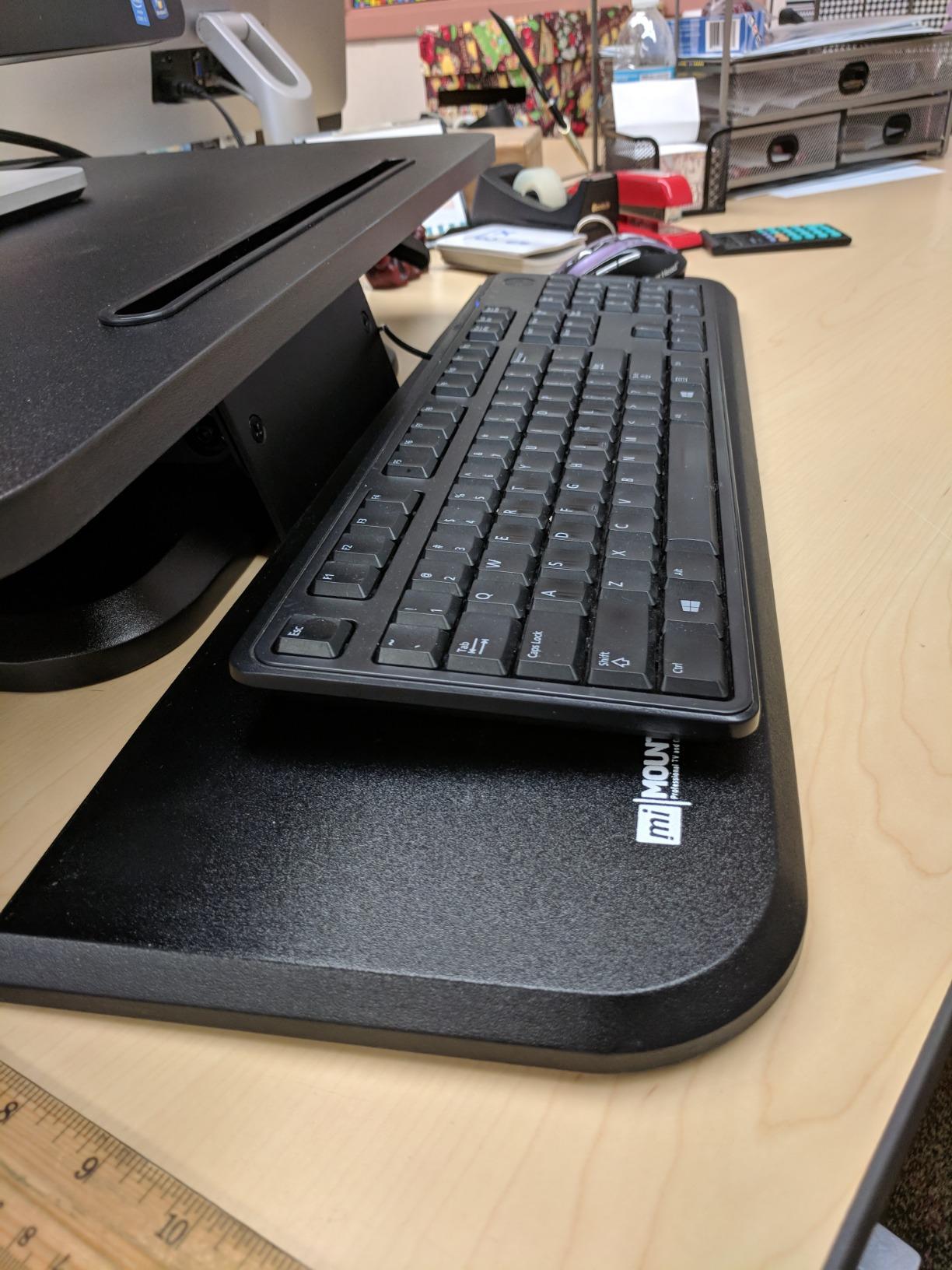
The keyboard tray is the weak point. At 26.75 inches by 9 inches it is narrower than the headline size suggests, and on some variants it is fixed rather than folding away, which several critical reviewers say forced their shoulders up and contributed to a return. The mouse area beside a full-size board is also small.
Because the tray extends forward, a narrow desk can end up with the tray overhanging the front edge, which is the trade you make for the shallow footprint. Check the total depth of the unit against your desk before ordering, not just the desktop measurement.
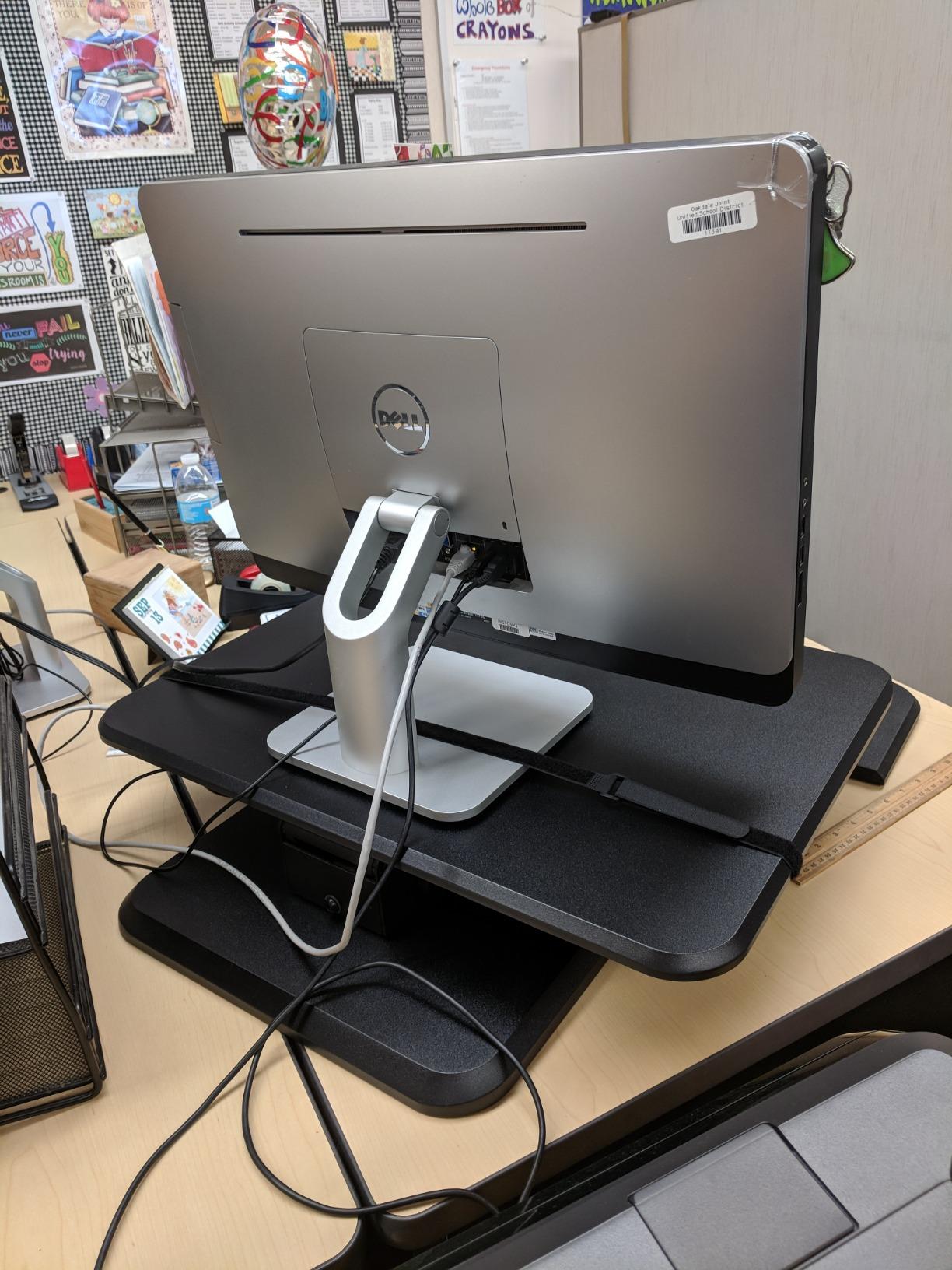
Depth budget on a small desk
Add the base depth to your desk depth and keep a couple of inches to spare at the rear. A converter whose footprint matches your desk exactly will feel cramped, and you will end up with your chair brushing the frame every time you roll in. This model has the most forgiving footprint in the group for that reason.
Who should skip it
Skip it if you need a deep keyboard tray for a full-size board with a numpad, or if you switch between sitting and standing many times an hour and want a retractable tray that clears out of the way. The 16.5 inch maximum height is also modest for tall users.
10. Mount-It 23 Inch Top with Integrated Mount: the small desk option
Mount-It! Standing Desk Converter, Stand Up Desk Riser with Dual Monitor Mount, Adjustable Workstation in Black, Top Platform 23″ Wide, Keyboard Mouse Tray 27″ Wide, Raises 5″ to 17″ Tall
23.6 x 15.7 in top platform
Integrated dual monitor mount
26.7 in keyboard tray
5.7 to 17.1 in range
Pros
- Built-in dual monitor mount so two screens up to 32 inch clear the desktop surface entirely
- Compact 23.6 inch top suits smaller desks while the tray stays wide at 26.7 inches
- Smooth gas spring lift across the full range
- Tray includes a soft gel wrist pad and integrated cable management
Cons
- Narrow top platform leaves little desk space beyond the two mounted displays
- Heaviest Mount-It in the group at 47 lb so setup takes two people
- Monitor arms are not adjustable so the VESA pattern has to match
If your desk is small and your monitors are large, this is the configuration that works. The integrated mount holds two displays up to 32 inch and lifts them clear of the 23.6 inch by 15.7 inch top, so you get two full-size screens on a riser with a modest footprint. The keyboard tray stays wide at 26.7 inches, which is unusual on a unit this compact and keeps an ergonomic board comfortable.
The mount supports 22 lb per screen at VESA 75×75 and 100×100, which covers the 12 lb class of monitor that dominates dual monitor setups. The gas spring lift is smooth across a 5.7 to 17.1 inch range, and the tray has a gel wrist pad plus integrated cable management to keep the desk behind it usable.
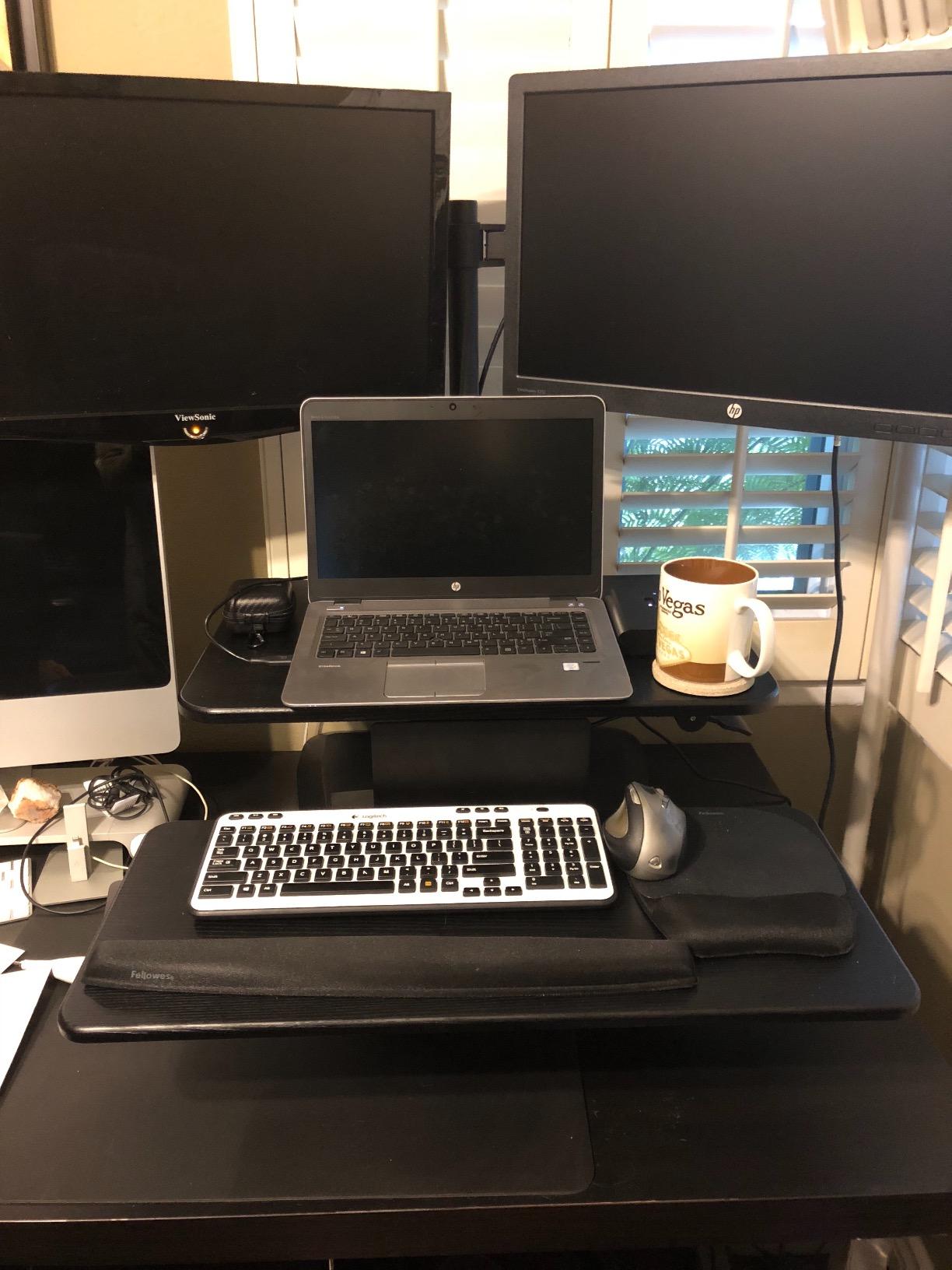
What you give up is surface area. With two displays mounted, the top is essentially a stand, and there is little room for a laptop, notebooks or a second keyboard. Buyers who come to this listing usually want desktop space back rather than more of it, which is exactly what a monitor mount delivers.
Two practical constraints. The arms are not adjustable in height, so your monitor VESA pattern has to match and you cannot fine-tune the screen height to your seated eye line. And at 47 lb this is the heaviest Mount-It in the group, so getting it onto a desk is a two-person job.
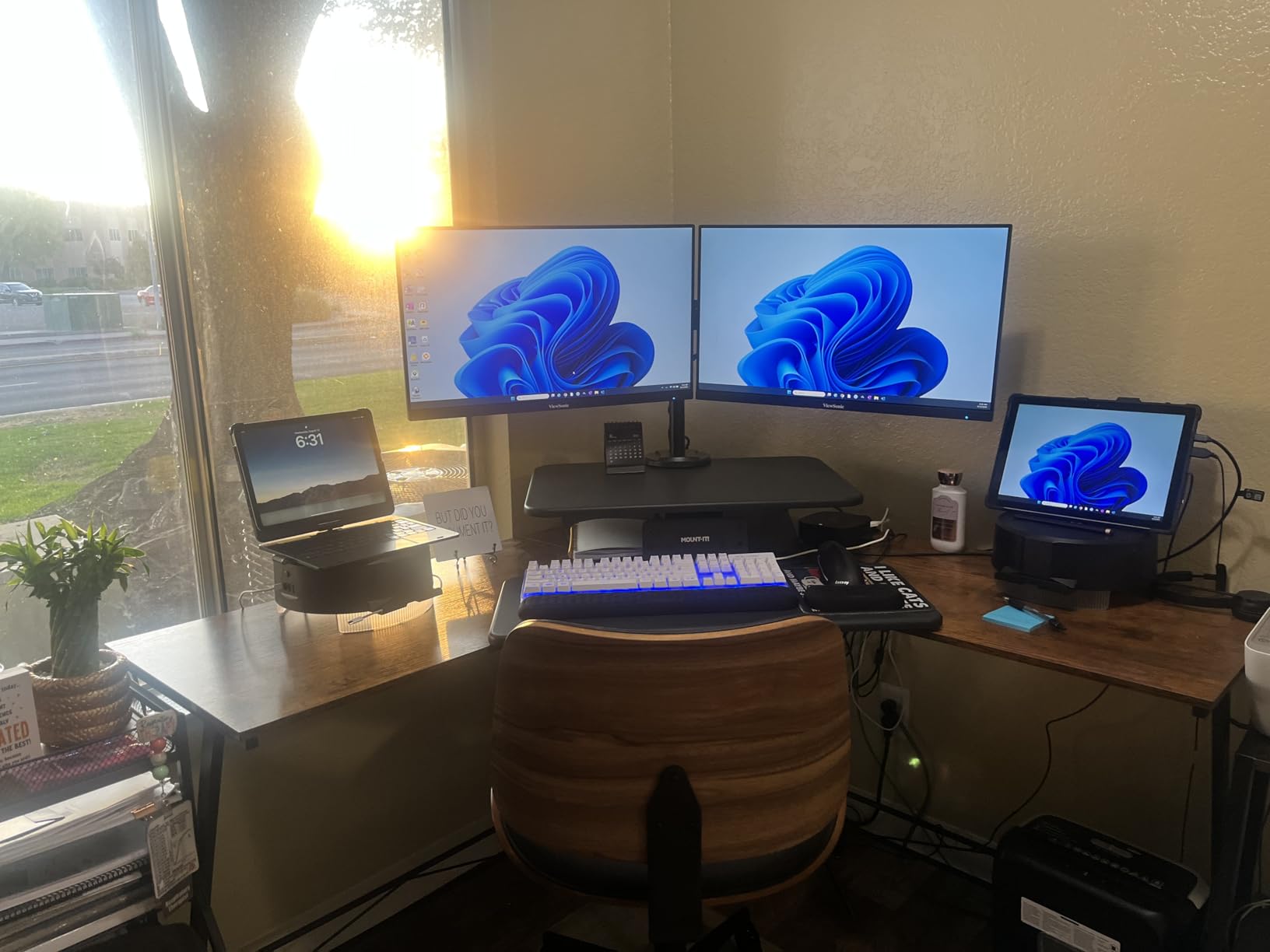
When a mounted pair beats a wide surface
If your two monitors are on arms at your current desk, a mounted converter preserves that arrangement and adds height adjustment. If your monitors sit on stands and you rely on desk space for a laptop, a wide surface converter is the better buy, and the monitor mount changes what you can put on the desk.
Who should skip it
Skip it if your monitors use a VESA pattern other than 75×75 or 100×100, or if you need to raise and lower the screens independently. It is also a poor match for a shared desk where a heavy 47 lb unit would have to be moved each time.
11. VIVO DESK-VE36B Electric: the quiet motor option
VIVO Black 36 inch Electric Desk Converter, DESK-VE36B
Quiet 50 lb electric motor
36 x 15.7 in top
5.7 to 19.5 in range
3 year warranty
Pros
- Quiet push-button motor removes the effort of raising a loaded surface
- 50 lb lift capacity with a vertical travel path that keeps the footprint constant
- 36 inch top with a 12 inch deep keyboard tray that rises in sync
- Minimal assembly
- attach the keyboard tray
Cons
- Requires a nearby outlet and a power cable reaching the desk
- Motorised adjustments are slower than a manual gas spring lift
- Thinner review history than the manual VIVO model
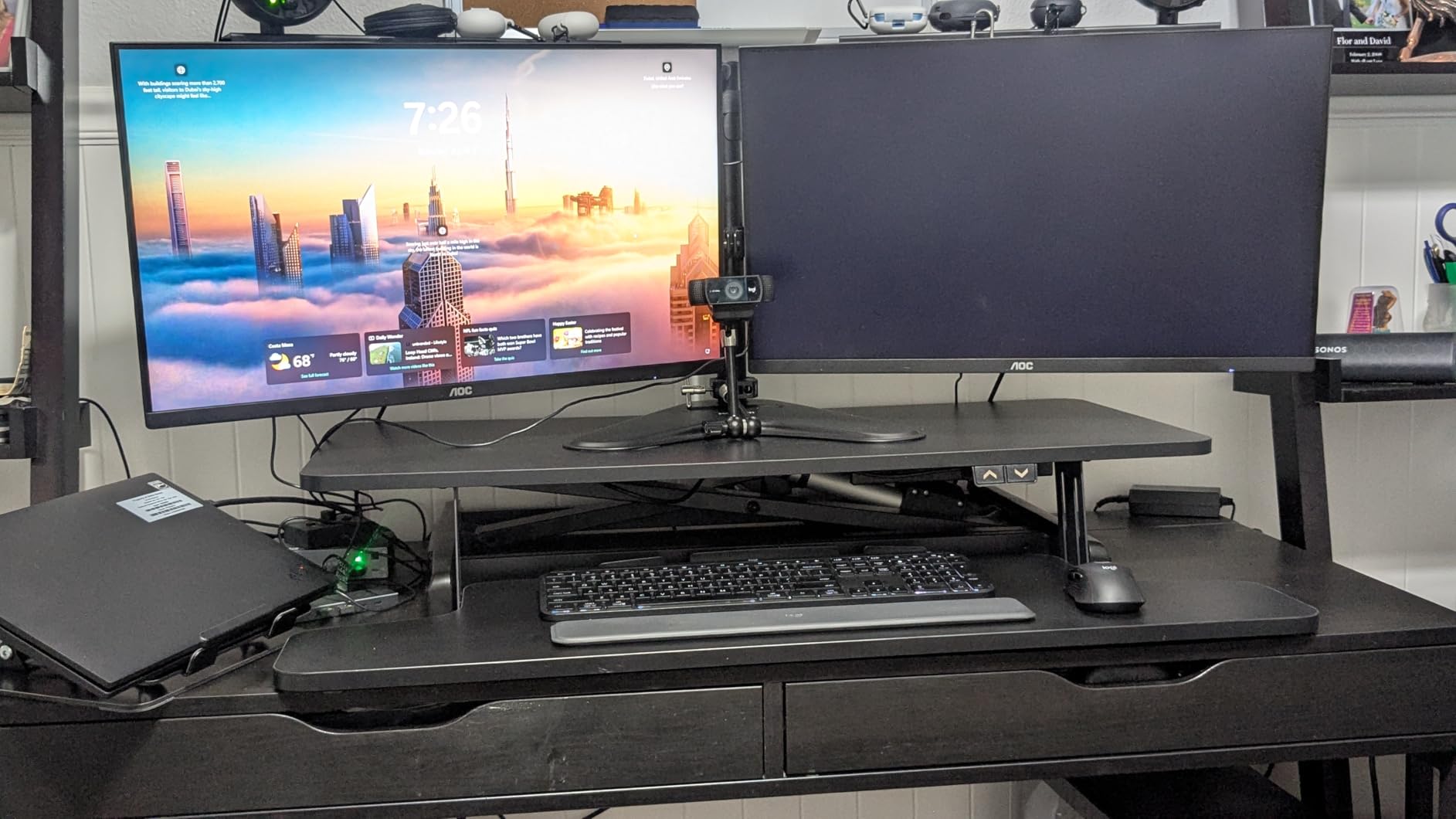
The DESK-VE36B is the same 36 inch footprint as the manual VIVO, with a motor in place of the lever. That makes it a direct comparison for anyone who likes the surface width but does not want to push a 24 lb dual monitor load upward. Buyers point to the smooth, quiet motor and the 50 lb capacity as the main reasons to spend more.
The straight-up lift design is the detail that matters in a two monitor context. Because the travel is vertical, the surrounding desk space stays usable and the footprint does not change as it rises, which is the same advantage that makes the Rocelco 46 work in a cubicle. The 12 inch deep keyboard tray rises in sync with the top.
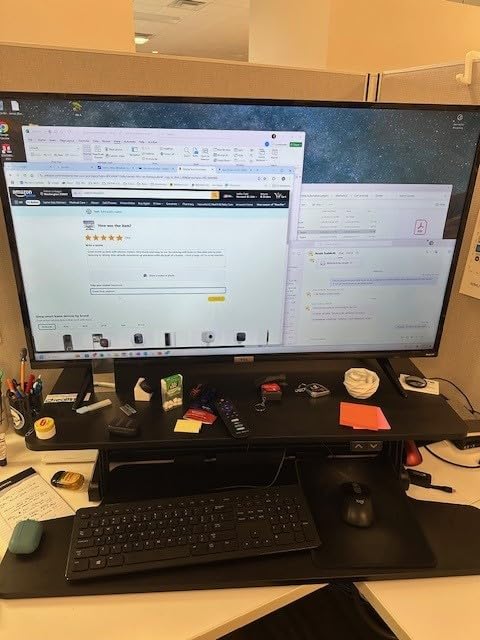
Two things to weigh. Motorised travel is slower than a gas spring lift, so if you change position several times an hour you will notice the difference over a full working day. And the unit needs a power outlet within reach of the converter, plus a cable to run, which is a real problem on a shared desk or a rented workspace.
This listing also carries a smaller review base than the manual VIVO, at 251 reviews against more than 15k, so there is less long-term evidence about how the mechanism ages. Sentiment is positive, with a majority of five star ratings, and the reported 73 percent five star share is the other signal buyers mention.
Electric on a small desk
A 36 inch electric converter suits a desk where you have the width for the riser but not the depth for a larger model, and where you would rather not lean into a lever with a heavy load. The 5.7 to 19.5 inch range covers most sitting and standing needs for average and tall users.
Who should skip it
Skip it if you have no outlet within reach, or if you change position very frequently and prefer the speed of a gas spring. It is also not the right choice if you want to move it between desks, since the power connection makes it a fixed installation.
12. FLEXISPOT 36 Inch Walnut: the cheapest way into a dual monitor riser
FLEXISPOT 36″ Standing Desk Converter, Dual Monitor Desk Riser, Sit Stand Computer Workstation with Ergonomic Height Adjustment, Large Stand Up Desk Riser for Home Office, Walnut
36 inch walnut veneer top
33 lb desktop capacity
Mechanical spring lift
Nearly assembled
Pros
- Lowest cost of any 36 inch dual monitor riser in this group
- Patented pending mechanical spring lift avoids the gas spring decay owners report elsewhere
- Walnut grain is widely praised and shows less dust than a black surface
- Reinforced steel frame that holds two monitors without wobble
Cons
- Unit is heavy enough that reviewers worry about lifting the loaded top
- Textured wood grain surface is not a good writing surface
- Keyboard tray is fixed at full depth and only removes
- it does not retract
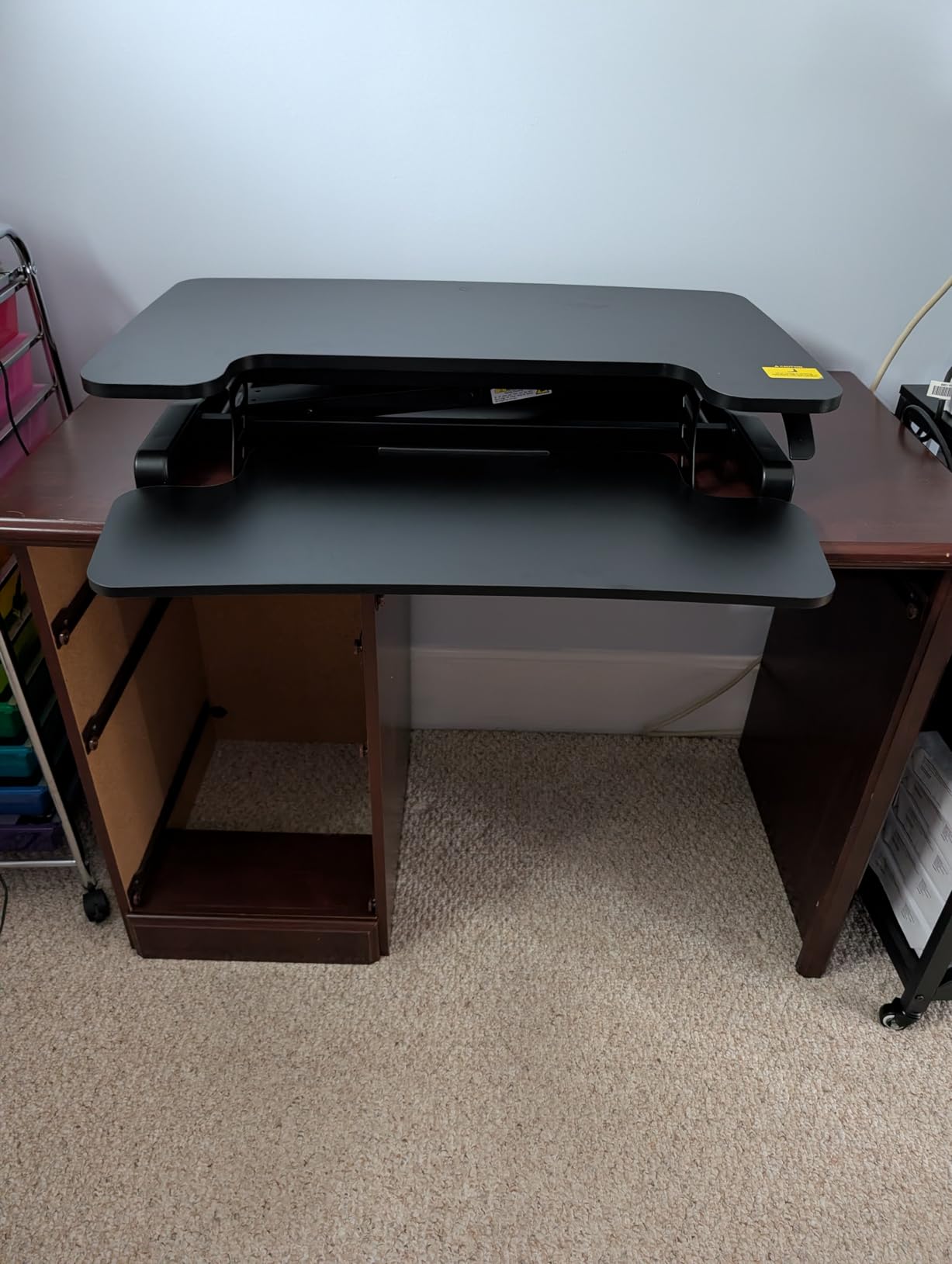
This is the budget route into a proper dual monitor riser, and the honest summary is that reviewers mostly find it performs like costlier units. It holds two monitors plus a keyboard and mouse, the reinforced steel frame with thickened square tubes does not wobble, and the mechanical spring lift holds its position reliably through the day.
The walnut veneer is the differentiator in a category of black laminate and engineered wood. It looks better in a home office on camera, and buyers note it shows dust less than a dark surface. Assembly is close to nothing, since the keyboard tray just clips on, and the 36 inch width matches the standard dual monitor footprint.
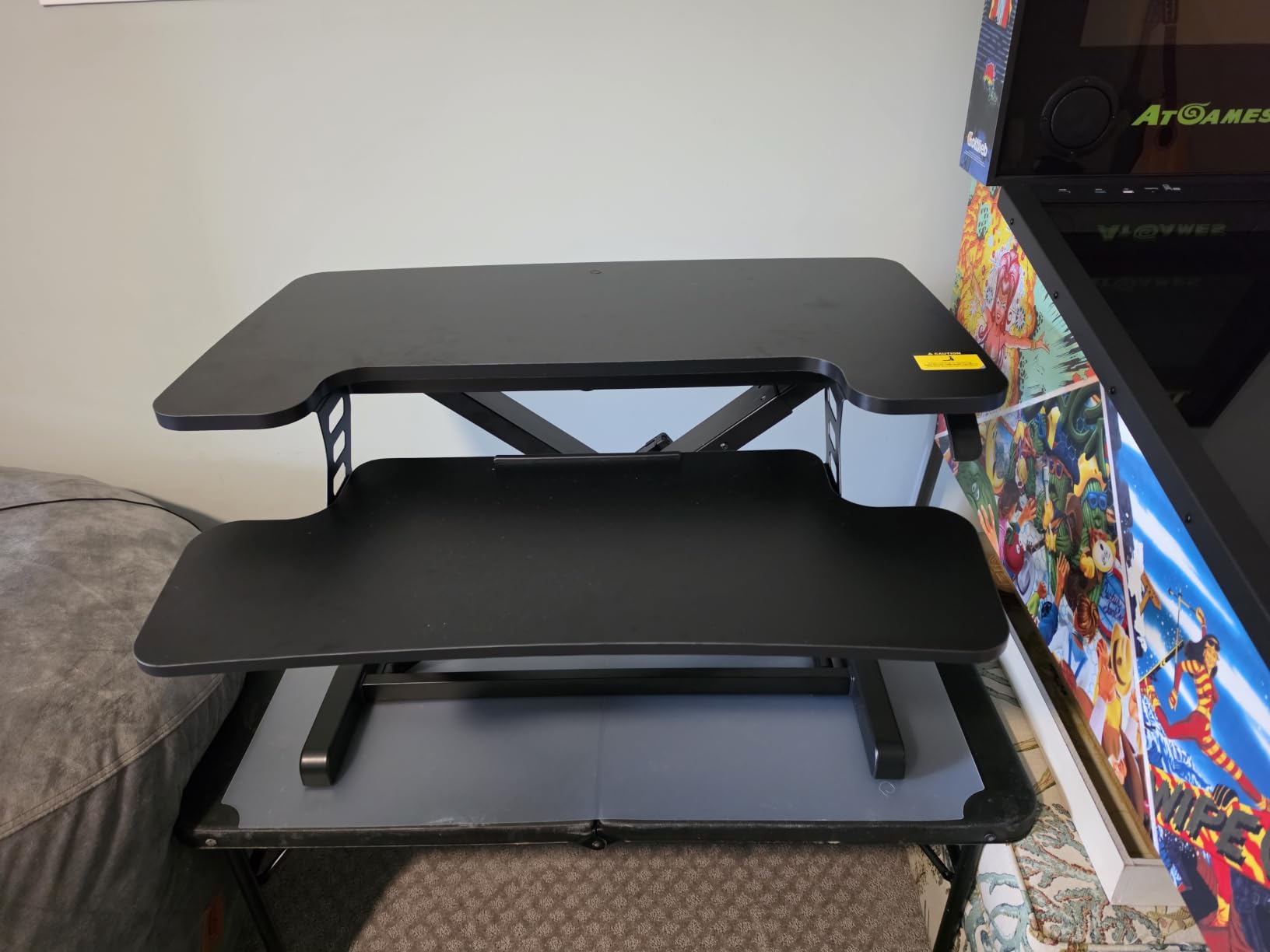
The mechanical spring mechanism is worth knowing about because it sidesteps a common complaint about gas spring designs, where the strut loses air and the lift stops holding height. It is listed as patented pending and specifically designed around that failure mode, and the buyer feedback on this listing supports it holding position.
Limitations are consistent across reviews. The unit weighs 34.5 lb empty, and people worry about the loaded lift. The textured wood grain is a poor writing surface, so a desk pad is worth adding. The keyboard tray is fixed at its full depth rather than retracting, which is the most common return reason mentioned.
Best used for two 24 inch monitors, not 32 inch
At 33 lb of desktop capacity, two mid-weight panels around 12 lb each fit with room for a keyboard and mouse. Two 27 inch panels on arms plus a laptop will use most of that rating, and anything heavier belongs on a 45 lb or 80 lb frame where the headroom is clearer.
Who should skip it
Skip it if you need a writing surface, since the textured veneer is not suited to paper or a graphics tablet. It is also the wrong choice for a heavy dual monitor load or anyone who needs a retractable keyboard tray to clear desk space when lowered.
How to Choose a Standing Desk Converter for Dual Monitors?
Work out the width your monitors actually need
Start with the panel widths, not the diagonal. A 24 inch monitor is roughly 21 inches wide including the bezel, and a 27 inch is about 24 inches, a 32 inch about 28.5 inches. Two monitors side by side need their combined width plus 2 to 4 inches of gap, and that is the number your riser surface has to cover.
So two 24 inch panels need about 45 inches of combined panel width but sit comfortably on a 36 inch surface because they overlap in the depth axis, and a 36 inch top is the practical minimum. Two 27 inch panels want 36 to 40 inches, two 32 inch panels want 42 inches or more, and an ultrawide plus a secondary screen wants 46 inches because the ultrawide is often 34 inches wide on its own.
Now apply the arms discount. If you plan monitor arms, add 8 to 12 inches back to your requirement because the panels overlap horizontally and hang above the surface instead of sitting on it. That is why a 23 inch top with a mount can carry two 32 inch displays, and why a 36 inch surface with no arms can be tighter than you expect. Once you have the number, the remaining checks are desk depth, weight, and height.
Check desk depth before you fall for a wide surface
A riser’s listed depth is the footprint on your desk, and it is not always the desktop depth. Add the base depth to your desk depth and keep 2 to 3 inches of clearance at the rear. On a 24 inch deep desk, anything with a base deeper than about 22 inches will feel tight, and the forward-travelling models can end up with the keyboard tray past the front edge when fully raised.
Desk width matters too, though less often. A 46 inch top on a 48 inch desk overhangs by a few inches on each side, which works if the desk frame is rigid but is uncomfortable if the desk flexes under 42 lb. Flexing desks are also the most common cause of the wobble that dual monitor owners report.
Give yourself 25 percent weight headroom
The published rating covers the whole loaded surface, not just the monitors. Add both panels, both arms, a laptop, speakers and any other equipment on the top, then look for a rating about 25 percent above that total. Two 12 lb monitors on arms plus a laptop is roughly 32 lb of real load, which is exactly where the 33 lb budget ratings stop being comfortable and the 35 to 45 lb frames start making sense.
Weight capacity is also the hidden variable in most listings. Listings that say dual monitor capable rarely state the arm weight or the laptop, so the same converter can be comfortably within spec for one person and over the limit for the next. If your arms are heavy, treat their full weight as part of the load.
Match the height range to your body
Two numbers matter: the minimum height above the desk and the maximum. A low minimum such as 4.5 to 6 inches is better for shorter users and for desks that are already standard height, because the unit does not raise your seated position as much. The maximum decides whether full standing height works, and anything topping out below about 17 inches leaves taller users bent forward over the keyboard.
Watch out for listings where minimum and maximum are shown as the same number, because that means the data is incomplete rather than that the range is fixed. Height range at standing height also depends on your desk height, so measure your desk top to the floor before you compare two models that both claim 19 to 20 inches of travel.
Gas spring, lever or electric: which mechanism holds steady with two heavy monitors
A gas spring counterbalances the load, so a heavier dual monitor rig actually feels lighter to raise and the deck holds position without drifting. That makes it the most common choice for a heavy two screen load. A lever or rowing lift is cheaper and has fewer parts to wear, but it needs a firm push on both sides, and the deck often travels up and forward rather than straight up.
An electric motor lifts regardless of load, which removes the effort entirely and suits anyone with back, shoulder or wrist limits. The trade is speed, a power cable to run, and slower movement if you switch position many times a day. Whichever you pick, the relevant test is a raised deck with both panels loaded, and a manual lift you cannot raise with one hand is the one to avoid.
Converter alone or converter plus monitor arms
Buy a converter with an integrated dual monitor mount if you want the simplest possible dual monitor setup and you already know which panels you are using. The arms arrive configured, they clear the surface so a laptop fits underneath, and the height adjustment applies to the screens as well as the keyboard.
Buy a plain wide-surface converter plus separate arms if you expect to change monitors, want to angle two screens inward, or need the surface free for a laptop and other equipment. Separate arms cost more and take longer to set up, but they are the more flexible arrangement, and on a plain converter with a grommet hole you can add a laptop arm later without replacing the riser. A note on cable management: a grommet through the top and clips on the back edge keep the dual monitor cables out of the way of the raise and lower cycle, which is where most of the snagging happens.
Who should not buy a desk converter at all
If your desk is a rental or shared workspace, a 40 lb riser that has to be carried in and out is a poor investment, and an electric model with a power cable is worse. If your desk depth is under 24 inches and you already have a monitor arm setup, replacing the arms with a small mounted converter such as the 23 inch top is a better fit than a wide surface. And if you only need standing for one standing meeting a week, a riser will not change how you feel.
Power is worth factoring in too. The electric models in this roundup need an outlet within reach of the riser, and a workspace that loses power partway through the day leaves a 50 lb platform stuck at whatever height it was at. If you work somewhere outages are routine, we cover the backup side of the problem in our guide to the best dual fuel generators, and a manual gas spring riser is the safer pairing.
People who should look elsewhere: anyone who plans a full sit-stand desk in the next couple of years, because a riser is a stopgap and a fixed desk is the better long-term answer. Our guide to cameras that sit under a desk covers the kind of small peripheral that shares that under-desk space if you go that route.
Frequently Asked Questions
What size standing desk converter do I need for two monitors?
For two 24 inch monitors, a 36 inch wide surface is the practical minimum, and that is where most dual monitor setups start. Two 27 inch panels need 36 to 40 inches, two 32 inch panels need 42 inches or more, and an ultrawide plus a secondary display usually needs a 46 inch top. If you use monitor arms, subtract 8 to 12 inches from that requirement because the screens hang above the surface and overlap horizontally.
Can a desk converter hold two monitors?
Yes, as long as you check two numbers. The work surface has to be wide enough for both panels, and the load rating has to cover the weight of both monitors, both arms and anything else on the surface. A 33 lb rating works for two 12 lb panels with a little headroom, while heavier or larger displays belong on a 45 lb or 80 lb frame. Monitors on arms are heavier than the panels alone, so include that weight.
Do I need monitor arms for a standing desk converter?
Not necessarily, but they change the width math. Without arms, both panels sit on the surface and each one needs its own horizontal space, so you need a wider riser. With arms, the panels hang above the desktop and can overlap, which means a narrower converter can carry two large screens and leaves room for a laptop underneath. Integrated arms suit a fixed setup, while separate arms suit you if you expect to change monitors later.
How much weight can a standing desk converter hold?
The common rating for a manual riser is 33 lb, mid-range gas spring models reach 35 to 45 lb, and electric models can reach 50 to 80 lb. Add both monitors, both arms and any laptop, then look for a rating about 25 percent above that total. This is the hidden variable in most listings, because the published figure rarely tells you whether arm weight is included.
What is the 20-8-2 rule for standing desks?
The 20-8-2 rule is a guideline for how often to change position during a working day: roughly 20 minutes standing, 8 minutes sitting and 2 minutes moving in between. The idea is that the benefit comes from changing position regularly rather than from standing all day. A desk converter suits this pattern well because you can switch height in a few seconds without unplugging anything.
Why does my standing desk converter wobble with two monitors?
The usual cause is the desk underneath rather than the riser. A flexible or particle board desk moves under a 40 lb load, and a converter with an up-and-forward lift path amplifies that movement at full extension. Check whether the load is close to the published rating, tighten the frame, and confirm the unit sits flat on a hard surface. Mounting the monitors on arms also shifts weight upward and reduces the leverage on the surface.
Our Final Verdict for 2026
The best standing desk converters for dual monitors come down to your panel size and your desk. For the most common setup, two 24 inch monitors around 12 lb each, the VIVO DESK-V036KB is our pick: a 36 inch by 15.7 inch surface, a 33 lb steel frame and more than 15k reviews behind it make it the most proven option in the group.
If you want more solidity under the screens, the Vari VariDesk Pro Plus 36 has the highest average rating in the list and a two tier layout that keeps your mouse somewhere to work. If you need the surface area for two large displays plus a laptop, the Rocelco 46 handles it with a vertical lift that fits tight rooms.
Start with the width arithmetic in the buying guide, check your desk depth, and make sure the load rating sits 25 percent above your real total. Miss either of those and no amount of rating or features will make a converter work for you. Once the sizing is right, the height changes take seconds and your dual monitor setup finally works in both positions.