
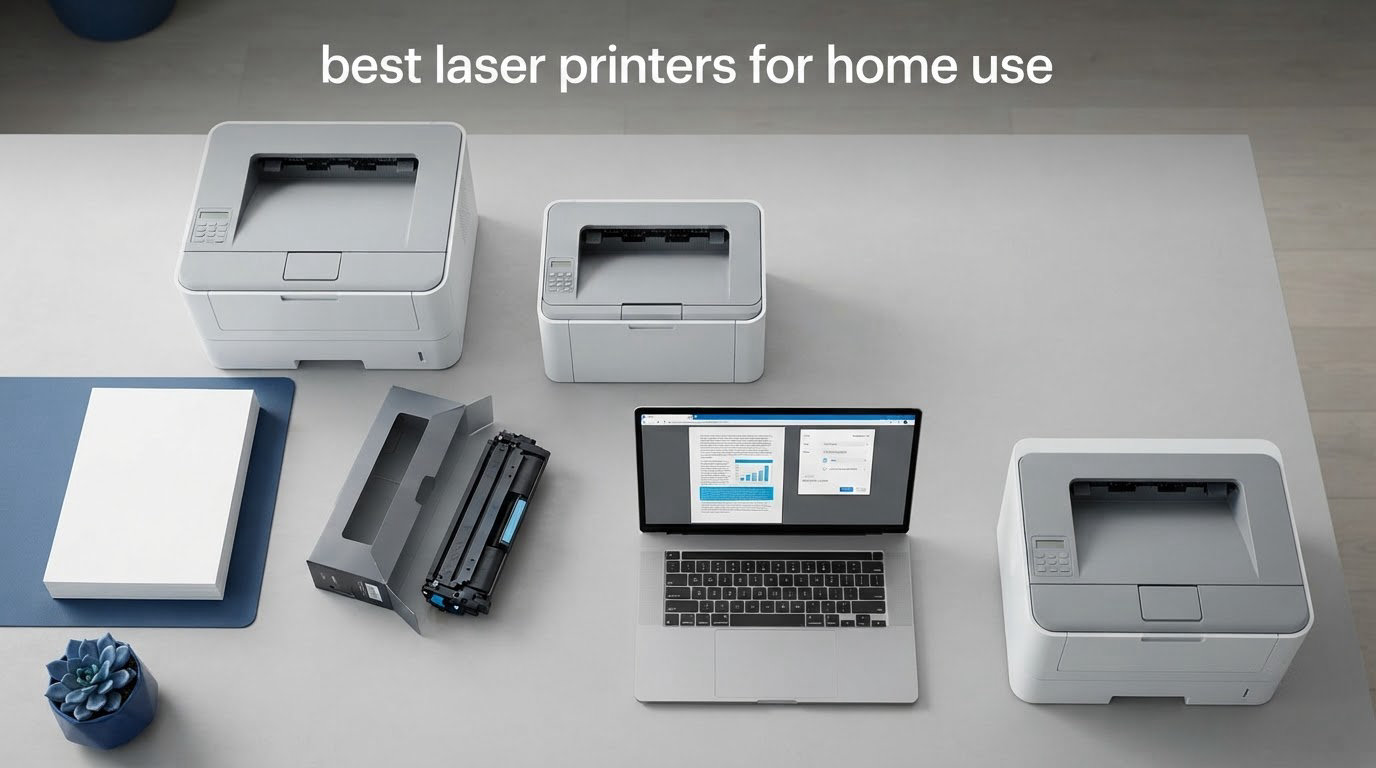
Two years ago I printed a single page, then nothing for five months. When I finally needed that page again, the inkjet had produced three blank sheets and a smear of cyan while running cleaning cycles. That is the single most common complaint we hear about home inkjets, and it is the reason laser printers keep winning the conversation for people who print documents rather than photographs.
This roundup covers the best laser printers for home use in 2026, covering eleven models across Brother, HP, Canon and Xerox. We looked at print speed, toner economics, duplex handling, paper capacity, footprint and the recurring problems owners actually report after a year or more of use. Three models come out ahead: the Brother DCP-L2640DW as the overall pick, the Brother HL-L2460DW as the best value, and the Canon LBP646Cdw if you need real color output.
A note on scope. Every printer below is a home and small-office machine, not an enterprise box, and none of them is a photo printer. If your home office doubles as a craft room, skip the color lasers and read our laser vs inkjet section first. If you are outfitting a new desk alongside tools like our cordless drill picks, a laser printer is the single biggest upgrade you can make to day-to-day paperwork.
Table of Contents
Top 3 Picks: Best Laser Printers for Home Use in 2026
Three machines stood out once we lined up the spec sheets against the owner complaints. The DCP-L2640DW is the most complete all-in-one with serious scan and copy hardware. The HL-L2460DW does the same job for anyone who never scans anything. The Canon LBP646Cdw is the only one here that prints genuine color at a price most homes can absorb.


The DCP-L2640DW wins on the balance of rating and the sheer volume of long-term owner reports behind it, with 3904 reviews averaging 4.1 out of 5. The HL-L2460DW shares the same engine and toner platform but drops the scanner, which is the only reason it is not first. The Canon earns its place on warranty length and color capability rather than on review volume, which is thinner at 260 reviews.
Best Laser Printers for Home Use at a Glance in 2026
Here is the whole field on one screen. Every model below prints at least 21 pages per minute in monochrome, and all eleven support wireless printing except where the spec sheet lists USB only.
| Product | Specs | Action |
|---|---|---|
| Brother DCP-L2640DW |
|
Check Latest Price |
| Brother HL-L2460DW |
|
Check Latest Price |
 Brother HL-L2405W Brother HL-L2405W |
|
Check Latest Price |
 HP LaserJet MFP M140w HP LaserJet MFP M140w |
|
Check Latest Price |
 HP LaserJet Pro 3001dw HP LaserJet Pro 3001dw |
|
Check Latest Price |
 HP LaserJet Pro MFP 3101sdw HP LaserJet Pro MFP 3101sdw |
|
Check Latest Price |
 Canon imageCLASS MF273dw Canon imageCLASS MF273dw |
|
Check Latest Price |
| Canon LBP646Cdw |
|
Check Latest Price |
 Canon imageCLASS LBP122dw Canon imageCLASS LBP122dw |
|
Check Latest Price |
 Xerox B225DNI Xerox B225DNI |
|
Check Latest Price |
 Xerox C235dni Xerox C235dni |
|
Check Latest Price |
Two patterns jump out. Every Brother and Canon model here includes automatic duplex except the HL-L2405W, which is manual. And both HP models in this set run on cartridges with a manufacturer chip, which is the single biggest reason their running costs are harder to control.
How We Picked and Compared 11 Laser Printers
Our starting point was the manufacturer specification, not the marketing headline. For each machine we recorded rated print speed, first-page time, maximum and rated print resolution, input and output tray capacity, duplex support, document feeder size, connectivity options, weight, dimensions, warranty length and the yield of the starter cartridge.
Then we read the owner reviews, because spec sheets hide the things that matter after month four. The recurring themes across thousands of reports were wireless onboarding difficulty, on-device menu quality, the toner lock-in question, and how the machines behave when left unused for weeks at a time. Forum discussions on printer and buy-it-for-life communities echoed the same pattern: long ownership reports matter more to home buyers than any benchmark number.
Where we had a genuine tie, we favored the machine with the longer warranty, the cheaper consumable, or the larger paper tray. We did not rank on price, because printer and toner prices move constantly and a recommendation that depends on a number that changes weekly is a recommendation that fails quietly.
Laser vs Inkjet: Is a Laser Printer Worth It at Home?
Short answer: yes, for documents. A laser printer uses a charged drum that attracts powdered toner and fuses it to the paper with heat. There is no liquid ink and no printhead to dry out, which is why a laser left in a closet for six months still prints on the first attempt. Every one of the eleven machines here shares that trait, and it is the core reason families who print once a month stop fighting with their printers.
The second reason is cost per page. An inkjet that sits unused burns ink in purge cycles whether you print or not, and the standard cartridges cost more per page than the high-yield toner in these machines. The economics get starker over a year, because toner does not degrade while it waits.
Text quality is the third win. Laser output at 1200 x 1200 dpi gives you tight letterforms with no feathering, which matters on school worksheets, invoices and anything with small axis labels. Inkjets tend to look better on glossy photo paper, but a laser is not trying to do that job.
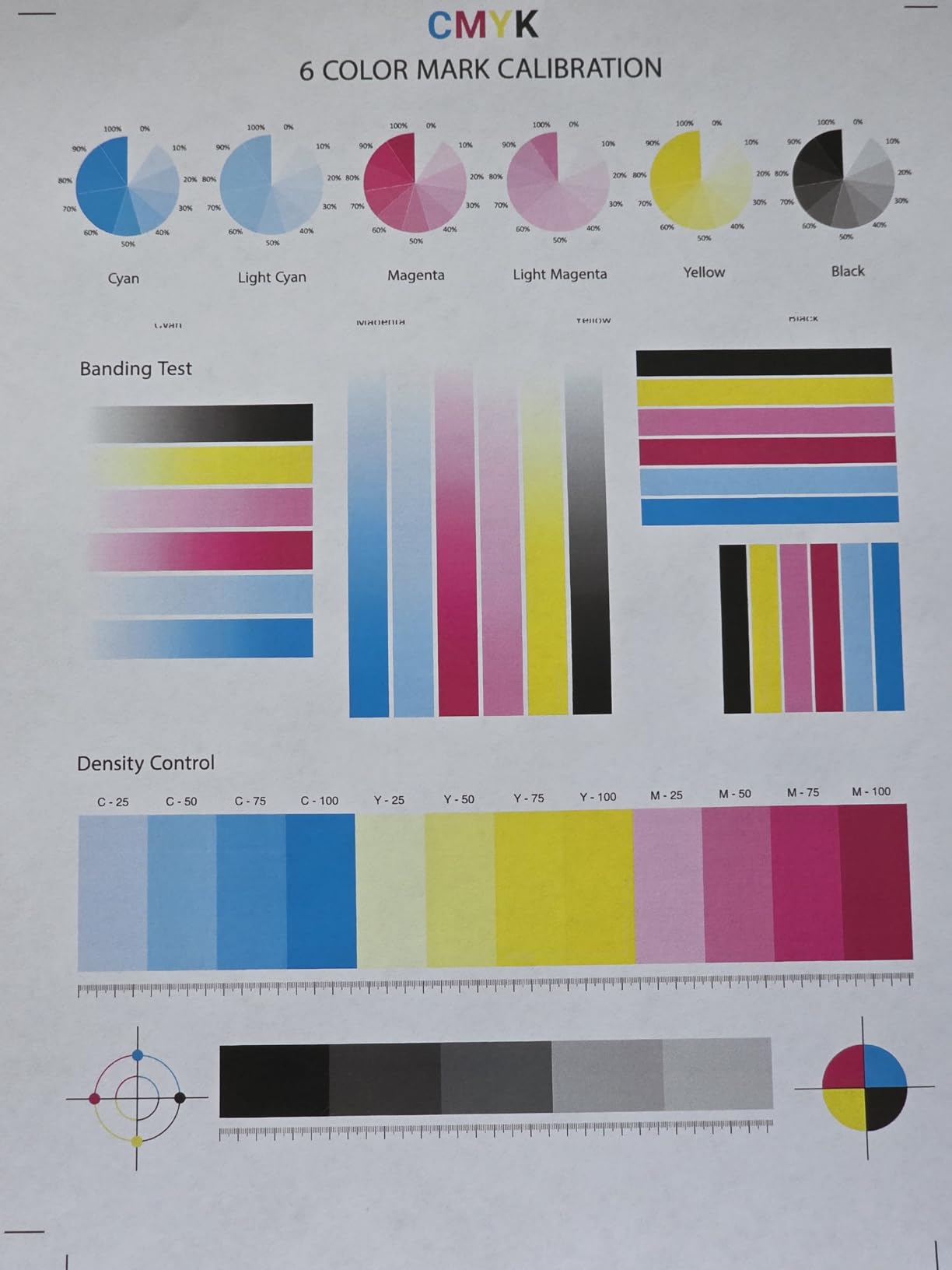
Here is where a laser is the wrong tool. Color lasers dither rather than blend, so gradients band and small chart labels render as mush. They also cannot handle glossy or matte photo paper properly, which graphic design forums repeatedly point out. A small tray-fed inkjet or an ink-tank model remains the right answer for family photos, crafts and heat transfers. If you print fewer than a few pages a month and mostly images, stay with ink.
Two more laser advantages matter at home. Automatic duplex printing cuts paper use in half on multi-page documents, which is why we treat it as near-essential. And the mobile apps are now solid across all four brands, with AirPrint and Mopria support on most models, so printing from a phone stopped being a compromise years ago.
1. Brother DCP-L2640DW – Best Laser Printer for Home Use Overall
Brother DCP-L2640DW Wireless Compact Monochrome Multi-Function Printer, Copy, Scan, Duplex, Mobile Printing
Mono laser all-in-one
36 ppm
250-sheet tray
50-page ADF
Pros
- 36 ppm output with sharp 1200 x 1200 dpi text
- Print scan and copy in one 250-sheet machine
- 50-page document feeder for multi-page jobs
- Dual-band Wi-Fi plus Ethernet and USB
- Mobile printing through Brother Mobile Connect
Cons
- Wi-Fi setup can take repeated attempts
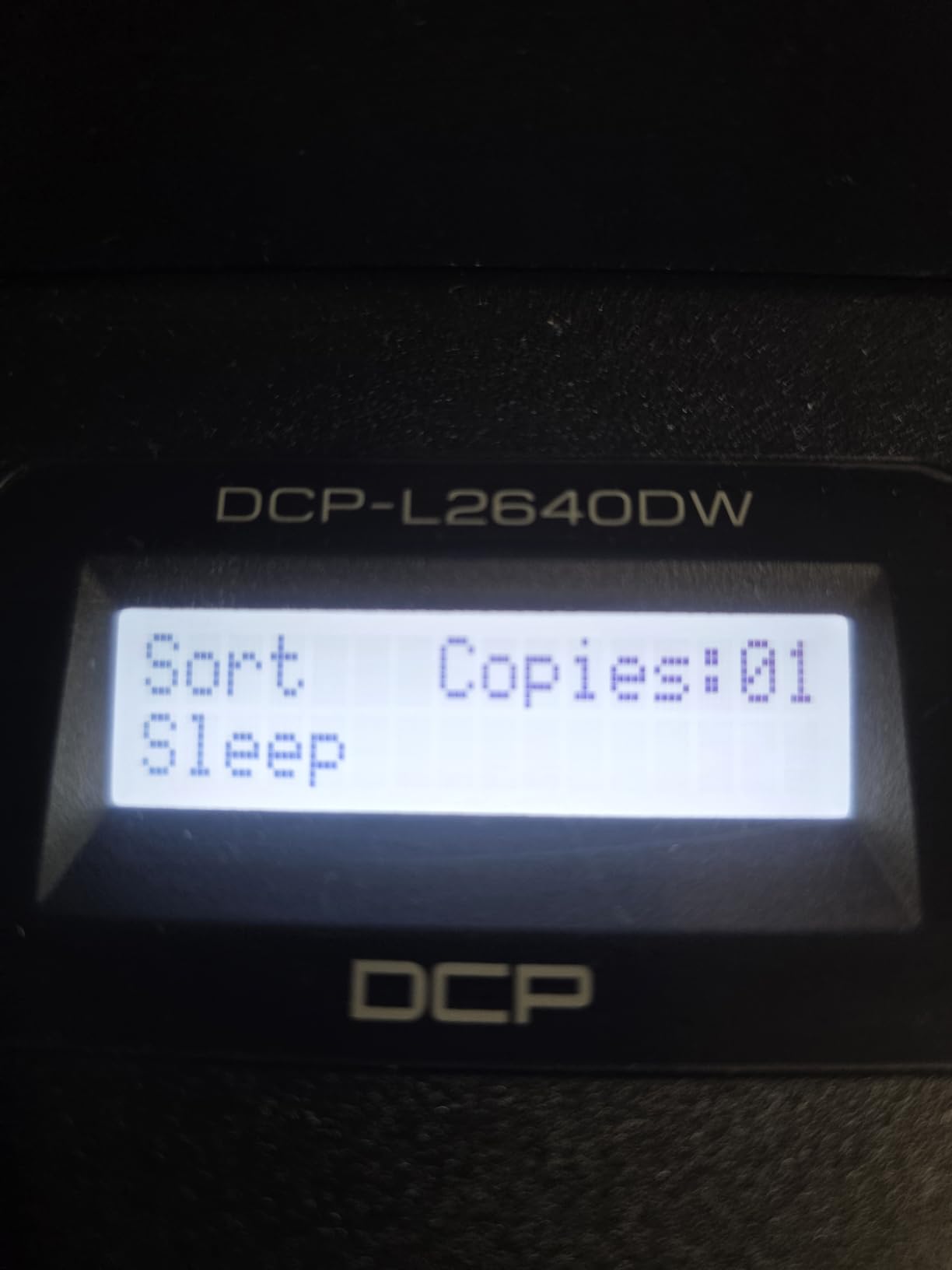
- On-device menu navigation is not self-explanatory
- Noticeably loud during operation
This is the machine we keep coming back to because it does the ordinary jobs well and rarely surprises you. Print speed is rated at 36 pages per minute with a first page in 8.5 seconds, and text comes out sharp at up to 1200 x 1200 dpi on a 250-sheet input tray. Output capacity is 120 sheets and the maximum media size is 8.5 x 14 inches.
The scanning and copying hardware is what separates it from the cheaper print-only models. You get a flatbed and sheetfed scanner, a 50-page automatic document feeder, and scan speeds listed at 23.6 pages per minute in black and 7.9 in color. Control is through an LCD, and connectivity covers Ethernet, USB and dual-band 2.4GHz/5GHz wireless.
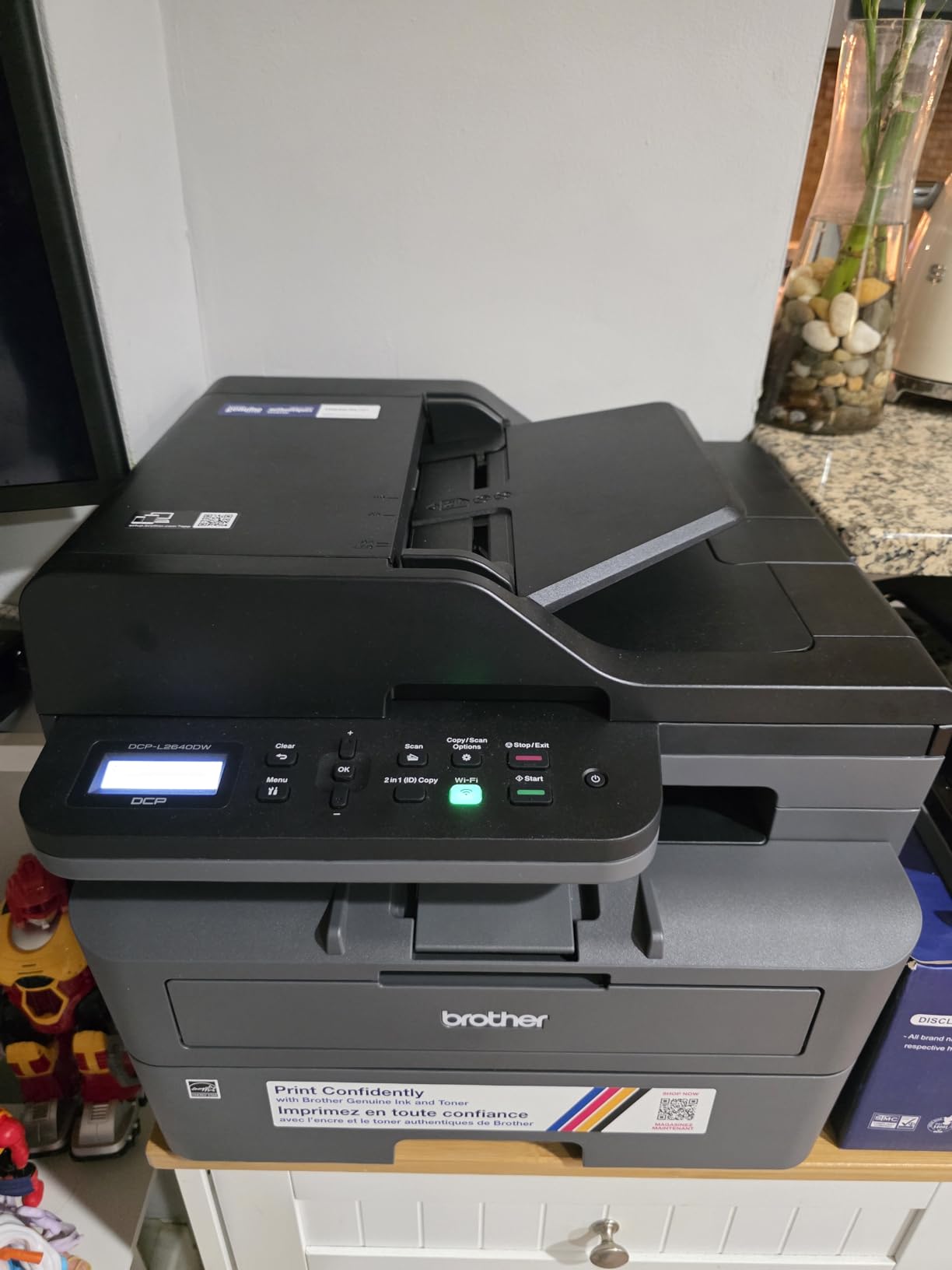
Toner is the TN830 or the high-yield TN830XL, and a drum unit ships in the box. Coverage is a one-year limited warranty, which is standard for the category and worth noting if you keep a printer past year two. Power draw is listed at 470 watts, so it is not a machine you want running in a closed cabinet overnight.
Physical size is the compromise. At 25 pounds and 15.7 by 16.1 by 12.5 inches, it needs a real shelf rather than a printer stand, and the power cord is reported as short. Several owners also note it is loud while running.
What you get for the bulk of a home office
The document feeder is the reason this is our top pick. A 50-page feeder turns a stack of signed forms or a batch of scanned receipts into a single operation instead of a lid-lift sequence, and with automatic duplex on the print engine, the same stack comes back out two-sided. For a home office that files paperwork, that combination removes more friction than any speed increase would.
Connectivity is the other quiet strength. Dual-band wireless plus Ethernet means it can sit on a mesh network without dropping to a 2.4GHz-only fallback, which is the most common setup complaint on the models below it. The Brother Mobile Connect app handles printing, scanning and toner ordering from a phone.
Where the owners push back
Wireless onboarding is the recurring negative. Owners describe repeated attempts, and some had to fall back to a USB cable or re-run setup from their router. The LCD control panel is also criticized as not self-explanatory, with menu layers that take a couple of sessions to learn.
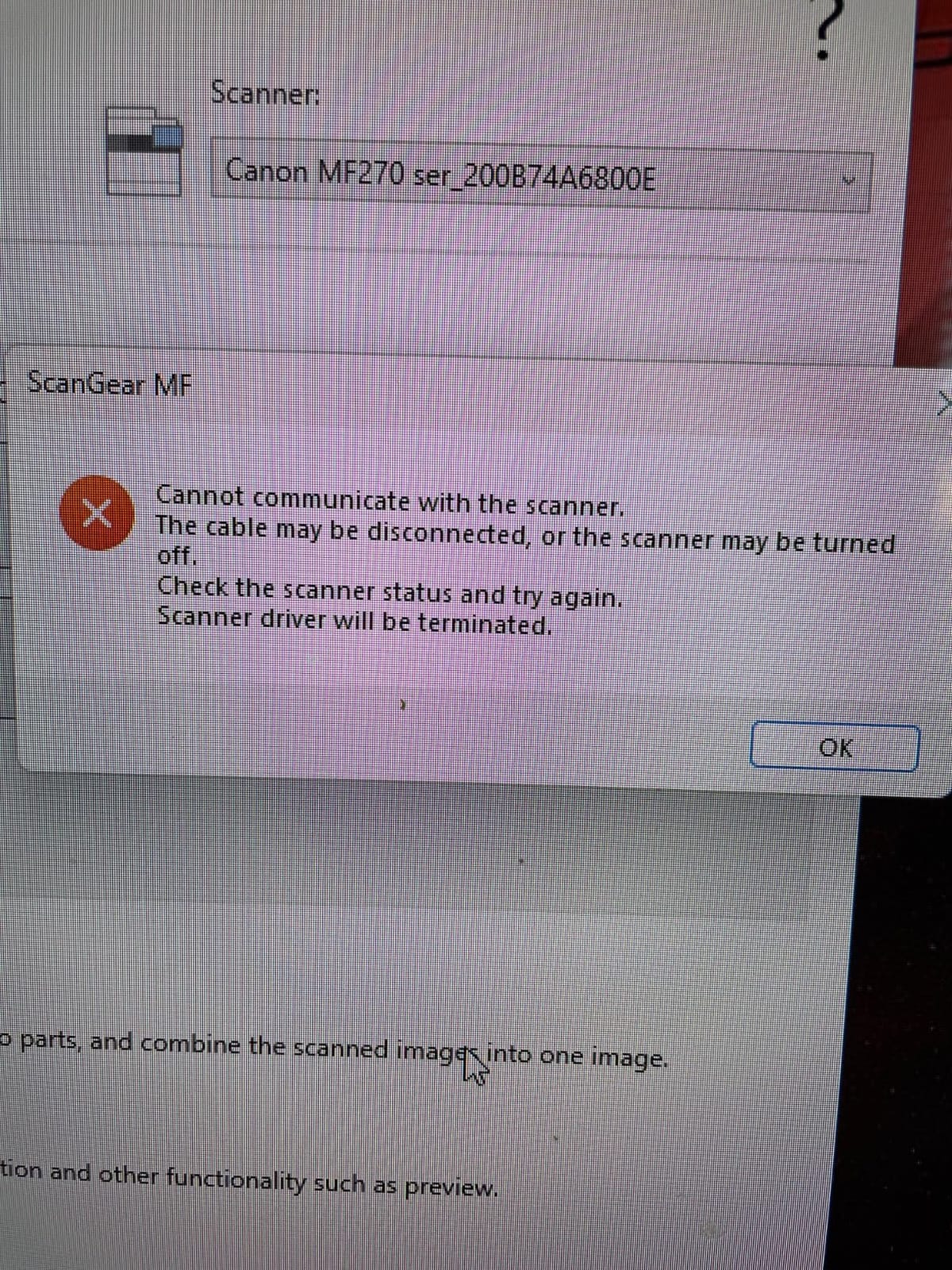
The bundled scanning software draws the same complaint, with reviewers preferring third-party tools. A few report the scan-to-PC save window freezing until a restart, and some hit confusing errors while changing the network password after setup. None of these are dealbreakers, but budget twenty minutes for configuration rather than five.
2. Brother HL-L2460DW – Best Value Laser Printer for Home Use
Brother HL-L2460DW Wireless Compact Monochrome Laser Printer with Duplex, Mobile Printing, Black & White Output | Includes Refresh Subscription Trial(1), Works with Alexa
Mono laser print only
36 ppm
Automatic duplex
250-sheet tray
Pros
- 36 ppm with a first page in 8.5 seconds
- Automatic duplex printing works reliably
- Light 15.6 pound body that fits small shelves
- Crisp monochrome text with no smudging
- Ethernet USB and dual-band Wi-Fi
Cons
- No scanner or copier so it prints only
- Wi-Fi setup on the physical buttons is tedious
- Registration pushes the Refresh toner subscription
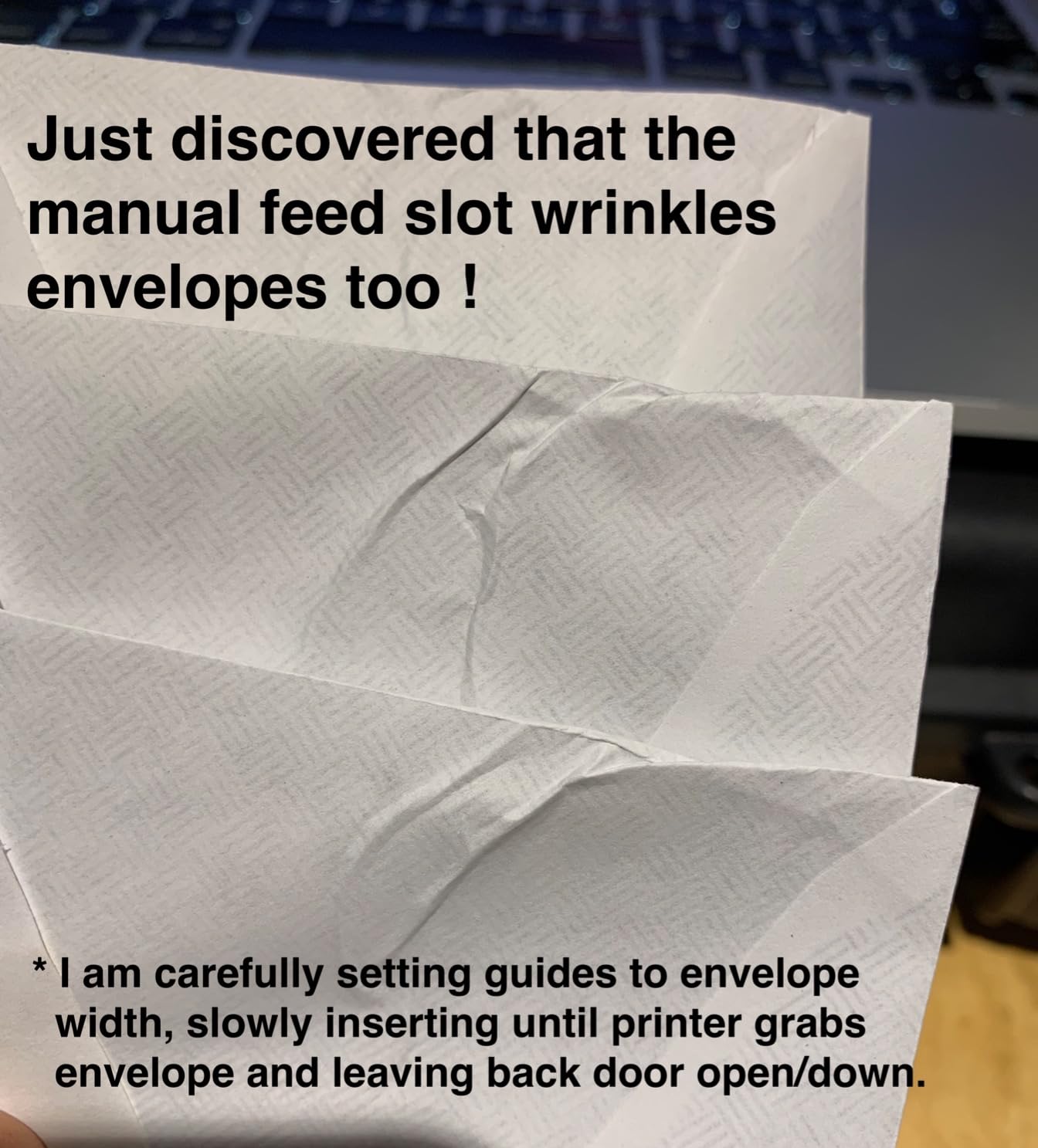
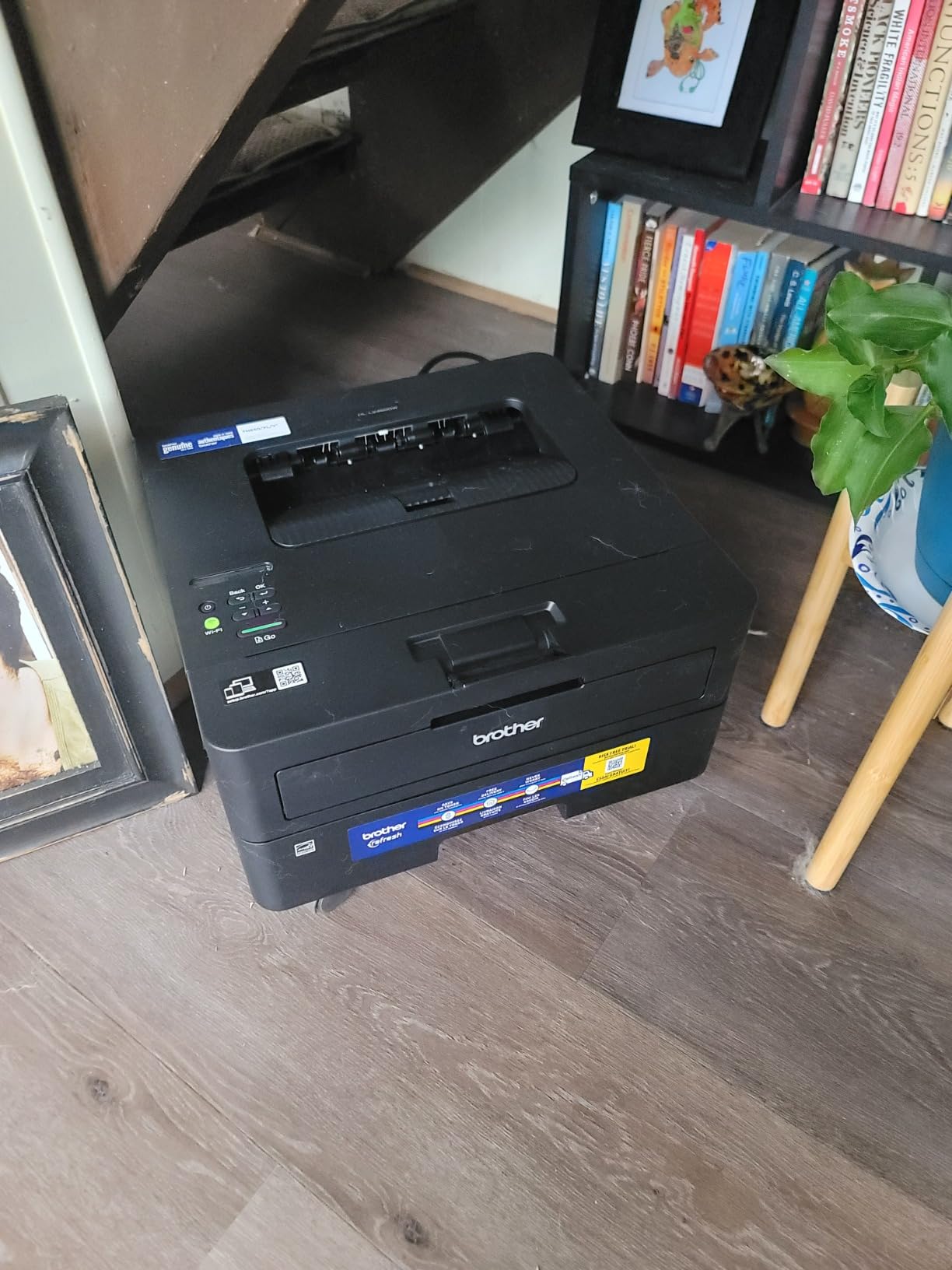
Strip the scanner off the DCP-L2640DW and you get this, and for a lot of homes that is the whole point. It runs at the same 36 pages per minute with the same 8.5 second first page and the same 1200 x 1200 dpi maximum resolution, on the same TN830 and TN830XL toner platform. Automatic duplex is included, which is rare at this level.
It weighs 15.6 pounds and measures 14.2 by 14 by 7.2 inches, so it fits on a desk or a low shelf without the bulk of an all-in-one. Connectivity is Ethernet, USB and dual-band wireless, with Brother Mobile Connect for phone printing. A 250-sheet tray with a 100-sheet output tray covers a normal week’s printing for a family.
Owners consistently describe the switch away from inkjet as the main benefit, and the crisp, smudge-free text is mentioned more than the speed figures. Several note that it prints reliably on both Windows and Linux machines, which matters if you have a mixed household of laptops.
It also draws only 44 watts, less than half what the DCP-L2640DW is listed at, so it is a sensible choice for a small apartment where the printer sits in a corner rather than an office. Coverage is a one-year limited warranty with support available for the life of the printer.
When print-only is the right call
If your household prints homework, invoices, shipping labels and boarding passes and never needs to digitize a page, the scanner is dead weight. Print-only machines are quieter to buy, lighter to move and have fewer mechanical parts to fail. The cost per page here matches the DCP-L2640DW because the toner is identical.
Third-party toner is widely available and economical for this platform, which keeps the running cost predictable over years. That matters more at home than people expect, since a household that prints 200 pages a month on inkjet spends a surprising amount on cartridges.
The Refresh subscription trap and the setup fumble
The loudest complaint across reviews is the Refresh EZ Print trial that arrives with registration. Several owners report being enrolled in page-counted charges they did not intend, and the free tier is generous only for very low monthly volume. If you do not print steadily every month, opt out.
Wi-Fi setup through the small physical button panel is the other recurring gripe, and owners on older or mesh routers report it taking patience. A smaller share report units that stopped working after about a year, which is a minority theme but worth noting if you are buying on a tight timeline.
3. Brother HL-L2405W – Best Entry Monochrome Printer with Clean Setup
Brother HL-L2405W Wireless Compact Monochrome Laser Printer with Mobile Printing, Black & White Output | Includes Refresh Subscription Trial(1), Works with Alexa
Mono laser print only
30 ppm
Manual duplex
250-sheet tray
Pros
- Clean bloatware-free install with no forced account
- 30 ppm clear and fast output
- Light 15.1 pound body
- 250-sheet tray plus manual feed slot
- Dual-band Wi-Fi and Mobile Connect app
Cons
- Duplex is manual so you reinsert paper
- QR-code setup pushes you through the mobile app first
- No scanner or copier functions
The standout here is not the spec sheet, it is the first ten minutes. Reviewers single out the installation as the cleanest they have had, with no forced software, no mandatory account registration and no advertising bundles. Print speed is rated at 30 pages per minute with a first page in 8.5 seconds at up to 1200 x 1200 dpi.
It shares the 250-sheet input tray and 100-sheet output tray with the HL-L2460DW and uses the same TN830, TN830XL and TN830XL2PK toner, so running cost and cartridge availability carry over. A manual feed slot handles envelopes and labels, and maximum media size reaches 8.5 x 14 inches.
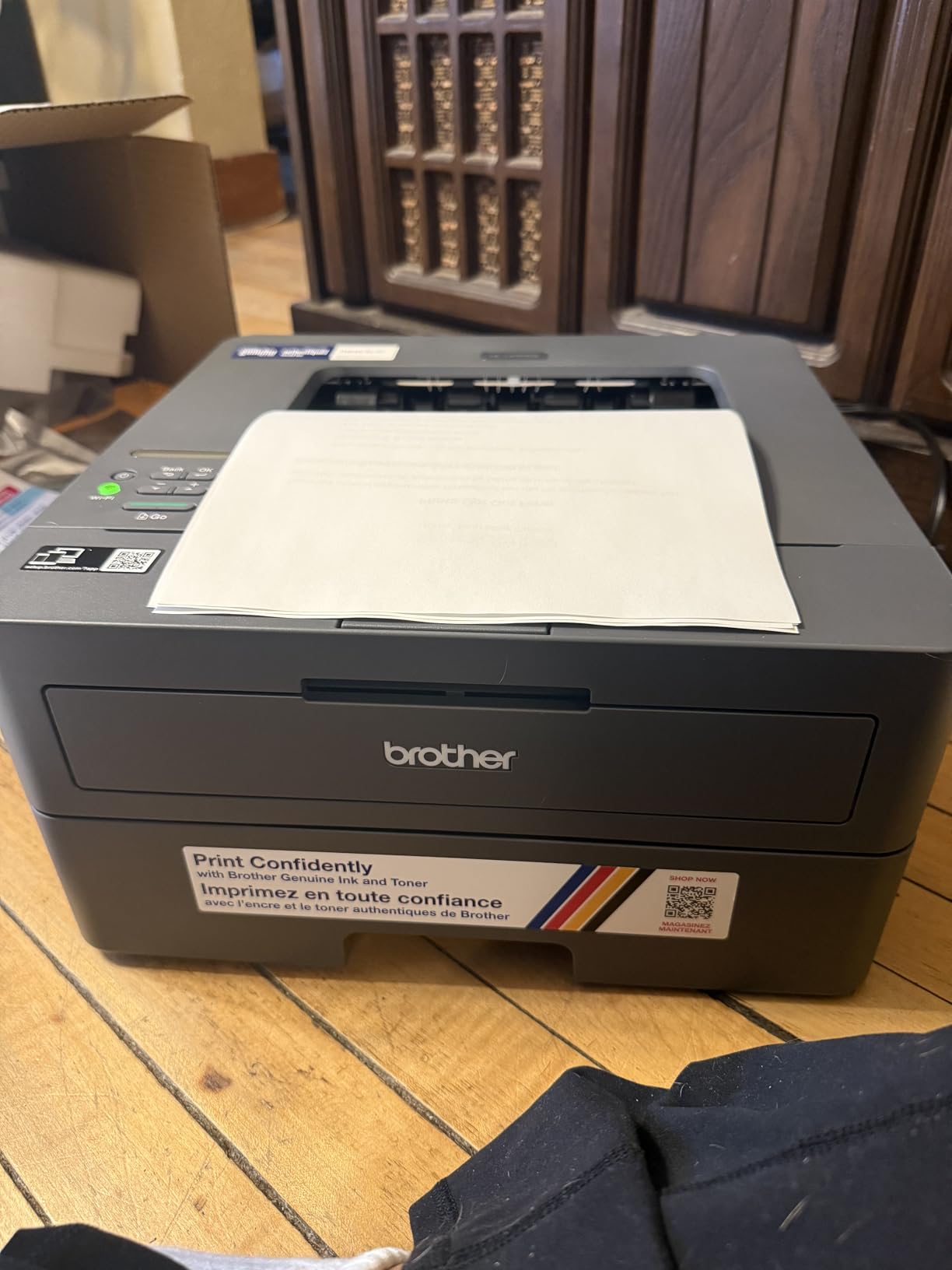
At 15.1 pounds and 14.2 by 14 by 7.2 inches, this is one of the lighter bodies in the lineup, which makes it easy to move between a home office and a dorm room. Connectivity is USB plus dual-band wireless, with the Brother Mobile Connect app for phone and laptop printing.
Low toner cost per page is the other thing owners mention most, particularly for intermittent printing. A few report toner running down faster on dark-image jobs and collate settings not holding, but these are edge cases rather than a pattern.
Why the missing automatic duplex matters
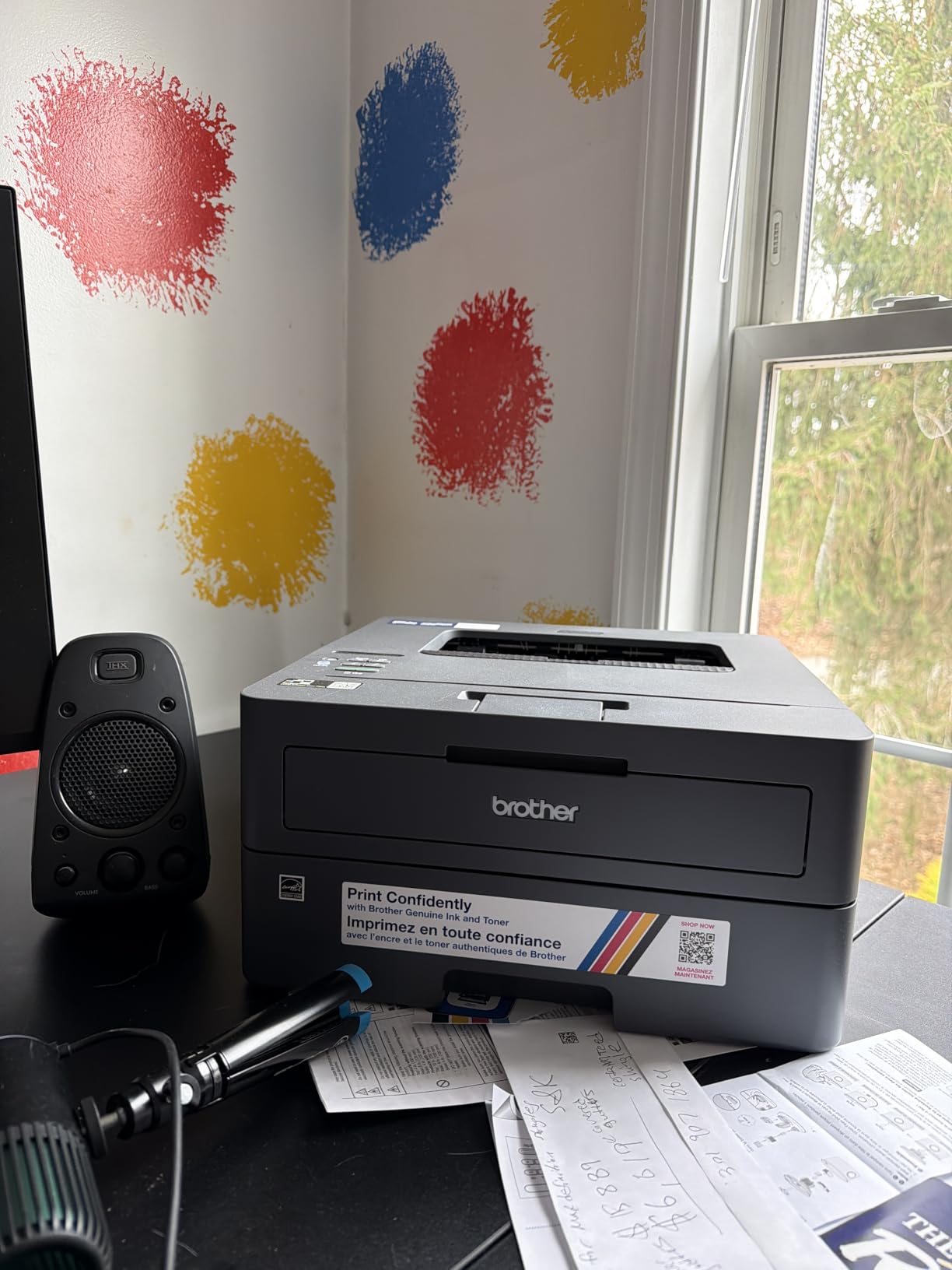
This is the one Brother in the roundup where duplex is manual, meaning you flip the stack and reinsert it yourself. For a household printing a few double-sided documents a month, that is a minor inconvenience and it buys a lower purchase price. For anyone who prints weekly reports or multi-page homework sets, the HL-L2460DW is the better buy and we would not hesitate to upgrade.
Everything else you would want at the entry level is present: a 250-sheet tray, sharp text resolution, a manual feed slot, and a light body. The toner is the same family, so there is no long-term cost penalty for choosing this instead of a pricier sibling.
The setup flow has a catch for laptop-first homes
Installation is clean, but the QR code setup path walks you through the mobile app before it will hand over the printer to your computer. Owners who mainly print from a laptop find this backwards and report it as a friction point. It is workable, just not the order you would choose.
Wi-Fi connection can take a while on certain routers, and that is the most common negative across reviews. A handful of owners also note the unit does not join 5 GHz networks, so on a dual-band mesh system you may need to place it near the 2.4 GHz band or connect by USB.
4. HP LaserJet MFP M140w – Best Laser Printer for the Smallest Desk
HP Laserjet MFP M140w Wireless Black & White Printer, Print, scan, Copy, Fast speeds, Easy Setup, Mobile Printing, Best-for-Small Teams
Mono laser all-in-one
21 ppm
11.9 pounds
Flatbed scanner
Pros
- Genuinely small all-in-one at 11.9 pounds
- Print scan and copy with a flatbed scanner
- 21 ppm with an 8.3 second first page
- ID card copy fits both sides on one sheet
- AirPrint and Mopria certified
Cons
- No automatic duplex so two-sided jobs are manual
- Small 99-sheet input and output trays
- Text resolution limited to 600 x 600 dpi
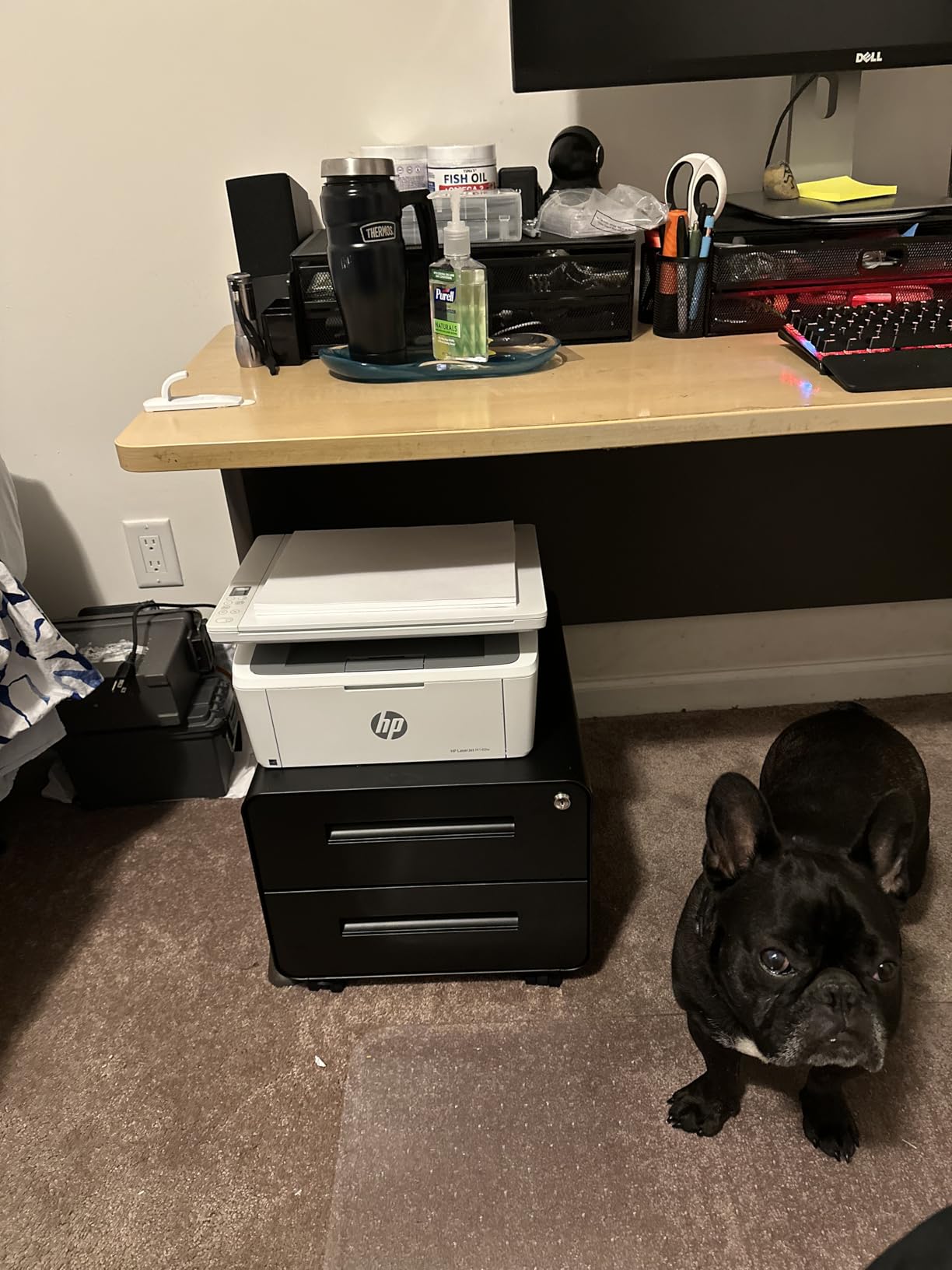
At 11.9 pounds and 10.4 by 14.2 by 7.8 inches, this is the smallest printer in the field and the only one that genuinely fits a dorm shelf or a narrow desk. It still gives you print, scan and copy through a flatbed scanner, which is unusual at this size, and a color LCD-driven control method via the HP Smart app.
Speed is the trade. At 21 pages per minute with a first page in 8.3 seconds, it is the slowest monochrome model here, though the real-world difference on a home workload of a few dozen pages a week is small. Maximum print resolution is 600 x 600 dpi and copy resolution is 600 dpi, the lowest text resolution in this roundup.
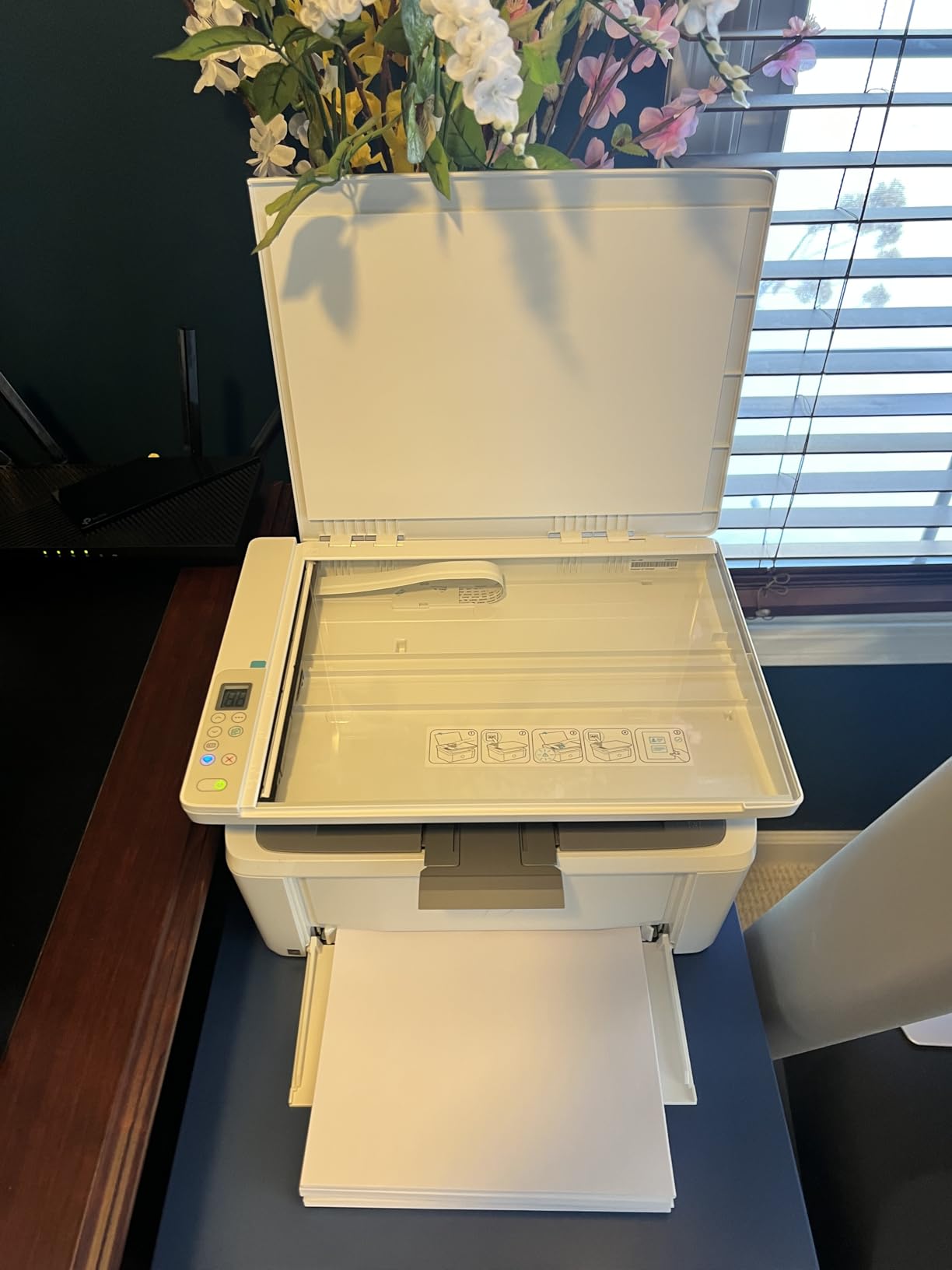
The ID card copy feature is a genuine home-use touch, fitting both sides of a small document onto one sheet, which is handy for insurance cards and vaccine records. Wireless with self-reset plus USB connectivity covers the usual hookups, and Apple AirPrint and Mopria certification means phone printing works without a proprietary app.
Tray capacity is 99 sheets in and 99 sheets out, so you are refilling more often than with any other model here. Media handling runs from 4.13 by 5.83 inches up to 8.5 by 14 inches, and it takes card stock, envelopes and labels as well as plain paper.
Where footprint beats every other spec
If your printer has to live on the same surface as a laptop, weight and depth matter more than throughput. At 11.9 pounds you can lift it onto a high shelf with one hand, and at 10.4 inches deep it leaves room for a desk lamp. The flatbed scanner means you can still digitize receipts and photos, which print-only machines in this size class cannot do.
HP Smart handles mobile printing and scan-to-cloud, and the ID card copy shortcut removes a small daily annoyance. Power draw is listed at 115 watts, among the lowest figures in this group, and coverage is a one-year limited hardware warranty.
The cartridge decision is the real cost
This printer works only with cartridges that contain an original HP chip, which rules out the cheaper aftermarket toner that keeps the Brother models inexpensive to run. Owners accept this trade happily at the purchase stage and then regret it at the first refill, so factor it into a multi-year comparison.
The lack of automatic duplex means two-sided documents are a manual flip, and the 600 dpi resolution is visible on very small type. If you print more than about 150 pages a month, move up to the LaserJet Pro 3001dw or the Brother models instead.
5. HP LaserJet Pro 3001dw – Best for Fast Monochrome Duplex Work
HP Laserjet Pro 3001dw Wireless Black & White Printer, Best-for-Office (3G65OF)
Mono laser print only
35 ppm
Automatic duplex
250-sheet tray
Pros
- 35 ppm with a first page in about 6.6 seconds
- Automatic duplex handles double-sided documents
- Intelligent Wi-Fi picks the best connection
- HP Wolf Pro Security protects print data
- Ethernet Bluetooth and Wi-Fi included
Cons
- Print only with no scanner or copier
- Wireless can drop on mesh networks and need reconnection
- Only cartridges with genuine chips are accepted
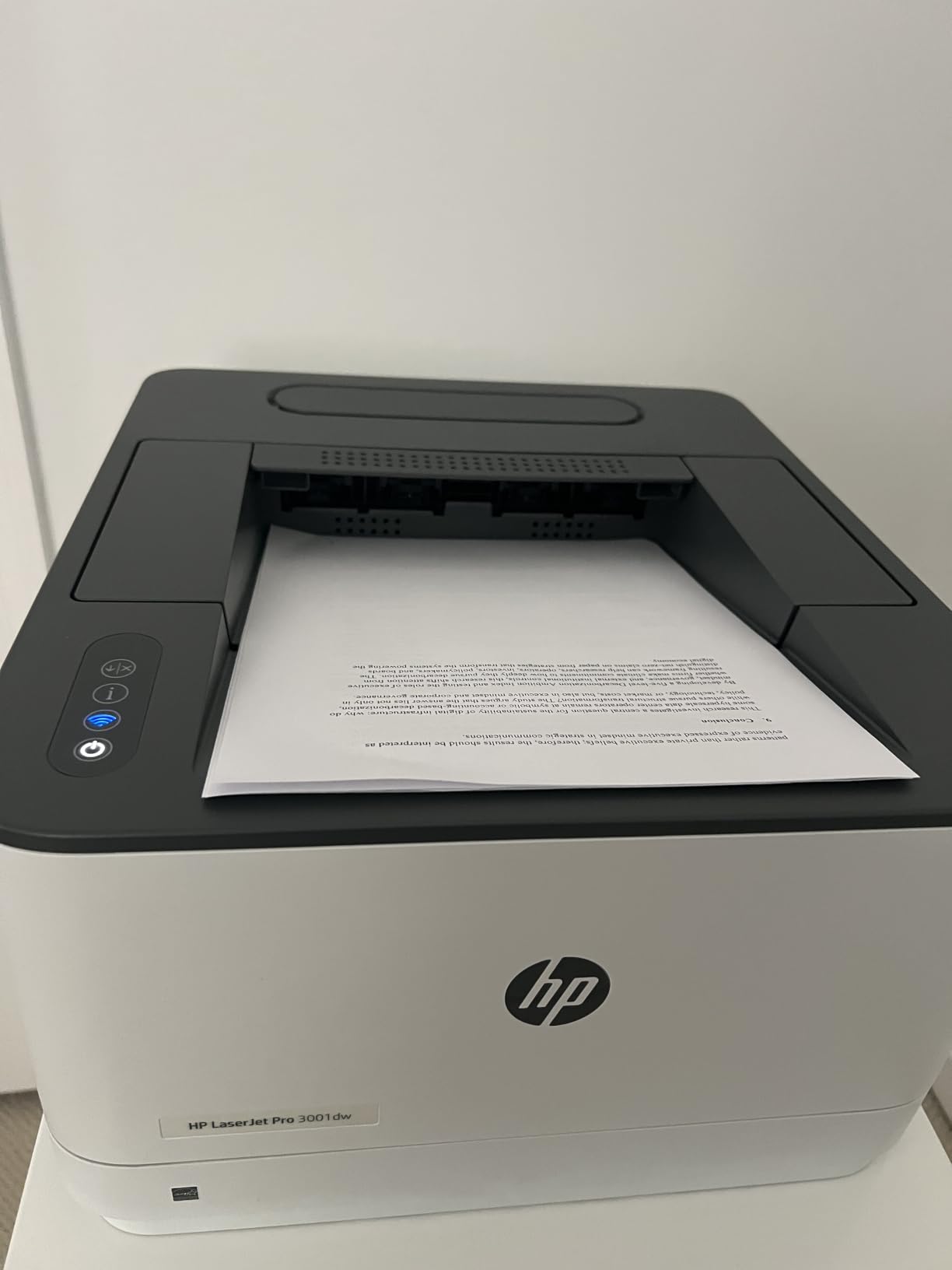
This is the fastest first page among the larger monochrome machines in the roundup, at roughly 6.6 seconds, with rated output of 35 pages per minute. Automatic duplex is standard, resolution reaches 1200 x 1200 dpi and the input tray holds 250 sheets, so it handles a heavy document week without a babysitter.
Connectivity is the strongest in the group: Ethernet, USB, Wi-Fi and Bluetooth together, with a remote control method. HP Wolf Pro Security is included with adjustable settings, which is a real consideration now that printers sit on home networks and are a known target for firmware attacks.
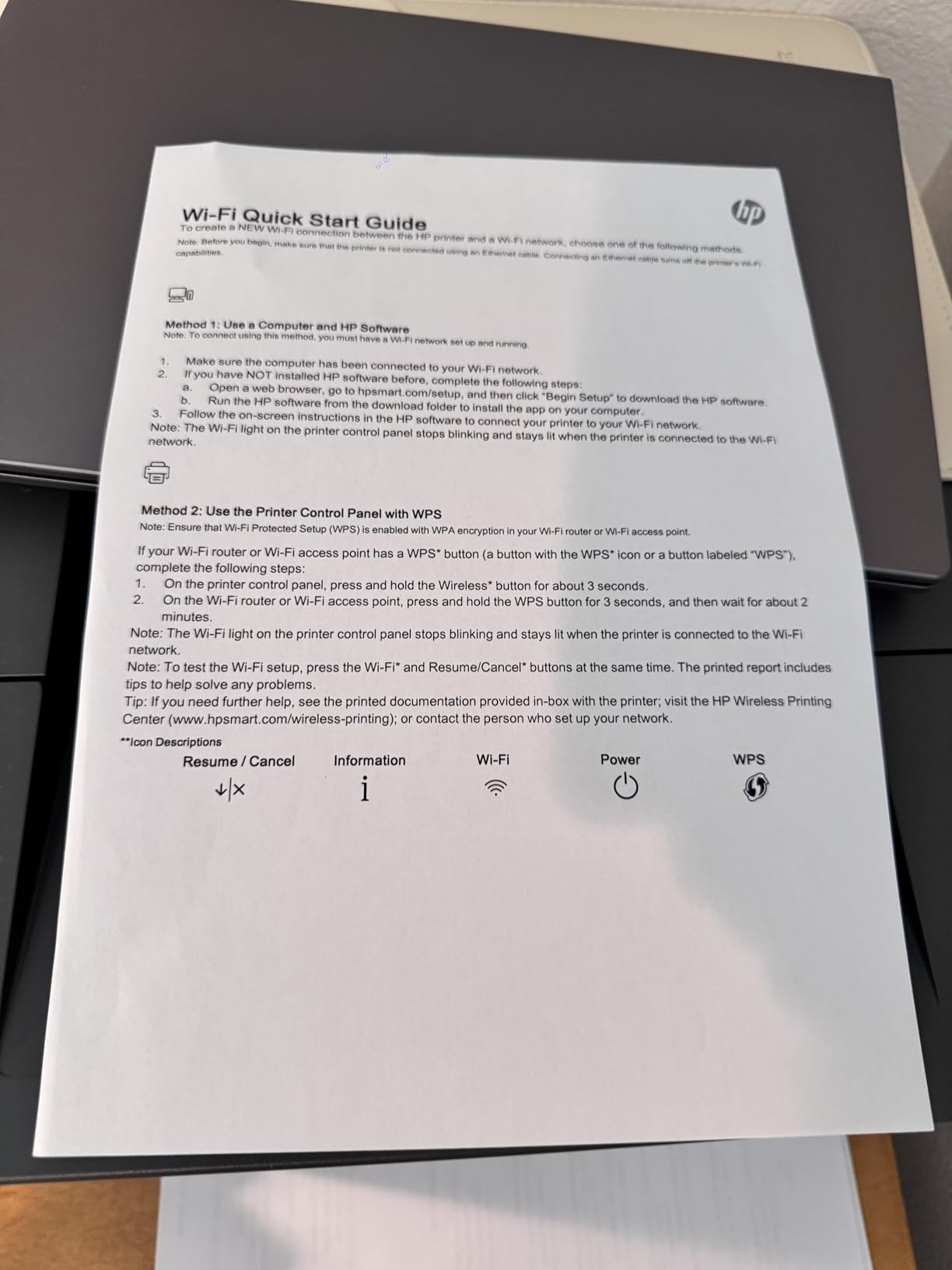
Most owners complete setup on the first attempt and describe it as a dependable workgroup printer, and several report stable duplex handling on long double-sided documents. It is positioned for teams of up to about seven people, which puts it slightly above typical family volume but well within a busy home office.
At 16.1 pounds and 15.7 by 14.4 by 8.5 inches it is compact for its speed class, and it holds legal-size media up to 8.5 x 14 inches. Coverage is a one-year limited hardware warranty from the manufacturer.
What the security features actually do
HP Wolf Pro Security is not a gimmick. Printers are network devices that store jobs, accept email and run embedded firmware, and a printer left with default settings on a home Wi-Fi network is a weak point. This model gives you configurable protection around printed data, which is worth having if you print anything with a name or account number on it.
The intelligent Wi-Fi routine scans for the best available connection rather than defaulting to the first one it finds, which is why most owners report fewer dropouts than on the models below. Bluetooth support is a bonus for direct mobile printing without a network round trip.
Reliability reports split on wireless and toner
The most significant complaint is wireless stability. Several owners on mesh networks report the printer dropping off and needing reconnection, and some have it power on before each print job. If your home uses a mesh system, check this before buying.
A separate thread of reviews objects to firmware chip enforcement blocking non-HP toner cartridges, which locks you into genuine supplies at higher running cost. A few also report failures after power outages and no automatic duplex support for A5 paper despite the tray marking.
6. HP LaserJet Pro MFP 3101sdw – Best for Working From Home
HP LaserJet Pro MFP 3101sdw Wireless Black and White All-in-One Laser Printer, Office Printer, Duplex, Best-for-Small Teams (9D2X4F)
Mono laser all-in-one
40 ppm rated
ADF plus flatbed
Duplex
Pros
- Highest rating in the group at 4.5 out of 5
- 40 ppm rated with 35 ppm copying
- Document feeder plus flatbed scanning
- Automatic duplex and a 250-sheet tray
- Wireless reconnected on its own after a power outage
Cons
- Only cartridges with genuine HP chips are accepted
- Occasional Wi-Fi disconnects need a reset
- Tray feels flimsy and wake from sleep is slow
This is the highest-rated model we tested, at 4.5 out of 5 with 77 percent five-star reviews, and it is also the most complete work-from-home machine in the field. It prints, scans and copies through both an automatic document feeder and a flatbed, with automatic duplex on the print engine and up to 999 copies per run.
Rated speed reaches 40 pages per minute with copying at 35 ppm, and the first page arrives in 7 seconds. Input and output trays are both 250 sheets, which is unusually balanced for an all-in-one and means fewer interruptions mid-project. Resolution goes up to 1200 x 1200 dpi for both print and copy.
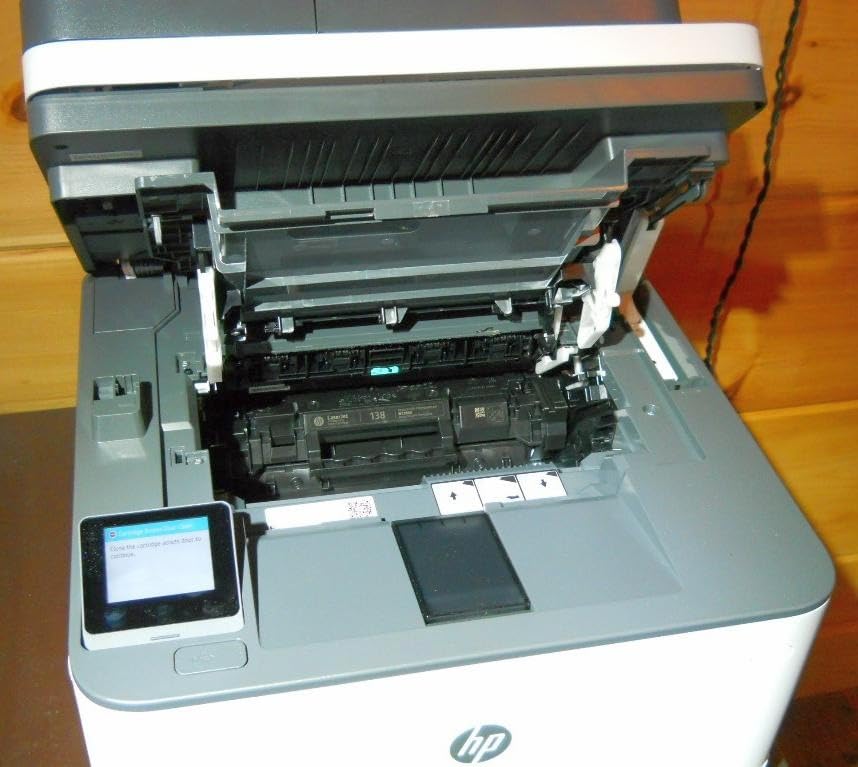
Connectivity is comprehensive, with Apple AirPrint, Ethernet networking, Mopria, USB, wireless Wi-Fi and a print-anywhere feature, plus scan-to-email. The included starter cartridge yields about 1000 pages, which is a genuine bonus because many competitors ship with a much smaller starter.
It is a large machine at 23.1 pounds and 15.7 by 16.5 by 12.3 inches, so plan shelf space. Coverage is a one-year limited warranty. Several owners report replacing a Brother unit specifically for better wireless behaviour, which is a telling data point.
Why owners rate it highest in the group
Installation is described as intuitive with an immediate wireless connection, and one recurring report stands out: the printer reconnected on its own after a power outage. For a home office, self-recovery matters more than any benchmark, because the alternative is a printer that needs a power cycle every morning.
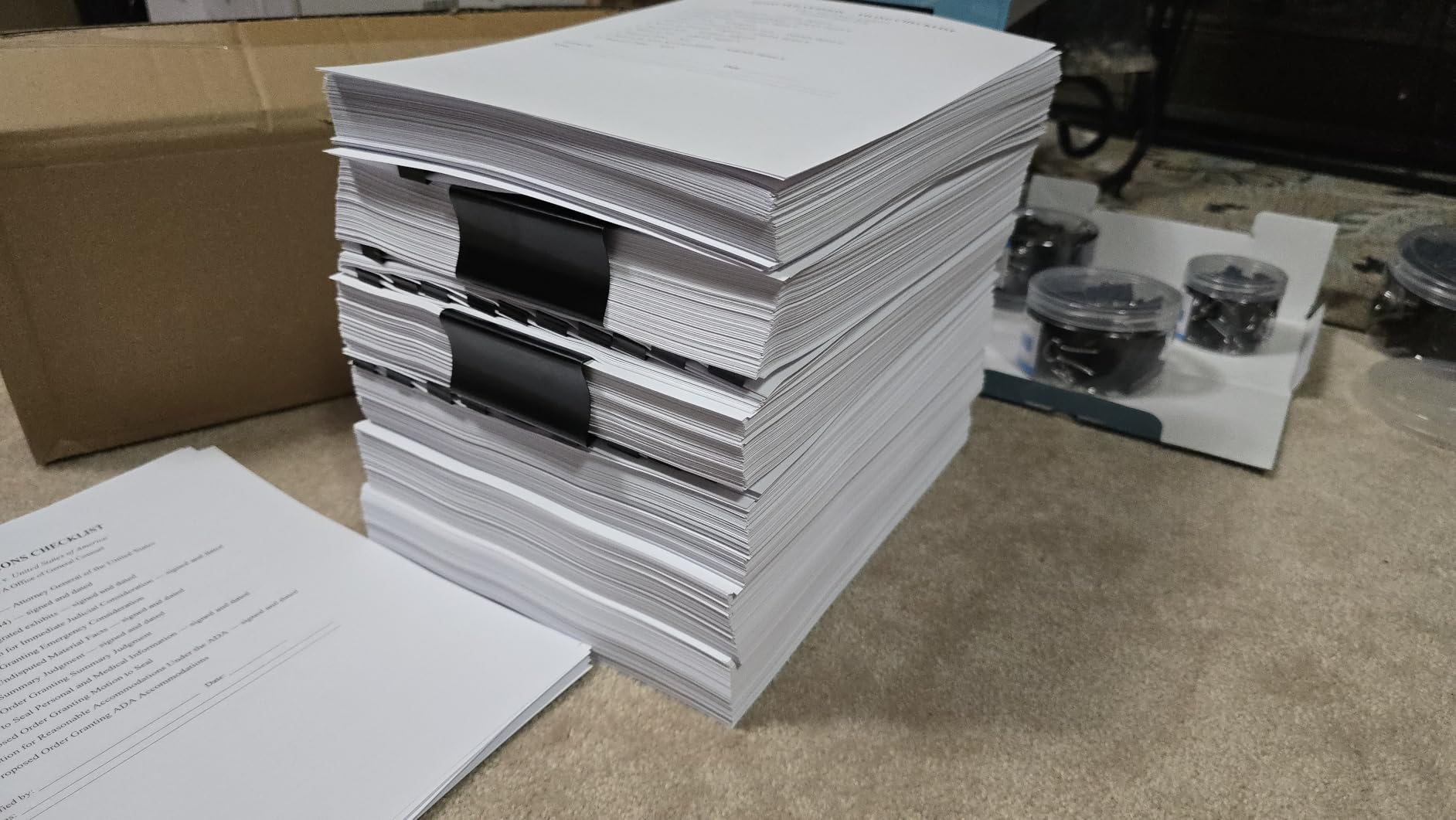
The 50-page document feeder is the quiet productivity win. Scanning a signed packet of forms while printing the same packet double-sided, all from one machine, is exactly the workflow a work-from-home setup runs on several times a week. USB direct printing also handles one-off jobs without involving the network.
Build quality and toner lock-in are the trade
The dominant negative across reviews is HP’s proprietary toner chip, which owners describe as locking them into expensive genuine cartridges for the life of the printer. This is the same constraint as the M140w and 3001dw, and it is the reason this high rating does not push it to first place overall for us.
Smaller threads mention occasional Wi-Fi disconnects requiring a reset, a paper tray that flexes and reads as flimsy, a false no-paper error on a returned unit, and a long wake time from sleep. Budget for the wake time if you are printing one page at a time.
7. Canon imageCLASS MF273dw – Best Canon All-in-One for a Home Office
Canon imageCLASS MF273dw – Monochrome Wireless Laser Printer, Multifunction With Scanner, Copier, Auto Document Feeder, With 1 Year Limited Warranty, 30 PPM, Black
Mono laser all-in-one
30 ppm
5.3 second first page
ADF
Pros
- Print copy and scan with a document feeder
- 30 ppm with a 5.3 second first print
- Automatic two-sided printing
- Wi-Fi Wi-Fi Direct and USB
- Uses widely available Toner 071 and 071H
Cons
- 150-sheet paper capacity is small for the class
- 24.7 pound body is heavy for a home desk
- Basic LCD controls with no touchscreen
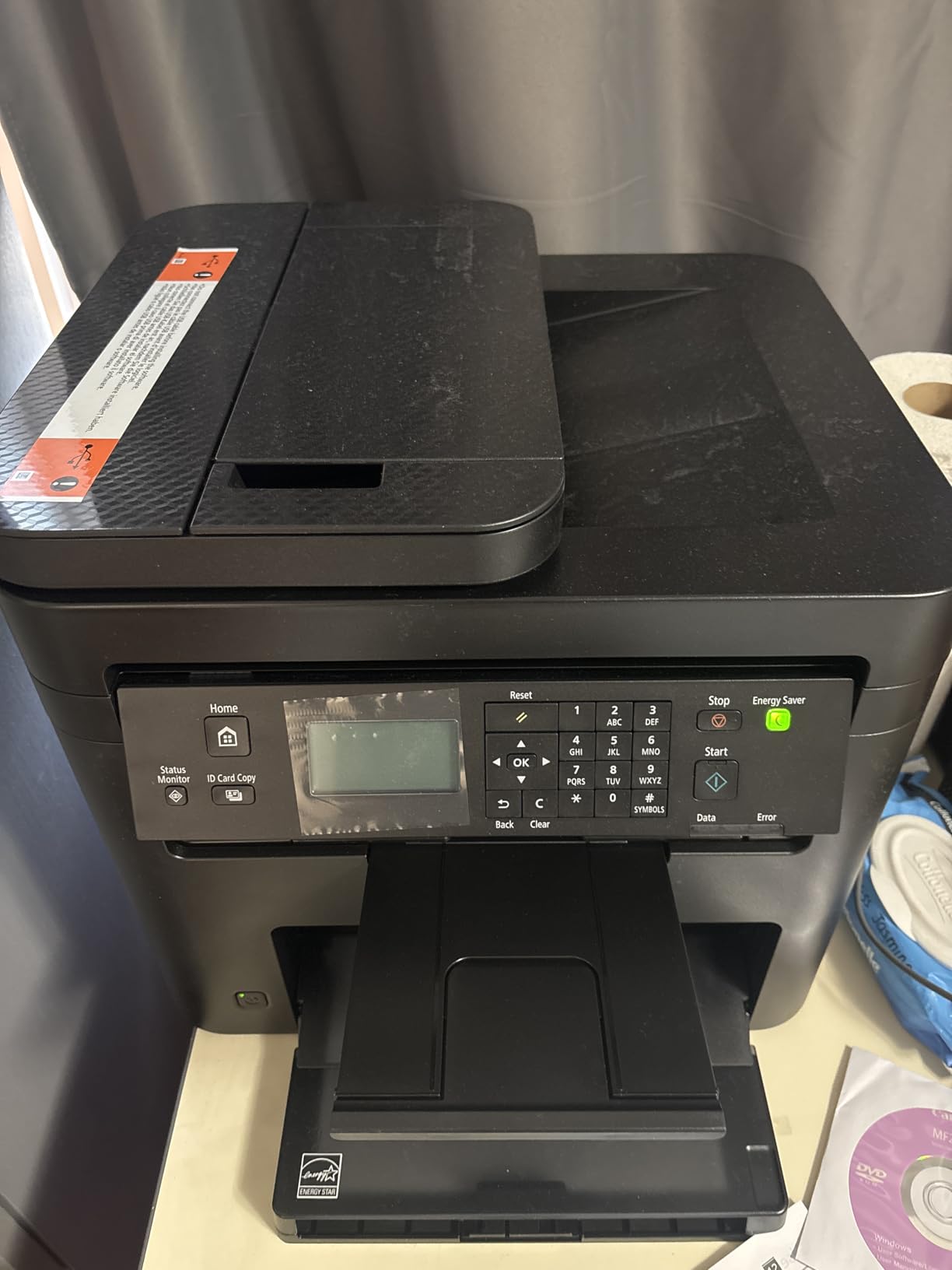
Canon’s answer to the DCP-L2640DW is a more vertically built machine, and it wins on one metric outright: first print in about 5.3 seconds, tied for the quickest in this roundup. Rated output is 30 pages per minute in black and white, with copying at the same 30 ppm.
It handles print, copy and scan with a sheetfed automatic document feeder, and automatic two-sided printing is standard. Resolution goes up to 2400 x 600 dpi, which is the highest mono figure among the Canon models here. Connectivity covers USB, Wi-Fi and Wi-Fi Direct for direct mobile printing without a router.
Toner is the Canon 071 cartridge or the 071 high-capacity version, both of which are widely available, and the box ships with a 700-yield starter. Paper capacity is 150 sheets in and 150 out, with media accepted from 3 by 5 inches up to 8.5 x 14 inches. Coverage is a one-year warranty.
At 24.7 pounds and 14.6 by 15.4 by 14.4 inches, it is one of the heavier bodies here and the tall one, so it wants a floor-level shelf rather than a desk riser. Feedback volume for this listing is thinner than the Brother models, which is worth weighing against the specification.
What Canon does that the Brother does not
Wi-Fi Direct lets a phone or laptop print straight to the machine with no network in between, which is genuinely useful in a guest room, a basement office or a shared holiday rental where you would rather not put the printer on the network at all. The 2400 x 600 dpi mono resolution also produces slightly crisper small text than the 1200 dpi Brother models.
For anyone who prefers Canon toner availability over Brother, or who wants an all-in-one from a brand other than the two most recommended ones, this is a legitimate pick. The automatic document feeder means you can scan and copy a batch rather than working one sheet at a time.
The tray size is the practical limit
A 150-sheet tray is smaller than the 250-sheet standard on the Brother and HP machines here, so you will refill more often. For a family that prints a few hundred pages a month, that is an extra trip to the paper box every couple of weeks rather than a real problem.
The weight is the bigger issue for small spaces. At 24.7 pounds this is not a machine you lift onto a high shelf, and the basic LCD with no touchscreen means more button presses than the models with app-first control. The absence of color printing is intentional for this model.
8. Canon LBP646Cdw – Best Color Laser Printer for Home Use
Canon Color imageCLASS LBP646Cdw Wireless Laser Printer, Duplex, 26 PPM, Print Only, White
Color laser print only
26 ppm color and mono
Automatic duplex
3-year warranty
Pros
- Affordable true color laser output
- 26 ppm in both color and monochrome
- Automatic duplex with a 250-sheet cassette
- Three-year manufacturer warranty
- Works with Canon PRINT AirPrint and Mopria
Cons
- Print only with no scanning or copying
- Heaviest model here at 39.4 pounds
- Color toner costs more per page and black text is 600 dpi
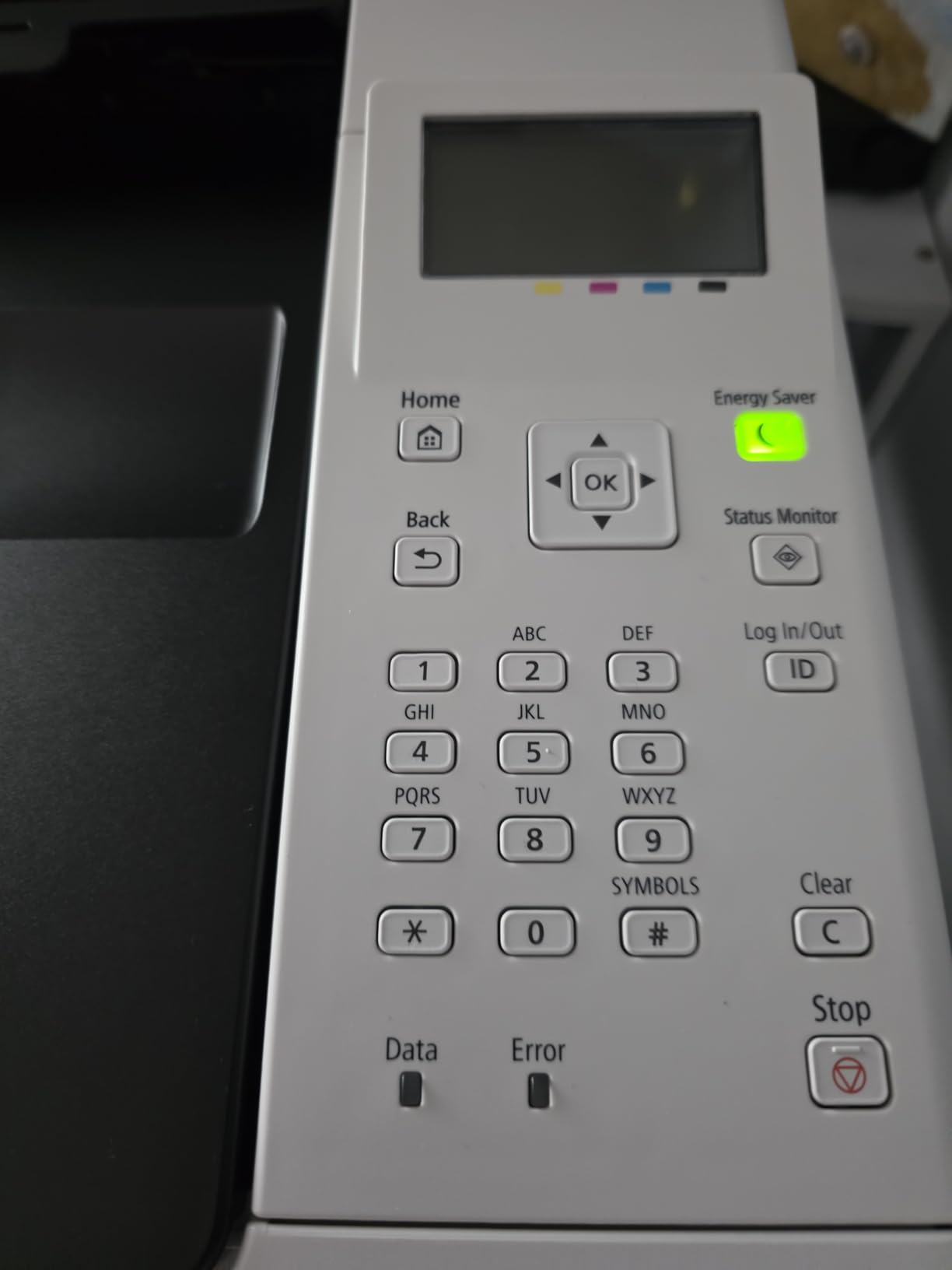
If a home needs color laser output, this is the entry point. It prints 26 pages per minute in both color and monochrome from a single engine, with color resolution at 1200 x 1200 dpi and automatic two-sided printing. Black-only text resolution is 600 dpi, which is lower than the mono models but adequate for correspondence.
Paper handling is the strongest on this machine: a 250-sheet standard cassette, a one-sheet multipurpose feed slot, and two trays in total, with media accepted from 3 by 5 inches through legal size. A 5-line LCD guides setup and the wireless configuration is described as straightforward in a few steps.
Mobile printing works through the Canon PRINT app, Apple AirPrint and Mopria, so you are not locked into one route to print from a phone. It carries ENERGY STAR and EPEAT Silver certification, and the first print arrives in about 10.3 seconds, the slowest here because the color engine spins up first.
The warranty is the standout: three years from the manufacturer, which is longer than the one-year cover on every other model in this roundup. Owners switching from a failing inkjet report good color accuracy for photos and graphics, within the limits of a laser.
What color laser output is genuinely good for
Color laser earns its place on documents with visual weight rather than on photographs. Flyers, real estate handouts, school project covers, charts with labels, menus and internal reports all come out sharp and smudge-resistant, and the 1200 dpi color resolution holds up on small type that would blur on a lower-end inkjet.
Owners switching from failing inkjets specifically report satisfaction with graphics and color accuracy. The three-year warranty also means the most likely early-life failure is covered for longer than on any competitor here, which softens the risk of a first-year return.
Where it falls short, and how big it is
It is print only. There is no scanning, copying or faxing, so if your workflow includes digitizing paperwork you need a different machine or a separate scanner. Combined with 39.4 pounds and a 16.5 by 16.8 by 10.5 inch body, this is the bulkiest unit in the roundup and the least realistic choice for a small apartment.
Genuine Canon 075 CMYK toner runs costly per page, which is why some owners move to compatible cartridges. A small number of reviewers returned the unit after early failures. And expect banding on large gradients and illegible small chart labels, because a color laser dithers rather than blending.
9. Canon imageCLASS LBP122dw – Best Lightweight Canon Monochrome
Canon imageCLASS LBP122dw – Wireless Monochrome Duplex Laser Printer
Mono laser print only
30 ppm
Automatic duplex
12.4 pounds
Pros
- Automatic duplex at an entry-level price point
- 30 ppm with a 5.3 second first print
- Light 12.4 pound body
- 150-sheet tray and 200-copy run limit
- EPEAT Silver and Energy Star certified
Cons
- Weakest rating in the group at 3.9 out of 5
- No scanner copier or color output
- Toner 071 is proprietary to Canon
This is Canon’s simplest monochrome laser and it keeps two things that matter: automatic duplex and a 5.3 second first print. Rated speed is 30 pages per minute and resolution goes up to 2400 x 600 dpi, the same engine family as the MF273dw without the scanning hardware.
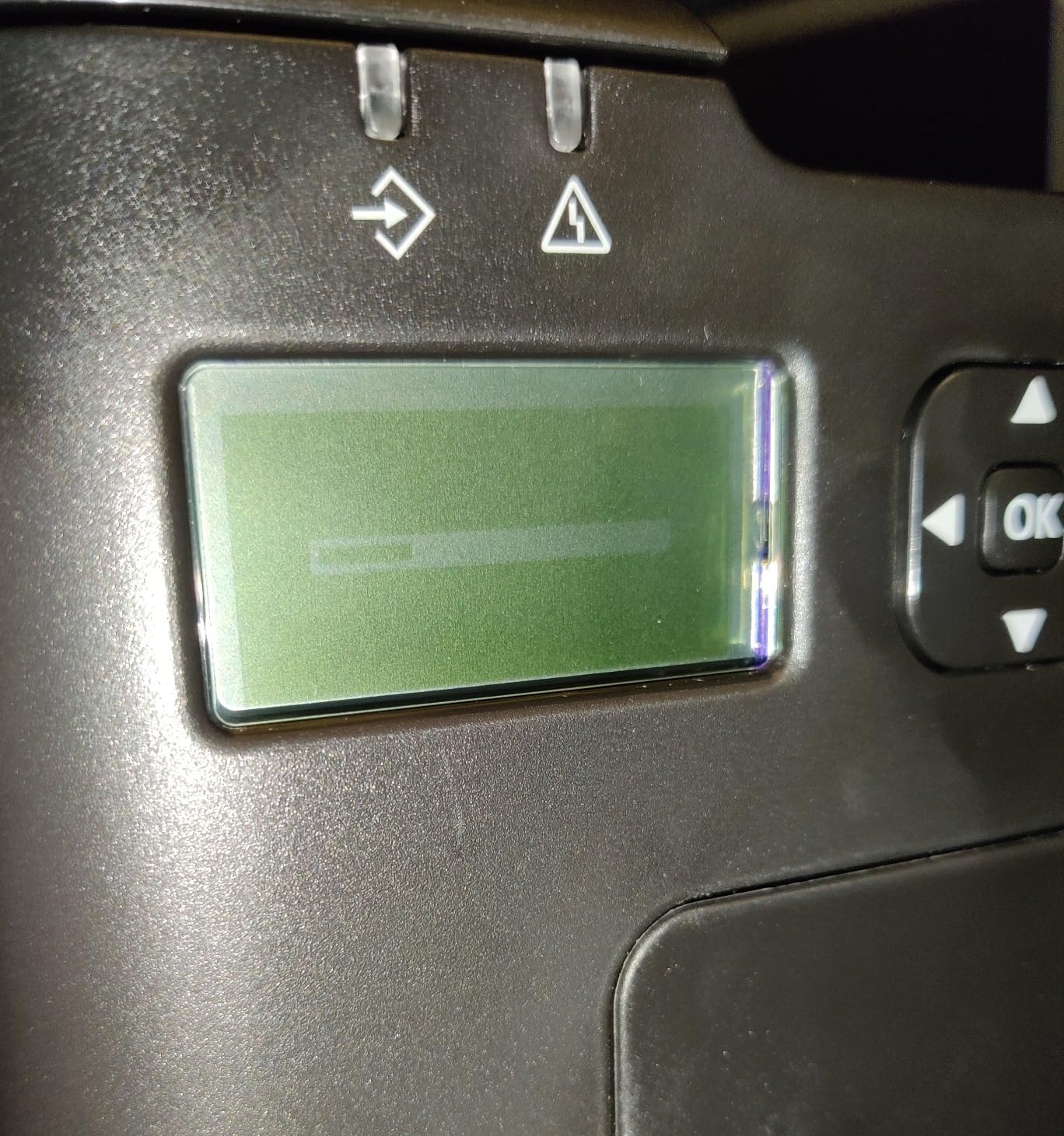
At 12.4 pounds it is one of the lighter machines here, and it still offers USB, Wi-Fi and a single Ethernet port, which is unusual at this size. Printing on the go works through the Canon PRINT app, and Amazon Alexa support is listed in the specifications.
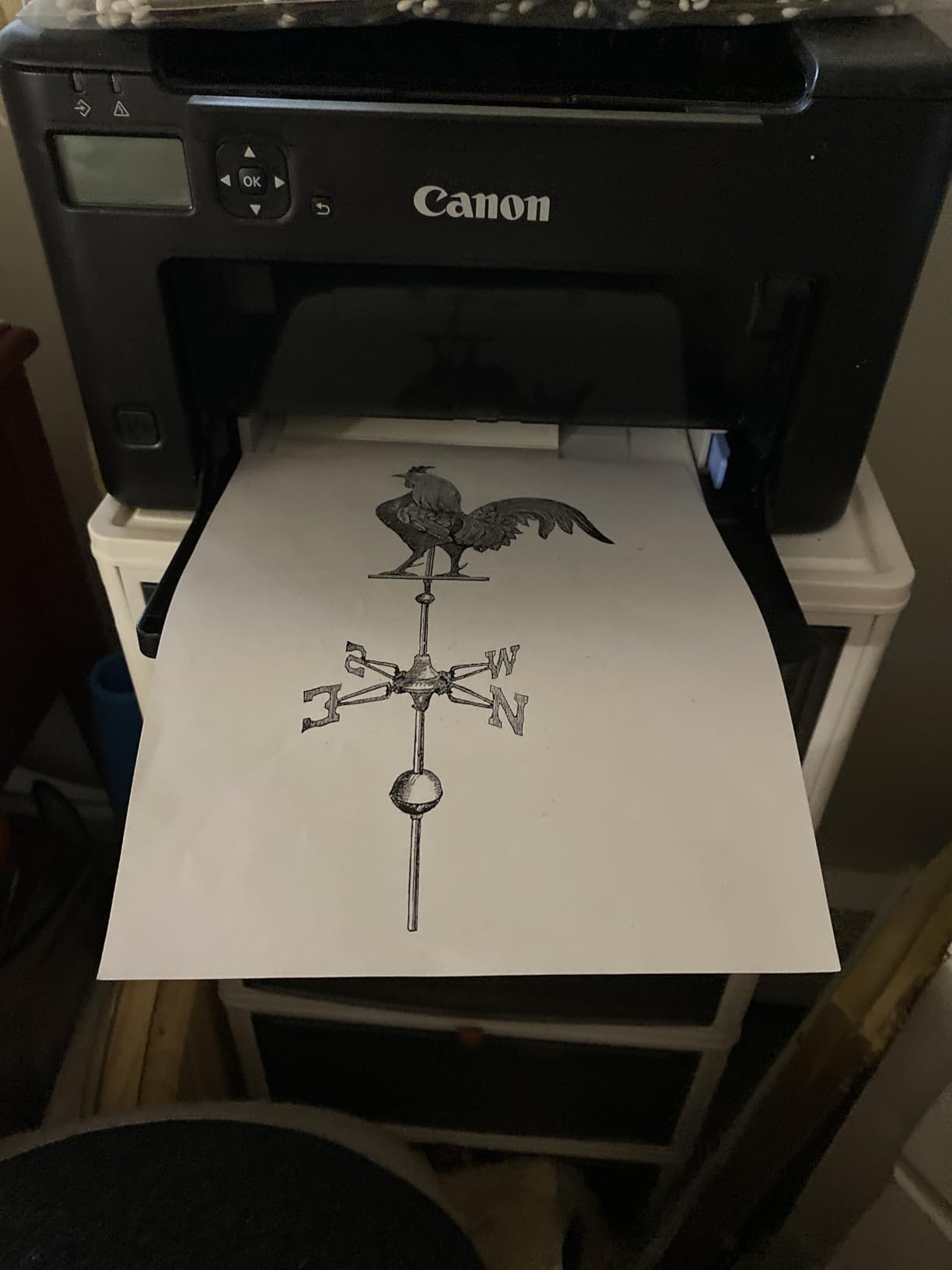
Toner is Canon 071 or the 071H high-capacity cartridge, and the box includes a 700-yield starter. Tray capacity is 150 sheets in and 150 out with a maximum of 200 copies per run, and media runs from 3 by 5 inches to 8.5 x 14 inches. It carries EPEAT Silver and Energy Star certification and a one-year warranty.
Reviewers appreciate that automatic duplex is included at this level, along with low per-page cost on 071 high-capacity toner. The 3.9 average is the lowest in the roundup, and the one-star share is comparatively high, so treat the feature list with some caution.
The value case, stated honestly
Duplex printing at this level is the reason to look here. Many competing entry machines drop to manual flipping, and on a mixed workload of double-sided documents the manual step is the first thing people regret. Speed and first-page time match the more expensive MF273dw for most home workloads.
For a student, a renter or anyone who needs mono printing without a scanner, the feature set is complete enough. Low weight means it is easy to move between rooms, which matters more than it sounds for a machine you might not have a permanent spot for.
Why the rating trails the group
Owners cluster their complaints around the 150-sheet input and output capacity, the absence of scanning and copying, and a sense that the value is thinner than the price suggests. With a 3.9 average and 1030 reviews, the volume of feedback is solid enough that we would not write this model off.
Toner 071 is proprietary to Canon, which limits cheaper options more than the Brother TN830 platform does. If your priority is the lowest cost per page over several years, the Brother HL-L2405W or HL-L2460DW serve you better at a similar size.
10. Xerox B225DNI – Best for Paper Capacity at Home
Xerox B225DNI Wireless Black and White Laser All-in-One Printer
Mono laser all-in-one
36 ppm
400-sheet tray
Duplex scanning
Pros
- Largest paper capacity in the group at 400 sheets
- 36 ppm with a 6.4 second first page
- Automatic duplex plus duplex color scanning
- 1200 page starter cartridge in the box
- AirPrint Mopria and Chromebook support
Cons
- 600 dpi print resolution is the lowest here
- Maximum copies per run capped at 10
- 28.6 pounds with a 21.7 inch wide footprint
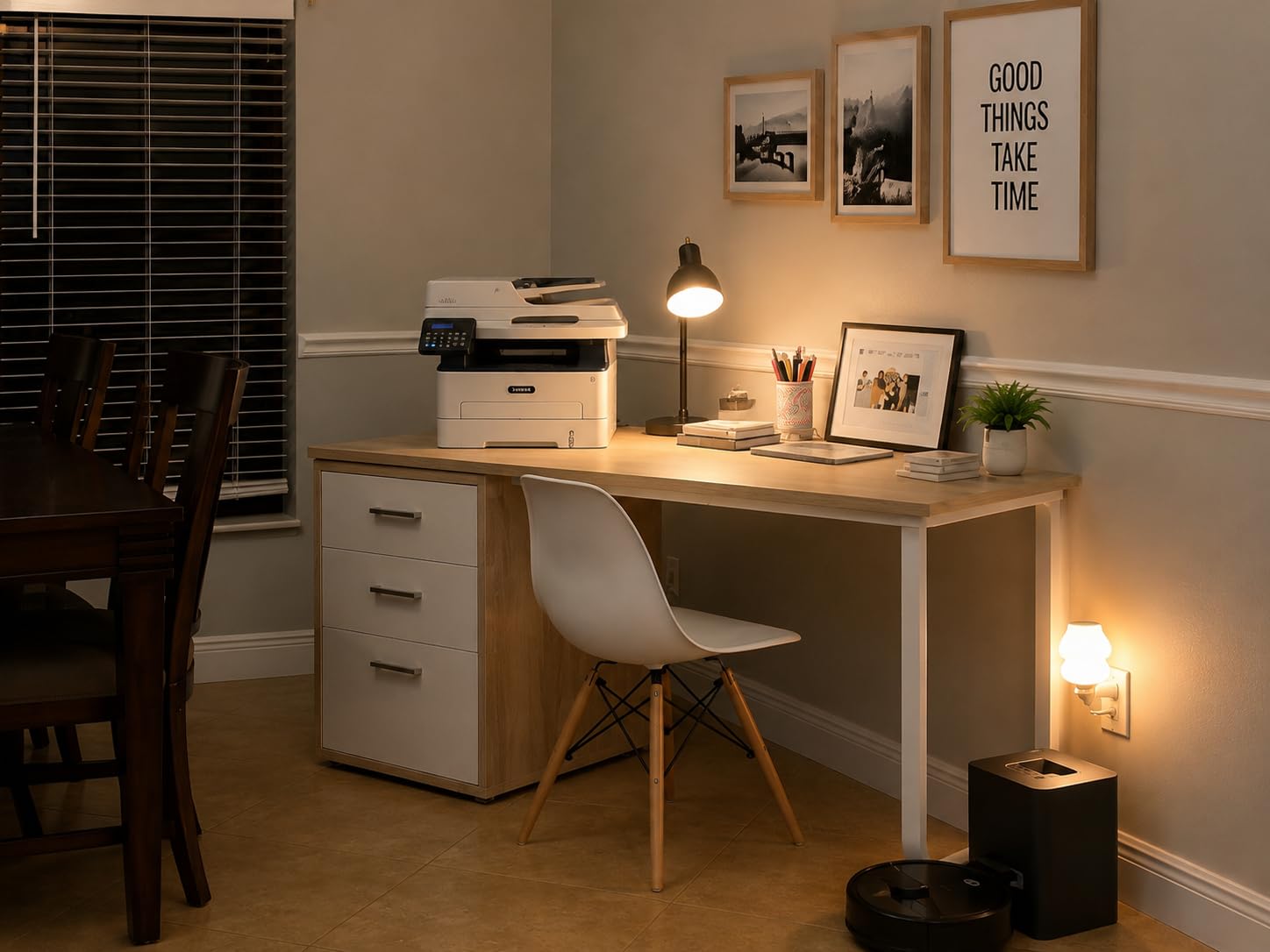
Paper handling is the argument here. A 400-sheet maximum capacity is the largest in the roundup, and the box ships with a 1,200 page starter cartridge, which is more usable toner than anything else in this group. Print speed is rated at 36 pages per minute with a first page in 6.4 seconds and automatic duplex.
It is a full all-in-one with sheetfed scanning, and reviewers highlight color and duplex scanning plus a flatbed for mixed media, which is a genuinely useful combination for a home filing system. Copy speed is 36 ppm. Print resolution is 600 dpi, the lowest figure in the lineup, which shows on very small type.
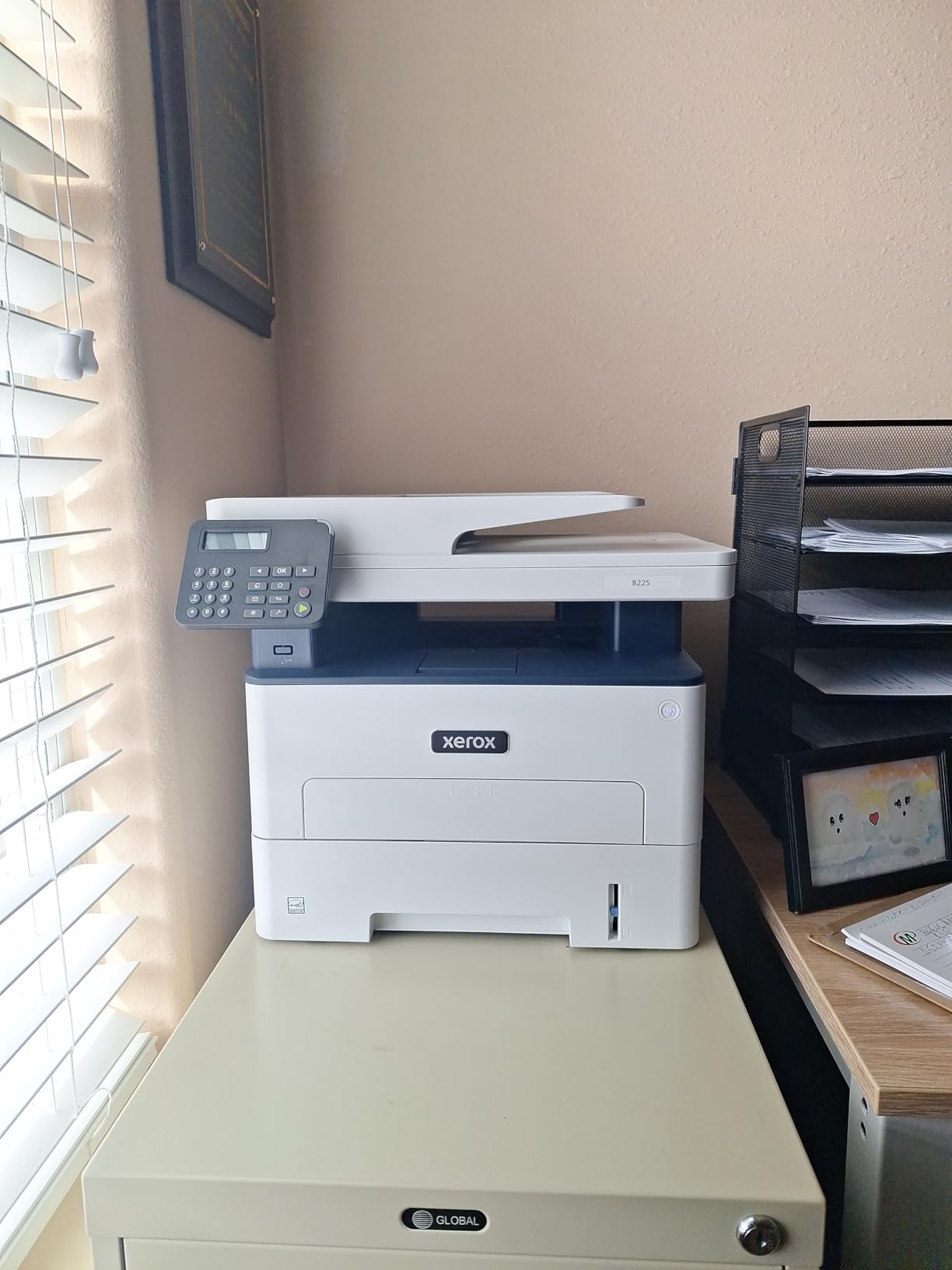
Connectivity covers Ethernet, USB and Wi-Fi with Apple AirPrint, Mopria Print Service and Chromebook printing, and the Xerox Print and Scan Experience drivers handle auto-cropping and receipt scanning. The specifications also list a comprehensive security set intended to guard access and printed documents.
It is a large machine by home standards at 28.6 pounds and 17.1 by 21.7 by 18.3 inches, with a 21.7 inch width that needs real desk or shelf space. Coverage is a one-year manufacturer warranty, shorter than the Canon LBP646Cdw’s three years.
Who actually needs a 400-sheet tray
Households that print reams of worksheets, a home business shipping hundreds of labels a week, or a family with a member who runs a book or a small club at home. The 400-sheet tray plus duplex printing means a morning of printing does not involve three refills and a paper jam on a half-loaded tray.
The 1,200 page starter cartridge is the other quiet win. Several manufacturers ship a deliberately small starter so the first real refill arrives sooner, and a full starter removes that surprise from the first year of ownership.
The compromises that produce a 3.8 rating
Maximum copies per run is capped at 10, which is the most restrictive limit in the roundup and an awkward number for anyone copying a full form set. Combined with 600 dpi output, that means this machine suits quick repetitive work rather than quality-critical documents.
Owners also mention dissatisfaction with aspects of the scanning workflow and describe the footprint and heavy build as a problem for tight home spaces. The list also notes it has no color printing despite color scanning capability, so you can scan a color page but not print one.
11. Xerox C235dni – Best Color All-in-One with a Touchscreen
Xerox C235dni Wireless Color Laser All-in-One Printer
Color laser all-in-one
24 ppm color and mono
Automatic duplex
Color LCD
Pros
- Full color all-in-one with a color touchscreen
- 24 ppm in color and monochrome
- Automatic duplex for both colors
- Guided setup through the Xerox Easy Assist app
- Supports high-yield cartridges to lower running cost
Cons
- No automatic document feeder so scanning is manual
- 35 pounds makes it hard to move
- Setup needs a 2.4 GHz network or a USB cable
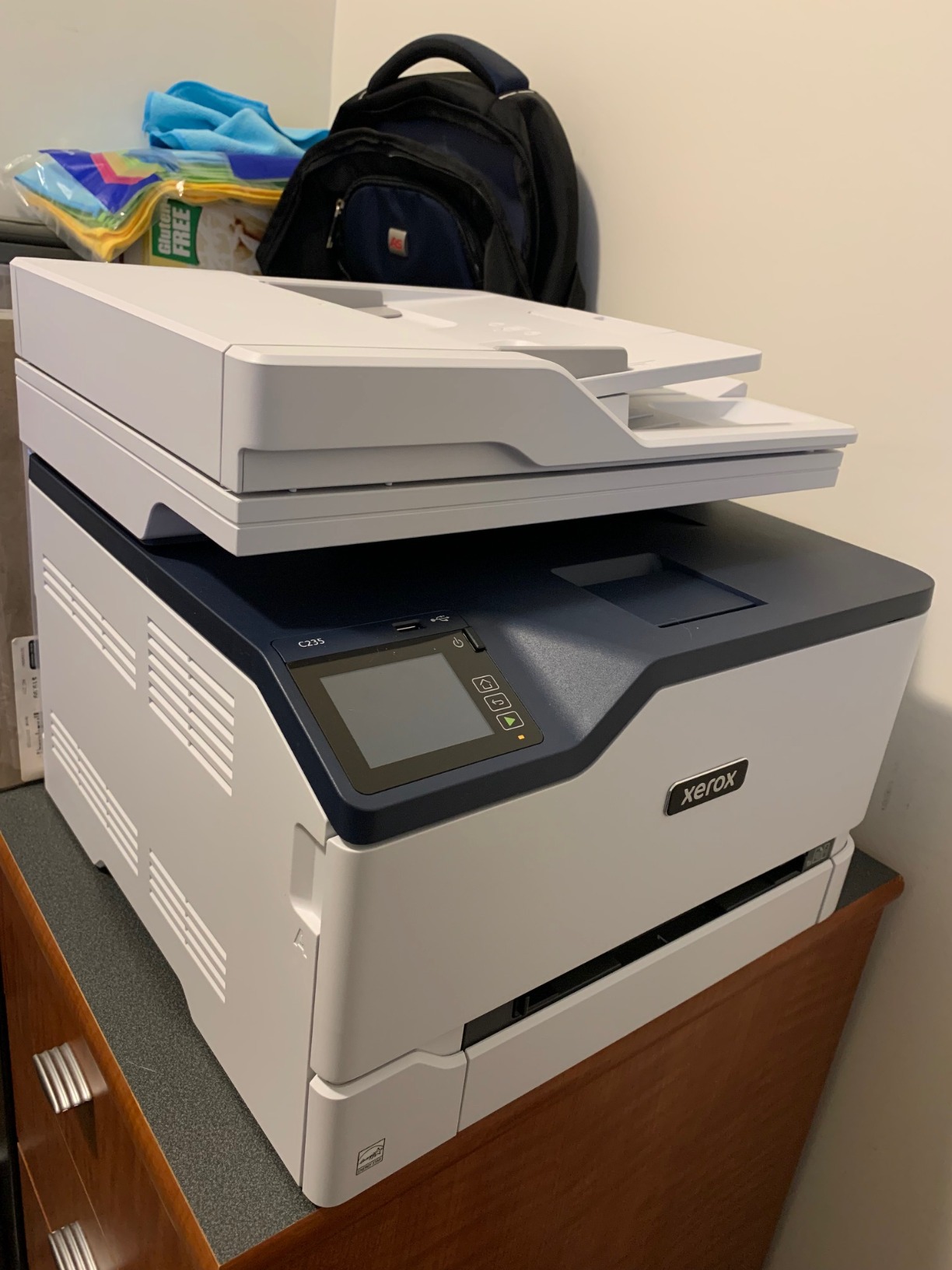
This is the most complete color machine in the roundup, with printing, scanning and copying plus a color LCD, LED or OLED control panel driven by touch. Output is 24 pages per minute in both color and monochrome, and automatic duplex works for both black and color documents.
It is built for sustained volume, with two trays and a 250-sheet input capacity, and the specifications position it for small offices printing up to about 1,500 pages a month. Copy speed is 22 ppm and color resolution reaches 1200 dpi, while black-only output is 600 dpi. A flatbed scanner handles originals.
Setup runs through the Xerox Easy Assist app for guided multi-device installation over a 2.4 GHz network, or you can connect by USB or from a laptop. Built-in Wi-Fi, Apple AirPrint and Mopria cover mobile printing, and starter toner is included at roughly 500 sheets.
At 35 pounds and 15.5 by 16.2 by 13.6 inches, reviewers describe it as far from portable despite the listing characteristics. The 3.8 average is tied for the lowest in this group, and it carries a one-year limited warranty.
Where the color touchscreen earns its cost
A color panel is not a luxury once you are working with color settings, draft modes and mixed media, and this is the only machine in the roundup that gives you one. Supporters point to sharp text and vibrant color graphics for documents, presentations and reports, which is the job this machine does.
High-yield cartridge support is the practical advantage for volume printing, since the running cost per page falls noticeably as the yield goes up. The guided setup through the Easy Assist app is also reported as straightforward for multi-device households.
What buyers complain about
The most important limitation is the absence of an automatic document feeder, despite the all-in-one positioning. Multi-page scanning and copying are manual, one flatbed sheet at a time, which undercuts the reason most people buy a color MFP in the first place. That alone rules it out for a home office that files paperwork.
Setup also requires a 2.4 GHz network or a USB connection, which can be awkward on a modern dual-band or mesh home network. Combined with the 35 pound weight and the 500-sheet starter toner, this machine suits a small office that prints a lot of color rather than a family that prints a little.
How to Choose a Laser Printer for Home Use?
Start with volume, not brand. Under about 100 pages a month, a lightweight print-only monochrome machine with duplex is the sensible floor. Between 100 and 400 pages, an all-in-one with an automatic document feeder pays for itself in convenience. Above 400 pages a month, look at rated speed, duty cycle and whether the tray can be expanded. Our grooming table picks cover the other half of a home setup that needs durable, low-maintenance gear.
Second, choose mono or color honestly. A monochrome laser is the better tool for homework, invoices, contracts and shipping labels, and its toner is cheaper. A color laser only makes sense if you print documents with visual weight such as flyers, charts or colored handouts. If photographs matter, neither is right.
Third, decide between all-in-one and print only. A scanner is worth the money if you digitize receipts, sign documents or file records. It is wasted weight if you never do. A recurring regret we see is buying an all-in-one that turns out to have no automatic document feeder, so check for the feeder specifically rather than assuming the term all-in-one covers it.
Fourth, treat automatic duplex as near-essential. Two-sided documents are the norm for school work and office paperwork, and manual flipping is the most common complaint on the models that omit it. Only the Brother HL-L2405W and the HP MFP M140w in this roundup lack it.
Fifth, understand cost per page. Divide the toner price by the cartridge yield, and remember that the yield in the box is often far lower than the replacement yield. A 700-page starter cartridge distorts your real cost for the first year, and the drum or imaging unit is a separate consumable on many machines. The TN830 and 071H platforms in this roundup are among the most widely available, cheapest toners to refill, while HP’s chip-locked cartridges give you less control.
Sixth, count your connectivity needs. Dual-band 2.4GHz and 5GHz wireless is worth paying for on mesh networks, where 2.4GHz-only machines can struggle. All models here support AirPrint or Mopria, so phone printing is not a tiebreaker. Wi-Fi Direct appears on some models and lets a guest print without touching your network.
Seventh, measure before you buy. The weights here range from 11.9 pounds to 39.4 pounds, and the widths from 10.4 inches to 21.7 inches. Anything above about 30 pounds or 16 inches wide belongs on a floor shelf, not a desk riser. For setups that also include cameras or monitoring gear, see how we covered dog cameras for home use alongside desk gear.
Finally, read the warranty line. Nine of these machines carry one year of limited cover, while the Canon LBP646Cdw carries three years from the manufacturer. On a machine that can sit for a decade, that difference is more meaningful than most buyers realize at the checkout.
Models We Passed On and Why
We did not include any ink-tank or inkjet models, even strong ones, because this roundup answers a narrower question. We also left out several laser machines that are widely recommended, and the reasons are worth stating.
Printers with toner chip enforcement and dynamic security firmware updates were a deciding factor. The HP models here already carry the chip requirement, and it removes the cheapest refill option permanently. Brother and Canon toner is far more widely available from third-party suppliers, which is a running-cost difference of real money over five years.
We also avoided all-in-ones without an automatic document feeder that are marketed as scan and copy machines. The Xerox C235dni illustrates the problem well: it is a color MFP that will only scan one flatbed sheet at a time. That is a specification detail that decides whether a machine fits your workflow.
Finally, we skipped color laser models marketed for photo output. Graphic design and Mac-focused forums are consistent on this point, and the banding and gloss-paper limitations are physics, not a defect you can configure away. For the rest of a workshop, our smith machine picks are a better use of the same shelf space.
Frequently Asked Questions
Are laser printers being phased out?
No. Laser remains the standard technology for office and home-office documents, and every manufacturer in this roundup, Brother, HP, Canon and Xerox, currently ships laser printers designed for home and small-office use. What has changed is the surrounding market, with ink-tank and refill-cartridge inkjets competing harder on running cost. Lasers compete on speed, sharp text and the fact that they do not clog when left unused.
What are the top 5 laser printers for home use?
Our first five in order are the Brother DCP-L2640DW, the Brother HL-L2460DW, the Brother HL-L2405W, the HP LaserJet MFP M140w and the HP LaserJet Pro 3001dw. The DCP-L2640DW is the best all-in-one, the HL-L2460DW is the best value for anyone who never scans, and the HP LaserJet Pro MFP 3101sdw takes the top spot for owner satisfaction at 4.5 out of 5.
What is the best all-in-one laser printer for home use?
The Brother DCP-L2640DW is our pick, combining printing, scanning and copying at 36 pages per minute with a 50-page automatic document feeder, automatic duplex and a 250-sheet tray. It is backed by the largest volume of long-term owner reports in this roundup at 3904 reviews. The HP LaserJet Pro MFP 3101sdw is the alternative if you rate wireless reliability and rated speed above toner freedom.
Is it worth buying a laser printer for home use?
Yes, for documents. A laser prints sharp text, costs less per page on high-yield toner, and will still work after sitting unused for months, which is the failure mode that ends most home inkjet relationships. The exception is photography. If you mostly print images, a color laser will band on gradients and cannot handle glossy photo paper, so stay with an inkjet or ink-tank printer.
What is the highest rated laser printer for home use?
The HP LaserJet Pro MFP 3101sdw holds the highest average rating in this roundup at 4.5 out of 5, with 77 percent of its reviews at five stars. Owners praise effortless installation, quiet fast output and wireless recovery after outages. Its 596 reviews are a thinner base than the Brother DCP-L2640DW, which is why we recommend the Brother first for most homes.
Which printer has the least amount of problems?
Among the models here, the Brother HL-L2460DW and the Brother HL-L2405W carry the fewest reported faults, with the main themes being fiddly wireless setup and manual duplex rather than hardware failure. Long-term forum owners frequently report Brother monochrome lasers running for many years on a single toner replacement. The models with the most reported problems are the chip-locked HP cartridges and the two color machines with early-failure returns.
What is the average lifespan of a laser printer?
A home laser printer commonly lasts seven to ten years or more, and the limit is usually the drum or imaging unit rather than the engine. Buying a machine that accepts widely available toner protects you here, because a cartridge you cannot source can end a working printer early. The Canon LBP646Cdw carries a three-year manufacturer warranty, longer than the one-year cover on the other models in this roundup.
Can laser printers print photos?
Not well. A color laser produces images by dithering, which causes banding on large gradients and renders small labels and axis text as mush. It also cannot handle glossy or matte photo paper properly. The color models here are built for flyers, charts, menus and reports, where they are excellent. For family photos, crafts and transfers, use an inkjet or ink-tank printer instead.
Final Verdict for 2026
For most homes in 2026, the Brother DCP-L2640DW is the best laser printer for home use. It prints at 36 pages per minute, scans and copies through a flatbed and a 50-page document feeder, includes automatic duplex, and carries the deepest base of long-term owner reports of any machine we reviewed. Budget twenty minutes for the wireless setup and it will run for years.
Buy the Brother HL-L2460DW instead if you never scan, and the HP LaserJet MFP 3101sdw if wireless reliability matters more than the freedom to buy third-party toner. For genuine color documents, the Canon LBP646Cdw is the pick, and its three-year warranty is the longest here. And if your household prints photographs, skip every machine on this list and get an inkjet instead.