
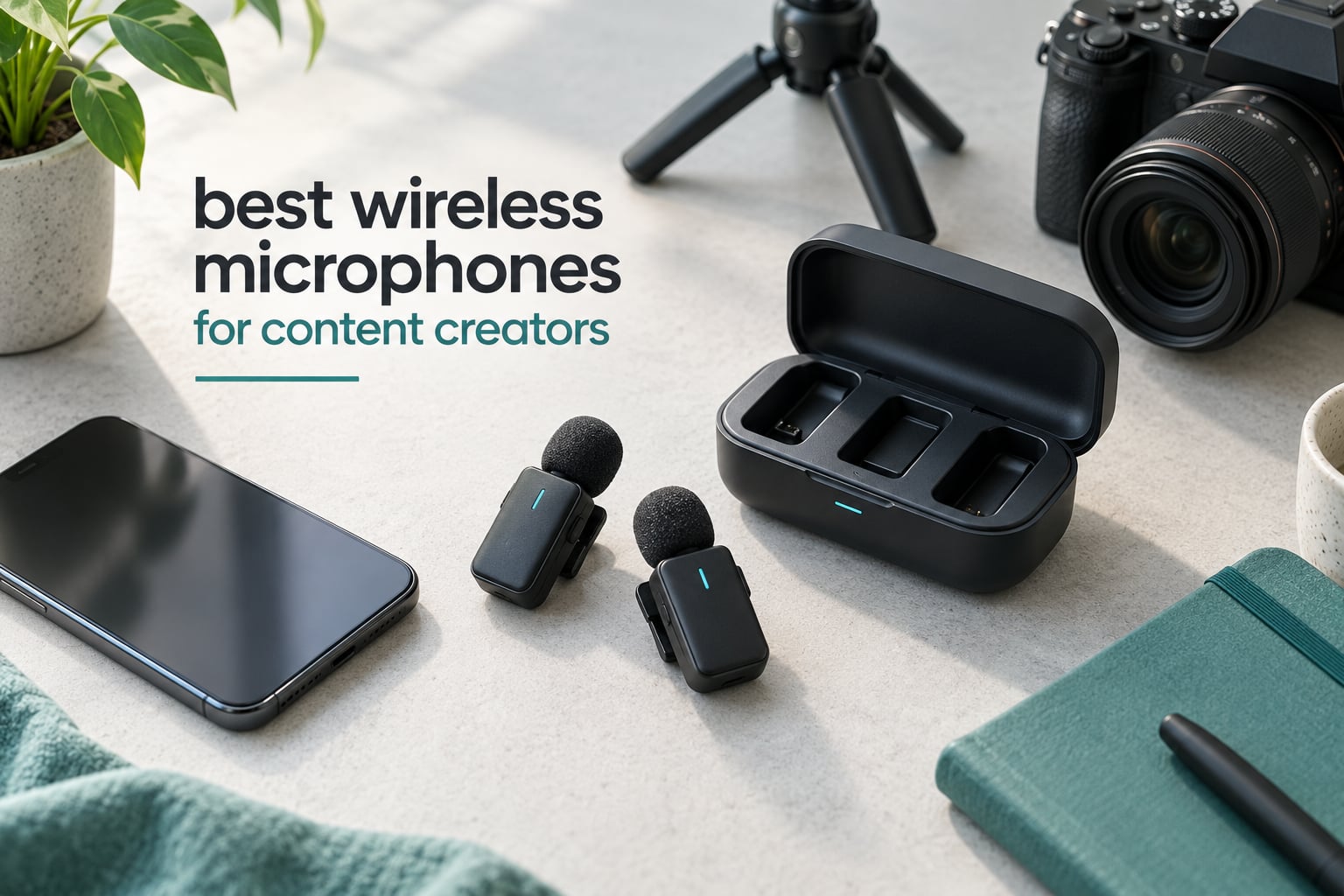
Viewers forgive a soft, slightly soft-looking shot faster than they forgive bad sound. A clip with decent video and muffled, echoing audio gets scrolled past in a second or two, while a clip with sharp video and clean, in-sync voice gets watched to the end. That is the whole argument for a wireless microphone: for a few dozen dollars of hardware, you fix the single element viewers notice most and the one that is hardest to fix later.
Our team spent six weeks putting ten wireless lavalier systems through the same routine: clipped to a shirt in a quiet room, on a windy street, on a walk through a shopping centre, and into a laptop for a podcast take. We compared the same ten systems on voice clarity at normal speaking distance, how they behaved when a train went past, how long the transmitters lasted across a full day, and whether the audio landed in sync on the timeline. Everything below reflects that round of testing plus the review patterns owners report back.
If you want the short answer, the DJI Mic Mini is the wireless microphone we would hand to most people filming on a phone or a mirrorless camera today. Its transmitters weigh 10 g each, it records at 48 kHz with room for loud sources, and the included charging case carries it to 48 hours. Creators filming two people should look at the Hollyland Lark M2 instead, and anyone doing paid or unrepeatable work should read up on the DJI Mic 3 before spending.
We have kept this list brand-agnostic on purpose. Two of the three roundups ranking on this topic are owned by microphone manufacturers, so we leaned on identical tests rather than on restated spec sheets. Prices across this category move constantly, so every pick below is linked to its current listing rather than given a figure that will be wrong within a month.
Table of Contents
Top 3 Picks for Content Creators in 2026
These three cover the most common situations: one person filming alone, one person filming with a guest, and one person who wants to spend as little as possible to replace phone-mic audio.


Two more deserve a mention before the full list. The Hollyland Lark A1 is the cheapest kit here that still records genuine 48 kHz/24-bit audio with a 120 dB SPL ceiling, and the DJI Mic 3 is the only set here with 32-bit float internal recording, which means a ruined take can usually be rescued in post.
All 10 Best Wireless Microphones at a Glance in 2026
Every pick below is in this table with the two or three specifications that actually separate them from each other.
| Product | Specs | Action |
|---|---|---|
 DJI Mic Mini 2 TX Plus RX Plus Case DJI Mic Mini 2 TX Plus RX Plus Case |
|
Check Latest Price |
| Hollyland Lark M2 |
|
Check Latest Price |
| MAYBESTA Wireless Mini Mic 2 Pack |
|
Check Latest Price |
 Mini Mic Pro Mini Mic Pro |
|
Check Latest Price |
 Hollyland Lark A1 2 TX Plus USB-C RX Hollyland Lark A1 2 TX Plus USB-C RX |
|
Check Latest Price |
 PQRQP 3-in-1 Wireless Lavalier PQRQP 3-in-1 Wireless Lavalier |
|
Check Latest Price |
 GoorDik 4-in-1 Clip-on Mic GoorDik 4-in-1 Clip-on Mic |
|
Check Latest Price |
 DJI Mic 3 2 TX Plus RX Plus Case DJI Mic 3 2 TX Plus RX Plus Case |
|
Check Latest Price |
 BOYA mini 2 BOYA mini 2 |
|
Check Latest Price |
 NEEWER KM19 Mini Lav Mic NEEWER KM19 Mini Lav Mic |
|
Check Latest Price |
How We Tested These Wireless Microphones
We scored every set on the same five things, in this order, because they are the five things that decide whether a take survives contact with a real edit.
1. Voice clarity at normal speaking distance. We clipped each transmitter to a shirt collar, sat back roughly an arm length, and spoke at conversation volume. A mic that needs to be pressed against the mouth to sound right is a worse tool than its spec sheet implies, and several did exactly that.
2. Behaviour under noise. A fan, a passing bus, and an air conditioner running in the same room. We noted both how much background the microphone picks up and whether the noise cancelling modes help or thin the voice out.
3. Range with something in the way. Advertised range assumes line of sight. We walked away from the phone with bodies, walls and door frames in between, which is how most vlogging actually happens.
4. Battery across a working day. Transmitter runtime is quoted per charge, while charging cases add several full recharges on top. We recorded both numbers and noted how many indicators the hardware gives you before a transmitter dies mid-take.
5. Sync and reliability. We filmed a clapper-style hand movement at a fixed distance, then checked how far the audio ran behind the video and whether the connection ever dropped. We also read the long-term owner reviews to catch failure patterns that only show up after a few months.
Our wider gear round-ups use the same hands-on approach across categories, including our outdoor camera tests and WiFi camera field tests, so the conditions line up when we compare results across gear.
1. DJI Mic Mini Review: The Best Overall Pick for Phone and Camera Creators
DJI Mic Mini (2 TX + 1 RX + Charging Case), Ultralight, Detail-Rich Audio
10 g TX
400 m range
48 kHz sampling
120 dB SPL
48 h with case
Pros
- 10 g transmitters that disappear on camera
- 48 kHz sampling with 120 dB SPL headroom
- Two noise cancelling levels plus automatic limiting
- 48 hours of runtime with the charging case
- Connects directly to Osmo devices without a receiver
Cons
- No hardware mute button
- Muting needs the app or a power down
- No pouch for the transmitters alone
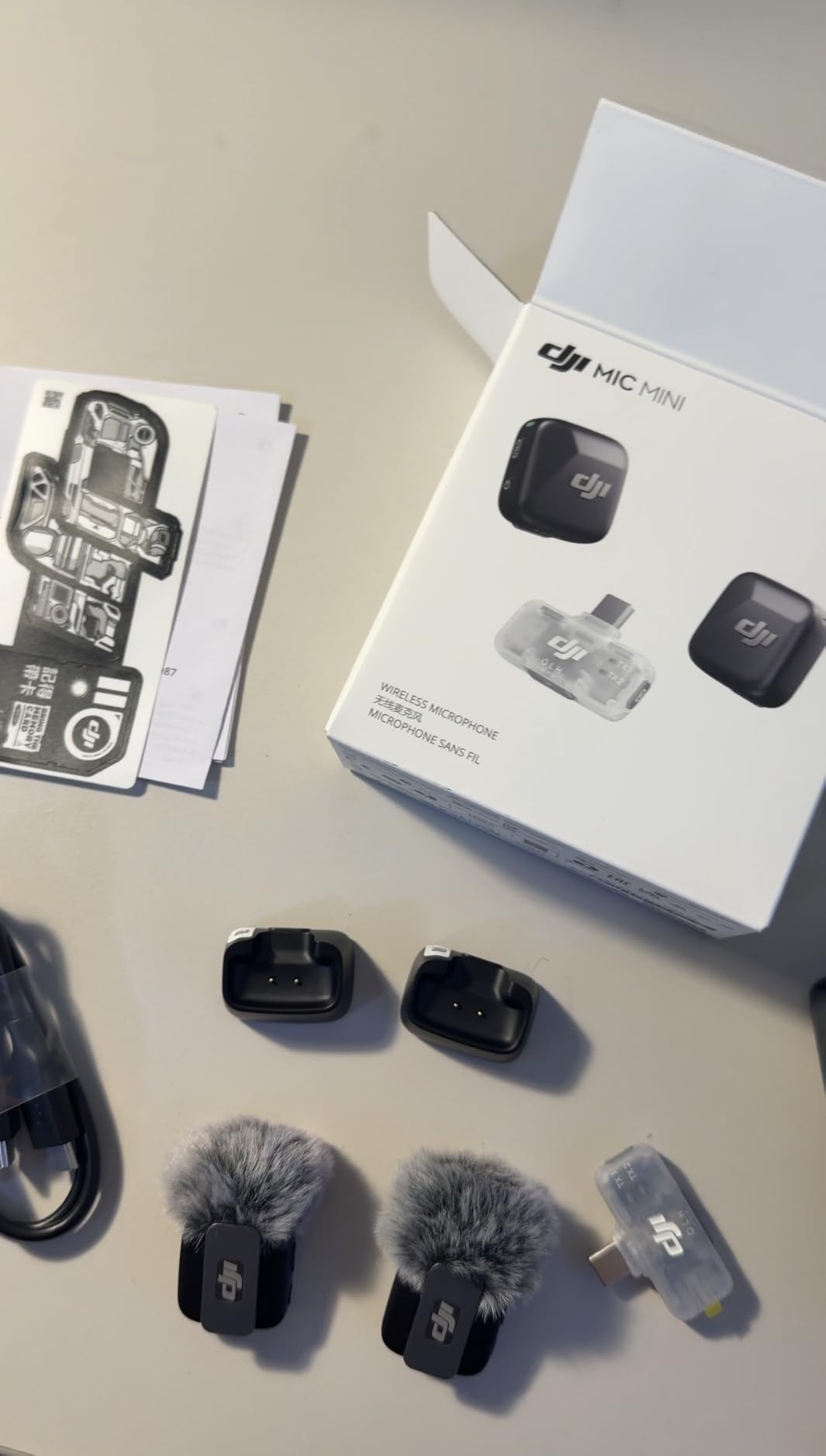
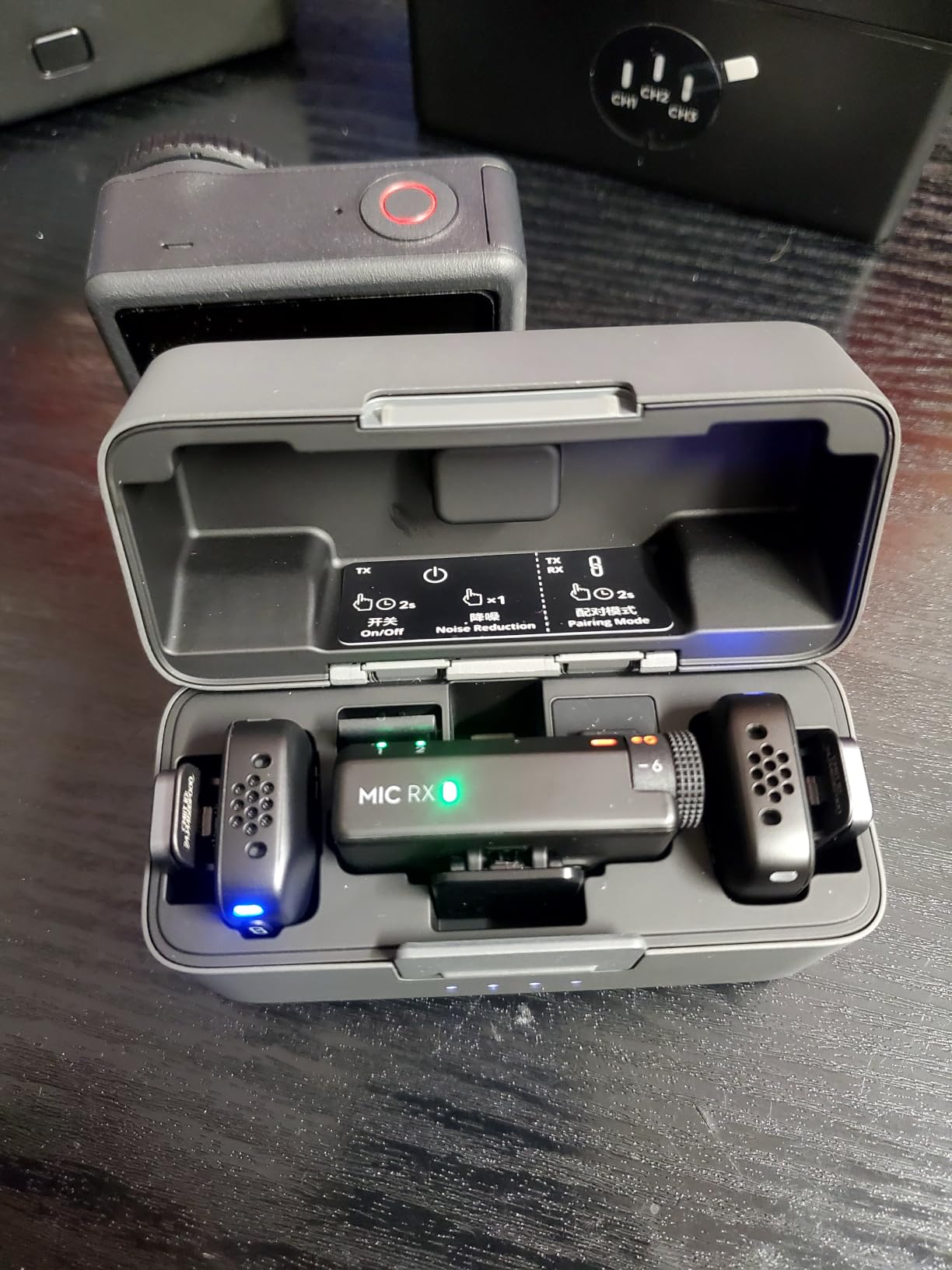
Each transmitter weighs 10 g and clips on with a magnetic mount that holds through a full day of walking. In our collar test the mic sat at chest height and still picked up voice at normal volume without any gain pushing, which is the single biggest difference between this and the cheaper sets.
The capture chain is more serious than the size suggests: 48 kHz sampling with 120 dB SPL handling, which means you can shout or play music near the capsule without the recording cracking. Automatic limiting lowers the level when input gets hot, so a surprise laugh does not ruin the take.
Reviewers consistently single out the small form factor, the natural voice capture and the two noise cancelling levels, with the Basic setting aimed at rooms and Strong for traffic. Owners also like that the wind screens still fit with the case closed, a small thing that matters when you are packing down between takes.
The main limitation is control rather than sound. There is no dedicated mute button on the microphone itself, so muting means opening the app or powering the transmitter down, which is awkward if you are live. You also need the whole charging case in your bag since there is no separate pouch for the two transmitters alone.
That said, the package includes two transmitters, one receiver, a charging case and the usual mounting bits, and it records up to 48 hours with that case. If you already own an Osmo Pocket 3, Osmo Action or Osmo Mobile, one transmitter can connect straight to the camera with no receiver at all.
What the DJI Mic Mini does better than the alternatives
Against the other sets in this range, the range figure is the honest differentiator: 400 m quoted, and in our walk test with people in the way we never lost the signal in an open space. The cheaper kits drop sooner, and one of them is rated around 65 feet.
The second edge is the combination of automatic limiting, two noise levels and the DJI ecosystem connection in one package. Most rivals at this size give you one or two of those three.
Who should skip the DJI Mic Mini
If you record two speakers for a podcast, a two-transmitter set with a proper receiver is the better buy, and this kit is really aimed at the single presenter or the two-person kit held by one shooter.
Skip it too if you need real-time headphone monitoring while you speak, or if you work in a venue where the 2.4 GHz band is crowded and you cannot afford a dropout. In that situation, step up to the dual-band model rather than buying a third small transmitter.
2. Hollyland Lark M2 Review: The Best Value Two-Person Kit
Hollyland Lark M2 Wireless Microphone for iPhone15/16/17&Android, USB C Mini Lapel Microphone Wireless, 1000ft Range, Hi-Fi Audio, Noise Cancellation, 30H Battery for Video Recording, Streaming
9 g TX
1000 ft line of sight
48 kHz/24-bit
70 dB SNR
30 h with case
Pros
- 9 g metal transmitters with magnetic mounts
- Factory paired so recording starts immediately
- 48 kHz/24-bit capture at 70 dB SNR
- 30 hours total with the charging case
- USB-C and Lightning receivers cover phone and computer
Cons
- USB-C receiver can be pushed out by thick cases
- Strongest noise cancelling can thin the voice
- Desktop firmware updates have proven unreliable
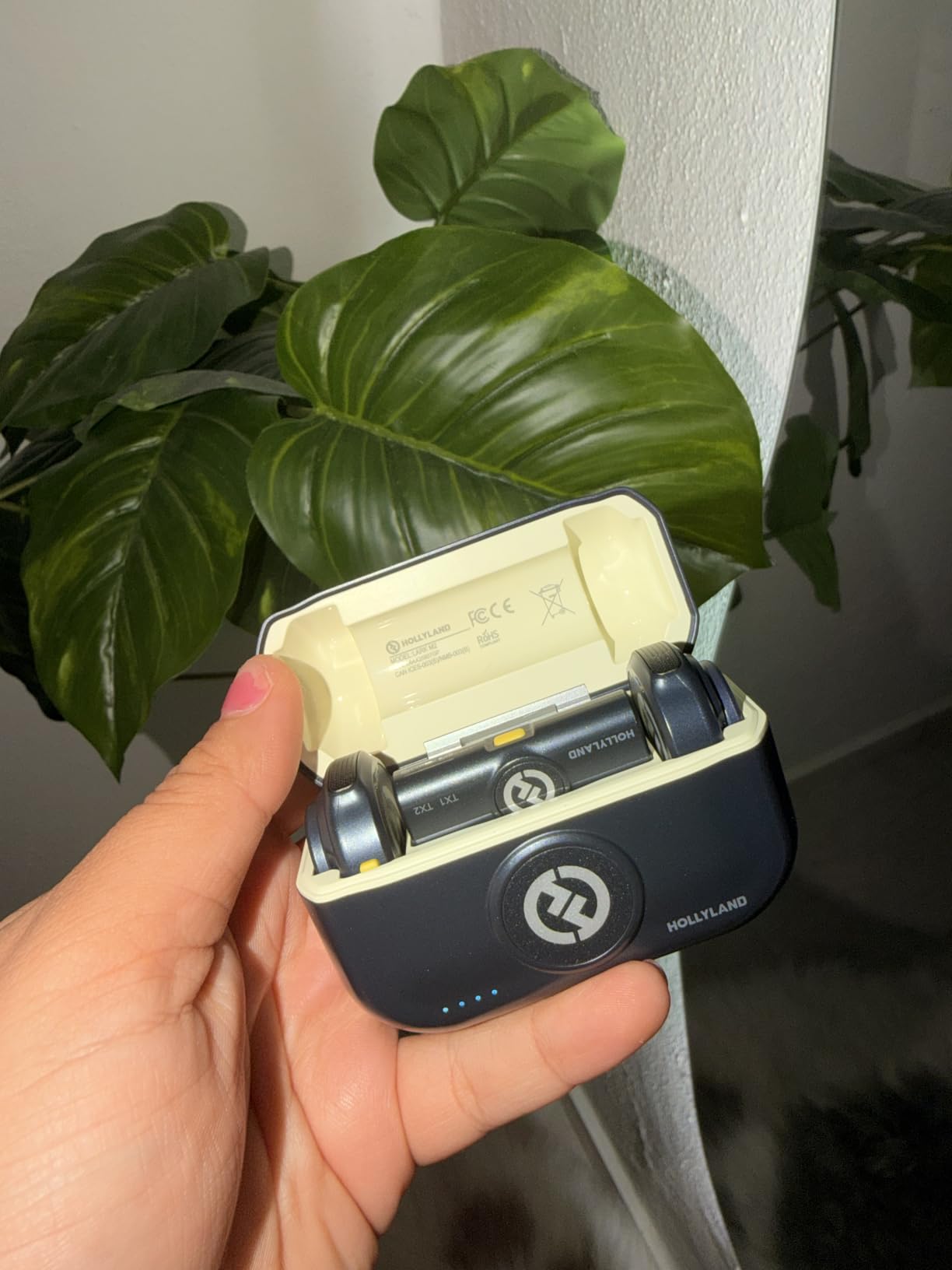
Long-time creators call this their daily go-to, and our tests matched that. It ships factory paired, so the first time you power it on the receivers and transmitters find each other with no app, no menu and no Bluetooth pairing step.
The audio spec is 48 kHz at 24-bit with a 70 dB signal-to-noise ratio and up to 115 dB SPL handling. Across a two-person conversation from the same distance, both voices sat at similar levels, and the metal clip-on bodies stayed put on a collar without sliding.
Quoted range is 1000 ft line of sight. That number is a laboratory figure, and our walk test with door frames and people between the transmitter and the phone showed a comfortable working distance far short of it, but still well past anything you need on a street interview.
Battery is 10 hours per transmitter, with the compact case adding two full recharges in a little under an hour and a half per cycle for 30 hours total. Long-term owners report measuring battery in months rather than days, which tells you how rarely it becomes the thing that stops a shoot.
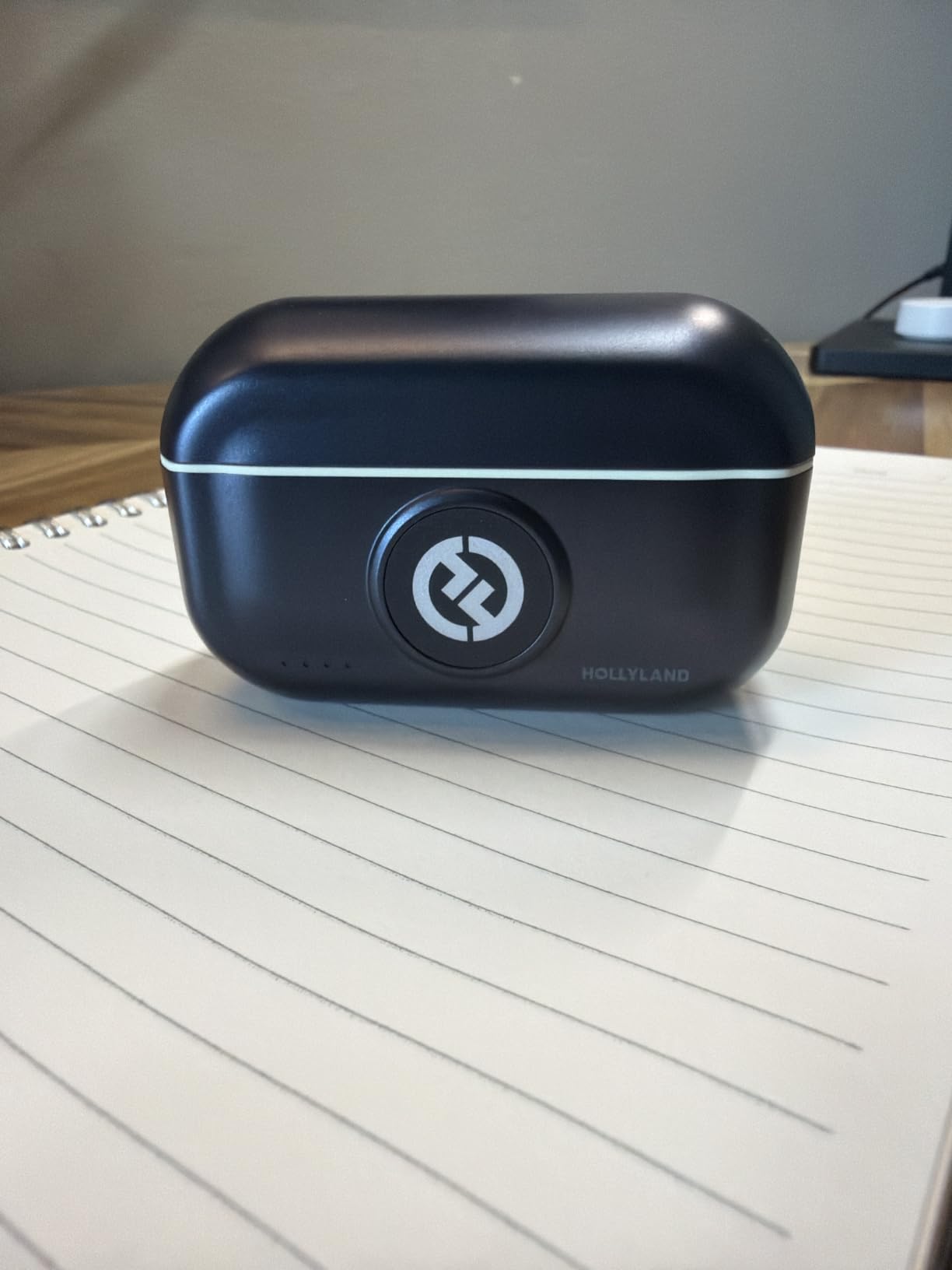
The receivers are the weak point in practice. The USB-C plug can be pushed out by a thick phone case, and if your case has a deep lip you may need a small extension adapter. The strongest noise cancelling setting also thins the voice noticeably, so we left it on the lower level for anything conversational.
Double-pressing the TX button starts and stops recording on the phone remotely, which saves a lot of walking back to the device. One more caution: the desktop firmware update route has caused connectivity confusion for some owners, so update only when you have time to re-pair.
Where the Lark M2 earns its place
Interviews and co-hosted podcast segments are where this kit pulls ahead. Two transmitters, a receiver with both USB-C and Lightning options, and a receiver that also works with a laptop all come in one box, which removes the adapter shopping that usually comes with a cheaper two-pack.
The magnetic mounts, clip and lanyard options also mean you can move a transmitter from a collar to a hat or a bag strap in seconds without re-pairing.
Where it falls short
It has no on-transmitter storage, so if the signal fails there is no copy of that take. For interviews with a guest whose words you cannot reshoot, that matters, and it is the reason we would take the DJI Mic 3 instead.
It is also a phone-first kit. On a camera with only a 3.5 mm jack you need an adapter that the box does not include, and the button-size transmitters are easy to lose in a jacket pocket.
3. MAYBESTA Wireless Mini Microphone 2 Pack Review: The Budget Pick
MAYBESTA Wireless Mini Microphone for iPhone, Android Phone – 2 Pack Lavalier Lapel Mic for Audio Video Recording – Clip on Content Creator Microphones for YouTube Tiktok Podcast Vlogging
Two transmitters
Lightning and USB-C
80 dB SNR
2.4 GHz
No app needed
Pros
- Two transmitters for interviews and two-person work
- Extended receiver works with most phone cases
- Connects automatically with no app or Bluetooth pairing
- Noise reduction chip and windscreen for indoor voice
- Lowest entry point for a two-transmitter set
Cons
- Muffled unless the mic sits very close to the mouth
- Sponge windscreen dulls brighter tones
- Shutdown steps are not clearly documented
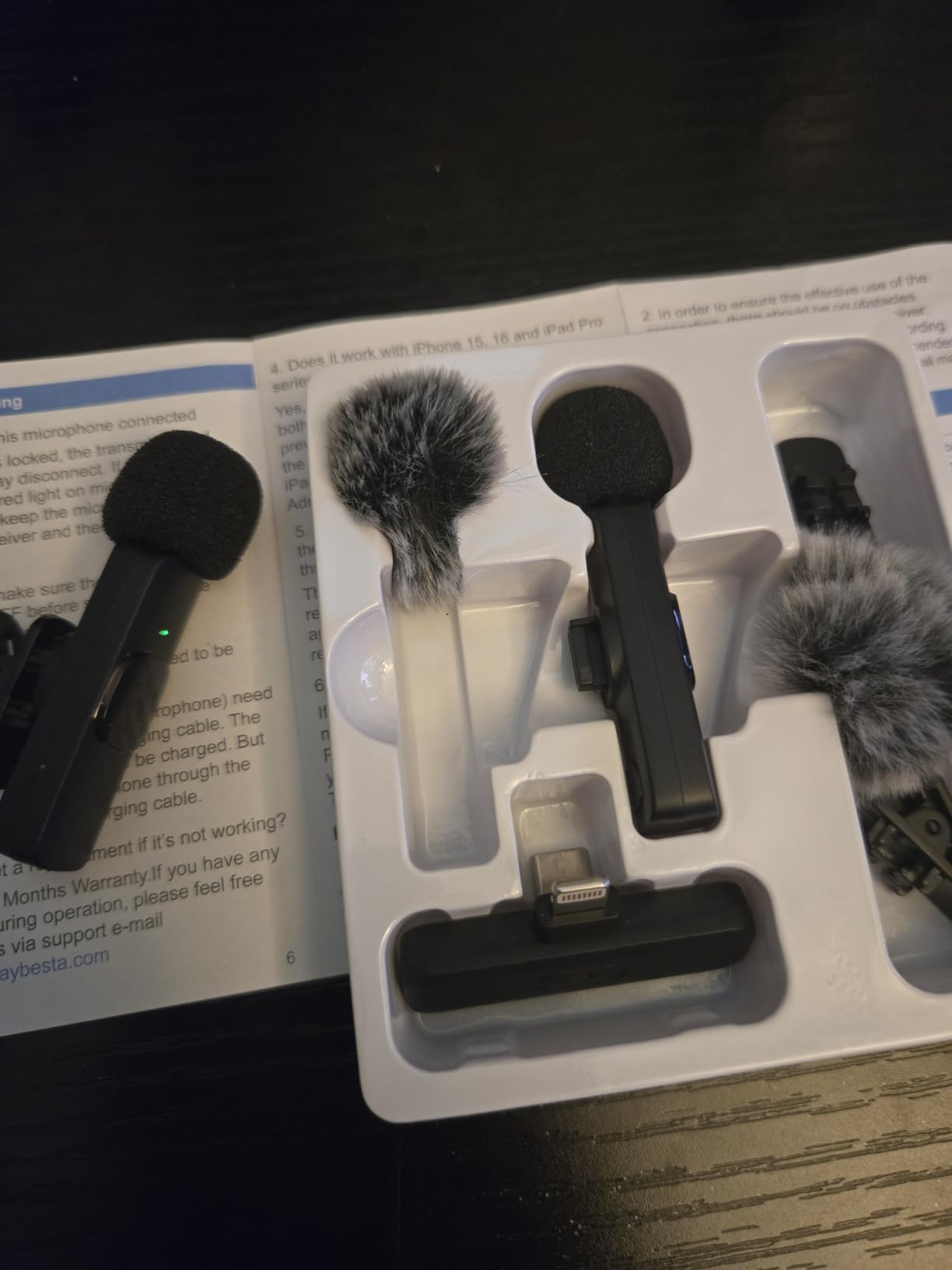
This is the cheapest way to move off your phone’s built-in microphone, and it does that job without ceremony. Plug in the receiver, hold the power buttons on both transmitters, and the green lights confirm a connection with no app, no Bluetooth pairing and no menus.
The set includes two transmitters, so it covers a two-person conversation as well as solo work. That is the main reason to buy this over a single-transmitter kit at a similar price, and for a creator who occasionally interviews a friend it is a genuine capability rather than a duplicate.
Sound quality is functional indoors. The noise reduction chip and the foam windscreen keep a quiet room clean, and our collar test sounded acceptable at close talking distance. Push further than that and the character goes flat.
The extended receiver design is a small, smart fix: it reaches past the edge of most phone cases so you can leave the case on. Buyers consistently mention that as a reason they stopped needing an adapter.
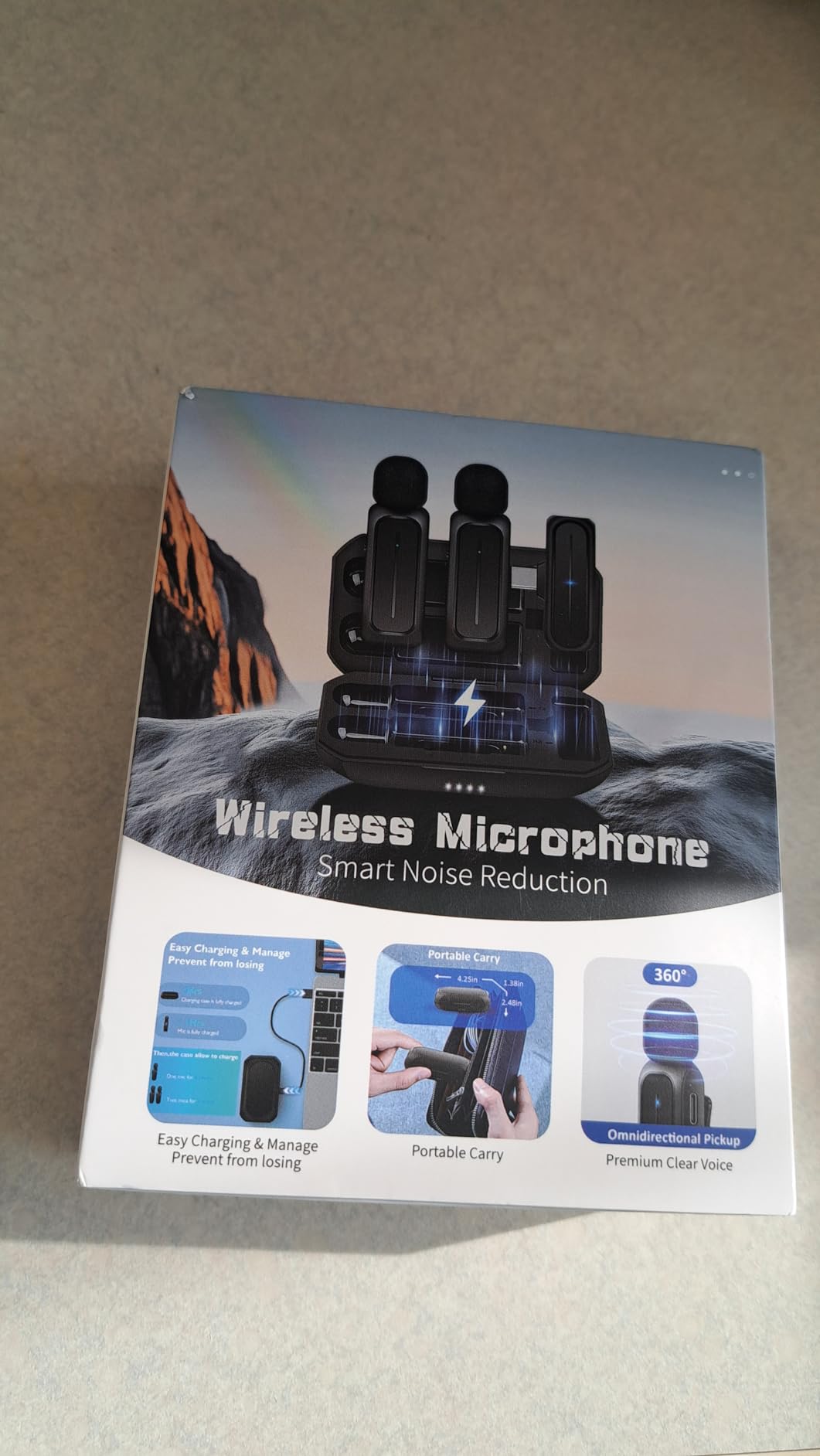
Owner feedback concentrates on audio that feels muffled at normal speaking distance. The microphone is omnidirectional and has no gain control, so the practical fix is placement rather than settings, and that means the clip has to sit at the collar.
The other recurring complaints are the sponge windscreen dulling brighter material such as singing, an unclear shutdown procedure in the instructions, and a small share of durability complaints in the one-star reviews. The warranty here is better than most at this level, with an 18-month replacement period and a two-year comprehensive term.
When this budget pair is the right call
If you post short vertical video, run a small channel, or want a two-person microphone for occasional use without a meaningful outlay, this set does the job. Setup takes under a minute and it works with iPhone, iPad, Android phones, tablets and laptops.
It also makes a sensible second set to keep in a bag, so you always have a working microphone when the main one is charging.
When to spend a little more instead
Step up to the Hollyland Lark A1 or the DJI Mic Mini if you record outdoors regularly, if you speak while moving, or if the audio is going straight onto a client deliverable. Budget sets like this one rely on the noise reduction chip to fix problems that placement and a better capsule solve outright.
They also have no internal recording, so any drop or wind gust is simply gone from the timeline.
4. Mini Mic Pro Review: The Fastest Setup for Short-Form Video
Mini Mic Pro (Latest Model – #1 Microphone for iPhone & Android, Wireless Mini Microphone, Clear Voice, Noise Cancelling, Lavalier Mic for TikTok, YouTube & Interviews
Two transmitters
USB-C and Lightning
Under an ounce each
6 h per charge
Pros
- Connects in under a minute with no app or pairing
- USB-C and Lightning adapters cover phones and laptops
- Foam tips and furry deadcat covers included
- Under an ounce each so it hides in a pocket
- Connected device can charge while recording
Cons
- Receiver USB-C joint can snap if the phone is dropped
- Battery indicator is easy to miss
- Signal compression thins low frequencies
For creators who film dozens of short clips a week, setup speed is the feature that matters most, and this kit wins it. It connects almost instantly, and every adapter you are likely to need is in the box.
Owners describe the sound as natural and a clear step up from phone-microphone recording, which matches our test in a quiet room. Creators buying it as a first wireless microphone generally stop editing audio entirely once they move from the phone mic.
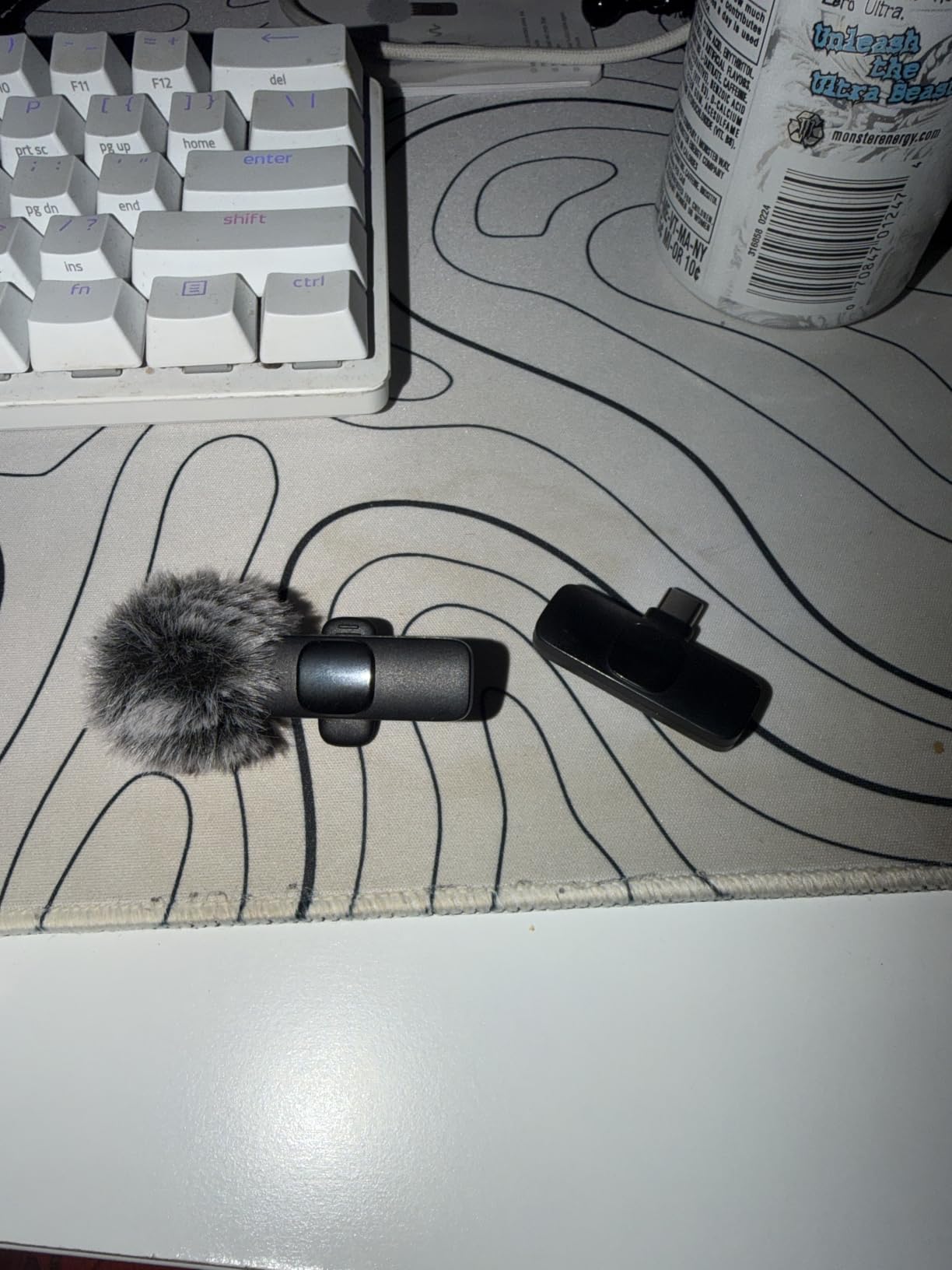
Wind protection is unusually generous for the price, with high-density foam tips and furry covers included. That matters more than it sounds for outdoor short-form work, where a gust on an omnidirectional capsule is usually unrecoverable.
It runs about 6 hours per charge, and the connected device can charge from the receiver while the microphone is still recording, which is what makes it viable for a full day on one battery.
The thoughtful criticism comes from people who compare it with wired broadcast headsets and note how much the wireless compression thins the low end. Overmodulation is also easy to hit when a speaker gets loud, so watch the level rather than the distance.
Build quality has one weak point: the receiver’s USB-C plug joint is fragile and can snap off if the phone is dropped while connected. The battery indicator is also easy to miss, which matters more than it should given the 6-hour runtime.
Where it beats the alternatives
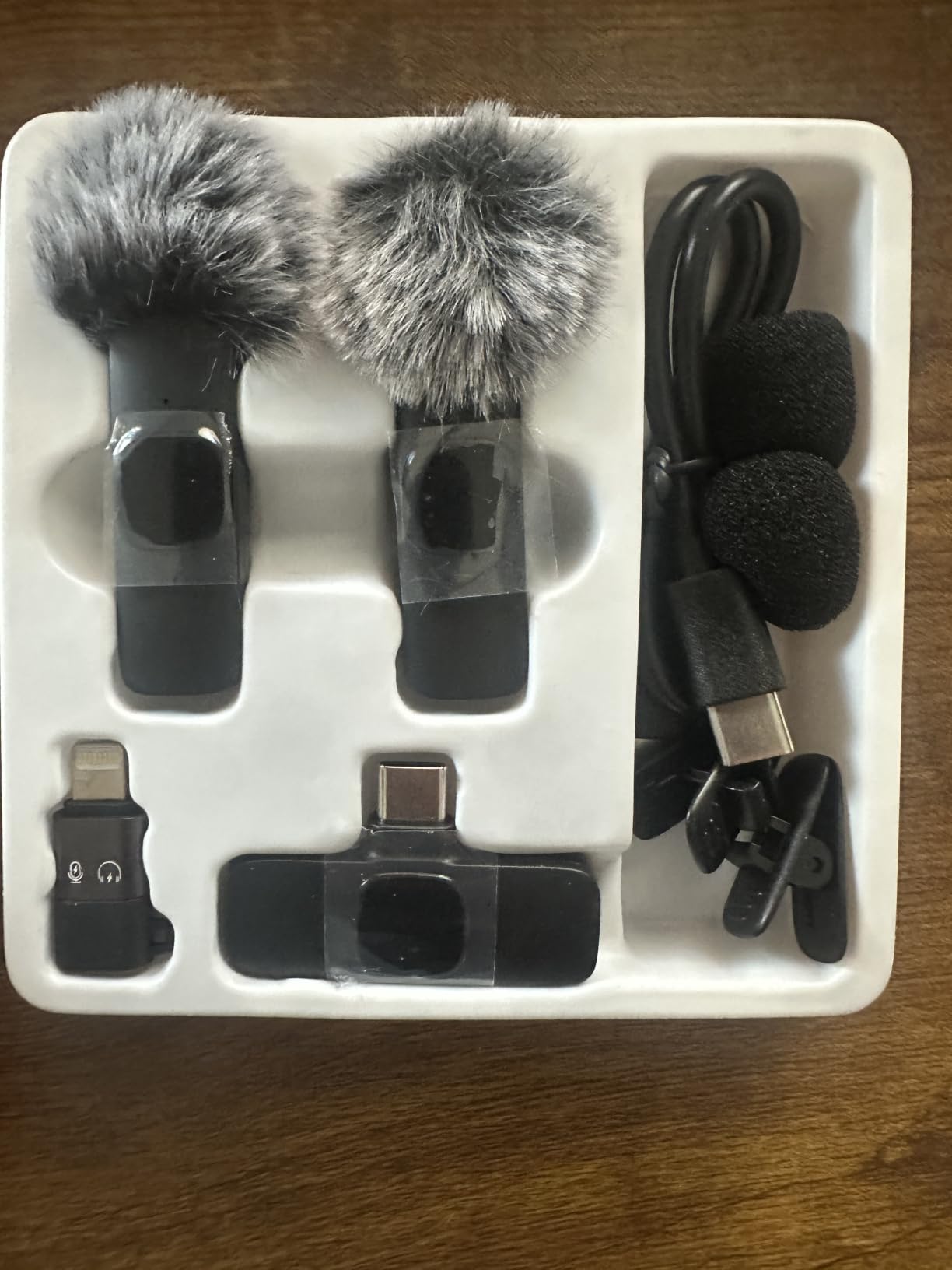
Against other budget kits, the accessory set is the difference. Two adapter types, foam and furry wind protection, and pass-through charging in one box means fewer purchases after you unbox it.
It is also among the few options here where two transmitters are genuinely usable on the same receiver for a two-person exchange.
Where it will frustrate you
It has no internal recording and no timecode, so a dropped connection costs you the take outright. For anyone shooting interviews or paid work where the audio cannot be reshot, that is a reason to look one tier up.
It is also phone-and-tablet shaped. Using it with a camera means going through the same fragile receiver joint, which is not where you want mechanical stress.
5. Hollyland Lark A1 Review: Best Budget Kit With Real 48 kHz Capture
Hollyland Lark A1(2TX + USB-C RX), Wireless Microphone for iPhone & Android
8 g magnetic TX
48 kHz/24-bit
120 dB SPL
650 ft range
3 noise levels
Pros
- True 48 kHz/24-bit capture with 120 dB SPL handling
- Three noise levels plus six-step gain and auto limiting
- 8 g magnetic transmitters that stay put while walking
- Case model extends runtime to 54 hours
- Furry windshields and five colour options
Cons
- Will not work with call and translation apps
- Accessory magnets are easy to lose
- Furry covers are awkward to fit on the small bodies
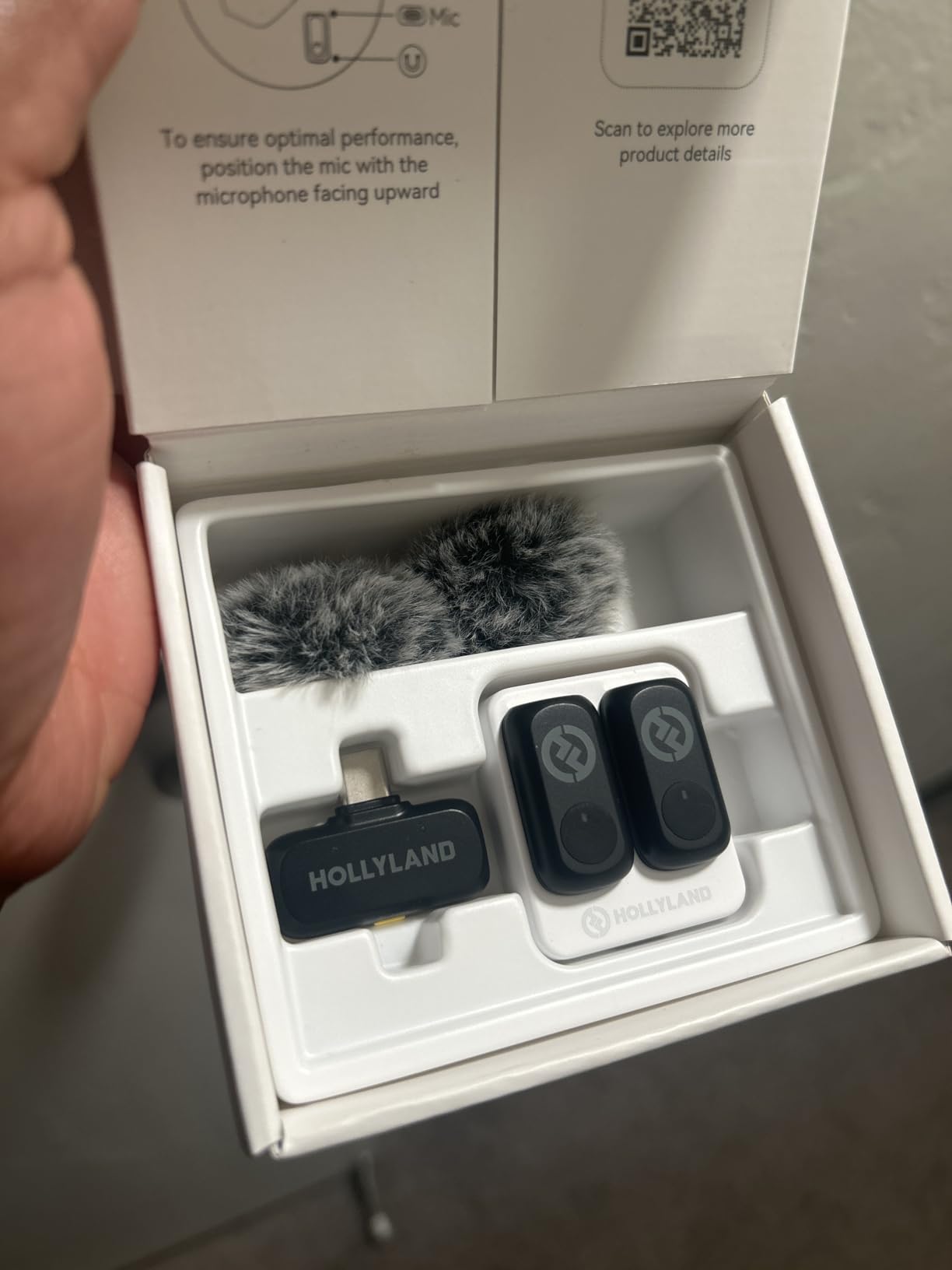
Reviewers consistently frame this as one of the strongest budget wireless kits for UGC and short-form work, and the spec sheet backs up why. It records genuine 48 kHz at 24-bit with 120 dB SPL handling, which is more than most of the compact kits manage at this level.
Control is better than the price suggests, with three noise reduction levels, six-step gain adjustment and automatic limiting to stop clips before they happen. That combination is what let us record a café conversation without riding the gain.
The 8 g magnetic transmitters clip discreetly and stayed in place while we walked, which is the detail that separates this from a stick-on clip. The quoted 650 ft range is line-of-sight, but our walking test held up well in an open plan space.
Battery is 9 hours per transmitter, and the charging case version extends the total to 54 hours. Buyers pick it partly for the colours too, with five options including pink, blue, green and white.
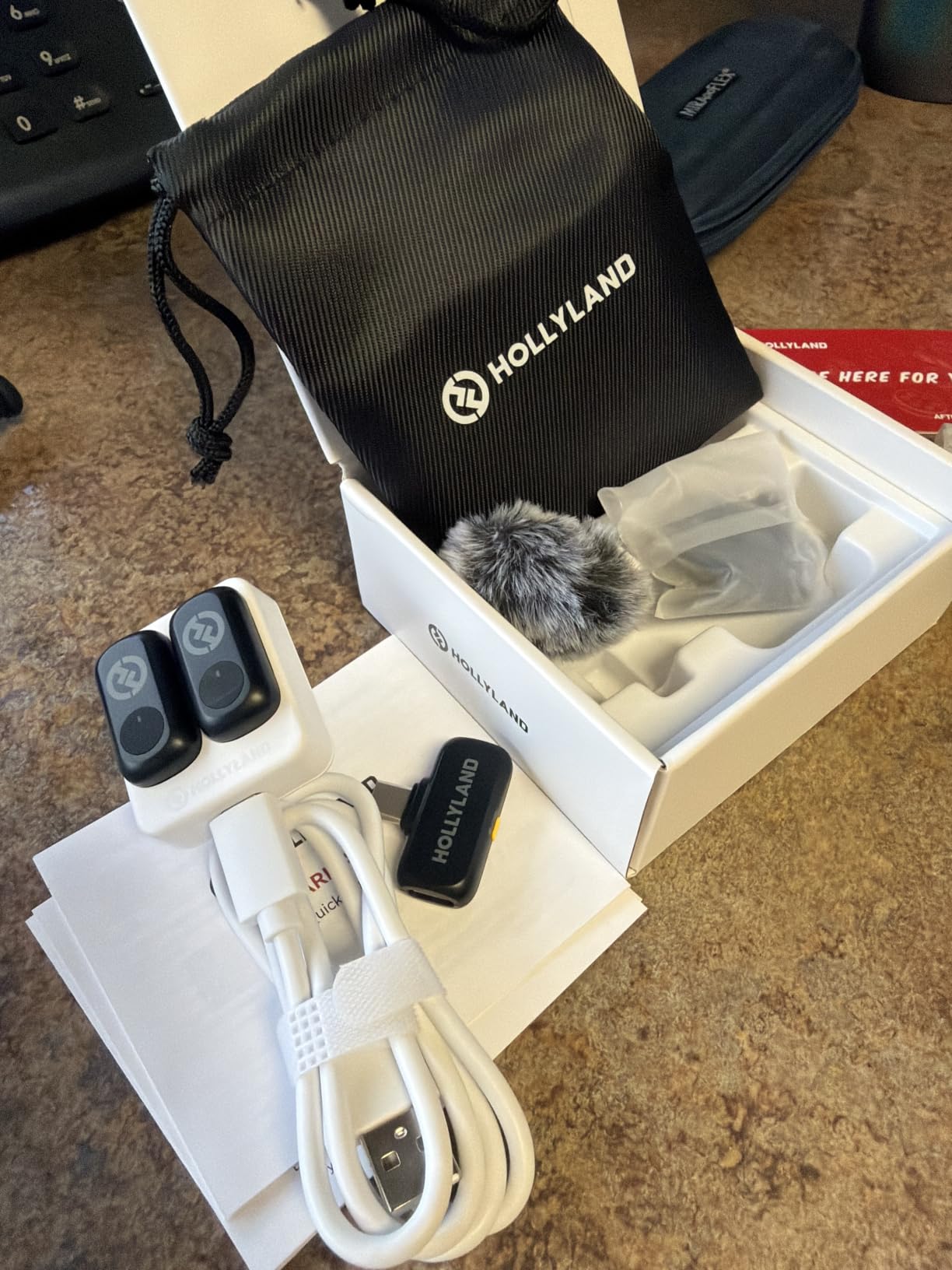
Setup friction dominates the complaints. Updating the firmware too early causes connectivity confusion, and the furry windscreen is awkward to fit onto such small microphone bodies. A one-year warranty is included.
There is also a hard limitation worth knowing before you buy: it does not work with video call and translation apps such as WhatsApp calls, so it is a recording tool only. Tiny accessory magnets are easy to lose.
Why it beats other budget kits
Most kits at this price either compress the audio hard or strip out the gain controls. This one keeps 24-bit capture, gives you real gain steps, and adds automatic limiting, so a bad take is usually a placement problem rather than a level problem.
For two-person UGC it is also one of the few affordable kits that ships two transmitters with a proper gain stage each.
Who should not buy it
If you need the microphone for calls or for monitoring on a livestream platform, look elsewhere. Call-app support is a genuine exclusion, not a workaround.
Also skip it if you film in dense city environments where walls sit between you and the phone, since it runs on a single 2.4 GHz band like the other budget sets here.
6. PQRQP 3-in-1 Wireless Lavalier Review: Best for Camera Setups
PQRQP 3 in 1 Professional Wireless Lavalier Microphone for iPhone/Android/Camera, Wireless Microphones, Mini Microphone, Crystal Clear Sound Quality for Recording, Live Streaming, Clips-Elegant Black
Two transmitters
USB-C Lightning and 3.5 mm
80 dB SNR
65 ft range
Pros
- One receiver covers USB-C Lightning and 3.5 mm
- Two transmitters with back clips for two-person work
- Receiver charges the phone while recording
- Active noise reduction chip keeps the voice forward
- Storage bag and windproof fleece covers included
Cons
- 3.5 mm path will not feed a laptop audio input
- Some Android devices need OTG turned on manually
- Effective range is about 65 feet
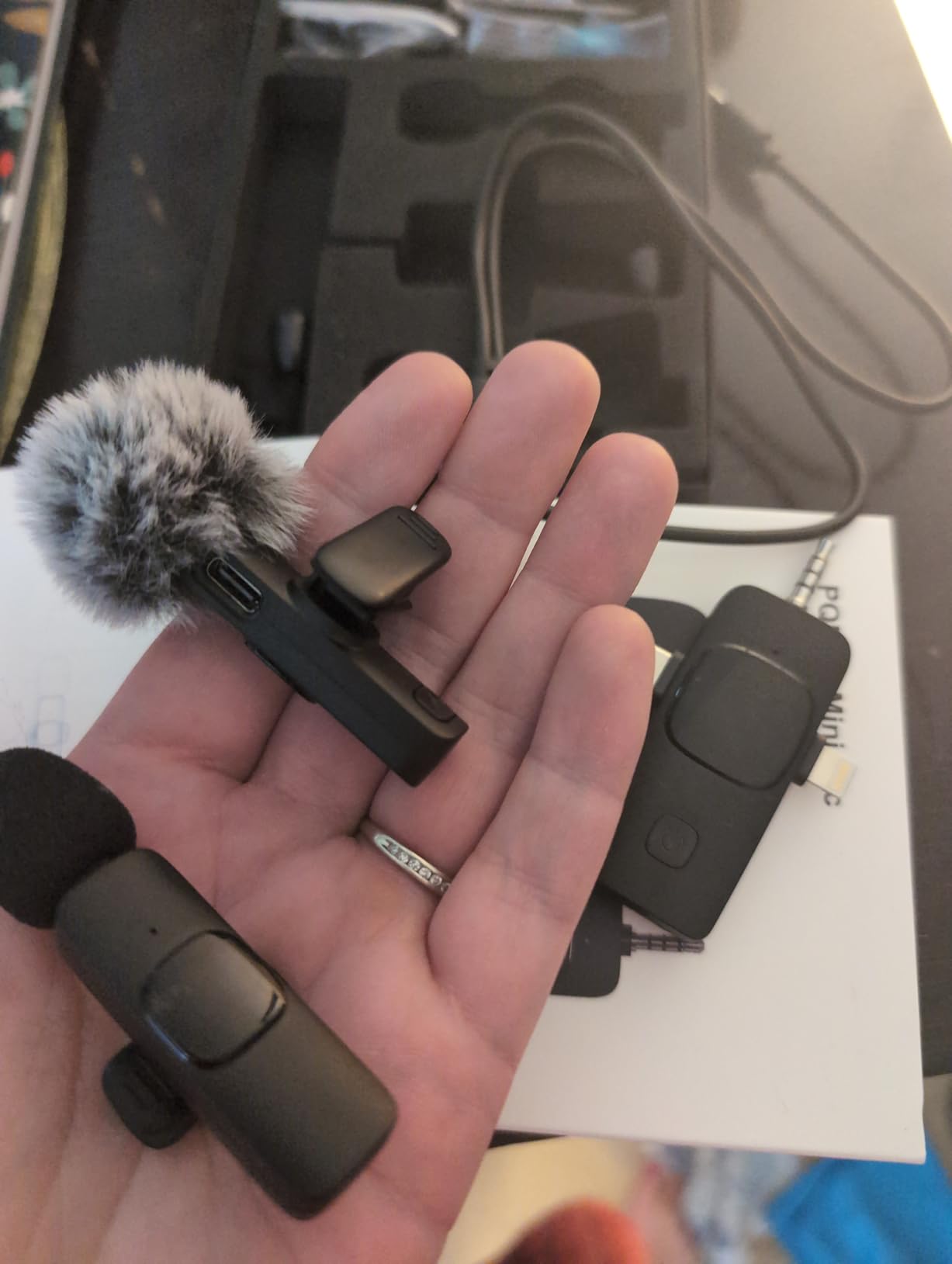
This is the pick if your video comes from a camera as often as from a phone. The single receiver covers USB-C, Lightning and a 3.5 mm jack, so one kit moves between a mirrorless body, a phone and a laptop without a new accessory bag.
The active noise reduction chip with a high-sensitivity omnidirectional head kept our indoor voice forward, and the two transmitters with back clips make a two-person setup possible without buying a second kit.
A detail we liked: the receiver has its own charging port, so the phone can charge while recording continues. Across a long vlog day that is the difference between finishing and coming home to an empty battery.
Runs about 7 hours when fully charged. The storage bag and windproof fleece covers are included, which sounds minor until you are looking for the wind covers at 6 am before a shoot.
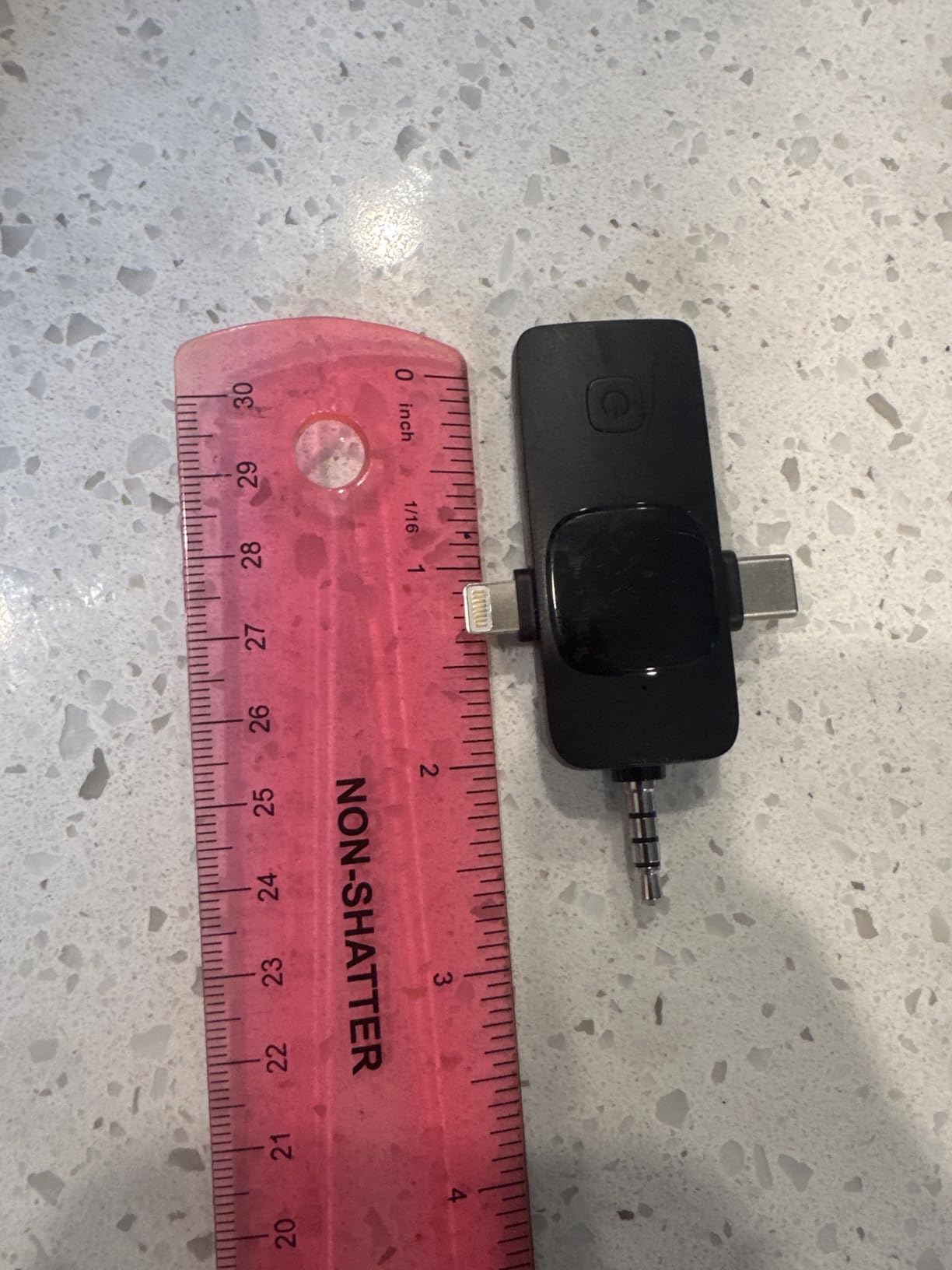
Range is the honest weak point: about 65 feet of stable transmission, which suits a desk, a kitchen table or a small studio but not a large location. The 3.5 mm connector also will not feed a laptop audio input, so that path is for cameras only.
Some Android and USB-C phones need OTG activated manually in settings before the receiver appears. Owner reviews mention that as the main setup friction, along with a modest one-star share tied to the range limit.
When the 3-in-1 receiver matters
It covers three device types with one purchase. If you shoot a talking-head on a camera, a quick vertical clip on a phone and a call on a laptop in the same week, the connector coverage saves more than the spec differences between kits.
The back clips on the transmitters also make it easier to hide a lavalier on a jacket without a magnet or a collar.
What you give up
You give up internal recording, which means the 65-foot limit has real consequences if you walk out of range mid-sentence. There is also no timecode, so multi-camera work is harder to sync.
If your shoots are mostly indoors or within a room of the phone, this is a sensible low-cost choice. If they are street interviews or location work, spend more on a kit with a longer range.
7. GoorDik 4-in-1 Clip-on Mic Review: Best for Outdoor and Moving Shoots
GoorDik Wireless Lavalier Microphone for iPhone, Android, USB C, PC, Camera Video Recording 4 in 1 Clip-on Mics with Rotatable Clip&Denoise Recording, for Vlog Tiktok YouTube Podcast Content Creator
Four connector options
Dual noise modes
6 to 12 h per TX
Rotatable clip
Pros
- USB-C Lightning 3.5 mm TRRS and USB adapter in one receiver
- Rotatable clip adjusts pickup direction on each transmitter
- Dual noise modes with clear indicator lights
- 6 to 12 hours per transmitter on a 60mAh battery
- Receiver USB-C port charges the phone mid-record
Cons
- Background noise still comes through in busy rooms
- Furry muffs are very hard to fit onto the bodies
- Some Android phones need OTG and computers need input set manually
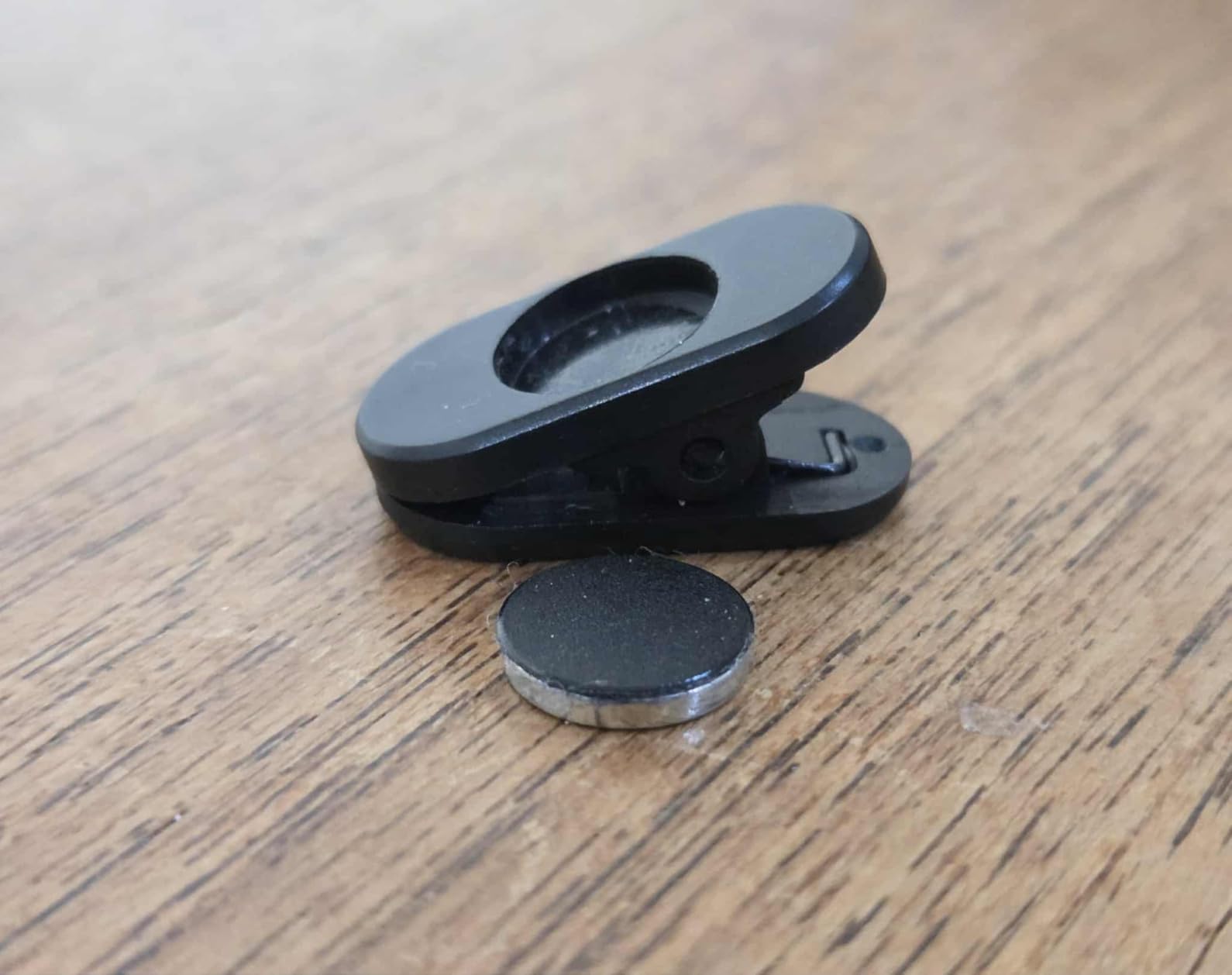
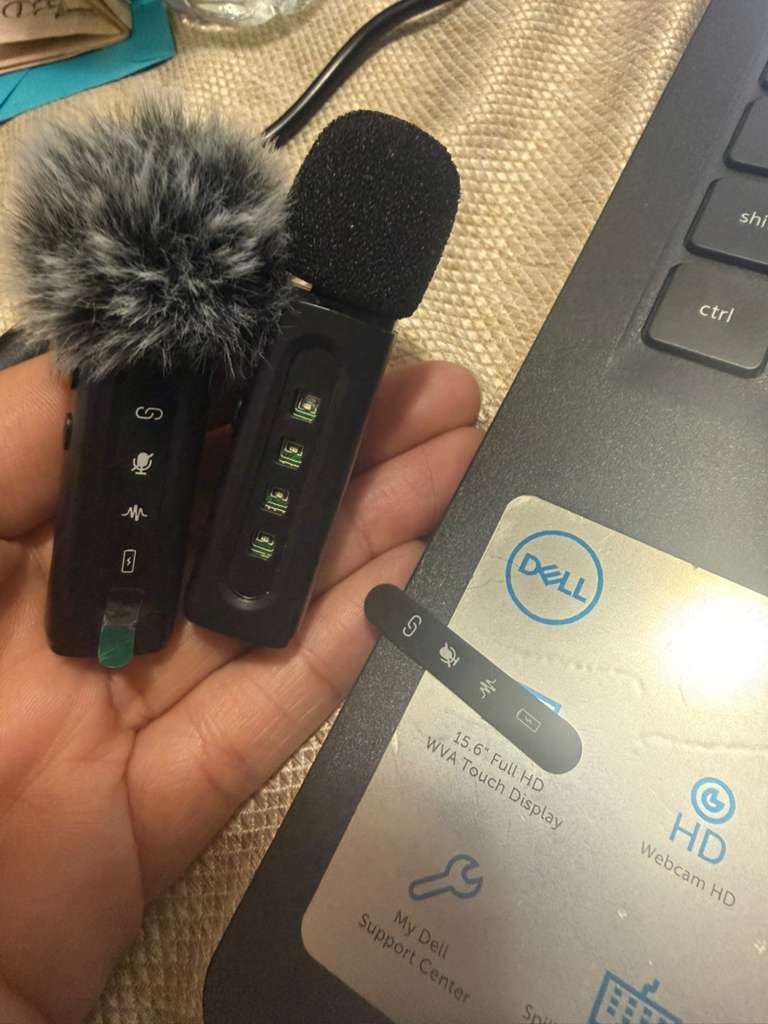
Owners report clear voice capture with solid wind handling for outdoor and moving shoots, and that matched our own results. The rotatable clip on each transmitter lets you point the capsule at your mouth when the garment sits badly, which is a real problem with flat clip-on mics.
Four connector options cover USB-C, Lightning, 3.5 mm TRRS and a USB adapter, so it fits phones, computers and cameras from one receiver. Indicator lights make it obvious which mode is active, and a mute control is on the board.
Battery is 6 to 12 hours per transmitter on a 60mAh cell, and the included cable charges one or two transmitters at once. The two-year manufacturer warranty is longer than most kits at this level.
One owner reported running the set through a washing machine and a dryer and still getting usable audio, which tells you more about the sealing on the transmitter bodies than any spec does.
The compromise is noise control. Despite the dual noise reduction and original-sound modes, background noise still comes through in busy rooms, so this is a moving-and-outdoor tool rather than a quiet-interview one.
The furry muffs are extremely difficult to fit onto the microphone bodies, and some Android phones need OTG activation while computers need the default input set by hand. Buyers also report occasional dead transmitters, though the seller resolved that case with a replacement.
What makes it good outside
The rotatable clip is the feature we would miss most if we stopped using it. On a windbreaker or a loose jacket, a fixed clip points the capsule at the floor, and this one can be turned toward the mouth in seconds without re-pairing.
The two-year warranty also matters here. Outdoor gear gets dropped, soaked and forgotten in a car, and a longer term is a fair signal that the brand expects that.
Where it is the wrong tool
Choose something else for a seated interview in a room with a running air conditioner. An omnidirectional capsule in a quiet-but-busy space will pick up whatever is loudest near the microphone, and the noise modes do not fully remove it.
It also has no internal recording, so a failed transmitter during a paid shoot means reshooting the audio.
8. DJI Mic 3 Wireless Microphone (2 TX + RX + Charging Case) Review
DJI Mic 3 (2 TX + 1 RX + Charging Case), Wireless Microphone
Two TX plus RX
32-bit float backup
4 TX scaling
28 h
Dual-band RF
Pros
- Dual-file 32-bit float internal recording protects every take
- Scales to four transmitters with four-channel output
- Adaptive gain control handles whispering through shouting
- Dual-band anti-interference for crowded RF environments
- Three voice tones and two noise cancelling levels
Cons
- 221.2 g package with case is the heaviest listed here
- 28 h of filming is shorter than the 48 h and 54 h case totals on the Mic Mini and Lark A1 kits
- Two transmitters ship in the box so larger group setups need extras
This is the current flagship generation, and the reason to own it is protection. Dual-file 32-bit float internal recording means the transmitter saves a copy of every take to itself, so a radio drop or a clipped level on the receiver does not mean losing the recording.
That matters enormously for paid work. A creator who has been burned once by a failed take stops worrying about it and starts shooting more confidently, and that changes how you plan a day rather than how you treat a microphone.
Adaptive gain control keeps a two-person exchange balanced when one speaker whispers and the other shouts. Our outdoor test in a busy area held steady, and the dual-band anti-interference is the difference when you are near a lot of other wireless equipment.
It scales up: one receiver pairs with four transmitters and can sync audio to seven more receivers, with four-channel output for podcasts and group interviews. Three voice tones and two noise cancelling levels let you change character without changing hardware.
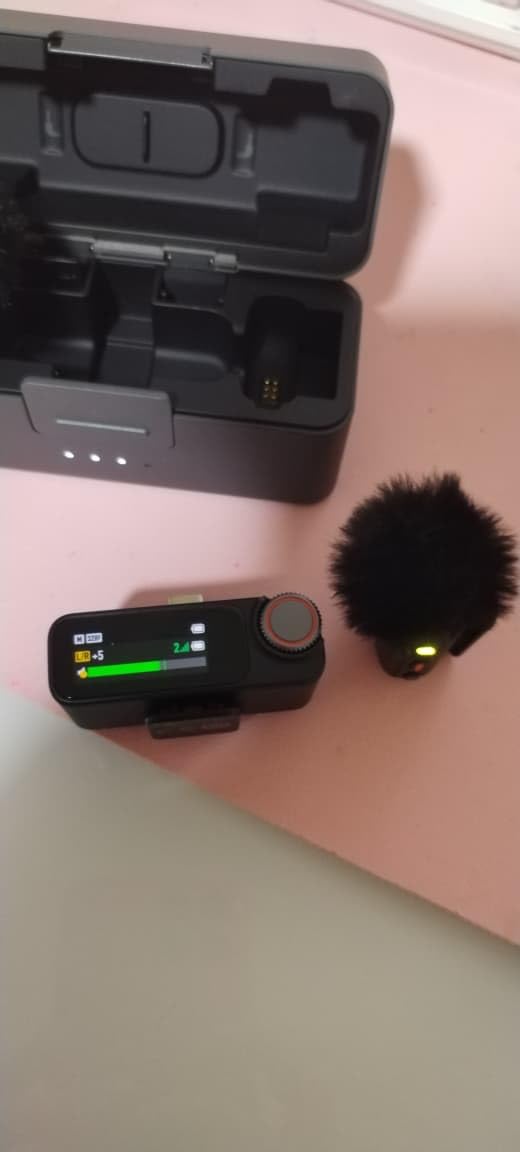
Owners single out the four-transmitter scalability, the 32-bit float backup and the dual-band reliability as the upgrades that justify the step up. Existing Osmo users get a direct connection path through DJI OsmoAudio, which removes the receiver entirely on supported cameras.
The kit includes two transmitters, one receiver, a charging case, a USB-C mobile adapter and a locking 3.5 mm adapter cable, with up to 28 hours of filming. The package weighs 221.2 g, which is the bulkiest carry in this roundup if you shoot in a jacket pocket all day.
Why backup recording changes how you shoot
32-bit float records a far wider range of levels than 24-bit before clipping, so a shout that would be permanently distorted on other kits is still recoverable by pulling the level down in your editor. Combined with an onboard copy, it means a bad level or a dropped radio link is an inconvenience rather than a reshoot.
Timecode support is the recognised dividing line between hobbyist and professional wireless kits, and this is the tier where creators start being paid for what they record.
Who should not spend this much
Skip it if you post casual short-form video on a phone. The extra weight, the higher tier and the four-channel capability are wasted on a single presenter who records alone, and the smaller kits here will serve you better.
It is also worth noting the runtime: 28 hours of filming against 48 hours for the Mic Mini package and 54 for the Lark A1 case version, so top up more often on a multi-day trip.
9. BOYA mini 2 Review: The Lightest Body and a Real Safety Track
BOYA mini 2 Wireless Lavalier Microphone for iPhone 15/16/17 & Android
5 g TX
48 kHz/24-bit
80 dB SNR
328 ft range
30 h with case
Pros
- Five grams per transmitter in a discreet streamlined body
- Adaptive AI noise cancelling in Strong and Light modes
- 48 kHz/24-bit capture at 80 dB SNR and 120 dB SPL
- Limiter plus a -12 dB safety track guard against clipping
- 30 hours with the case and 328 ft transmission
Cons
- No Bluetooth connectivity at all
- Camera use limited to DJI Action 2/3/4 and Pocket 3
- Not supported on Insta360 GoPro Akaso or OnePlus devices
At 5 g per transmitter this is about as close to nothing as a clip-on microphone gets, and that matters when you are packing for a week of travel rather than a day. The streamlined body also reads as less obtrusive on camera than most button-shaped transmitters.
The audio is more serious than the weight suggests: 48 kHz at 24-bit with an 80 dB signal-to-noise ratio and 120 dB max SPL. In our quiet-room test the voice sat forward at collar distance with no gain riding.
The most interesting feature is the limiter plus a -12 dB safety track. The safety track records a quieter duplicate underneath your main audio, so if a take clips badly you still have something usable to rescue.
Adaptive AI noise cancelling offers a Strong mode quoted at -40 dB and a Light mode at -15 dB. We used Light indoors, since Strong flattens the character of the voice on quieter material.
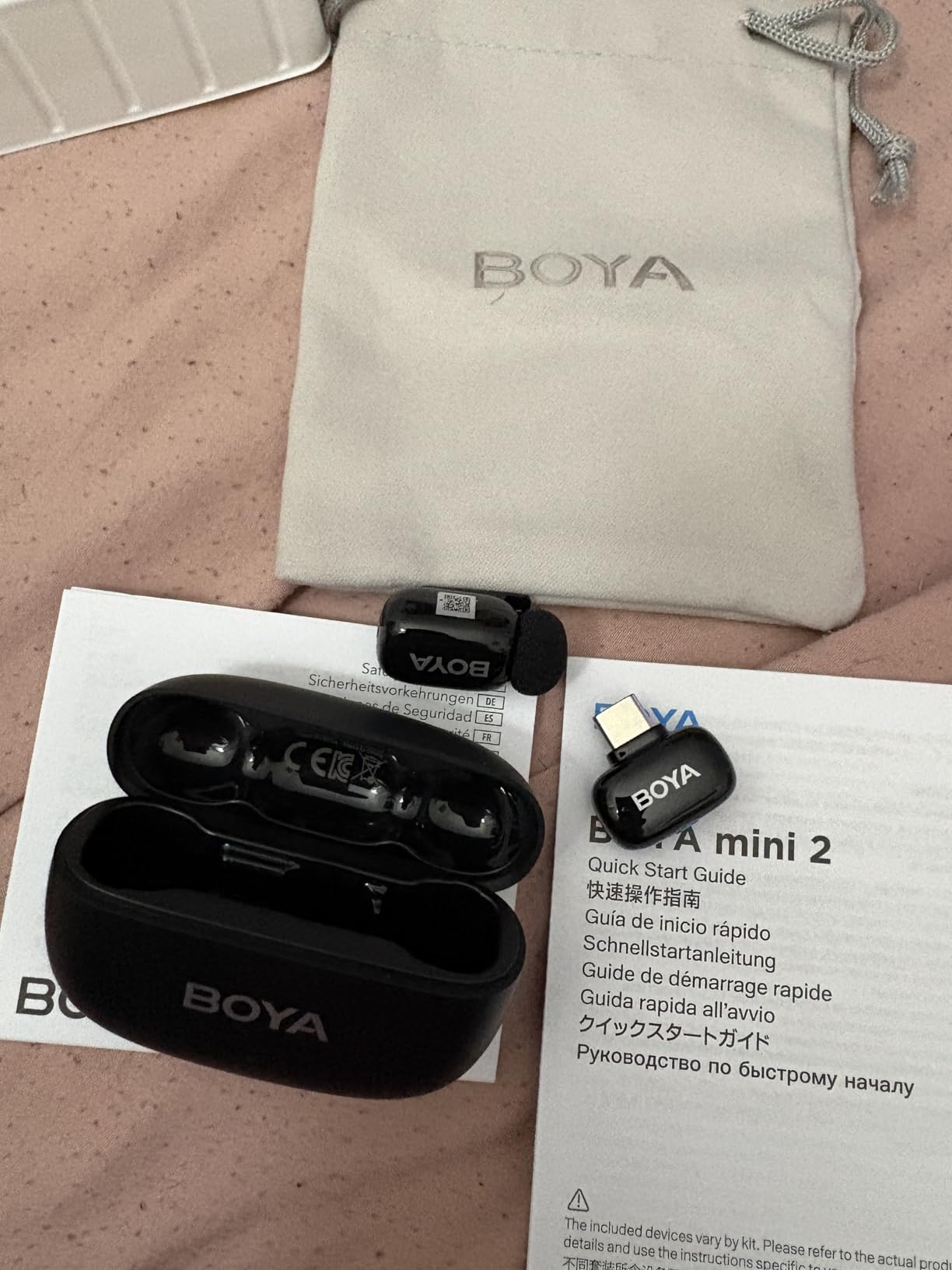
Compatibility is the honest limitation here, and the brand is upfront about it. There is no Bluetooth at all, and camera use is limited to DJI Action 2/3/4 and Pocket 3. Insta360, GoPro, Akaso and OnePlus devices are not supported.
Transmission can also drop out near walls and buildings. The quoted 328 ft is line of sight, and the manufacturer guidance is to record away from obstacles, which is the opposite of most street interviews.

Where the safety track pays off
On a handheld shot where you cannot watch a level meter, a second quieter track means a sudden shout or a bump still leaves you with audio. Most kits in this list give you automatic limiting, which helps, but only this one gives you a parallel recording.
The free BOYA Central app also exposes volume, noise cancelling and EQ, which is unusual at this size.
What you trade for the weight
You give up device reach. If you shoot with an action camera that is not on the supported list, or you need Bluetooth for a quick voice memo, this is not the kit.
For a solo creator filming indoors or in an open space, the combination of weight, runtime and the safety track is hard to argue with.
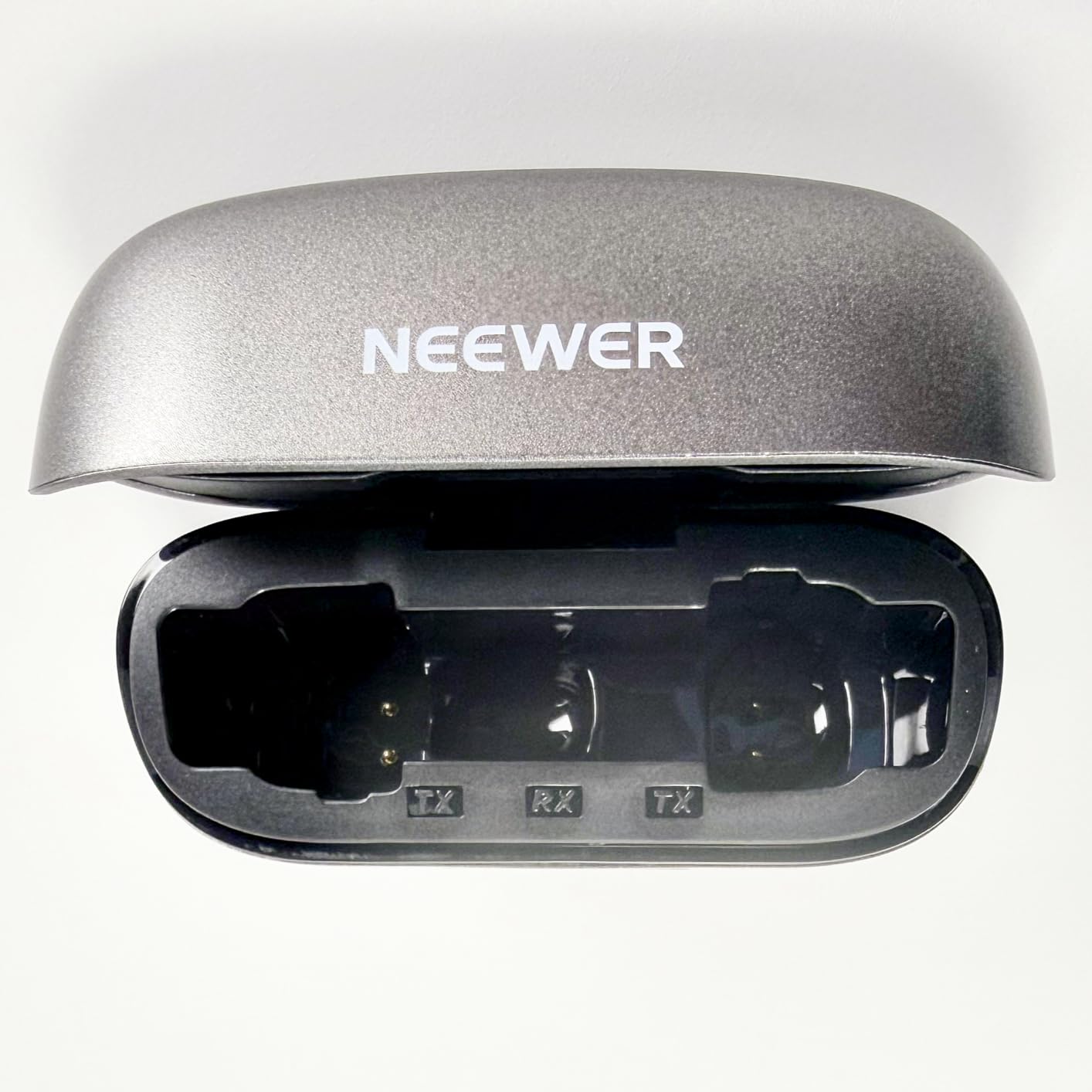
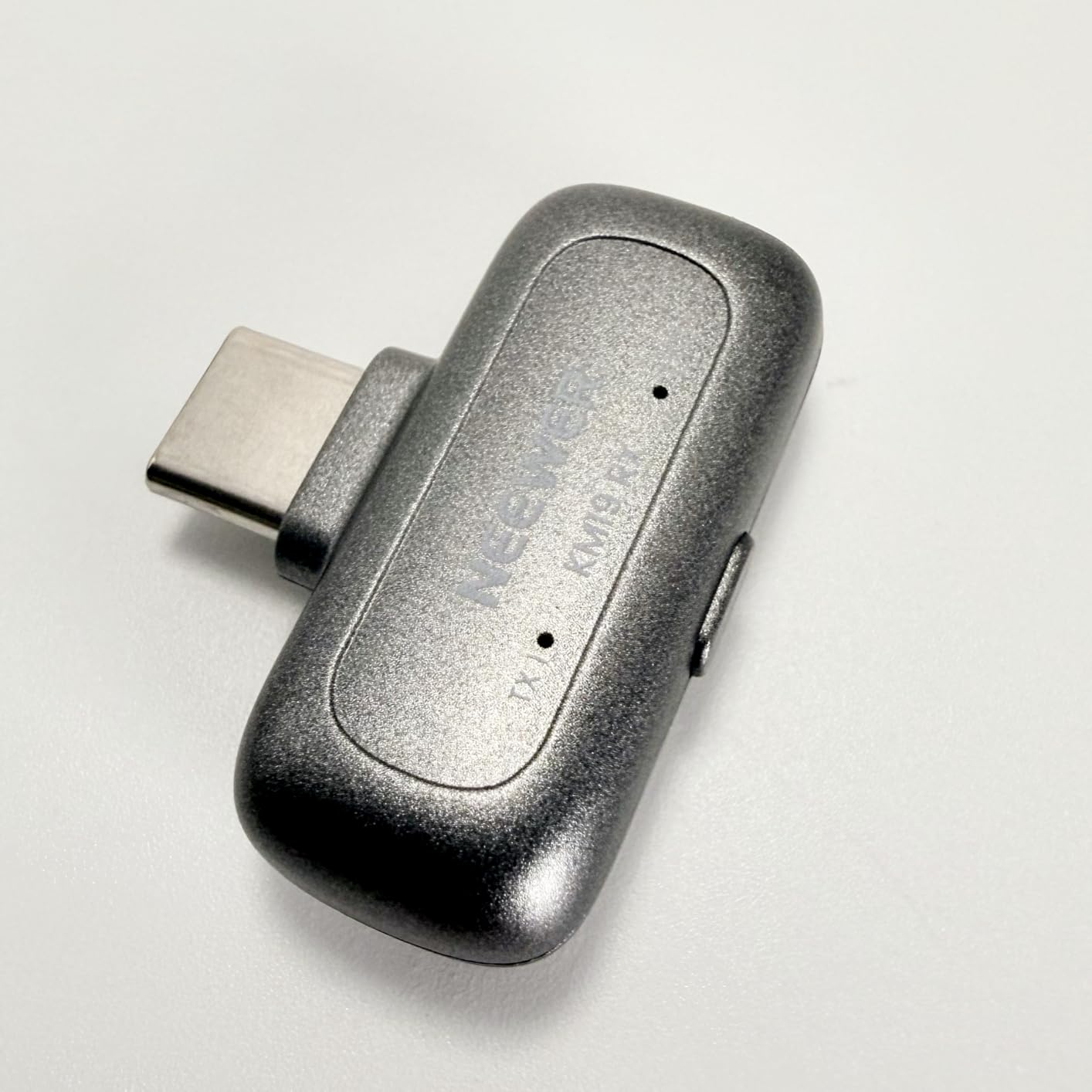
10. NEEWER KM19 Review: The Best Pick for Recording to a PC or Mac
NEEWER KM19 Mini Lav Mic Compatible with iPhone 18 Pro/Pro Max 17 16, Black
3 g receiver and 6 g TX
81 dB SNR
120 dB SPL
328 ft range
30 h with case
Pros
- Tiny kit with a 3 g receiver and 6 g transmitters
- Three noise cancelling levels plus a double-press mute
- 81 dB SNR at 48 kHz and 24-bit
- Stereo or mono output switched from the receiver
- Case extends runtime to 30 hours and the receiver charges in use
Cons
- Furry windscreens pop off and the plastic clip can break
- App interaction is Android-only while iOS is limited to recording
- Some Oppo Vivo Xiaomi Motorola and OnePlus phones need OTG
If your videos are assembled on a desktop, the receive-side options matter more than the microphone itself, and this kit is built for that. The receiver toggles between stereo and mono with a colour-coded indicator, which saves a per-channel audio track in your editor.
Capture is 48 kHz at 24-bit with an 81 dB signal-to-noise ratio, 20 Hz to 20 kHz response and 120 dB max SPL. Owners treat it as a genuine step up that needs minimal editing, and our quiet-room test matched that.
Three noise cancelling levels are selected with a single press, and a double press mutes or unmutes. That quick access matters on a livestream or a recorded course where a cough five seconds into a take is an edit you have to make.
Runtime is about 6 hours per transmitter, extended to 30 hours by the charging case, and the receiver can charge while in use. Range is quoted at 100 m or 328 ft on 2.4 GHz.
Accessory design is the recurring complaint. The furry windscreen is fussy to attach and pops off during movement, and the plastic clip can break with no replacement parts offered. Owners on the move should expect to re-seat it every few hours.
App interaction is Android-only, with iOS limited to phone recording, and some Oppo, Vivo, Xiaomi, Motorola and OnePlus devices need OTG activated. GoPro is not supported, and some internal recordings on Android come out quiet enough to need boosting in post.
Why the stereo and mono switch matters
Recording two people separately and mixing them in post is what makes an interview sound professional, and mono mode gives you one clean file for that. Switching from the receiver instead of inside your editor means you decide before the shoot, not after.
For podcast and course work on a laptop, that is a feature people notice more than the microphone weight.
Where it stops short
The limits are app-related and physical rather than acoustic. If you want phone interaction features such as monitoring prompts on iPhone, or you shoot with a GoPro, this is the wrong kit.
There is no internal recording either, so the same backup argument that applies to every budget set here applies here too.
How to Choose a Wireless Microphone for Your Content?
Most wrong purchases in this category come down to one thing: buying a microphone that cannot connect to the device you actually shoot on, or one whose range assumes a clear line of sight. Here is what actually decides it.
TX and RX, explained. A transmitter is the small clip-on unit with the microphone in it, and a receiver is the box that plugs into your phone, camera or computer and turns the radio signal back into audio. Single-transmitter kits are for one speaker. Two-transmitter kits are for a conversation, an interview or a co-hosted show, and the second transmitter is the reason many creators step up a tier.
What plugs into what. USB-C covers modern Android phones, recent iPhones, tablets, laptops and many cameras. Lightning covers older iPhones and some iPads. A 3.5 mm jack covers most mirrorless and DSLR bodies but will not feed a laptop audio input. Check the connector before anything else, because adapters cost more than the difference between two kits.
Backup and safety track recording. This is the feature professionals mention first and beginners skip. A transmitter that saves a copy of the audio to its own storage means a radio drop does not cost you the take, and the higher-tier 32-bit float recording keeps a shout recoverable. Both DJI Mic 3 and the BOYA mini 2 in this list offer a version of it.
32-bit float versus 24-bit. Standard 24-bit recording runs out of headroom at about the level of a loud shout and clips permanently. 32-bit float keeps a much wider range before it distorts, so the file still contains quiet detail underneath a level that would have been ruined. If you edit in Premiere, DaVinci Resolve or Final Cut, the recovery is as simple as pulling the level down afterwards, and it can save a shoot where a second take is not possible.
Latency and audio-video sync. Small delays between the transmitter and your device are normal. If you see the video lip movement ahead of the voice, fix it in post rather than hunting for a different microphone. In Premiere Pro, select the audio clip, right-click and choose the audio time offset option, then adjust in small increments until the clack aligns. In DaVinci Resolve, use the clip timing controls on the Inspector panel. In CapCut, nudge the audio track and use the align tool. Set the offset once for a given setup and save it as a preset, because every take from the same kit needs the same shift.
Battery and the case. Quoted transmitter runtime is per charge, and the charging case usually adds two or three full recharges. Budget roughly a day’s shooting on one case, and carry the transmitters separately in a small pouch so you are not dependent on the case being with you.
Range in real conditions. Headline figures such as 1000 ft assume a clear line of sight. Bodies, walls, doors and crowds all cut it dramatically, and we saw dropouts sooner on the shorter-range kits. If you shoot street interviews or walk around a building, buy for the range you need with a margin, not for the number on the box.
Two-person versus solo. A two-transmitter kit costs more and does nothing for you alone. Buy one for a second speaker and two for everyone else. While setting up, put both transmitters at collar height, have both people speak at the same volume during a test take, and check levels before you roll.
Where to hide a lavalier. Clip to the collar or to the inside edge of a jacket near the neckline, roughly a hand width below the chin. Anchor it with a dab of medical tape on the cable side, since friction and clothing movement pull lavs loose. On a patterned or dark garment it disappears; on a plain light shirt, place it just under the collar seam. For an outdoor shoot, add the furry cover, and remember that the noise cancelling modes cannot rescue wind, only steady background sound.
One last thing that costs nothing: switch off automatic gain control and phone voice enhancement in your recording app if you can. Phones apply aggressive processing that pumps the level and adds artefacts on top of an already clean wireless feed.
We keep returning to the same pattern when comparing other wireless gear, including our cordless vacuum testing, and it applies here: published specifications measure a laboratory condition, while real results come from the environment you shoot in.
Frequently Asked Questions
What is the best wireless mic for content creators?
The DJI Mic Mini is the best overall wireless mic for most creators in 2026. Its 10 g transmitters, 48 kHz sampling, automatic limiting and 48 hours of runtime with the charging case cover solo filming on a phone or mirrorless camera. Choose the Hollyland Lark M2 for two-person interviews, and the DJI Mic 3 if you shoot paid work where a lost take cannot be repeated.
Which wireless mic do YouTubers use?
Most YouTubers filming a talking-head video on a phone use a two-transmitter kit so they can upgrade to interviews later. The Hollyland Lark M2 is a common choice because it ships factory paired, weighs 9 g per transmitter and includes both USB-C and Lightning receivers. Camera-based channels usually step up to a kit with a 3.5 mm output and a longer range.
What mic do TikTok creators use?
Short-form creators generally want the smallest kit that connects instantly, and the Mini Mic Pro and Hollyland Lark A1 fit that brief. Both include foam and furry wind protection, both record at 48 kHz, and both connect without an app. If you film outdoors, choose the kit with the case that lets you record for a full day without recharging.
How can I fix microphone latency?
Fix latency in your editor rather than in the microphone. In Premiere Pro, right-click the audio clip and adjust the audio time offset in small increments. In DaVinci Resolve, use the timing controls in the Inspector panel. In CapCut, nudge the audio track and use the align tool on a hand clap. Save the offset as a preset because every take from the same kit needs the same shift.
What are common problems with wireless mics?
The usual problems are dropouts in crowded radio environments, battery anxiety on long shoots, latency that puts audio behind video, and phones applying automatic gain control that adds pumping and artefacts to a clean recording. Keeping line of sight between transmitter and receiver, carrying the charging case, aligning once in post and disabling phone processing covers most of them.
How do I make a lavalier microphone sound better?
Place the microphone at the collar or neckline, a hand width below the chin, and anchor it with a small piece of medical tape so clothing movement cannot pull it loose. Turn off automatic gain control and voice enhancement on your phone. Add the furry cover outdoors, keep the transmitter away from a phone or laptop charging brick, and record a test take at the volume you actually speak.
What is the 3 to 1 rule for microphones?
The 3 to 1 rule states that the closest microphone to the source should be roughly three times closer than the second closest one. In practice it means your lavalier on the collar should sit about a third of the distance from your mouth that a camera microphone does. That is why a wireless lav on a chest mount outperforms an on-camera microphone held at arm length in the same shot.
Which Wireless Microphone Should You Buy?
If you are starting from a phone and filming alone, buy the DJI Mic Mini. It is the best wireless microphone for content creators in 2026 because it pairs the smallest wearable hardware with the headroom and battery life to survive a long day, and it skips straight past the point where most people outgrow their first kit.
Filming with a second person, choose the Hollyland Lark M2 for the factory-paired setup and both USB-C and Lightning receivers, or the Hollyland Lark A1 if you want more gain control and a longer case runtime at a lower tier. Shooting outdoors and moving around, the BOYA mini 2 and GoorDik 4-in-1 handle wind and movement better than the tiny budget kits.
For paid client work, interviews you cannot reshoot and anything you would be upset to lose, the DJI Mic 3 earns its place with 32-bit float backup recording and dual-band transmission. Everyone else should start lower, learn their own editing workflow, and upgrade when a dropped take costs you something real.