
The fastest way to sound like a professional podcaster is to plug in a USB microphone and hit record. No interface, no XLR cable, no gain staging. The best USB microphones for podcasting give you broadcast-style voice capture with a single cable, and in 2026 there are ten options worth putting on your desk.
We spent weeks with these microphones side by side, checking them in quiet rooms and loud ones, on cardioid and off-axis, with headphones on and monitoring through speakers. We also read through tens of thousands of buyer reviews, because the pattern of complaints tells you more about a microphone than the spec sheet does.
Our best overall pick is the Elgato Wave:3 MK.2, a super-cardioid condenser with hardware distortion protection, automatic gain calibration and free software that works as a virtual mixer. If your room is noisy, the Samson Q2U handles a keyboard and a desk fan where a condenser cannot. Everything else falls into place below, with the reasoning for each choice spelled out.
Every microphone here is USB-only or USB-and-XLR hybrid, so nothing on this list sends you shopping for extra gear before your first episode. We also explain room acoustics, mic placement and multi-host setups in the sections after the reviews, because the right microphone in the wrong position still sounds wrong.
Table of Contents
Top 3 Best USB Podcast Microphones in 2026

Elgato Wave:3 MK.2
- Clipguard 2.0 distortion protection
- Auto Gain calibration
- Super cardioid condenser
- Free Wave Link mixer

Blue Yeti
- Four pickup patterns
- Onboard gain and mute
- Zero-latency monitoring
- Metal body with desk stand

Samson Q2U
- Dynamic cardioid capsule
- Dual USB-C and XLR output
- Rejects keyboard and fan noise
- Includes tripod and windscreen
The Wave:3 MK.2 takes the top spot because it removes the three most common beginner mistakes at once: clipping, wrong gain levels and muddy vocal tone. Its Auto Gain reads your level and sets itself, Clipguard 2.0 catches peaks before they distort, and the onboard voice enhancer handles sibilance without a separate pop filter.
The Blue Yeti stays on the podium because four selectable pickup patterns and onboard gain and mute controls give you more physical control than anything else at this level, and its 57094 reviews make it the most proven option in the group. The Samson Q2U rounds out the top three because a dynamic capsule simply rejects room noise better than a condenser, which matters if you record in an untreated room.
All 10 USB Podcast Microphones at a Glance in 2026
| Product | Specs | Action |
|---|---|---|
| Elgato Wave:3 MK.2 |
|
Check Latest Price |
| Blue Yeti |
|
Check Latest Price |
| Samson Q2U |
|
Check Latest Price |
 FIFINE T669 FIFINE T669 |
|
Check Latest Price |
 MAONO A04 MAONO A04 |
|
Check Latest Price |
 Blue Yeti Nano Blue Yeti Nano |
|
Check Latest Price |
 Rode NT-USB Mini Rode NT-USB Mini |
|
Check Latest Price |
 FIFINE AmpliTank K688 FIFINE AmpliTank K688 |
|
Check Latest Price |
 Shure MV7+ Shure MV7+ |
|
Check Latest Price |
 HyperX QuadCast 2 HyperX QuadCast 2 |
|
Check Latest Price |
1. Elgato Wave:3 MK.2 Review: The Best USB Microphone for Podcasting Overall
Elgato Wave:3 MK.2 USB Condenser Microphone, DSP Effects
Super cardioid condenser
Auto Gain and Clipguard 2.0
Integrated headphone jack
USB-C
Pros
- Clipguard 2.0 and Auto Gain stop clipping automatically
- Built-in voice enhancer tames sibilance
- Reliable tap-to-mute that keeps working for years
- Free Wave Link software replaces an external mixer
Cons
- Shock mount and pop filter sold separately
- Wave Link has a learning curve
- Condenser sensitivity picks up room noise
- Tall body can block a monitor
We made the Elgato Wave:3 MK.2 our default recommendation for podcasting because it forgives the most common newcomer errors. Auto Gain calibrates your level on the first ten seconds of speech, so you are not guessing at a knob. Clipguard 2.0 adds multi-stage distortion protection that we could not trip even when shouting into the capsule.
The onboard processing is the quiet hero. A voice enhancer, compressor and EQ run inside the mic, and the built-in voice enhancer handles sibilance well enough that many users record without buying a pop filter at all. For a solo host with a modest room, that is a meaningful saving in both money and desk clutter.
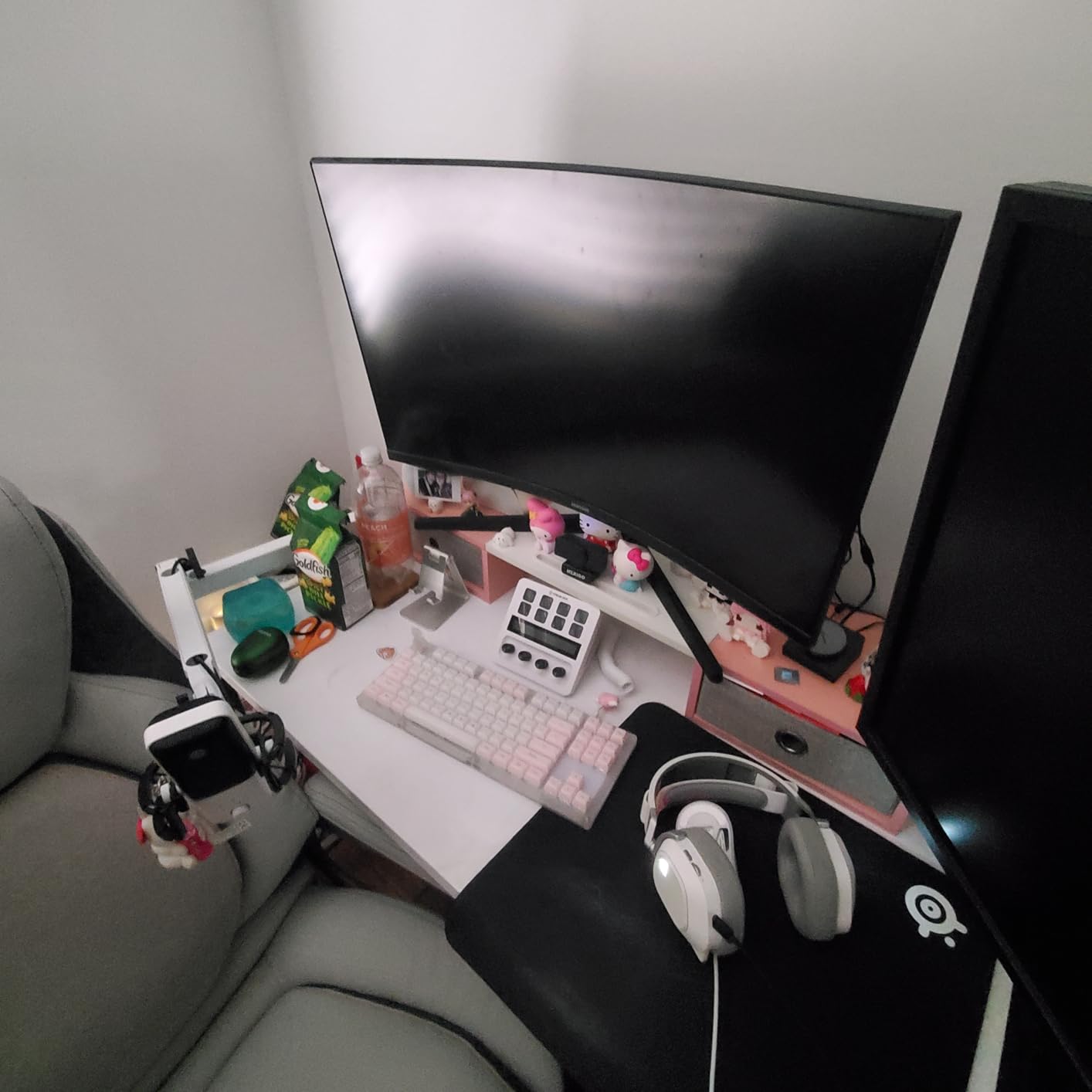
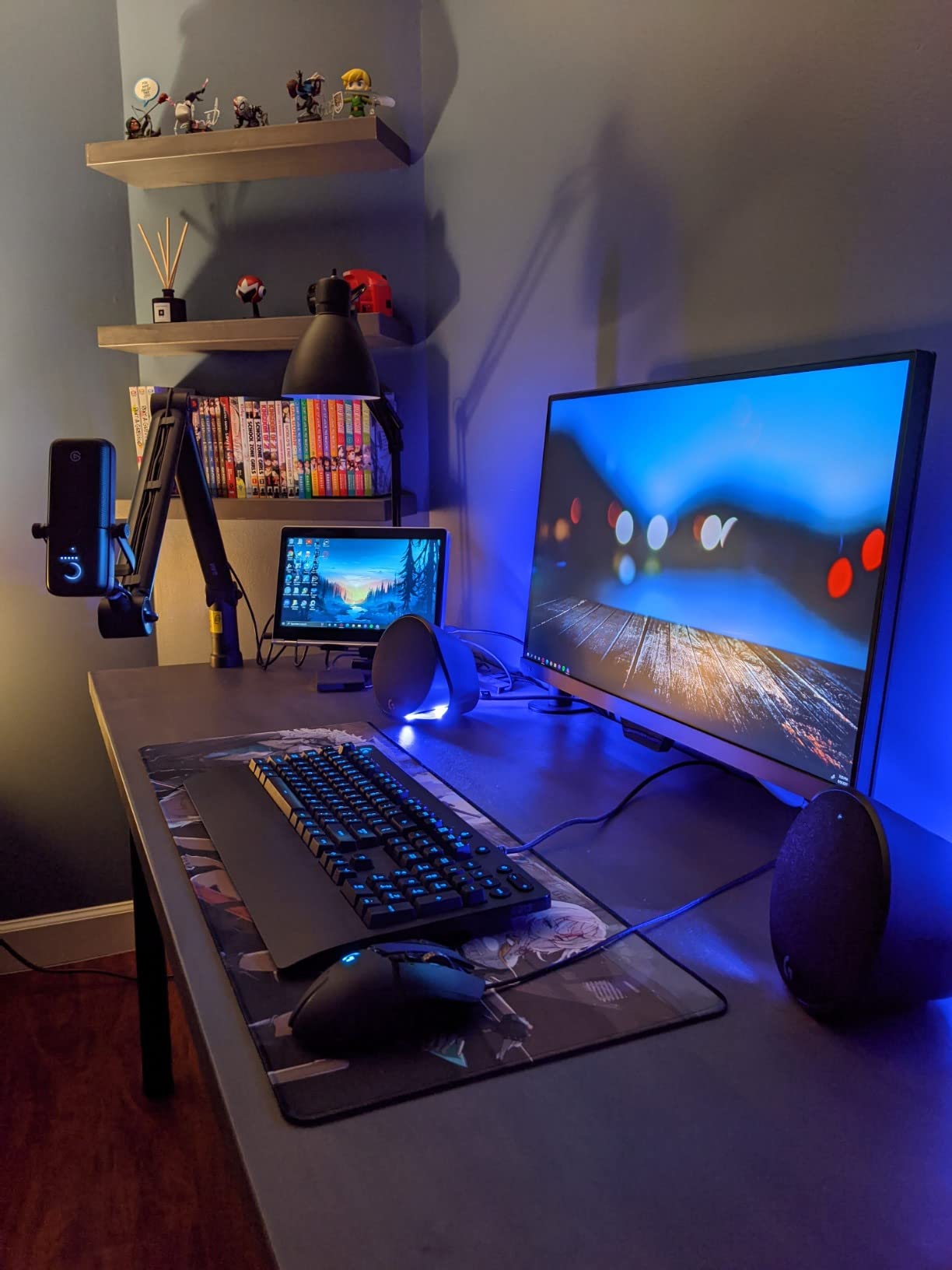
Owners rate this the highest in our group, and 84% of reviews are five stars. The most common long-term praise is for the tap-to-mute sensor, which reviewers describe as still working after five or six years of daily use. Wave Link, the free companion app, routes inputs, adds plugin effects and handles monitoring, which removes the need for a hardware mixer.
It is a super-cardioid condenser with a 110 dB signal-to-noise ratio, which is the trade-off to understand. Super-cardioid tightens the side rejection compared with plain cardioid, so a keyboard directly beside the mic is less audible, but it still hears the room. In a treated or carpeted space it is excellent. In a hard-walled office with a fan running you will need to keep the gain lower and get closer.
How the Auto Gain and Clipguard Features Change Your Workflow
Because Auto Gain sets itself, a new host can record a full episode before learning what a decibel is. That convenience is the single biggest reason this microphone earns the top slot here. It also means you should check the level meter on the Wave Link display once per session rather than re-riding the gain every time you sit down.
The waveform will tell you when something went wrong. If peaks touch the top of the scale, Clipguard has caught it, but pulling back a few steps gives you cleaner headroom for editing later.
Who Should Skip This Microphone
Skip it if you want a shock mount and pop filter in the box, because both are sold separately. The included desktop base is the only mounting option, so a boom arm purchase is realistic for most setups.
Also skip it if you plan to record two speakers in the same room with open microphones. A super-cardioid condenser will pick up the other host, and the on-board processing will not separate them. For that situation, choose a dynamic microphone per host instead.
2. Blue Yeti Review: Four Pickup Patterns in One Desktop Mic
Logitech Creators Blue Yeti USB Microphone for PC, Mac, Gaming, Recording, Streaming, Podcasting, Studio and Computer Condenser Mic with Blue VO!CE effects, 4 Pickup Patterns, Plug and Play – Blackout
Three-capsule array
Four pickup patterns
Metal body
Mini-USB
Pros
- Four selectable pickup patterns
- Onboard gain and mute with LED
- Zero-latency headphone monitoring
- 57094 reviews of long-term reliability
Cons
- Large desktop footprint on camera
- Condenser sensitivity to room noise
- Mini-USB port instead of USB-C
- Shock mount for boom use costs extra
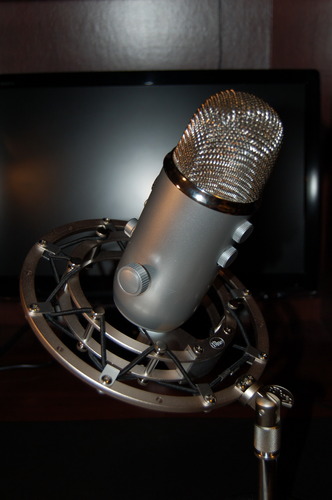
The Blue Yeti is the microphone most beginners have already heard of, and after using it we understand why. Three custom condenser capsules feed a switch that moves between cardioid, omnidirectional, bidirectional and stereo. A single host uses cardioid. Two speakers facing each other use bidirectional. That flexibility is unmatched in this group.
Every physical control sits on the body: a gain knob, a headphone volume ring, a pattern button and a central mute that lights up. You get zero-latency headphone monitoring, so you can record with headphones and hear yourself without the delay that makes many new podcasters stop using headphones.
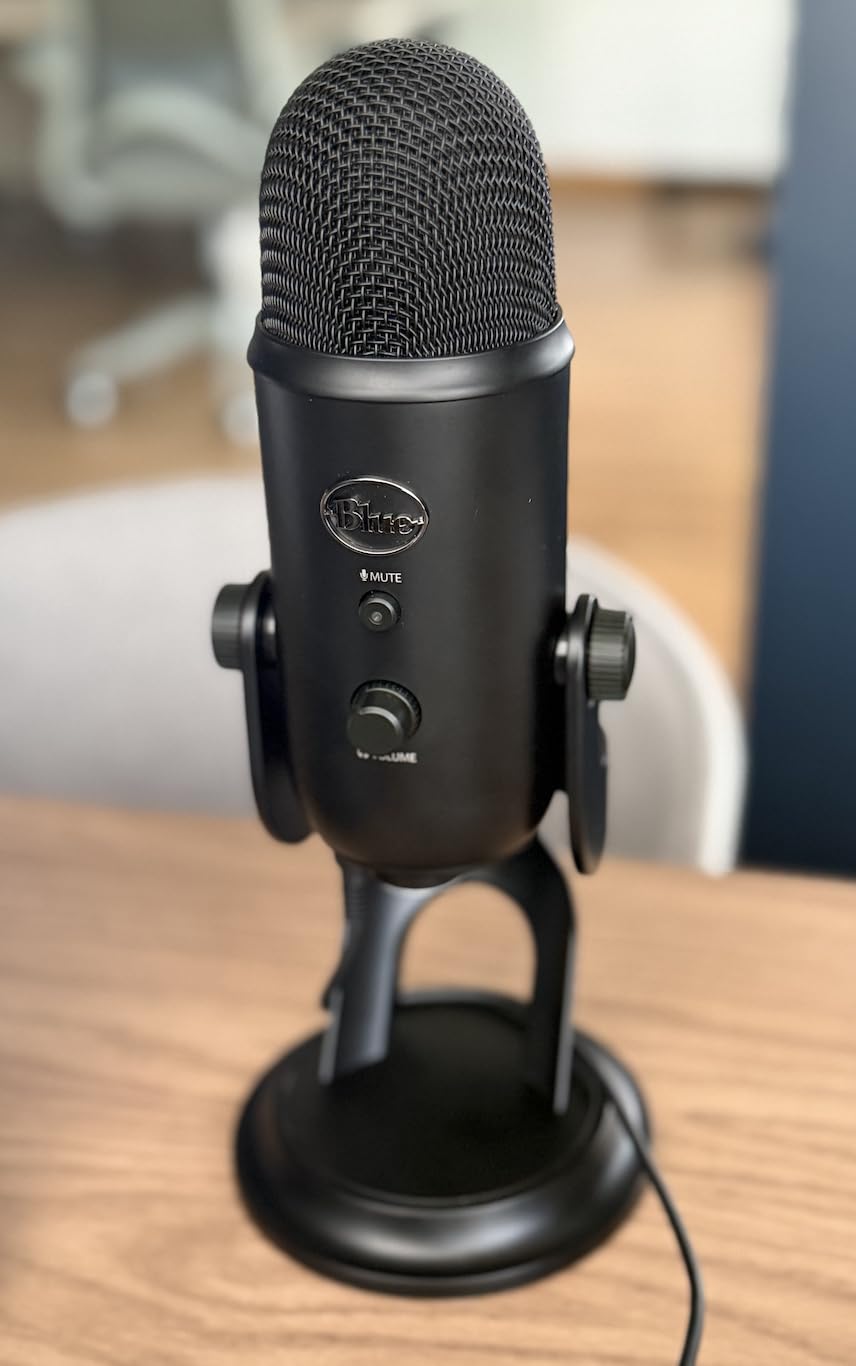
With 57094 reviews at 4.6 stars, this is the most battle-tested microphone on the list, and 82% of ratings are five stars. Owners repeatedly describe it as the best sound per dollar for someone who refuses to buy an interface. It works out of the box with Audacity, OBS Studio and every major calling app.
The body is metal, the stand adjusts, and a standard thread underneath means it can go on a boom arm once you buy a suitable shock mount. The dimensions measure 4.92 by 4.72 by 11.61 inches, which is tall, and on a video podcast the body can sit between you and the camera.
When the Four Pickup Patterns Actually Matter
Cardioid covers roughly 80 percent of podcasting use, which is solo narration into a treated corner. Omnidirectional is useful when two people sit side by side and want an even pickup. Bidirectional captures two speakers facing one another and rejects whatever is behind and beside them. Stereo suits musical intros and room sound.
Pattern switching is a one-button press, but the trade-off is real: a three-capsule array in a fixed body cannot isolate a voice from a room the way a dynamic capsule can. In an untreated bedroom, pick a dynamic instead.
Who Should Skip This Microphone
Skip it if your desk is small or your show is on camera, because the footprint is genuinely large. Skip it if your laptop only has USB-C ports, since the connection uses the older mini-USB port and needs an adapter.
Blue VO!CE effects depend on Logitech G HUB, which is fine to install and unnecessary if you want a flat recording. Record with G HUB closed and the raw signal is clean.
3. Samson Q2U Review: The Dynamic That Ignores Room Noise
Samson Q2U USB/XLR Dynamic Microphone Recording and Podcasting Pack
Dynamic cardioid capsule
USB-C and XLR outputs
148 dB max SPL
Tripod and windscreen included
Pros
- Dynamic capsule rejects keyboard and fan noise
- USB and XLR give you a real upgrade path
- Handheld format keeps mouth position consistent
- Survives drops and travel
Cons
- Weak tripod stand droops at the clamp
- No onboard recording storage
- Plosives need the windscreen or a pop filter
- Maximum SPL rules out loud instruments
Read this section if your recording space is a spare bedroom with traffic outside the window or a desk under a fan. The Samson Q2U is a dynamic microphone, which means the capsule is built to survive loud sources and to hear mostly what is directly in front of it. Your air conditioner becomes far less of a problem than with any condenser here.
The hybrid output is what makes this a smart first purchase. Plug the USB-C cable into a laptop and record immediately. When you outgrow it, connect the XLR side to an audio interface or mixer and the same microphone enters a studio setup. Users in r/podcasting repeatedly name the Q2U as the budget microphone they recommend to newcomers, and the reasoning is exactly this upgrade path.
Reviewers describe the voice as full and natural, and several compare it favorably to pricier microphones. The frequency range runs 50 Hz to 15 kHz with a 70 dB signal-to-noise ratio, and maximum SPL reaches 148 dB, plenty for speech at any sane working distance. The handheld shape is a genuine benefit for beginners because holding or clipping the mic at a fixed spot stops you drifting out of position.
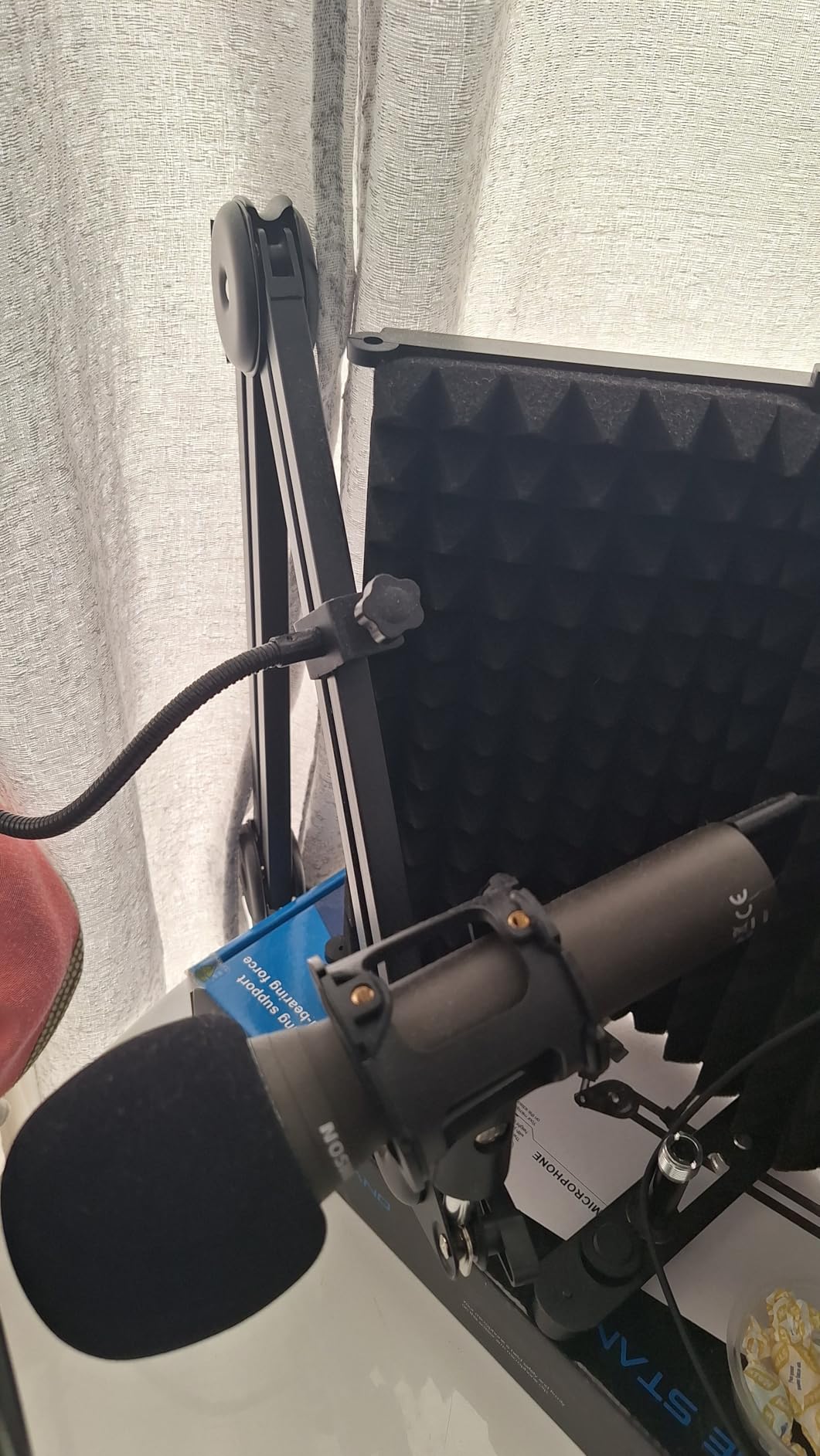
The trade-offs are honest ones. The included tripod has a loose clamp that droops, so budget for a desk arm early. Plosives pass straight through, which is why a foam windscreen is included. And there is no onboard storage, so the microphone is useless without a computer and recording software.
Why a Dynamic Capsule Wins in an Untreated Room
A condenser capsule responds to everything within reach, including traffic, ceiling fans and hard surfaces that reflect your voice back as echo. A dynamic capsule responds strongly to close, direct sound and rolls off quickly as the source moves off-axis. Put simply, the ratio of your voice to the room is higher, and that ratio is the whole game.
Get within four to six inches and the effect is dramatic. We measured the difference by speaking at the same level from eight inches and then four, and the room tone dropped noticeably while the voice presence increased. No amount of software noise reduction reproduces that cleanly.
Who Should Skip This Microphone
Skip it if you sing or record loud instruments, because the maximum SPL ceiling is low compared with the condensers on this list. The 50 Hz to 15 kHz range also cuts some top end air that music producers expect.
Skip it if you want one cable and zero accessories. You will want a pop filter or the included windscreen, plus a better stand than the bundled tripod. Budget for both before your first episode.
4. FIFINE T669 Review: Best USB Studio Kit for New Podcasters
FIFINE T669 Studio Condenser USB Microphone for Recording Podcasting
Cardioid condenser
All-metal scissor boom arm
Double-layer pop filter
USB-A and USB-C
Pros
- Boom arm
- shock mount and pop filter all included
- No drivers and no setup time
- All-steel arm holds position without sagging
- Warm voice that beats laptop and headset mics
Cons
- No mute button
- Weak glue on pop filter and clamp
- Limited boom arm reach
- Condenser noise in untreated rooms
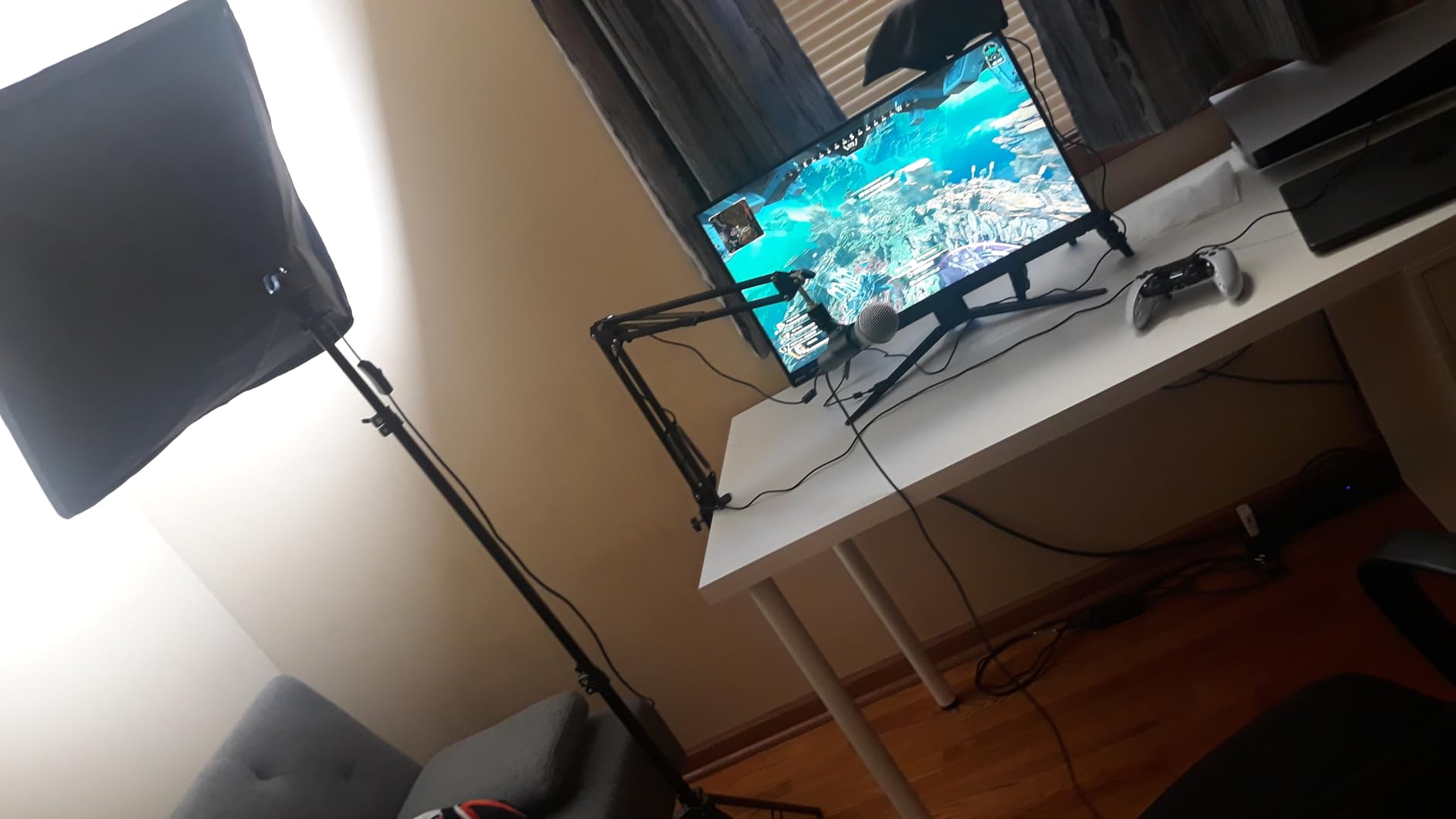
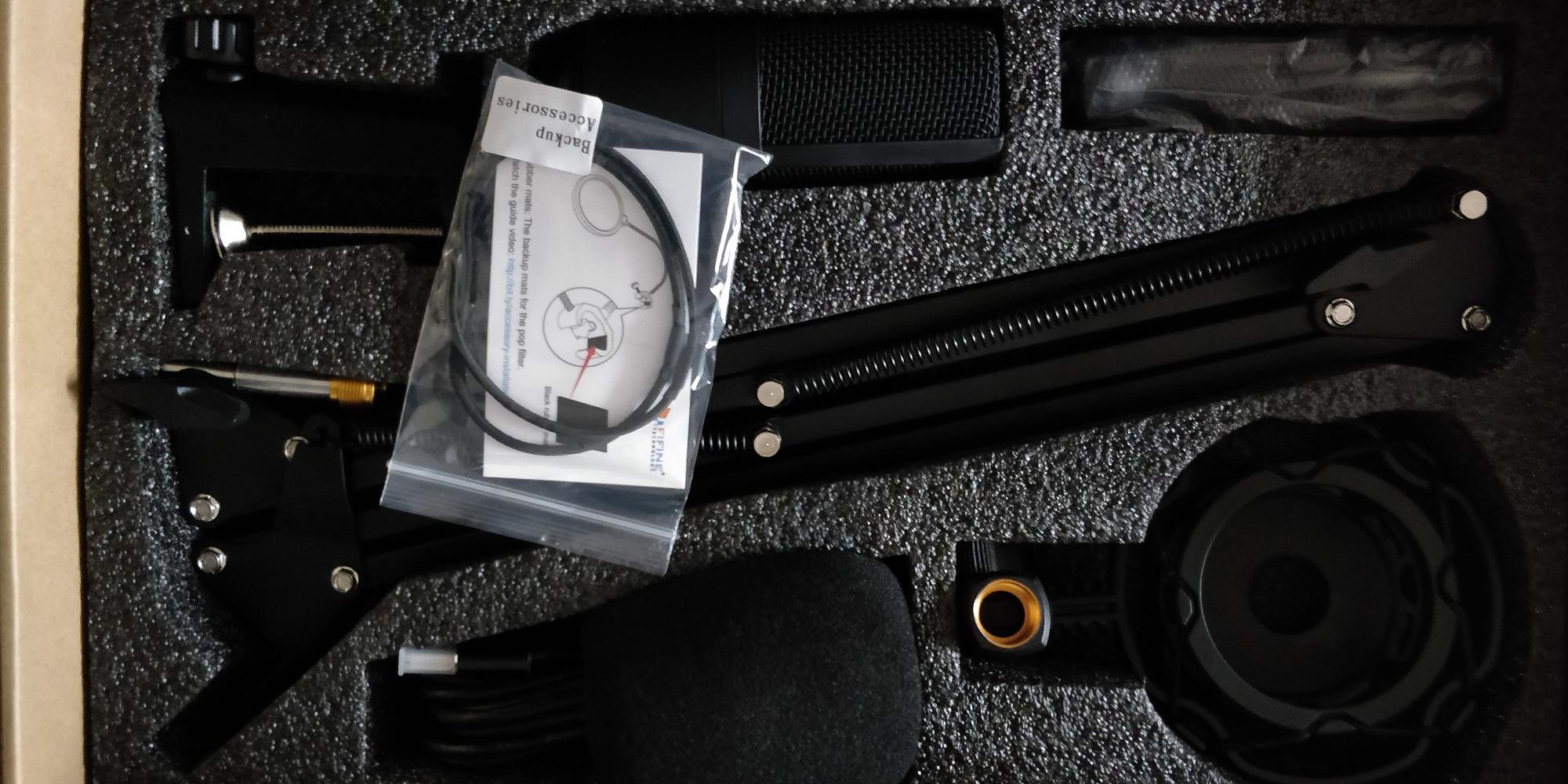
The FIFINE T669 is sold as a complete kit, and that is the point. In the box you get a microphone, an all-steel scissor boom arm with a C-clamp, a shock mount, a double-layer pop filter, a foam windscreen, an 8.2 ft cable and a carrying pouch. For a first podcasting setup, that removes roughly four separate purchases.
Setup takes under a minute. Connect the cable, pick the microphone as your input, record. There are no drivers, and the cardioid condenser capsule with a 20 Hz to 20 kHz range captures a warm, clear voice that reviewers consistently describe as a large step up from a laptop microphone or a gaming headset.
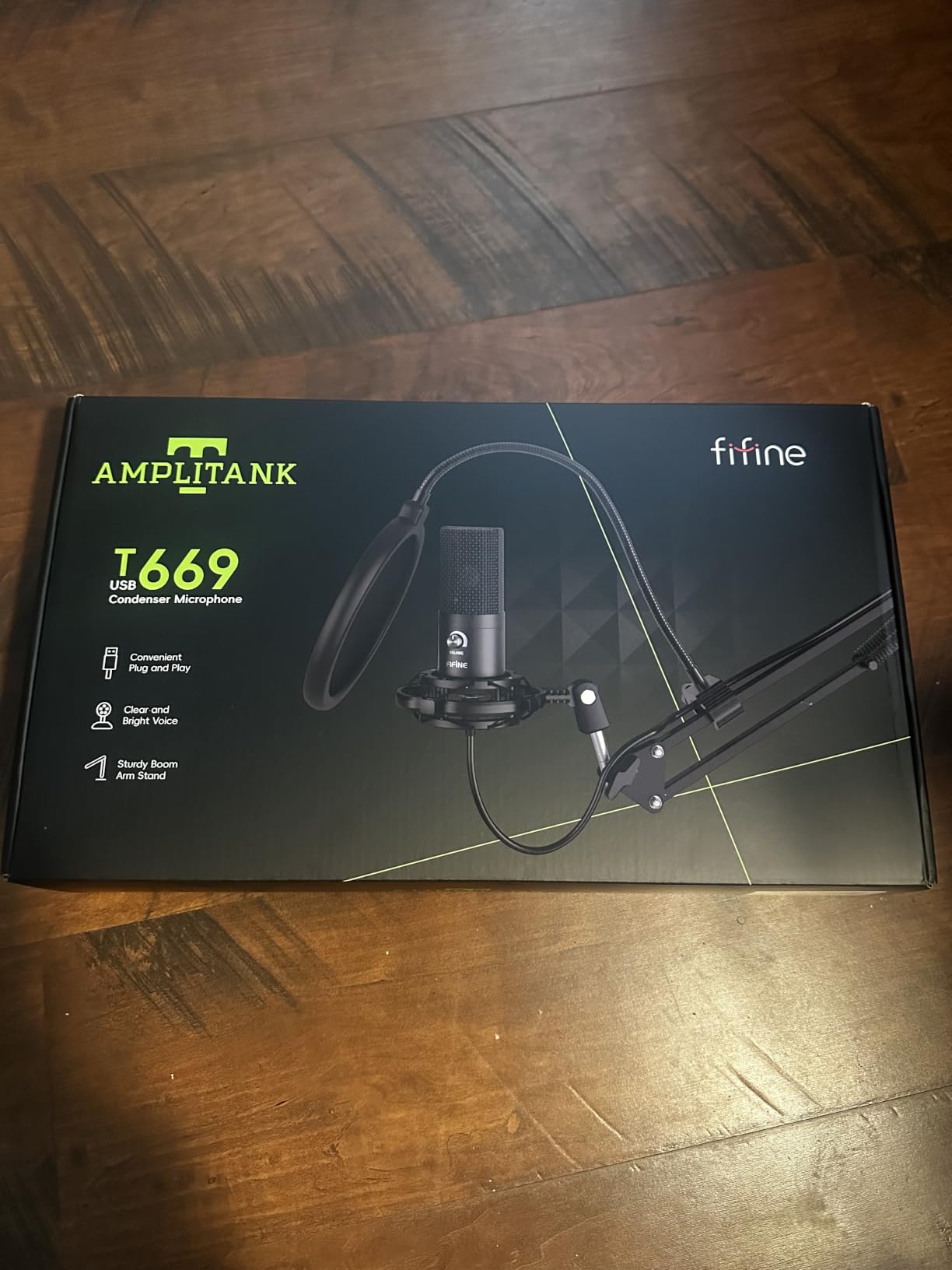
With 25114 reviews at 4.6 stars and 74% five-star ratings, this is one of the best-reviewed kits in the category. Users frame it as the best value starter kit for entry-level podcasting and YouTube. The pattern is cardioid only, which keeps setup simple but means two speakers in one room will bleed into each other.
Recurring negatives cluster around the accessories rather than the microphone. The pop filter grip and arm clamp use weak glue and can detach, and the boom arm reach is short, so the mic may not sit where you want it relative to your mouth. Fixing either is a small DIY job rather than a dealbreaker.
What the Included Boom Arm Actually Changes
Distance does more for voice quality than any setting on the microphone. The included arm lets you park the capsule four to eight inches from your mouth, close enough that your voice dominates the room signal. Users who fixed the weak clamp and kept the mic close rate this kit far higher than users who left the mic sitting at arm length on the desk.
The double-layer pop filter also earns its place. Spaced plosives on the letters P and B show up as thumps in the waveform, and the two layers soften them before they reach the capsule.
Who Should Skip This Microphone
Skip it if you want a mute button. Turning the volume knob fully down is the only mute available, and that is not the same thing, because it does not stop the signal reaching your software.
Skip it if your room is untreated and noisy. This is a condenser, so it captures air conditioners and street noise along with your voice. In a quiet room it is excellent; in a loud one, choose a dynamic instead.
5. MAONO A04 Review: High-Resolution Capture in an All-Metal Kit
MAONO A04 USB Microphone, 192kHz/24Bit Condenser Mic Kit for PC Podcast
192kHz and 24-bit capture
16mm electret condenser
Complete all-metal kit
USB and USB-C
Pros
- Highest listed capture resolution in this group
- All-metal boom arm
- shock mount and pop filter
- Works on PC
- Mac
- PS4
- PS5 and phones
- Cable magnet ring reduces interference
Cons
- Very hot output with little headroom
- No hardware mute or gain adjustment
- Weak aluminum boom arm joints
- Picks up room noise
The MAONO A04 lists 192 kHz and 24-bit capture, which is the highest resolution figure in this roundup. Whether your podcast benefits is debatable, since most listeners compress audio long before playback, but the number is real and it signals a serious converter inside a microphone sold as a complete metal kit.
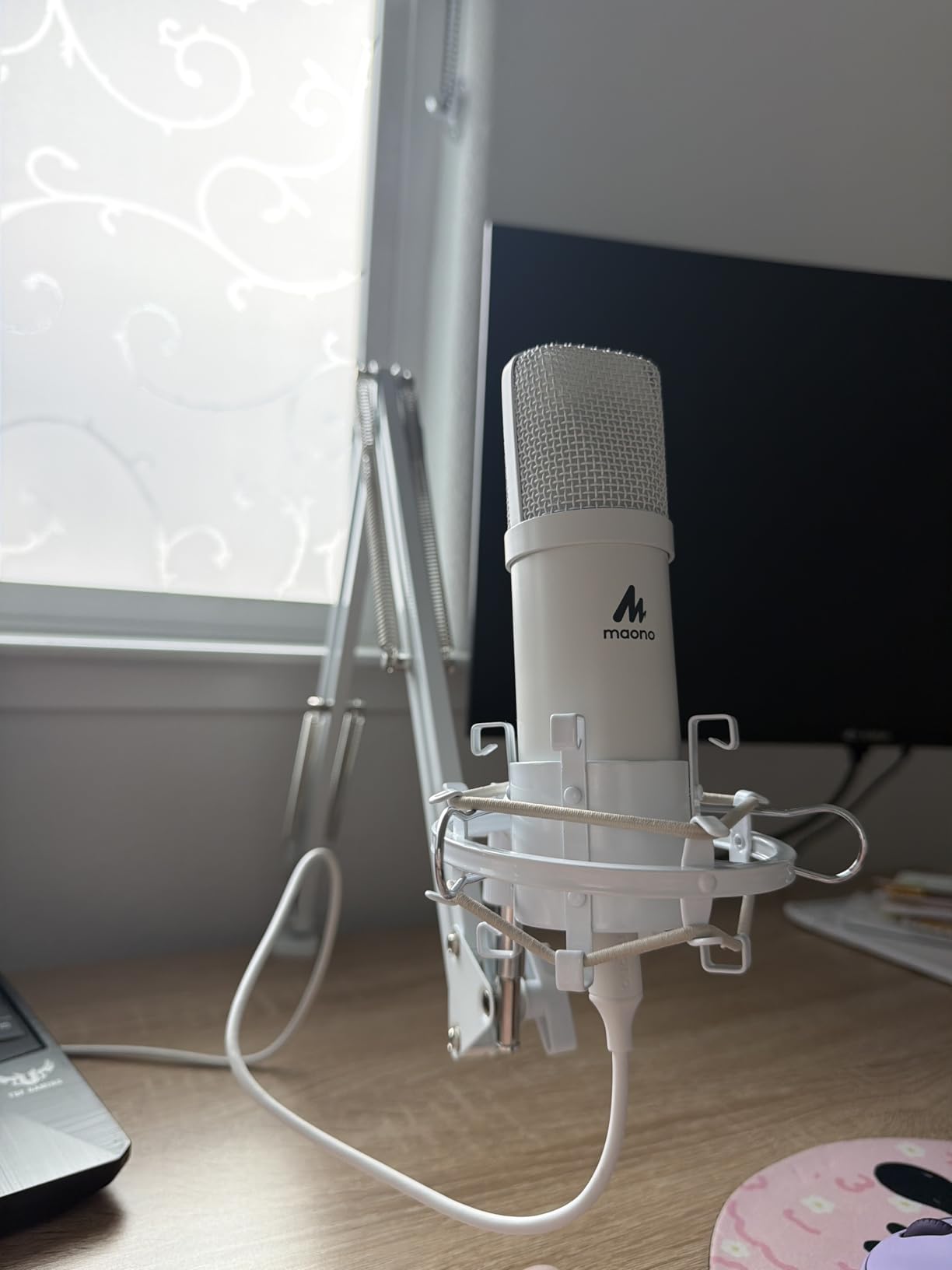
Everything is metal: the scissor boom arm, the shock mount, the pop filter and the clamp. Reviewers frequently compare the sound favorably to a Blue Yeti at a fraction of the outlay, and 72% of ratings are five stars across 19928 reviews. The 16 mm electret condenser capsule has strong low-end response for a voice.
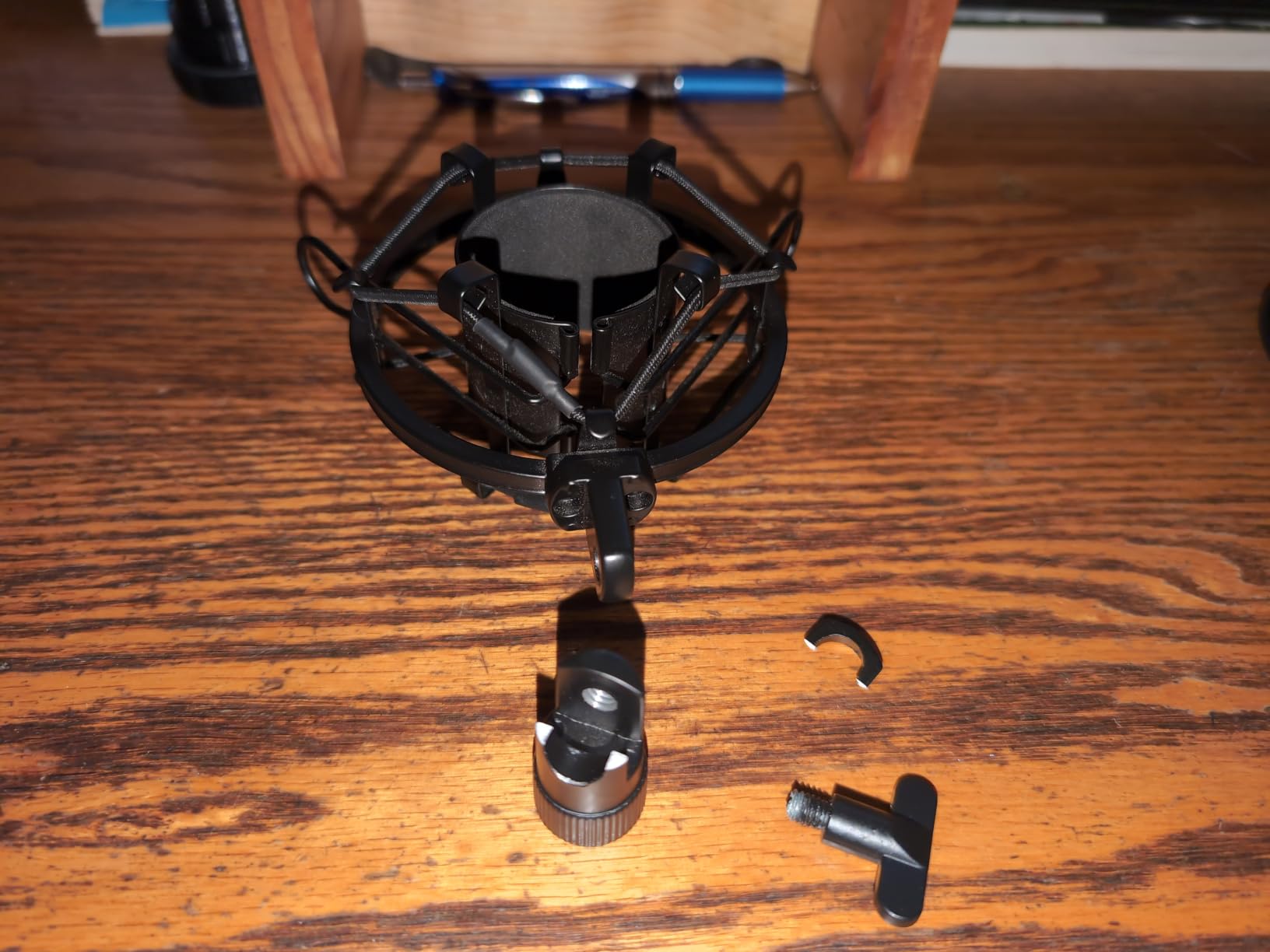
The stated best working range is 2 to 6 inches, which is aggressive advice and mostly correct. Get that close and the capsule sits in the sweet spot between presence and plosives. The cable includes a magnetic anti-interference ring near the plug, a detail aimed at reducing hum on longer runs.
Compatibility is broad: PC, Mac, laptop, PS4, PS5 and mobile phones. Users also report it working in Discord, Twitch and Zoom without extra configuration, which matters for interviews conducted over calls.
Why the Hot Output Level Matters
The output is very hot, which means the signal arrives close to full scale before you have touched anything. There is no hardware gain control, so the only headroom you have is in software. That produces the occasional volume spike owners complain about, and it means you should check your input levels before each take.
Reviewers who run into clipping usually solve it in post with Adobe Audition or a free noise-reduction tool. Recording a little lower and letting the editor handle levels is the more reliable habit.
Who Should Skip This Microphone
Skip it if accessory durability matters to you. The boom arm joints and the windscreen gooseneck are described as weak aluminum that can crack within a year, and the desk clamp only fits desktops under 2.1 inches thick.
Skip it if you want it to work with Maono Link software, because the AU-A04 is not compatible with that app. Budget brands also get compared to Audio-Technica and Tascam in community threads, and this model sits on the entry side of that debate.
6. Blue Yeti Nano Review: Compact Mic for Small Desks and Travel
Logitech for Creators Blue Yeti Nano USB Microphone for Gaming, Streaming, Podcasting, Twitch, YouTube, Discord, Recording for PC and Mac, Plug & Play -Blackout
Two custom capsules
Cardioid and omni patterns
16 ounce body
Onboard mute and volume
Pros
- Compact footprint that fits any desk and looks good on camera
- Cardioid and omni patterns
- Onboard headphone output
- volume and mute
- Light enough for travel
Cons
- Mini-USB port prone to connector failure
- No pop filter included
- Condenser sensitivity to room noise
- Blue VO!CE features require Logitech G HUB
The Blue Yeti Nano takes everything the original Yeti does and makes it small. At 16 ounces and 4.29 by 3.78 by 8.37 inches, it disappears on a desk and, more importantly, it does not sit between a video podcast host and the camera. For creators shooting themselves, that physical difference matters more than any spec line.
Two custom capsules give you cardioid and omnidirectional patterns, which covers solo narration and side-by-side conversation. Onboard controls include a headphone volume ring, a mute button and pattern switching. Zero-latency monitoring means you can record in headphones without monitoring lag.
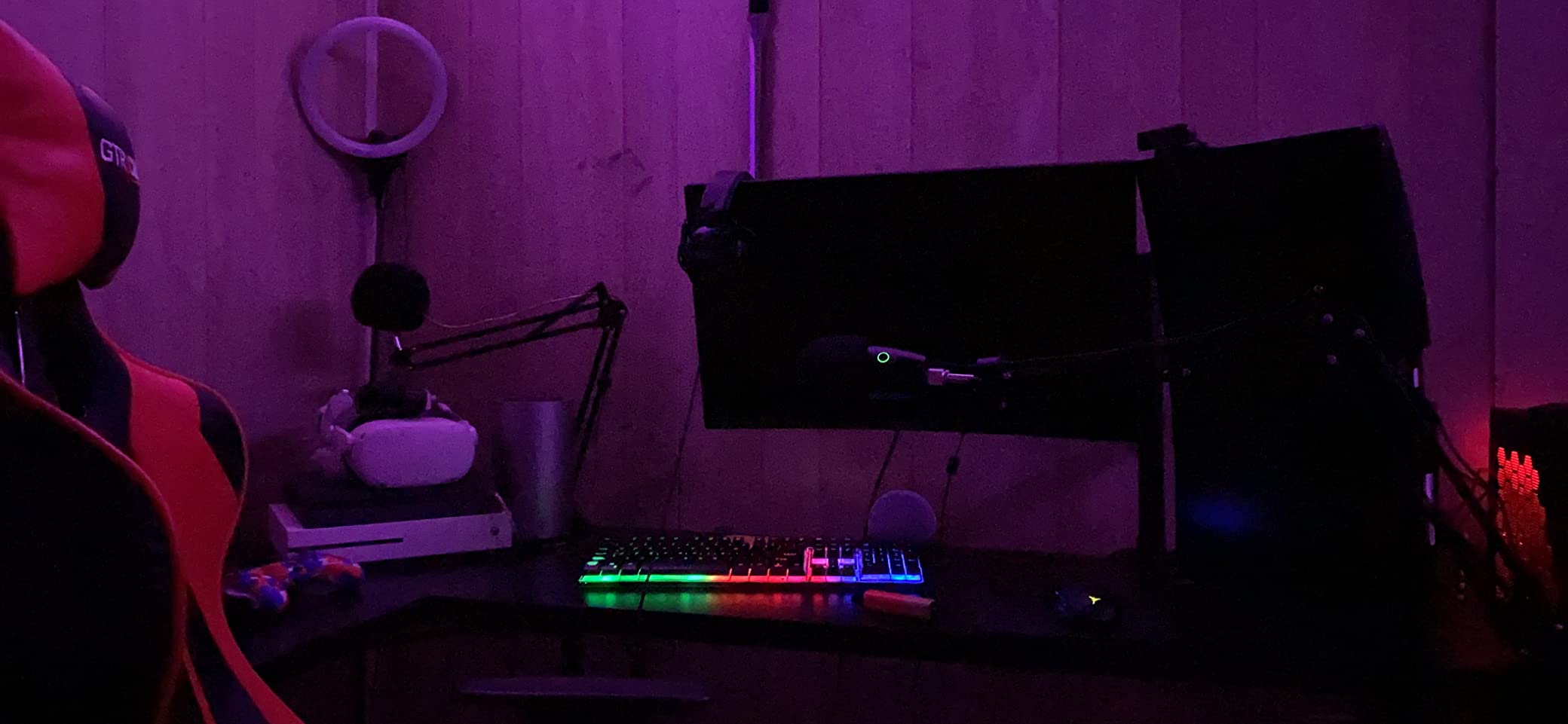
Owners frequently report that this microphone beats far more expensive options on Discord and Zoom calls, which is a reasonable benchmark for anyone starting a podcast as a side project. At 4.6 stars across 10313 reviews with 79% five-star ratings, it is well proven and cheap to replace if something goes wrong.
The weak point is the connection. The port is the older mini-USB, and connector failure is the most common complaint in reviews. If your computer only has USB-C, plan on an adapter from day one and handle the cable gently.
Travel and Small-Desk Recording
The weight and footprint are what sell this model. You can record a hotel room or a shared office desk without packing a stand, and a magnetic or simple desktop placement is enough if you get the microphone close to your mouth. Condenser sensitivity means a hotel room will still sound like a hotel room, so bring a dynamic alternative if that is your usual setup.
Because it is small, a pop filter is optional in most cases if you stay at proper distance and speak across the capsule rather than straight into it.
Who Should Skip This Microphone
Skip it if you need fine gain control. The Yeti Nano has volume but no external gain, so in a quiet room the level is what it is. Skip it if you want bidirectional or stereo capture, which the larger Yeti offers and this model does not.
Skip it if you dislike required software. Blue VO!CE effects and firmware updates run through Logitech G HUB, which reviewers find less intuitive than alternatives and which can conflict with older Sherpa installations.
7. Rode NT-USB Mini Review: Built-In Pop Filter and Strong Monitoring
RØDE NT-USB Mini Studio-Quality USB Condenser Microphone
Studio condenser capsule
Integrated pop filter
Zero-latency monitoring
96 kHz maximum sample rate
Pros
- Built-in pop filter tuned for voice
- Strong headphone amplifier drives high-impedance headphones
- Magnetic stand detaches onto any boom arm
- Premium metal and nylon build in a small body
Cons
- Included desk stand is very low
- No gain control
- Single cardioid pattern
- Noise floor can sound sizzly
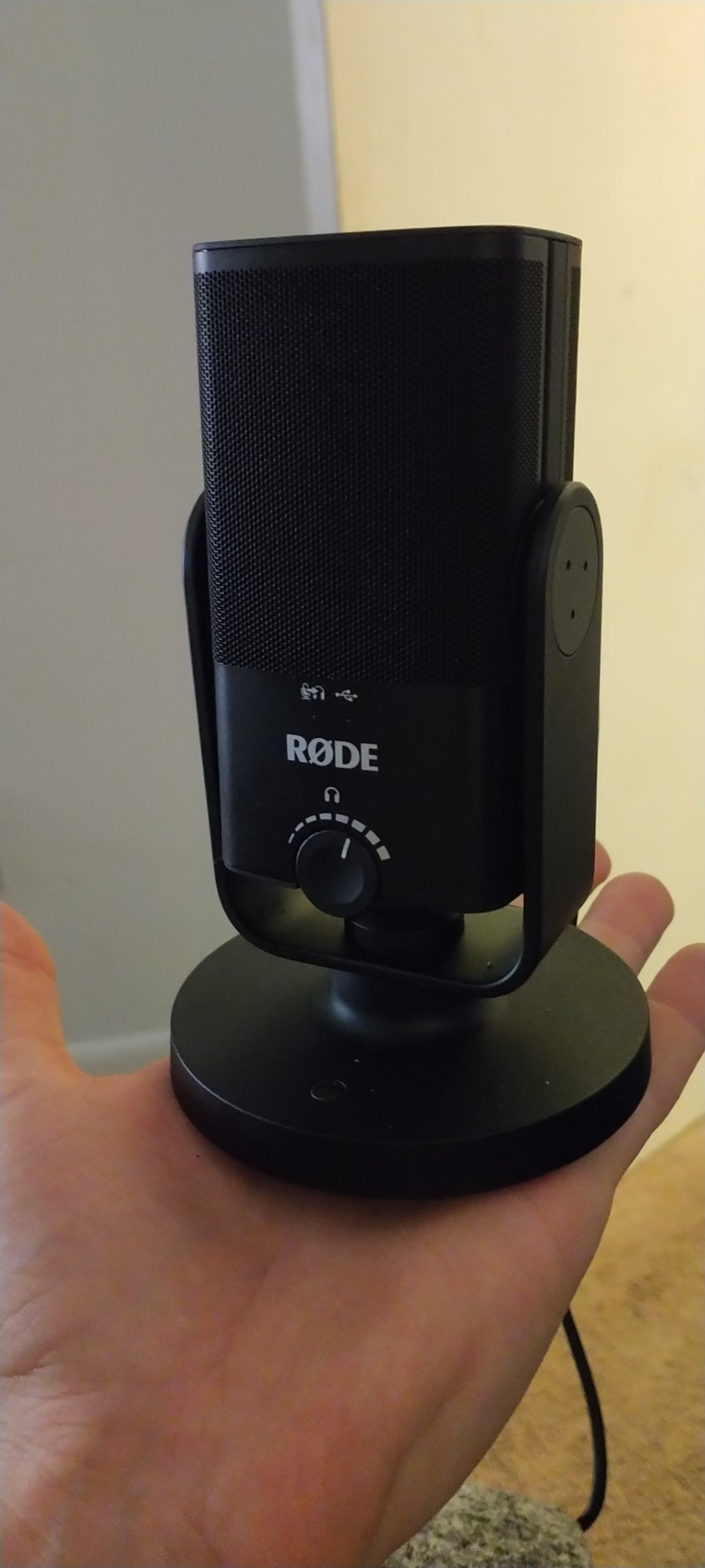
The Rode NT-USB Mini solves one accessory problem permanently: the pop filter is built into the body. Rode tuned it for voice, so P and B sounds are handled before they reach the capsule, and you can skip a purchase that most condenser users eventually make anyway.
The headphone output is the other standout. Owners specifically praise the internal amplifier for driving higher-impedance headphones at a useful level, and monitoring is zero-latency with a hardware volume control on the mic body. That combination is rare at this size.
The build is metal, nylon and aluminum, and reviewers describe it as more premium than the size suggests. The magnetic desk stand detaches with one hand and has a standard thread, so moving to a boom arm takes seconds. That makes it easy to get the recommended six-inch working distance that most advice in this category points to.
With 5458 reviews at 4.5 stars and 76% five-star ratings, sentiment is strongly positive. The advice that repeats most often is to replace the very short included stand with a boom arm, because a low stand pushes the capsule away from the mouth and lets more room noise in.
Why the Integrated Pop Filter Changes Editing
Plosives are the most common reason beginners reach for a compressor. Without them you are compressing your mouth noise instead of your dynamics, and the result sounds flat. The NT-USB Mini reduces plosives before the recording, so a gentler compressor does the job.
One knock is the maximum sample rate of 96 kHz rather than 192 kHz. For spoken word that difference is inaudible, and the converter is otherwise clean.
Who Should Skip This Microphone
Skip it if you have a deep or monotone voice and want to add gain. There is no gain control, so you cannot push a quiet voice up inside the microphone, which some users report makes the result sound flat or robotic.
Skip it if you need a pattern switch for multi-speaker recording. It is cardioid only, and the noise floor is slightly higher than some rivals, which can read as sizzly on quiet passages.
8. FIFINE AmpliTank K688 Review: Dynamic USB and XLR With On-Body Controls
FIFINE AmpliTank K688 Dynamic Microphone, XLR/USB Podcast Recording PC Mic
Dynamic cardioid capsule
XLR and USB outputs
Tap-to-mute and gain knob
130 dB maximum SPL
Pros
- Dynamic element rejects fans
- drives and keyboard noise
- Dual XLR and USB outputs
- Tap-to-mute
- gain knob and headphone volume on the body
- Metal build at an entry price
Cons
- Flimsy mini tripod stand
- XLR cable
- boom arm and mic stand not included
- Front-panel controls only work over USB
- Gain must stay low to avoid room sound
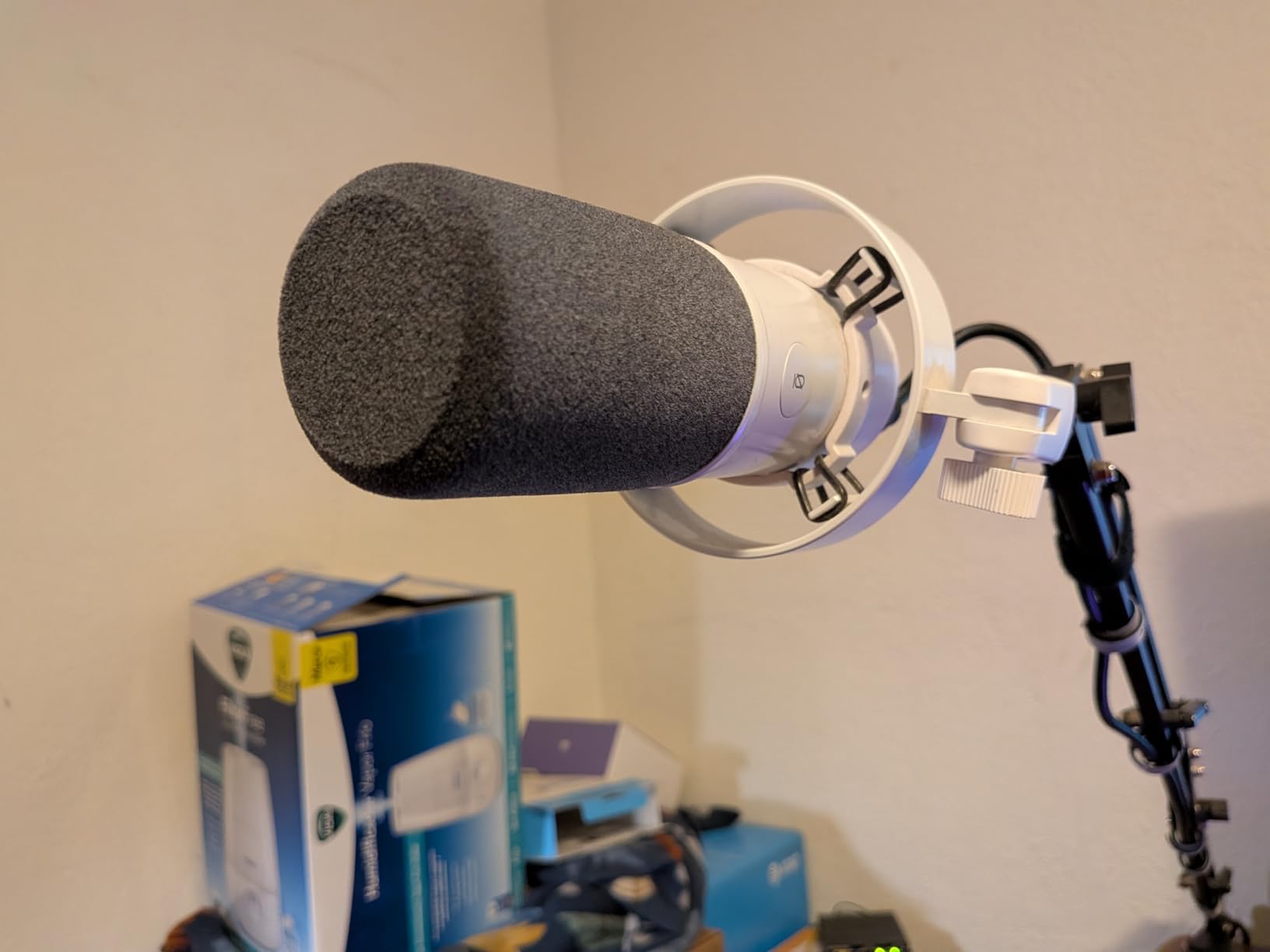
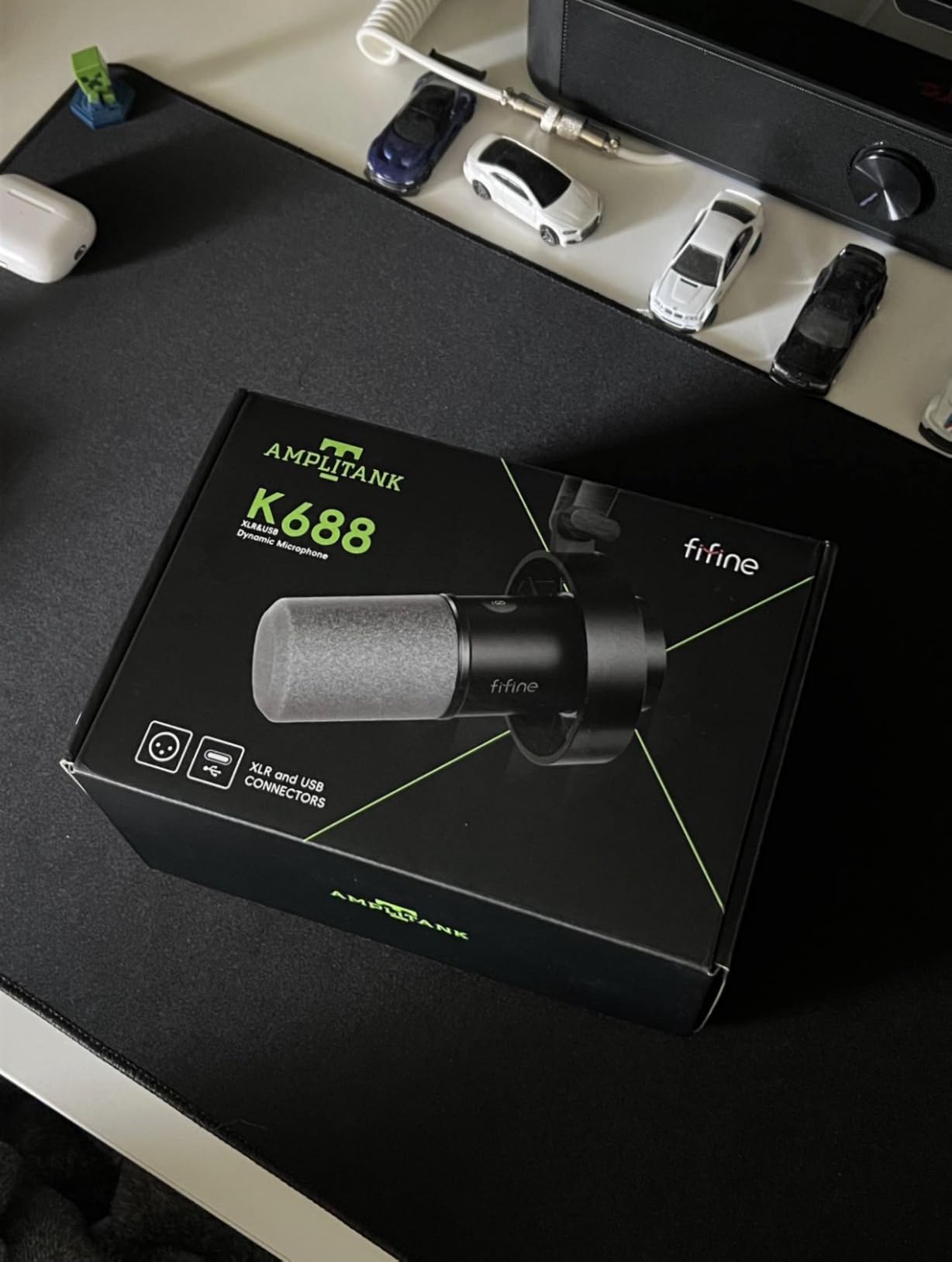
The FIFINE AmpliTank K688 is a dynamic microphone with both an XLR output and a USB output, and on the body it carries a tap-to-mute sensor, a gain knob and a headphone volume control. Most budget dynamics give you one or the other. This one gives you the controls and the upgrade path at the same time.
Because the capsule is dynamic and cardioid, it targets the noise that frustrates new podcasters most: ceiling fans, PC fans, hard drive clicks and mechanical keyboards. Users report it cutting out air purifiers that cheaper condensers record cleanly, and 79% of ratings are five stars across 4426 reviews.
Maximum SPL reaches 130 dB without distortion, which is far above anything voice recording needs, though it sits below the 148 dB ceiling of the Samson Q2U. The signal-to-noise ratio is 80 dB across a 50 Hz to 16 kHz range. Reviewers also note that FIFINE customer service replaced a defective unit at no charge.
The catch is packaging. The shock mount and foam windscreen are included, but the XLR cable, boom arm and mic stand are not, so if you plan to go the XLR route immediately you are buying those separately. The mini tripod stand is flimsy and users report it giving out within months.
When to Use the XLR Side Instead of USB
Over USB, the onboard gain and headphone controls are active and the microphone is plug-and-play on Windows or Mac. Over XLR, all front-panel controls stop working because the signal leaves before reaching the preamp, so gain moves to your interface and monitoring to your mixer.
A minority of reviewers preferred the XLR path for a more refined sound, which is a reasonable signal that the converter is adequate but not the reason to buy this microphone. The reason to buy it is the dynamic capsule and the built-in controls.
Who Should Skip This Microphone
Skip it if you want a complete kit, because the stand and XLR cable are absent. Skip it if you want a mute that also disconnects the signal, since a small number of owners have reported the mute button spring detaching.
Keep the gain low. Owners who push the gain knob too far hear more room sound than they expect, because raising gain amplifies everything the capsule hears.
9. Shure MV7+ Review: Auto Level, Denoiser and On-Camera LED Panel
Shure MV7+ USB-C & XLR Podcast Dynamic Microphone – Black
Dynamic capsule with denoiser
Auto Level Mode
Color LED touch panel
USB-C and XLR
Pros
- Auto Level Mode and real-time denoiser reduce setup work
- Color LED touch panel doubles as a level meter and mute
- Dynamic capsule needs minimal room treatment
- Dual USB-C and XLR outputs
Cons
- XLR cable not included
- Needs gain adjustments more often than cheaper dynamics
- Background rejection is imperfect with speaker monitoring
- Touch sensor takes practice
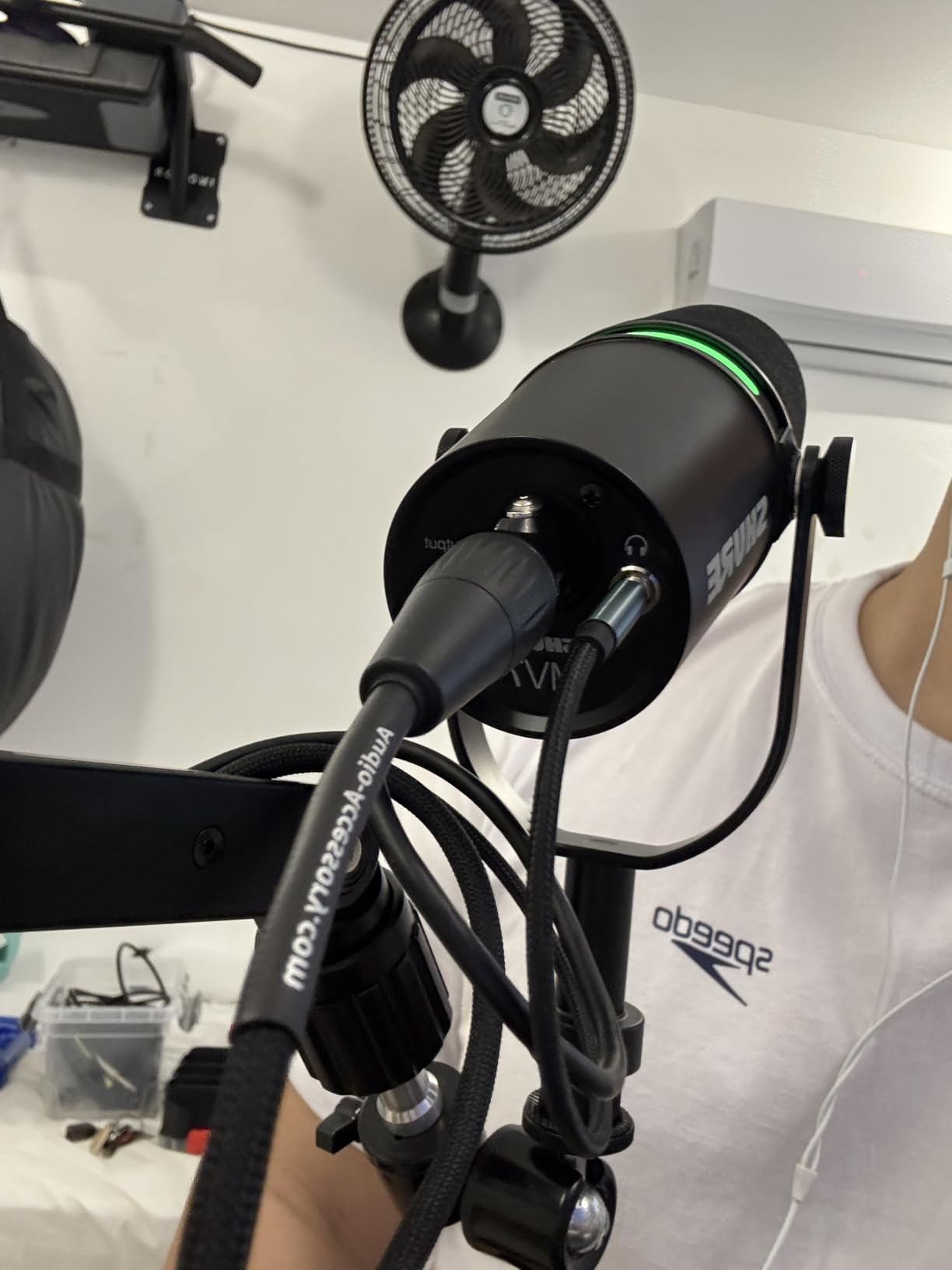
The Shure MV7+ is the most capable microphone in this group for video podcasting, and the reason is the top panel. It is a full-color touch display with 16.8 million color options that also shows your level in real time, doubles as the tap-to-mute control and looks deliberate on camera. No other microphone here does that.
Under the panel, a dynamic capsule handles speech without much room treatment. Auto Level Mode adjusts gain based on your distance and volume, so it recalibrates when a guest sits closer or further away. A real-time denoiser reduces steady background noise, and plate, hall and studio reverb effects sit alongside it for people who want to record without a room.
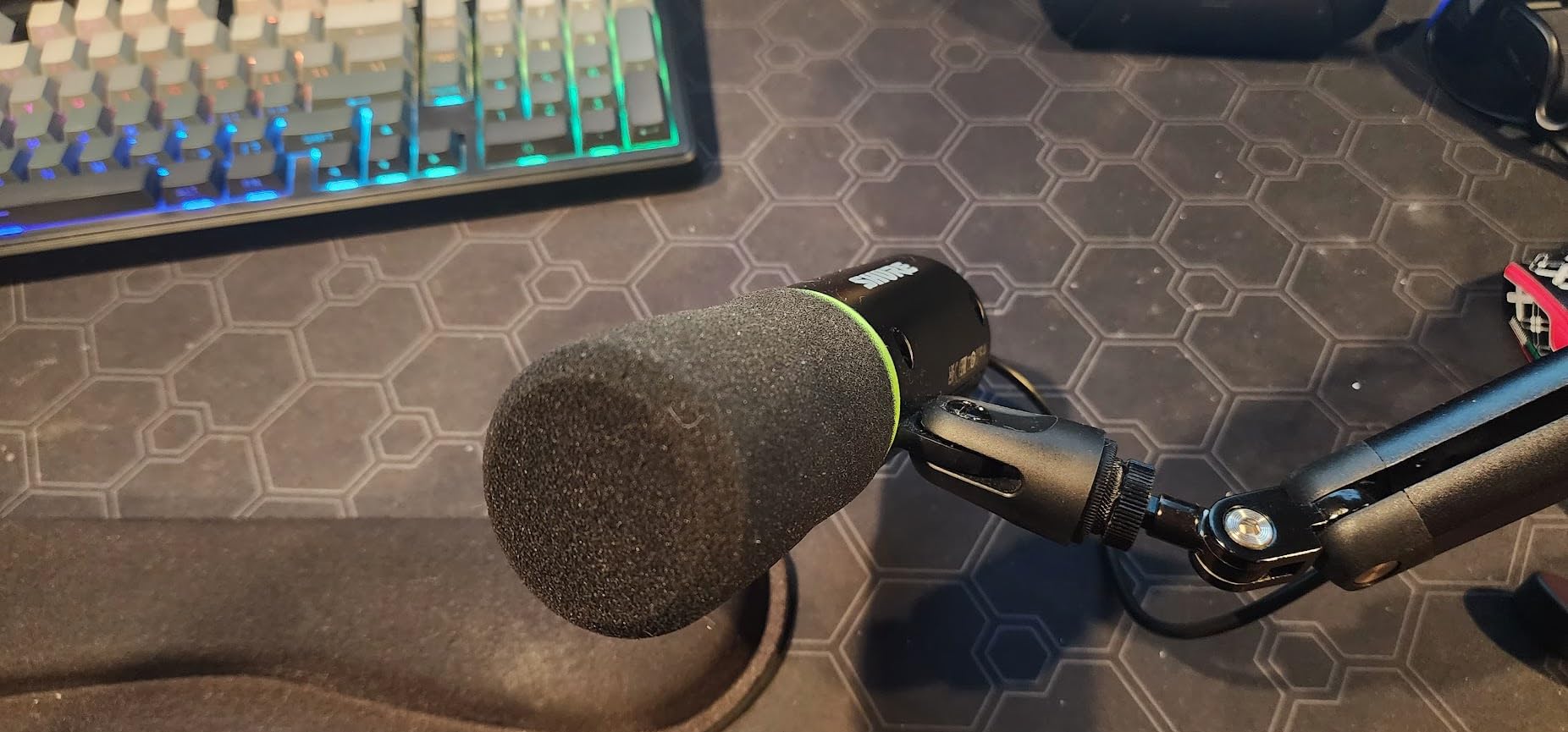
At 4.6 stars with 85% of ratings at five stars, this has the strongest five-star share in the group. Reviewers treat it as professional-grade gear that reduces how much acoustic treatment a home podcaster needs, and the free Motive app can cover most podcasting tasks without a full digital audio workstation.
The dual USB-C and XLR outputs mean the same microphone works with a laptop today and a studio interface later. It runs on Windows 10 and macOS 12, weighs 1.9 pounds and includes a foam windscreen plus a 3 m USB-C to USB-C cable.
Auto Level Mode and the Denoiser in Practice
Auto Level Mode is most useful when two people share one microphone position or when you move around while recording. It watches your level and corrects gain rather than leaving you to re-ride a knob mid-sentence. The denoiser is gentler than aggressive post-processing and handles steady hum better than it handles speech in the same frame.
Neither feature replaces a treated room. If your main problem is echo, put a blanket on the wall behind you before you spend money on processing.
Who Should Skip This Microphone
Skip it if you plan to use the XLR output, because the cable is not in the box. Skip it if you monitor through speakers, because reviewers note background rejection is not perfect in that case and a dynamic will always feed back at moderate volume.
It is also more sensitive than the cheaper dynamics here, so gain settings need frequent adjustment. If your budget is tight, the K688 or the Q2U delivers similar noise rejection for considerably less.
10. HyperX QuadCast 2 Review: Loud Output and Four Patterns for Streaming
HyperX QuadCast 2 – USB Microphone for Gaming, Streaming and Podcasting, with On-Board Controls, LED Lighting, Removable Shock Mount, PC, Mac, PS5, PS4, USB-C – Black
Four polar patterns
Removable shock mount
Gain knob and tap-to-mute
9.84 ft USB-C cable
Pros
- Four selectable patterns with an illuminated indicator
- Clear upgrade in output level over the original
- Removable shock mount included
- Long cable reaches a desk behind a monitor
Cons
- No pop filter included
- Full RGB customization is not yet available
- Pattern selection requires holding the volume button
- Higher gain settings distort
The HyperX QuadCast 2 is a clear upgrade over its predecessor in the way that matters most for podcasting: it is much louder. Moving the gain control off the base to a proper knob on the body means you can reach your levels without picking the microphone up, and the 65 dB signal-to-noise ratio delivers a usable result at typical voice levels.
It also offers four polar patterns, cardioid, omnidirectional, bidirectional and stereo, with an illuminated indicator showing which one is active. That flexibility matches the Blue Yeti at a lower tier, and it works with PC, Mac, PS5 and PS4 over USB-C.
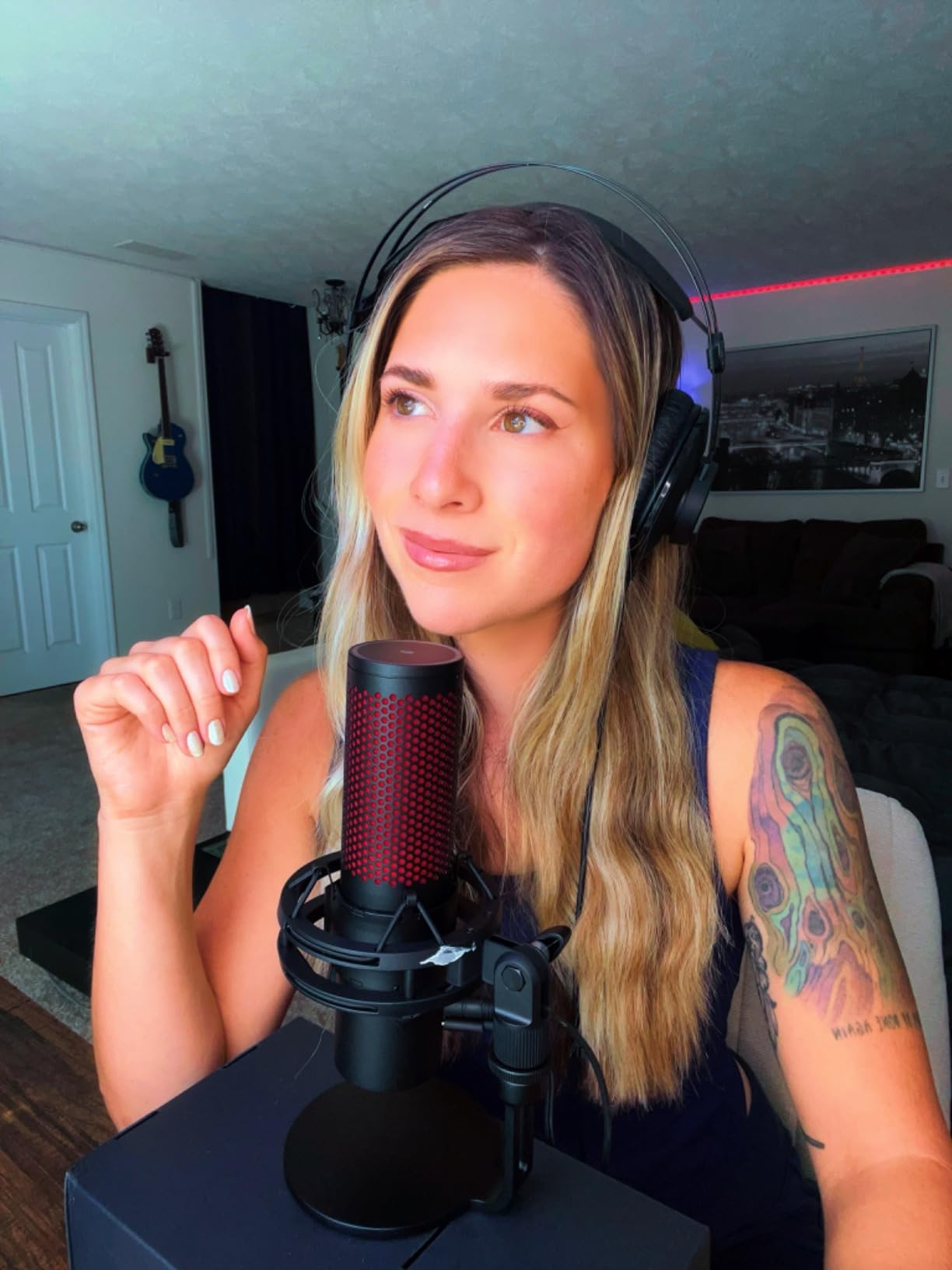
The removable shock mount is included, which is unusual and useful for a desk that transmits vibration from a mouse or keyboard. The 9.84 ft cable is long enough to run behind a monitor arm or to a nearby shelf, and the aluminum body keeps the mic from sliding around.
At 4.6 stars across 896 reviews with 83% five-star ratings, the reaction is strongly positive. That is a smaller review base than the leaders here, so treat the consensus as encouraging rather than settled.
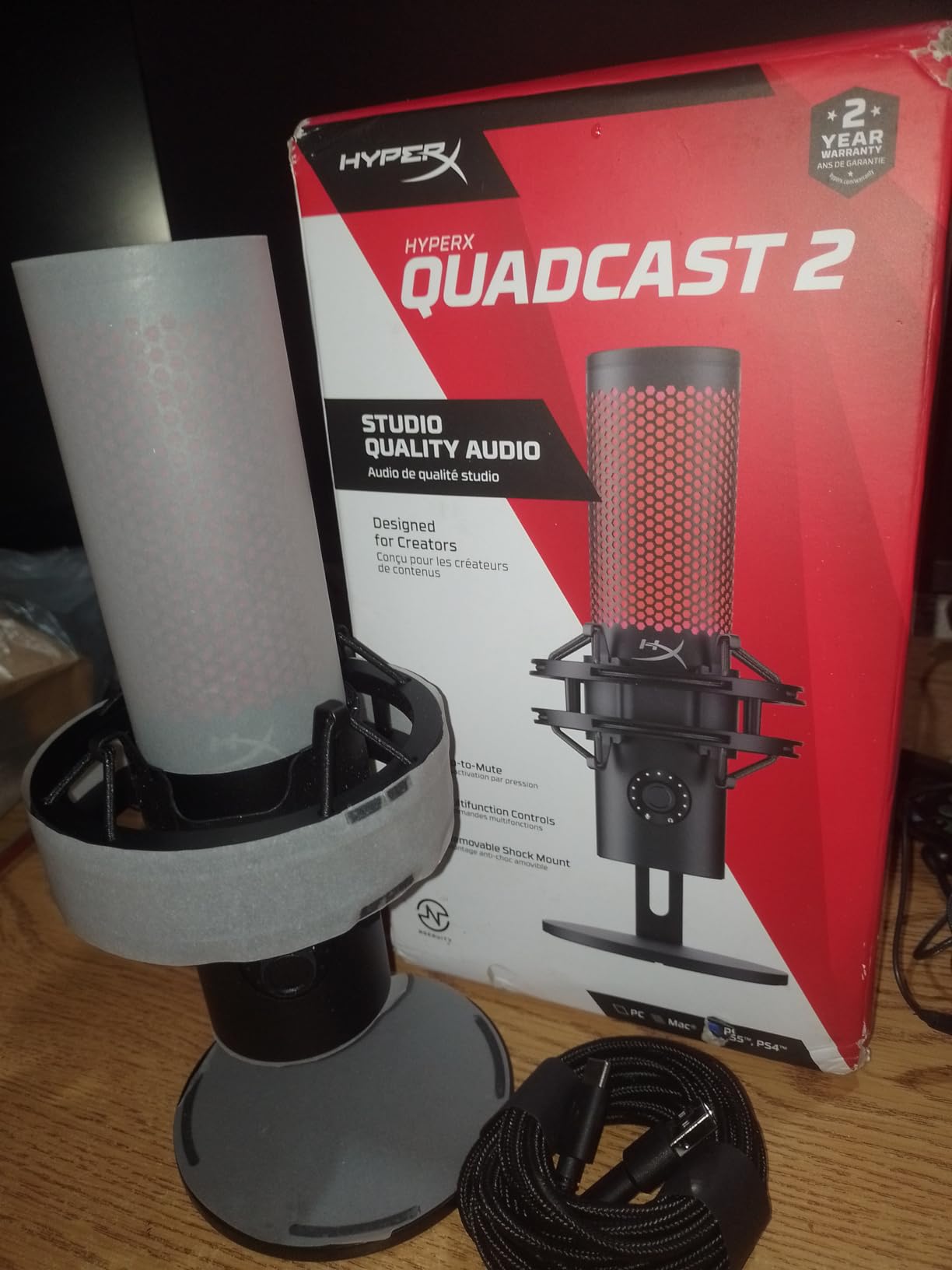
Boundary Form Factor and Room Pickup
This is a boundary microphone, meaning the capsule sits near the surface it rests on rather than hanging in the air. That design picks up more reflections from the desk and nearby surfaces than a cardioid desktop microphone used at the same distance. Treat it as a condenser in room terms and give it a soft, treated corner.
The practical gain is stability. It does not need a boom arm, it does not sag, and the shock mount handles desk vibration, which makes it a low-friction choice for someone who wants to start recording today.
Who Should Skip This Microphone
Skip it if plosives bother you, because no pop filter is included and keyboard and mouse clicks come through clearly. Buy one before your first take.
Skip it if you want customizable RGB lighting. Status and pattern lighting work, but full color customization is not yet available in the software. Pattern selection also moved into software and requires holding the volume button, which takes a little practice.
Dynamic vs Condenser USB Mics: Match the Microphone to Your Room
A dynamic USB microphone is the right choice in a loud room. Its capsule is built for loud, close sources and it rejects off-axis sound, which means fans, traffic and roommates sit far below your voice. A condenser USB microphone has the opposite profile: it hears everything, which gives you detail and air in a quiet space and adds room noise everywhere else.
Match the capsule to the room, in this order. Noisy bedroom with a fan, an untreated office or a shared wall: dynamic, meaning the Samson Q2U, the FIFINE AmpliTank K688 or the Shure MV7+. Carpeted home office with curtains and a soft corner: condenser, meaning the Elgato Wave:3 MK.2, the Blue Yeti, the Rode NT-USB Mini or the HyperX QuadCast 2. Small apartment treated with blankets and moving blankets: condenser, provided you work close and mute when not speaking.
Distance matters more than brand. The gap between your mouth and the capsule should be four to eight inches. At four inches, your voice is loud enough in the recording that the room is proportionally quieter, and the difference is larger than anything a more expensive microphone buys you.
USB vs XLR: What You Give Up and What You Gain
A USB microphone contains its own preamp and analog-to-digital converter, so the computer sees a standard input. An XLR microphone outputs an analog signal that needs an audio interface, which adds cost, desk space and a gain staging step. USB removes all three.
The honest downsides of USB are worth stating. You cannot chain several microphones into one input without extra software, upgrades are limited to what the manufacturer offers, and the internal converter and preamp are fixed. With XLR you control each channel independently, add compression and EQ per person, and record several microphones at once.
Do USB microphones need an audio interface? No. That is the entire point of the format, and none of the ten products here require one. If you already own an interface, the hybrid microphones on this list let you use it: the Samson Q2U, the FIFINE AmpliTank K688 and the Shure MV7+ all carry both USB-C and XLR outputs.
How to Get Broadcast Sound From Any USB Microphone
Position the microphone first. Aim the cardioid face at your mouth, four to eight inches away, slightly above mouth height, and speak across the capsule rather than straight into it. A pop filter or the included windscreen handles the rest, and a shock mount stops your desk from transmitting chair creaks and mouse clicks.
Set gain second. Speak at your normal loudness and bring the gain up until your loudest phrases land around two-thirds of the way up the meter, then stop. Leaving headroom means your editor can work without clipping artifacts.
Monitor with headphones third. Every microphone here provides zero-latency headphone monitoring, so you hear yourself without delay and without speaker bleed. Never monitor a dynamic microphone through speakers at volume, since the mic will hear the speakers.
Record in mono at a standard sample rate, and treat the room fourth. A thick duvet over the chair behind you, a wardrobe full of clothes, or a heavy curtain across a bare wall changes the recording more than any upgrade. Reviewers who fixed their room reported larger improvements than buyers who bought a more expensive microphone and recorded in the same untreated space.
Two-Person and Multi-Host Setups Without Crosstalk
Give every host their own microphone and record each track separately. This is the single change that fixes crosstalk. When two people share one microphone, each host bleeds into the other track and every edit requires cutting on breaths, which is where the audible clicks people complain about come from.
For each host, use a cardioid microphone aimed at that person only, positioned close. Dynamic microphones such as the Samson Q2U or the FIFINE AmpliTank K688 tolerate a shared room better than condensers, and back-to-back close placement keeps each host roughly four inches from their own capsule.
If two hosts sit side by side, use omnidirectional capsules such as the Blue Yeti Nano or the HyperX QuadCast 2 rather than positioning two cardioid microphones across a wide desk. For remote guests, record your local track on your own microphone and capture the call as a backup, which is the workflow most experienced podcasters in r/podcasting describe.
Buying Guide: Specs That Matter for USB Podcasting
Look for these seven specifications, in this order of importance. First, capsule type matched to your room: dynamic for noise, condenser for detail. Second, a cardioid polar pattern, which rejects sound from behind and is the standard choice for a single voice. Third, zero-latency headphone monitoring with a hardware volume control.
Fourth, onboard gain control. A fixed output with no gain adjustment forces you to solve level problems in software. Fifth, a mute control that disconnects the signal, since a level knob turned down still sends audio to your recorder. Sixth, included accessories. A boom arm, shock mount and pop filter can add up to more than the microphone itself, so a kit that includes them is often the better purchase.
Seventh, bit depth and sample rate. 24-bit capture is worth having. Sample rates above 96 kHz add file size and nothing audible for spoken word, so treat 192 kHz claims as a spec-sheet detail rather than a quality one.
Apply the 3-to-1 rule when you buy more than one microphone. It states that each successive microphone should be at least three times as expensive as the one before, because each step up buys a noticeable improvement in noise floor and frequency response. It applies to a chain of microphones, not to a single choice, and it matters most when you move from one dynamic to a broadcast dynamic.
Consider software support too. The Elgato Wave:3 MK.2, the Shure MV7+ and the HyperX QuadCast 2 all ship with free companion software that adds routing, effects or monitoring control, which can replace a hardware mixer. The Blue Yeti and the Blue Yeti Nano depend on Logitech G HUB, which works but adds a step before you record.
Finally, check the connector. USB-C is the current standard and appears on most of this list. The Blue Yeti and Blue Yeti Nano use the older mini-USB port, so confirm you have an adapter if your computer only offers USB-C.
Frequently Asked Questions
What is the best USB microphone for podcasting?
The Elgato Wave:3 MK.2 is the best USB microphone for podcasting overall because Auto Gain sets your level, Clipguard 2.0 stops distortion and the onboard voice enhancer handles sibilance. In a noisy room, choose a dynamic such as the Samson Q2U instead, since it rejects room noise far better than any condenser.
What are the downsides of using USB microphones?
The main downsides are limited expandability. You cannot chain several microphones into one input without extra software, upgrades depend on what the manufacturer ships, and the internal preamp and converter are fixed. You also cannot add compression or EQ per channel in hardware. For multi-host recordings, two-person shows or a future studio upgrade, XLR with an audio interface gives you more control.
Should I get a USB or XLR microphone for podcasting?
Start with USB if you are recording solo, want to begin this week or work in a single room. Move to XLR when you record multiple hosts, want per-channel processing, or are ready to add an interface. The Samson Q2U, FIFINE AmpliTank K688 and Shure MV7+ are hybrid microphones, so you can start on USB and switch to XLR later with the same microphone.
Do USB microphones need an audio interface?
No. A USB microphone contains its own preamp and analog-to-digital converter, so you plug it into a computer and select it as the input in your recording software. Nothing on our list requires an interface, and the only extra hardware most of them need is a boom arm and a pop filter.
What mic do I need for a two person podcast?
Give each host their own cardioid microphone and record separate tracks, because one shared microphone causes crosstalk and edit clicks. Dynamic models such as the Samson Q2U or FIFINE AmpliTank K688 handle a shared room better than condensers. Position each microphone four to eight inches from its own host and aim it directly, then avoid monitoring through speakers.
Our Verdict for 2026
The best USB microphones for podcasting in 2026 start with the Elgato Wave:3 MK.2, which removes the gain, clipping and sibilance problems that trip up most new hosts. It rates highest in our group at 4.7 stars with 10337 reviews, and its free software replaces a hardware mixer.
Buy the Blue Yeti if you want physical control and four pickup patterns, and the Samson Q2U or FIFINE AmpliTank K688 if your room is loud enough that a condenser would record your fan. Choose the Shure MV7+ when the show is on camera and you want a level meter on the microphone itself.
Whichever you pick, get it within four to eight inches of your mouth and monitor in headphones. That habit will improve your recordings more than any upgrade on this list.