
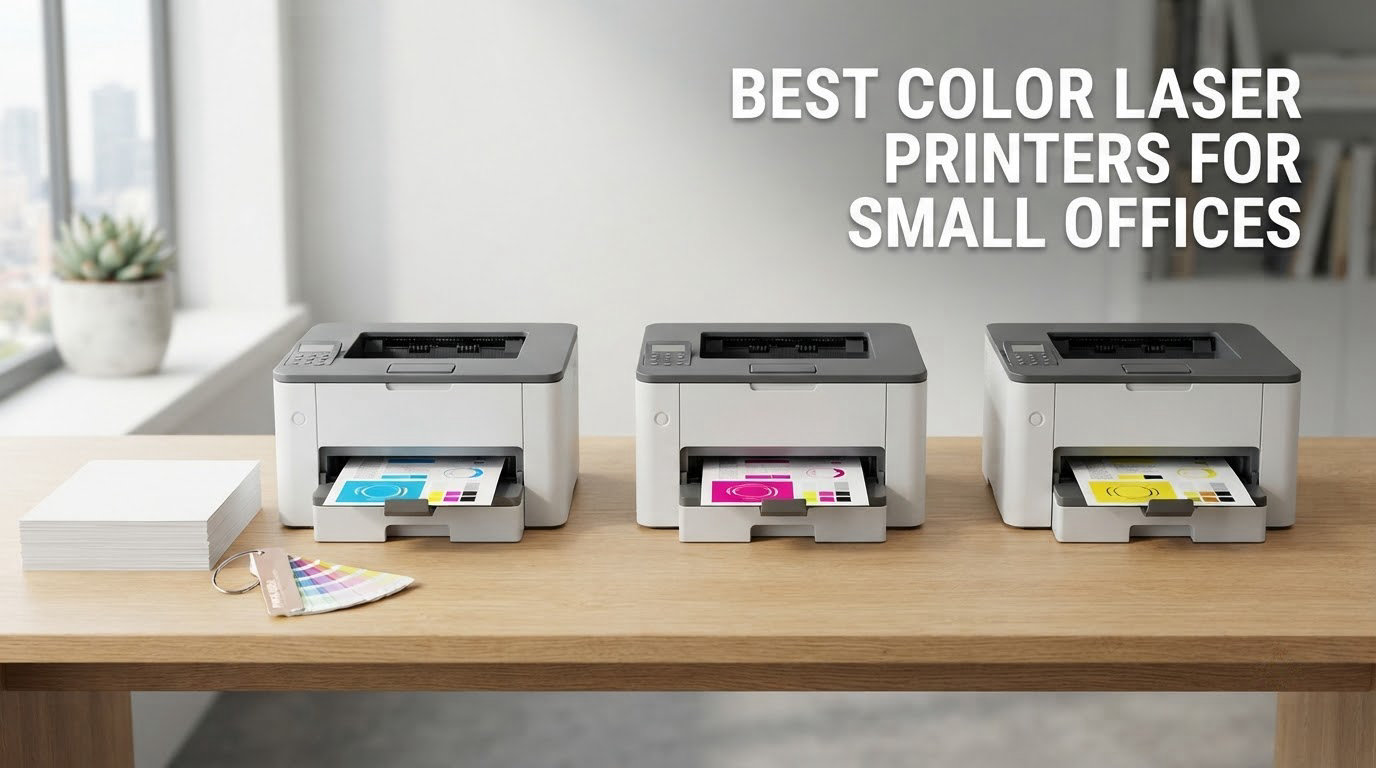
Small offices rarely fail because a color laser printer is slow. They fail because the wrong machine was bought for the workload, and then the toner bill quietly becomes the largest office supply line on the books. We spent weeks working through spec sheets, owner reviews and failure reports to rank the best color laser printers for small offices available right now.
Every pick below prints in color and monochrome, supports automatic duplex printing, and is a business-class machine rather than a repurposed home printer. Some are print-only, some scan and copy, four include a fax, and the fastest one in the group pushes 35 pages per minute. We also flag the toner situation for each one, because the running cost matters more over three years than the purchase price does.
We refreshed this guide for 2026 and kept only models with a meaningful owner base and published specifications. If you want the short version, start with the top three; if you want the reasoning, keep reading.
Table of Contents
Our Top 3 Color Laser Printer Picks for Small Offices (October 2026)
The Canon imageCLASS MF644Cdw is the best overall color laser printer for small offices because it prints, scans, copies and faxes at 22 ppm under a 3-year warranty. The Brother HL-L3230CDW is the highest-rated machine we cover, and the Canon imageCLASS LBP646Cdw is the most affordable entry into real laser color printing.

Canon imageCLASS MF644Cdw
- Print scan copy and fax at 22 ppm
- 5-inch color touchscreen
- One-pass duplex document feeder
- 3-year warranty

Brother HL-L3230CDW
- 25 ppm in color and monochrome
- 250-sheet paper tray
- Automatic duplex printing
- Wi-Fi and Ethernet connectivity

Canon imageCLASS LBP646Cdw
- 26 ppm color with automatic duplex
- 250-sheet cassette plus multipurpose tray
- 1200 x 1200 dpi color
- 3-year warranty
Best Color Laser Printers for Small Offices in 2026
Here is the short version by category, so you can match a machine to your office in seconds.
Best overall all-in-one: Canon imageCLASS MF644Cdw, 22 ppm, print, scan, copy, fax, 5-inch touchscreen, 3-year warranty.
Highest owner rating: Brother HL-L3230CDW, 4.3 stars from 1406 ratings, 25 ppm, 250-sheet tray, automatic duplex.
Best value print-only: Canon imageCLASS LBP646Cdw, 26 ppm with duplex, 250-sheet cassette, 3-year warranty.
Best for high volume: Canon imageCLASS MF753Cdw II, 35 ppm, 7-second first page, duplex print and duplex scan.
Best for compact desks: Brother HL-L3220CDW, 24.7 lb, 15.7 inch wide, 250-sheet tray, automatic duplex.
Best for the sharpest color output: Xerox C235dni, 1200 x 1200 dpi color, 24 ppm, two trays, AirPrint and Mopria.
Best for a touchscreen-driven workflow: Brother MFC-L3720CDW, 3.5-inch color panel, 48 shortcuts, 50-sheet ADF, fax.
Best for two-sided single-pass scanning: HP Color LaserJet Pro MFP 3301fdw, 26 ppm, sheetfed duplex scanning, ADF, fax.
The full lineup, in one place, with the details that separate them:
| Product | Specs | Action |
|---|---|---|
| Canon imageCLASS MF644Cdw |
|
Check Latest Price |
| Brother HL-L3230CDW |
|
Check Latest Price |
 Brother HL-L3220CDW Brother HL-L3220CDW |
|
Check Latest Price |
 HP Color LaserJet Pro MFP 3301sdw HP Color LaserJet Pro MFP 3301sdw |
|
Check Latest Price |
 Brother MFC-L3720CDW Brother MFC-L3720CDW |
|
Check Latest Price |
 HP Color LaserJet Pro 3201dw HP Color LaserJet Pro 3201dw |
|
Check Latest Price |
 HP Color LaserJet Pro MFP 3301fdw HP Color LaserJet Pro MFP 3301fdw |
|
Check Latest Price |
 Xerox C235dni Xerox C235dni |
|
Check Latest Price |
 Canon imageCLASS MF753Cdw II Canon imageCLASS MF753Cdw II |
|
Check Latest Price |
| Canon imageCLASS LBP646Cdw |
|
Check Latest Price |
How We Picked These Printers
We ranked these machines on the things a small office actually feels: engine speed, first-page time, paper handling, duplex behavior, connectivity, and the cost of keeping it supplied. Where two machines look similar on paper, we let owner ratings and reported failure patterns break the tie.
Two rules shaped the list. First, we excluded anything without a usable review base, because a printer with no ownership history is an unknown quantity in an office that cannot afford downtime. Second, we kept only machines with automatic duplex printing, since a shared office without it will burn paper and staff time.
We did not run print quality lab tests on every unit. Where a claim comes from owner reports rather than a published specification, we say so in the write-up. The specifications quoted here are the manufacturers’ published figures, and the ratings are the aggregate scores shown on the product pages.
1. Canon imageCLASS MF644Cdw Is Our Best Overall Pick for a Small Office
Color imageCLASS MF644Cdw – All-in-One, Wireless, Mobile-Ready, Duplex Laser Printer with 3 Year Warranty,Works with Alexa
Print scan copy fax
22 ppm
5-inch color touchscreen
Duplex ADF
3-year warranty
Pros
- Sharp color output owners compare to magazine prints
- Single-pass duplex feeder scans both sides in one pass
- Accepts third-party toner cartridges
- 3-year warranty plus short-term memory storage for confidential jobs
- Wi-Fi Direct and Ethernet with Canon PRINT app support
Cons
- Genuine Canon 054 toner is expensive
- AirPrint can drop while the printer is asleep
- 80 MB of memory struggles with very large mixed-color jobs
This is the machine we would put in a two-to-ten person office without hesitating. It prints, scans, copies and faxes at 22 ppm in both color and monochrome, and the first page comes out in as fast as 10.3 seconds. For a team printing contracts, invoices and internal reports, that is comfortably quick.
The 5-inch color touchscreen is one of the larger panels in this group, and the interface responds to swipes. Canon built it around an imageCLASS layout, so a first-time user can find duplex toggles and toner levels without a manual. The one usability gripe we see repeatedly is that the on-screen arrows are less sensitive than a finger expects, and a swipe works better than a tap.

The document feeder is the part that separates this from cheaper office machines. It is a one-pass duplex feeder, meaning it captures the front and back of a page in a single pass rather than flipping the sheet mechanically, which cuts jams and speeds up multi-page jobs. Several owners arrived from inkjet machines specifically to escape cartridges drying out, and this is the unit that convinced them.
Color quality is the other reason it wins. Owners repeatedly describe output that looks like a magazine cover, with clean edges on text and smooth gradients in charts. The published color resolution is 600 x 600 dpi, which is typical for office color laser work.
Paper handling and a weekly office workload
The machine sits on a single paper tray plus a manual feed path, and it accepts media up to 8.5 x 14 inch. Maximum media size and tray count are worth checking against your own documents, because a small office printing legal-size paperwork will refill this more often than one on letter paper.
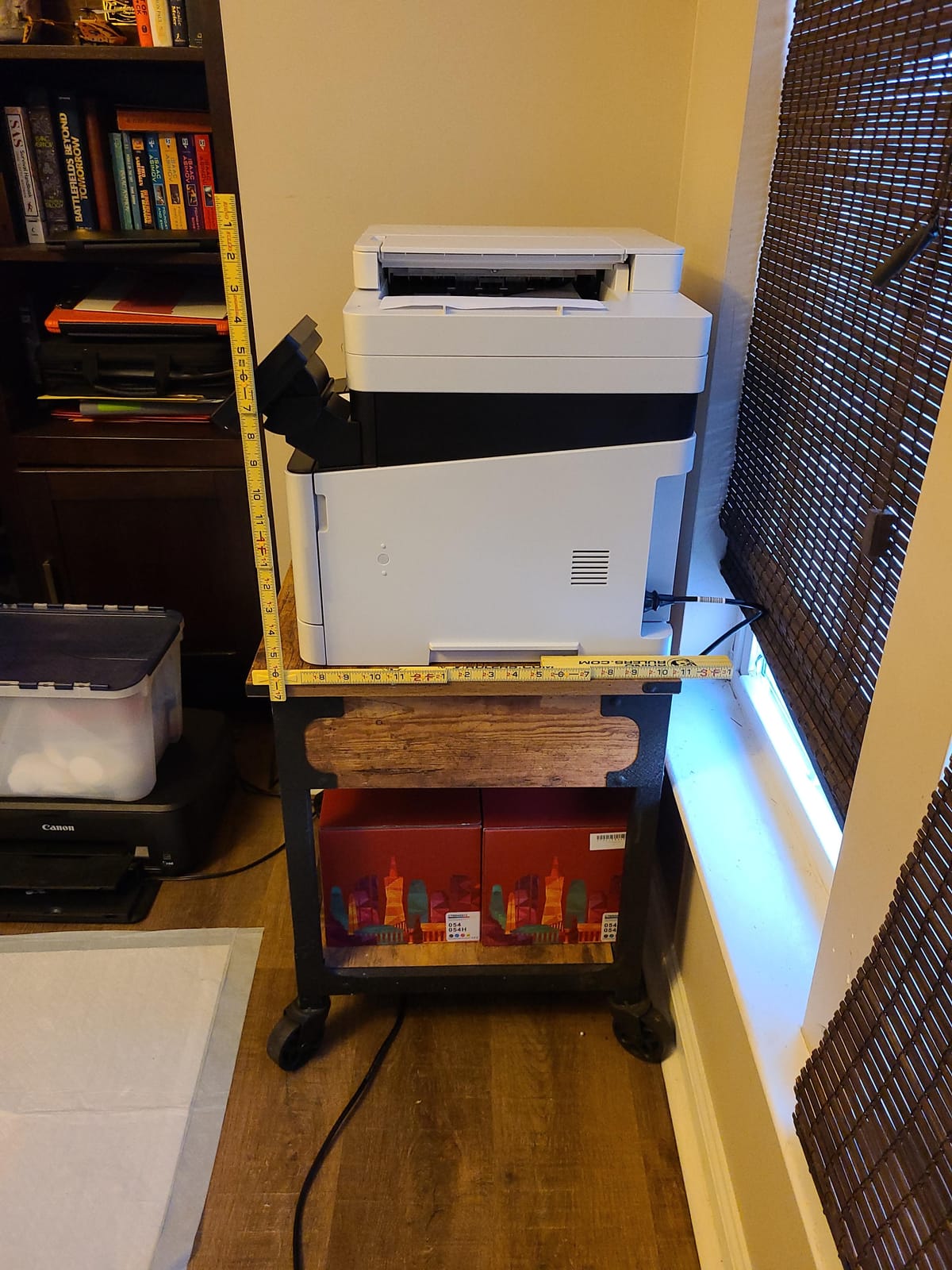
It draws 850 watts at peak and weighs 48.4 lb, so plan the location before it arrives. Canon lists a standard installation space of 23.4 x 23.0 x 21.3 inch, which is larger than the machine itself and larger than many small offices have on a credenza. Wireless setup, Ethernet and Wi-Fi Direct are all present, and it works with Apple AirPrint and the Canon PRINT app.
Toner cost and ownership reality
Genuine Canon 054 cartridges are the weak point. Reviewers who moved from HP machines often note that Canon toner costs more per set, and the machine accepts third-party cartridges, which is a meaningful difference over a few years of color printing. The 3-year warranty is tied for the longest in this lineup and is a strong reason to keep the machine past year two.
One technical limitation to plan around: the unit has 80 MB of memory, so a very large job mixing heavy color and graphics can throw an error and need a power cycle. For normal invoices, reports and presentations this never comes up. For a monthly batch of 600-page graphic jobs, look at the Canon imageCLASS MF753Cdw II instead.
2. Brother HL-L3230CDW Has the Highest Owner Rating in the Group
Brother HL-L3230CDW Compact Digital Color Printer Providing Laser Printer Quality Results with Wireless Printing and Duplex Printing, Amazon Dash Replenishment Ready, White
Print-only color laser
25 ppm
250-sheet tray
Automatic duplex
1-year warranty
Pros
- Rated 4.3 stars across 1406 owner reviews
- Dependable in long-term daily use per support-desk owners
- Inexpensive TN223 and TN227 toner with long intervals between changes
- Quiet enough for a home office
- AirPrint and Mopria support via Brother iPrint&Scan
Cons
- Single-sheet manual feed slot for labels and envelopes
- Premature toner-low warnings can block a job
- 18.1 inch wide body is broad for a compact desk
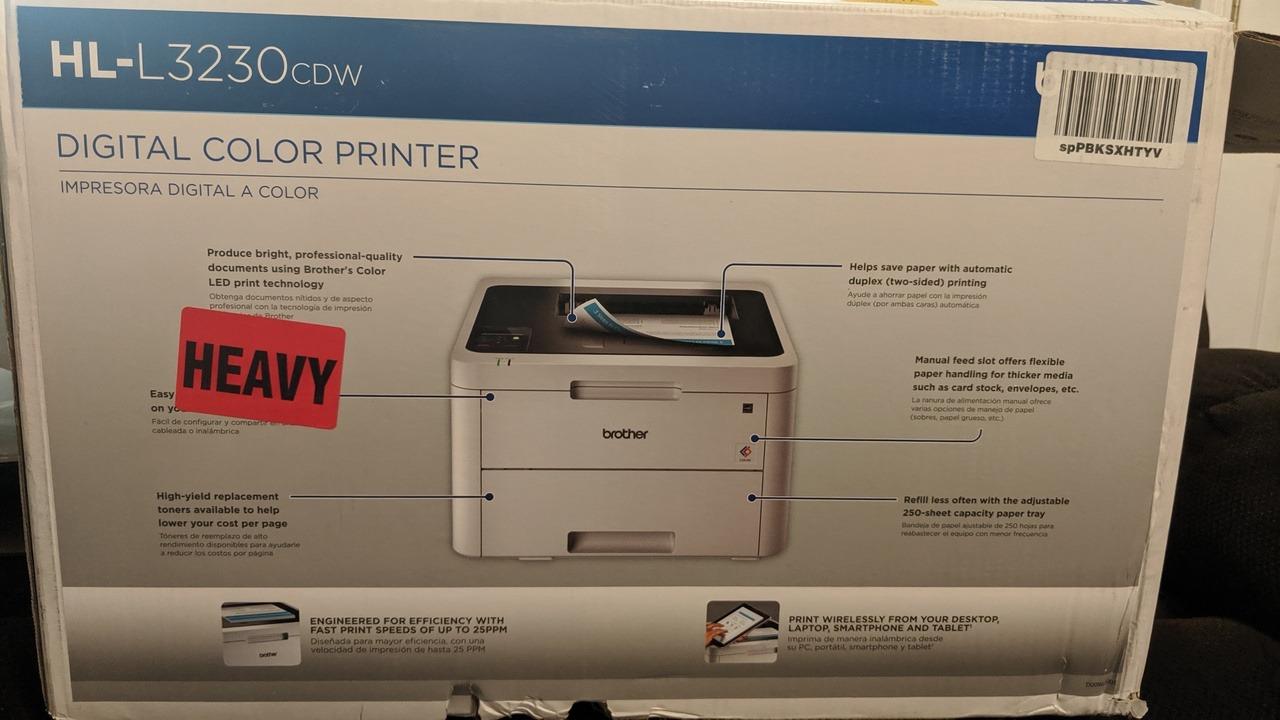
At 4.3 stars from 1406 ratings, this is the highest-rated machine we recommend, and the consistency behind that number is what makes it interesting. It is a print-only color laser at 25 ppm with automatic duplex printing and a 250-sheet adjustable paper tray, and it has held up over years of daily use for the owners we heard from.
The appeal is straightforward: cheap toner that lasts, a tray that does not need constant refilling, and a duplexer that works without drama. Several owners described it as a workhorse that just keeps printing, and one tech-support reviewer reported years of trouble-free daily operation.
Connectivity is the full office standard: Wi-Fi, Wi-Fi Direct, Ethernet and USB, with AirPrint, Mopria, Brother iPrint&Scan and cloud printing support. It also runs on Brother’s older local installation software, which some offices prefer because it does not depend on an online service staying reachable.
Color resolution is published at 600 x 600 dpi, the same class as most office color lasers here. That is fine for charts, forms and internal documents. If you print a lot of photography or fine gradients, this is not the machine for that job.
Network setup and everyday printing
Getting it onto a network is straightforward, and the Brother app handles printing from phones and tablets cleanly. One owner pointed out that the machine is quiet enough to sit in a bedroom office, which matters for hybrid workers printing after hours.
It weighs 39.7 lb and measures 18.1 inch wide by 16.1 inch deep by 9.9 inch tall. That width is the practical problem in a tight small office, and it is the main reason the Brother HL-L3220CDW exists further down this list.
Toner and running-cost reality
The Brother TN223 and TN227 toner series is where this machine’s value shows up. Owners consistently report low cost per page compared with inkjet cartridges they replaced, and the cartridges last a long time between changes. Budget for the high-yield versions rather than the starter cartridges, because starter yield is not representative of what the machine actually consumes.
Two real annoyances show up in the reviews. Short color jobs suffer repeated warm-up cycles, which makes a single-page color print feel slow on a 25 ppm engine. And several owners report toner-low messages that fire early or refuse to let a job print when the cartridge is nearly out, which is annoying in a shared office where anyone can press the button.
3. Brother HL-L3220CDW Fits the Tightest Desk at 24.7 Pounds
Brother Color Laser Printer with Wireless Printing Fast 19 PPM Output, Duplex Feature, Mobile Device Compatible, 250-Sheet Paper Tray for Professional Home Office Printing (HL-L3220CDW)
Print-only color laser
19 ppm
2400 x 600 dpi color
250-sheet tray
24.7 lb
Pros
- Compact and light at 24.7 lb for a color laser
- Automatic duplex at this size is unusual
- 250-sheet tray cuts down on refills
- First page out in under 15 seconds
- 2400 x 600 dpi gives crisp text and business graphics
Cons
- Print-only with no scanner
- copier or fax
- 3.9 average with a 19 percent one-star share
- 19 ppm is slower than the 24 to 26 ppm machines
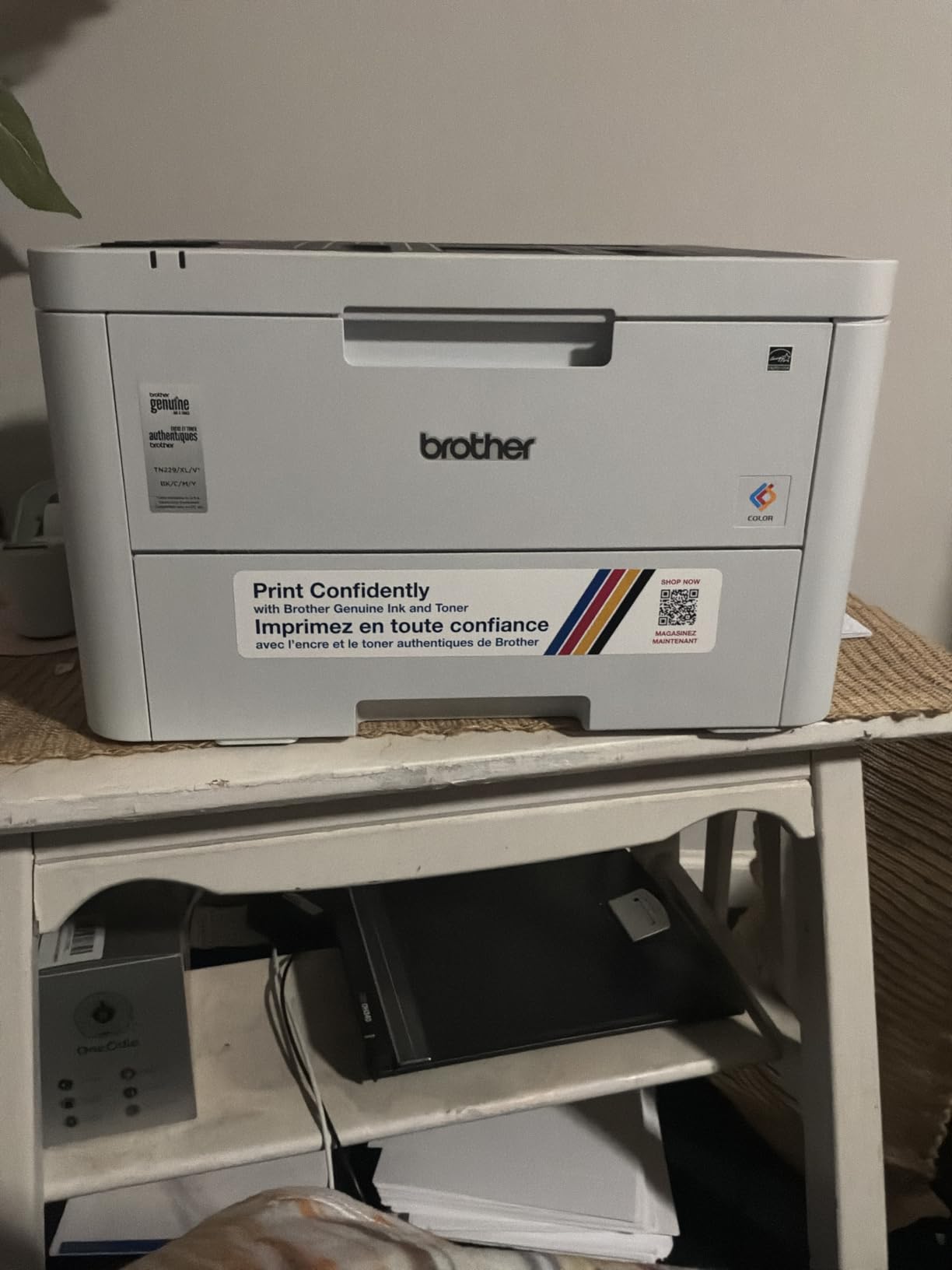
Footprint and weight are the reasons to buy this one. At 24.7 lb it is the lightest color laser in our lineup, and at 15.7 by 15.7 by 9.4 inch it fits a small surface better than anything else here, while still giving you a 250-sheet paper tray and automatic duplex printing. For a home office, a shared hot desk, or a small office where space is genuinely tight, that combination is rare.
It runs at 19 ppm in color and monochrome with a first page in under 15 seconds, and it prints at up to 2400 x 600 dpi in color, which produces crisp text and solid business graphics. Built-in wireless is included, with mobile and cloud printing support across the major platforms.
The toner situation is the honest caveat. It uses the TN229 and TN229XL series, the same Brother supply family as the larger machines above, so cartridge availability and third-party options are good. But the 3.9 average rating comes with a 19 percent one-star share, and the pattern in those reviews is toner dissatisfaction rather than hardware failure.
Paper handling is a 250-sheet tray plus a manual feed slot for envelopes and specialty media, with a 150-sheet output tray. The machine draws 480 watts and carries a 1-year limited warranty, which is tied for the shortest here.
Where it fits and what it cannot do
This is a print-only machine. There is no scanner, no copier and no fax, so if anyone in the office needs to scan a signed contract into email, you will need a separate scanner or a phone app. That is the single decision point for this machine.
Speed is the other limit. At 19 ppm it is noticeably slower than the 24 to 26 ppm machines, so a 200-page job takes roughly ten minutes. For a two-person office printing a few hundred pages a month, that rarely matters.
Toner and running-cost reality
Supply compatibility is a strength: the TN229XL high-yield cartridges and the DR229CL drum are shared with other Brother models, and third-party supply for the TN229 family is widely available. That flexibility is what keeps the effective cost per page low for a machine at this size.
What to watch is the duty-cycle ceiling rather than the cartridge. Once a small office starts running regular volume rather than occasional jobs, a 19 ppm engine with a single 250-sheet tray becomes the bottleneck, and the machine earns its cost by staying out of the way for light work.
4. HP Color LaserJet Pro MFP 3301sdw Handles Two Trays and a Flatbed Scanner
HP Color LaserJet Pro MFP 3301sdw Wireless All-in-One Color Laser Printer, Office Printer, Scanner, Copier, ADF, Duplex, Best-for-Office (499Q3F)
Print scan and copy
26 ppm
Flatbed plus ADF
250-sheet input and second tray
Pros
- Flatbed scanner plus ADF covers single copies and multi-page jobs
- Two paper trays handle higher office volume
- 26 ppm with automatic duplex printing
- Vivid TerraJet color on business documents
- Wi-Fi and Ethernet with app control
Cons
- Chip-locked against third-party cartridges
- 218A and 218X toner cost per page drives complaints
- 600 x 600 copy resolution is basic for a machine at this class point
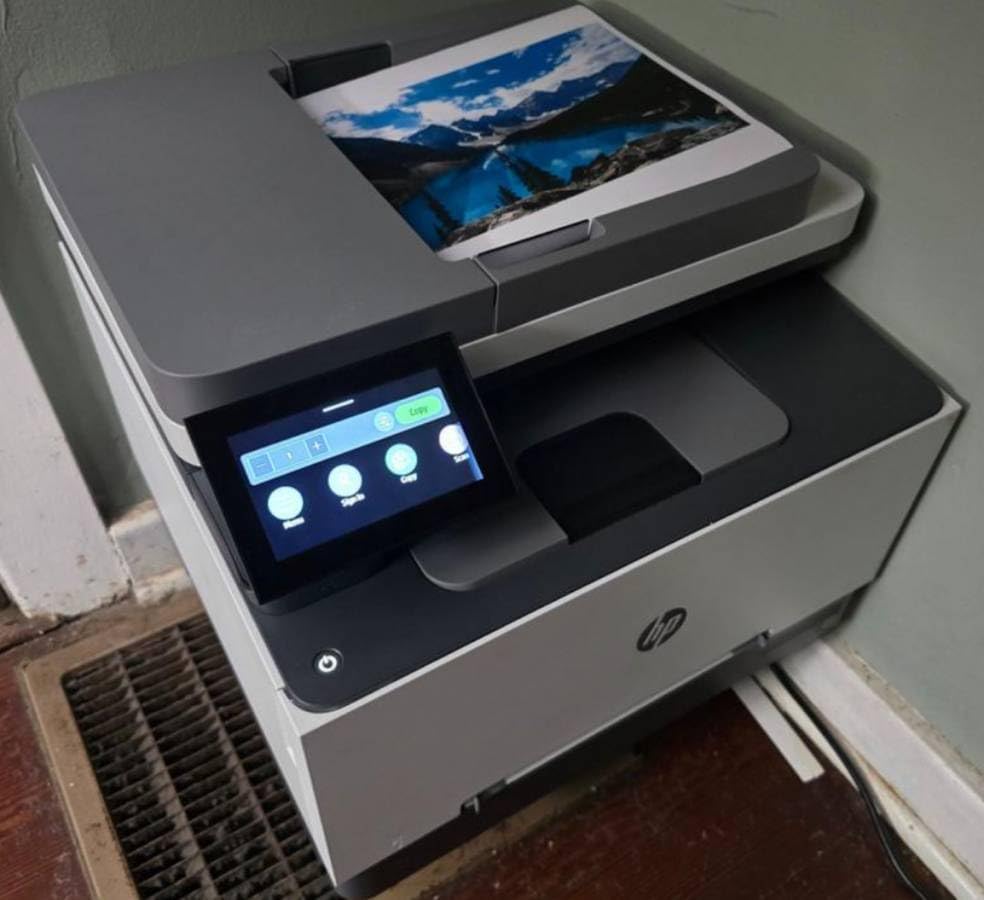
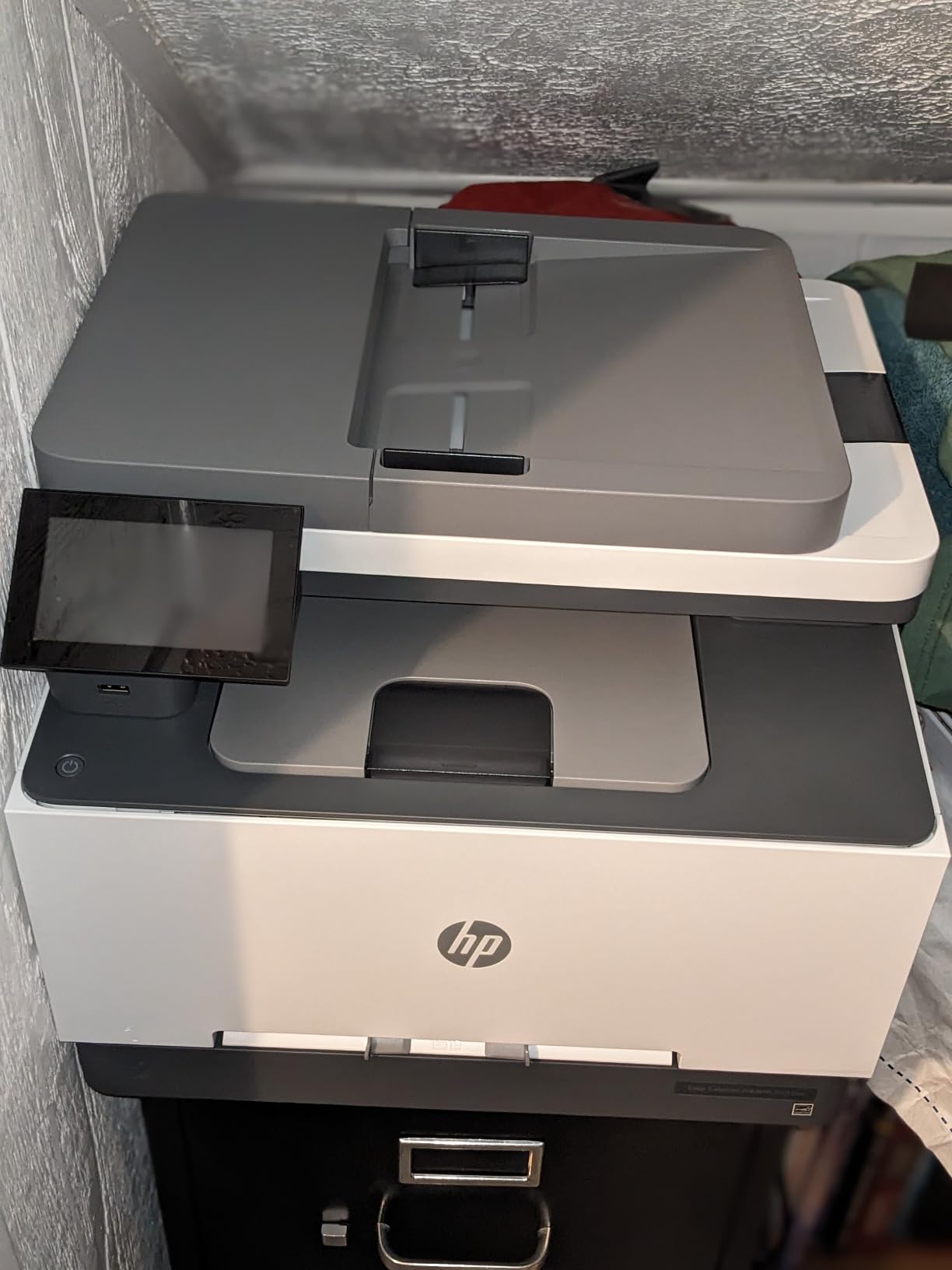
This is the HP machine to look at when your small office shares a printer between people who copy and scan as well as print. It handles print, scan and copy at up to 26 ppm in black and color, with automatic duplex printing, a flatbed scanner and an automatic document feeder. It also has two paper trays, and 250 sheets go into the input side.
The sales rank is telling: it sits at number 5 in laser computer printers and number 2,877 in office products, so this exact configuration is being bought in volume by small offices. It is not the same as owner satisfaction.
Color output uses HP’s TerraJet toner, and owners like the vividness on charts and internal marketing material. The 3.7 average rating with roughly a quarter of reviews at one star is the part you need to understand before ordering, and we will get to it below.
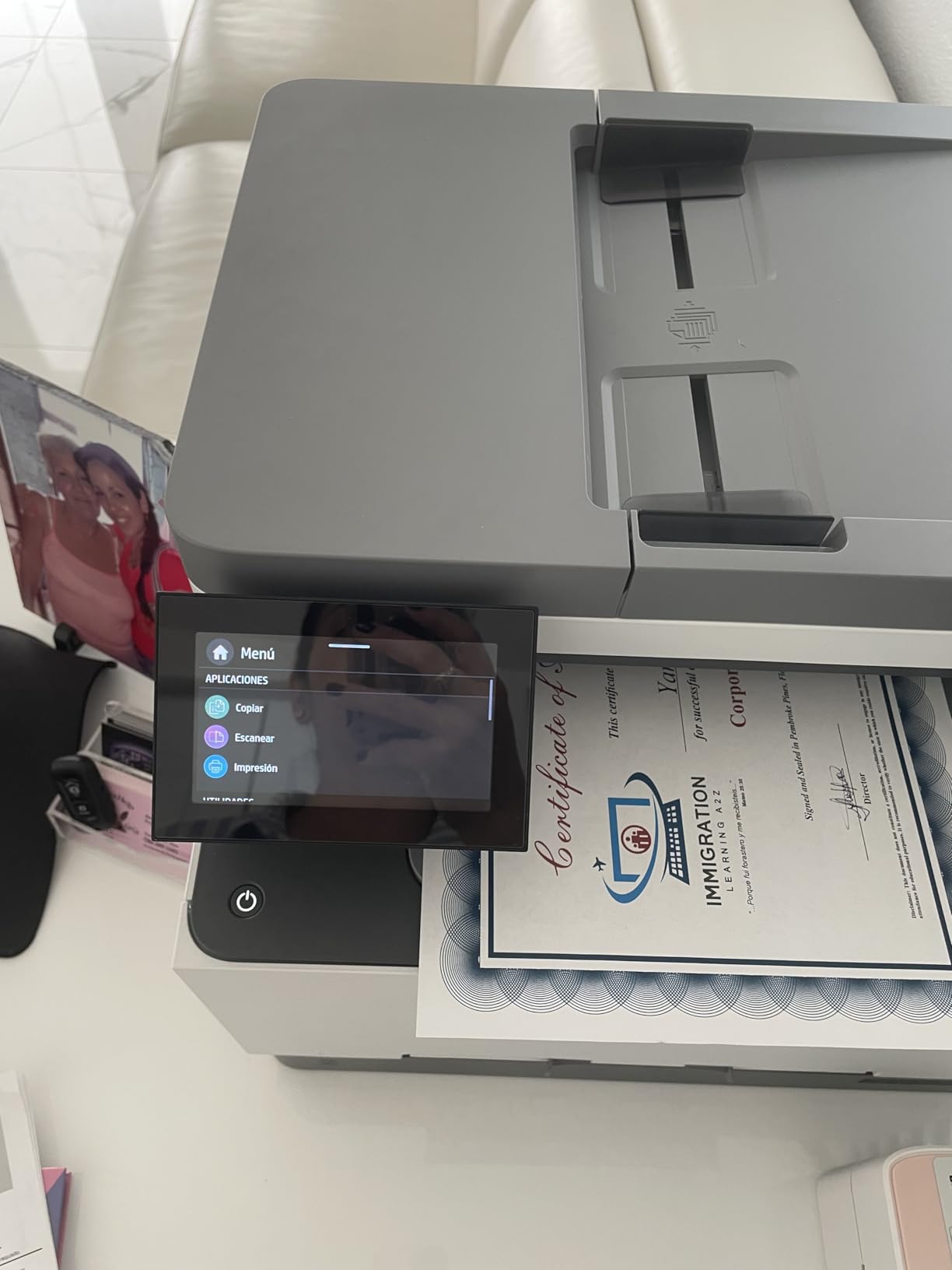
Connectivity is USB, Wi-Fi and a single Ethernet port, with two USB ports, and control runs through the HP app rather than a built-in screen. There is no physical control panel, so every setting change happens on a phone or laptop, which some offices like and others find irritating.
Paper handling and office workflow
That is the practical advantage here. The primary 250-sheet input tray handles daily volume, and the second tray means you can keep letter and legal paper loaded at the same time without swapping it every morning. Output capacity is 250 sheets, which is generous for a shared machine.
The flatbed scanner covers odd-sized originals like a folded invoice or a rigid ID card, and the ADF handles multi-page work. Copy resolution is published at 600 x 600, which is basic for enlarging or photo reproduction, though normal documents are fine.
Chip-locked toner and the cost-per-page problem
This machine is designed to work only with cartridges containing HP chips or circuitry, and it will block non-HP chips. Firmware updates exist specifically to maintain that enforcement. Practically, that removes the third-party toner option that makes the Brother and Canon machines cheaper to run over time.
Add the 218A and 218X cartridge economics to that and you get the pattern in the reviews: a 3.7 average driven by running cost, not by reported hardware breakdowns. If your office prints a lot of color and you are choosing purely on purchase price, this machine will surprise you at the toner counter. The Brother HL-L3230CDW and the Canon models run cheaper for the same reason in reverse.
5. Brother MFC-L3720CDW Packs Fax and a 3.5 Inch Color Touchscreen
Brother MFC-L3720CDW Wireless Color Laser Printer, Scanner, Copier, Fax, Auto Duplex, 250-Sheet Capacity
Print, scan, copy and fax
19 ppm
3.5-inch color touchscreen
50-sheet ADF
Dual-band Wi-Fi
Pros
- Full print
- scan
- copy and fax with a 50-sheet ADF
- Touchscreen with 48 customizable shortcuts
- Dual-band 2.4 and 5 GHz Wi-Fi
- Companion app for toner monitoring
Cons
- 19 ppm engine lags the 24 to 26 ppm machines
- 44 lb weight with a wide footprint
- Stated 300 x 300 scanner resolution is low
Brother’s mid-size all-in-one is the machine for an office that wants a real control panel without moving up to a 35 ppm engine. It prints, scans, copies and faxes, adds a 50-sheet automatic document feeder, and puts a 3.5-inch color touchscreen on the front with 48 customizable shortcuts. You can pin cloud service shortcuts straight to that panel.
Wireless is dual-band, covering both 2.4 GHz and 5 GHz, plus Wi-Fi Direct and USB 2.0. Dual-band matters more than most spec sheets admit: on a 2.4 GHz-only network in an office full of other devices, a printer can become the weak link. It also ranks number 8 in laser computer printers.
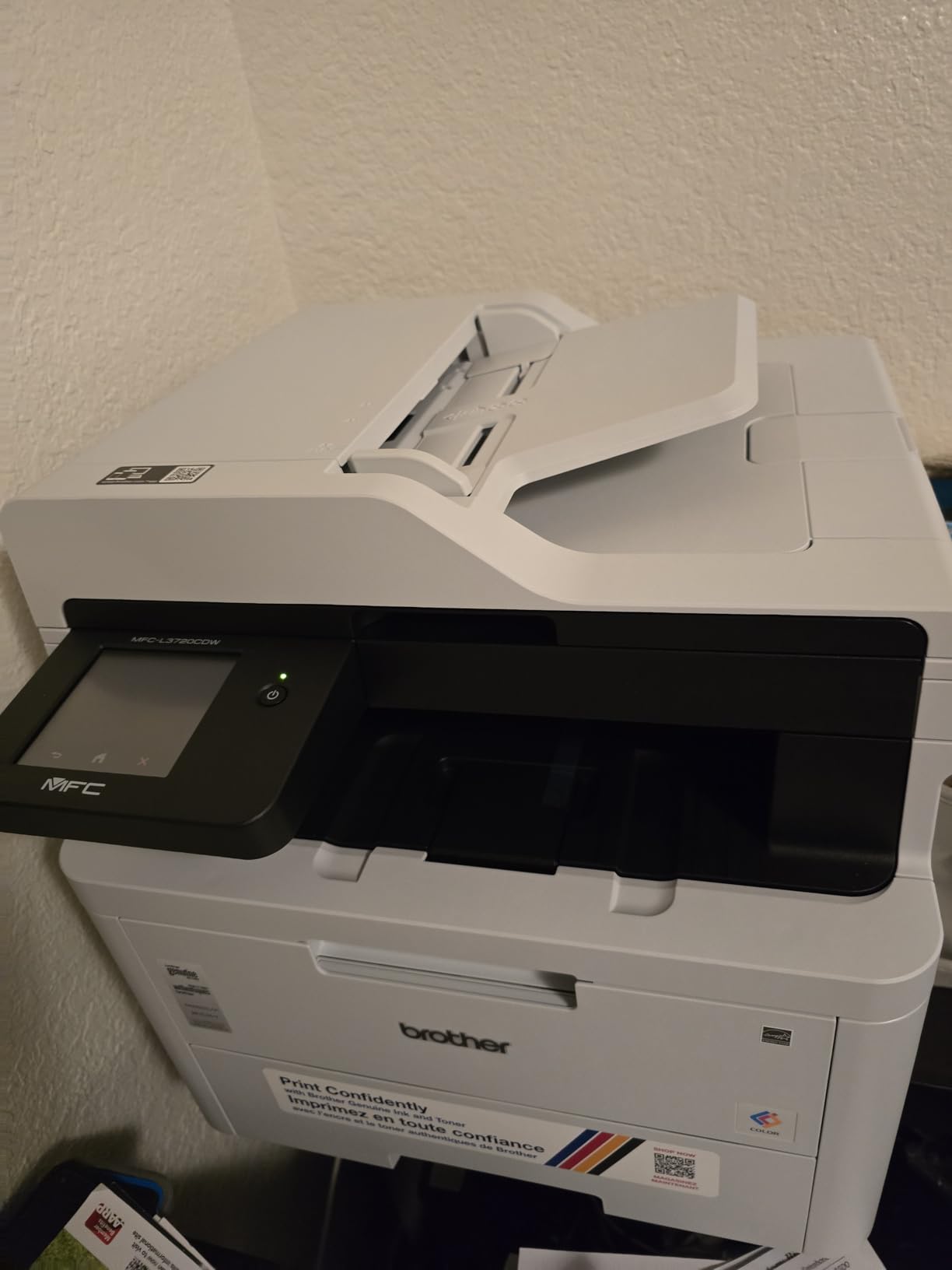
The companion mobile app handles remote printing and toner level monitoring, which removes the most common small-office complaint about laser machines, the surprise discovery that the cyan cartridge ran out three days before a client deadline.
Paper handling is a 250-sheet adjustable tray with automatic duplex printing, and it accepts media up to 8.5 x 14 inch. Color resolution is published at up to 2400 x 600 dpi, which is among the sharper figures in this group.
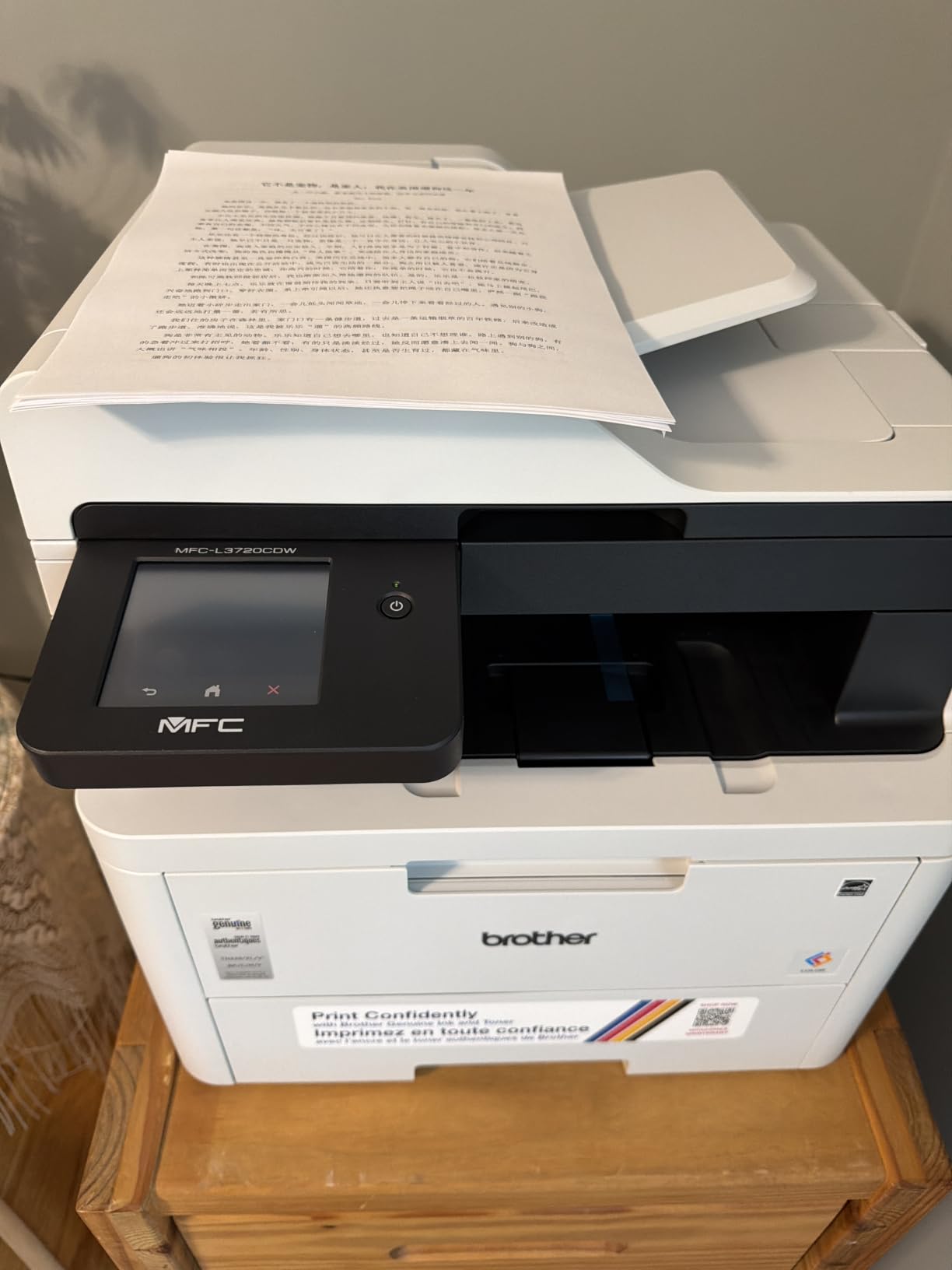
Control panel and workflow trade-offs
The 3.5-inch panel is a genuine step up from app-only control. Setting duplex, choosing a tray or pulling a job off the queue from the device itself takes a few seconds, and for a shared machine that reduces the number of people who need admin access to a laptop.
The engine runs at 19 ppm, which is slow next to the 24 to 26 ppm Canon and HP machines at similar sizes. A 16 percent share of one-star reviews points to some assembly, toner or reliability friction, and the stated scanner resolution of 300 x 300 is low on paper compared with the print resolution, though owners rarely complain about real-world copies.
Toner and running-cost reality
Supply is the TN229 and TN229XL family plus the DR229CL drum, all of which are shared with other Brother models and widely available in third-party form. That is the structural advantage over the HP machines in this list, and it is why Brother models tend to cost less to run even when their purchase price is similar.
The tradeoff is physical. At 44 lb and 17.5 inch wide by 16.1 inch deep by 15.8 inch tall, it needs a real shelf rather than a desk corner. If your office prints under 200 pages a month, the slower engine and the footprint are worth weighing against the Canon LBP646Cdw at 26 ppm.
6. HP Color LaserJet Pro 3201dw Runs 26 ppm With No Scanner Attached
HP Color Laserjet Pro 3201dw Wireless Color Laser Printer, Office Printer, Duplex, Best for Office (499Q9F)
Print only color laser
26 ppm
250-sheet input tray
Dual-band Wi-Fi with self-reset
600 x 600 dpi
Pros
- 26 ppm in color and monochrome with automatic duplex
- Dual-band Wi-Fi with self-reset recovers dropped connections
- 250-sheet input tray suits a small office week
- Lightweight 33 lb chassis for an office laser
- No scanner to jam or service
Cons
- Lowest-rated machine here at 3.4 stars with a 29 percent one-star share
- Chip-locked to original HP TerraJet cartridges
- 600 x 600 dpi is modest for color graphics
This is the fastest print-only machine in the lineup at 26 ppm, with automatic duplex printing, a 250-sheet input tray and 250-sheet output capacity. If your office only prints and prints a fair amount, that speed at this size is the whole argument.
The wireless implementation is the most interesting feature. It uses dual-band Wi-Fi with a self-reset mechanism that detects and resolves connection issues on its own, which removes one of the most common support calls in a small office. It also connects over Ethernet and USB.
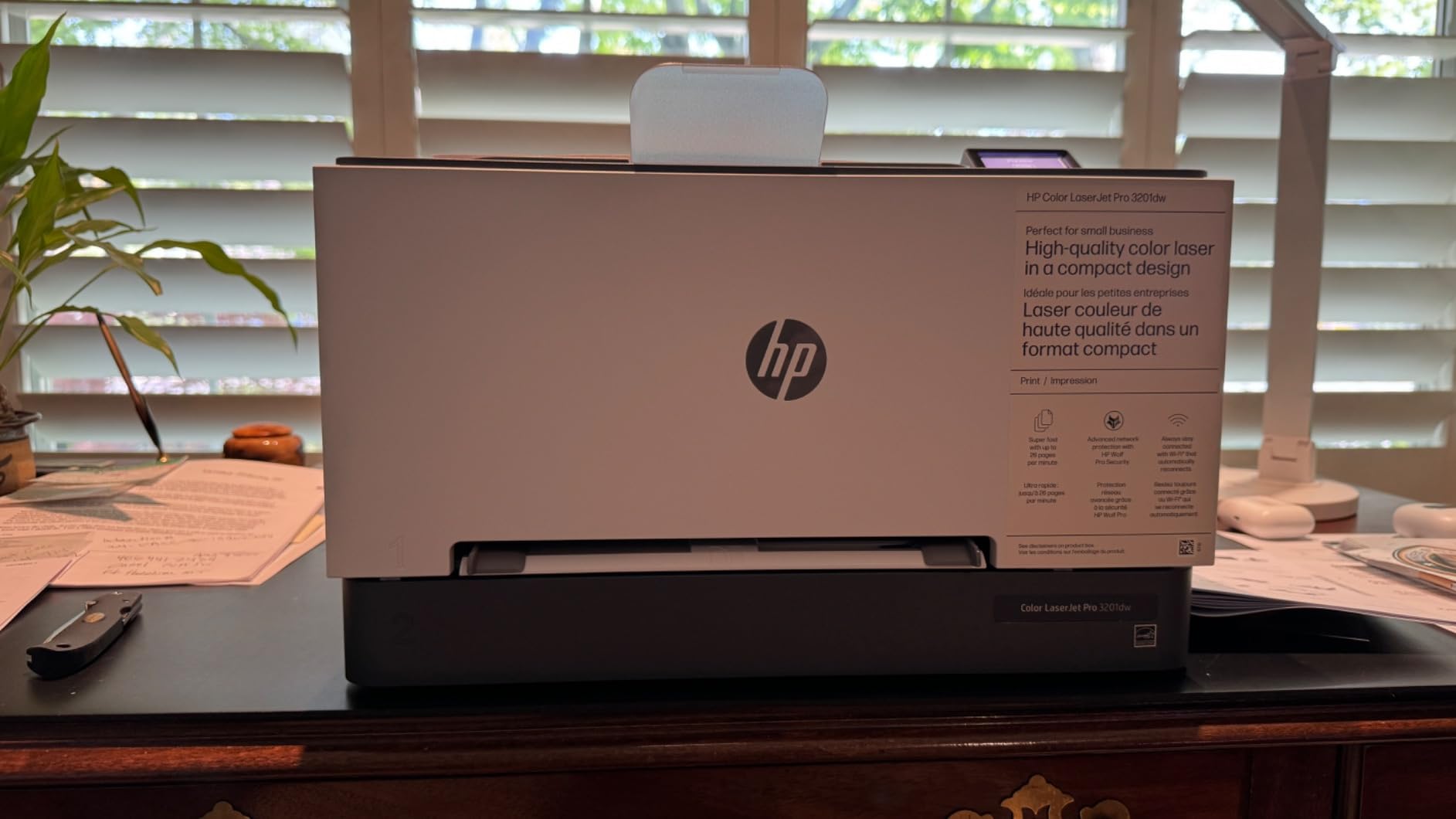
Color output comes from HP’s next-generation TerraJet toner, and owners generally like the vibrancy on business documents. The machine measures 20.08 inch wide by 15.35 inch deep by 10.47 inch tall and weighs 33 lb.
Now the part you need to weigh carefully. It carries a 3.4 star average with a 29 percent one-star share, the lowest rating in this group, and the reviews make clear why: this is a running-cost story, not a build-quality story. Very few negative reviews describe paper jams or dead print engines.
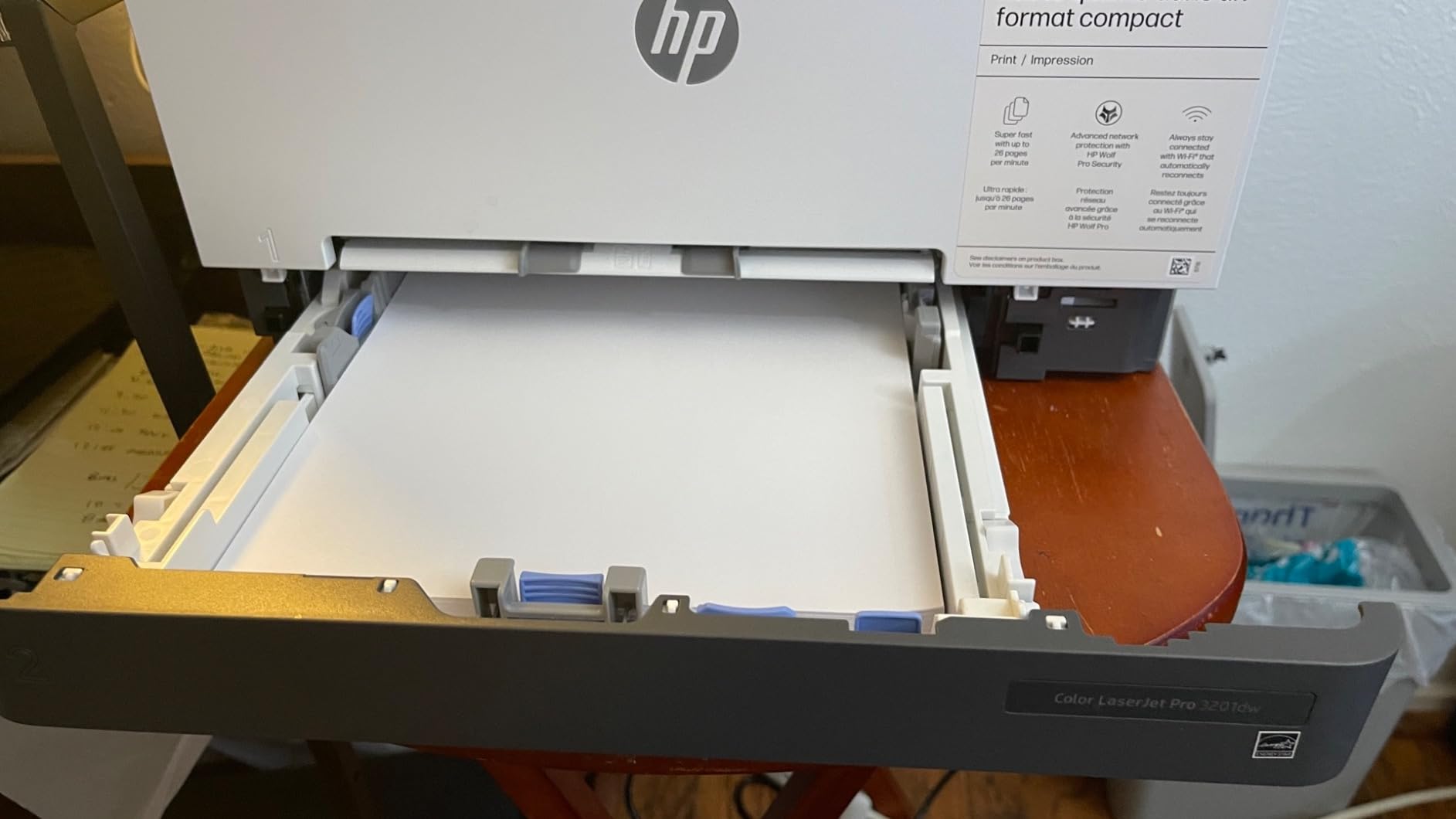
Wireless setup and paper handling
At 26 ppm with duplex as standard, a 100-page two-sided contract comes out in under four minutes. That is the workload case: legal offices, real estate teams and consultancies printing signed documents in batches rather than single sheets.
Control is through the HP app, with no built-in screen. Print resolution is 600 x 600 dpi in color, which is fine for forms and reports but will disappoint anyone printing photographic material on it.
Chip-locked toner and running cost
Like the other HP machines here, the 3201dw works only with cartridges containing original HP chips, and it blocks non-HP chips or circuitry. Firmware updates exist to keep that enforcement in place, so the third-party supply route is closed.
That is why a 3.4 rating appears on a machine whose hardware complaints are rare. An office that prints 400 color pages a month will feel TerraJet cartridge pricing every single month. If your color volume is light and mostly monochrome, the running-cost penalty is much smaller and the 26 ppm duplex engine starts to make sense.
7. HP Color LaserJet Pro MFP 3301fdw Adds Fax and Two-Sided Single-Pass Scanning
HP Color LaserJet Pro MFP 3301fdw Wireless All-in-One Color Laser Printer, Office Printer, Scanner, Copier, Fax, ADF, Duplex, Best-for-Office (499Q5F)
Print, scan, copy and fax
26 ppm
Two-sided single-pass scanning
250-sheet input tray
100-sheet output
Pros
- Most complete HP function set with fax and duplex scanning
- Two-sided single-pass scanning through the automatic document feeder
- Dual-band Wi-Fi with self-reset handles drops automatically
- ADF plus fax suits reception and front-desk workflows
- 250-sheet input tray keeps refills infrequent
Cons
- Chip-locked to original HP toner cartridges
- 100-sheet output tray is small against 250-sheet input
- 600 x 600 print and copy resolution is basic
- 3.6 rating with a 24 percent one-star share
This is the feature-maximized HP in the group. It prints, scans, copies and faxes at 26 ppm, with automatic duplex printing and a two-sided single-pass scanner, which means the feeder captures the front and back of a document in one pass. For a reception desk that signs and files paper all day, that is the feature that actually saves time.
It also carries dual-band Wi-Fi with self-reset, an automatic document feeder for multi-page work, a 250-sheet input tray and Ethernet and USB alongside the wireless. The 1-year manufacturer warranty is standard for the HP line.
Owners who value the complete workflow tend to stay with it, and reviewers point out that the ADF plus fax combination covers the mixed paperwork of a small office front desk in a way that print-only machines cannot. Color output uses the same TerraJet toner family as the other HP machines here.
Output capacity is the one specification that looks out of step. A 100-sheet output tray against a 250-sheet input tray means larger jobs need manual intervention more often than the input numbers suggest.
Front-desk workflow and scanning
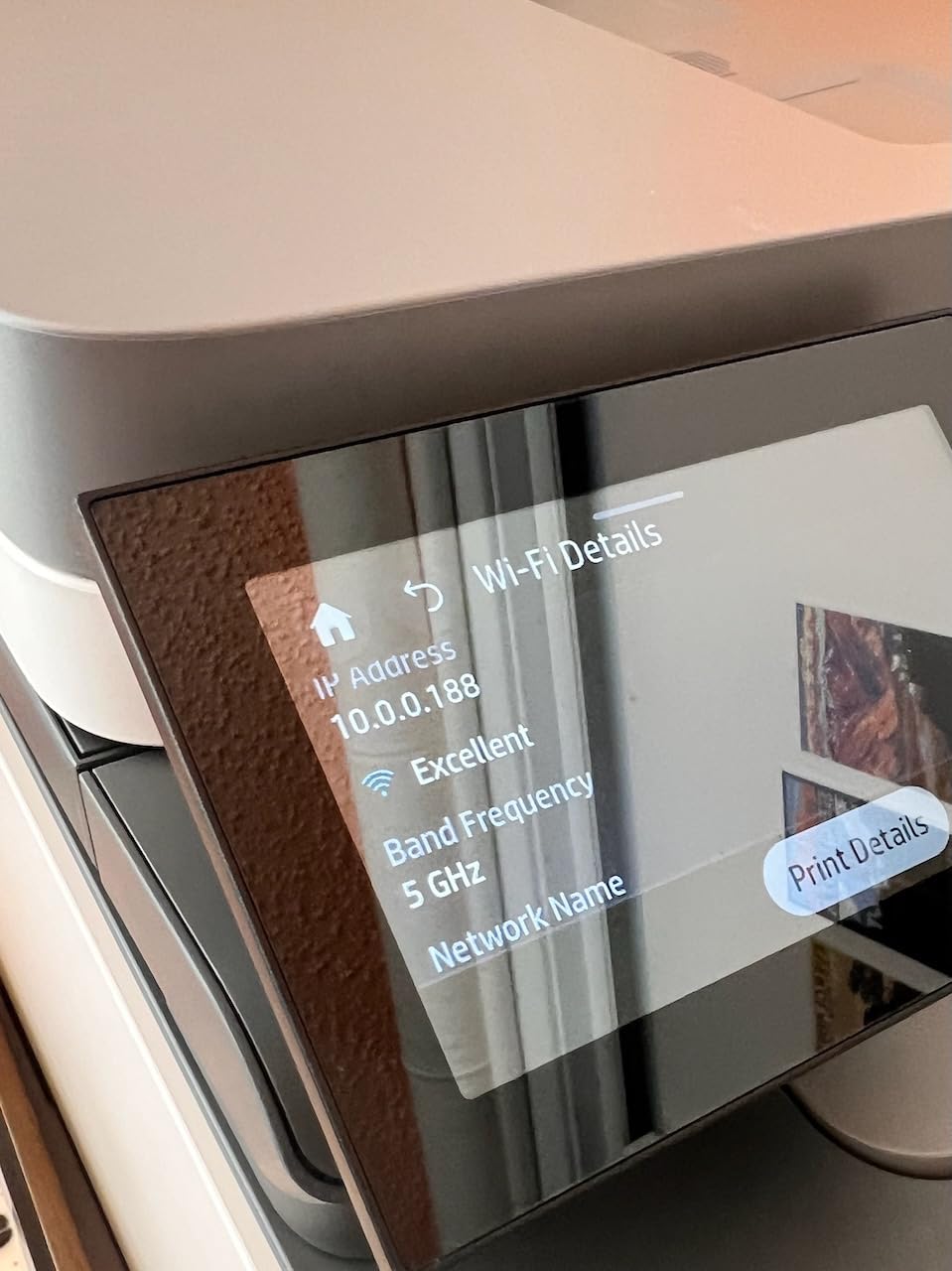
Two-sided single-pass scanning is the deciding feature for offices that digitize contracts, timesheets or signed forms. A mechanical flip scanner doubles the handling time on two-sided documents, and single-pass removes that entirely. The flatbed is not listed as the primary scanner type here, so plan on the ADF for routine work.
Print and copy resolution are both 600 x 600 dpi, which is basic for color reproduction. For invoices, reports and internal documents it is entirely adequate; for anything with fine photographic detail it is not.
Chip-locked toner and running cost
The 3.6 average with a 24 percent one-star share tracks the rest of HP’s current color LaserJet Pro line. The cause is consistent: this machine accepts only cartridges with HP chips, so no third-party supply is available, and the TerraJet running cost is the loudest complaint in the reviews.
You are paying at the upper end of this roundup’s range up front, and then again at the toner counter. If your office needs fax and single-pass duplex scanning, the workflow case is strong. If it does not, the Canon MF644Cdw or Brother MFC-L3720CDW deliver similar functions with cheaper supply.
8. Xerox C235dni Prints Color at 1200 x 1200 dpi With Two Trays
Xerox C235dni Wireless Color Laser All-in-One Printer
Print, scan and copy
24 ppm
1200 x 1200 dpi color
250 sheets across two trays
Wi-Fi with AirPrint and Mopria
Pros
- 1200 x 1200 dpi color resolution stands above the 600 dpi machines
- Xerox Easy Assist guides setup across multiple devices
- 500-yield starter toner with high-yield cartridges available
- Apple AirPrint and Mopria support for phones
- 24 ppm with automatic duplex printing
Cons
- Setup app and wireless install target 2.4 GHz networks only
- Thin review pool at 297 ratings
- 3.8 average with a 17 percent one-star share
- Copy resolution of 600 dpi trails its print resolution
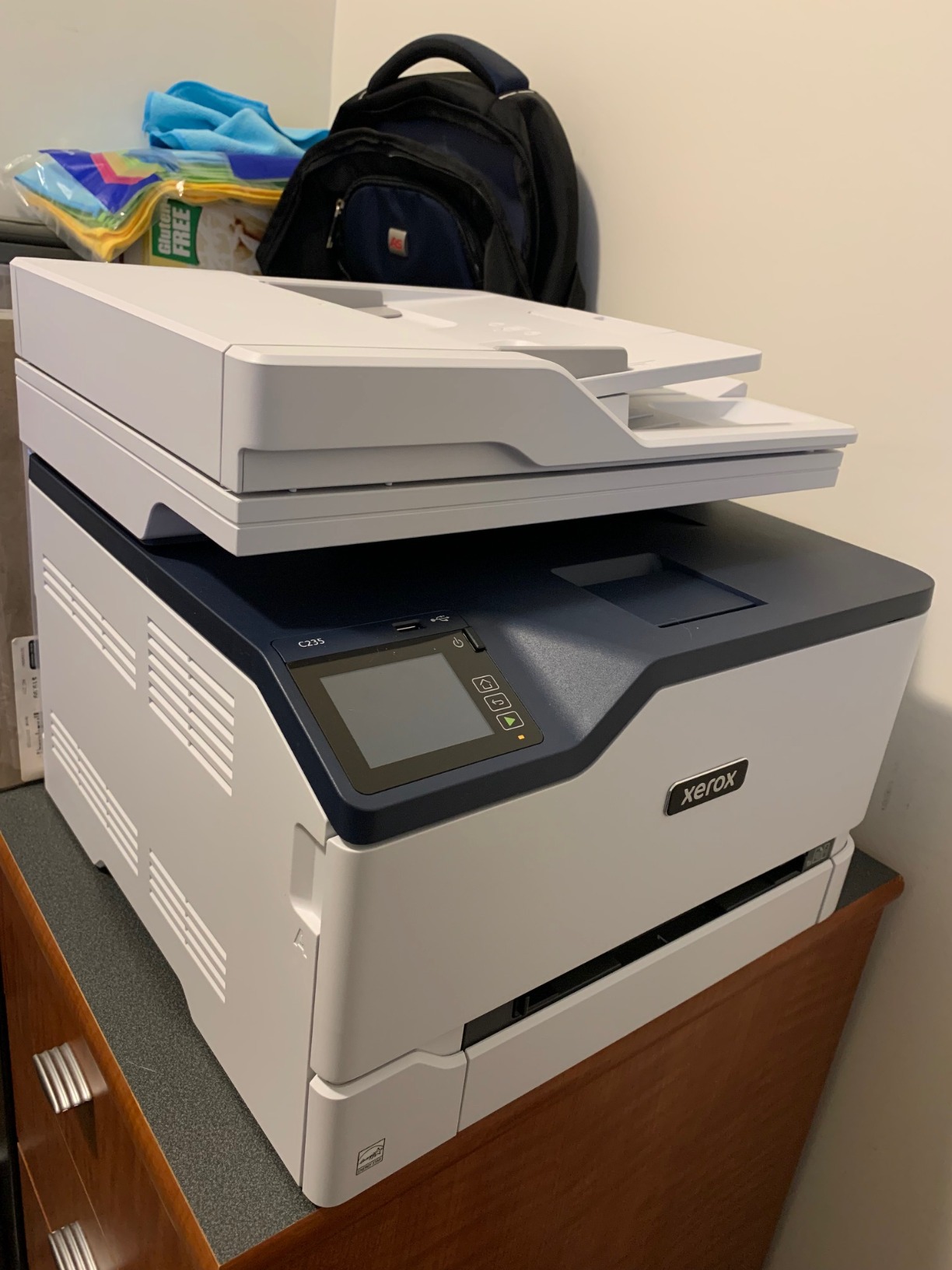
The Xerox C235dni is built for small offices running up to roughly 1,500 pages a month, and the reason it is on this list is color resolution. It prints at up to 1200 x 1200 dpi in color, which puts it alongside the Canon MF753Cdw II and the Canon LBP646Cdw and above the 600 x 600 dpi machines that dominate this lineup.
It runs at 24 ppm with automatic duplex printing, prints, scans and copies, and holds 250 sheets across two trays. The Xerox Easy Assist app walks through multi-device setup, which is a genuine help for an office adding a printer without dedicated IT support.
Supply is where it softens the running cost: a 500-yield starter cartridge comes in the box, and high-yield cartridges are available for the machines that see regular work. Apple AirPrint and Mopria are supported, so iOS and Android printing works without extra software.
Be cautious with expectations, though. The 3.8 average rests on 297 ratings, and the review evidence here is less extensive than for the Brother and Canon models above, which carry review bases above 1000.
Setup, wireless and mobile printing
Two details deserve attention before you buy. The Easy Assist setup path and the wireless install both target 2.4 GHz networks only, so on a modern dual-band router you may need to separate the networks or connect over USB or Ethernet during setup. Separately, the published interface fields list USB and Ethernet while wireless printing is a headline feature, which makes the specification sheet ambiguous on exactly what the wireless stack includes.
At 15.5 inch deep by 16.2 inch wide by 13.6 inch tall and 35 lb, it is a mid-size machine that fits a side cabinet comfortably. Copy resolution is 600 dpi, lower than its 1200 x 1200 print resolution, so drafts come out sharper than photocopies.
Thin review history and supply
Nothing suggests a hardware problem with this machine. The moderate rating reflects a normal share of one-star reviews, and the main risk is informational: you are buying into a device with a short public track record compared with the 1,000-plus rating bases elsewhere on this list.
Supply economics are the most likely reason an owner stays happy. High-yield cartridges plus a 1200 x 1200 dpi color engine make it a sensible choice for a small office that produces client-facing brochures or proposals rather than purely internal paperwork.
9. Canon imageCLASS MF753Cdw II Is the Fastest Engine at 35 ppm
Canon Color imageCLASS MF753Cdw II – All-in-One Color Duplex Laser Printer
Print, scan, copy and fax
35 ppm color
7-second first page
1200 x 1200 dpi
Duplex print and duplex scan
Pros
- 35 ppm color engine with a 7-second first page
- Duplex printing and duplex scanning both fast and reliable
- 1200 x 1200 dpi color output
- Handles 600-plus page jobs without stalling
- ENERGY STAR certified with a 3-year warranty
- Accepts third-party toner cartridges
Cons
- 50 lb body is the heaviest machine here
- Canon Windows software and Master Setup frustrated some users
- Wi-Fi scan-to-PC was unreliable for some
- 250-sheet tray leads high-volume users to the optional extra tray
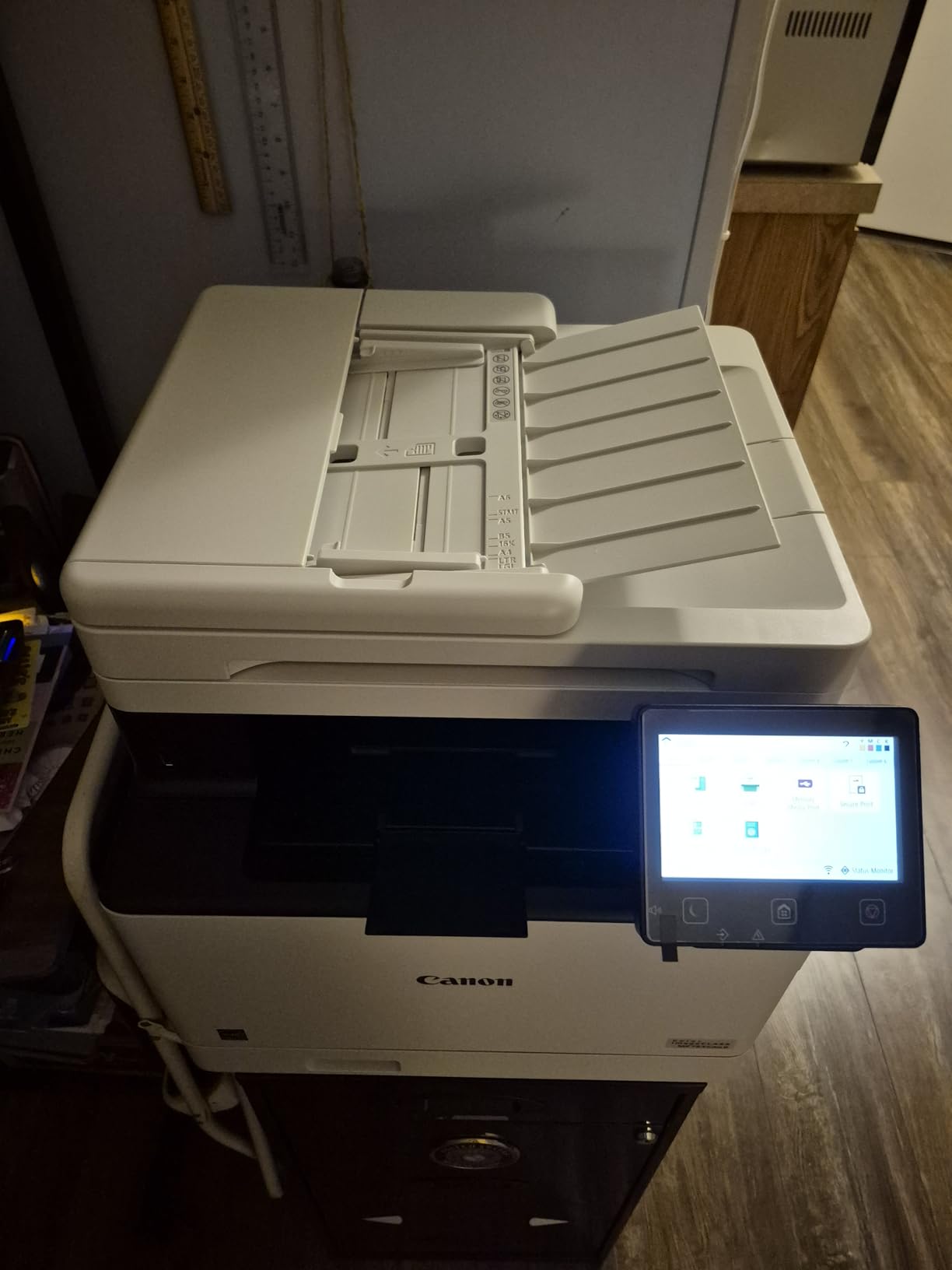
At 35 ppm in both color and monochrome with a 7-second first page, this is the fastest engine in the group by a clear margin, and it is the right choice for an office that prints in volume rather than in occasional documents. It is also a full four-in-one: print, scan, copy and fax, with a touch panel, two paper trays and Wi-Fi, Ethernet and USB.
Color output is 1200 x 1200 dpi, and reviewers consistently call the color vivid and the text sharp. Duplex scanning works alongside duplex printing, so a two-sided document is printed and digitized without manual flipping. It is ENERGY STAR certified and carries a 3-year manufacturer warranty, matching the Canon MF644Cdw for coverage length.
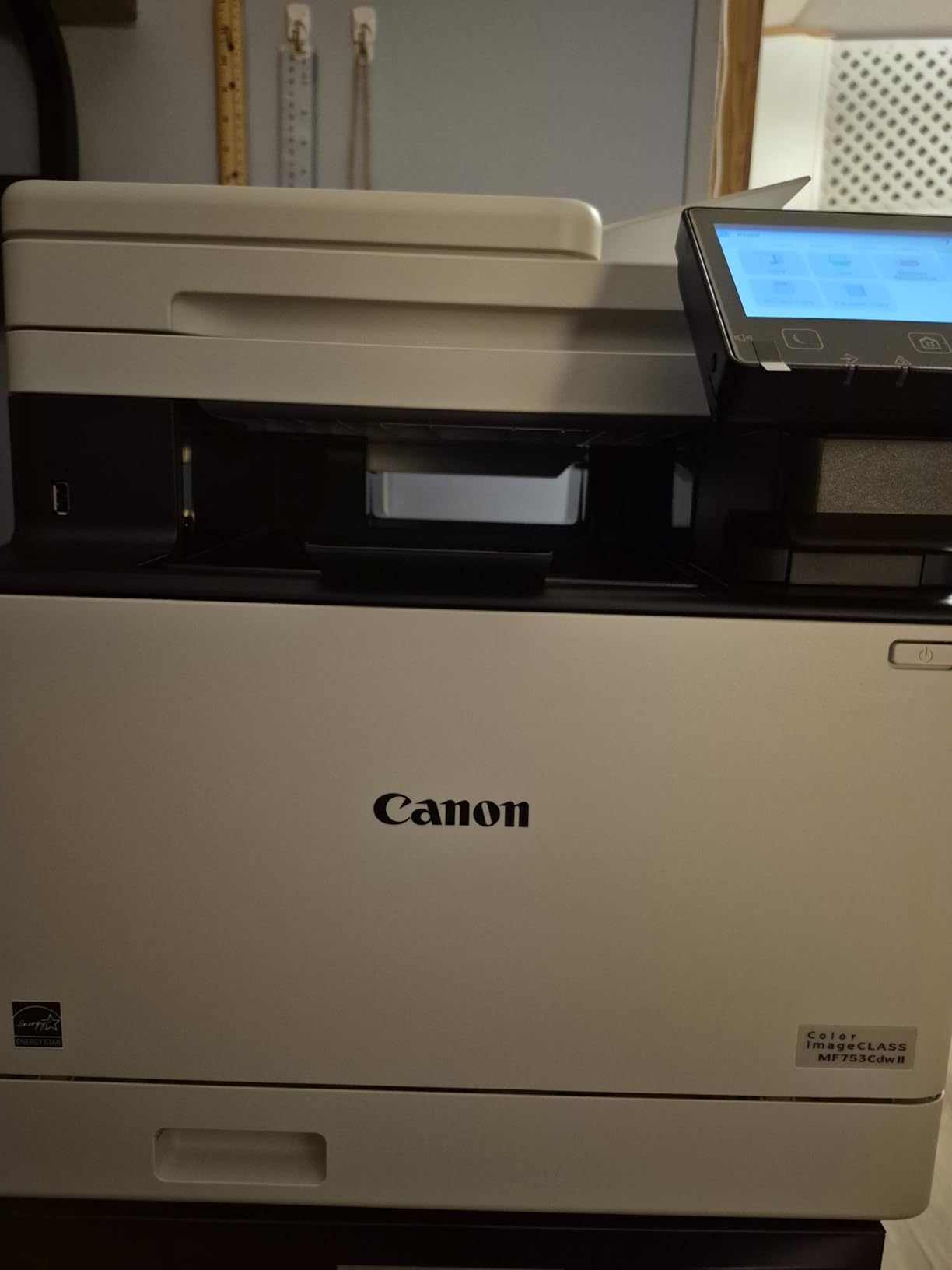
Two practical strengths stand out. Owners report that it handles very large jobs, including 600-plus pages in a single submission, without stalling, which is exactly the failure mode cheaper office machines hit when memory runs out. It is noticeably quieter than older office color lasers, and it powers down promptly from sleep.
Running cost is the headline in the reviews. Owners who did the math call Canon 069 toner dramatically cheaper than HP supply, and the machine accepts third-party cartridges reliably. It includes starter CMY cartridges at 1,100 yield and a standard black at 2,100 yield.
Large jobs, duplex scanning and paper
Two trays with 250-sheet standard capacity is where this machine asks for a second look. High-volume users report adding the optional extra tray, which is the sensible move if you are printing several hundred pages a day. Two trays also let you keep two paper types loaded at once.
It accepts Canon Genuine Toner 069 and high-capacity variants, and the 1200 x 1200 dpi output makes it a good fit for offices producing client-facing material. At 18.2 inch deep by 16.8 inch wide by 17 inch tall and 50 lb, it needs a sturdy cabinet rather than a desk.
Software setup is the weak point
The complaints are software-side rather than hardware. Canon’s Windows software and support site frustrated some users during setup, Canon Master Setup failed to discover the printer on Windows 11 for at least one reviewer, and Wi-Fi scan-to-PC proved unreliable enough that some fell back to scanning to a USB drive.
Buyers should also know the original box is required for any return, and damage in transit to the scan feeder has been reported by at least one owner. Keep the packaging until the machine is installed and printing. If your office is Mac-based, check the network setup path before you order, since that is where the reports concentrate.
10. Canon imageCLASS LBP646Cdw Is the Best Value Print-Only Option
Canon Color imageCLASS LBP646Cdw Wireless Laser Printer, Duplex, 26 PPM, Print Only, White
Print-only color laser
26 ppm
250-sheet cassette plus multipurpose tray
1200 x 1200 dpi max color
3-year warranty
Pros
- 26 ppm color and monochrome with automatic duplex
- Fast warm-up compared with the inkjet it replaces
- Printing from iPhone via the Canon app and from Mac via AirPrint
- Canon Genuine 075 toner plus 075 high-capacity cartridges
- ENERGY STAR and EPEAT Silver rated and chromebook compatible
- 3-year manufacturer warranty
Cons
- Print-only with no scanning
- copying or fax
- Windows driver must be set to color manually
- Canon desktop software will not run on ARM hardware such as Surface Pro
- Heavy at 39.4 lb and loud in operation
Nothing else in this list pairs 26 ppm color output, automatic duplex printing, a 250-sheet cassette and a 3-year manufacturer warranty at this purchase point. For a home office or a very small business that only prints, that combination is hard to argue with, and owners coming from inkjets consistently praise the warm-up speed.
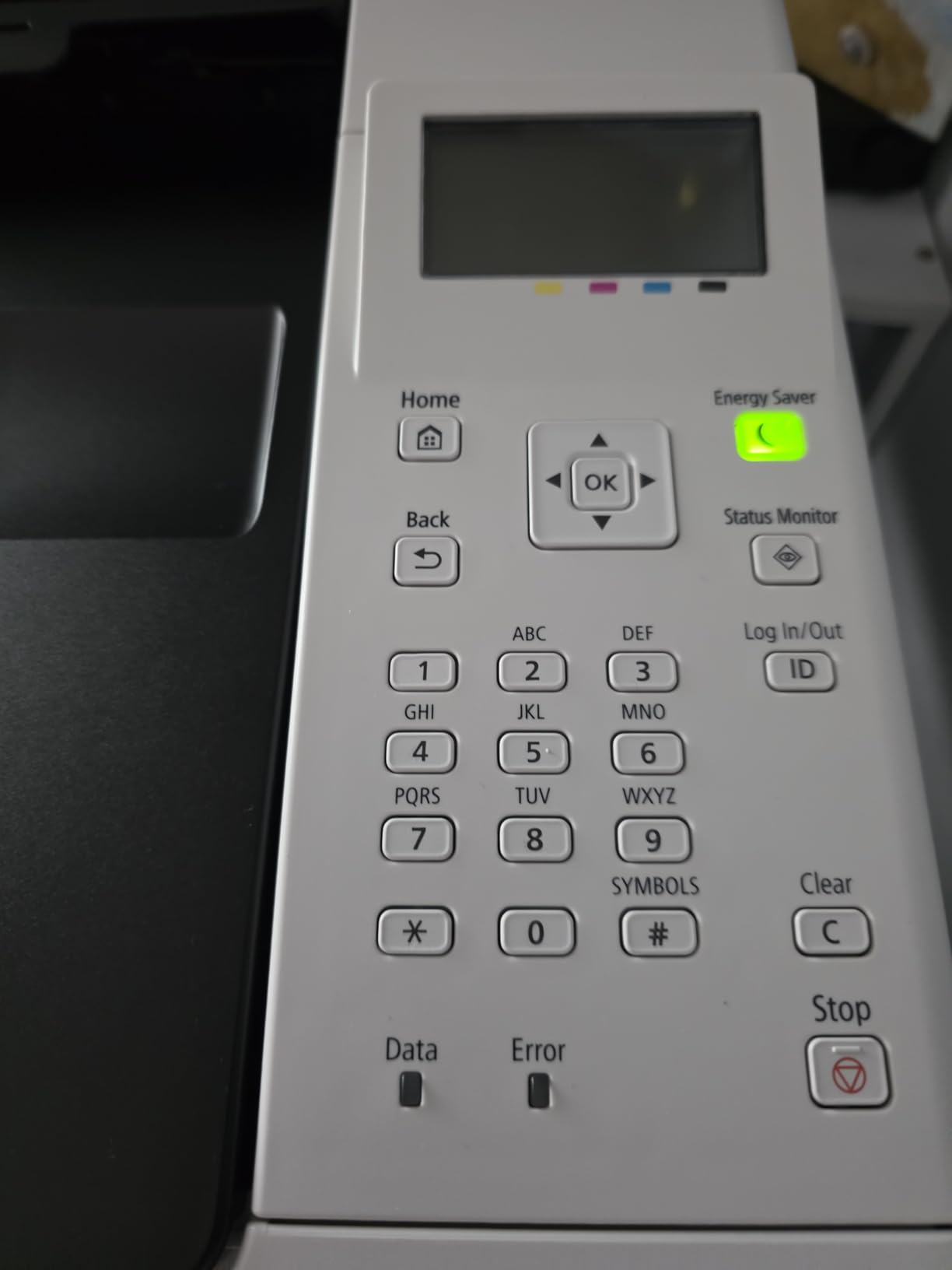
It is print-only by design, with no scanning, copying or faxing. A 5-line LCD handles navigation, and it uses Canon Genuine Toner 075 plus the 075 high-capacity cartridges. Mobile printing works through the Canon PRINT app, Apple AirPrint and Mopria Print Service, and it is ENERGY STAR and EPEAT Silver rated and chromebook compatible.
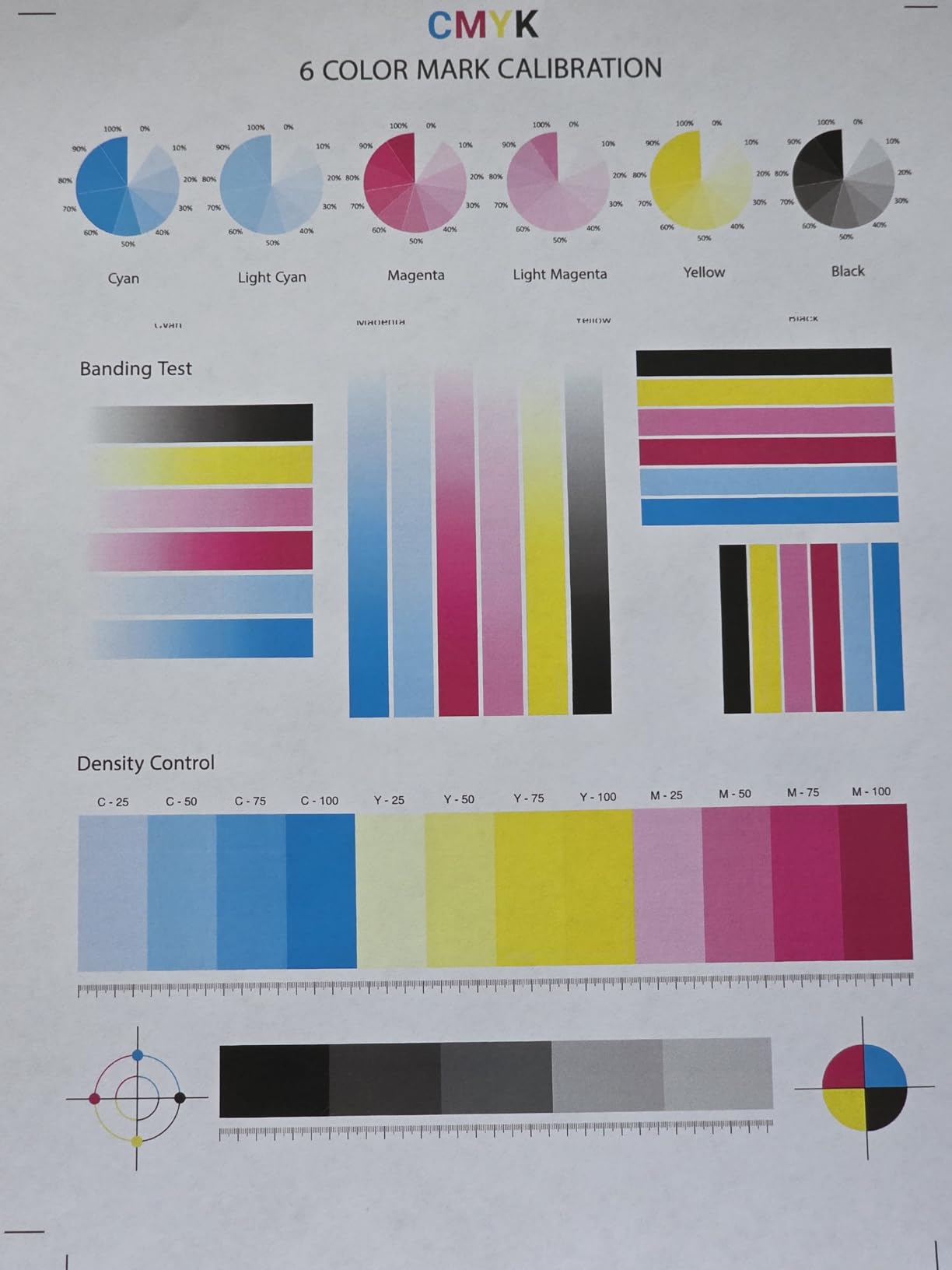
Print quality is rated very good across owner reports, including on labels, and the published maximum color resolution is 1200 x 1200 dpi. First print takes about 10.3 seconds, and the 250-sheet standard cassette is paired with a one-sheet multipurpose tray for envelopes and specialty media.
Owners switching from inkjets point out that Canon 075 toner costs less per page than Canon ink, and acceptable lower-cost alternatives exist. Wireless setup takes a few steps and works on 2.4 GHz, which is worth knowing before you start.
Paper handling and wireless setup
Automatic duplex is standard here, which removes one of the most common compromises in budget office printers. The 250-sheet cassette covers a week of moderate printing, and the multipurpose tray handles the odd envelope or a sheet of card without pulling down the main tray.
It measures 16.5 inch deep by 16.8 inch wide by 10.5 inch tall and weighs 39.4 lb, and it is packaged tightly enough that unboxing is a two-person job. Operating noise is a little higher than the 26 ppm speed would suggest.
Print-only limits and software behavior
The print-only design is the whole bargain and the whole limitation. If anyone needs to copy a document or sign-and-scan a form, this machine cannot do it and you will need a second device. Budget for that before you commit.
Two software quirks catch people out. The Windows driver sometimes defaults to black and white and has to be told to print in color, and Canon desktop software will not run on ARM hardware such as Surface Pro. A 14 percent one-star share also includes at least one machine that failed within about two weeks, which is a small but real early-life risk on any single device.
How to Choose a Color Laser Printer for a Small Office?
Match the printer to your monthly page volume first, then to the functions you actually use. A 2-5 person office printing a few hundred pages a month is well served by a 19 to 26 ppm print-only unit, while an office running several thousand pages a month needs a 24 to 35 ppm engine with two trays and a feeder.
Read cost per page from the high-yield cartridge, not the starter one. Divide the cartridge price by its stated page yield, and repeat the calculation for the color set rather than just the black. Starter cartridges are supplied to get the machine running and their yield is not representative of real consumption, which is why two machines with identical published specifications can behave very differently over three years.
Toner flexibility is the second cost lever. The three HP Color LaserJet Pro models in this roundup are designed to work only with cartridges containing HP chips and will block non-HP chips or circuitry, with firmware updates that maintain that enforcement. The Brother HL and MFC models and the Canon imageCLASS units accept third-party supply, and the reviews confirm those cartridges work reliably. If your office prints a lot of color, that difference is worth more than any purchase-price gap.
Decide between print-only and an all-in-one before anything else. A multifunction unit usually costs less than a printer plus a separate scanner of equivalent quality, and it saves desk space and a second power outlet. It only makes sense if someone genuinely scans, copies or faxes. The Canon MF644Cdw, the Brother MFC-L3720CDW, the HP 3301fdw and the Canon MF753Cdw II all include a fax; the remaining machines do not.
Check connectivity against your actual devices. Every machine here has wireless, and most add Wi-Fi Direct for a direct connection without a router. Mac and iPhone users should confirm AirPrint support before ordering: the Canon imageCLASS LBP646Cdw, MF753Cdw II and MF644Cdw all list it, as does the Xerox C235dni, and the Brother HL-L3230CDW supports AirPrint, Mopria and Brother iPrint&Scan. Be aware that the Xerox guided setup path targets 2.4 GHz networks only.
Finally, measure the space. Weight and width vary widely in this class, from 24.7 lb and 15.7 inch wide for the Brother HL-L3220CDW to 50 lb and 18.2 inch deep for the Canon MF753Cdw II. If office space is the binding constraint, plan the location before the machine is set up, because a 50 lb all-in-one on an unsuitable surface is a support call waiting to happen. If you are also fitting out the rest of the shared workspace, our picks for the best desktop aquariums for offices cover another item that quietly competes for the same limited desk space.
Frequently Asked Questions
Which laser printer is best for a small office?
For most small offices the Canon imageCLASS MF644Cdw is the best overall color laser: it prints, scans, copies and faxes at 22 ppm under a 3-year warranty and has the largest review base of any machine in our list at 2,760 ratings. If your office only prints, the Canon imageCLASS LBP646Cdw runs faster at 26 ppm with duplex and a 3-year warranty, but it has no scanner.
What is the best all-in-one color laser printer for a small business?
The Brother MFC-L3720CDW gives a small business print, scan, copy and fax in one box, with a 3.5-inch color touchscreen, 48 customizable shortcuts, a 50-sheet automatic document feeder and dual-band 2.4 and 5 GHz Wi-Fi. If throughput matters more than the control panel, the Canon imageCLASS MF753Cdw II runs at 35 ppm against 19 ppm here, and prints and scans in duplex.
How much does a color laser printer cost per page?
You calculate it by dividing the cartridge price by its stated page yield, and you should run the numbers with the high-yield cartridge rather than the starter one. Color cost is a set of four cartridges, so divide the total set price by the total yield. The HP Color LaserJet Pro models in this roundup are chip-locked to original HP TerraJet cartridges, while the Brother and Canon units accept third-party supply, which is where most of the difference comes from.
Which laser printer has the lowest cost per page?
Among the ten machines here, the Brother and Canon models generally run cheaper because they accept third-party cartridges, while the HP 3201dw, 3301sdw and 3301fdw refuse non-HP chipped toner and show the lowest owner ratings as a result. We do not publish a cents-per-page figure for any model, because verified cartridge yield data was not available for every unit, and starter cartridge yield would overstate the cost.
Are Canon or Brother color laser printers better?
Canon models in this list pair higher color resolution with longer warranties, reaching 1200 x 1200 dpi and three years on the MF753Cdw II and LBP646Cdw, though genuine Canon toner costs more per set. Brother models are cheaper to supply and pair easily with third-party cartridges, but the HL-L3220CDW and MFC-L3720CDW both run at 19 ppm, slower than the Canon engines at comparable sizes.
Conclusion: Which Color Laser Printer Fits Your Office
The Canon imageCLASS MF644Cdw is our pick as the best color laser printer for small offices overall, because it covers printing, scanning, copying and faxing at 22 ppm under a 3-year warranty with the strongest owner base in the group. Teams that print only should start with the Canon imageCLASS LBP646Cdw for 26 ppm duplex output, or the Brother HL-L3220CDW when desk space is the constraint.
Offices printing several hundred pages a day belong with the Canon imageCLASS MF753Cdw II at 35 ppm. And if your color volume is high enough that toner cost dominates the budget, lean toward Brother and Canon, because the HP chip-locked cartridges in this roundup carry the lowest owner ratings for exactly that reason.
Measure your space and your monthly pages before you order, then compare today’s price and cartridge options for your chosen model using the buttons above. Our picks are updated for 2026 as new office models and revised firmware land.