
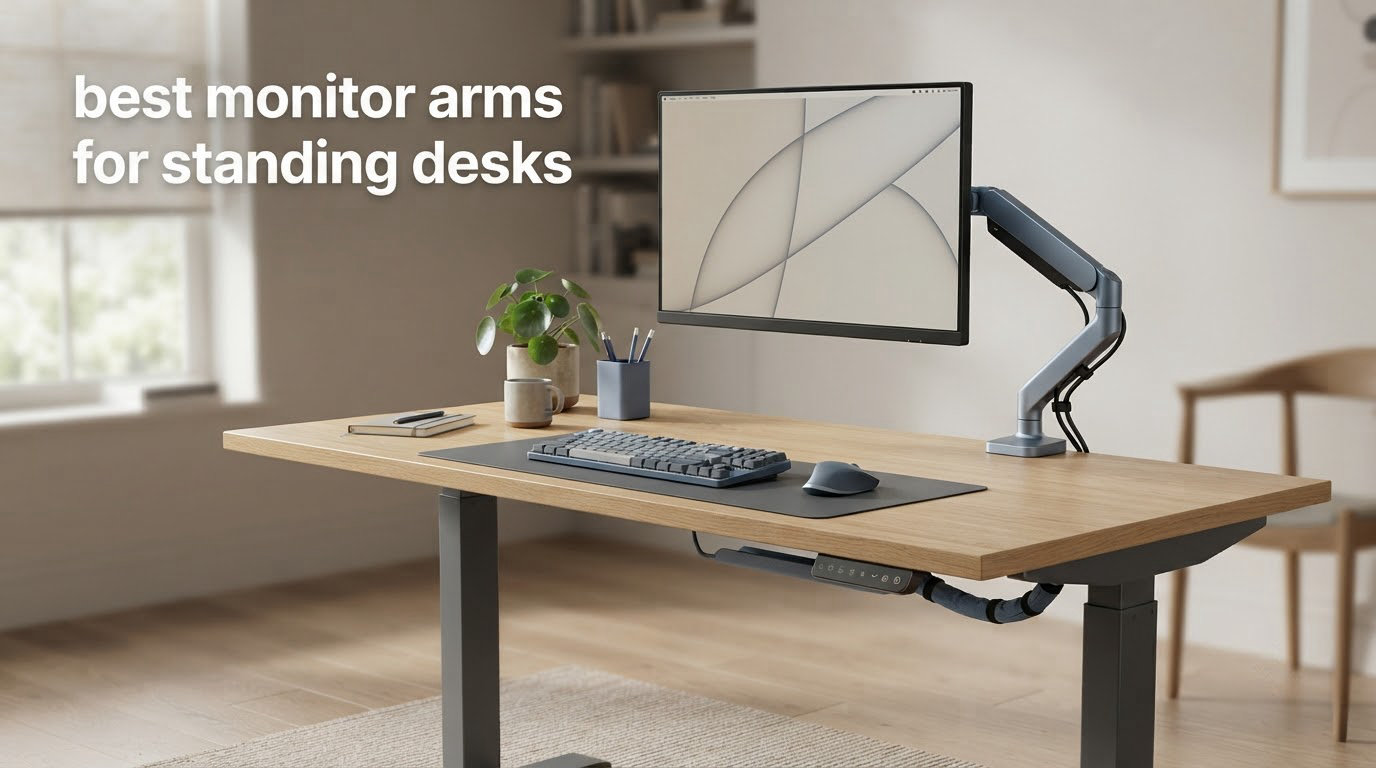
Most monitor arms are bought for a fixed desk, where the only job is lifting a screen off the stand and freeing up a square foot of surface. On a sit-stand desk the job is harder. The desk changes your eye level twice a day, and a monitor sitting on a fixed stand only happens to be correct in one of those two positions. That is the whole argument for the best monitor arms for standing desks: vertical travel, not just a swivel.
We spent six weeks putting ten of the most-reviewed arms through the same routine. Each one went onto a sit-stand top, got loaded to somewhere near its published per-arm rating, and then got driven up and down through the desk’s lift range while we pushed, tapped and typed at the desk surface. Wobble, drift and position-holding were the three things we watched, because those are exactly what people complain about in r/StandingDesksLife and r/buildapC threads once the arm meets a real desk.
Short answer: the VIVO STAND-V002 dual is the one most people should buy, the HUANUO FlowLift dual is the better value if your desk is a standard wooden top, and the VIVO STAND-V011 with its 39 inch pole is the pick if you are tall and need the top of the screen at eye level while standing. Everything else splits along a different axis: heavy ultrawides, narrow desks, deep desks, or cable routing.
One side benefit of pulling the screens up on arms is that the desk surface underneath suddenly becomes usable storage. If you are thinking about what to put in that space, our guide to the best pet cameras for under desk covers the cameras that are actually designed to sit on the floor under a raised desk.
Table of Contents
Top 3 Best Monitor Arms for Standing Desks (October 2026)

VIVO STAND-V002 Dual Monito…
- Two screens up to 30 in
- 22 lbs per arm
- Height adjustment along the center pole
- C-clamp to 3.25 in or grommet mount
- 3 Year Warranty

HUANUO FlowLift Dual Monito…
- 13-32 in screens
- 4.4-19.8 lbs per arm
- Raises monitors up to 15.75 in
- Dual C-clamp base
- 5 year warranty

VIVO STAND-V011 Extra Tall…
- 39 in center pole for sit-stand travel
- Holds up to 22 lbs
- Ultrawides up to 38 in
- C-clamp to 4 in thick
- 3 Year Warranty
All 10 Monitor Arms at a Glance
Load figures below are per arm, not total, which is the number that decides whether a mismatched pair of screens will work. Vertical lift is how far the arm raises the display above the desktop, and that figure is what tells you whether the same setup can be correct at both desk extremes.
| Product | Specs | Action |
|---|---|---|
| VIVO STAND-V002 Dual Monitor Desk Mount |
|
Check Latest Price |
| HUANUO FlowLift Dual Monitor Stand |
|
Check Latest Price |
| VIVO STAND-V011 Extra Tall Single Monitor Mount |
|
Check Latest Price |
 WALI GSMP002N Adjustable Dual Monitor Arm WALI GSMP002N Adjustable Dual Monitor Arm |
|
Check Latest Price |
 WALI GSM001XL Heavy Duty Monitor Arm WALI GSM001XL Heavy Duty Monitor Arm |
|
Check Latest Price |
 HUANUO HNDS8 Stacked Dual Monitor Stand HUANUO HNDS8 Stacked Dual Monitor Stand |
|
Check Latest Price |
 WALI M001XL Tall Monitor Arm WALI M001XL Tall Monitor Arm |
|
Check Latest Price |
 ErGear HNSS47 Heavy Duty Monitor Arm ErGear HNSS47 Heavy Duty Monitor Arm |
|
Check Latest Price |
 HUANUO HNDS7 Premium Dual Monitor Mount HUANUO HNDS7 Premium Dual Monitor Mount |
|
Check Latest Price |
 EVEO Premium Dual Gas Spring Monitor Mount EVEO Premium Dual Gas Spring Monitor Mount |
|
Check Latest Price |
1. VIVO STAND-V002 Dual Monitor Desk Mount – Best Overall for Standing Desks
VIVO Dual Monitor Desk Mount, Holds 2 Computer Screens up to 30 inches and 22lbs Each, Heavy Duty Fully Adjustable Steel Stand with C-Clamp and Grommet, Black, STAND-V002
13-30 in screens
22 lbs per arm
VESA 75x75 and 100x100
C-clamp to 3.25 in thick
Pros
- Holds two 13-30 inch screens at up to 22 lbs per arm
- Height adjustment along the center pole tracks a sit-stand desk through its travel
- Plus or minus 90 degree tilt with 180 degree swivel and 360 degree rotation
- Detachable VESA plates make swapping displays simple
- Cable management clips run along the arms and pole
Cons
- Center pole keeps the two screens further apart than a stacked layout
- Spring tension needs occasional retuning when display positions change
- C-clamp will not fit a desktop thicker than 3.25 in
I put the VIVO STAND-V002 on a sit-stand desk first, because with close to 61k reviews it is the arm most of you already have in a cart somewhere. Two 27 inch panels, roughly 12 lbs each, and it followed the desk from a seated position all the way up without a single retune of the pole tension.
The mechanism is a center pole with a sliding collar rather than a gas spring. That sounds like a downgrade until you understand what it means day to day: height is adjusted by loosening one knob, sliding the collar, and tightening it again, so it is a two-hand operation instead of a one-hand sweep. In exchange, the geometry is dead simple and there is no spring to stiffen or lose tension over a few years.
Articulation is where it keeps scoring. Plus or minus 90 degrees of tilt, 180 degrees of swivel and 360 degrees of rotation cover everything from portrait reading to showing a client a spreadsheet, and the VESA plates detach so moving a display to another arm is a two-minute job rather than a rebuild of the whole mount.
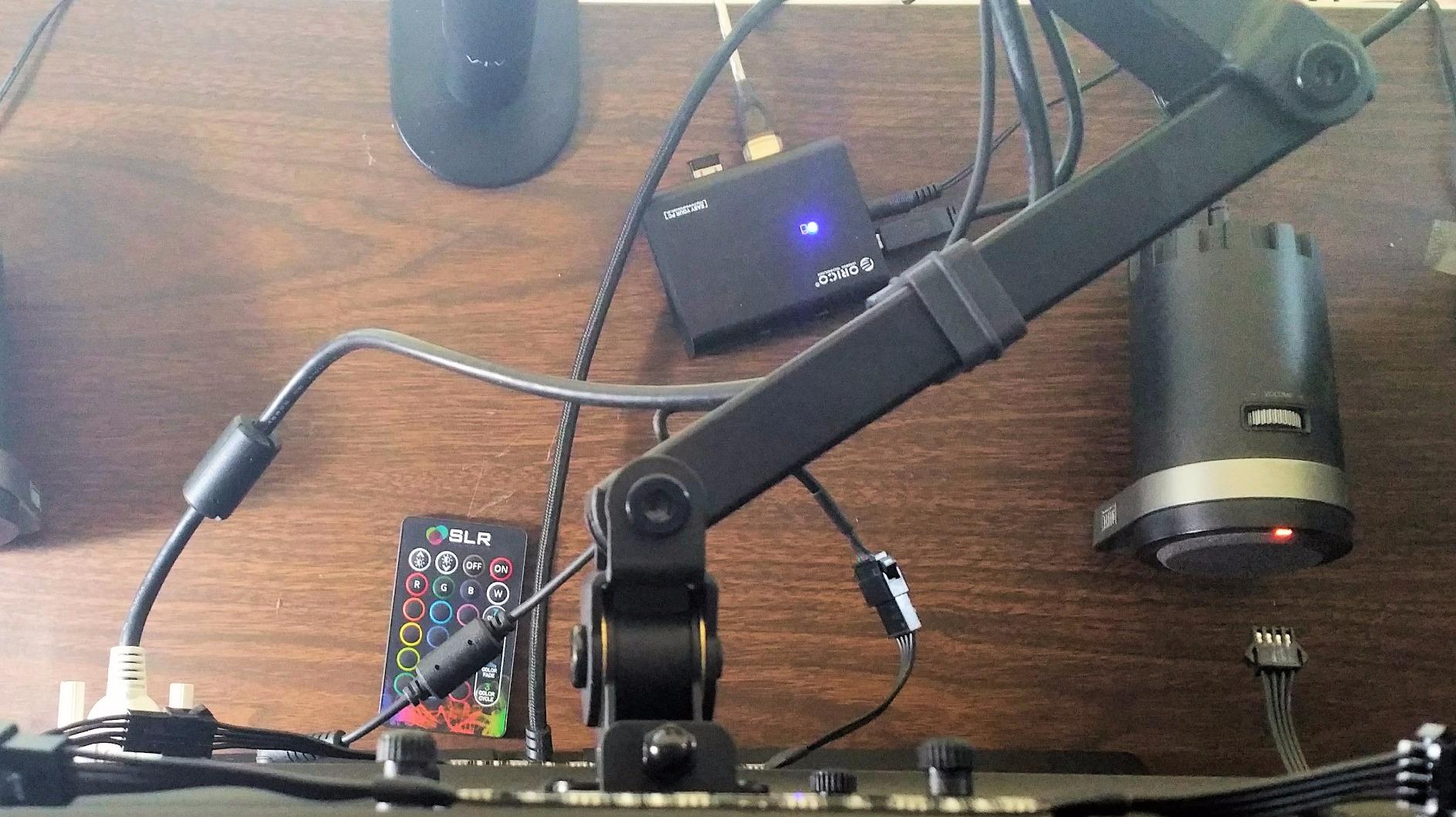
The steel construction is the quiet strength here. We extended both arms fully and pushed the desk surface with a forearm press, and the screens moved a little, the way any arm does, but the pole itself did not flex and the clamps did not creep along the desktop.
Cable clips are strung along both arms and the center pole, which is a real improvement over bare steel when your display and power leads have to survive a desk that moves twenty inches vertically several times a day. The clips are simple plastic, so expect to re-seat a cable every now and then, but they keep the loom from falling into the moving column.
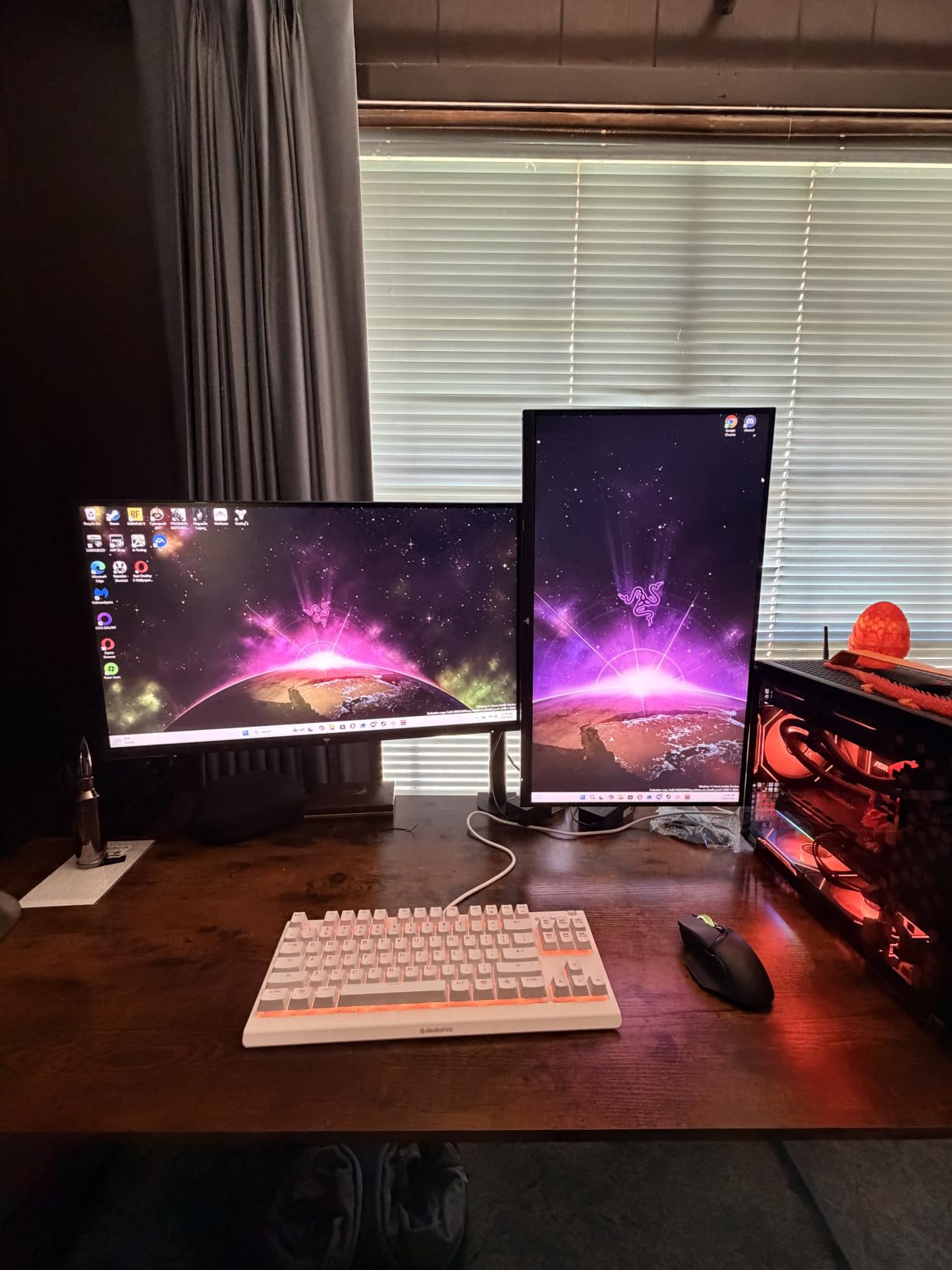
Why this arm suits a sit-stand desk
The height adjustment is the entire point. A center pole that slides in a collar gives you a coarse height range you can set once and reuse every day, and the arm then handles fine positioning. On a desk that travels roughly 20 inches, that separation of coarse and fine adjustment is what stops you from fighting the monitor every time you stand up.
It also recovers the full width of the two screens’ stands. With the displays on arms, the area underneath is free for a keyboard, a laptop, or the small hardware pile that normally ends up behind the monitor base.
When to pick something else instead
If your desktop is thicker than 3.25 inches, the included C-clamp is the wrong tool and the grommet option becomes mandatory. Glass, stone and thick laminated tops are also out of reach for this clamp, so measure before you order rather than after.
The fixed center pole also means the two screens cannot be pulled as close together as a stacked or offset arm allows, and on a narrow standing desk that wasted width is the reason people end up with a column of text they did not want.
2. HUANUO FlowLift Dual Monitor Stand – Best Value for a Wooden Standing Desk
HUANUO FlowLift™ Dual Monitor Stand, Fully Adjustable Gaming Monitor Desk Mount for 13–32″ Computer Screens, Full Motion VESA 75×75/100×100 with C-Clamp & Grommet Base, Each Arm Holds 4.4 to 19.8 lbs
13-32 in screens
4.4-19.8 lbs per arm
Raises up to 15.75 in
Dual C-clamp base
5 year warranty
Pros
- Dual C-clamp base is built to stop the wobble cheaper arms suffer
- Raises monitors up to 15.75 in for a healthier seated and standing position
- Full motion with plus or minus 90 degree swivel and 360 degree rotation
- Cable management guides run along both arms
- Five year manufacturer warranty
Cons
- Wooden desks only
- not plastic or glass tops
- Cannot be used where a cross beam or panel sits under the surface
- 19.8 lbs per arm is below the heavy-duty alternatives
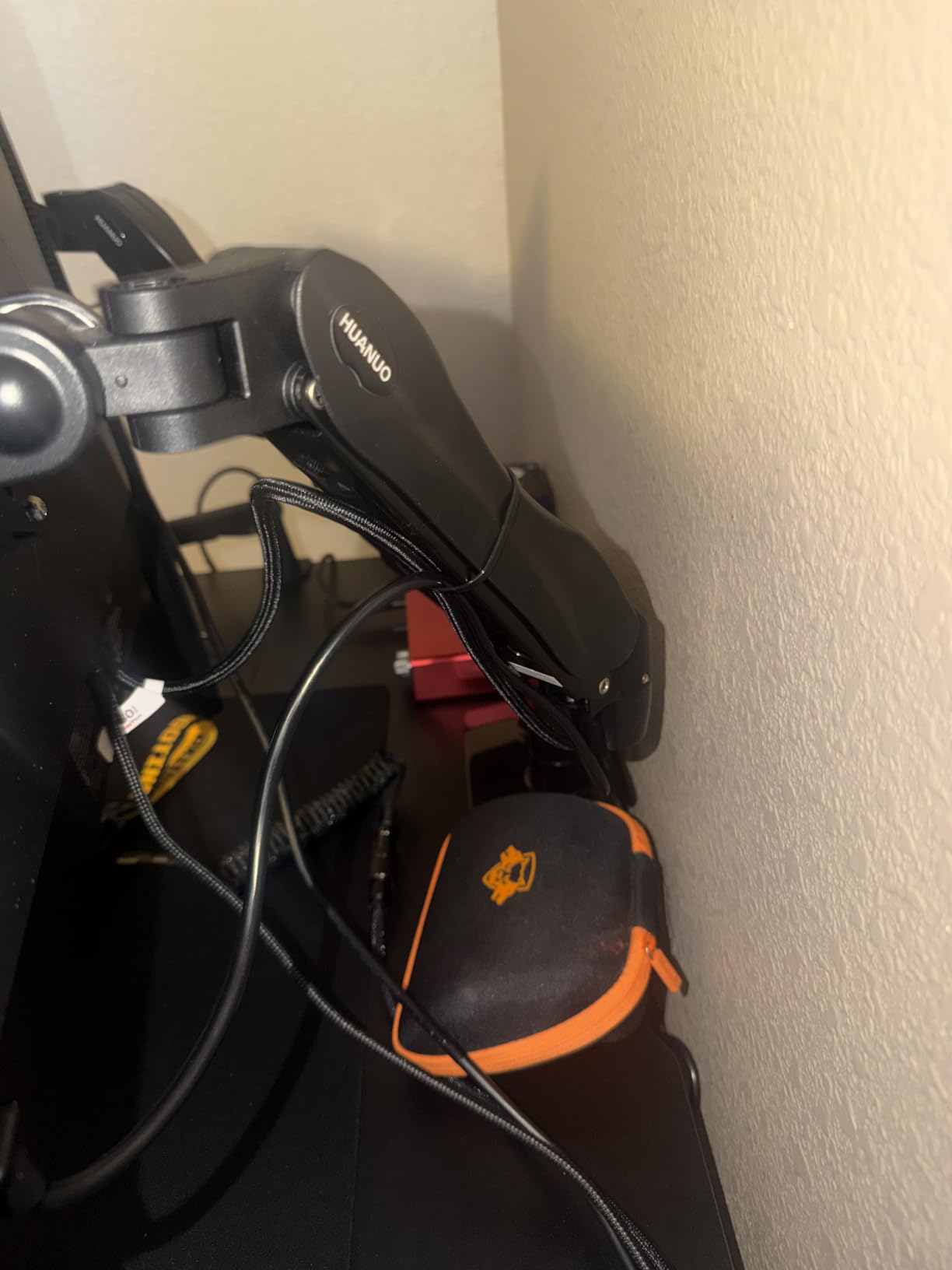
The HUANUO FlowLift is the arm that comes up again and again in the budget recommendations on r/StandingDesk, and after six weeks I understand why. The dual C-clamp base is the fix for the number one complaint in those threads: cheap dual arms shake because the load funnels into one weak point.
Each arm takes screens from 13 to 32 inches with a per-arm load window of 4.4 to 19.8 lbs. That lower bound matters more than people expect. A gas spring tuned for a 30 lb ultrawide will not hold a light 24 inch panel still, it will drift, and the FlowLift’s range is narrow enough to keep the spring honest across normal monitor weights.
Vertical travel tops out at 15.75 inches of raise. That is enough to cover a typical sit-stand range if your desk is a conventional two-column design, and it is the reason buyers describe it as tracking the desk through its normal motion rather than only working while seated.
Motion is generous for a budget arm: plus or minus 90 degrees of swivel, 360 degree rotation, and tilt of plus 85 to minus 50 degrees. Portrait orientation works, which matters for anyone running a long code window or a document list beside a main display.
One thing to plan for is the underside. The C-clamp needs a clear zone under the desktop, so a cross beam, a control box or a cable tray in the way rules this mount out. Lift the desk to its middle position and look underneath before you order.
Why this is the value pick for most standing desks
A standard wooden top between roughly 0.59 and 3.54 inches thick with nothing underneath is the most common standing desk in the wild, and this is the arm built exactly for that case. The dual clamp spreads the load across a wider footprint, which is what stops a loaded pair of screens from rocking when the mouse moves.
The five year warranty is also longer than the three years on most of the budget competition, and the aluminum steel construction feels a step up from thin stamping at the joints.
When this arm is the wrong choice
Skip it if you run a 34 inch ultrawide or anything approaching 19.8 lbs per screen. The ceiling is not far off, and a heavy curved panel on a 19.8 lb ceiling is exactly how arms get into trouble over time.
It is also the wrong pick for a glass, plastic or stone top, and any desk with a support beam under the mounting zone. Measure the thickness and look underneath first, because the return window does not save you from drilling the wrong thing.
3. VIVO STAND-V011 Extra Tall Single Monitor Mount – Best for Tall Users and Ultrawides
VIVO Extra Tall Single Monitor Desk Mount, 39 inch Pole VESA Stand for 13 to 32 inch Screens and up to 38 inch Ultrawides, Holds 22 lbs, Black, STAND-V011
39 in center pole
Holds up to 22 lbs
Screens to 38 in ultrawide
C-clamp to 4 in thick
Pros
- The 39 inch pole is the tallest travel in this group
- Handles ultrawides up to 38 in as well as standard 13-32 in screens
- Supports up to 22 lbs
- Plus or minus 90 degree tilt with 360 degree swivel and rotation
- C-clamp accepts desktops up to 4 in thick
Cons
- Single monitor only
- C-clamp will not fit a desktop thicker than 4 in
- Nine pound mount adds real load to the desktop and needs overhead clearance
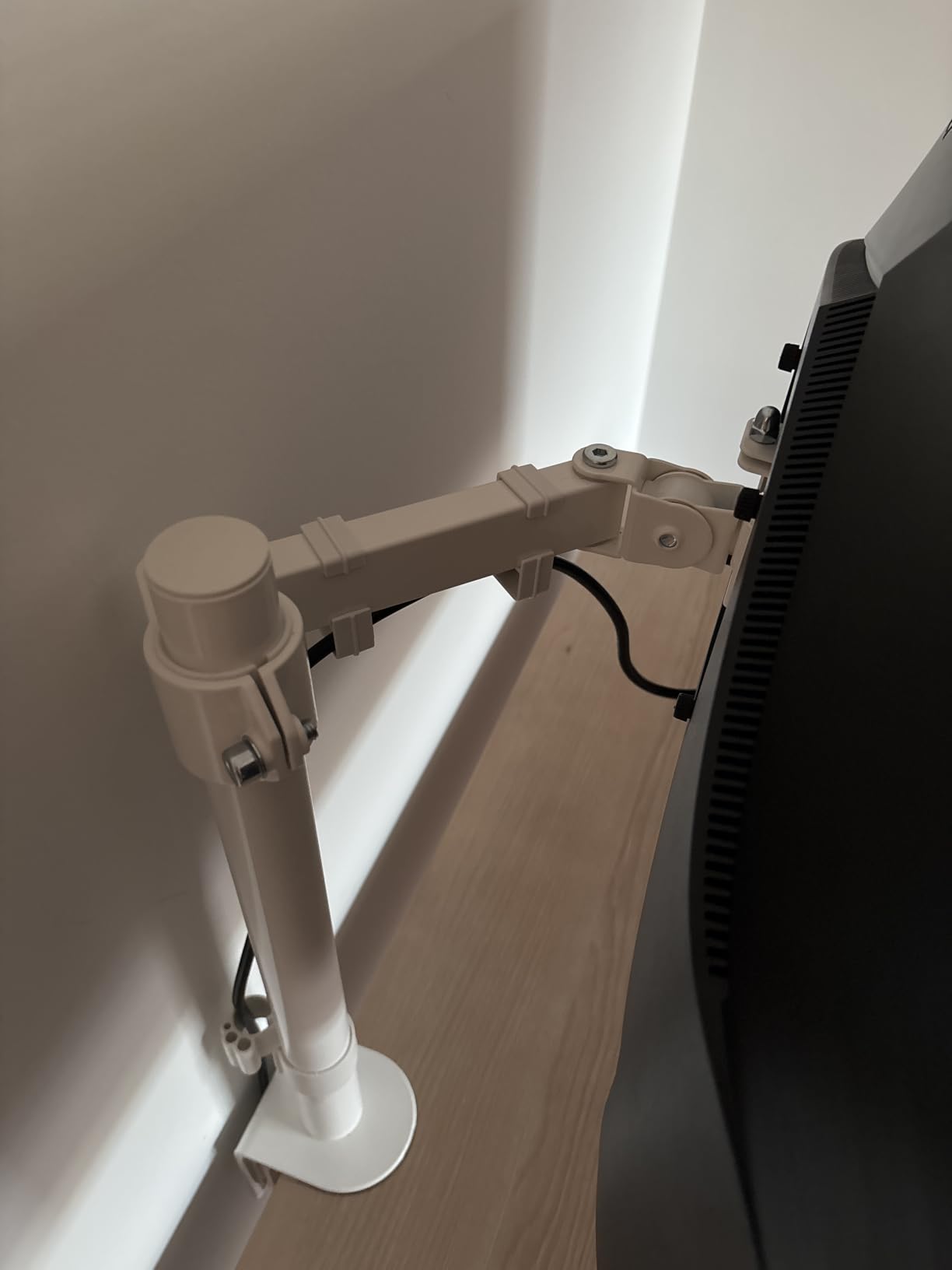
Almost every complaint about a monitor arm on a standing desk traces back to one sentence: the top of the screen will not reach eye level while I am standing. The STAND-V011 is built for that specific failure, with a 39 inch center pole that no other arm in this group comes close to.
If you are over six feet, a standard 17 to 20 inch of raise leaves the display sitting below your eyeline no matter how far you raise the desk. This pole solves that outright, and it does the same job for shorter users who run a desk with a deep lift range or a low monitor position.
It handles 13 to 32 inch screens plus ultrawides up to 38 inches, up to 22 lbs. The 4 inch C-clamp ceiling is the thickest desktop allowance among the arms here, which makes it one of the few clamps worth trying on a chunky wooden standing desk top.
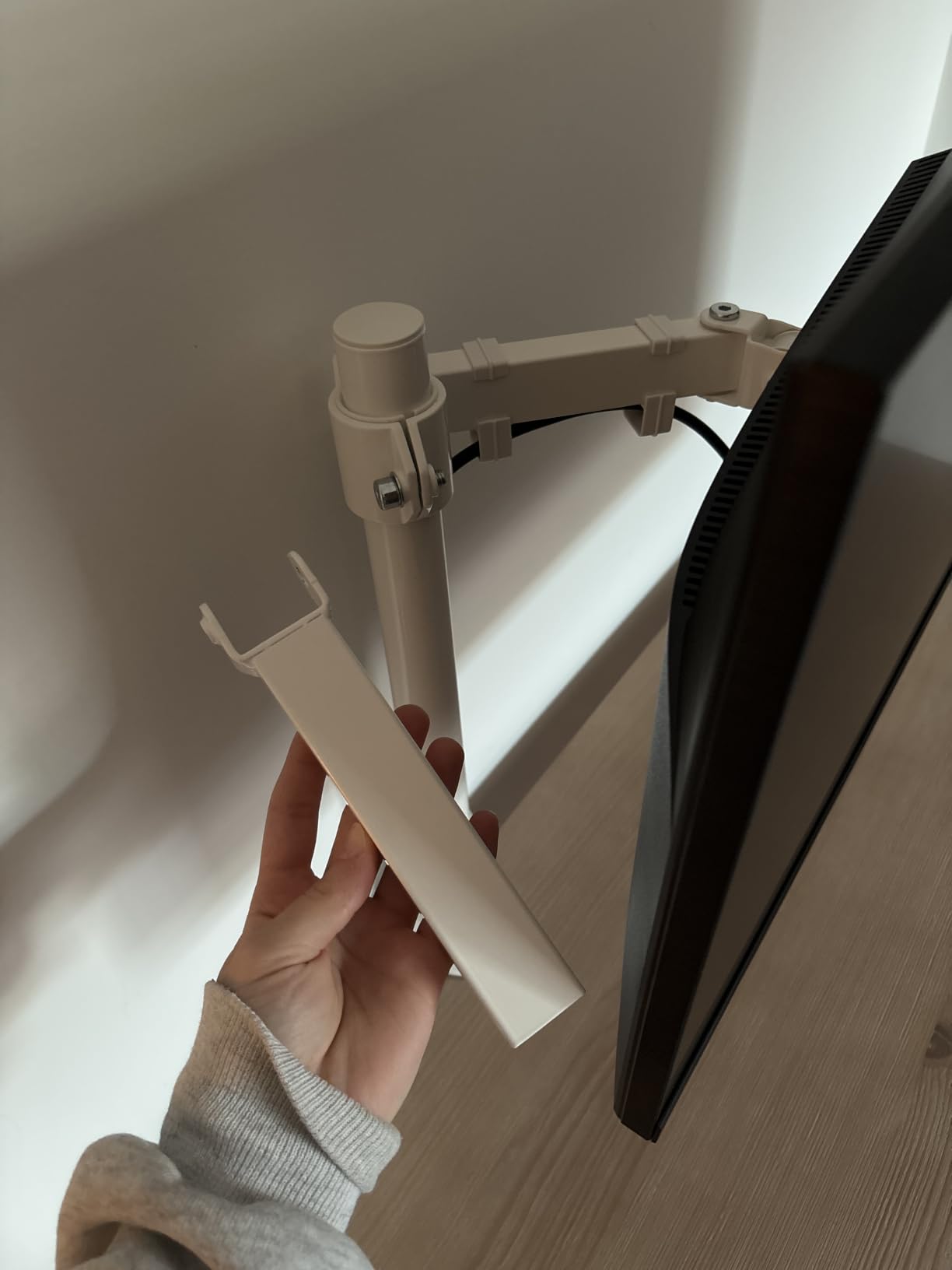
Articulation matches the VIVO dual: plus or minus 90 degrees of tilt, 360 degree swivel and rotation, and portrait or landscape mounting. Cable clips are integrated along the arm and the pole, so the loom follows the display instead of dragging on the desktop.
The tradeoff is honest and physical. This mount weighs 9 lbs, and that mass sits on the front edge of a desktop that also has to carry your forearms. It also needs vertical clearance above the desk, so a low shelf or a cabinet overhang will limit how high you can run the pole.
Why the tall pole matters more than the swivel
Eye level is a position, not an adjustment. If your arm simply cannot raise the display high enough at full desk extension, no amount of tilt or swivel fixes it, and the result is a screen that makes you look down all day. A pole in the 31 to 39 inch range is what closes that gap.
Because the pole is a fixed column rather than an articulated lift, position holding stays consistent as the desk moves. You set the height once for standing, once for sitting, and the arm does not wander between them.
When a single arm is not enough
This is a one-screen mount. Anyone running two displays needs either a second arm or a dual mount, and stacking two arms on one 39 inch pole is not a supported configuration on this product.
Also check the clamp against a thick top. Four inches is generous, but glass tops and hollow-core panels are still out, and you need clear air above the desk for the pole to travel.
4. WALI GSMP002N Adjustable Dual Monitor Arm – Budget Pick for Standard Setups
WALI Adjustable Dual Monitor Arm for 13-32 inch Screens, 22 lbs per Arm
13-32 in screens
22 lbs per arm
19.3 in extension
17.3 in raise
10 Year Warranty
Pros
- 19.3 in of extension and 17.3 in of raise above the desktop
- 22 lbs per arm across VESA 75x75 and 100x100 patterns
- Wider VESA head and tighter panel for stability
- Core tested through more than 20000 adjustment cycles
- Ten year warranty
Cons
- C-clamp and grommet both cap at 2.76 in of desk thickness
- Tilt of plus 70 and minus 45 degrees is shallower than most rivals
- Lowest rating in this group with an 8 percent one-star share
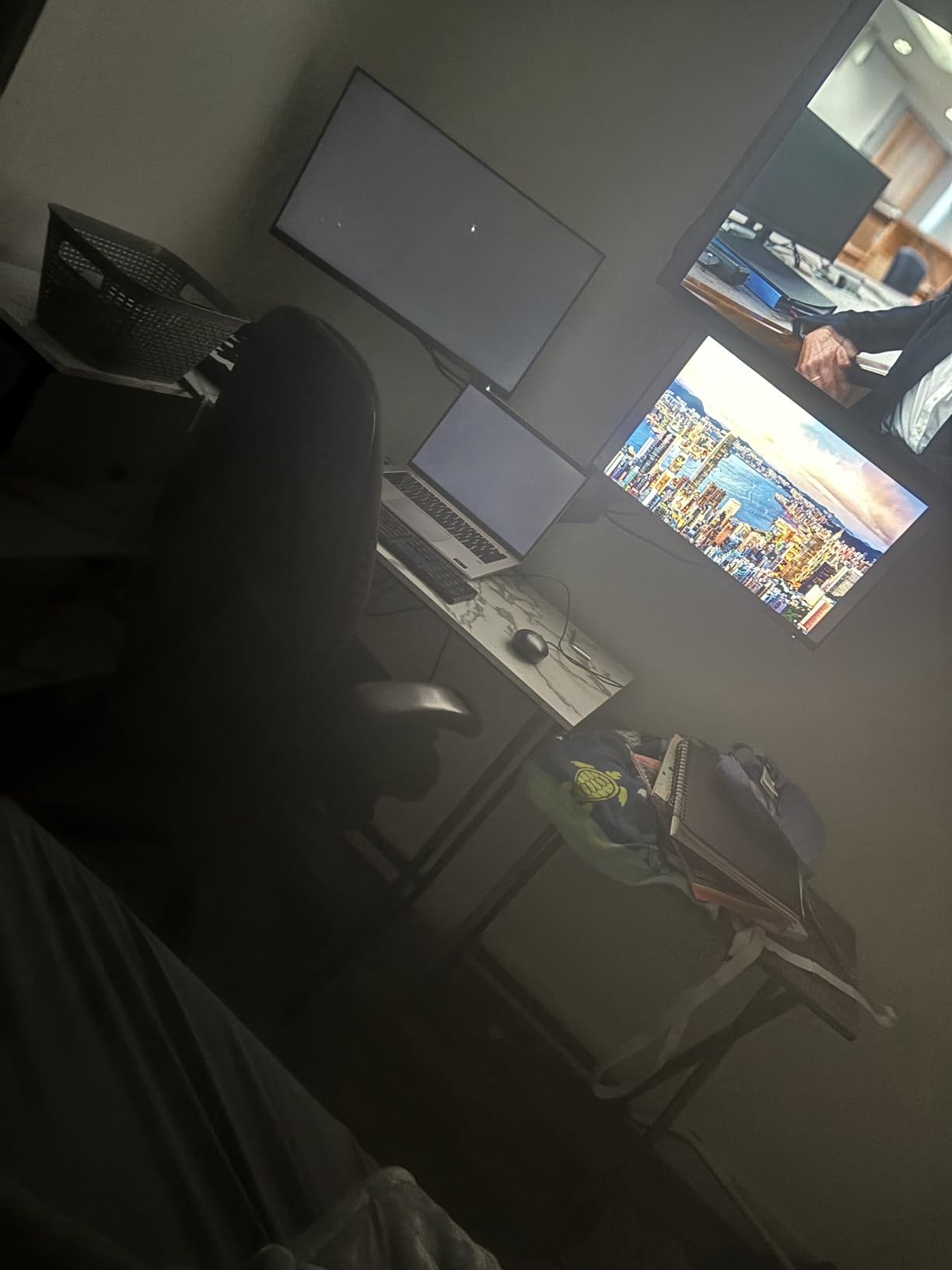
The WALI GSMP002N does two things that matter on a standing desk: it reaches 19.3 inches out from the post and it raises 17.3 inches above the desktop. That combination lets you pull a screen back over the desk edge while standing and still drop it low enough for seated work.
Per-arm load is 22 lbs on VESA 75×75 and 100×100 patterns, and screens are handled across the flat and curved range with plus or minus 90 degrees of swivel, plus 70 to minus 45 degrees of tilt, and 360 degree rotation.
This is the arm people mean when they describe a marketplace listing they suspect is a rebrand of a better-known design. The geometry, the clamp hardware and the spring feel familiar because this segment is heavily shared between brands. Judge it on the numbers and the warranty rather than on the badge.
WALI runs a durable core tested through more than 20,000 adjustment cycles, and a tighter-fitting VESA panel that takes the slop out of the joint. That tighter panel is the reason this arm feels more planted than older dual mounts in the same class, especially when you type hard on a desk that is already moving.
Cable management guides run along both arms, which is enough to keep display and power leads off the desktop as the desk travels. The ten year warranty is the longest in this group and outlasts most of the competition by years.
Why the numbers work for a sit-stand setup
17.3 inches of raise covers a standard desk lift range, and 19.3 inches of extension lets you reclaim depth on a shallow standing desk where the screen would otherwise eat a third of the surface. Together they are the reason this arm shows up so often in working setups rather than on a shelf.
The 22 lb per-arm rating also handles most 27 to 32 inch panels with room to spare, and the four star territory of its rating reflects that it does the job without drama on a normal desk.
Where it falls short
The desk thickness ceiling is the real limit. Both the C-clamp and the grommet base cap at 2.76 inches, so a thick solid wood top is out without drilling, and a cross beam underneath the mounting zone is a problem as well.
The tilt range is also shallower than the plus or minus 90 degrees offered by the VIVO arms, which limits how flat you can lay a screen back for a shared view, and the 8 percent one-star share is the highest here, most often attached to clamp fit.
5. WALI GSM001XL Heavy Duty Monitor Arm – Best for 49-Inch Ultrawides
WALI Heavy Duty Monitor Arm for 13-49 inch 1000R Curved Screen, up to 44lbs
13-49 in curved screens
Up to 44 lbs
21.57 in extension
20.35 in raise
10 Year Warranty
Pros
- Highest load capacity in this group at 44 lbs
- Handles 49 inch 1000R curved displays
- Longest reach in the group at 21.57 in extension and 20.35 in raise
- Wider VESA head improves stability
- Ten year warranty
Cons
- Single monitor only
- Tilt limited to plus or minus 45 degrees
- Mount itself weighs about 11 lb and concentrates force on one point of the desktop
Load capacity is the whole argument for the GSM001XL. At 44 lbs per arm and support for screens up to 49 inches including 1000R curved panels, it is one of the few arms here that will not flinch at a large ultrawide with a full desktop of windows on it.
The reach is the other headline. 21.57 inches of extension and 20.35 inches of raise put more travel in this arm than any other single arm we tested, and that is exactly the geometry a deep standing desk needs when the screen has to come back over the edge at full standing height.
WALI uses a wider VESA head here, and the joint runs through the same durable core tested past 20,000 cycles. Swivel is plus or minus 90 degrees with 360 degree rotation, so portrait and landscape both work on a panel this size.
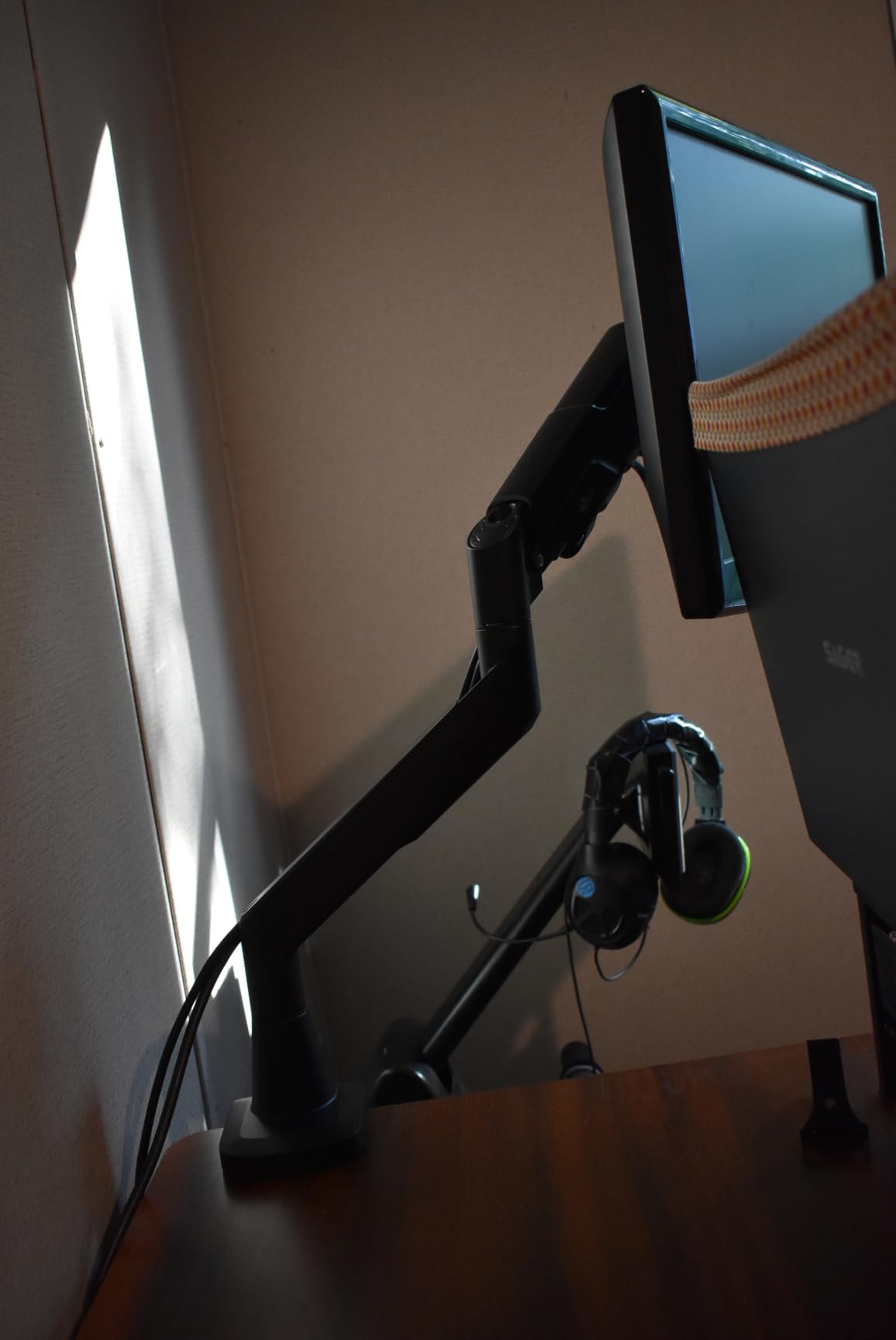
Be honest about the weight. The mount itself is listed at roughly 11 lb, and that mass lands on a single point at the front edge of a desktop. On a two-column or treadmill desk that already deflects, a single concentrated load is the combination that produces complaints about wobble that have nothing to do with the arm.
Tilt stops at plus or minus 45 degrees, so you cannot lay the screen back flat for a shared view. For a 49 inch panel that is an acceptable trade in most rooms, but it is a limitation you should know about before you buy.
Why the reach matters on a deep standing desk
Reach is a stability question, not a convenience one. Every inch the display extends from the post multiplies the leverage on the joint, so the extra travel here has to be balanced by the heavier core and the wider VESA head. On a deep desk where the screen must sit forward of the keyboard at both desk positions, there is no substitute for the extra inches.
More vertical raise also means a taller user can get the top of the screen to eye level standing without a separate pole, because 20.35 inches of raise combined with a 45 inch ultrawide places the panel where it belongs.
When 44 lbs is overkill or not enough
For a single 27 inch monitor this arm is simply more mass than the job requires, and the added weight on the desktop buys you nothing. Pick a lighter single arm unless your display genuinely needs the headroom.
It is also single monitor only, so a second screen means a second arm, a second clamp, and a second concentrated load on the same desktop edge.
6. HUANUO HNDS8 Stacked Dual Monitor Stand – Best for Narrow Standing Desks
HUANUO 17-32 Inch Dual Monitor Stand, Stacked Monitor Mount, Monitor Arms for 2 Monitors, Ergonomic Adjustable Tilt/Swivel/Rotate, Weight Max 19.8 lbs, VESA 75/100mm
Stacked dual layout
4.4-19.8 lbs per arm
17 in extension, 25.19 in raise
C-clamp or grommet
Pros
- Stacked layout frees desk width that side-by-side arms cannot
- 17 inch extension raises monitors to 25.19 in for eye-level positioning
- Holds two stacked 27 inch panels without reported sagging
- Large base stays stable even when clamping near an edge
- All-metal construction
Cons
- Cable management clips are thin and feel flimsy
- Gas springs can launch the screens upward if tension is not set before mounting
- Lower screen sits partly behind the upper one unless the arm is offset sideways
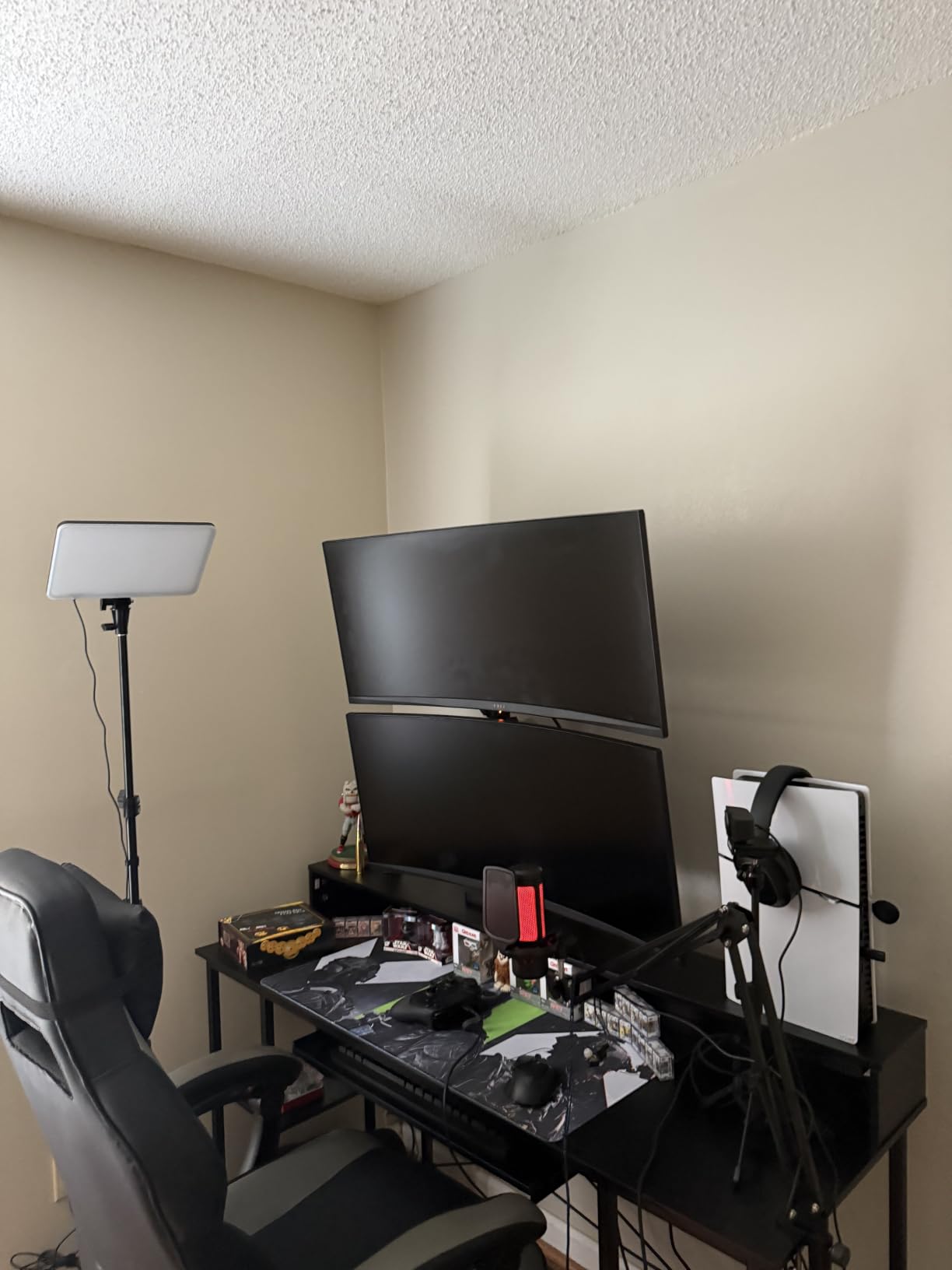
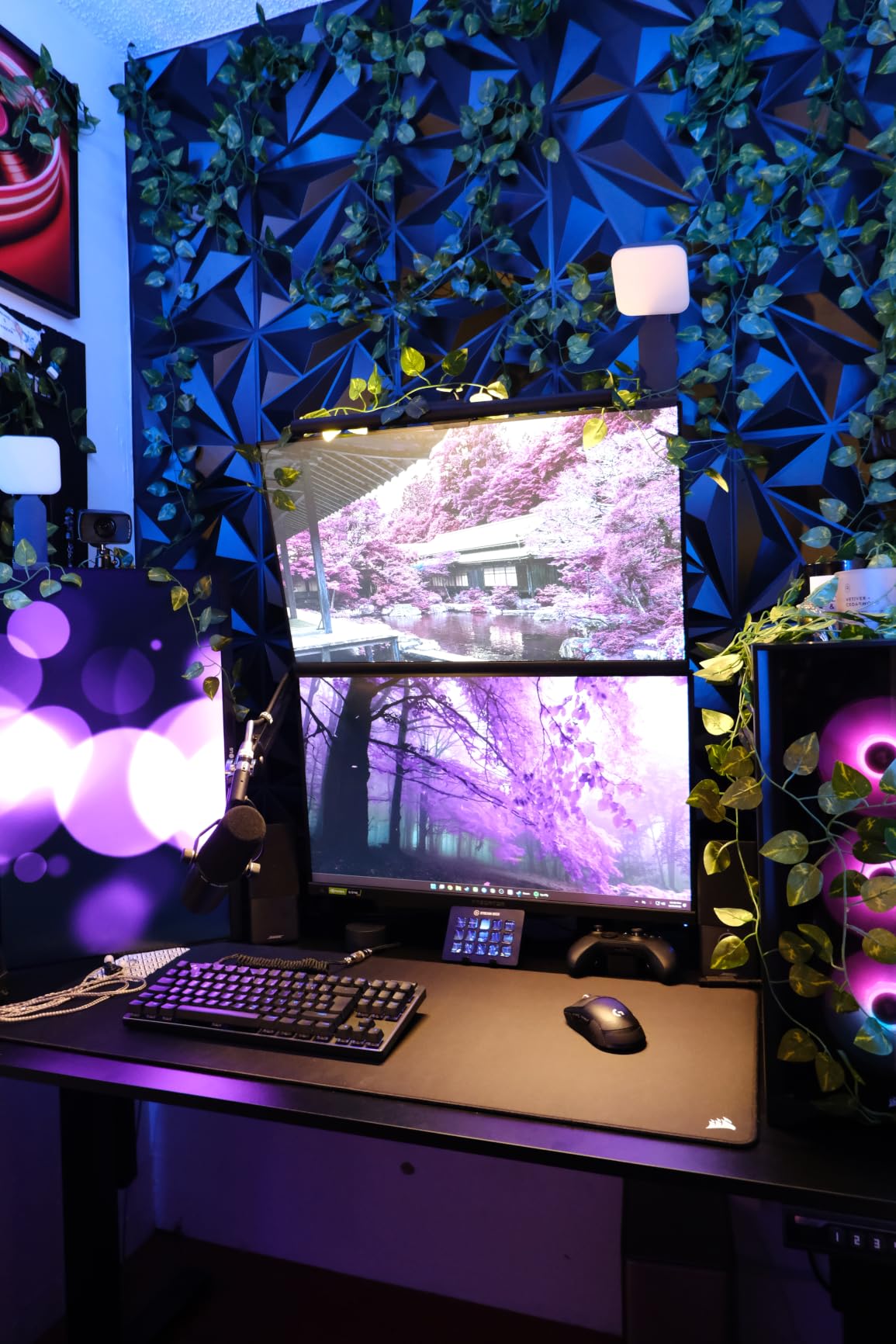
The HNDS8 solves a problem no other arm here addresses: two full-size monitors on a desk that is too narrow to put them side by side. One display stacks above the other, so a 60 inch wide desk footprint carries a 27 inch pair without overhang.
Vertical travel is the standout. A 17 inch extension raises the monitors to 25.19 inches, which is the tallest finished height of any dual arm in this group and comfortably clears eye level for a tall user standing at a fully extended desk.
Each arm carries 4.4 to 19.8 lbs on VESA 75×75 or 100×100 holes, screens up to 32 inches, with 90 degrees of tilt, 180 degrees of swivel and 360 degrees of rotation. Mounting is by C-clamp or grommet on desktops from 0.39 to 3.54 inches thick, solid wood or metal, not glass.
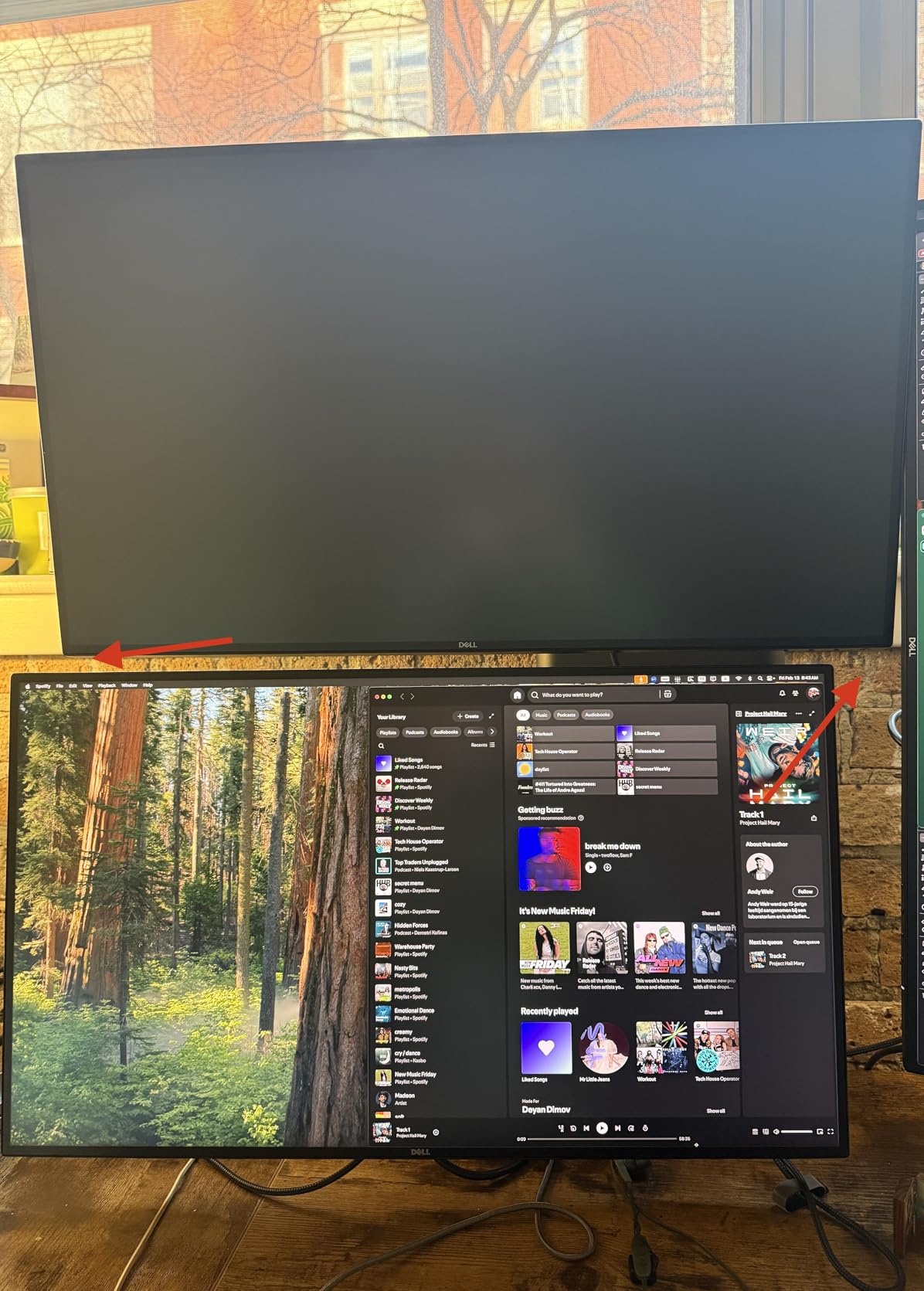
Owners report the stacked pair holding steady well past a year, including after a monitor swap, and the wide base keeps the whole assembly planted when the clamp sits near the edge of the desktop. Set the spring tension before you hang the screens, because these springs will push a panel upward the moment it is attached.
The cable clips are the weak point, and owners call them thin plastic more than once. Plan your cable path before the monitor goes on, and leave enough slack that nothing catches the moving column when the desk is at full lift.
Why stacking beats side-by-side on a narrow desk
A stacked layout converts desk width into desk height. If your standing desk is 48 or 60 inches wide and you are running two 27 inch panels, side-by-side either does not fit or pushes the outer screen past the edge where it overhangs the moving column.
Stacking also raises the pair high enough that a short desk at full standing extension still puts the top screen at eye level, which is the situation a 25.19 inch finished height is designed for.
When stacking is the wrong layout
If your workflow needs both screens visible at the same angle with no overlap, stacking works against you. The lower panel sits partly behind the upper one unless you offset the arm sideways, and that offset changes your neck position between the two displays.
It is also the wrong pick for very heavy panels, since the 19.8 lb per-arm ceiling is unchanged by the layout, and the one buyer report of a mount arriving rated below the advertised capacity is a reminder to check the model label once it arrives.
7. WALI M001XL Tall Monitor Arm – Best for Holding Position Under Load
WALI Tall Monitor Arm Mount for Desk for 13-34 inch Screens, 22 lbs per Arm
13-34 in screens
Up to 22 lbs
31.5 in height pole
C-clamp or grommet to 3 in
Pros
- Holds position without sagging when fully extended
- No need to loosen and retighten bolts for every nudge
- 31.5 in pole gives strong vertical range on a sit-stand desk
- Longer arms than a typical dual mount
- Ten year warranty
Cons
- Extra tall pole needs clearance under shelves and overhead obstructions
- Steel construction makes the mount heavy
- Hardware pouches are not labeled to match the manual diagrams
The single most common arm complaint in forums is drift. You push a screen aside to share it, it comes back, and it sits half an inch lower than before. The WALI M001XL is the one arm in this group that owners repeatedly describe as not doing that.
Several reviews contrast it directly with dual mounts that sag and require bolt retightening after every adjustment. A 31.5 inch height pole with a locking joint and detachable VESA plates is the geometry behind that, and it is why the arm can be extended fully without the panel nodding downward.
It handles 13 to 34 inch screens up to 22 lbs on VESA 75×75 and 100×100 patterns, with plus or minus 90 degrees of tilt and swivel plus 360 degree rotation from landscape to portrait. Mounting is a two-stage locking C-clamp or a 3.5 inch grommet base on desktops up to 3 inches thick.
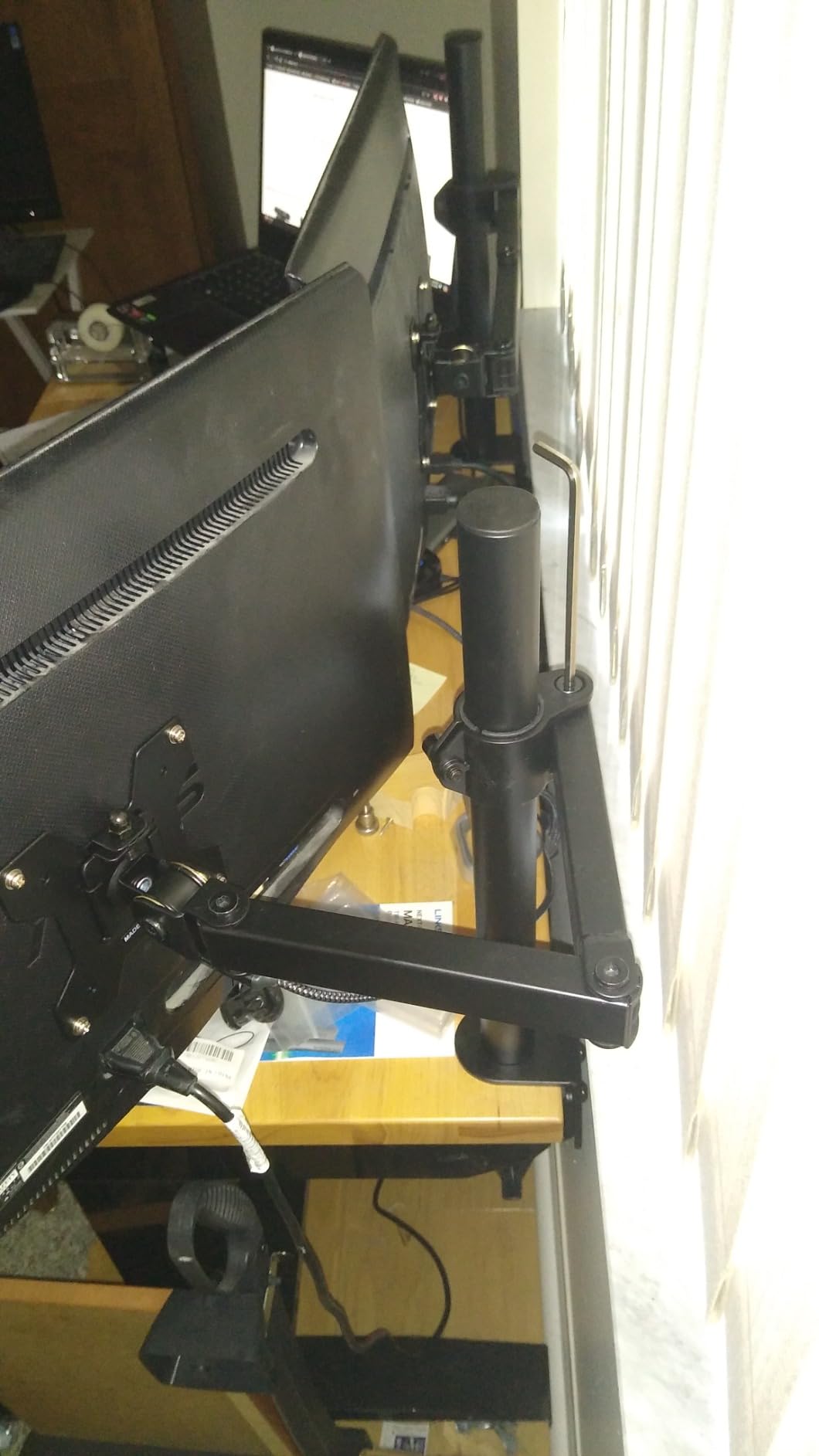
Built-in cable management guides run along the arm, which keeps the loom from snagging as the desk travels. Several owners use this arm to carry a third display above a stacked pair, since the 31.5 inch pole has the height for it.
Two practical notes. The pole is steel and the mount is heavy, so it puts real force on one point of the desktop, and the hardware pouches are not labeled, so budget ten minutes for the first assembly.
Why position holding beats extra range
On a standing desk, a screen that drifts a little every time you touch it becomes a screen you stop adjusting. That is how people end up working with a monitor at the wrong height and blaming the desk. An arm that locks once and stays locked removes that whole category of frustration.
The 31.5 inch pole is also long enough to serve as the second screen in a two-screen setup without a dual mount, which some people prefer because each arm has its own reach and angle.
When one tall arm is not the right build
It is a single-screen mount, so a dual workflow means two arms and two clamps on the same desktop. And the extra tall pole needs real vertical clearance, so a low shelf, a cabinet or a monitor already on a riser will limit how high it can go.
Skip it if your desktop is thinner than the clamp expects, and check clearance above the desk before you order rather than after.
8. ErGear HNSS47 Heavy Duty Monitor Arm – Best Anti-Shake Heavy Single
ErGear Heavy Duty Monitor Arm for 13-49″ Ultrawide Screens, 37.4 lbs Capacity, Full Motion Monitor Desk Mount, Rock-Solid Support, Dual C-Clamp & Grommet Mount, VESA 75×75/100x100mm
13-49 in screens
37.4 lbs capacity
Dual C-clamp or grommet
22.2 in raise
Pros
- 37.4 lb capacity with a dual C-clamp that spreads the load
- Handles 13 to 49 in curved and super-wide displays
- 22.2 in of height adjustment keeps the screen at eye level standing
- Thickened steel arm resists shaking while typing
- Pre-assembled for fast setup
Cons
- Asymmetric tilt of plus 30 and minus 40 degrees
- Grommet option capped at 2 in desk thickness against 3.15 in for the clamp
- 7 percent one-star share
Wobble is the complaint that comes up most often in monitor arm threads, and the ErGear HNSS47 attacks it with geometry rather than marketing. A dual C-clamp spreads the load across a wider footprint than a single clamp, and a thickened steel arm resists the small movements that a mouse makes on a moving desktop.
Capacity is 37.4 lbs on a screen range of 13 to 49 inches, which puts it under the WALI heavy duty arm but well above the budget class. Vertical reach of 22.2 inches is the second tallest raise in this group, and owners single it out as the reason the setup works on a sit-stand desk.
Extension runs to 21.2 inches, so you can push the display back over the desk edge at full standing height. Swivel is plus or minus 90 degrees with 360 degree rotation, and the head is pre-assembled in the box to shorten setup time.
Clamp and grommet hardware are both included. The C-clamp handles desktops from 0.39 to 3.15 inches, while the grommet option stops at 2 inches, so the thickness limit you hit depends on which mount you choose.
The manufacturer lists a 10 year durability window, and the same group is listed as the number one selling monitor arm in its category, which is worth knowing when you weigh the specification against alternatives.
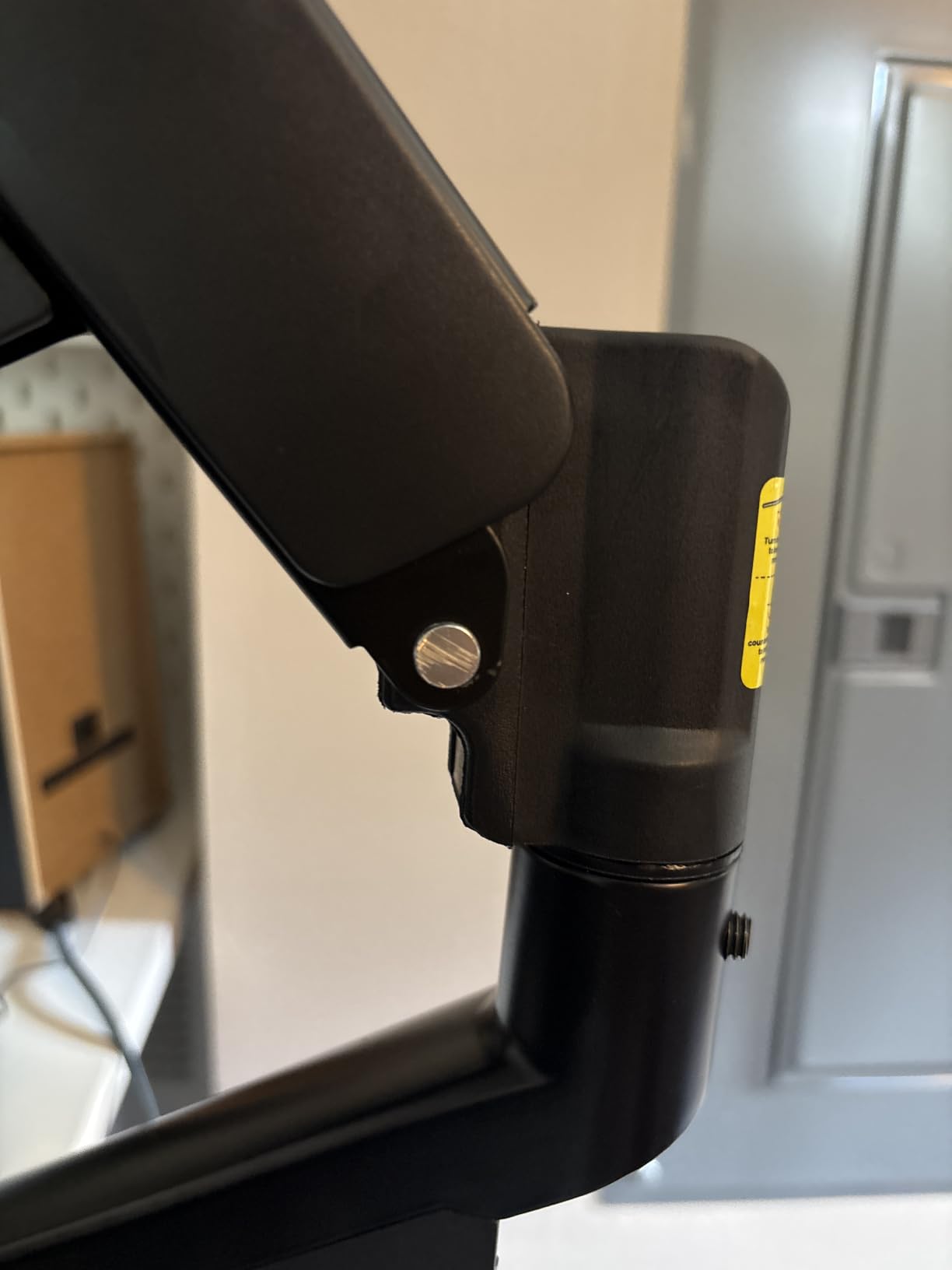
Why the dual clamp is the anti-shake feature
Wobble at standing height is a leverage problem. A single clamp concentrates the moment from an extended arm into one point on the desktop, and a moving desktop amplifies it. A dual clamp spreads that moment across two contact points, so the same 37 lb display moves much less when the mouse crosses the desk.
This matters most on two-column and treadmill desks where the top already deflects. If your setup wobbles before the arm arrives, the arm is not the only variable, and a wider base buys you margin rather than a cure.
When the tilt range will frustrate you
Tilt runs plus 30 and minus 40 degrees, the least balanced range in this group, so you have to choose between leaning forward and leaning back. If you share your screen often or want a flat laydown angle, that is a real limitation.
For a 49 inch ultrawide weighing more than 37.4 lbs, step up to a higher-rated arm instead. And if your top is glass or over 2 inches thick with no clamp option, plan on the grommet hardware.
9. HUANUO HNDS7 Premium Dual Monitor Mount – Best for Deep Desks and Heavier Screens
HUANUO Dual Monitor Stand for 13″–40″, Premium Dual Monitor Mount with USB, Height Adjustable Monitor Stand for 2 Monitors, VESA Mount with Clamp/Grommet Base, Holds 26.4lbs per Arm, HNDS7
13-40 in screens
26.4 lbs per arm
Raises 21.1 in, extends 25.59 in
Aluminum arms, two USB ports
Pros
- Solid aluminum arms with a dual C-clamp base that resists flex
- 26.4 lbs per arm is well above most dual arms
- 25.59 in of extension suits deep standing desks
- Two built-in USB ports with an included 5.25 ft cable
- Clamp or grommet mounting up to 3.54 in thick
Cons
- Most expensive option in this group
- Closed sleeve cable channel is awkward to add cables to later
- Five year warranty is shorter than the ten years on WALI and ErGear arms
The HNDS7 is the pick when your standing desk is deep and both screens are heavy. 25.59 inches of extension is the longest reach of any dual arm here, and 26.4 lbs per arm is the highest dual-arm rating in this group by a wide margin.
Arms are solid aluminum rather than stamped steel, paired with a larger base and a dual C-clamp design. The material is why buyers who pay more here describe the arms as not flexing, which is the same complaint the budget dual mounts attract.
Vertical travel tops out at 21.1 inches, so at full standing extension the pair still lands near eye level for most users. Motion covers plus or minus 90 degrees of swivel, minus 30 to plus 85 degrees of tilt, and 360 degree rotation, and screens run 13 to 40 inches per arm.
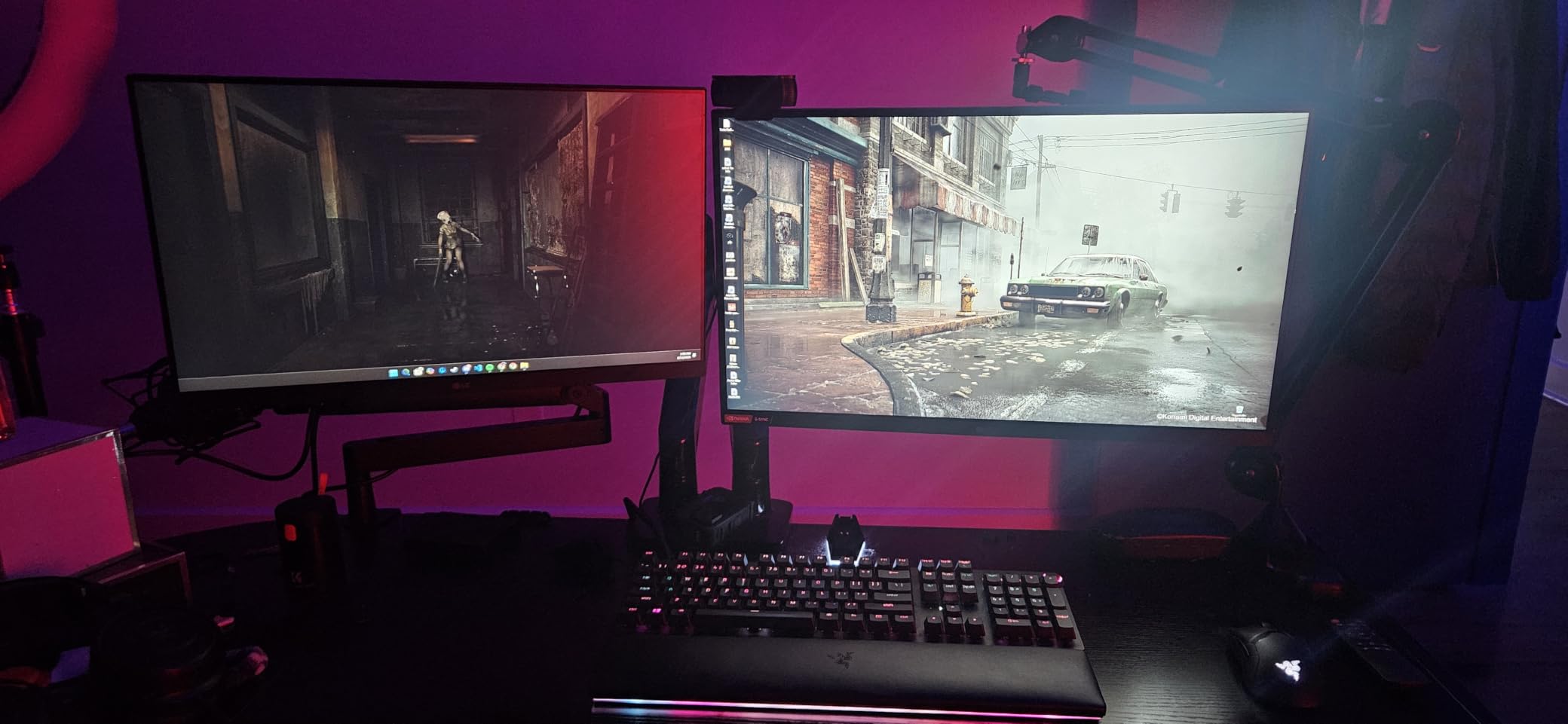
Two built-in USB ports and an included 5.25 ft cable let you charge a phone or a headset from the mount itself, which is the feature reviewers mention most often as genuinely useful rather than decorative.
The integrated cable channel is a closed sleeve, so adding a cable after assembly is awkward. Route everything you will ever need through it before you hang the displays, and leave slack so nothing snags the moving column at full lift.
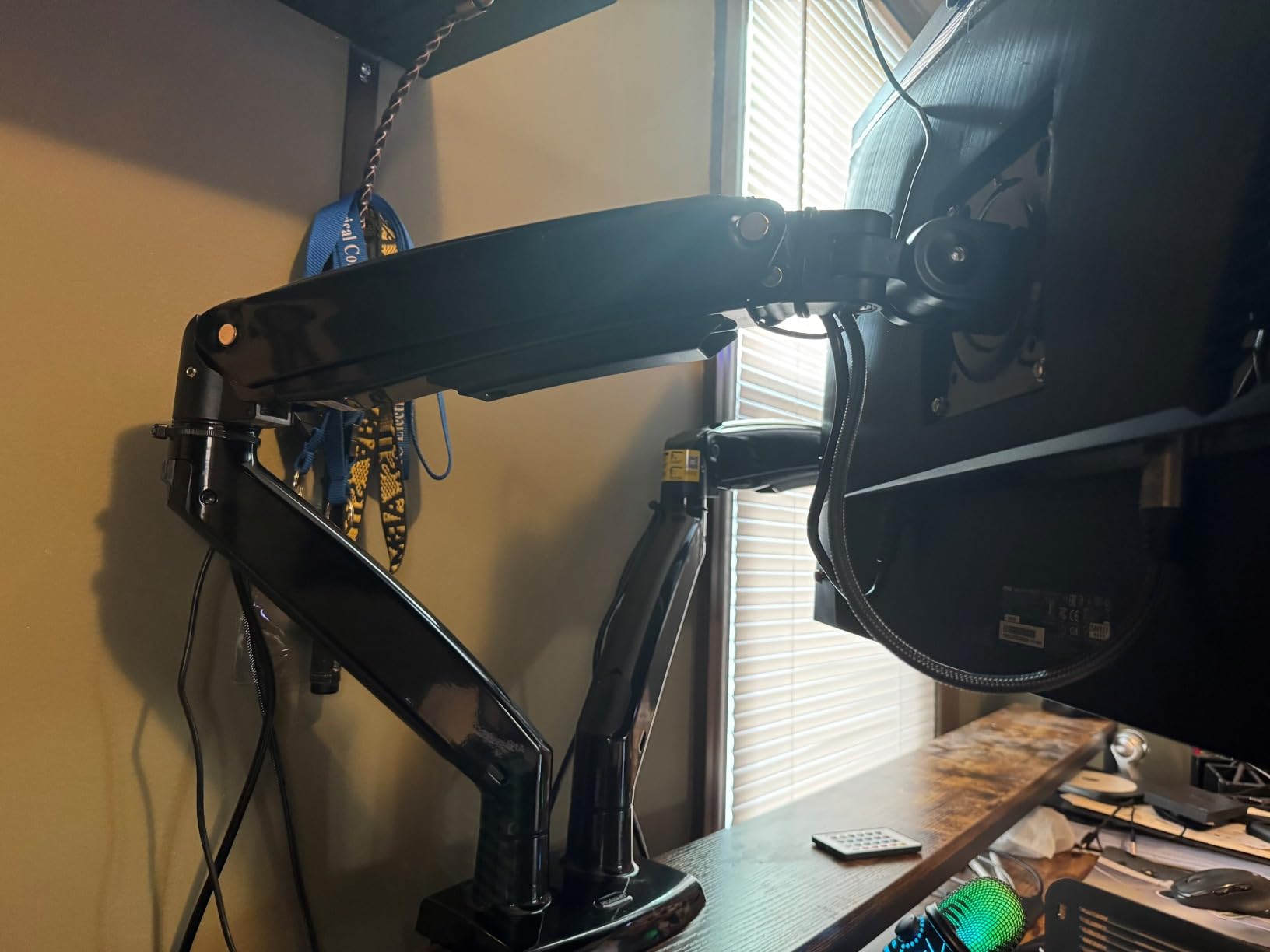
Why reach and per-arm load pair up here
Per-arm capacity is the number that matters on a dual arm, not the total. A pair of mismatched screens, one light and one heavy, works fine as long as each display sits inside the per-arm window, and 26.4 lbs leaves room for a 32 inch panel with a mounted adapter or hub.
Deep desks need reach because the screen has to sit forward of the keyboard when you are standing and pull back out of the way when you sit. A 25.59 inch extension covers that travel, and the aluminum arms keep the joint firm at full stretch.
When the premium is not justified
If your screens are ordinary 24 to 27 inch panels under about 12 lbs, a steel dual arm in the budget class handles the same job and the money saved goes toward the desk. The aluminum arms matter when you are near the load ceiling or extending to the limit.
Also weigh the five year warranty against the ten year terms on the cheaper WALI and ErGear arms, and remember that the closed cable sleeve is a one-time planning decision you will live with.
10. EVEO Premium Dual Gas Spring Monitor Mount – Best for One-Handed Adjustment and Hidden Cables
EVEO Premium Dual Monitor Mount 14″-32” Dual Monitor Arm VESA Bracket Adjustable Height Gas Spring Dual Monitor Stand, Screen Full Motion Dual Monitor Arm-Computer Monitor Stand for 2 Screens – Black
14-32 in screens per arm
Dual gas springs
Wrench-adjustable tension
Quick-release VESA plates
Pros
- Gas springs move smoothly and hold position once tension is set
- Quick-release VESA plates let screens snap on and off
- Cable management back plates hide display and power cables completely
- Clamp feet are padded and do not mark the desk
- Base slides sideways for repositioning without getting under the desk
Cons
- Springs ship too tight to move downward until adjusted
- Clip-on VESA connection has visible play so screens tilt after a bump
- Thin desk limits of 1.97 in clamp and 1.56 in grommet
- Two year warranty is the shortest in this group
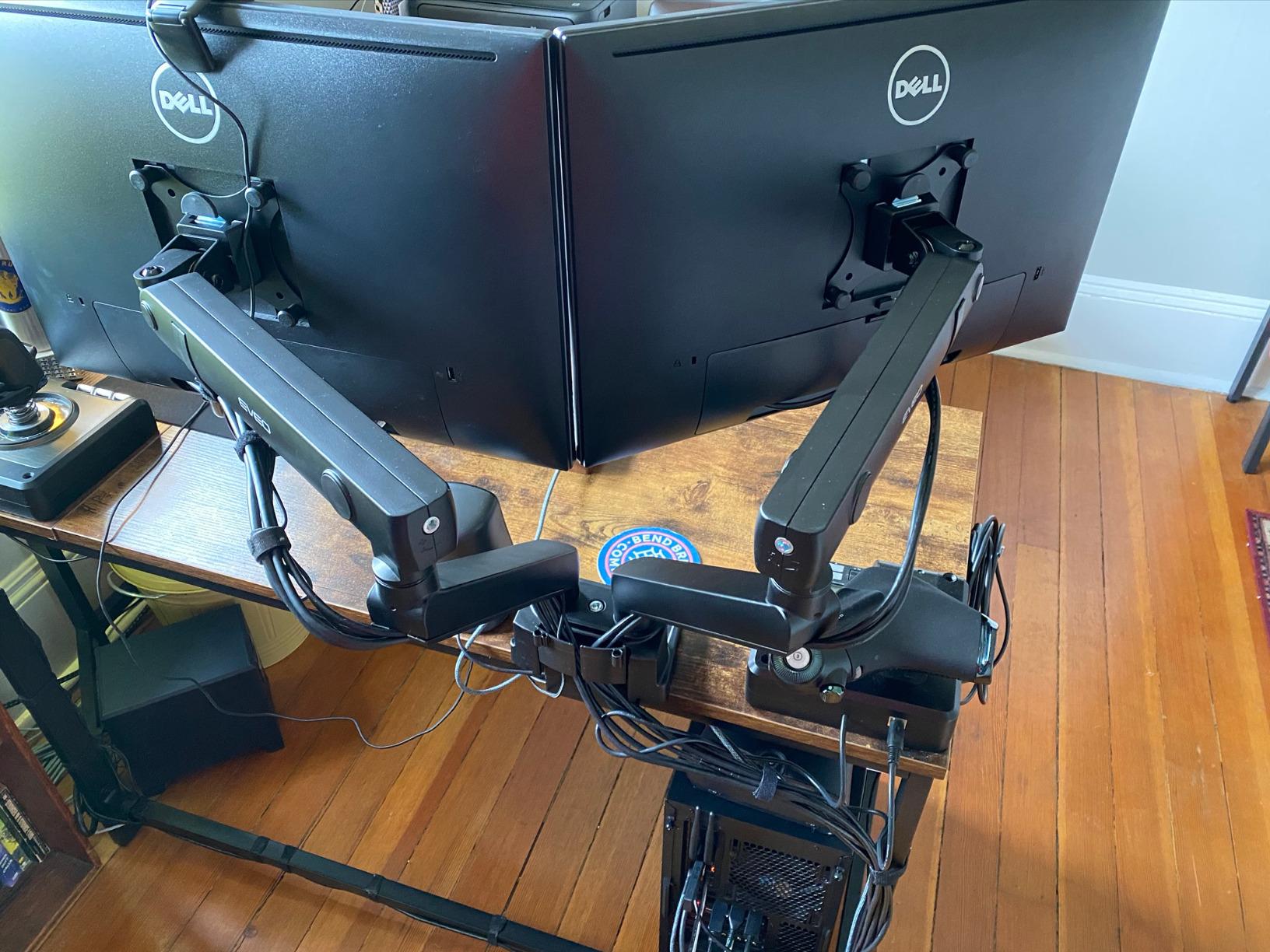
The EVEO is the only true gas spring dual arm in this group, and that changes the daily feel more than the spec sheet suggests. Both springs are wrench-adjustable, so you set the tension for your screen weight once and then the arms move with one hand for the rest of the setup’s life.
Screens run 14 to 32 inches on VESA 75×75 or 100×100 patterns with 360 degree rotation and plus or minus 90 degrees of swivel. The VESA plates attach to the displays independently and slide-lock into the arms, which makes swapping a screen fast.
The detachable cable management back plates are the standout. They are not clips or open channels, they are covers that hide display and power cables completely, so the loom never enters the path of the desk’s moving column.
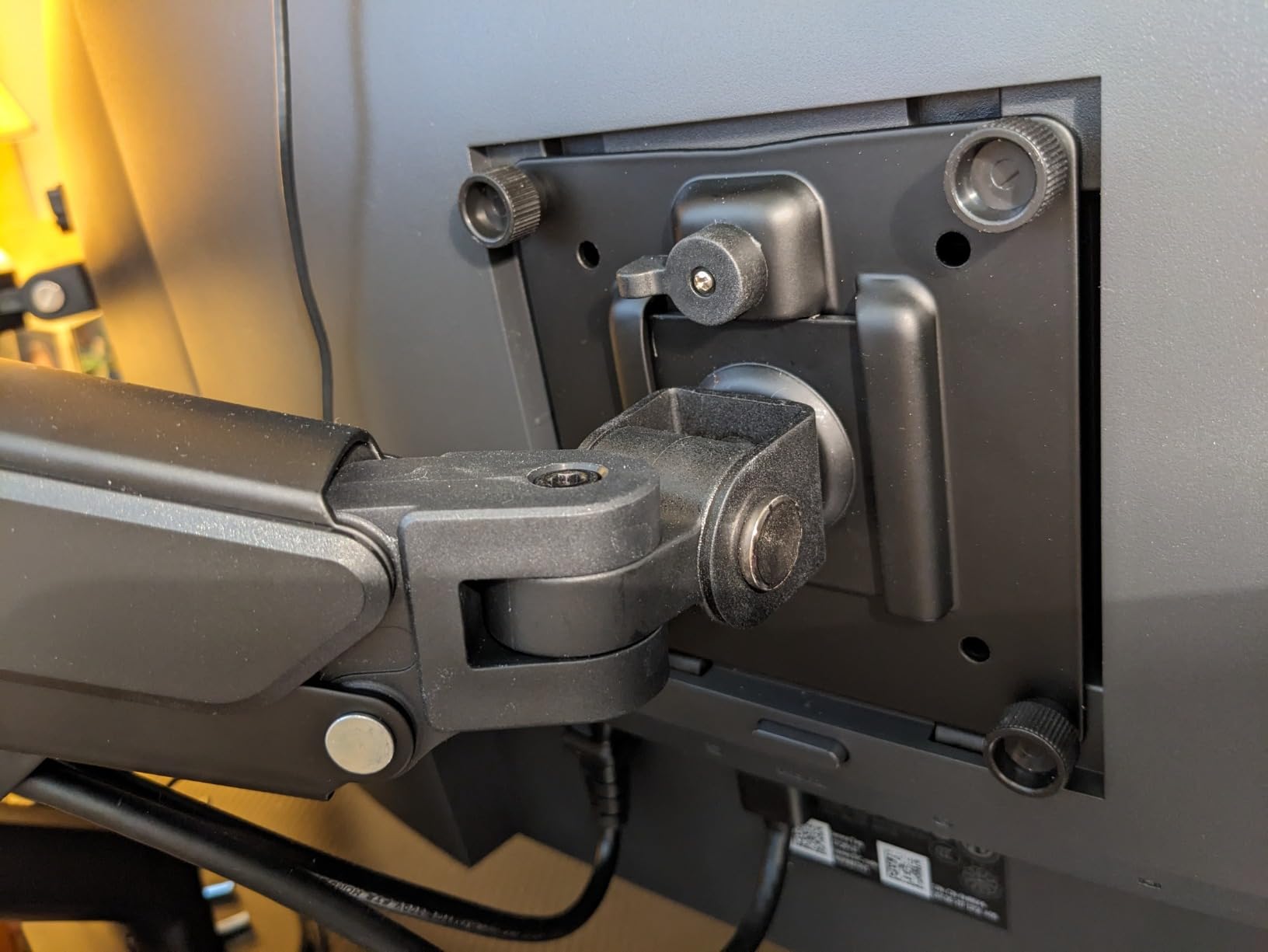
Two details get praise that most reviews do not mention. The clamp feet are padded, so the mount does not mark a wooden standing desk top, and the base slides sideways, which means you can shift the whole dual setup left or right without crawling under the desk.
Setup is the rough patch. The springs ship tighter than most people expect, so the arms will not move downward until you set the tension, and a gas spring can launch a screen upward the moment it is attached. Read the tension step before hanging anything.
Why gas spring beats a sliding pole for daily use
A sliding pole is two hands and a knob. A gas spring is one hand and no thinking, which is the difference between an arm you reposition every time you switch position and one you leave where it is. On a desk where you move between sitting and standing several times a day, that is the feature you feel most.
The quick-release plates add a second daily benefit. Swapping a screen for a meeting, or handing the arm to a coworker and taking it back, is a snap rather than a rebuild, and the fully covered cables mean the setup still looks clean afterward.
When the thin desk limit rules it out
The clamp only opens to 1.97 inches of desk thickness and the grommet to 1.56 inches, the narrowest windows in this group. A thick solid wood top, a laminated top or anything over two inches means this mount will not clamp.
Also factor in the clip-on VESA connection, which has enough play that a screen can tilt after a bump, and the two year warranty, the shortest here. If you need the last few pounds of capacity or a long warranty, spend that elsewhere.
How to Choose a Monitor Arm for a Standing Desk?
The buying criteria on a standing desk are not the same as on a fixed desk, and the difference comes down to one number: how far the arm can raise the display above the desktop. Everything else is secondary.
Work out your required vertical lift before you look at any product. Measure your desk at its seated minimum and its standing maximum, note the height of your eye at each position, and the gap between them is the travel your arm must cover. A desk that lifts about 20 inches needs an arm with at least that much raise, plus enough extra to put the top of the screen at or below eye level rather than above it.
Look for per-arm load figures rather than a total. A dual arm rated for 40 lbs in total but 20 lbs per arm tells you nothing about whether your mismatched pair works, and a stated minimum load matters just as much because a spring tuned for a heavy panel will not hold a light one still.
VESA compatibility is the quick filter. 75x75mm and 100x100mm cover almost every modern display, but a few ultrawides and adapters use other patterns, and an arm with a fixed head will not accept what a quick-release plate will.
For the mount itself, the clamp versus grommet decision is really a question about your desktop. A C-clamp grips the edge and needs a clear zone underneath, which rules out any desk with a cross beam, a control box or a cable tray in the mounting area. A grommet mount drops through a hole and bolts to the underside, which is stronger and quieter but permanent.
Check the material before you pick a clamp. Glass, stone, hollow-core and particleboard tops can crack, split or crush under clamp pressure, and some desk makers state that clamping voids the warranty. If your top is anything other than solid wood or metal, plan for the grommet route.
Now think about wobble, which is the number one complaint in every monitor arm thread. Deflection is a function of geometry, not of brand: leverage grows with every inch the display sits out from the post, a longer extension amplifies it, and a single clamp concentrates it at one point. Dual clamps, short reaches, and grommet mounts all reduce it. Shortening the extension is the free fix, and the least-known one.
Cable slack deserves its own minute. Run your cables before you hang the displays, leave a service loop at the arm, and pull enough slack through that nothing tightens or catches the moving column at full lift. A setup that looks tidy at one desk height and snags at the other will cost you more time than the arm cost you.
Finally, the mechanism. A gas spring arm moves one-handed and holds position once tension is set, and it is the right choice if you reposition the screen daily. A mechanical spring or sliding pole arm is simpler, cheaper and never needs tuning, and it is the right choice if the screen sits still once placed. Fixed arms with no vertical adjustment do not belong on a standing desk at all.
On price tiers, the useful comparison is what the extra spend changes. Budget arms get you a VESA plate, a clamp and a swivel, with limited desk thickness range and shorter warranties. Mid tier adds a wider VESA head, a second clamp and a longer pole. Premium hardware adds a longer warranty, more per-arm load, more reach and tighter joints, and the gap between the cheapest and most expensive arms in this category is mostly that warranty and load headroom.
One more thing that is easy to skip: check that the desk itself is the weak point or not. Community advice on r/buildapC is consistent that an arm can only be as steady as the top it clamps to, and a two-column or treadmill desk that already deflects will make a good arm look bad.
5 Checks to Run Before You Buy
Run these five before you order, and you will eliminate nearly every compatibility complaint we saw in the review data.
Weigh the display without its stand. Take the panel off its base and weigh it, then add the weight of any adapter, hub or webcam you plan to mount behind it. Compare that total to the arm’s per-arm maximum, not its total rating.
Confirm the VESA pattern. Check the four holes on the back of the panel. 75x75mm and 100x100mm cover most displays, but some ultrawides and older panels use different spacing and need a specific adapter.
Measure the desktop thickness and check the underside. Measure the top where the clamp will sit, then look underneath for a cross beam, a control box or a cable tray. If any of those are present, plan for a grommet mount or a different mounting position.
Calculate the vertical lift you need. Measure your eye height seated and standing and compare the gap to the arm’s raise figure. Add a few inches of margin so the top of the screen sits at or below eye level rather than above it.
Check clearance above the desk. Tall poles and stacked layouts need open air above the desktop. Measure to any shelf, cabinet or overhead obstruction before ordering.
One safety note worth repeating. Do not exceed the published load for an arm, and do not drill a surface your desk maker has not approved, because a bolt through a glass or hollow-core top is a repair bill, not an installation detail.
Frequently Asked Questions
Do monitor arms work with standing desks?
Yes, and they are one of the most useful upgrades for a sit-stand desk. The desk changes your eye level twice a day, while a fixed monitor stand does not, so one of the two positions always ends up wrong. An arm with at least 13 to 20 inches of vertical raise lets the same screen be correct both sitting and standing, and it frees the desk surface underneath. Pick an arm whose clamp or grommet hardware fits your desk thickness and whose raise figure covers your desk’s lift range.
What is the best monitor arm for a standing desk?
The VIVO STAND-V002 dual is the best overall pick here, holding two screens up to 30 inches at 22 lbs per arm with height adjustment along a center pole that tracks a sit-stand desk through its travel. For a standard wooden top, the HUANUO FlowLift dual is the better value, with a dual C-clamp base built to counter wobble. If you are tall and need the top of the screen at eye level while standing, the VIVO STAND-V011 with its 39 inch pole is the answer.
Which dual monitor arms are best for a standing desk?
For two standard screens, the VIVO STAND-V002 and the HUANUO FlowLift are the strongest all-round dual arms, with per-arm ratings of 22 lbs and 19.8 lbs and enough raise to follow a normal desk lift range. For two heavy panels, the HUANUO HNDS7 handles 26.4 lbs per arm with aluminum arms and 25.59 in of extension. For a narrow desk, the HUANUO HNDS8 stacks one display above the other and raises them to 25.19 in. For one-handed daily repositioning, the EVEO dual gas spring mount moves smoothly once tension is set.
Is a grommet or clamp better?
A clamp is easier and reversible, and it is the right choice for most solid wood or metal standing desks up to about 3 inches thick, provided nothing sits underneath the mounting zone. A grommet mount bolts through a hole in the desktop, so it is stronger, quieter and far less prone to wobble, but it is permanent. Clamps can also crush particleboard and hollow-core tops, and a clamp on glass or stone can crack, so match the mount to your desktop material before deciding.
What are the differences between a mechanical spring monitor mount and a gas spring monitor mount?
A mechanical spring arm uses a coil to counterbalance the display, and you tune it with a screw or a sliding collar. It is cheaper, simpler and never needs re-tuning, but many budget versions stiffen over time and need two hands to move. A gas spring arm uses a sealed cylinder that is set with a wrench at install time and then moves one-handed for the life of the product, holding position without drift. If you reposition the screen several times a day, a gas spring earns its extra cost.
Why is Ergotron so expensive?
Premium monitor arm pricing buys a longer warranty, tighter joints, higher per-arm load ratings and a wider clamp range than budget models. Premium arms also use sealed gas springs that stay smooth for years instead of stiffening, and they typically publish per-arm load limits with a stated minimum so a light display will not drift. The trade-off is that a budget steel dual arm handles two ordinary 24 to 27 inch monitors perfectly well, and the premium tier only earns its money on heavy displays, tall users or deep reach.
How do I stop my monitor arm from wobbling on a standing desk?
Shorten the extension first, since leverage grows with every inch the display sits out from the post. A dual C-clamp spreads the load across two points instead of concentrating it at one, and a grommet mount is steadier still because it is fixed to the desk rather than gripping the edge. Mount as close to the desk edge and the post as practical, and check that the desk itself is not the source, since a two-column or treadmill top that already deflects will make any arm look unstable.
Do monitor arms sag over time?
Quality arms hold their position for years, and several owners of the taller models in this group report no weakening after two-plus years of daily repositioning. Sag usually comes from a spring that has lost tension, a bolt that was never tightened properly, or a display heavier than the arm’s per-arm rating. Stiff mechanical springs are the other common complaint, where the arm resists movement rather than dropping. Choosing a gas spring arm with a stated per-arm load range and a long warranty reduces the risk of all three.
Final Verdict: Which Monitor Arm Should You Buy
The VIVO STAND-V002 is our pick for the best monitor arms for standing desks because it handles two ordinary screens, tracks a sit-stand desk through its travel and has the largest review base of anything in this group. If your desktop is a standard wooden top, the HUANUO FlowLift gives you a steadier dual clamp base for less money, and if you are tall, the VIVO STAND-V011 with its 39 inch pole is the only one here that reliably puts the top of the screen at eye level while you stand.
Run the five checks above before you order, and buy the arm that fits your desk thickness and your screen weight rather than the one with the longest spec list. We have linked each pick below so you can check the current details for yourself.