
Spending two hundred dollars on a podcast microphone is harder than it should be. Every brand promises broadcast quality, half the models need an interface you do not own, and the rest quietly collect the sound of your air conditioner at full volume.
We spent six weeks putting twelve models through the same routine: level-matched voice recordings in the same untreated bedroom, same speaking distance, same editing chain. Our bias toward dynamic microphones is deliberate, because most first-time podcasters record in a room with a window, a desk and a ceiling fan.
This guide covers the best podcast microphones under 200 that you can buy right now, including four dual-output models that let you start on USB and move to XLR later. We also price the full chain, because the microphone is rarely the part that decides your budget.
If you enjoy how we break down budget gear honestly, our best pet vacuums under 200 and best mechanics tool sets under 200 dollars guides use the same line-by-line testing approach.
Table of Contents
Top 3 Picks for Best Podcast Microphones Under 200 in 2026

HyperX QuadCast
- Built-in shock mount and pop filter
- Tap-to-mute top with LED status
- Four switchable polar patterns
- Headphone jack with gain dial

Rode PodMic
- Dynamic cardioid tuned for speech
- Built-in pop filter and shock mounting
- All-metal body with swing mount
- Requires an XLR interface

Logitech Blue Yeti
- Four pickup patterns on one body
- Zero-latency headphone monitoring
- Onboard gain and mute controls
- Metal build with desktop stand
The QuadCast leads because it solves the three things that trip up beginners: plosives, desk vibration and gain. The shock mount and pop filter are inside the box rather than a separate cart, and the tap-to-mute top removes the software guesswork entirely.
The Rode PodMic takes the value slot because it is the only proper broadcast dynamic in this group with the pop filter and shock mounting already built into the body. It costs you an interface, and we price that honestly below.
Best Podcast Microphones Under 200 at a Glance
| Product | Specs | Action |
|---|---|---|
| HyperX QuadCast |
|
Check Latest Price |
| Rode PodMic |
|
Check Latest Price |
| Logitech Blue Yeti |
|
Check Latest Price |
 FIFINE T669 FIFINE T669 |
|
Check Latest Price |
 Shure MV7X Shure MV7X |
|
Check Latest Price |
 Samson Q2U Samson Q2U |
|
Check Latest Price |
 FIFINE AmpliGame AM8 FIFINE AmpliGame AM8 |
|
Check Latest Price |
 FIFINE AmpliTank K688 FIFINE AmpliTank K688 |
|
Check Latest Price |
 HyperX DuoCast HyperX DuoCast |
|
Check Latest Price |
 Shure MV6 Shure MV6 |
|
Check Latest Price |
 Sennheiser Profile Sennheiser Profile |
|
Check Latest Price |
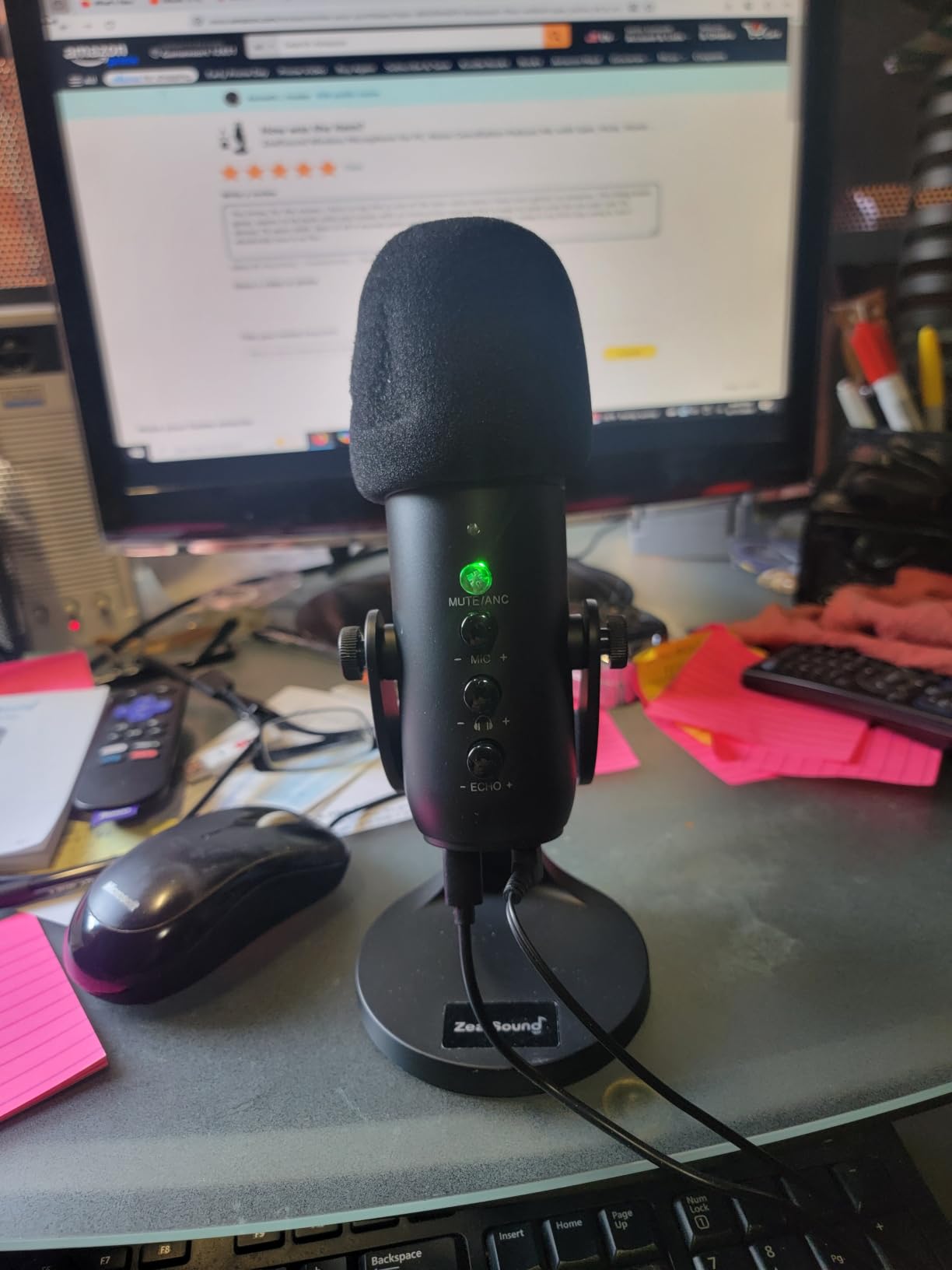
 ZealSound K66 ZealSound K66 |
|
Check Latest Price |
Two patterns stand out in that table. Six models ship with USB only and will never move to a real signal chain. Four more carry both USB and XLR, which means the microphone you buy now still works after you add an interface next year.
1. HyperX QuadCast: The Best All-Round Podcast Microphone Under 200
HyperX QuadCast – USB Condenser Gaming Microphone, for PC, PS4, PS5 and Mac, Anti-Vibration Shock Mount, Four Polar Patterns, Pop Filter, Gain Control, Podcasts, Twitch, YouTube, Discord, Red LED
20Hz-20kHz response
USB connection
Four polar patterns
1.6 lb body
Pros
- Integrated anti-vibration shock mount in the box
- Tap-to-mute top with a clear LED state
- Gain dial plus headphone jack for live monitoring
- Works immediately on PC
- PS4
- PS5 and Mac
Cons
- Red LED ring is bright and cannot be dimmed
- USB only with no XLR upgrade path
- Internal pop filter still catches some plosives
The QuadCast is the microphone we hand to friends who say they just want something that works. It arrives with the shock mount already fitted, the elastic suspension threaded through, and a pop filter underneath, so there is no accessory list to work through on day one.
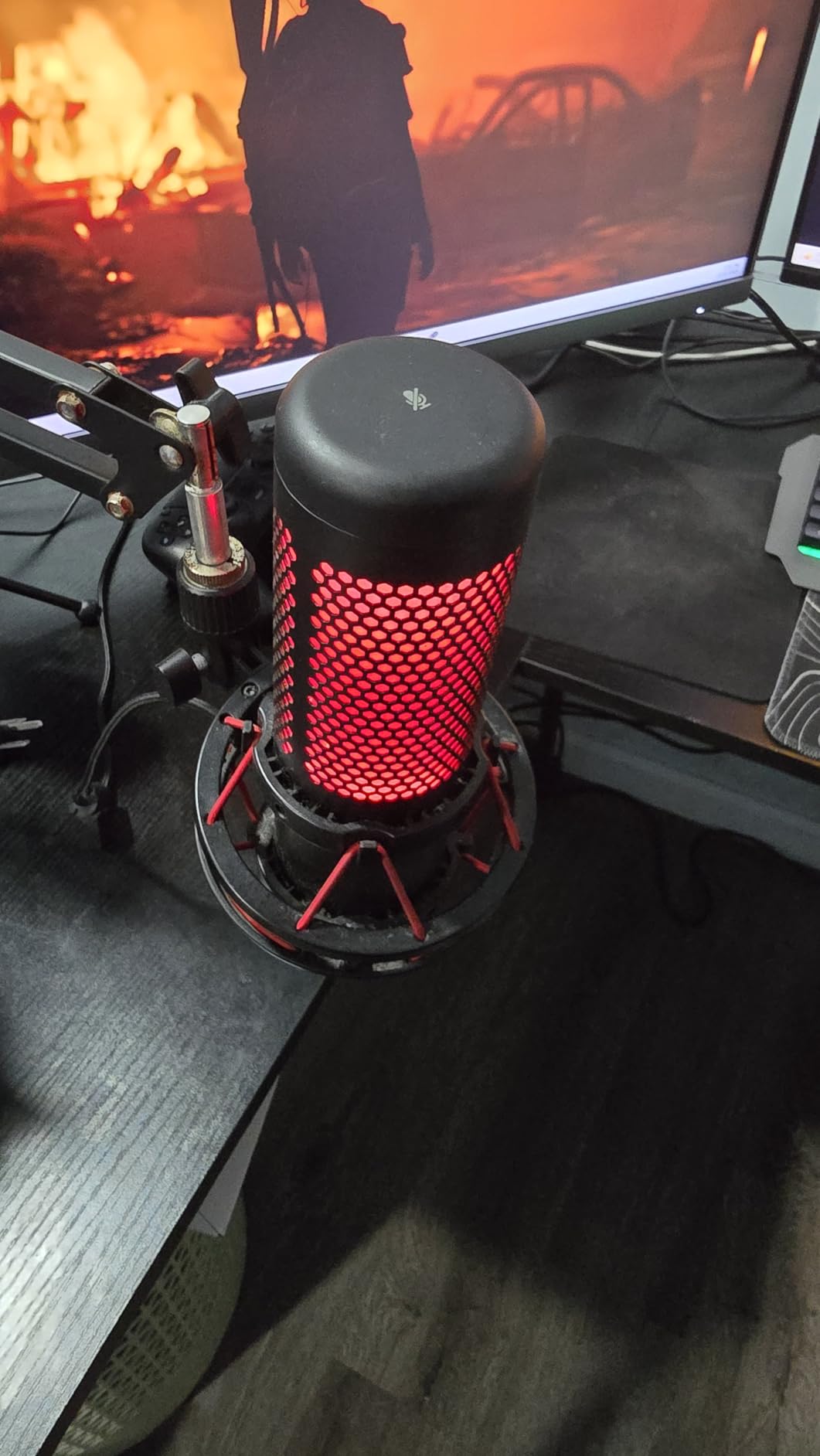
Sound quality sits at the top of the USB condenser group. Reviewers consistently describe full-bodied, clear vocal capture with very little self-noise over USB, and our own recordings showed no hiss floor worth mentioning at normal gain.
The four selectable polar patterns are genuinely useful rather than decorative. Cardioid handles solo narration, bidirectional handles a two-person conversation at one desk, and the stereo and omnidirectional modes cover room capture and interview setups.
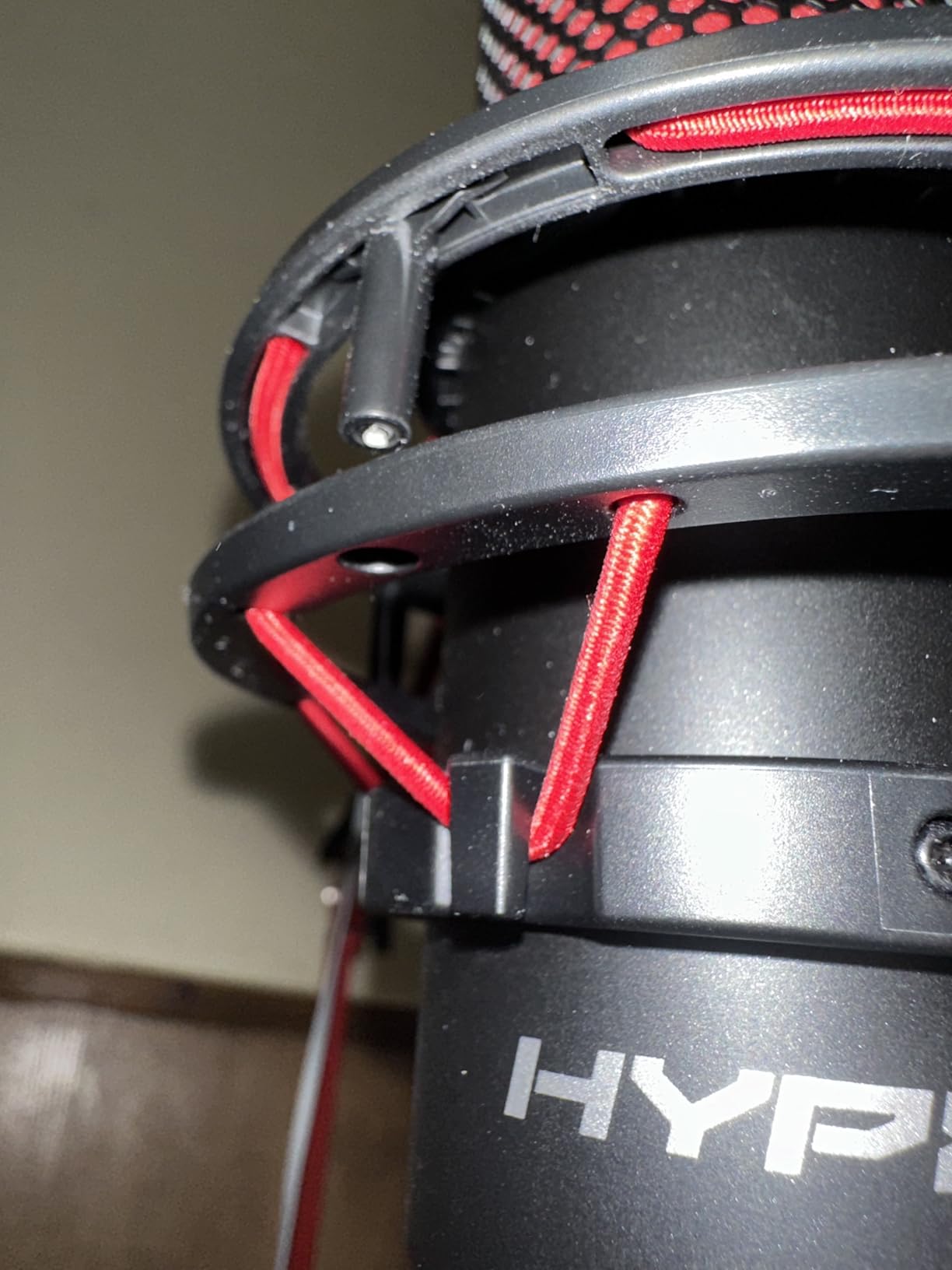
What you get in the box that usually costs extra
Most USB mics at this level are bare units that expect you to buy a shock mount and pop filter separately. The QuadCast folds both into the body, which removes two purchases and about twenty dollars of the chain cost before you have even started.
Recording at twenty-four bit and forty-eight kilohertz is plenty for spoken word, and the tap-to-mute sensor on top gives an unmistakable red or green change. That matters more than it sounds, because mute confusion is one of the most common reasons a guest drops off a remote call.
Where it falls short for podcasting
The red light ring is the single most common complaint across reviews, and it is a real issue on camera because there is no dimming option and no colour control on this model. If your show is video-first, that ring will dominate your frame.
The USB-only connection is the other limitation. There is no XLR output, so if you later want to feed two computers at once or move into a multi-mixer setup, this microphone cannot grow with you and you will replace it eventually.
2. Rode PodMic: The Top Rated Broadcast Dynamic
RØDE PodMic Cardioid Dynamic Broadcast Microphone, XLR
XLR dynamic cardioid
20Hz-20kHz response
Internal pop filter
937 g metal body
Pros
- Warm tone tuned specifically for speech
- Rejects room noise in untreated spaces
- Pop filter and shock mounting built into the body
- All-metal construction that survives drops
Cons
- Audio interface required and sold separately
- Low output needs real gain and can hiss on entry-level preamps
- No headphone jack so monitoring happens in software
- XLR cable
- arm and stand sold separately
The PodMic is the reason many working podcasters never move past two hundred dollars on the microphone itself. It is a genuine broadcast dynamic, and the reason it sounds good in a bedroom is structural: a dynamic capsule is less sensitive to room reflections than a condenser, so your voice sits forward and the room sits behind it.
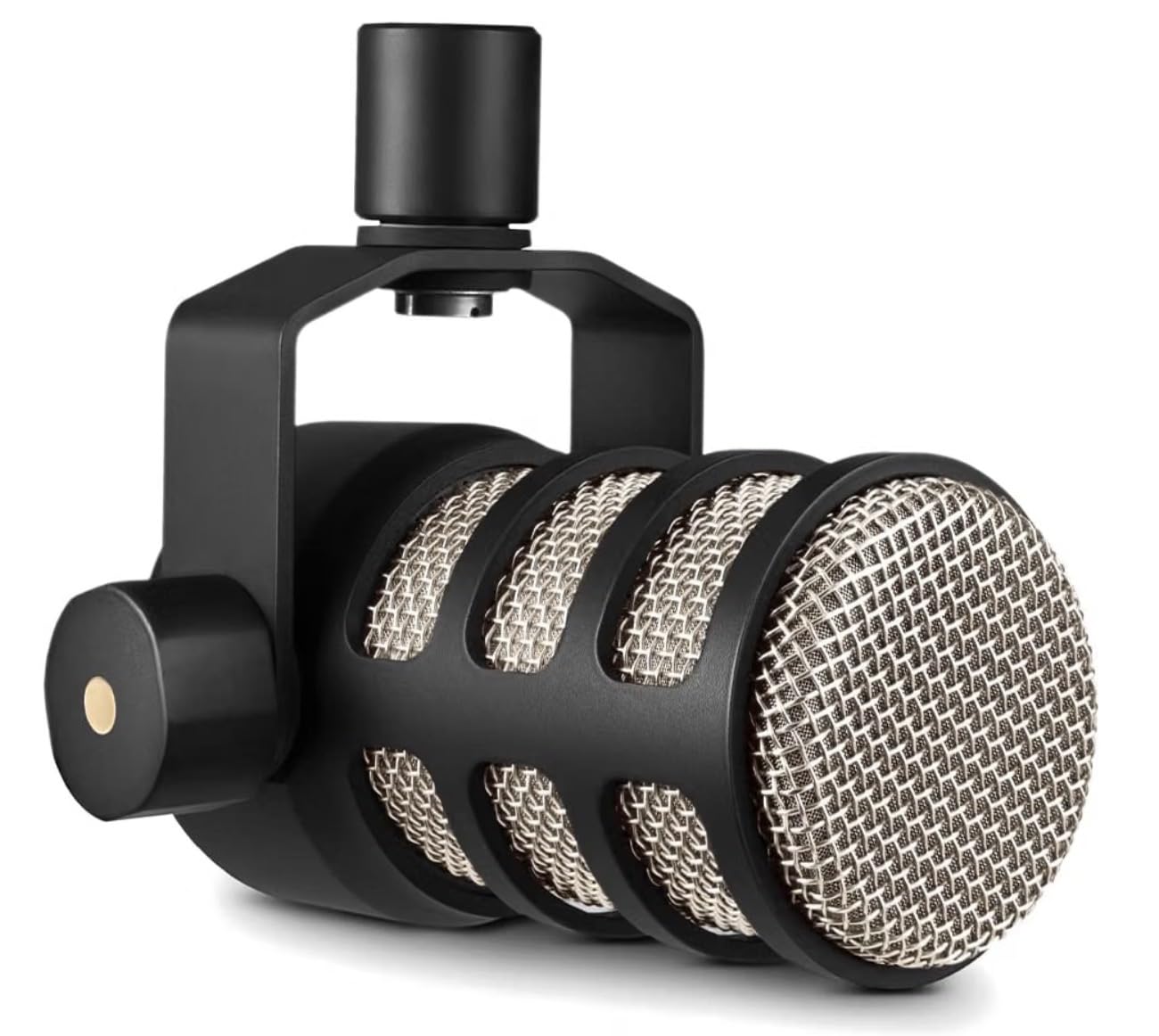
Tone is warm and forgiving, which is the quiet superpower here. Higher, thinner voices that get spiky and sibilant on small-diaphragm condensers tend to settle down on this capsule, and deep voices still carry weight without needing much presence boost.
The built-in internal pop filter and internal shock mounting handle plosives and desk knocks, so again there is nothing to add to the box. The swing mount makes it easy to hang from an arm in one step.
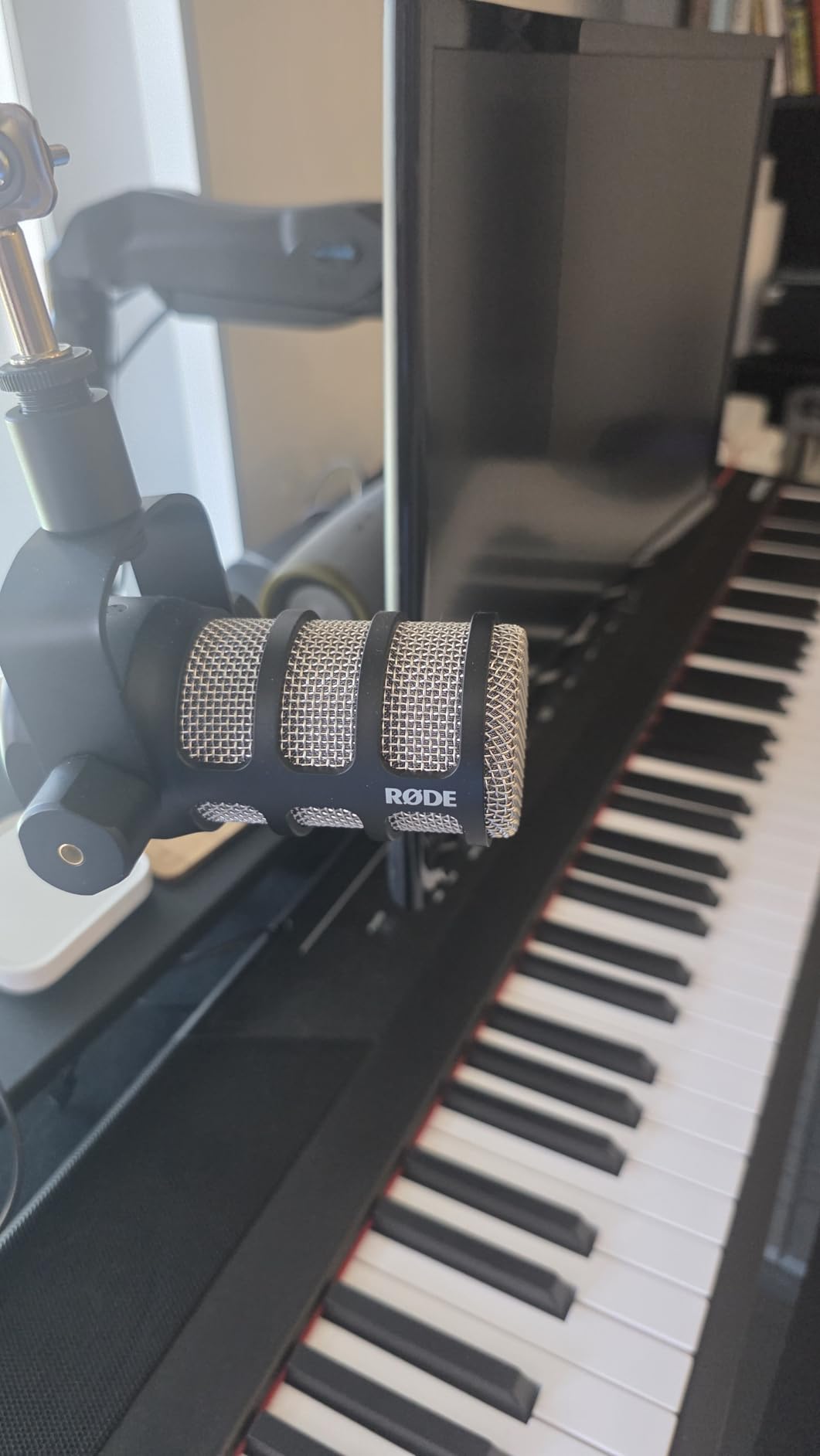
Choosing the interface that will not ruin it
This microphone needs gain, and that is the one real trap. Entry-level interfaces with a noisy preamp will add hiss under the quietest parts of a sentence, which is the exact opposite of what you bought a broadcast dynamic for.
Pick an interface with a clean preamp and a gain knob you can actually turn past halfway. Record a minute of silence at your normal level and listen back before you record anything else, because that test takes ten seconds and saves an entire episode.
What it does not include
There is no XLR cable in the box, no boom arm and no desk stand. Those are not optional extras at this level, so budget for them before you order or you will spend the first week recording with the microphone balanced on a stack of books.
There is also no headphone jack on the microphone, so you monitor in software, which introduces a delay. If you need to hear yourself live while speaking, that is an interface feature rather than a microphone feature, so make sure the interface has monitoring.
3. Logitech Blue Yeti: The Best Known USB Microphone Under 200
Logitech Creators Blue Yeti USB Microphone for PC, Mac, Gaming, Recording, Streaming, Podcasting, Studio and Computer Condenser Mic with Blue VO!CE effects, 4 Pickup Patterns, Plug and Play – Blackout
USB condenser
20Hz-20kHz response
Four pickup patterns
3.5 lb metal body
Pros
- Four switchable pickup patterns in one microphone
- Zero-latency headphone output for live cueing
- Onboard gain and mute controls with software effects
- Metal build that has held up over years of daily use
Cons
- Large body that blocks the view on camera
- Condenser sensitivity picks up HVAC and keyboard noise
- No shock mount included
- Uses a mini-USB connector rather than USB-C
The Blue Yeti has been on more desks than any other microphone on this list, and much of that is because four pickup patterns and onboard controls mean you never have to open a software menu to change how it behaves. It remains the easiest all-in-one USB microphone to hand to someone who has never recorded anything.
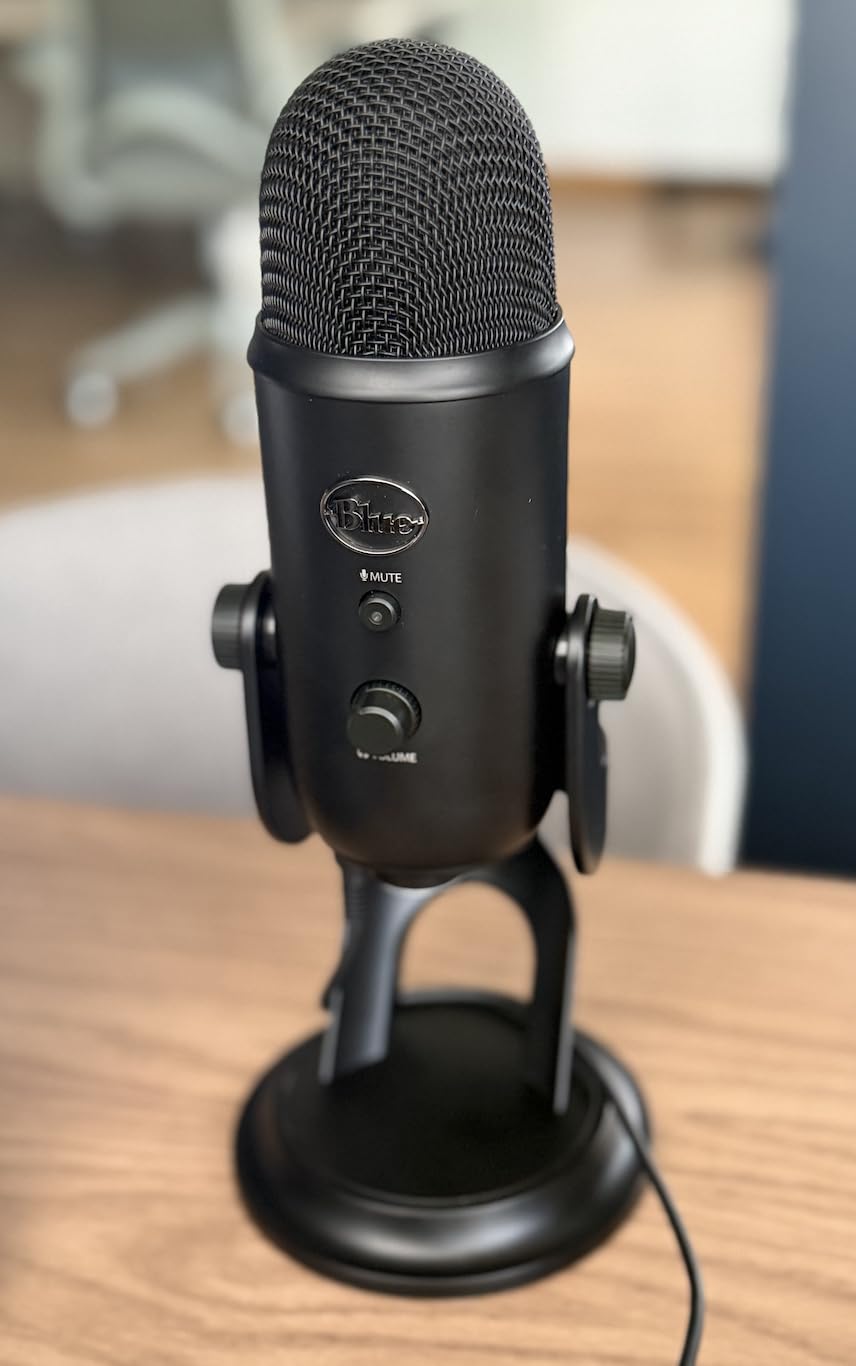
Owners describe a clear broadcast-style voice straight out of the box, with a strong output signal that removes any need for an external preamp or interface. The headphone jack gives genuine zero-latency monitoring, which is useful when you are monitoring a live call.
Build quality is the other reason it has survived so long. The metal body has taken years of daily knocks and still looks and functions like new, and long-term durability reports from users are consistently strong.
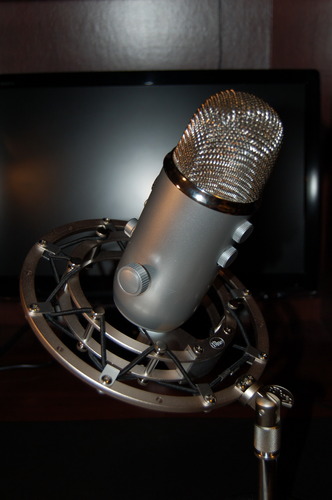
Pattern choice for a solo podcast
For solo narration, set it to cardioid and speak into the front of the capsule rather than the top. That matters because this is an end-addressed multi-capsule design, and aiming at the wrong part of the grille is the most common beginner mistake we hear.
The bidirectional mode is the reason many two-host shows bought this microphone in the first place. Point both speakers at the same end of the mic, about four to six inches from their mouths, and you get a shared conversation without buying a second microphone.
Where the room gets in
This is a condenser, so it hears the room as clearly as it hears you. In our untreated bedroom test, an air conditioning unit running two steps behind the microphone was plainly audible, and keyboard noise showed up on every third syllable without careful gain control.
That is not a defect, it is what a large-diaphragm condenser does at this price level. If your room is noisy, move up to one of the dynamic models further down this list rather than trying to fix it with software noise reduction afterwards.
4. FIFINE T669: The Best Complete Kit Under 200
FIFINE T669 Studio Condenser USB Microphone for Recording Podcasting
USB condenser
20Hz-20KHz response
Boom arm and shock mount included
Detachable 8.2 ft cable
Pros
- Boom arm
- shock mount and double pop filter all included
- Genuinely plug and play with no drivers
- Cardioid capsule reduces some ambient noise
- All-steel arm holds position without sagging
Cons
- No dedicated mute button
- Pop filter clamp uses weak adhesive and slips
- Some owners report a failing gain knob
- Condenser design picks up room noise in loud spaces
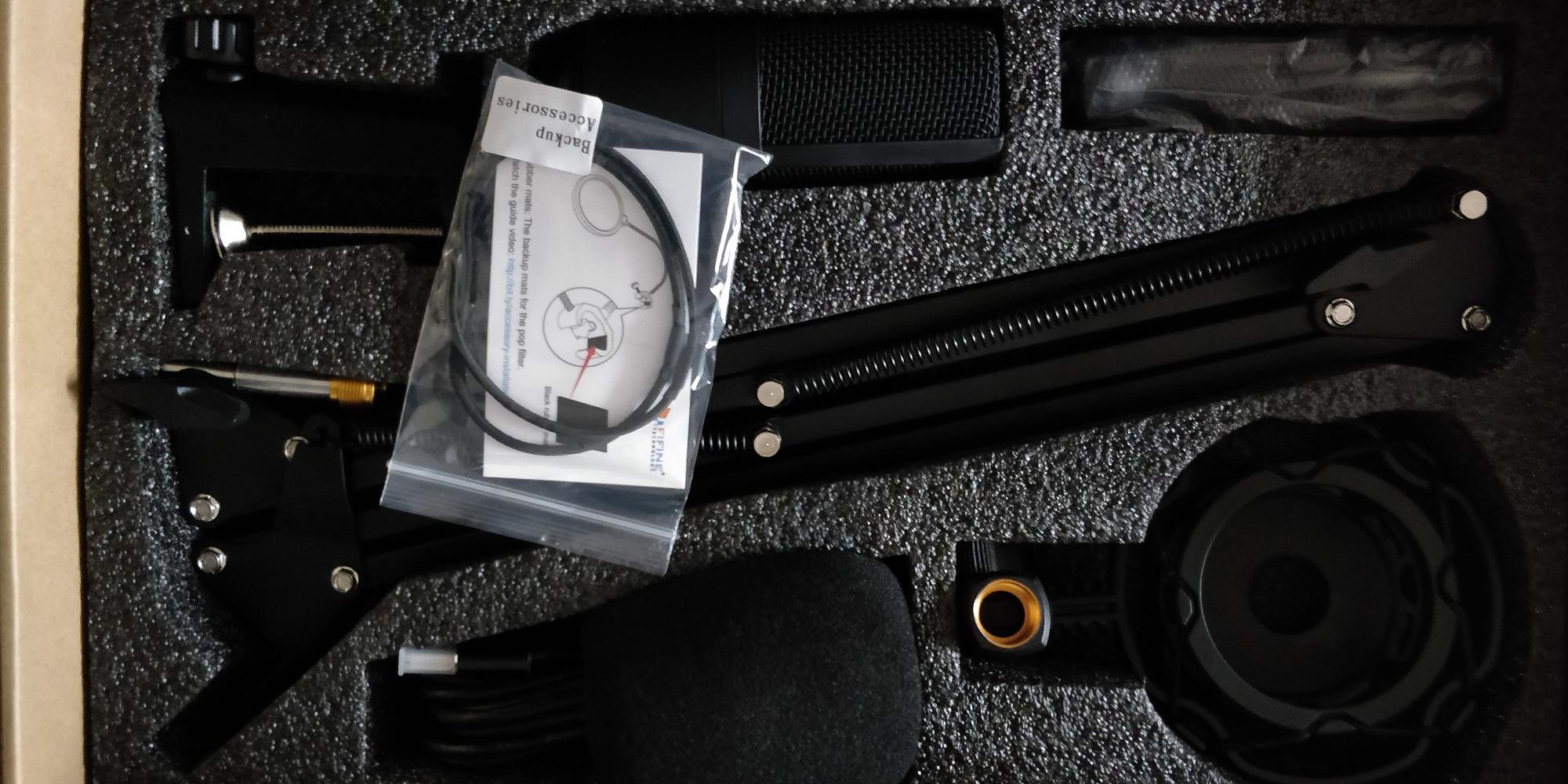
Count the accessories and the T669 wins on value in a way no other microphone here does. The box contains an all-steel scissor boom arm, a shock mount, a double pop filter with foam windscreen, and a detachable eight foot cable. That is a complete desk setup for less than a single broadcast microphone from another brand.
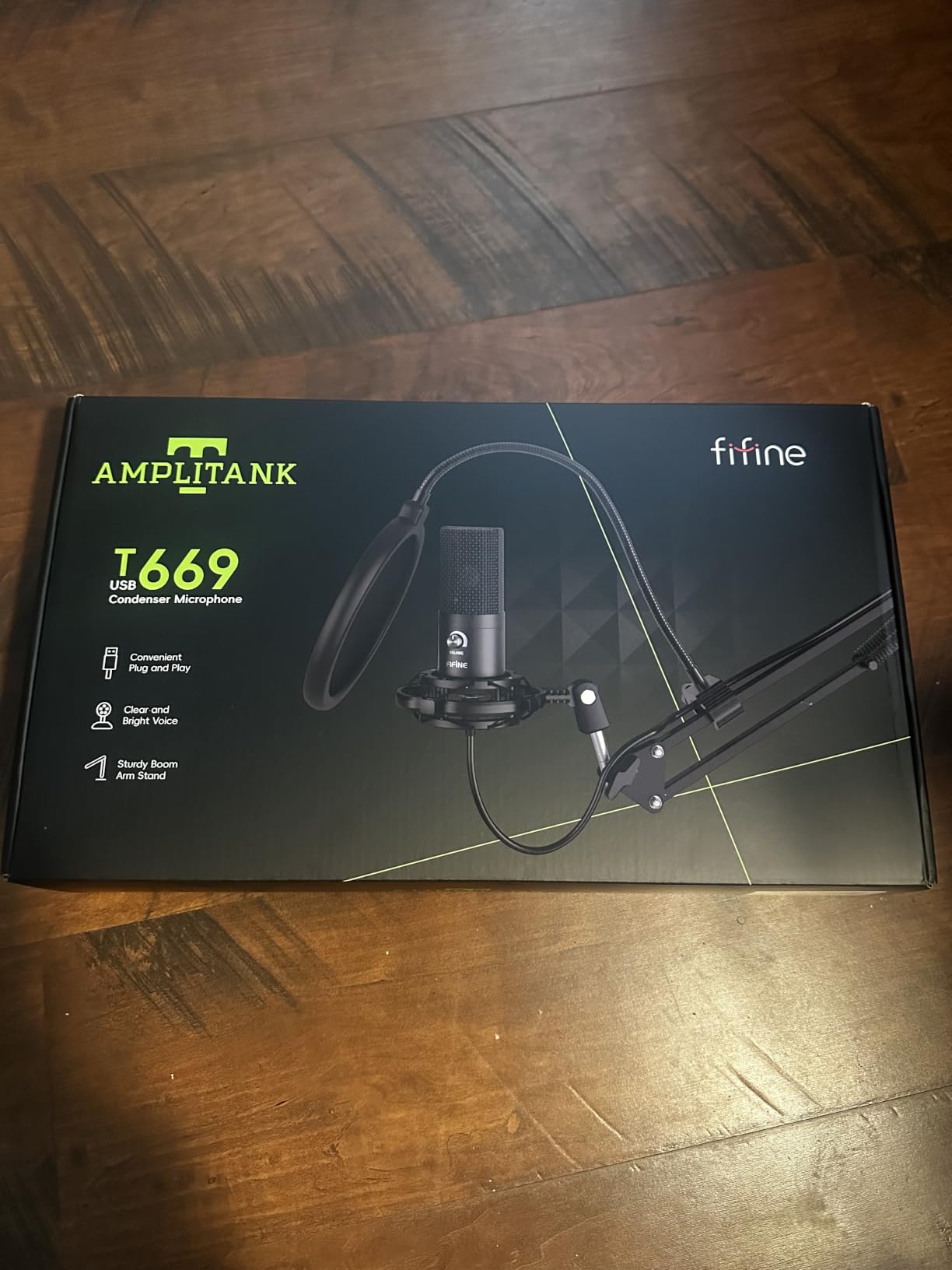
Reviewers report better voice quality than far costlier XLR microphones, which sounds hyperbolic until you hear a treated close-miked source through a cardioid condenser at the right distance. The included arm makes correct distance far easier because you can set it once and leave it.
The cardioid capsule handles a home office well. It does not handle a busy room, but a home office is where most people actually record their first ten episodes, and the arm position alone removes a surprising amount of desk noise.
What the included arm does for you
The arm has 180 degrees of vertical and 135 degrees of horizontal adjustment, plus a C-clamp and a desktop mount. That is what lets you get the microphone at mouth height rather than sitting on the table looking up at you.
A boom arm is the single biggest free improvement in home podcasting, and users consistently treat one as essential rather than optional. Getting the microphone four to six inches from your mouth raises the signal against the room far more than any microphone swap will.
Weak spots in the accessories
The accessory hardware is where the value shows its seams. Reviewers report the pop filter clamp using weak adhesive that slips off the arm, and a few owners have had the gain knob stop working after a few months of use, which is a small part failing inside an otherwise solid metal microphone.
There is no dedicated mute button, so you mute by twisting the gain knob fully down. That works, but it is one more thing to remember mid-sentence, so build it into your pre-show checklist rather than trusting yourself in the moment.
5. Shure MV7X: The Best XLR Microphone Under 200
Shure MV7X XLR Dynamic Podcast & Recording Microphone – Black
XLR dynamic cardioid
50Hz-16kHz response
Yoke mount with 3/8 adapter
508 g body
Pros
- Rich full broadcast tone that needs little post-processing
- Voice isolation cuts room noise and fans
- Works for two-person podcasting without picking up the other speaker
- Ships with a 3/8 adapter and a two year warranty
Cons
- Interface and XLR cable required and not included
- Needs plenty of gain and still benefits from post work
- XLR only
- so it cannot feed two computers like a dual-output model
- Requires an external stand or arm
The MV7X is the closest you get to a studio broadcast dynamic at this budget, and users routinely describe it as sounding close to an SM7B without the phantom power requirement or the premium preamp that normally comes with that comparison.
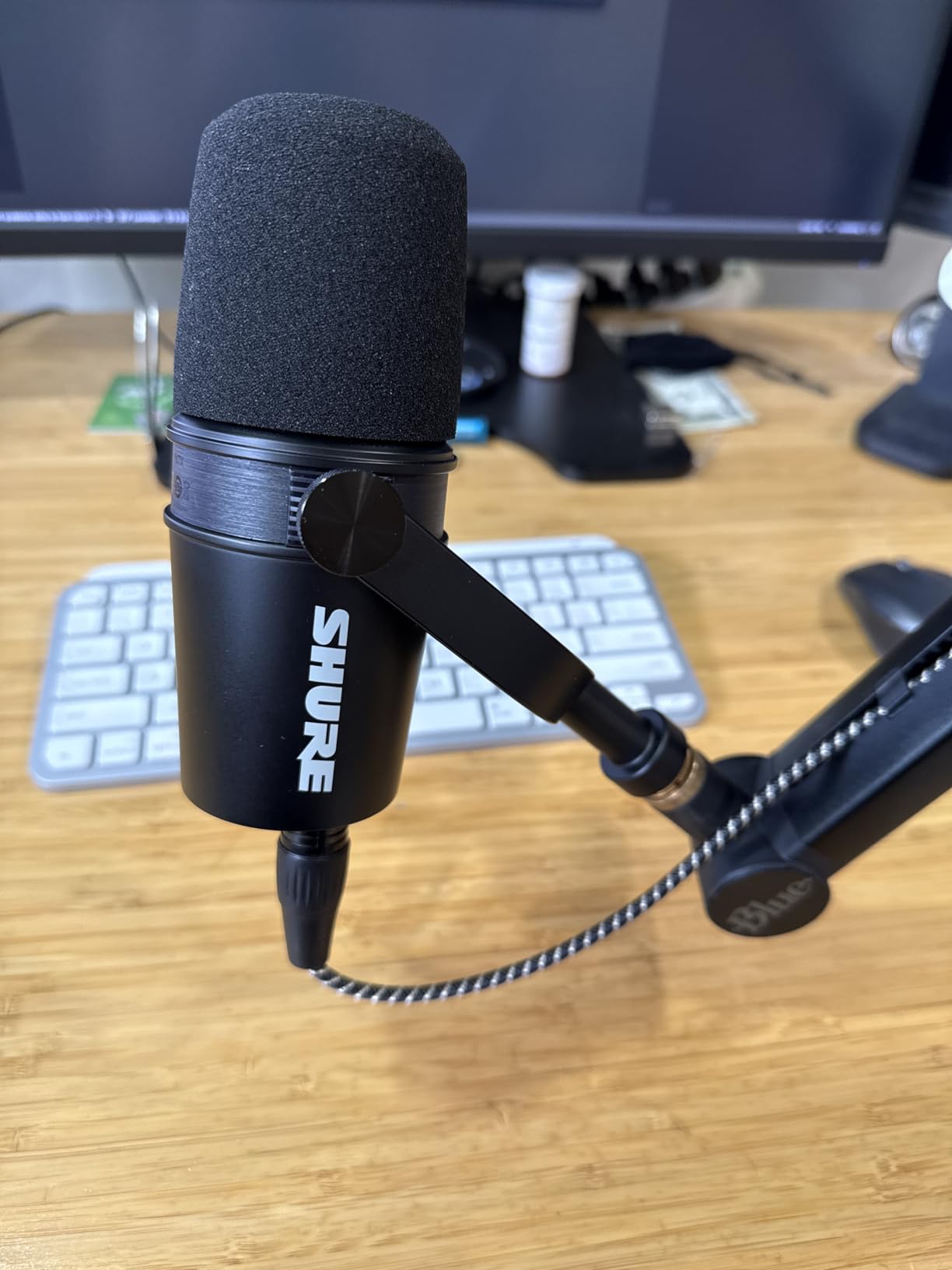
The voice isolation behaviour is what sells it for home use. Reviewers report it cutting room noise and fan hum in a badly treated bedroom, and it barely picks up a second speaker, which makes it a good two-person podcast microphone on one desk.
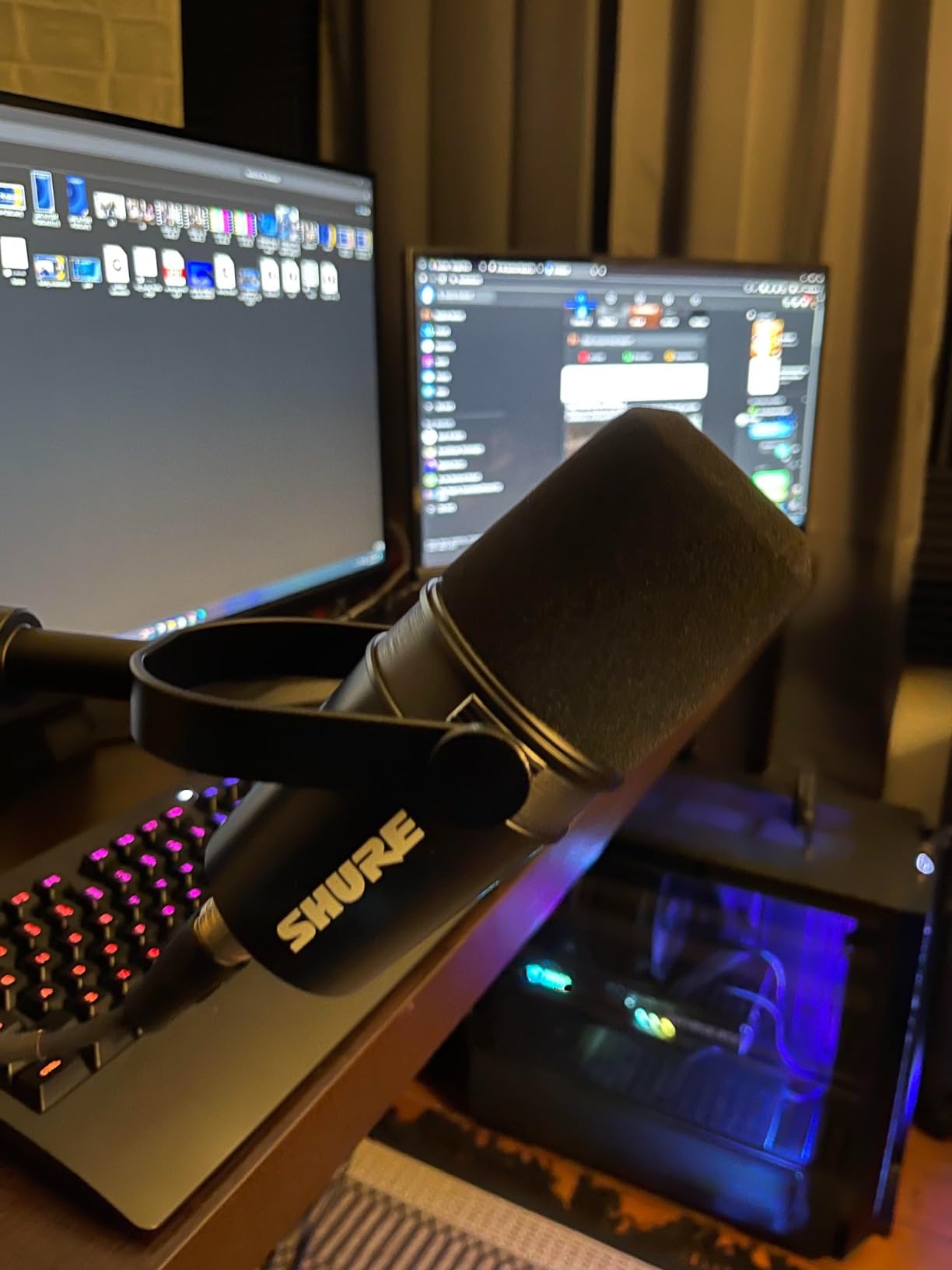
All-metal construction and an adjustable yoke mount feel like gear you can pass on. A thread adapter is included, so the only thing standing between the box and a working rig is an interface, a cable and a way to hold it up.
Gain requirements and how to check them
This microphone asks for a decent amount of gain and the result still benefits from a little boosting in post. That is normal for broadcast dynamics and not a fault, but it does mean your interface matters more here than with any USB model on this list.
Record thirty seconds of silence at your working level and listen with headphones. If you can hear the preamp, you need a cleaner interface or a lower gain setting closer to the microphone. Fixing noise at the source takes ten minutes and saves an hour of denoising later.
Deciding between this and a dual-output mic
If you have no interface at all today and no plan to buy one, this microphone adds an obstacle on day one. A dual-output model lets you record tonight and upgrade later, which is why the Samson Q2U and the two FIFINE dynamics appear further down this list.
If you already own an interface, the MV7X is the better microphone. You are not paying for a USB circuit you will never use, and you get the better capsule instead.
6. Samson Q2U: The Best Dual-Output Starter Microphone
Samson Q2U USB/XLR Dynamic Microphone Recording and Podcasting Pack
USB-C and XLR outputs
50Hz-15kHz response
11.2 oz metal body
Tripod stand included
Pros
- USB-C and XLR in one microphone for instant use and later upgrades
- Clear warm voice with very little background noise at low gain
- Handheld end-addressed form is easy for beginners to aim
- Tripod stand
- mic clip
- windscreen and both cables included
Cons
- Weak desktop tripod stand that droops
- Included foam windscreen is needed for plosives
- Limited maximum SPL makes it unsuited to instruments or singing
- Requires a recording application on the computer
The Q2U exists because the most common beginner regret is buying an XLR microphone before owning an interface. This one gives you both outputs, so you plug in over USB tonight and move to a real chain whenever you are ready, without buying a second microphone.
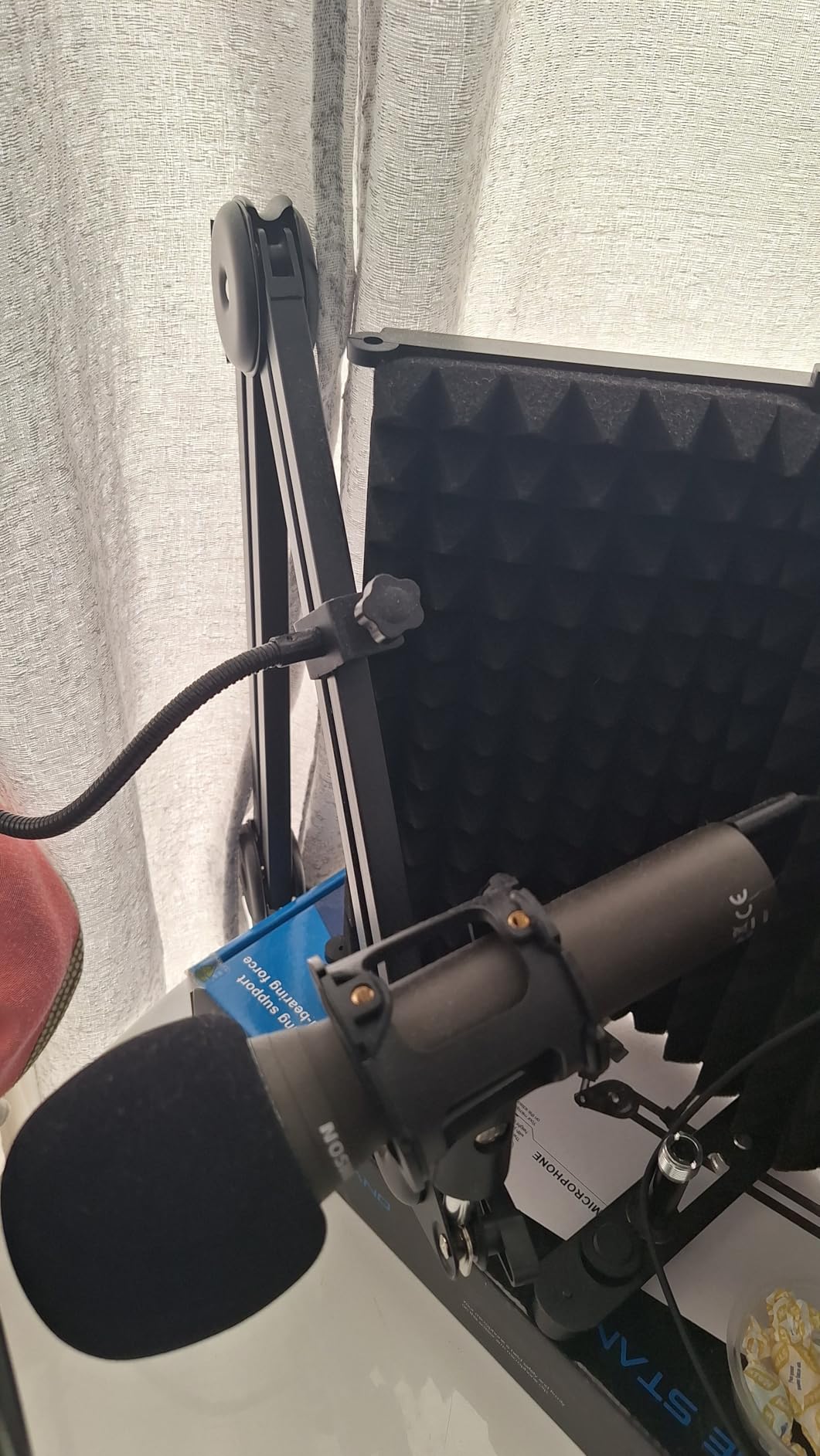
Sound is warmer and fuller than the USB condensers in this price band, and reviewers rate it as more professional than comparable mics in the same bracket. Dynamic construction means keyboard and room noise stay out of the recording at normal gain.
The pack is unusually complete. You get a tripod desktop stand, an extension, a mic clip, a windscreen, a USB-C cable and an XLR cable, so the only purchase left is a pop filter if you speak close to the grille.
Plosives and the windscreen in the box
Reviewers are blunt that this microphone is weak in the plosive department, so the included foam windscreen matters. Fit it and speak at a normal distance and the problem disappears; speak an inch from the grille without it and every sentence starting with a B will have a thump.
The handheld end-addressed format is genuinely beginner friendly. You can hold it in your hand during a first test recording and hear immediately what distance sounds like, which teaches the thing tutorials usually fail to teach.
What to replace on day one
The included tripod stand is the weak link, with a droopy leg and a loose clamp screw that reviewers mention consistently. Replace it with a proper desk stand or an arm early, because a microphone sagging mid-session is a problem you do not want mid-interview.
The maximum SPL rating is not designed for instruments or singing, and it is not a streaming mic for loud rooms. For speech in a normal home office, it is a genuinely capable first microphone and a sensible second purchase when you outgrow a cheap USB model.
7. FIFINE AmpliGame AM8: The Best Budget Dynamic With RGB
FIFINE AmpliGame AM8 USB/XLR Dynamic Microphone for Gaming Streaming
USB and XLR dynamic
50Hz-16KHz response
Tap-to-mute with LED
RGB ring with memory
Pros
- USB and XLR in one body for instant use or a later interface upgrade
- Dynamic cardioid rejects keyboard
- fan and room noise well
- Headphone jack with real-time monitoring and volume control
- Compact desktop stand included
Cons
- XLR cable not included
- RGB lighting is dim and can cut out if the cable is jostled
- Mute control is a touch button rather than a press button
- Plastic body feels less premium than metal desktop mics
The AM8 is the most common upgrade path we see from a headset or an entry-level USB condenser. Owners describe it as a strong step up, largely because a dynamic capsule finally keeps the keyboard and the case fan out of the recording.
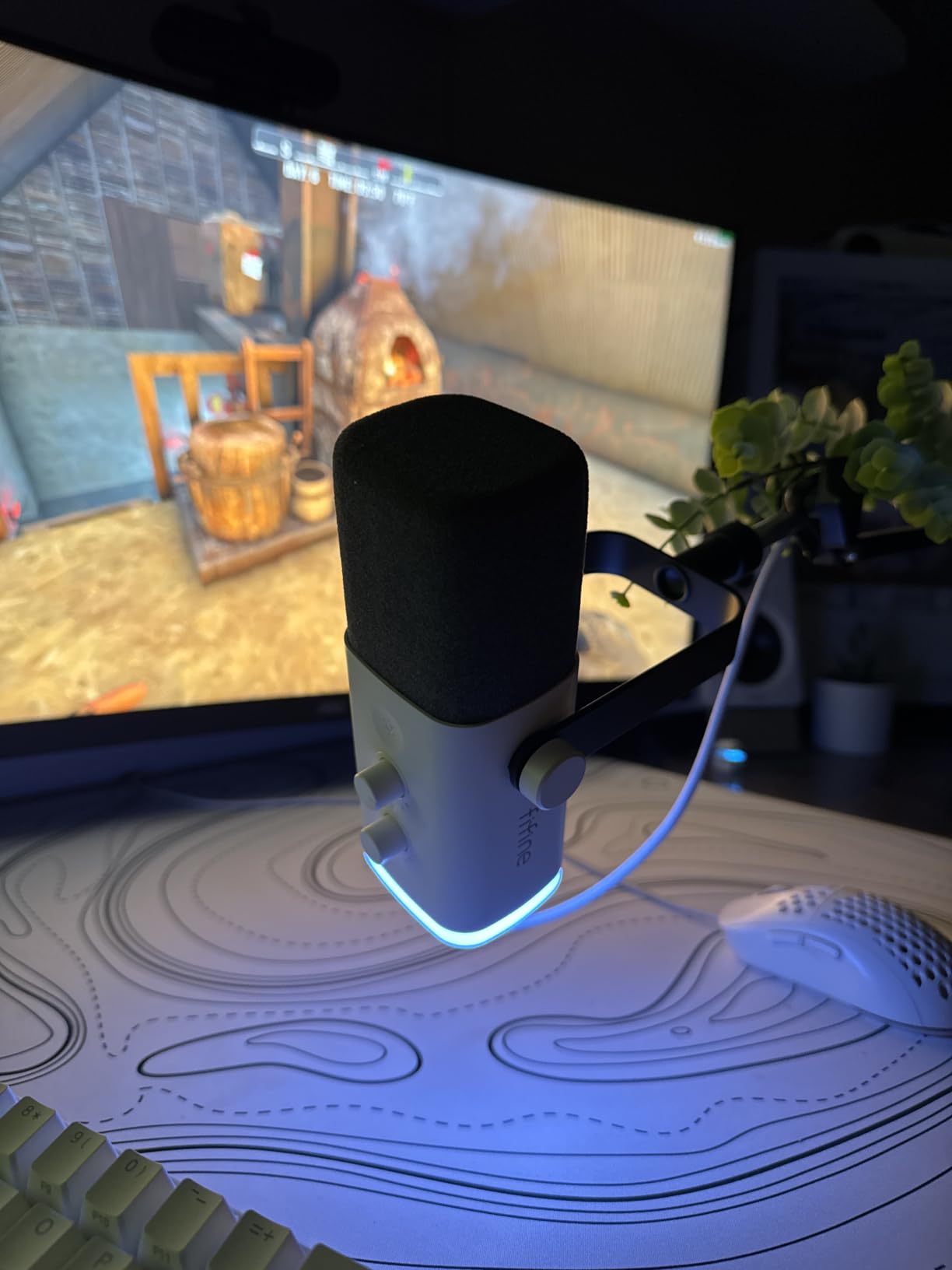
Both outputs work, and the USB side includes tap-to-mute with an LED reminder that does not depend on your recording software reporting correctly. For streaming and Discord calls, that hardware mute is worth more than most software toggles.
Headphone monitoring with a separate volume control means you can hear yourself in real time, which helps with pacing and stops the creeping delivery that comes from not knowing how you sound.
Where the RGB ring falls short
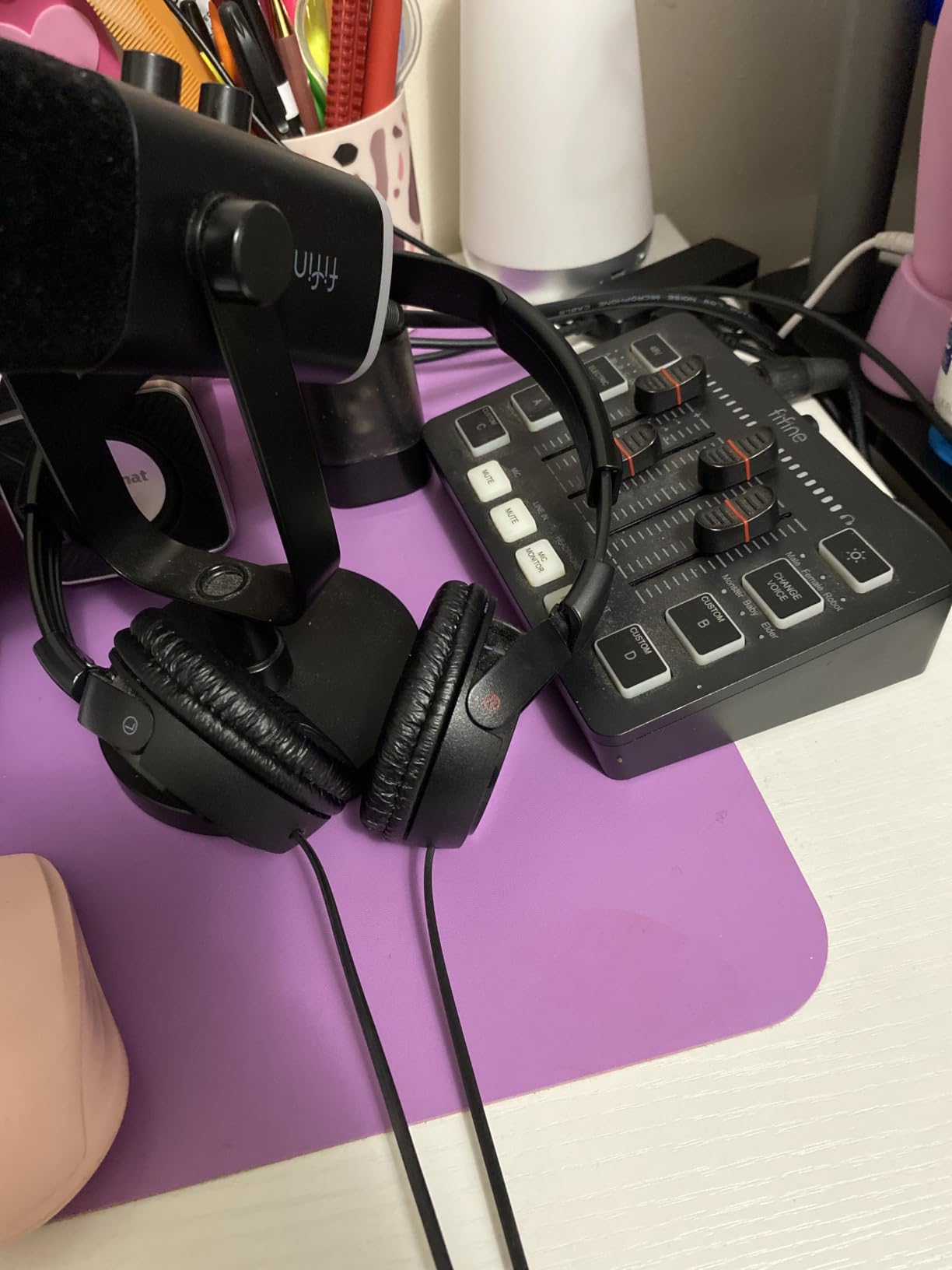
The lighting is the part that disappoints most owners. Reviewers report the ring is dim, and that it can cut out when the cable is jostled, which means a channel indicator that switches off mid-stream is a real distraction rather than a cosmetic issue.
The ring also has three modes and a memory function, so you can set it once and stop thinking about it, but there is no way to match brightness to a dim room. If your setup is dark and you want visible lighting, the two HyperX models handle that better.
Small build details that matter
The mute control is a touch button rather than a press button, so a sleeve or a hand brushing the body can trigger it. Build that awareness into your pre-show check rather than discovering it live when a client asks why you went quiet.
Built-in threads on the body accept both three-eighths and five-eighths inch stands, and a noise-cancelling windscreen is included. The XLR cable is not, so plan for that purchase before you switch the microphone over to an interface.
8. FIFINE AmpliTank K688: The Best Metal-Built Budget Dynamic
FIFINE AmpliTank K688 Dynamic Microphone, XLR/USB Podcast Recording PC Mic
USB-C and XLR
50Hz-16KHz response
Rated to 130dB SPL
Shock mount and windscreen included
Pros
- Metal build that feels far more premium than the price suggests
- Crisp voice with strong rejection of PC fans
- air purifiers and typing
- USB-C and XLR for instant use or a later interface upgrade
- Shock mount and windscreen included
- Tap-to-mute is quiet and adds no handling noise
Cons
- Gain must be kept low or ambient sound leaks in
- Tiny included desktop stand is flimsy
- XLR cable
- boom arm and mic stand not included
- No RGB lighting
The K688 is the same dual-output idea as the AM8 in a chassis that feels a full weight class heavier. Owners consistently single out the metal build as far more premium than the price suggests, and it is rated to 130 decibels of sound pressure without distortion.
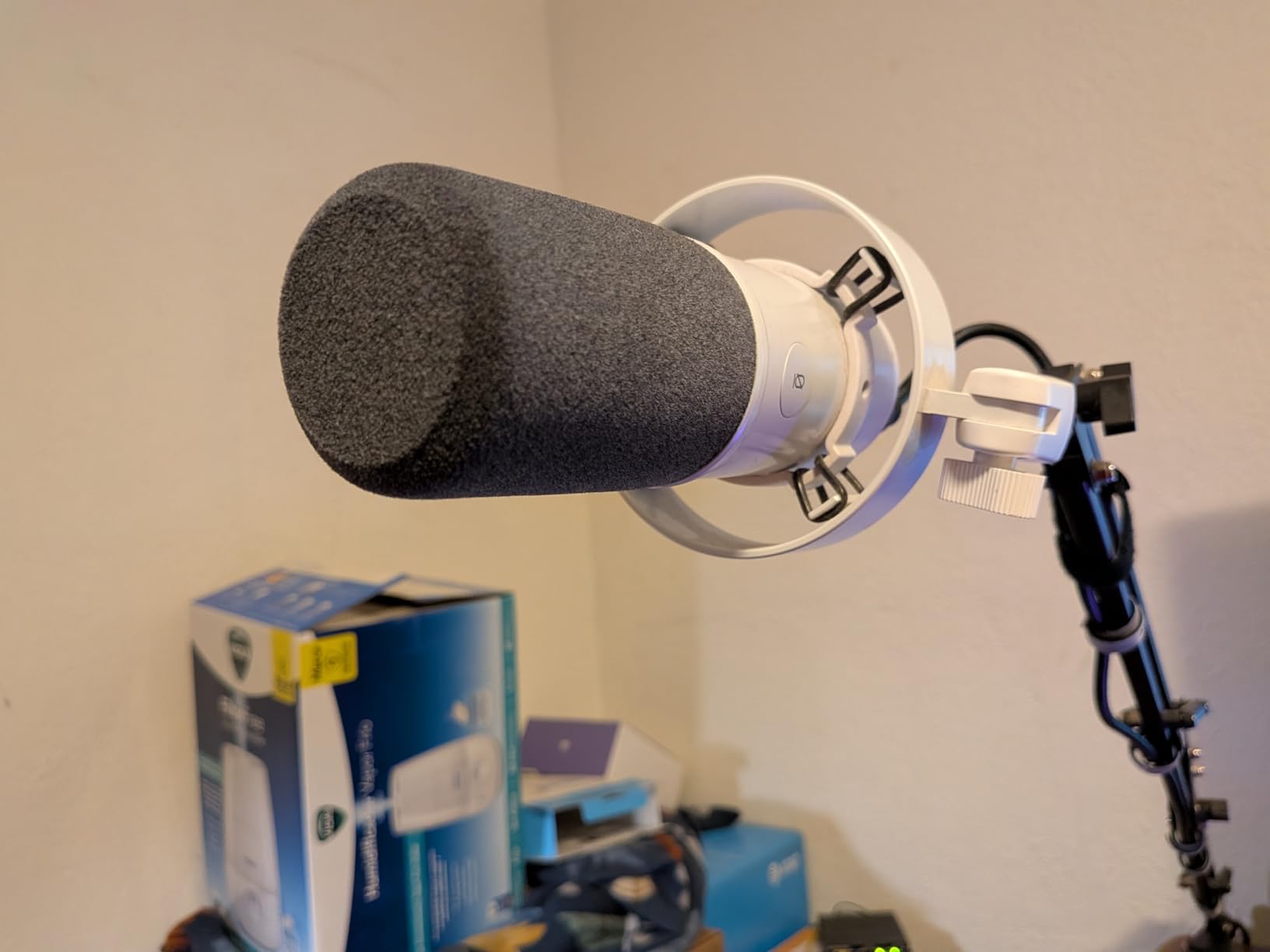
Noise rejection is the headline. Users point to strong rejection of hard drive noise, PC fans and air purifiers, which is exactly the untreated-desk scenario where USB condensers fall apart, and it holds up on calls as well as on recorded episodes.
A shock mount and windscreen are included, tap-to-mute is quiet enough not to introduce handling noise, and there is a headphone jack with independent monitoring volume on the front panel.
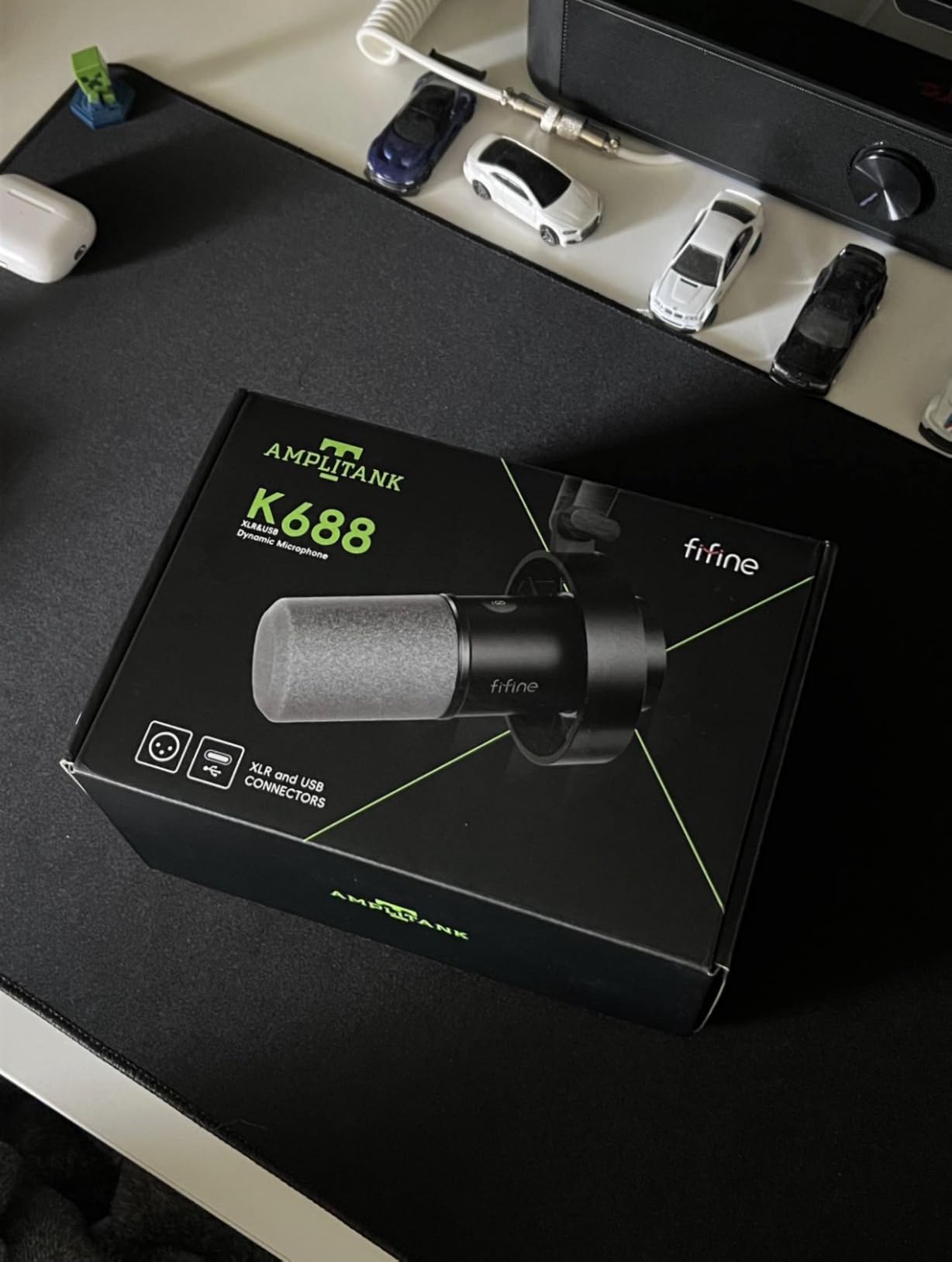
Watch your gain on this one
Owners report that the microphone picks up a lot of ambient sound if you push the gain too far. The gain control works properly, so this is a discipline issue rather than a hardware issue: set the level with the loudest part of your delivery and leave it alone.
That advice applies to any dynamic, but it matters more here because the temptation is to match the level of a condenser microphone and pull a lot of room in with it. The whole point of this chassis is that you do not have to.
Buy the stand at the same time
The included mini desktop stand is flimsy and owners report it giving out after a few months. The shock mount is the part worth keeping, so plan to pair it with a proper stand or a boom arm rather than planning around the small one.
There is no XLR cable, boom arm or mic stand in the box, and no RGB lighting. If you are choosing between this and the AM8, the deciding questions are metal versus plastic and whether you care about the light ring.
9. HyperX DuoCast: The Best Microphone for Video Podcasting Under 200
HyperX DuoCast – RGB USB Condenser Microphone for PC, PS5, PS4, Mac, Low-profile Shock Mount, Cardioid, Omnidirectional, Pop Filter, Gain Control, Gaming, Streaming, Podcasts, Twitch, YouTube, Discord
USB condenser
24-bit/96kHz recording
Integrated low-profile shock mount
243 g body
Pros
- Built-in low-profile shock mount that most rivals sell separately
- Customisable two-zone RGB light ring controlled in software
- Tap-to-mute with an unmistakable LED state change
- Gain knob doubles as the pattern selector
- Compact footprint with a two metre USB-C cable included
Cons
- Only two polar patterns
- Default Windows output level is low and needs manual adjustment
- Companion software reported as buggy during updates
- RGB ring brightness cannot be dimmed without the software
Video podcasters care about two things the audio-only guides ignore: how the microphone looks in frame and how it behaves when a guest joins. The DuoCast handles the first better than almost anything here, with a customisable two-zone light ring and a low profile that does not dominate a desk shot.
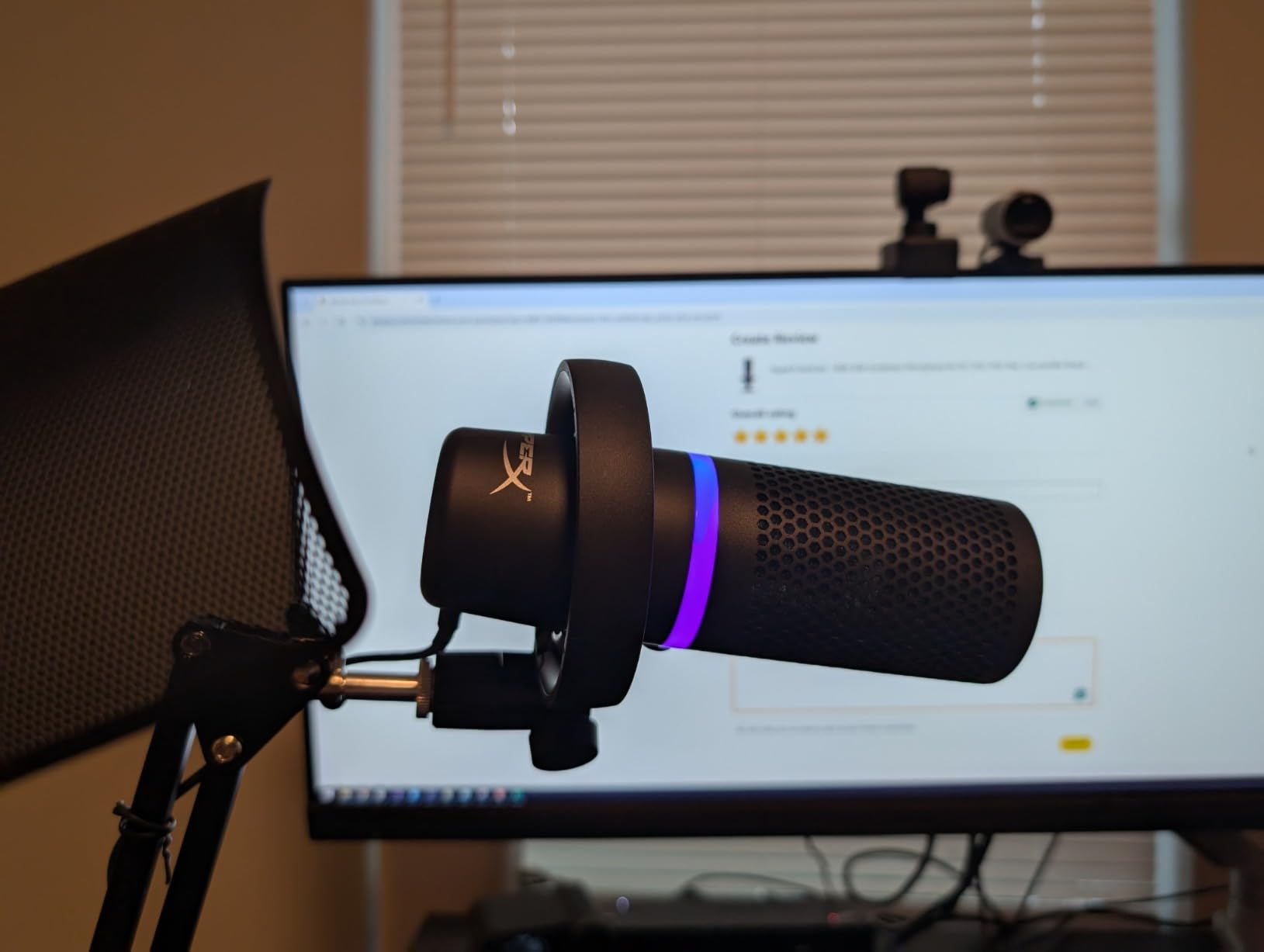
Audio is clean and clear, and users specifically report that it blocks out background noise including typing and barking dogs. A built-in low-profile shock mount handles desk rumble, which is rare at this level and saves you a purchase.
Recording at twenty-four bit and ninety-six kilohertz gives you headroom for editors who like to resample, and the tap-to-mute sensor solves the Discord mute confusion that wrecks so many remote calls.
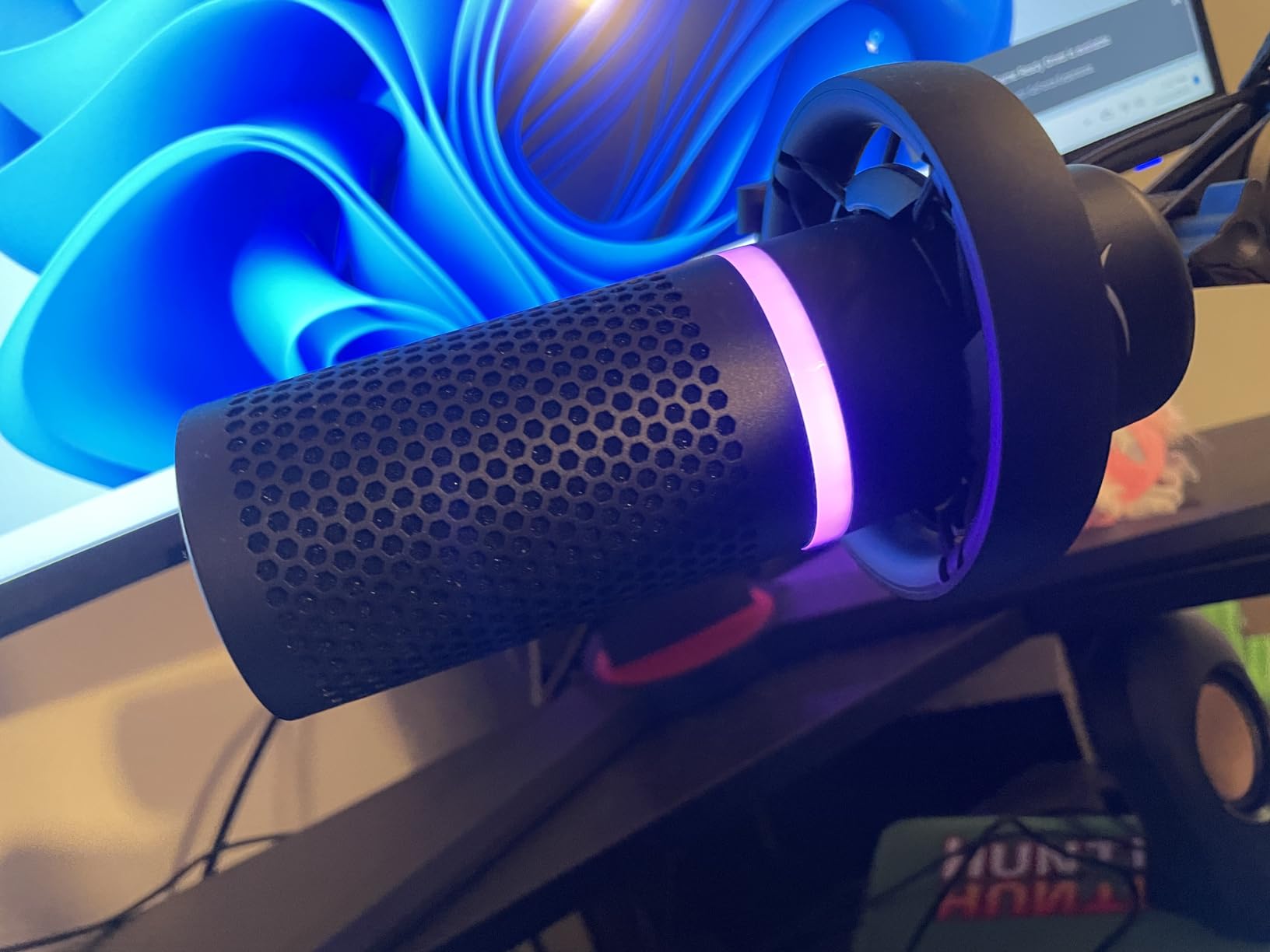
Setting the output level correctly first
The most reported issue is that the default output level in Windows is set low, so new owners conclude the microphone is quiet. Open your sound settings and raise the input level, and the difference is immediate enough to be confusing if you did not know to look.
This is a settings problem with a two-minute fix, but only if you know it exists. It is the kind of detail we would rather tell you about now than have you troubleshoot on your own at midnight before an episode deadline.
On camera and in software
The light ring has two customisable zones through the companion software, which is more control than the QuadCast offers. The catch is that brightness cannot be dialled down without that same software, and reviewers have reported the software hanging during updates.
Only two polar patterns are available, cardioid and omnidirectional, selected with the gain knob. For solo and two-person video podcasting that is plenty; for a round-table interview you would want a pattern this model does not have.
10. Shure MV6: The Best USB Dynamic Microphone Under 200
Shure MV6 USB Gaming Microphone for Streaming & Recording
USB-C dynamic capsule
Voice Isolation Technology
Auto Level and Real-Time Denoiser
Zero-latency headphone output
Pros
- Rich full voice from a dynamic capsule with no interface or drivers
- Voice Isolation reduces keyboard clicks
- fan noise and room echo
- On-board DSP with Auto Level
- Real-Time Denoiser and Digital Popper Stopper
- Zero-latency headphone output for direct monitoring
- Stainless steel body with a sturdy included stand
Cons
- Tap-to-mute is extremely sensitive and can trigger by accident
- Mute LED can face away from you depending on stand orientation
- Included USB-C cable is very short
- MOTIV software feels dated and no boom arm is included
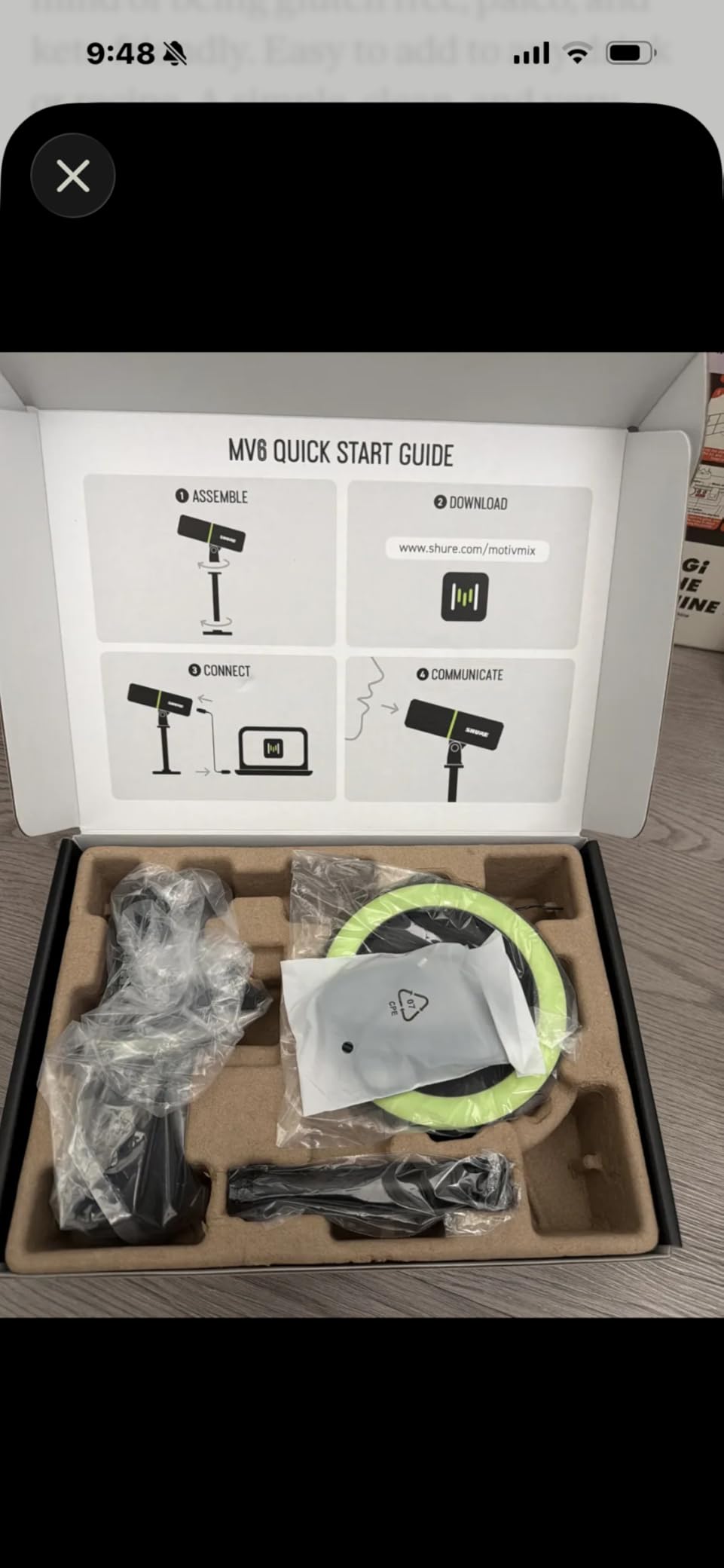
The MV6 solves the oldest complaint about USB microphones: they sound thin because the capsule is a small condenser. This one uses a dynamic capsule over plain USB-C, so you get broadcast weight without buying an interface, and the on-board DSP handles levels and noise for you.
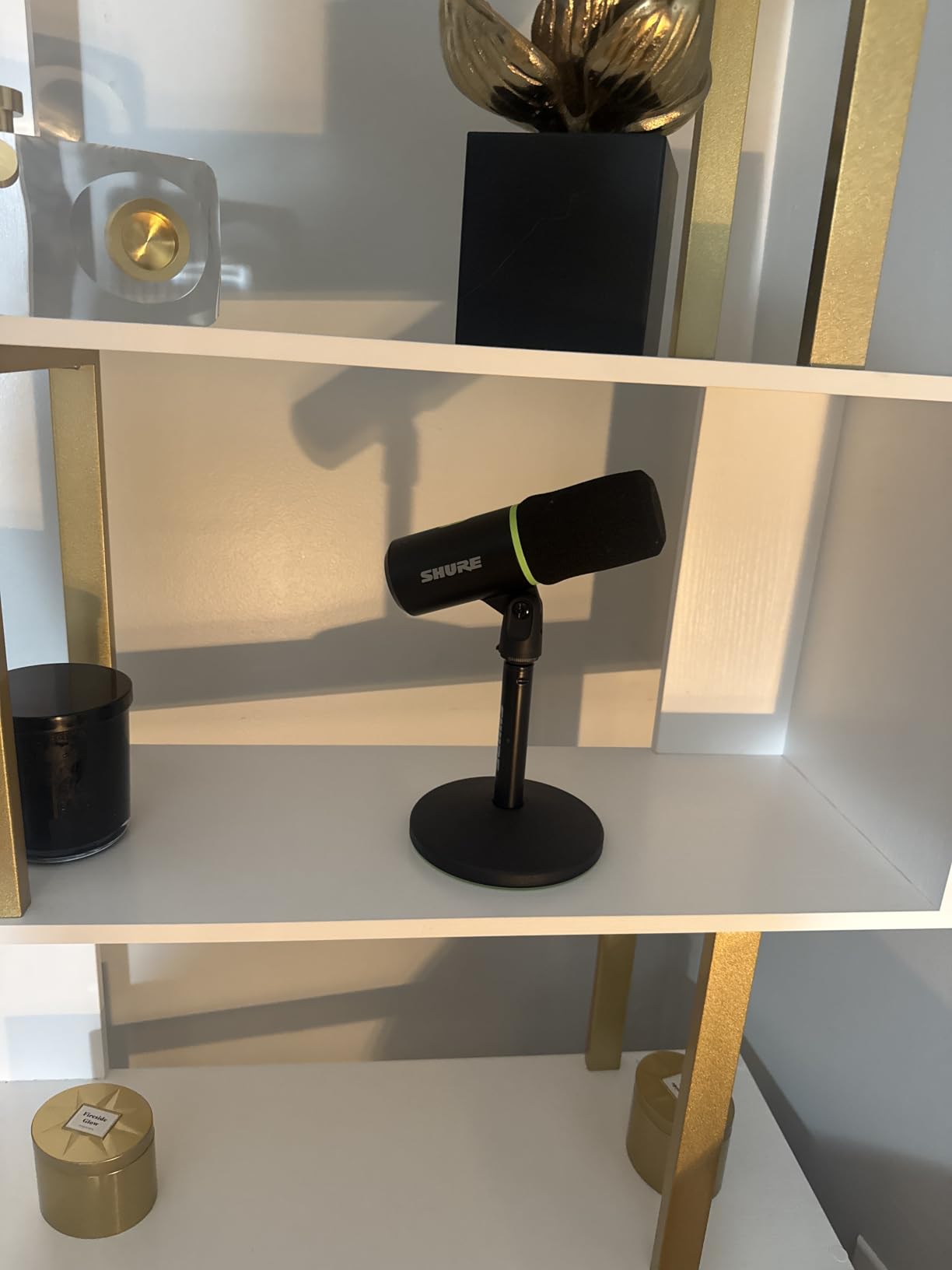
Voice Isolation Technology reduces keyboard clicks, fan noise and room echo, and Auto Level Mode keeps your input steady whether you lean in or sit back. For a solo podcaster who does not want to think about gain staging, that is doing real work.
Zero-latency headphone output means you hear yourself with no delay, and the stainless steel body with an included desktop stand feels like it will survive the move between rooms.
The mute button needs a briefing
Reviewers describe the tap-to-mute as extremely sensitive, triggerable by brushing the mic. That is a genuine risk during a live stream, so treat it like a live control: keep your hands off the top of the microphone and confirm your mute state visually before you go live.
Related to that, the mute LED can face away from you depending on how the stand is oriented, so you may not be able to confirm the state at a glance. That combination is why we would still recommend an arm and a consistent position rather than the included stand left as-is.
Cable length and software
The included USB-C cable is very short, so you will almost certainly want a longer one. Plan for that before you start, because a cable that short dictates where the microphone can sit relative to the computer.
The MOTIV Mix app offers monitor mix and microphone customisation, but reviewers find it dated and less intuitive than competing software. Good news is that the microphone works without it, so a poor app experience never blocks your recording.
11. Sennheiser Profile: The Best Sounding USB Microphone Under 200
SENNHEISER Professional Profile – USB Cardioid Condenser Microphone & Table Stand, 1.2 m USB-C Cable – Mute Button, Built-in Headphone Jack, Gain, Mix & Volume Control, for PC & Mac,Black
USB cardioid condenser
60dB signal to noise
Physical gain, mix and volume dials
717 g metal body
Pros
- Smooth warm full-bodied vocal sound without tinny artifacts
- Physical dials for gain
- mix and monitoring volume
- Works on the universal USB standard with no companion software
- Headphone jack on the body for delay-free monitoring
- Compact metal housing that fits on a boom arm
Cons
- Only a single cardioid pattern
- Included table stand is basic and an arm is recommended
- Not designed for use with a mixing desk
- Signal to noise ratio of 60 dB is low compared with rivals
The Profile is the one to buy if your priority is how the voice sounds rather than what the microphone can do. Reviewers repeatedly describe it as the best-sounding USB microphone available, and the smooth, warm tone is the reason: it avoids the thin, tinny quality that cheaper USB units tend to have.
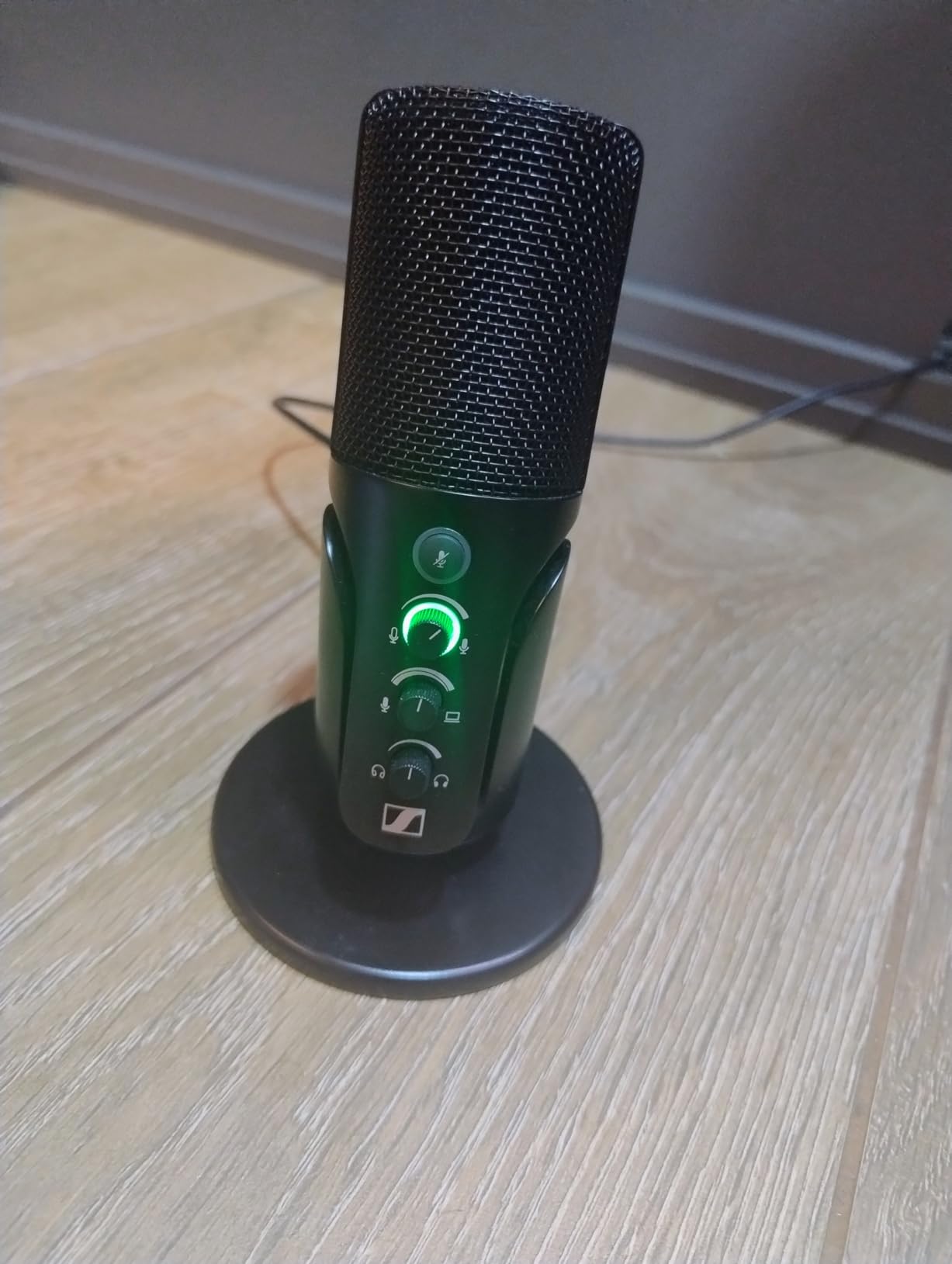
The physical dials are a bigger deal than they look. Gain, mix and headphone volume are all front-facing hardware controls you can adjust mid-recording, which means you never have to leave the talking head to hunt for a settings menu.
There is no companion software to install. It runs on the universal USB audio standard, so it appears in your system audio devices immediately, and the headphone jack on the microphone body keeps cabling simple.
Why the size matters on an arm
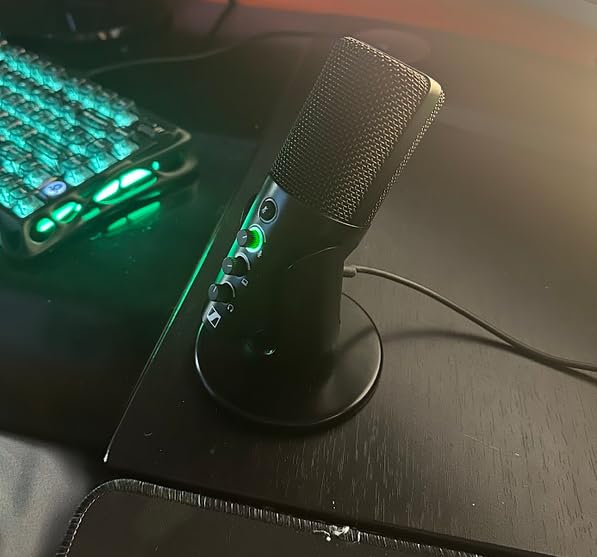
At under a pound and roughly eight inches tall, this microphone fits on a boom arm in a way the Blue Yeti does not. Reviewers specifically call out the compact metal housing as the difference between a tidy desk and one where the microphone dominates the frame.
For video podcasting that means a smaller on-camera footprint, and for a small desk it means you can get the microphone close without the arm overhanging your workspace.
The specification that gives people pause
The signal-to-noise ratio is listed at 60 decibels, which is low next to many competitors, and some buyers report needing a boost in software to reach full output level. That is a fair criticism and worth knowing before you buy.
Only a single cardioid pattern is offered, so there is no stereo or bidirectional capture for two-person setups on one desk. For a solo or two-mic show in a reasonably quiet room, that limitation rarely comes up.
12. ZealSound K66: The Best Budget Pick Under 200
ZealSound Podcast Microphone for PC, Noise Cancellation USB Mic with Gain, Volume Adjustment & Mute Button, Monitoring & Echo, for YouTube, TikTok, Podcasting, Streaming, iPhone, iPad, Android, Mac
USB condenser
40Hz-18kHz response
Hold-to-activate noise reduction
USB-C and Lightning adapters
Pros
- Hold noise reduction cuts keyboard
- fan and air conditioning hum
- Physical gain
- monitoring volume and echo control knobs
- Zero-latency 3.5mm headphone monitoring
- USB-C and Lightning adapters included for phones and tablets
- Rotatable body on a weighted metal base that folds for travel
Cons
- Two people speaking at once creates robotic cross-talk
- Sharp sibilance unless adjusted in software
- Echo control defaults can colour a raw recording
- Condenser pickup catches street noise and room buzz
The K66 is the cheapest way into the best podcast microphones under 200 list, and it is the only one here that ships with adapters for phones and tablets. Owners consistently praise how much the feature set covers for the money, especially the physical knobs.
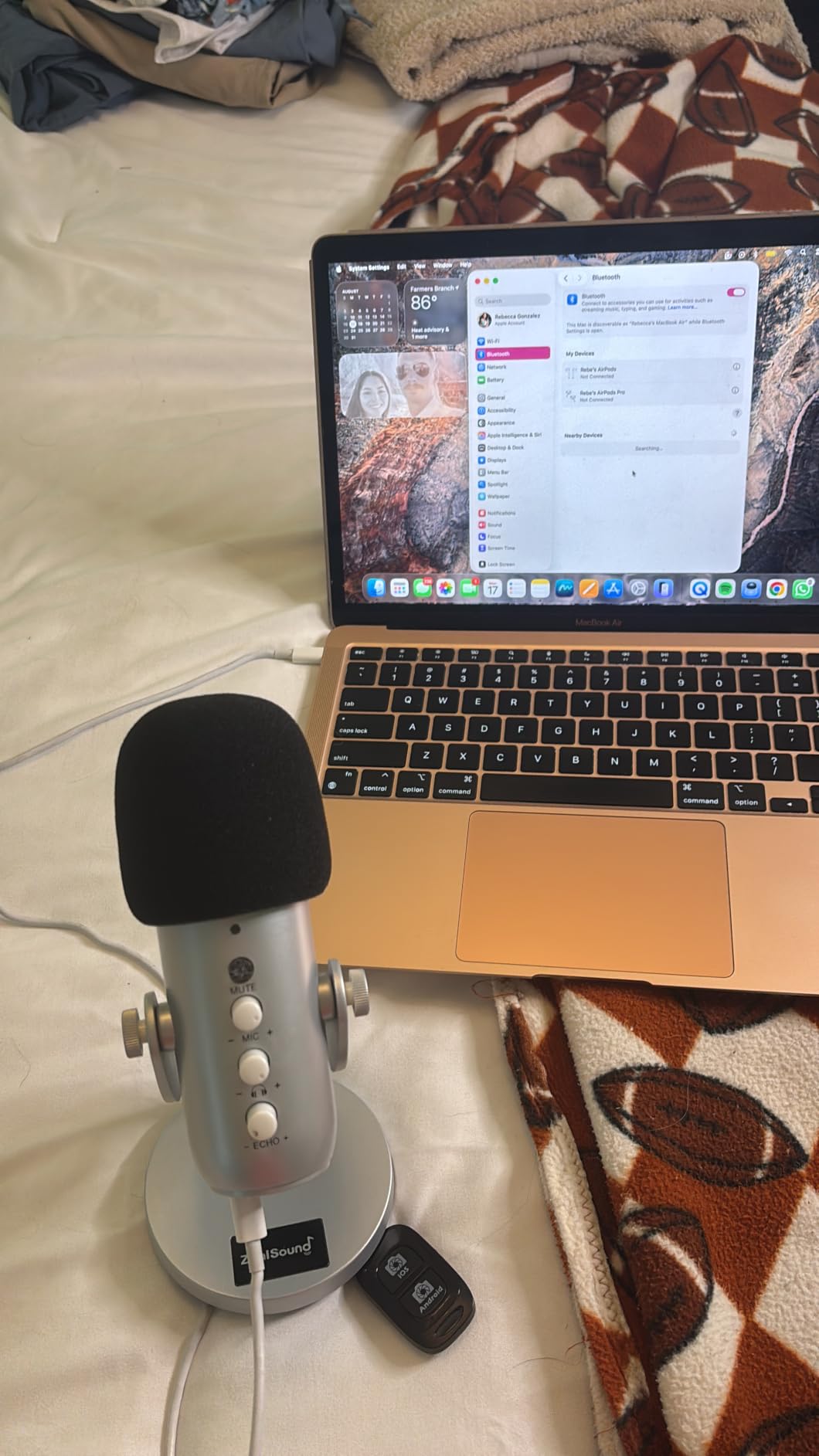
Gain, monitoring volume and echo adjustment are all separate knobs on the body, which is unusual at this price and removes the need for software for basic control. The hold-to-activate noise reduction mode measurably cuts keyboard, fan and air conditioning hum while you hold the button.
Monitoring is genuinely zero-latency through the built-in 3.5mm jack, and the weighted metal base with a 360-degree rotatable body means it can also serve as a portable setup that folds down small for travel.
The overlap problem for interviews
The most significant limitation reported by owners is what happens when two people speak at the same time: the output becomes robotic cross-talk and neither voice is properly heard. For a solo show this never comes up, but for a shared-desk interview it rules the microphone out.
There is no bidirectional pattern here, so the microphone has no way to capture two speakers separately. If your show format is conversation-led, spend the difference on a dynamic with a bidirectional or dual-microphone setup instead.
Sibilance and echo control defaults
Sharp S sounds come through sharper than you would like unless you address them in software, and the echo control defaults are set high, which can colour an otherwise raw voice recording. Both are fixable, but both take effort that a better microphone would not have required.
Condenser pickup also catches air conditioner buzz and street noise in untreated rooms. If you cannot control the noise floor, move up to one of the dynamic models in this list and the problem largely disappears.
How to Choose a Podcast Microphone Under 200 in 2026?
Pick the capsule type your room forces on you, then pick the connection type your future self will thank you for. Everything else on the spec sheet is secondary, and no amount of gain control rescues a microphone that is fighting the noise floor of your room.
Dynamic vs Condenser: What Your Room Decides
A dynamic capsule is less sensitive to room reflections, which means your voice sits in front of the room instead of inside it. That is why broadcast podcast mics at every price level are dynamic, and why so many first attempts with a budget USB condenser end in disappointment.
A condenser capsule hears detail and air, which is lovely in a treated room and difficult in a bedroom with a fan running. If your space is already quiet and soft, a condenser gives you a more detailed capture. If anything hums, rattles or echoes, spend on a dynamic instead.
Neither is inherently better. The honest answer is that capsule choice is a room decision, not a quality ranking, and buying a better microphone to fix a bad room is the most common mistake we see.
USB vs XLR and What Each One Costs You
A USB microphone has a preamp and converter built in, so you plug it into a laptop and record tonight. That removes the interface, the cable hunt and the gain staging, which is why we recommend USB for a genuine beginner.
An XLR microphone outputs a balanced signal that needs an interface. You gain better preamp control, cleaner gain, and the ability to record two microphones on separate tracks, but you add hardware cost and setup time before your first take.
Dual-output models are the compromise we like most. The Samson Q2U, the FIFINE AM8 and the FIFINE K688 all carry USB and XLR, so you start simple and upgrade without replacing the microphone.
The Full Chain Cost Buyers Forget
The microphone is the cheapest part of the chain. An XLR microphone like the PodMic or the MV7X needs an interface, an XLR cable, a stand or boom arm, and often a pop filter, so the real number is meaningfully higher than the microphone price alone.
USB models reduce the chain to the microphone plus a cable, though some still expect you to buy a shock mount. Checking what is in the box before you order is the difference between a one-item purchase and a three-item purchase.
We apply the same full-cost thinking to other categories we cover, and it changes the answer as often as it does here. Our best reptile enclosures under 200 guide prices lighting and heating equipment alongside the enclosure for the same reason.
Technique Beats Gear in Every Test We Ran
Distance and angle changed our recordings more than any microphone swap did. Speak four to six inches from a cardioid capsule and the voice-to-room ratio improves immediately, which is why a cheap microphone on a boom arm often beats an expensive one on a desk.
Point the null of the cardioid pattern at whatever is noisy. A dynamic aimed at a fan will pick up less of that fan than a condenser will, because the capsule simply hears less of what is behind it.
Gain staging is the last step people skip. Record thirty seconds of silence and listen back; if you can hear the preamp, lower the gain or move closer before you record anything worth keeping.
Frequently Asked Questions
What is the best affordable mic for podcasting?
The HyperX QuadCast is our top pick for affordable podcasting because it ships with a shock mount and pop filter, has tap-to-mute, and sounds clear straight out of the box. For a warmer broadcast tone and more room noise rejection, the Rode PodMic is the better choice if you already own an audio interface.
What kind of microphone is best to use for a podcast?
A dynamic microphone with a cardioid polar pattern is the standard for spoken word, because it is less sensitive to room reflections and keeps a noisy room behind your voice. A condenser captures more detail and air but needs a quiet, treated space to sound its best.
What is the best microphone under 200 dollars?
The HyperX QuadCast leads for plug-and-play value, the Rode PodMic leads for broadcast tone, and the Samson Q2U leads if you want both USB and XLR in one microphone. Which one is right depends mostly on whether your room is quiet and whether you own an audio interface.
What mic does Joe Rogan use for his podcast?
Joe Rogan is known for using the Shure SM7B, a broadcast dynamic that requires phantom power and a high-gain preamp to perform. That microphone sits well above a 200 dollar budget, so the Rode PodMic and Shure MV7X are the closest affordable alternatives in character.
What is the 3 to 1 rule for microphones?
The three-to-one rule is a mixing guideline about volume balance between sources: a louder source should sit roughly three times louder in decibels than the next source, so one voice dominates and the other supports. It comes from broadcast mixing and is useful for balancing a host and a guest on separate tracks.
Do I need an audio interface for podcasting?
You only need one if you are using an XLR-only microphone such as the Rode PodMic or the Shure MV7X. If you have a USB microphone like the HyperX QuadCast or the Shure MV6, the preamp and converter are built in and no interface is required.
What is the cheapest podcast mic available?
The ZealSound K66 is the lowest-cost microphone in this roundup, with a USB connection, physical gain and echo knobs, zero-latency headphone monitoring and phone adapters included. It works well for solo recording, though overlapping speakers and sharp sibilance are its main weaknesses.
Best Podcast Microphones Under 200: The Final Word
The HyperX QuadCast is the best podcast microphone under 200 for most people in 2026. It arrives complete, it sounds clear, and it removes the three beginner problems that generate support tickets: plosives, desk vibration and gain.
The Rode PodMic is the one to buy if you already run an interface and want broadcast tone in an untreated room. For a growing setup, the Samson Q2U and the FIFINE AM8 keep both options open without a second purchase later.
Whichever you choose, get it on a boom arm, point the null away from the noise, and record ten seconds of silence before you record an episode. We apply that same budget-first rule in our best dog training collars under 200 guide, and it works the same way here.